POP Computer Lab Rules
Pre K – 5th
Grade
Mrs.
Argo’s
Class
Come to class ready to learn!
Enter and exit quietly.
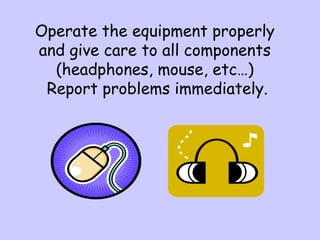
Operate the equipment properly
and give care to all components
(headphones, mouse, etc…)
Report problems immediately.
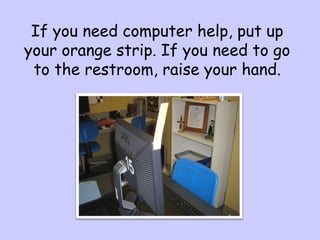
If you need computer help, put up
your orange strip. If you need to go
to the restroom, raise your hand.
Make sure you close all windows,
clean and straighten your desk area,
and push in your chair when you
leave. Do not turn your monitor off.
Print ONLY with permission,
and just one time. (We may
need to replace paper if you
don’t receive a printout.)
Use only the computer you are assigned to.
Always save to the Student Common and
then your teacher’s folder.
Computer – Student Common – Teacher
Folders
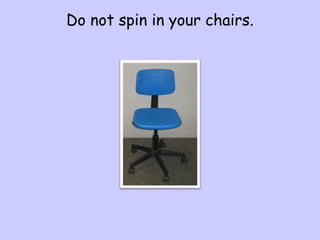
Do not spin in your chairs.
The desktop picture, screensavers and other
settings on your computer should be left alone.
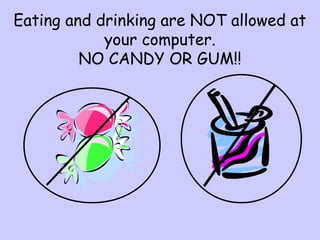
Eating and drinking are NOT allowed at
your computer.
NO CANDY OR GUM!!
Remember to be safe on the Internet
Do not give out personal information.
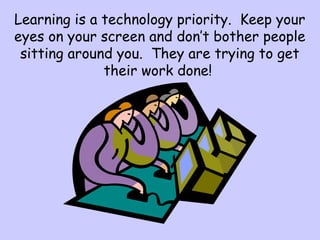
Learning is a technology priority. Keep your
eyes on your screen and don’t bother people
sitting around you. They are trying to get
their work done!
Always use your computer class
time wisely. Getting
assignments/projects done on time
will greatly affect your project
grade in the classroom.
Be RESPECTFUL,
RESPONIBLE &
READY TO LEARN

POP Computer Lab Rules

  • 1.
    POP Computer LabRules Pre K – 5th Grade Mrs. Argo’s Class
  • 2.
    Come to classready to learn! Enter and exit quietly.
  • 3.
    Operate the equipmentproperly and give care to all components (headphones, mouse, etc…) Report problems immediately.
  • 4.
    If you needcomputer help, put up your orange strip. If you need to go to the restroom, raise your hand.
  • 5.
    Make sure youclose all windows, clean and straighten your desk area, and push in your chair when you leave. Do not turn your monitor off.
  • 6.
    Print ONLY withpermission, and just one time. (We may need to replace paper if you don’t receive a printout.)
  • 7.
    Use only thecomputer you are assigned to. Always save to the Student Common and then your teacher’s folder. Computer – Student Common – Teacher Folders
  • 8.
    Do not spinin your chairs.
  • 9.
    The desktop picture,screensavers and other settings on your computer should be left alone.
  • 10.
    Eating and drinkingare NOT allowed at your computer. NO CANDY OR GUM!!
  • 11.
    Remember to besafe on the Internet Do not give out personal information.
  • 12.
    Learning is atechnology priority. Keep your eyes on your screen and don’t bother people sitting around you. They are trying to get their work done!
  • 13.
    Always use yourcomputer class time wisely. Getting assignments/projects done on time will greatly affect your project grade in the classroom.
  • 14.