Thank you to Jennie Dean I Am Glad That You Are Here Welcome Back to the  Computer Lab
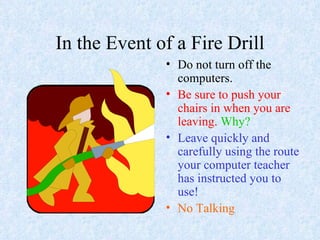
In the Event of a Fire Drill Do not turn off the computers. Be sure to push your chairs in when you are leaving.   Why? Leave quickly and carefully using the route your computer teacher has instructed you to use! No Talking
If the power ever goes off. Or lights go out…….  Do not panic. This room has a battery operated light that will come on. Simply stay calm and count to ten.
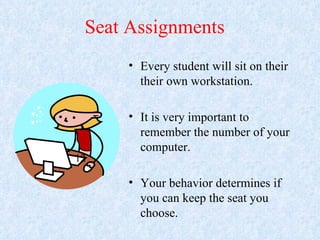
Seat Assignments Every student will sit on their their own workstation. It is very important to remember the number of your computer. Your behavior determines if you can keep the seat you choose. 12
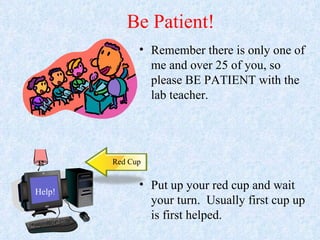
Be Patient! Remember there is only one of me and over 25 of you, so please BE PATIENT with the lab teacher. Put up your red cup and wait your turn.  Usually first cup up is first helped. 12 Red Cup Help!
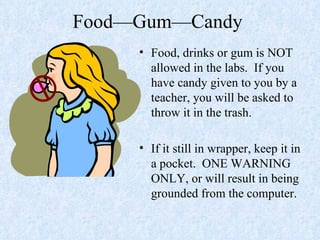
Food—Gum—Candy  Food, drinks or gum is NOT allowed in the labs.  If you have candy given to you by a teacher, you will be asked to throw it in the trash. If it still in wrapper, keep it in a pocket.  ONE WARNING ONLY, or will result in being grounded from the computer.
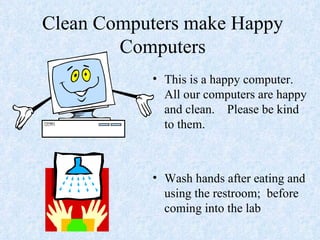
Clean Computers make Happy Computers This is a happy computer.  All our computers are happy and clean.  Please be kind to them. Wash hands after eating and using the restroom;  before coming into the lab
Computer Lab Rules Follow directions. Follow voice levels Show respect. Keep yourself and others safe. Raise your hand and wait to be called.
Three Strikes--  “Your r r r Out!” First Time and Second time-warning Third Time-5 minute break away from computer.  Get a chance to return to computer. Fourth Time-non participation in classroom activities – longer break and note to teacher Fifth Time-Note home to parents and Principal
Hang in there, only a little more! Some of our students are new and may have never heard about the rules at the lab. Rules are Cool, When Everyone follows them…….
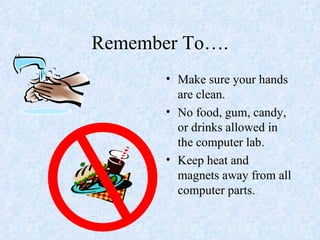
Remember To…. Make sure your hands are clean. No food, gum, candy, or drinks allowed in the computer lab. Keep heat and magnets away from all computer parts.
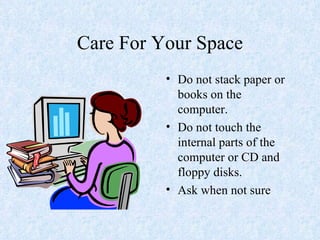
Care For Your Space Do not stack paper or books on the computer. Do not touch the internal parts of the computer or CD and floppy disks. Ask when not sure
First Things are First…. If your Teacher sends you in here to do a special project or spelling or something else, that work will be done first;  before any Computer Lab work is done.  2
What Will We Learn? How to Use a Computer How to Use Computer Programs The Names of Computers Parts New Computer Use Words How to Be Safe on the Internet That Computers Help Us Learn That Computers are Fun
Computer Learning SAVE, SAVE, SAVE Netiquette and Safety Rules. Computer Terms
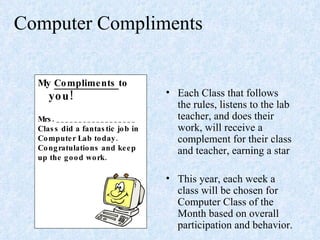
Computer Compliments  Each Class that follows the rules, listens to the lab teacher, and does their work, will receive a complement for their class and teacher, earning a star This year, each week a class will be chosen for Computer Class of the Month based on overall participation and behavior. My  Compliments  to  you! Mrs. __________________ Class did a fantastic job in Computer Lab today. Congratulations and keep up the good work.
Computer Lab The computer lab is yours to use safely. Never come into the lab unless an adult is in the lab. I hope you have a very enjoyable year! Taken from http://go.computerlab4kids.net/

Computerlabpp

  • 1.
    Thank you toJennie Dean I Am Glad That You Are Here Welcome Back to the Computer Lab
  • 2.
    In the Eventof a Fire Drill Do not turn off the computers. Be sure to push your chairs in when you are leaving. Why? Leave quickly and carefully using the route your computer teacher has instructed you to use! No Talking
  • 3.
    If the powerever goes off. Or lights go out……. Do not panic. This room has a battery operated light that will come on. Simply stay calm and count to ten.
  • 4.
    Seat Assignments Everystudent will sit on their their own workstation. It is very important to remember the number of your computer. Your behavior determines if you can keep the seat you choose. 12
  • 5.
    Be Patient! Rememberthere is only one of me and over 25 of you, so please BE PATIENT with the lab teacher. Put up your red cup and wait your turn. Usually first cup up is first helped. 12 Red Cup Help!
  • 6.
    Food—Gum—Candy Food,drinks or gum is NOT allowed in the labs. If you have candy given to you by a teacher, you will be asked to throw it in the trash. If it still in wrapper, keep it in a pocket. ONE WARNING ONLY, or will result in being grounded from the computer.
  • 7.
    Clean Computers makeHappy Computers This is a happy computer. All our computers are happy and clean. Please be kind to them. Wash hands after eating and using the restroom; before coming into the lab
  • 8.
    Computer Lab RulesFollow directions. Follow voice levels Show respect. Keep yourself and others safe. Raise your hand and wait to be called.
  • 9.
    Three Strikes-- “Your r r r Out!” First Time and Second time-warning Third Time-5 minute break away from computer. Get a chance to return to computer. Fourth Time-non participation in classroom activities – longer break and note to teacher Fifth Time-Note home to parents and Principal
  • 10.
    Hang in there,only a little more! Some of our students are new and may have never heard about the rules at the lab. Rules are Cool, When Everyone follows them…….
  • 11.
    Remember To…. Makesure your hands are clean. No food, gum, candy, or drinks allowed in the computer lab. Keep heat and magnets away from all computer parts.
  • 12.
    Care For YourSpace Do not stack paper or books on the computer. Do not touch the internal parts of the computer or CD and floppy disks. Ask when not sure
  • 13.
    First Things areFirst…. If your Teacher sends you in here to do a special project or spelling or something else, that work will be done first; before any Computer Lab work is done. 2
  • 14.
    What Will WeLearn? How to Use a Computer How to Use Computer Programs The Names of Computers Parts New Computer Use Words How to Be Safe on the Internet That Computers Help Us Learn That Computers are Fun
  • 15.
    Computer Learning SAVE,SAVE, SAVE Netiquette and Safety Rules. Computer Terms
  • 16.
    Computer Compliments Each Class that follows the rules, listens to the lab teacher, and does their work, will receive a complement for their class and teacher, earning a star This year, each week a class will be chosen for Computer Class of the Month based on overall participation and behavior. My Compliments to you! Mrs. __________________ Class did a fantastic job in Computer Lab today. Congratulations and keep up the good work.
  • 17.
    Computer Lab Thecomputer lab is yours to use safely. Never come into the lab unless an adult is in the lab. I hope you have a very enjoyable year! Taken from http://go.computerlab4kids.net/