WordPress Melbourne User Group April 2013


   PIMP YOUR SITE
An Introduction to Themes and Plugins

             Warren Denley


                                                     http://diywebsitecoach.com
                                      https://www.facebook.com/diywebsitecoach
WHAT ARE THEMES?

• Control   the way content is displayed on your site

• Allow   you to easily change the look of your site

• Can   add functionality to your site
WHERE DO I GET THEMES?

• WordPress    repository (wordpress.org/extend/themes)

• Theme     Forest (themeforest.net)

• Genesis   (studiopress.com)

• Other   premium themes (Thesis, Headway, etc)
HOW DO I SELECT A THEME?

• Start   with your content requirements

• Consider    your layout preferences

• What    additional functionality do you need?

• How     easy is it to customise?

• Can   it grow with your site?
HOW DO I INSTAL THEMES?

• From   your WordPress dashboard (FTP not required)

• Directly   from the WordPress repository

• Upload     from your computer
WHAT ABOUT
              CUSTOMISATION?
• Most   themes provide an options panel in the dashboard

 • Level   of customisation varies between themes

• Widgets

• Custom    CSS

• Custom    functions (hooks and filters)
WHAT ARE PLUGINS?

• Simple   way to add functionality to your site

 • May     be as simple as adding a “Pin It” button

 • Can     be as complex as a full blown e-commerce solution

• Generally   don’t change the overall styling of your site
WHERE DO I GET PLUGINS?

• WordPress   repository (wordpress.org/extend/plugins)

• Code   Canyon (codecanyon.net)

• Premium   vendors
HOW DO I SELECT PLUGINS?

• Be   clear about your requirements

• Sometimes    it is worth paying

• Check   reviews

• Don’t   go overboard
HOW DO I INSTAL PLUGINS?

• From   your WordPress dashboard (FTP not required)

• Directly   from the WordPress repository

• Upload     from your computer
HOW DO I USE A PLUGIN?

• Some   plugins require a licence key

• Options   pages

• Widgets

• Shortcodes   (eg, [button]Click here![/button])

• background   only
TOP 10 SUGGESTED PLUGINS
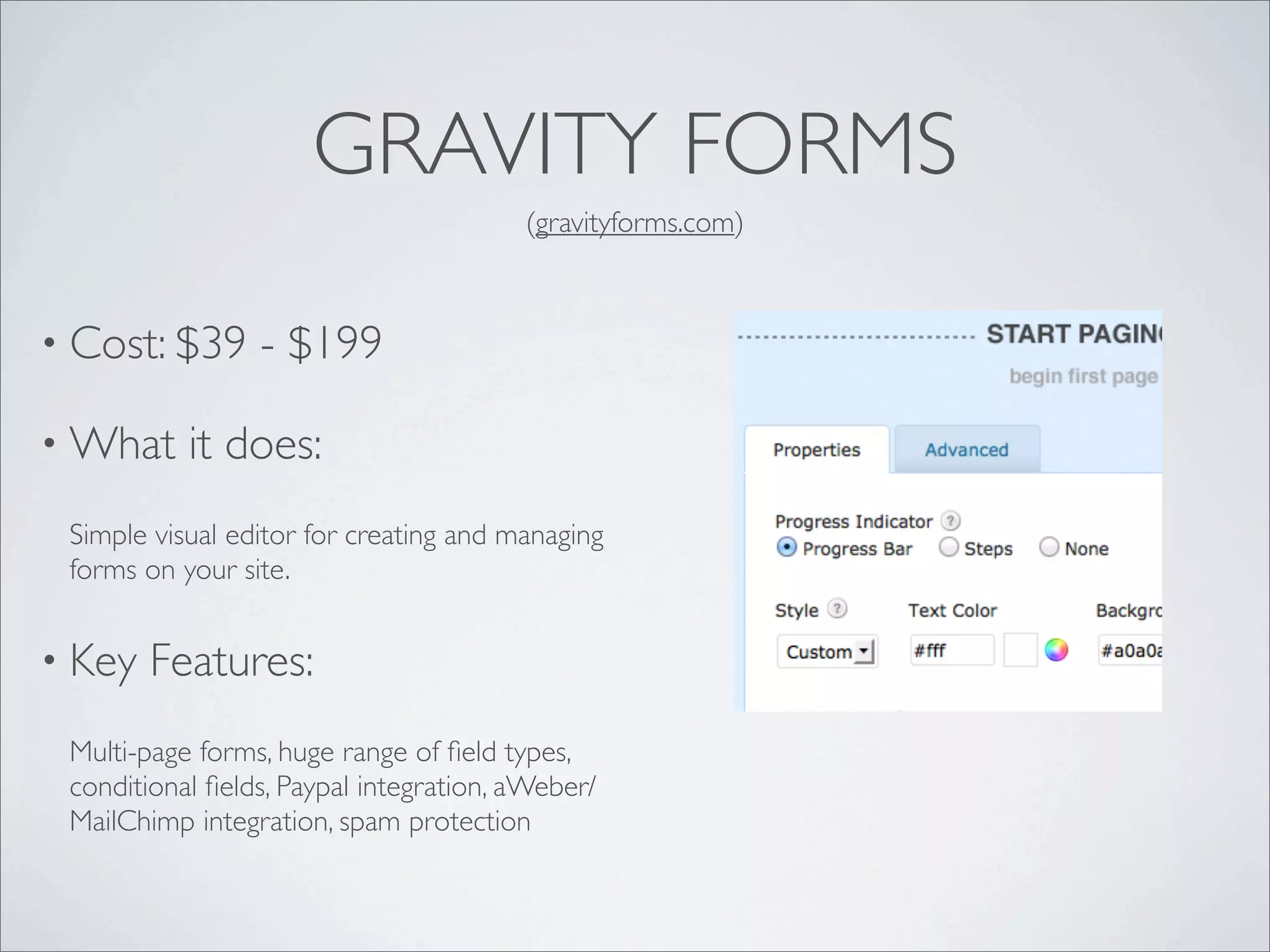
GRAVITY FORMS
                                        (gravityforms.com)


• Cost: $39      - $199

• What     it does:
 Simple visual editor for creating and managing
 forms on your site.


• Key   Features:
 Multi-page forms, huge range of field types,
 conditional fields, Paypal integration, aWeber/
 MailChimp integration, spam protection
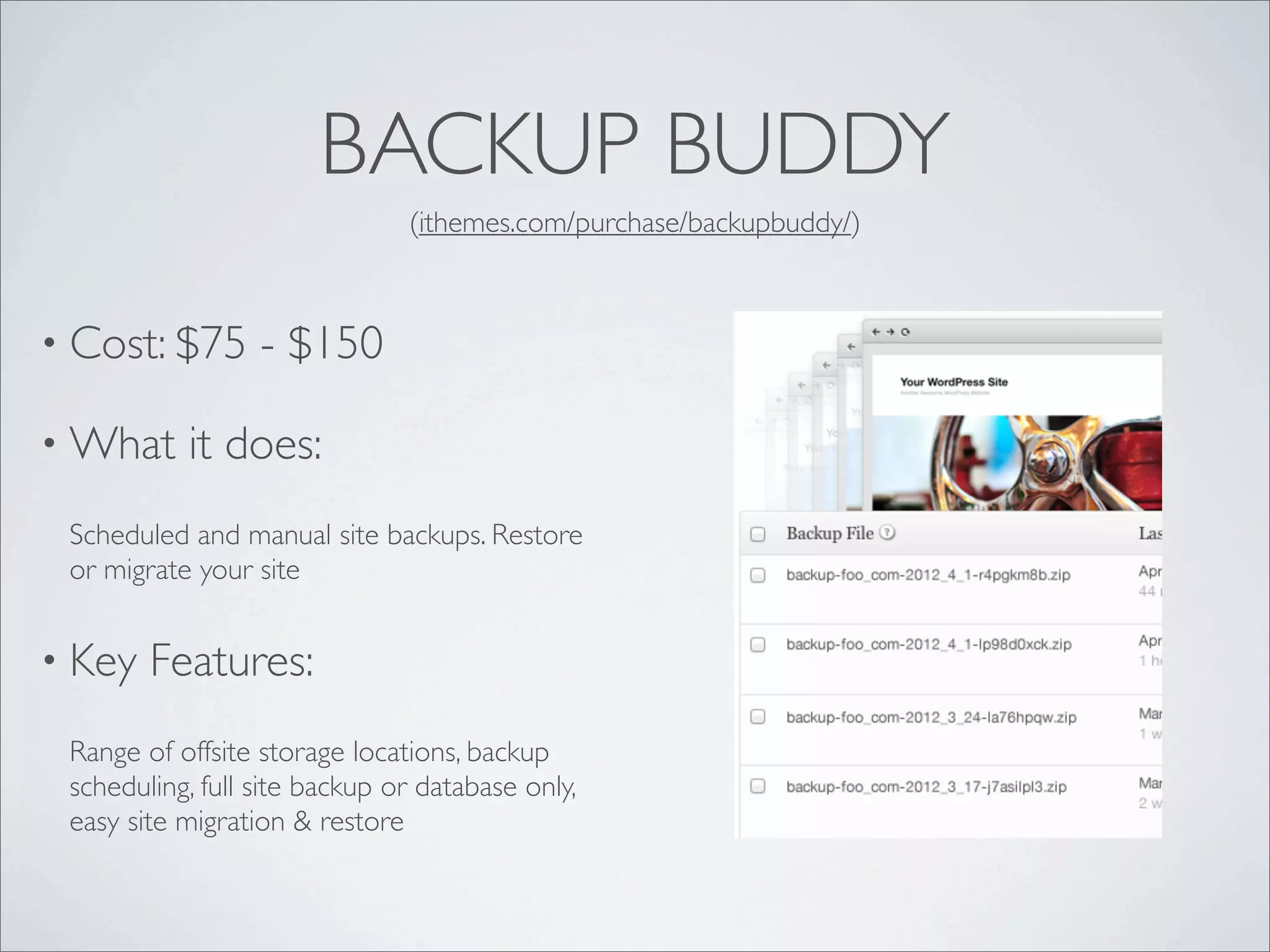
BACKUP BUDDY
                               (ithemes.com/purchase/backupbuddy/)


• Cost: $75       - $150

• What     it does:
 Scheduled and manual site backups. Restore
 or migrate your site


• Key   Features:
 Range of offsite storage locations, backup
 scheduling, full site backup or database only,
 easy site migration & restore
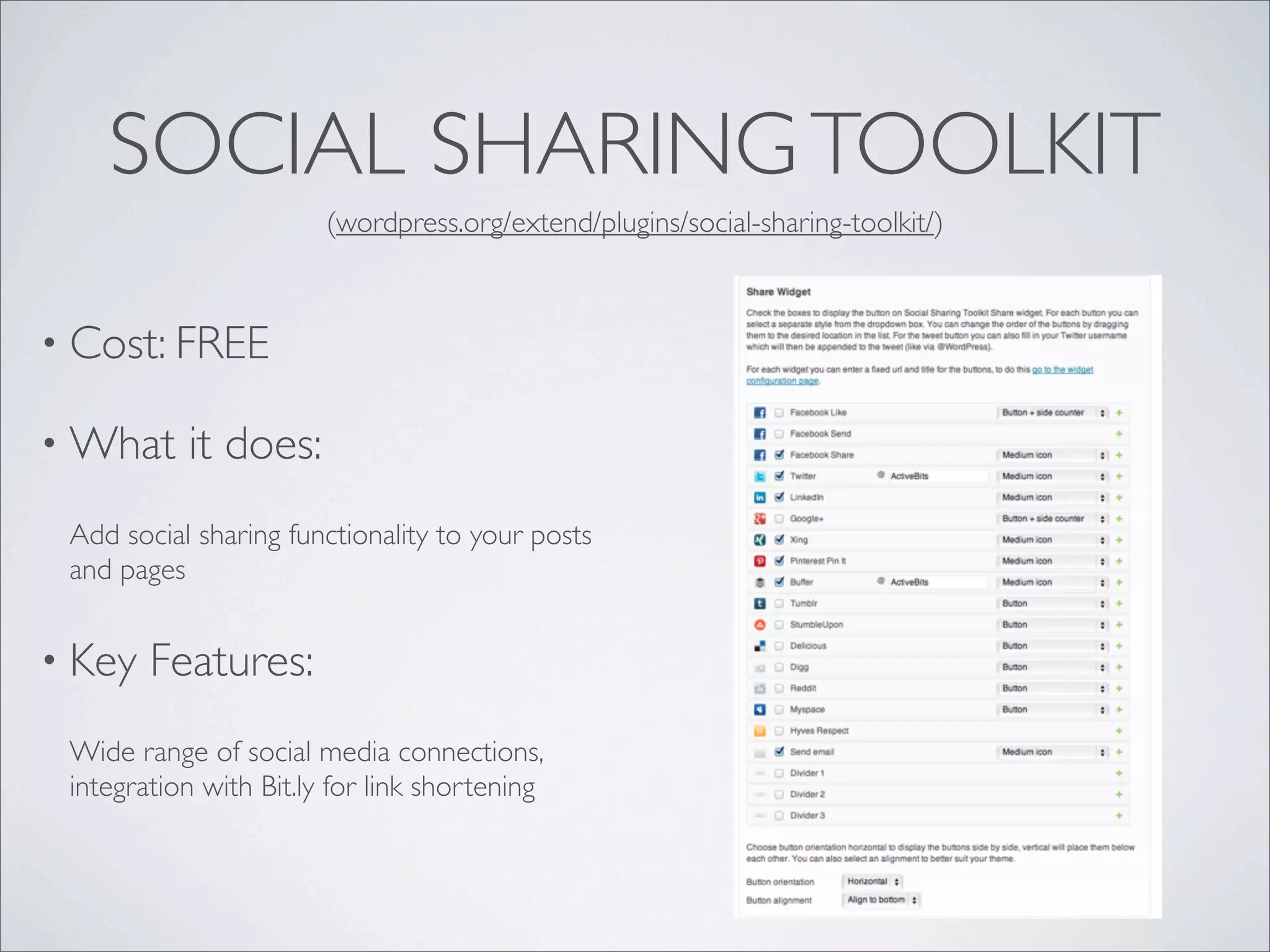
SOCIAL SHARING TOOLKIT
                        (wordpress.org/extend/plugins/social-sharing-toolkit/)


• Cost: FREE

• What     it does:
 Add social sharing functionality to your posts
 and pages


• Key   Features:
 Wide range of social media connections,
 integration with Bit.ly for link shortening
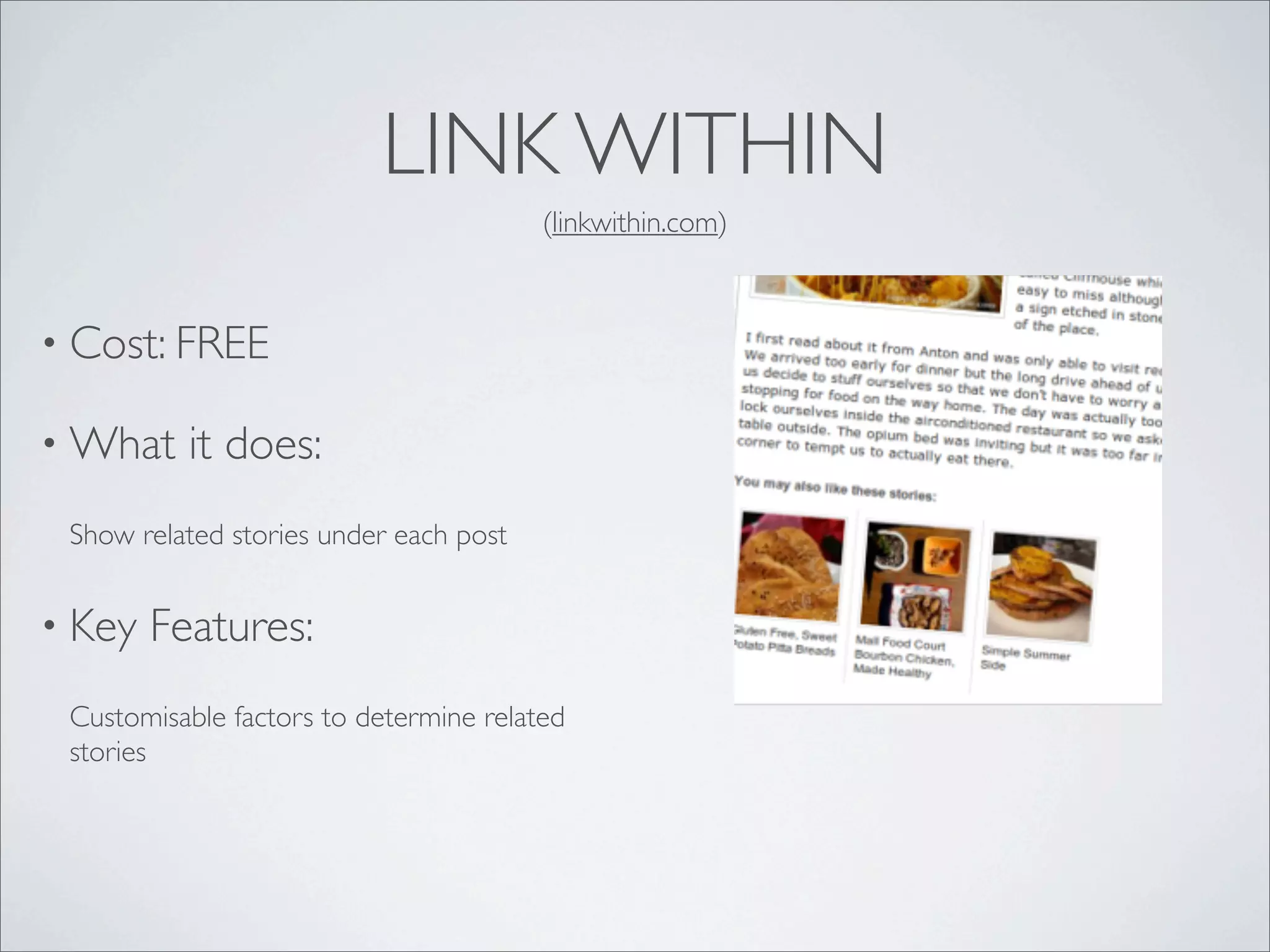
LINK WITHIN
                                        (linkwithin.com)


• Cost: FREE

• What    it does:
 Show related stories under each post


• Key   Features:
 Customisable factors to determine related
 stories
SEEDPROD COMING SOON
                                             (seedprod.com)


• Cost: $29       - $99

• What      it does:
 Create professional “coming soon” and
 “maintenance mode” pages


• Key   Features:
 email list integration, responsive design, social
 sharing, site access controls
WORDPRESS SEO BY YOAST
                                  (yoast.com/wordpress/seo/)


• Cost: Free

• What    it does:
 Helps optimise your pages for the search
 engines


• Key   Features:
 meta data management, page analysis, XML
 sitemap
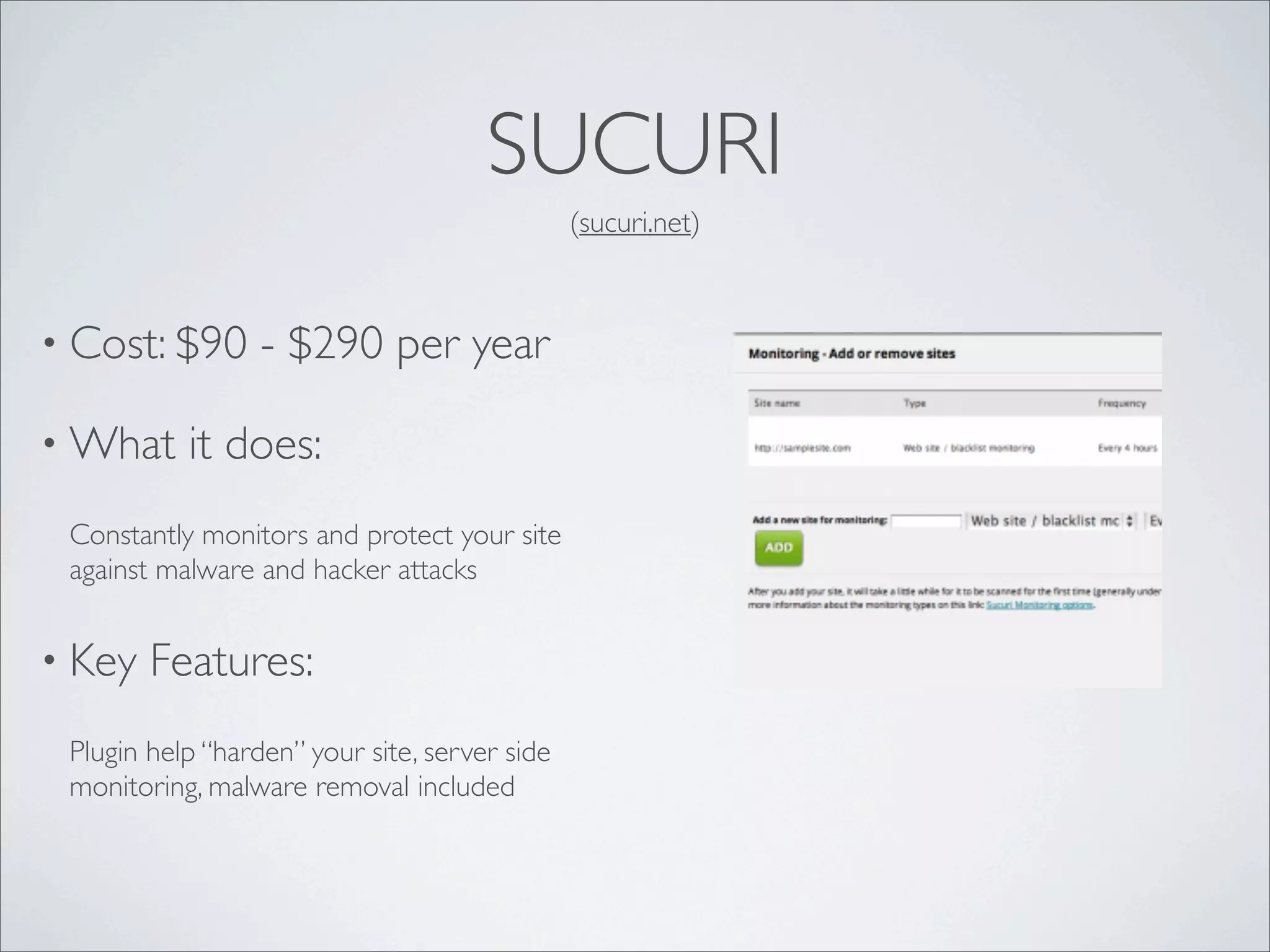
SUCURI
                                               (sucuri.net)


• Cost: $90       - $290 per year

• What     it does:
 Constantly monitors and protect your site
 against malware and hacker attacks


• Key   Features:
 Plugin help “harden” your site, server side
 monitoring, malware removal included
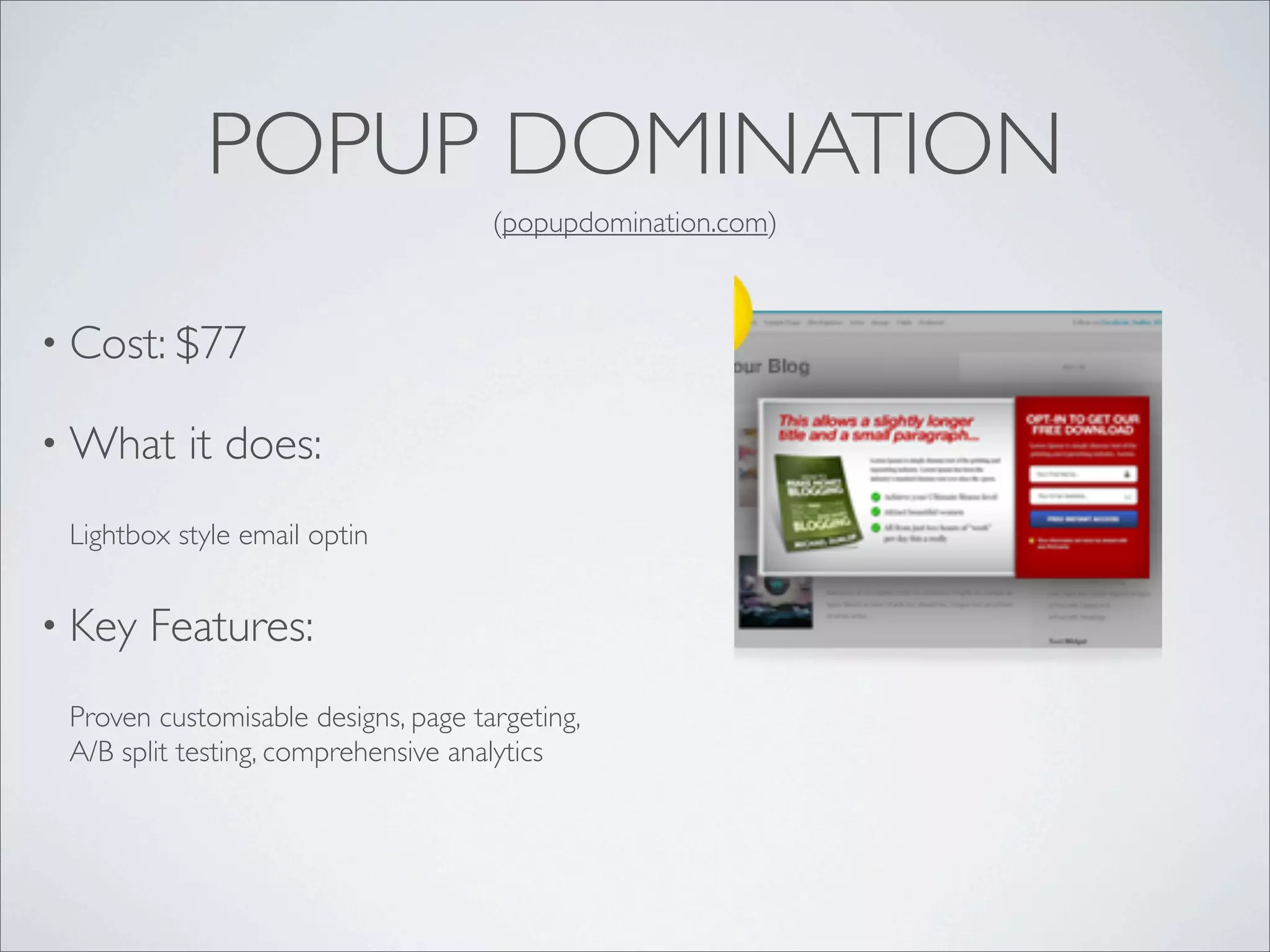
POPUP DOMINATION
                                     (popupdomination.com)


• Cost: $77

• What     it does:
 Lightbox style email optin


• Key   Features:
 Proven customisable designs, page targeting,
 A/B split testing, comprehensive analytics
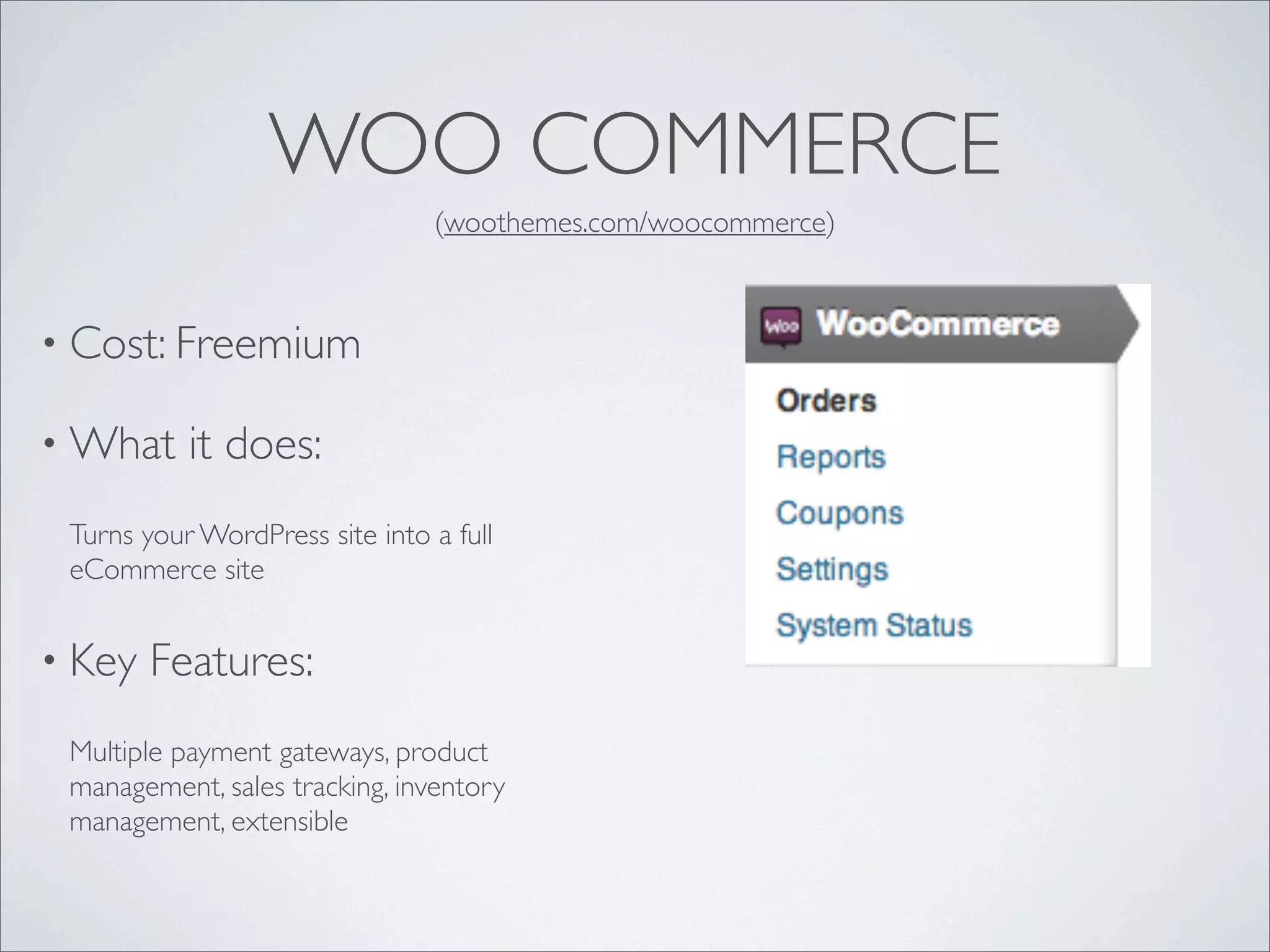
WOO COMMERCE
                                (woothemes.com/woocommerce)


• Cost: Freemium

• What     it does:
 Turns your WordPress site into a full
 eCommerce site


• Key   Features:
 Multiple payment gateways, product
 management, sales tracking, inventory
 management, extensible
S2MEMBER
                                         (s2member.com)


• Cost: Fremium

• What     it does:
 Membership site management


• Key   Features:
 access control, multiple membership levels,
 PayPal integration

Pimp your wp site

  • 1.
    WordPress Melbourne UserGroup April 2013 PIMP YOUR SITE An Introduction to Themes and Plugins Warren Denley http://diywebsitecoach.com https://www.facebook.com/diywebsitecoach
  • 2.
    WHAT ARE THEMES? •Control the way content is displayed on your site • Allow you to easily change the look of your site • Can add functionality to your site
  • 3.
    WHERE DO IGET THEMES? • WordPress repository (wordpress.org/extend/themes) • Theme Forest (themeforest.net) • Genesis (studiopress.com) • Other premium themes (Thesis, Headway, etc)
  • 4.
    HOW DO ISELECT A THEME? • Start with your content requirements • Consider your layout preferences • What additional functionality do you need? • How easy is it to customise? • Can it grow with your site?
  • 5.
    HOW DO IINSTAL THEMES? • From your WordPress dashboard (FTP not required) • Directly from the WordPress repository • Upload from your computer
  • 6.
    WHAT ABOUT CUSTOMISATION? • Most themes provide an options panel in the dashboard • Level of customisation varies between themes • Widgets • Custom CSS • Custom functions (hooks and filters)
  • 7.
    WHAT ARE PLUGINS? •Simple way to add functionality to your site • May be as simple as adding a “Pin It” button • Can be as complex as a full blown e-commerce solution • Generally don’t change the overall styling of your site
  • 8.
    WHERE DO IGET PLUGINS? • WordPress repository (wordpress.org/extend/plugins) • Code Canyon (codecanyon.net) • Premium vendors
  • 9.
    HOW DO ISELECT PLUGINS? • Be clear about your requirements • Sometimes it is worth paying • Check reviews • Don’t go overboard
  • 10.
    HOW DO IINSTAL PLUGINS? • From your WordPress dashboard (FTP not required) • Directly from the WordPress repository • Upload from your computer
  • 11.
    HOW DO IUSE A PLUGIN? • Some plugins require a licence key • Options pages • Widgets • Shortcodes (eg, [button]Click here![/button]) • background only
  • 12.
  • 13.
    GRAVITY FORMS (gravityforms.com) • Cost: $39 - $199 • What it does: Simple visual editor for creating and managing forms on your site. • Key Features: Multi-page forms, huge range of field types, conditional fields, Paypal integration, aWeber/ MailChimp integration, spam protection
  • 14.
    BACKUP BUDDY (ithemes.com/purchase/backupbuddy/) • Cost: $75 - $150 • What it does: Scheduled and manual site backups. Restore or migrate your site • Key Features: Range of offsite storage locations, backup scheduling, full site backup or database only, easy site migration & restore
  • 15.
    SOCIAL SHARING TOOLKIT (wordpress.org/extend/plugins/social-sharing-toolkit/) • Cost: FREE • What it does: Add social sharing functionality to your posts and pages • Key Features: Wide range of social media connections, integration with Bit.ly for link shortening
  • 16.
    LINK WITHIN (linkwithin.com) • Cost: FREE • What it does: Show related stories under each post • Key Features: Customisable factors to determine related stories
  • 17.
    SEEDPROD COMING SOON (seedprod.com) • Cost: $29 - $99 • What it does: Create professional “coming soon” and “maintenance mode” pages • Key Features: email list integration, responsive design, social sharing, site access controls
  • 18.
    WORDPRESS SEO BYYOAST (yoast.com/wordpress/seo/) • Cost: Free • What it does: Helps optimise your pages for the search engines • Key Features: meta data management, page analysis, XML sitemap
  • 19.
    SUCURI (sucuri.net) • Cost: $90 - $290 per year • What it does: Constantly monitors and protect your site against malware and hacker attacks • Key Features: Plugin help “harden” your site, server side monitoring, malware removal included
  • 20.
    POPUP DOMINATION (popupdomination.com) • Cost: $77 • What it does: Lightbox style email optin • Key Features: Proven customisable designs, page targeting, A/B split testing, comprehensive analytics
  • 21.
    WOO COMMERCE (woothemes.com/woocommerce) • Cost: Freemium • What it does: Turns your WordPress site into a full eCommerce site • Key Features: Multiple payment gateways, product management, sales tracking, inventory management, extensible
  • 22.
    S2MEMBER (s2member.com) • Cost: Fremium • What it does: Membership site management • Key Features: access control, multiple membership levels, PayPal integration