PHP Include
1
Basic PHP File Includes
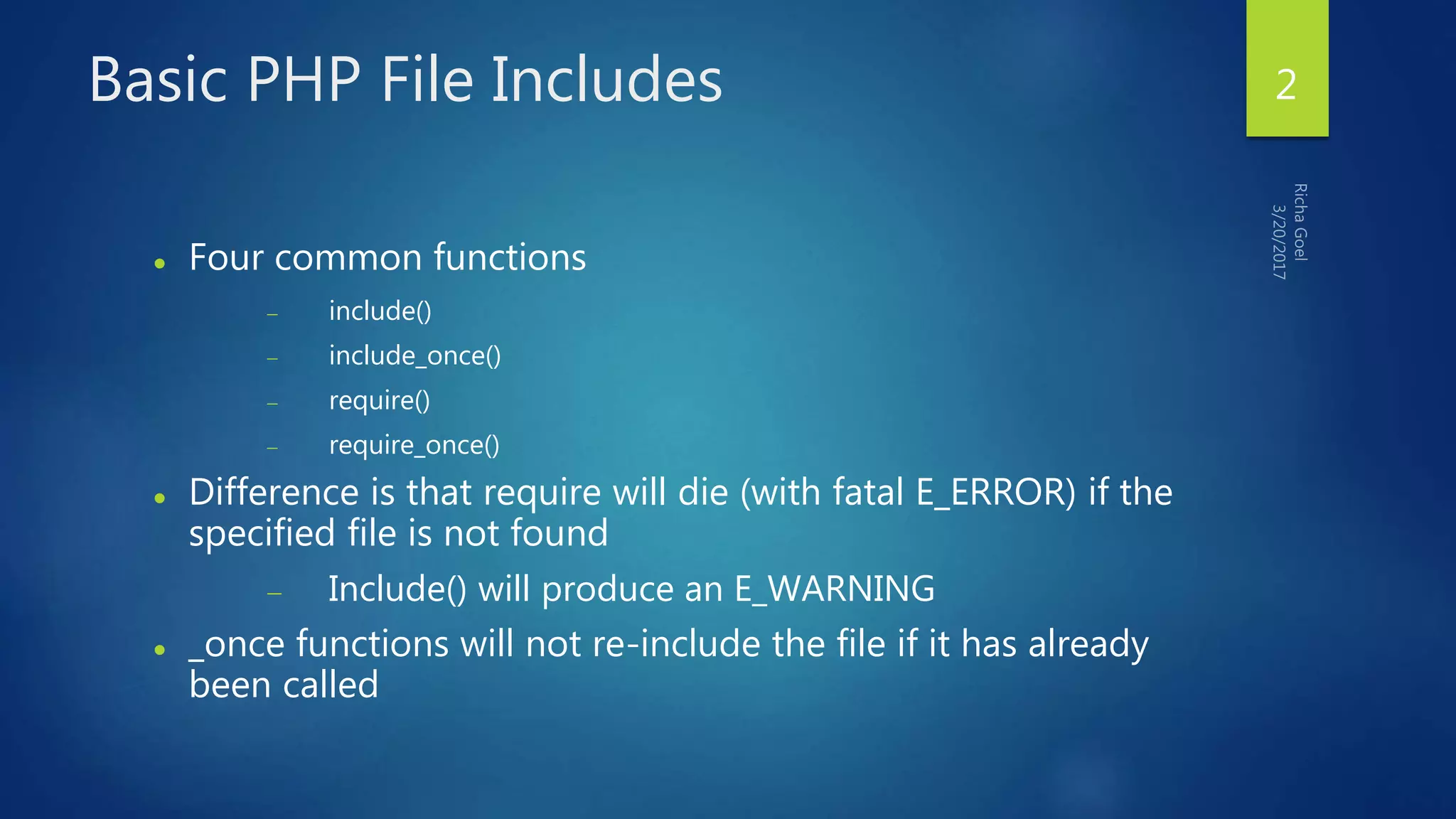
 Four common functions
 include()
 include_once()
 require()
 require_once()
 Difference is that require will die (with fatal E_ERROR) if the
specified file is not found
 Include() will produce an E_WARNING
 _once functions will not re-include the file if it has already
been called
2
How Includes Work
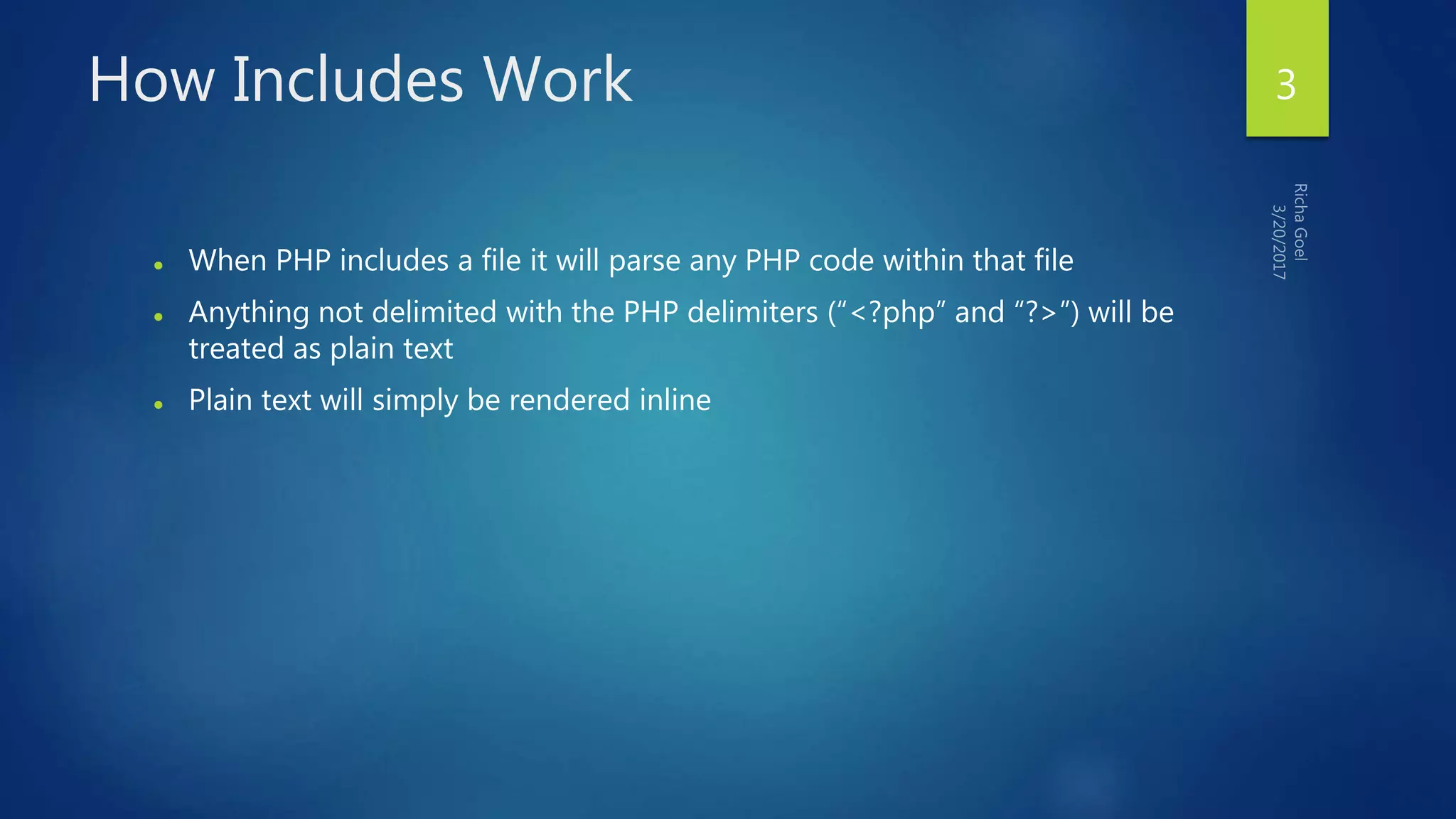
 When PHP includes a file it will parse any PHP code within that file
 Anything not delimited with the PHP delimiters (“<?php” and “?>”) will be
treated as plain text
 Plain text will simply be rendered inline
3
Typical Include
 <?php
 include_once('header.php');
 include_once($_GET['action'] . '.php');
 include_once('footer.php');
 ?>
4
Problems with Includes
 Arbitrary local file includes triggered via malicious user input:
<?php
include_once('inc/'.$_GET['action']);
?>
 If user supplies “../../../../../../../etc/passwd” as the 'action' URL variable that
file will be rendered during page display!
5
Server Side Includes
You can insert the content of one file into
another file before the server executes it, with
the require() function. The require() function
is used to create functions, headers, footers,
or elements that will be reused on multiple
pages.
<?php require("header.htm"); ?>
6
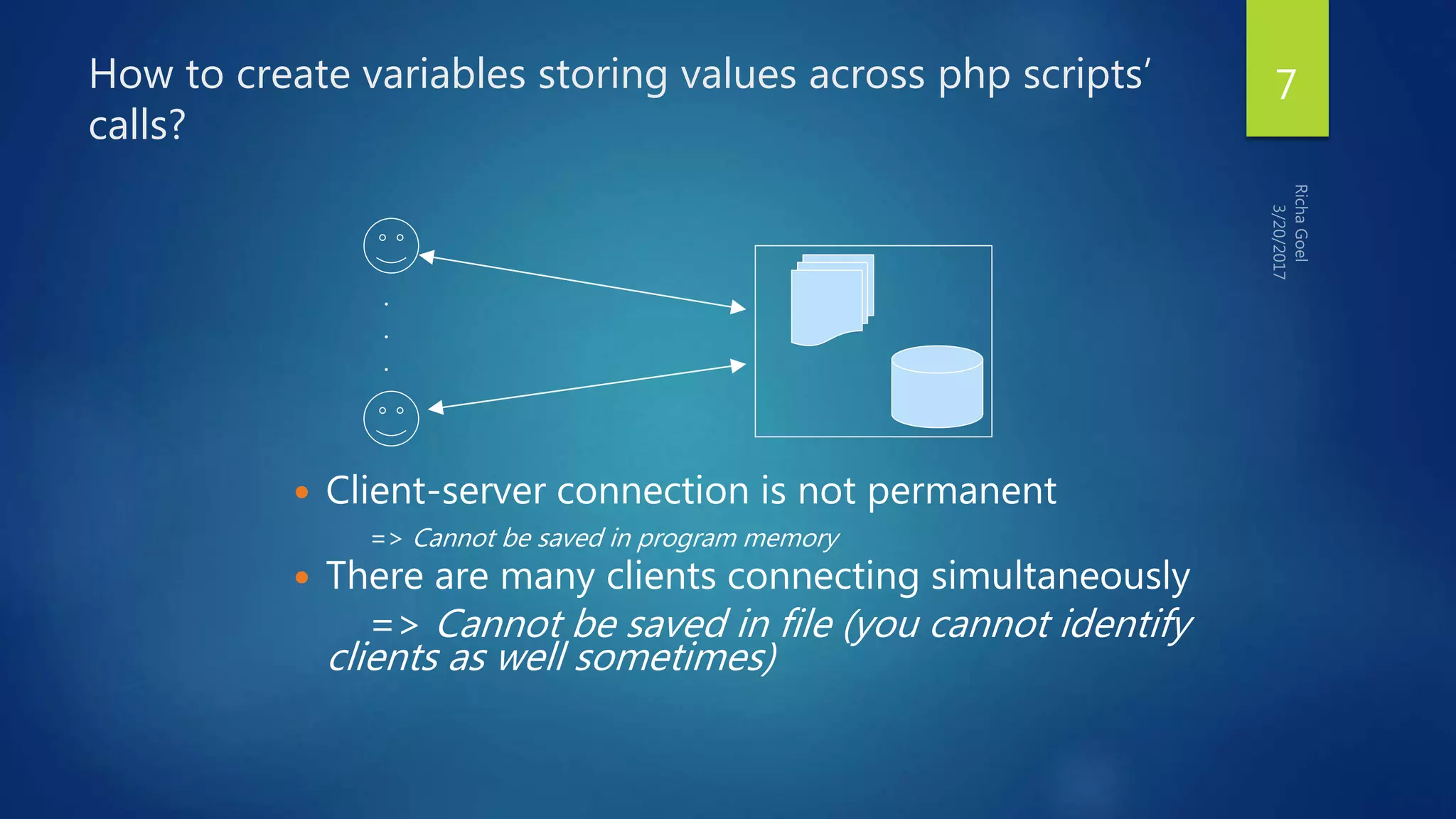
How to create variables storing values across php scripts’
calls?
 Client-server connection is not permanent
=> Cannot be saved in program memory
 There are many clients connecting simultaneously
=> Cannot be saved in file (you cannot identify
clients as well sometimes)
.
.
.
7
Different mechanisms of the same
solution
 Cookies
 Cookies are a mechanism for storing data in the remote browser and thus
tracking or identifying return users.
 Sessions
 Session support in PHP consists of a way to preserve certain data across
subsequent accesses. This enables you to build more customized applications
and increase the appeal of your web site.
8
What is a Cookie?
A cookie is a small file that the server embeds on the user's
computer. Each time the same computer requests for a page with
a browser, it will send the cookie too. With PHP, you can both
create and retrieve cookie values.
9
How to Create a Cookie
The setcookie() function is used to create
cookies.
Note: The setcookie() function must appear
BEFORE the <html> tag.
setcookie(name, [value], [expire], [path], [domain],
[secure]);
This sets a cookie named "uname" - that expires after ten
hours.
<?php setcookie("uname", $name, time()+36000); ?>
<html> <body> …
10
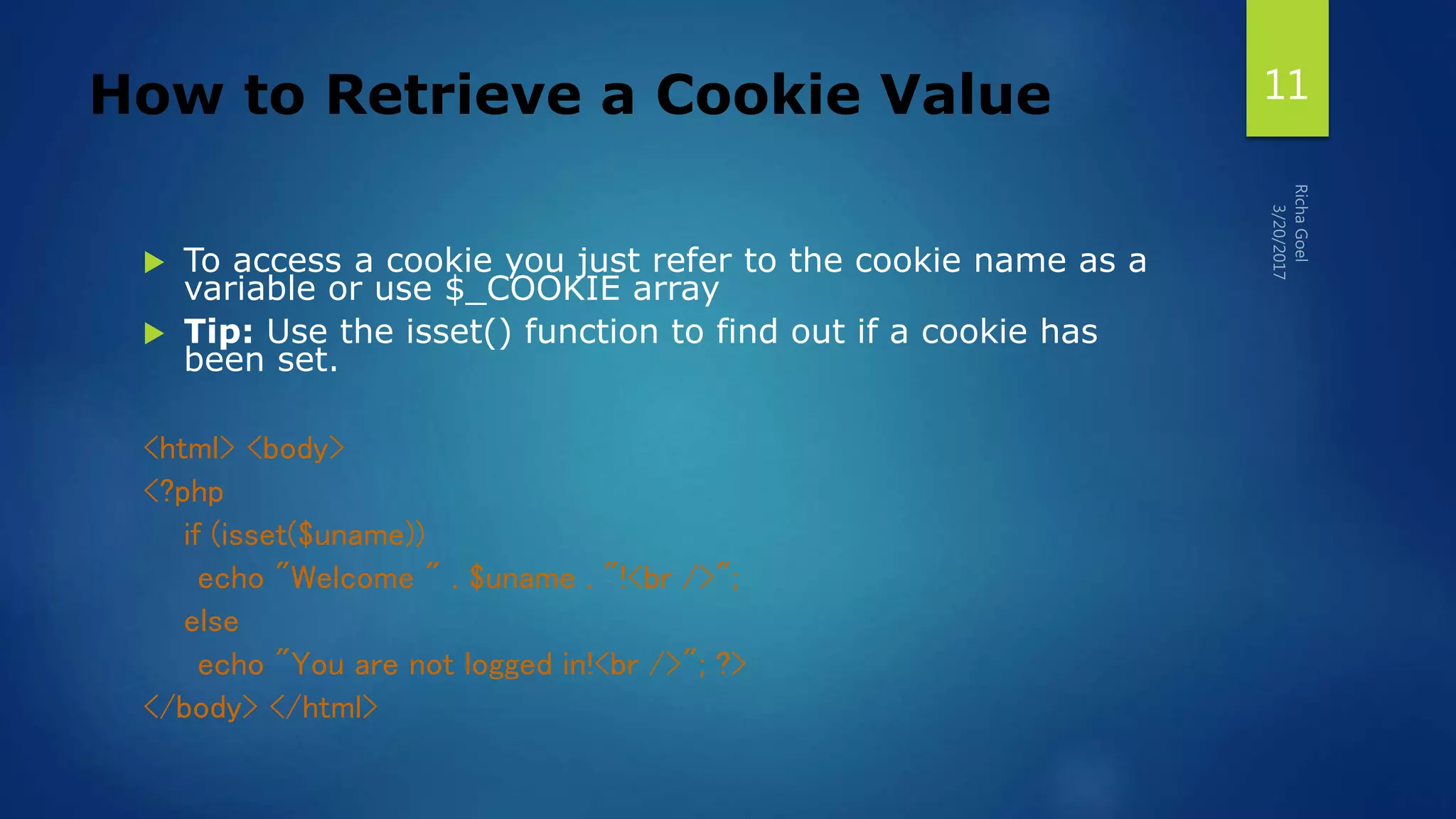
How to Retrieve a Cookie Value
 To access a cookie you just refer to the cookie name as a
variable or use $_COOKIE array
 Tip: Use the isset() function to find out if a cookie has
been set.
<html> <body>
<?php
if (isset($uname))
echo "Welcome " . $uname . "!<br />";
else
echo "You are not logged in!<br />"; ?>
</body> </html>
11
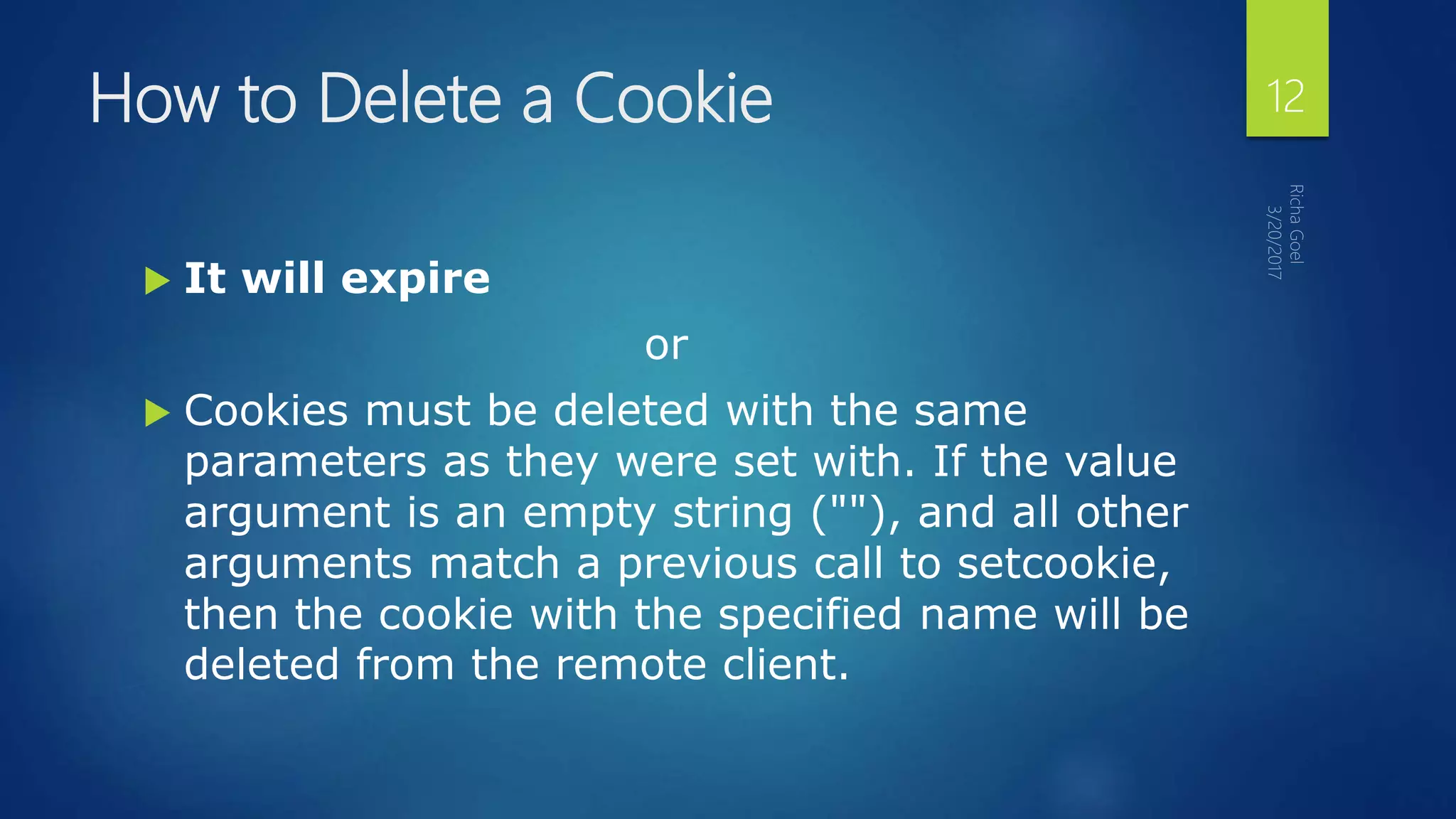
How to Delete a Cookie
 It will expire
or
 Cookies must be deleted with the same
parameters as they were set with. If the value
argument is an empty string (""), and all other
arguments match a previous call to setcookie,
then the cookie with the specified name will be
deleted from the remote client.
12
What is a Session?
 The session support allows you to register
arbitrary numbers of variables to be preserved
across requests.
 A visitor accessing your web site is assigned
an unique id, the so-called session id. This is
either stored in a cookie on the user side or is
propagated in the URL.
13
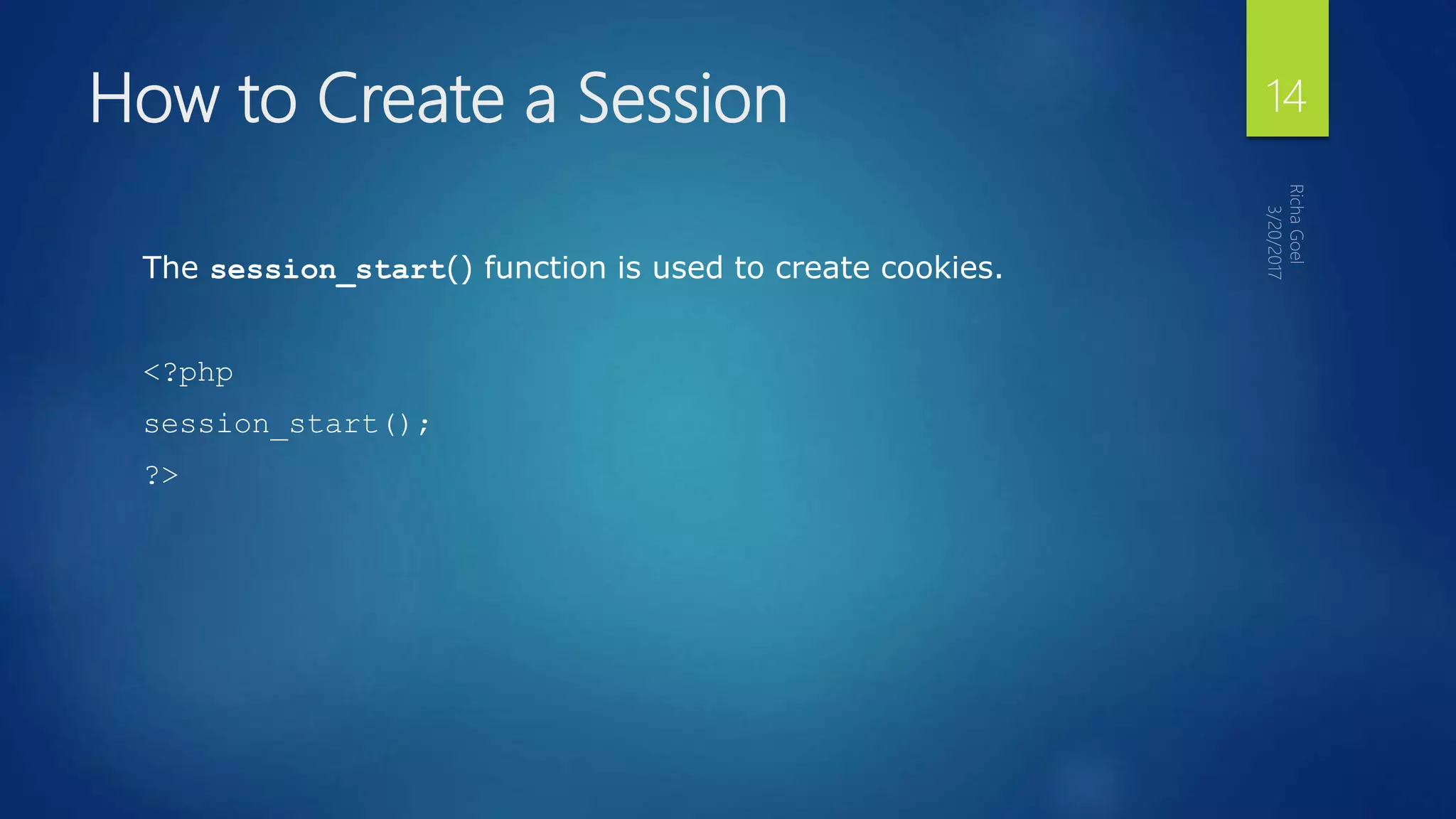
How to Create a Session
The session_start() function is used to create cookies.
<?php
session_start();
?>
14
How to Retrieve a Session Value
 Register Session variable
 session_register('var1','var2',...); // will also create a session
 PS:Session variable will be created on using even if you will not register it!
 Use it
<?php
session_start();
if (!isset($_SESSION['count']))
$_SESSION['count'] = 0;
else
$_SESSION['count']++;
?>
15
How to Delete a Session Value
 session_unregister(´varname´);
How to destroy a session:
 session_destroy()
16
Using Cookies
 Cookies are small pieces of data that a server sends to a browser for
storage. When a browser contacts a server, it sends along any cookies for
that server under the variable $_COOKIES. Similarly, a server can set one
or more cookies on the browser for retrieval at a later time.
17
The first part of program session-cookies.php illustrates
the typical use of cookies, with these lines:
$today = date('l, F j, Y');
$timestamp = date('g:i A');
if (strcmp($_COOKIE[LAST_VISIT], "") == 0) {
$lasttime = "";
} else {
$lasttime = $_COOKIE[LAST_VISIT];
}
$LAST_VISIT = $today . " at " . $timestamp;
// set last_visit cookie with date/time, with expiration for 2 full weeks
setcookie ("LAST_VISIT", $LAST_VISIT, time() + 3600*24*14);
if ($_COOKIE[VISIT_NUMBER] == 0) {
$visitcount = 0;
} else {
$visitcount = $_COOKIE[VISIT_NUMBER];
}
// set visit_number cookie with count, with expiration for 2 full weeks
setcookie ("VISIT_NUMBER",1 + $visitcount, time() + 3600*24*14);
18
additional notes:
 Here are a few additional notes:
 Cookies are sent with Web page headers, so any setting of cookies
must take place BEFORE the DOCTYPE line in an HTML/PHP script.
 PHP function setcookie specifies a cookie ID, a value, and a length of
time for which the cookie will be kept by the browser.
 PHP variable $_COOKIE is an associative array that maintains the list
of cookies set previously.
19
Exercise
 Write a program called Web page session-cookies.php that tries to save a
cookie to keep track of whether or not you have visited this page
previously.
20
PHP Emails
21
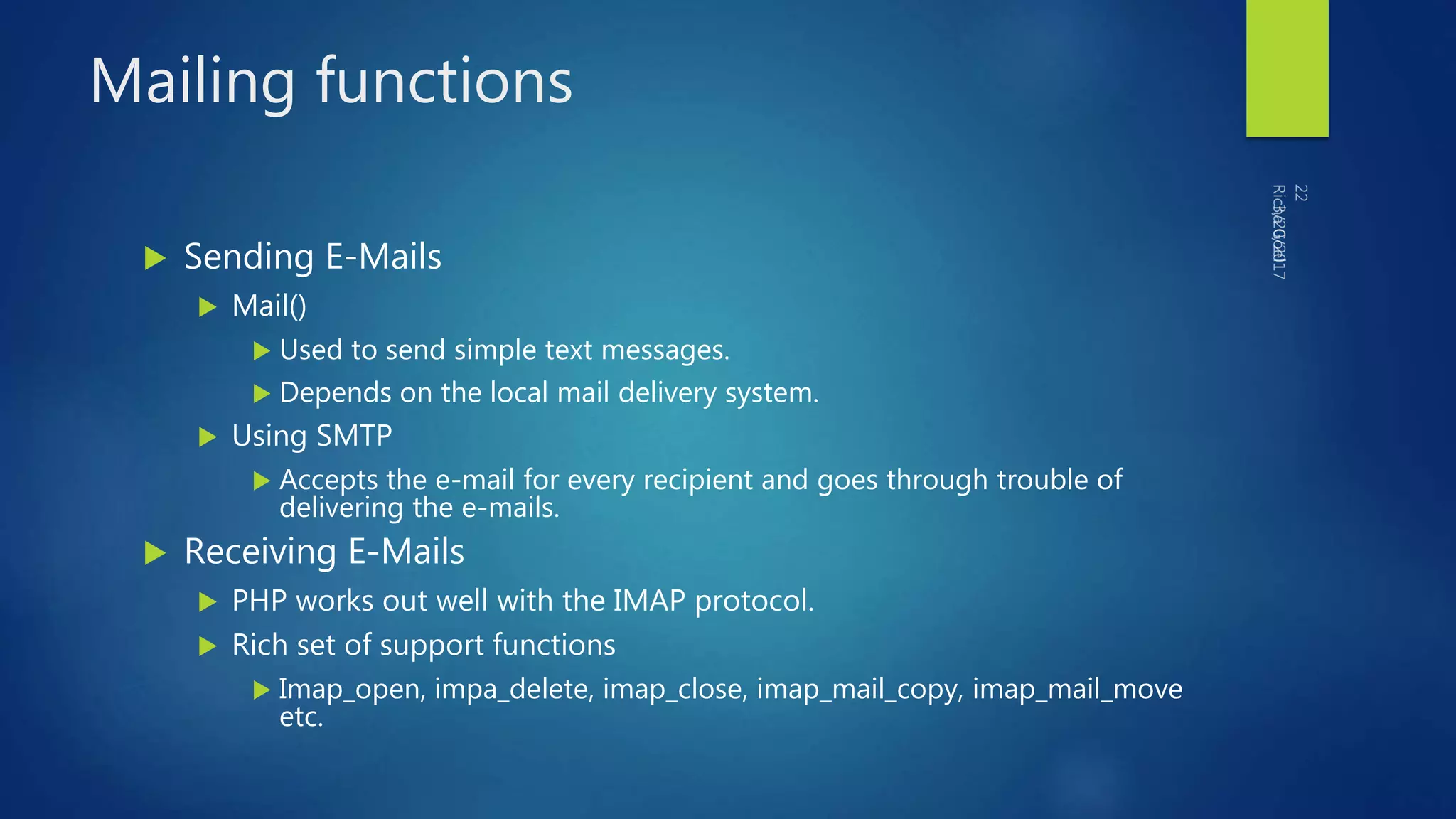
Mailing functions
 Sending E-Mails
 Mail()
 Used to send simple text messages.
 Depends on the local mail delivery system.
 Using SMTP
 Accepts the e-mail for every recipient and goes through trouble of
delivering the e-mails.
 Receiving E-Mails
 PHP works out well with the IMAP protocol.
 Rich set of support functions
 Imap_open, impa_delete, imap_close, imap_mail_copy, imap_mail_move
etc.
PHP allows you to send e-mails directly from a script.
 The PHP mail() Function
 PHP Simple E-Mail
 PHP Mail Form
PHP Sending E-mails 23
 The PHP mail() function is used to send emails from inside a script.
 Syntax
mail(to,subject,message,headers,parameters)
The PHP mail() Function 24
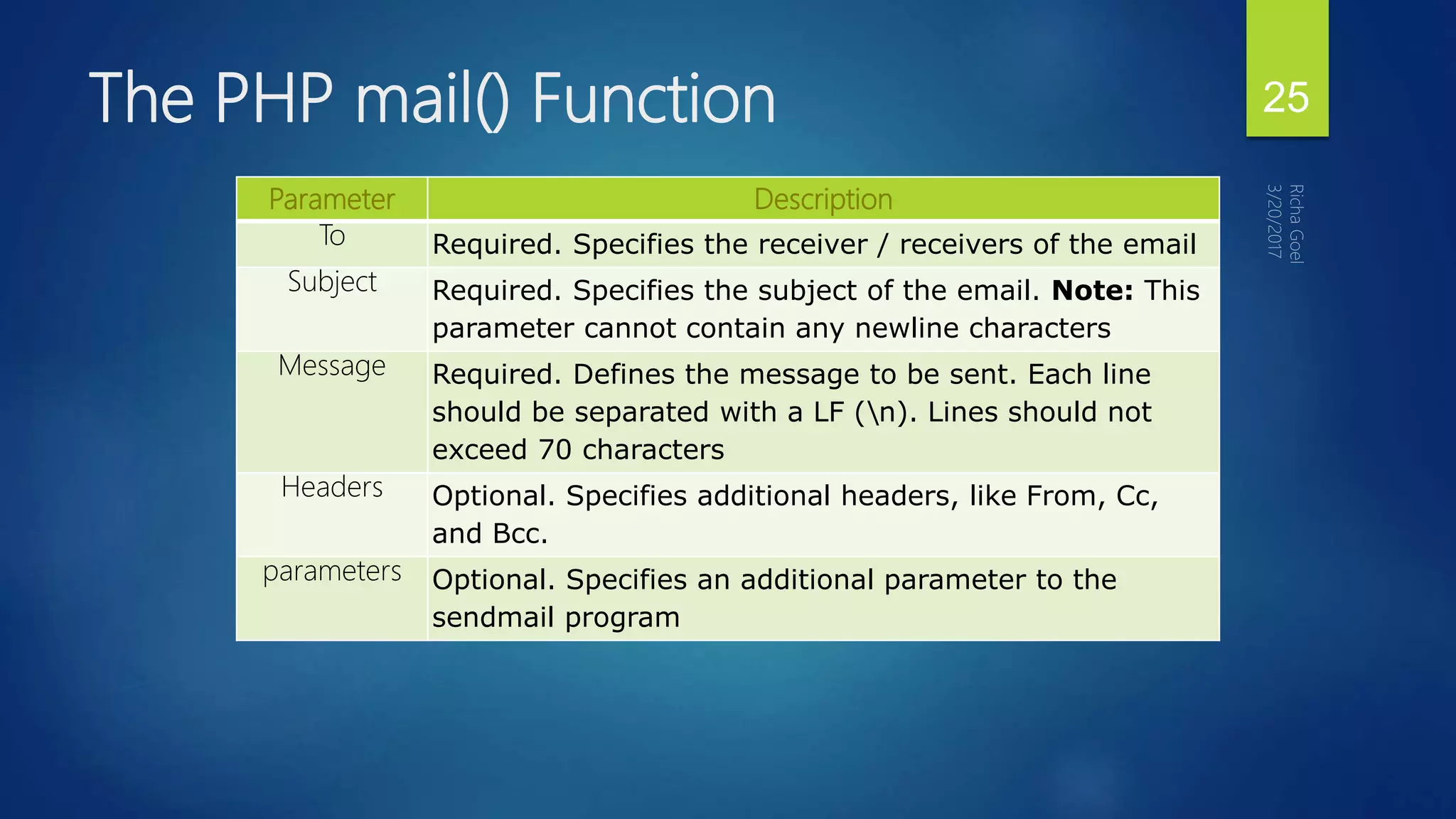
Parameter Description
To Required. Specifies the receiver / receivers of the email
Subject Required. Specifies the subject of the email. Note: This
parameter cannot contain any newline characters
Message Required. Defines the message to be sent. Each line
should be separated with a LF (n). Lines should not
exceed 70 characters
Headers Optional. Specifies additional headers, like From, Cc,
and Bcc.
parameters Optional. Specifies an additional parameter to the
sendmail program
The PHP mail() Function 25
 Note: For the mail functions to be available, PHP requires an installed and
working email system. The program to be used is defined by the
configuration settings in the php.ini file.
The PHP mail() Function 26
 The simplest way to send an email with PHP is to send a text email.
 In the example below we first declare the variables ($to, $subject,
$message, $from, $headers), then we use the variables in the mail()
function to send an e-mail:
PHP Simple E-Mail 27
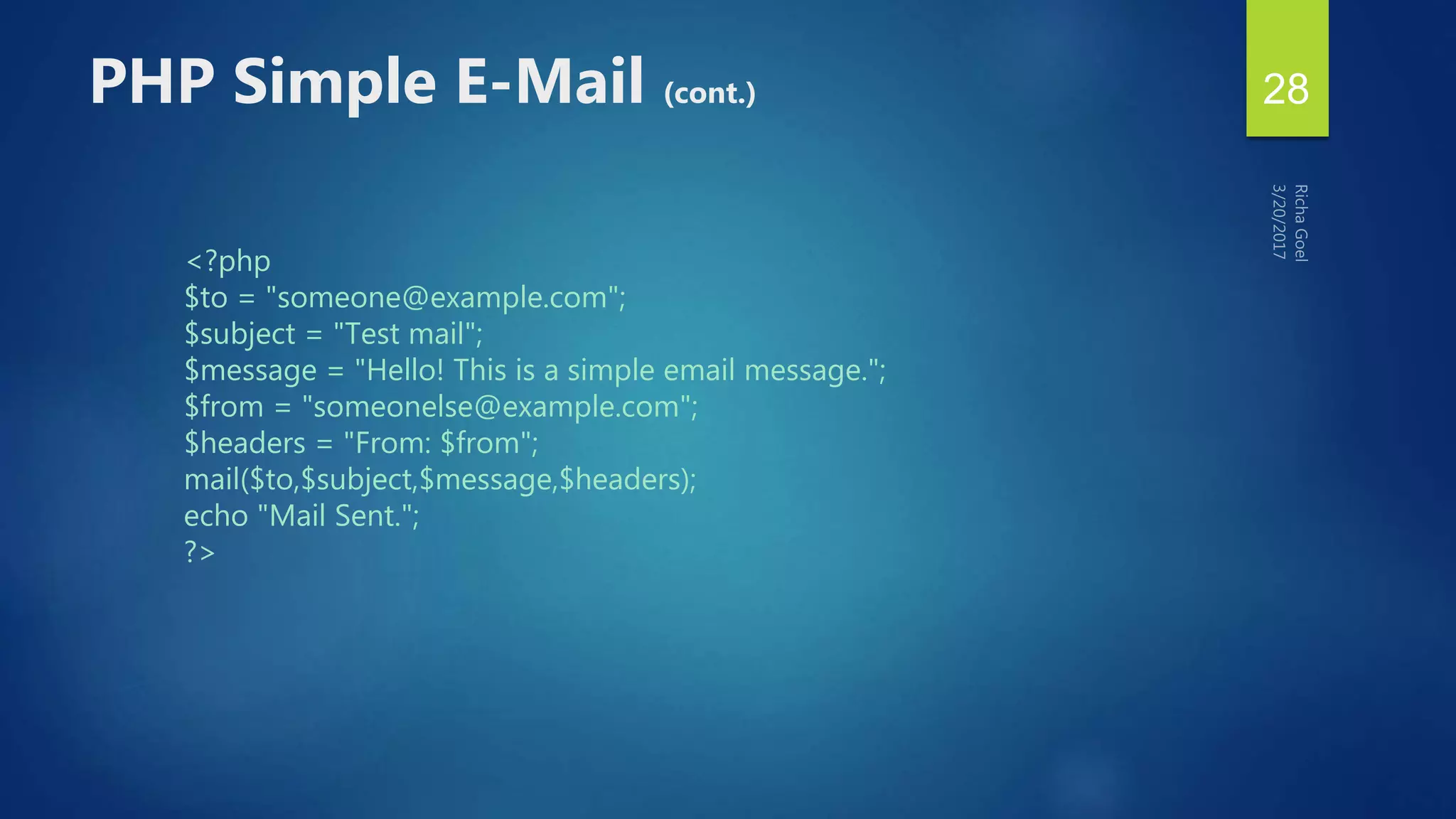
<?php
$to = "someone@example.com";
$subject = "Test mail";
$message = "Hello! This is a simple email message.";
$from = "someonelse@example.com";
$headers = "From: $from";
mail($to,$subject,$message,$headers);
echo "Mail Sent.";
?>
PHP Simple E-Mail (cont.) 28
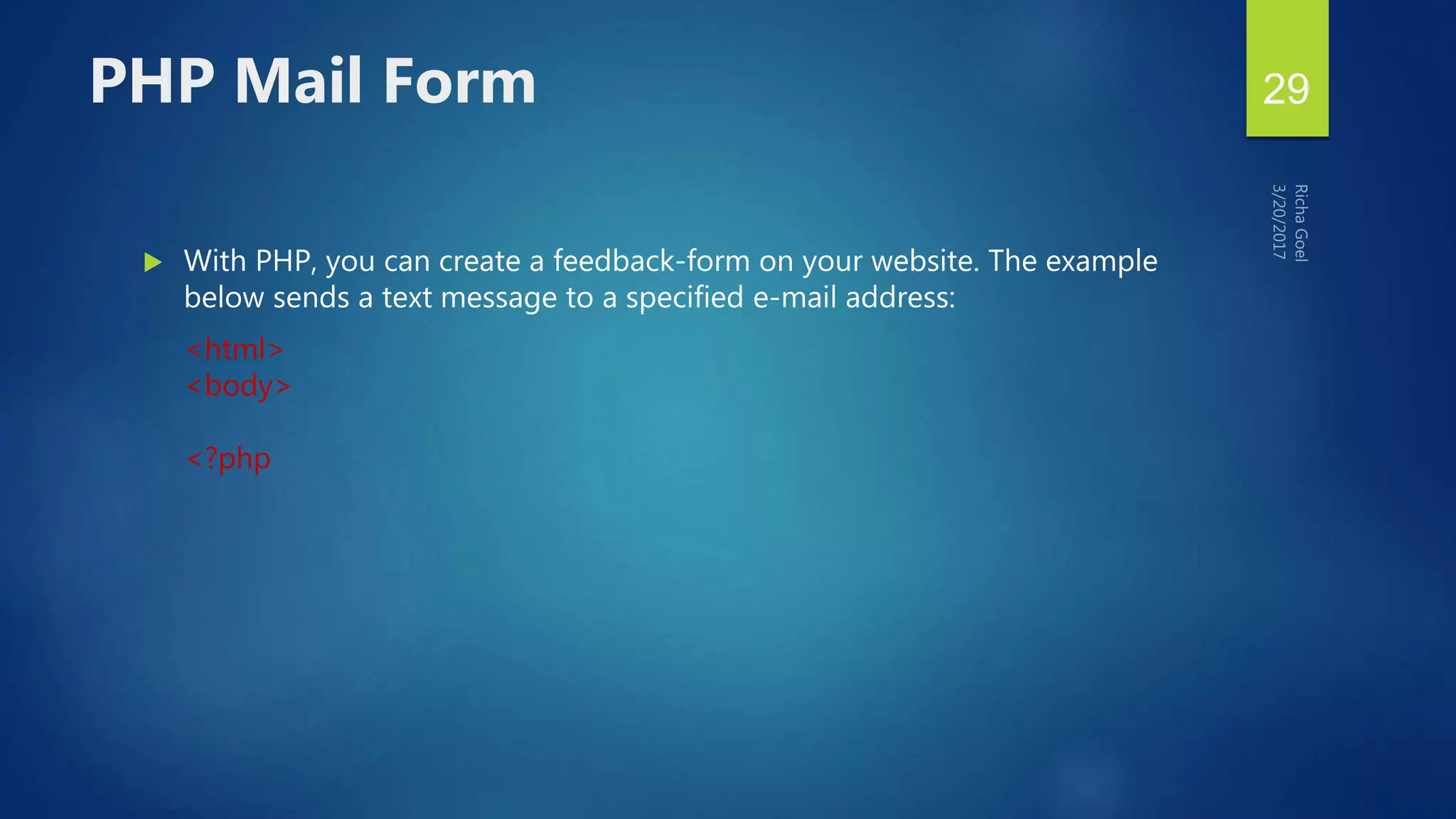
 With PHP, you can create a feedback-form on your website. The example
below sends a text message to a specified e-mail address:
<html>
<body>
<?php
PHP Mail Form 29
if (isset($_REQUEST['email']))
//if "email" is filled out, send email
{
//send email
$email = $_REQUEST['email'] ;
$subject = $_REQUEST['subject'] ;
$message = $_REQUEST['message'] ;
mail( "someone@example.com", "Subject: $subject",
$message, "From: $email" );
echo "Thank you for using our mail form";
}
PHP Mail Form 30
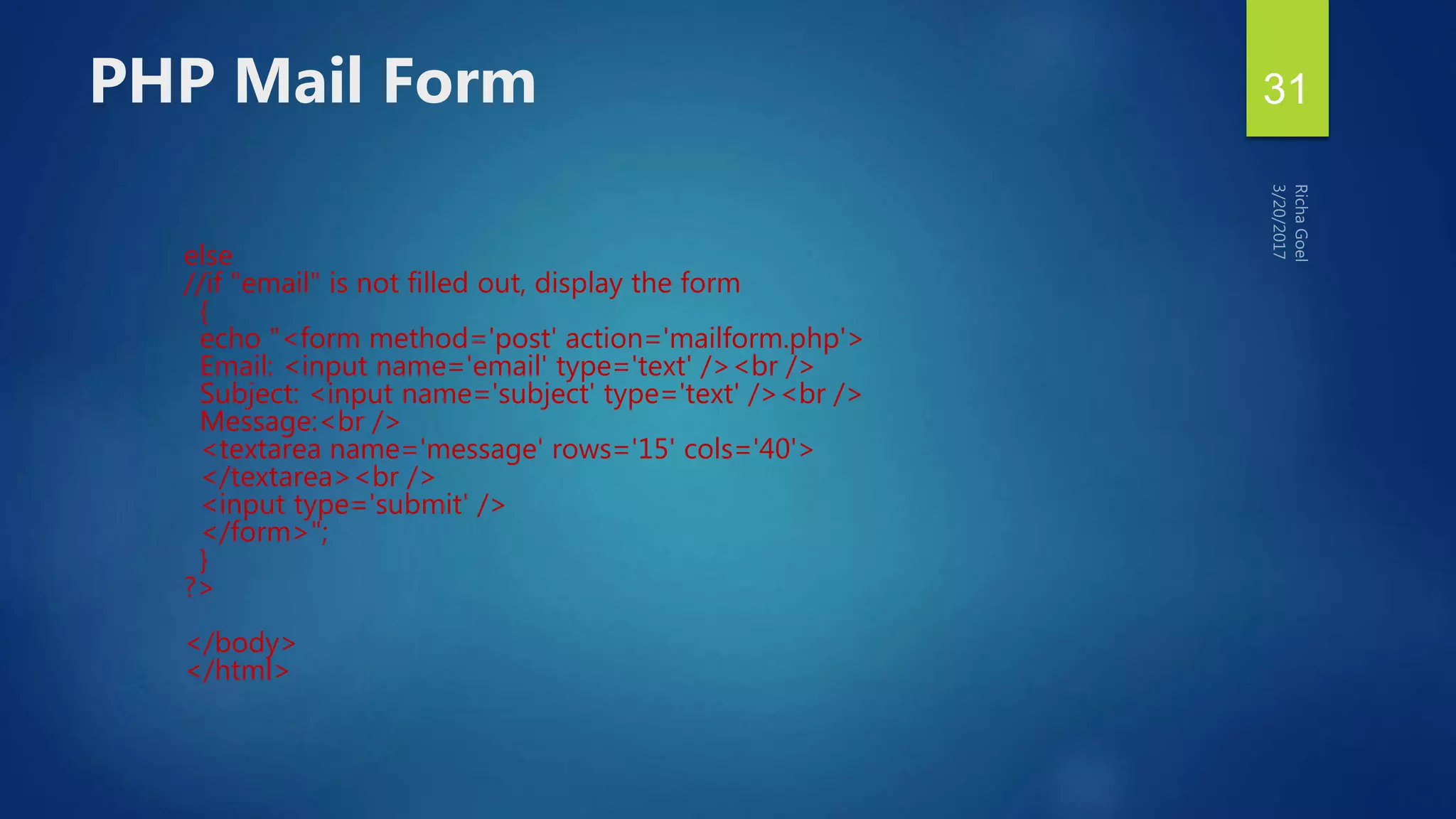
else
//if "email" is not filled out, display the form
{
echo "<form method='post' action='mailform.php'>
Email: <input name='email' type='text' /><br />
Subject: <input name='subject' type='text' /><br />
Message:<br />
<textarea name='message' rows='15' cols='40'>
</textarea><br />
<input type='submit' />
</form>";
}
?>
</body>
</html>
PHP Mail Form 31
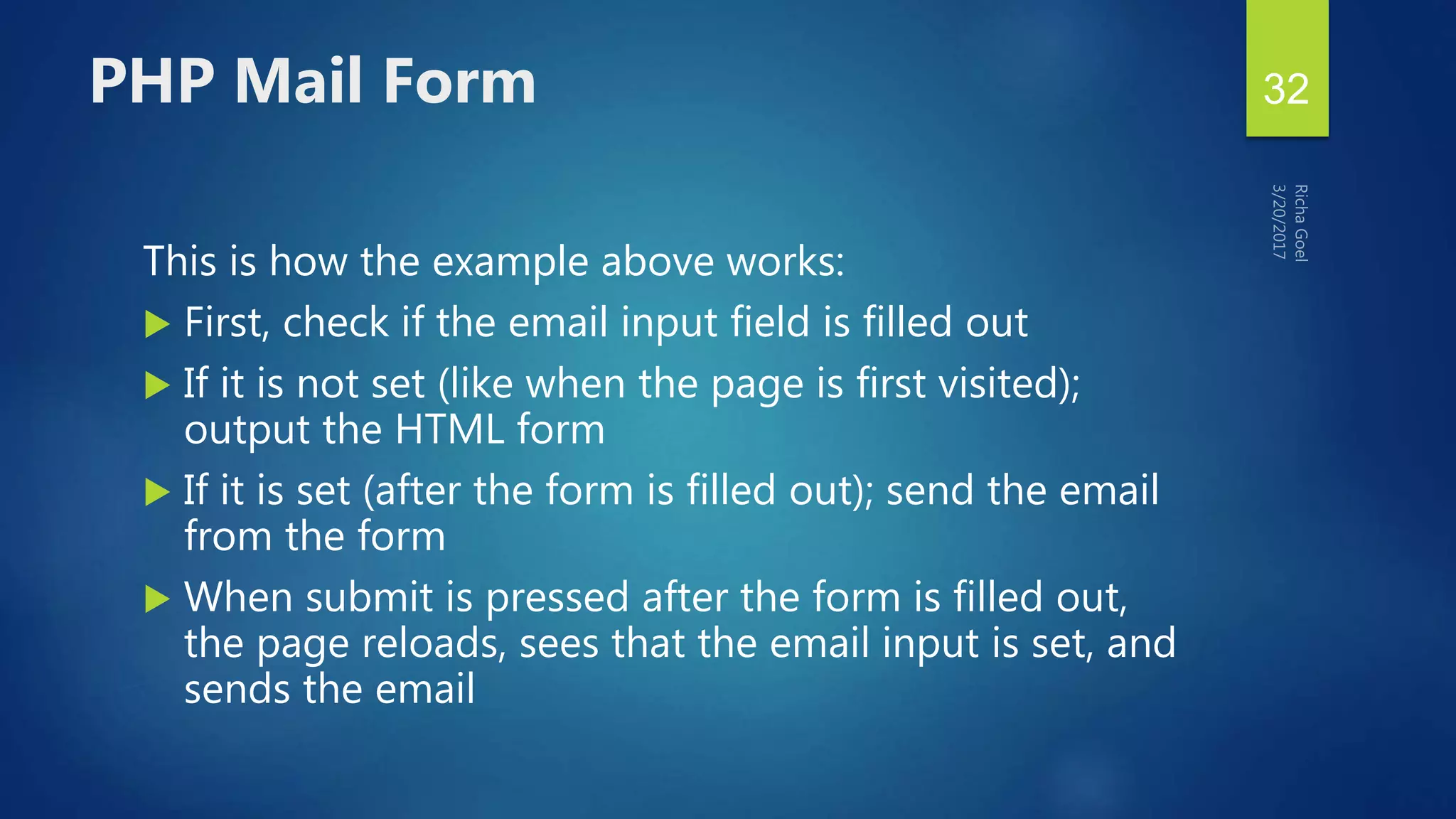
This is how the example above works:
 First, check if the email input field is filled out
 If it is not set (like when the page is first visited);
output the HTML form
 If it is set (after the form is filled out); send the email
from the form
 When submit is pressed after the form is filled out,
the page reloads, sees that the email input is set, and
sends the email
PHP Mail Form 32
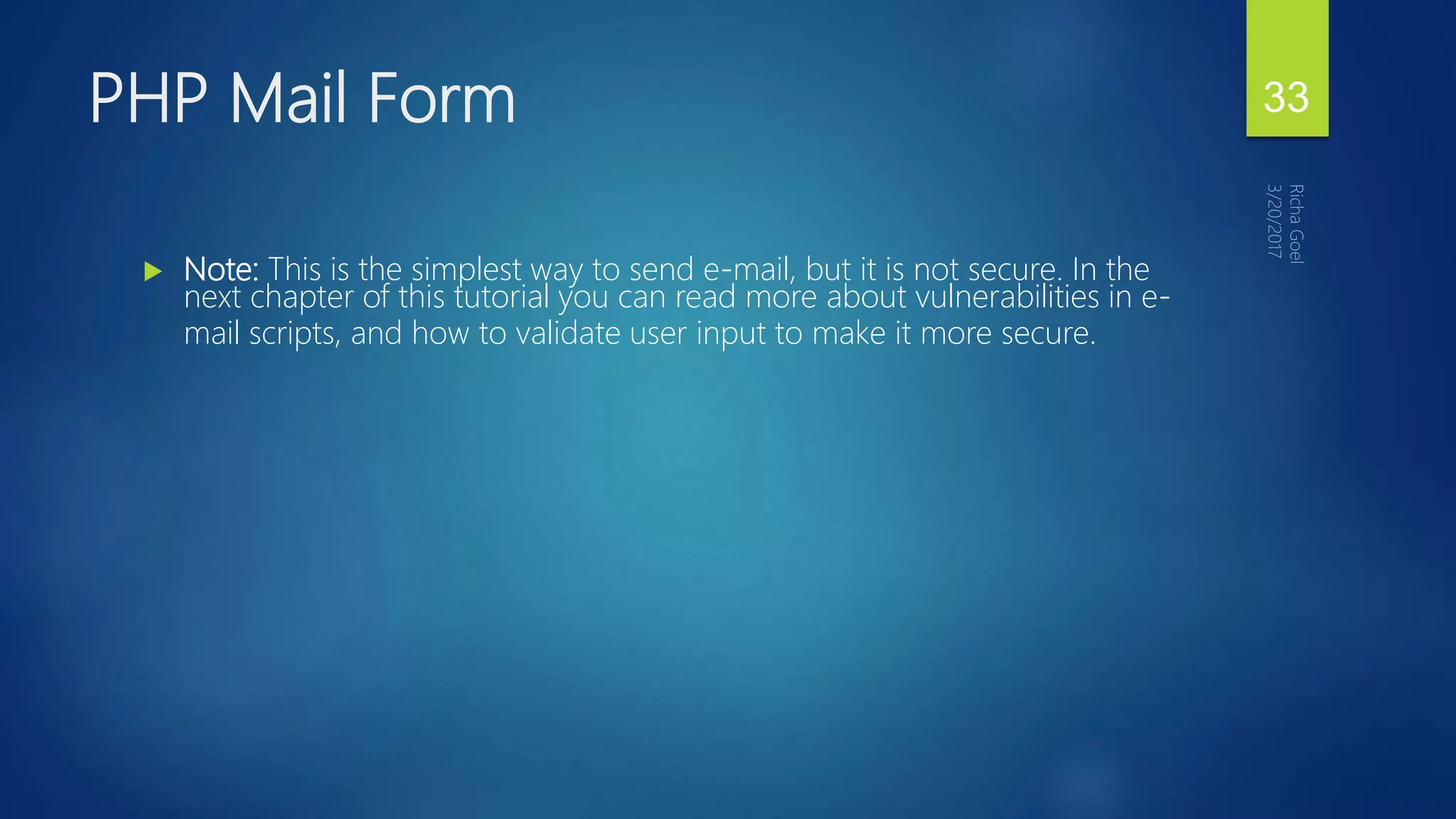
 Note: This is the simplest way to send e-mail, but it is not secure. In the
next chapter of this tutorial you can read more about vulnerabilities in e-
mail scripts, and how to validate user input to make it more secure.
PHP Mail Form 33
 PHP E-mail Injections
 PHP Stopping E-mail Injections
PHP Secure E-mails 34
if (isset($_REQUEST['email']))
//if "email" is filled out, send email
{
//send email
$email = $_REQUEST['email'] ;
$subject = $_REQUEST['subject'] ;
$message = $_REQUEST['message'] ;
mail("someone@example.com", "Subject: $subject",
$message, "From: $email" );
echo "Thank you for using our mail form";
}
PHP E-mail Injections 35
PHP Error Handling
36
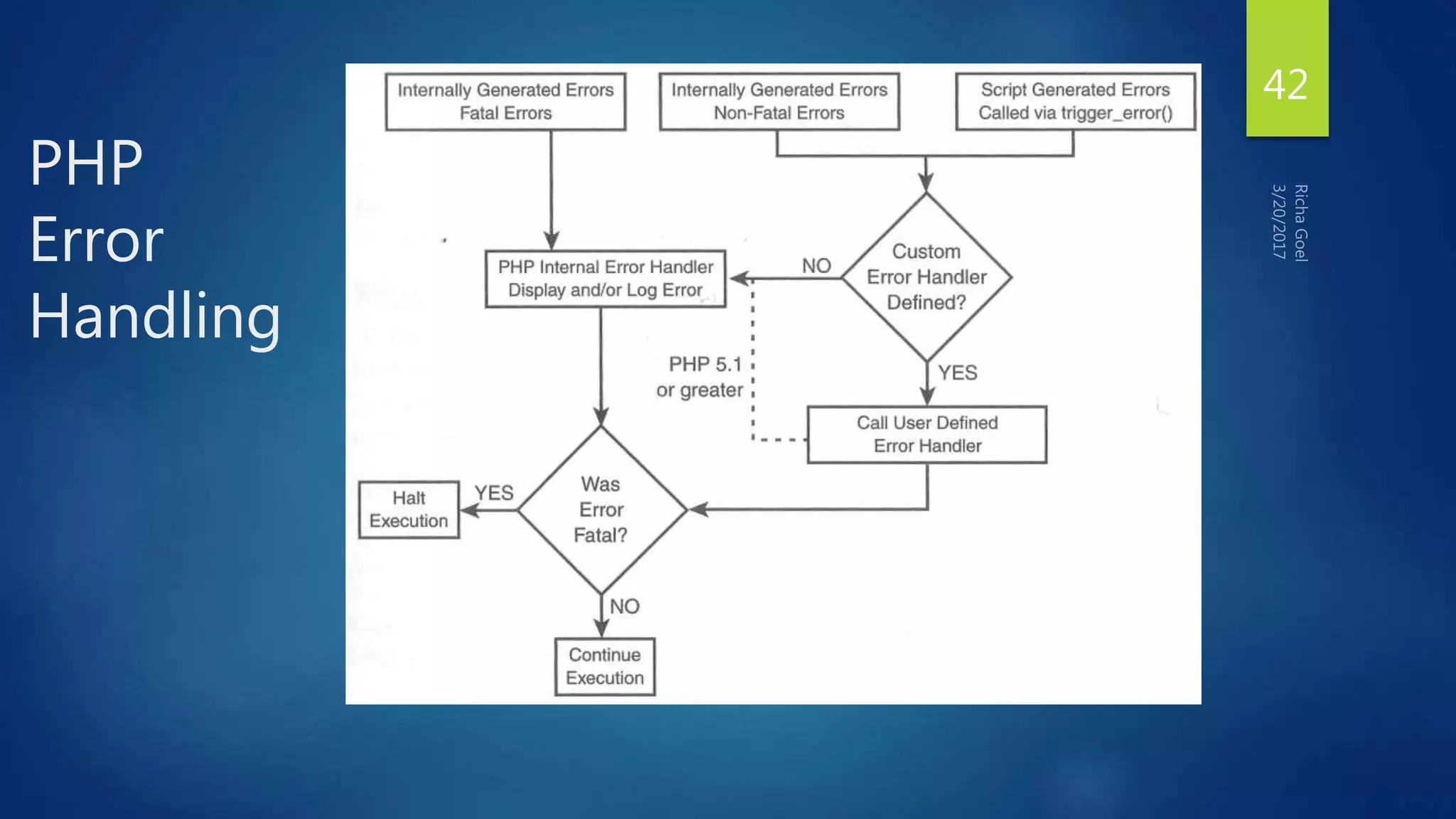
Types
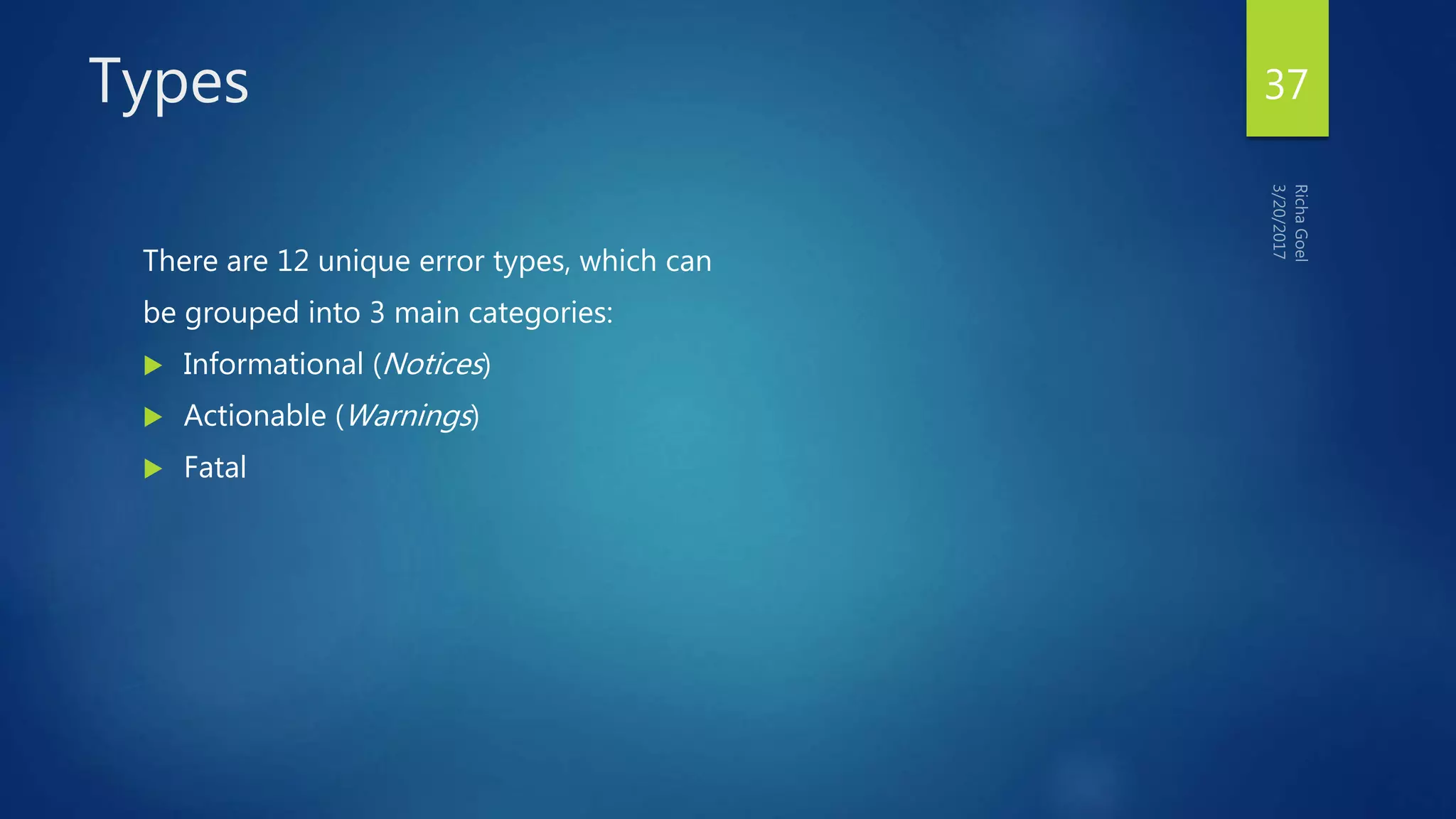
There are 12 unique error types, which can
be grouped into 3 main categories:
 Informational (Notices)
 Actionable (Warnings)
 Fatal
37
Informational Errors
 Harmless problem, and can be avoided through use of explicit
programming.
e.g. use of an undefined variable, defining a string without quotes, etc.
38
Actionable Errors
 Indicate that something clearly wrong has happened and that action
should be taken.
e.g. file not present, database not available, missing function arguments,
etc.
39
Fatal Errors
 Something so terrible has happened during execution of your script that
further processing simply cannot continue.
e.g. parsing error, calling an undefined function, etc.
40
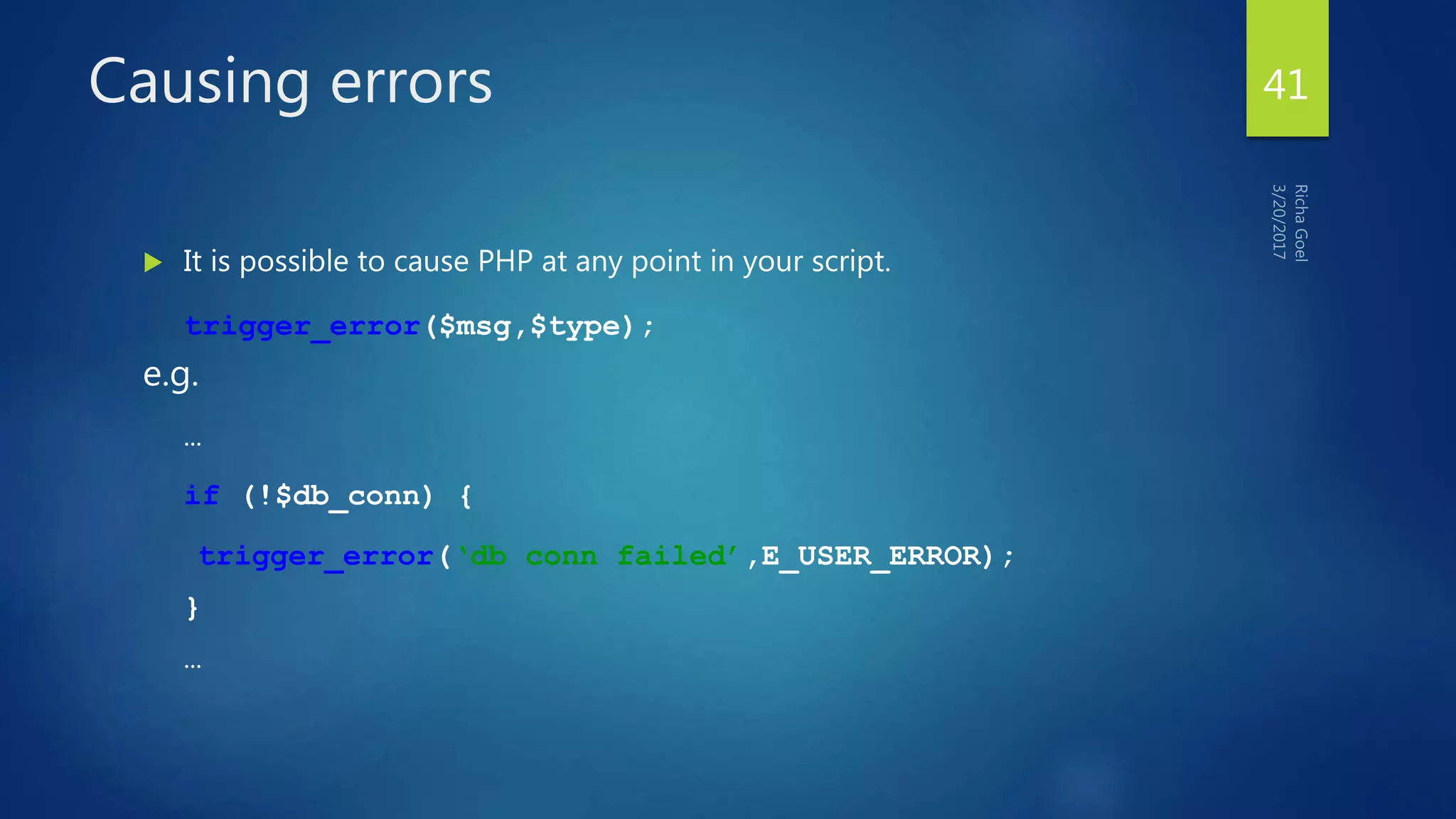
Causing errors
 It is possible to cause PHP at any point in your script.
trigger_error($msg,$type);
e.g.
…
if (!$db_conn) {
trigger_error(‘db conn failed’,E_USER_ERROR);
}
…
41
PHP
Error
Handling
42
Customizing Error Handling
 Generally, how PHP handles errors is defined by various constants in the
installation (php.ini).
 There are several things you can control in your scripts however..
43
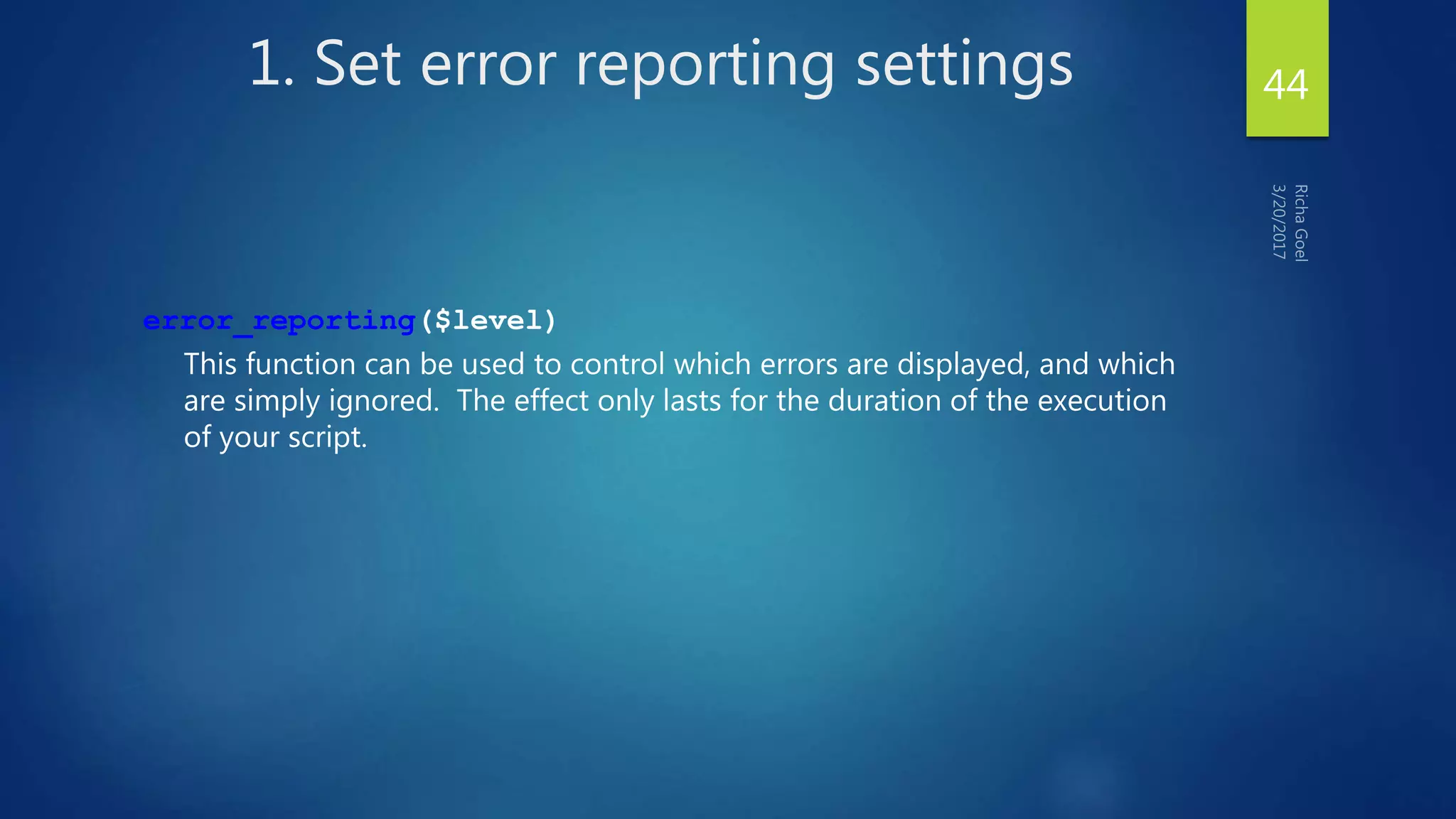
1. Set error reporting settings
error_reporting($level)
This function can be used to control which errors are displayed, and which
are simply ignored. The effect only lasts for the duration of the execution
of your script.
44
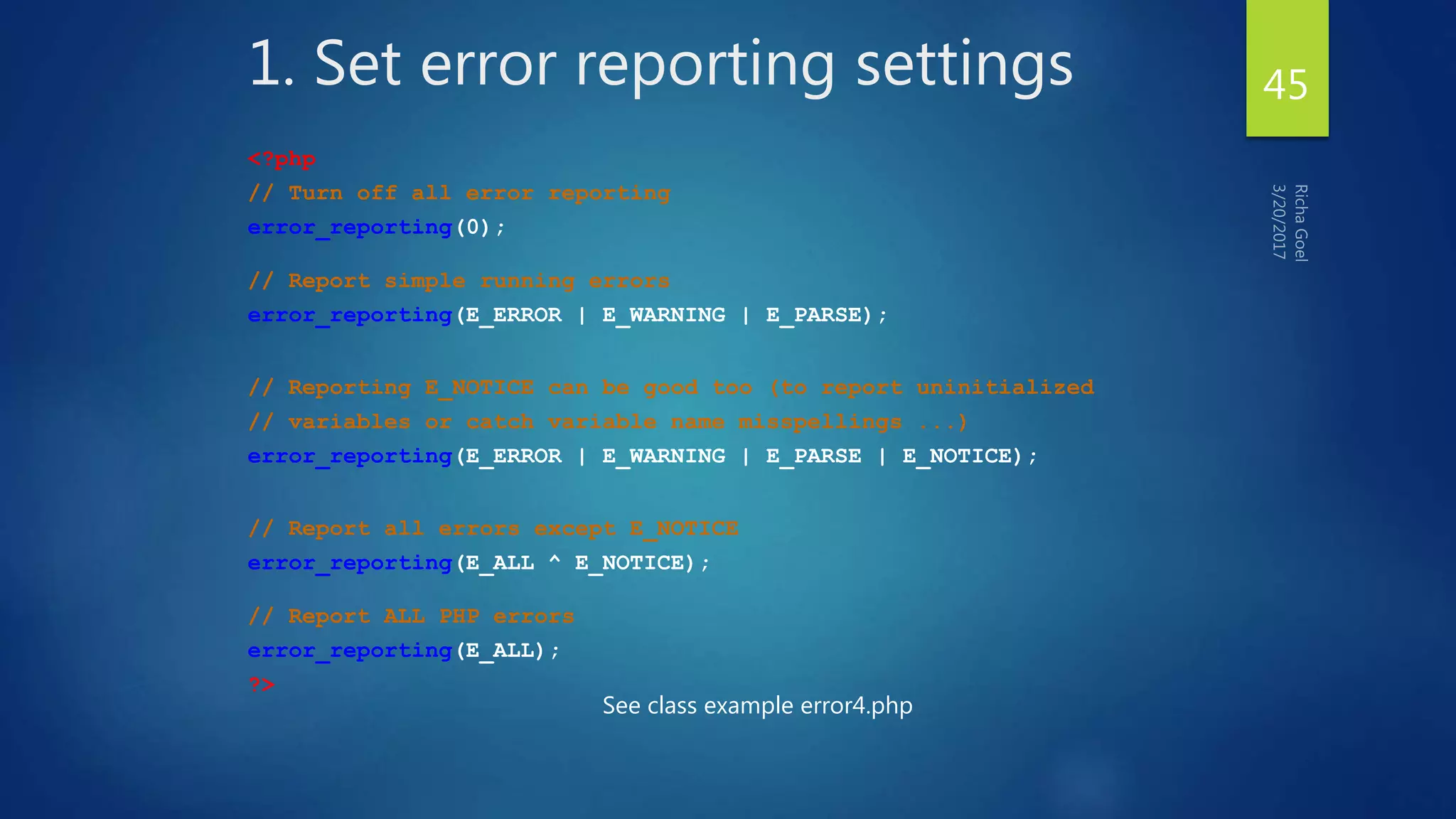
1. Set error reporting settings
<?php
// Turn off all error reporting
error_reporting(0);
// Report simple running errors
error_reporting(E_ERROR | E_WARNING | E_PARSE);
// Reporting E_NOTICE can be good too (to report uninitialized
// variables or catch variable name misspellings ...)
error_reporting(E_ERROR | E_WARNING | E_PARSE | E_NOTICE);
// Report all errors except E_NOTICE
error_reporting(E_ALL ^ E_NOTICE);
// Report ALL PHP errors
error_reporting(E_ALL);
?>
See class example error4.php
45
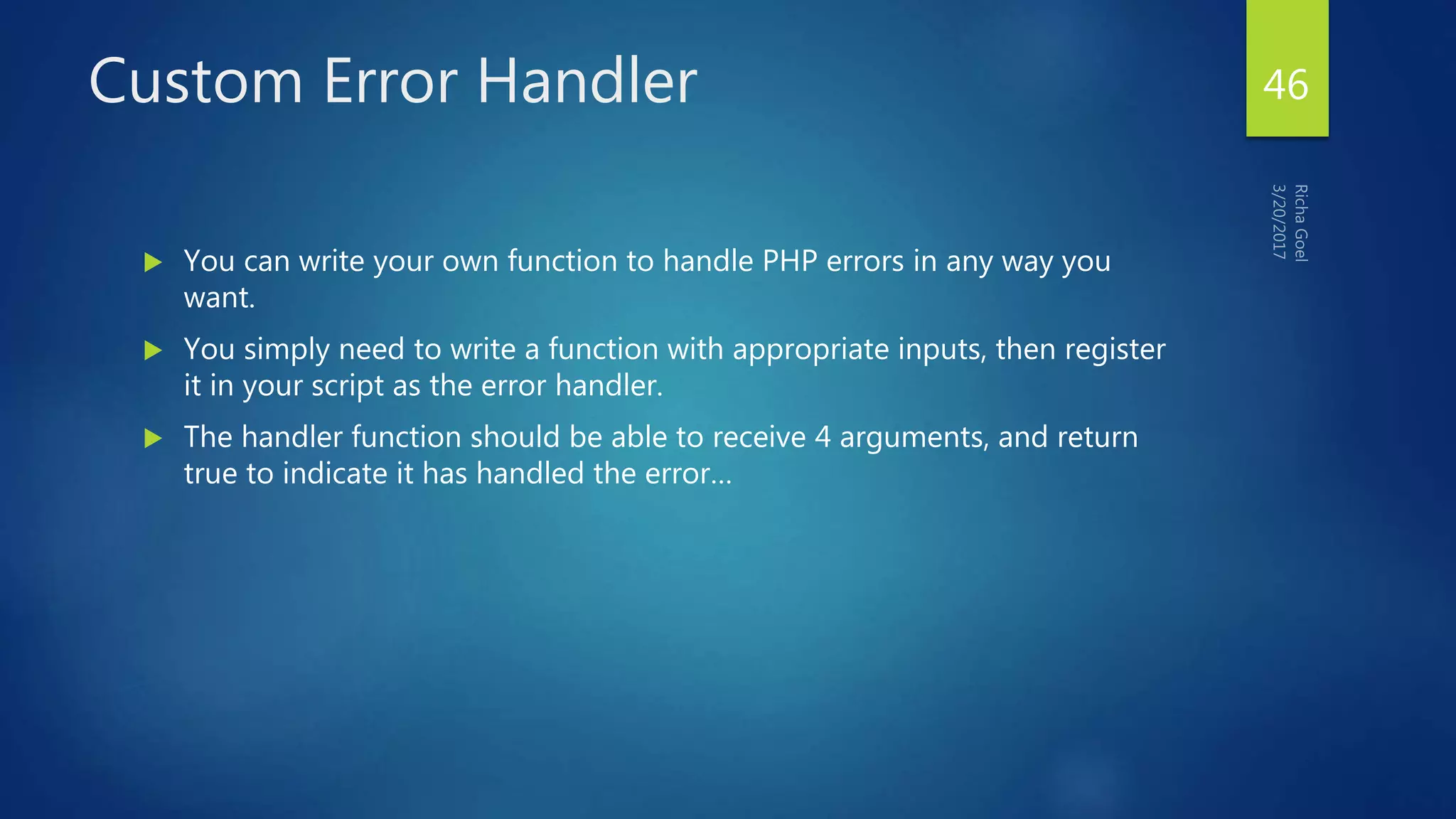
Custom Error Handler
 You can write your own function to handle PHP errors in any way you
want.
 You simply need to write a function with appropriate inputs, then register
it in your script as the error handler.
 The handler function should be able to receive 4 arguments, and return
true to indicate it has handled the error…
46
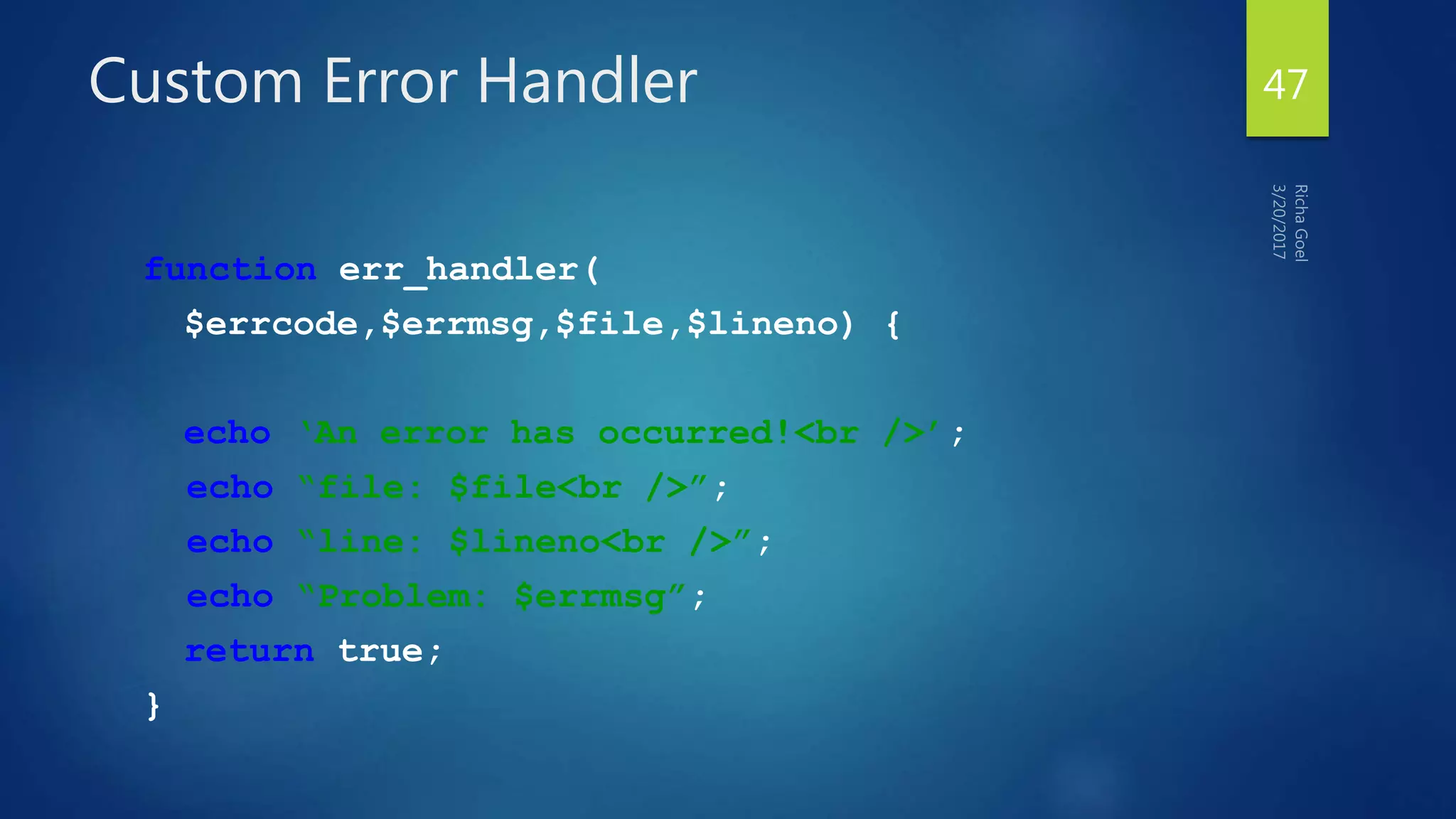
Custom Error Handler
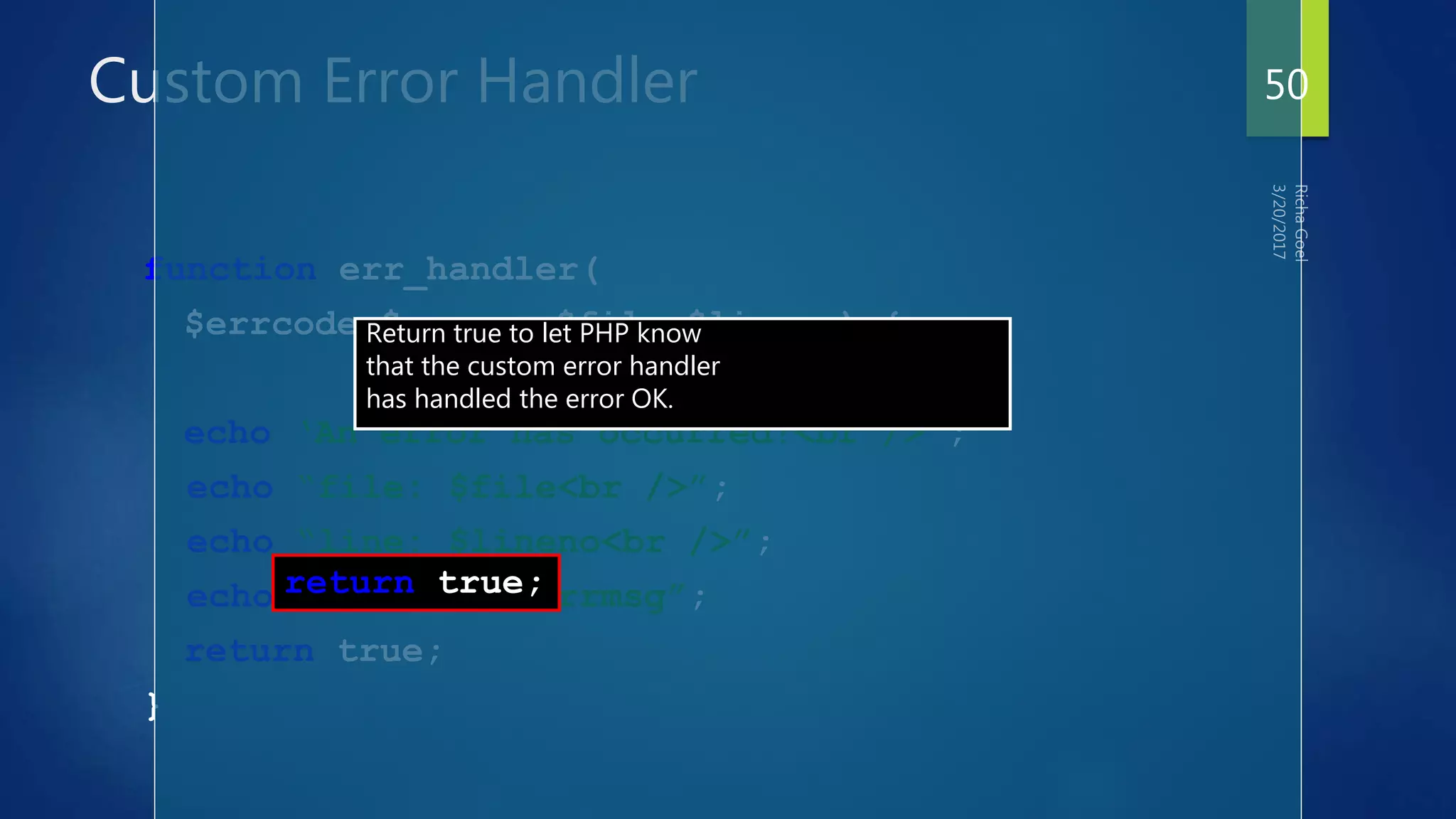
function err_handler(
$errcode,$errmsg,$file,$lineno) {
echo ‘An error has occurred!<br />’;
echo “file: $file<br />”;
echo “line: $lineno<br />”;
echo “Problem: $errmsg”;
return true;
}
47
Custom Error Handler
function err_handler(
$errcode,$errmsg,$file,$lineno) {
echo ‘An error has occurred!<br />’;
echo “file: $file<br />”;
echo “line: $lineno<br />”;
echo “Problem: $errmsg”;
return true;
}
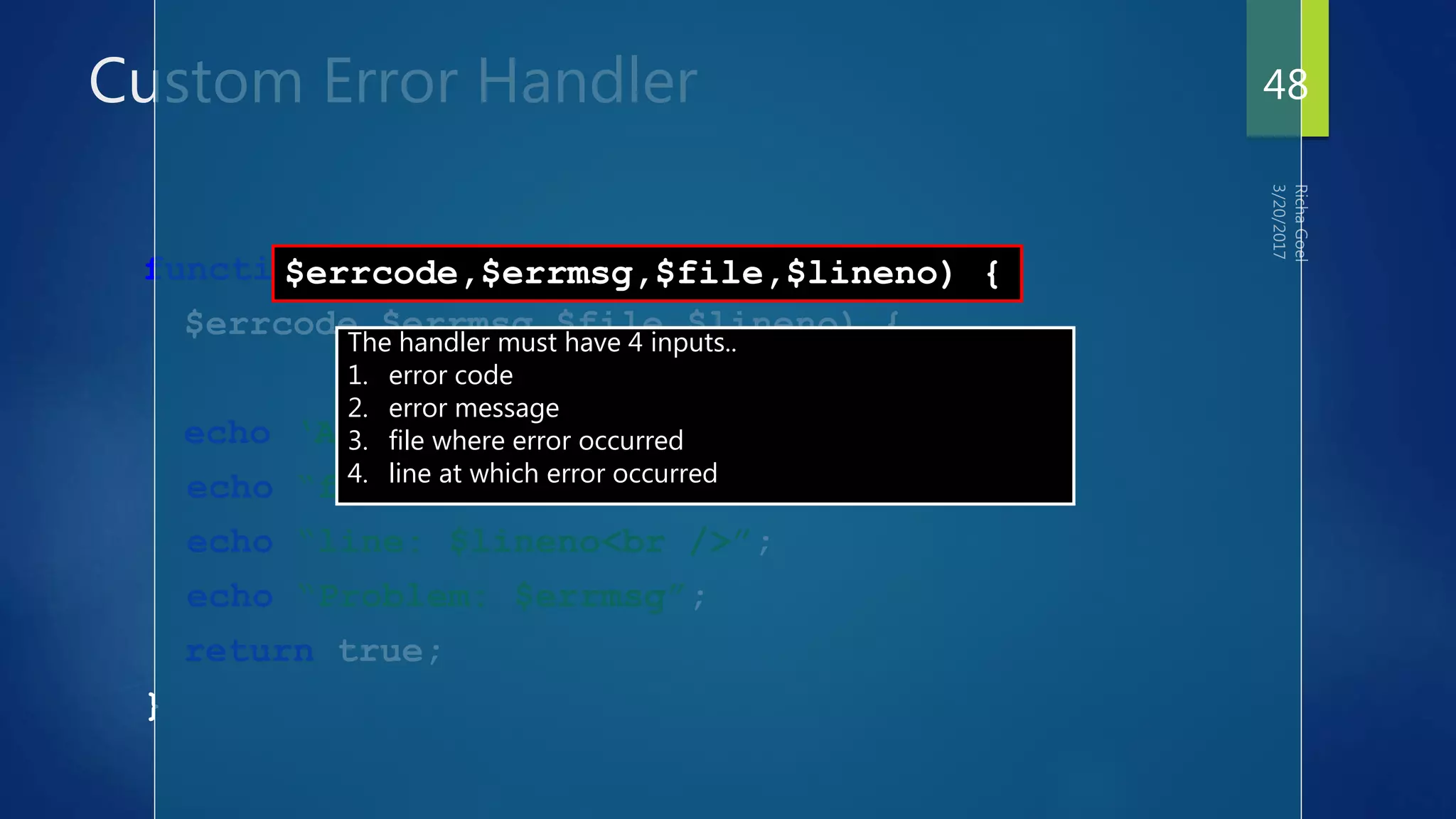
$errcode,$errmsg,$file,$lineno) {
The handler must have 4 inputs..
1. error code
2. error message
3. file where error occurred
4. line at which error occurred
48
Custom Error Handler
function err_handler(
$errcode,$errmsg,$file,$lineno) {
echo ‘An error has occurred!<br />’;
echo “file: $file<br />”;
echo “line: $lineno<br />”;
echo “Problem: $errmsg”;
return true;
}
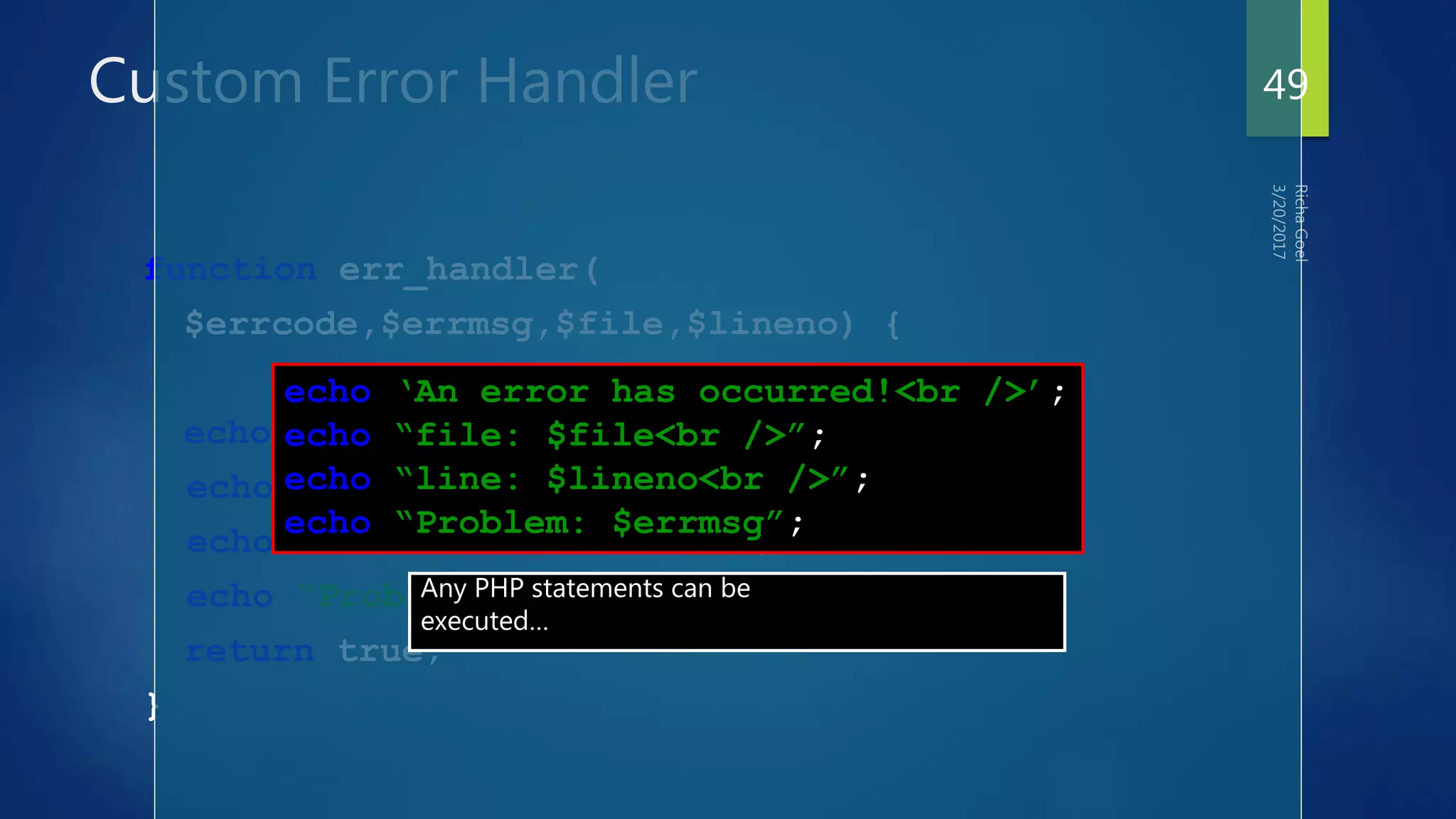
echo ‘An error has occurred!<br />’;
echo “file: $file<br />”;
echo “line: $lineno<br />”;
echo “Problem: $errmsg”;
Any PHP statements can be
executed…
49
Custom Error Handler
function err_handler(
$errcode,$errmsg,$file,$lineno) {
echo ‘An error has occurred!<br />’;
echo “file: $file<br />”;
echo “line: $lineno<br />”;
echo “Problem: $errmsg”;
return true;
}
return true;
Return true to let PHP know
that the custom error handler
has handled the error OK.
50
Custom Error Handler
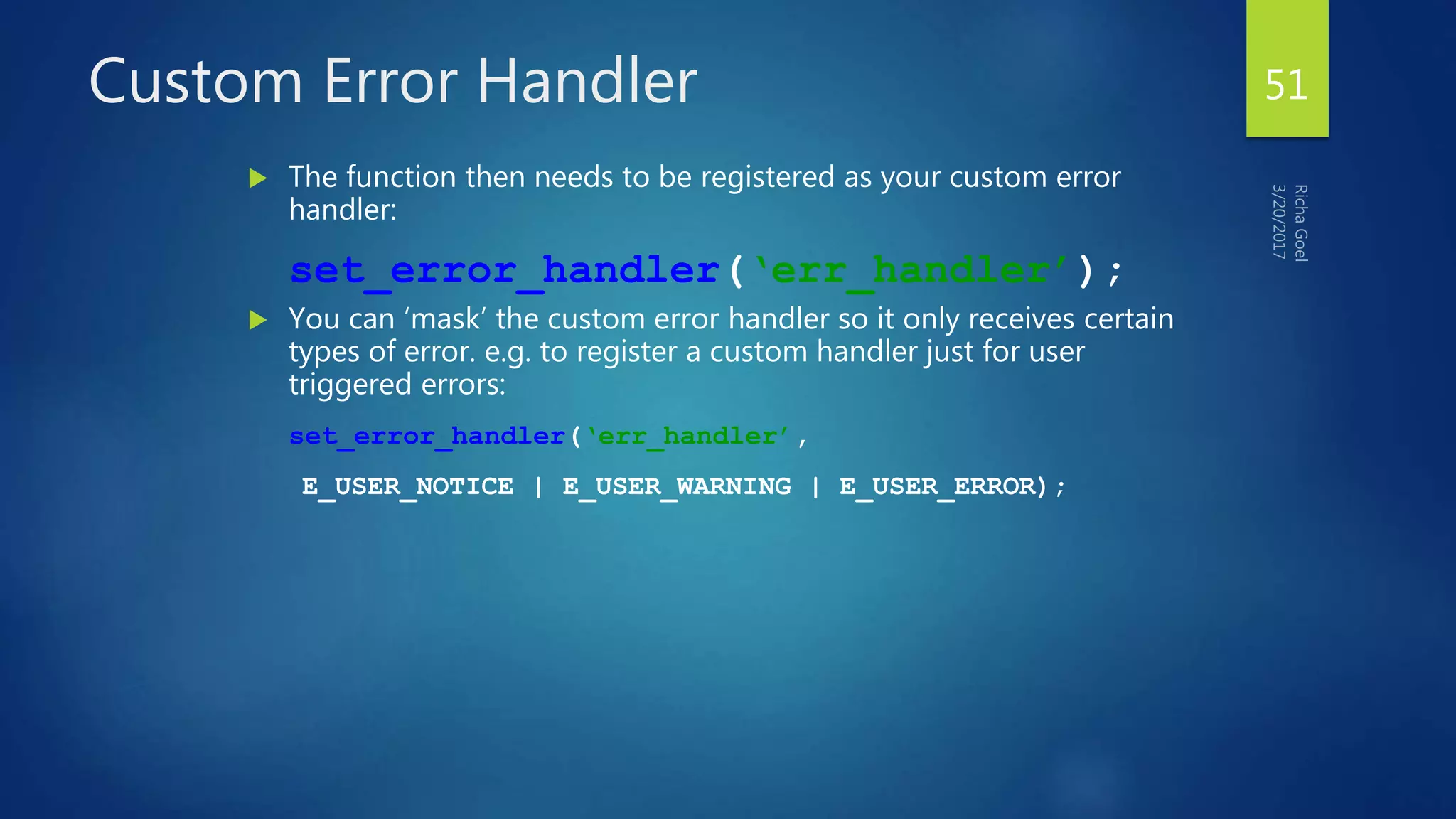
 The function then needs to be registered as your custom error
handler:
set_error_handler(‘err_handler’);
 You can ‘mask’ the custom error handler so it only receives certain
types of error. e.g. to register a custom handler just for user
triggered errors:
set_error_handler(‘err_handler’,
E_USER_NOTICE | E_USER_WARNING | E_USER_ERROR);
51

PHP 2

  • 1.
  • 2.
    Basic PHP FileIncludes  Four common functions  include()  include_once()  require()  require_once()  Difference is that require will die (with fatal E_ERROR) if the specified file is not found  Include() will produce an E_WARNING  _once functions will not re-include the file if it has already been called 2
  • 3.
    How Includes Work When PHP includes a file it will parse any PHP code within that file  Anything not delimited with the PHP delimiters (“<?php” and “?>”) will be treated as plain text  Plain text will simply be rendered inline 3
  • 4.
    Typical Include  <?php include_once('header.php');  include_once($_GET['action'] . '.php');  include_once('footer.php');  ?> 4
  • 5.
    Problems with Includes Arbitrary local file includes triggered via malicious user input: <?php include_once('inc/'.$_GET['action']); ?>  If user supplies “../../../../../../../etc/passwd” as the 'action' URL variable that file will be rendered during page display! 5
  • 6.
    Server Side Includes Youcan insert the content of one file into another file before the server executes it, with the require() function. The require() function is used to create functions, headers, footers, or elements that will be reused on multiple pages. <?php require("header.htm"); ?> 6
  • 7.
    How to createvariables storing values across php scripts’ calls?  Client-server connection is not permanent => Cannot be saved in program memory  There are many clients connecting simultaneously => Cannot be saved in file (you cannot identify clients as well sometimes) . . . 7
  • 8.
    Different mechanisms ofthe same solution  Cookies  Cookies are a mechanism for storing data in the remote browser and thus tracking or identifying return users.  Sessions  Session support in PHP consists of a way to preserve certain data across subsequent accesses. This enables you to build more customized applications and increase the appeal of your web site. 8
  • 9.
    What is aCookie? A cookie is a small file that the server embeds on the user's computer. Each time the same computer requests for a page with a browser, it will send the cookie too. With PHP, you can both create and retrieve cookie values. 9
  • 10.
    How to Createa Cookie The setcookie() function is used to create cookies. Note: The setcookie() function must appear BEFORE the <html> tag. setcookie(name, [value], [expire], [path], [domain], [secure]); This sets a cookie named "uname" - that expires after ten hours. <?php setcookie("uname", $name, time()+36000); ?> <html> <body> … 10
  • 11.
    How to Retrievea Cookie Value  To access a cookie you just refer to the cookie name as a variable or use $_COOKIE array  Tip: Use the isset() function to find out if a cookie has been set. <html> <body> <?php if (isset($uname)) echo "Welcome " . $uname . "!<br />"; else echo "You are not logged in!<br />"; ?> </body> </html> 11
  • 12.
    How to Deletea Cookie  It will expire or  Cookies must be deleted with the same parameters as they were set with. If the value argument is an empty string (""), and all other arguments match a previous call to setcookie, then the cookie with the specified name will be deleted from the remote client. 12
  • 13.
    What is aSession?  The session support allows you to register arbitrary numbers of variables to be preserved across requests.  A visitor accessing your web site is assigned an unique id, the so-called session id. This is either stored in a cookie on the user side or is propagated in the URL. 13
  • 14.
    How to Createa Session The session_start() function is used to create cookies. <?php session_start(); ?> 14
  • 15.
    How to Retrievea Session Value  Register Session variable  session_register('var1','var2',...); // will also create a session  PS:Session variable will be created on using even if you will not register it!  Use it <?php session_start(); if (!isset($_SESSION['count'])) $_SESSION['count'] = 0; else $_SESSION['count']++; ?> 15
  • 16.
    How to Deletea Session Value  session_unregister(´varname´); How to destroy a session:  session_destroy() 16
  • 17.
    Using Cookies  Cookiesare small pieces of data that a server sends to a browser for storage. When a browser contacts a server, it sends along any cookies for that server under the variable $_COOKIES. Similarly, a server can set one or more cookies on the browser for retrieval at a later time. 17
  • 18.
    The first partof program session-cookies.php illustrates the typical use of cookies, with these lines: $today = date('l, F j, Y'); $timestamp = date('g:i A'); if (strcmp($_COOKIE[LAST_VISIT], "") == 0) { $lasttime = ""; } else { $lasttime = $_COOKIE[LAST_VISIT]; } $LAST_VISIT = $today . " at " . $timestamp; // set last_visit cookie with date/time, with expiration for 2 full weeks setcookie ("LAST_VISIT", $LAST_VISIT, time() + 3600*24*14); if ($_COOKIE[VISIT_NUMBER] == 0) { $visitcount = 0; } else { $visitcount = $_COOKIE[VISIT_NUMBER]; } // set visit_number cookie with count, with expiration for 2 full weeks setcookie ("VISIT_NUMBER",1 + $visitcount, time() + 3600*24*14); 18
  • 19.
    additional notes:  Hereare a few additional notes:  Cookies are sent with Web page headers, so any setting of cookies must take place BEFORE the DOCTYPE line in an HTML/PHP script.  PHP function setcookie specifies a cookie ID, a value, and a length of time for which the cookie will be kept by the browser.  PHP variable $_COOKIE is an associative array that maintains the list of cookies set previously. 19
  • 20.
    Exercise  Write aprogram called Web page session-cookies.php that tries to save a cookie to keep track of whether or not you have visited this page previously. 20
  • 21.
  • 22.
    Mailing functions  SendingE-Mails  Mail()  Used to send simple text messages.  Depends on the local mail delivery system.  Using SMTP  Accepts the e-mail for every recipient and goes through trouble of delivering the e-mails.  Receiving E-Mails  PHP works out well with the IMAP protocol.  Rich set of support functions  Imap_open, impa_delete, imap_close, imap_mail_copy, imap_mail_move etc.
  • 23.
    PHP allows youto send e-mails directly from a script.  The PHP mail() Function  PHP Simple E-Mail  PHP Mail Form PHP Sending E-mails 23
  • 24.
     The PHPmail() function is used to send emails from inside a script.  Syntax mail(to,subject,message,headers,parameters) The PHP mail() Function 24
  • 25.
    Parameter Description To Required.Specifies the receiver / receivers of the email Subject Required. Specifies the subject of the email. Note: This parameter cannot contain any newline characters Message Required. Defines the message to be sent. Each line should be separated with a LF (n). Lines should not exceed 70 characters Headers Optional. Specifies additional headers, like From, Cc, and Bcc. parameters Optional. Specifies an additional parameter to the sendmail program The PHP mail() Function 25
  • 26.
     Note: Forthe mail functions to be available, PHP requires an installed and working email system. The program to be used is defined by the configuration settings in the php.ini file. The PHP mail() Function 26
  • 27.
     The simplestway to send an email with PHP is to send a text email.  In the example below we first declare the variables ($to, $subject, $message, $from, $headers), then we use the variables in the mail() function to send an e-mail: PHP Simple E-Mail 27
  • 28.
    <?php $to = "someone@example.com"; $subject= "Test mail"; $message = "Hello! This is a simple email message."; $from = "someonelse@example.com"; $headers = "From: $from"; mail($to,$subject,$message,$headers); echo "Mail Sent."; ?> PHP Simple E-Mail (cont.) 28
  • 29.
     With PHP,you can create a feedback-form on your website. The example below sends a text message to a specified e-mail address: <html> <body> <?php PHP Mail Form 29
  • 30.
    if (isset($_REQUEST['email'])) //if "email"is filled out, send email { //send email $email = $_REQUEST['email'] ; $subject = $_REQUEST['subject'] ; $message = $_REQUEST['message'] ; mail( "someone@example.com", "Subject: $subject", $message, "From: $email" ); echo "Thank you for using our mail form"; } PHP Mail Form 30
  • 31.
    else //if "email" isnot filled out, display the form { echo "<form method='post' action='mailform.php'> Email: <input name='email' type='text' /><br /> Subject: <input name='subject' type='text' /><br /> Message:<br /> <textarea name='message' rows='15' cols='40'> </textarea><br /> <input type='submit' /> </form>"; } ?> </body> </html> PHP Mail Form 31
  • 32.
    This is howthe example above works:  First, check if the email input field is filled out  If it is not set (like when the page is first visited); output the HTML form  If it is set (after the form is filled out); send the email from the form  When submit is pressed after the form is filled out, the page reloads, sees that the email input is set, and sends the email PHP Mail Form 32
  • 33.
     Note: Thisis the simplest way to send e-mail, but it is not secure. In the next chapter of this tutorial you can read more about vulnerabilities in e- mail scripts, and how to validate user input to make it more secure. PHP Mail Form 33
  • 34.
     PHP E-mailInjections  PHP Stopping E-mail Injections PHP Secure E-mails 34
  • 35.
    if (isset($_REQUEST['email'])) //if "email"is filled out, send email { //send email $email = $_REQUEST['email'] ; $subject = $_REQUEST['subject'] ; $message = $_REQUEST['message'] ; mail("someone@example.com", "Subject: $subject", $message, "From: $email" ); echo "Thank you for using our mail form"; } PHP E-mail Injections 35
  • 36.
  • 37.
    Types There are 12unique error types, which can be grouped into 3 main categories:  Informational (Notices)  Actionable (Warnings)  Fatal 37
  • 38.
    Informational Errors  Harmlessproblem, and can be avoided through use of explicit programming. e.g. use of an undefined variable, defining a string without quotes, etc. 38
  • 39.
    Actionable Errors  Indicatethat something clearly wrong has happened and that action should be taken. e.g. file not present, database not available, missing function arguments, etc. 39
  • 40.
    Fatal Errors  Somethingso terrible has happened during execution of your script that further processing simply cannot continue. e.g. parsing error, calling an undefined function, etc. 40
  • 41.
    Causing errors  Itis possible to cause PHP at any point in your script. trigger_error($msg,$type); e.g. … if (!$db_conn) { trigger_error(‘db conn failed’,E_USER_ERROR); } … 41
  • 42.
  • 43.
    Customizing Error Handling Generally, how PHP handles errors is defined by various constants in the installation (php.ini).  There are several things you can control in your scripts however.. 43
  • 44.
    1. Set errorreporting settings error_reporting($level) This function can be used to control which errors are displayed, and which are simply ignored. The effect only lasts for the duration of the execution of your script. 44
  • 45.
    1. Set errorreporting settings <?php // Turn off all error reporting error_reporting(0); // Report simple running errors error_reporting(E_ERROR | E_WARNING | E_PARSE); // Reporting E_NOTICE can be good too (to report uninitialized // variables or catch variable name misspellings ...) error_reporting(E_ERROR | E_WARNING | E_PARSE | E_NOTICE); // Report all errors except E_NOTICE error_reporting(E_ALL ^ E_NOTICE); // Report ALL PHP errors error_reporting(E_ALL); ?> See class example error4.php 45
  • 46.
    Custom Error Handler You can write your own function to handle PHP errors in any way you want.  You simply need to write a function with appropriate inputs, then register it in your script as the error handler.  The handler function should be able to receive 4 arguments, and return true to indicate it has handled the error… 46
  • 47.
    Custom Error Handler functionerr_handler( $errcode,$errmsg,$file,$lineno) { echo ‘An error has occurred!<br />’; echo “file: $file<br />”; echo “line: $lineno<br />”; echo “Problem: $errmsg”; return true; } 47
  • 48.
    Custom Error Handler functionerr_handler( $errcode,$errmsg,$file,$lineno) { echo ‘An error has occurred!<br />’; echo “file: $file<br />”; echo “line: $lineno<br />”; echo “Problem: $errmsg”; return true; } $errcode,$errmsg,$file,$lineno) { The handler must have 4 inputs.. 1. error code 2. error message 3. file where error occurred 4. line at which error occurred 48
  • 49.
    Custom Error Handler functionerr_handler( $errcode,$errmsg,$file,$lineno) { echo ‘An error has occurred!<br />’; echo “file: $file<br />”; echo “line: $lineno<br />”; echo “Problem: $errmsg”; return true; } echo ‘An error has occurred!<br />’; echo “file: $file<br />”; echo “line: $lineno<br />”; echo “Problem: $errmsg”; Any PHP statements can be executed… 49
  • 50.
    Custom Error Handler functionerr_handler( $errcode,$errmsg,$file,$lineno) { echo ‘An error has occurred!<br />’; echo “file: $file<br />”; echo “line: $lineno<br />”; echo “Problem: $errmsg”; return true; } return true; Return true to let PHP know that the custom error handler has handled the error OK. 50
  • 51.
    Custom Error Handler The function then needs to be registered as your custom error handler: set_error_handler(‘err_handler’);  You can ‘mask’ the custom error handler so it only receives certain types of error. e.g. to register a custom handler just for user triggered errors: set_error_handler(‘err_handler’, E_USER_NOTICE | E_USER_WARNING | E_USER_ERROR); 51