Product Photography Guidelines
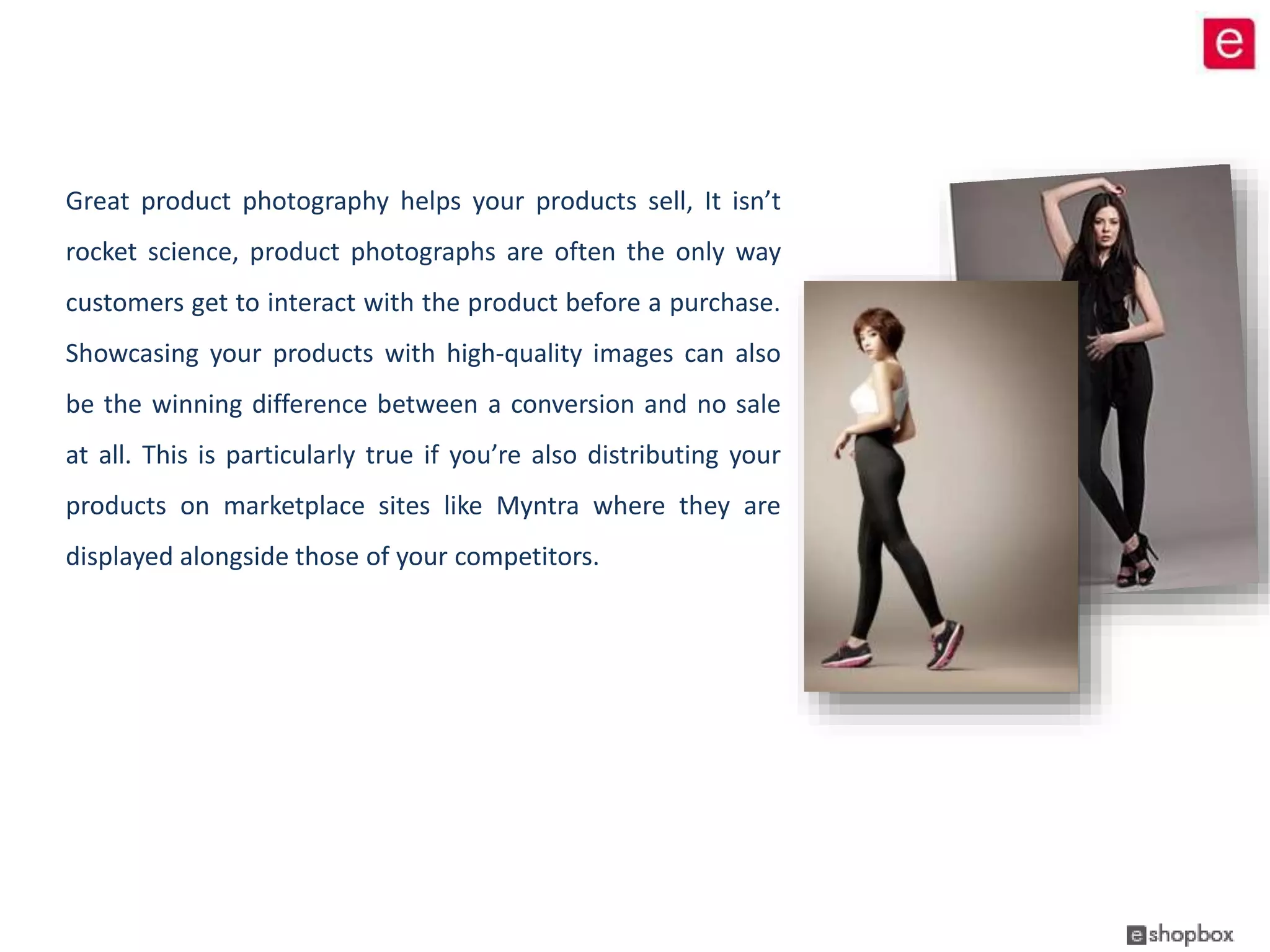
Great product photography helps your products sell, It isn’t 
rocket science, product photographs are often the only way 
customers get to interact with the product before a purchase. 
Showcasing your products with high-quality images can also 
be the winning difference between a conversion and no sale 
at all. This is particularly true if you’re also distributing your 
products on marketplace sites like Myntra where they are 
displayed alongside those of your competitors.
Guidelines 
 Make sure they’re high quality 
High quality is an absolute must. You want your customers to get the clearest picture possible, both literally and 
figuratively, when it comes to your products, and high quality photos are an integral part of achieving that. 
 Incorporate alternate views 
Product photos showcasing alternate views are another must-have. Remember: You want to be able to recreate 
the experience of a customer walking into a store and being able to pick up a product and look at it. Showcase 
your product by displaying pictures from different angles and from different proximities. 
 Product Detailing 
For your product photos to be their very best, you’ll want to make sure that it’s easy to zoom-in on them. The 
photo should remain clear, even when zoomed in on, and really highlight your products detailing. 
 Consistency 
In order to enhance your brand and give the most cohesive ecommerce shopping experience, your product photos 
should be consistent. Whether you use Flash or no Flash, a background or no background or a model or a 
mannequin, the important part is that whatever creative decisions you make, you apply them across the board.
Image Specifications 
Dimension (Aspect Ratio) Resolution Format Angles 
1:1.5 72dpi .jpg Front, Side, Back, Detail 
 The images should be centre aligned 
 Background color remains white until there is a requirement. 
 All images to be in vertical orientation 
 Soft natural shadow on the left of the image, not too away from the model 
 Posing must be aesthetically nice and it should enhance the USP of the product.
Example of Cropping Size for Bottom Wear in Image Frame 
The margin to be kept from left and right should be fixed for the complete shoot. 
Note: The Waist line and the bottom line remains constant in all the images
* Please note that the dimensions (aspect ratio) of the images may vary from website 
to website depending upon the prototype/design of the website.
Thank You!

Product photography guidelines by eshopbox

  • 1.
  • 2.
    Great product photographyhelps your products sell, It isn’t rocket science, product photographs are often the only way customers get to interact with the product before a purchase. Showcasing your products with high-quality images can also be the winning difference between a conversion and no sale at all. This is particularly true if you’re also distributing your products on marketplace sites like Myntra where they are displayed alongside those of your competitors.
  • 3.
    Guidelines  Makesure they’re high quality High quality is an absolute must. You want your customers to get the clearest picture possible, both literally and figuratively, when it comes to your products, and high quality photos are an integral part of achieving that.  Incorporate alternate views Product photos showcasing alternate views are another must-have. Remember: You want to be able to recreate the experience of a customer walking into a store and being able to pick up a product and look at it. Showcase your product by displaying pictures from different angles and from different proximities.  Product Detailing For your product photos to be their very best, you’ll want to make sure that it’s easy to zoom-in on them. The photo should remain clear, even when zoomed in on, and really highlight your products detailing.  Consistency In order to enhance your brand and give the most cohesive ecommerce shopping experience, your product photos should be consistent. Whether you use Flash or no Flash, a background or no background or a model or a mannequin, the important part is that whatever creative decisions you make, you apply them across the board.
  • 4.
    Image Specifications Dimension(Aspect Ratio) Resolution Format Angles 1:1.5 72dpi .jpg Front, Side, Back, Detail  The images should be centre aligned  Background color remains white until there is a requirement.  All images to be in vertical orientation  Soft natural shadow on the left of the image, not too away from the model  Posing must be aesthetically nice and it should enhance the USP of the product.
  • 5.
    Example of CroppingSize for Bottom Wear in Image Frame The margin to be kept from left and right should be fixed for the complete shoot. Note: The Waist line and the bottom line remains constant in all the images
  • 6.
    * Please notethat the dimensions (aspect ratio) of the images may vary from website to website depending upon the prototype/design of the website.
  • 7.