Parts of theParts of the
ComputerComputer
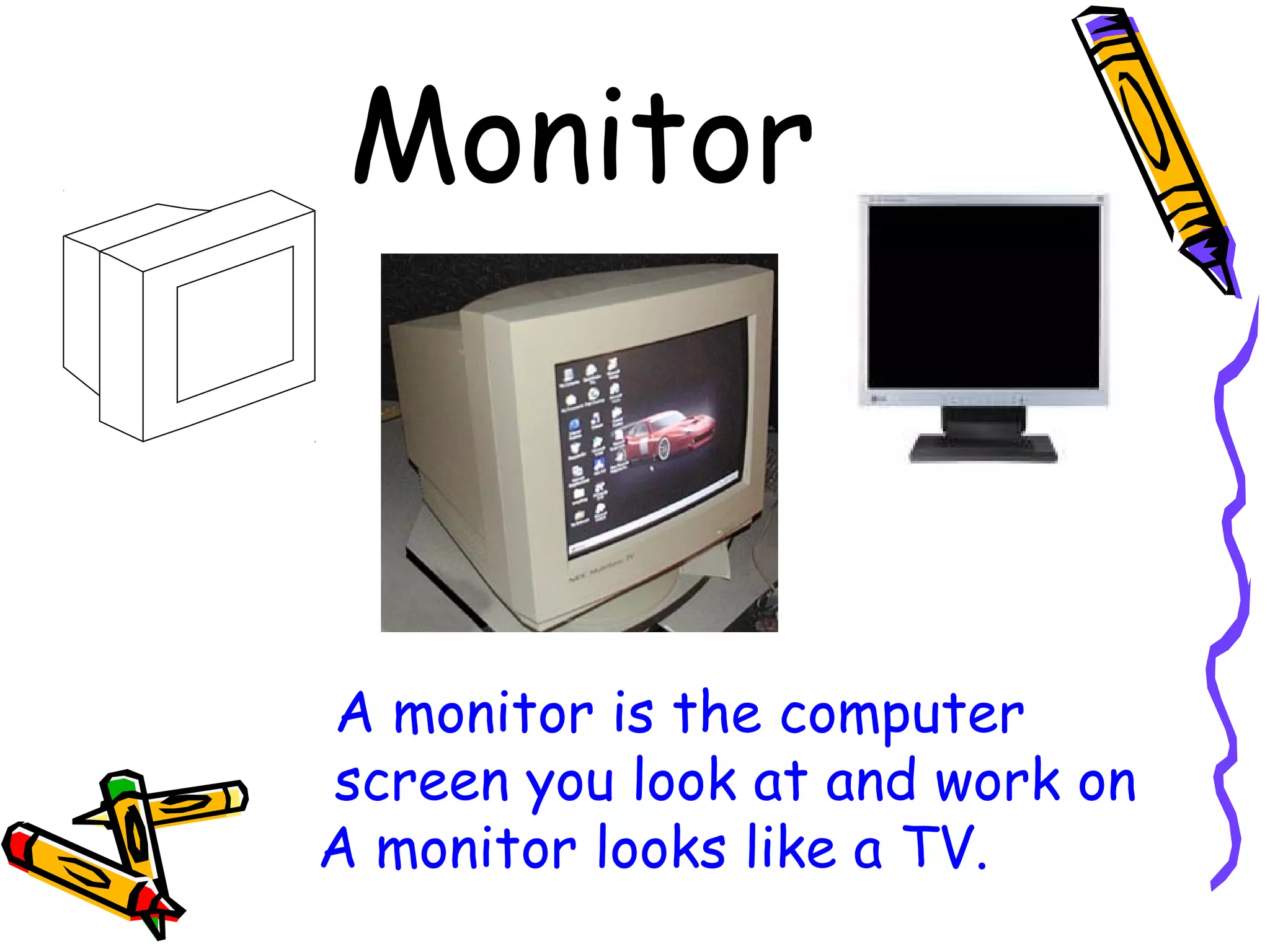
Monitor
A monitor is the computer
screen you look at and work on
A monitor looks like a TV.
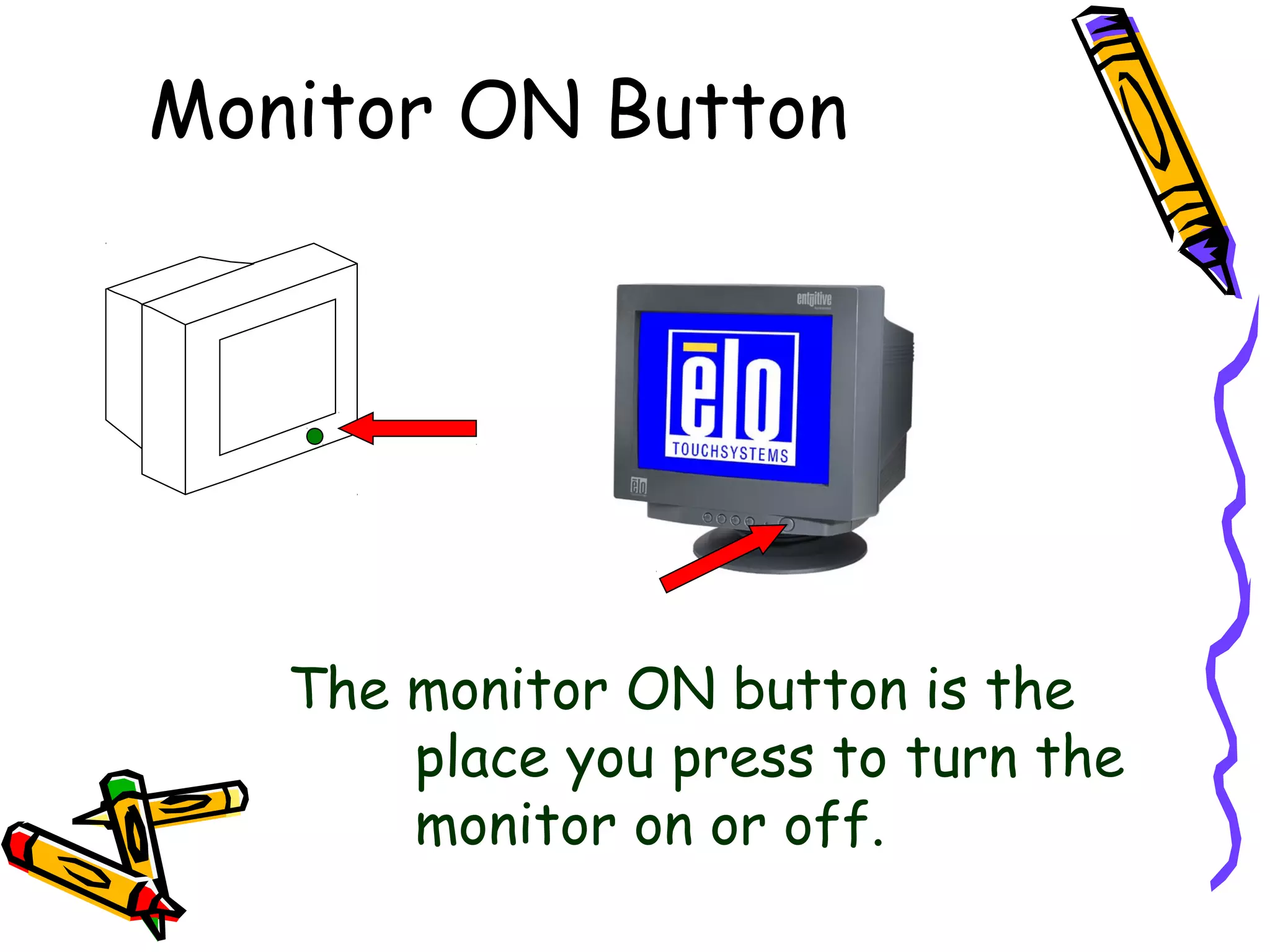
Monitor ON Button
The monitor ON button is the
place you press to turn the
monitor on or off.
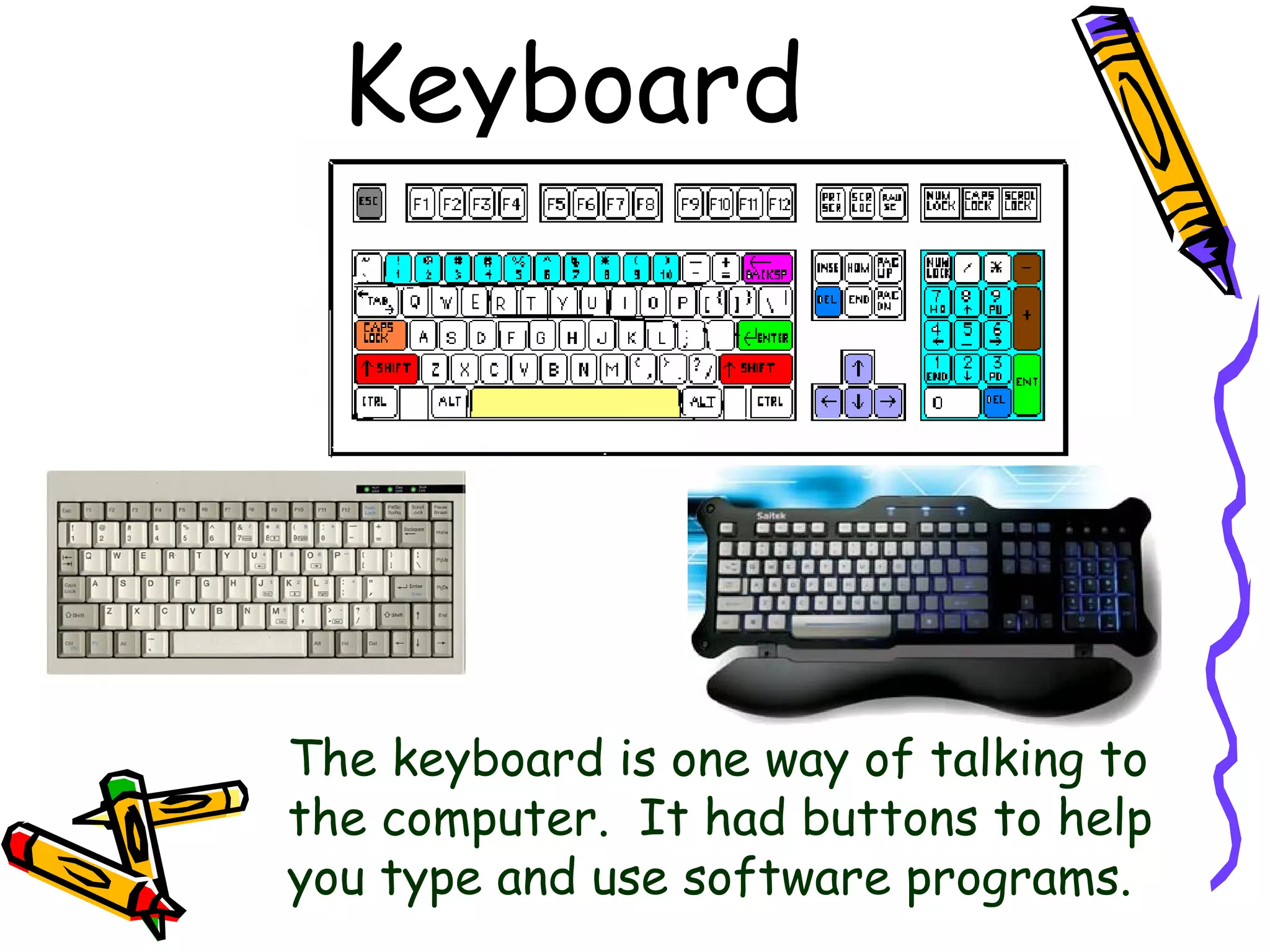
Keyboard
The keyboard is one way of talking to
the computer. It had buttons to help
you type and use software programs.
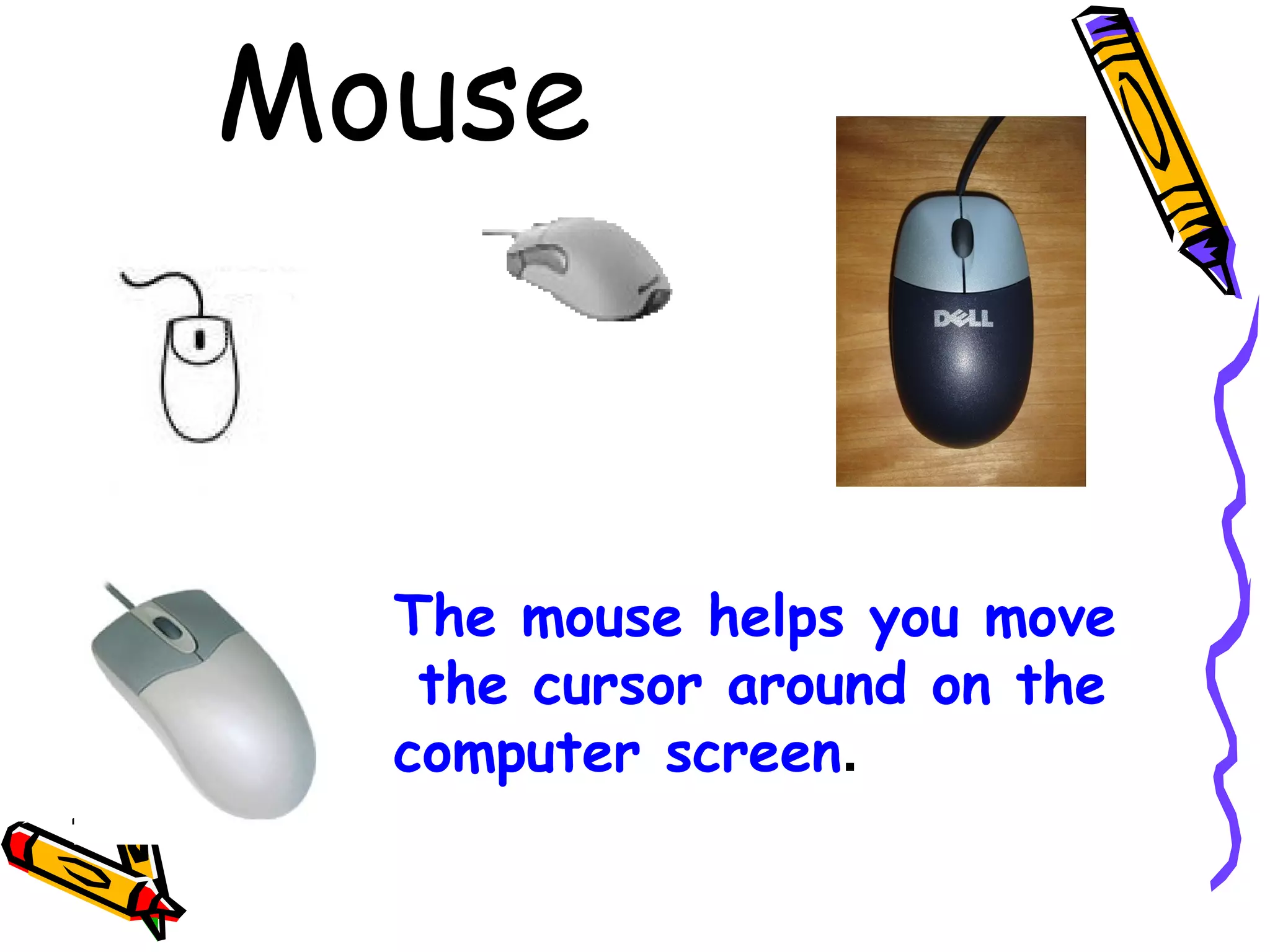
Mouse
The mouse helps you move
the cursor around on the
computer screen.
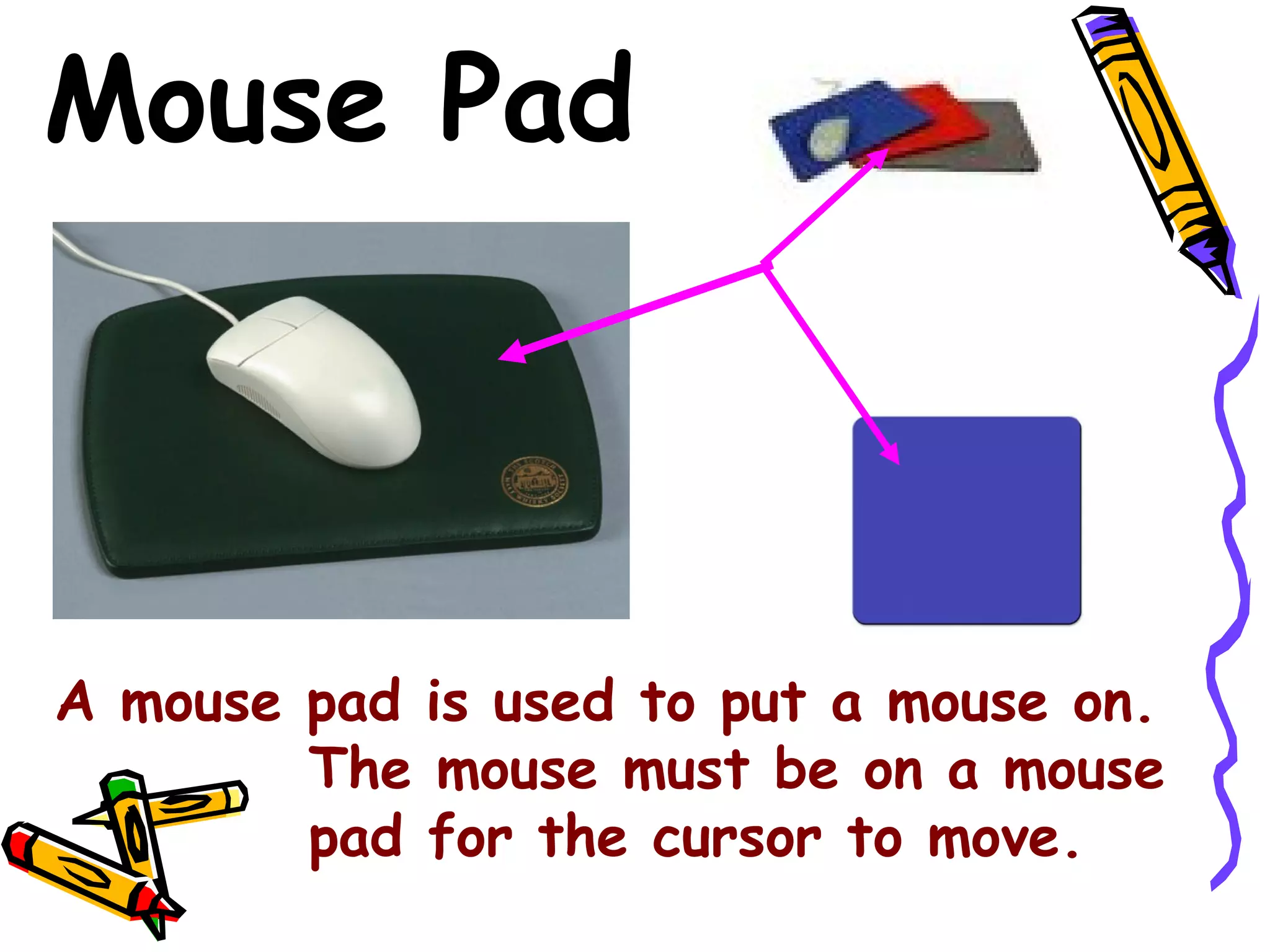
Mouse Pad
A mouse pad is used to put a mouse on.
The mouse must be on a mouse
pad for the cursor to move.
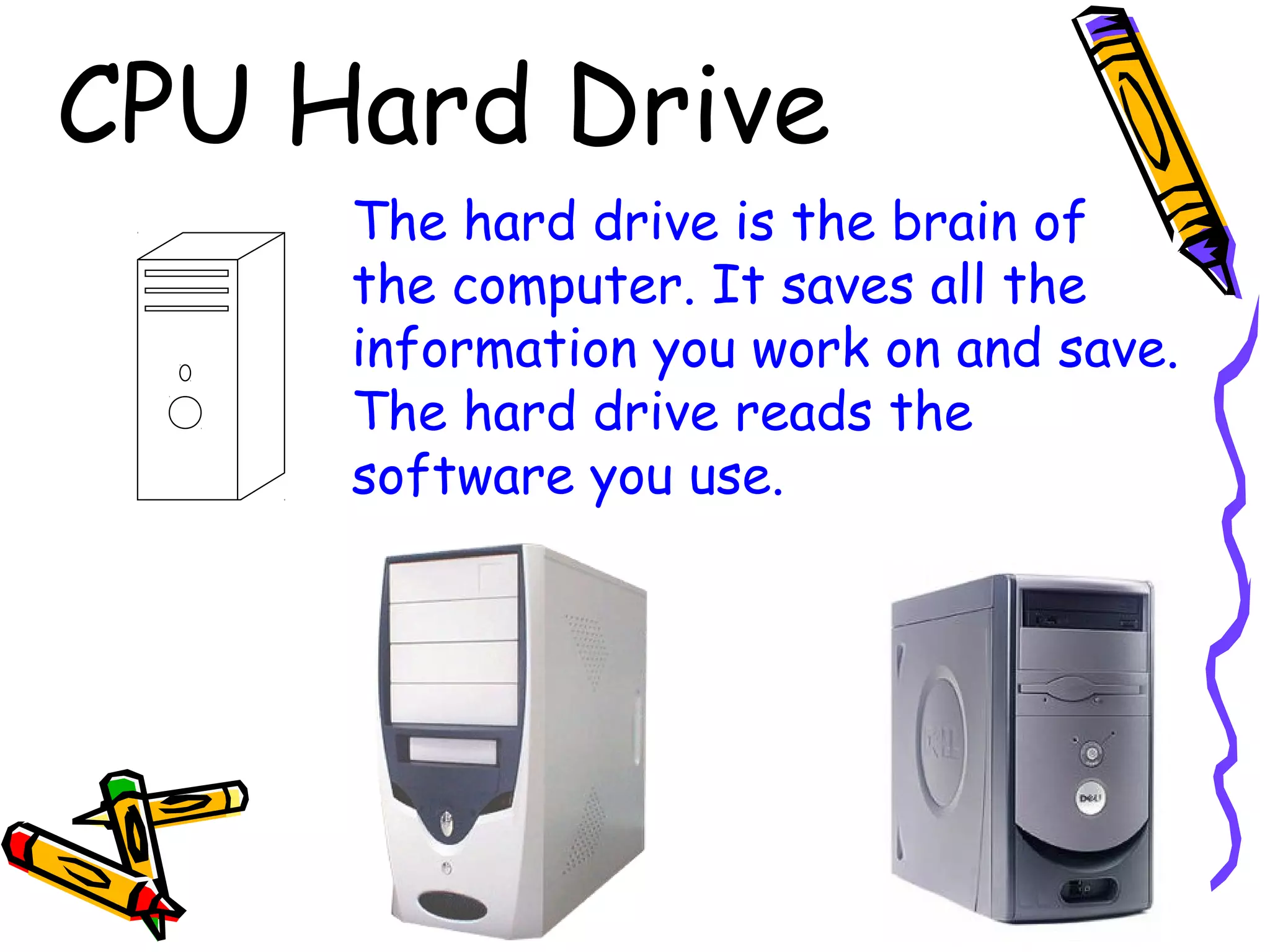
CPU Hard Drive
The hard drive is the brain of
the computer. It saves all the
information you work on and save.
The hard drive reads the
software you use.
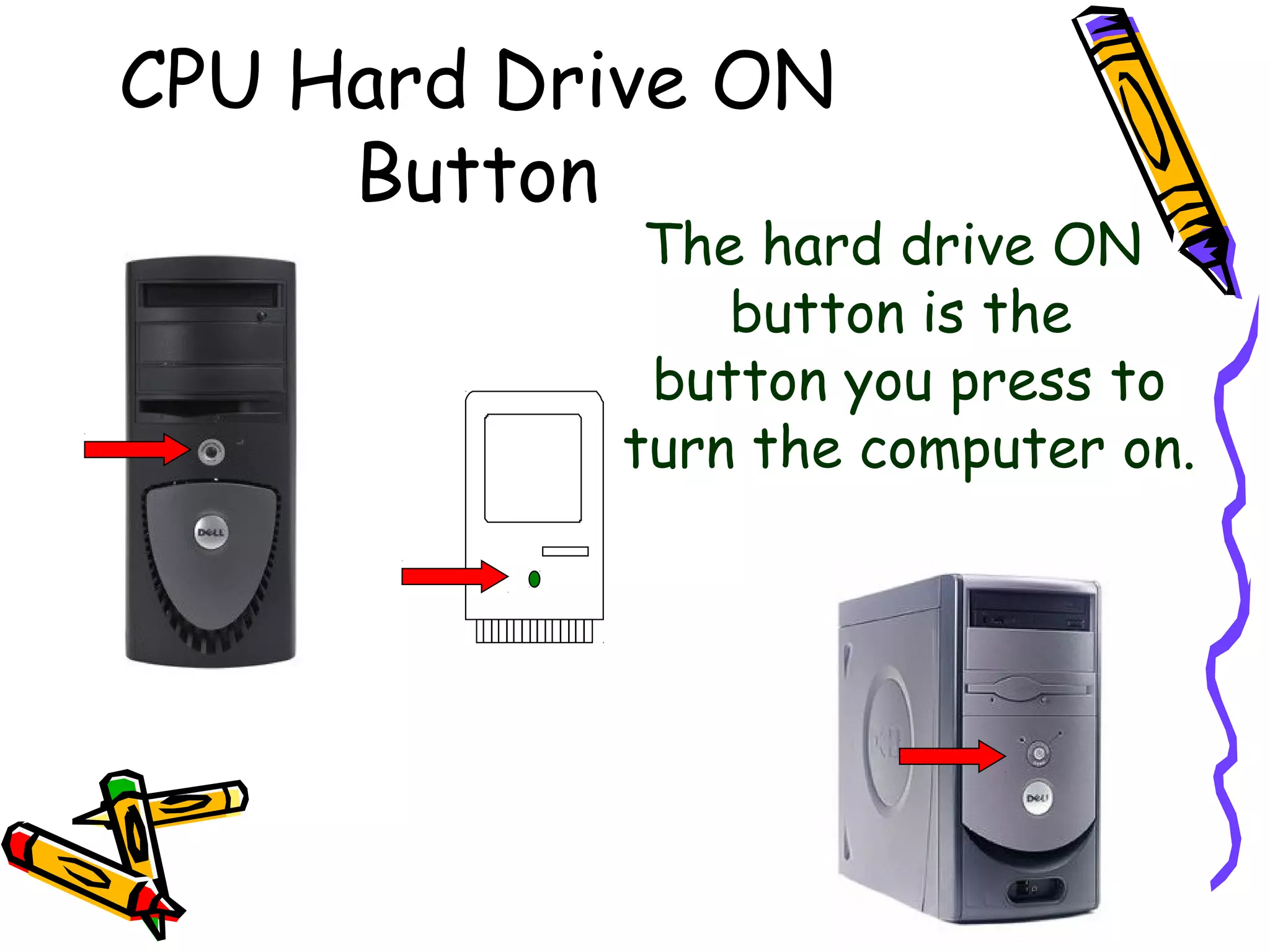
CPU Hard Drive ON
Button
The hard drive ON
button is the
button you press to
turn the computer on.
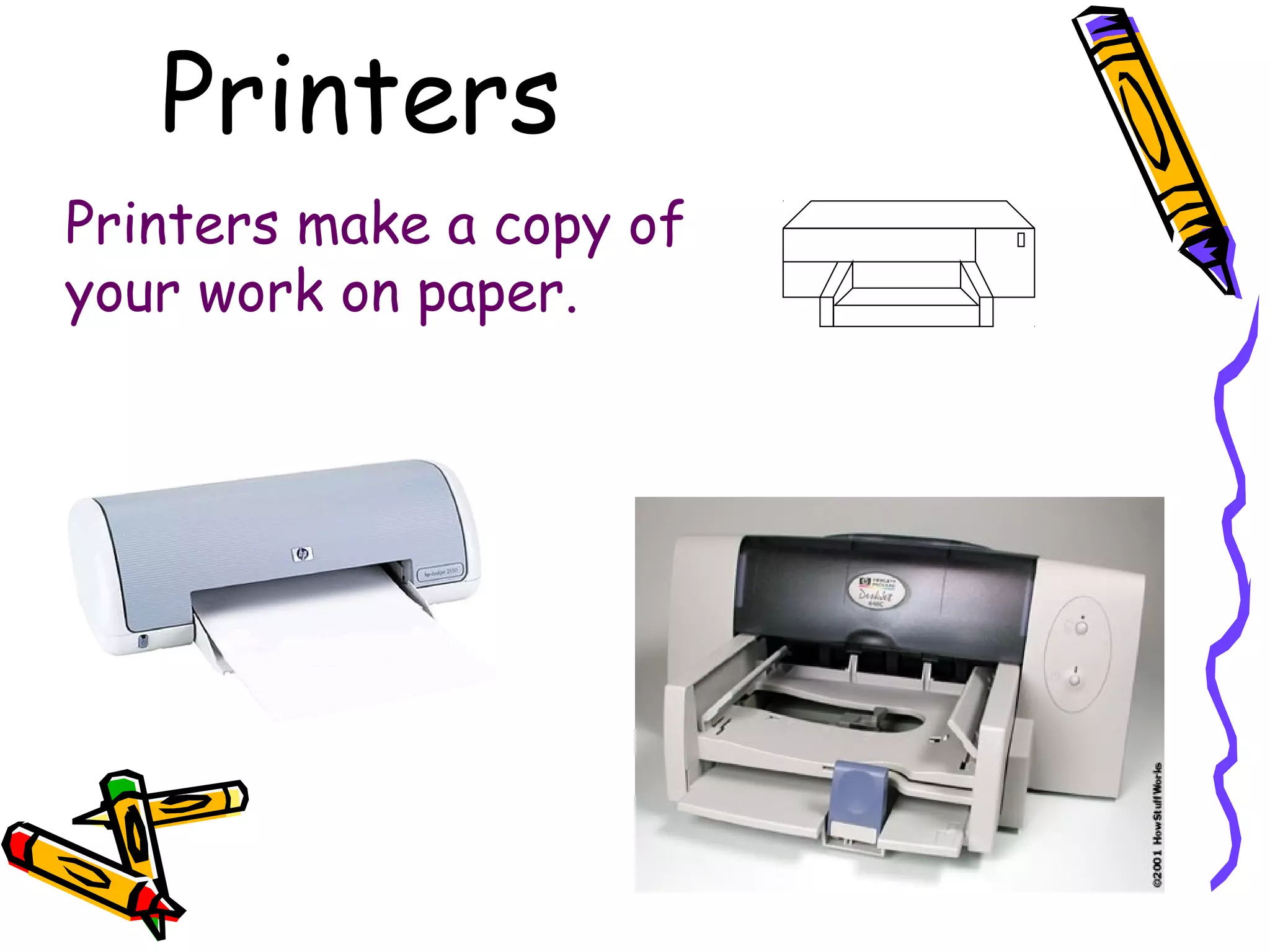
Printers
Printers make a copy of
your work on paper.
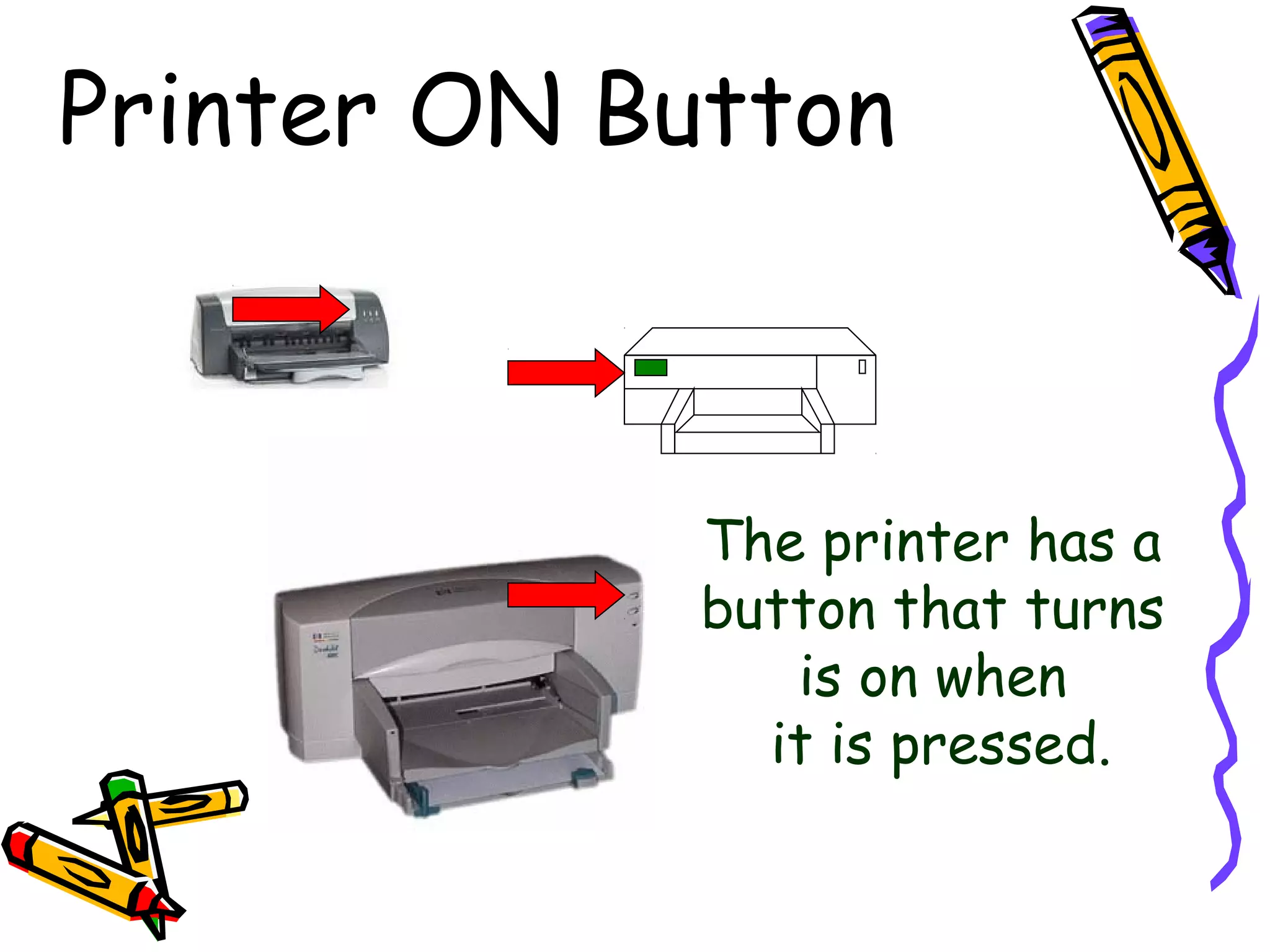
Printer ON Button
The printer has a
button that turns
is on when
it is pressed.
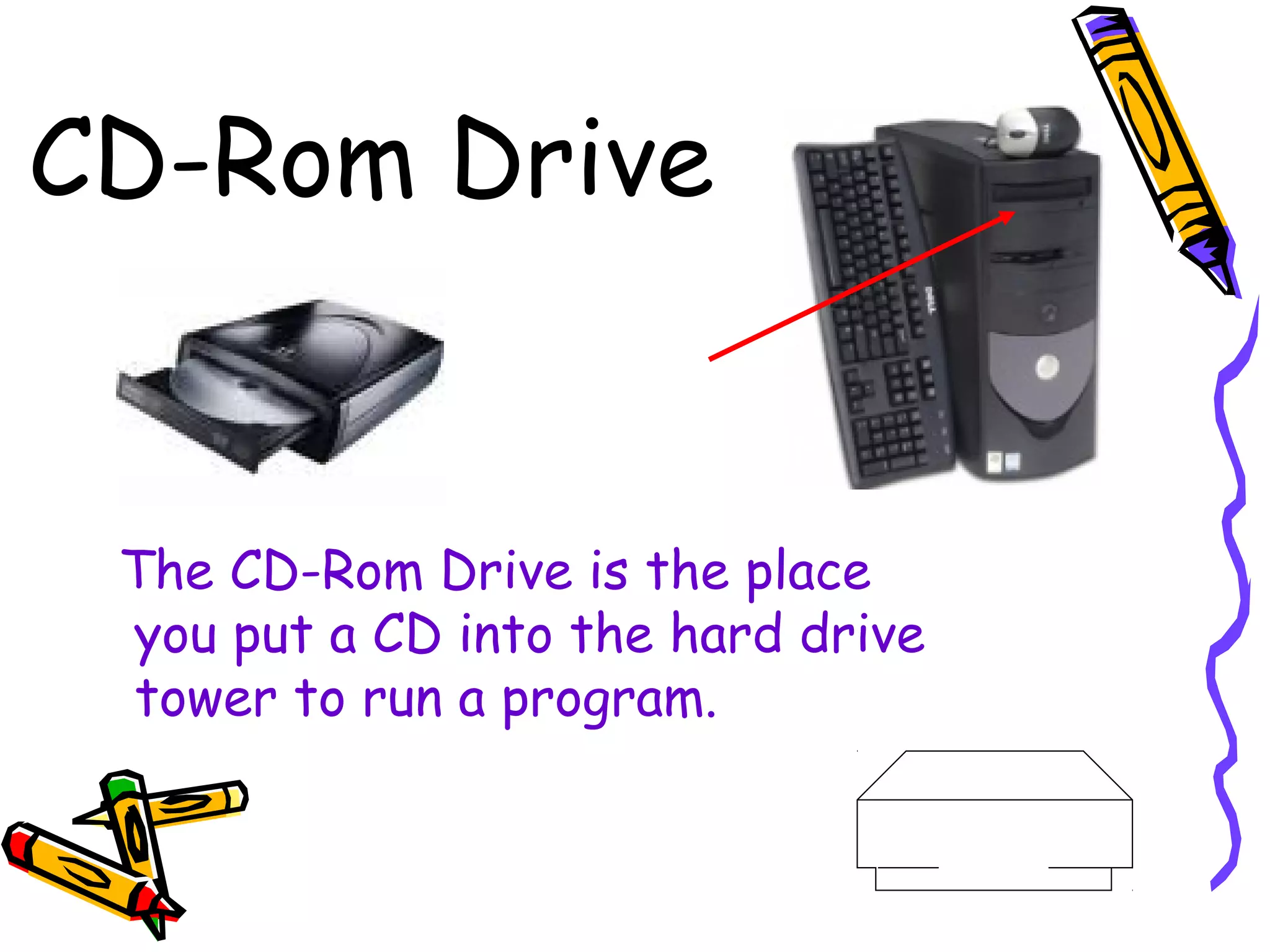
CD-Rom Drive
The CD-Rom Drive is the place
you put a CD into the hard drive
tower to run a program.
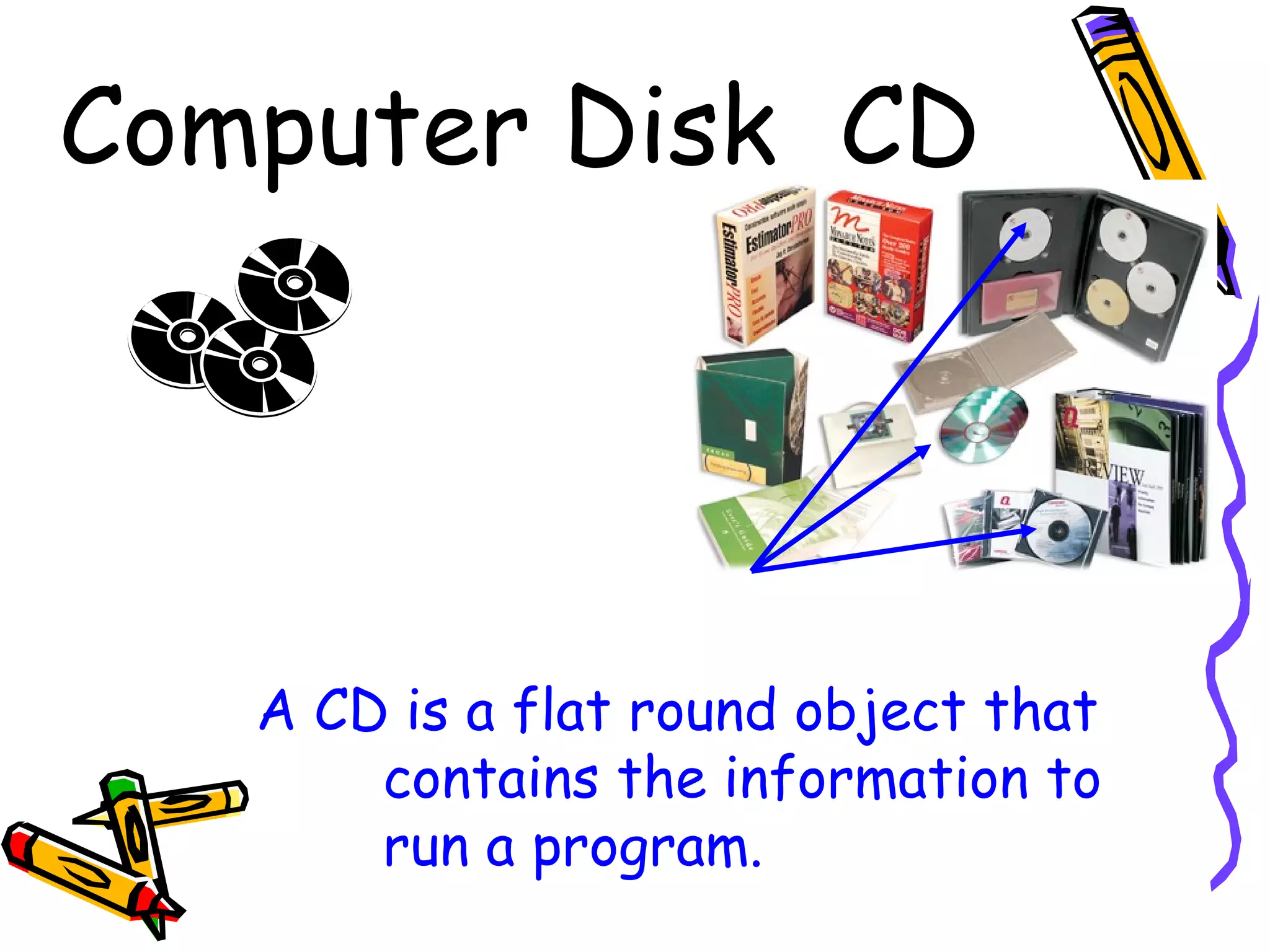
Computer Disk CD
A CD is a flat round object that
contains the information to
run a program.
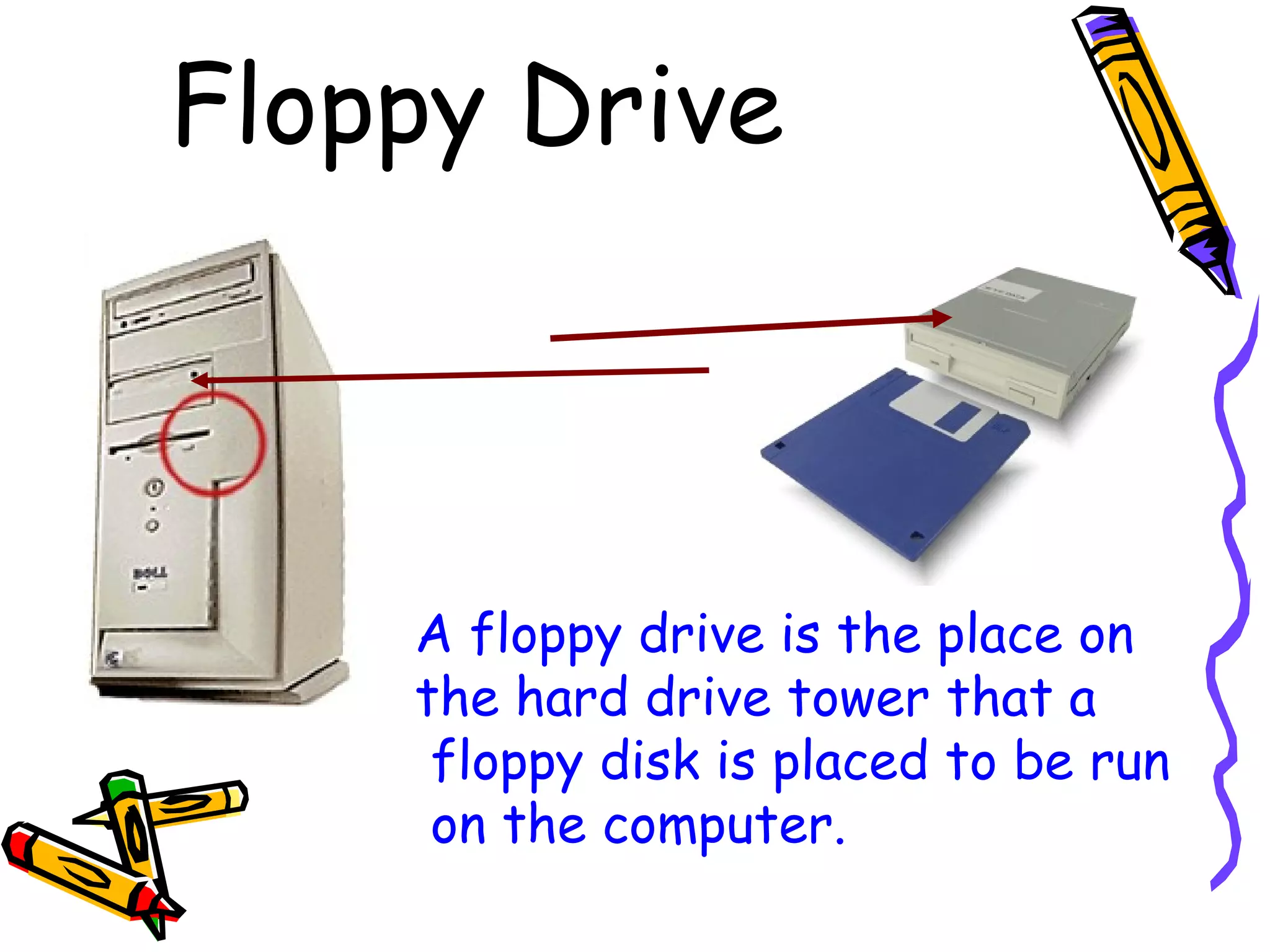
Floppy Drive
A floppy drive is the place on
the hard drive tower that a
floppy disk is placed to be run
on the computer.
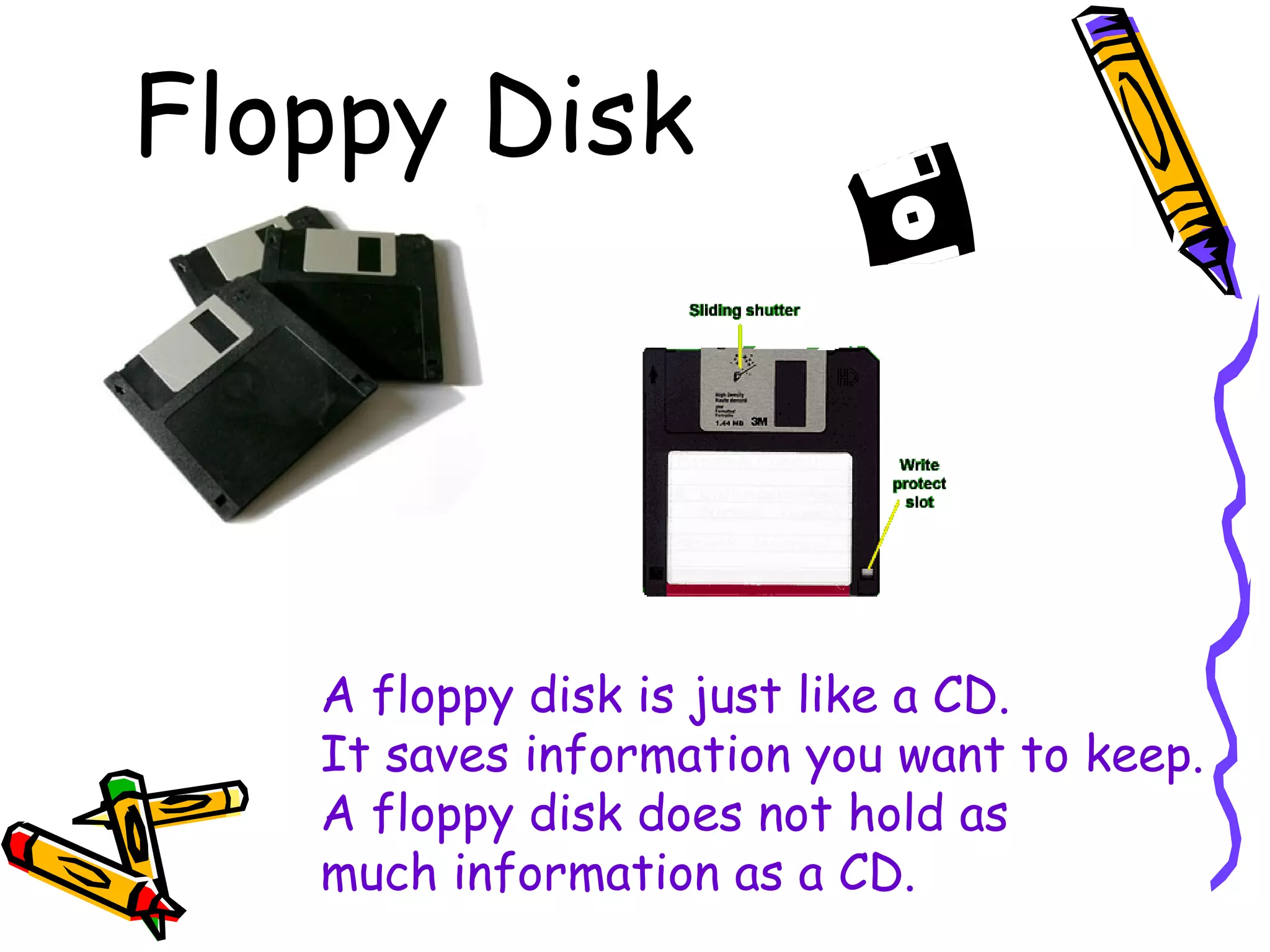
Floppy Disk
A floppy disk is just like a CD.
It saves information you want to keep.
A floppy disk does not hold as
much information as a CD.
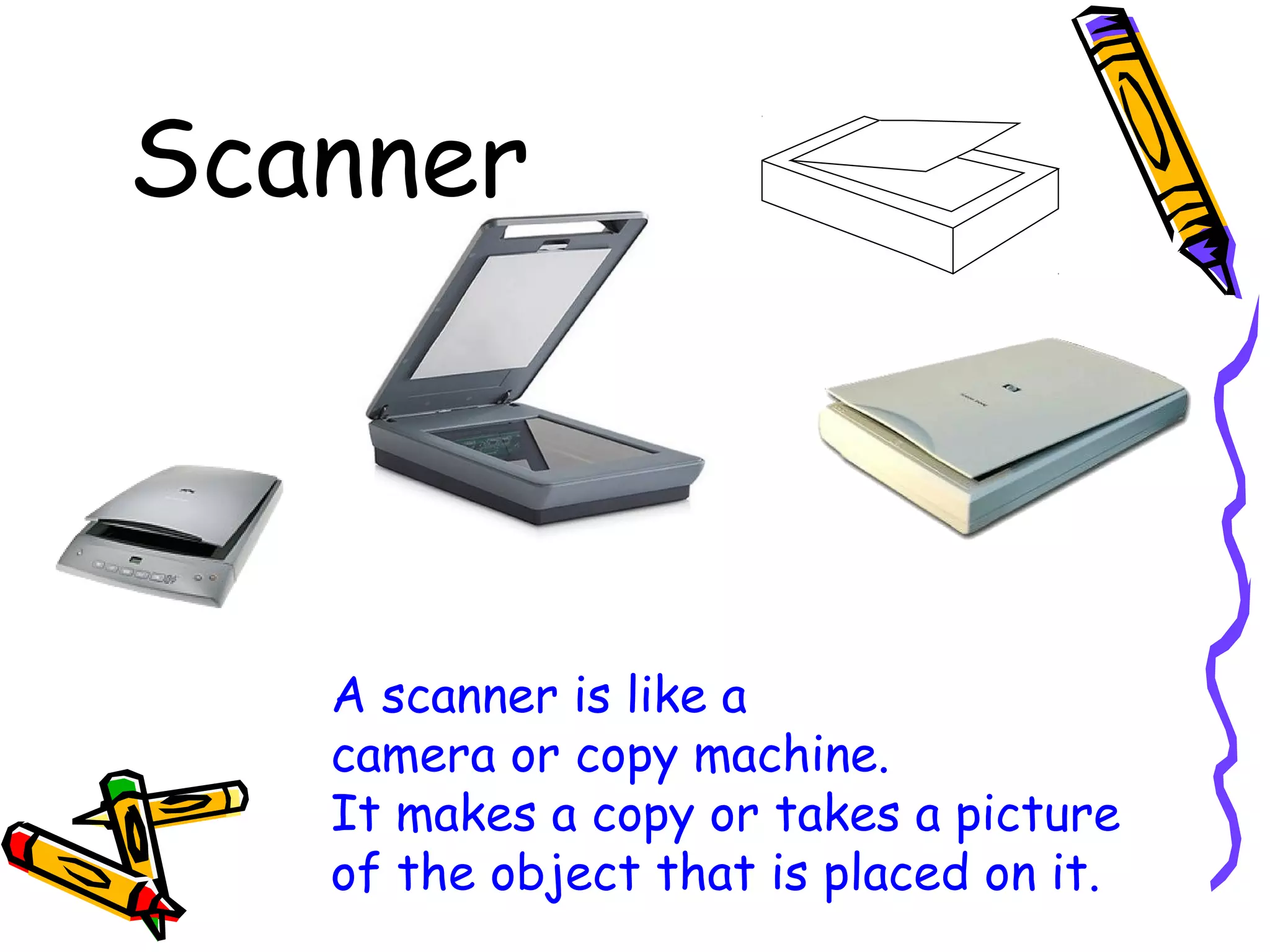
Scanner
A scanner is like a
camera or copy machine.
It makes a copy or takes a picture
of the object that is placed on it.
Bibliography
Pictures found at:
• www.smwsa.com/ images/mouse-pad.jpg
• www.allsop.com/images/ product/28228_basicblue...
• www.micro-wiz.com/images/ hardware/mousepad.gif
• www.istockphoto.com/ file_thumbview_approve/32...
• www.ninecreative.com/ images/wordsmart.gif
• images.ebsco.com/pob/ VIP/catalog/20multip1-m.jpg
• members.aol.com/RyanP0917/ dave/monitor.jpg
• shop.saimicadove.it/ open2b/var/catalog/b/217.jpg
• www.posintl.com/ images/crt%20monitor.jpg
• www.saitekusa.com/.../ product/pcp/eclipse.jpg
• www.egtechnology.com/ keyboard/keyboard.gif
• www.freephoto1.com/ photo/photo-computer-19.jpg
• onlinecrazydeals.meridian1.net/ Images/externa...
• www.unicom-pc.com/ images/super115.gif
• static.howstuffworks.com/ gif/inkjet-printer3.jpg
• images.techtree.com/ ttimages/story/hp-3550.jpg
• www.frontier-electronics.co.za/ images/pri_pr0...
• http://dll.botik.ru/educ/clerk/Library/Computer/HP-printer.gif
• https://www.affordablecomputers.com/images/products/dell_gx240_tower.jpg
• http://www.dpninc.com/images/y-e_data/1inchfloppywithfloppy.jpg
• http://www.macopinion.com/columns/engine/00/10/29/del_tower2.jpg
• http://www.aldownloading.co.uk/images/pic-disks.jpg
• http://doit.ort.org/course/storage/images/342.gif
• http://www.itclear.com/HP%20C8517A%20Scanner.gifhttp://guenstige-
hardware.de/ebay/Florian_N/HP%20Scanner/HP%20Scanjet%202100c.gif
• http://www.computerarts.co.uk/__data/assets/image/258908/Scanjet4890.jpg

Parts of the computer ppt

  • 1.
    Parts of thePartsof the ComputerComputer
  • 2.
    Monitor A monitor isthe computer screen you look at and work on A monitor looks like a TV.
  • 3.
    Monitor ON Button Themonitor ON button is the place you press to turn the monitor on or off.
  • 4.
    Keyboard The keyboard isone way of talking to the computer. It had buttons to help you type and use software programs.
  • 5.
    Mouse The mouse helpsyou move the cursor around on the computer screen.
  • 6.
    Mouse Pad A mousepad is used to put a mouse on. The mouse must be on a mouse pad for the cursor to move.
  • 7.
    CPU Hard Drive Thehard drive is the brain of the computer. It saves all the information you work on and save. The hard drive reads the software you use.
  • 8.
    CPU Hard DriveON Button The hard drive ON button is the button you press to turn the computer on.
  • 9.
    Printers Printers make acopy of your work on paper.
  • 10.
    Printer ON Button Theprinter has a button that turns is on when it is pressed.
  • 11.
    CD-Rom Drive The CD-RomDrive is the place you put a CD into the hard drive tower to run a program.
  • 12.
    Computer Disk CD ACD is a flat round object that contains the information to run a program.
  • 13.
    Floppy Drive A floppydrive is the place on the hard drive tower that a floppy disk is placed to be run on the computer.
  • 14.
    Floppy Disk A floppydisk is just like a CD. It saves information you want to keep. A floppy disk does not hold as much information as a CD.
  • 15.
    Scanner A scanner islike a camera or copy machine. It makes a copy or takes a picture of the object that is placed on it.
  • 16.
    Bibliography Pictures found at: •www.smwsa.com/ images/mouse-pad.jpg • www.allsop.com/images/ product/28228_basicblue... • www.micro-wiz.com/images/ hardware/mousepad.gif • www.istockphoto.com/ file_thumbview_approve/32... • www.ninecreative.com/ images/wordsmart.gif • images.ebsco.com/pob/ VIP/catalog/20multip1-m.jpg • members.aol.com/RyanP0917/ dave/monitor.jpg • shop.saimicadove.it/ open2b/var/catalog/b/217.jpg • www.posintl.com/ images/crt%20monitor.jpg • www.saitekusa.com/.../ product/pcp/eclipse.jpg • www.egtechnology.com/ keyboard/keyboard.gif • www.freephoto1.com/ photo/photo-computer-19.jpg • onlinecrazydeals.meridian1.net/ Images/externa... • www.unicom-pc.com/ images/super115.gif • static.howstuffworks.com/ gif/inkjet-printer3.jpg • images.techtree.com/ ttimages/story/hp-3550.jpg • www.frontier-electronics.co.za/ images/pri_pr0... • http://dll.botik.ru/educ/clerk/Library/Computer/HP-printer.gif • https://www.affordablecomputers.com/images/products/dell_gx240_tower.jpg • http://www.dpninc.com/images/y-e_data/1inchfloppywithfloppy.jpg • http://www.macopinion.com/columns/engine/00/10/29/del_tower2.jpg • http://www.aldownloading.co.uk/images/pic-disks.jpg • http://doit.ort.org/course/storage/images/342.gif • http://www.itclear.com/HP%20C8517A%20Scanner.gifhttp://guenstige- hardware.de/ebay/Florian_N/HP%20Scanner/HP%20Scanjet%202100c.gif • http://www.computerarts.co.uk/__data/assets/image/258908/Scanjet4890.jpg