Identifying and Describing Various Parts of a Computer By: Serena Bilardello Sarah Koepsell
Mouse and Mouse pad A mouse is a handheld device that allows you to select and move items on your screen.
Keyboard The keys on a keyboard allow you to enter information and instructions into a computer.
Printer A printer is a device that produces a paper copy of information described on a computer screen.
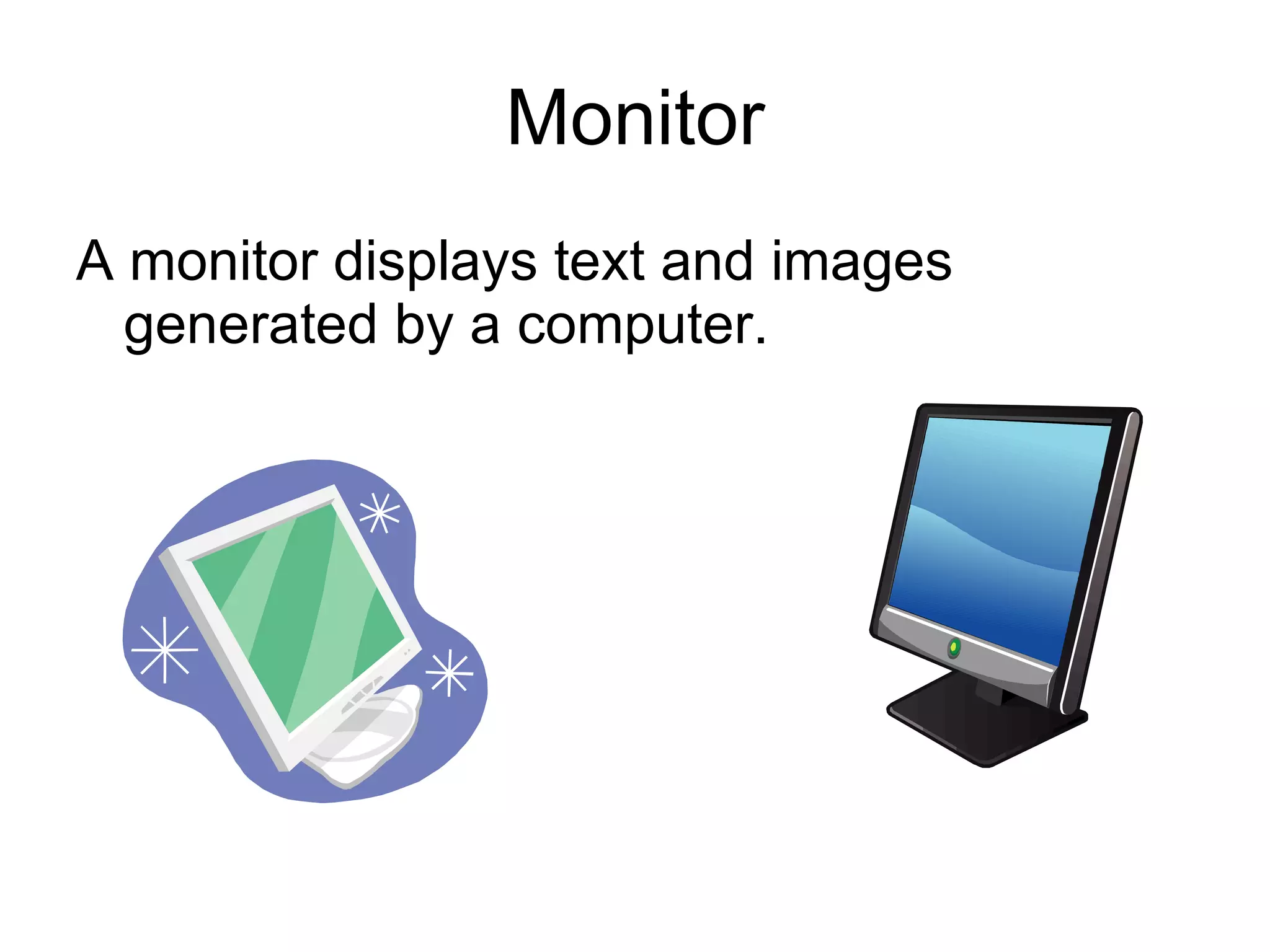
Monitor A monitor displays text and images generated by a computer.
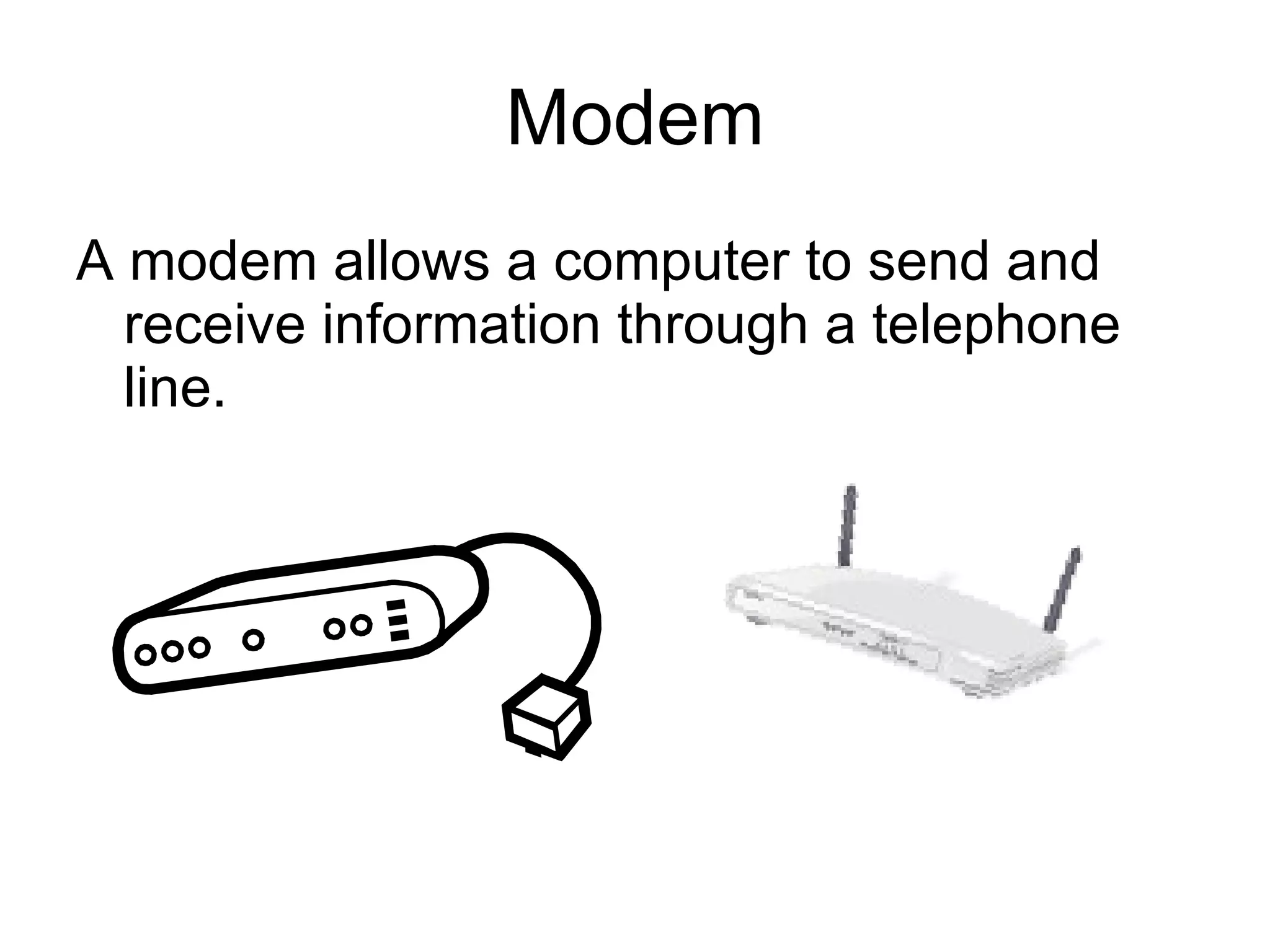
Modem A modem allows a computer to send and receive information through a telephone line.
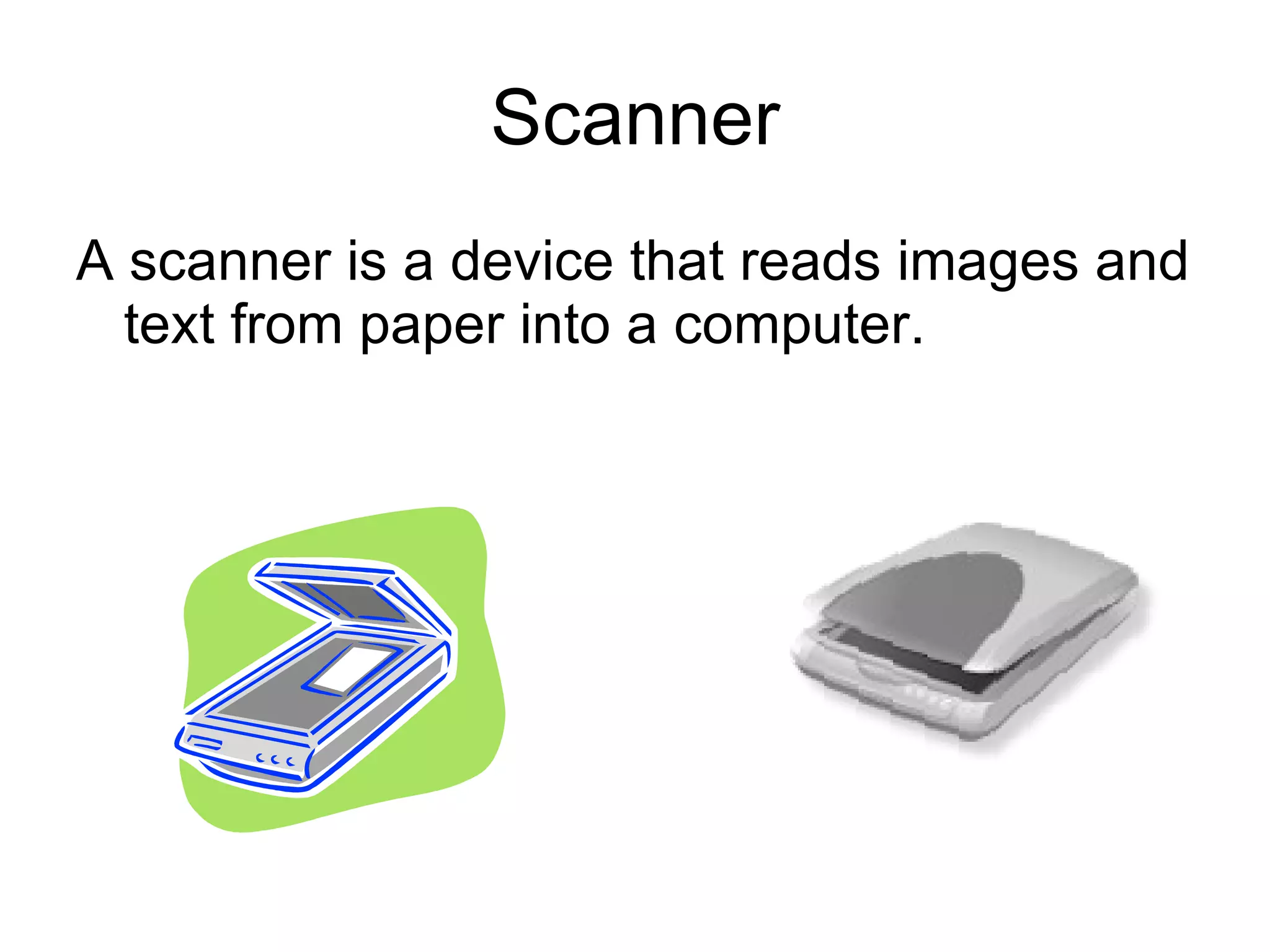
Scanner A scanner is a device that reads images and text from paper into a computer.
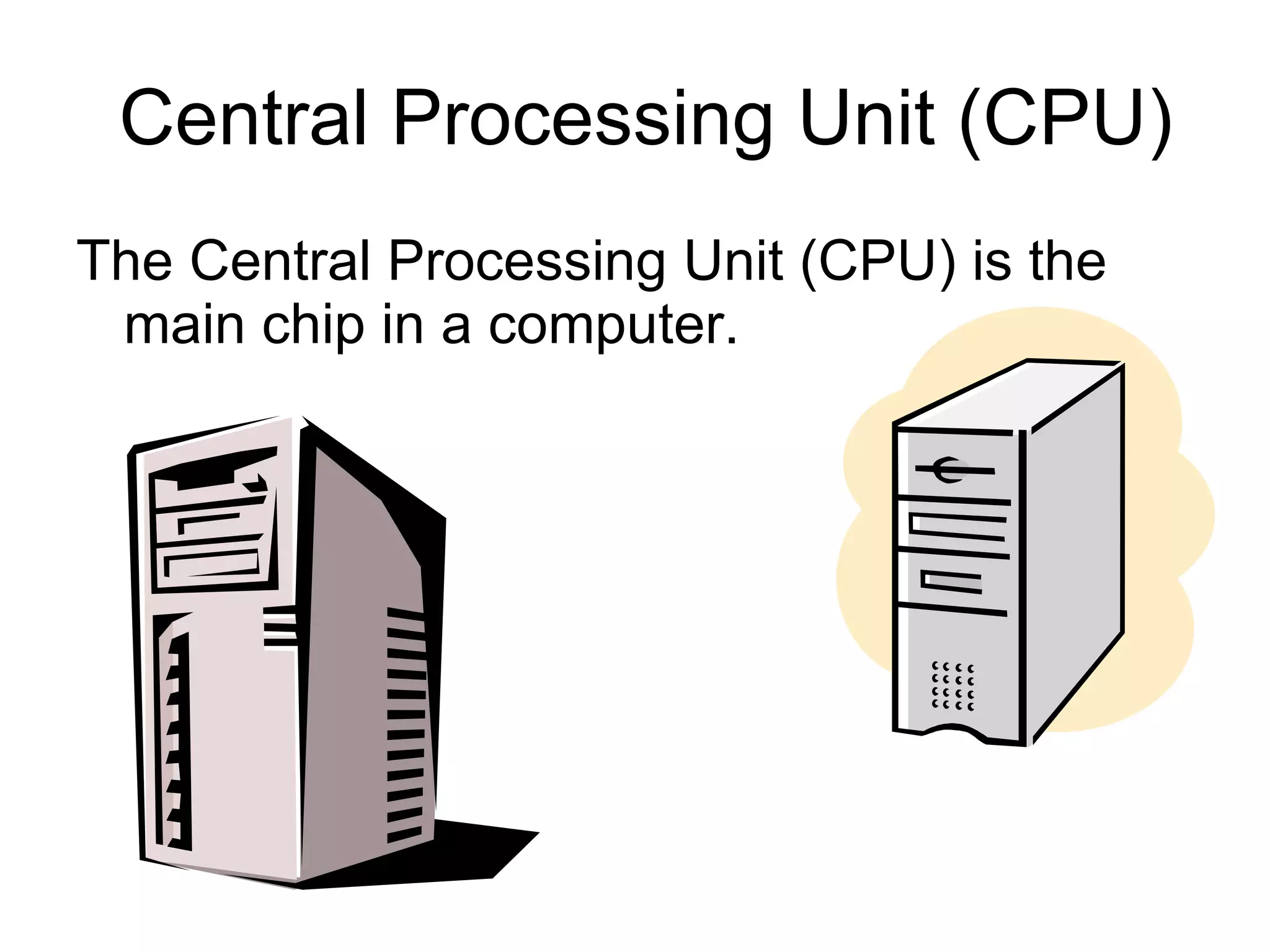
Central Processing Unit (CPU) The Central Processing Unit (CPU) is the main chip in a computer.
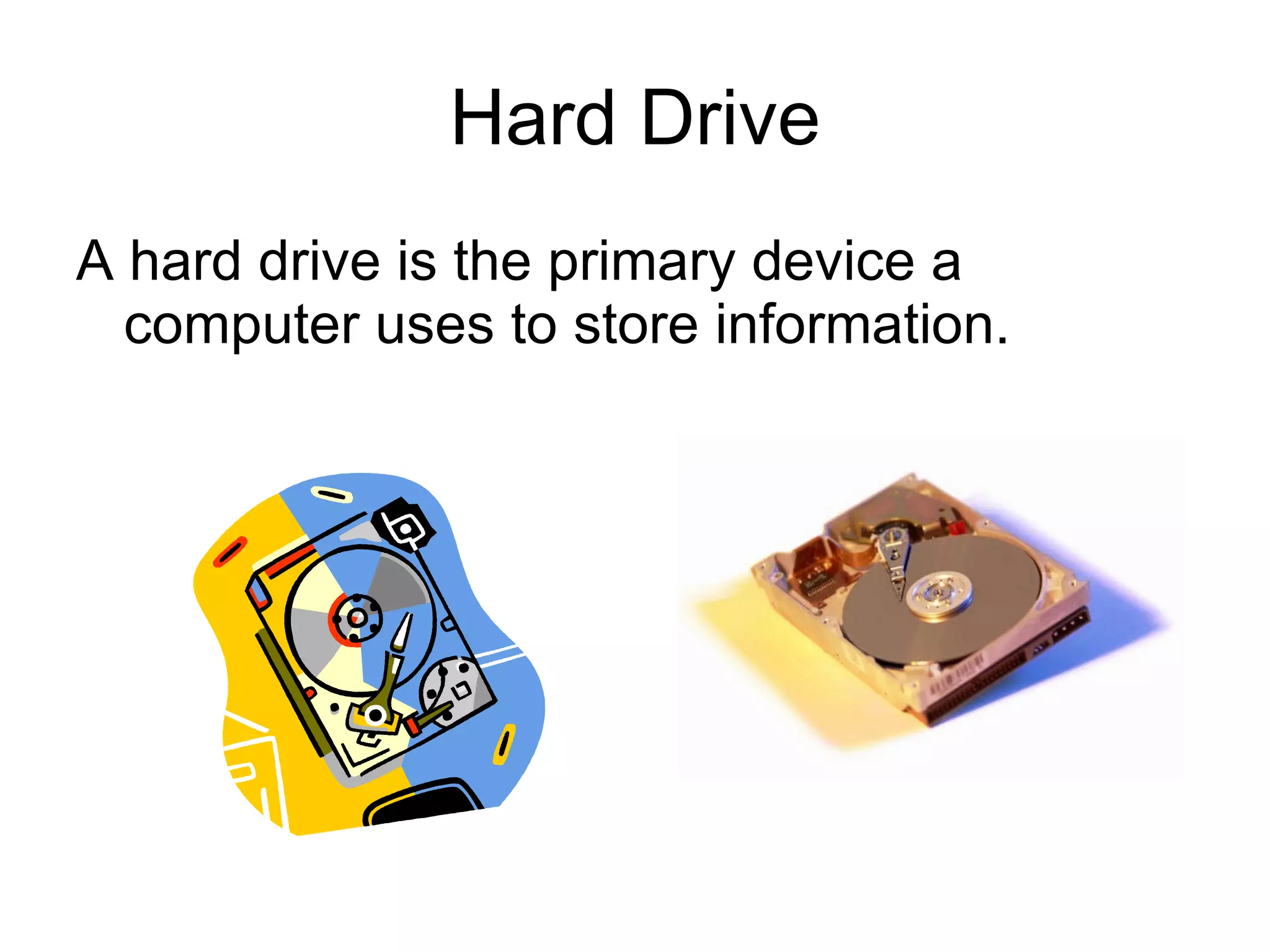
Hard Drive A hard drive is the primary device a computer uses to store information.
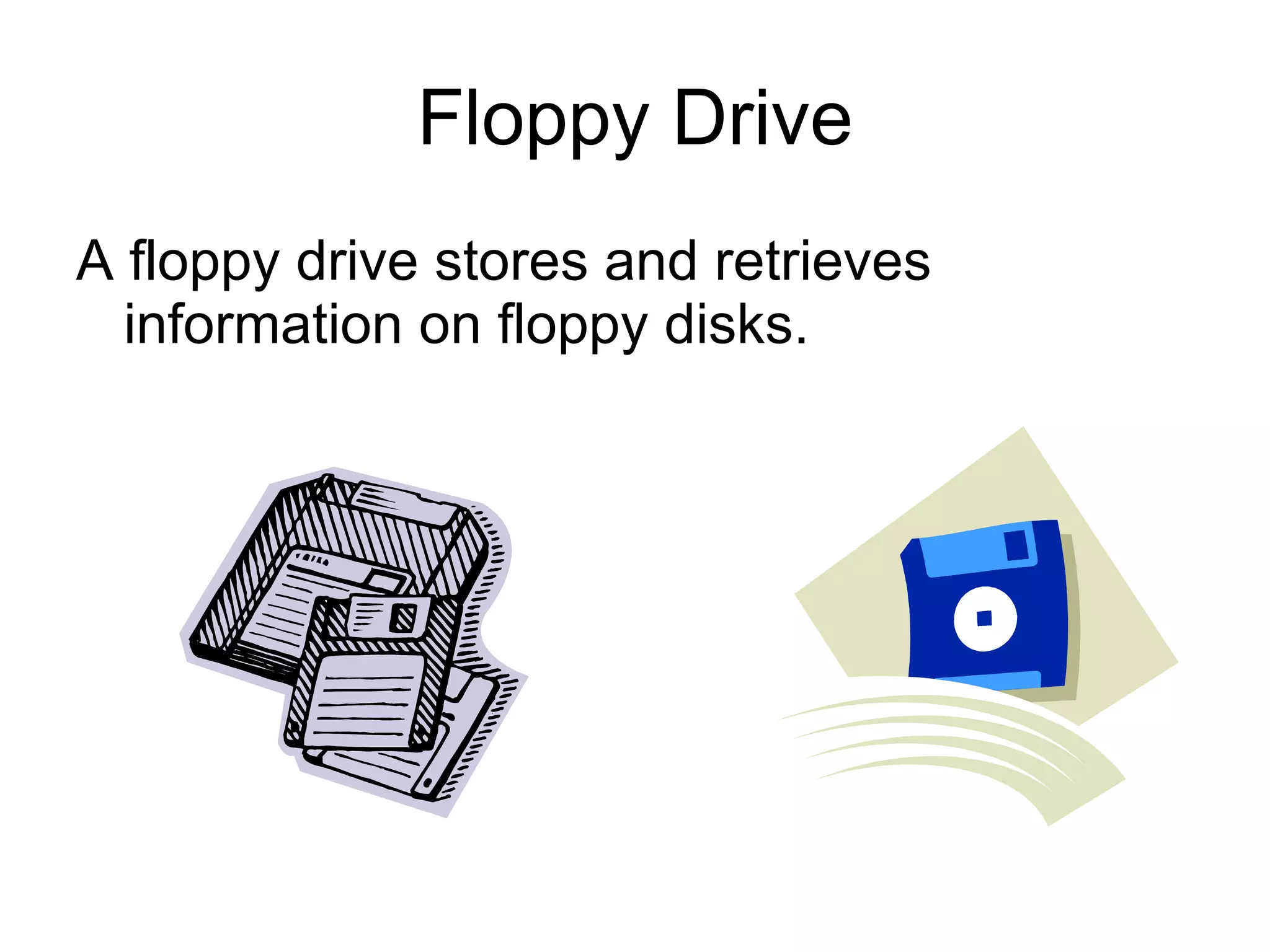
Floppy Drive A floppy drive stores and retrieves information on floppy disks.
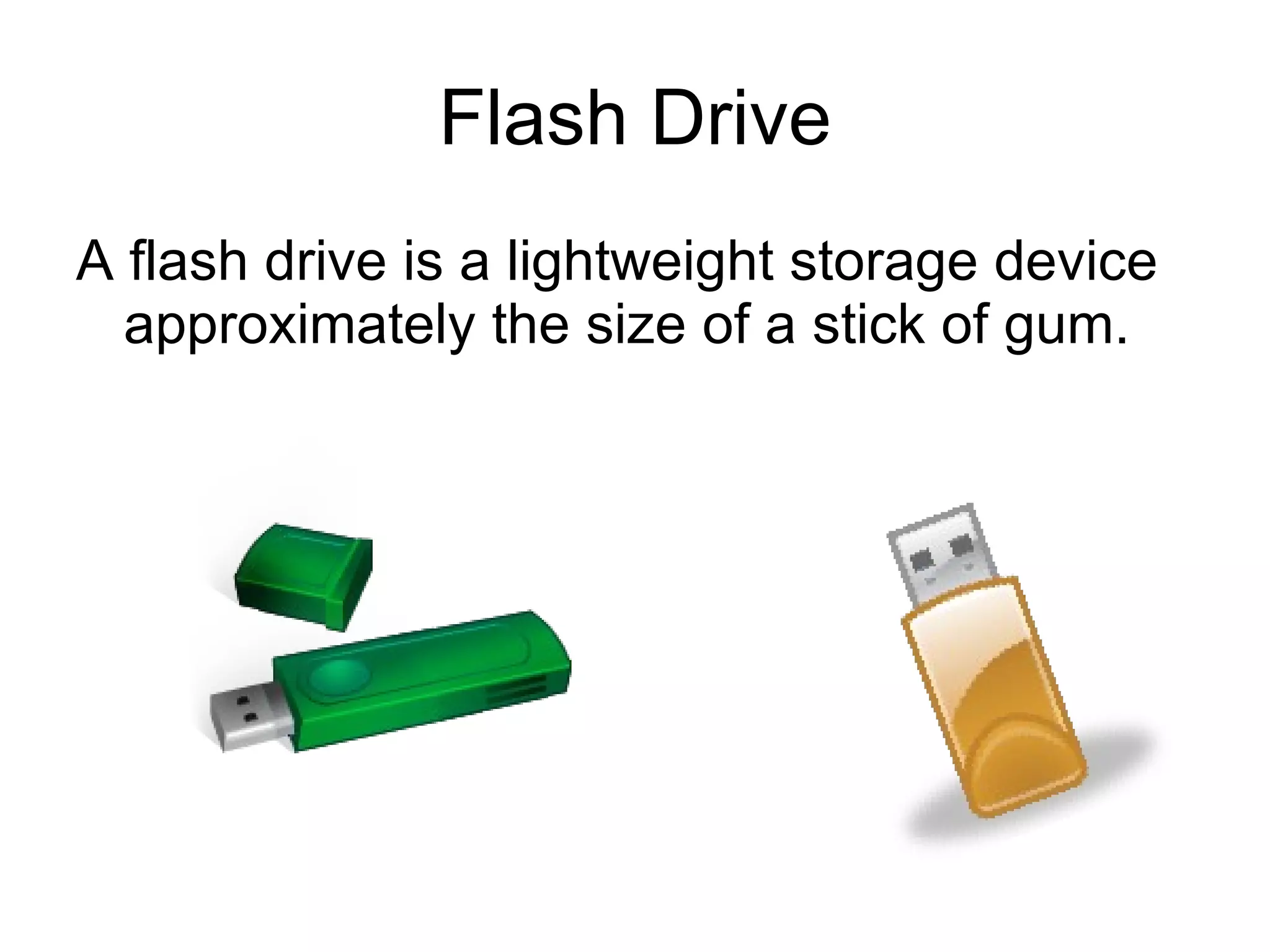
Flash Drive A flash drive is a lightweight storage device approximately the size of a stick of gum.
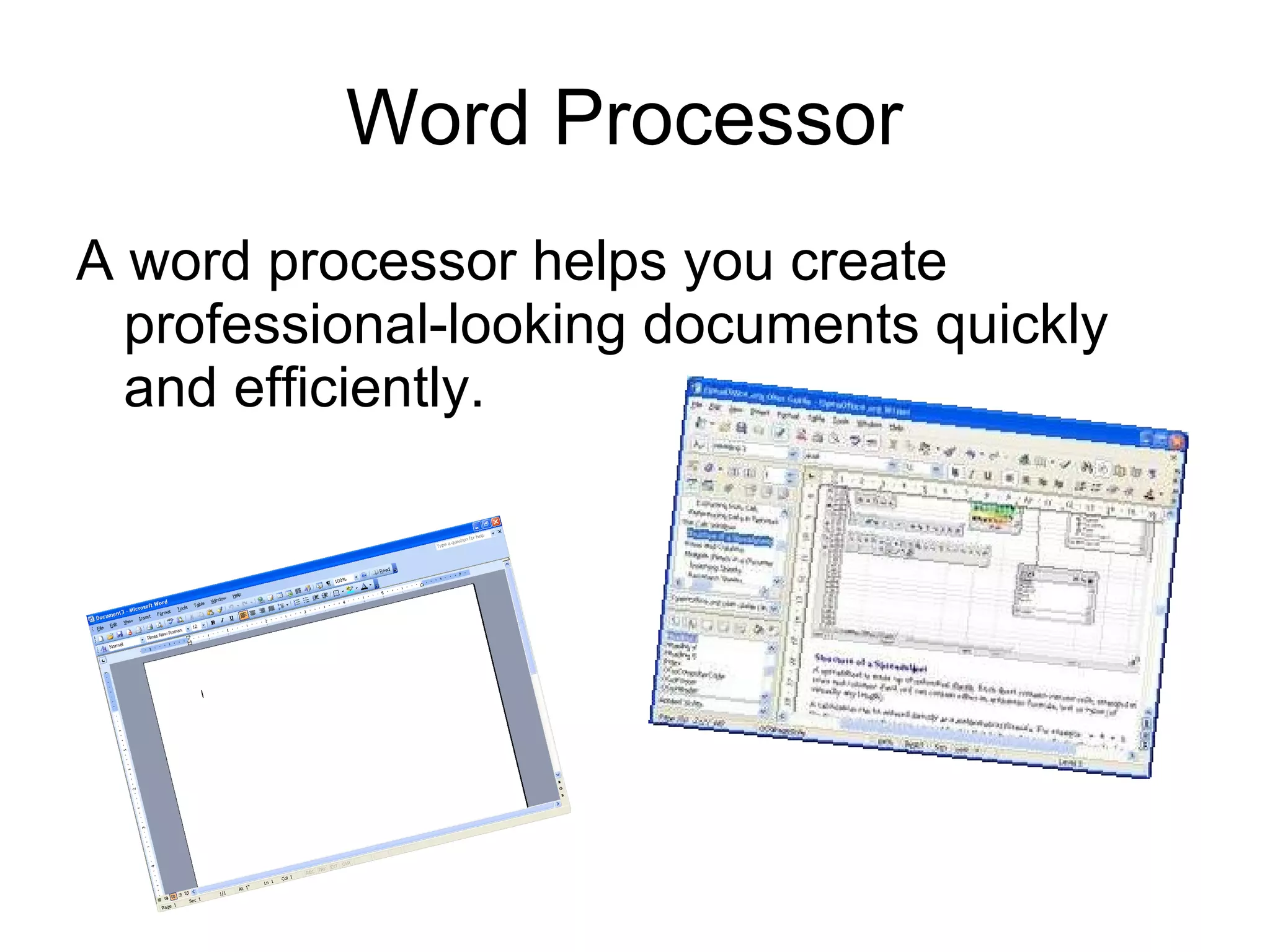
Word Processor  A word processor helps you create professional-looking documents quickly and efficiently.
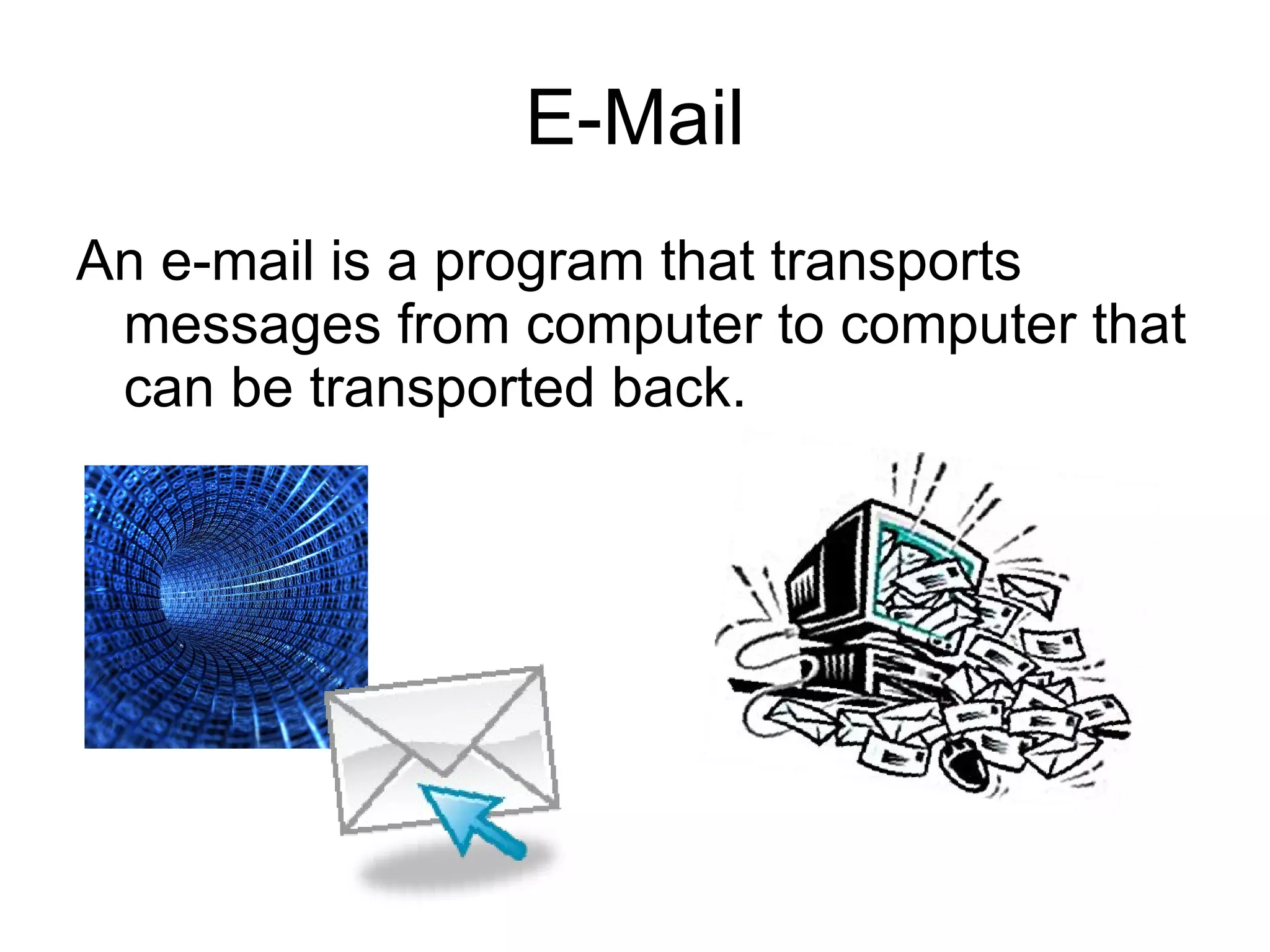
E-Mail An e-mail is a program that transports messages from computer to computer that can be transported back.
Internet Internet is a bunch of computers worldwide connected together like a web; that’s why they call it the worldwide web.
Computer Games Computer games are fun programs that you can find on the internet or by inserting a disc.
Working with computers can be difficult , but if you learn how to work with all programs it will become easier. Working with the internet can also be difficult , but if you know how to control it there will be  endless possibilities .
typing by : Serena  research : Sarah & 3D Dictionary  pictures by : Microsoft Power Point clip –art , Google search , & Paint Special thanks from Serena & Sarah to : Mrs. Pisano

Computer Parts by Sarah & Serena

  • 1.
    Identifying and DescribingVarious Parts of a Computer By: Serena Bilardello Sarah Koepsell
  • 2.
    Mouse and Mousepad A mouse is a handheld device that allows you to select and move items on your screen.
  • 3.
    Keyboard The keyson a keyboard allow you to enter information and instructions into a computer.
  • 4.
    Printer A printeris a device that produces a paper copy of information described on a computer screen.
  • 5.
    Monitor A monitordisplays text and images generated by a computer.
  • 6.
    Modem A modemallows a computer to send and receive information through a telephone line.
  • 7.
    Scanner A scanneris a device that reads images and text from paper into a computer.
  • 8.
    Central Processing Unit(CPU) The Central Processing Unit (CPU) is the main chip in a computer.
  • 9.
    Hard Drive Ahard drive is the primary device a computer uses to store information.
  • 10.
    Floppy Drive Afloppy drive stores and retrieves information on floppy disks.
  • 11.
    Flash Drive Aflash drive is a lightweight storage device approximately the size of a stick of gum.
  • 12.
    Word Processor A word processor helps you create professional-looking documents quickly and efficiently.
  • 13.
    E-Mail An e-mailis a program that transports messages from computer to computer that can be transported back.
  • 14.
    Internet Internet isa bunch of computers worldwide connected together like a web; that’s why they call it the worldwide web.
  • 15.
    Computer Games Computergames are fun programs that you can find on the internet or by inserting a disc.
  • 16.
    Working with computerscan be difficult , but if you learn how to work with all programs it will become easier. Working with the internet can also be difficult , but if you know how to control it there will be endless possibilities .
  • 17.
    typing by :Serena research : Sarah & 3D Dictionary pictures by : Microsoft Power Point clip –art , Google search , & Paint Special thanks from Serena & Sarah to : Mrs. Pisano