
PARTS OF A
COMPUTER
B4.1.1.1.1
AND TECHNOLOGY
TOOLS
B 4 . 1 . 1 . 1 . 1
WHAT IS A COMPUTER ?
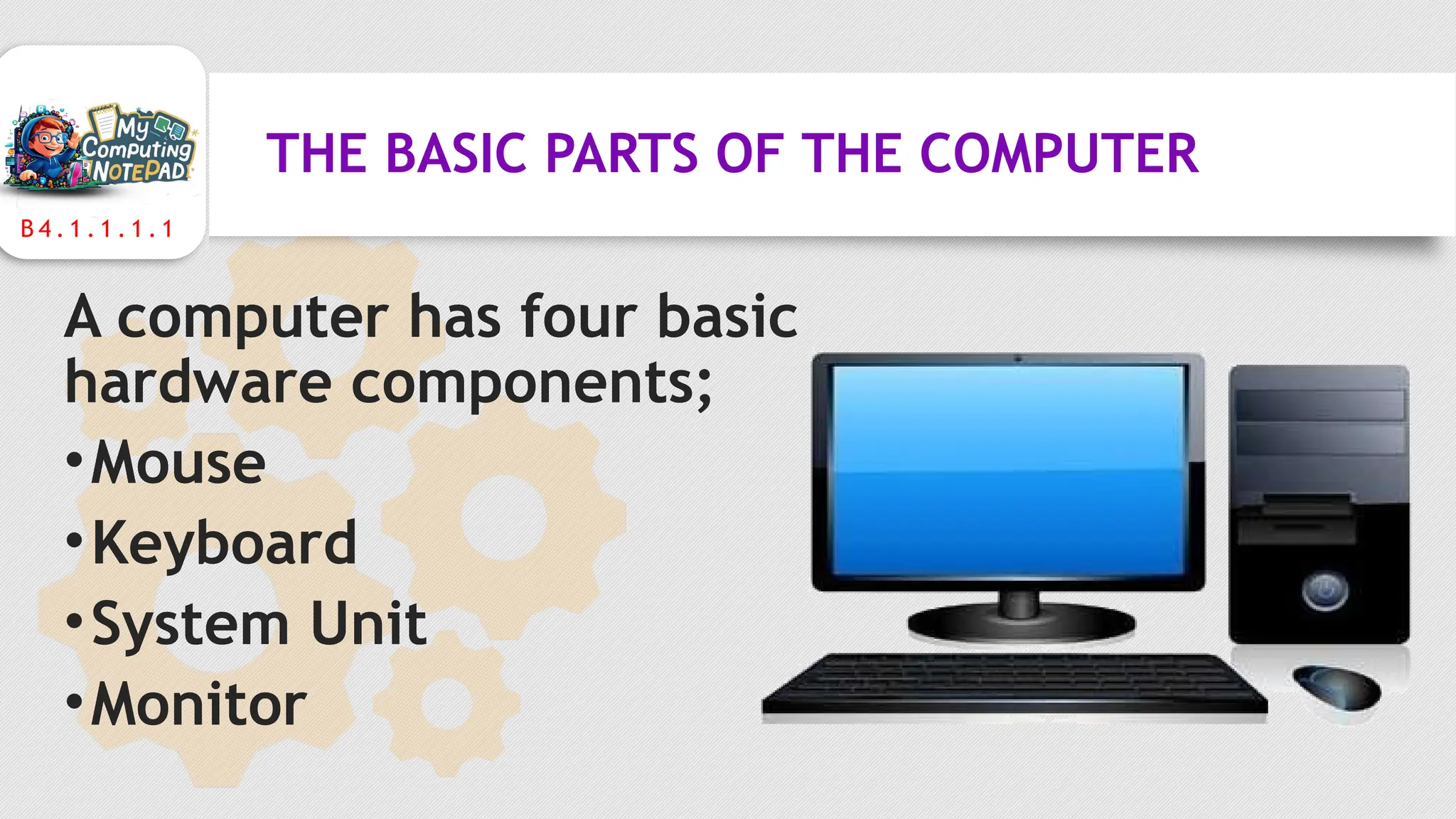
A computer is an electronic
device operating under the
control of instructions to
accept data and performs
arithmetic and logical
operations to produce
information.
B 4 . 1 . 1 . 1 . 1
THE BASIC PARTS OF THE COMPUTER
A computer has four basic
hardware components;
•Mouse
•Keyboard
•System Unit
•Monitor
B 4 . 1 . 1 . 1 . 1
THE MOUSE
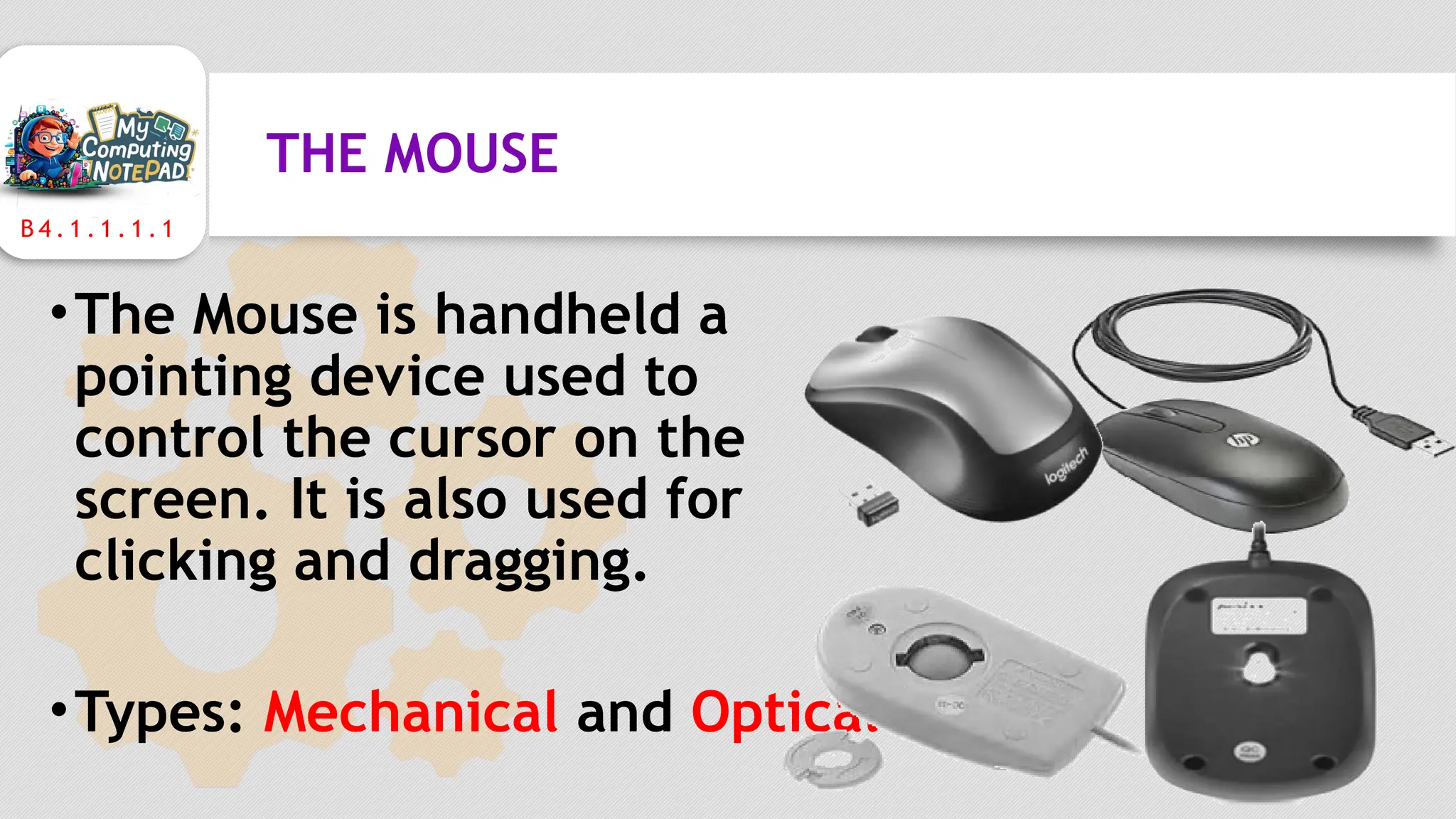
•The Mouse is handheld a
pointing device used to
control the cursor on the
screen. It is also used for
clicking and dragging.
•Types: Mechanical and Optical
B 4 . 1 . 1 . 1 . 1
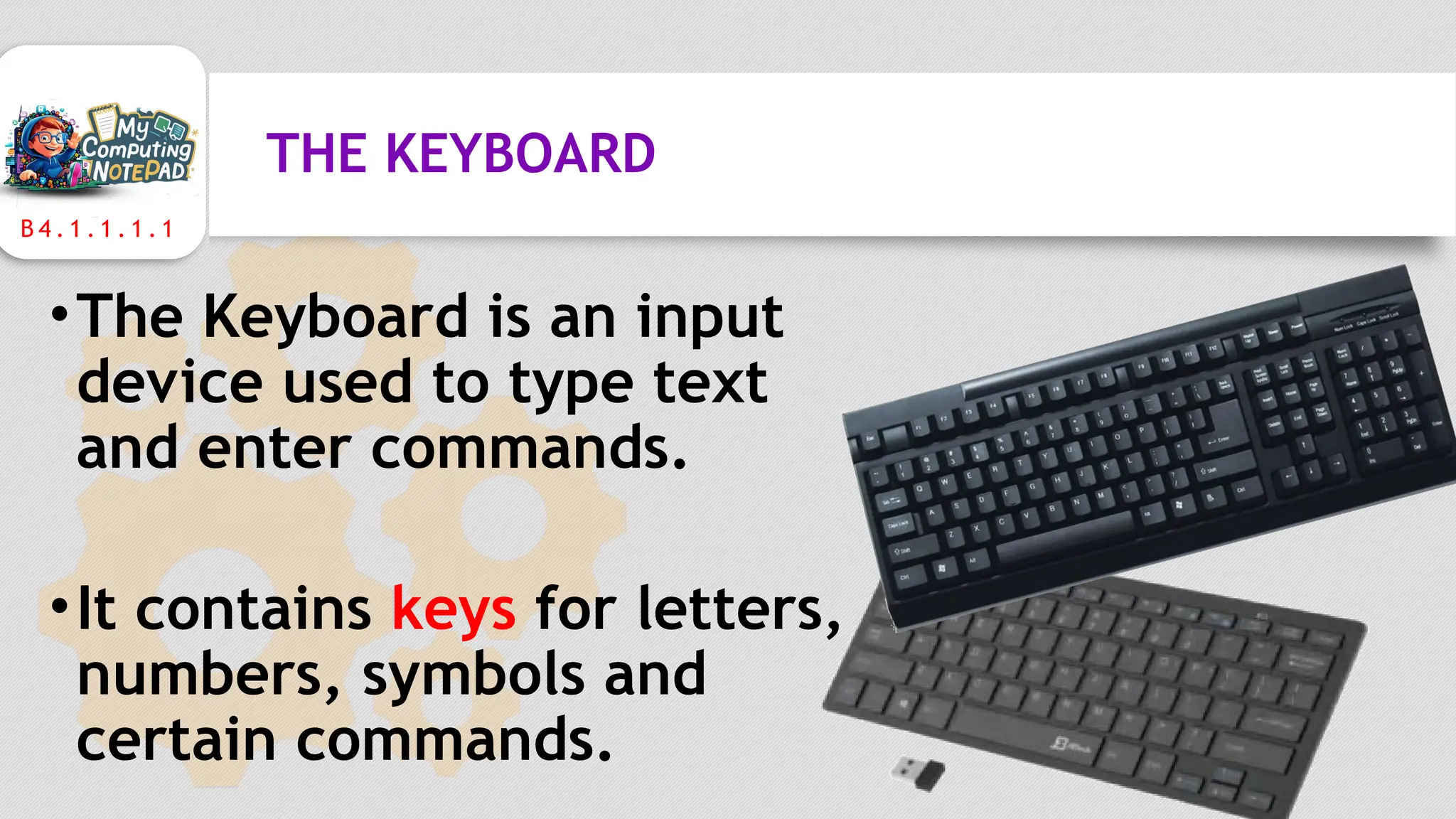
THE KEYBOARD
•The Keyboard is an input
device used to type text
and enter commands.
•It contains keys for letters,
numbers, symbols and
certain commands.
B 4 . 1 . 1 . 1 . 1
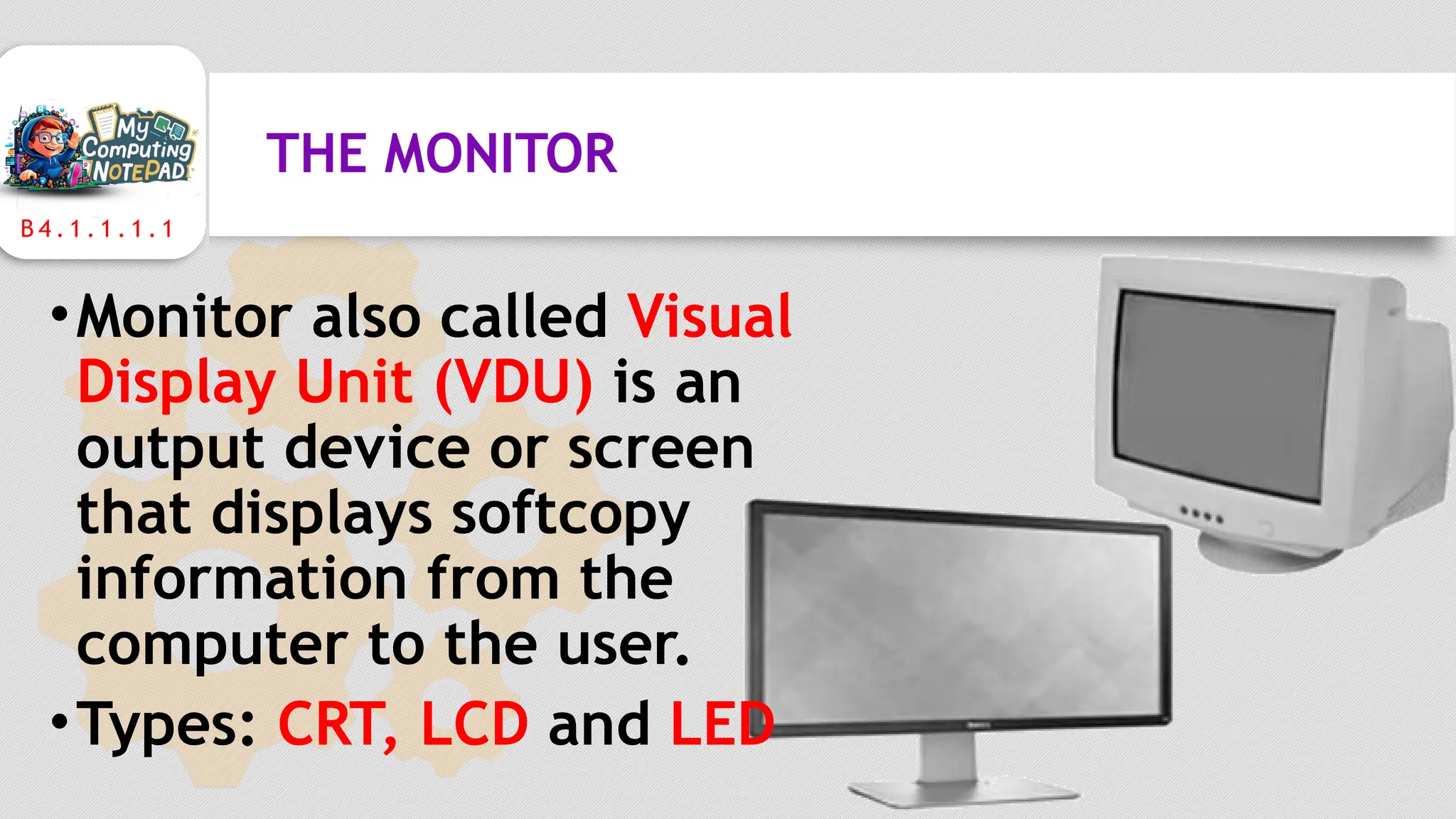
THE MONITOR
•Monitor also called Visual
Display Unit (VDU) is an
output device or screen
that displays softcopy
information from the
computer to the user.
•Types: CRT, LCD and LED
B 4 . 1 . 1 . 1 . 1
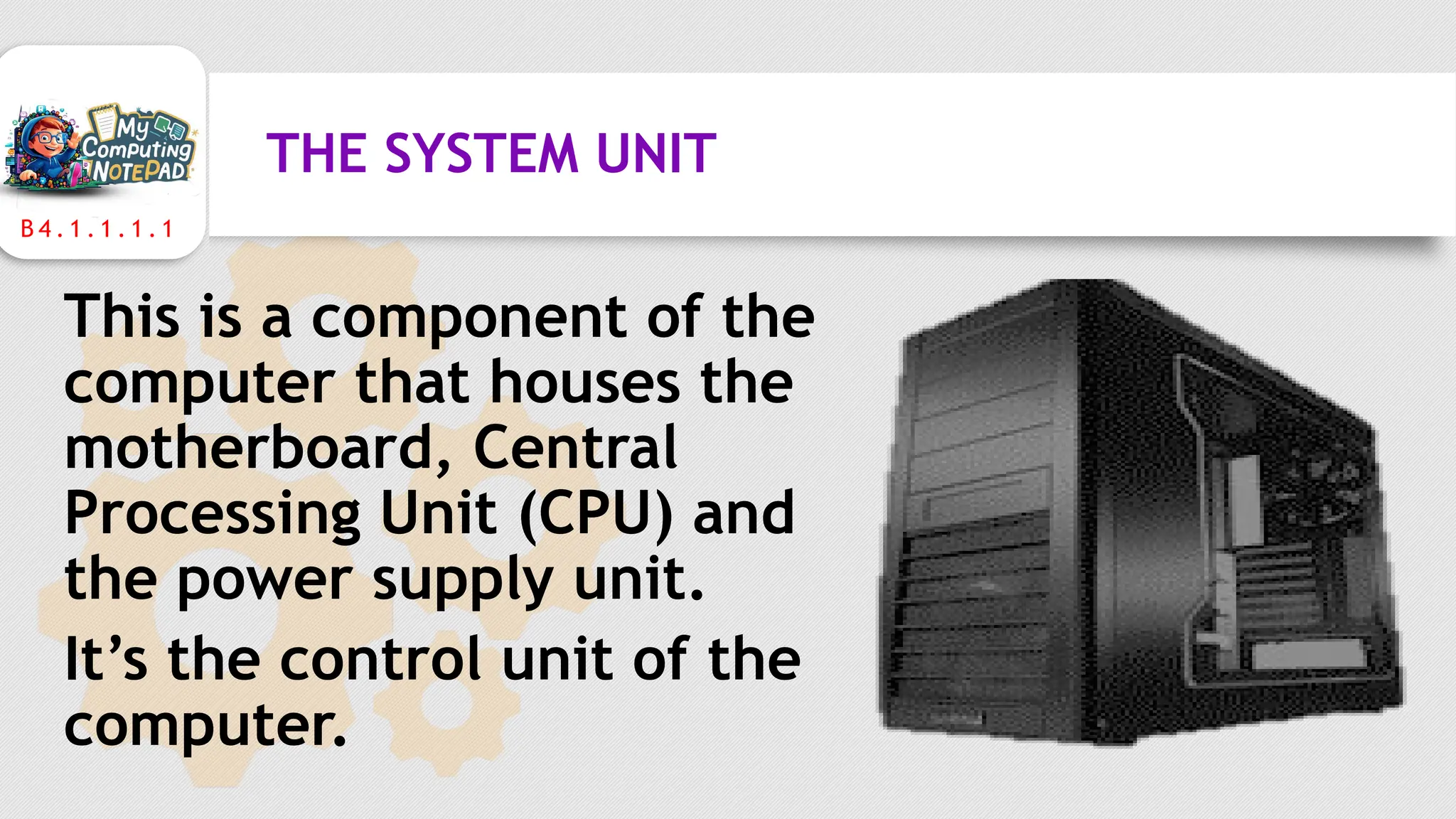
THE SYSTEM UNIT
This is a component of the
computer that houses the
motherboard, Central
Processing Unit (CPU) and
the power supply unit.
It’s the control unit of the
computer.
B 4 . 1 . 1 . 1 . 1
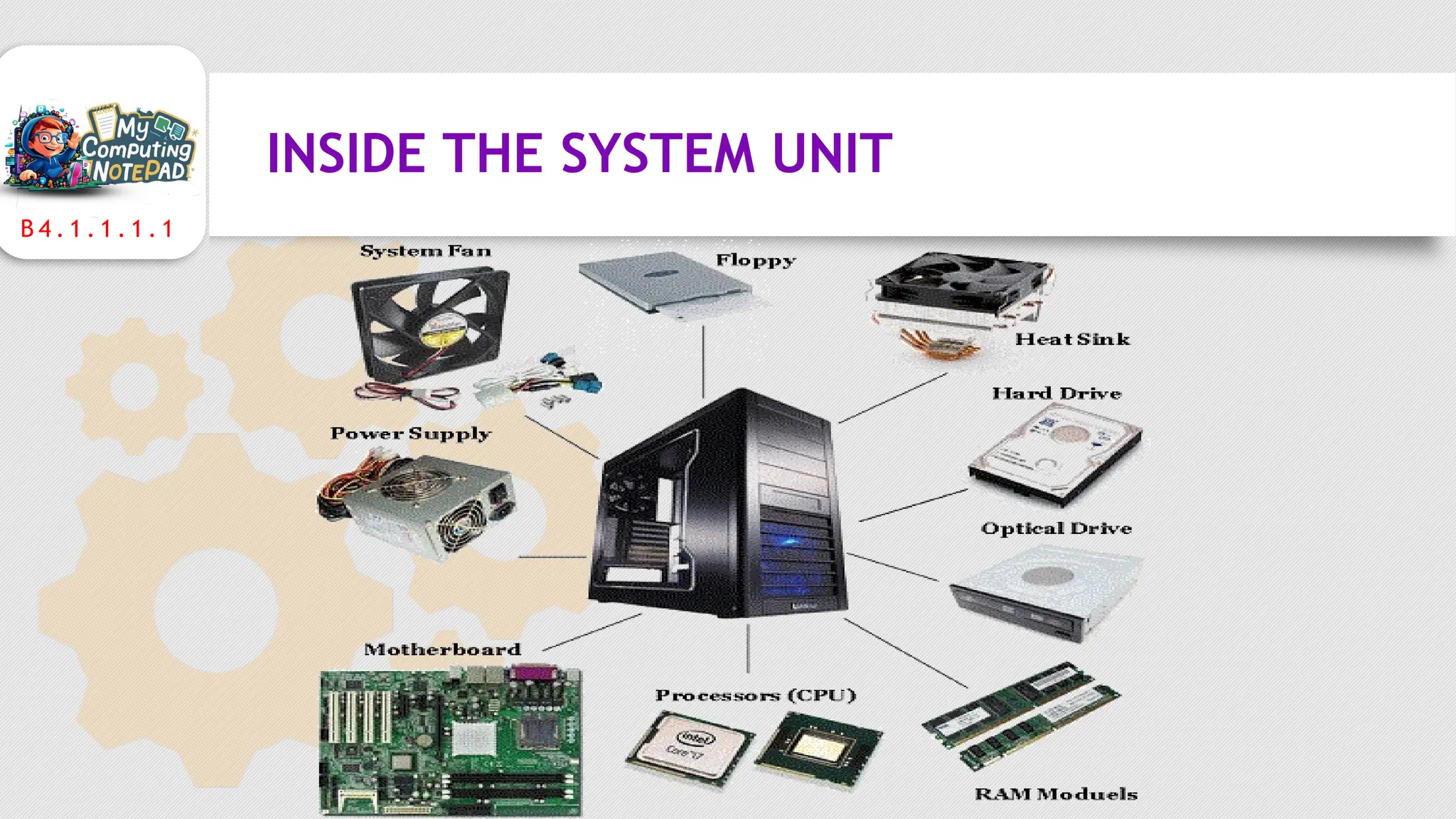
INSIDE THE SYSTEM UNIT
B 4 . 1 . 1 . 1 . 1
INSIDE THE SYSTEM UNIT
•Motherboard: The motherboard is the main
circuit board in the computer that connects the
parts of the computer.
•CPU : The CPU is the brain of the computer.
It calculates, it processes, it keeps things running
smoothly. It is also called the Processor
B 4 . 1 . 1 . 1 . 1
INSIDE THE SYSTEM UNIT
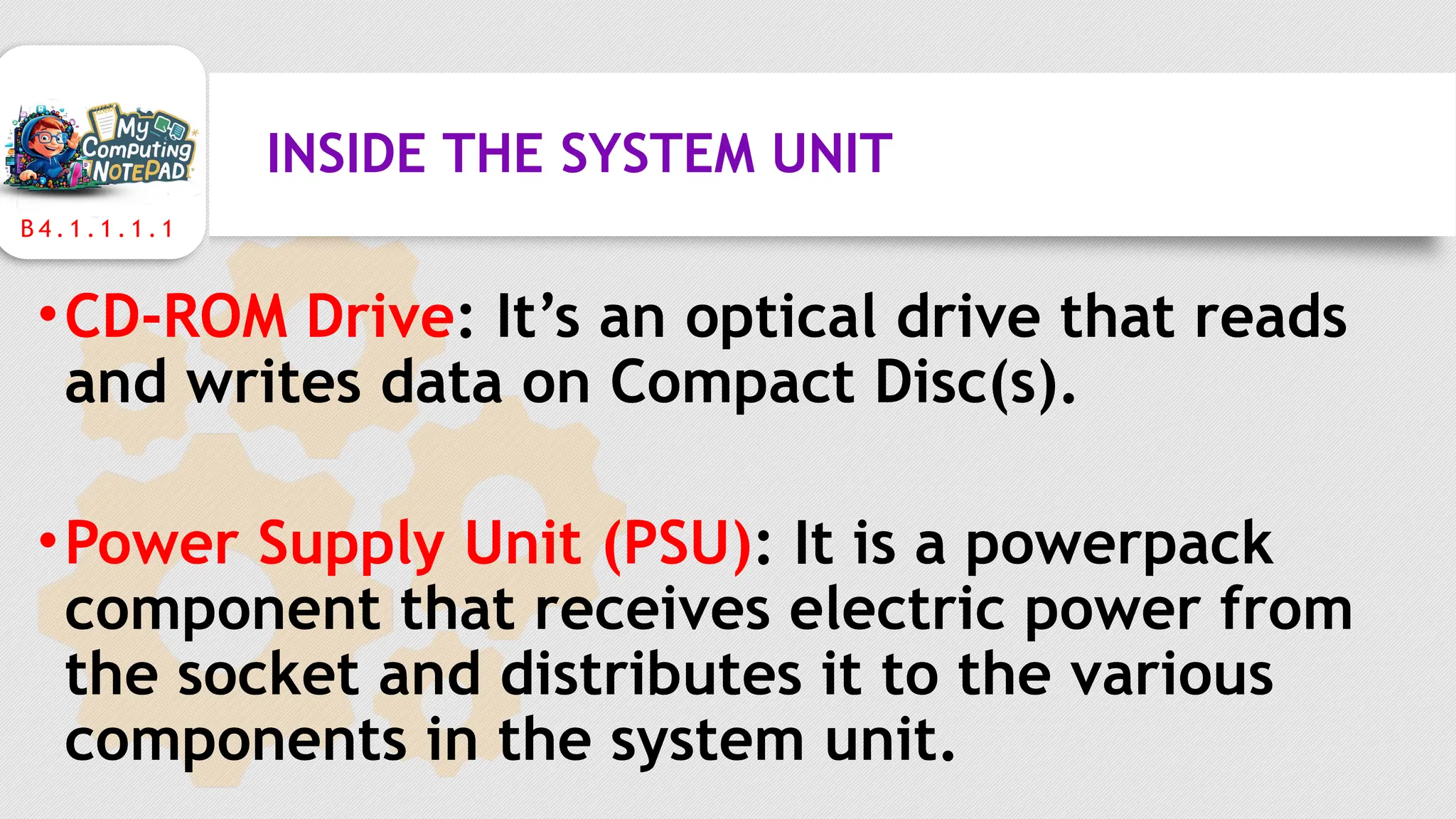
•Hard Disk Drive (HDD): HDD is a storage
device that contains one or more
inflexible, circular platters that store
data, instructions, and information.
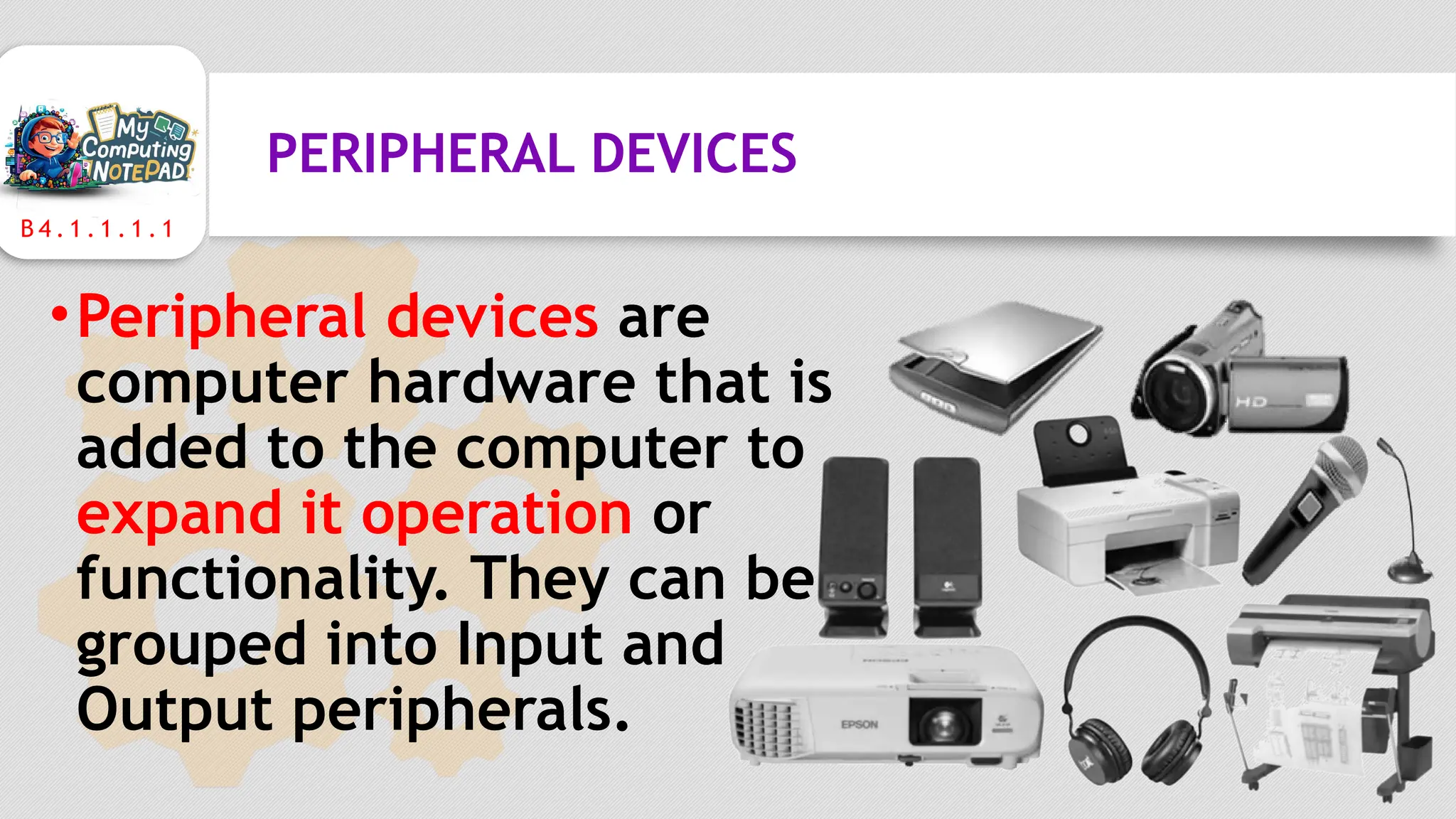
•Random Access Memory (RAM): It is the
temporary working memory of the
computer that stores data while the
computer is on. It is the Main Memory
B 4 . 1 . 1 . 1 . 1
INSIDE THE SYSTEM UNIT
•CD-ROM Drive: It’s an optical drive that reads
and writes data on Compact Disc(s).
•Power Supply Unit (PSU): It is a powerpack
component that receives electric power from
the socket and distributes it to the various
components in the system unit.
B 4 . 1 . 1 . 1 . 1
PERIPHERAL DEVICES
•Peripheral devices are
computer hardware that is
added to the computer to
expand it operation or
functionality. They can be
grouped into Input and
Output peripherals.
WHAT HAVE YOU LEARNT?
ASSESSMENT TIME
• What are the main parts of the personal
computer?
• Which input device is used to send commands into
the computer?
• Which device helps you to see processed
information from the computer?
• Mention any five (5) peripheral devices you know.

Parts of a Computer and Technology Tools (B4.1.1.1.1)

  • 1.
  • 2.
    B 4 .1 . 1 . 1 . 1 WHAT IS A COMPUTER ? A computer is an electronic device operating under the control of instructions to accept data and performs arithmetic and logical operations to produce information.
  • 3.
    B 4 .1 . 1 . 1 . 1 THE BASIC PARTS OF THE COMPUTER A computer has four basic hardware components; •Mouse •Keyboard •System Unit •Monitor
  • 4.
    B 4 .1 . 1 . 1 . 1 THE MOUSE •The Mouse is handheld a pointing device used to control the cursor on the screen. It is also used for clicking and dragging. •Types: Mechanical and Optical
  • 5.
    B 4 .1 . 1 . 1 . 1 THE KEYBOARD •The Keyboard is an input device used to type text and enter commands. •It contains keys for letters, numbers, symbols and certain commands.
  • 6.
    B 4 .1 . 1 . 1 . 1 THE MONITOR •Monitor also called Visual Display Unit (VDU) is an output device or screen that displays softcopy information from the computer to the user. •Types: CRT, LCD and LED
  • 7.
    B 4 .1 . 1 . 1 . 1 THE SYSTEM UNIT This is a component of the computer that houses the motherboard, Central Processing Unit (CPU) and the power supply unit. It’s the control unit of the computer.
  • 8.
    B 4 .1 . 1 . 1 . 1 INSIDE THE SYSTEM UNIT
  • 9.
    B 4 .1 . 1 . 1 . 1 INSIDE THE SYSTEM UNIT •Motherboard: The motherboard is the main circuit board in the computer that connects the parts of the computer. •CPU : The CPU is the brain of the computer. It calculates, it processes, it keeps things running smoothly. It is also called the Processor
  • 10.
    B 4 .1 . 1 . 1 . 1 INSIDE THE SYSTEM UNIT •Hard Disk Drive (HDD): HDD is a storage device that contains one or more inflexible, circular platters that store data, instructions, and information. •Random Access Memory (RAM): It is the temporary working memory of the computer that stores data while the computer is on. It is the Main Memory
  • 11.
    B 4 .1 . 1 . 1 . 1 INSIDE THE SYSTEM UNIT •CD-ROM Drive: It’s an optical drive that reads and writes data on Compact Disc(s). •Power Supply Unit (PSU): It is a powerpack component that receives electric power from the socket and distributes it to the various components in the system unit.
  • 12.
    B 4 .1 . 1 . 1 . 1 PERIPHERAL DEVICES •Peripheral devices are computer hardware that is added to the computer to expand it operation or functionality. They can be grouped into Input and Output peripherals.
  • 13.
  • 14.
    ASSESSMENT TIME • Whatare the main parts of the personal computer? • Which input device is used to send commands into the computer? • Which device helps you to see processed information from the computer? • Mention any five (5) peripheral devices you know.

Editor's Notes

  • #2 Notes to presenter: Description of what you learned in your own words on one side. Include information about the topic Details about the topic will also be helpful here. Tell the story of your learning experience. Just like a story there should always be a beginning, middle and an end. On the other side, you can add a graphic that provides evidence of what you learned. Feel free to use more than one slide to reflect upon your process. It also helps to add some video of your process.
  • #3 Notes to presenter: Description of what you learned in your own words on one side. Include information about the topic Details about the topic will also be helpful here. Tell the story of your learning experience. Just like a story there should always be a beginning, middle and an end. On the other side, you can add a graphic that provides evidence of what you learned. Feel free to use more than one slide to reflect upon your process. It also helps to add some video of your process.
  • #7 Notes to presenter: Description of what you learned in your own words on one side. Include information about the topic Details about the topic will also be helpful here. Tell the story of your learning experience. Just like a story there should always be a beginning, middle and an end. On the other side, you can add a graphic that provides evidence of what you learned. Feel free to use more than one slide to reflect upon your process. It also helps to add some video of your process.
  • #8 Notes to presenter: Description of what you learned in your own words on one side. Include information about the topic Details about the topic will also be helpful here. Tell the story of your learning experience. Just like a story there should always be a beginning, middle and an end. On the other side, you can add a graphic that provides evidence of what you learned. Feel free to use more than one slide to reflect upon your process. It also helps to add some video of your process.
  • #9 Notes to presenter: Description of what you learned in your own words on one side. Include information about the topic Details about the topic will also be helpful here. Tell the story of your learning experience. Just like a story there should always be a beginning, middle and an end. On the other side, you can add a graphic that provides evidence of what you learned. Feel free to use more than one slide to reflect upon your process. It also helps to add some video of your process.
  • #10 HDD is the main and the largest storage device for storing data, instructions, and the operating system.
  • #11 HDD is the main and the largest storage device for storing data, instructions, and the operating system.