Parsing HTML read and write operations and OS Module.pptx
1.
HTML PARSING
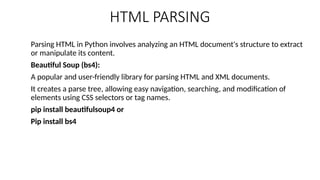
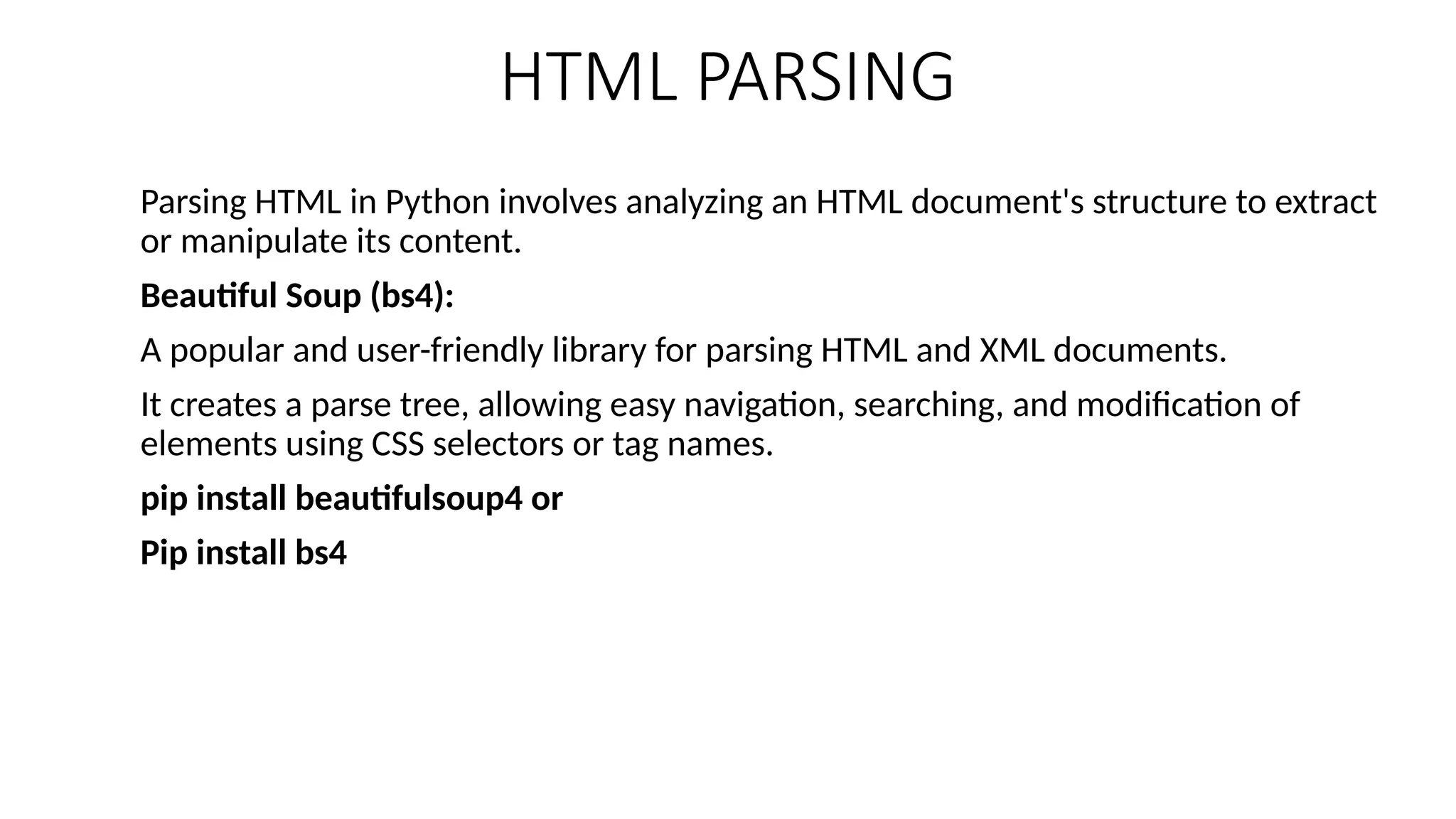
Parsing HTMLin Python involves analyzing an HTML document's structure to extract
or manipulate its content.
Beautiful Soup (bs4):
A popular and user-friendly library for parsing HTML and XML documents.
It creates a parse tree, allowing easy navigation, searching, and modification of
elements using CSS selectors or tag names.
pip install beautifulsoup4 or
Pip install bs4
2.
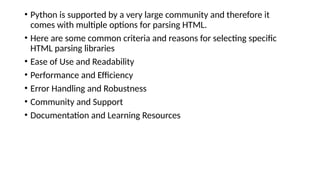
• Python issupported by a very large community and therefore it
comes with multiple options for parsing HTML.
• Here are some common criteria and reasons for selecting specific
HTML parsing libraries
• Ease of Use and Readability
• Performance and Efficiency
• Error Handling and Robustness
• Community and Support
• Documentation and Learning Resources
3.
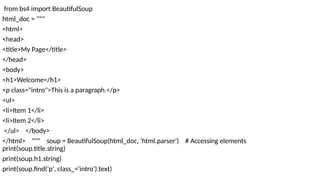
from bs4 importBeautifulSoup
html_doc = """
<html>
<head>
<title>My Page</title>
</head>
<body>
<h1>Welcome</h1>
<p class="intro">This is a paragraph.</p>
<ul>
<li>Item 1</li>
<li>Item 2</li>
</ul> </body>
</html> """ soup = BeautifulSoup(html_doc, 'html.parser') # Accessing elements
print(soup.title.string)
print(soup.h1.string)
print(soup.find('p', class_='intro').text)
4.
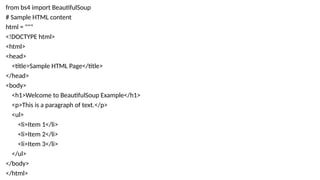
from bs4 importBeautifulSoup
# Sample HTML content
html = """
<!DOCTYPE html>
<html>
<head>
<title>Sample HTML Page</title>
</head>
<body>
<h1>Welcome to BeautifulSoup Example</h1>
<p>This is a paragraph of text.</p>
<ul>
<li>Item 1</li>
<li>Item 2</li>
<li>Item 3</li>
</ul>
</body>
</html>
5.
"""
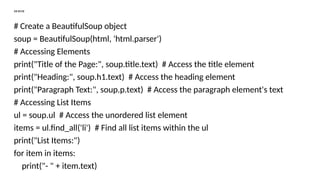
# Create aBeautifulSoup object
soup = BeautifulSoup(html, 'html.parser')
# Accessing Elements
print("Title of the Page:", soup.title.text) # Access the title element
print("Heading:", soup.h1.text) # Access the heading element
print("Paragraph Text:", soup.p.text) # Access the paragraph element's text
# Accessing List Items
ul = soup.ul # Access the unordered list element
items = ul.find_all('li') # Find all list items within the ul
print("List Items:")
for item in items:
print("- " + item.text)
6.
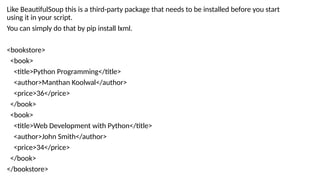
Like BeautifulSoup thisis a third-party package that needs to be installed before you start
using it in your script.
You can simply do that by pip install lxml.
<bookstore>
<book>
<title>Python Programming</title>
<author>Manthan Koolwal</author>
<price>36</price>
</book>
<book>
<title>Web Development with Python</title>
<author>John Smith</author>
<price>34</price>
</book>
</bookstore>
7.
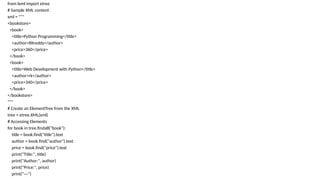
from lxml importetree
# Sample XML content
xml = """
<bookstore>
<book>
<title>Python Programming</title>
<author>RKreddy</author>
<price>360</price>
</book>
<book>
<title>Web Development with Python</title>
<author>rk</author>
<price>340</price>
</book>
</bookstore>
"""
# Create an ElementTree from the XML
tree = etree.XML(xml)
# Accessing Elements
for book in tree.findall("book"):
title = book.find("title").text
author = book.find("author").text
price = book.find("price").text
print("Title:", title)
print("Author:", author)
print("Price:", price)
print("---")
8.
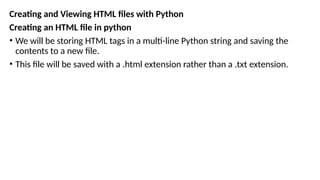
Creating and ViewingHTML files with Python
Creating an HTML file in python
• We will be storing HTML tags in a multi-line Python string and saving the
contents to a new file.
• This file will be saved with a .html extension rather than a .txt extension.
9.
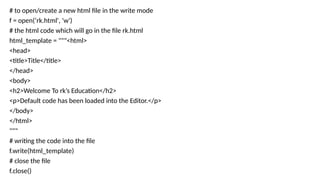
# to open/createa new html file in the write mode
f = open(‘rk.html', 'w')
# the html code which will go in the file rk.html
html_template = """<html>
<head>
<title>Title</title>
</head>
<body>
<h2>Welcome To rk’s Education</h2>
<p>Default code has been loaded into the Editor.</p>
</body>
</html>
"""
# writing the code into the file
f.write(html_template)
# close the file
f.close()
10.
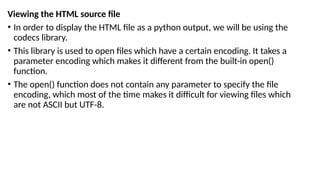
Viewing the HTMLsource file
• In order to display the HTML file as a python output, we will be using the
codecs library.
• This library is used to open files which have a certain encoding. It takes a
parameter encoding which makes it different from the built-in open()
function.
• The open() function does not contain any parameter to specify the file
encoding, which most of the time makes it difficult for viewing files which
are not ASCII but UTF-8.
11.
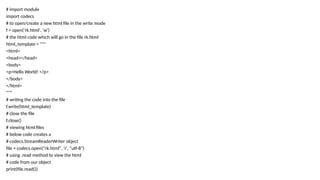
# import module
importcodecs
# to open/create a new html file in the write mode
f = open(‘rk.html', 'w')
# the html code which will go in the file rk.html
html_template = """
<html>
<head></head>
<body>
<p>Hello World! </p>
</body>
</html>
"""
# writing the code into the file
f.write(html_template)
# close the file
f.close()
# viewing html files
# below code creates a
# codecs.StreamReaderWriter object
file = codecs.open(“rk.html", 'r', "utf-8")
# using .read method to view the html
# code from our object
print(file.read())
12.
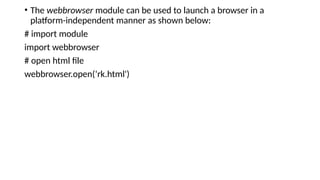
• The webbrowsermodule can be used to launch a browser in a
platform-independent manner as shown below:
# import module
import webbrowser
# open html file
webbrowser.open(‘rk.html')
13.
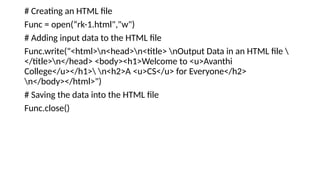
# Creating anHTML file
Func = open(“rk-1.html","w")
# Adding input data to the HTML file
Func.write("<html>n<head>n<title> nOutput Data in an HTML file
</title>n</head> <body><h1>Welcome to <u>Avanthi
College</u></h1> n<h2>A <u>CS</u> for Everyone</h2>
n</body></html>")
# Saving the data into the HTML file
Func.close()
14.
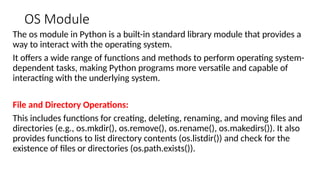
OS Module
The osmodule in Python is a built-in standard library module that provides a
way to interact with the operating system.
It offers a wide range of functions and methods to perform operating system-
dependent tasks, making Python programs more versatile and capable of
interacting with the underlying system.
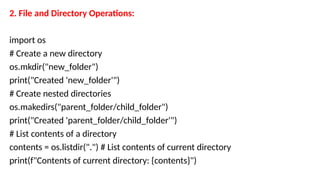
File and Directory Operations:
This includes functions for creating, deleting, renaming, and moving files and
directories (e.g., os.mkdir(), os.remove(), os.rename(), os.makedirs()). It also
provides functions to list directory contents (os.listdir()) and check for the
existence of files or directories (os.path.exists()).
15.
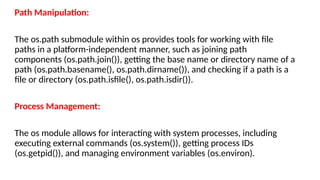
Path Manipulation:
The os.pathsubmodule within os provides tools for working with file
paths in a platform-independent manner, such as joining path
components (os.path.join()), getting the base name or directory name of a
path (os.path.basename(), os.path.dirname()), and checking if a path is a
file or directory (os.path.isfile(), os.path.isdir()).
Process Management:
The os module allows for interacting with system processes, including
executing external commands (os.system()), getting process IDs
(os.getpid()), and managing environment variables (os.environ).
16.
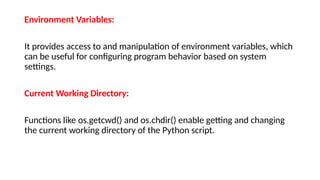
Environment Variables:
It providesaccess to and manipulation of environment variables, which
can be useful for configuring program behavior based on system
settings.
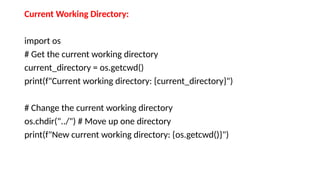
Current Working Directory:
Functions like os.getcwd() and os.chdir() enable getting and changing
the current working directory of the Python script.
17.
Current Working Directory:
importos
# Get the current working directory
current_directory = os.getcwd()
print(f"Current working directory: {current_directory}")
# Change the current working directory
os.chdir("../") # Move up one directory
print(f"New current working directory: {os.getcwd()}")
18.
2. File andDirectory Operations:
import os
# Create a new directory
os.mkdir("new_folder")
print("Created 'new_folder'")
# Create nested directories
os.makedirs("parent_folder/child_folder")
print("Created 'parent_folder/child_folder'")
# List contents of a directory
contents = os.listdir(".") # List contents of current directory
print(f"Contents of current directory: {contents}")
19.
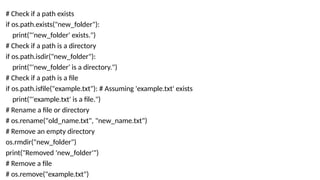
# Check ifa path exists
if os.path.exists("new_folder"):
print("'new_folder' exists.")
# Check if a path is a directory
if os.path.isdir("new_folder"):
print("'new_folder' is a directory.")
# Check if a path is a file
if os.path.isfile("example.txt"): # Assuming 'example.txt' exists
print("'example.txt' is a file.")
# Rename a file or directory
# os.rename("old_name.txt", "new_name.txt")
# Remove an empty directory
os.rmdir("new_folder")
print("Removed 'new_folder'")
# Remove a file
# os.remove("example.txt")
Environment Variables:
import os
#Access environment variables
home_directory = os.environ.get("HOME") # Or os.environ["HOME"]
print(f"Home directory: {home_directory}")
# Set an environment variable (temporary for the current process)
os.environ["MY_VARIABLE"] = "Hello World"
print(f"MY_VARIABLE: {os.getenv('MY_VARIABLE')}")
![Environment Variables:
import os
# Access environment variables
home_directory = os.environ.get("HOME") # Or os.environ["HOME"]
print(f"Home directory: {home_directory}")
# Set an environment variable (temporary for the current process)
os.environ["MY_VARIABLE"] = "Hello World"
print(f"MY_VARIABLE: {os.getenv('MY_VARIABLE')}")](https://image.slidesharecdn.com/html-250624032306-0f1bfd57/85/Parsing-HTML-read-and-write-operations-and-OS-Module-pptx-21-320.jpg)