Packet Sniffing
PacketSniffing is a technique used to listen to the packets flow
in the network.
Packet sniffer (network analyzer) is a tool (hardware or software)
used to listen to the packets flow in the network.
4.
Packet Sniffer uses
Network Engineers, System Administrators and Security
professionals
Analyze network problems.
Find traffic bottlenecks and troubleshoot problems.
Monitor network usage.
Intruders
Search for plain-text passwords and user names.
Hijacking sensitive information such as credit card
information and financial data.
Analyzing network traffic.
5.
Packet Sniffer components
Hardware
Usually a standard network adaptor.
Capture drive
This is the main part of a sniffer that captures the data, filters it
and stores it in the buffer.
Buffer
Used to store captured filtered data for later analysis.
Real-time analysis
This feature provide a little bit of analysis for faults and
performance issues as data captured from the wire.
6.
Packet Sniffer components
Decode
Responsible for displaying the data with description for
human interpretation.
Packet editing/transmission
Used to modify packets and re-transmit them over the
network.
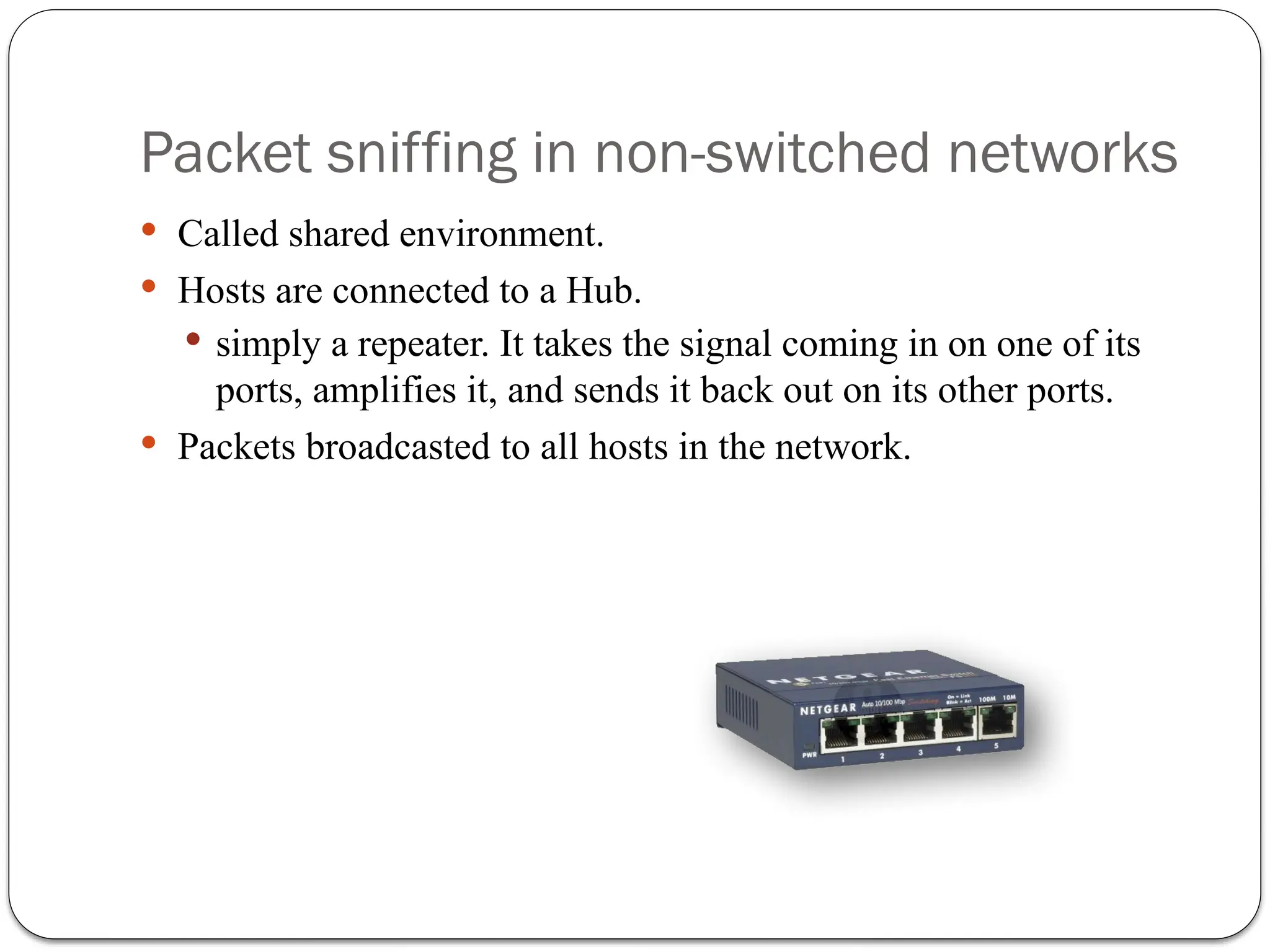
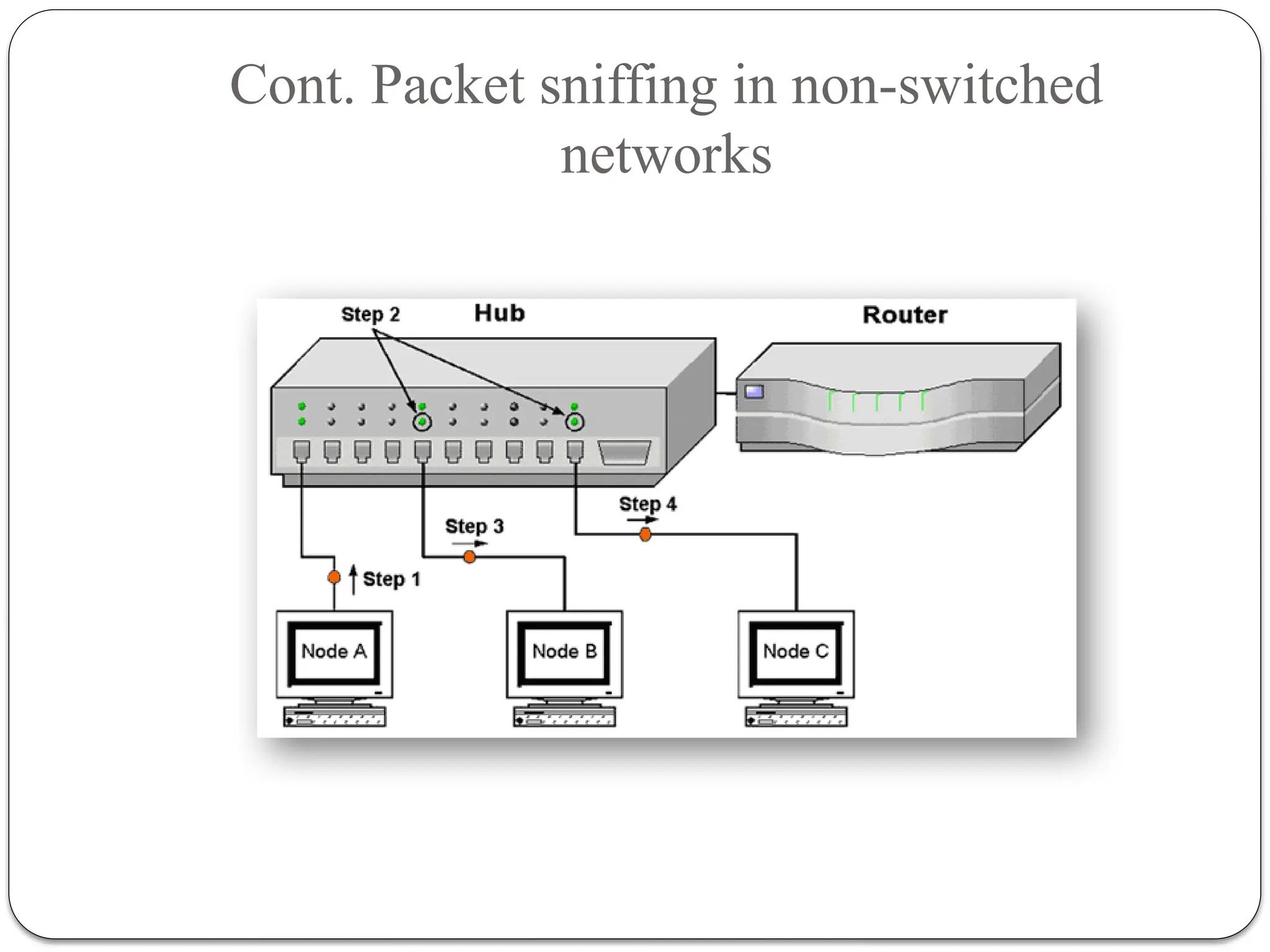
Packet sniffing innon-switched networks
Called shared environment.
Hosts are connected to a Hub.
simply a repeater. It takes the signal coming in on one of its
ports, amplifies it, and sends it back out on its other ports.
Packets broadcasted to all hosts in the network.
Cont. Packet sniffingin non-switched
networks
Promiscuous mode or promisc mode is a configuration of a
network card that makes the card pass all traffic it receives to
the central processing unit rather than just frames addressed
to it.
12.
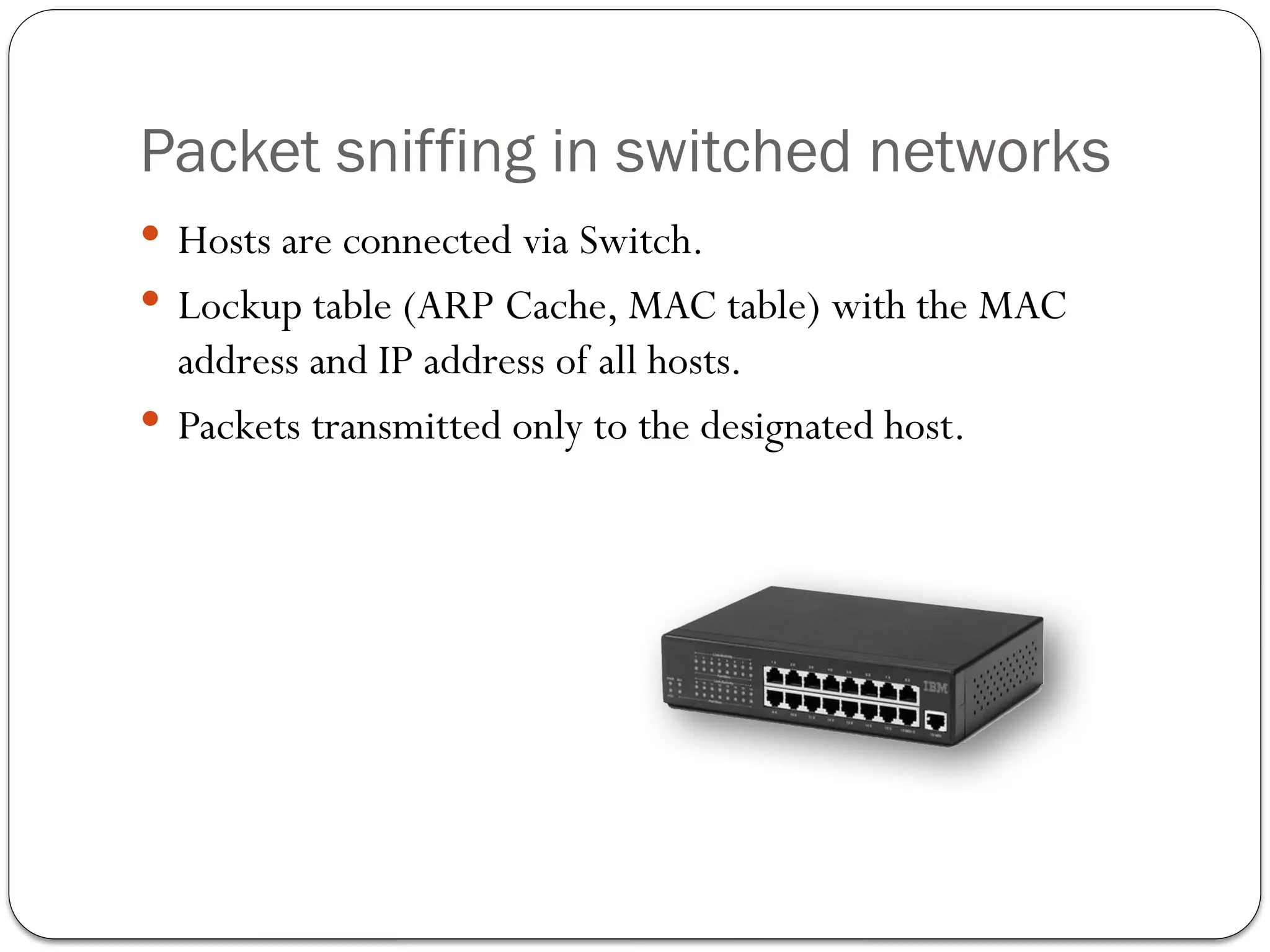
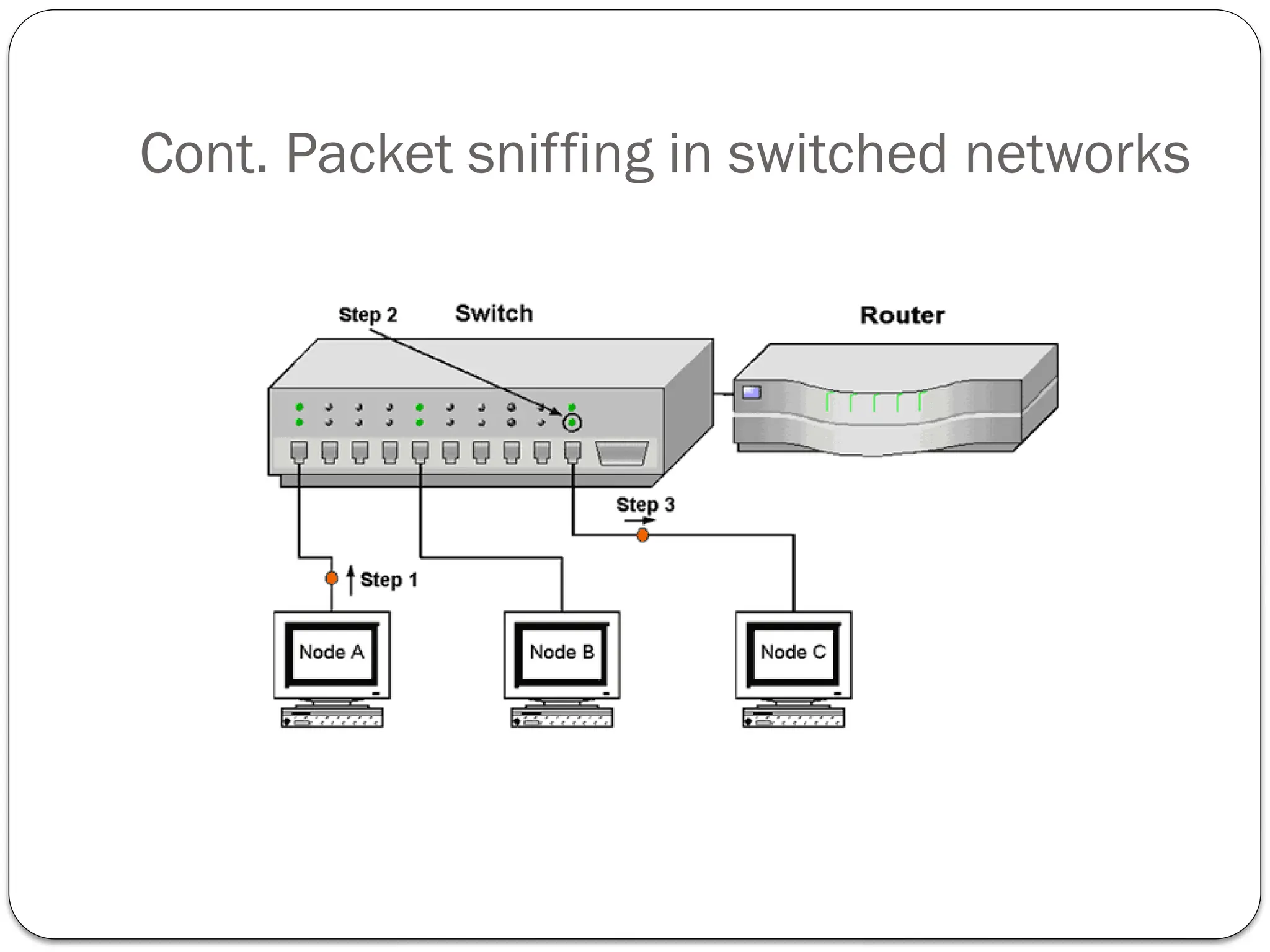
Packet sniffing inswitched networks
Hosts are connected via Switch.
Lockup table (ARP Cache, MAC table) with the MAC
address and IP address of all hosts.
Packets transmitted only to the designated host.
ARP: Address ResolutionProtocol
Computer networking protocol for determining a network
host's hardware address (Link Layer) when only its Internet
Layer (IP)(Network Layer address) is known.
Request (“who-has”): specifies the IP address of the host
whose MAC address we want to find out.
Reply (“is-at”): the answer a host should send specifying
the MAC address associated to that IP address.
15.
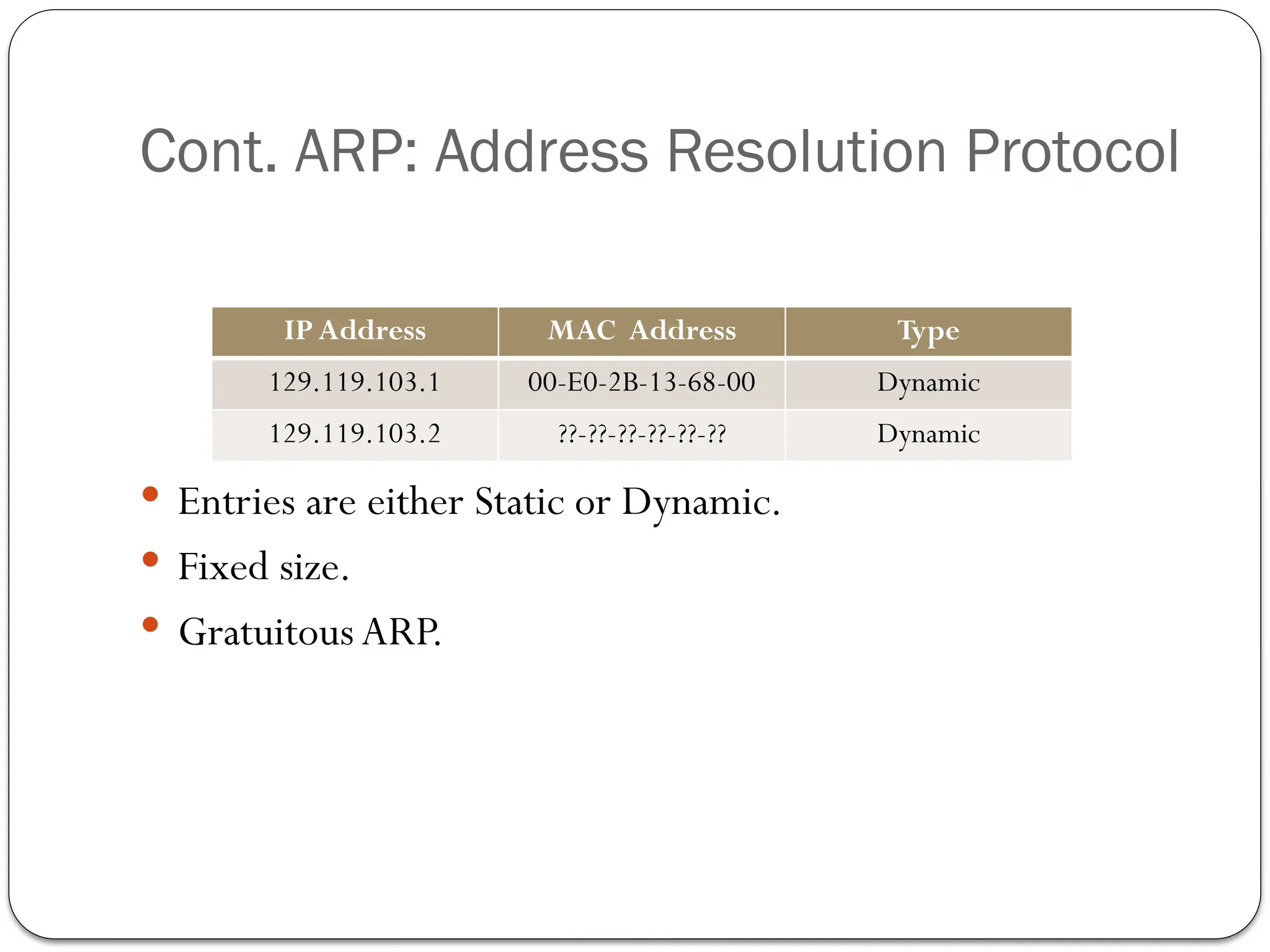
Cont. ARP: AddressResolution Protocol
ARP Cache
Entries are either Static or Dynamic.
Fixed size.
Gratuitous ARP.
IP Address MAC Address Type
129.119.103.1 00-E0-2B-13-68-00 Dynamic
129.119.103.2 ??-??-??-??-??-?? Dynamic
16.
Packet Sniffing Attacks
ARP Spoofing and ARP Cache poisoning.
MAC Flooding.
MAC Duplicating.
Switch Port Stealing.
17.
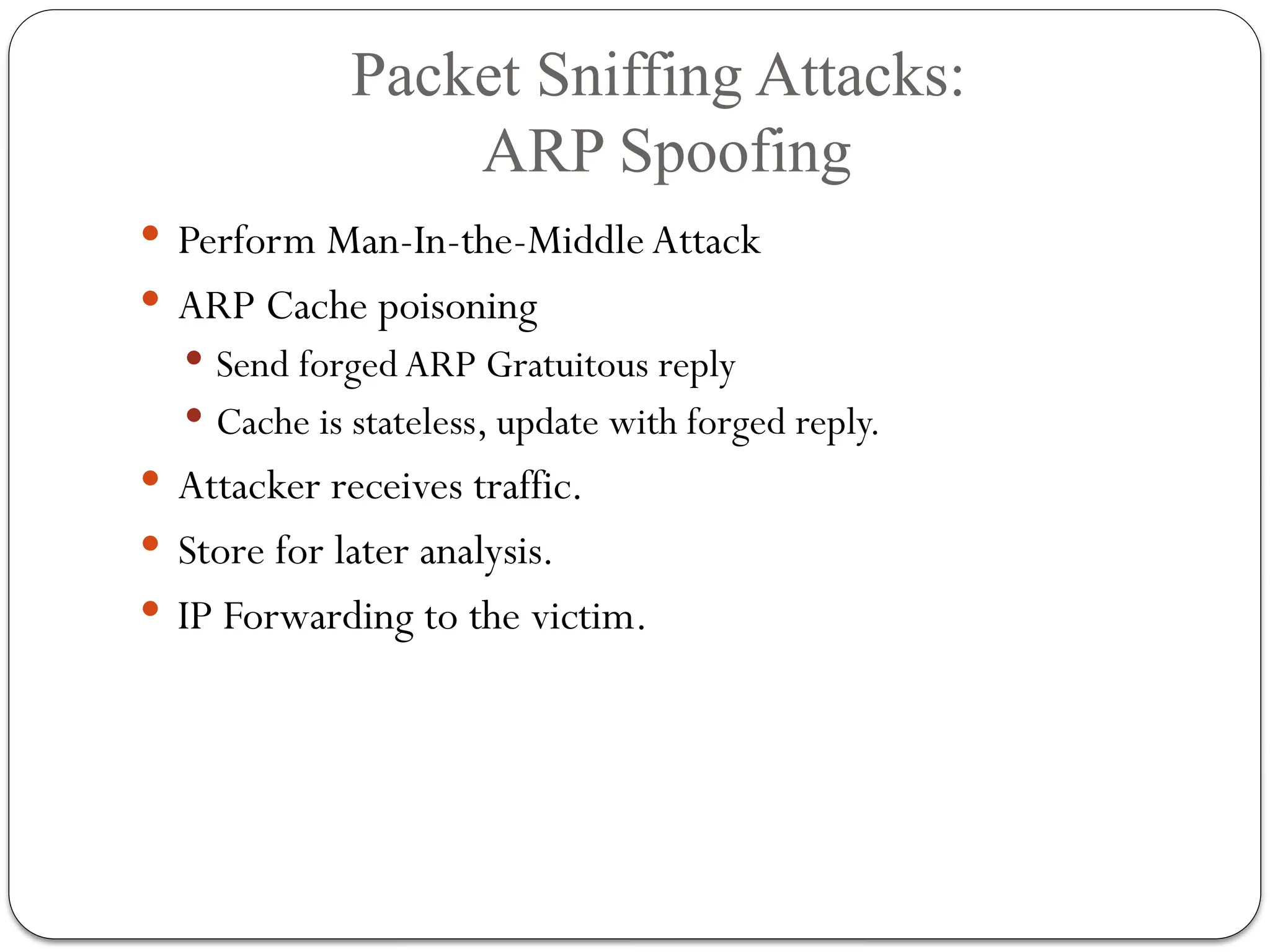
Packet Sniffing Attacks:
ARPSpoofing
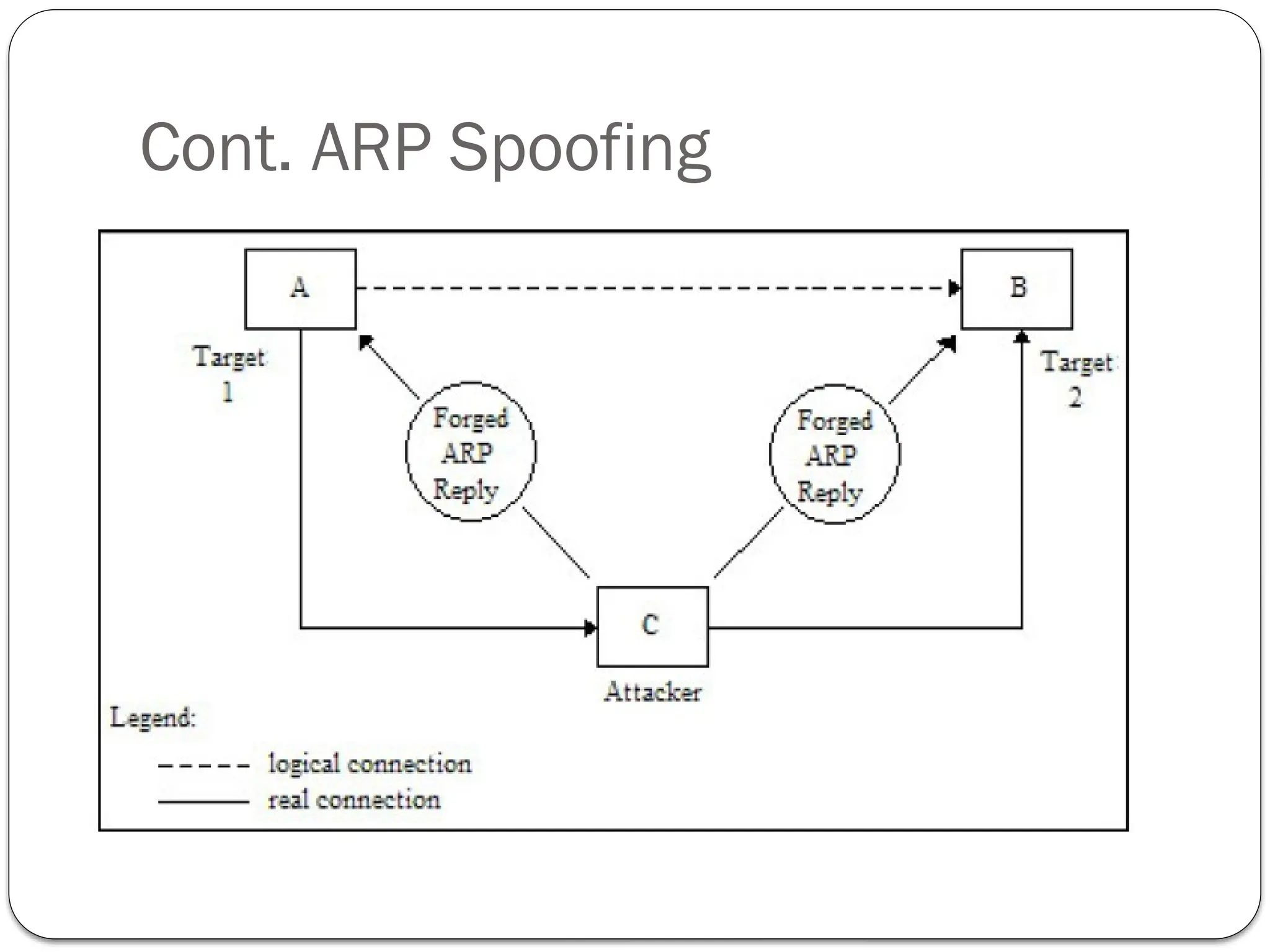
Perform Man-In-the-Middle Attack
ARP Cache poisoning
Send forged ARP Gratuitous reply
Cache is stateless, update with forged reply.
Attacker receives traffic.
Store for later analysis.
IP Forwarding to the victim.
Cont. ARP Spoofing
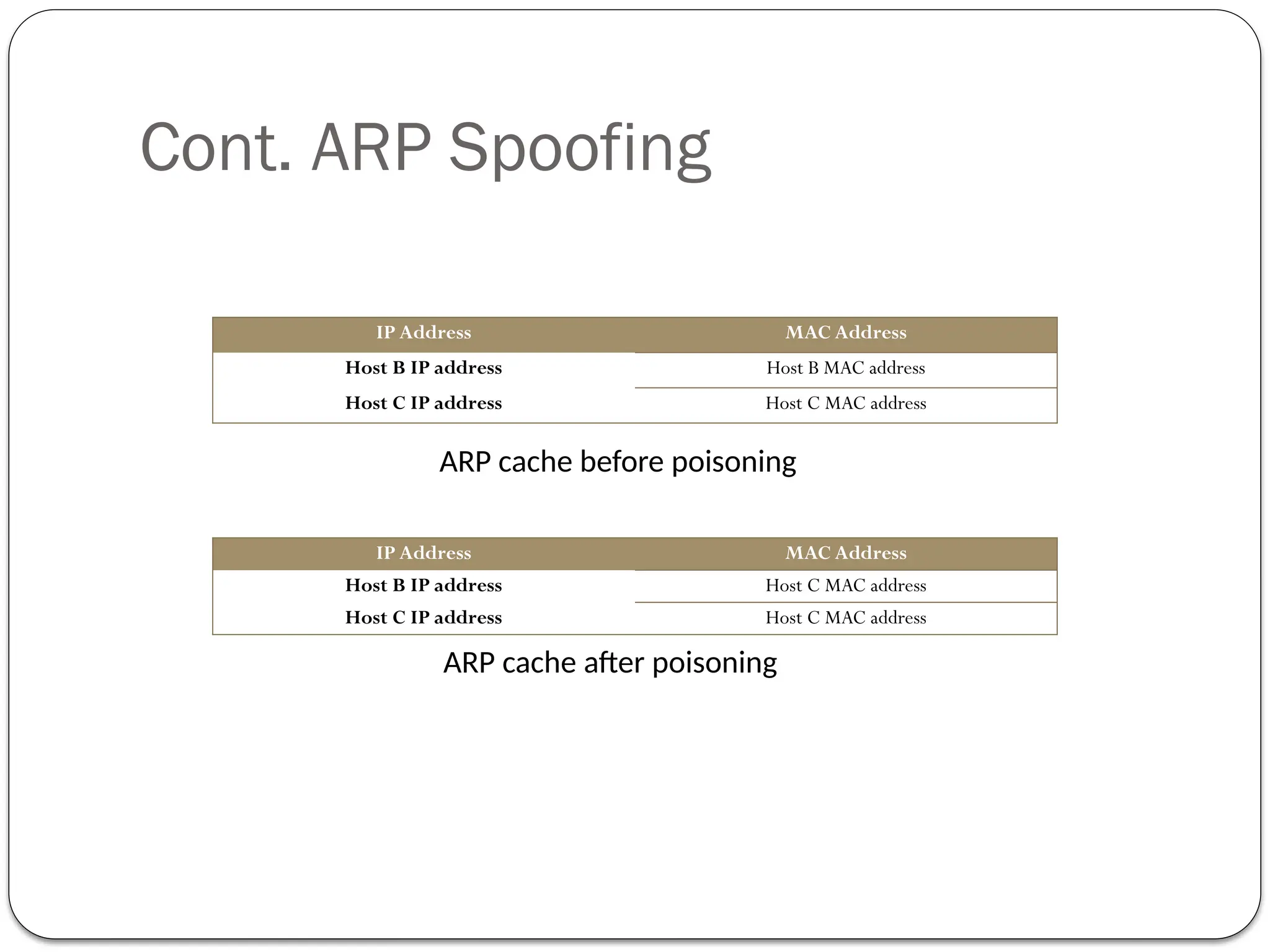
IPAddress MAC Address
Host B IP address Host B MAC address
Host C IP address Host C MAC address
IP Address MAC Address
Host B IP address Host C MAC address
Host C IP address Host C MAC address
ARP cache after poisoning
ARP cache before poisoning
20.
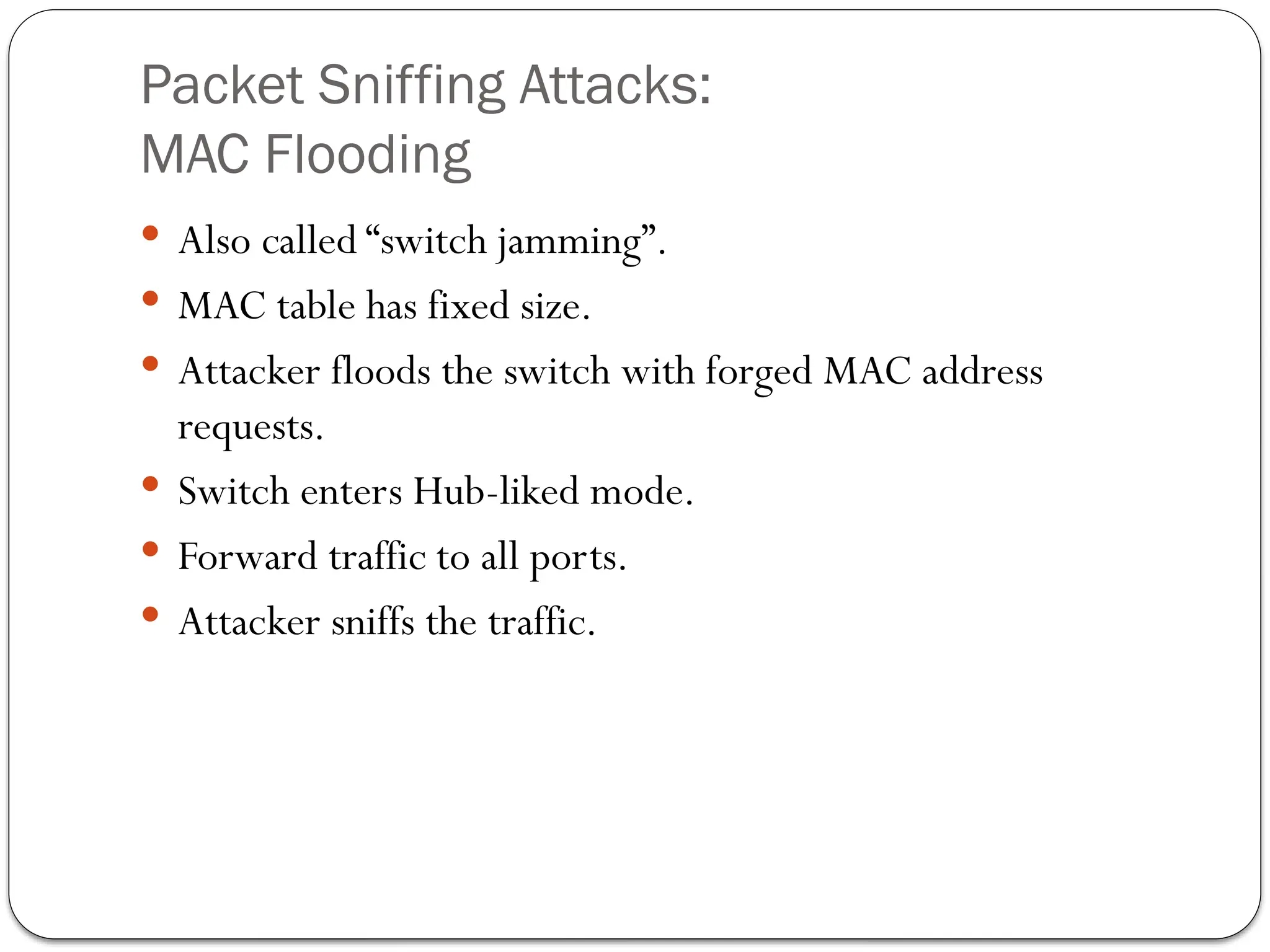
Packet Sniffing Attacks:
MACFlooding
Also called “switch jamming”.
MAC table has fixed size.
Attacker floods the switch with forged MAC address
requests.
Switch enters Hub-liked mode.
Forward traffic to all ports.
Attacker sniffs the traffic.
21.
Packet Sniffing Attacks:
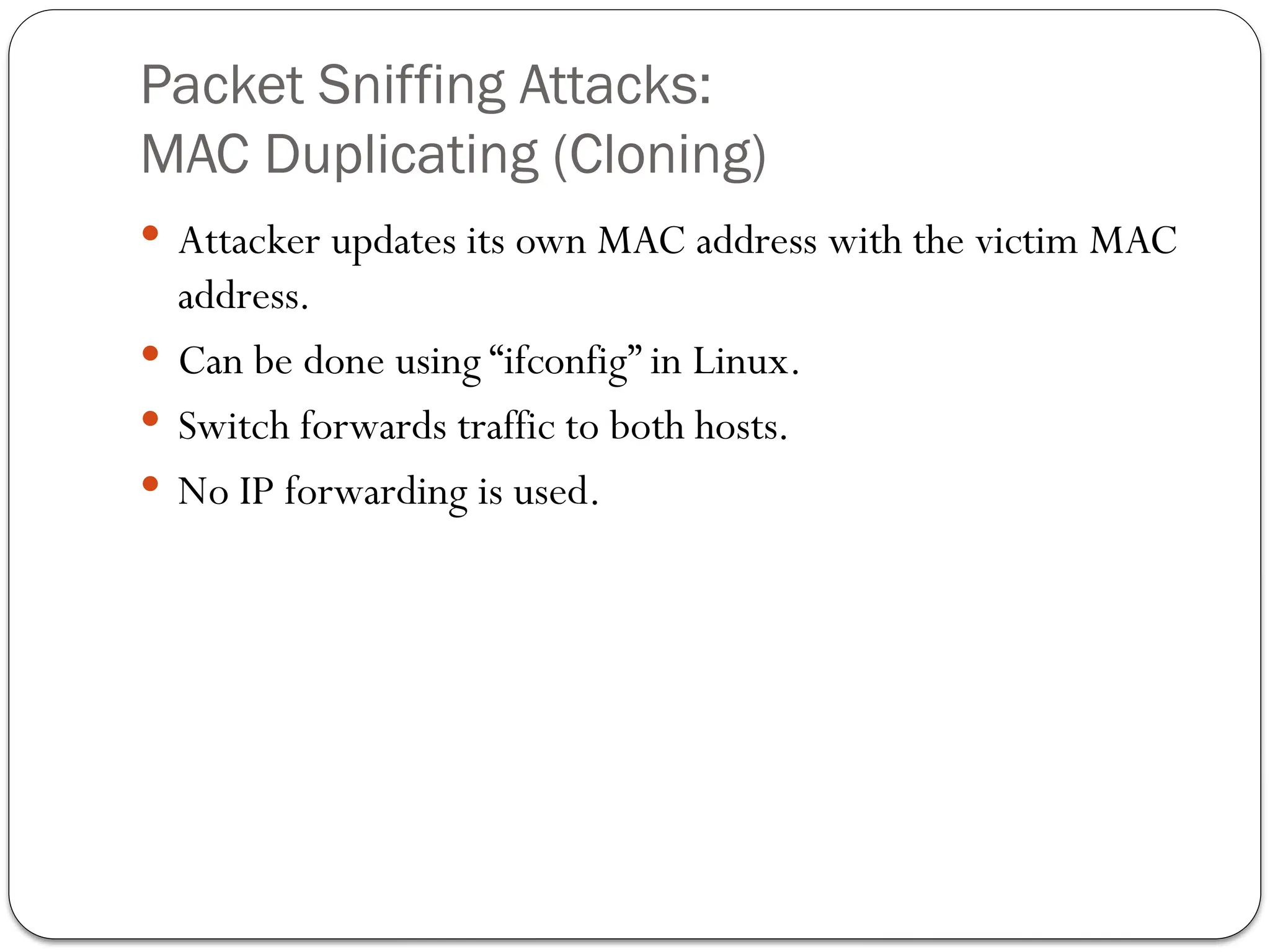
MACDuplicating (Cloning)
Attacker updates its own MAC address with the victim MAC
address.
Can be done using “ifconfig” in Linux.
Switch forwards traffic to both hosts.
No IP forwarding is used.
22.
Packet Sniffing Attacks:
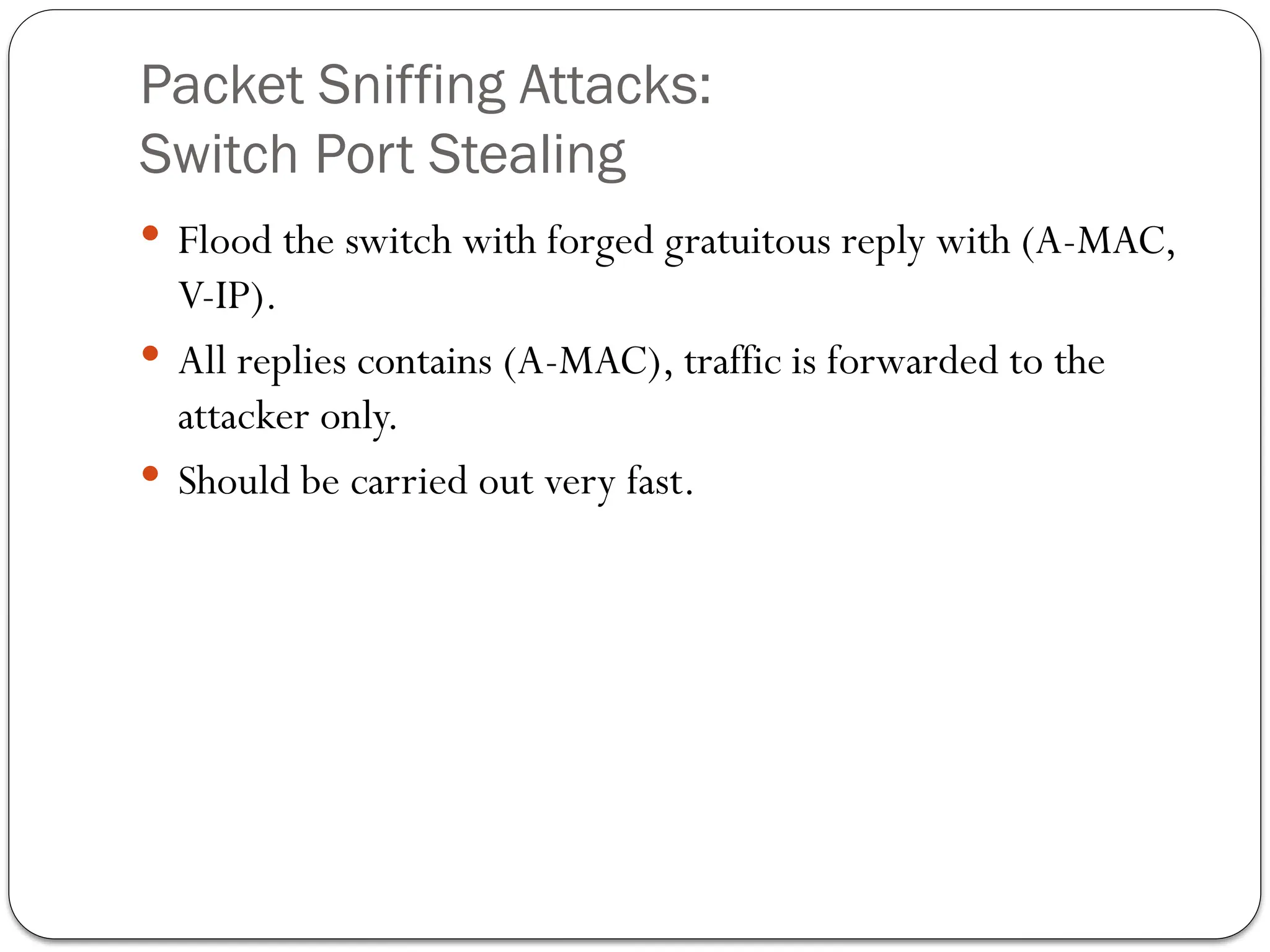
SwitchPort Stealing
Flood the switch with forged gratuitous reply with (A-MAC,
V-IP).
All replies contains (A-MAC), traffic is forwarded to the
attacker only.
Should be carried out very fast.
23.
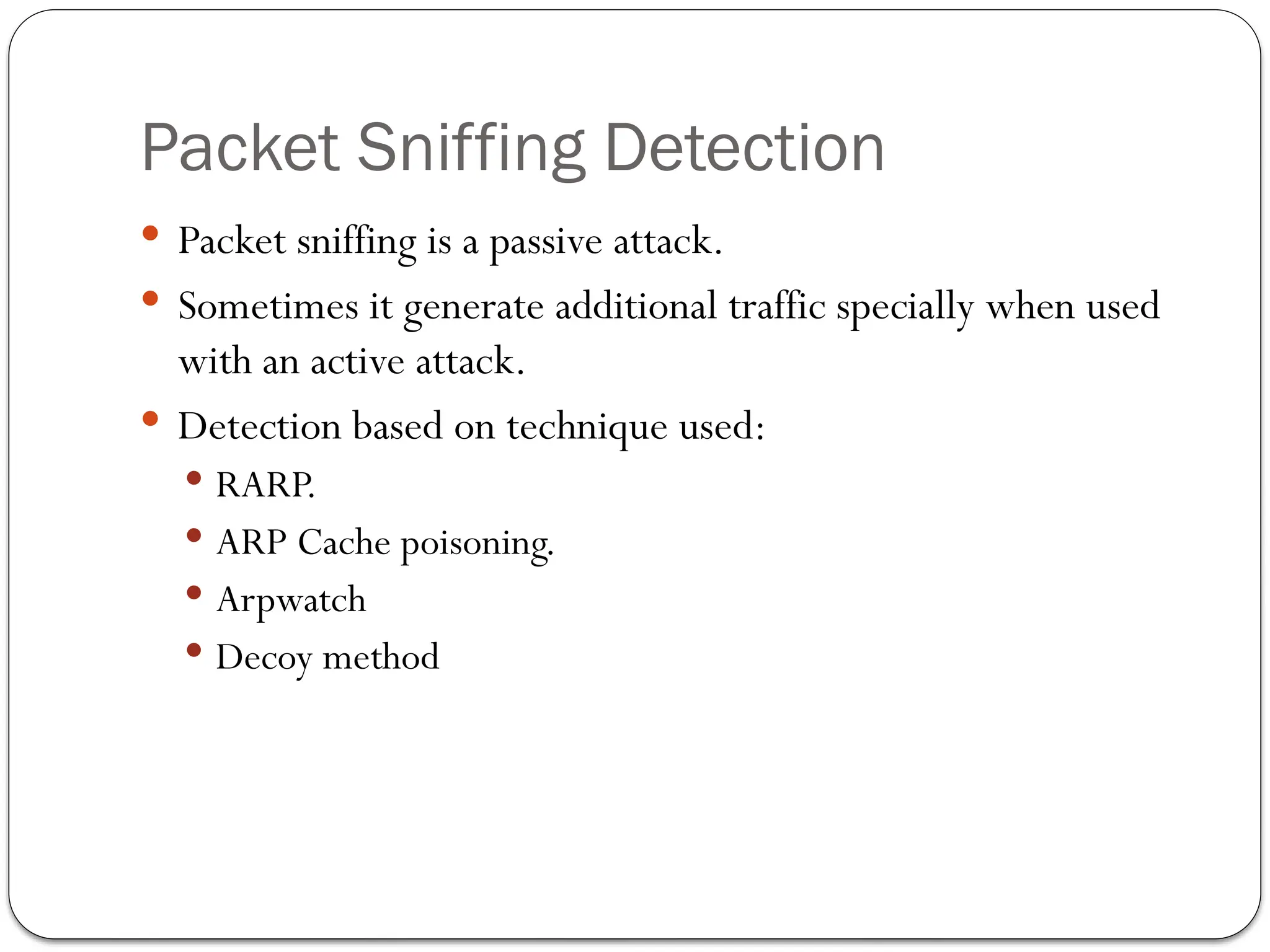
Packet Sniffing Detection
Packet sniffing is a passive attack.
Sometimes it generate additional traffic specially when used
with an active attack.
Detection based on technique used:
RARP.
ARP Cache poisoning.
Arpwatch
Decoy method
24.
Packet Sniffing Detection:
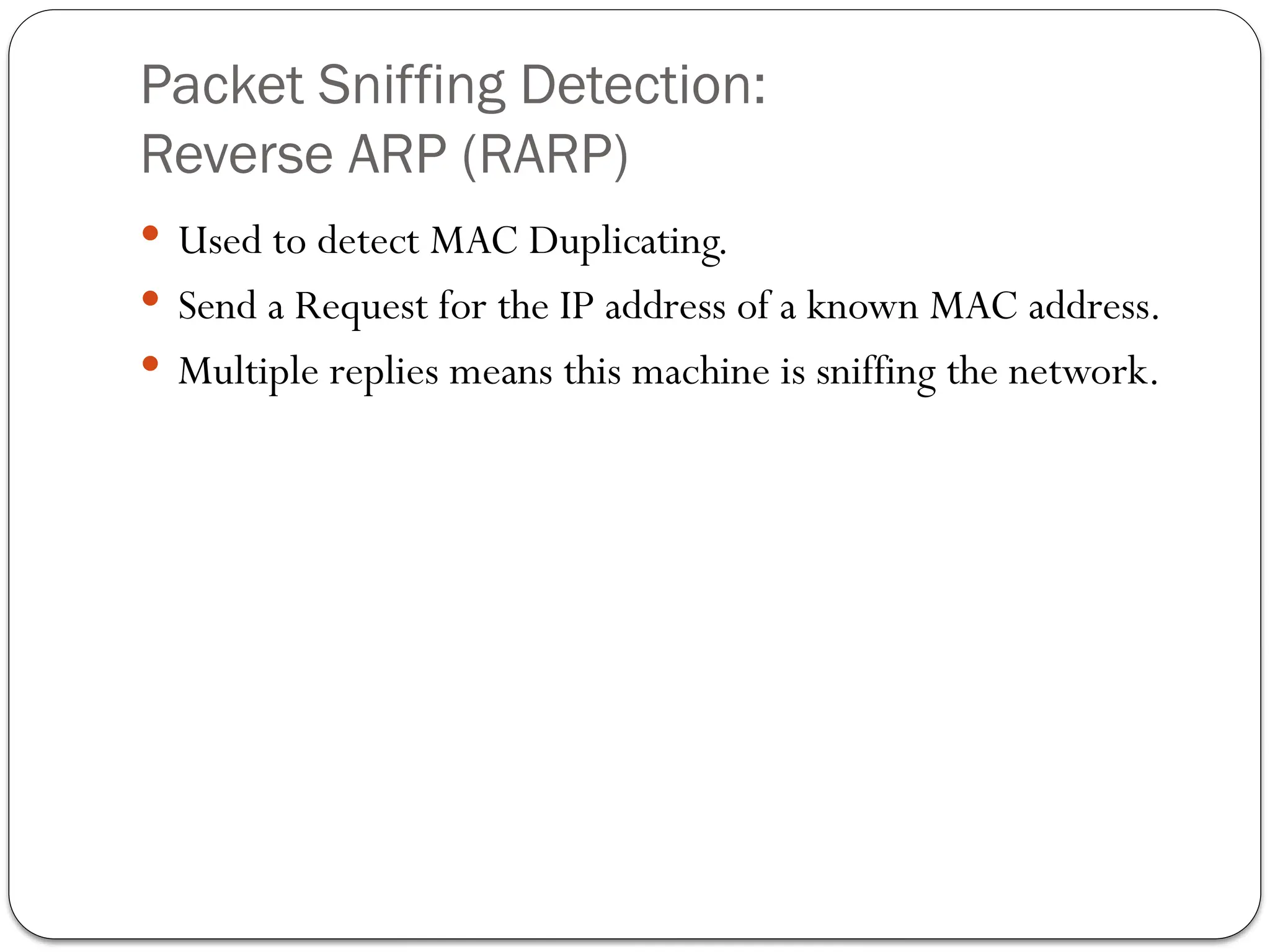
ReverseARP (RARP)
Used to detect MAC Duplicating.
Send a Request for the IP address of a known MAC address.
Multiple replies means this machine is sniffing the network.
25.
Packet Sniffing Detection:
ARPCache Poisoning
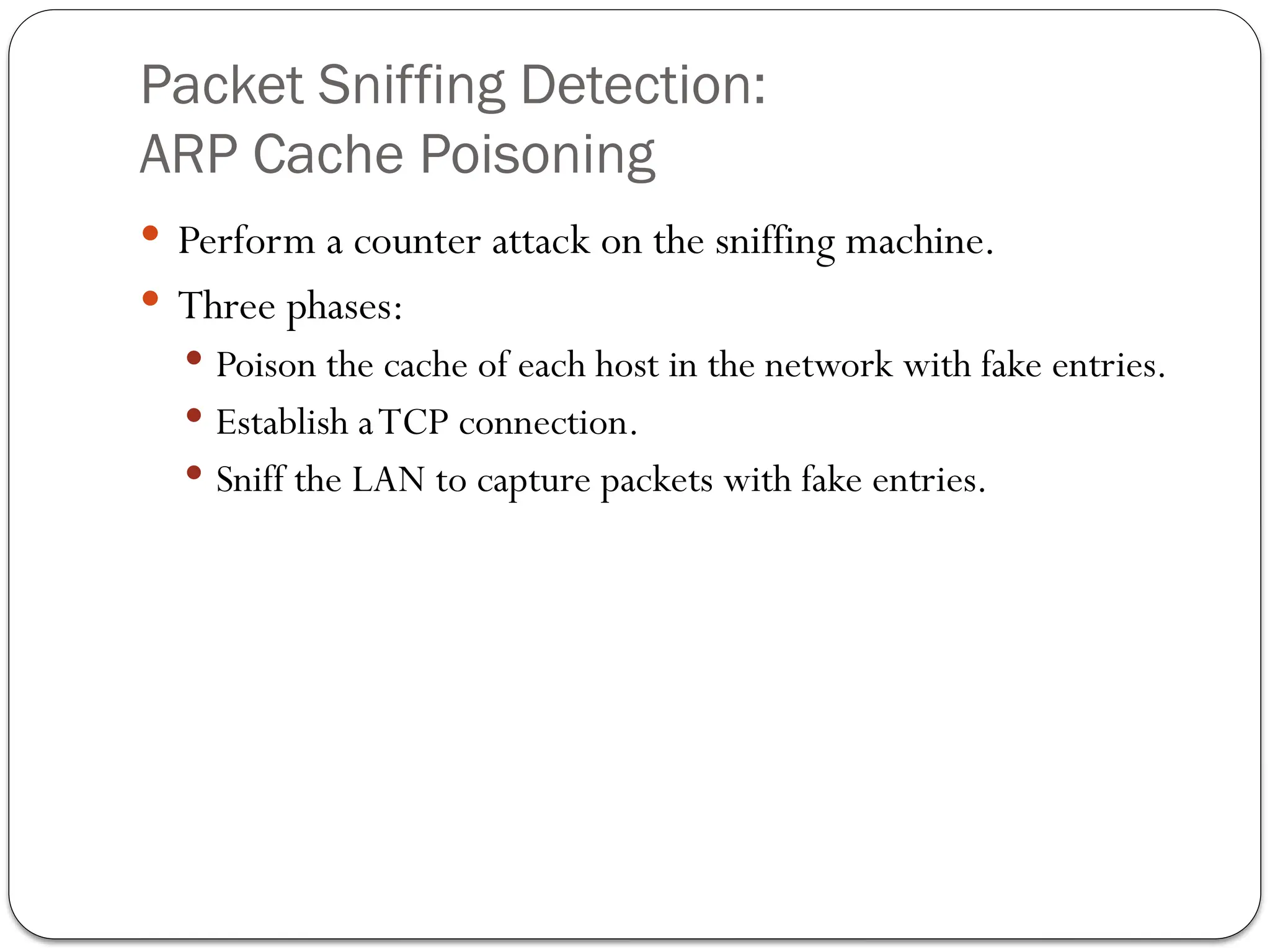
Perform a counter attack on the sniffing machine.
Three phases:
Poison the cache of each host in the network with fake entries.
Establish aTCP connection.
Sniff the LAN to capture packets with fake entries.
26.
ARP Cache Poisoning:
Phase1
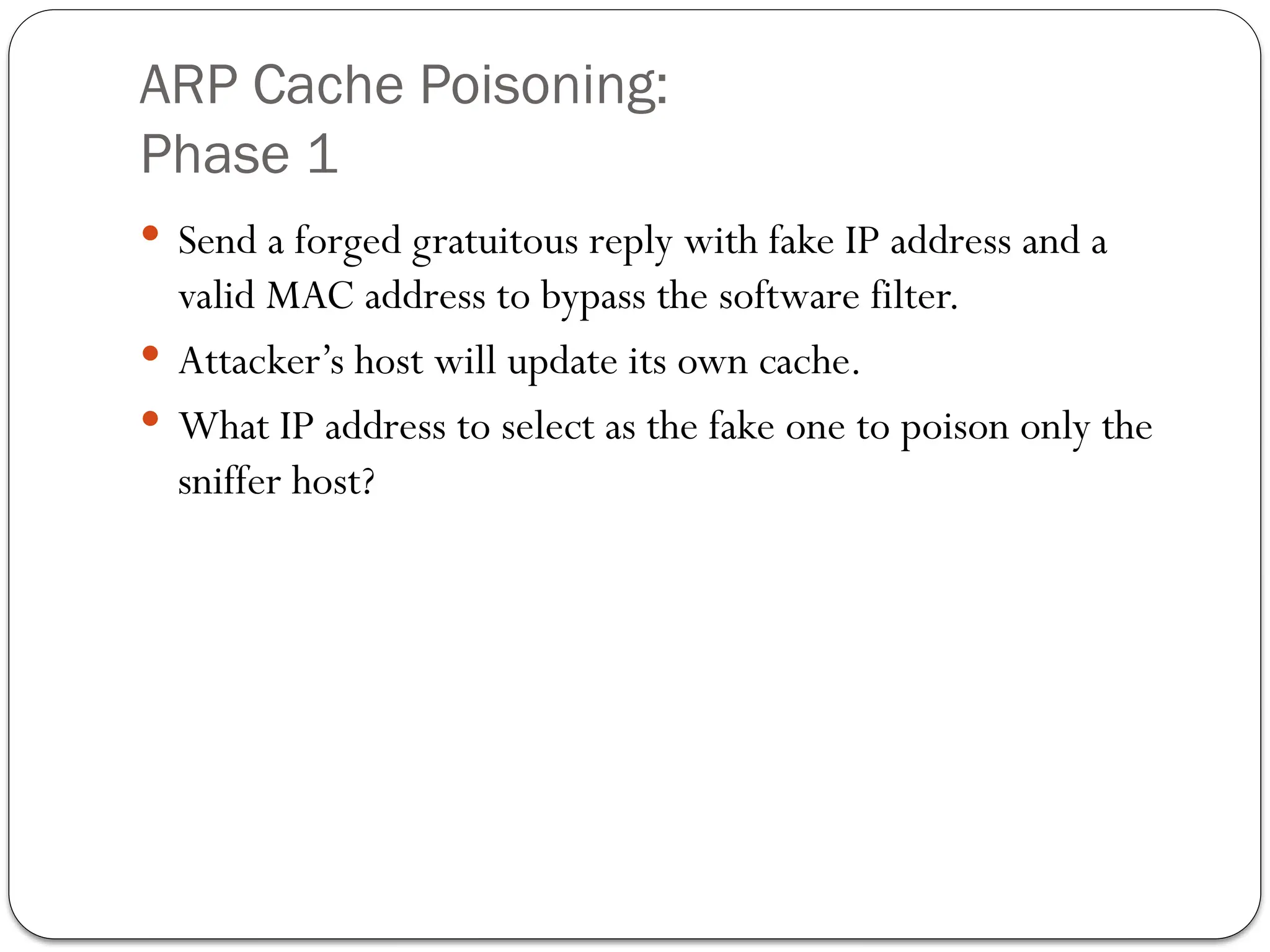
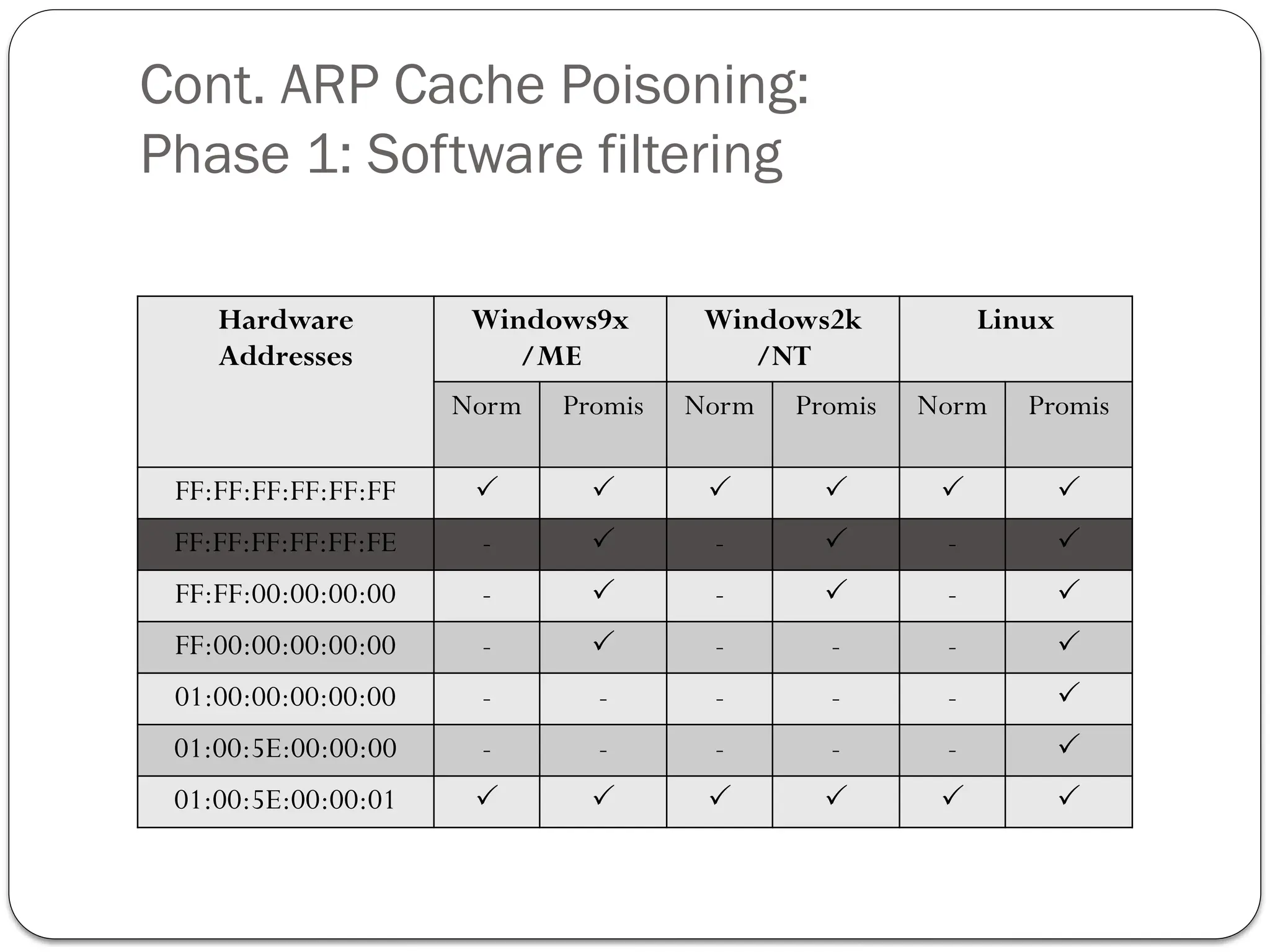
Send a forged gratuitous reply with fake IP address and a
valid MAC address to bypass the software filter.
Attacker’s host will update its own cache.
What IP address to select as the fake one to poison only the
sniffer host?
Cont. ARP CachePoisoning:
Phase 2
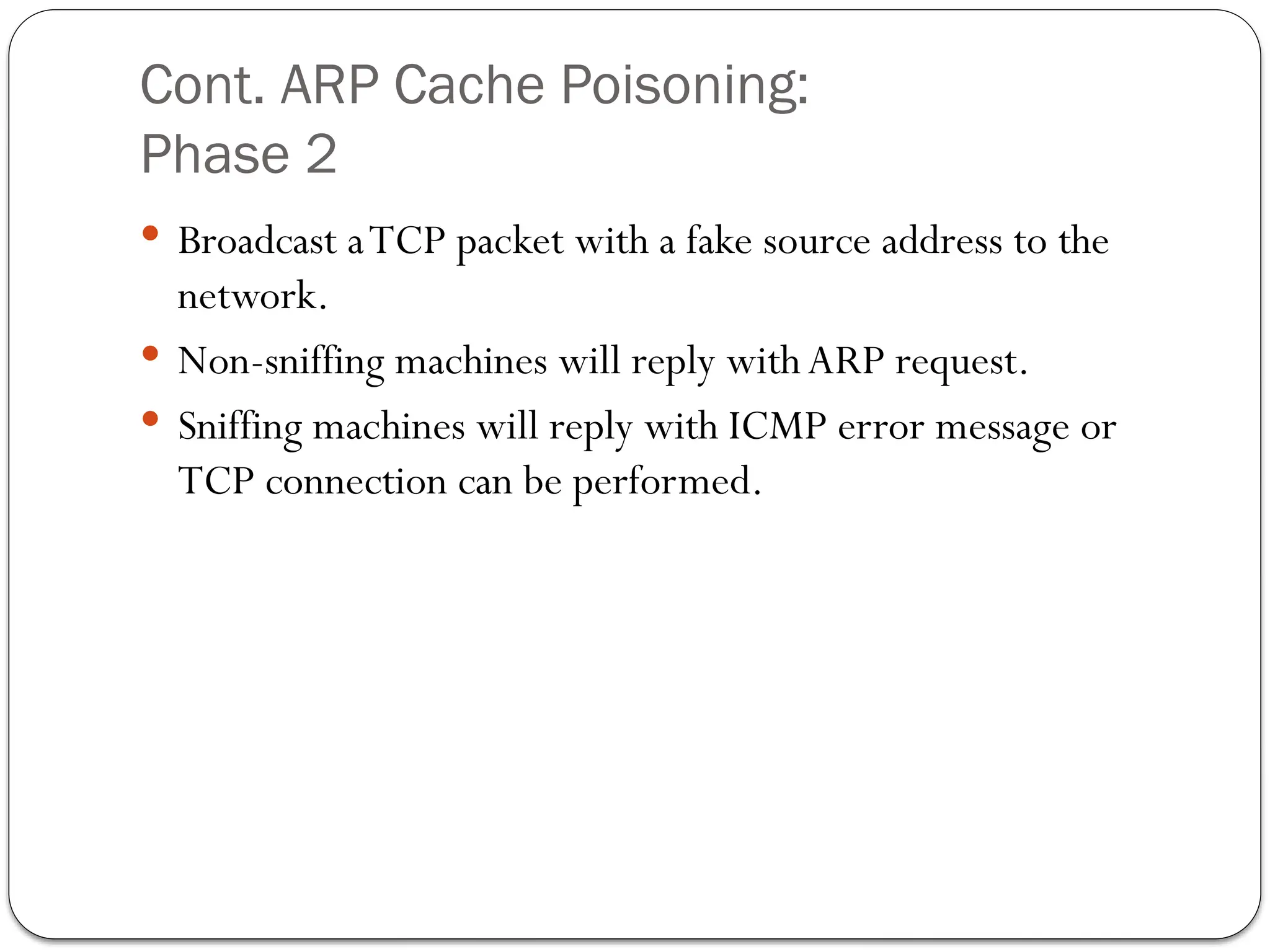
Broadcast aTCP packet with a fake source address to the
network.
Non-sniffing machines will reply with ARP request.
Sniffing machines will reply with ICMP error message or
TCP connection can be performed.
29.
Cont. ARP CachePoisoning:
Phase 3
Use a sniffer to detect machines that responded with a ICMP
error orTCP message.
30.
Packet Sniffing Detection:
Arpwatch
Tool that uses lipbcap to store a database with (IP-MAC)
pairs.
Records every operation made on the network and send it via
Email.
Software are not 100% accurate.
31.
Packet Sniffing Detection:
DecoyMethod
Administrator establishes a connection between a host and
virtual server.
Uses a plain-text UserName and Password.
Intrusion detection system activated once credentials used.
Packet Sniffing Prevention:
PortSecurity and Static ARP entries
Port Security on Switch
Once IP-MAC is set, it can’t be changed.
OnlyAdministrator can change them.
StaticARP entries
Not timed out.
Not replaced by forged ARP replies.
Constraint to the size of the network.
Overhead to maintain cache and keep it up-to-date.
35.
Packet Sniffing Prevention:
Authentication
Kerbros
Credentials no stored on the server.
Not transmitted over the network.
One time passwords
Used only once.
Authentication service that only protect credentials and not
other types of traffic.
Prone to passwords guessing attacks.
36.
Packet Sniffing Prevention:
SecuredProtocols
Never send data in plain-text
SSH for telnet.
SFTP for FTP.
VPN for cleat text traffic.
Virtual private networks (VPN)
All traffic is encrypted.
Additional overhead.
Can be sniffed if exposed toTrojans
37.
Packet Sniffing Prevention:
Encryption
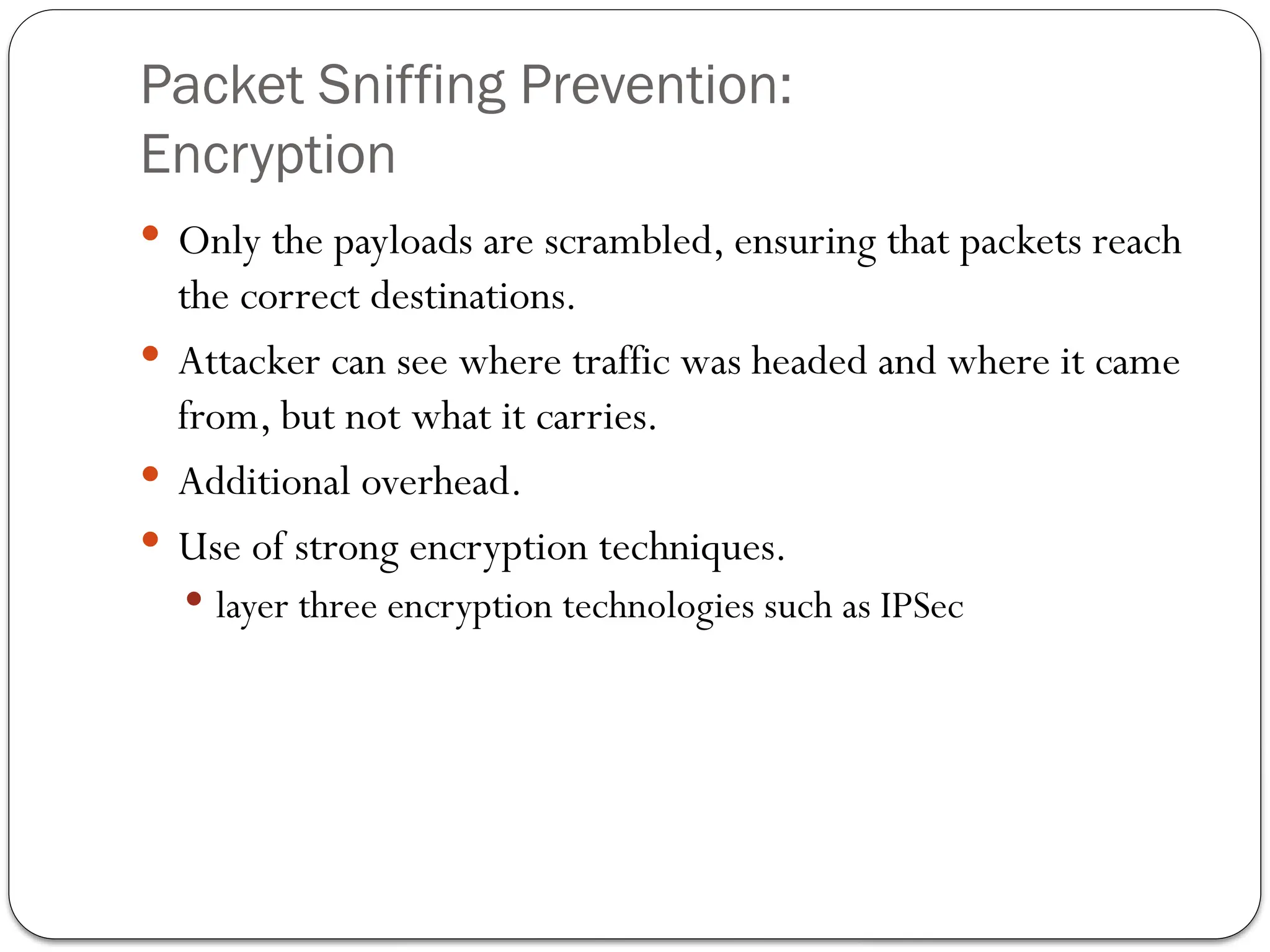
Only the payloads are scrambled, ensuring that packets reach
the correct destinations.
Attacker can see where traffic was headed and where it came
from, but not what it carries.
Additional overhead.
Use of strong encryption techniques.
layer three encryption technologies such as IPSec
38.
Conclusion
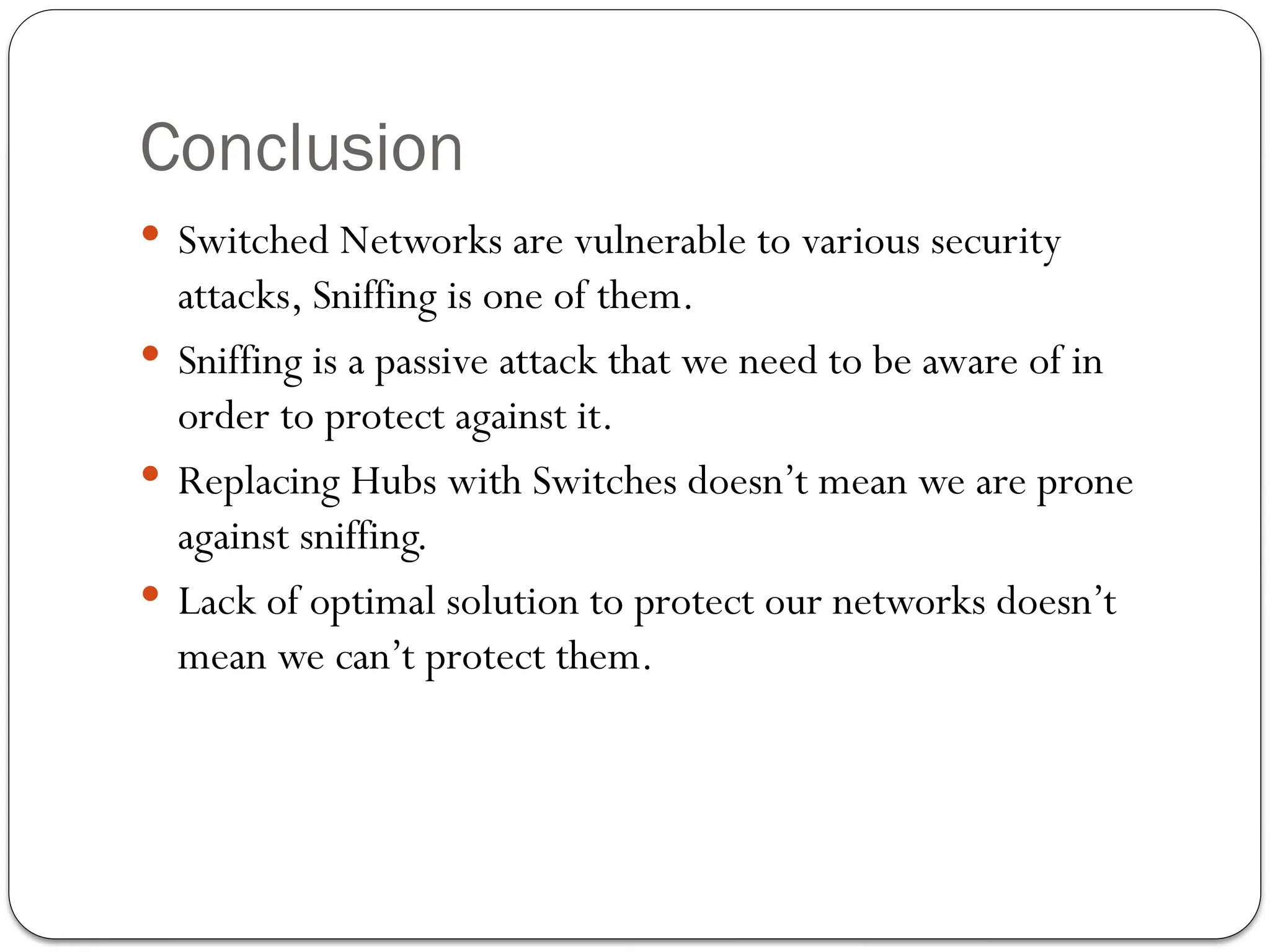
Switched Networksare vulnerable to various security
attacks, Sniffing is one of them.
Sniffing is a passive attack that we need to be aware of in
order to protect against it.
Replacing Hubs with Switches doesn’t mean we are prone
against sniffing.
Lack of optimal solution to protect our networks doesn’t
mean we can’t protect them.
39.
WireShark: Why useWireshark?
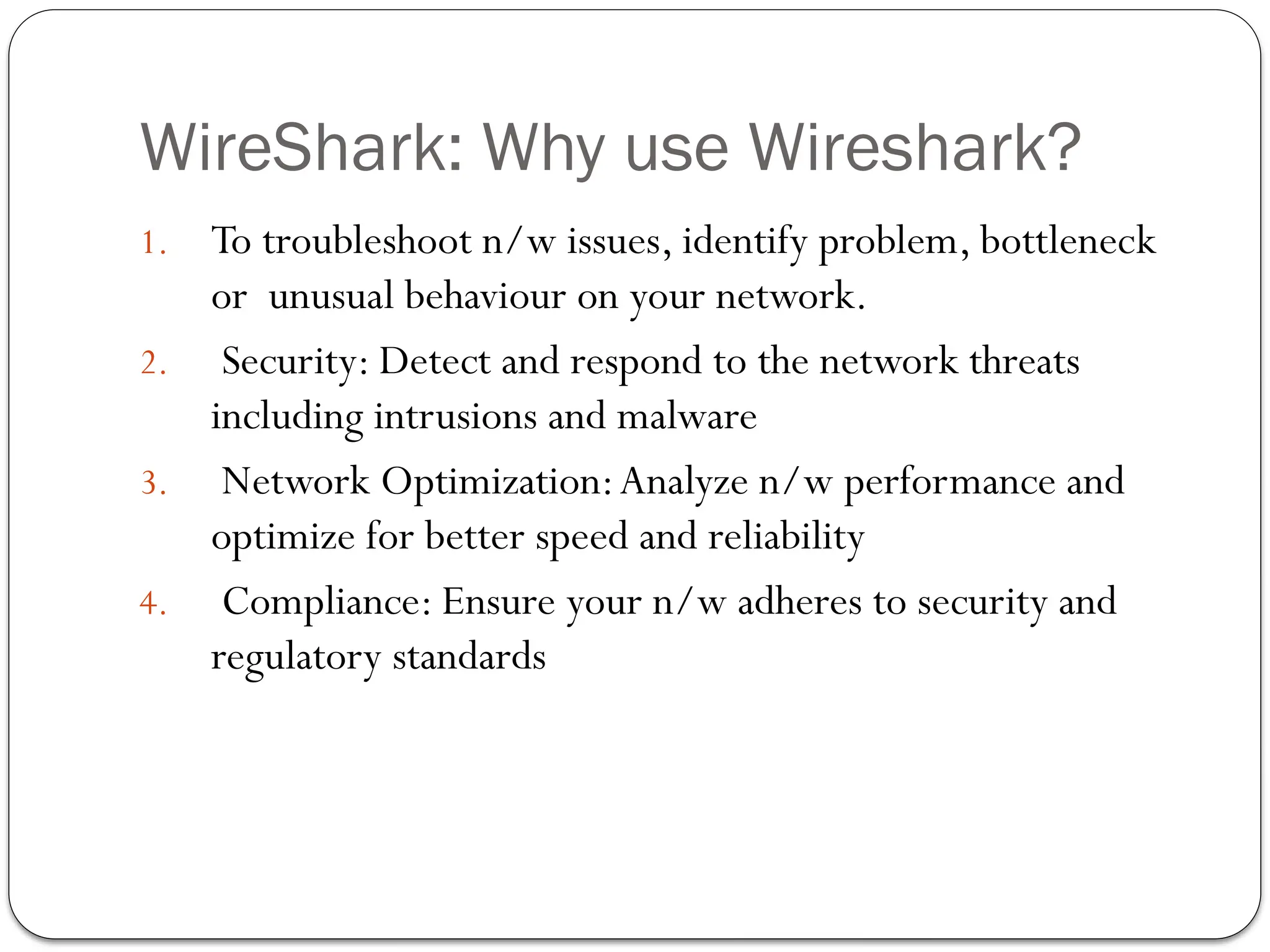
1. To troubleshoot n/w issues, identify problem, bottleneck
or unusual behaviour on your network.
2. Security: Detect and respond to the network threats
including intrusions and malware
3. Network Optimization:Analyze n/w performance and
optimize for better speed and reliability
4. Compliance: Ensure your n/w adheres to security and
regulatory standards
40.
Features
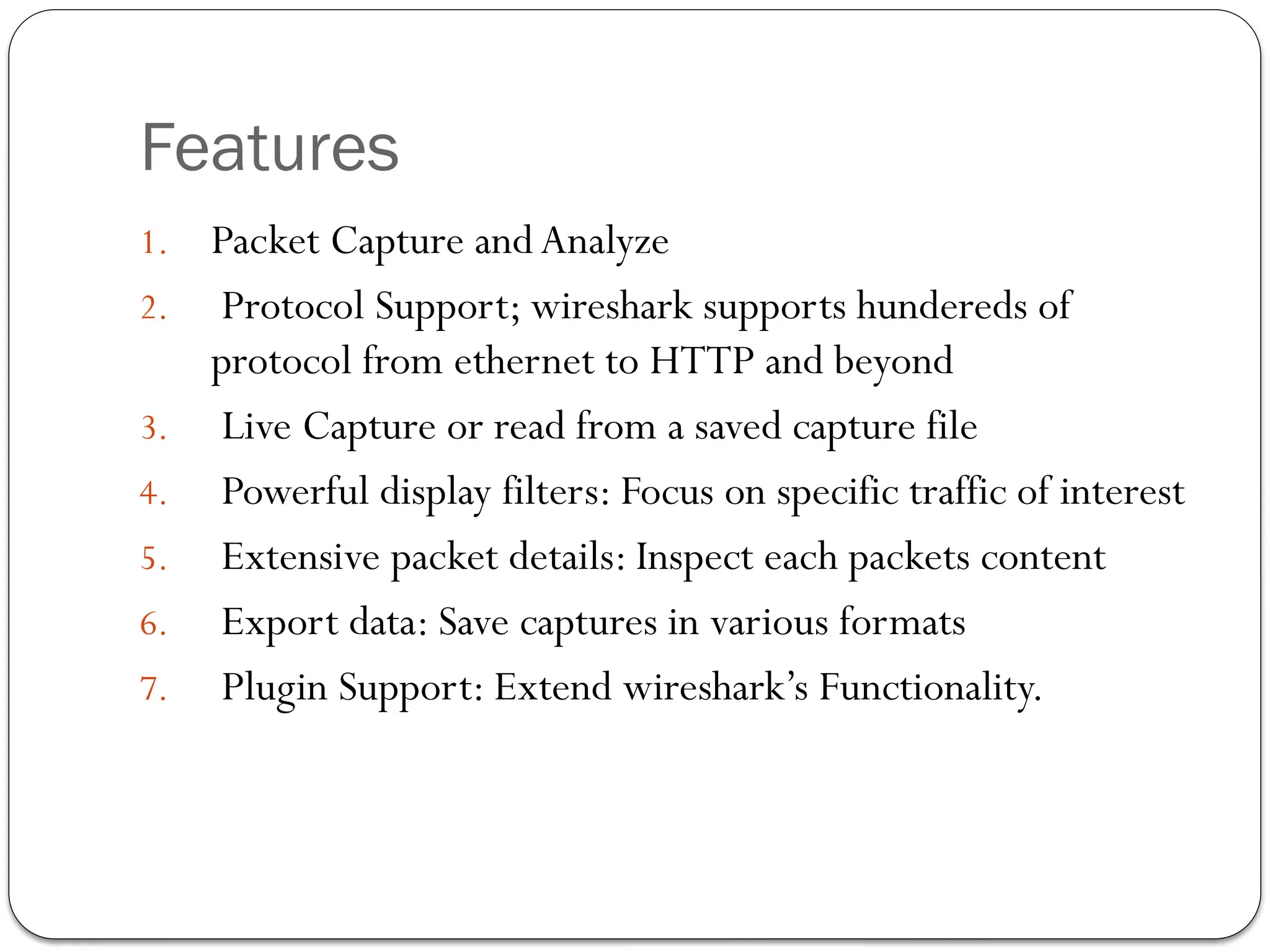
1. Packet Captureand Analyze
2. Protocol Support; wireshark supports hundereds of
protocol from ethernet to HTTP and beyond
3. Live Capture or read from a saved capture file
4. Powerful display filters: Focus on specific traffic of interest
5. Extensive packet details: Inspect each packets content
6. Export data: Save captures in various formats
7. Plugin Support: Extend wireshark’s Functionality.
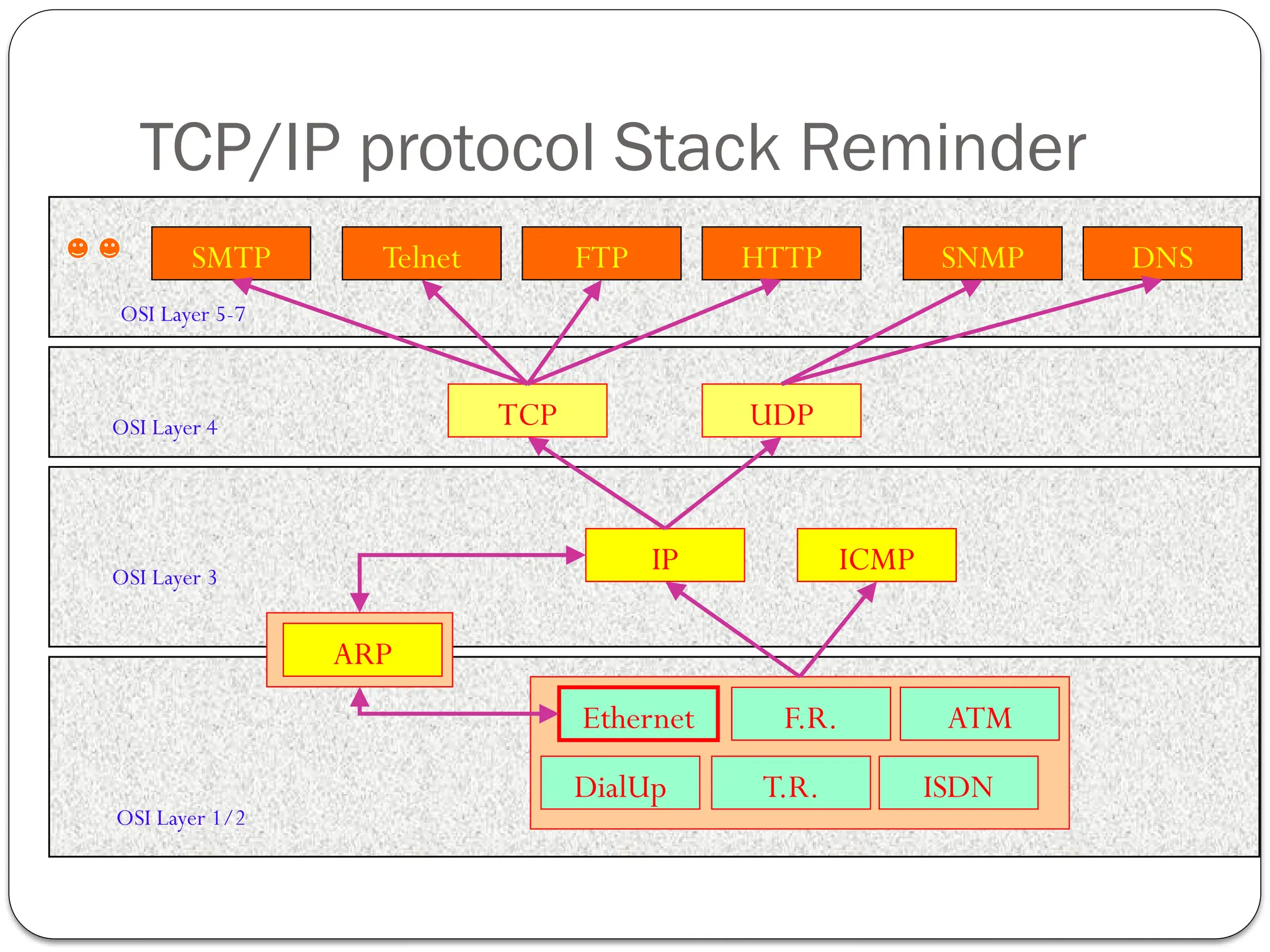
TCP/IP protocol StackReminder
T.R.
F.R.
Ethernet
DialUp ISDN
ATM
IP ICMP
TCP UDP
Telnet SNMP
HTTP
FTP DNS
SMTP
ARP
OSI Layer 1/2
OSI Layer 3
OSI Layer 4
OSI Layer 5-7
43.
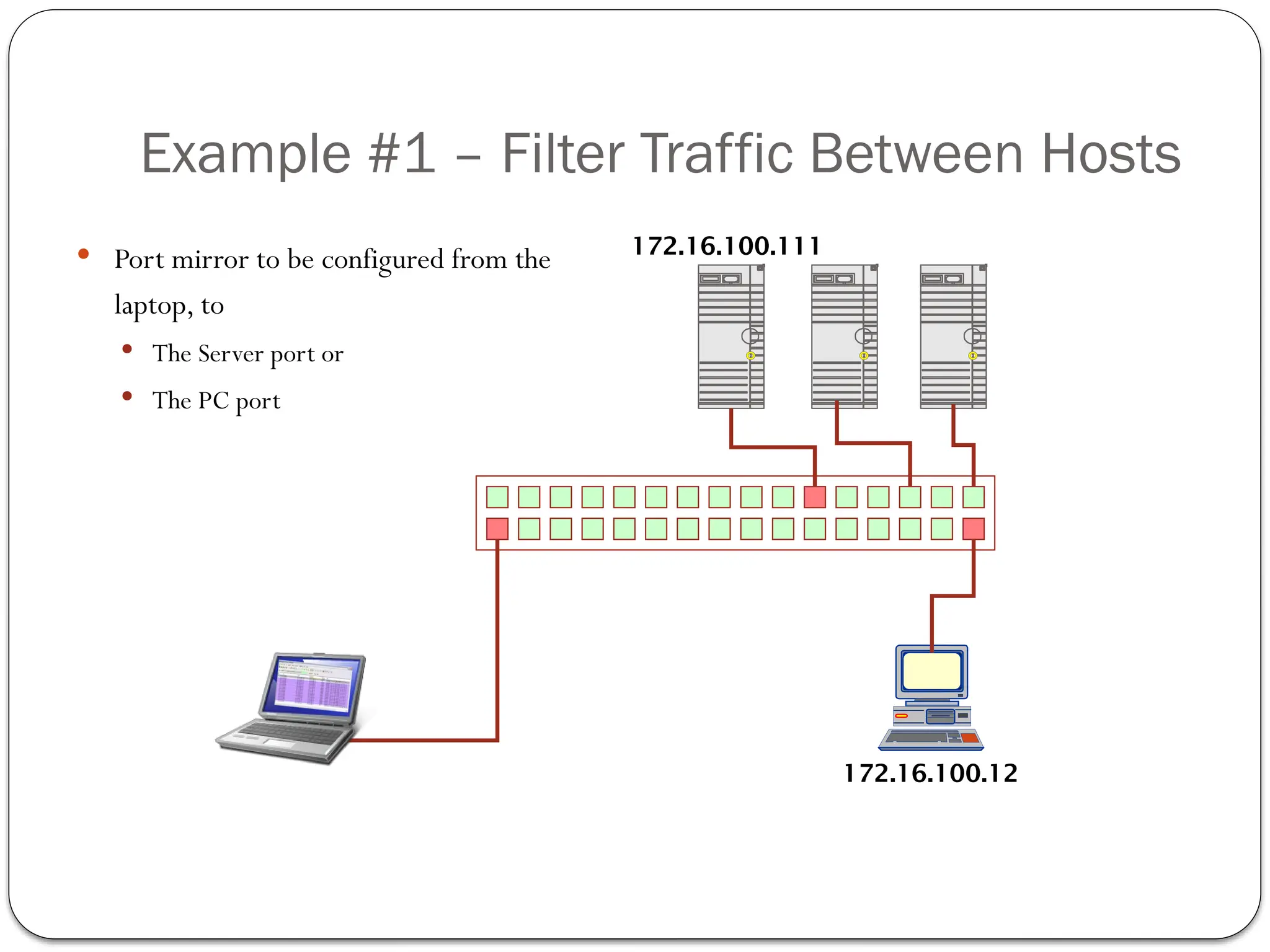
Example #1 –Filter Traffic Between Hosts
Port mirror to be configured from the
laptop, to
The Server port or
The PC port
S
D
S
D
S
D
172.16.100.111
172.16.100.12
44.
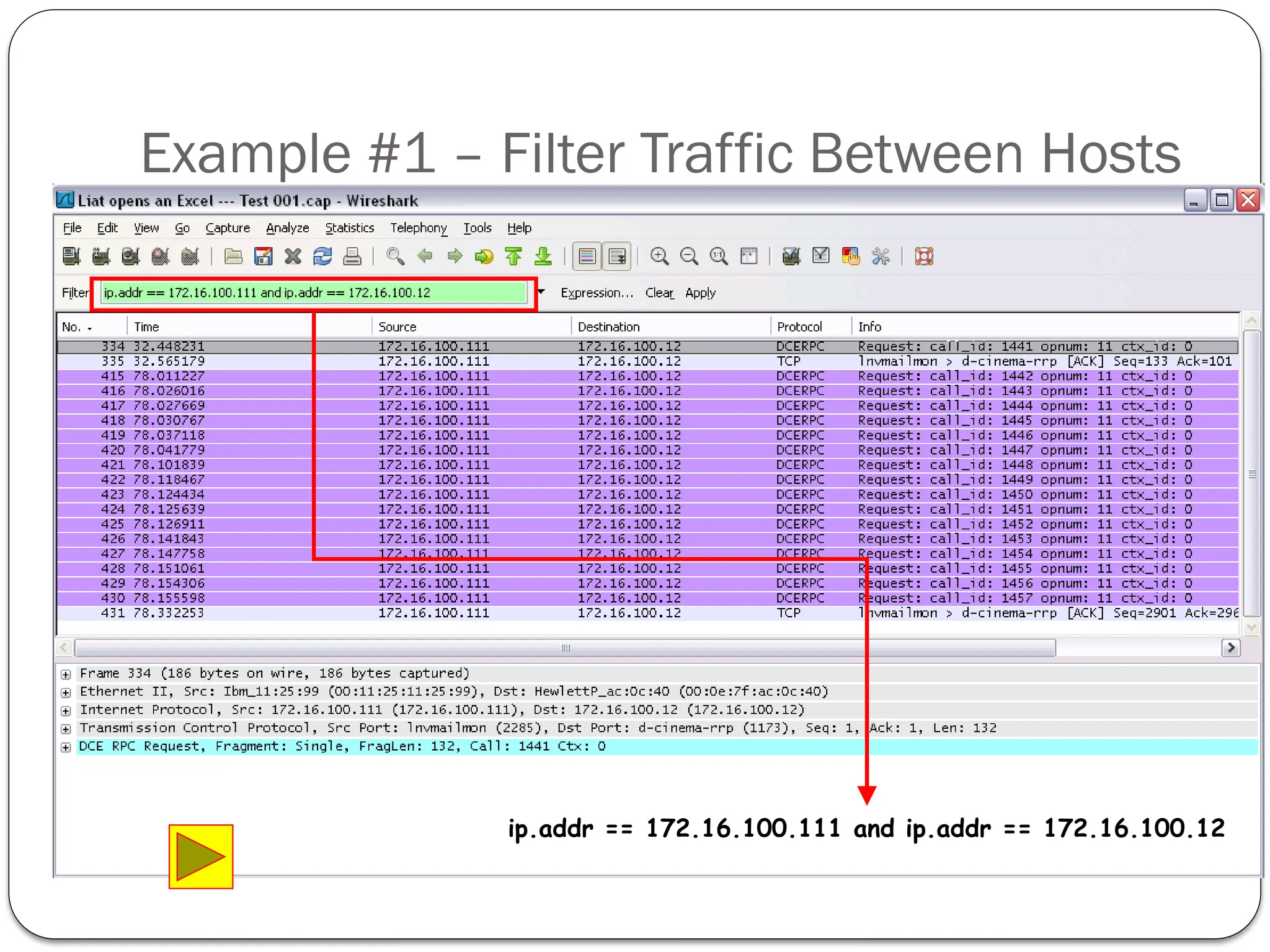
Example #1 –Filter Traffic Between Hosts
ip.addr == 172.16.100.111 and ip.addr == 172.16.100.12
45.
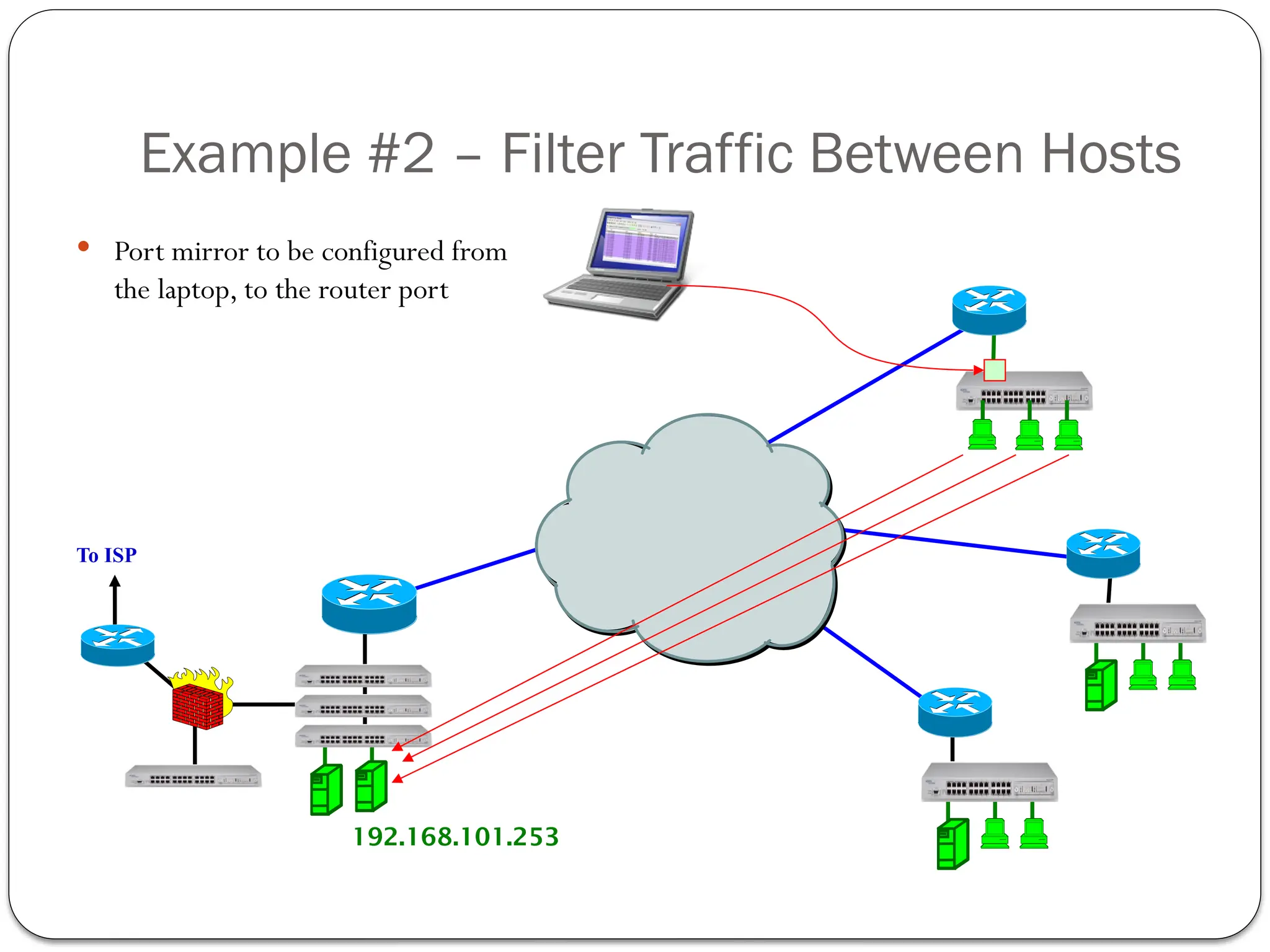
Example #2 –Filter Traffic Between Hosts
Port mirror to be configured from
the laptop, to the router port
To ISP
192.168.101.253
46.
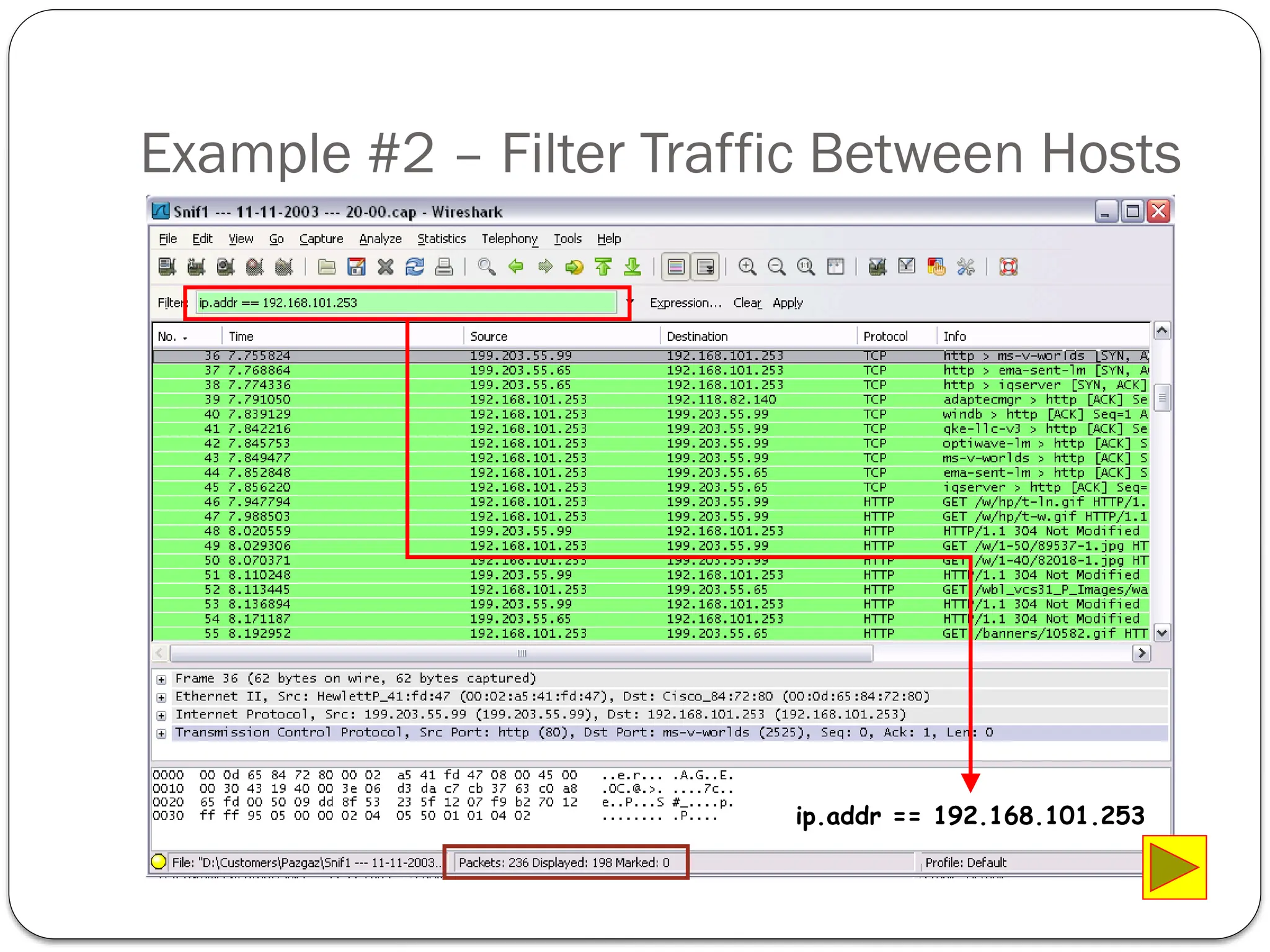
Example #2 –Filter Traffic Between Hosts
ip.addr == 192.168.101.253
47.
Example 3: Capturinga bulk TCP transfer from
your computer to a remote server
1. Start up your web browser. Go
http://gaia.cs.umass.edu/wiresharklabs/alice.txt and retrieve an ASCII copy
of Alice in Wonderland. Store this file somewhere on your computer.
2. Next go to
http://gaia.cs.umass.edu/wireshark-labs/TCP-wireshark-file1.html.
3. Use the Browse button in this form to enter the name of the file (full path
name) on your computer containing Alice in Wonderland (or do so
manually). Don’t yet press the “Upload alice.txt file” button.
4. Now start up Wireshark and begin packet capture (Capture->Start) and then
press OK on the Wireshark Packet Capture Options screen (we’ll not need
to select any options here).
5. Returning to your browser, press the “Upload alice.txt file” button to upload
the file to the gaia.cs.umass.edu server. Once the file has been uploaded, a
short congratulations message will be displayed in your browser window.
48.
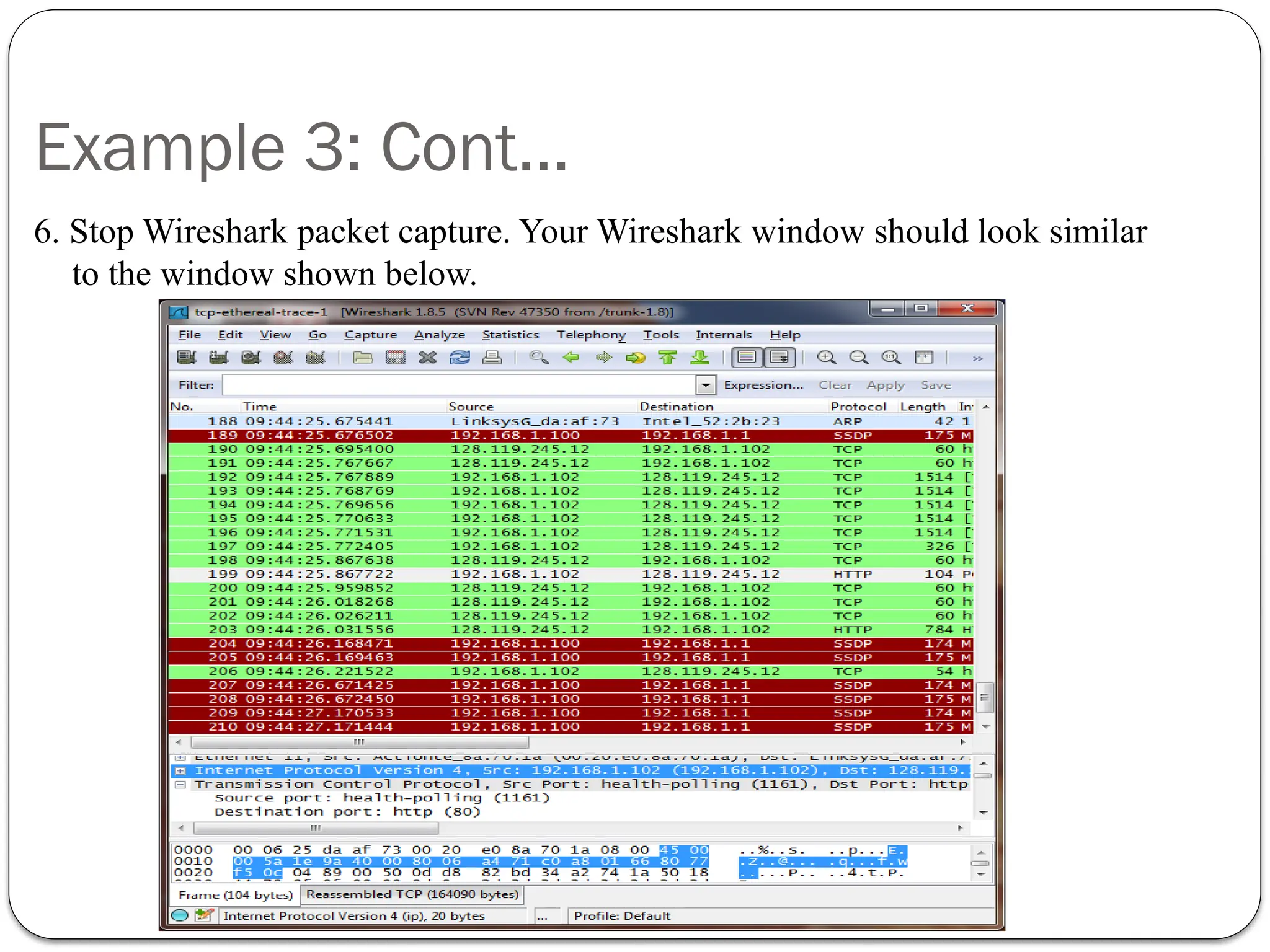
Example 3: Cont…
6.Stop Wireshark packet capture. Your Wireshark window should look similar
to the window shown below.
49.
Example 3: Cont…
Question.What is the IP address andTCP port number used by the client computer
(source) that is transferring the file to gaia.cs.umass.edu?
Solution:
Step 1: Select an HTTP message and explore the details of theTCP packet used to carry
this HTTP message
Step 2: Employing the “details of the selected packet header window” (refer to Figure 2 in
the
50.
Example 3: Cont…
Question.What is the IP address of gaia.cs.umass.edu? On what port number
is it sending and receivingTCP segments for this connection?
Question: What is the IP address andTCP port number used by your client
computer (source) to transfer the file to gaia.cs.umass.edu?
Editor's Notes
#4 Packet sniffing tools can be used either in legal or illegal forms. Legal forms which called commercial sniffers that are used by network administrator to monitor the network and detect security breaches. Illegal forms which called underground sniffers that are used by hackers and network intruders to gain access to unauthorized date and steal sensitive information.
#5 A packet sniffing as mentioned before can be either a software installed in a designated places throughout the network or can be a piece of hardware (a wired tape device) that is plugged in the network to monitor traffic.
#6 A packet sniffing as mentioned before can be either a software installed in a designated places throughout the network or can be a piece of hardware (a wired tape device) that is plugged in the network to monitor traffic.
#11 Each frame includes the hardware (Media Access Control) address. When a network card receives a frame, it normally drops it unless the frame is addressed to that card. In promiscuous mode, however, the card allows all frames through, thus allowing the computer to read frames intended for other machines or network devices.
#14 Who has:It is almost always sent as a broadcast frame, so as to hopefully reach the host with the desired IP address when we don’t know its MAC address.
Is-at:. It is almost always sent as a unicast frame directed to the MAC address of the machine that sent the request.
#20 The attack starts by having the attacker flood the network with forged gratuitous ARP packets that each contains unique source MAC addresses. This causes some switches to go into a hub-like mode forwarding all traffic to all ports. What happens is that once the CAM table is full, the traffic without a CAM entry floods on the local VLAN. The already existing traffic with existing entries in the CAM table will not be forwarded out on all of the ports. Now, with the traffic being broadcasted to everyone, there will be no trouble sniffing it.
#21 It's not difficult to imagine that, since all frames on the network are routed based on their MAC address, that the ability to impersonate another host would work to our advantage. That's just what MAC duplicating does. You reconfigure Node B to have the same MAC address as the machine whose traffic you're trying to sniff. This is easy to do on a Linux box if you have access to the 'ifconfig' command. This differs from ARP Spoofing because, in ARP Spoofing, we are 'confusing' the host by poisoning it's ARP cache. In a MAC Duplicating attack, we actually confuse the switch itself into thinking two ports have the same MAC address. Since the data will be forwarded to both ports, no IP forwarding is necessary.
#22 This process should be carried very fast because any transmission of new packets with the original destination MAC address will update the cache with the correct binding.
#30 and records every operation made on network from installing new hosts to changing IP address of existing hosts. In addition, it can detect if anyone is missing with the network settings and try to change their IP address to the server or the gateway and send all these operations via Email.
When the MAC address associated with an IP changes (referred to
as a flip-flop), an email is sent to an administrator.
Tests showed that running Parasite on a network caused a flood of flip-flops, leaving the MAC of
the attacker present in Arpwatch’s emails. Ettercap caused several flip flops, but would be difficult to
detect on a DHCP-enabled network where flip flops occur at regular intervals.
#31 A network administrator can deceive sniffing hosts by performing a decoy method. It is carried out by establishing a connection between a host and a virtual server using plain-text username and password. Once a sniffer try to use these credentials, intrusion detection system is activated and reports intruding attempt.
#35 Kerbros: authentication service that performs two –way authentication between any two parties.
#36 Virtual private networks (VPNs) can provide prevention against sniffing since all transmitting of data is used in encrypted form. So despite the overhead of sending encrypted data, it makes it hard to a sniffer to preach the security of VPNs, but this does not mean that VPNs are not prone to sniffing because once a host is compromised to Trojan with a sniffer plugged-in to it, a sniffer not only can sniff encrypted traffic but also unencrypted traffic before it gets into the VPN.
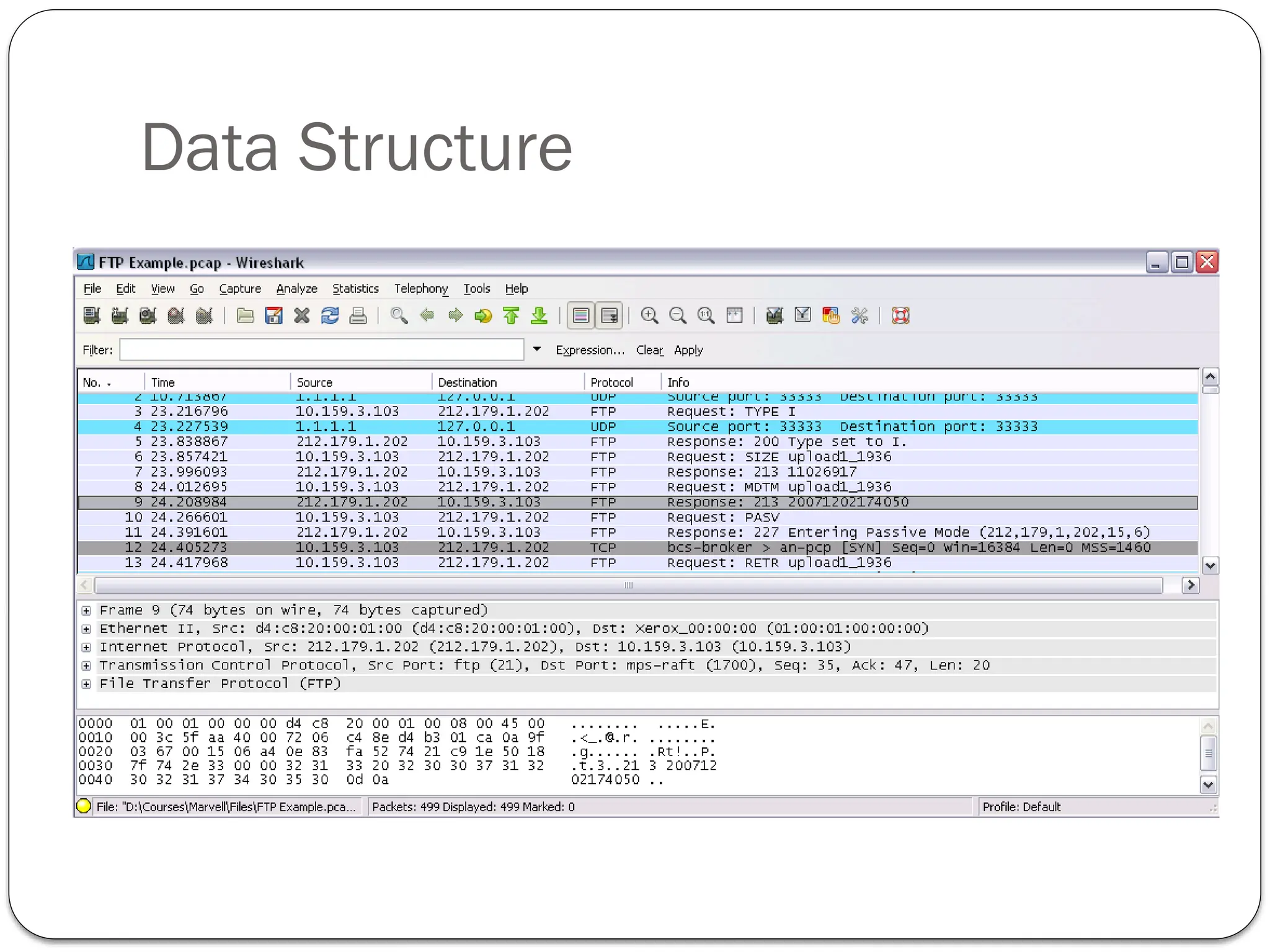
#41 Wireshark's main window consists of parts that are commonly known from many other GUI programs.
The menu is used to start actions.
The main toolbar provides quick access to frequently used items from the menu.
The filter toolbar provides a way to directly manipulate the currently used display filter.
The packet list pane displays a summary of each packet captured. By clicking on packets in this pane you control what is displayed in the other two panes.
The packet details pane displays the packet selected in the packet list pane in more detail.
The packet bytes pane displays the data from the packet selected in the packet list pane, and highlights the field selected in the packet details pane.
The statusbar shows some detailed information about the current program state and the captured data.
#42 If we’ll go back to the OSI-RM definitions, layers 1 and 2 are the LAN and WAN protocols. TCP works on any of them.
In layer 3, the protocols that provides end to end connectivity is the IP – Internet Protocol. In parallel to the IP, there are other special purpose protocols, like ICMP (Ping command)
ARP (Address Resolution Protocol) is used for address resolution between layer-2 LAN and layer-3 IP protocols
In layer 4 we have two protocols for application connectivity – TCP (Transport Control Protocol) which is a connection-oriented, reliable protocol, and UDP (User Datagram Protocol), which is an unreliable, connection-less protocol.
In layers 5 to 7, the “upper layers”, we have two types of protocols:
Those who requires reliability, like FTP, HTTP and others – they work on the top of reliable TCP infrastructure. Of course, working over TCP slows the operation
Those who does not requires reliability, or does require speed – they work on the top of the faster, unreliable UDP.
#44 ip.addr == 172.16.100.111 and ip.addr == 172.16.100.12
#45 In order to monitor all traffic to the server, we will simply define a filter with the IP address of the server