Operators in Python
InPython, operators are special symbols that perform operations on variables and values,
playing a crucial role in programming. They are categorized into various types including
arithmetic, comparison, logical operations, and more, each serving specific purposes in
code execution and evaluation.
2.
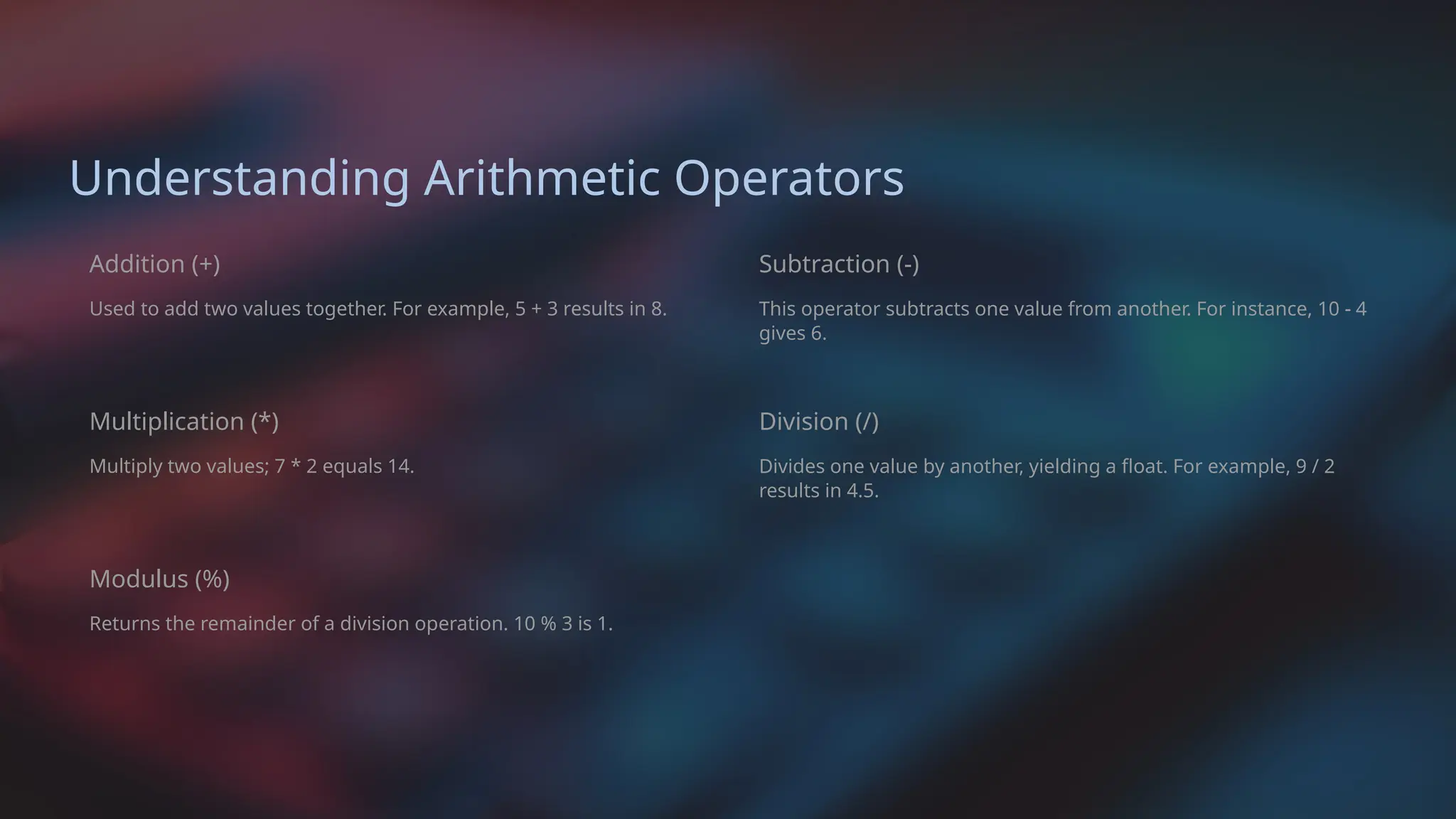
Understanding Arithmetic Operators
Addition(+)
Used to add two values together. For example, 5 + 3 results in 8.
Multiplication (*)
Multiply two values; 7 * 2 equals 14.
Modulus (%)
Returns the remainder of a division operation. 10 % 3 is 1.
Subtraction (-)
This operator subtracts one value from another. For instance, 10 - 4
gives 6.
Division (/)
Divides one value by another, yielding a float. For example, 9 / 2
results in 4.5.
3.
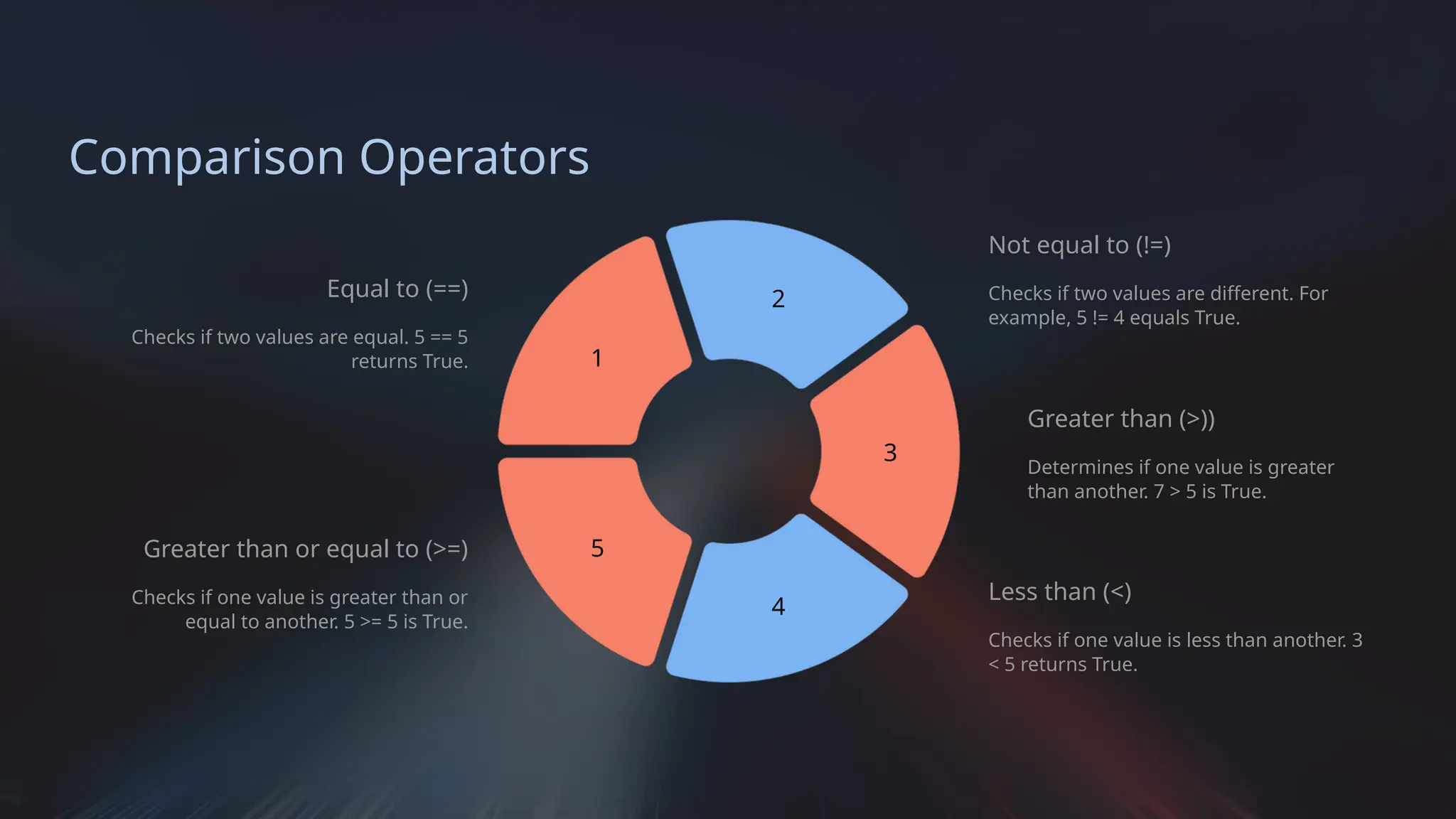
Comparison Operators
Equal to(==)
Checks if two values are equal. 5 == 5
returns True.
Greater than or equal to (>=)
Checks if one value is greater than or
equal to another. 5 >= 5 is True.
1
5
2
4
3
Not equal to (!=)
Checks if two values are different. For
example, 5 != 4 equals True.
Greater than (>))
Determines if one value is greater
than another. 7 > 5 is True.
Less than (<)
Checks if one value is less than another. 3
< 5 returns True.
4.
Logical Operators
1 AND
ReturnsTrue if both statements are true. For instance, True and False results in
False.
2 OR
Returns True if at least one statement is true. True or False is True.
3 NOT
Reverses the logical state of its operand. not True evaluates to False.
5.
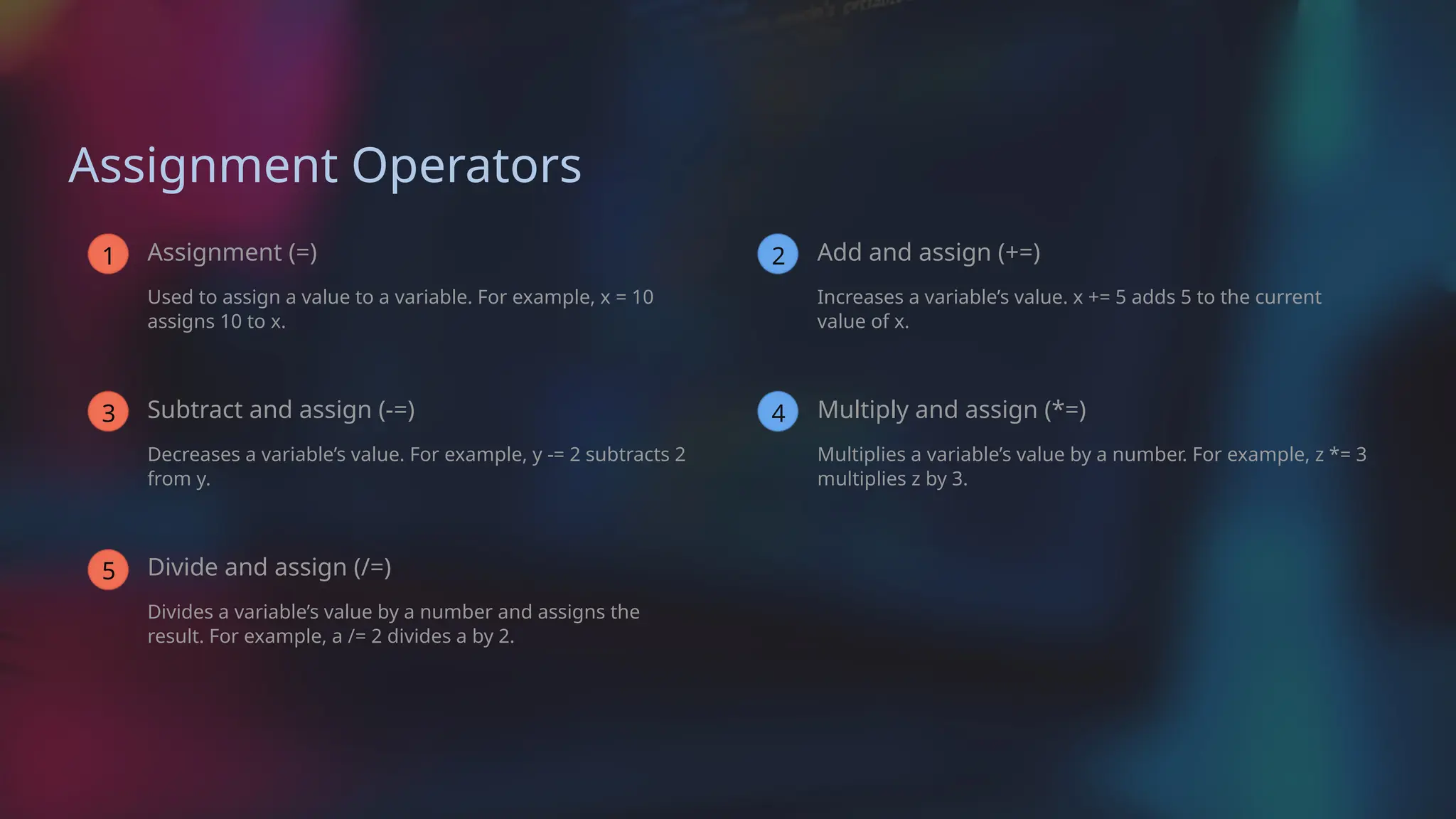
Assignment Operators
1 Assignment(=)
Used to assign a value to a variable. For example, x = 10
assigns 10 to x.
3 Subtract and assign (-=)
Decreases a variable’s value. For example, y -= 2 subtracts 2
from y.
5 Divide and assign (/=)
Divides a variable’s value by a number and assigns the
result. For example, a /= 2 divides a by 2.
2 Add and assign (+=)
Increases a variable’s value. x += 5 adds 5 to the current
value of x.
4 Multiply and assign (*=)
Multiplies a variable’s value by a number. For example, z *= 3
multiplies z by 3.
6.
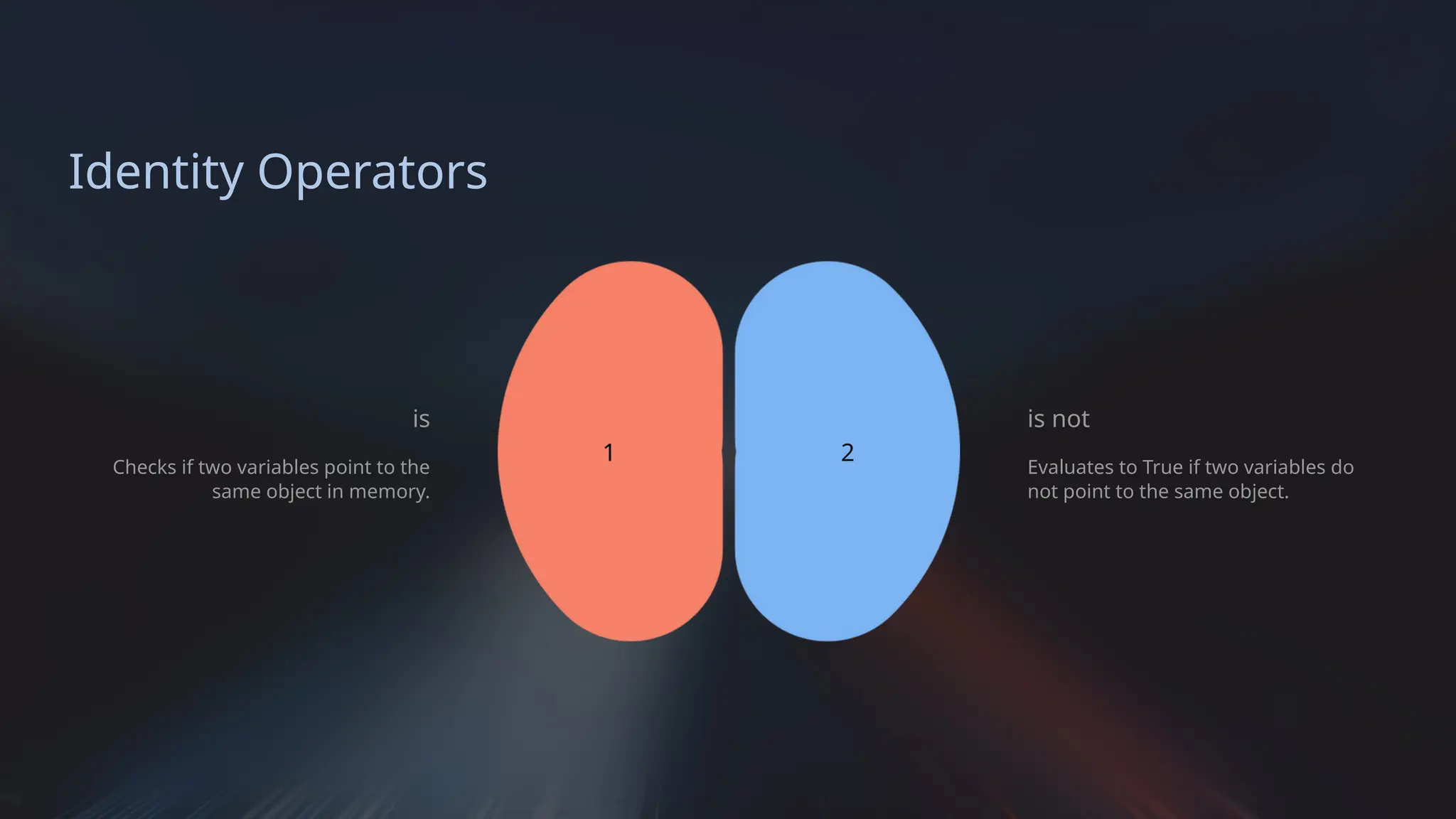
Identity Operators
is
Checks iftwo variables point to the
same object in memory.
1 2
is not
Evaluates to True if two variables do
not point to the same object.
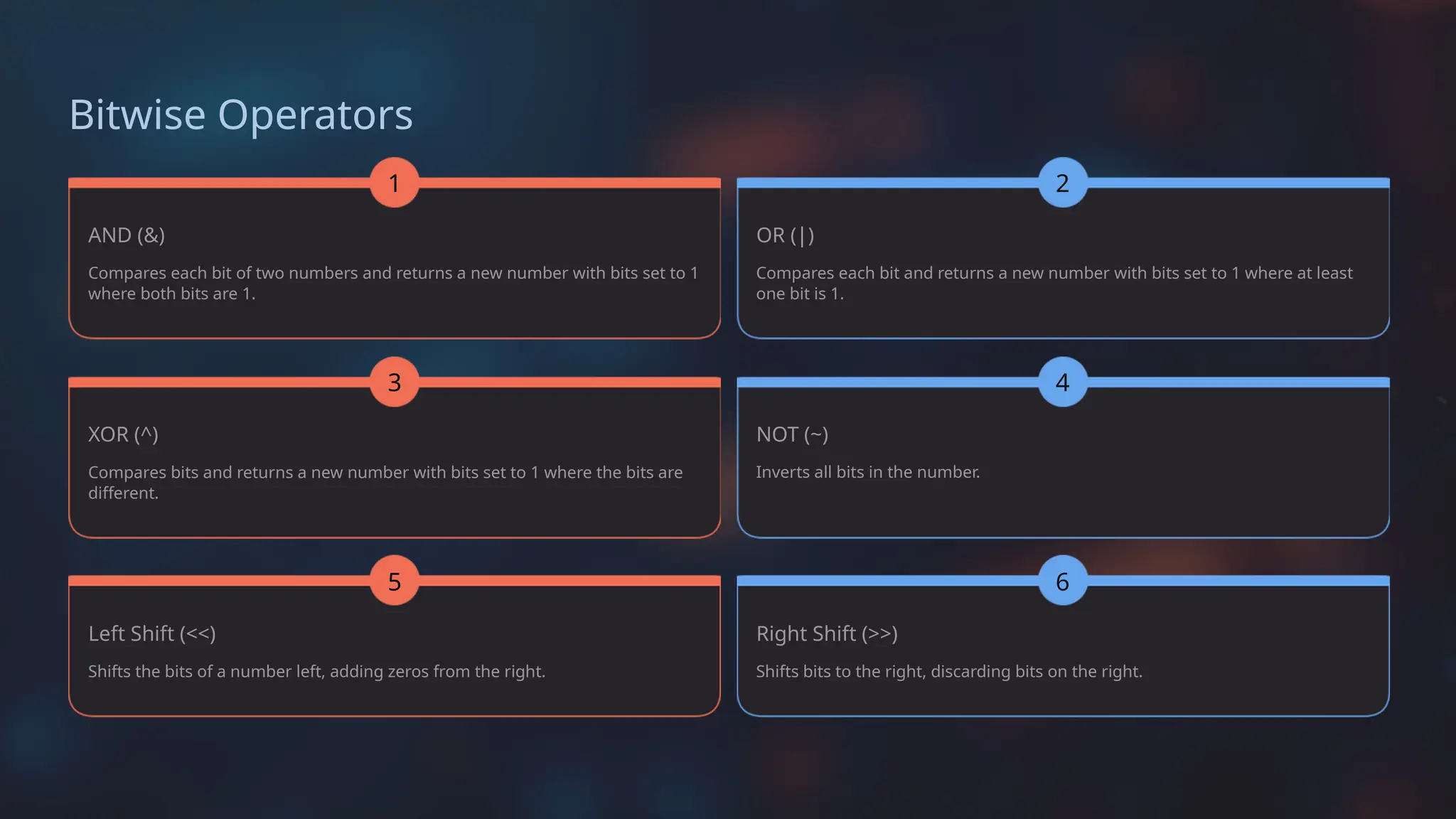
Bitwise Operators
AND (&)
Compareseach bit of two numbers and returns a new number with bits set to 1
where both bits are 1.
1
XOR (^)
Compares bits and returns a new number with bits set to 1 where the bits are
different.
3
Left Shift (<<)
Shifts the bits of a number left, adding zeros from the right.
5
OR (|)
Compares each bit and returns a new number with bits set to 1 where at least
one bit is 1.
NOT (~)
Inverts all bits in the number.
Right Shift (>>)
Shifts bits to the right, discarding bits on the right.
2
4
6