Top 10 Lessons Learned
Implementing Exadata


Oracle OpenWorld 2009
by James Madison James.Madison@TheHartford.com
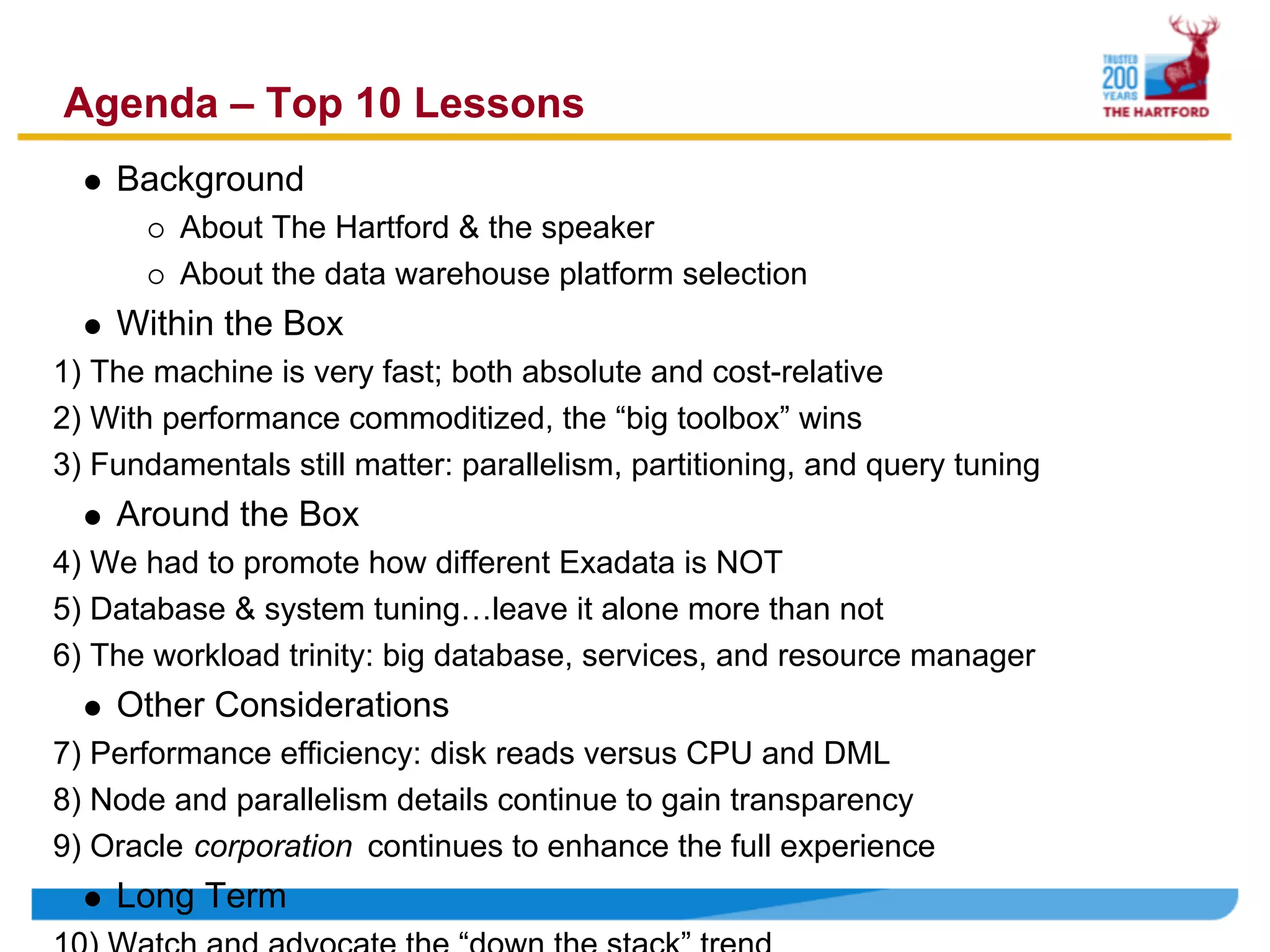
Agenda – Top 10 Lessons
    Background
         About The Hartford & the speaker
         About the data warehouse platform selection
    Within the Box
1) The machine is very fast; both absolute and cost-relative
2) With performance commoditized, the “big toolbox” wins
3) Fundamentals still matter: parallelism, partitioning, and query tuning
    Around the Box
4) We had to promote how different Exadata is NOT
5) Database & system tuning…leave it alone more than not
6) The workload trinity: big database, services, and resource manager
    Other Considerations
7) Performance efficiency: disk reads versus CPU and DML
8) Node and parallelism details continue to gain transparency
9) Oracle corporation continues to enhance the full experience
    Long Term
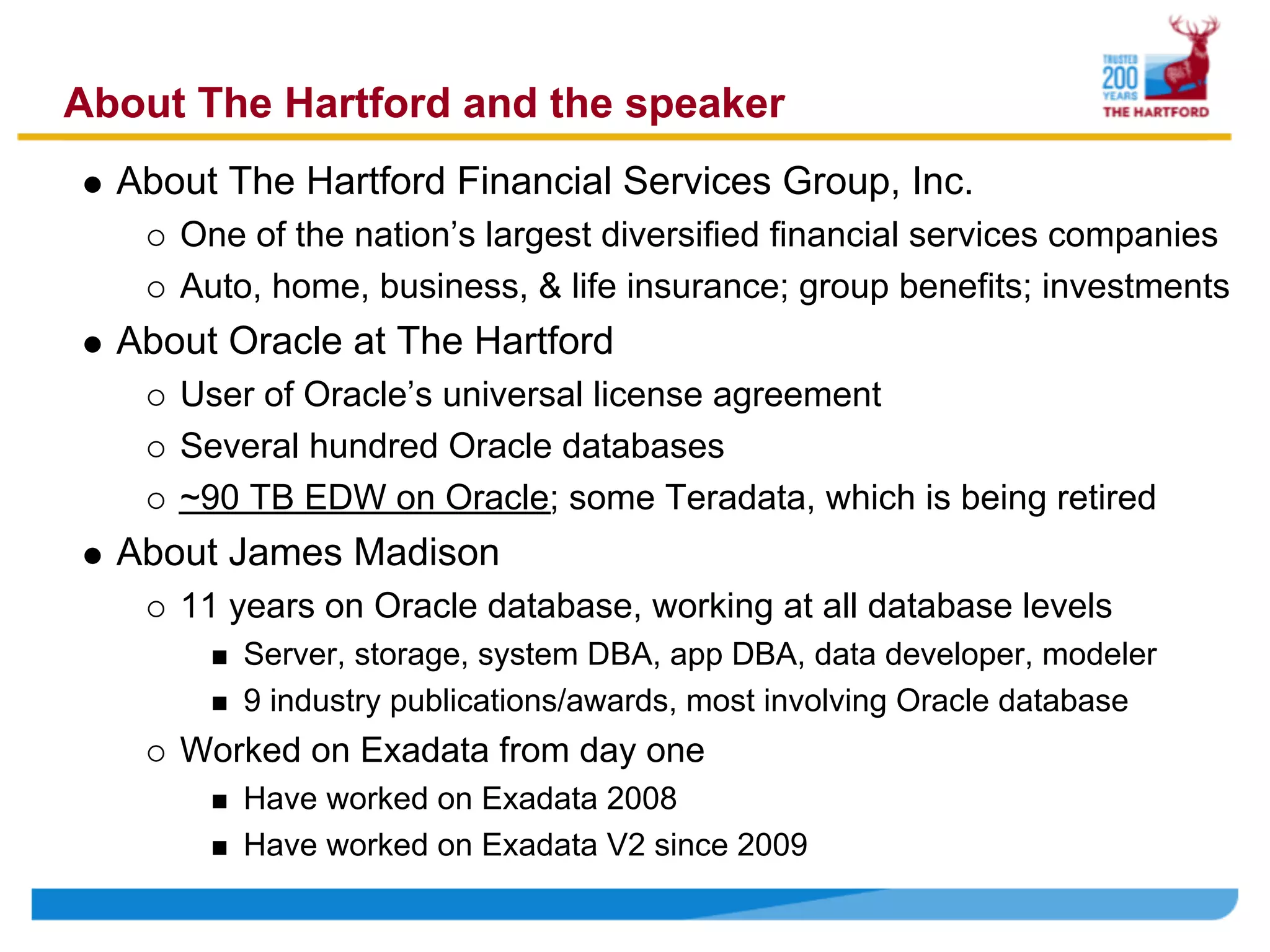
About The Hartford and the speaker
  About The Hartford Financial Services Group, Inc.
     One of the nation’s largest diversified financial services companies
     Auto, home, business, & life insurance; group benefits; investments
  About Oracle at The Hartford
     User of Oracle’s universal license agreement
     Several hundred Oracle databases
     ~90 TB EDW on Oracle; some Teradata, which is being retired
  About James Madison
     11 years on Oracle database, working at all database levels
         Server, storage, system DBA, app DBA, data developer, modeler
         9 industry publications/awards, most involving Oracle database
     Worked on Exadata from day one
         Have worked on Exadata 2008
         Have worked on Exadata V2 since 2009
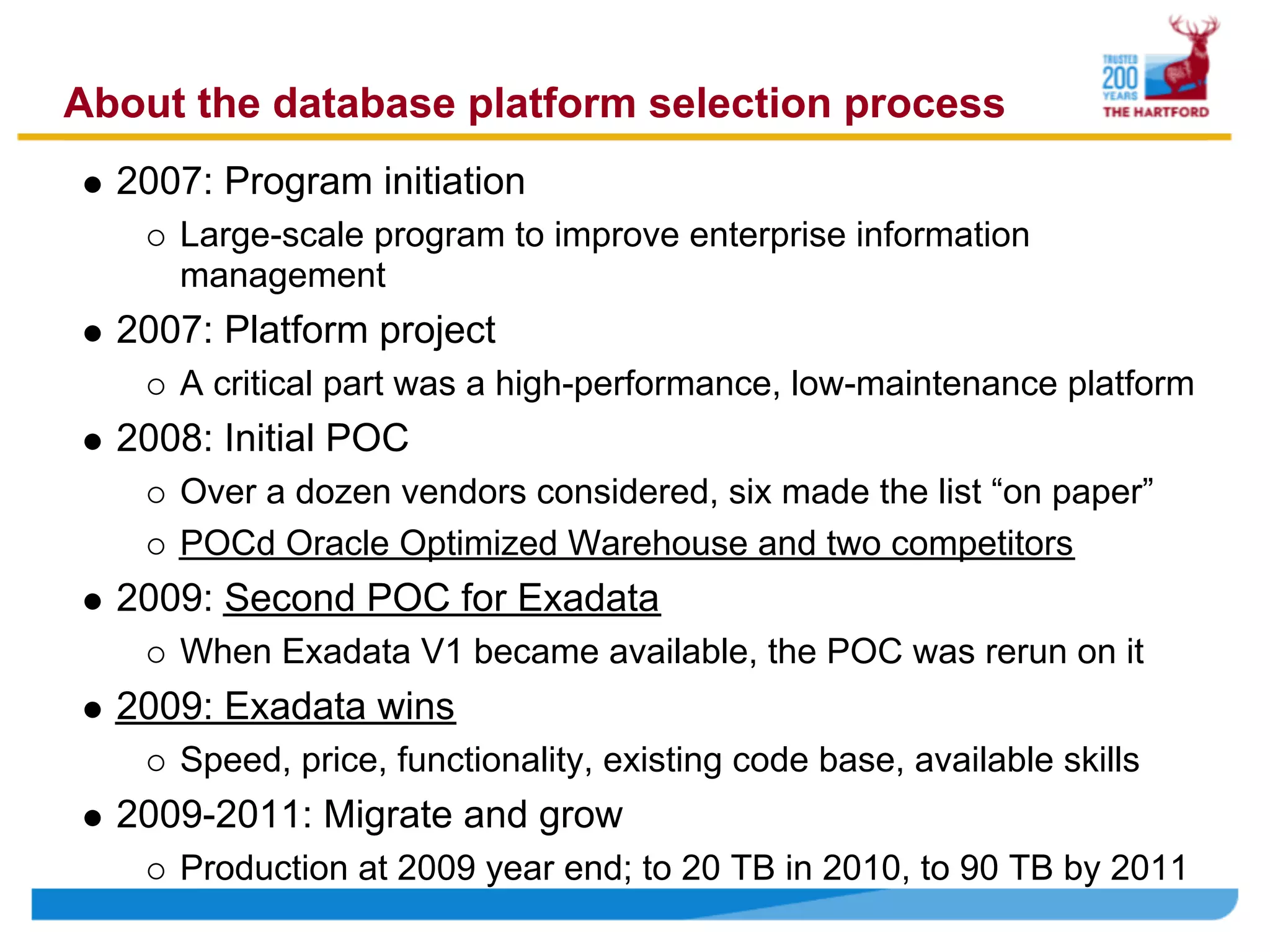
About the database platform selection process
  2007: Program initiation
     Large-scale program to improve enterprise information
     management
  2007: Platform project
     A critical part was a high-performance, low-maintenance platform
  2008: Initial POC
     Over a dozen vendors considered, six made the list “on paper”
     POCd Oracle Optimized Warehouse and two competitors
  2009: Second POC for Exadata
     When Exadata V1 became available, the POC was rerun on it
  2009: Exadata wins
     Speed, price, functionality, existing code base, available skills
  2009-2011: Migrate and grow
     Production at 2009 year end; to 20 TB in 2010, to 90 TB by 2011
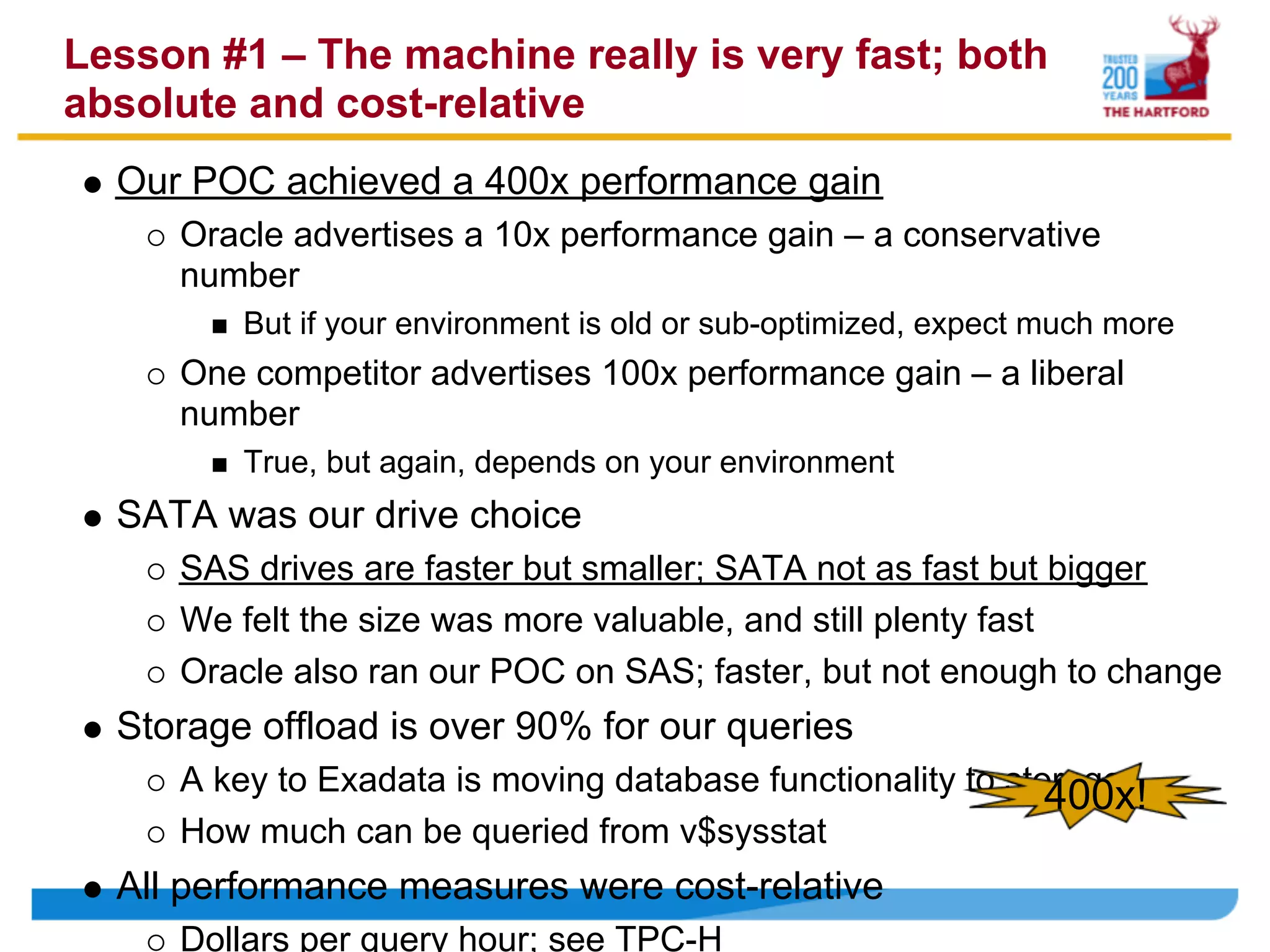
Lesson #1 – The machine really is very fast; both
absolute and cost-relative
  Our POC achieved a 400x performance gain
     Oracle advertises a 10x performance gain – a conservative
     number
         But if your environment is old or sub-optimized, expect much more
     One competitor advertises 100x performance gain – a liberal
     number
         True, but again, depends on your environment
  SATA was our drive choice
     SAS drives are faster but smaller; SATA not as fast but bigger
     We felt the size was more valuable, and still plenty fast
     Oracle also ran our POC on SAS; faster, but not enough to change
  Storage offload is over 90% for our queries
     A key to Exadata is moving database functionality to storage
                                                             400x!
     How much can be queried from v$sysstat
  All performance measures were cost-relative
     Dollars per query hour; see TPC-H
Lesson #2 – With performance commoditized, the
“big toolbox” wins
   “Fast” just means commodity hardware with MPP design
        For the most part, hardware is hardware
        MPP means balanced configuration & spin all the disks
   All the vendors in our POC were fast enough to be viable
        To some extent, DW platform speed has become a commodity
        But what will you do with all that speed?
   Database functionality now wins—need more than just speed
        Oracle outperforms others on functionality
        When speed is a commodity, functionality dominates
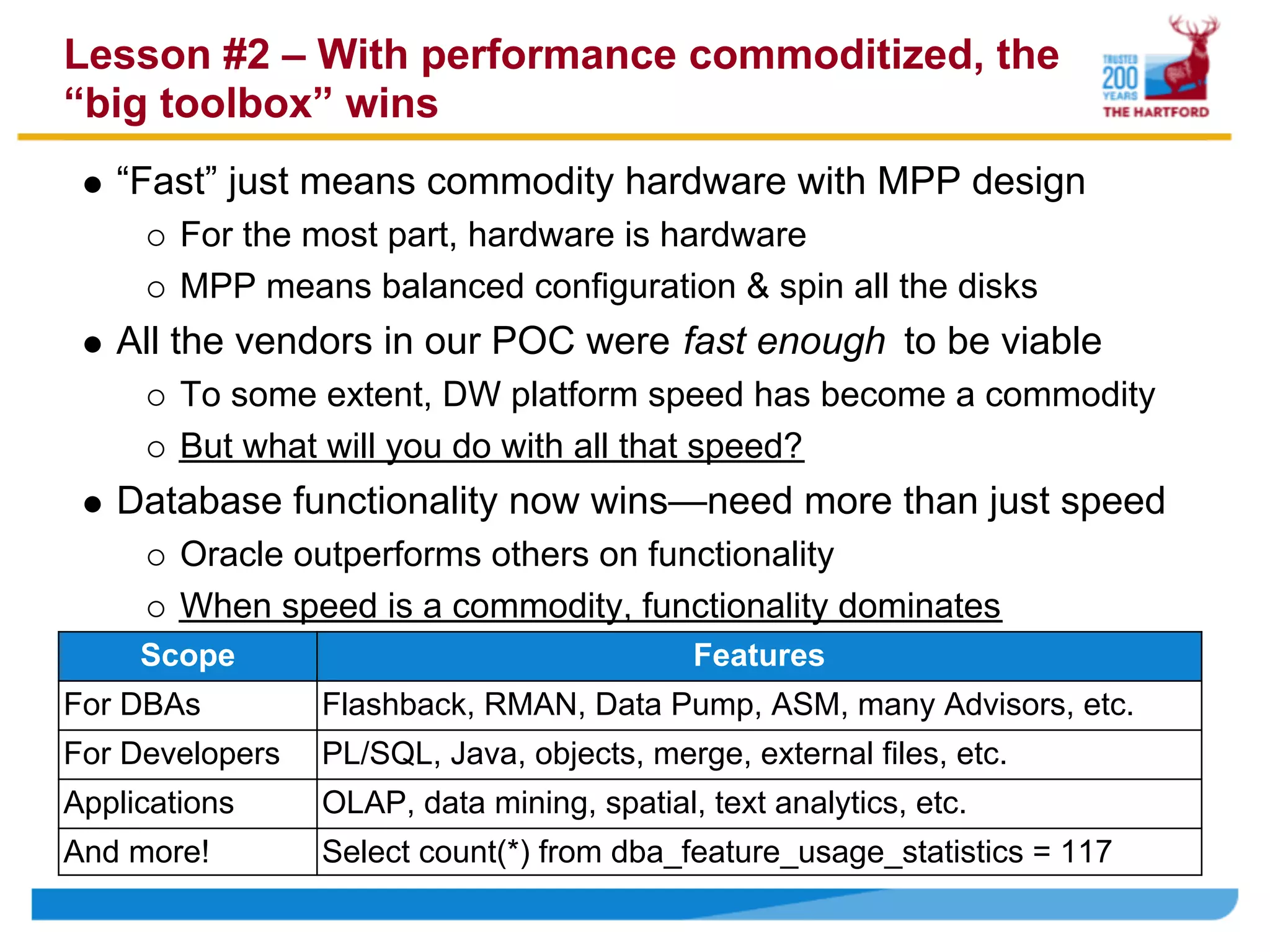
     Scope                                  Features
For DBAs         Flashback, RMAN, Data Pump, ASM, many Advisors, etc.
For Developers   PL/SQL, Java, objects, merge, external files, etc.
Applications     OLAP, data mining, spatial, text analytics, etc.
And more!        Select count(*) from dba_feature_usage_statistics = 117
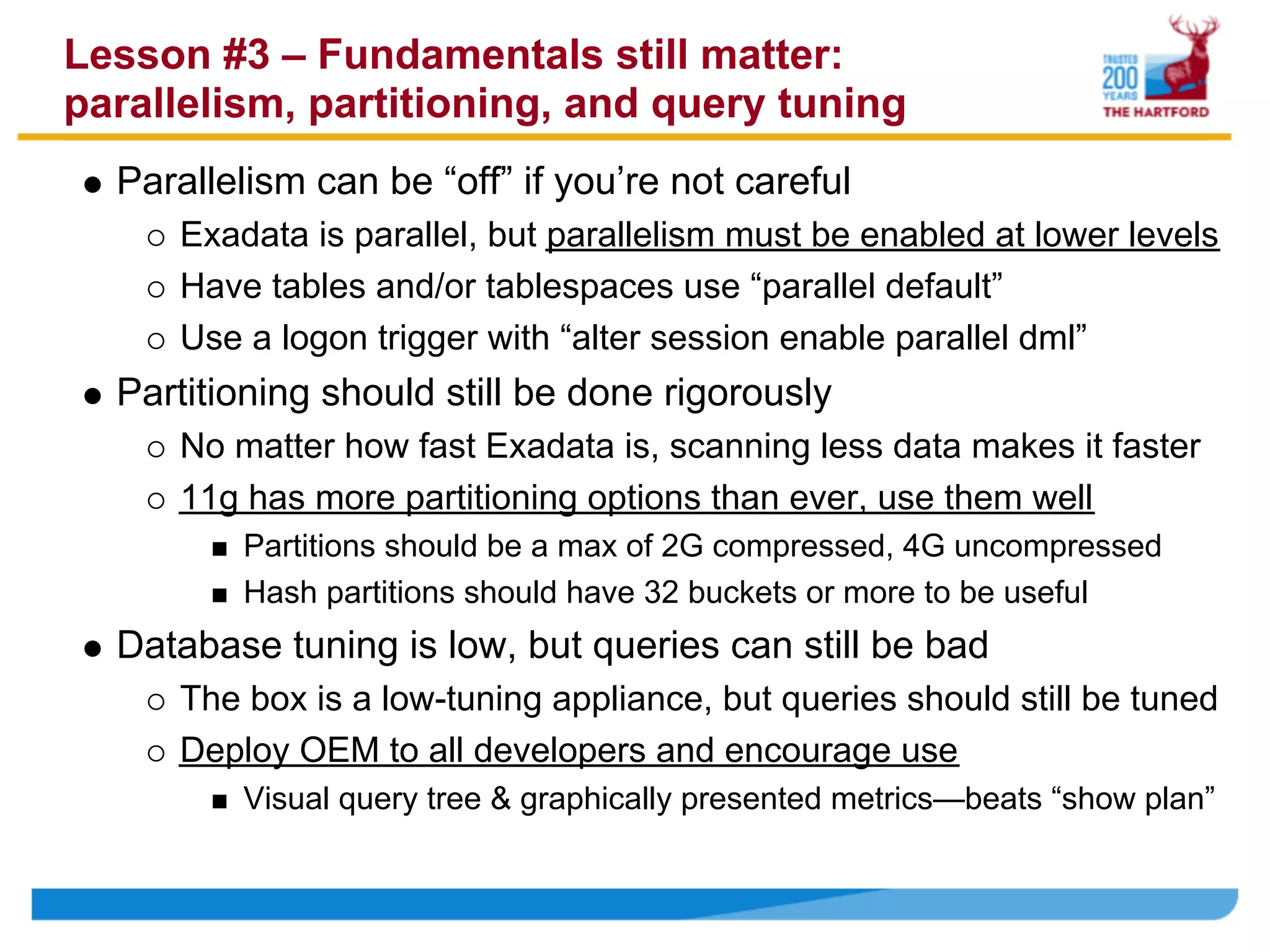
Lesson #3 – Fundamentals still matter:
parallelism, partitioning, and query tuning
  Parallelism can be “off” if you’re not careful
     Exadata is parallel, but parallelism must be enabled at lower levels
     Have tables and/or tablespaces use “parallel default”
     Use a logon trigger with “alter session enable parallel dml”
  Partitioning should still be done rigorously
     No matter how fast Exadata is, scanning less data makes it faster
     11g has more partitioning options than ever, use them well
         Partitions should be a max of 2G compressed, 4G uncompressed
         Hash partitions should have 32 buckets or more to be useful
  Database tuning is low, but queries can still be bad
     The box is a low-tuning appliance, but queries should still be tuned
     Deploy OEM to all developers and encourage use
         Visual query tree & graphically presented metrics—beats “show plan”
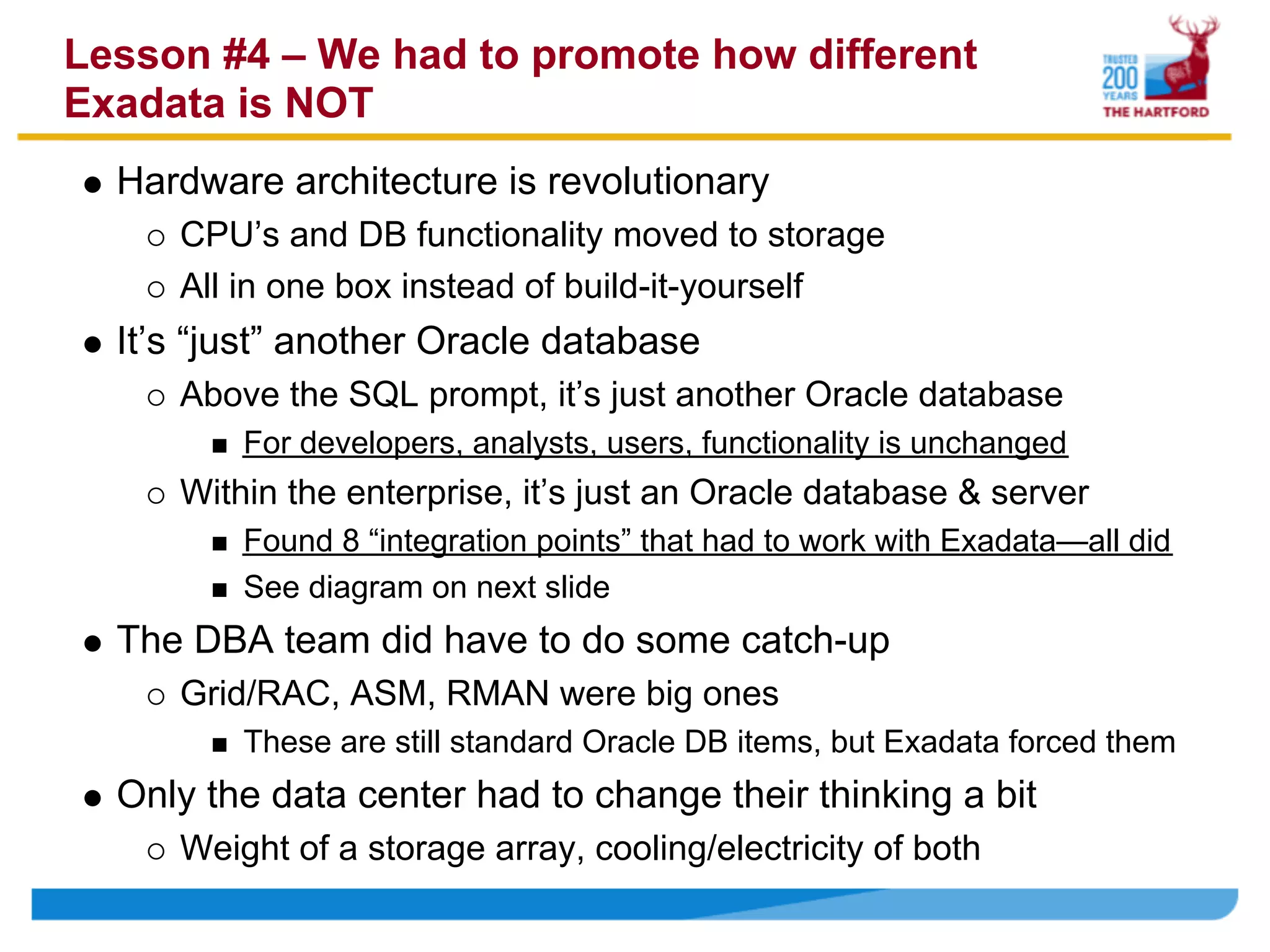
Lesson #4 – We had to promote how different
Exadata is NOT
  Hardware architecture is revolutionary
     CPU’s and DB functionality moved to storage
     All in one box instead of build-it-yourself
  It’s “just” another Oracle database
     Above the SQL prompt, it’s just another Oracle database
         For developers, analysts, users, functionality is unchanged
     Within the enterprise, it’s just an Oracle database & server
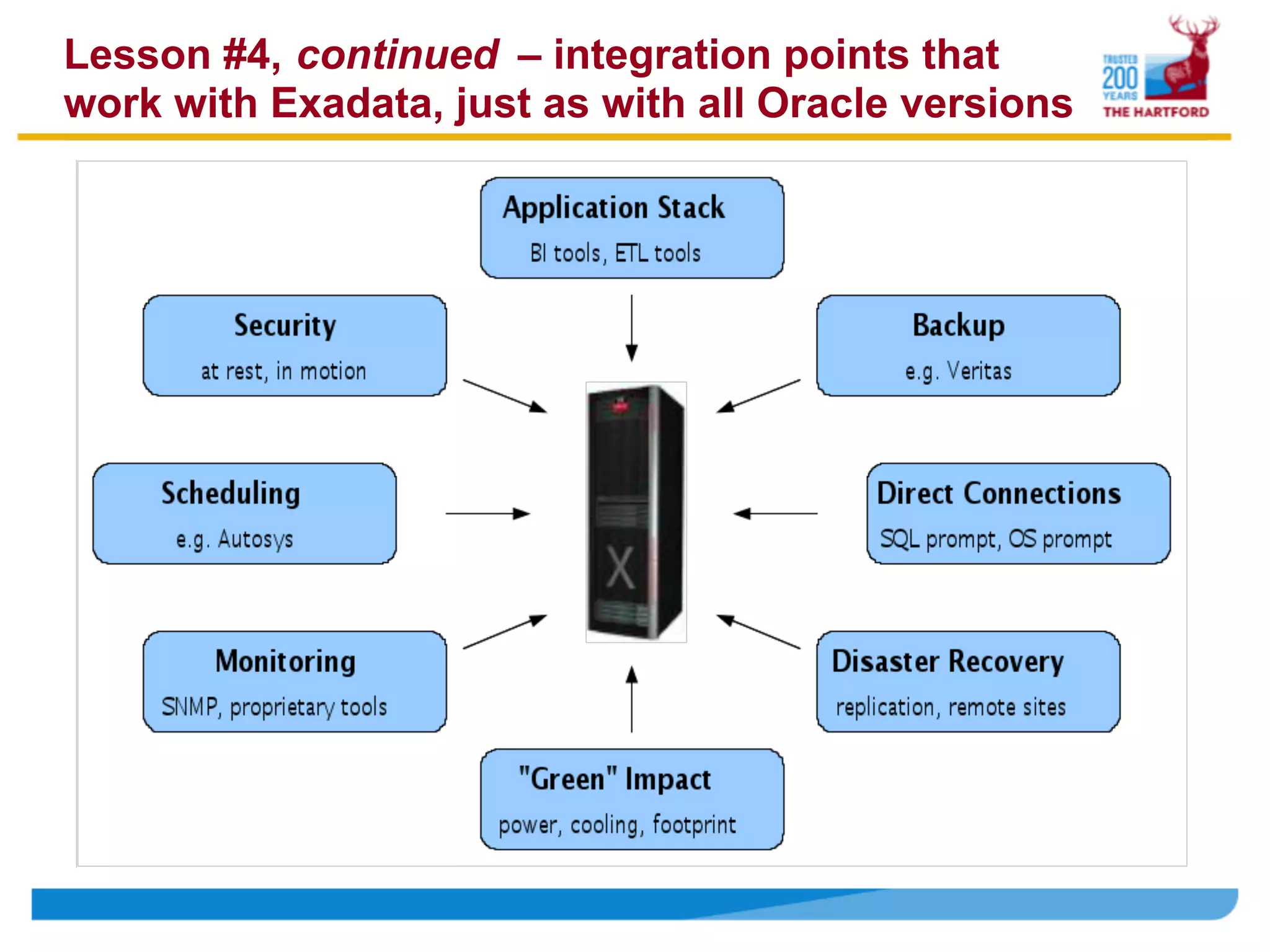
         Found 8 “integration points” that had to work with Exadata—all did
         See diagram on next slide
  The DBA team did have to do some catch-up
     Grid/RAC, ASM, RMAN were big ones
         These are still standard Oracle DB items, but Exadata forced them
  Only the data center had to change their thinking a bit
     Weight of a storage array, cooling/electricity of both
Lesson #4, continued – integration points that
work with Exadata, just as with all Oracle versions
Lesson #5 – Database & system tuning…leave it
         alone more than not
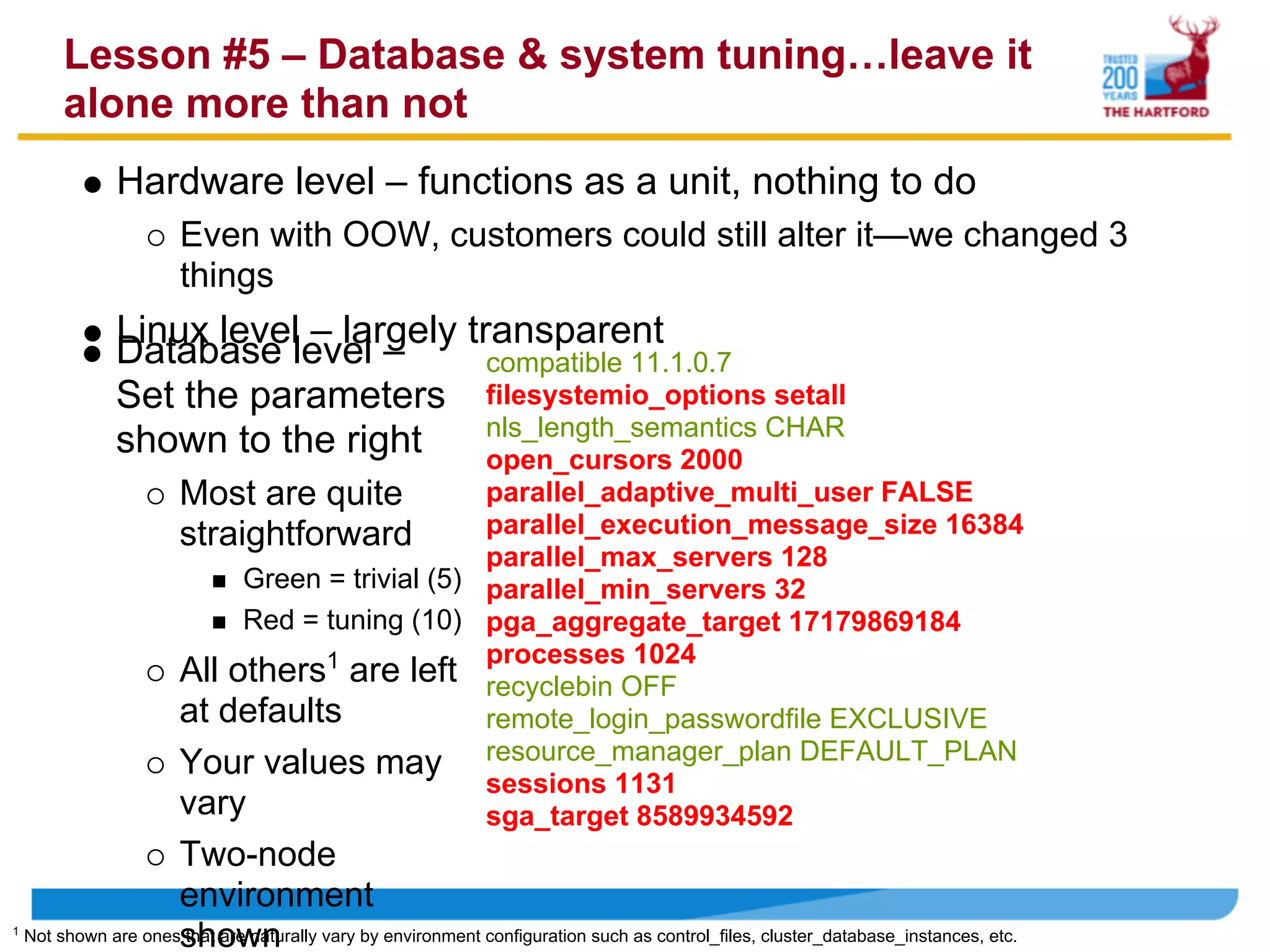
               Hardware level – functions as a unit, nothing to do
                       Even with OOW, customers could still alter it—we changed 3
                       things
               Linux level – largely transparent
               Database level –        compatible 11.1.0.7
               Set the parameters filesystemio_options setall
                                       nls_length_semantics CHAR
               shown to the right      open_cursors 2000
                       Most are quite           parallel_adaptive_multi_user FALSE
                       straightforward          parallel_execution_message_size 16384
                                                parallel_max_servers 128
                            Green = trivial (5) parallel_min_servers 32
                            Red = tuning (10) pga_aggregate_target 17179869184
                                                processes 1024
                       All others1 are left recyclebin OFF
                       at defaults              remote_login_passwordfile EXCLUSIVE
                       Your values may resource_manager_plan DEFAULT_PLAN
                                                sessions 1131
                       vary                     sga_target 8589934592
                      Two-node
                      environment
1
    Not shown are onesshown
                      that are naturally vary by environment configuration such as control_files, cluster_database_instances, etc.
Lesson #6 – The workload trinity: big database,
        services, and resource manager
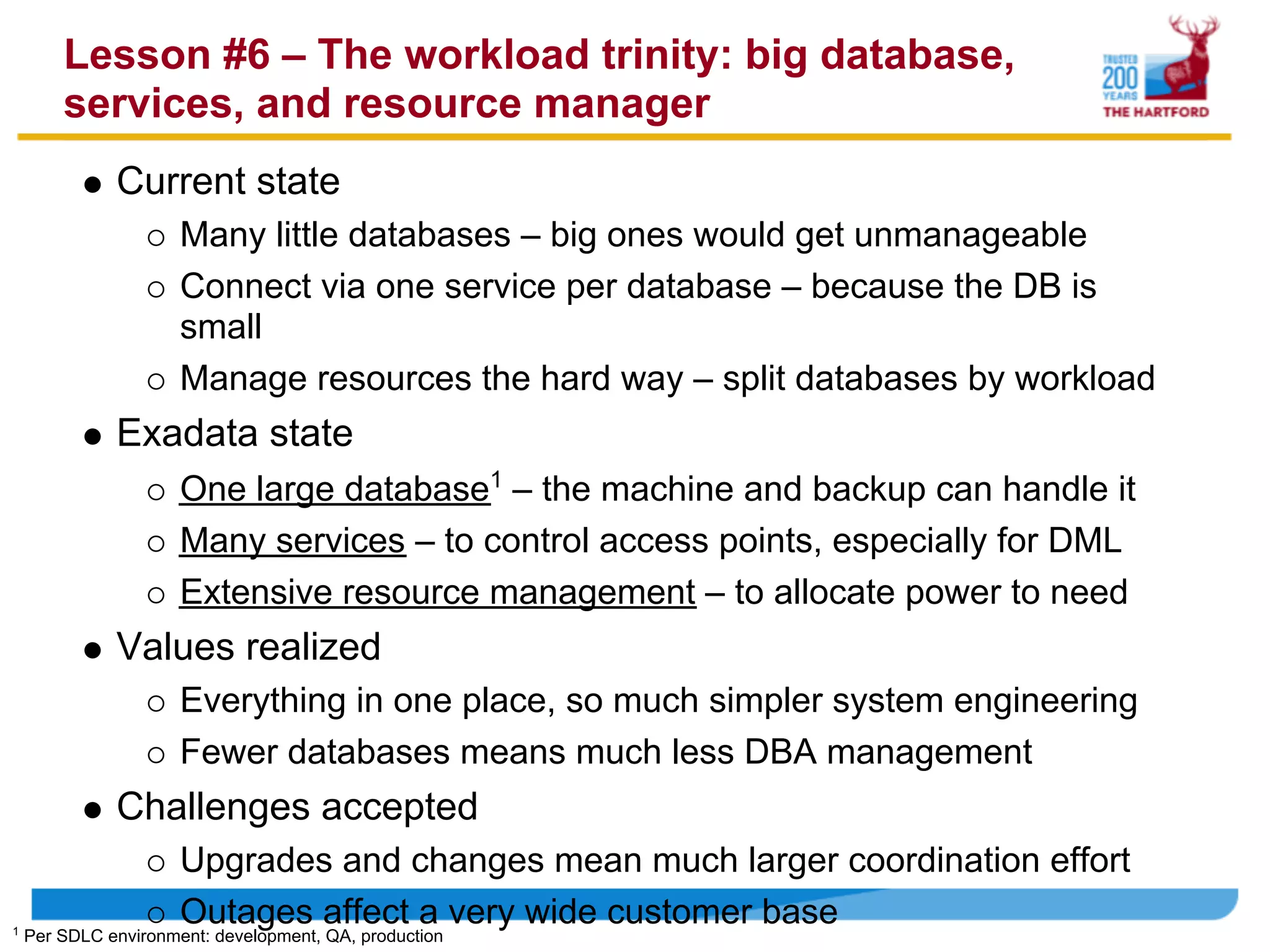
              Current state
                      Many little databases – big ones would get unmanageable
                      Connect via one service per database – because the DB is
                      small
                      Manage resources the hard way – split databases by workload
              Exadata state
                      One large database1 – the machine and backup can handle it
                      Many services – to control access points, especially for DML
                      Extensive resource management – to allocate power to need
              Values realized
                      Everything in one place, so much simpler system engineering
                      Fewer databases means much less DBA management
              Challenges accepted
                      Upgrades and changes mean much larger coordination effort
1
                      Outages affect a very wide customer base
    Per SDLC environment: development, QA, production
Lesson #7 – Performance efficiency: disk reads
versus CPU and DML
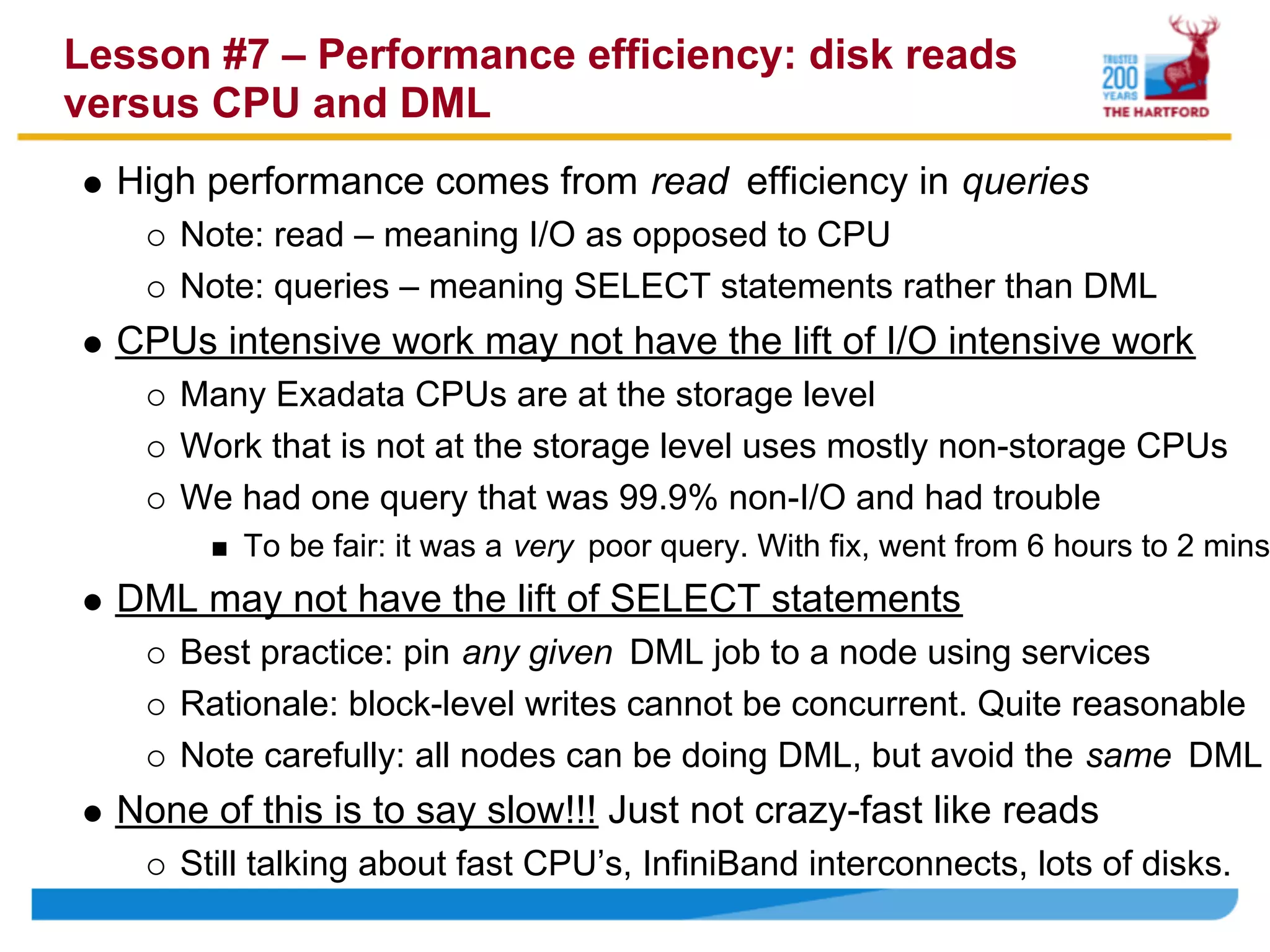
  High performance comes from read efficiency in queries
     Note: read – meaning I/O as opposed to CPU
     Note: queries – meaning SELECT statements rather than DML
  CPUs intensive work may not have the lift of I/O intensive work
     Many Exadata CPUs are at the storage level
     Work that is not at the storage level uses mostly non-storage CPUs
     We had one query that was 99.9% non-I/O and had trouble
         To be fair: it was a very poor query. With fix, went from 6 hours to 2 mins
  DML may not have the lift of SELECT statements
     Best practice: pin any given DML job to a node using services
     Rationale: block-level writes cannot be concurrent. Quite reasonable
     Note carefully: all nodes can be doing DML, but avoid the same DML
  None of this is to say slow!!! Just not crazy-fast like reads
     Still talking about fast CPU’s, InfiniBand interconnects, lots of disks.
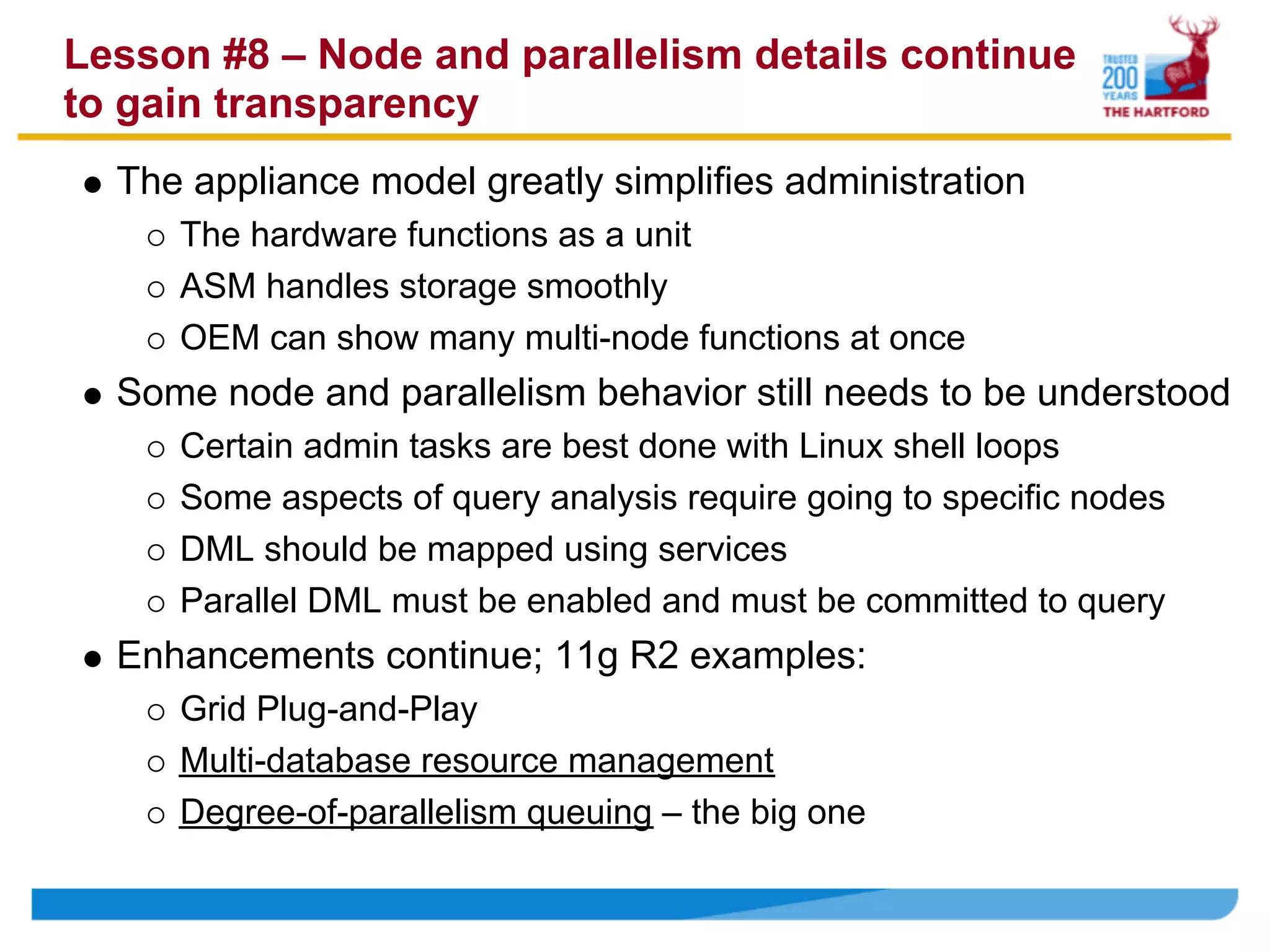
Lesson #8 – Node and parallelism details continue
to gain transparency
  The appliance model greatly simplifies administration
     The hardware functions as a unit
     ASM handles storage smoothly
     OEM can show many multi-node functions at once
  Some node and parallelism behavior still needs to be understood
     Certain admin tasks are best done with Linux shell loops
     Some aspects of query analysis require going to specific nodes
     DML should be mapped using services
     Parallel DML must be enabled and must be committed to query
  Enhancements continue; 11g R2 examples:
     Grid Plug-and-Play
     Multi-database resource management
     Degree-of-parallelism queuing – the big one
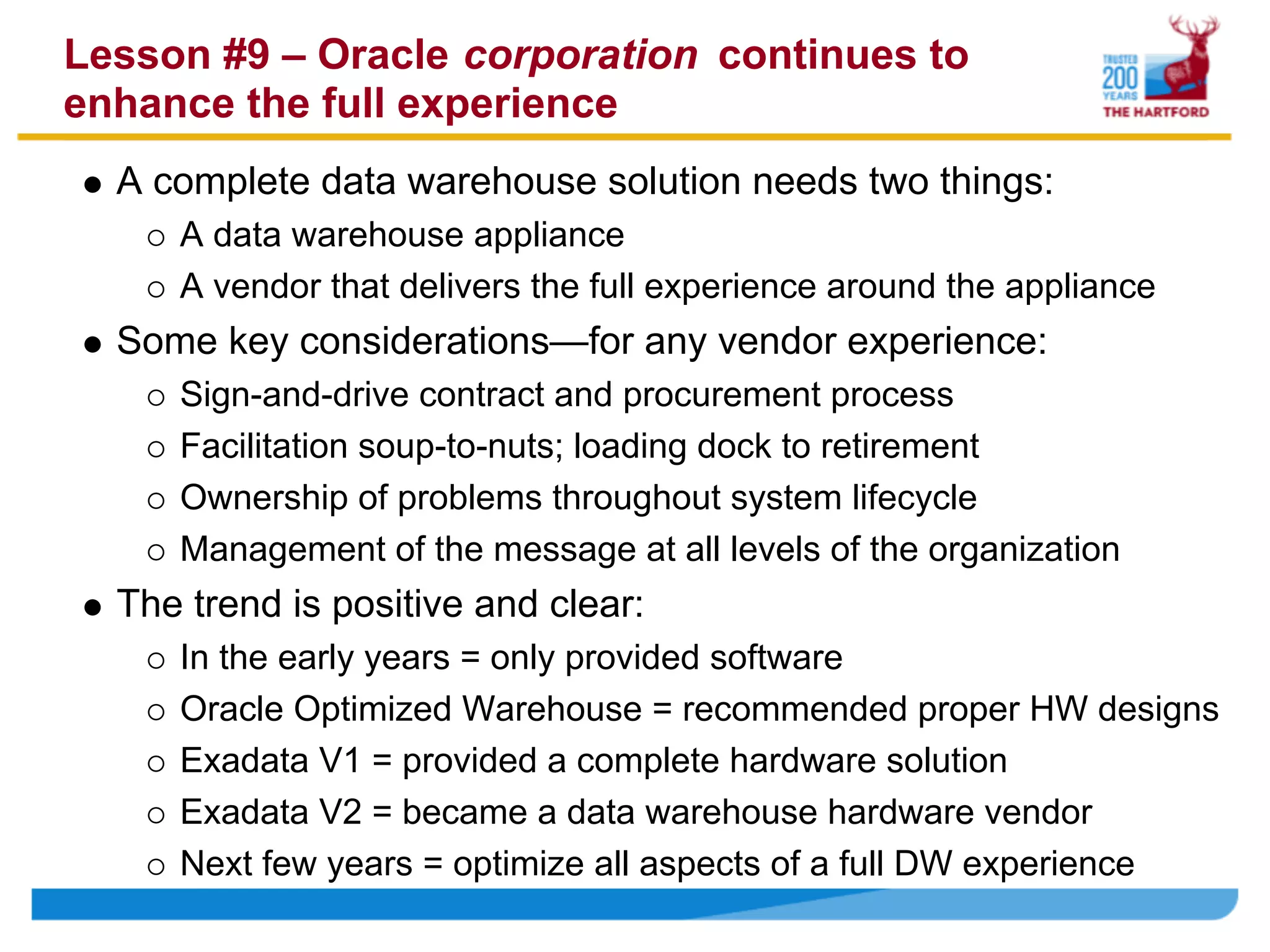
Lesson #9 – Oracle corporation continues to
enhance the full experience
  A complete data warehouse solution needs two things:
     A data warehouse appliance
     A vendor that delivers the full experience around the appliance
  Some key considerations—for any vendor experience:
     Sign-and-drive contract and procurement process
     Facilitation soup-to-nuts; loading dock to retirement
     Ownership of problems throughout system lifecycle
     Management of the message at all levels of the organization
  The trend is positive and clear:
     In the early years = only provided software
     Oracle Optimized Warehouse = recommended proper HW designs
     Exadata V1 = provided a complete hardware solution
     Exadata V2 = became a data warehouse hardware vendor
     Next few years = optimize all aspects of a full DW experience
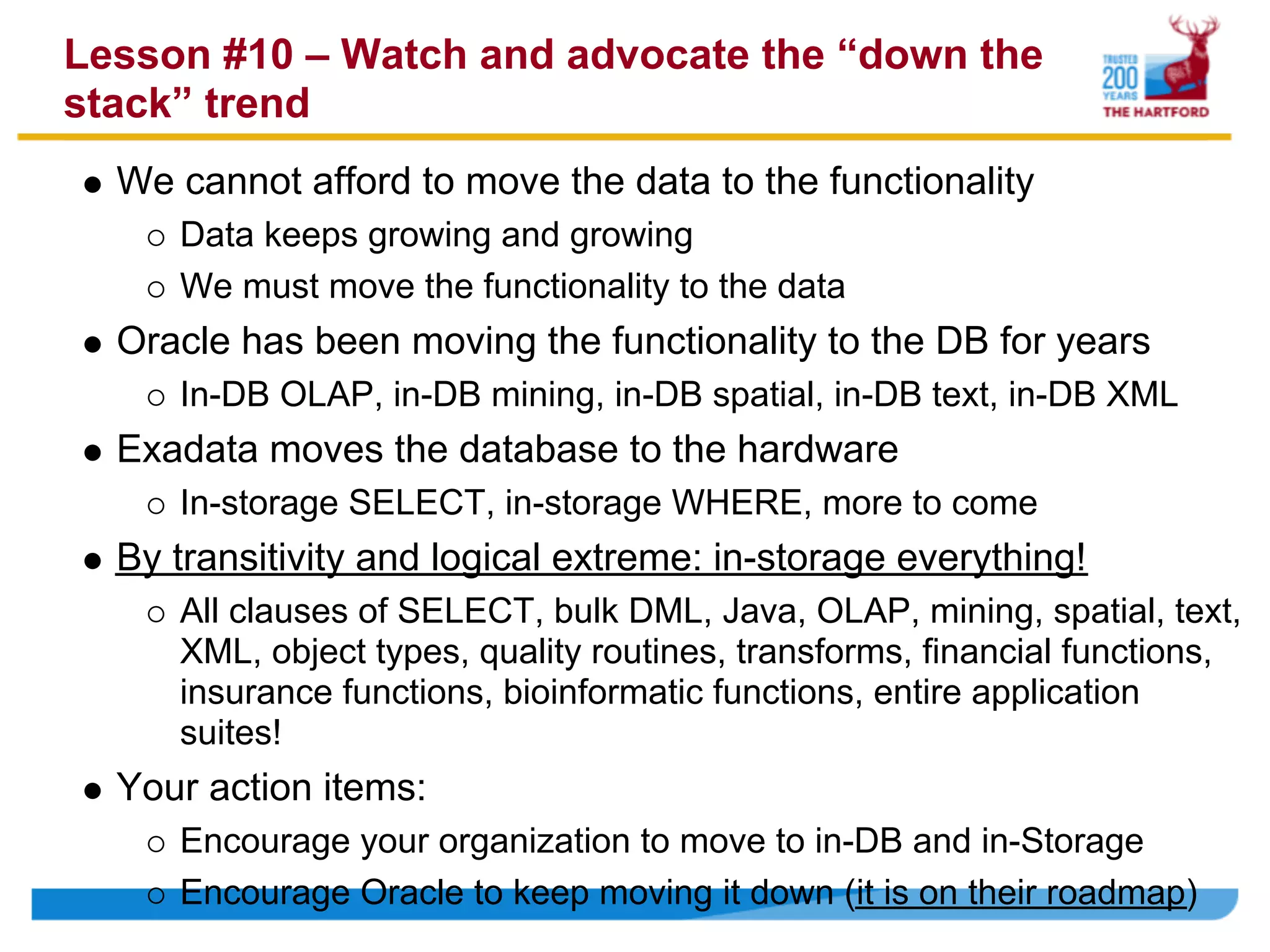
Lesson #10 – Watch and advocate the “down the
stack” trend
  We cannot afford to move the data to the functionality
     Data keeps growing and growing
     We must move the functionality to the data
  Oracle has been moving the functionality to the DB for years
     In-DB OLAP, in-DB mining, in-DB spatial, in-DB text, in-DB XML
  Exadata moves the database to the hardware
     In-storage SELECT, in-storage WHERE, more to come
  By transitivity and logical extreme: in-storage everything!
     All clauses of SELECT, bulk DML, Java, OLAP, mining, spatial, text,
     XML, object types, quality routines, transforms, financial functions,
     insurance functions, bioinformatic functions, entire application
     suites!
  Your action items:
     Encourage your organization to move to in-DB and in-Storage
     Encourage Oracle to keep moving it down (it is on their roadmap)
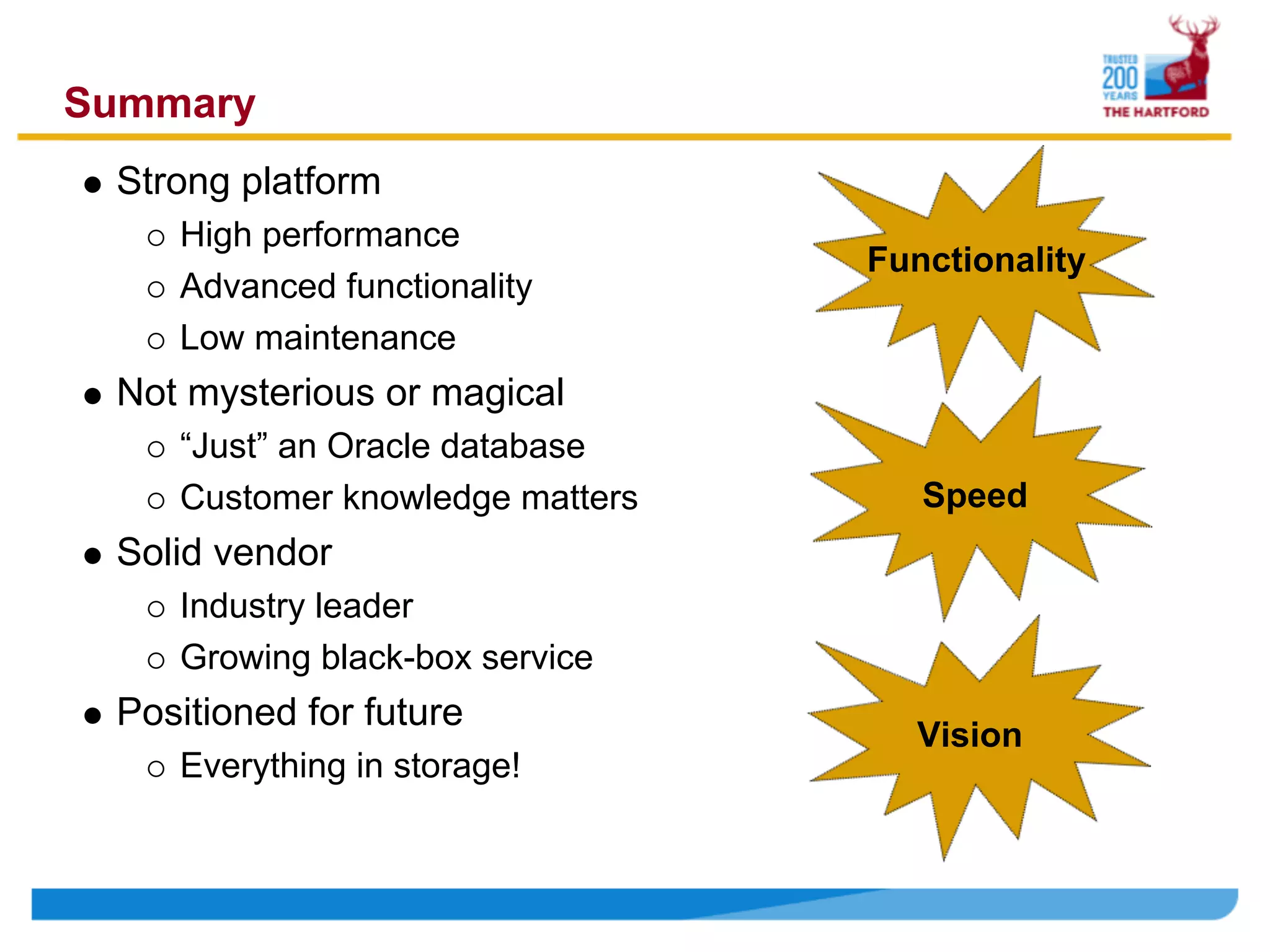
Summary
 Strong platform
    High performance
                                 Functionality
    Advanced functionality
    Low maintenance
 Not mysterious or magical
    “Just” an Oracle database
    Customer knowledge matters      Speed
 Solid vendor
    Industry leader
    Growing black-box service
 Positioned for future
                                   Vision
    Everything in storage!
Q&A – Presentation agenda restated here for
reference; other topics welcome
    Background
         About The Hartford & the speaker
         About the data warehouse platform selection
    Within the Box
1) The machine is very fast; both absolute and cost-relative
2) With performance commoditized, the “big toolbox” wins
3) Fundamentals still matter: parallelism, partitioning, and query tuning
    Around the Box
4) We had to promote how different Exadata is NOT
5) Database & system tuning…leave it alone more than not
6) The workload trinity: big database, services, and resource manager
    Other Considerations
7) Performance efficiency: disk reads versus CPU and DML
8) Node and parallelism details continue to gain transparency
9) Oracle corporation continues to enhance the full experience
    Long Term

Open world exadata_top_10_lessons_learned

  • 1.
    Top 10 LessonsLearned Implementing Exadata Oracle OpenWorld 2009 by James Madison James.Madison@TheHartford.com
  • 2.
    Agenda – Top10 Lessons Background About The Hartford & the speaker About the data warehouse platform selection Within the Box 1) The machine is very fast; both absolute and cost-relative 2) With performance commoditized, the “big toolbox” wins 3) Fundamentals still matter: parallelism, partitioning, and query tuning Around the Box 4) We had to promote how different Exadata is NOT 5) Database & system tuning…leave it alone more than not 6) The workload trinity: big database, services, and resource manager Other Considerations 7) Performance efficiency: disk reads versus CPU and DML 8) Node and parallelism details continue to gain transparency 9) Oracle corporation continues to enhance the full experience Long Term
  • 3.
    About The Hartfordand the speaker About The Hartford Financial Services Group, Inc. One of the nation’s largest diversified financial services companies Auto, home, business, & life insurance; group benefits; investments About Oracle at The Hartford User of Oracle’s universal license agreement Several hundred Oracle databases ~90 TB EDW on Oracle; some Teradata, which is being retired About James Madison 11 years on Oracle database, working at all database levels Server, storage, system DBA, app DBA, data developer, modeler 9 industry publications/awards, most involving Oracle database Worked on Exadata from day one Have worked on Exadata 2008 Have worked on Exadata V2 since 2009
  • 4.
    About the databaseplatform selection process 2007: Program initiation Large-scale program to improve enterprise information management 2007: Platform project A critical part was a high-performance, low-maintenance platform 2008: Initial POC Over a dozen vendors considered, six made the list “on paper” POCd Oracle Optimized Warehouse and two competitors 2009: Second POC for Exadata When Exadata V1 became available, the POC was rerun on it 2009: Exadata wins Speed, price, functionality, existing code base, available skills 2009-2011: Migrate and grow Production at 2009 year end; to 20 TB in 2010, to 90 TB by 2011
  • 5.
    Lesson #1 –The machine really is very fast; both absolute and cost-relative Our POC achieved a 400x performance gain Oracle advertises a 10x performance gain – a conservative number But if your environment is old or sub-optimized, expect much more One competitor advertises 100x performance gain – a liberal number True, but again, depends on your environment SATA was our drive choice SAS drives are faster but smaller; SATA not as fast but bigger We felt the size was more valuable, and still plenty fast Oracle also ran our POC on SAS; faster, but not enough to change Storage offload is over 90% for our queries A key to Exadata is moving database functionality to storage 400x! How much can be queried from v$sysstat All performance measures were cost-relative Dollars per query hour; see TPC-H
  • 6.
    Lesson #2 –With performance commoditized, the “big toolbox” wins “Fast” just means commodity hardware with MPP design For the most part, hardware is hardware MPP means balanced configuration & spin all the disks All the vendors in our POC were fast enough to be viable To some extent, DW platform speed has become a commodity But what will you do with all that speed? Database functionality now wins—need more than just speed Oracle outperforms others on functionality When speed is a commodity, functionality dominates Scope Features For DBAs Flashback, RMAN, Data Pump, ASM, many Advisors, etc. For Developers PL/SQL, Java, objects, merge, external files, etc. Applications OLAP, data mining, spatial, text analytics, etc. And more! Select count(*) from dba_feature_usage_statistics = 117
  • 7.
    Lesson #3 –Fundamentals still matter: parallelism, partitioning, and query tuning Parallelism can be “off” if you’re not careful Exadata is parallel, but parallelism must be enabled at lower levels Have tables and/or tablespaces use “parallel default” Use a logon trigger with “alter session enable parallel dml” Partitioning should still be done rigorously No matter how fast Exadata is, scanning less data makes it faster 11g has more partitioning options than ever, use them well Partitions should be a max of 2G compressed, 4G uncompressed Hash partitions should have 32 buckets or more to be useful Database tuning is low, but queries can still be bad The box is a low-tuning appliance, but queries should still be tuned Deploy OEM to all developers and encourage use Visual query tree & graphically presented metrics—beats “show plan”
  • 8.
    Lesson #4 –We had to promote how different Exadata is NOT Hardware architecture is revolutionary CPU’s and DB functionality moved to storage All in one box instead of build-it-yourself It’s “just” another Oracle database Above the SQL prompt, it’s just another Oracle database For developers, analysts, users, functionality is unchanged Within the enterprise, it’s just an Oracle database & server Found 8 “integration points” that had to work with Exadata—all did See diagram on next slide The DBA team did have to do some catch-up Grid/RAC, ASM, RMAN were big ones These are still standard Oracle DB items, but Exadata forced them Only the data center had to change their thinking a bit Weight of a storage array, cooling/electricity of both
  • 9.
    Lesson #4, continued– integration points that work with Exadata, just as with all Oracle versions
  • 10.
    Lesson #5 –Database & system tuning…leave it alone more than not Hardware level – functions as a unit, nothing to do Even with OOW, customers could still alter it—we changed 3 things Linux level – largely transparent Database level – compatible 11.1.0.7 Set the parameters filesystemio_options setall nls_length_semantics CHAR shown to the right open_cursors 2000 Most are quite parallel_adaptive_multi_user FALSE straightforward parallel_execution_message_size 16384 parallel_max_servers 128 Green = trivial (5) parallel_min_servers 32 Red = tuning (10) pga_aggregate_target 17179869184 processes 1024 All others1 are left recyclebin OFF at defaults remote_login_passwordfile EXCLUSIVE Your values may resource_manager_plan DEFAULT_PLAN sessions 1131 vary sga_target 8589934592 Two-node environment 1 Not shown are onesshown that are naturally vary by environment configuration such as control_files, cluster_database_instances, etc.
  • 11.
    Lesson #6 –The workload trinity: big database, services, and resource manager Current state Many little databases – big ones would get unmanageable Connect via one service per database – because the DB is small Manage resources the hard way – split databases by workload Exadata state One large database1 – the machine and backup can handle it Many services – to control access points, especially for DML Extensive resource management – to allocate power to need Values realized Everything in one place, so much simpler system engineering Fewer databases means much less DBA management Challenges accepted Upgrades and changes mean much larger coordination effort 1 Outages affect a very wide customer base Per SDLC environment: development, QA, production
  • 12.
    Lesson #7 –Performance efficiency: disk reads versus CPU and DML High performance comes from read efficiency in queries Note: read – meaning I/O as opposed to CPU Note: queries – meaning SELECT statements rather than DML CPUs intensive work may not have the lift of I/O intensive work Many Exadata CPUs are at the storage level Work that is not at the storage level uses mostly non-storage CPUs We had one query that was 99.9% non-I/O and had trouble To be fair: it was a very poor query. With fix, went from 6 hours to 2 mins DML may not have the lift of SELECT statements Best practice: pin any given DML job to a node using services Rationale: block-level writes cannot be concurrent. Quite reasonable Note carefully: all nodes can be doing DML, but avoid the same DML None of this is to say slow!!! Just not crazy-fast like reads Still talking about fast CPU’s, InfiniBand interconnects, lots of disks.
  • 13.
    Lesson #8 –Node and parallelism details continue to gain transparency The appliance model greatly simplifies administration The hardware functions as a unit ASM handles storage smoothly OEM can show many multi-node functions at once Some node and parallelism behavior still needs to be understood Certain admin tasks are best done with Linux shell loops Some aspects of query analysis require going to specific nodes DML should be mapped using services Parallel DML must be enabled and must be committed to query Enhancements continue; 11g R2 examples: Grid Plug-and-Play Multi-database resource management Degree-of-parallelism queuing – the big one
  • 14.
    Lesson #9 –Oracle corporation continues to enhance the full experience A complete data warehouse solution needs two things: A data warehouse appliance A vendor that delivers the full experience around the appliance Some key considerations—for any vendor experience: Sign-and-drive contract and procurement process Facilitation soup-to-nuts; loading dock to retirement Ownership of problems throughout system lifecycle Management of the message at all levels of the organization The trend is positive and clear: In the early years = only provided software Oracle Optimized Warehouse = recommended proper HW designs Exadata V1 = provided a complete hardware solution Exadata V2 = became a data warehouse hardware vendor Next few years = optimize all aspects of a full DW experience
  • 15.
    Lesson #10 –Watch and advocate the “down the stack” trend We cannot afford to move the data to the functionality Data keeps growing and growing We must move the functionality to the data Oracle has been moving the functionality to the DB for years In-DB OLAP, in-DB mining, in-DB spatial, in-DB text, in-DB XML Exadata moves the database to the hardware In-storage SELECT, in-storage WHERE, more to come By transitivity and logical extreme: in-storage everything! All clauses of SELECT, bulk DML, Java, OLAP, mining, spatial, text, XML, object types, quality routines, transforms, financial functions, insurance functions, bioinformatic functions, entire application suites! Your action items: Encourage your organization to move to in-DB and in-Storage Encourage Oracle to keep moving it down (it is on their roadmap)
  • 16.
    Summary Strong platform High performance Functionality Advanced functionality Low maintenance Not mysterious or magical “Just” an Oracle database Customer knowledge matters Speed Solid vendor Industry leader Growing black-box service Positioned for future Vision Everything in storage!
  • 17.
    Q&A – Presentationagenda restated here for reference; other topics welcome Background About The Hartford & the speaker About the data warehouse platform selection Within the Box 1) The machine is very fast; both absolute and cost-relative 2) With performance commoditized, the “big toolbox” wins 3) Fundamentals still matter: parallelism, partitioning, and query tuning Around the Box 4) We had to promote how different Exadata is NOT 5) Database & system tuning…leave it alone more than not 6) The workload trinity: big database, services, and resource manager Other Considerations 7) Performance efficiency: disk reads versus CPU and DML 8) Node and parallelism details continue to gain transparency 9) Oracle corporation continues to enhance the full experience Long Term