On-premise Data Archiving
for Salesforce with
DataConnectiva
What are On-premise
Storages?
1
An on-premise storage is the company’s storage server
hosted within the organization’s infrastructure itself, in
many cases, physically onsite. These types of storages
are procured, controlled, administered, & maintained by
the company and its in-house IT team. Data & other
information is usually shared between systems through
the company’s local network.
2
Advantages of using On-premise Storages
● Increased Security against Cyberattacks
● Ease of Use due to Offline Availability
● Greater Control Over Storage Hardware
● Reduced Internet Expenditure
3
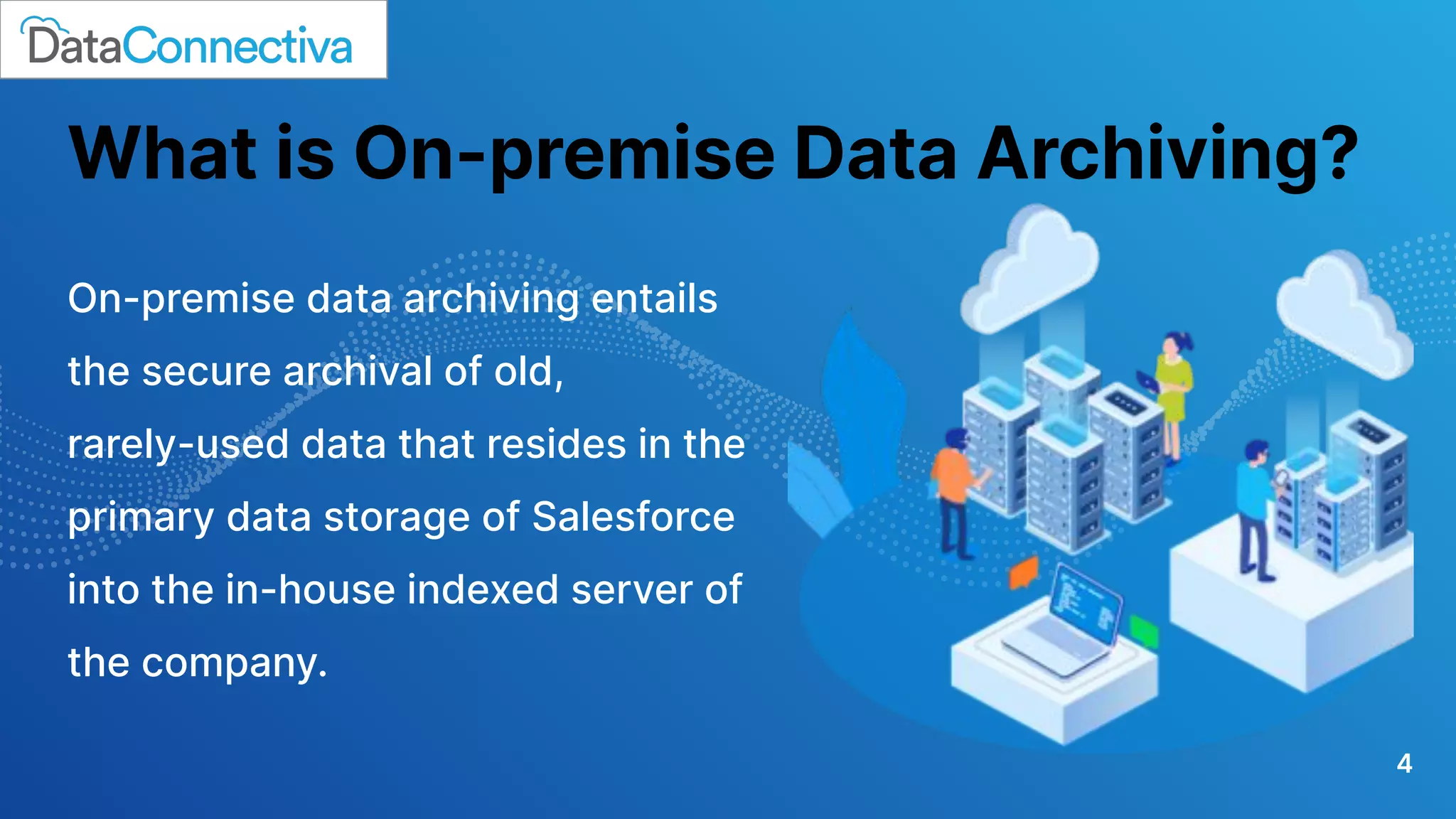
What is On-premise Data Archiving?
On-premise data archiving entails
the secure archival of old,
rarely-used data that resides in the
primary data storage of Salesforce
into the in-house indexed server of
the company.
4
5
How is On-prem Archiving Beneficial?
● More Control over Business Data - Companies decide which data to archive, when to
archive it, where to store it, whether or not to restrict access to it, & how to leverage it
for business operations. So, overall more control over the data & business processes.
● Faster Data Archiving Process - Set up your data archiving engine at a lightning-fast
speed & begin archiving the data from Salesforce promptly.
● Enhanced Data Security - As the business-critical data never leaves the company’s
servers or is exposed to external agents, the threats to data exposure, data loss, &
data theft are reduced significantly.
● Reduced Total Cost of Ownership - No need to purchase additional storage systems,
invest in the ‘cloud’, or hire a specialized data archiving officer. Therefore, lower total
cost of ownership in the long run.
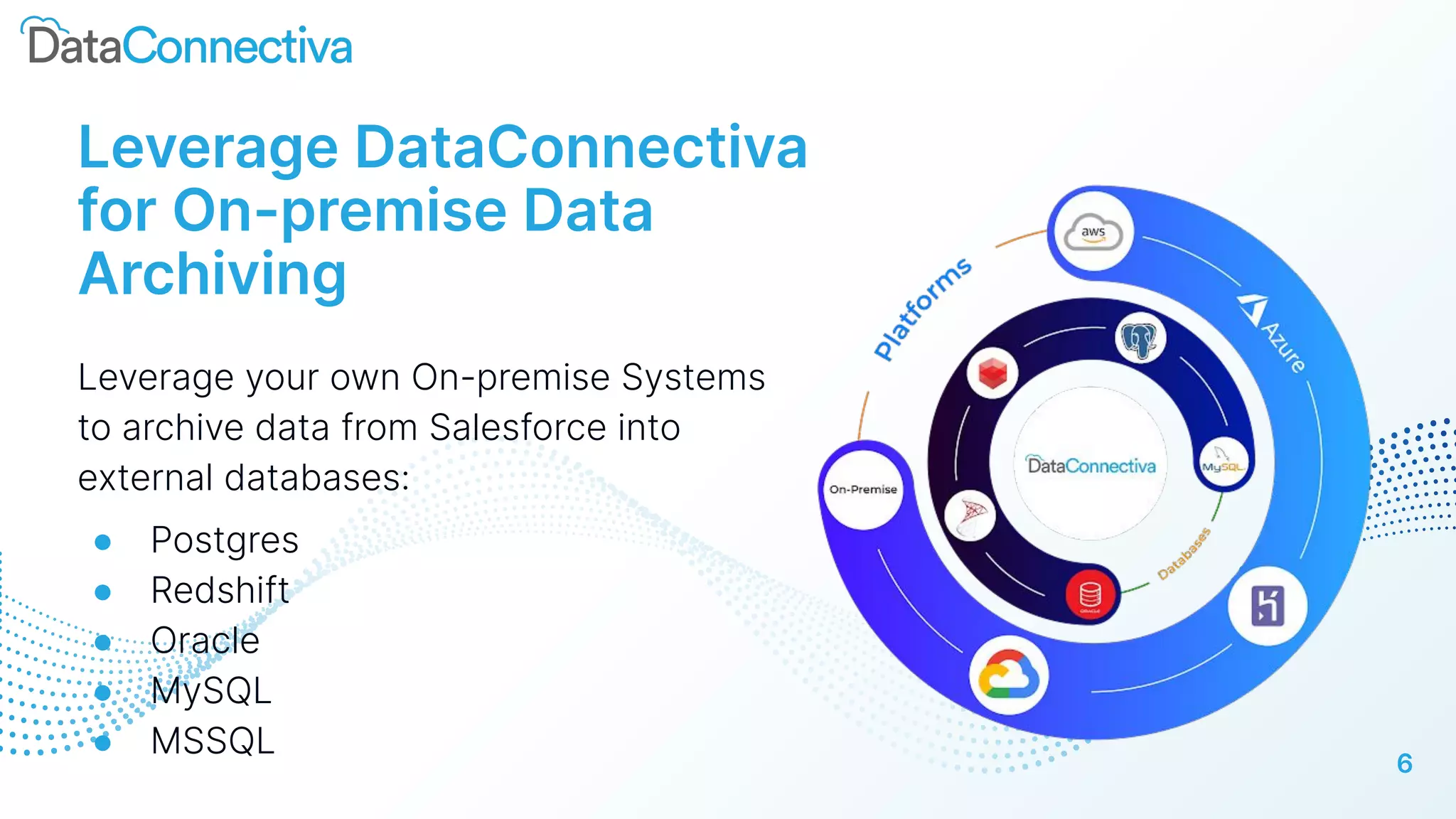
Leverage DataConnectiva
for On-premise Data
Archiving
Leverage your own On-premise Systems
to archive data from Salesforce into
external databases:
● Postgres
● Redshift
● Oracle
● MySQL
● MSSQL
6
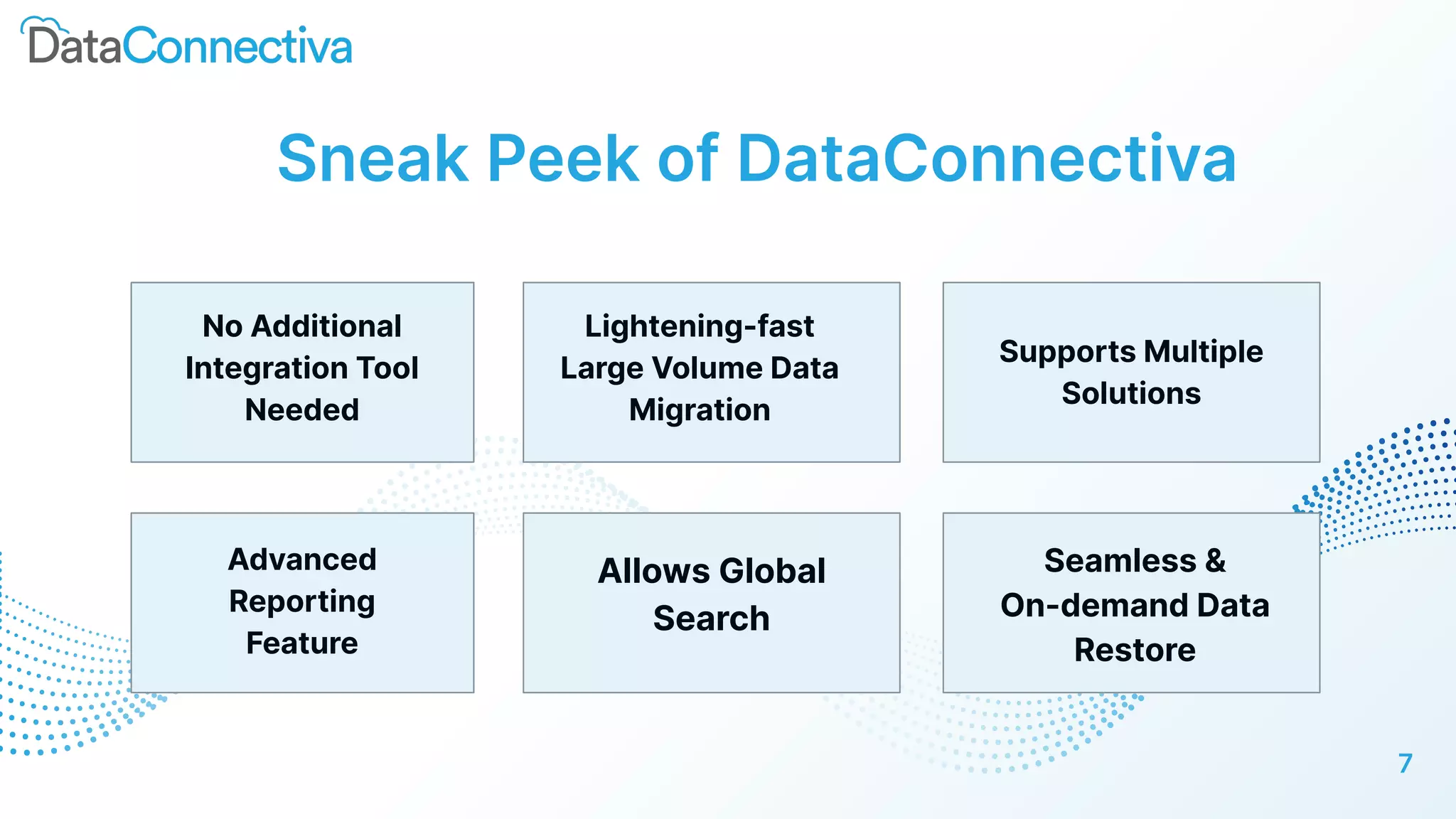
Sneak Peek of DataConnectiva
No Additional
Integration Tool
Needed
Lightening-fast
Large Volume Data
Migration
Supports Multiple
Solutions
7
Advanced
Reporting
Feature
Allows Global
Search
Seamless &
On-demand Data
Restore
8
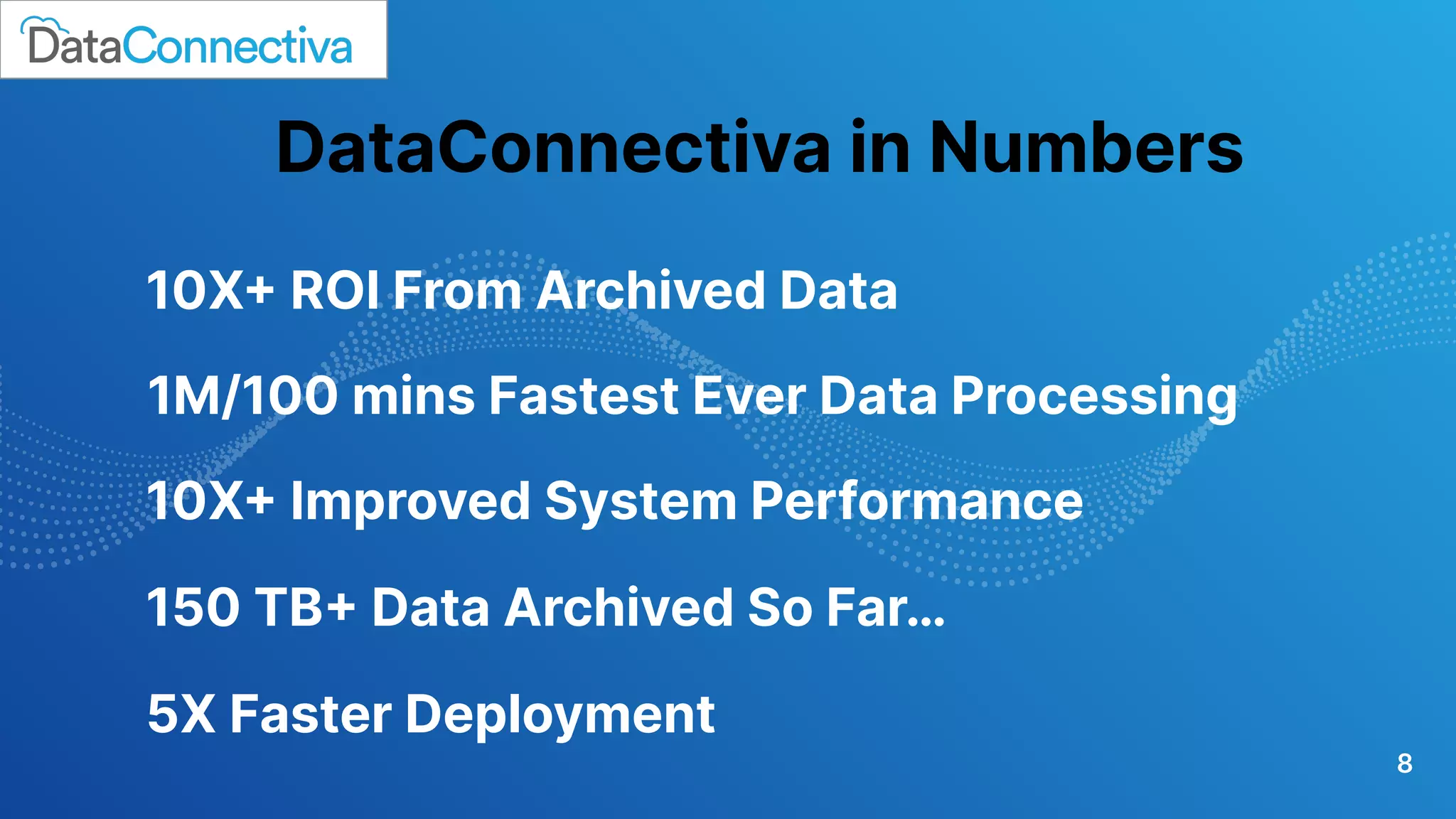
10X+ ROI From Archived Data
1M/100 mins Fastest Ever Data Processing
5X Faster Deployment
DataConnectiva in Numbers
150 TB+ Data Archived So Far…
10X+ Improved System Performance
Still have any queries regarding on-premise archiving?
sales@dataconnectiva.com
9

On-premise Data Archiving for Salesforce with DataConnectiva

  • 1.
    On-premise Data Archiving forSalesforce with DataConnectiva
  • 2.
  • 3.
    An on-premise storageis the company’s storage server hosted within the organization’s infrastructure itself, in many cases, physically onsite. These types of storages are procured, controlled, administered, & maintained by the company and its in-house IT team. Data & other information is usually shared between systems through the company’s local network. 2
  • 4.
    Advantages of usingOn-premise Storages ● Increased Security against Cyberattacks ● Ease of Use due to Offline Availability ● Greater Control Over Storage Hardware ● Reduced Internet Expenditure 3
  • 5.
    What is On-premiseData Archiving? On-premise data archiving entails the secure archival of old, rarely-used data that resides in the primary data storage of Salesforce into the in-house indexed server of the company. 4
  • 6.
    5 How is On-premArchiving Beneficial? ● More Control over Business Data - Companies decide which data to archive, when to archive it, where to store it, whether or not to restrict access to it, & how to leverage it for business operations. So, overall more control over the data & business processes. ● Faster Data Archiving Process - Set up your data archiving engine at a lightning-fast speed & begin archiving the data from Salesforce promptly. ● Enhanced Data Security - As the business-critical data never leaves the company’s servers or is exposed to external agents, the threats to data exposure, data loss, & data theft are reduced significantly. ● Reduced Total Cost of Ownership - No need to purchase additional storage systems, invest in the ‘cloud’, or hire a specialized data archiving officer. Therefore, lower total cost of ownership in the long run.
  • 7.
    Leverage DataConnectiva for On-premiseData Archiving Leverage your own On-premise Systems to archive data from Salesforce into external databases: ● Postgres ● Redshift ● Oracle ● MySQL ● MSSQL 6
  • 8.
    Sneak Peek ofDataConnectiva No Additional Integration Tool Needed Lightening-fast Large Volume Data Migration Supports Multiple Solutions 7 Advanced Reporting Feature Allows Global Search Seamless & On-demand Data Restore
  • 9.
    8 10X+ ROI FromArchived Data 1M/100 mins Fastest Ever Data Processing 5X Faster Deployment DataConnectiva in Numbers 150 TB+ Data Archived So Far… 10X+ Improved System Performance
  • 10.
    Still have anyqueries regarding on-premise archiving? sales@dataconnectiva.com 9