








Online Collaborative Learning:
 Practical Ways to Implement
Group Activities in Your Course
                   Andrea Stone
  Instructional Designer/Curriculum Coordinator
    Oklahoma State University – Oklahoma City

                   Liz Crowell
             Instructional Designer
         University of Central Oklahoma
Agenda
• Why should you use group projects?
• What tools should you use?
• Wisdom from group project veterans


NOTE: Italicized items have
been added based on audience
input.
Why do you use (or want to use)
group projects in your classes?
Why use group projects?
•   Reduce grading
•   Get better work
•   Facilitate transformative learning
•   Foster connections
•   Positive peer pressure
•   Increase the tension to facilitate learning
•   Preparation for future work teams.
•   Increase competition
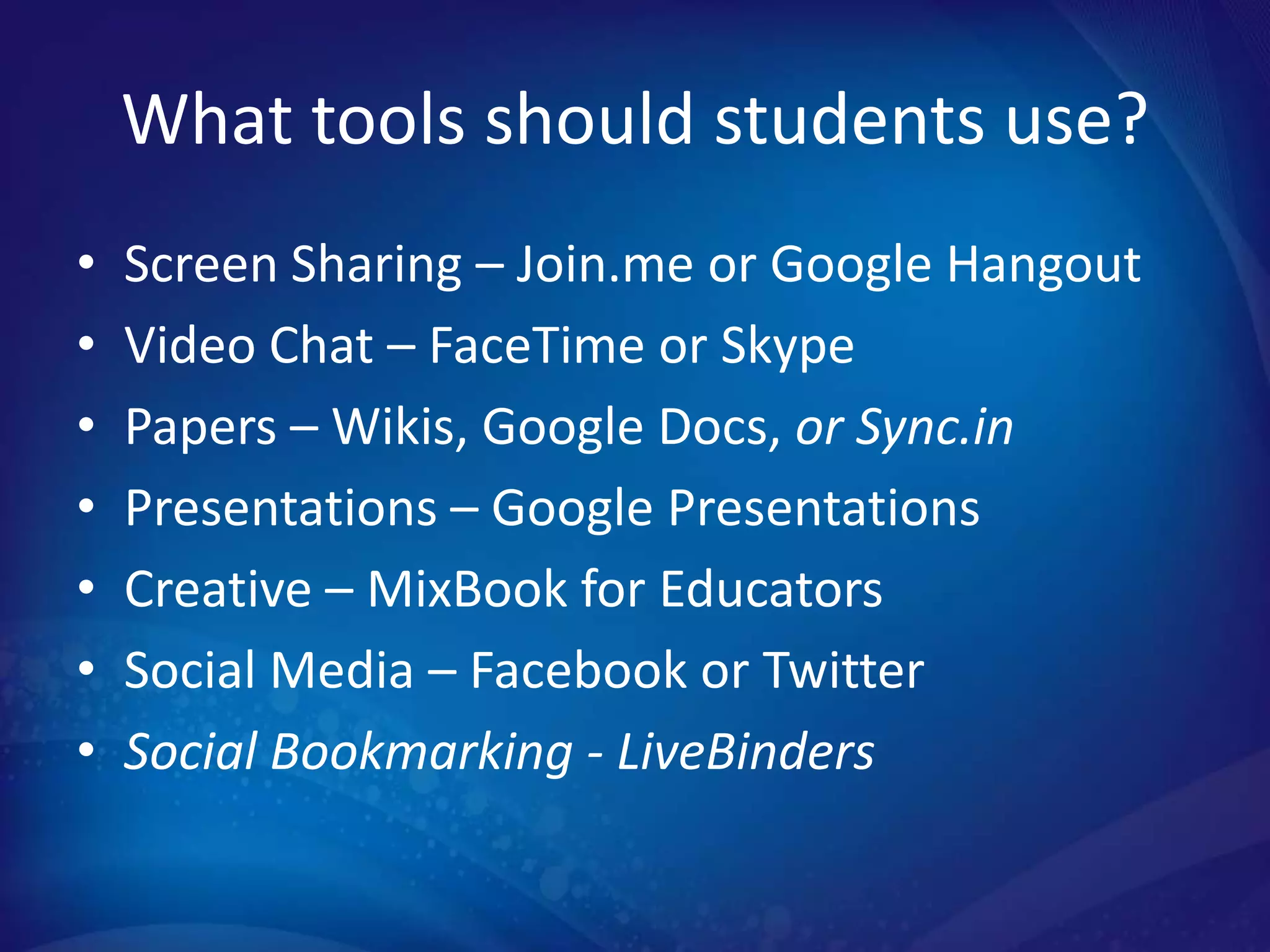
What tools should students use?
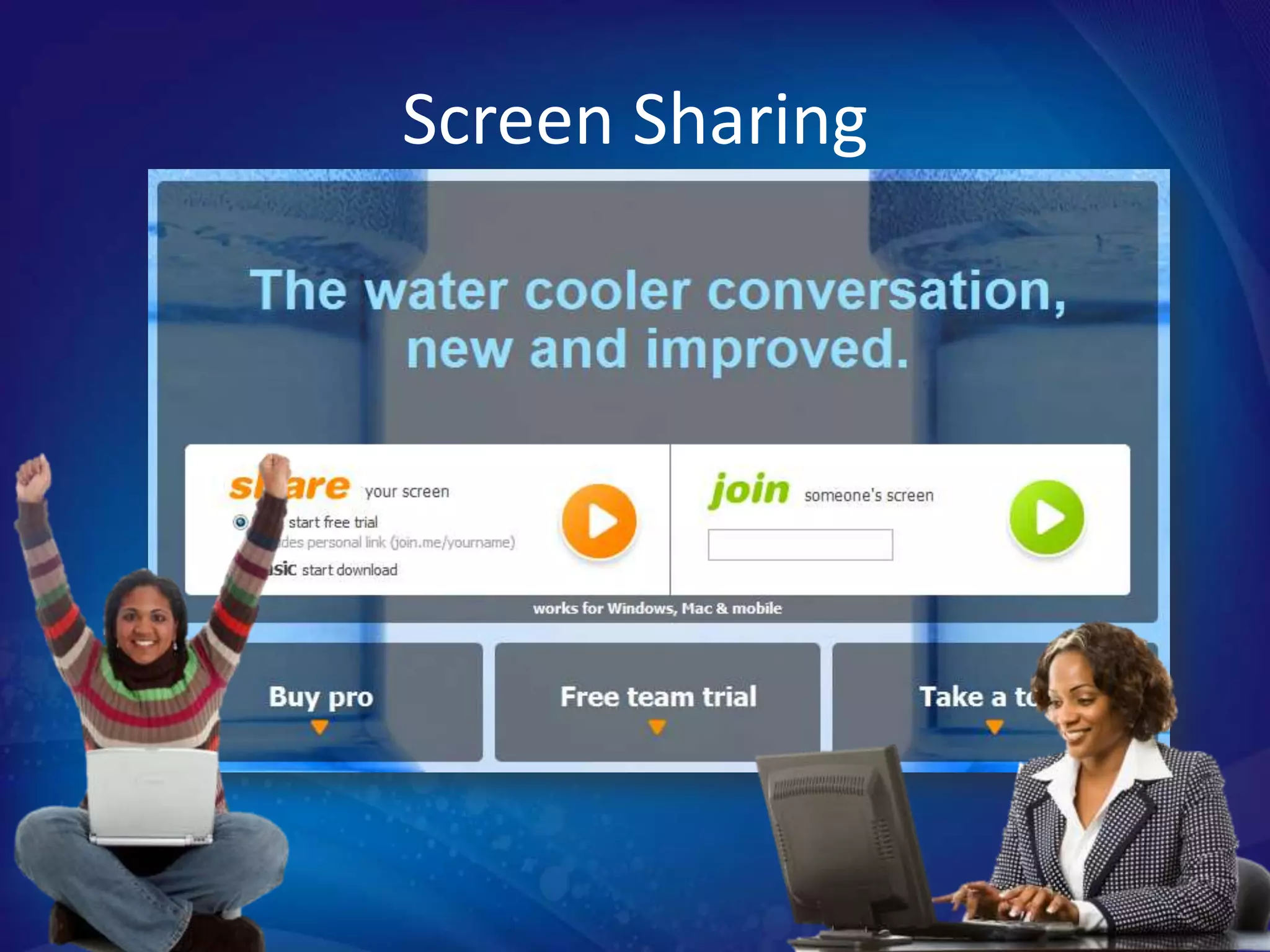
•   Screen Sharing – Join.me or Google Hangout
•   Video Chat – FaceTime or Skype
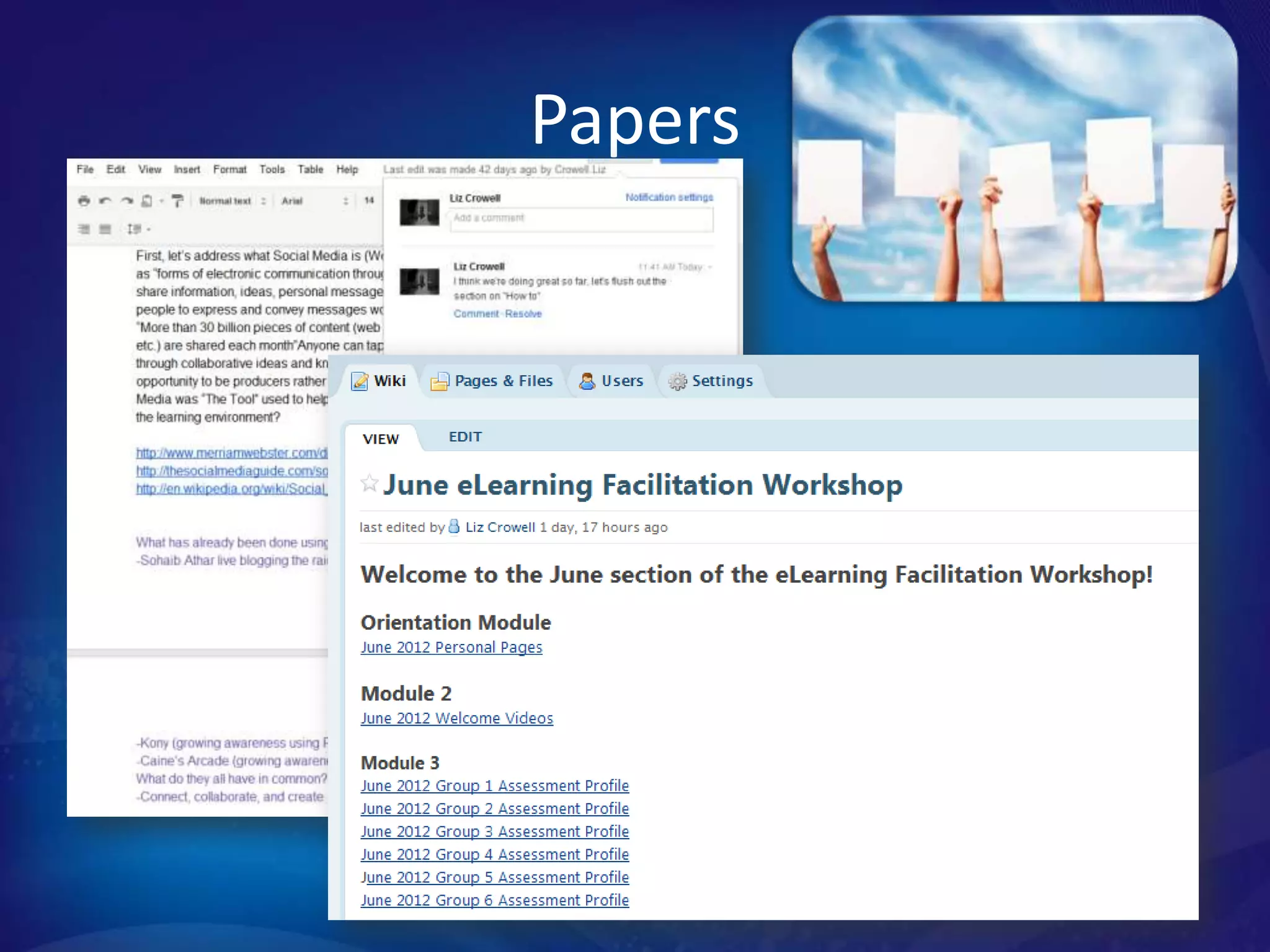
•   Papers – Wikis, Google Docs, or Sync.in
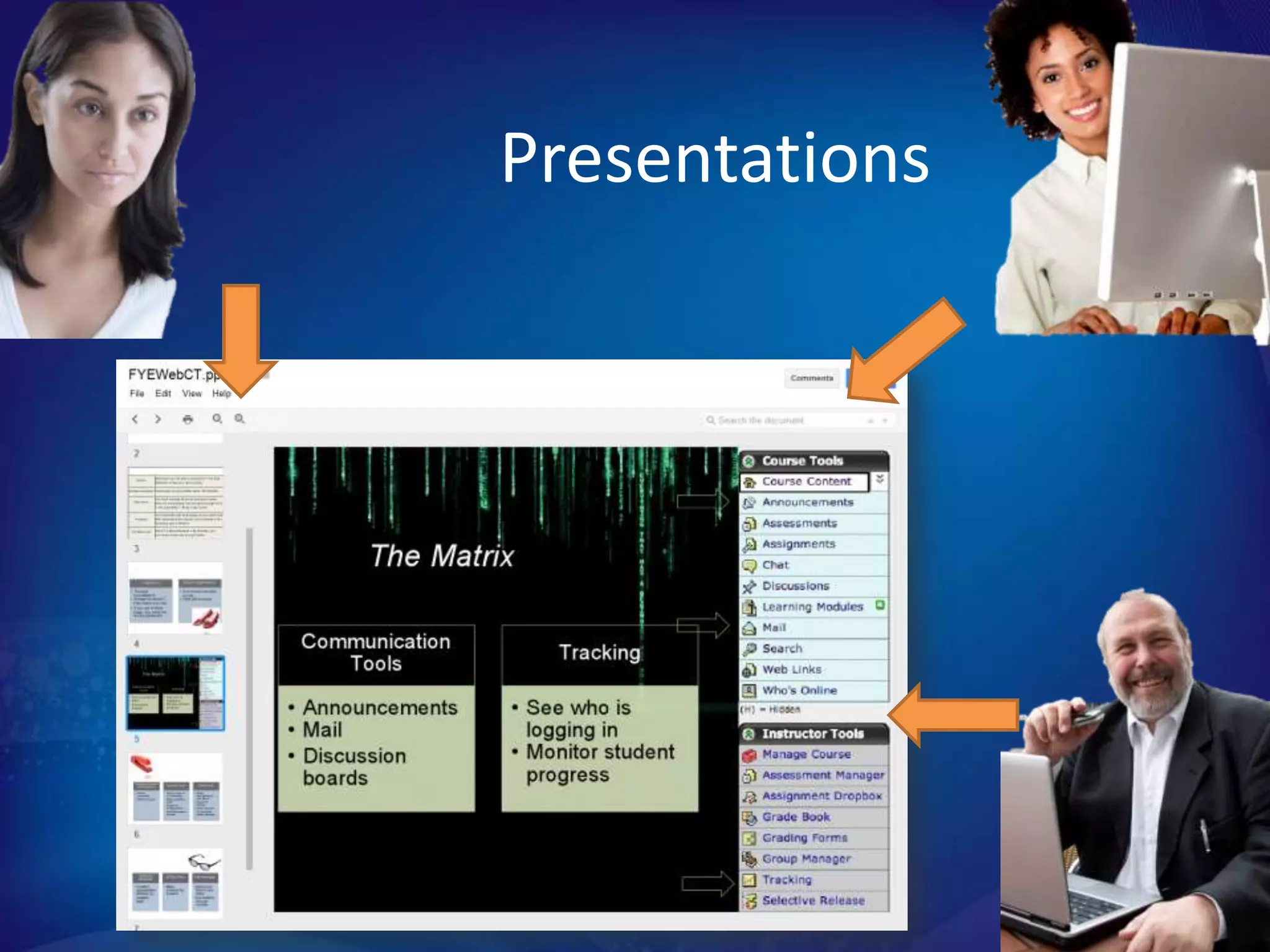
•   Presentations – Google Presentations
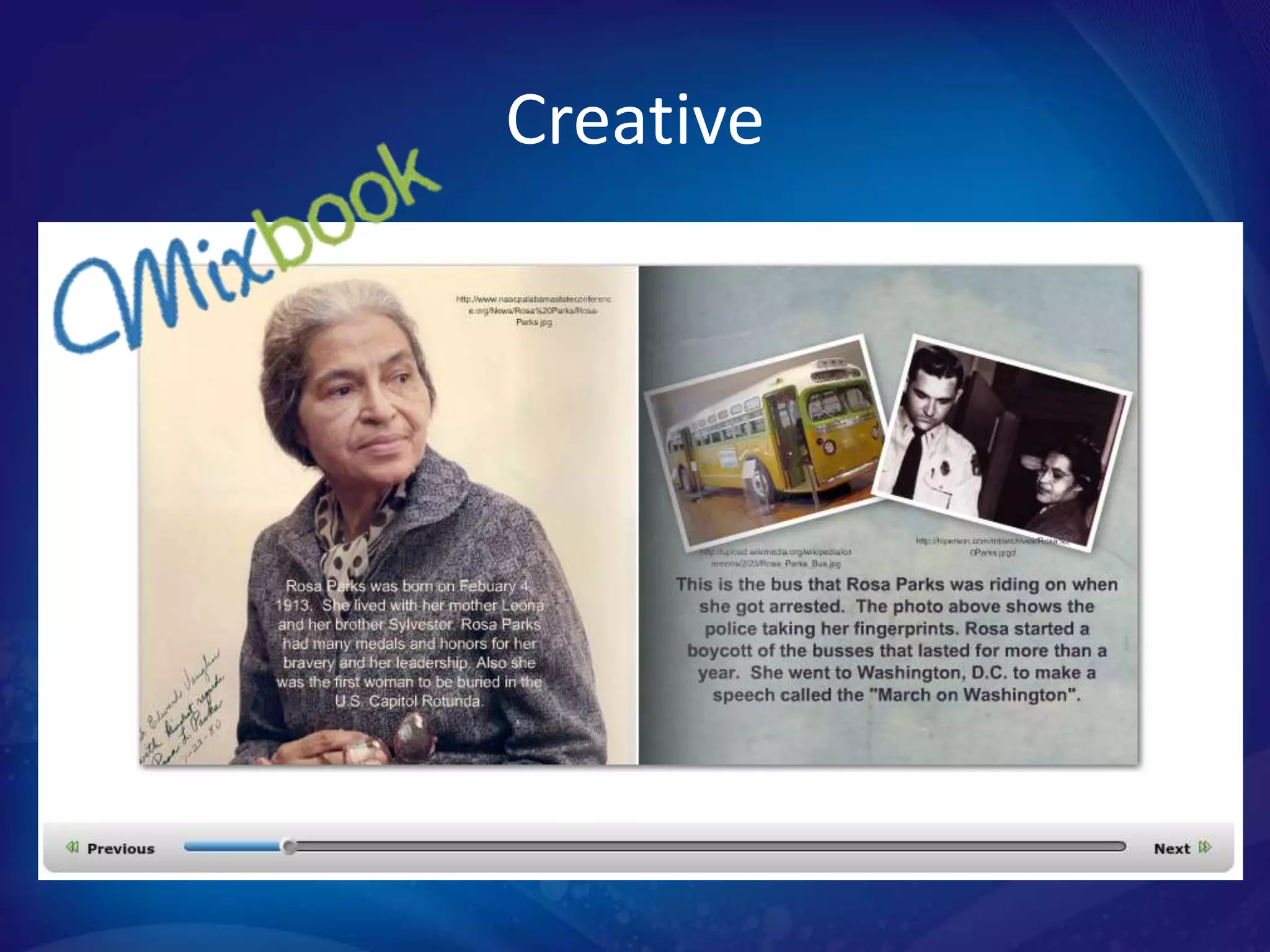
•   Creative – MixBook for Educators
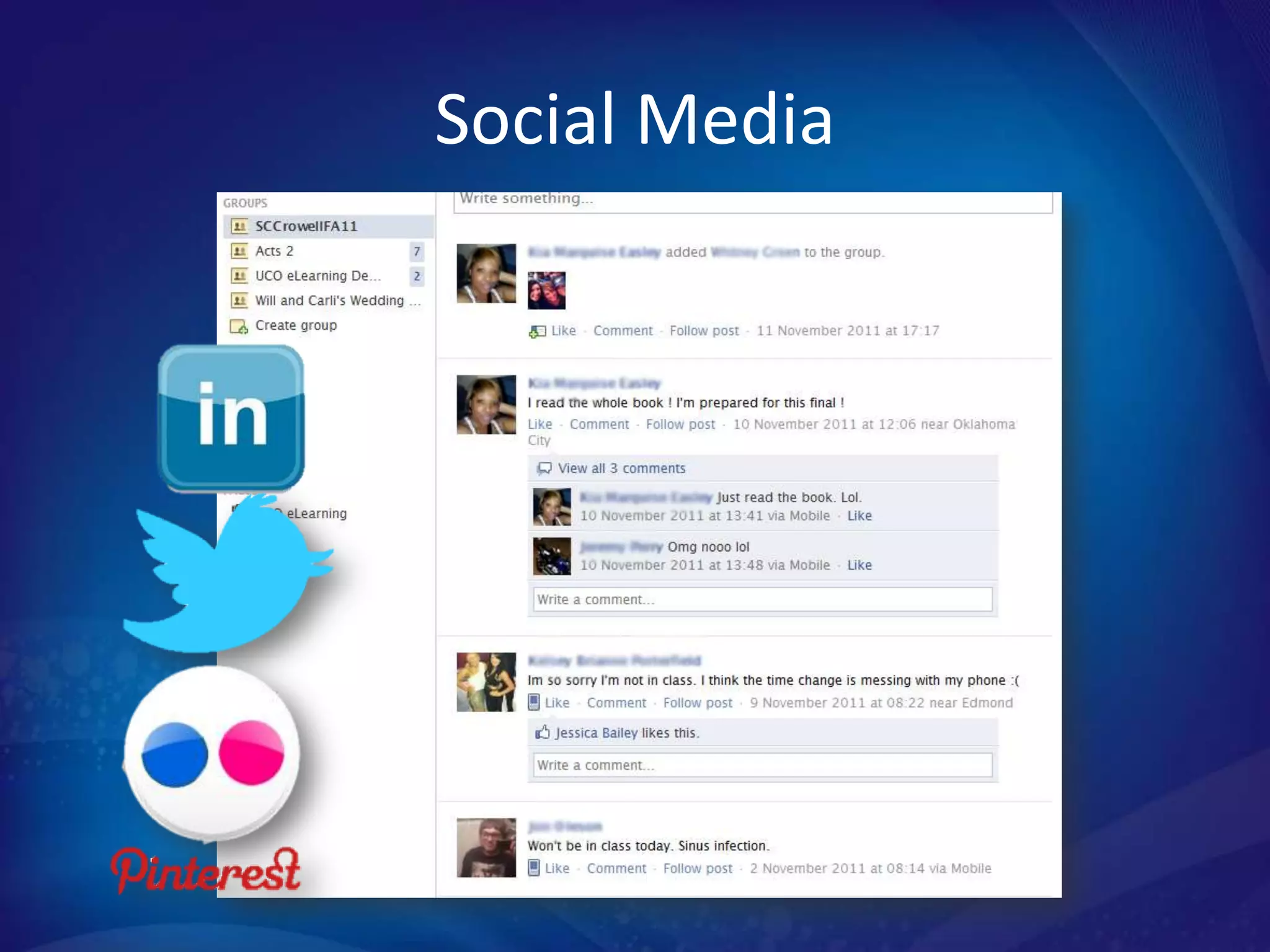
•   Social Media – Facebook or Twitter
•   Social Bookmarking - LiveBinders
Screen Sharing
Video Chat
Papers
Presentations
Creative
Social Media
Wisdom from group project veterans:
Assignment Directions
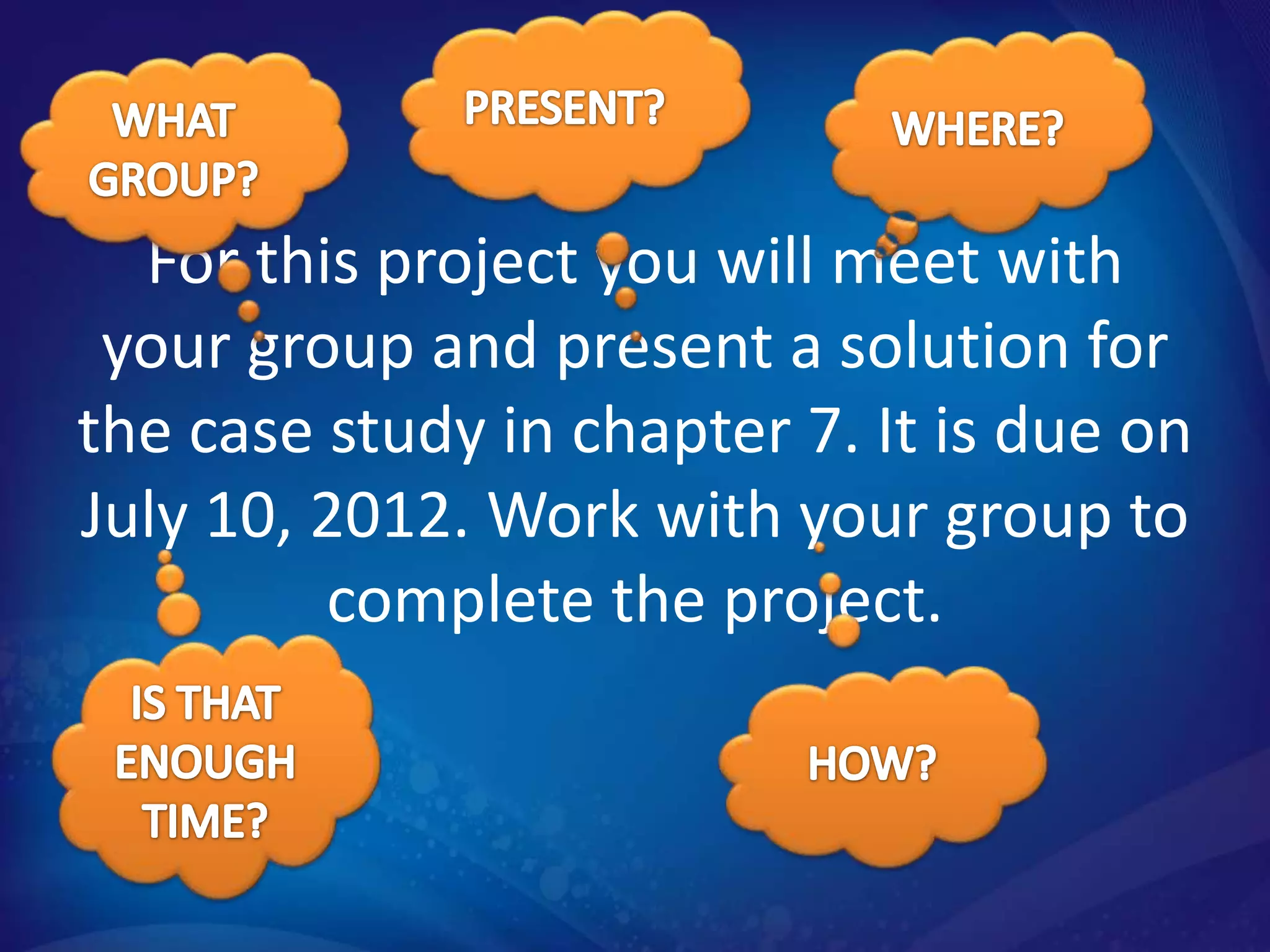
For this project you will meet with
 your group and present a solution for
the case study in chapter 7. It is due on
July 10, 2012. Work with your group to
         complete the project.
Putting Students into Groups
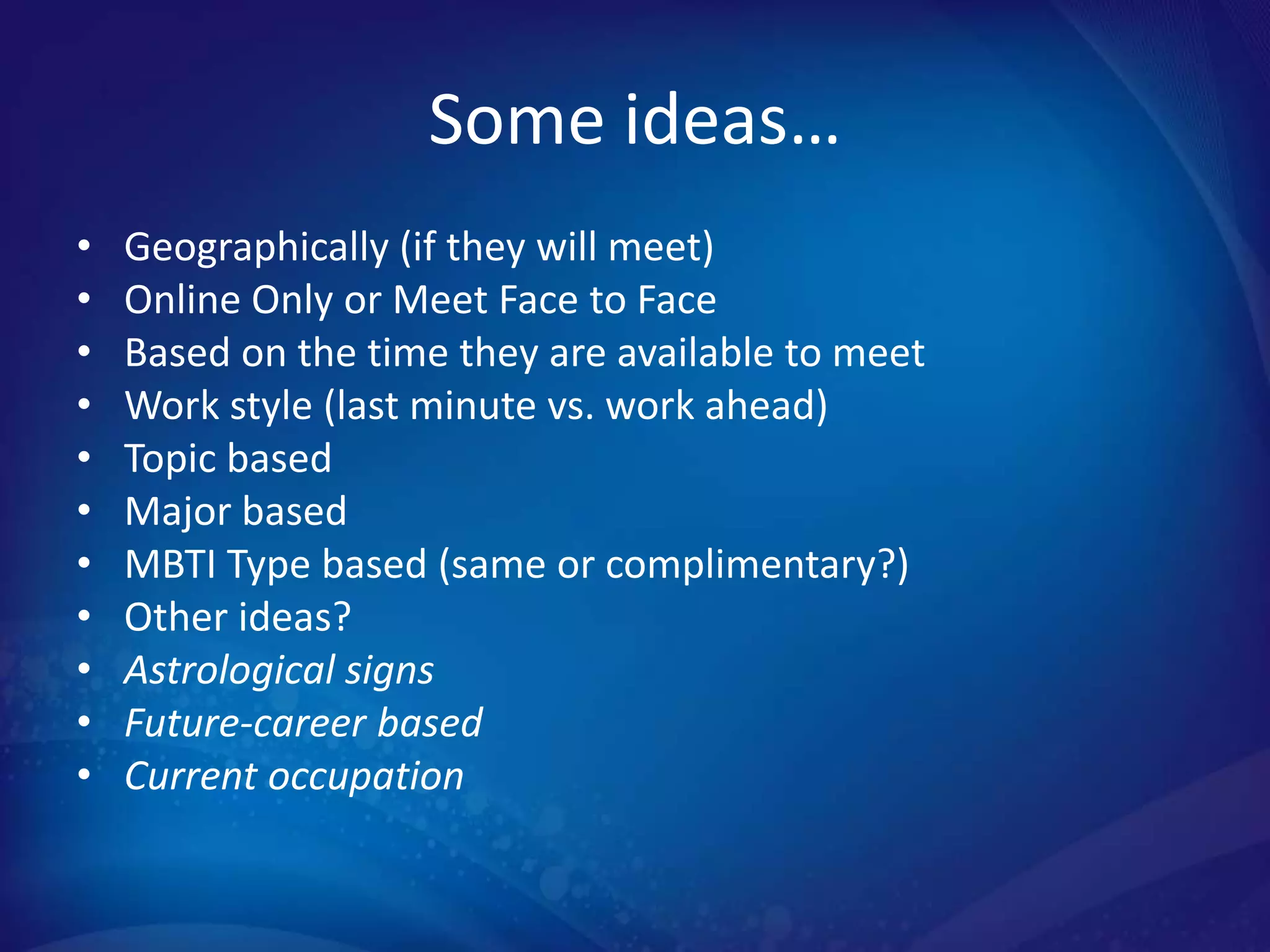
Some ideas…
•   Geographically (if they will meet)
•   Online Only or Meet Face to Face
•   Based on the time they are available to meet
•   Work style (last minute vs. work ahead)
•   Topic based
•   Major based
•   MBTI Type based (same or complimentary?)
•   Other ideas?
•   Astrological signs
•   Future-career based
•   Current occupation
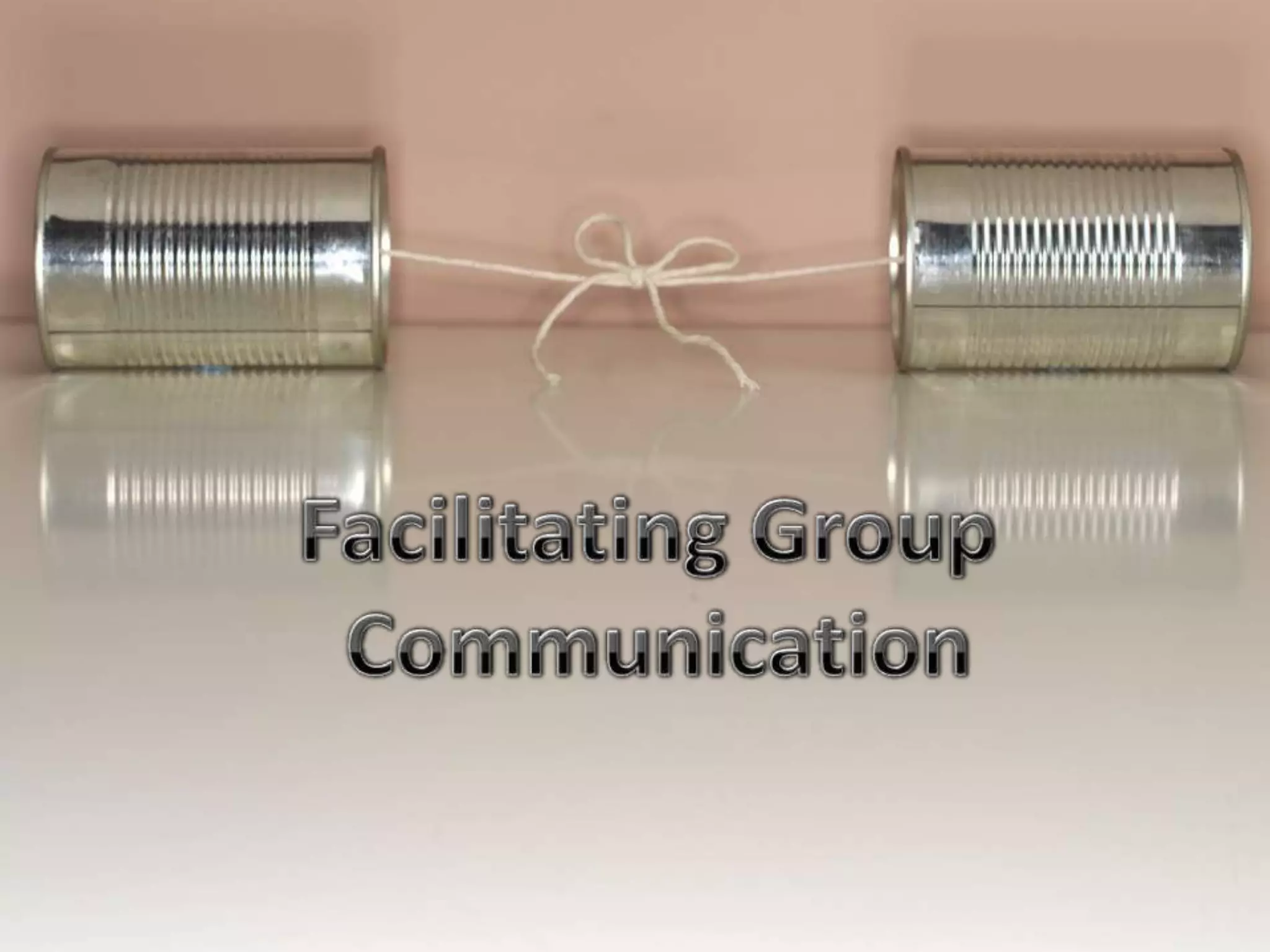
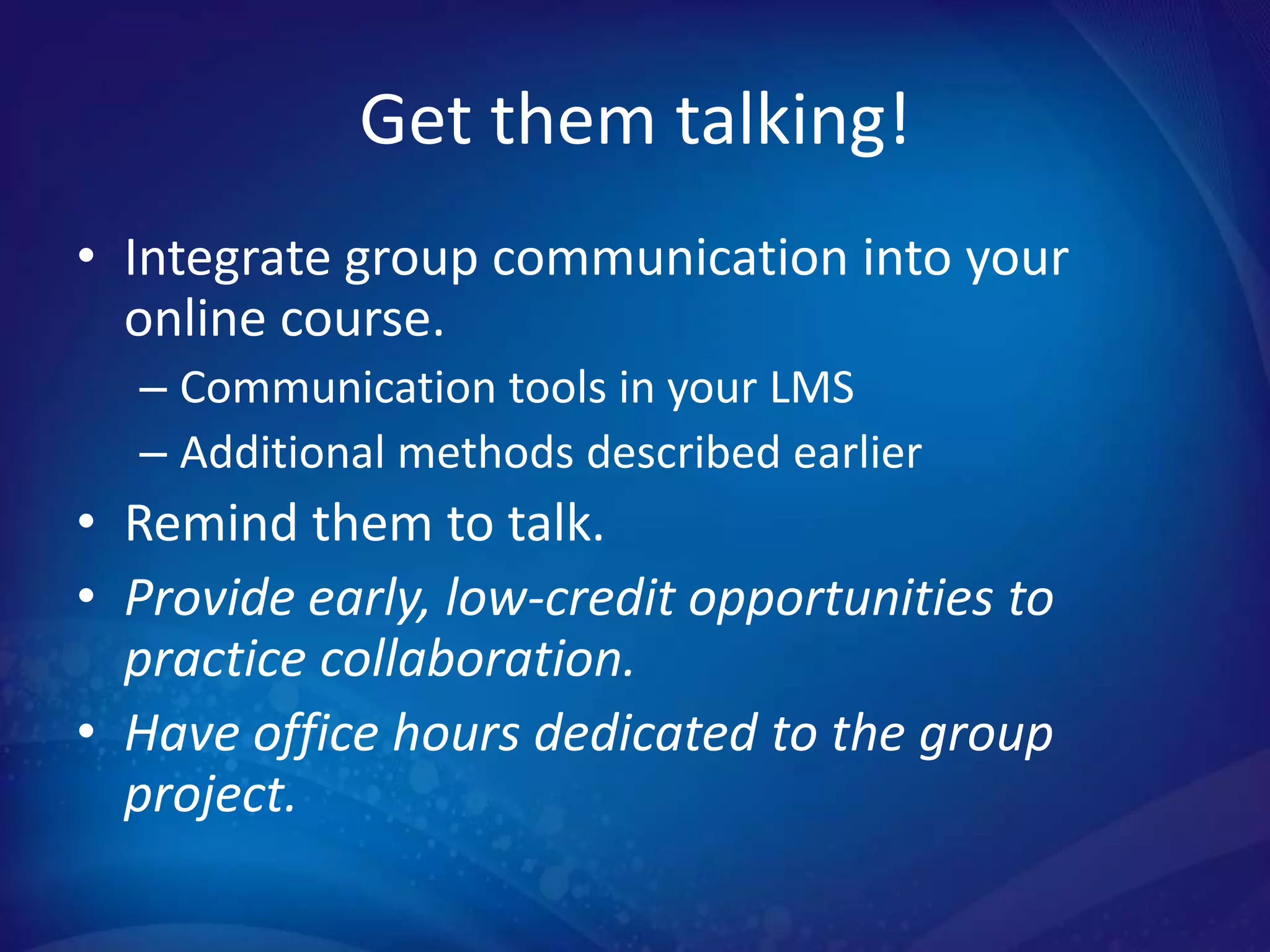
Get them talking!
• Integrate group communication into your
  online course.
  – Communication tools in your LMS
  – Additional methods described earlier
• Remind them to talk.
• Provide early, low-credit opportunities to
  practice collaboration.
• Have office hours dedicated to the group
  project.
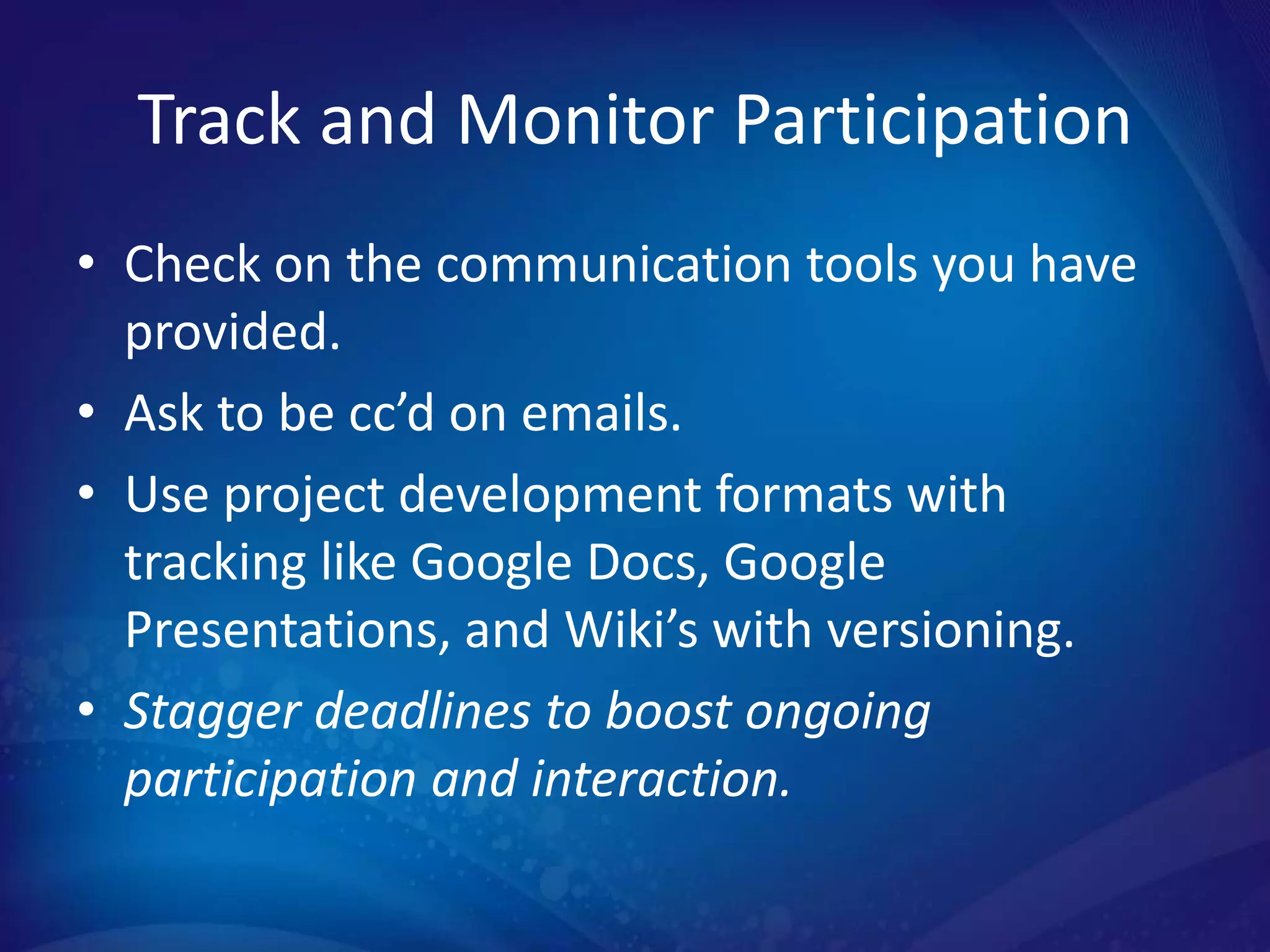
Track and Monitor Participation
• Check on the communication tools you have
  provided.
• Ask to be cc’d on emails.
• Use project development formats with
  tracking like Google Docs, Google
  Presentations, and Wiki’s with versioning.
• Stagger deadlines to boost ongoing
  participation and interaction.
Have a Group Divorce
Policy in Place…
Just in Case

• Under what conditions?
• By unanimous or majority?
• How does the group notify the kickee
  and the instructor?
• How are grades earned by the group
  and the individual?
• Are there penalties for being kicked out?
• Is there a deadline?
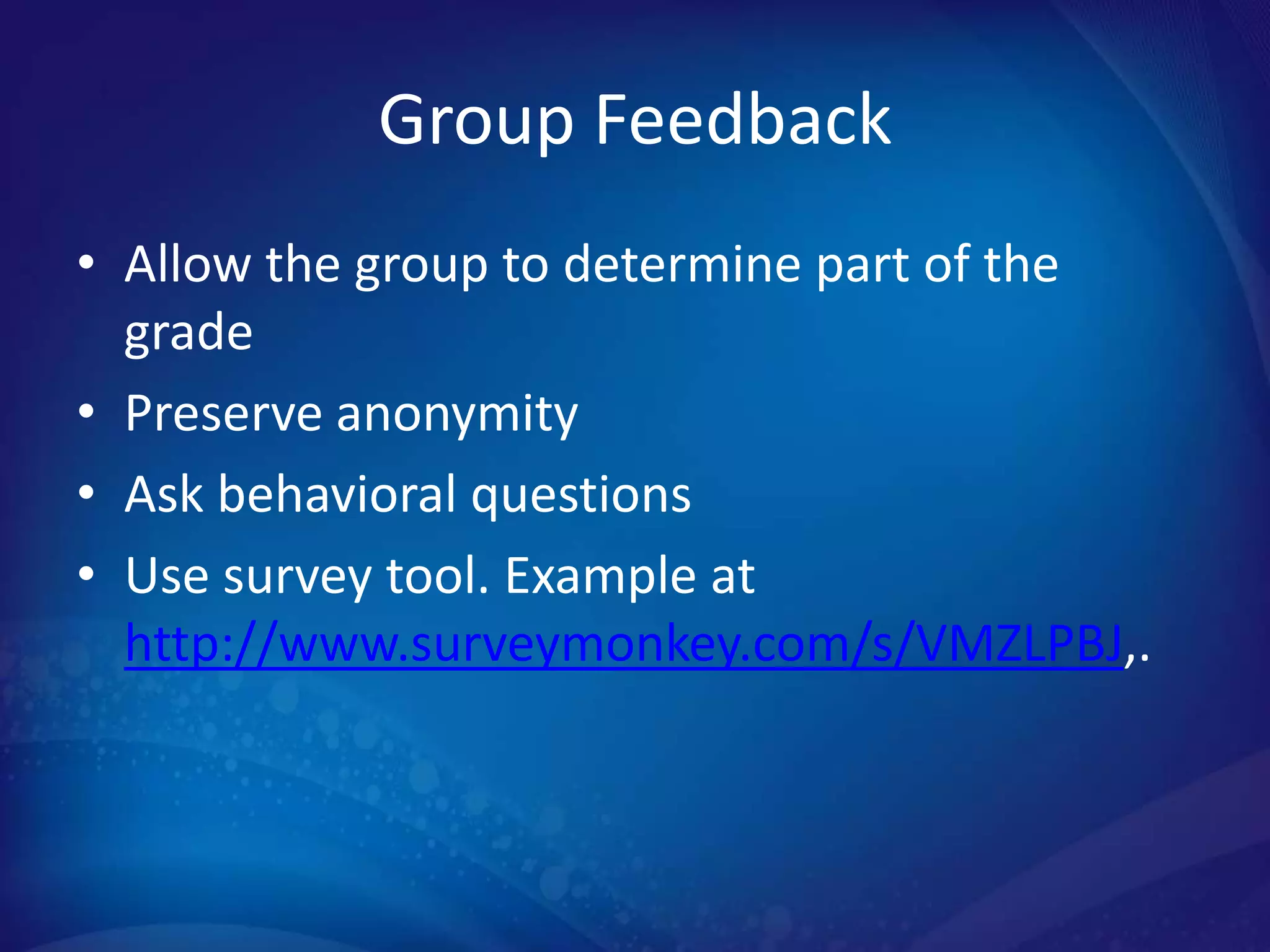
Group Feedback
Group Feedback
• Allow the group to determine part of the
  grade
• Preserve anonymity
• Ask behavioral questions
• Use survey tool. Example at
  http://www.surveymonkey.com/s/VMZLPBJ,.
Visual Knowledge Check
Online Collaborative Learning: Practical Ways
to Implement Group Activities in Your Course
                Andrea Stone
   Oklahoma State University – Oklahoma City
            awstone@osuokc.edu
                405.945.6798

   Liz Crowell – University of Central Oklahoma
                ecrowell1@uco.edu
                   405.974.3591

Online collaborative learning with audiencefeedback

  • 1.
    Online Collaborative Learning: Practical Ways to Implement Group Activities in Your Course Andrea Stone Instructional Designer/Curriculum Coordinator Oklahoma State University – Oklahoma City Liz Crowell Instructional Designer University of Central Oklahoma
  • 2.
    Agenda • Why shouldyou use group projects? • What tools should you use? • Wisdom from group project veterans NOTE: Italicized items have been added based on audience input.
  • 3.
    Why do youuse (or want to use) group projects in your classes?
  • 4.
    Why use groupprojects? • Reduce grading • Get better work • Facilitate transformative learning • Foster connections • Positive peer pressure • Increase the tension to facilitate learning • Preparation for future work teams. • Increase competition
  • 5.
    What tools shouldstudents use? • Screen Sharing – Join.me or Google Hangout • Video Chat – FaceTime or Skype • Papers – Wikis, Google Docs, or Sync.in • Presentations – Google Presentations • Creative – MixBook for Educators • Social Media – Facebook or Twitter • Social Bookmarking - LiveBinders
  • 6.
  • 7.
  • 8.
  • 9.
  • 10.
  • 11.
  • 12.
    Wisdom from groupproject veterans:
  • 14.
  • 15.
    For this projectyou will meet with your group and present a solution for the case study in chapter 7. It is due on July 10, 2012. Work with your group to complete the project.
  • 16.
  • 17.
    Some ideas… • Geographically (if they will meet) • Online Only or Meet Face to Face • Based on the time they are available to meet • Work style (last minute vs. work ahead) • Topic based • Major based • MBTI Type based (same or complimentary?) • Other ideas? • Astrological signs • Future-career based • Current occupation
  • 19.
    Get them talking! •Integrate group communication into your online course. – Communication tools in your LMS – Additional methods described earlier • Remind them to talk. • Provide early, low-credit opportunities to practice collaboration. • Have office hours dedicated to the group project.
  • 20.
    Track and MonitorParticipation
  • 21.
    Track and MonitorParticipation • Check on the communication tools you have provided. • Ask to be cc’d on emails. • Use project development formats with tracking like Google Docs, Google Presentations, and Wiki’s with versioning. • Stagger deadlines to boost ongoing participation and interaction.
  • 22.
    Have a GroupDivorce Policy in Place… Just in Case • Under what conditions? • By unanimous or majority? • How does the group notify the kickee and the instructor? • How are grades earned by the group and the individual? • Are there penalties for being kicked out? • Is there a deadline?
  • 23.
  • 24.
    Group Feedback • Allowthe group to determine part of the grade • Preserve anonymity • Ask behavioral questions • Use survey tool. Example at http://www.surveymonkey.com/s/VMZLPBJ,.
  • 25.
  • 26.
    Online Collaborative Learning:Practical Ways to Implement Group Activities in Your Course Andrea Stone Oklahoma State University – Oklahoma City awstone@osuokc.edu 405.945.6798 Liz Crowell – University of Central Oklahoma ecrowell1@uco.edu 405.974.3591

Editor's Notes

  • #3 Andrea
  • #4 Andrea
  • #5 Andrea
  • #6 ToolsAdd slides for each
  • #13 AndreaAssignment directionsAssign groups or self sign up?Track participationGroup divorceGroup feedback
  • #15 AndreaAssignment directionsAssign groups or self sign up?Facilitating group communicationTrack participationGroup divorceGroup feedback
  • #16 Andreahttps://sites.google.com/site/bcom3143/groupprojectassignmentfall2011http://www.screenr.com/Rca
  • #17 Andrea
  • #18 Andra
  • #20 Andrea
  • #22 Andrea
  • #23 Andrea
  • #25 Andrea