One Vagrantfile to rule them all
Config Management Camp 2016, Ghent
Bert Van Vreckem (bert.vanvreckem@hogent.be)
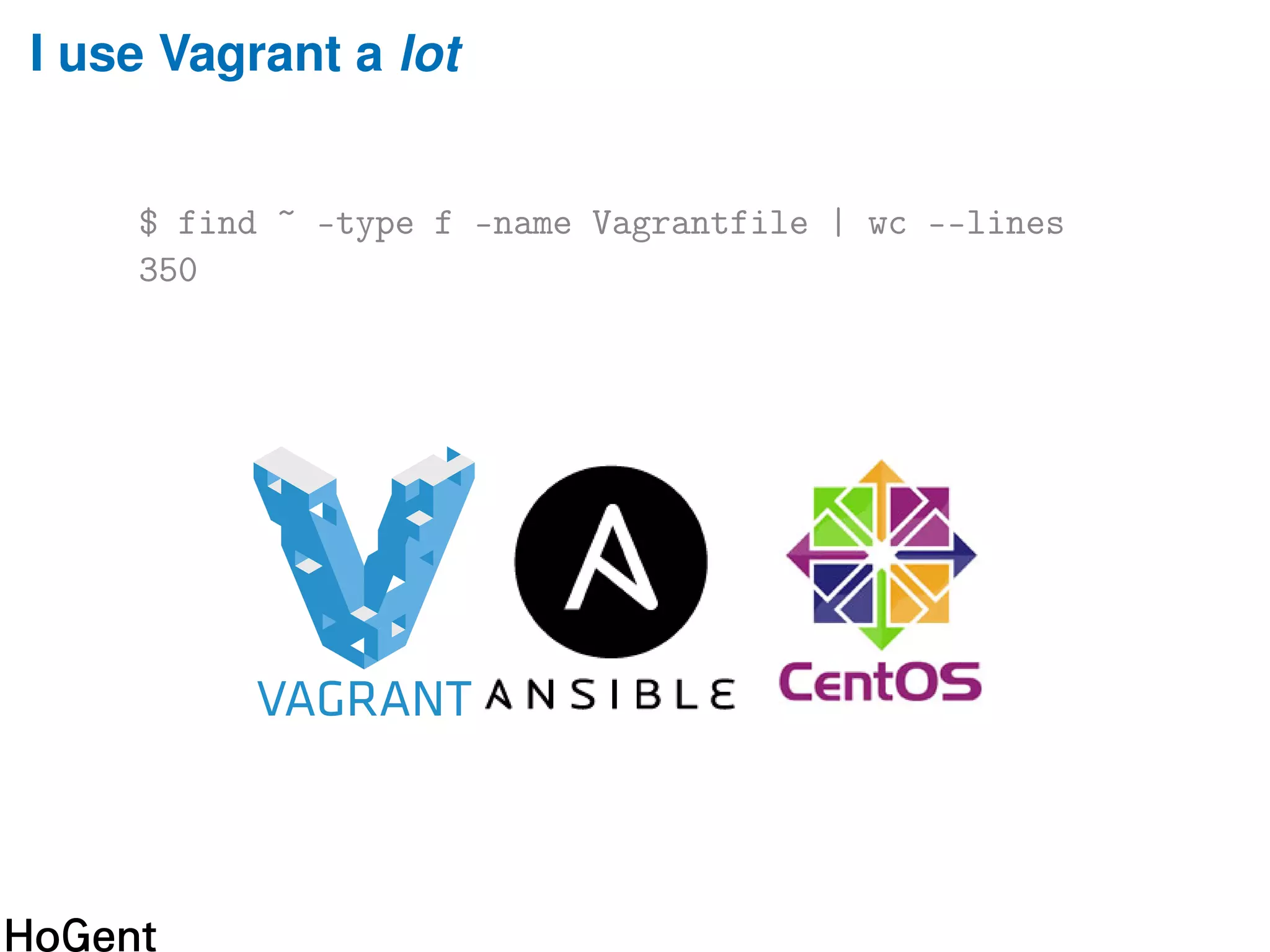
I use Vagrant a lot
$ find ~ -type f -name Vagrantfile | wc --lines
350
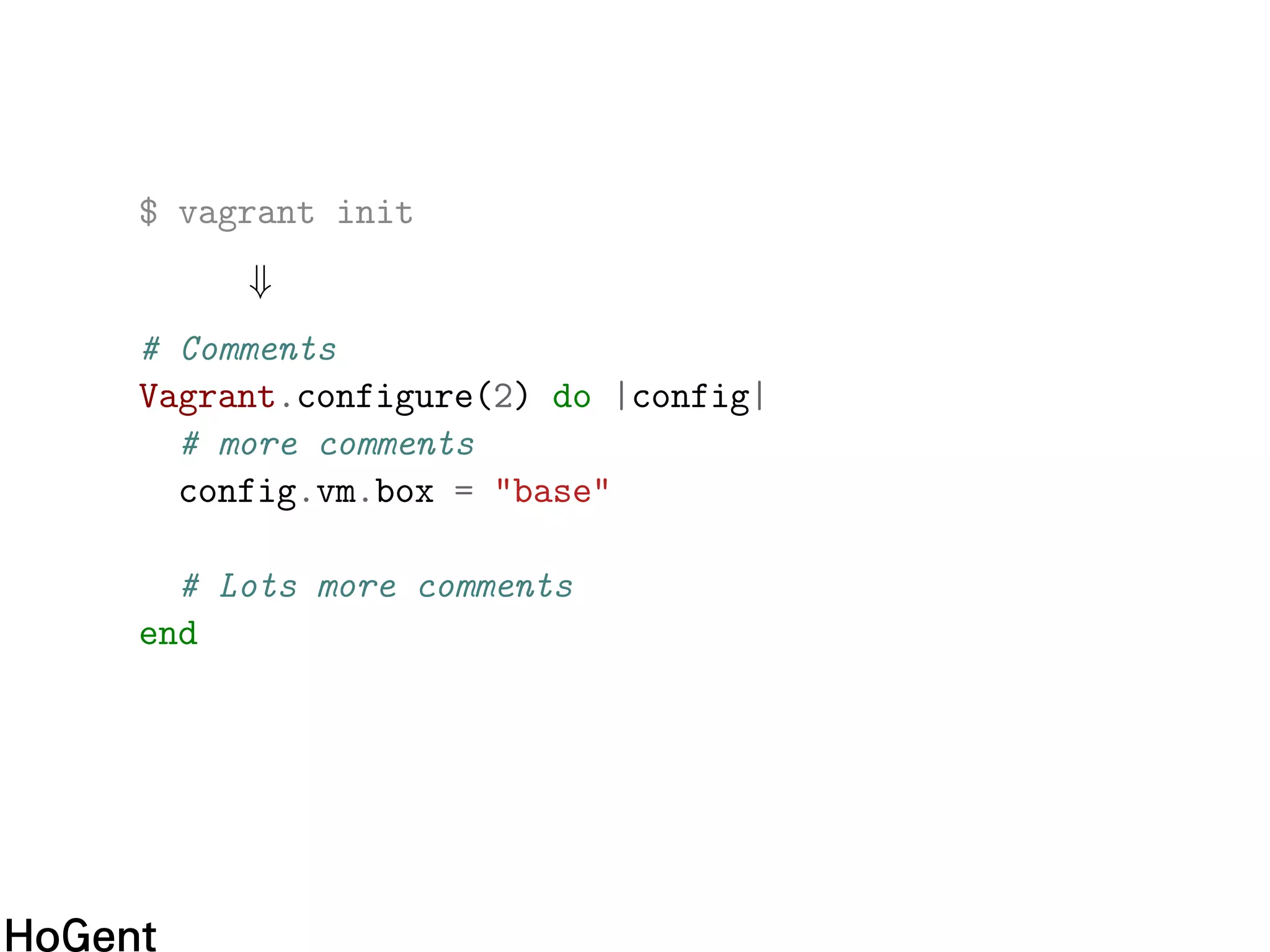
$ vagrant init
⇓
# Comments
Vagrant.configure(2) do |config|
# more comments
config.vm.box = "base"
# Lots more comments
end
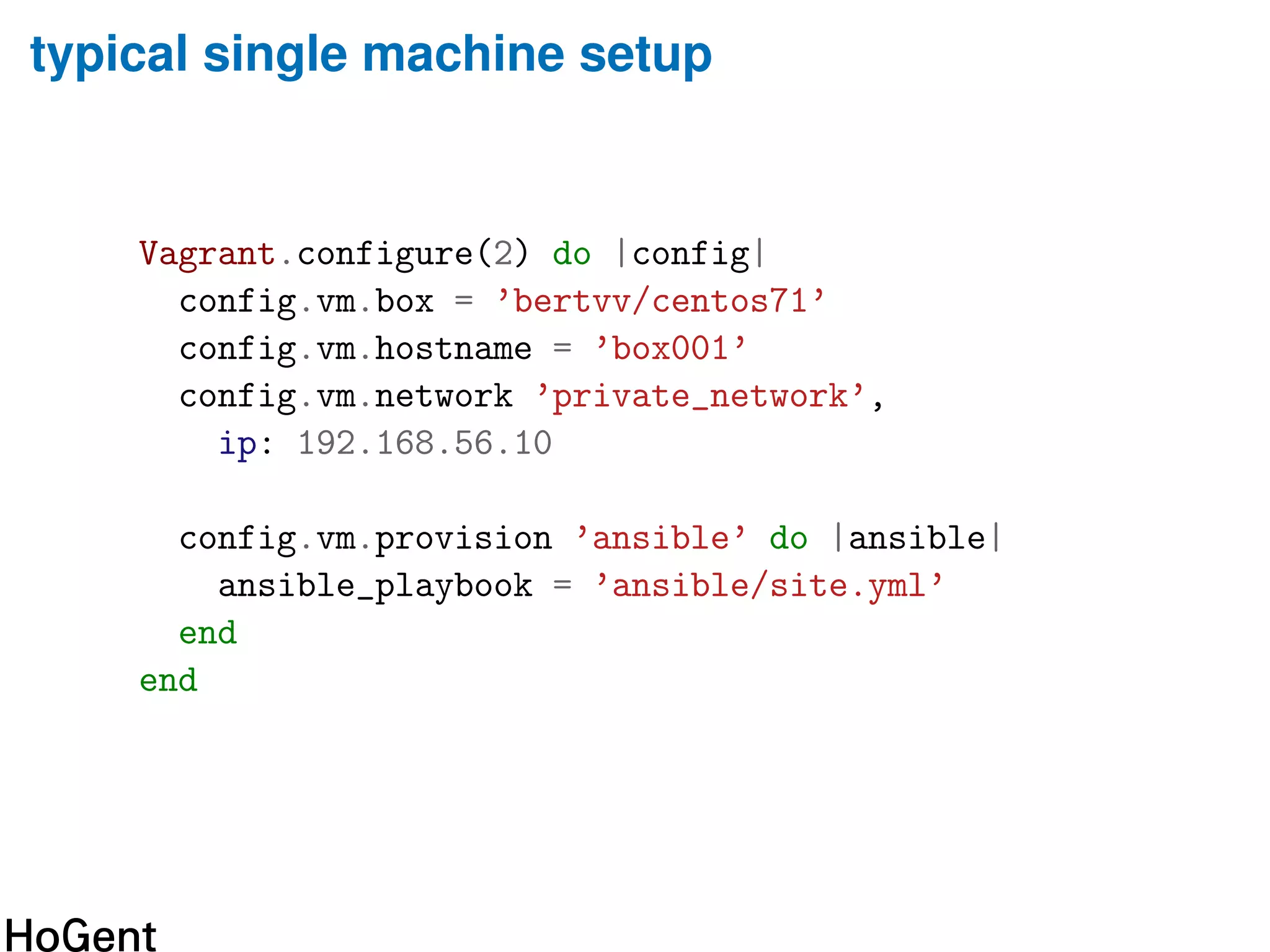
typical single machine setup
Vagrant.configure(2) do |config|
config.vm.box = ’bertvv/centos71’
config.vm.hostname = ’box001’
config.vm.network ’private_network’,
ip: 192.168.56.10
config.vm.provision ’ansible’ do |ansible|
ansible_playbook = ’ansible/site.yml’
end
end
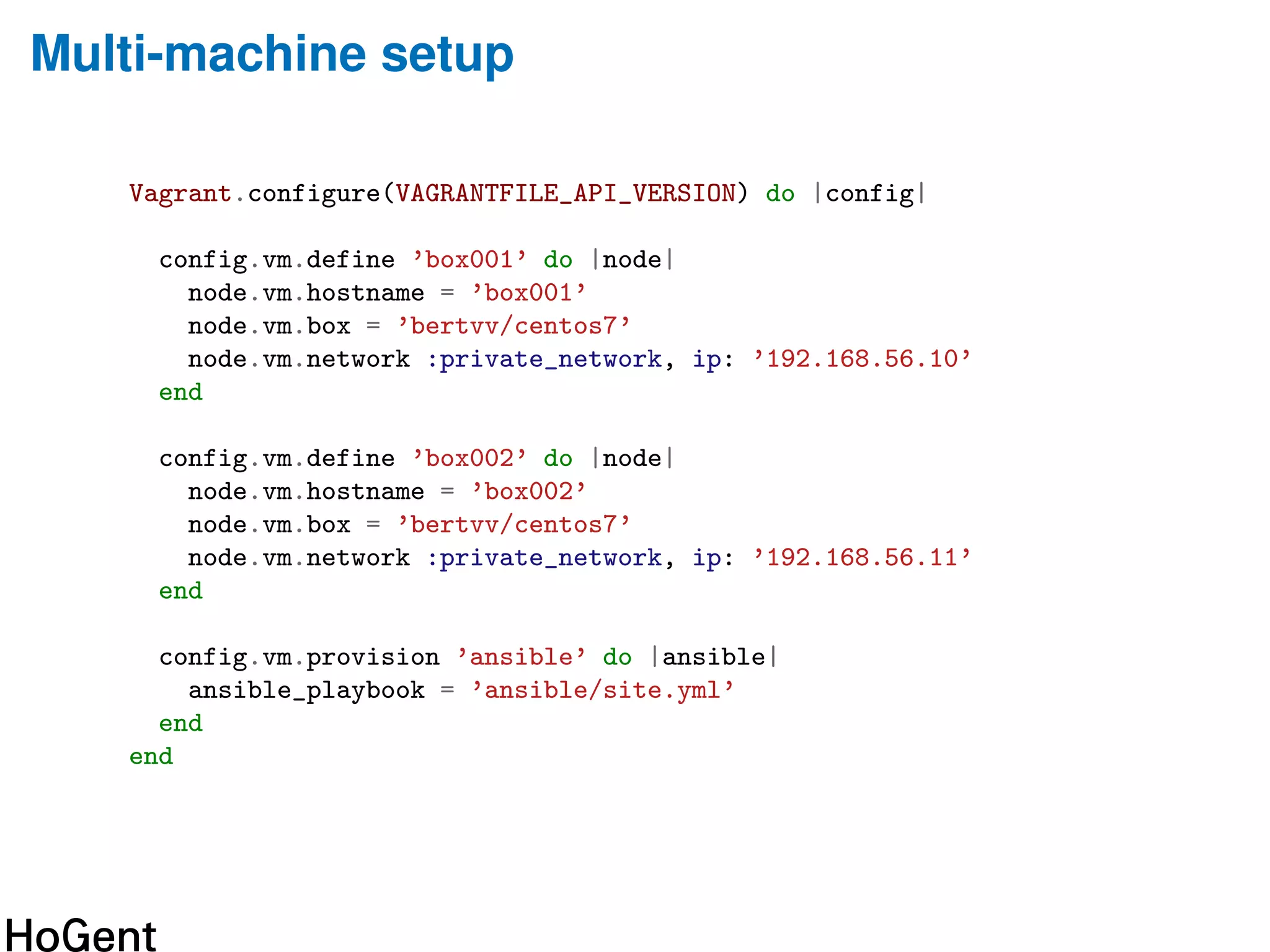
Multi-machine setup
Vagrant.configure(VAGRANTFILE_API_VERSION) do |config|
config.vm.define ’box001’ do |node|
node.vm.hostname = ’box001’
node.vm.box = ’bertvv/centos7’
node.vm.network :private_network, ip: ’192.168.56.10’
end
config.vm.define ’box002’ do |node|
node.vm.hostname = ’box002’
node.vm.box = ’bertvv/centos7’
node.vm.network :private_network, ip: ’192.168.56.11’
end
config.vm.provision ’ansible’ do |ansible|
ansible_playbook = ’ansible/site.yml’
end
end
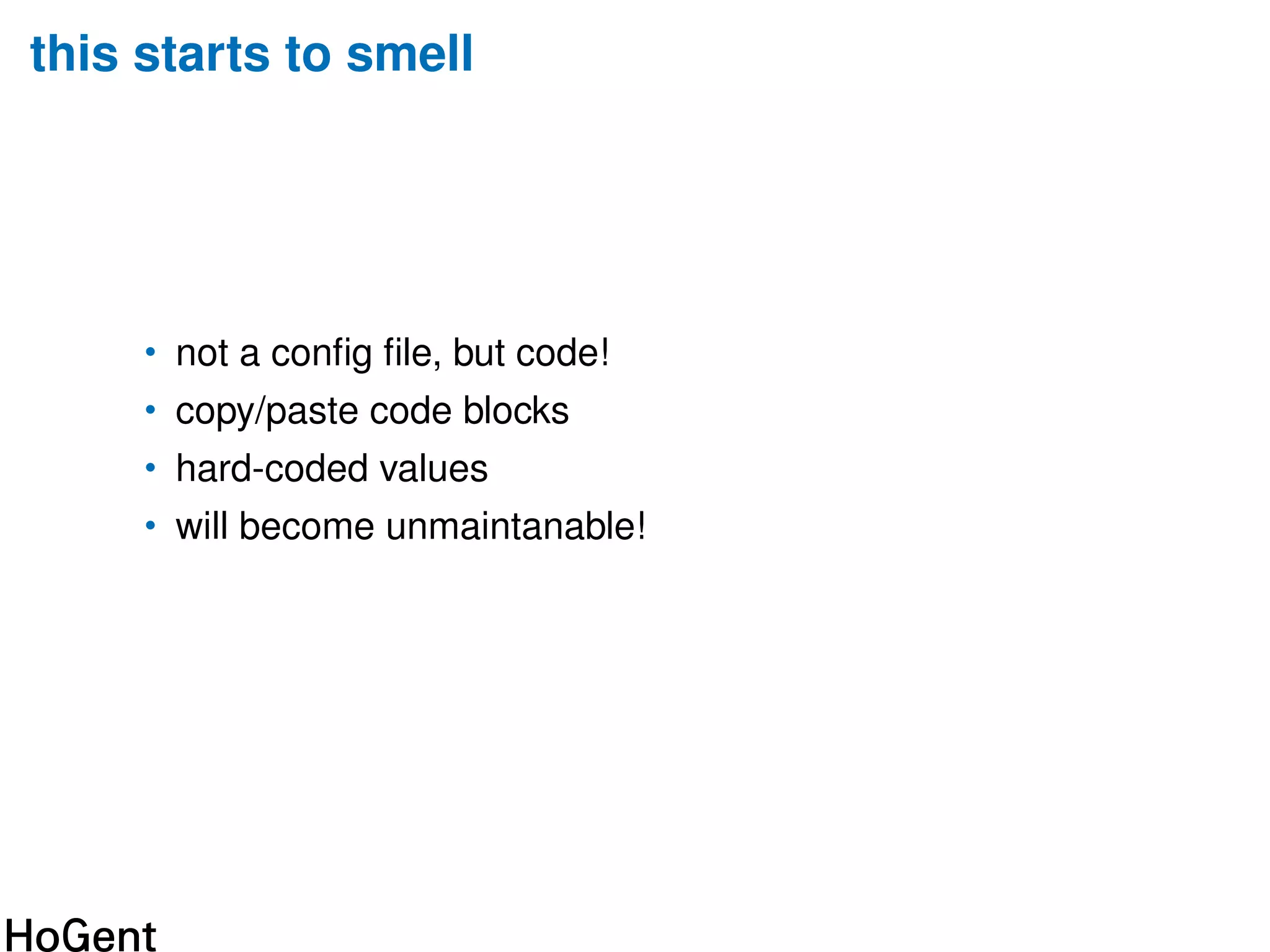
this starts to smell
• not a config file, but code!
• copy/paste code blocks
• hard-coded values
• will become unmaintanable!
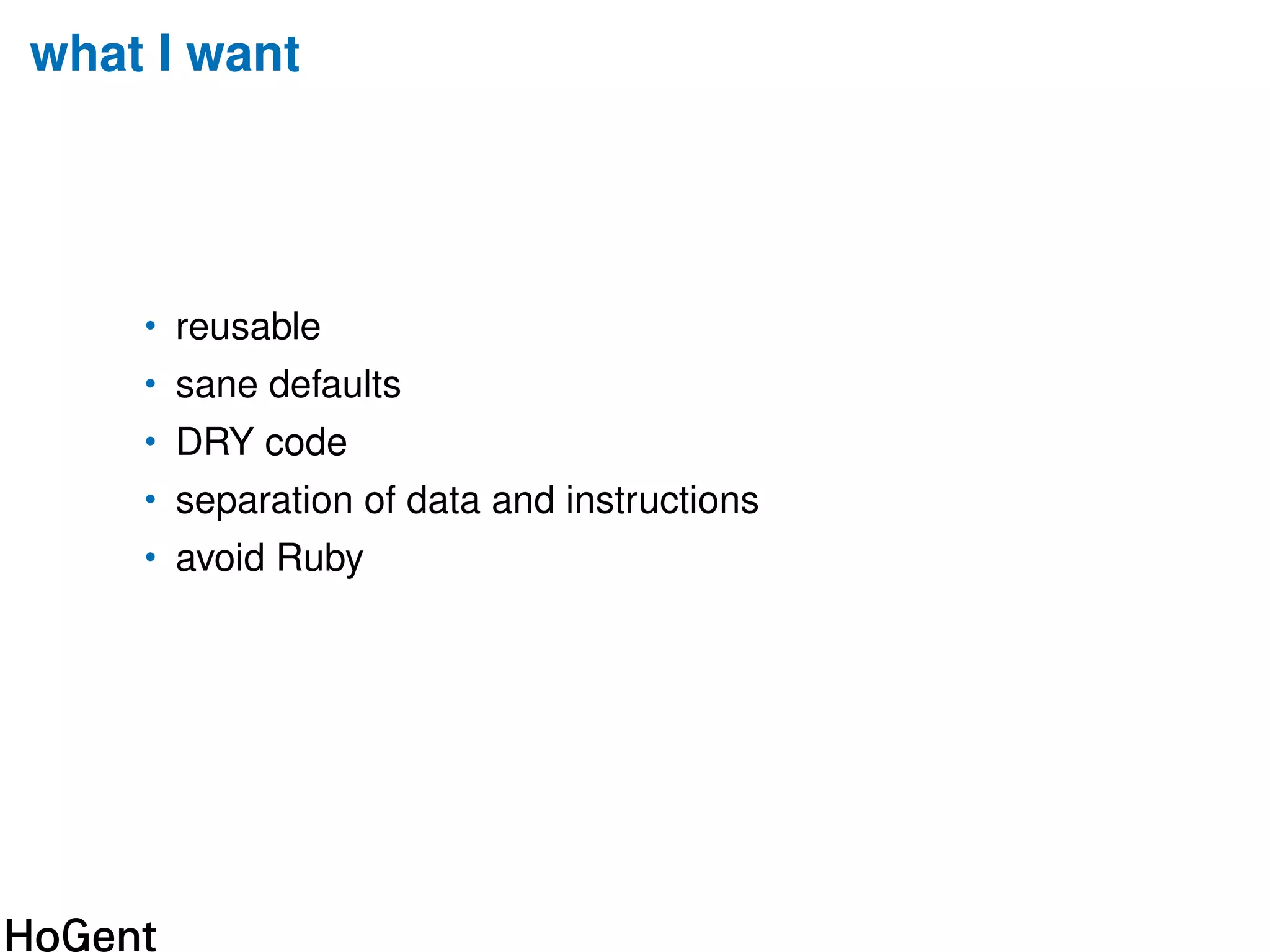
what I want
• reusable
• sane defaults
• DRY code
• separation of data and instructions
• avoid Ruby
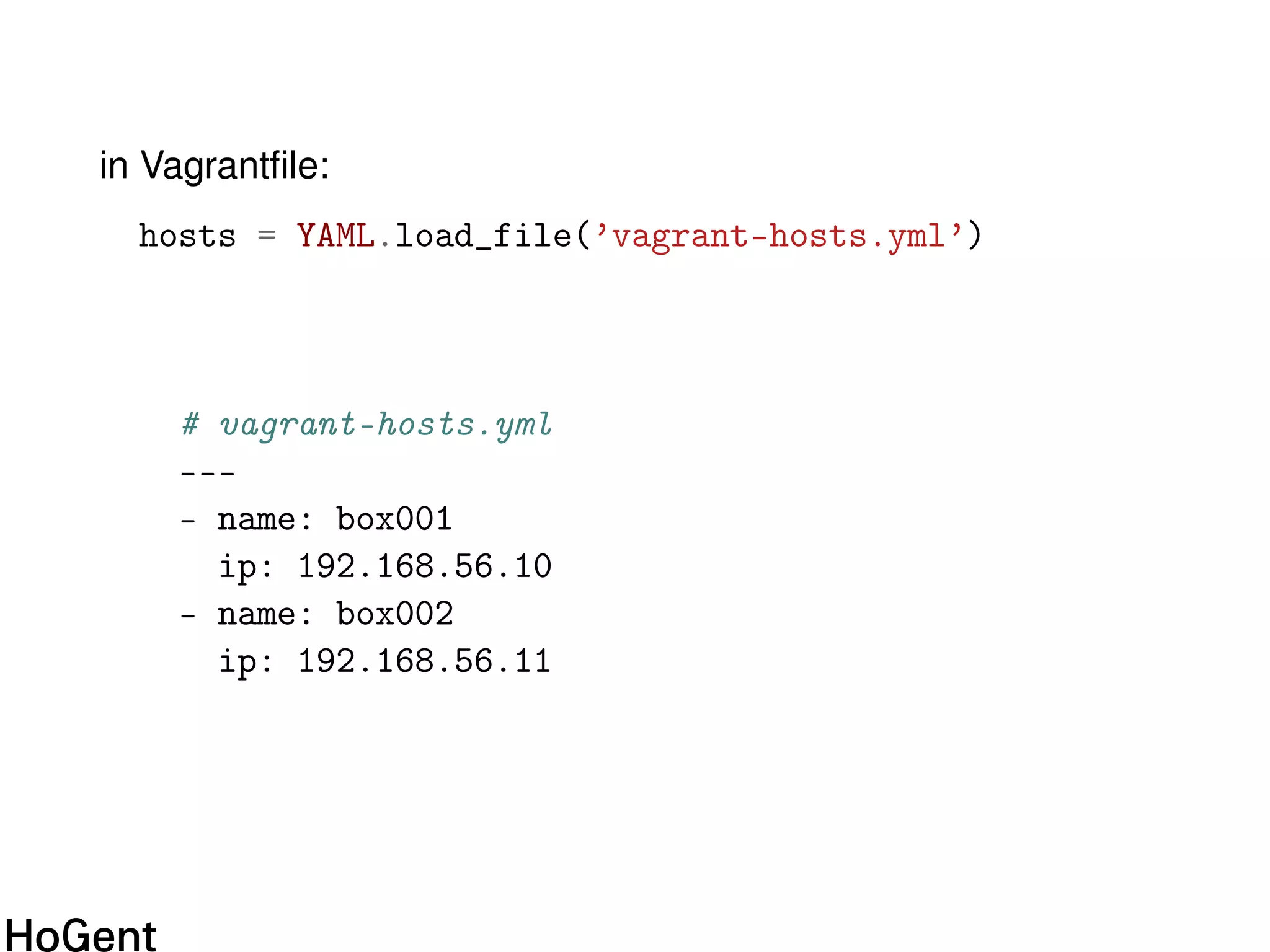
in Vagrantfile:
hosts = YAML.load_file(’vagrant-hosts.yml’)
# vagrant-hosts.yml
---
- name: box001
ip: 192.168.56.10
- name: box002
ip: 192.168.56.11
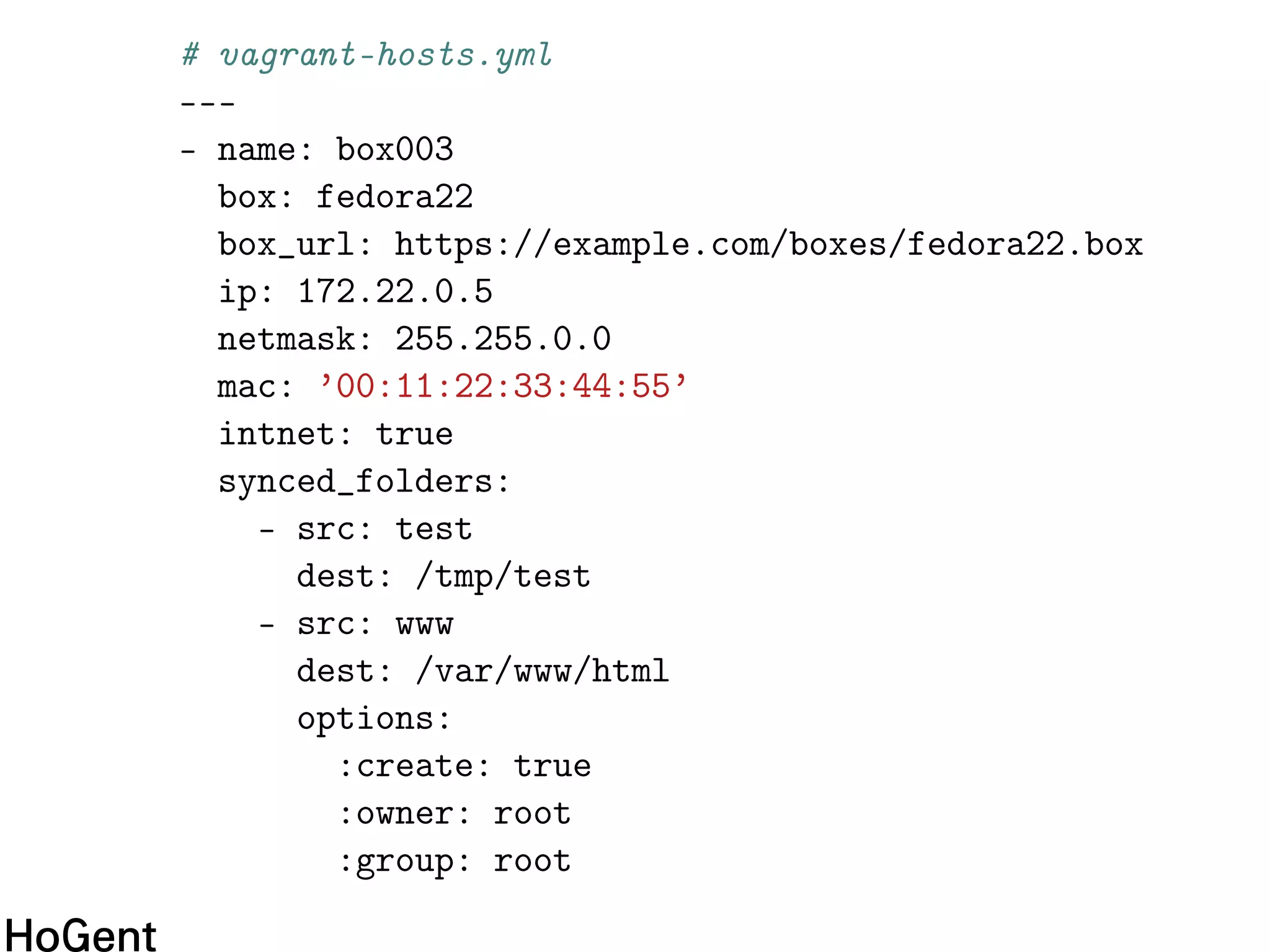
# vagrant-hosts.yml
---
- name: box003
box: fedora22
box_url: https://example.com/boxes/fedora22.box
ip: 172.22.0.5
netmask: 255.255.0.0
mac: ’00:11:22:33:44:55’
intnet: true
synced_folders:
- src: test
dest: /tmp/test
- src: www
dest: /var/www/html
options:
:create: true
:owner: root
:group: root
Vagrantfile
Vagrant.configure(VAGRANTFILE_API_VERSION) do |config|
hosts.each do |host|
config.vm.define host[’name’] do |node|
node.vm.box = host[’box’] ||= DEFAULT_BASE_BOX
if host.has_key? ’box_url’
node.vm.box_url = host[’box_url’]
end
node.vm.hostname = host[’name’]
node.vm.network :private_network,
network_options(host)
custom_synced_folders(node.vm, host)
# ...
Vagrantfile (cont’d)
node.vm.provider :virtualbox do |vb|
vb.name = host[’name’]
vb.customize [’modifyvm’, :id,
’--groups’, PROJECT_NAME]
end
end
end
provision_ansible(config)
end
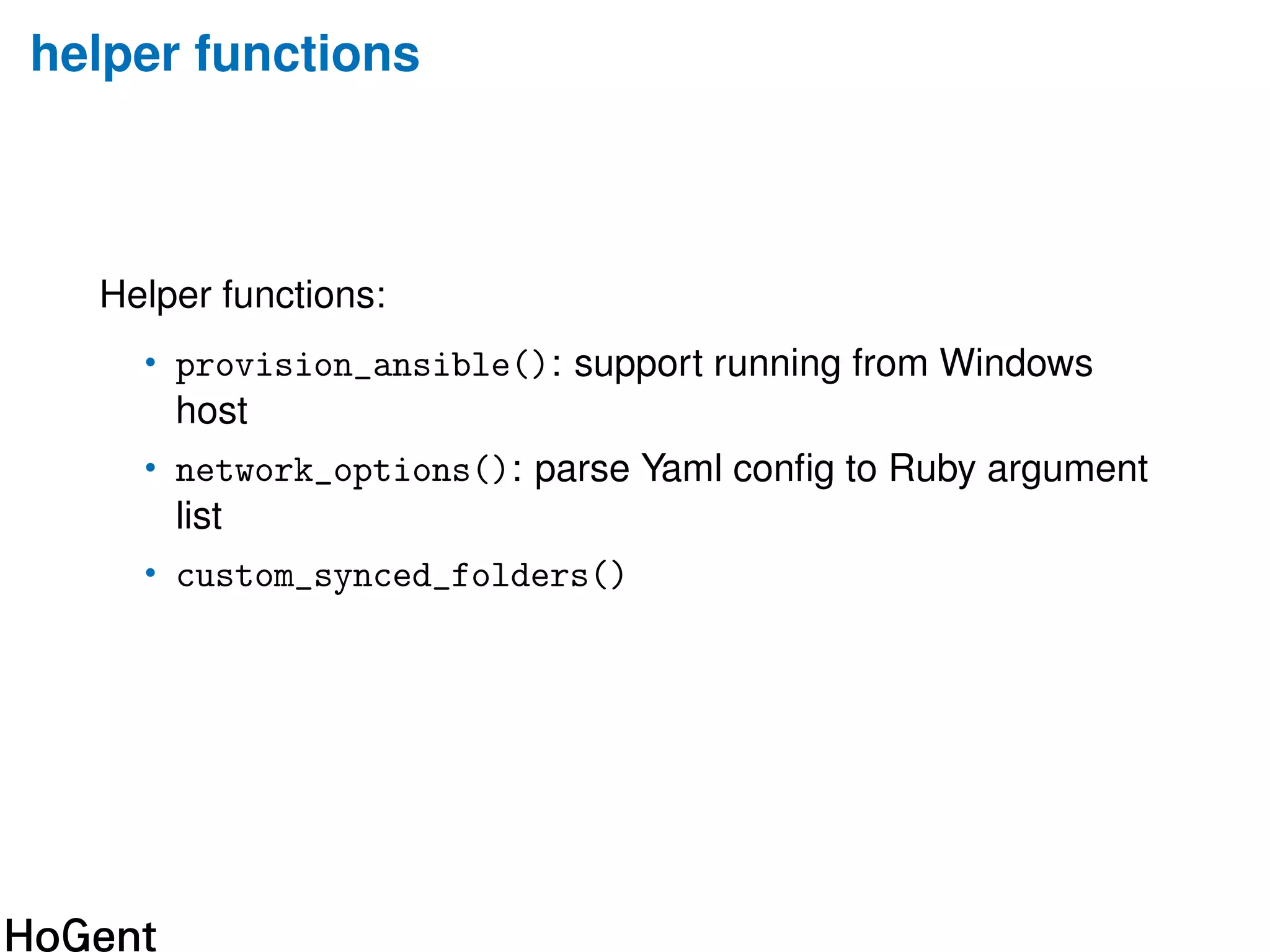
helper functions
Helper functions:
• provision_ansible(): support running from Windows
host
• network_options(): parse Yaml config to Ruby argument
list
• custom_synced_folders()
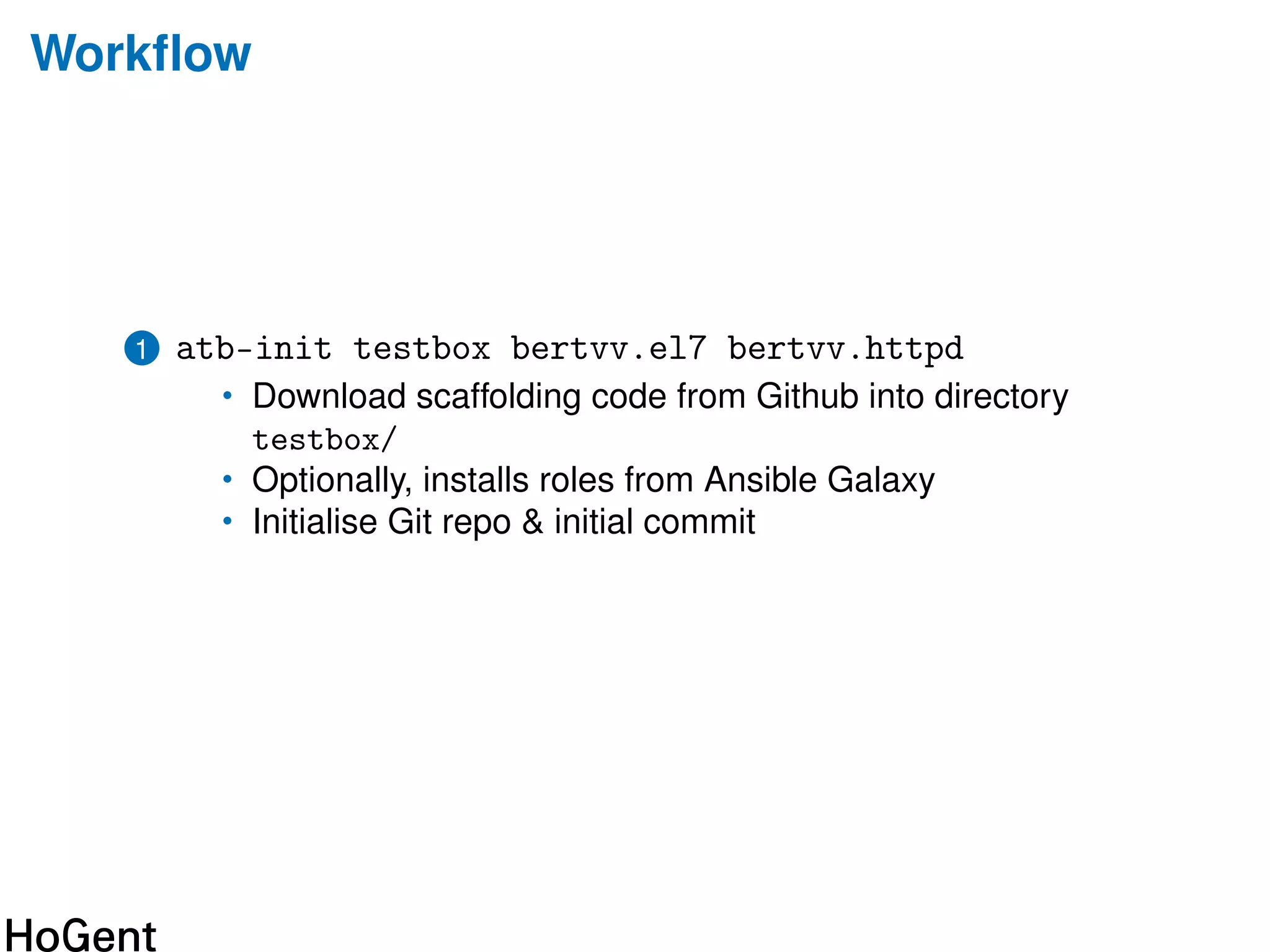
Workflow
1 atb-init testbox bertvv.el7 bertvv.httpd
• Download scaffolding code from Github into directory
testbox/
• Optionally, installs roles from Ansible Galaxy
• Initialise Git repo & initial commit
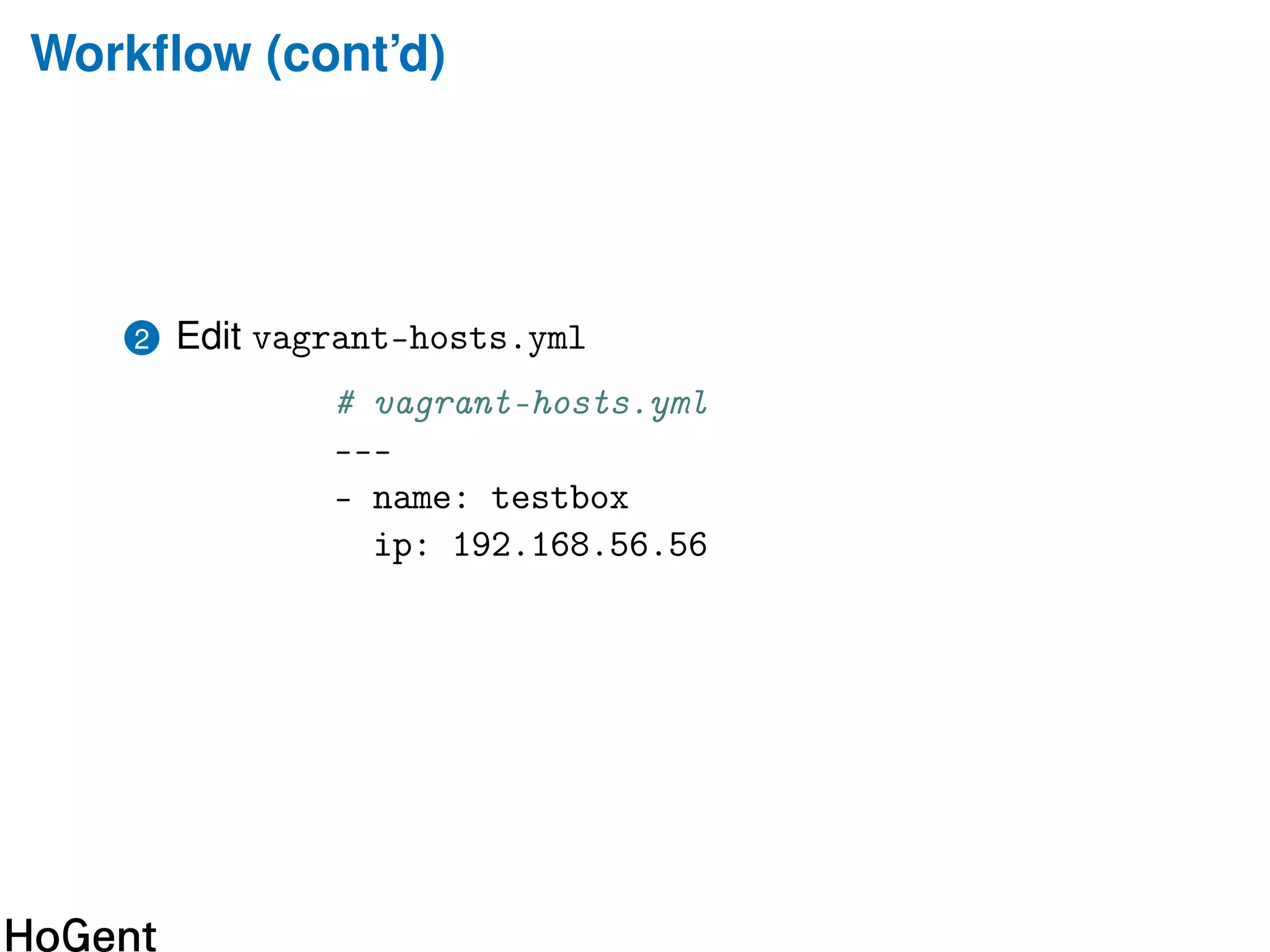
Workflow (cont’d)
2 Edit vagrant-hosts.yml
# vagrant-hosts.yml
---
- name: testbox
ip: 192.168.56.56
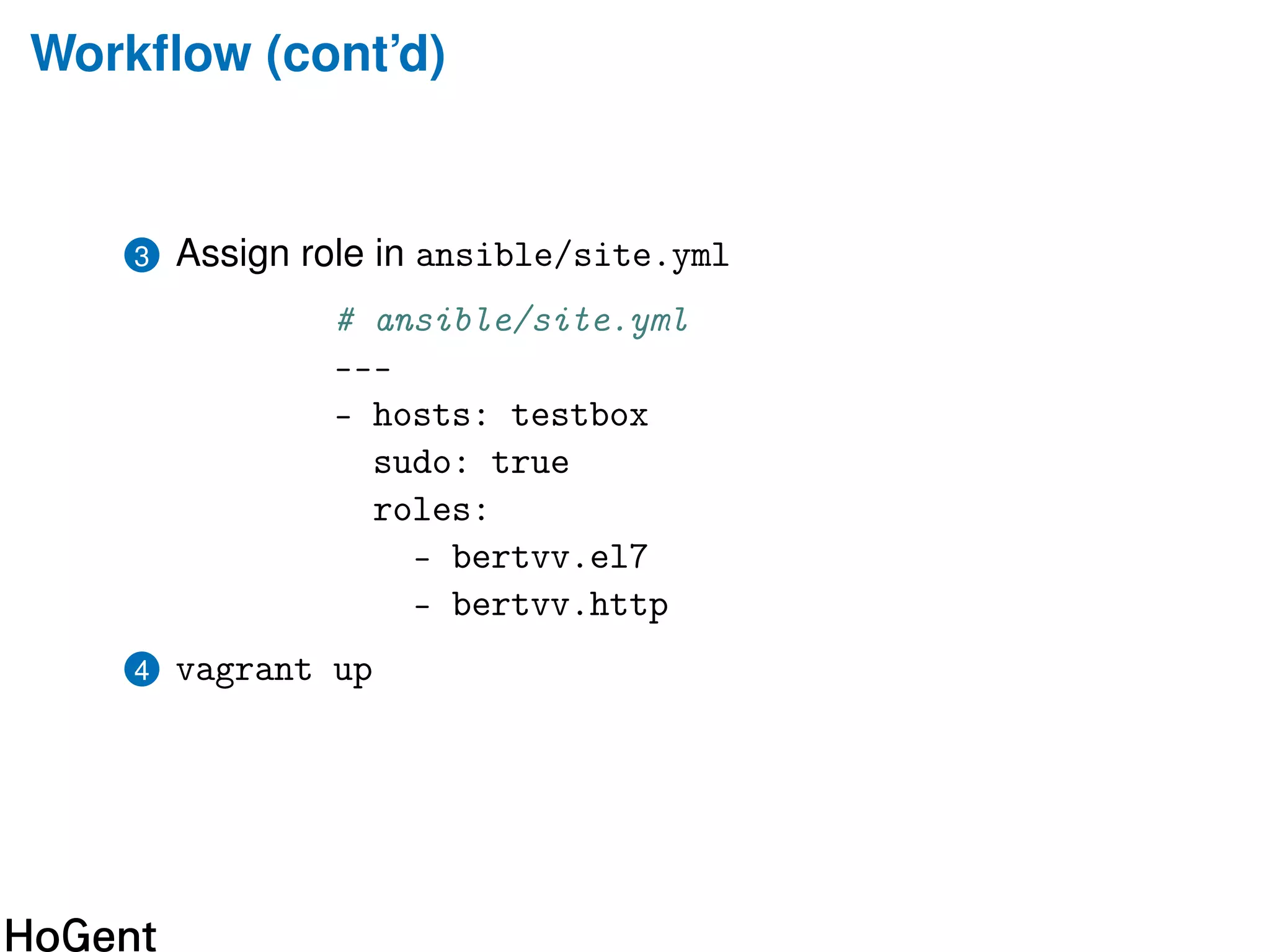
Workflow (cont’d)
3 Assign role in ansible/site.yml
# ansible/site.yml
---
- hosts: testbox
sudo: true
roles:
- bertvv.el7
- bertvv.http
4 vagrant up
Code
• https://github.com/bertvv/ansible-skeleton
• https://github.com/bertvv/ansible-toolbox
• https://github.com/bertvv/ansible-role-skeleton
Need something fancier? See James Shubin’s Oh My Vagrant
https://github.com/purpleidea/oh-my-vagrant
Other stuff
• Twitter: @bertvanvreckem
• Blog: https://bertvv.github.io/notes-to-self/
• Ansible roles (CentOS 7):
https://galaxy.ansible.com/bertvv/
Thanks for listening!
Talk to me about system administration and
education!

One vagrantfile to rule them all

  • 1.
    One Vagrantfile torule them all Config Management Camp 2016, Ghent Bert Van Vreckem (bert.vanvreckem@hogent.be)
  • 2.
    I use Vagranta lot $ find ~ -type f -name Vagrantfile | wc --lines 350
  • 3.
    $ vagrant init ⇓ #Comments Vagrant.configure(2) do |config| # more comments config.vm.box = "base" # Lots more comments end
  • 4.
    typical single machinesetup Vagrant.configure(2) do |config| config.vm.box = ’bertvv/centos71’ config.vm.hostname = ’box001’ config.vm.network ’private_network’, ip: 192.168.56.10 config.vm.provision ’ansible’ do |ansible| ansible_playbook = ’ansible/site.yml’ end end
  • 5.
    Multi-machine setup Vagrant.configure(VAGRANTFILE_API_VERSION) do|config| config.vm.define ’box001’ do |node| node.vm.hostname = ’box001’ node.vm.box = ’bertvv/centos7’ node.vm.network :private_network, ip: ’192.168.56.10’ end config.vm.define ’box002’ do |node| node.vm.hostname = ’box002’ node.vm.box = ’bertvv/centos7’ node.vm.network :private_network, ip: ’192.168.56.11’ end config.vm.provision ’ansible’ do |ansible| ansible_playbook = ’ansible/site.yml’ end end
  • 6.
    this starts tosmell • not a config file, but code! • copy/paste code blocks • hard-coded values • will become unmaintanable!
  • 7.
    what I want •reusable • sane defaults • DRY code • separation of data and instructions • avoid Ruby
  • 8.
    in Vagrantfile: hosts =YAML.load_file(’vagrant-hosts.yml’) # vagrant-hosts.yml --- - name: box001 ip: 192.168.56.10 - name: box002 ip: 192.168.56.11
  • 9.
    # vagrant-hosts.yml --- - name:box003 box: fedora22 box_url: https://example.com/boxes/fedora22.box ip: 172.22.0.5 netmask: 255.255.0.0 mac: ’00:11:22:33:44:55’ intnet: true synced_folders: - src: test dest: /tmp/test - src: www dest: /var/www/html options: :create: true :owner: root :group: root
  • 10.
    Vagrantfile Vagrant.configure(VAGRANTFILE_API_VERSION) do |config| hosts.eachdo |host| config.vm.define host[’name’] do |node| node.vm.box = host[’box’] ||= DEFAULT_BASE_BOX if host.has_key? ’box_url’ node.vm.box_url = host[’box_url’] end node.vm.hostname = host[’name’] node.vm.network :private_network, network_options(host) custom_synced_folders(node.vm, host) # ...
  • 11.
    Vagrantfile (cont’d) node.vm.provider :virtualboxdo |vb| vb.name = host[’name’] vb.customize [’modifyvm’, :id, ’--groups’, PROJECT_NAME] end end end provision_ansible(config) end
  • 12.
    helper functions Helper functions: •provision_ansible(): support running from Windows host • network_options(): parse Yaml config to Ruby argument list • custom_synced_folders()
  • 13.
    Workflow 1 atb-init testboxbertvv.el7 bertvv.httpd • Download scaffolding code from Github into directory testbox/ • Optionally, installs roles from Ansible Galaxy • Initialise Git repo & initial commit
  • 14.
    Workflow (cont’d) 2 Editvagrant-hosts.yml # vagrant-hosts.yml --- - name: testbox ip: 192.168.56.56
  • 15.
    Workflow (cont’d) 3 Assignrole in ansible/site.yml # ansible/site.yml --- - hosts: testbox sudo: true roles: - bertvv.el7 - bertvv.http 4 vagrant up
  • 16.
    Code • https://github.com/bertvv/ansible-skeleton • https://github.com/bertvv/ansible-toolbox •https://github.com/bertvv/ansible-role-skeleton Need something fancier? See James Shubin’s Oh My Vagrant https://github.com/purpleidea/oh-my-vagrant
  • 17.
    Other stuff • Twitter:@bertvanvreckem • Blog: https://bertvv.github.io/notes-to-self/ • Ansible roles (CentOS 7): https://galaxy.ansible.com/bertvv/
  • 18.
    Thanks for listening! Talkto me about system administration and education!