Download to read offline
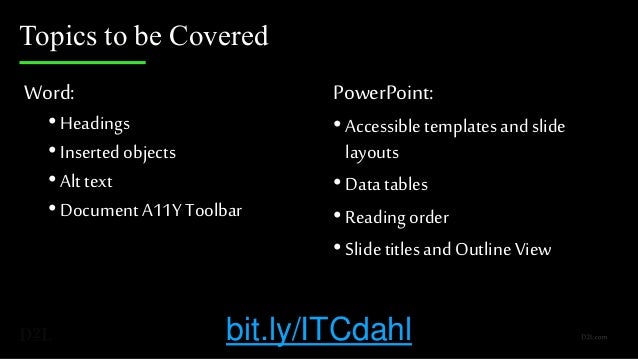
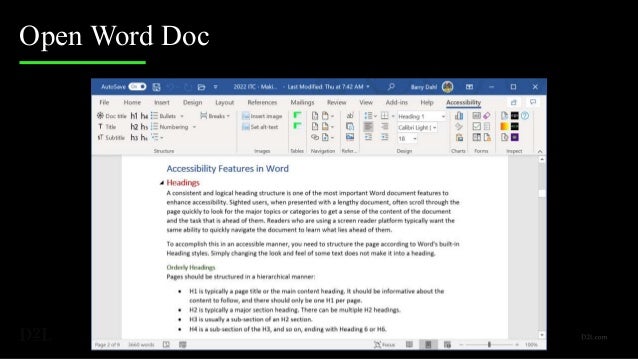
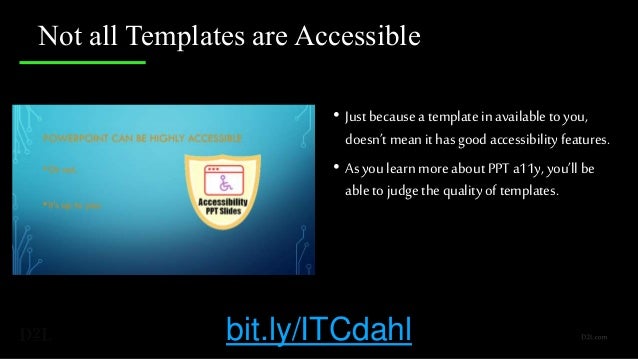
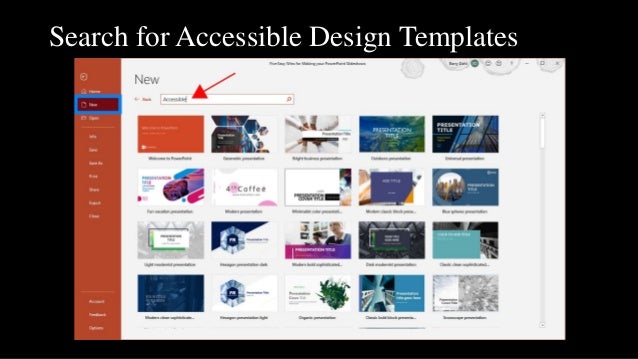
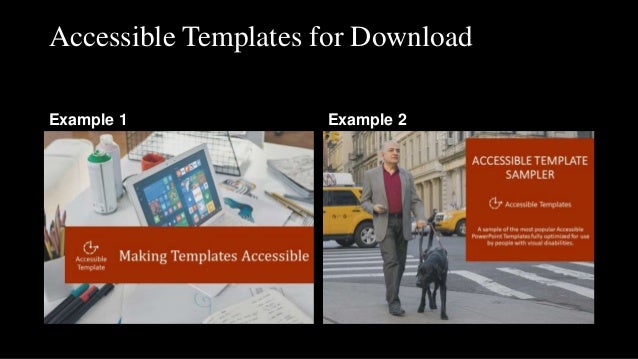
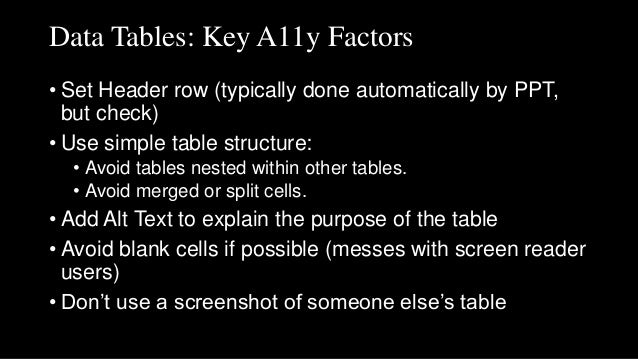

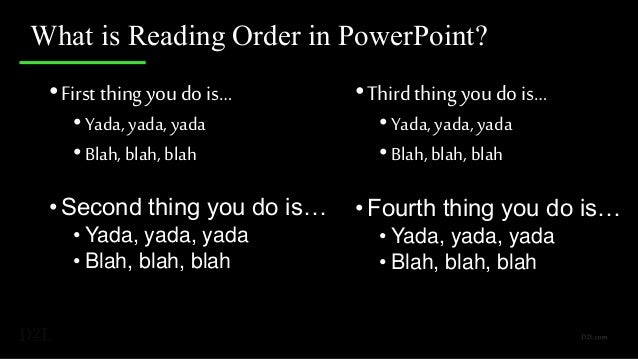
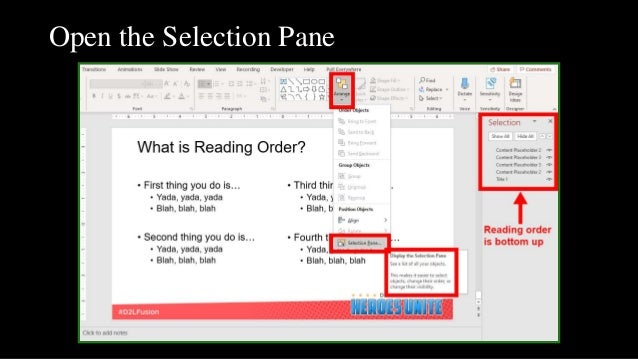
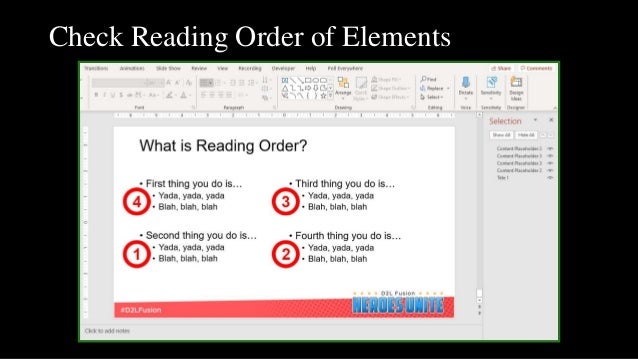
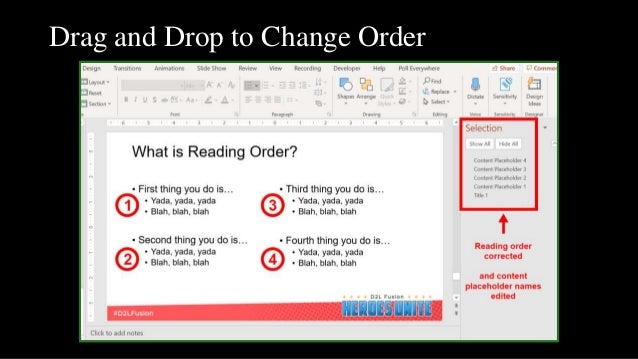
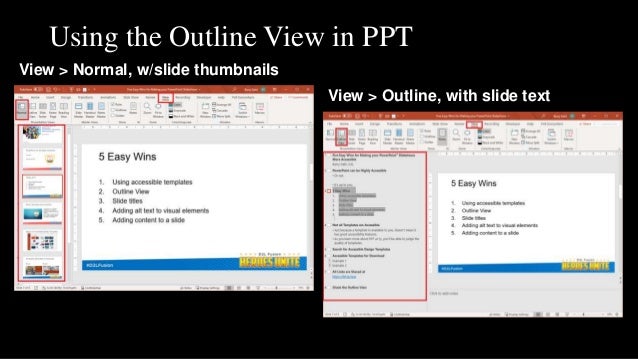
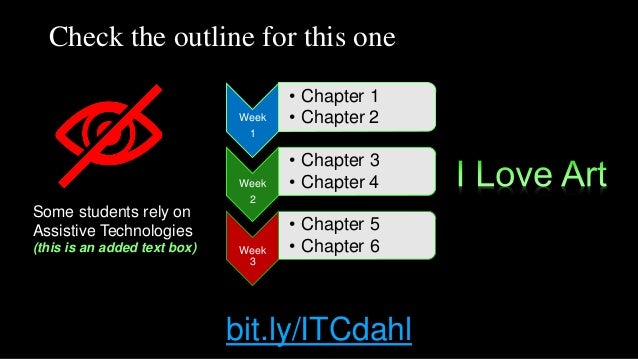
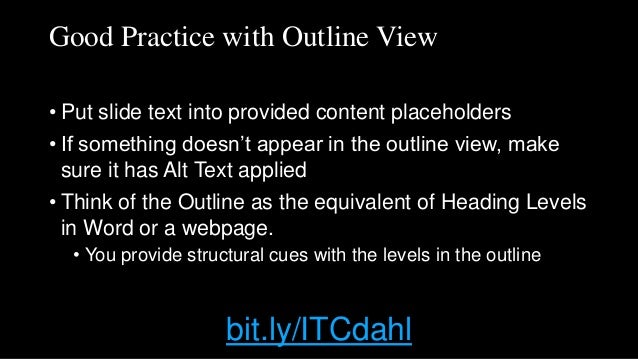
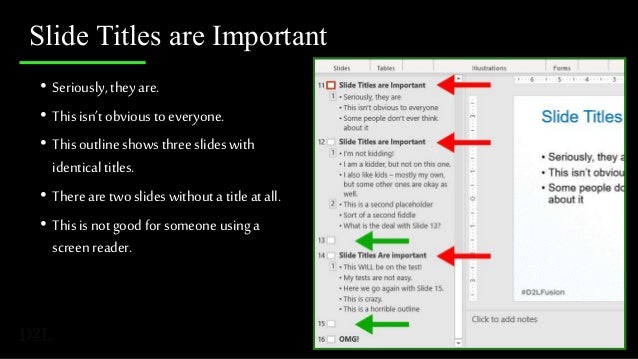
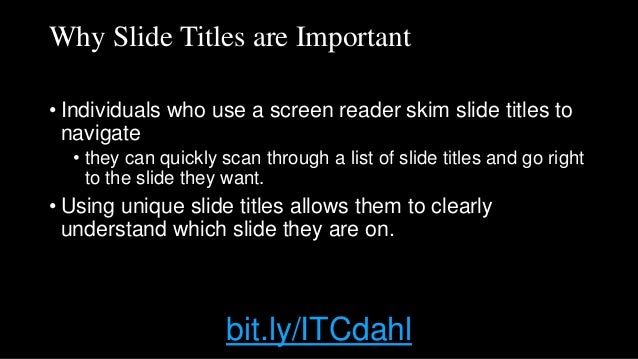
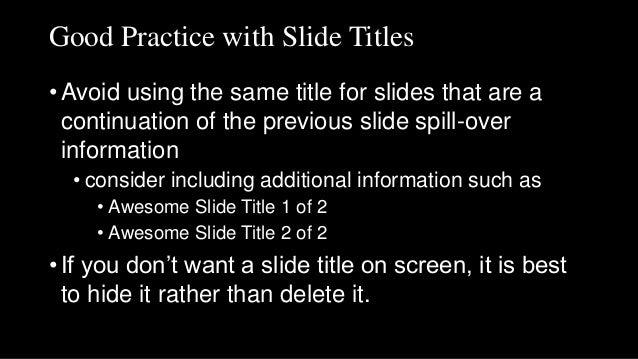
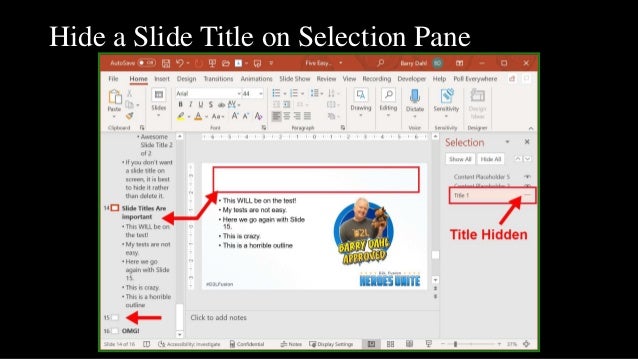


The document discusses making Word and PowerPoint documents more accessible. It covers using proper headings, adding alt text to images, and using the accessibility toolbar in Word. For PowerPoint, it recommends using accessible templates, properly structuring data tables, checking the reading order of elements, using unique and descriptive slide titles, and the outline view. The resources provide guidance on evaluating and improving the accessibility of Office documents.


