Creator+
Content Creation Platform for Engaging
Interactives and Advanced Media
Experiences
Dan Semi – D2L Sr Solutions Engineer 10/28/22
Learner expectations
have evolved.
Institutions need to adapt quickly to
stay ahead of the curve.
67%
82%
Learners would like to see
a greater use of digital
materials and resources in
both fully online and in-
person classrooms.1
Learners increasingly expect
video to be part of their
educational experience. 98%
see video as having a part to
play in personalized learning
experiences.2
1 Digital Learning Pulse Survey, 2021
2 Kaltura, The State of Video in Education
3Johnson, VP of Microsoft Education
84%
teacher say it's impossible
to achieve equity in
education without
accessible learning tools.3
© 2022 D2L Corporation
D2L.com
Creator+ streamlines and improves
content creation with templates and
themes as well as deeper integration
with video tools.
- Phil Hill, analyst at MindWires and Phil on EdTech
Adding those elements to a blank page
is amazing! This is exactly what the
field has been asking for. They're easy
to create and easy to subsequently
edit. I felt like the kid on the bike in the
Incredibles: “That was totally wicked!”
-TELO Ministry participant
“
“
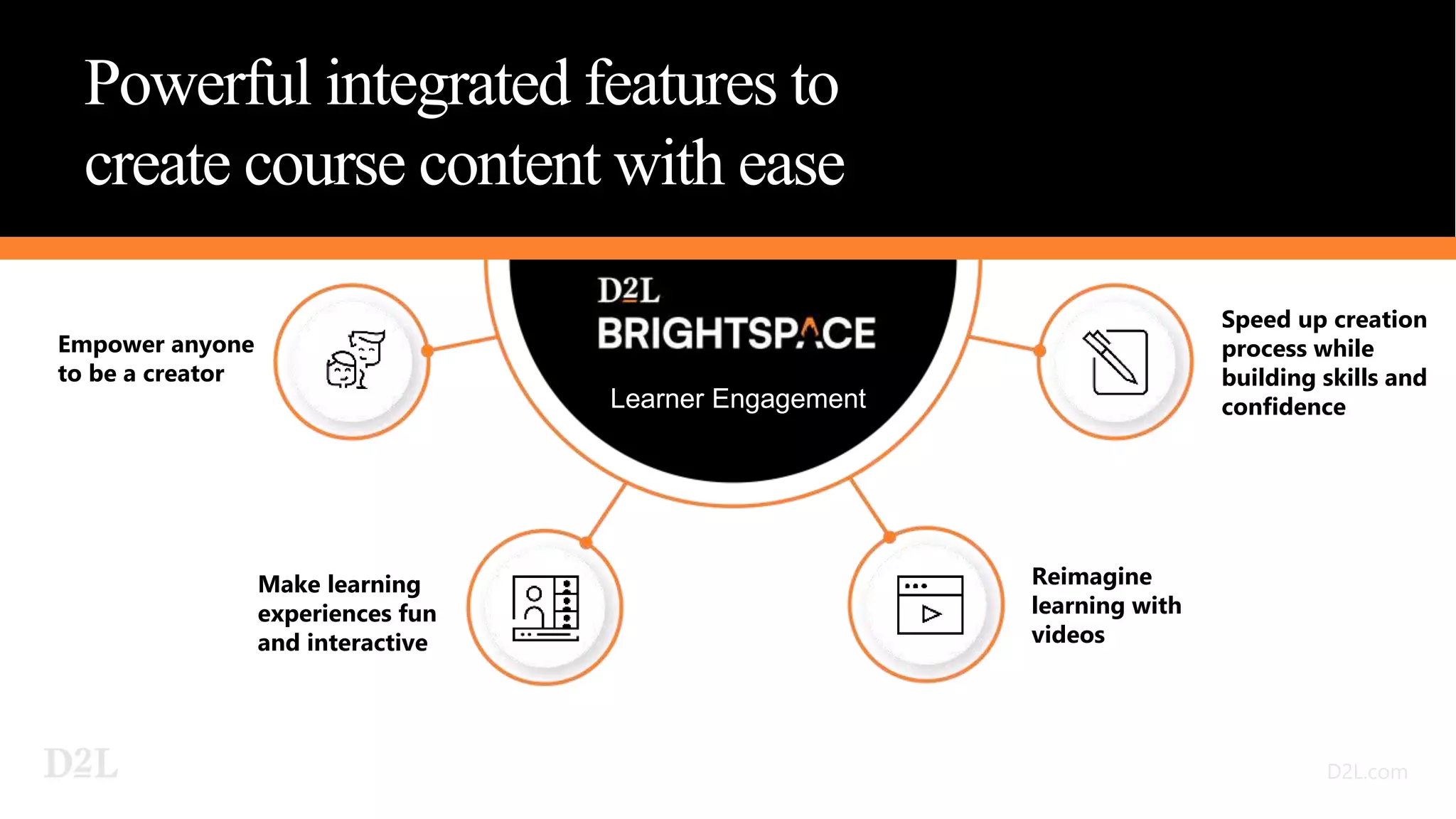
Powerful integrated features to
create course content with ease
Make learning
experiences fun
and interactive
Reimagine
learning with
videos
Speed up creation
process while
building skills and
confidence
Learner Engagement
Empower anyone
to be a creator
Engaging Screen
Recordings
Ready-Made Templates
Creator+
Enhance your students’ learning experiences by
helping course creators turn their expertise into
engagement with Brightspace Creator+
Practices Measure
Comprehension
Consistent Design & Styles
Interactive Elements
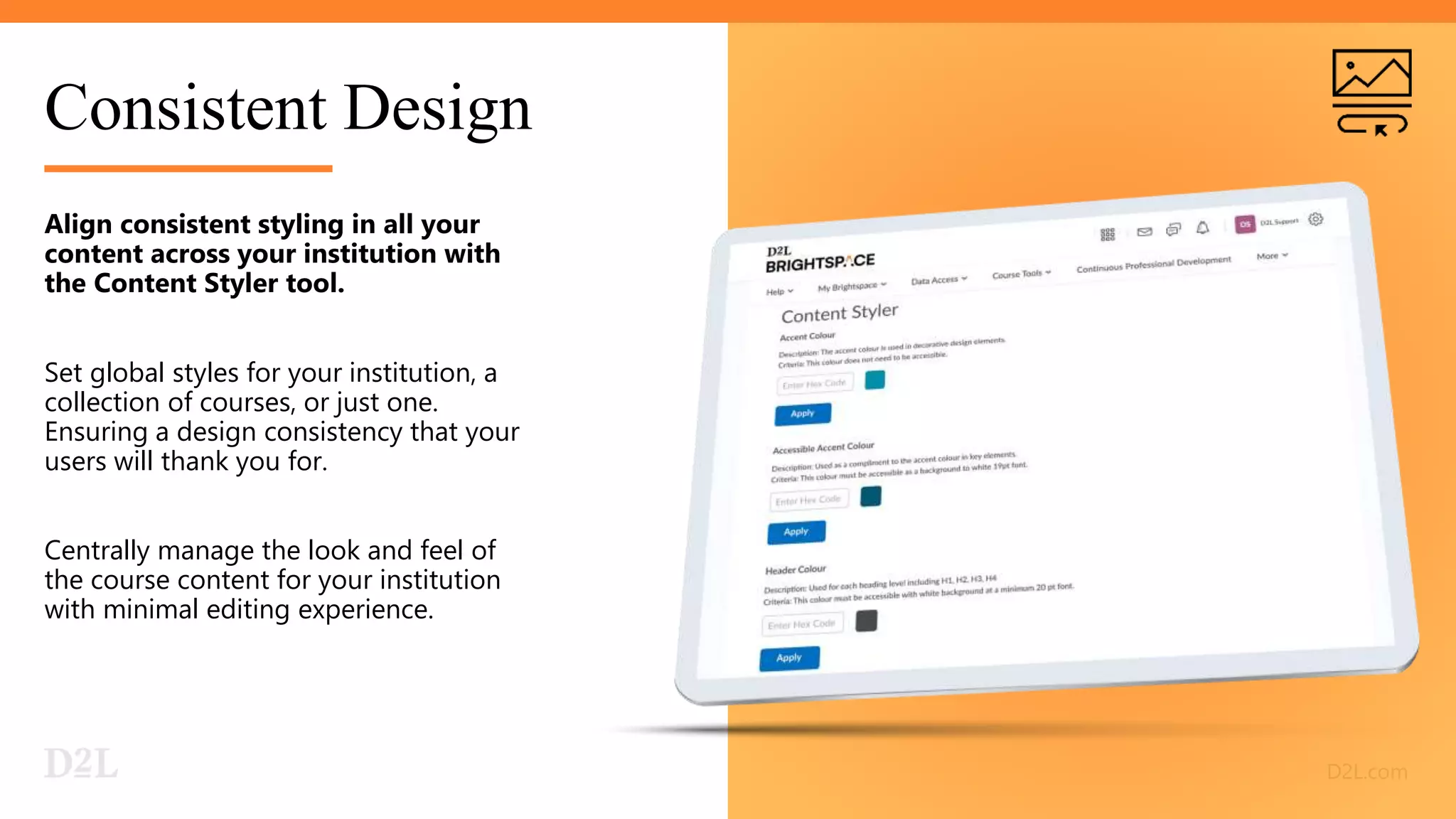
Consistent Design
Align consistent styling in all your
content across your institution with
the Content Styler tool.
Set global styles for your institution, a
collection of courses, or just one.
Ensuring a design consistency that your
users will thank you for.
Centrally manage the look and feel of
the course content for your institution
with minimal editing experience.
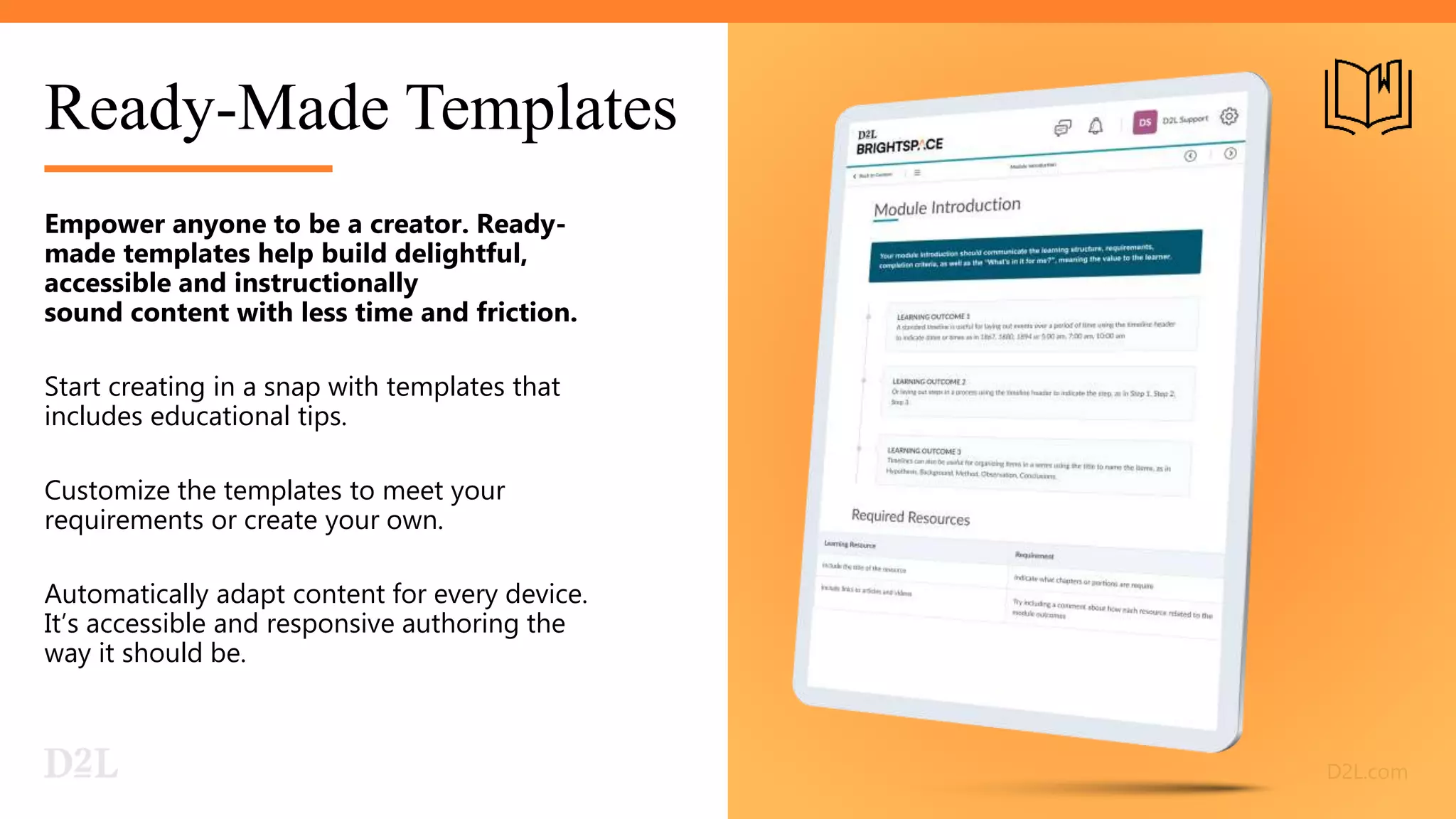
Ready-Made Templates
Empower anyone to be a creator. Ready-
made templates help build delightful,
accessible and instructionally
sound content with less time and friction.
Start creating in a snap with templates that
includes educational tips.
Customize the templates to meet your
requirements or create your own.
Automatically adapt content for every device.
It’s accessible and responsive authoring the
way it should be.
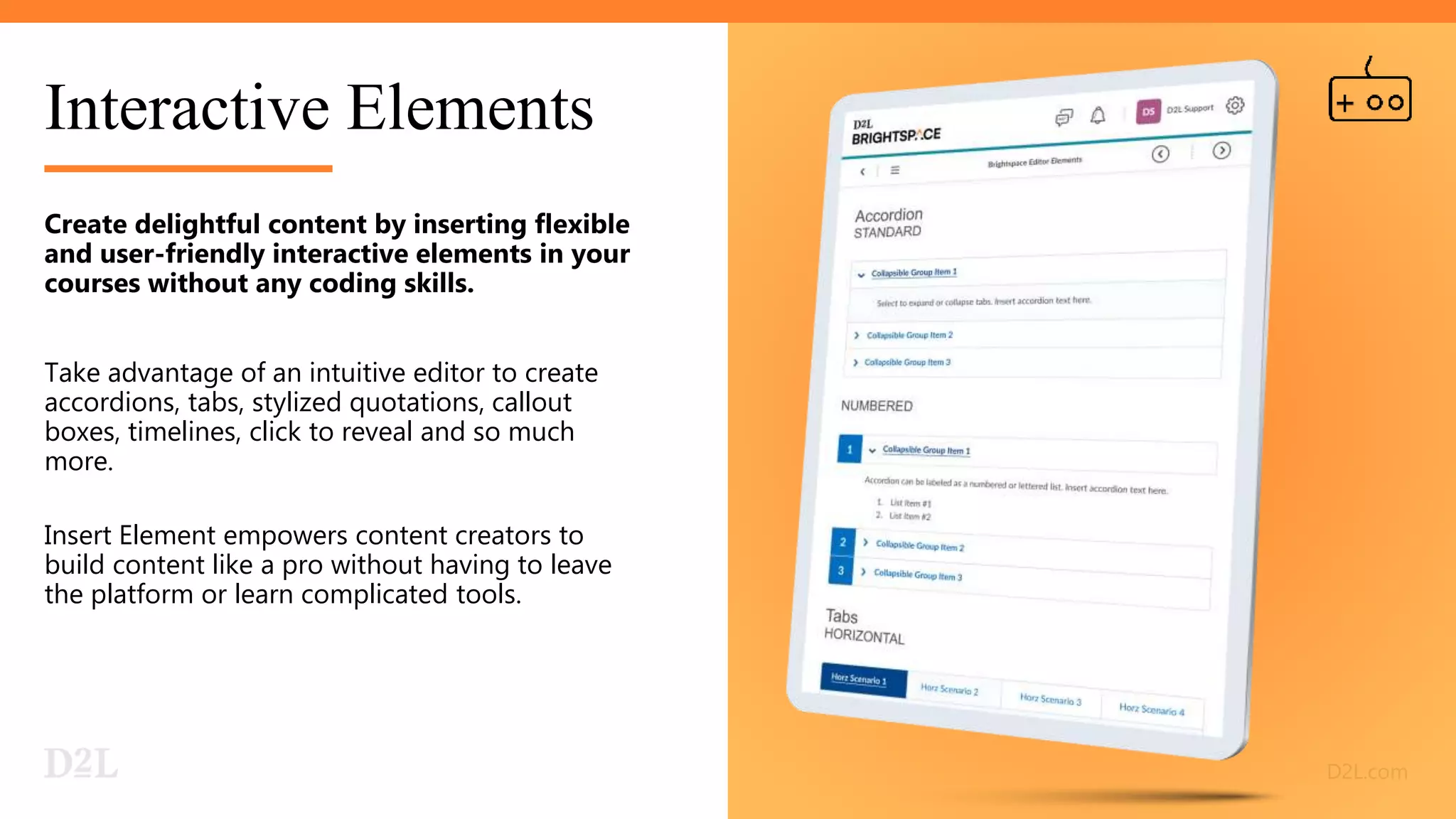
Interactive Elements
Create delightful content by inserting flexible
and user-friendly interactive elements in your
courses without any coding skills.
Take advantage of an intuitive editor to create
accordions, tabs, stylized quotations, callout
boxes, timelines, click to reveal and so much
more.
Insert Element empowers content creators to
build content like a pro without having to leave
the platform or learn complicated tools.
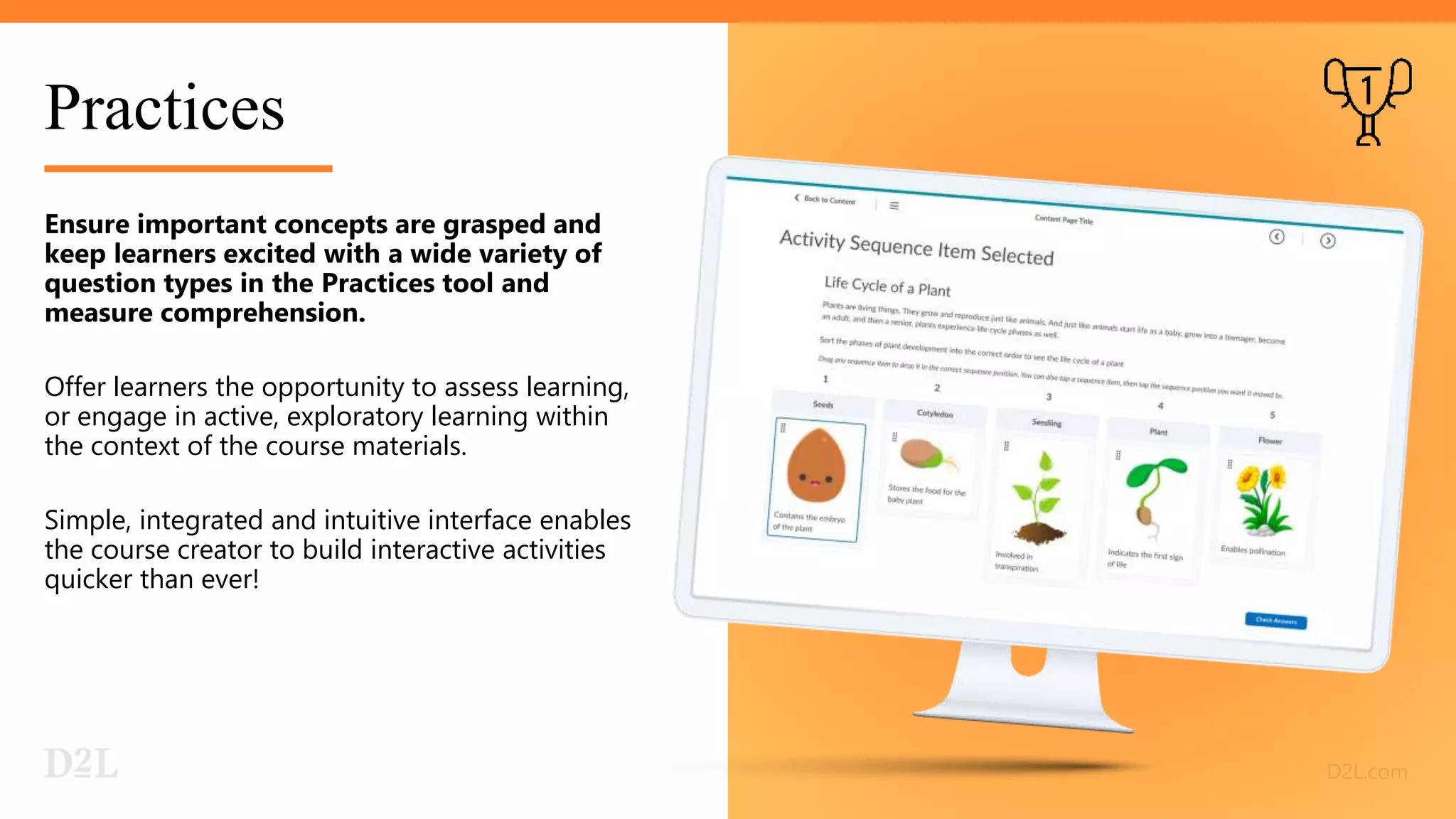
Practices
Ensure important concepts are grasped and
keep learners excited with a wide variety of
question types in the Practices tool and
measure comprehension.
Offer learners the opportunity to assess learning,
or engage in active, exploratory learning within
the context of the course materials.
Simple, integrated and intuitive interface enables
the course creator to build interactive activities
quicker than ever!
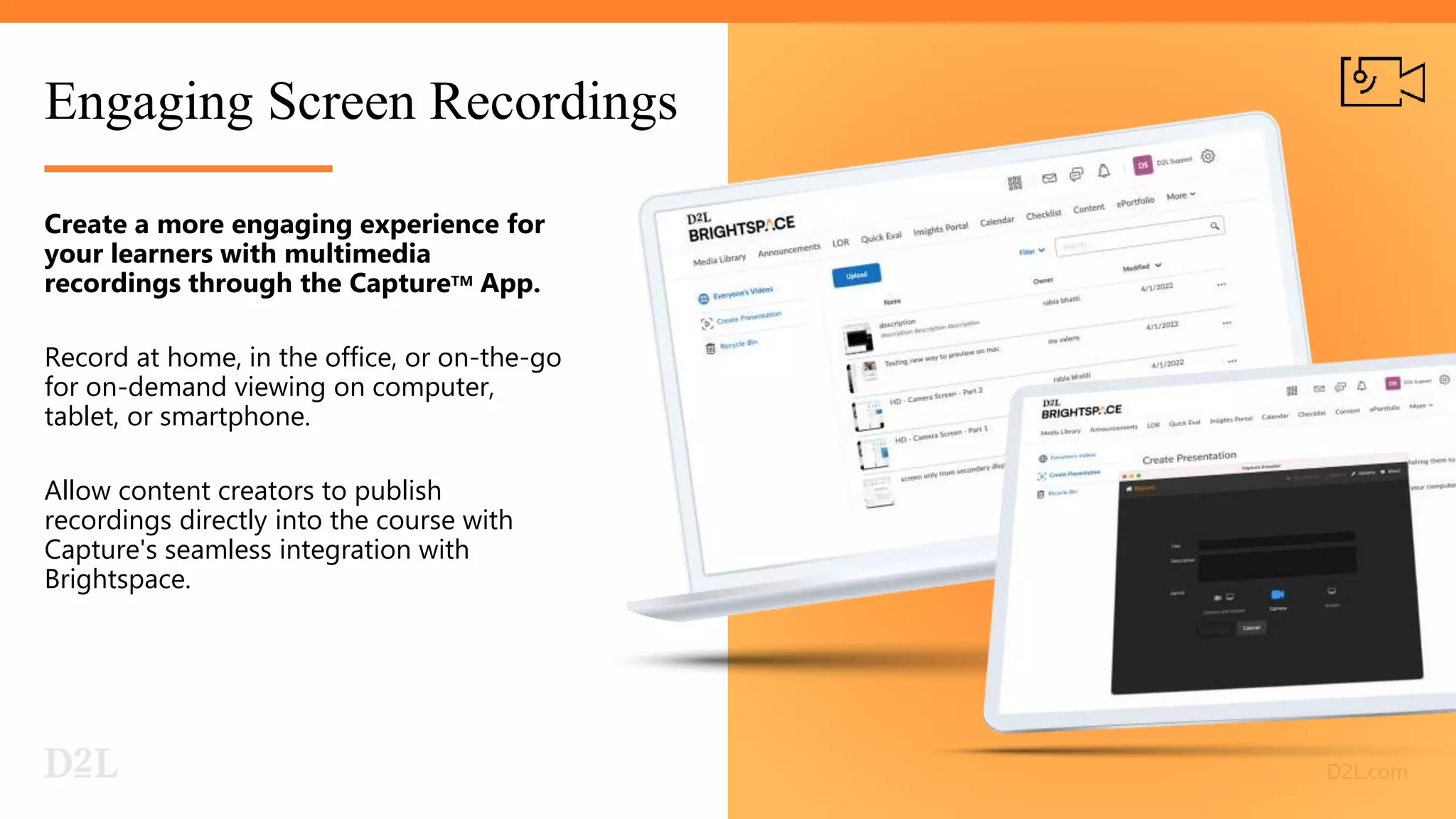
Engaging Screen Recordings
Create a more engaging experience for
your learners with multimedia
recordings through the CaptureTM App.
Record at home, in the office, or on-the-go
for on-demand viewing on computer,
tablet, or smartphone.
Allow content creators to publish
recordings directly into the course with
Capture's seamless integration with
Brightspace.
Thank you!

Brightspace Creator +, Content Creation Platform for Engaging Interactives and Advanced Media Experiences - Dan Semi

  • 1.
    Creator+ Content Creation Platformfor Engaging Interactives and Advanced Media Experiences Dan Semi – D2L Sr Solutions Engineer 10/28/22
  • 2.
    Learner expectations have evolved. Institutionsneed to adapt quickly to stay ahead of the curve. 67% 82% Learners would like to see a greater use of digital materials and resources in both fully online and in- person classrooms.1 Learners increasingly expect video to be part of their educational experience. 98% see video as having a part to play in personalized learning experiences.2 1 Digital Learning Pulse Survey, 2021 2 Kaltura, The State of Video in Education 3Johnson, VP of Microsoft Education 84% teacher say it's impossible to achieve equity in education without accessible learning tools.3
  • 3.
    © 2022 D2LCorporation D2L.com Creator+ streamlines and improves content creation with templates and themes as well as deeper integration with video tools. - Phil Hill, analyst at MindWires and Phil on EdTech Adding those elements to a blank page is amazing! This is exactly what the field has been asking for. They're easy to create and easy to subsequently edit. I felt like the kid on the bike in the Incredibles: “That was totally wicked!” -TELO Ministry participant “ “
  • 4.
    Powerful integrated featuresto create course content with ease Make learning experiences fun and interactive Reimagine learning with videos Speed up creation process while building skills and confidence Learner Engagement Empower anyone to be a creator
  • 5.
    Engaging Screen Recordings Ready-Made Templates Creator+ Enhanceyour students’ learning experiences by helping course creators turn their expertise into engagement with Brightspace Creator+ Practices Measure Comprehension Consistent Design & Styles Interactive Elements
  • 6.
    Consistent Design Align consistentstyling in all your content across your institution with the Content Styler tool. Set global styles for your institution, a collection of courses, or just one. Ensuring a design consistency that your users will thank you for. Centrally manage the look and feel of the course content for your institution with minimal editing experience.
  • 7.
    Ready-Made Templates Empower anyoneto be a creator. Ready- made templates help build delightful, accessible and instructionally sound content with less time and friction. Start creating in a snap with templates that includes educational tips. Customize the templates to meet your requirements or create your own. Automatically adapt content for every device. It’s accessible and responsive authoring the way it should be.
  • 8.
    Interactive Elements Create delightfulcontent by inserting flexible and user-friendly interactive elements in your courses without any coding skills. Take advantage of an intuitive editor to create accordions, tabs, stylized quotations, callout boxes, timelines, click to reveal and so much more. Insert Element empowers content creators to build content like a pro without having to leave the platform or learn complicated tools.
  • 9.
    Practices Ensure important conceptsare grasped and keep learners excited with a wide variety of question types in the Practices tool and measure comprehension. Offer learners the opportunity to assess learning, or engage in active, exploratory learning within the context of the course materials. Simple, integrated and intuitive interface enables the course creator to build interactive activities quicker than ever!
  • 10.
    Engaging Screen Recordings Createa more engaging experience for your learners with multimedia recordings through the CaptureTM App. Record at home, in the office, or on-the-go for on-demand viewing on computer, tablet, or smartphone. Allow content creators to publish recordings directly into the course with Capture's seamless integration with Brightspace.
  • 11.

Editor's Notes

  • #2 <update with your info and prospect/customer logo>
  • #3 84% teacher say it's impossible to achieve equity in education without accessible learning tools.  https://educationblog.microsoft.com/en-us/2022/05/teachers-surveyed-say-accessible-tech-is-needed-now-more-than-ever Teachers surveyed say accessible tech is needed now more than ever May 19, 2022 By Paige Johnson, Vice President, Microsoft Education
  • #4 Creator+ was one of the biggest news at the conference from a product perspective. Creator+ replaces the Engagement+ add-on, and it streamlines and improves content creation with templates and themes as well as deeper integration with video tools. I'm not going to attempt to fully describe the tool, but I will note that the demos and conference reaction indicated they were hitting the right notes with users.  - Phil Hill, analyst at MindWires and Phil on EdTech
  • #5 You need authoring tools that add value, not frustration. Give your content creators the tools to build engaging courses without learning unnecessarily complicated tools and processes. Your experts can craft beautiful content using seamless and familiar Brightspace workflows. No need to buy and train on expensive content and interactive authoring software. D2L has streamlined your content creation and execution into Brightspace, giving you all the functionality, you need to easily create content in one system.   Brightspace Creator+ helps remove the friction between experts getting their content to their audiences, spend less time and money procuring and figuring out software. 
  • #6 Our creator tools make it simple to build online learning quickly and effectively. Creator+ offers a diverse format to support learning than just simple text content, from templates to create courses in minutes, to interactive activities, to videos, to instructional design and other lean-forward moments, we help to make learning more engaging and interactive. 
  • #7 When several designers and content creators are working separately using different applications, it becomes difficult to design the courses in a way that's consistent for your users. With Creator+ set global styles for your organization, a collection of courses, or just one. Ensuring a design consistency & lessen the cognitive load that your users will appreciate.
  • #8 This set of user-friendly tools helps content creators to design and craft delightful & instructionally sound content without any coding skills necessary.  Build engaging, interactive lessons quickly using gorgeous, customizable templates.  Every template includes educational tips from instructional design pros on how to use elements most effectively. Learn while you build.
  • #9 Don’t get stuck because of “blank page syndrome.” Simplify your workflow by inserting flexible, accessible and mobile-friendly interactive elements in your courses without any specialized skills or without leaving Brightspace. Our simple but powerful interactive elements features empower creators to craft beautiful course content and create amazing learning opportunities for learners.  
  • #10 Practices tool focuses on learners and allows them to reassess their learning without the stress of getting graded.  With this, we help learners to stay engaged and on track with their learning outcomes. Simple and intuitive interface enables the course creator to build interactive practice activities easier than ever!
  • #11 Create a more engaging learning experience for your learners with multimedia recordings. Presenters can easily create, upload and add videos directly with the Capture App whether at home, in the office or on the go. The App has a simple user interface with no complex set up or learning curve required. Allow content creators to publish recordings directly into the course with its seamless integration with Brightspace. 
  • #12 URL: http://try.d2l.com/brightspace/creator/