Blog: www.wardpeter.com Cell: 862 220 6080










Brief history of this
presentation
SharePoint Statistics
 SharePoint is the fastest selling product in Microsoft history.
 Microsoft has been adding 20,000 SharePoint users per day, every day
  for the last five years.
 There are over 65,000 SharePoint customers who have purchased
  SharePoint
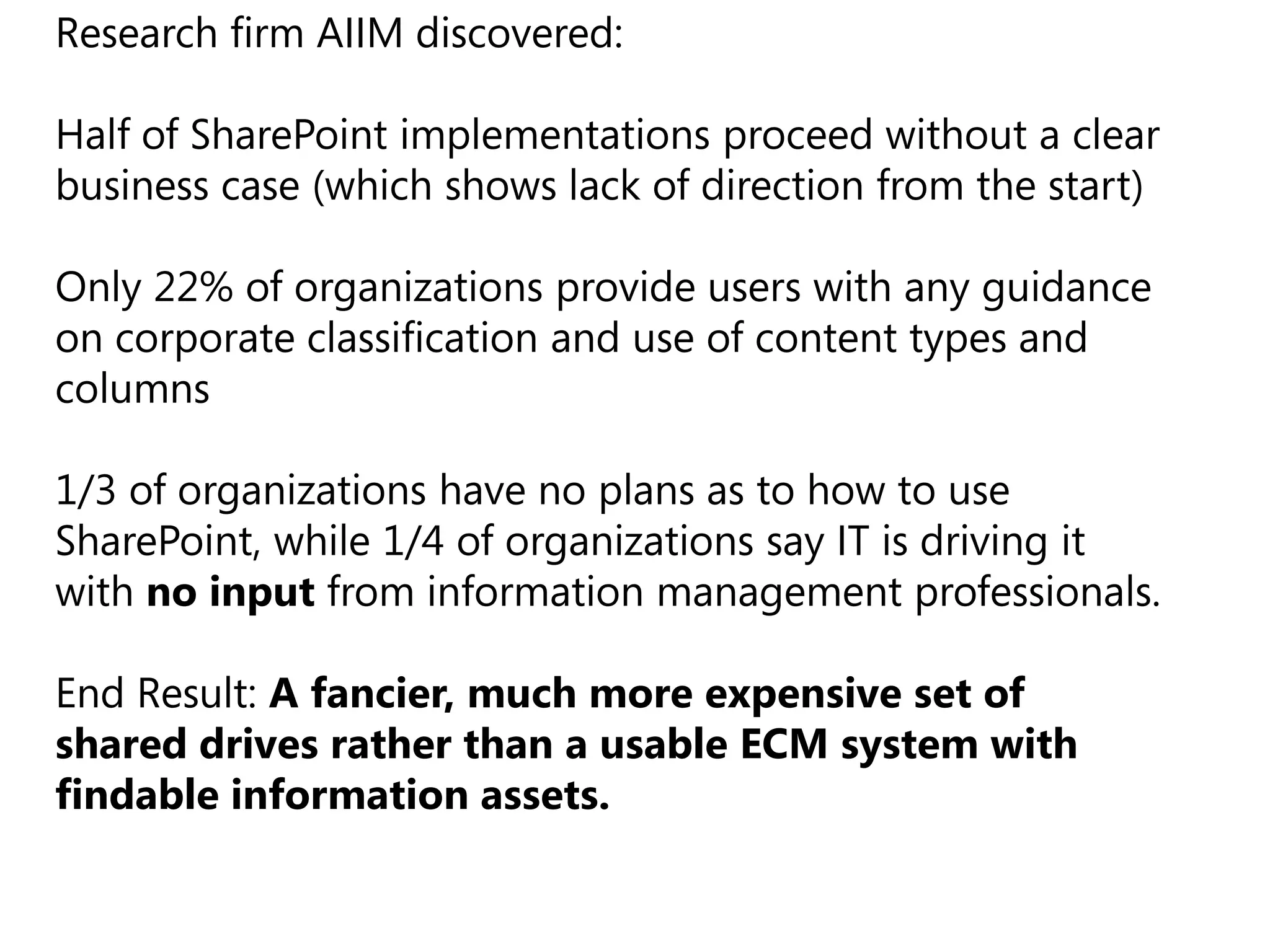
Research firm AIIM discovered:

Half of SharePoint implementations proceed without a clear
business case (which shows lack of direction from the start)

Only 22% of organizations provide users with any guidance
on corporate classification and use of content types and
columns

1/3 of organizations have no plans as to how to use
SharePoint, while 1/4 of organizations say IT is driving it
with no input from information management professionals.
End Result: A fancier, much more expensive set of
shared drives rather than a usable ECM system with
findable information assets.
Listening and acting on this
presentation could be a very
     good career move
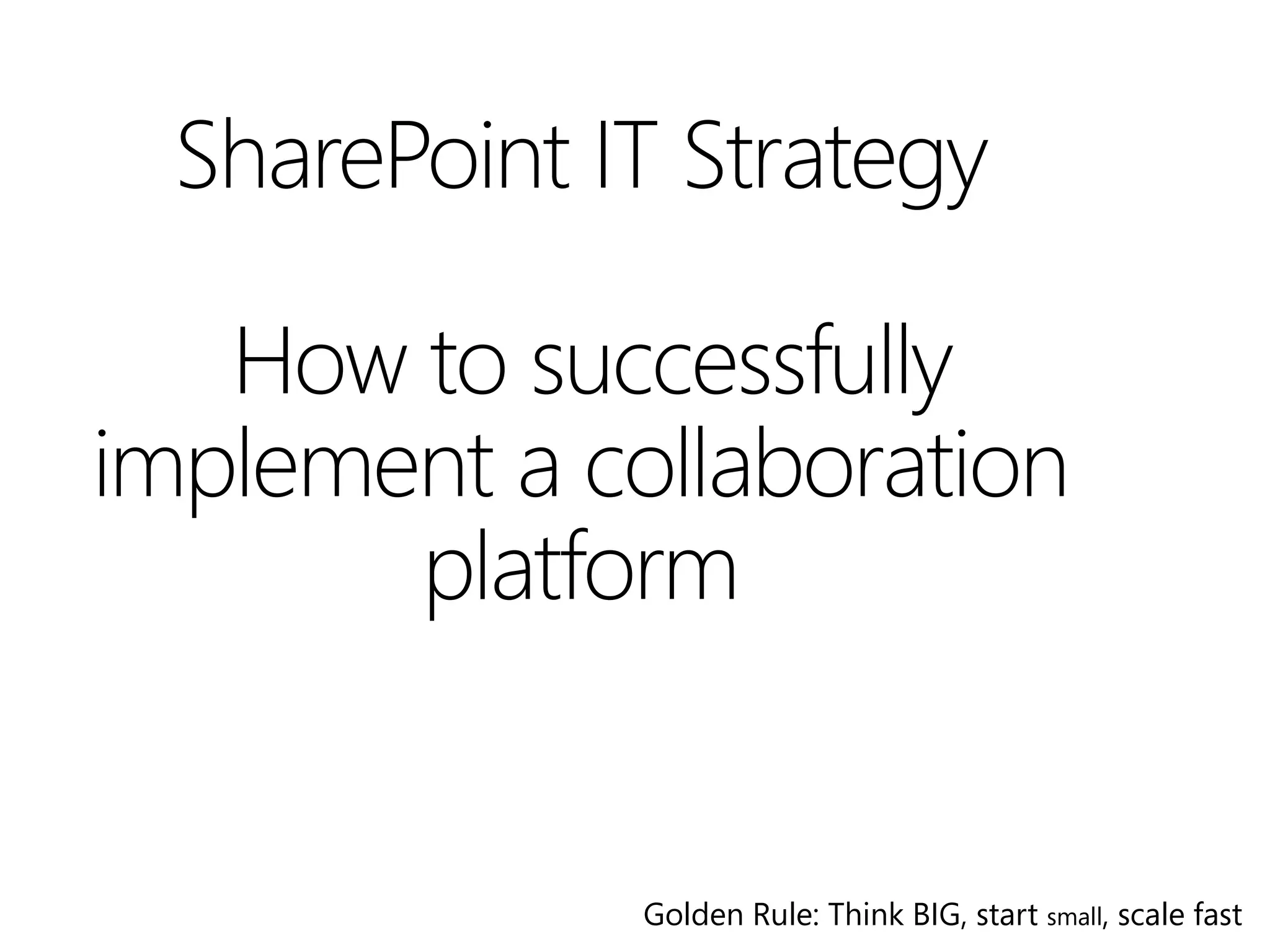
SharePoint IT Strategy

   How to successfully
implement a collaboration
       platform


              Golden Rule: Think BIG, start small, scale fast
Disclaimer
IT Strategy in general
  A plan to achieve goals and results
  A journey redefined quarterly
  Communicated across organization
  What it is not
    A single meeting with a series of PowerPoint slides
    Lot’s a documentation
  Why is this a challenge with SharePoint
    Business impact is difficult to define
    It’s about adoption, not under budget delivery
    Should know the capabilities of the product
A strategy could even be considered
pro- activity watching , and perhaps
making a half-hearted connection
with what other departments, the
larger corporation, market place or
even the competition is doing and
when you have enough information
a decision is made.
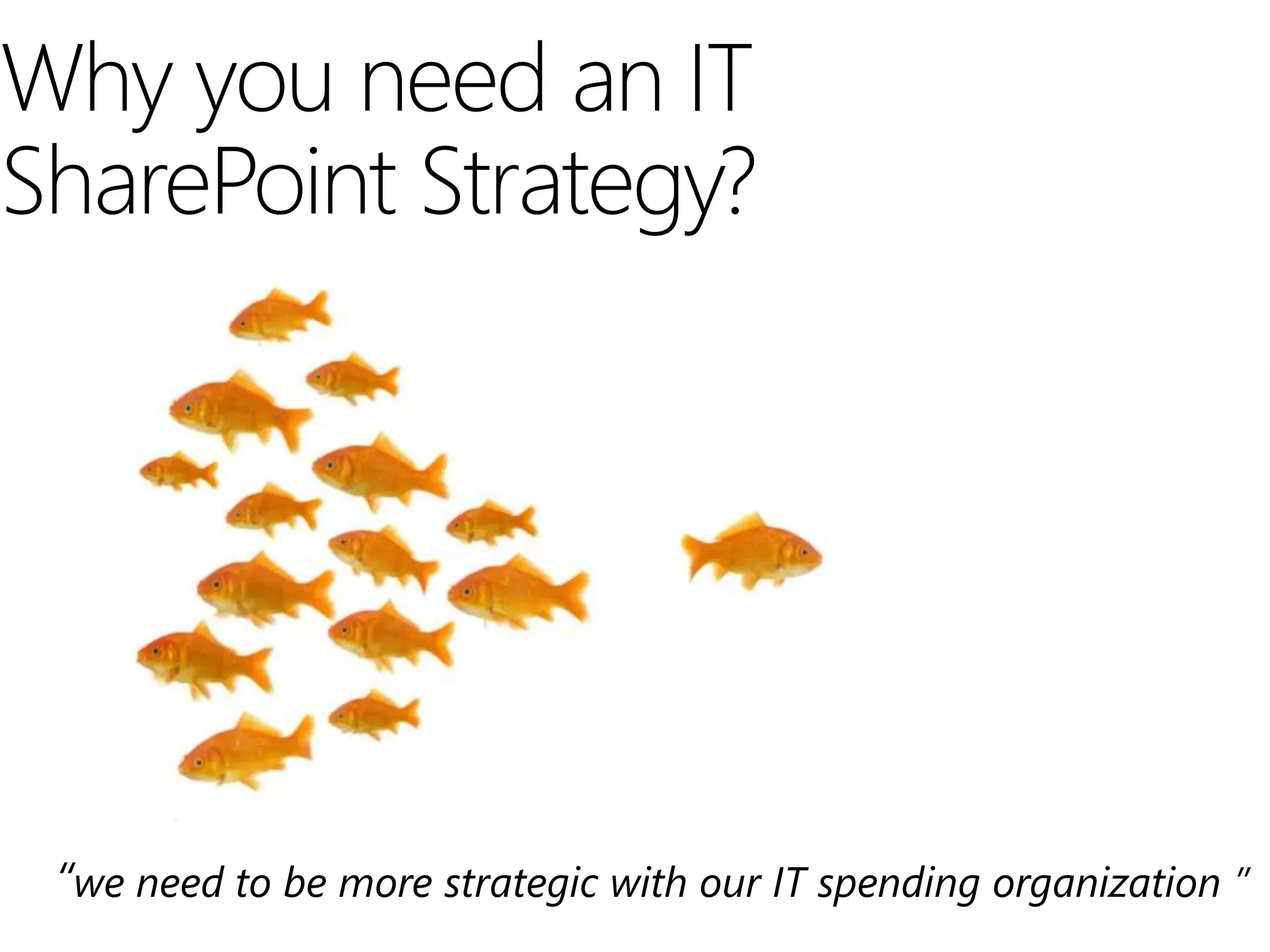
Why you need an IT
SharePoint Strategy?


 “we need to be more strategic with our IT spending organization ”
Strategy workshop
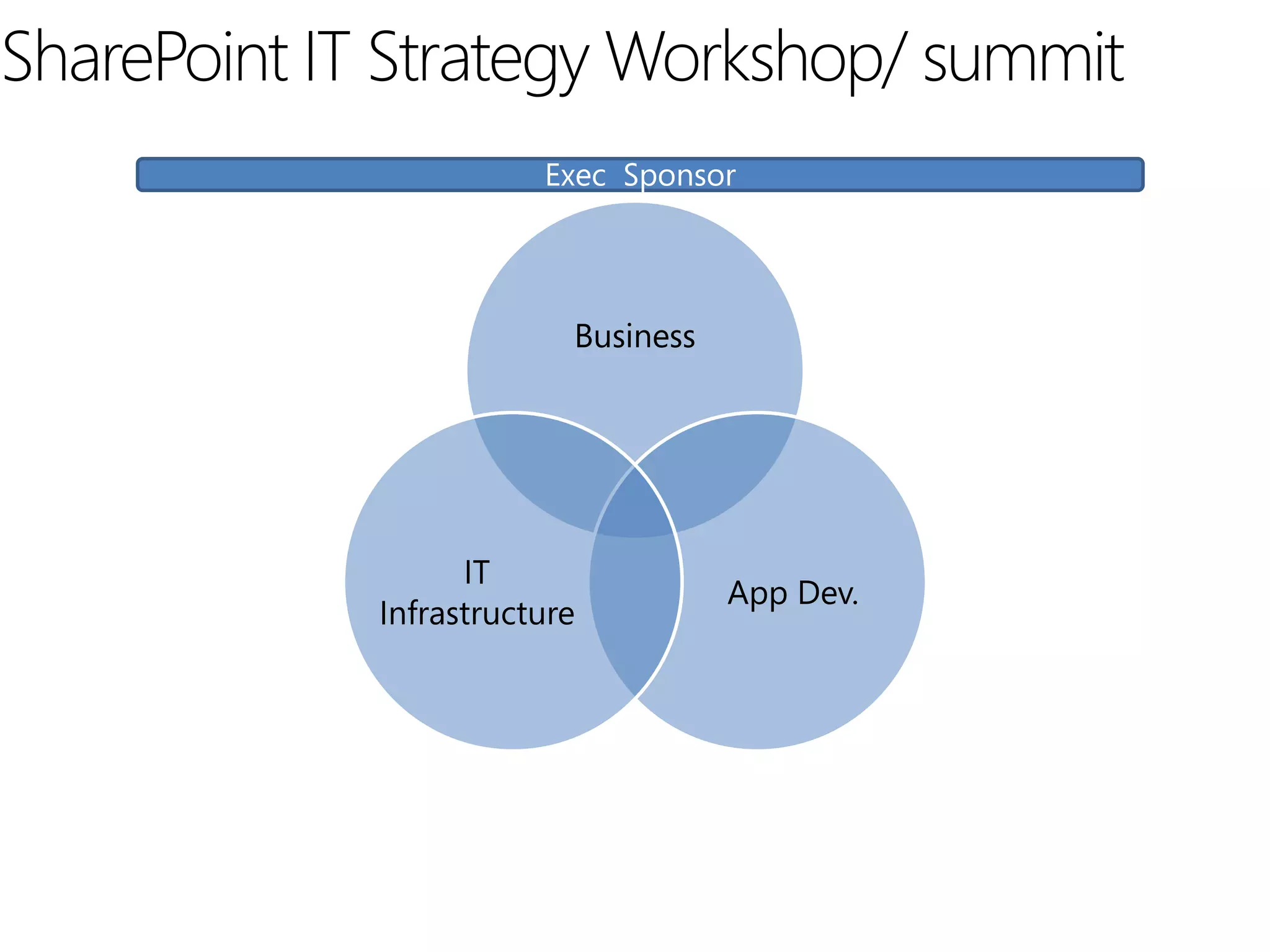
SharePoint IT Strategy Workshop/ summit
                        Exec Sponsor


                          Business


                   IT
                                     App Dev.
             Infrastructure
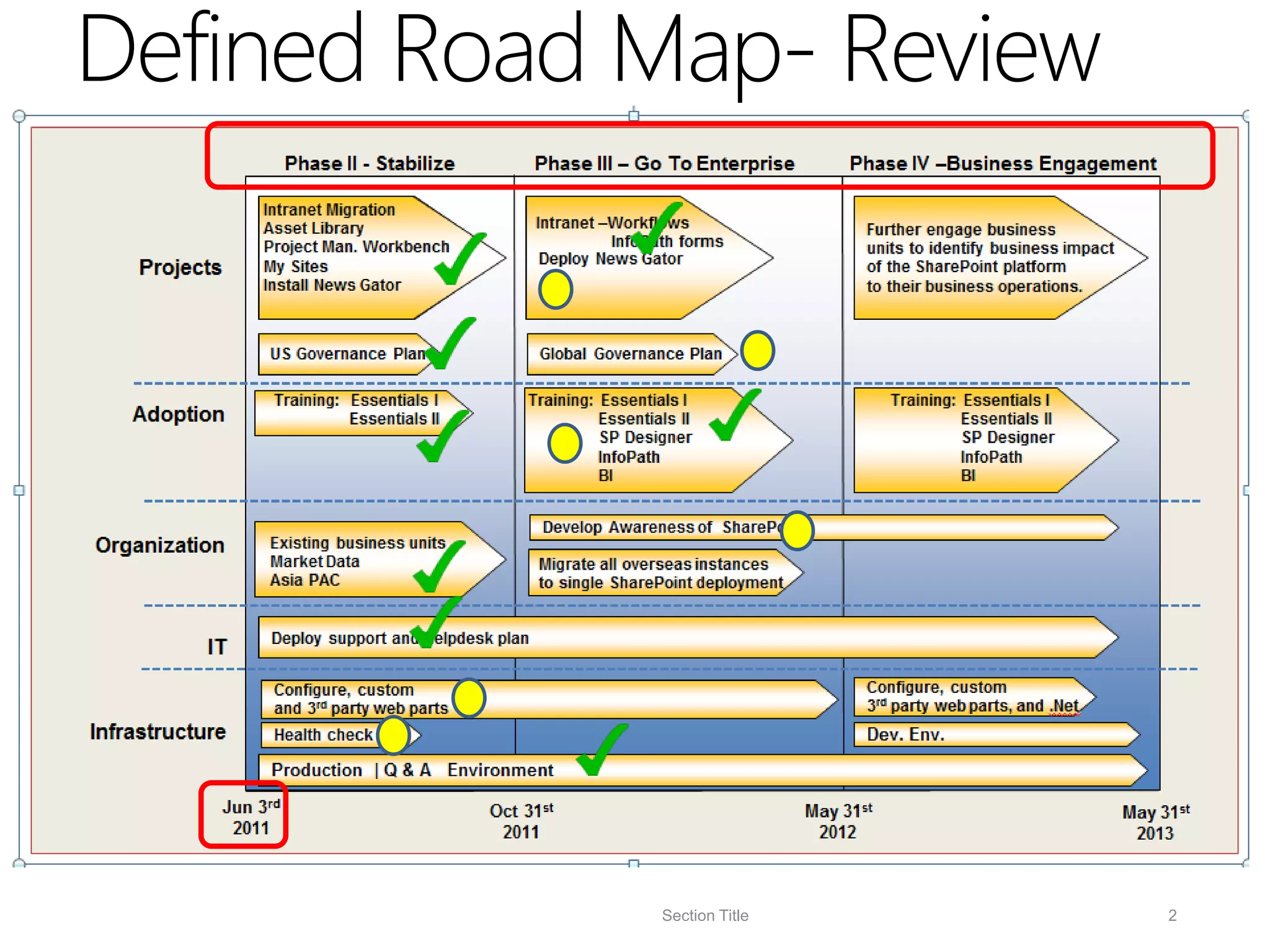
Where to start              Phase II - Stabilize          Phase III – Go To Enterprise           Phase IV –Business Engagement

                      Intranet Migration
                      Asset Library                       Intranet –Workflows                      Further engage business
                      Project Man. Workbench                        InfoPath forms                 units to identify business impact
                                                           Deploy News Gator
       Projects       My Sites                                                                     of the SharePoint platform
                      Install News Gator                                                           to their business operations.


                       Governance Plan

                        Training: Essentials I         Training: Essentials I                          Training: Essentials I
      Adoption                    Essentials II                  Essentials II                                   Essentials II
                                                                 SP Designer                                     SP Designer
                                                                 InfoPath                                        InfoPath
                                                                 BI                                              BI


                                                          Develop Awareness of SharePoint
  Organization         Existing business units
                       Market Data                        Migrate all overseas instances
                       Asia PAC                           to single SharePoint deployment


                       Deploy support and helpdesk plan
              IT
                        Configure, custom                                                          Configure, custom
                        and 3rd party web parts                                                    3rd party web parts, and .Net
  Infrastructure        Health check                                                               Dev. Env.

                       Production | Q & A Environment

                  Jun 3rd                          Oct 31st                                 May 31st                                   May 31st
                   2011                             2011                                     2012                                       2013


                                                               Road Map
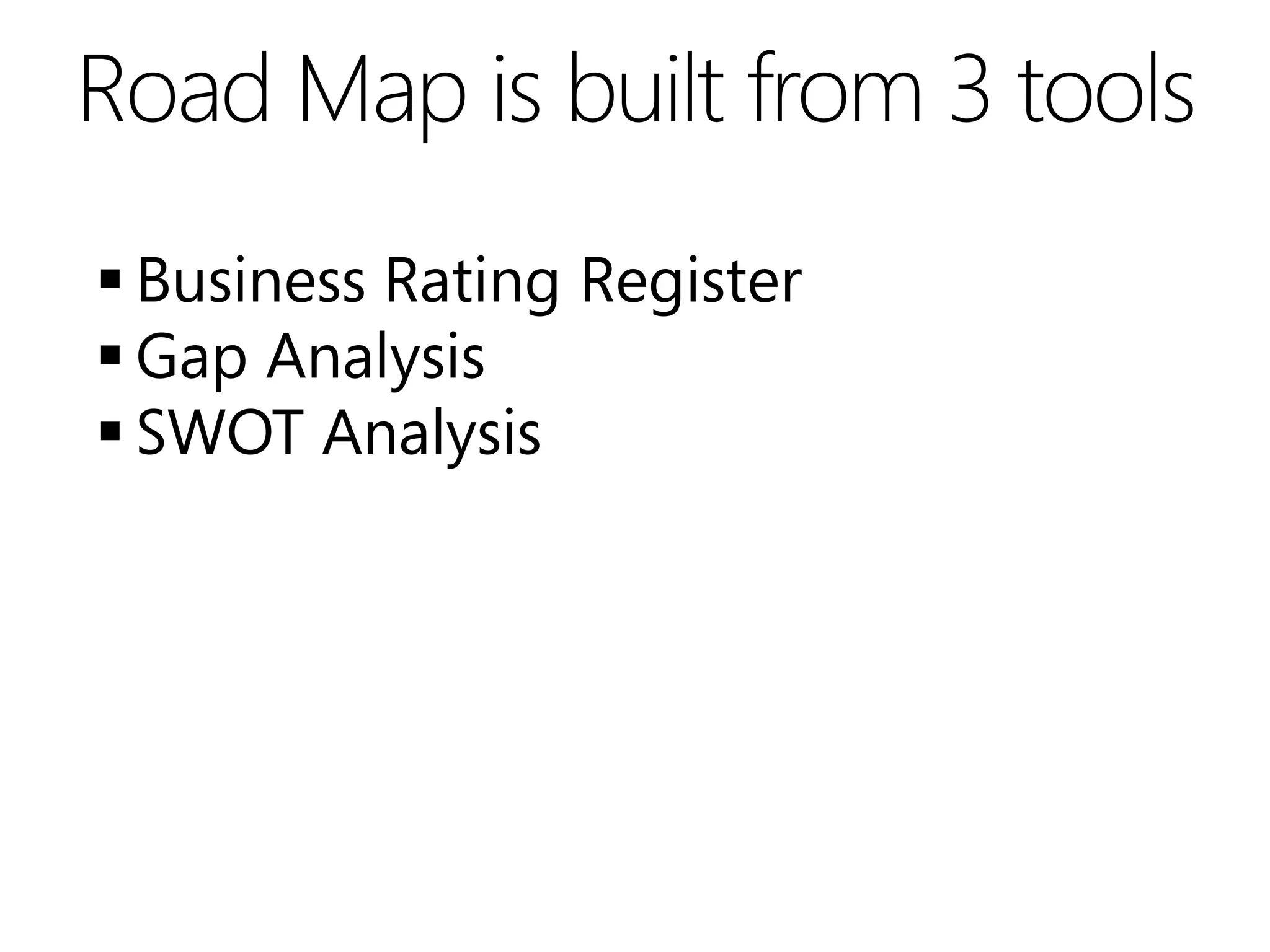
Road Map is built from 3 tools
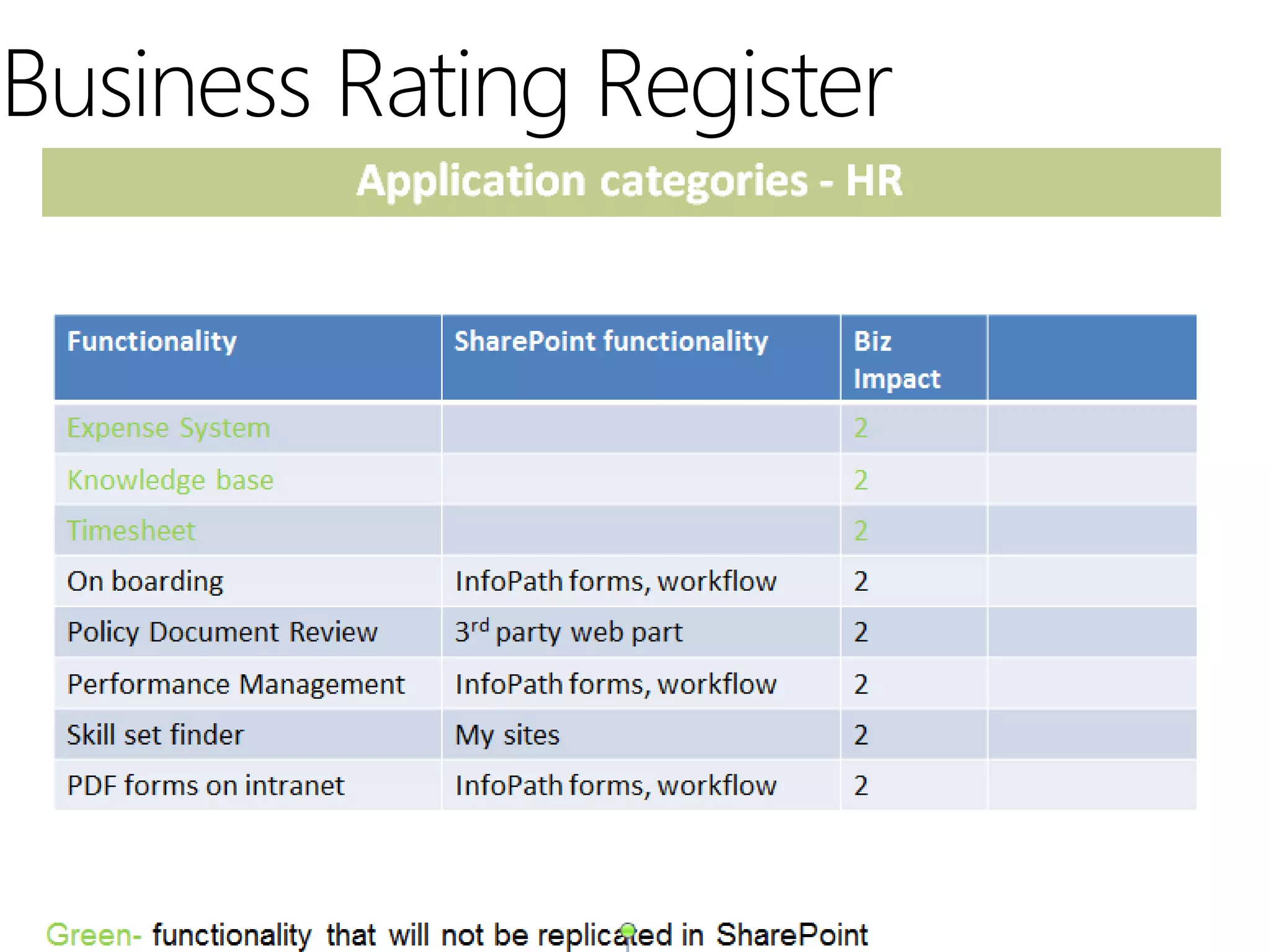
 Business Rating Register
 Gap Analysis
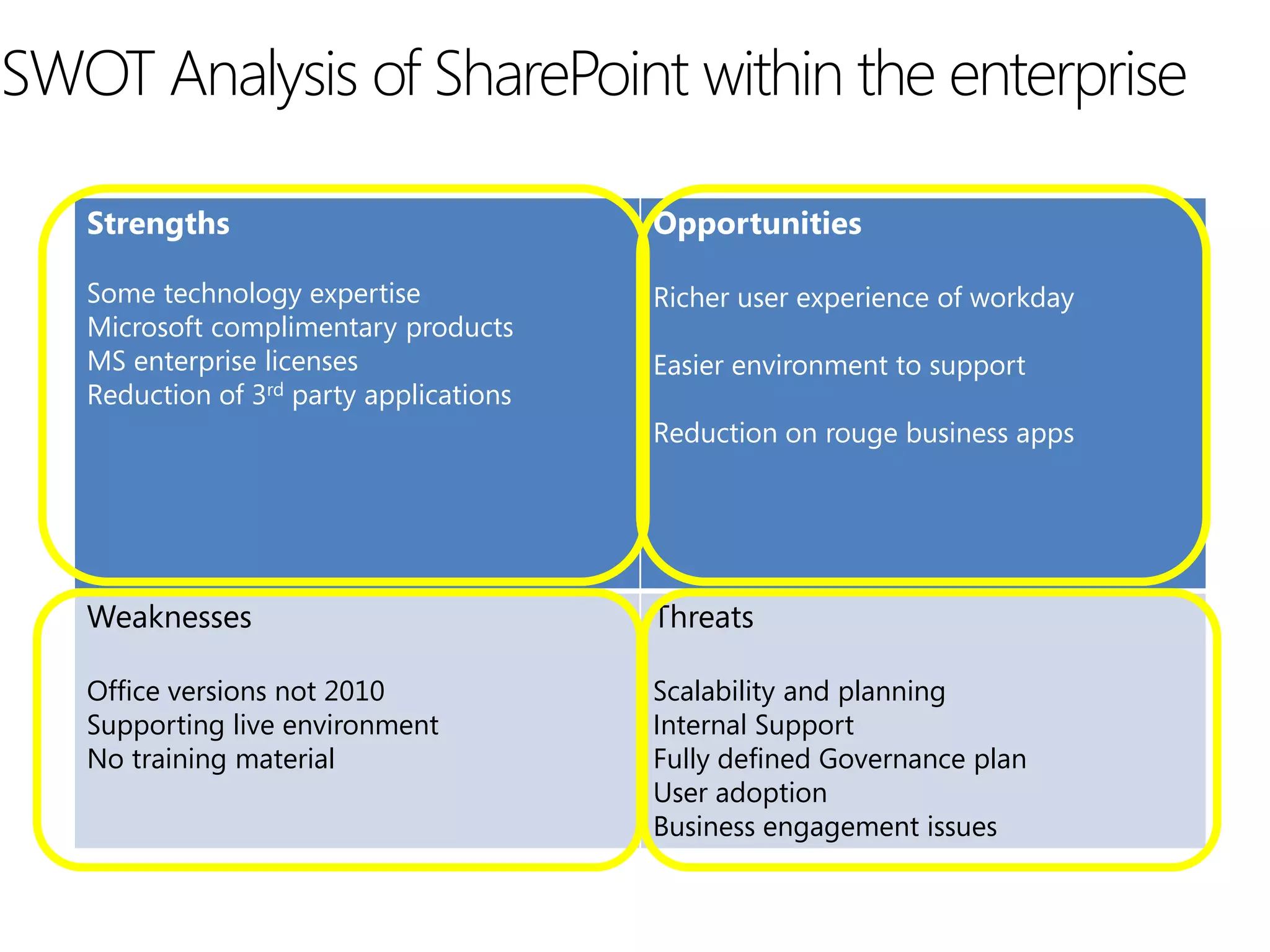
 SWOT Analysis
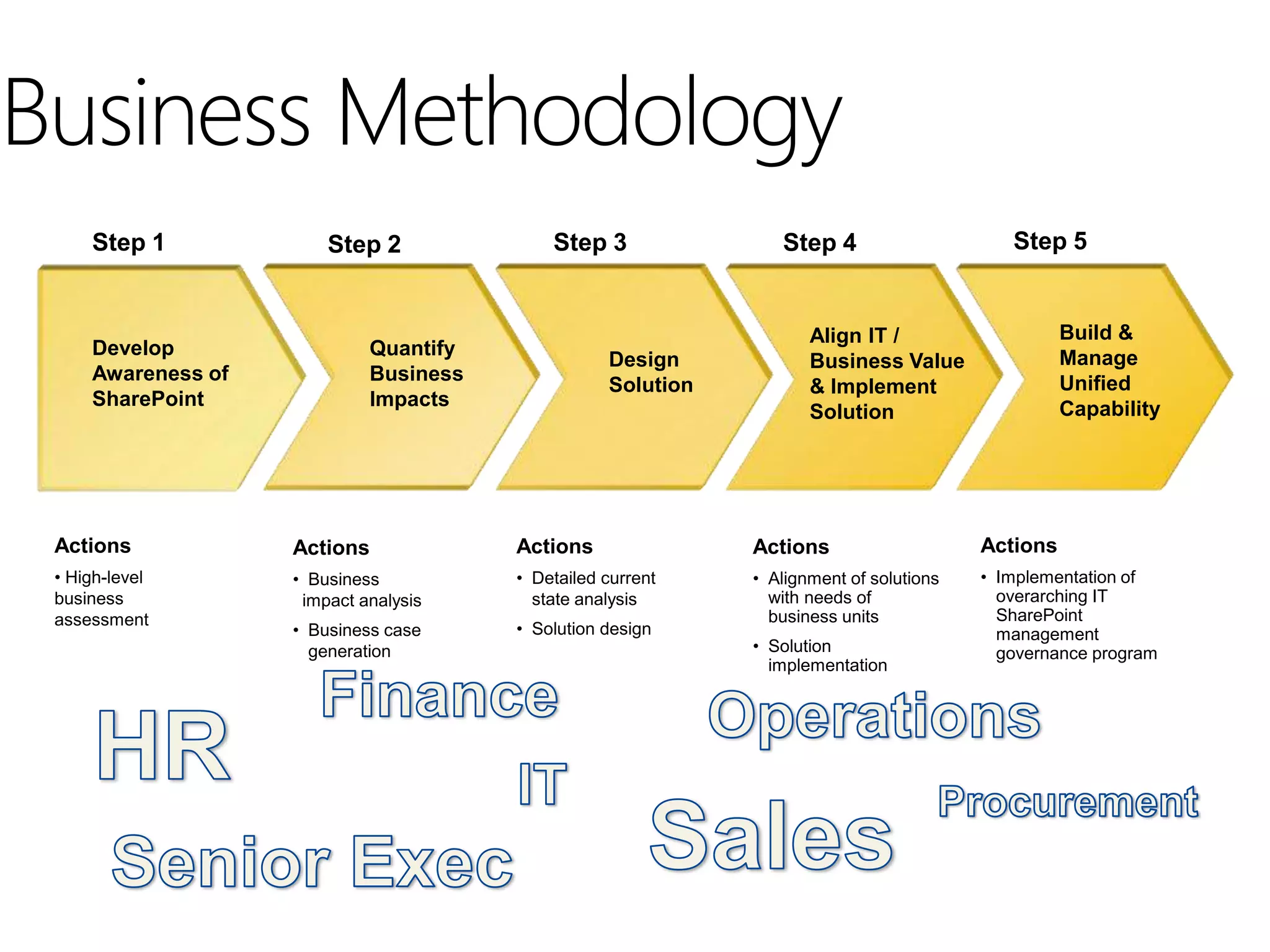
Business Methodology
     Step 1             Step 2              Step 3               Step 4                     Step 5


                                                                     Align IT /                    Build &
     Develop                 Quantify                                                              Manage
                                                   Design            Business Value
     Awareness of            Business                                                              Unified
                                                   Solution          & Implement
     SharePoint              Impacts                                                               Capability
                                                                     Solution


 Actions            Actions             Actions               Actions                    Actions
 • High-level       • Business          • Detailed current    • Alignment of solutions   • Implementation of
 business            impact analysis      state analysis        with needs of              overarching IT
 assessment                                                     business units             SharePoint
                    • Business case     • Solution design                                  management
                      generation                              • Solution                   governance program
                                                                implementation
Business Rating Register
Gap Analysis
                             Current                               Future
             An environment that works…Kind of!!   Correctly architected and scaled to business
                                                   requirements
             No support procedure
Technology


                                                   3rd party web parts
             Bit of a wild west
                                                   Custom development
             Out of the box
             Administrator                         Administrator
             Individual initiatives                Solutions architect
                                                   Business engagement manager
People


                                                   SharePoint evangelist
                                                   SharePoint Captain on each location
             Self service model                    Managed model

             Department                            Mission critical applications
Processes


             Document management                   Move bit applications to SharePoint

             Gain traction
SWOT Analysis of SharePoint within the enterprise

   Strengths                             Opportunities

   Some technology expertise             Richer user experience of workday
   Microsoft complimentary products
   MS enterprise licenses                Easier environment to support
   Reduction of 3rd party applications
                                         Reduction on rouge business apps


   Weaknesses                            Threats

   Office versions not 2010              Scalability and planning
   Supporting live environment           Internal Support
   No training material                  Fully defined Governance plan
                                         User adoption
                                         Business engagement issues
Fast forward 6 months
Defined Road Map- Review


             Section Title   2
Summary of Tools
 Business Rating Register
 Gap Analysis
 SWOT Analysis
Implement an IT Strategy (MUST DOs)






Who has a SharePoint IT Strategy?
Signs of it is all going wrong
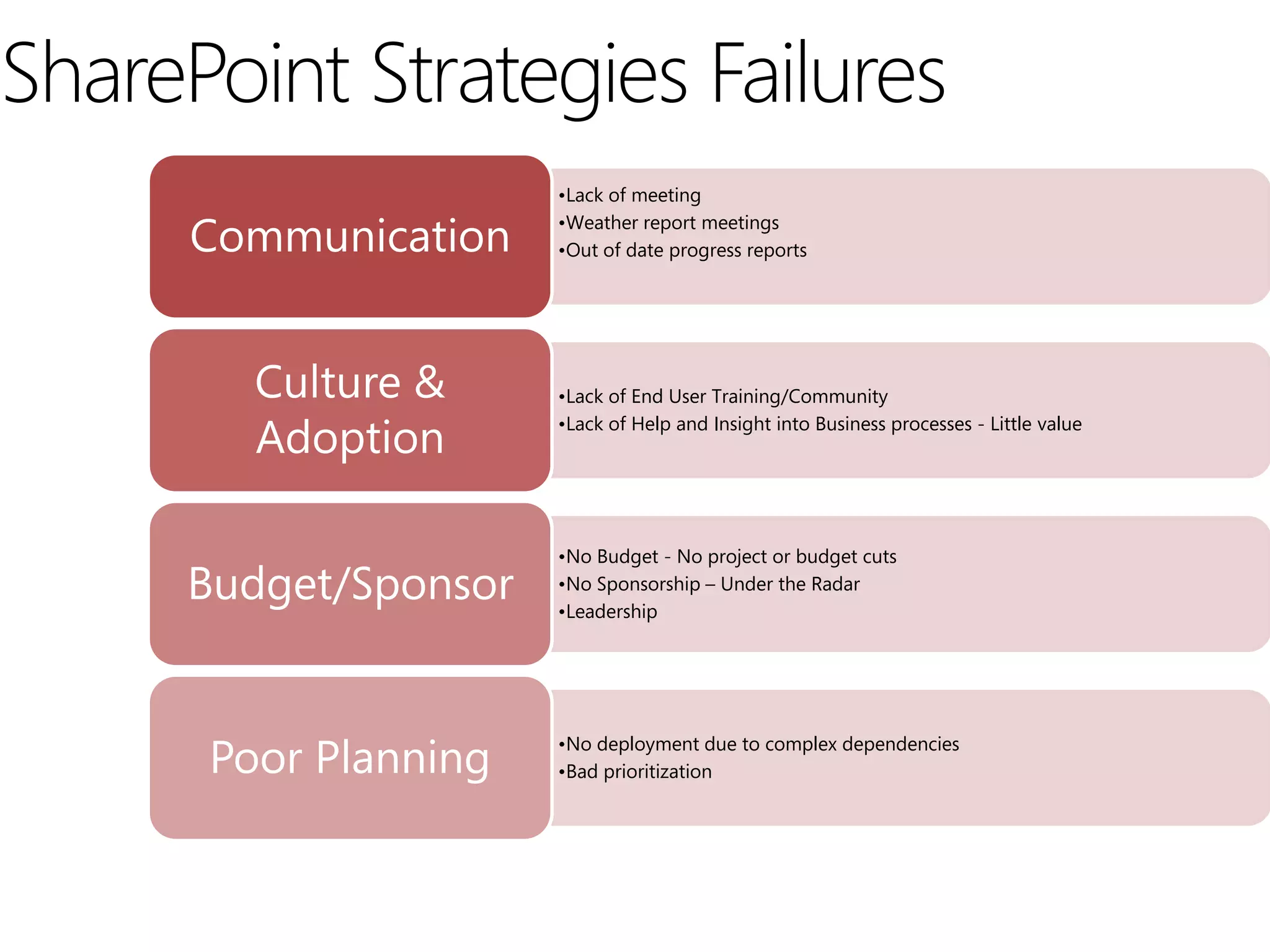
SharePoint Strategies Failures
                      •Lack of meeting

      Communication   •Weather report meetings
                      •Out of date progress reports


        Culture &     •Lack of End User Training/Community

        Adoption      •Lack of Help and Insight into Business processes - Little value


                      •No Budget - No project or budget cuts
     Budget/Sponsor   •No Sponsorship – Under the Radar
                      •Leadership


      Poor Planning   •No deployment due to complex dependencies
                      •Bad prioritization
Attention Test
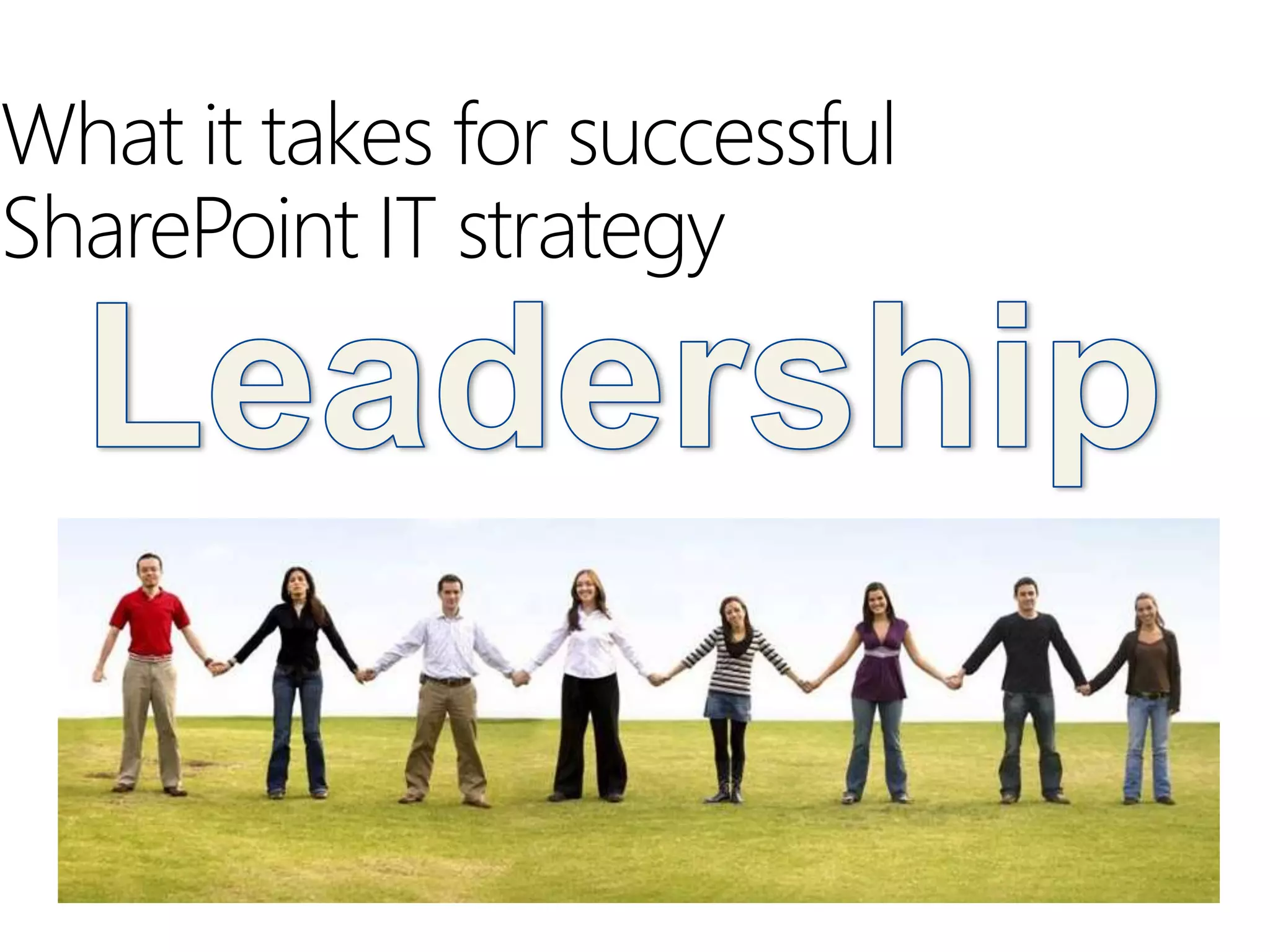
What it takes for successful
SharePoint IT strategy
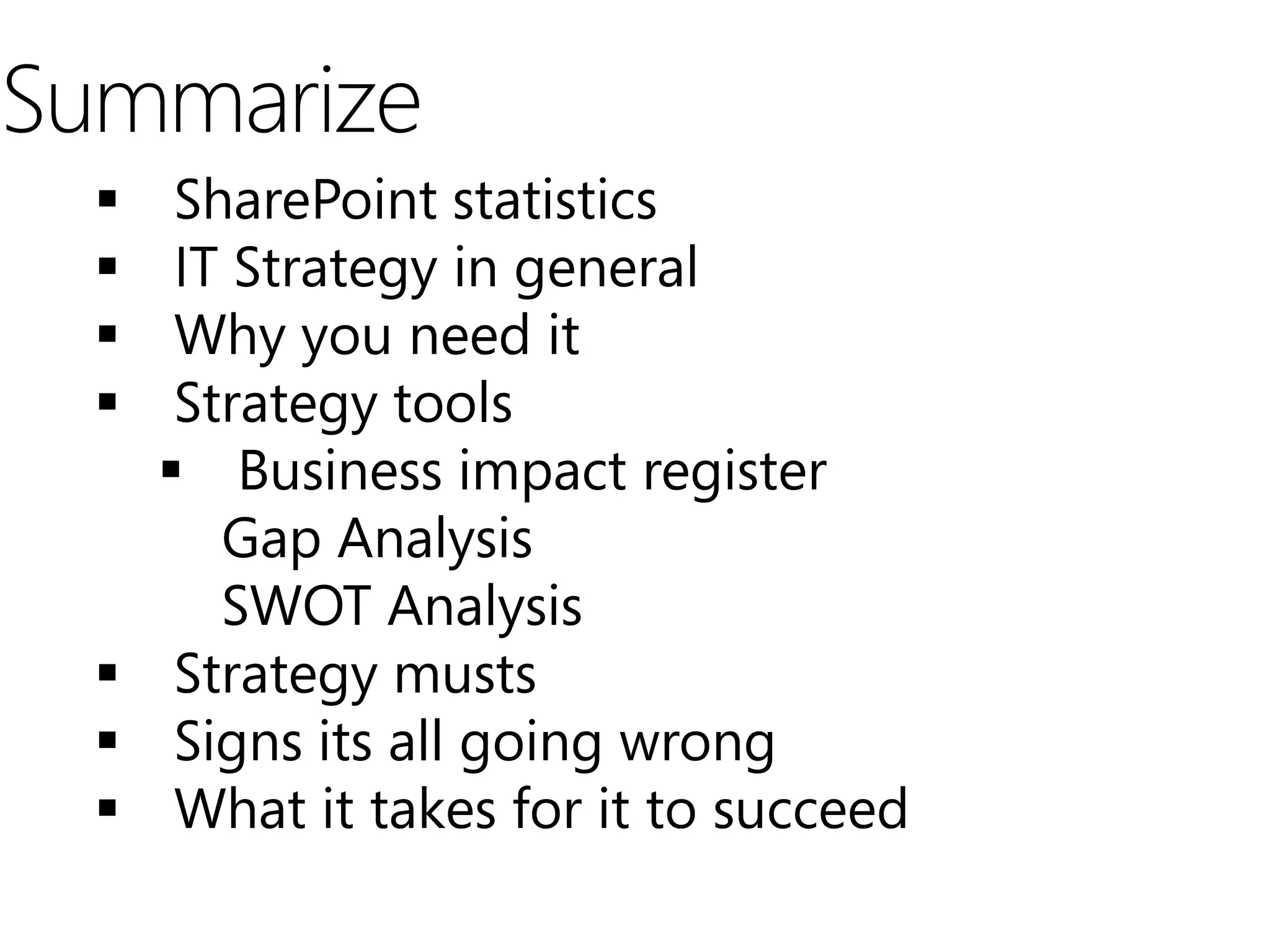
Summarize
    SharePoint statistics
    IT Strategy in general
    Why you need it
    Strategy tools
     Business impact register
       Gap Analysis
       SWOT Analysis
   Strategy musts
   Signs its all going wrong
   What it takes for it to succeed
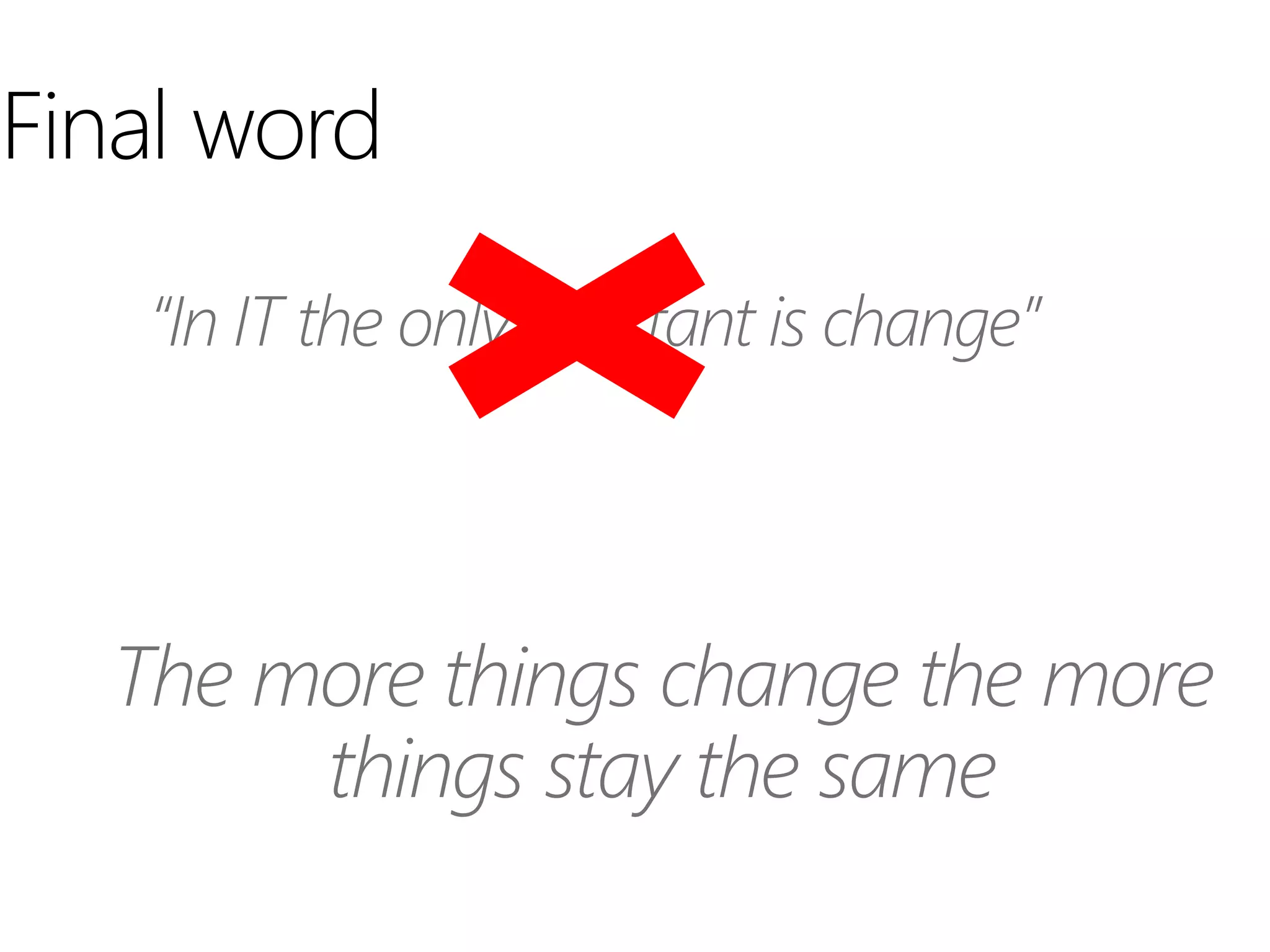
Final word
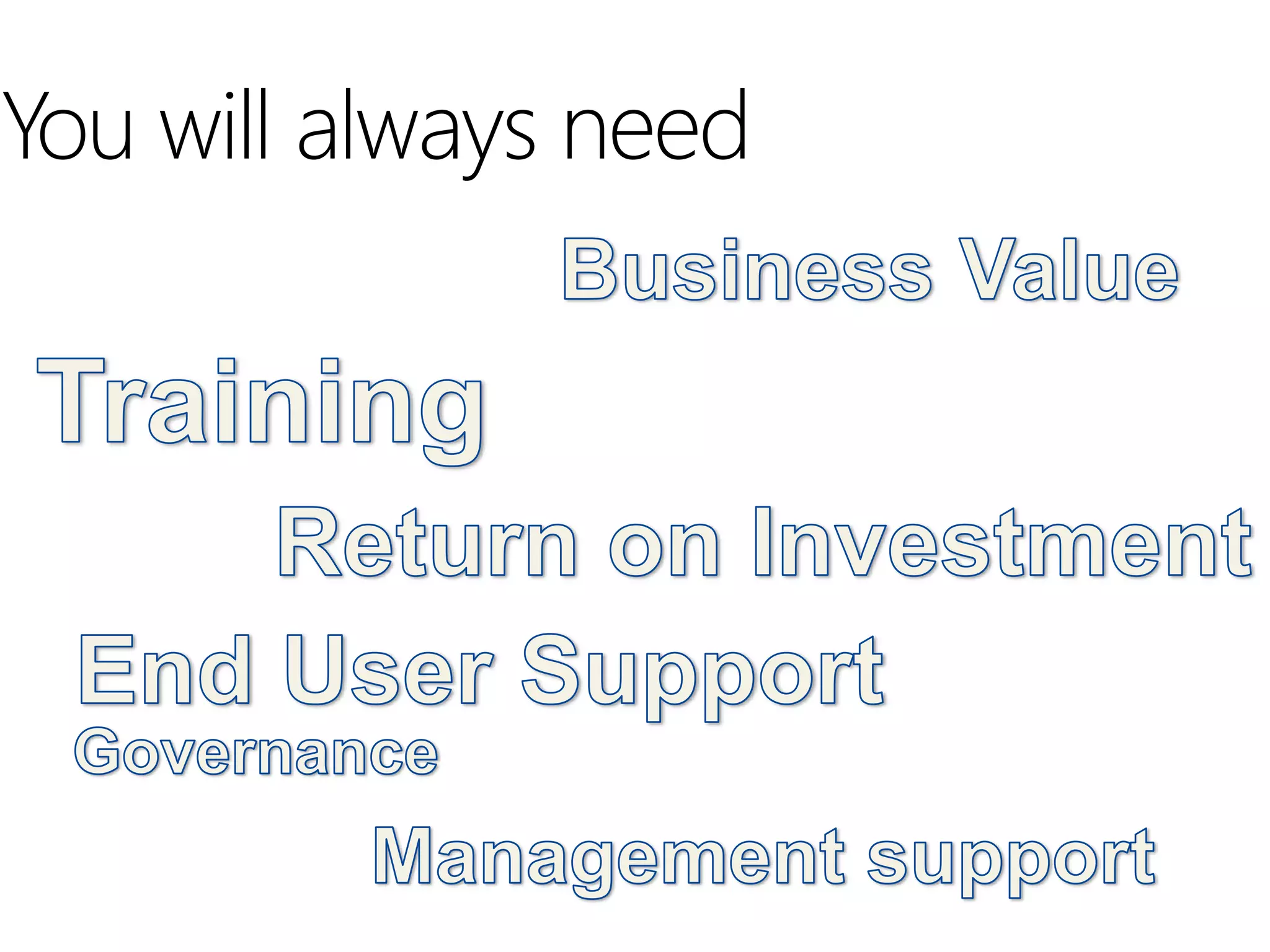
You will always need
Golden Rule: Think BIG, start small, scale fast


Questions?


                             
                             
                             

      Be part of the experience

Nj sharepoint user group

  • 1.
  • 2.
  • 3.
  • 4.
    Brief history ofthis presentation
  • 6.
    SharePoint Statistics  SharePointis the fastest selling product in Microsoft history.  Microsoft has been adding 20,000 SharePoint users per day, every day for the last five years.  There are over 65,000 SharePoint customers who have purchased SharePoint
  • 7.
    Research firm AIIMdiscovered: Half of SharePoint implementations proceed without a clear business case (which shows lack of direction from the start) Only 22% of organizations provide users with any guidance on corporate classification and use of content types and columns 1/3 of organizations have no plans as to how to use SharePoint, while 1/4 of organizations say IT is driving it with no input from information management professionals. End Result: A fancier, much more expensive set of shared drives rather than a usable ECM system with findable information assets.
  • 8.
    Listening and actingon this presentation could be a very good career move
  • 9.
    SharePoint IT Strategy How to successfully implement a collaboration platform Golden Rule: Think BIG, start small, scale fast
  • 10.
  • 11.
    IT Strategy ingeneral  A plan to achieve goals and results  A journey redefined quarterly  Communicated across organization  What it is not  A single meeting with a series of PowerPoint slides  Lot’s a documentation  Why is this a challenge with SharePoint  Business impact is difficult to define  It’s about adoption, not under budget delivery  Should know the capabilities of the product
  • 12.
    A strategy couldeven be considered pro- activity watching , and perhaps making a half-hearted connection with what other departments, the larger corporation, market place or even the competition is doing and when you have enough information a decision is made.
  • 13.
    Why you needan IT SharePoint Strategy? “we need to be more strategic with our IT spending organization ”
  • 16.
  • 17.
    SharePoint IT StrategyWorkshop/ summit Exec Sponsor Business IT App Dev. Infrastructure
  • 18.
    Where to start Phase II - Stabilize Phase III – Go To Enterprise Phase IV –Business Engagement Intranet Migration Asset Library Intranet –Workflows Further engage business Project Man. Workbench InfoPath forms units to identify business impact Deploy News Gator Projects My Sites of the SharePoint platform Install News Gator to their business operations. Governance Plan Training: Essentials I Training: Essentials I Training: Essentials I Adoption Essentials II Essentials II Essentials II SP Designer SP Designer InfoPath InfoPath BI BI Develop Awareness of SharePoint Organization Existing business units Market Data Migrate all overseas instances Asia PAC to single SharePoint deployment Deploy support and helpdesk plan IT Configure, custom Configure, custom and 3rd party web parts 3rd party web parts, and .Net Infrastructure Health check Dev. Env. Production | Q & A Environment Jun 3rd Oct 31st May 31st May 31st 2011 2011 2012 2013 Road Map
  • 19.
    Road Map isbuilt from 3 tools  Business Rating Register  Gap Analysis  SWOT Analysis
  • 20.
    Business Methodology Step 1 Step 2 Step 3 Step 4 Step 5 Align IT / Build & Develop Quantify Manage Design Business Value Awareness of Business Unified Solution & Implement SharePoint Impacts Capability Solution Actions Actions Actions Actions Actions • High-level • Business • Detailed current • Alignment of solutions • Implementation of business impact analysis state analysis with needs of overarching IT assessment business units SharePoint • Business case • Solution design management generation • Solution governance program implementation
  • 21.
  • 22.
    Gap Analysis Current Future An environment that works…Kind of!! Correctly architected and scaled to business requirements No support procedure Technology 3rd party web parts Bit of a wild west Custom development Out of the box Administrator Administrator Individual initiatives Solutions architect Business engagement manager People SharePoint evangelist SharePoint Captain on each location Self service model Managed model Department Mission critical applications Processes Document management Move bit applications to SharePoint Gain traction
  • 23.
    SWOT Analysis ofSharePoint within the enterprise Strengths Opportunities Some technology expertise Richer user experience of workday Microsoft complimentary products MS enterprise licenses Easier environment to support Reduction of 3rd party applications Reduction on rouge business apps Weaknesses Threats Office versions not 2010 Scalability and planning Supporting live environment Internal Support No training material Fully defined Governance plan User adoption Business engagement issues
  • 24.
  • 25.
    Defined Road Map-Review Section Title 2
  • 26.
    Summary of Tools Business Rating Register  Gap Analysis  SWOT Analysis
  • 27.
    Implement an ITStrategy (MUST DOs)     
  • 28.
    Who has aSharePoint IT Strategy?
  • 29.
    Signs of itis all going wrong
  • 30.
    SharePoint Strategies Failures •Lack of meeting Communication •Weather report meetings •Out of date progress reports Culture & •Lack of End User Training/Community Adoption •Lack of Help and Insight into Business processes - Little value •No Budget - No project or budget cuts Budget/Sponsor •No Sponsorship – Under the Radar •Leadership Poor Planning •No deployment due to complex dependencies •Bad prioritization
  • 31.
  • 32.
    What it takesfor successful SharePoint IT strategy
  • 57.
    Summarize  SharePoint statistics  IT Strategy in general  Why you need it  Strategy tools  Business impact register Gap Analysis SWOT Analysis  Strategy musts  Signs its all going wrong  What it takes for it to succeed
  • 58.
  • 59.
  • 60.
    Golden Rule: ThinkBIG, start small, scale fast Questions?    Be part of the experience