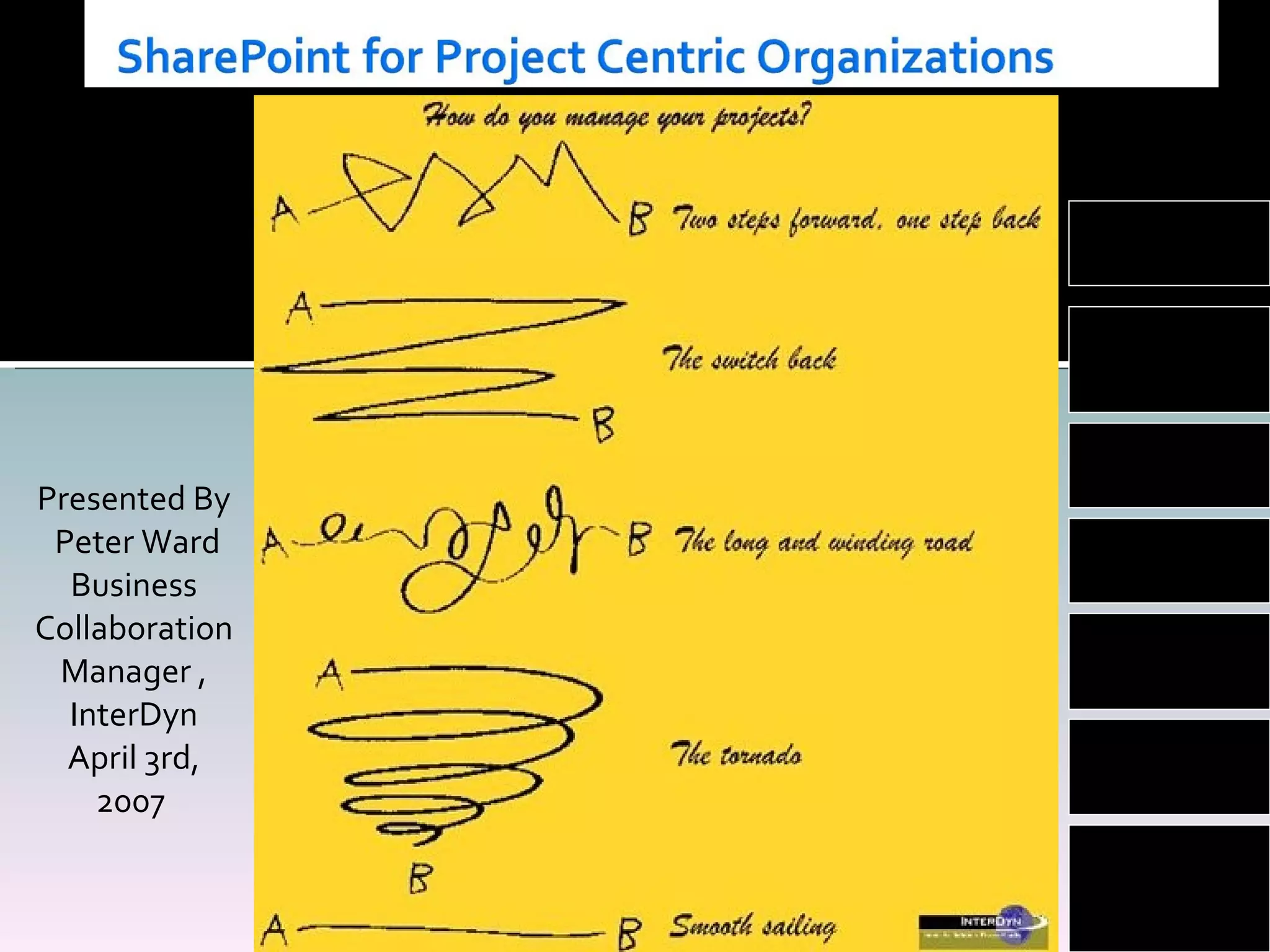
Presented By Peter Ward Business Collaboration Manager , InterDyn April 3rd, 2007  Planning User  Acceptance Workflow Enterprise Information Processes Web  2.0 Office 2007
Thank you for attending this web X The conference call dial in will be put on  mute for the presentation Q&A – We will have time at the end of the presentation for questions A copy of the presentation is on my blog:  www.wardpeter.com
Today’s project management environment Why is a project manager’s day like this? Where does the time go? How as the project manager’s life become like this? Out of the box SharePoint project features- SharePoint PM best practice SharePoint PM End Result Differences between SharePoint and Project Server 2007 Enabling Team Participation Better Project Productivity Session Review
Your current environment is probably: Network drive Email Meetings  Quick pace of change Time frames shorter Less project resources – Bandwidth For the Project Manager Too much cutting a pasting of  information A confusion of being busy and being productive Constant state of ‘putting out fires’
For the project they are the point contact, therefore they are CC on everything They are accountable for the project, but not the resources. Challenge when they reside in a different location and time zone. Live and mostly die on Google desktop search. The project plan looked good on paper. The project is late: Delivery dates being moved Constant changes to information How much time do  you  spend a day cutting, pasting,  moving information?
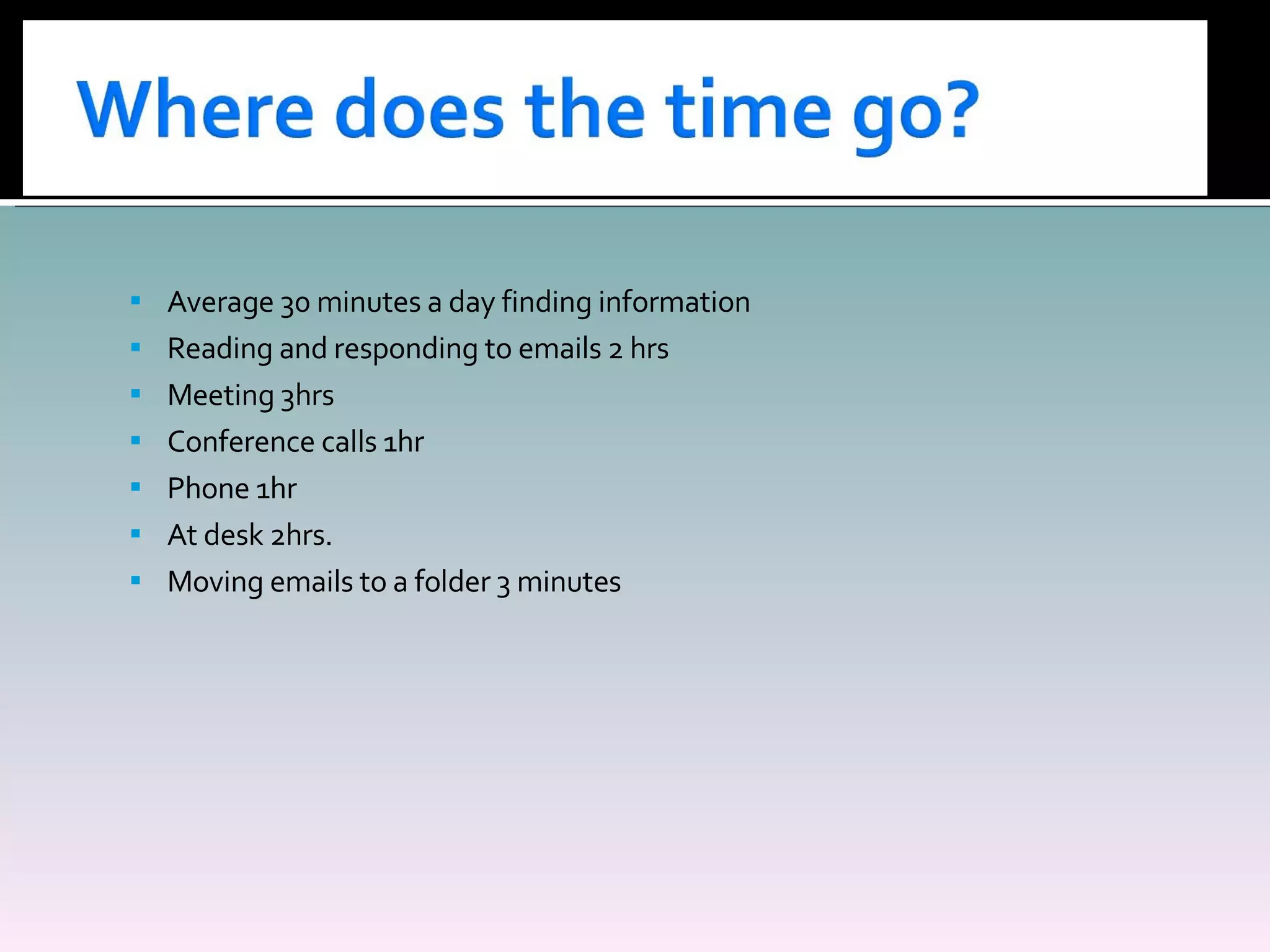
Average 30 minutes a day finding information Reading and responding to emails 2 hrs Meeting 3hrs Conference calls 1hr Phone 1hr At desk 2hrs. Moving emails to a folder 3 minutes
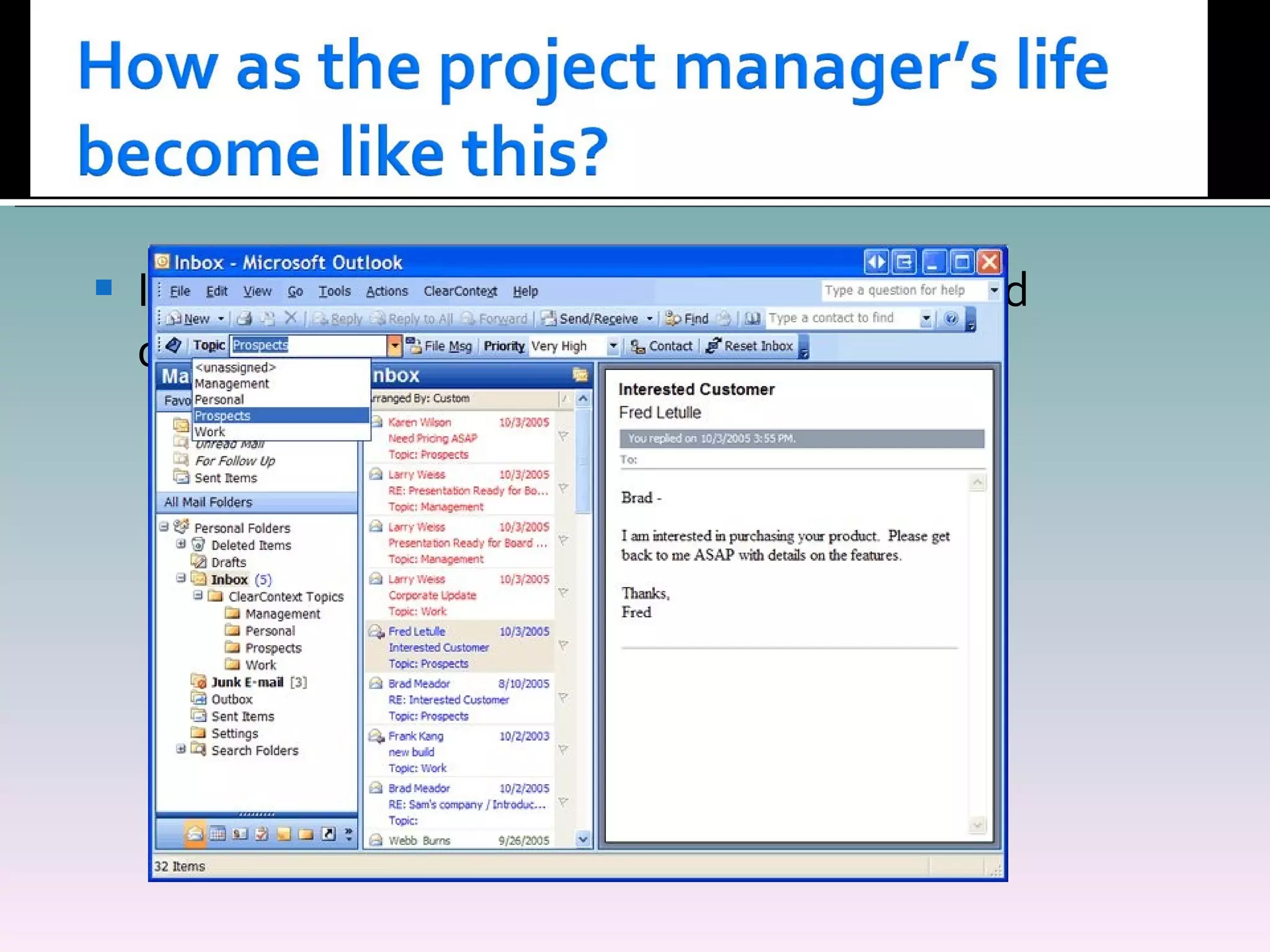
Inflow of the  information, is not just a Word document.
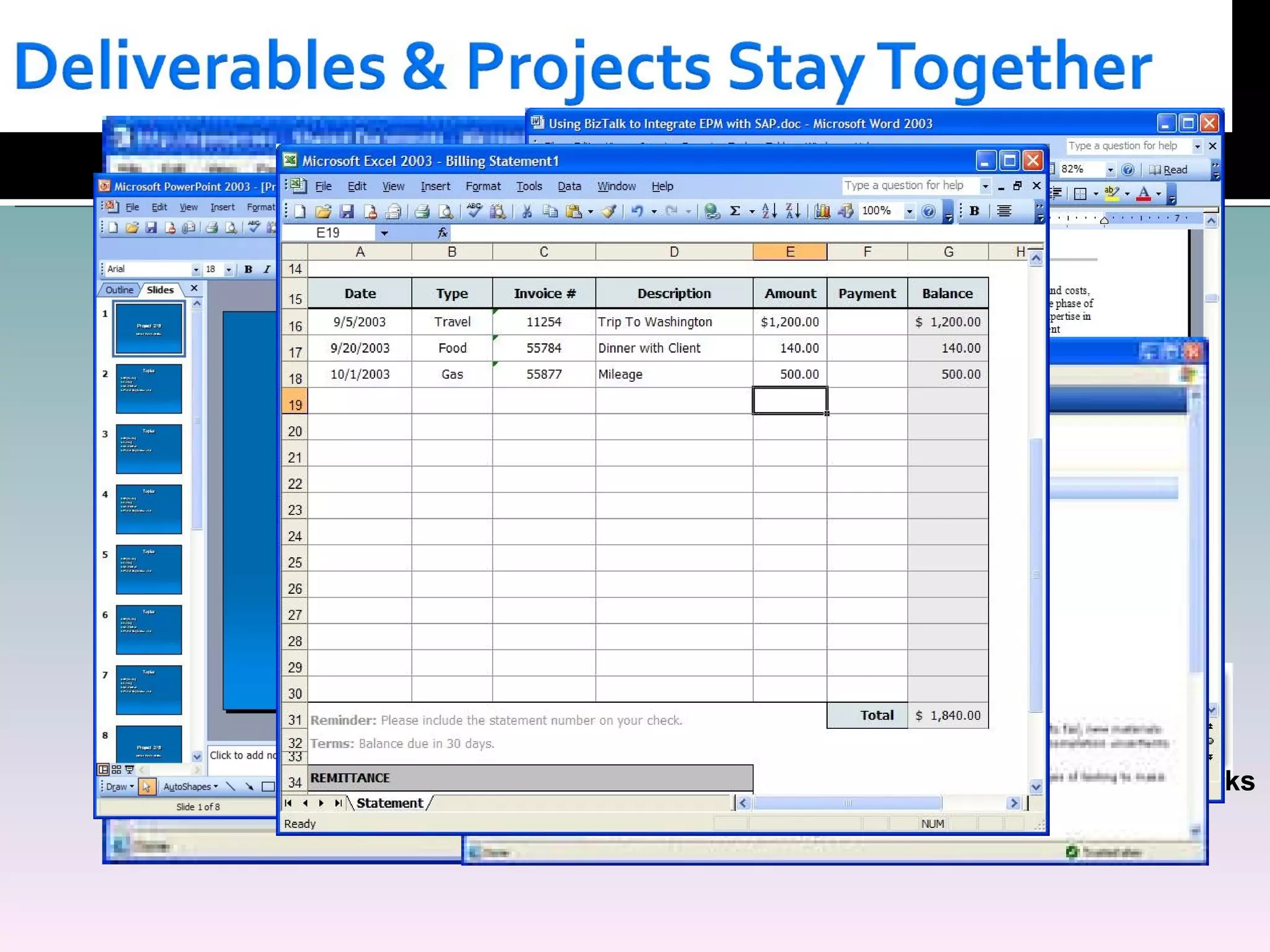
Document libraries-  Workflow Drag and drop features Recycle bins Version history Issue tracking Email searches Wikis Gantt charts Integration Outlook Calendar RSS Feeds Off Line documents
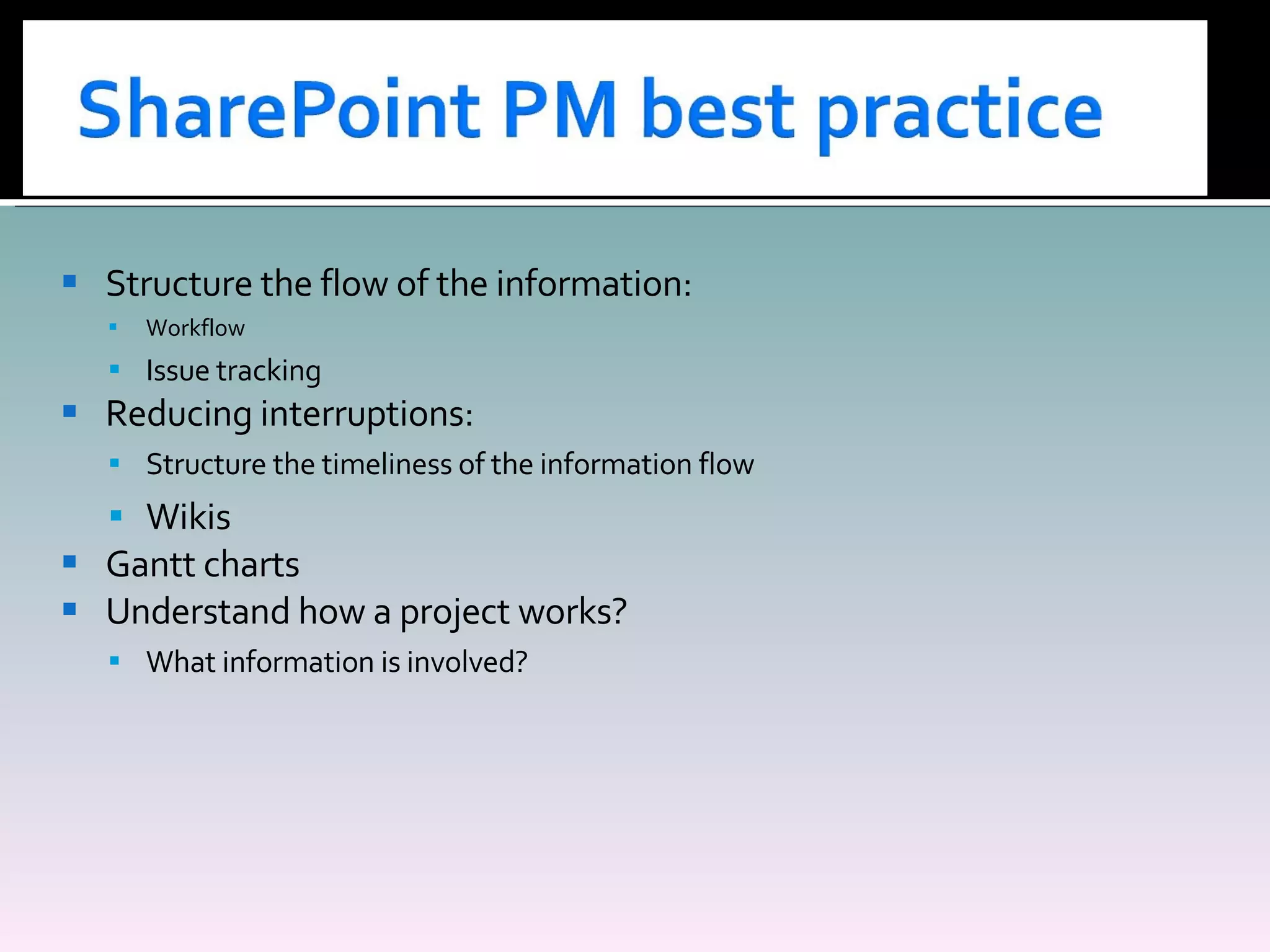
Structure the flow of the information: Workflow Issue tracking Reducing interruptions: Structure the timeliness of the information flow  Wikis Gantt charts Understand how a project works? What information is involved?
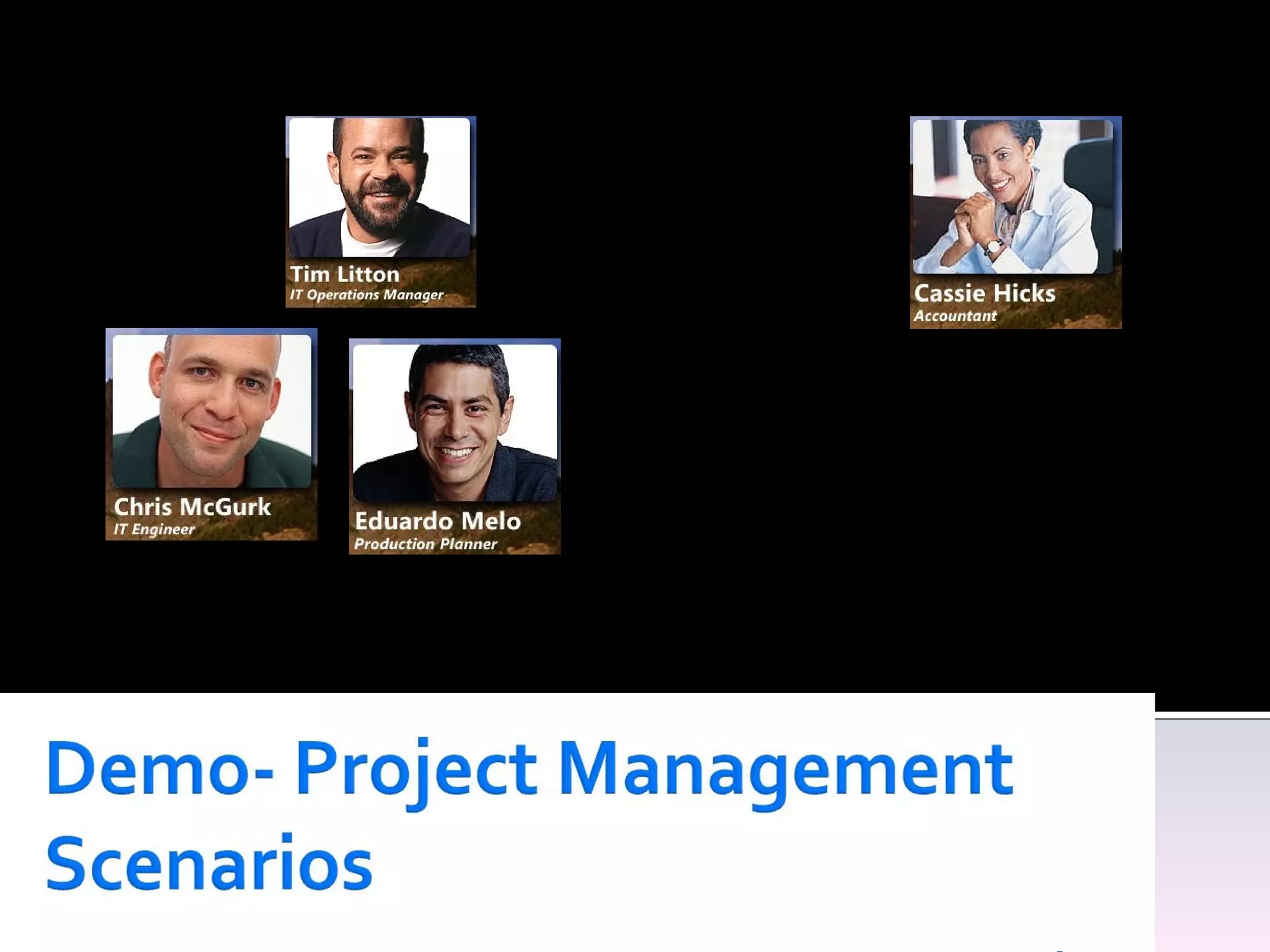
IT Department Internal Customer Project:- Great Plain upgrade
Pain Points Spends a lot of time in meetings, reporting to senior management  Too many emails, which are unrelated to him Not always 100% up to date on the project status or workload of team His desire Wants project related information structured and searchable. Less clicks to find information Solution :SharePoint integrating with Outlook and one place to look
Pain Points Spread on many projects Too many emails, asking for information His desire Wants users to have more visibility to the projects Less clicks to find information Solution :SharePoint to share information and work with internal customers
Pain Points Spends too much time following up on projects Desire :  A single place to place to get information  Know who’s working on what Solution : SharePoint as the presentation layer
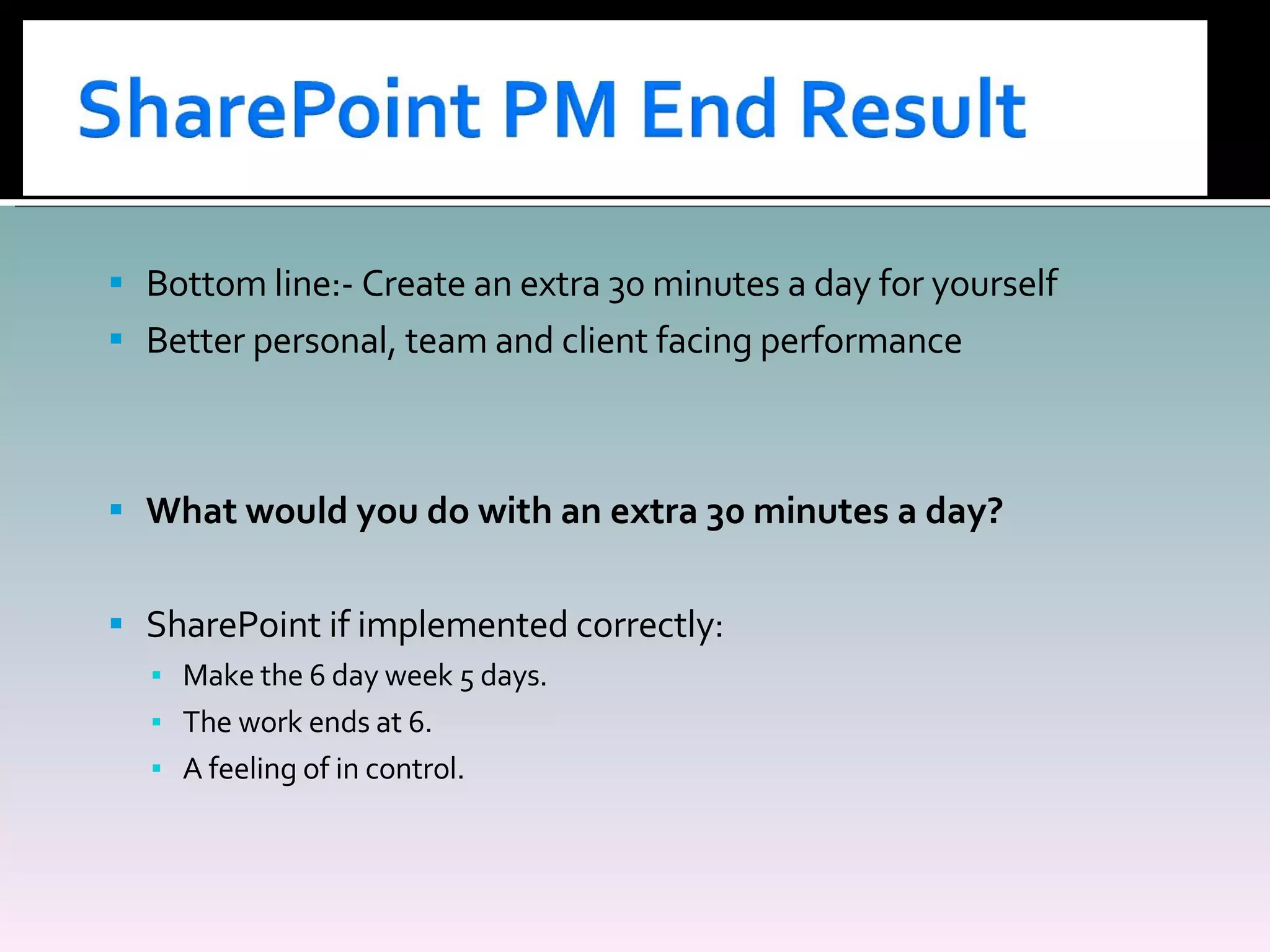
Bottom line:- Create an extra 30 minutes a day for yourself Better personal, team and client facing performance What would you do with an extra 30 minutes a day? SharePoint if implemented correctly: Make the 6 day week 5 days. The work ends at 6. A feeling of in control.
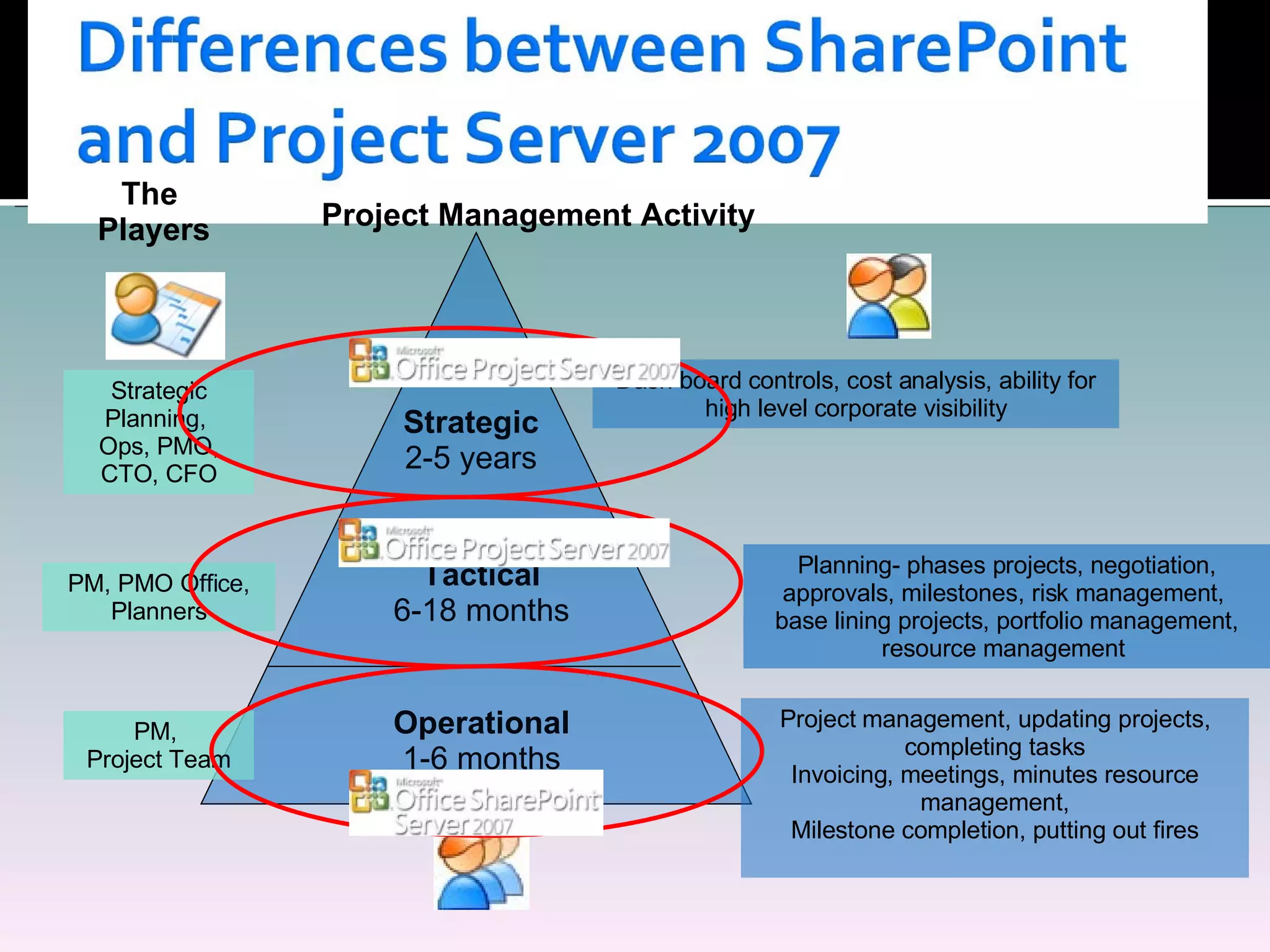
Project Management Activity Operational 1-6 months Tactical 6-18 months Strategic 2-5 years Project management, updating projects, completing tasks Invoicing, meetings, minutes resource management, Milestone completion, putting out fires Planning- phases projects, negotiation, approvals, milestones, risk management,  base lining projects, portfolio management, resource management  Dash board controls, cost analysis, ability for high level corporate visibility The  Players Strategic Planning,  Ops, PMO, CTO, CFO PM, PMO Office, Planners PM,  Project Team
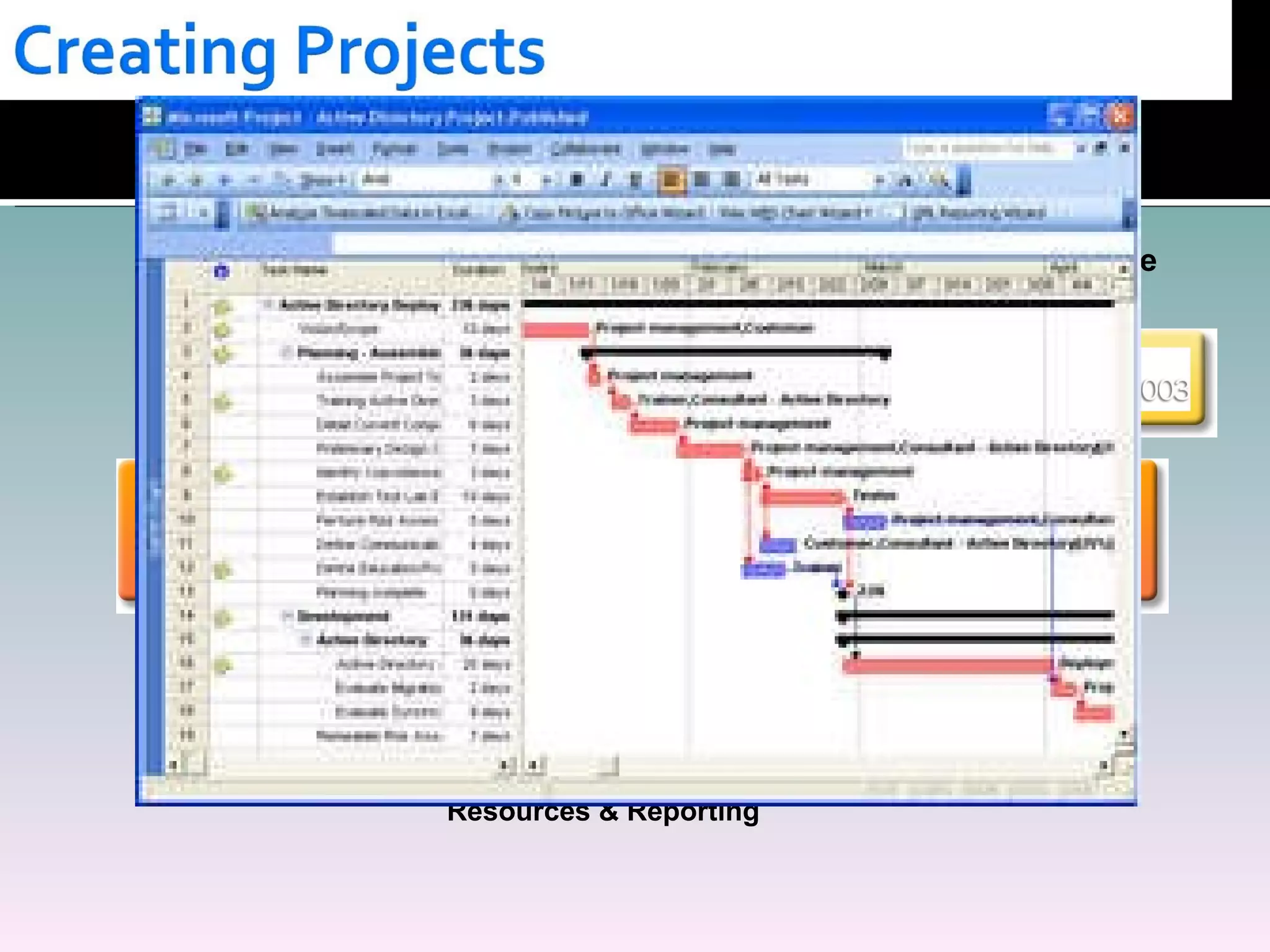
Easily Create Enterprise Project Plans Centrally Store Projects, Resources & Reporting
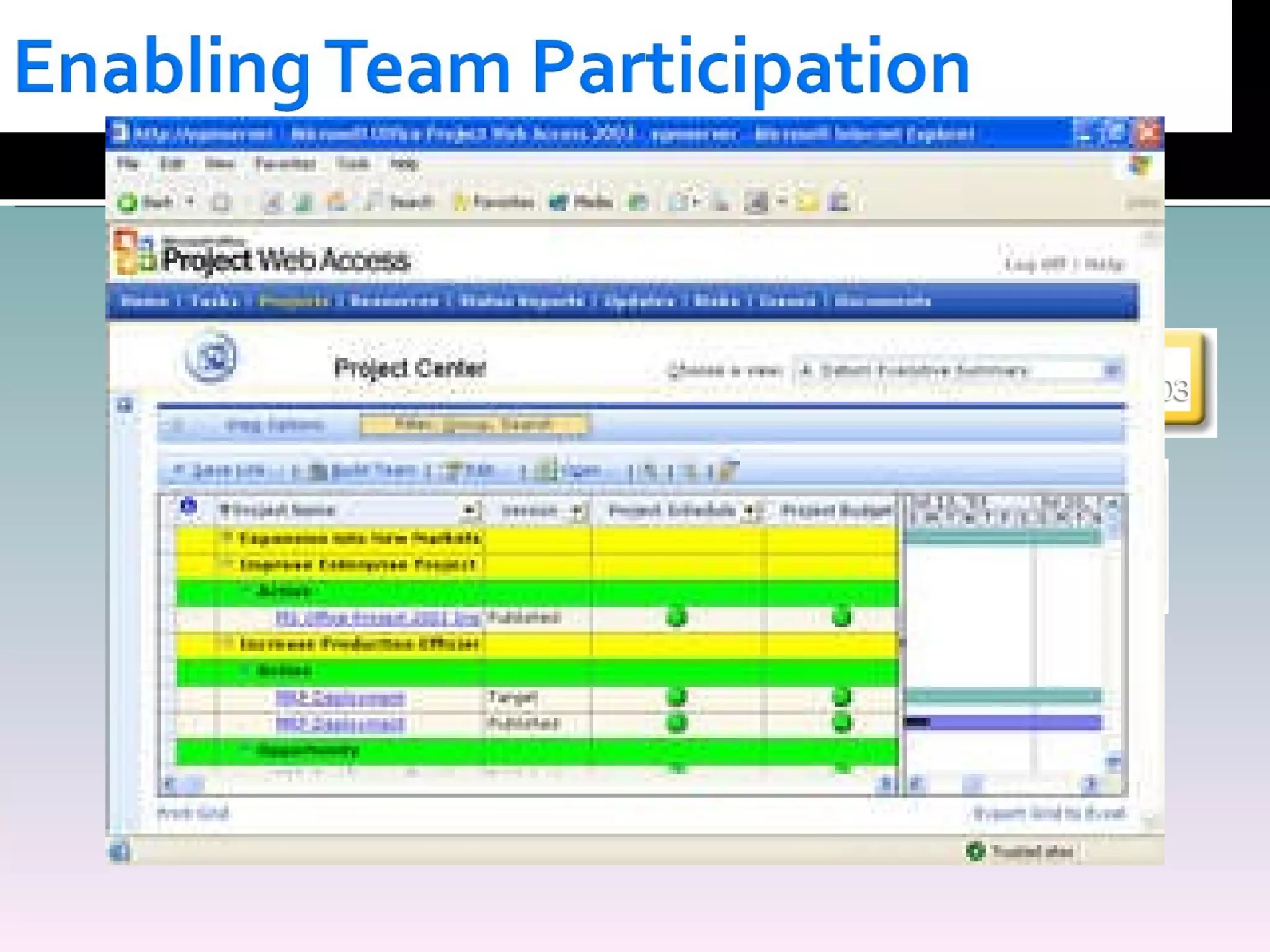
Easily Create Enterprise Project Plans Centrally Store Projects, Resources & Reporting Team Participation
Easily Create Enterprise Project Plans Project Documents, Issues/Risks & Tasks Centrally Store Projects, Resources & Reporting Team Participation
Easily Create Enterprise Project Plans More Productive Projects Centrally Store Projects, Resources & Reporting Team Participation Project Documents, Issues/Risks & Tasks
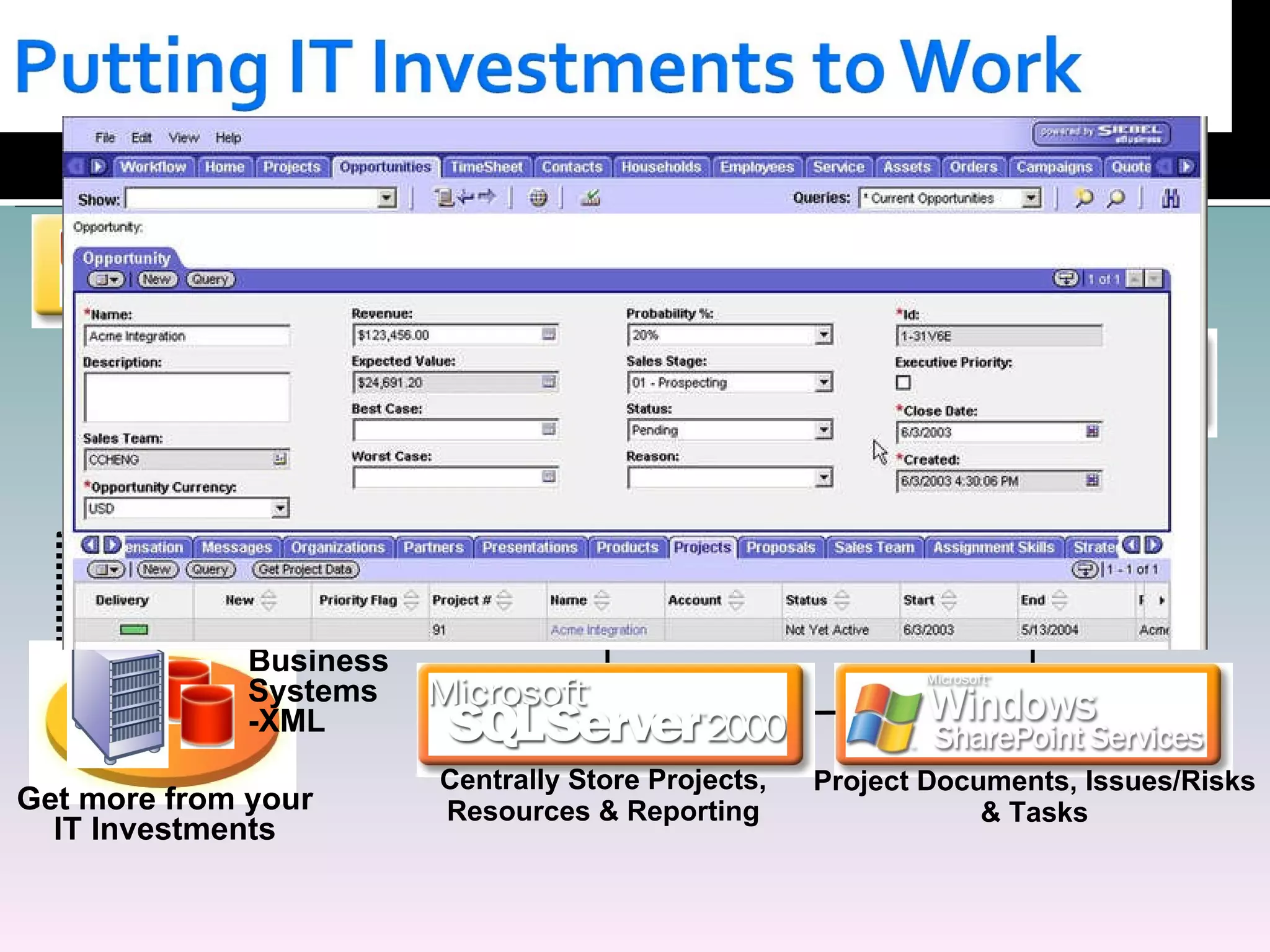
Easily Create Enterprise Project Plans Project Documents, Issues/Risks & Tasks More Productive Projects Get more from your IT Investments Centrally Store Projects, Resources & Reporting Team Participation Line of  Business  Systems -XML
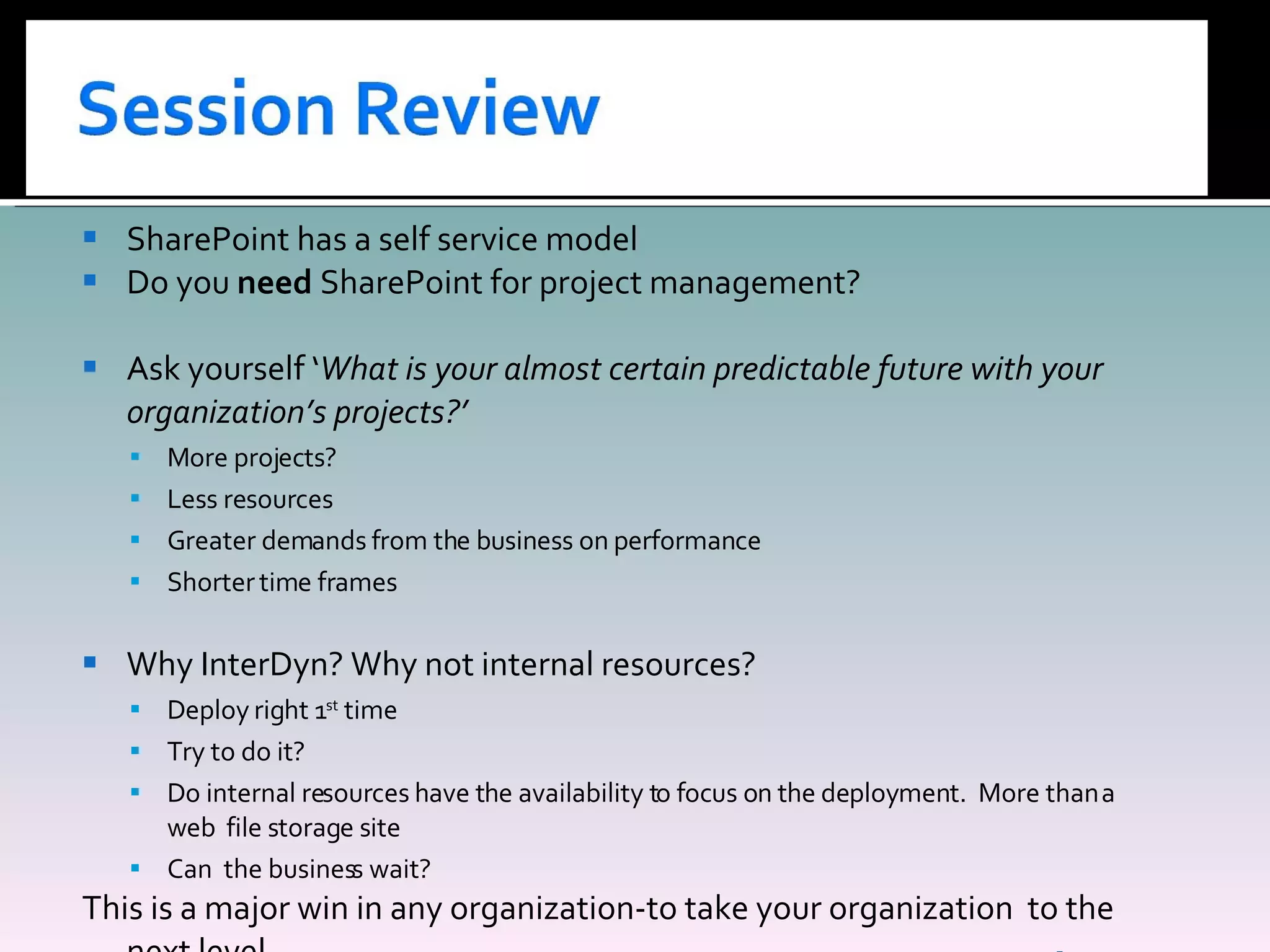
SharePoint has a self service model Do you  need  SharePoint for project management? Ask yourself ‘ What is your almost certain predictable future with your organization’s projects?’ More projects? Less resources Greater demands from the business on performance Shorter time frames Why InterDyn? Why not internal resources? Deploy right 1 st  time Try to do it? Do internal resources have the availability to focus on the deployment.  More than a web  file storage site Can  the business wait? This is a major win in any organization-to take your organization  to the next level.
Peter Ward Business Collaboration Manager E:  [email_address] P:  212-502-3937 W:  www.InterDynAKA.com B:  www.wardpeter.com

Share Point Management 4 3 2008

  • 1.
    Presented By PeterWard Business Collaboration Manager , InterDyn April 3rd, 2007 Planning User Acceptance Workflow Enterprise Information Processes Web 2.0 Office 2007
  • 2.
    Thank you forattending this web X The conference call dial in will be put on mute for the presentation Q&A – We will have time at the end of the presentation for questions A copy of the presentation is on my blog: www.wardpeter.com
  • 3.
    Today’s project managementenvironment Why is a project manager’s day like this? Where does the time go? How as the project manager’s life become like this? Out of the box SharePoint project features- SharePoint PM best practice SharePoint PM End Result Differences between SharePoint and Project Server 2007 Enabling Team Participation Better Project Productivity Session Review
  • 4.
    Your current environmentis probably: Network drive Email Meetings Quick pace of change Time frames shorter Less project resources – Bandwidth For the Project Manager Too much cutting a pasting of information A confusion of being busy and being productive Constant state of ‘putting out fires’
  • 5.
    For the projectthey are the point contact, therefore they are CC on everything They are accountable for the project, but not the resources. Challenge when they reside in a different location and time zone. Live and mostly die on Google desktop search. The project plan looked good on paper. The project is late: Delivery dates being moved Constant changes to information How much time do you spend a day cutting, pasting, moving information?
  • 6.
    Average 30 minutesa day finding information Reading and responding to emails 2 hrs Meeting 3hrs Conference calls 1hr Phone 1hr At desk 2hrs. Moving emails to a folder 3 minutes
  • 7.
    Inflow of the information, is not just a Word document.
  • 8.
    Document libraries- Workflow Drag and drop features Recycle bins Version history Issue tracking Email searches Wikis Gantt charts Integration Outlook Calendar RSS Feeds Off Line documents
  • 9.
    Structure the flowof the information: Workflow Issue tracking Reducing interruptions: Structure the timeliness of the information flow Wikis Gantt charts Understand how a project works? What information is involved?
  • 10.
    IT Department InternalCustomer Project:- Great Plain upgrade
  • 11.
    Pain Points Spendsa lot of time in meetings, reporting to senior management Too many emails, which are unrelated to him Not always 100% up to date on the project status or workload of team His desire Wants project related information structured and searchable. Less clicks to find information Solution :SharePoint integrating with Outlook and one place to look
  • 12.
    Pain Points Spreadon many projects Too many emails, asking for information His desire Wants users to have more visibility to the projects Less clicks to find information Solution :SharePoint to share information and work with internal customers
  • 13.
    Pain Points Spendstoo much time following up on projects Desire : A single place to place to get information Know who’s working on what Solution : SharePoint as the presentation layer
  • 14.
    Bottom line:- Createan extra 30 minutes a day for yourself Better personal, team and client facing performance What would you do with an extra 30 minutes a day? SharePoint if implemented correctly: Make the 6 day week 5 days. The work ends at 6. A feeling of in control.
  • 15.
    Project Management ActivityOperational 1-6 months Tactical 6-18 months Strategic 2-5 years Project management, updating projects, completing tasks Invoicing, meetings, minutes resource management, Milestone completion, putting out fires Planning- phases projects, negotiation, approvals, milestones, risk management, base lining projects, portfolio management, resource management Dash board controls, cost analysis, ability for high level corporate visibility The Players Strategic Planning, Ops, PMO, CTO, CFO PM, PMO Office, Planners PM, Project Team
  • 16.
    Easily Create EnterpriseProject Plans Centrally Store Projects, Resources & Reporting
  • 17.
    Easily Create EnterpriseProject Plans Centrally Store Projects, Resources & Reporting Team Participation
  • 18.
    Easily Create EnterpriseProject Plans Project Documents, Issues/Risks & Tasks Centrally Store Projects, Resources & Reporting Team Participation
  • 19.
    Easily Create EnterpriseProject Plans More Productive Projects Centrally Store Projects, Resources & Reporting Team Participation Project Documents, Issues/Risks & Tasks
  • 20.
    Easily Create EnterpriseProject Plans Project Documents, Issues/Risks & Tasks More Productive Projects Get more from your IT Investments Centrally Store Projects, Resources & Reporting Team Participation Line of Business Systems -XML
  • 21.
    SharePoint has aself service model Do you need SharePoint for project management? Ask yourself ‘ What is your almost certain predictable future with your organization’s projects?’ More projects? Less resources Greater demands from the business on performance Shorter time frames Why InterDyn? Why not internal resources? Deploy right 1 st time Try to do it? Do internal resources have the availability to focus on the deployment. More than a web file storage site Can the business wait? This is a major win in any organization-to take your organization to the next level.
  • 22.
    Peter Ward BusinessCollaboration Manager E: [email_address] P: 212-502-3937 W: www.InterDynAKA.com B: www.wardpeter.com