Downloaded 266 times
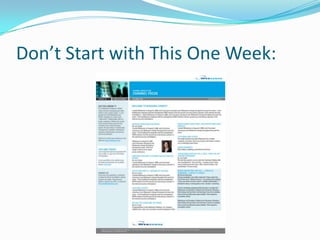
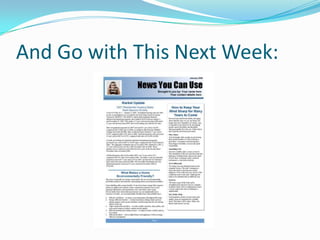
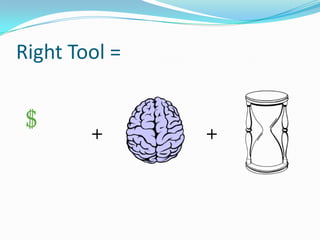
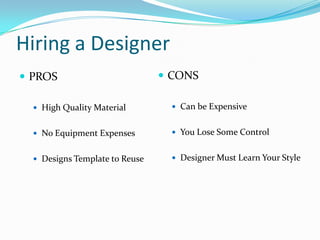
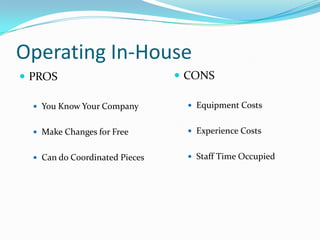
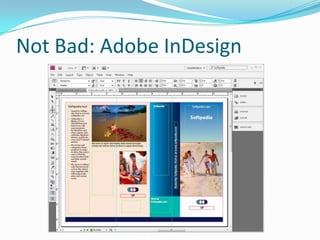
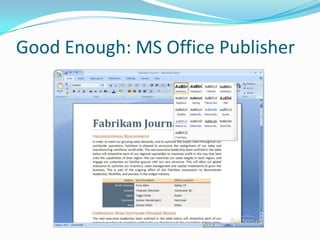

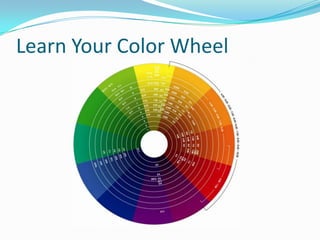
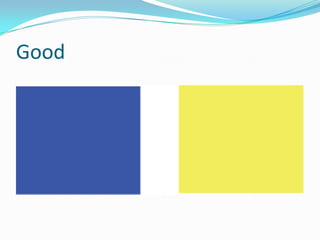
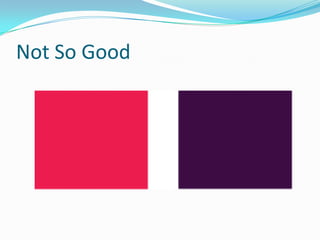
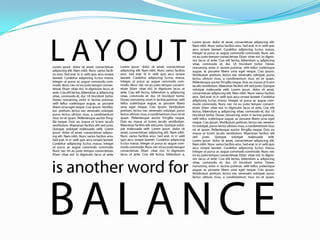
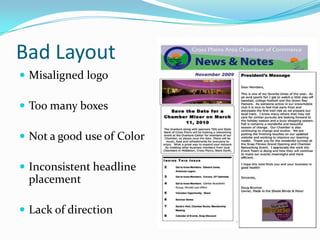
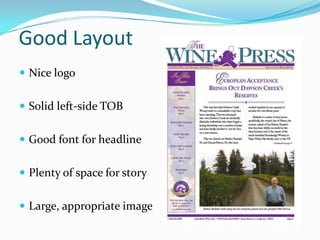
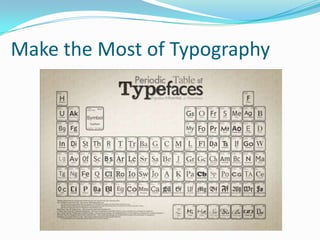
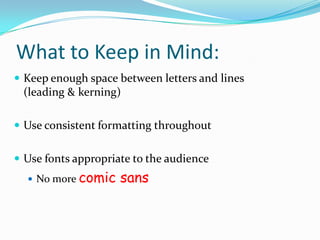
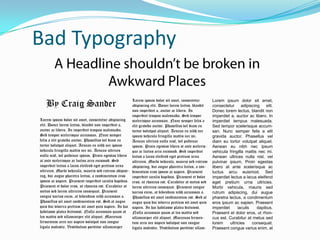
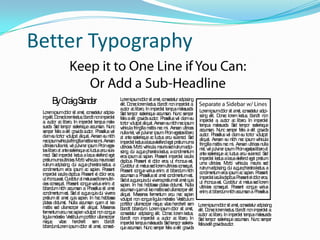

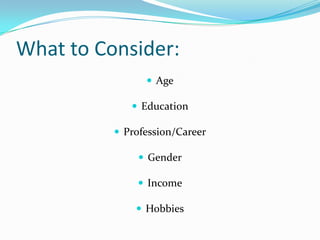
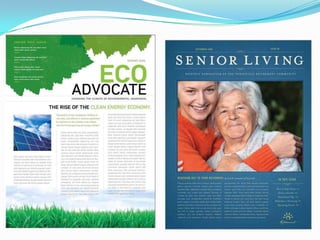

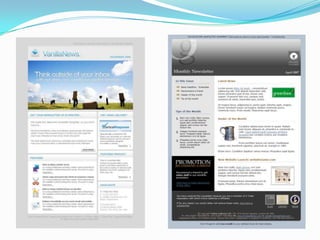


The document outlines basic principles for newsletter design including consistency, the use of appropriate design tools, and understanding fundamentals like color, layout, and typography. It discusses the pros and cons of hiring a designer versus designing in-house. Additionally, it emphasizes the importance of knowing the audience to create effective layouts for both print and web.


![74676371-Coagulation-and-Flocculation[1].ppt](https://cdn.slidesharecdn.com/ss_thumbnails/74676371-coagulation-and-flocculation1-260116154109-a3cbf55e-thumbnail.jpg?width=640&height=640&fit=bounds)
