Connecting the Dots Using 21 st  Century Tools and Topics Sharon Bowers NIA and Virginia Beach City Public Schools February 13, 2010
Today’s Objectives Define our audience Characteristics of 21 st  century students Challenges for 21 st  century teachers Build a common understanding of 21 st  Century teaching and learning Explore and expand common ground Impact on 21 st  century PD
Don’t worry about taking notes Slide Share Using 21 st  Century Tools and Topics This PP will be posted to the Slide Share site. Search for “Using 21 st  Century Tools and Topics”
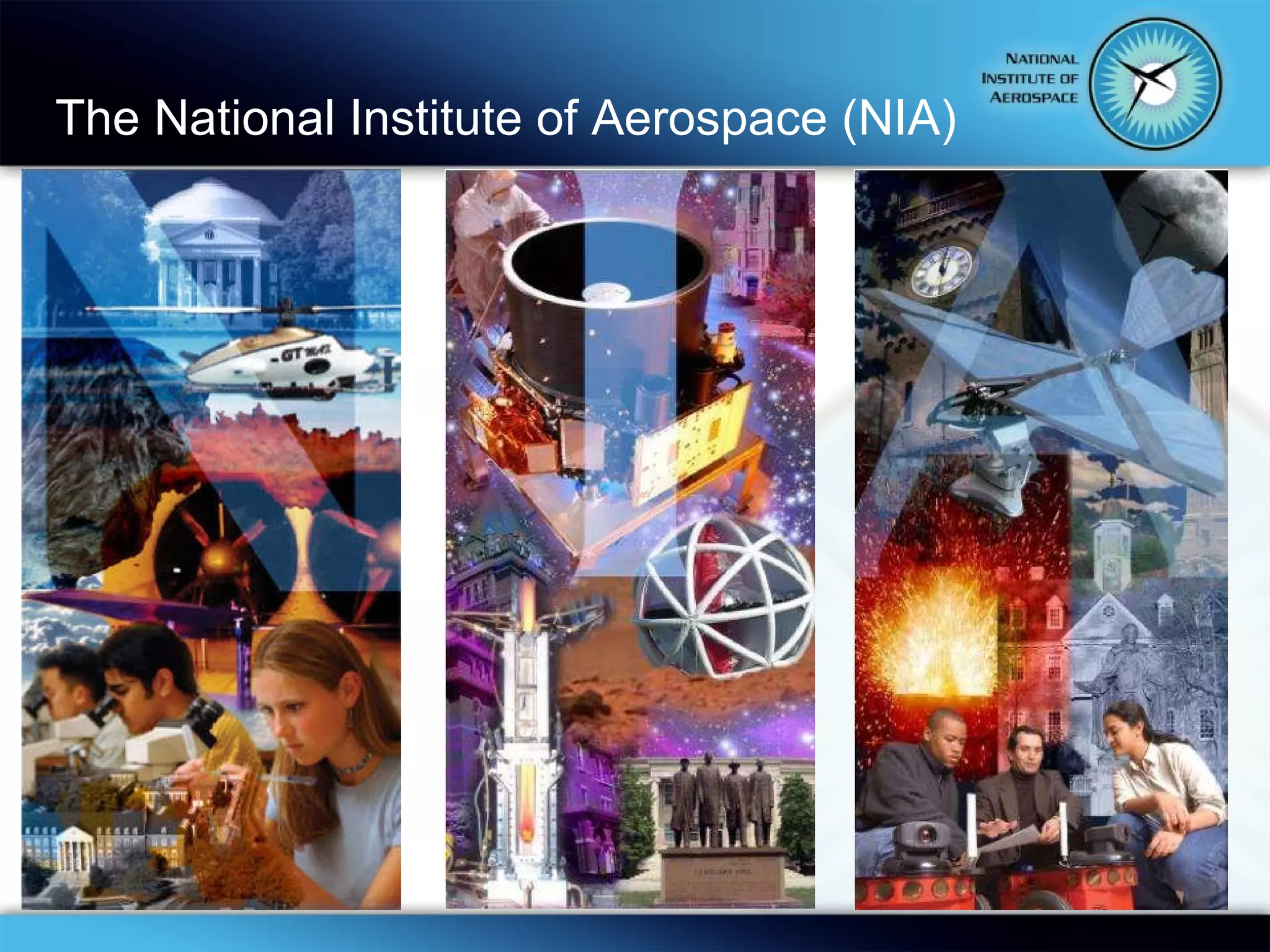
The National Institute of Aerospace (NIA)
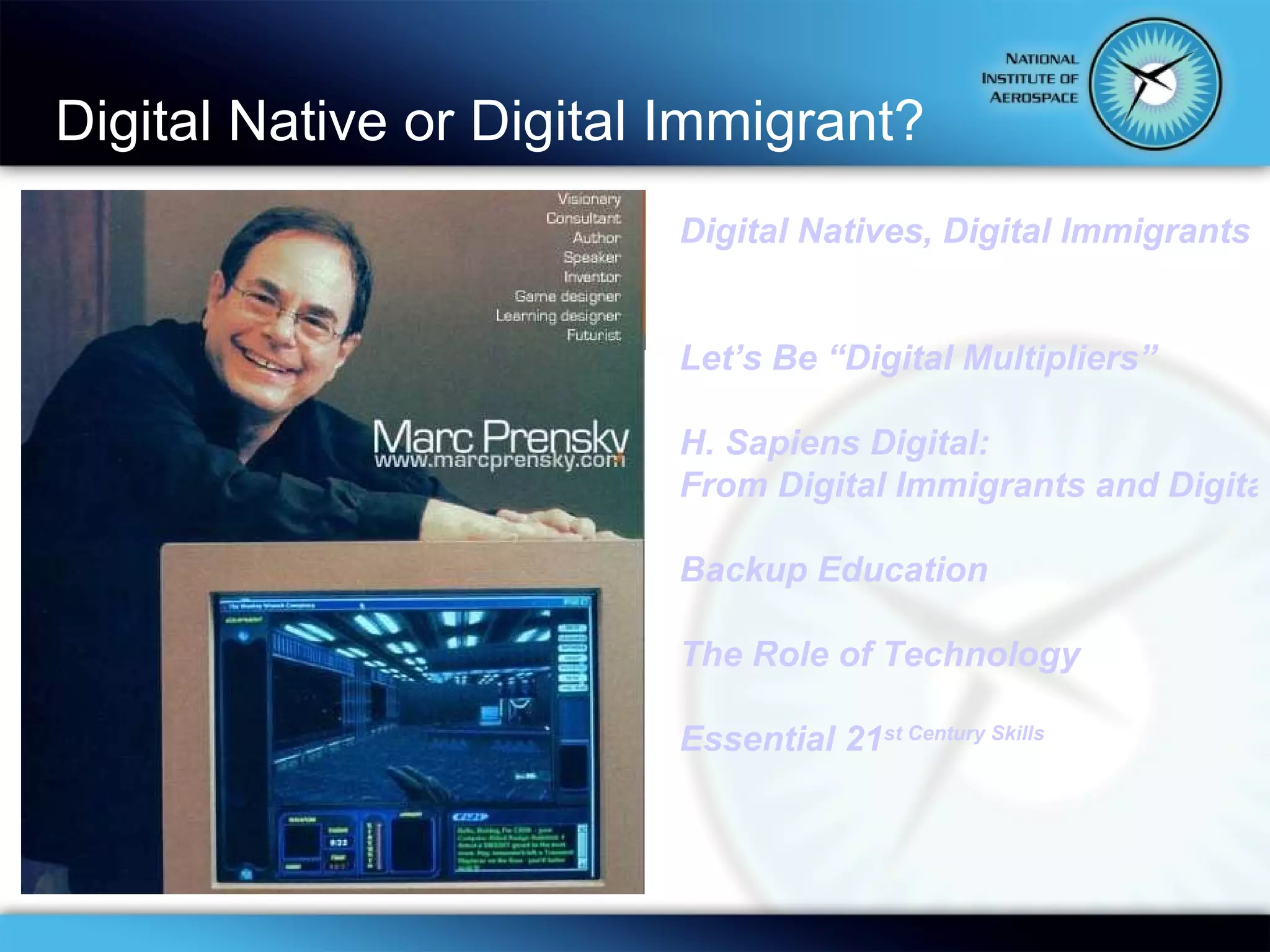
Digital Native or Digital Immigrant? Digital Natives, Digital Immigrants Let’s Be “Digital Multipliers” H. Sapiens Digital: From Digital Immigrants and Digital Natives to Digital Wisdom Backup Education The Role of Technology Essential 21 st  Century Skills
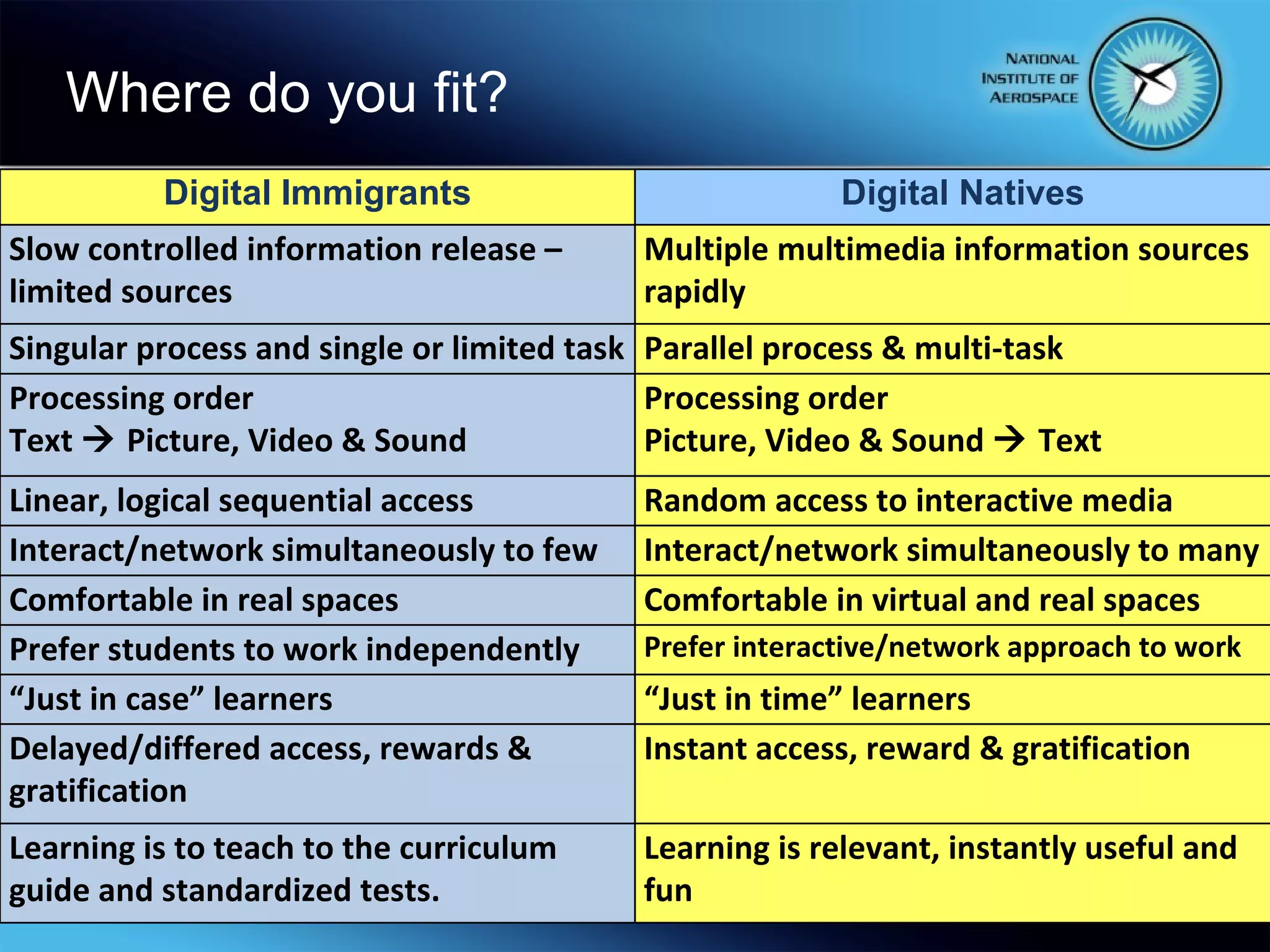
Where do you fit? Digital Immigrants Slow controlled information release – limited sources Singular process and single or limited task Processing order Text    Picture, Video & Sound Linear, logical sequential access Interact/network simultaneously to few Comfortable in real spaces Prefer students to work independently “ Just in case” learners Delayed/differed access, rewards & gratification Learning is to teach to the curriculum guide and standardized tests. Digital Natives Multiple multimedia information sources rapidly Parallel process & multi-task Processing order Picture, Video & Sound    Text Random access to interactive media Interact/network simultaneously to many Comfortable in virtual and real spaces Prefer interactive/network approach to work “ Just in time” learners Instant access, reward & gratification Learning is relevant, instantly useful and fun
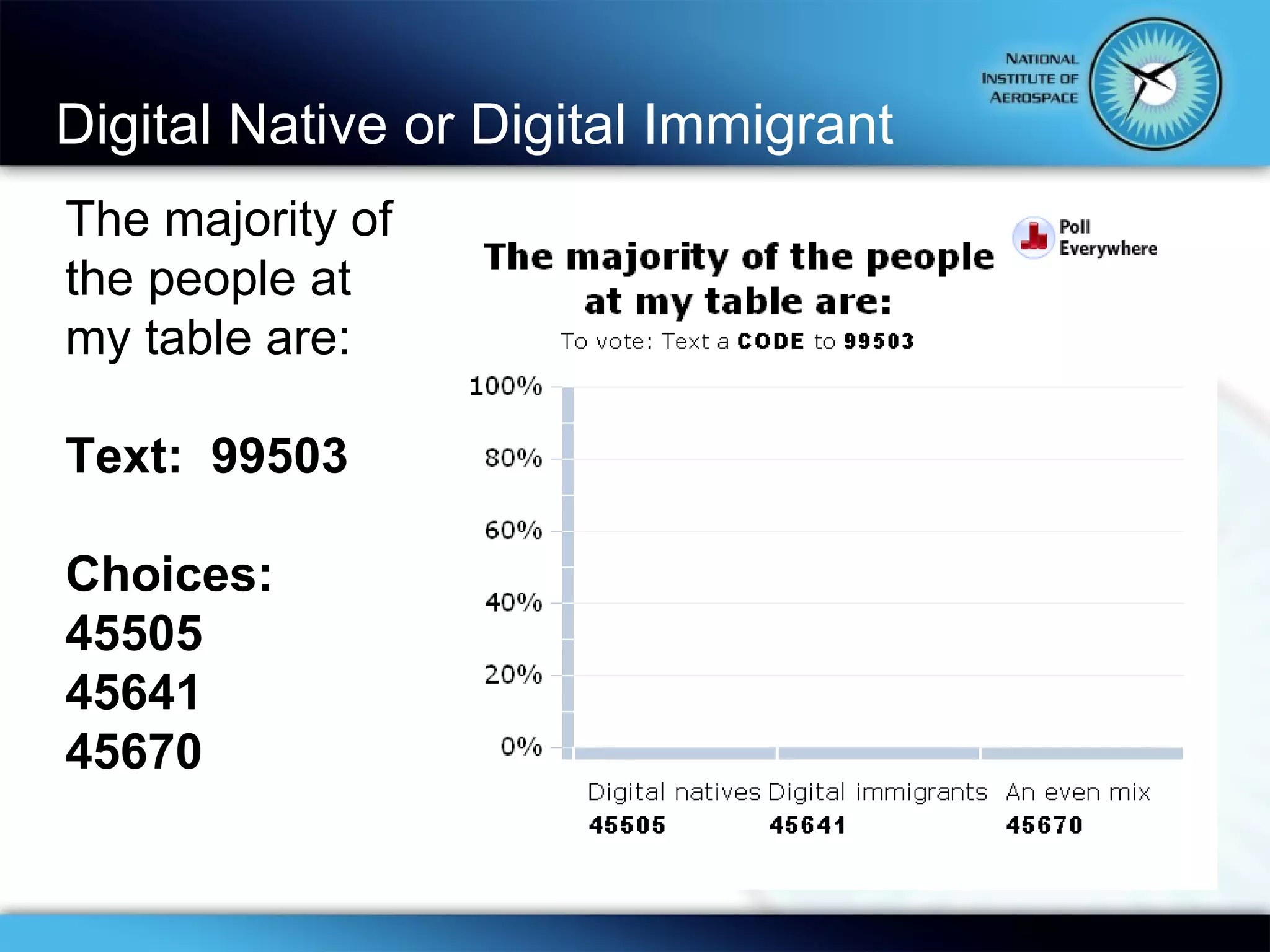
Digital Native or Digital Immigrant  The majority of the people at my table are: Text:  99503 Choices: 45505 45641 45670
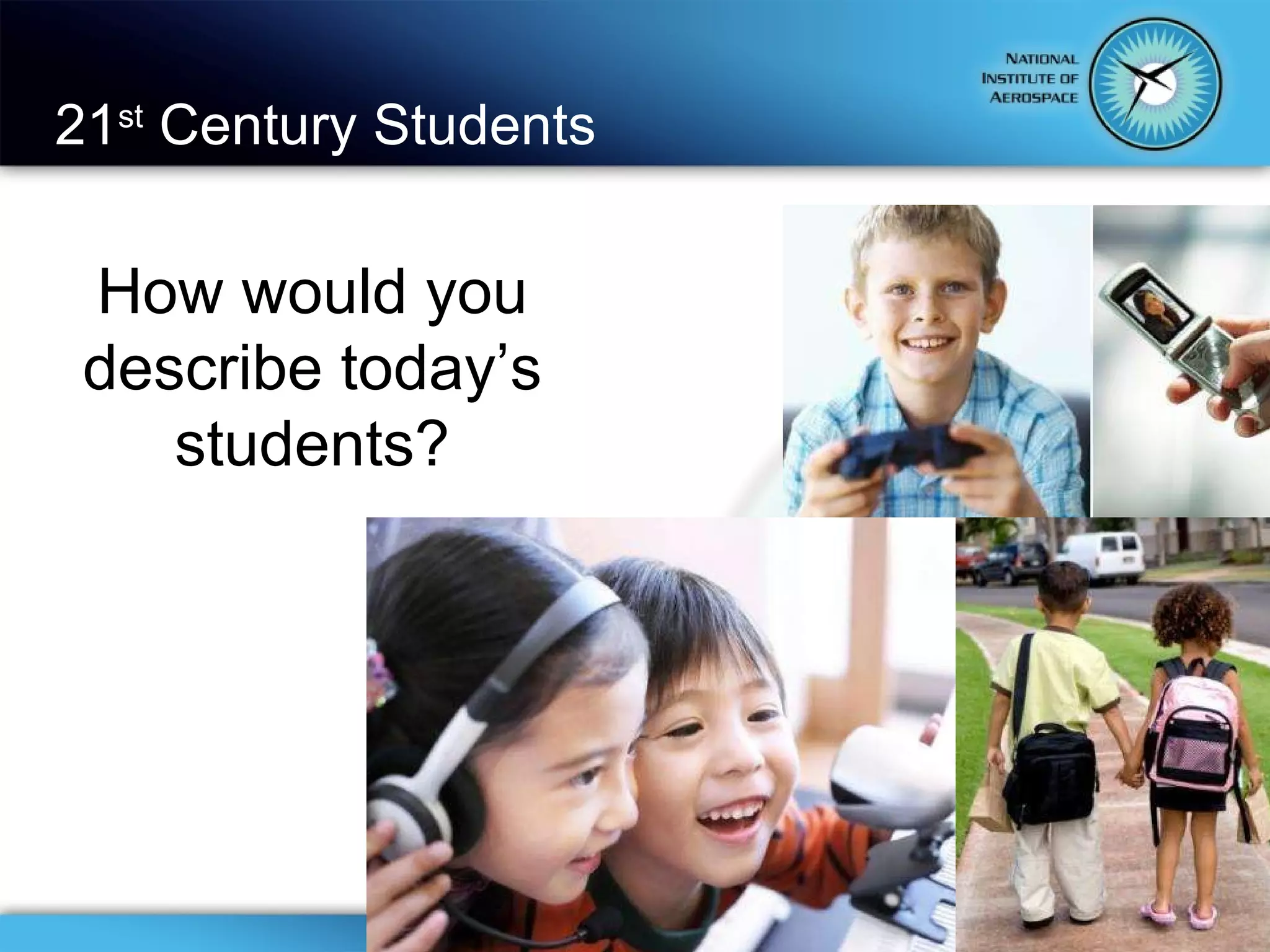
21 st  Century Students How would you describe today’s students?
Text number: 99503 Then …  Begin your message with …9177 … your message
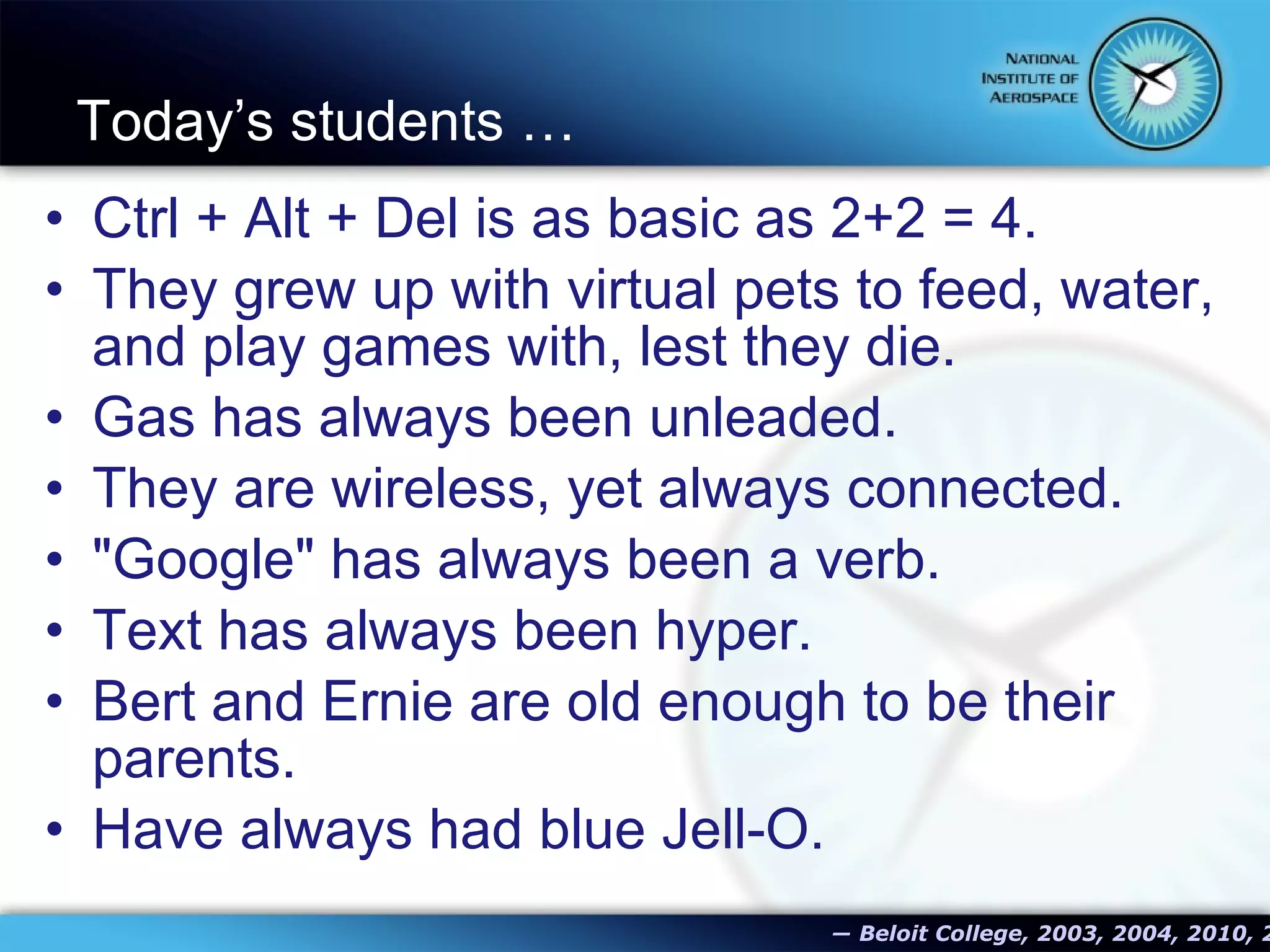
Today’s students …  Ctrl + Alt + Del is as basic as 2+2 = 4. They grew up with virtual pets to feed, water, and play games with, lest they die. Gas has always been unleaded. They are wireless, yet always connected. "Google" has always been a verb. Text has always been hyper. Bert and Ernie are old enough to be their parents. Have always had blue Jell-O.   ―   Beloit College, 2003, 2004, 2010, 2012
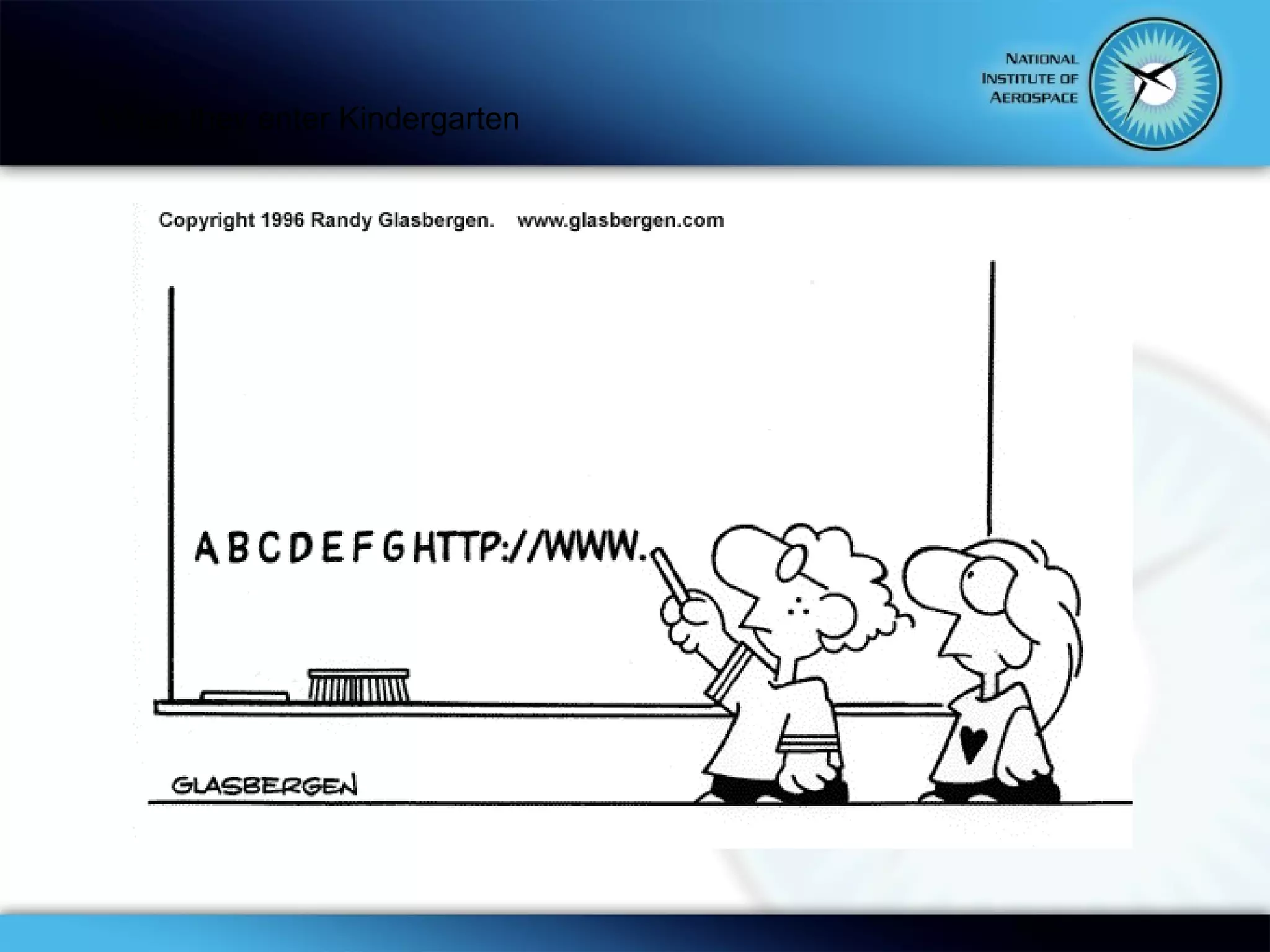
When they enter Kindergarten
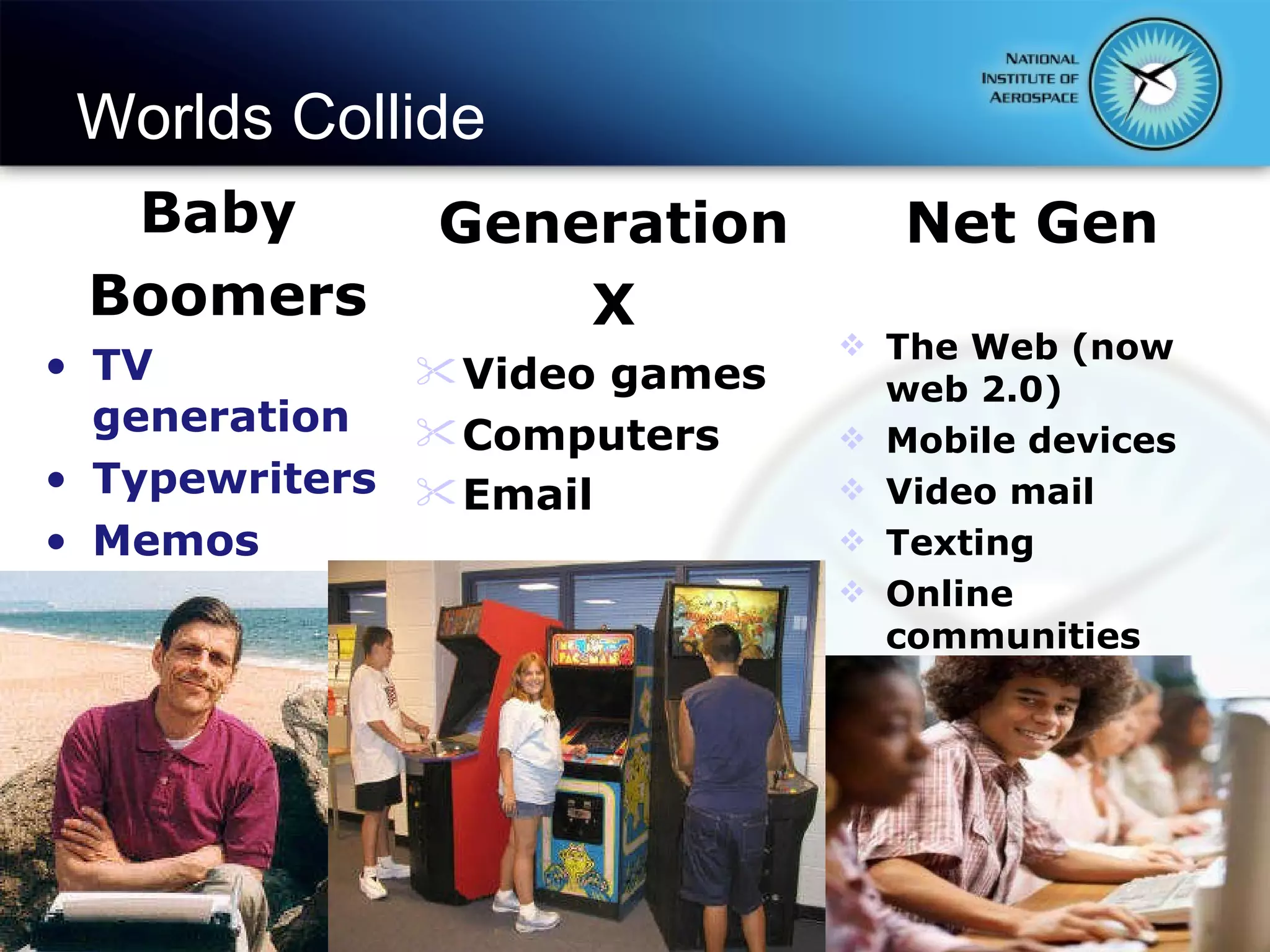
Worlds Collide Baby  Boomers TV generation Typewriters Memos Generation X Video games Computers Email Net Gen The Web (now web 2.0) Mobile devices Video mail Texting Online communities
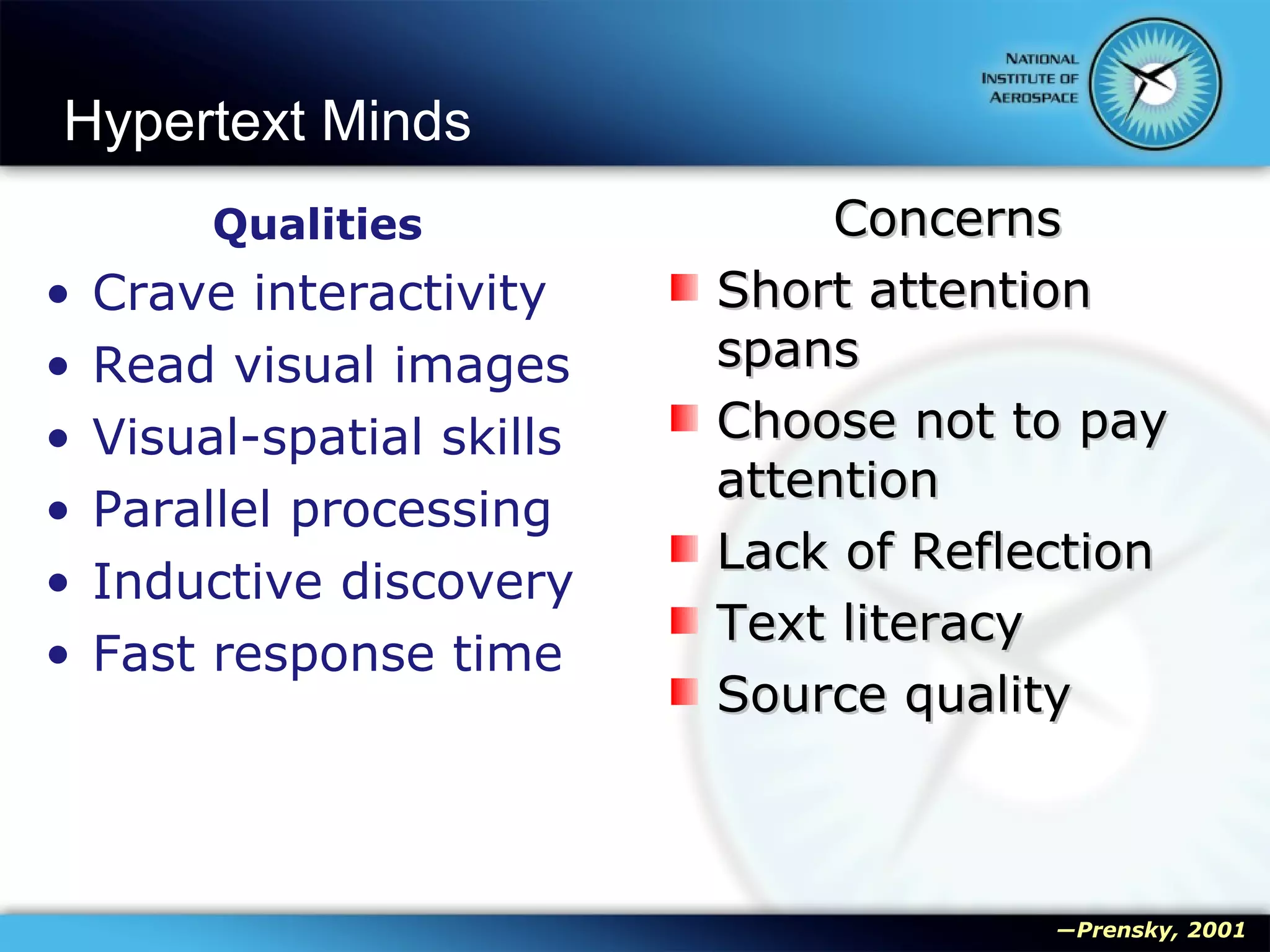
Hypertext Minds Qualities Crave interactivity Read visual images Visual-spatial skills Parallel processing Inductive discovery Fast response time Concerns Short attention spans Choose not to pay attention Lack of Reflection Text literacy Source quality ― Prensky, 2001
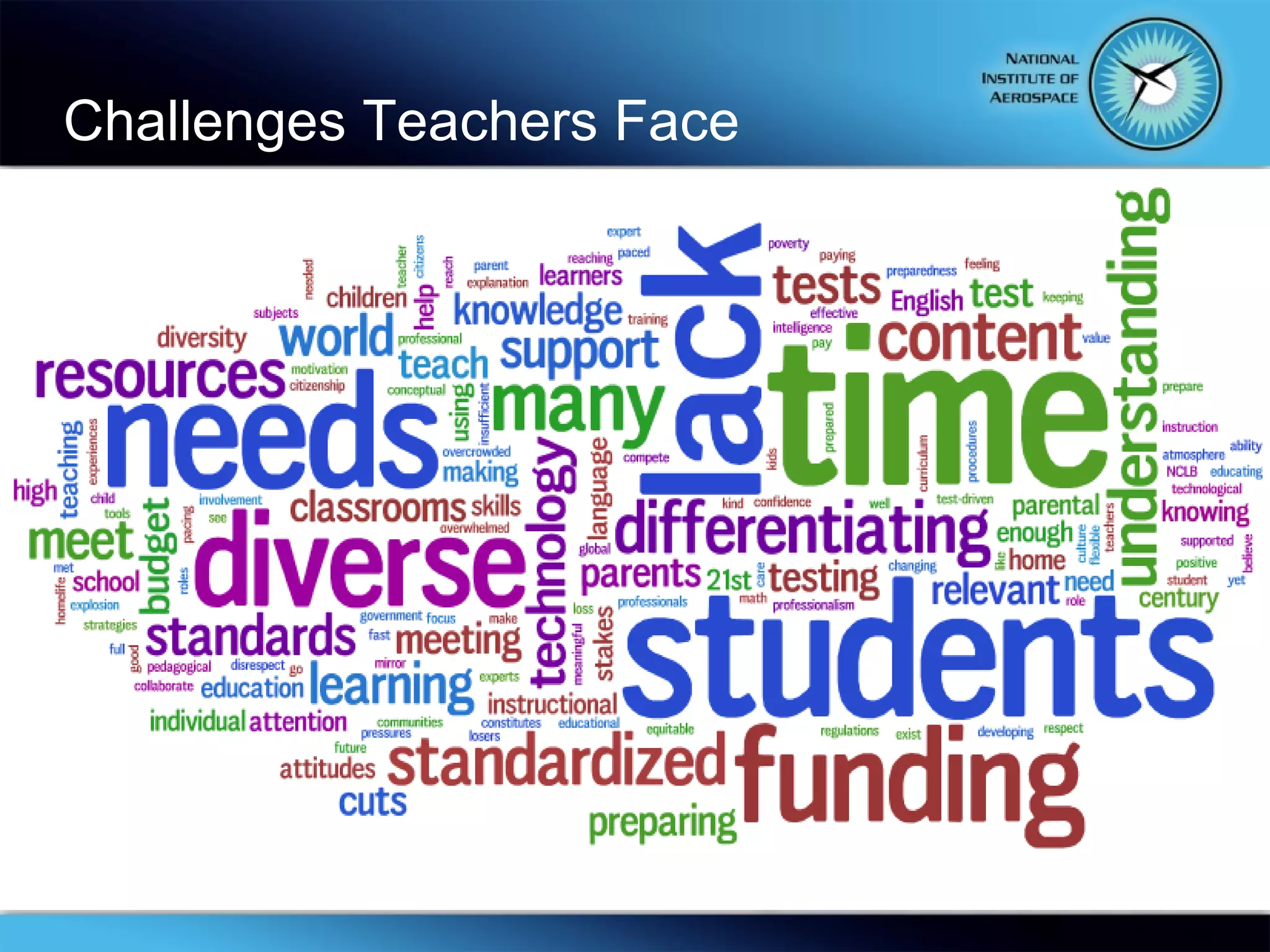
Challenges Teachers Face
Did You Know?
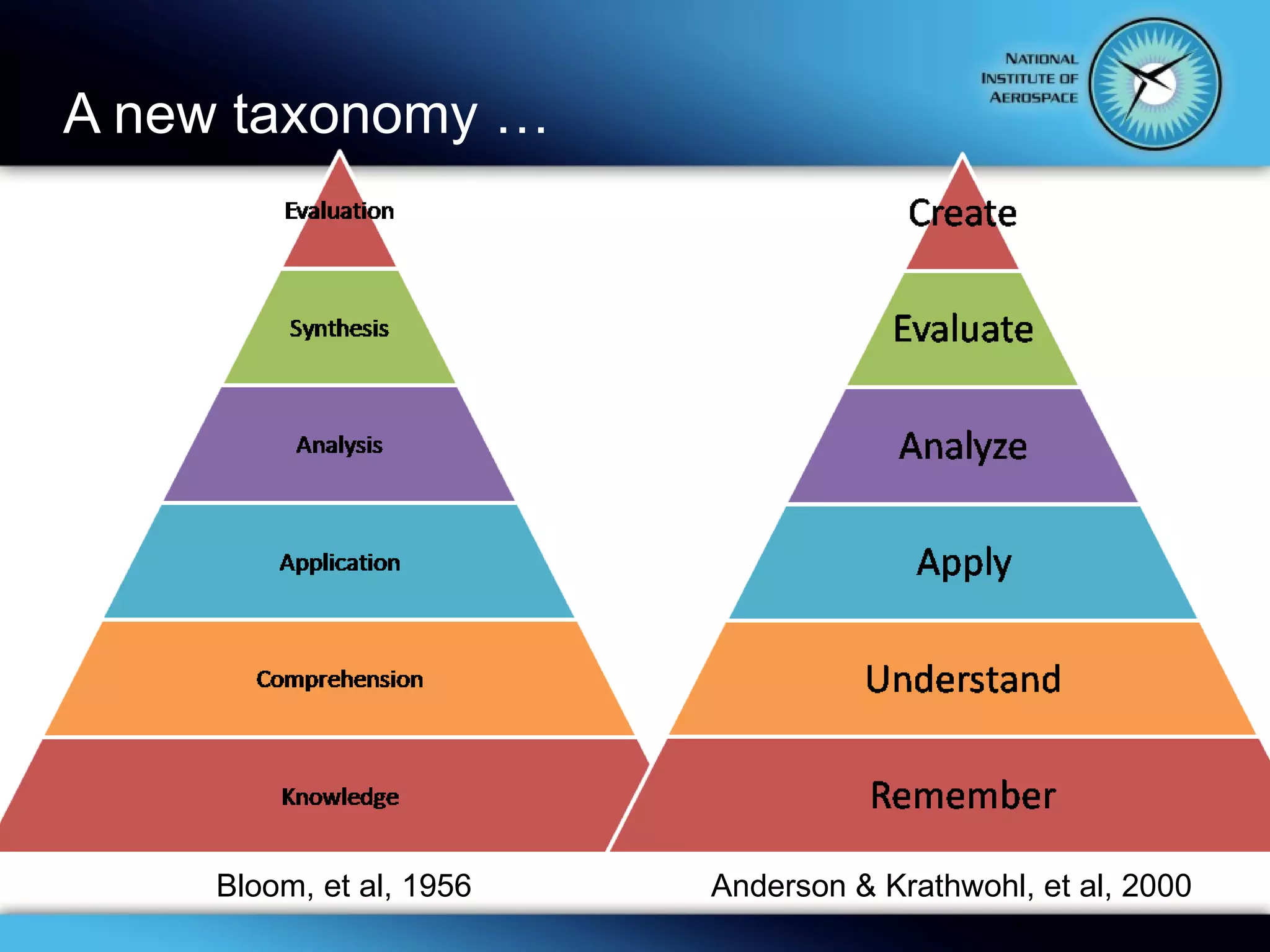
A new taxonomy … Bloom, et al, 1956 Anderson & Krathwohl, et al, 2000
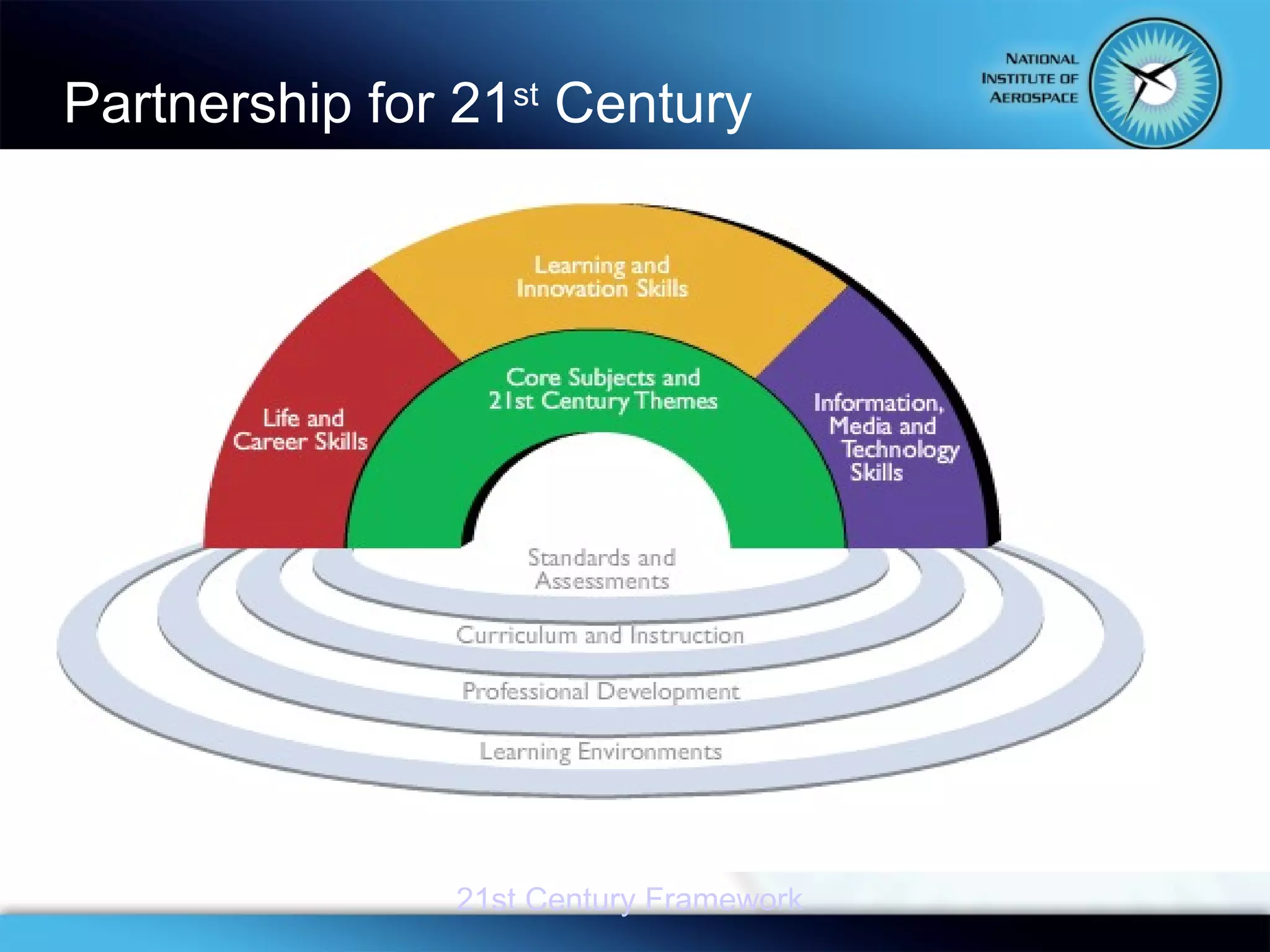
Partnership for 21 st  Century  21st Century Framework
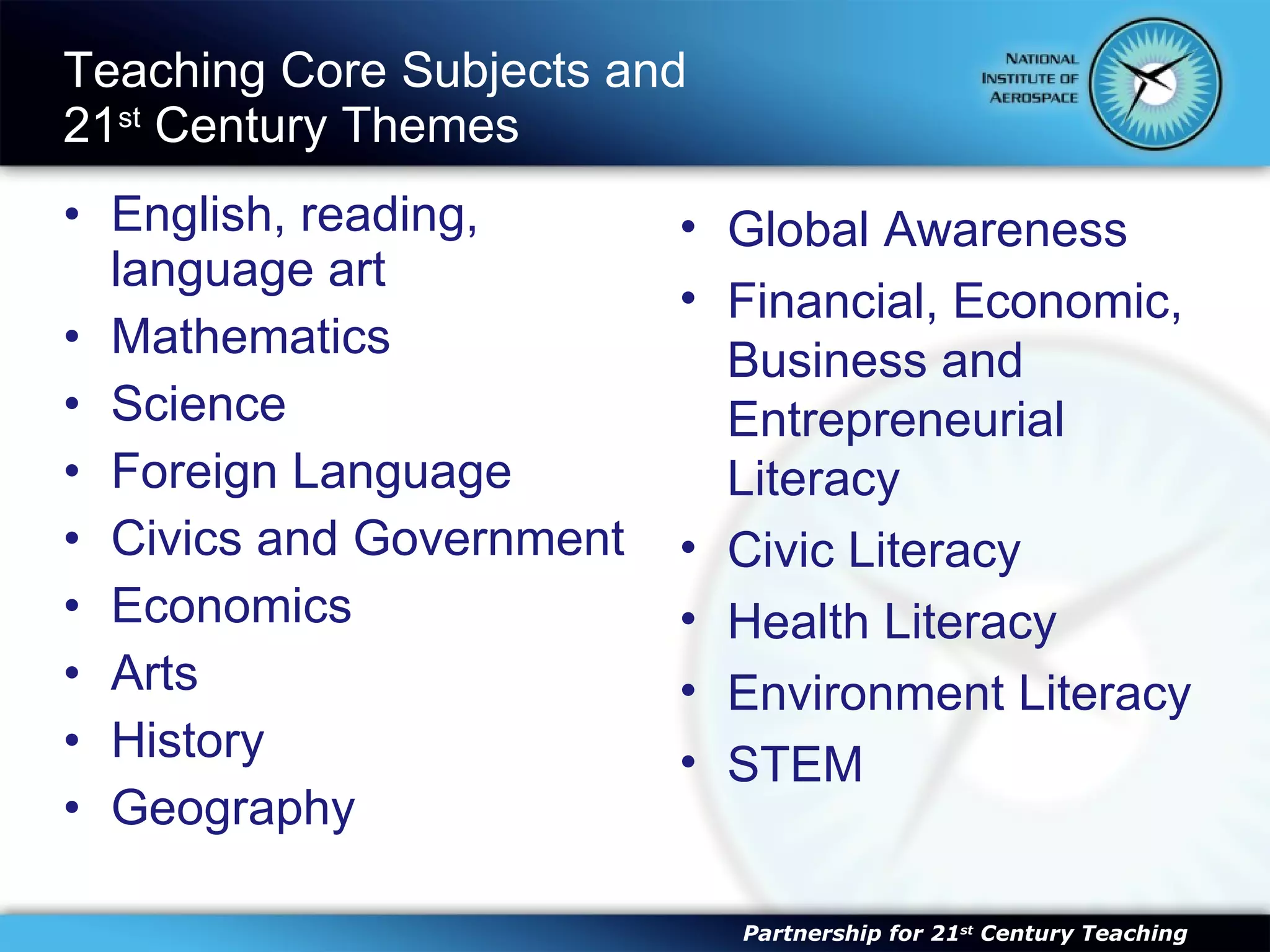
Teaching Core Subjects and  21 st  Century Themes English, reading, language art Mathematics Science Foreign Language Civics and Government Economics Arts History Geography Partnership for 21 st  Century Teaching Global Awareness Financial, Economic, Business and Entrepreneurial Literacy Civic Literacy Health Literacy Environment Literacy STEM
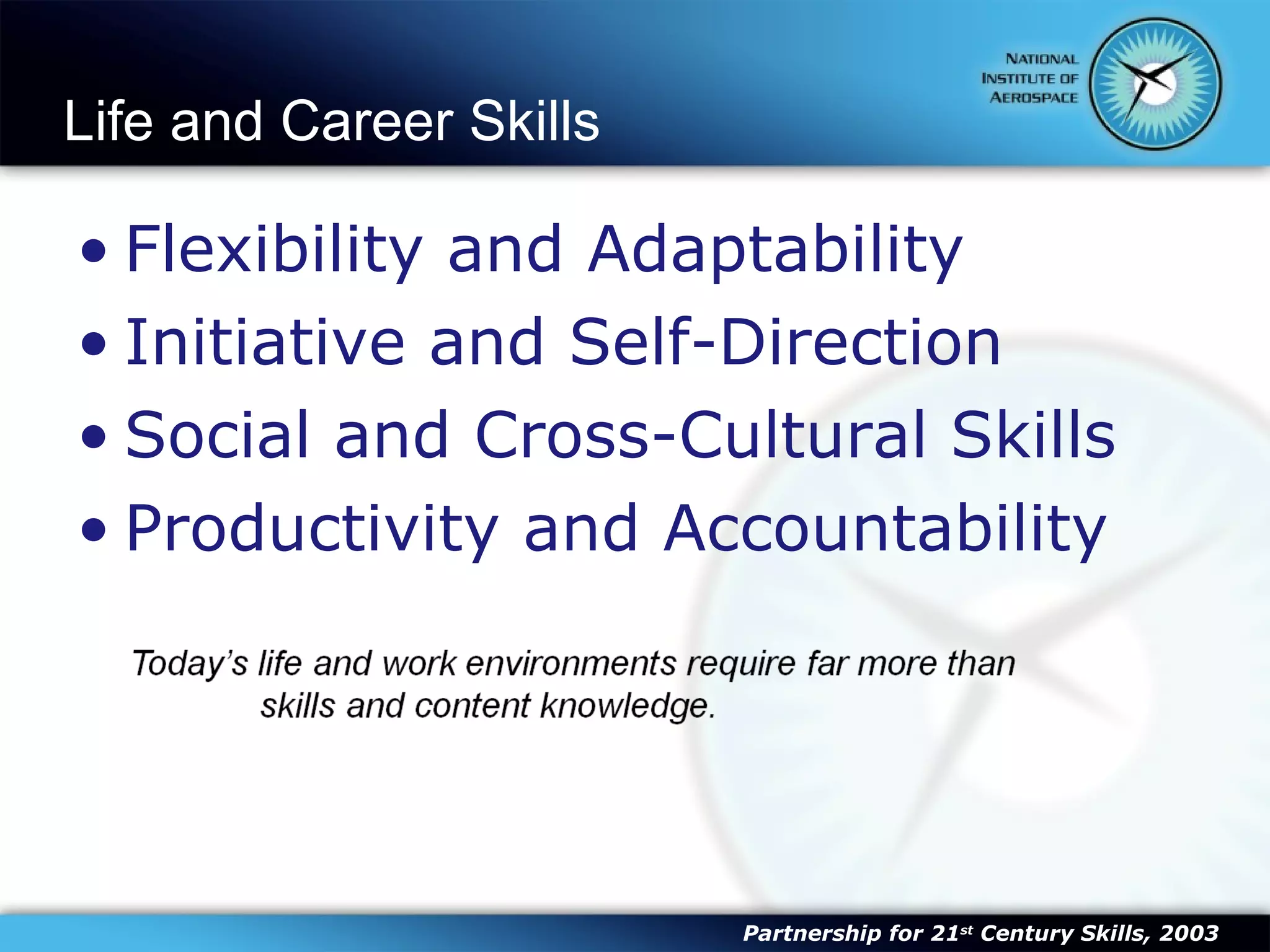
Life and Career Skills Flexibility and Adaptability Initiative and Self-Direction Social and Cross-Cultural Skills Productivity and Accountability Partnership for 21 st  Century Skills, 2003
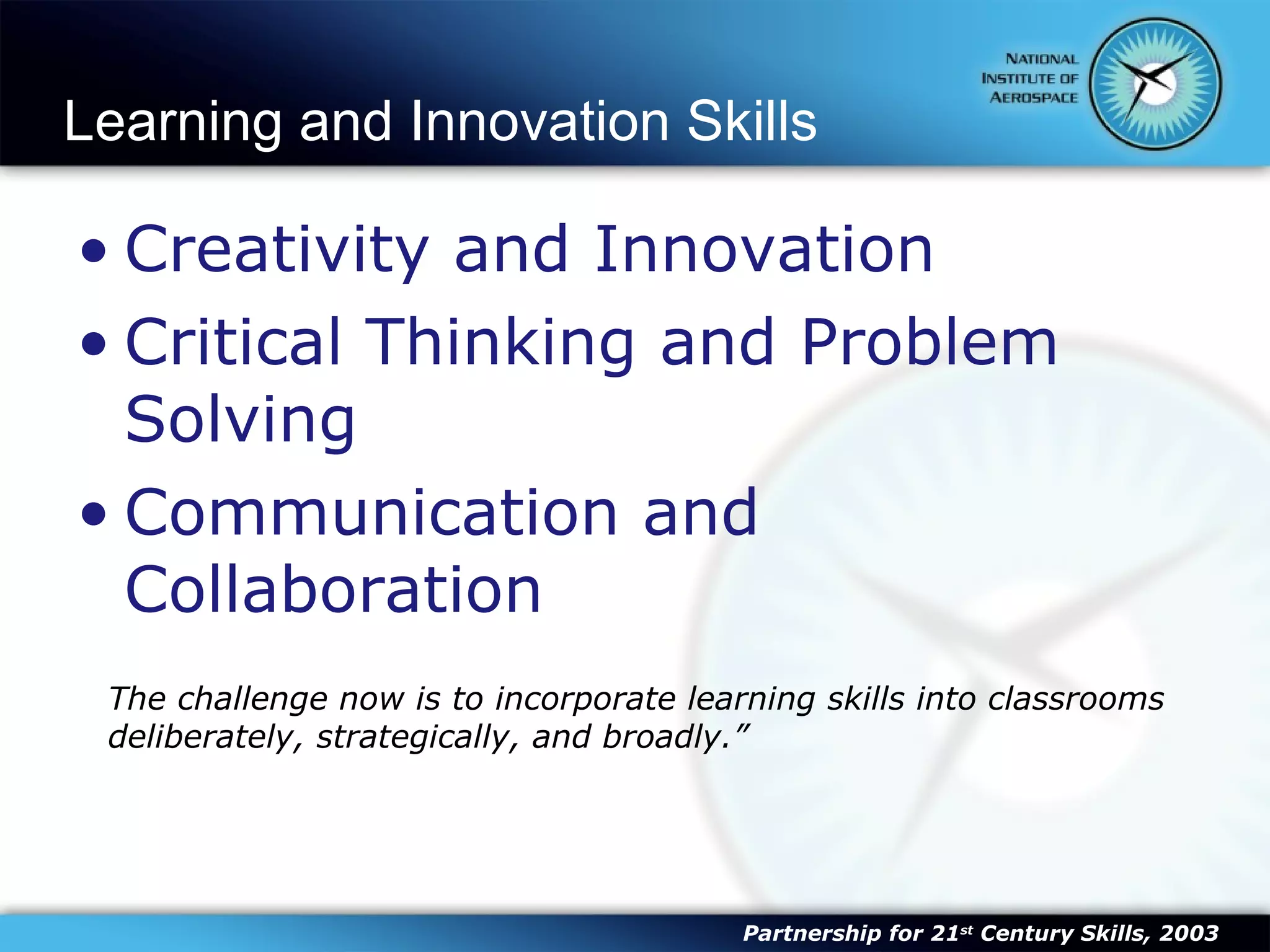
Learning and Innovation Skills Creativity and Innovation Critical Thinking and Problem Solving Communication and Collaboration The challenge now is to incorporate learning skills into classrooms deliberately, strategically, and broadly.” Partnership for 21 st  Century Skills, 2003
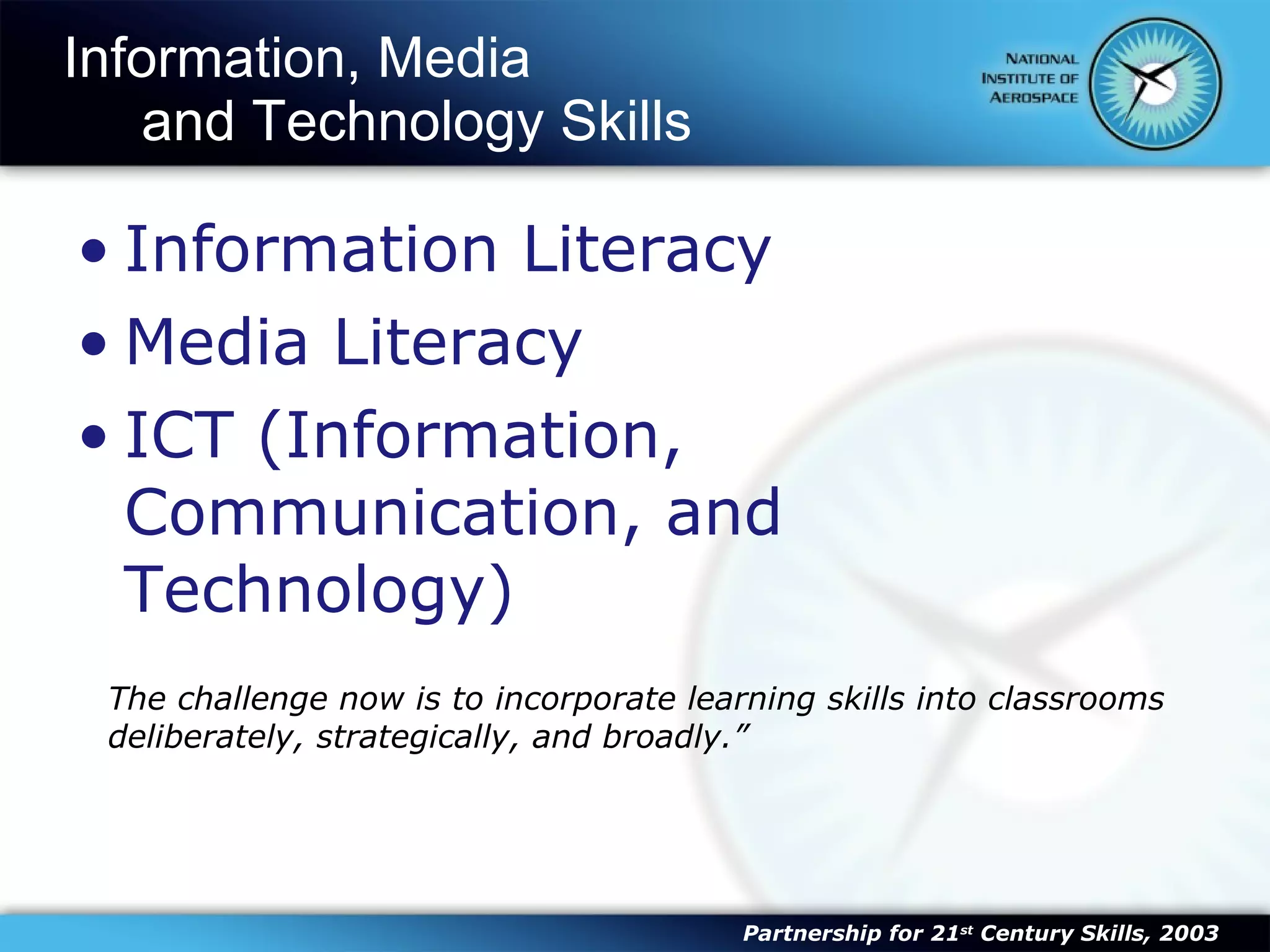
Information, Media  and Technology Skills Information Literacy Media Literacy ICT (Information, Communication, and Technology) The challenge now is to incorporate learning skills into classrooms deliberately, strategically, and broadly.” Partnership for 21 st  Century Skills, 2003
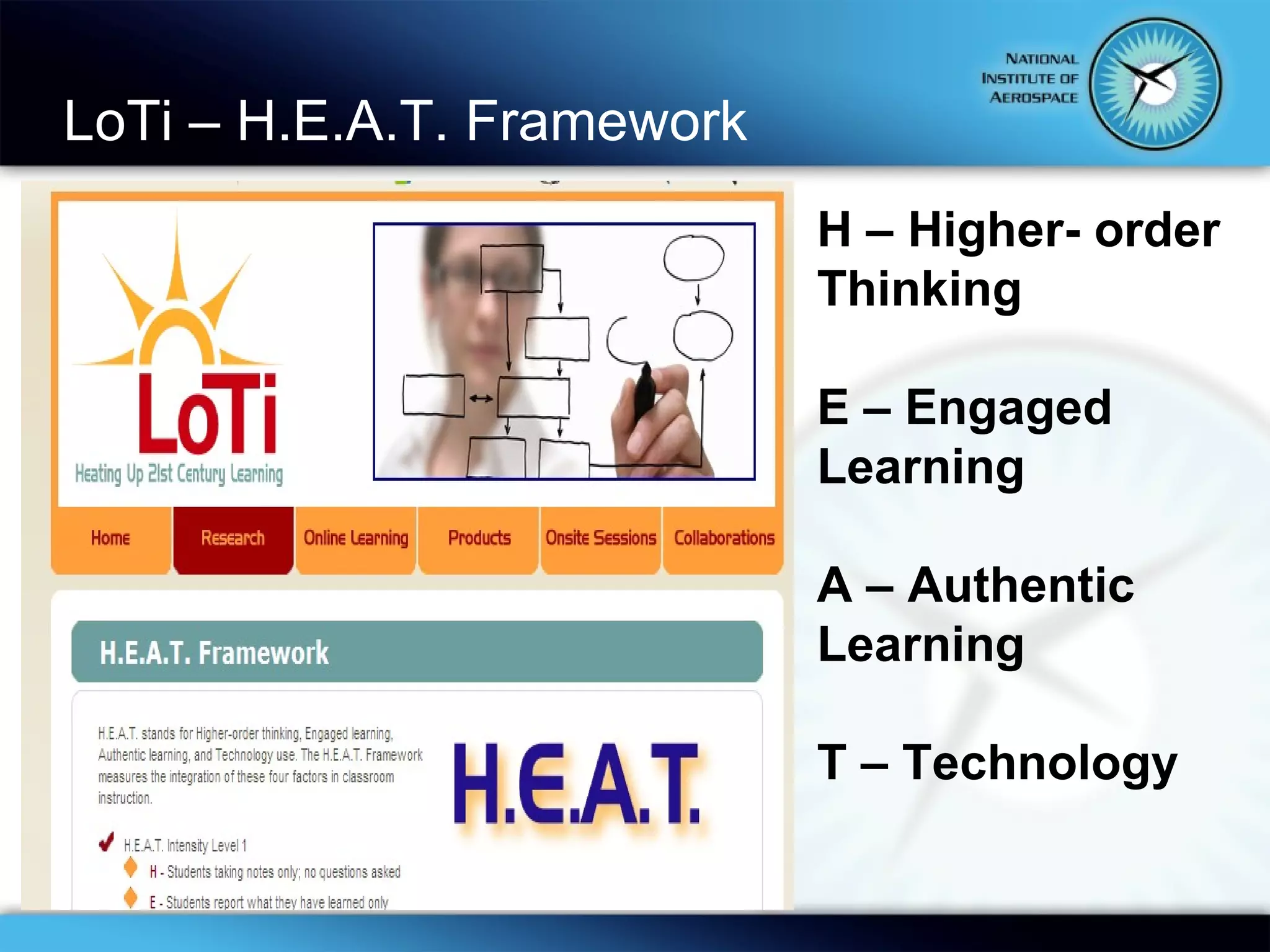
LoTi – H.E.A.T. Framework H – Higher- order Thinking E – Engaged Learning A – Authentic Learning T – Technology
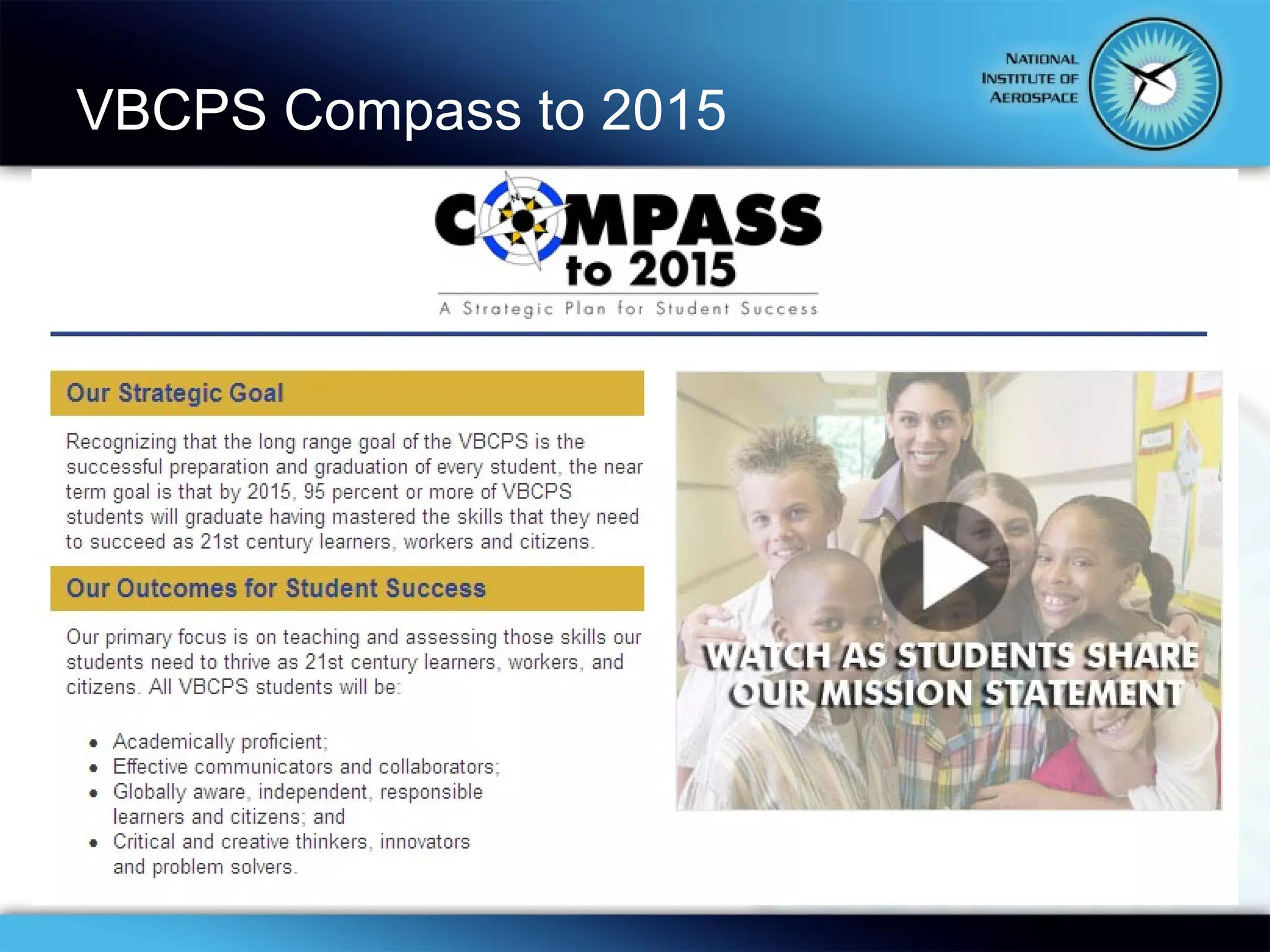
VBCPS Compass to 2015
 
What do 21 st  century  classrooms look like? “ One can’t believe impossible things.”   “ I daresay you haven’t had much practice,” said the Queen.  “When I was your age I always did it for half-an-hour a day.   Why, sometimes I’ve believed as many as six impossible things before breakfast.”   Lewis Carroll,   Alice’s Adventures in Wonderland
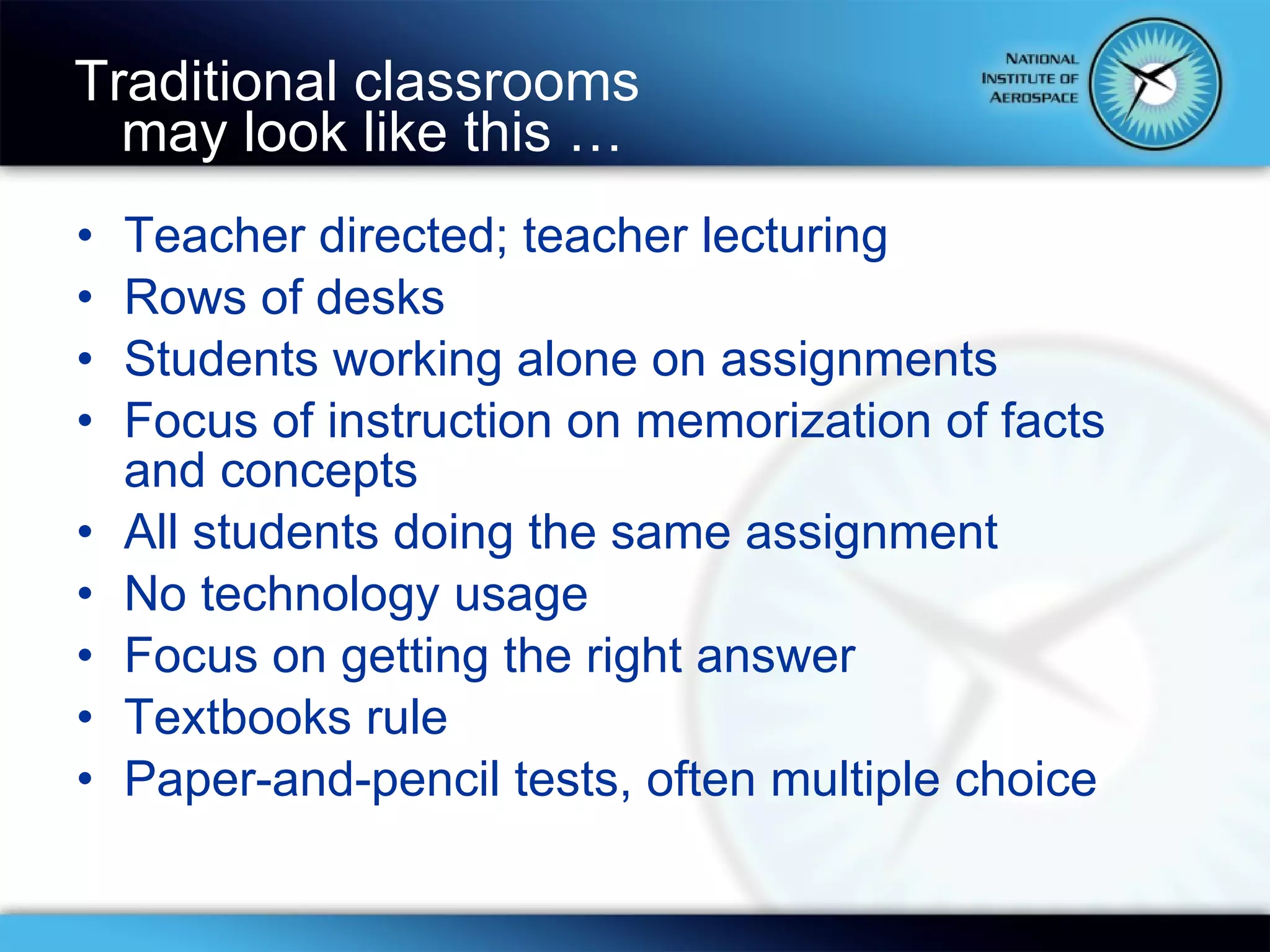
Traditional classrooms  may look like this … Teacher directed; teacher lecturing Rows of desks Students working alone on assignments Focus of instruction on memorization of facts and concepts All students doing the same assignment No technology usage Focus on getting the right answer Textbooks rule Paper-and-pencil tests, often multiple choice
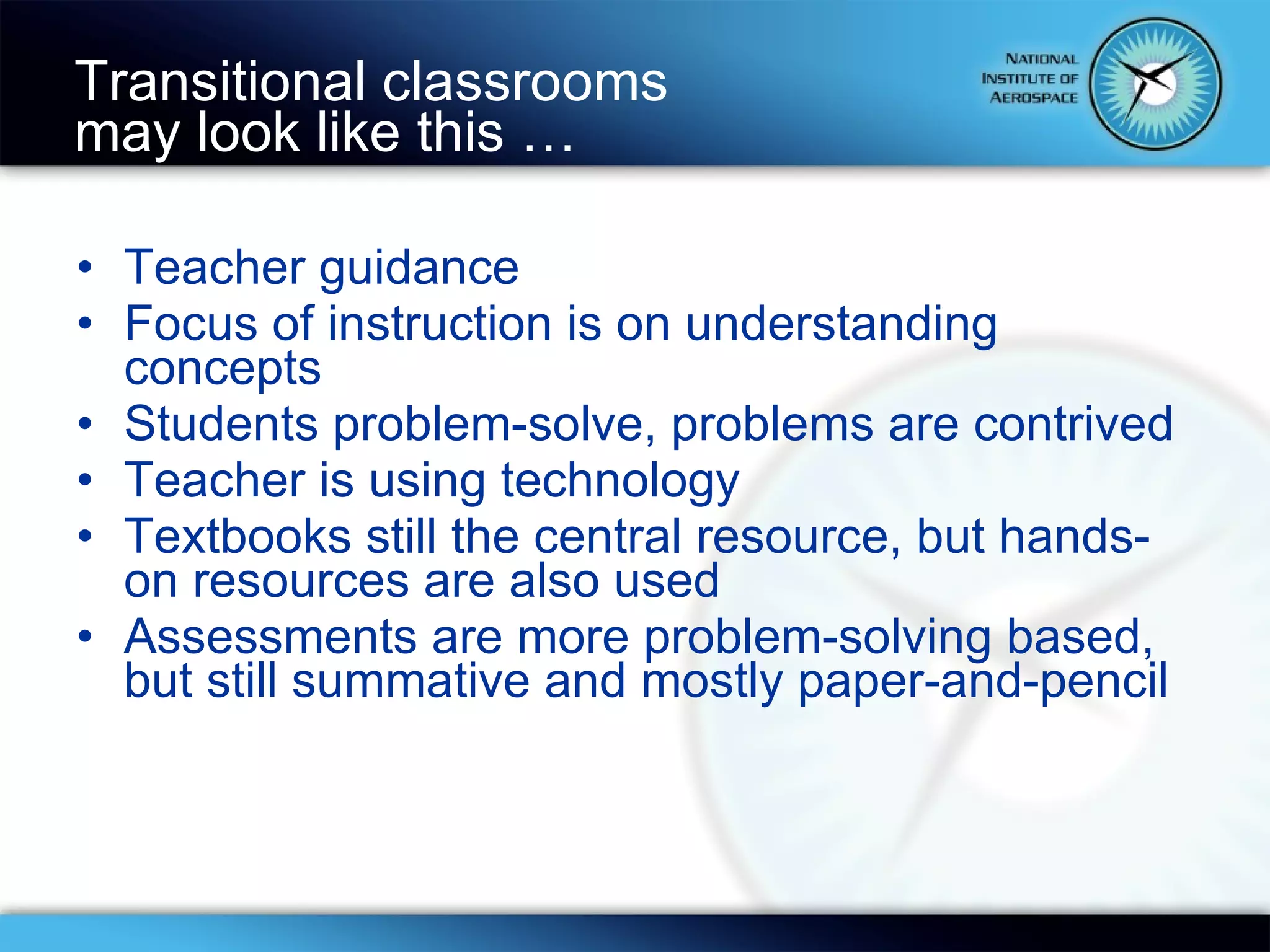
Teacher guidance Focus of instruction is on understanding concepts Students problem-solve, problems are contrived Teacher is using technology Textbooks still the central resource, but hands-on resources are also used Assessments are more problem-solving based, but still summative and mostly paper-and-pencil Transitional classrooms  may look like this …
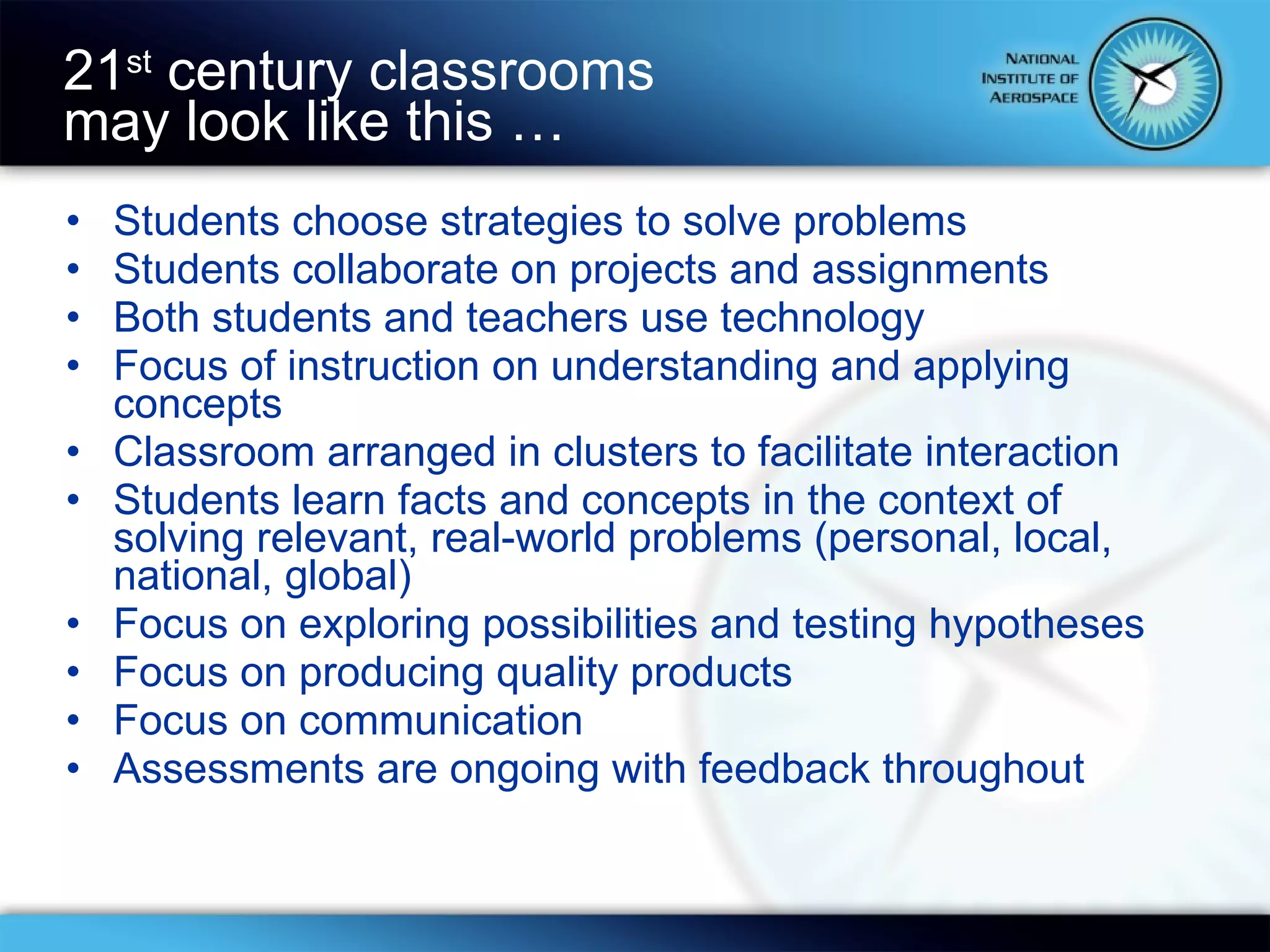
Students choose strategies to solve problems Students collaborate on projects and assignments Both students and teachers use technology Focus of instruction on understanding and applying concepts Classroom arranged in clusters to facilitate interaction Students learn facts and concepts in the context of solving relevant, real-world problems (personal, local, national, global) Focus on exploring possibilities and testing hypotheses Focus on producing quality products Focus on communication Assessments are ongoing with feedback throughout 21 st  century classrooms  may look like this …
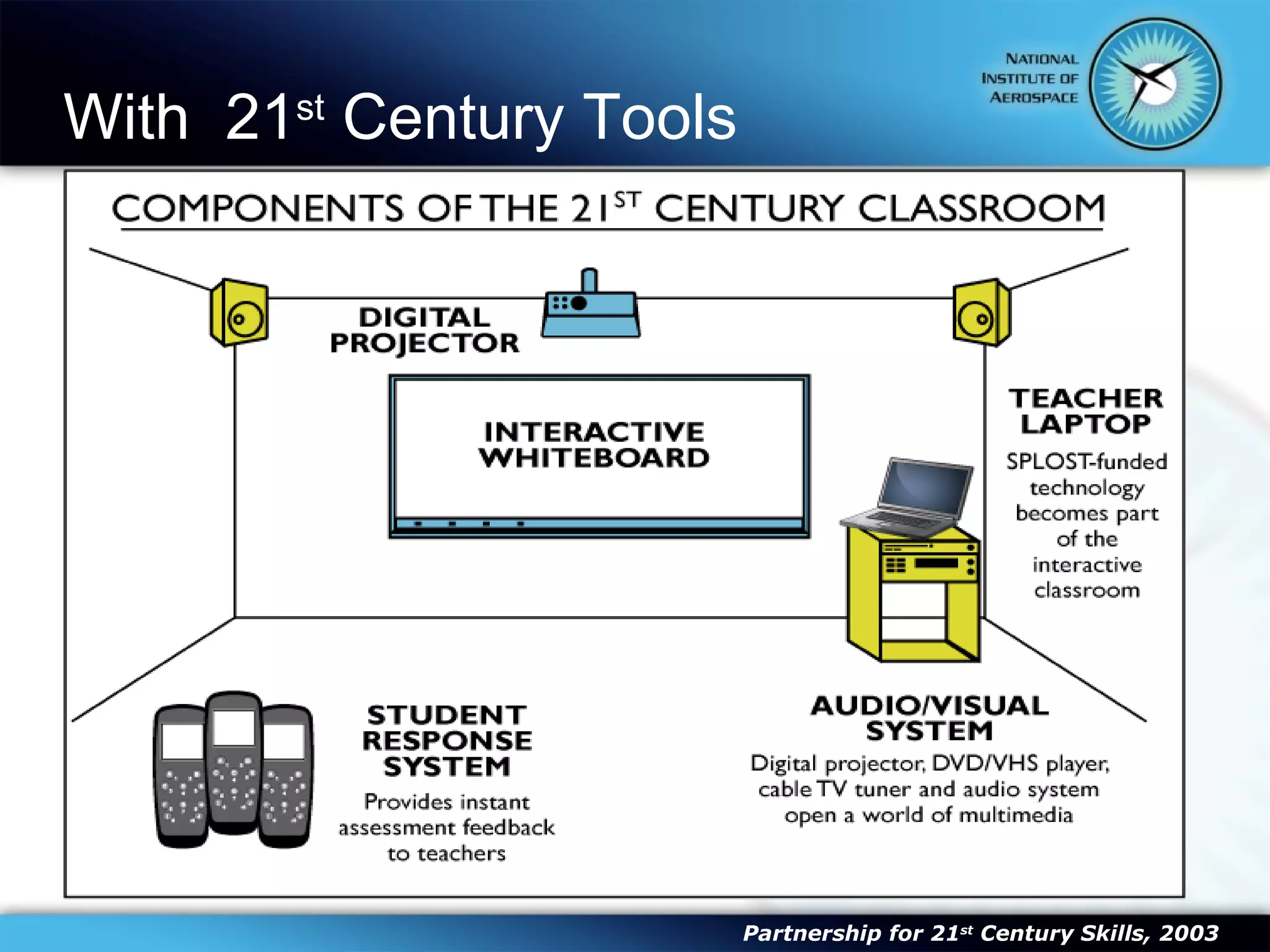
With  21 st  Century Tools Mobile computing (wireless cell phones and PDAs) Learning Management Systems Video Conferencing Virtual Reality/Simulations Multimedia creation tools Collaborative tools ADA software and hardware 3D Modeling Blogs (social text) Alternative Instructional Methodologies Service Learning Problem- or project-based learning Alternative Assessment Methodologies Gaming Partnership for 21 st  Century Skills, 2003
 
“ We are innovating the wrong thing.  Our instructional practices are what need changing, not the technology.  Every learner is unique and has different learning styles, interests, and proficiencies, yet we still teach to the norm and use technology to automate poor instructional practice.” “ Technology should be able to enrich our ability to individualize, extend, and support instructional experiences and connections in ways that would not be possible otherwise. Real innovation also helps students discover that they can develop a personal vision of a future that is far beyond the one their socioeconomic or ethnic backgrounds would normally provide.  Technology in the hands of a skillful teacher can remove barriers for all children so they not only see that future, but also embrace it.”  “ It is about changing beliefs, values, and cultures, not about just teaching skills and constructing creative projects. When children realize they are part of the global society because they actively participate in it from their classrooms, they know the world of possibilities for themselves is much bigger.”  Don Hall, CIO for the Muscogee County School District
“ Technology is technology  only for someone who was  born before it was invented.”  A.Kay “ You look at technology as a tool. We look at technology as a foundation – it’s totally    integrated into what we do.”  “ Today’s students are no longer the people our educational  system was designed to teach.” Serious Games Summit 2006
“ The role of technology is to support the new teaching paradigm.” Prensky, 2008 “ 21 st  century skills should enable students to follow one’s passion(s) as far as one’s abilities allow.”  Prensky, 2009
21 st  Century  Professional Development Illustrates how a deeper understanding of subject matter can enhance  problem-solving, critical thinking , and other 21st century skills.  Helps teachers develop their abilities to use various strategies (such as  formative assessments)  to reach diverse students and to  create environments that support differentiated teaching and learning.  Encourages knowledge sharing among  communities of practitioners , using face-to-face, virtual and blended communications  Highlights ways teachers can seize opportunities for  integrating 21st century skills, tools and teaching strategies into their classroom practice  — and help them identify what activities they can replace/de-emphasize. Partnership for 21 st  Century Skills, 2003
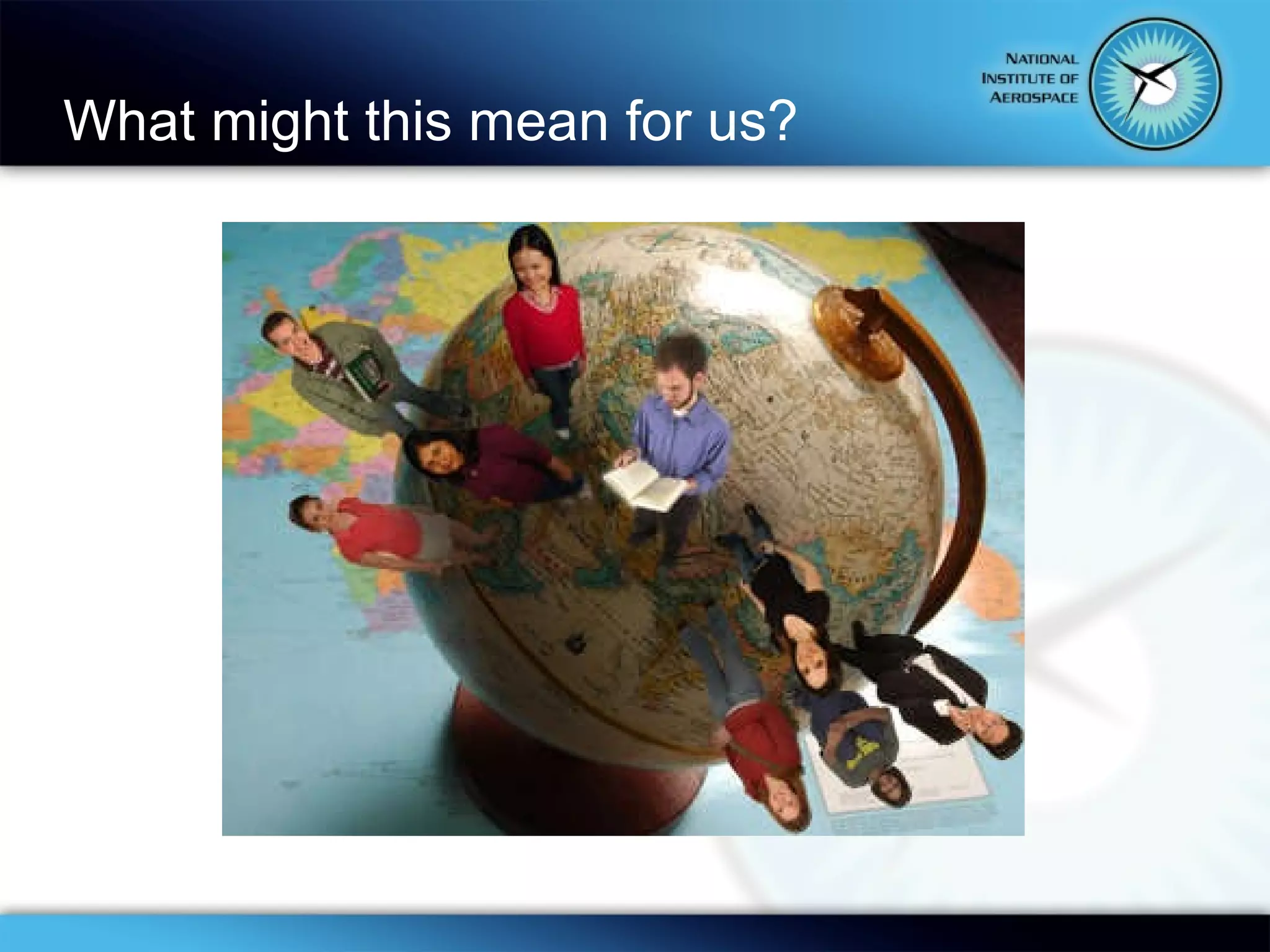
What might this mean for us?
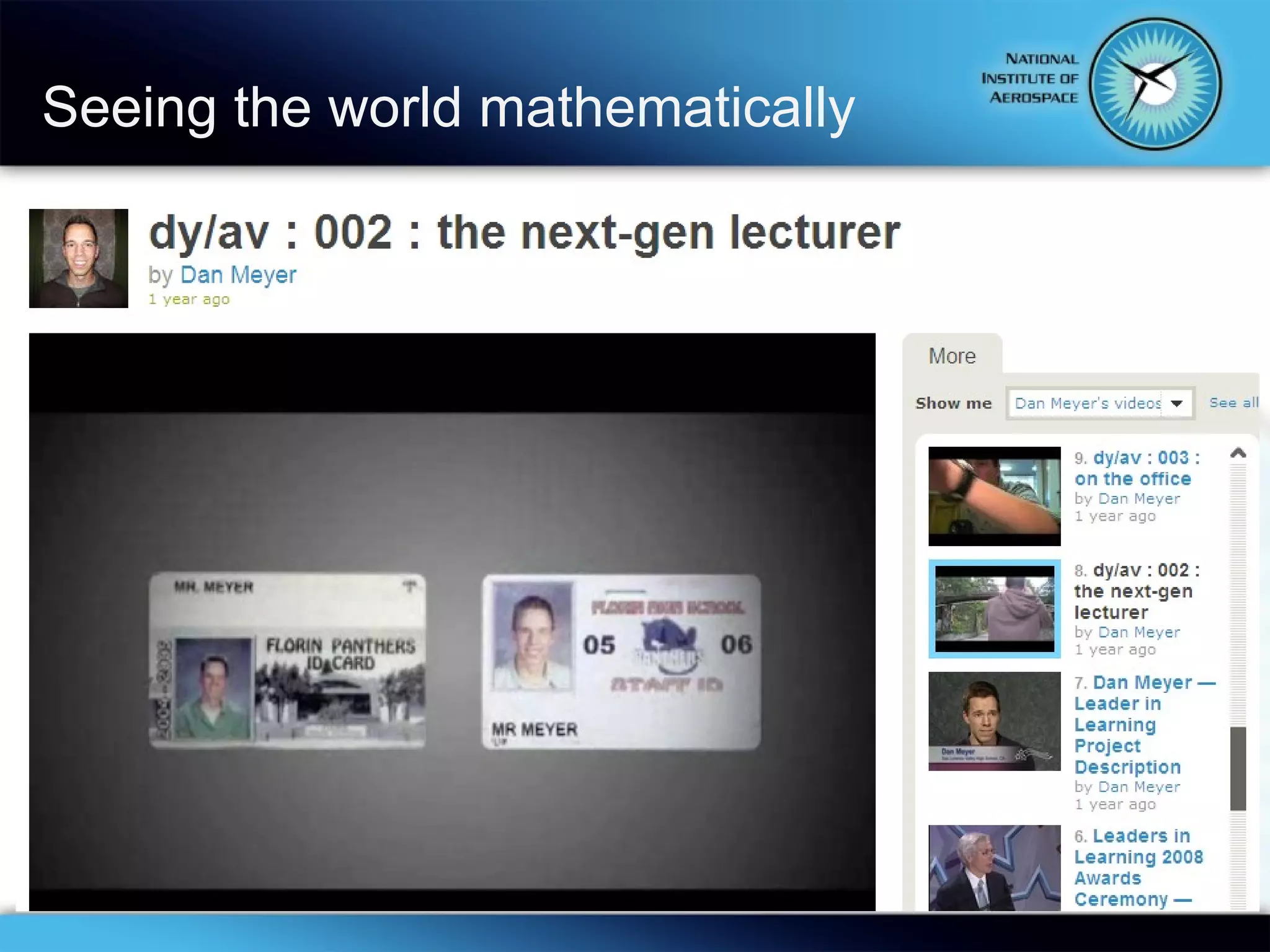
Seeing the world mathematically

Using 21st Century Tools And Topics Post

  • 1.
    Connecting the DotsUsing 21 st Century Tools and Topics Sharon Bowers NIA and Virginia Beach City Public Schools February 13, 2010
  • 2.
    Today’s Objectives Defineour audience Characteristics of 21 st century students Challenges for 21 st century teachers Build a common understanding of 21 st Century teaching and learning Explore and expand common ground Impact on 21 st century PD
  • 3.
    Don’t worry abouttaking notes Slide Share Using 21 st Century Tools and Topics This PP will be posted to the Slide Share site. Search for “Using 21 st Century Tools and Topics”
  • 4.
    The National Instituteof Aerospace (NIA)
  • 5.
    Digital Native orDigital Immigrant? Digital Natives, Digital Immigrants Let’s Be “Digital Multipliers” H. Sapiens Digital: From Digital Immigrants and Digital Natives to Digital Wisdom Backup Education The Role of Technology Essential 21 st Century Skills
  • 6.
    Where do youfit? Digital Immigrants Slow controlled information release – limited sources Singular process and single or limited task Processing order Text  Picture, Video & Sound Linear, logical sequential access Interact/network simultaneously to few Comfortable in real spaces Prefer students to work independently “ Just in case” learners Delayed/differed access, rewards & gratification Learning is to teach to the curriculum guide and standardized tests. Digital Natives Multiple multimedia information sources rapidly Parallel process & multi-task Processing order Picture, Video & Sound  Text Random access to interactive media Interact/network simultaneously to many Comfortable in virtual and real spaces Prefer interactive/network approach to work “ Just in time” learners Instant access, reward & gratification Learning is relevant, instantly useful and fun
  • 7.
    Digital Native orDigital Immigrant The majority of the people at my table are: Text: 99503 Choices: 45505 45641 45670
  • 8.
    21 st Century Students How would you describe today’s students?
  • 9.
    Text number: 99503Then … Begin your message with …9177 … your message
  • 10.
    Today’s students … Ctrl + Alt + Del is as basic as 2+2 = 4. They grew up with virtual pets to feed, water, and play games with, lest they die. Gas has always been unleaded. They are wireless, yet always connected. "Google" has always been a verb. Text has always been hyper. Bert and Ernie are old enough to be their parents. Have always had blue Jell-O. ― Beloit College, 2003, 2004, 2010, 2012
  • 11.
    When they enterKindergarten
  • 12.
    Worlds Collide Baby Boomers TV generation Typewriters Memos Generation X Video games Computers Email Net Gen The Web (now web 2.0) Mobile devices Video mail Texting Online communities
  • 13.
    Hypertext Minds QualitiesCrave interactivity Read visual images Visual-spatial skills Parallel processing Inductive discovery Fast response time Concerns Short attention spans Choose not to pay attention Lack of Reflection Text literacy Source quality ― Prensky, 2001
  • 14.
  • 15.
  • 16.
    A new taxonomy… Bloom, et al, 1956 Anderson & Krathwohl, et al, 2000
  • 17.
    Partnership for 21st Century 21st Century Framework
  • 18.
    Teaching Core Subjectsand 21 st Century Themes English, reading, language art Mathematics Science Foreign Language Civics and Government Economics Arts History Geography Partnership for 21 st Century Teaching Global Awareness Financial, Economic, Business and Entrepreneurial Literacy Civic Literacy Health Literacy Environment Literacy STEM
  • 19.
    Life and CareerSkills Flexibility and Adaptability Initiative and Self-Direction Social and Cross-Cultural Skills Productivity and Accountability Partnership for 21 st Century Skills, 2003
  • 20.
    Learning and InnovationSkills Creativity and Innovation Critical Thinking and Problem Solving Communication and Collaboration The challenge now is to incorporate learning skills into classrooms deliberately, strategically, and broadly.” Partnership for 21 st Century Skills, 2003
  • 21.
    Information, Media and Technology Skills Information Literacy Media Literacy ICT (Information, Communication, and Technology) The challenge now is to incorporate learning skills into classrooms deliberately, strategically, and broadly.” Partnership for 21 st Century Skills, 2003
  • 22.
    LoTi – H.E.A.T.Framework H – Higher- order Thinking E – Engaged Learning A – Authentic Learning T – Technology
  • 23.
  • 24.
  • 25.
    What do 21st century classrooms look like? “ One can’t believe impossible things.”   “ I daresay you haven’t had much practice,” said the Queen.  “When I was your age I always did it for half-an-hour a day.  Why, sometimes I’ve believed as many as six impossible things before breakfast.”   Lewis Carroll,  Alice’s Adventures in Wonderland
  • 26.
    Traditional classrooms may look like this … Teacher directed; teacher lecturing Rows of desks Students working alone on assignments Focus of instruction on memorization of facts and concepts All students doing the same assignment No technology usage Focus on getting the right answer Textbooks rule Paper-and-pencil tests, often multiple choice
  • 27.
    Teacher guidance Focusof instruction is on understanding concepts Students problem-solve, problems are contrived Teacher is using technology Textbooks still the central resource, but hands-on resources are also used Assessments are more problem-solving based, but still summative and mostly paper-and-pencil Transitional classrooms may look like this …
  • 28.
    Students choose strategiesto solve problems Students collaborate on projects and assignments Both students and teachers use technology Focus of instruction on understanding and applying concepts Classroom arranged in clusters to facilitate interaction Students learn facts and concepts in the context of solving relevant, real-world problems (personal, local, national, global) Focus on exploring possibilities and testing hypotheses Focus on producing quality products Focus on communication Assessments are ongoing with feedback throughout 21 st century classrooms may look like this …
  • 29.
    With 21st Century Tools Mobile computing (wireless cell phones and PDAs) Learning Management Systems Video Conferencing Virtual Reality/Simulations Multimedia creation tools Collaborative tools ADA software and hardware 3D Modeling Blogs (social text) Alternative Instructional Methodologies Service Learning Problem- or project-based learning Alternative Assessment Methodologies Gaming Partnership for 21 st Century Skills, 2003
  • 30.
  • 31.
    “ We areinnovating the wrong thing. Our instructional practices are what need changing, not the technology. Every learner is unique and has different learning styles, interests, and proficiencies, yet we still teach to the norm and use technology to automate poor instructional practice.” “ Technology should be able to enrich our ability to individualize, extend, and support instructional experiences and connections in ways that would not be possible otherwise. Real innovation also helps students discover that they can develop a personal vision of a future that is far beyond the one their socioeconomic or ethnic backgrounds would normally provide. Technology in the hands of a skillful teacher can remove barriers for all children so they not only see that future, but also embrace it.” “ It is about changing beliefs, values, and cultures, not about just teaching skills and constructing creative projects. When children realize they are part of the global society because they actively participate in it from their classrooms, they know the world of possibilities for themselves is much bigger.” Don Hall, CIO for the Muscogee County School District
  • 32.
    “ Technology istechnology only for someone who was born before it was invented.” A.Kay “ You look at technology as a tool. We look at technology as a foundation – it’s totally integrated into what we do.” “ Today’s students are no longer the people our educational system was designed to teach.” Serious Games Summit 2006
  • 33.
    “ The roleof technology is to support the new teaching paradigm.” Prensky, 2008 “ 21 st century skills should enable students to follow one’s passion(s) as far as one’s abilities allow.” Prensky, 2009
  • 34.
    21 st Century Professional Development Illustrates how a deeper understanding of subject matter can enhance problem-solving, critical thinking , and other 21st century skills. Helps teachers develop their abilities to use various strategies (such as formative assessments) to reach diverse students and to create environments that support differentiated teaching and learning. Encourages knowledge sharing among communities of practitioners , using face-to-face, virtual and blended communications Highlights ways teachers can seize opportunities for integrating 21st century skills, tools and teaching strategies into their classroom practice — and help them identify what activities they can replace/de-emphasize. Partnership for 21 st Century Skills, 2003
  • 35.
    What might thismean for us?
  • 36.
    Seeing the worldmathematically