Hadoop on
MultiNode
Rajinder Sandhu
errajindersandhu.blogspot.com
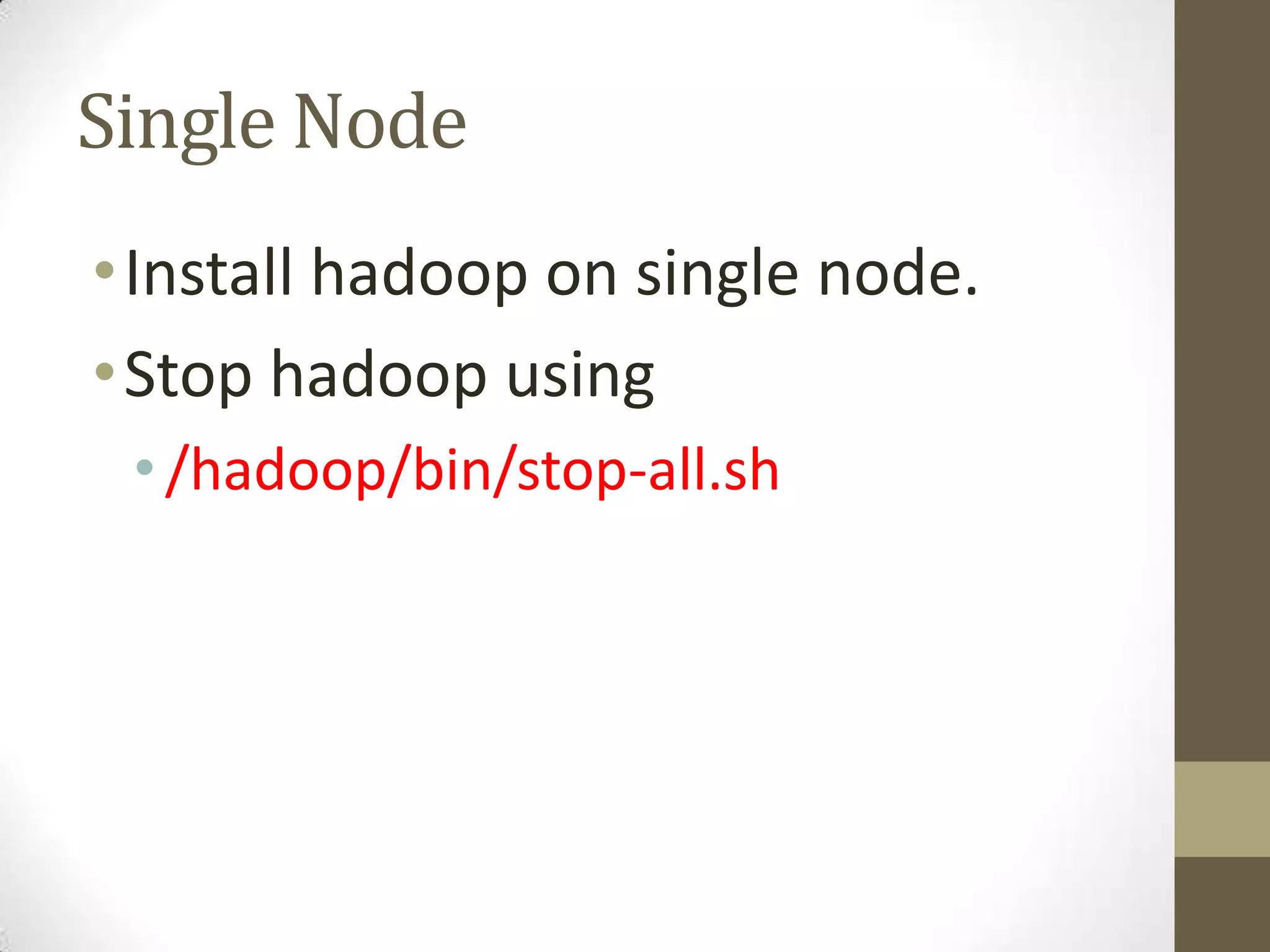
Single Node
•Install hadoop on single node.
•Stop hadoop using
• /hadoop/bin/stop-all.sh
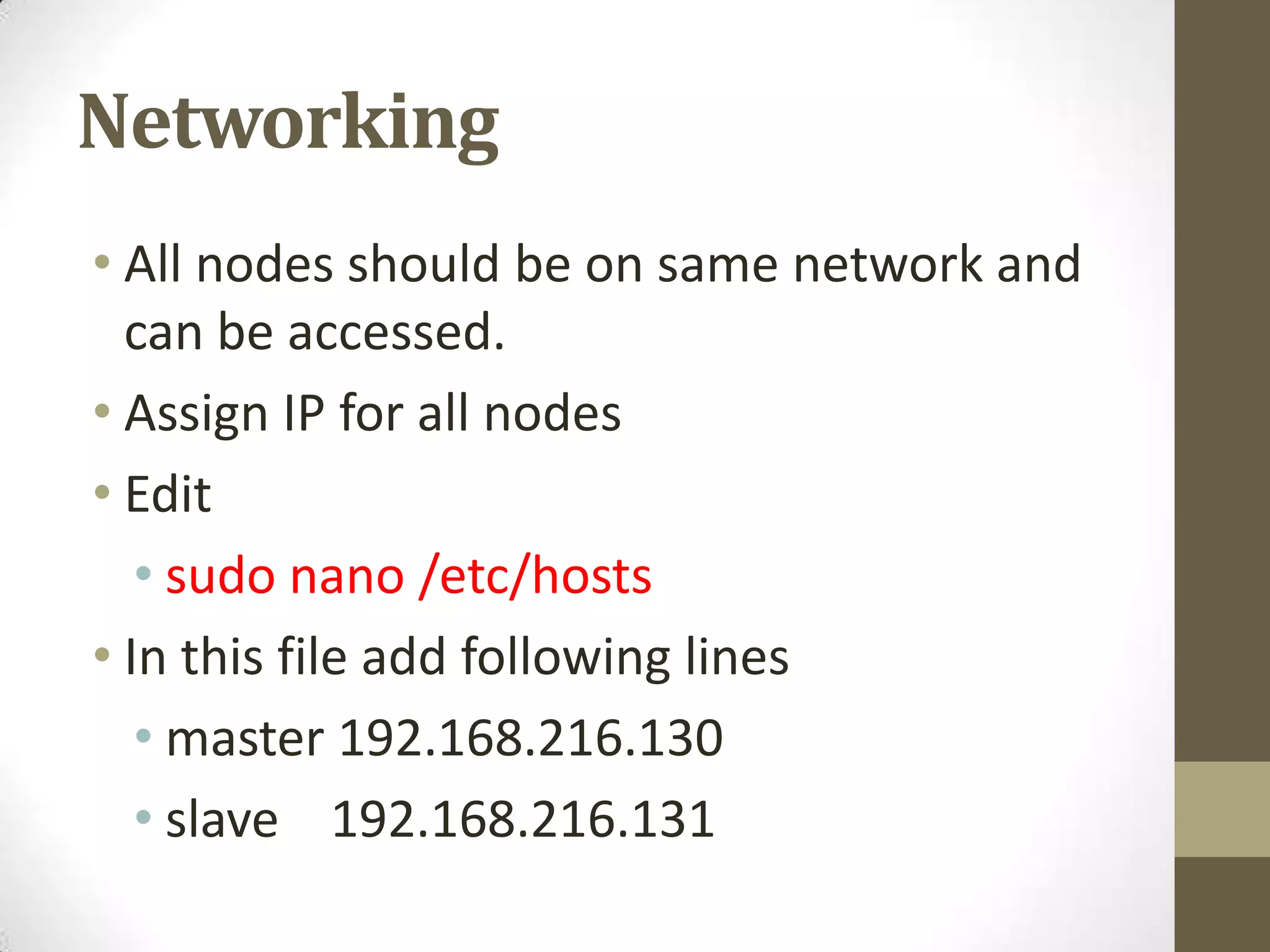
Networking
• All nodes should be on same network and
can be accessed.
• Assign IP for all nodes
• Edit
• sudo nano /etc/hosts
• In this file add following lines
• master 192.168.216.130
• slave 192.168.216.131
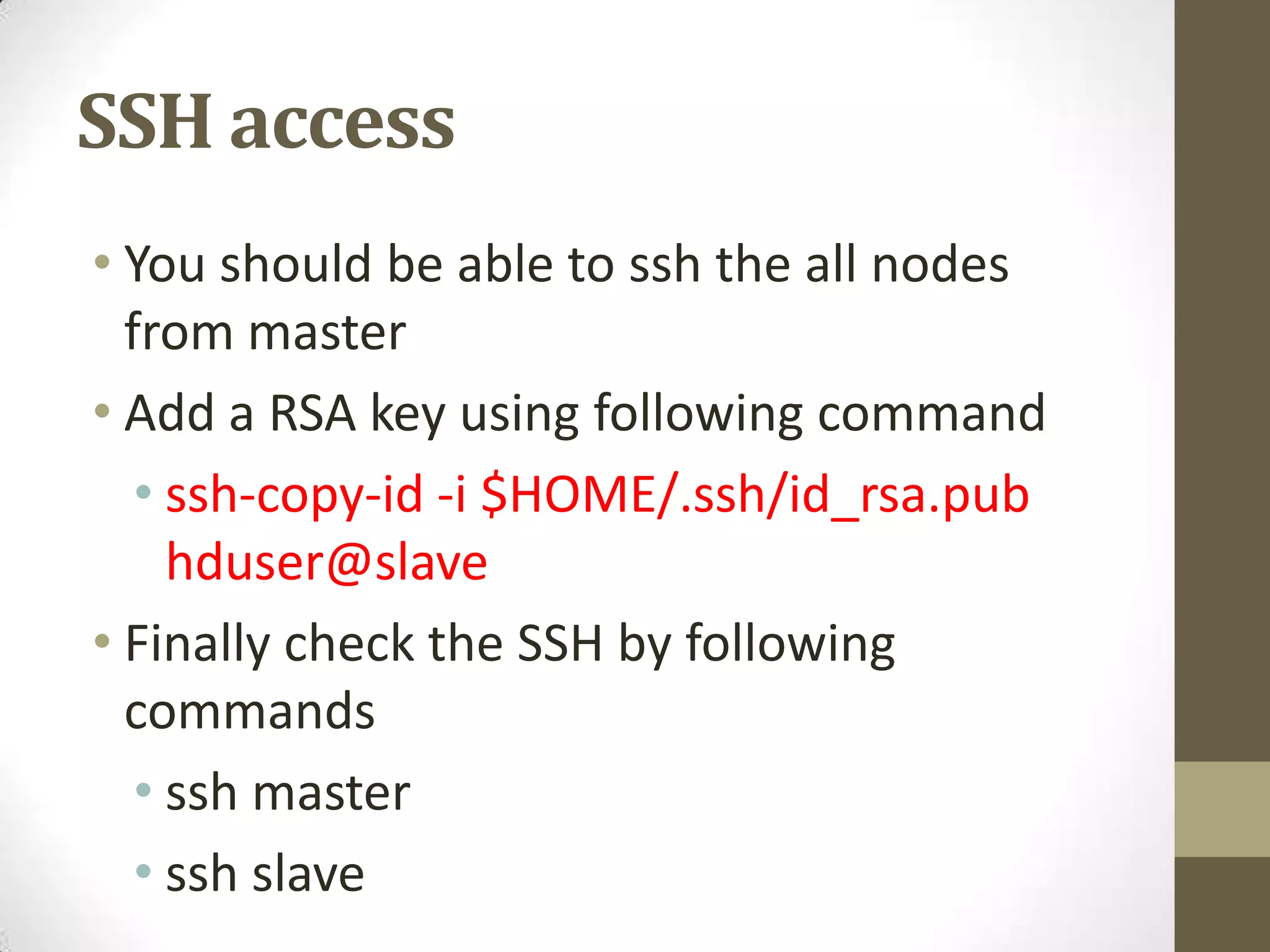
SSH access
• You should be able to ssh the all nodes
from master
• Add a RSA key using following command
• ssh-copy-id -i $HOME/.ssh/id_rsa.pub
hduser@slave
• Finally check the SSH by following
commands
• ssh master
• ssh slave
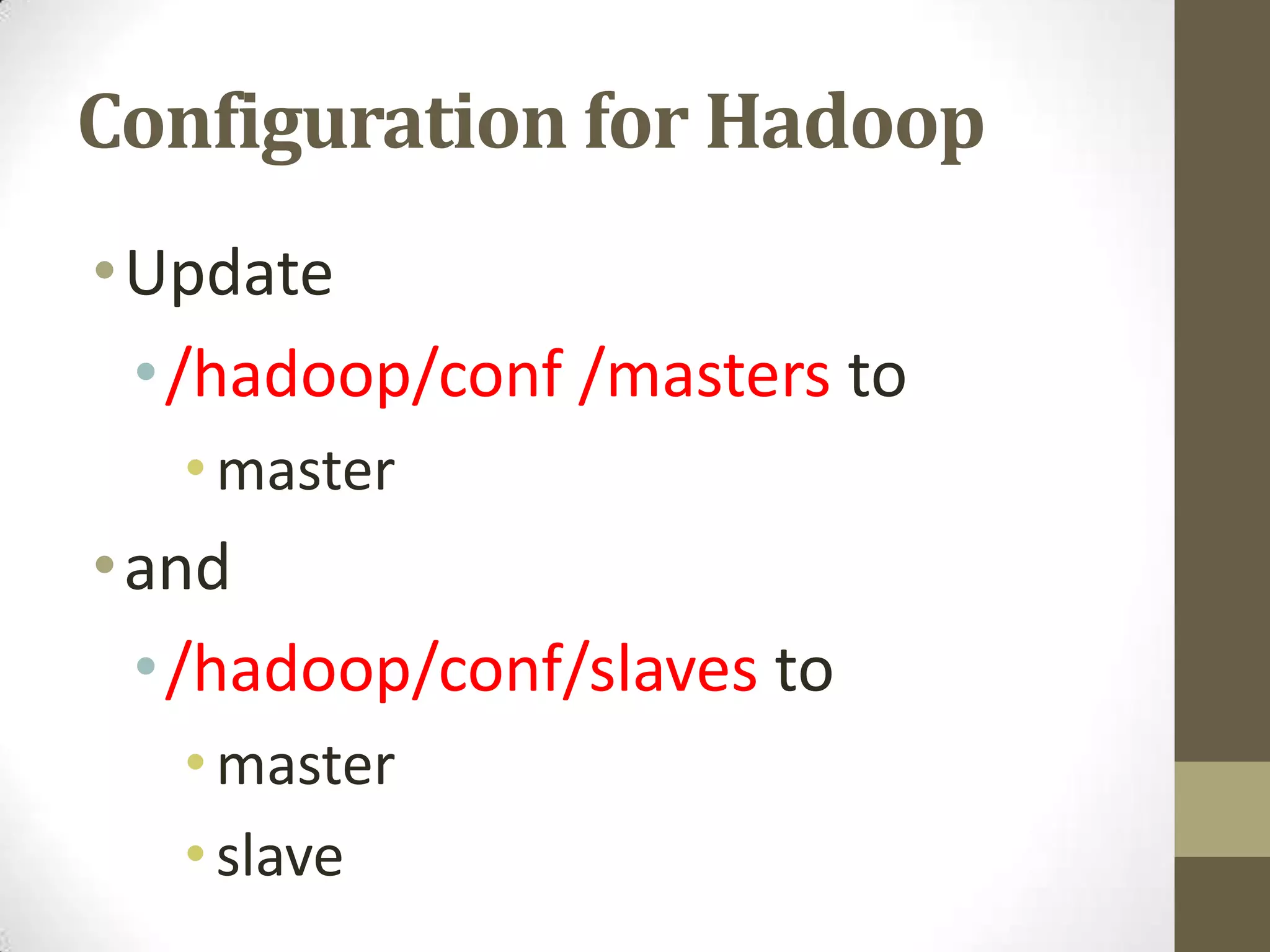
Configuration for Hadoop
•Update
•/hadoop/conf /masters to
•master
•and
•/hadoop/conf/slaves to
•master
•slave
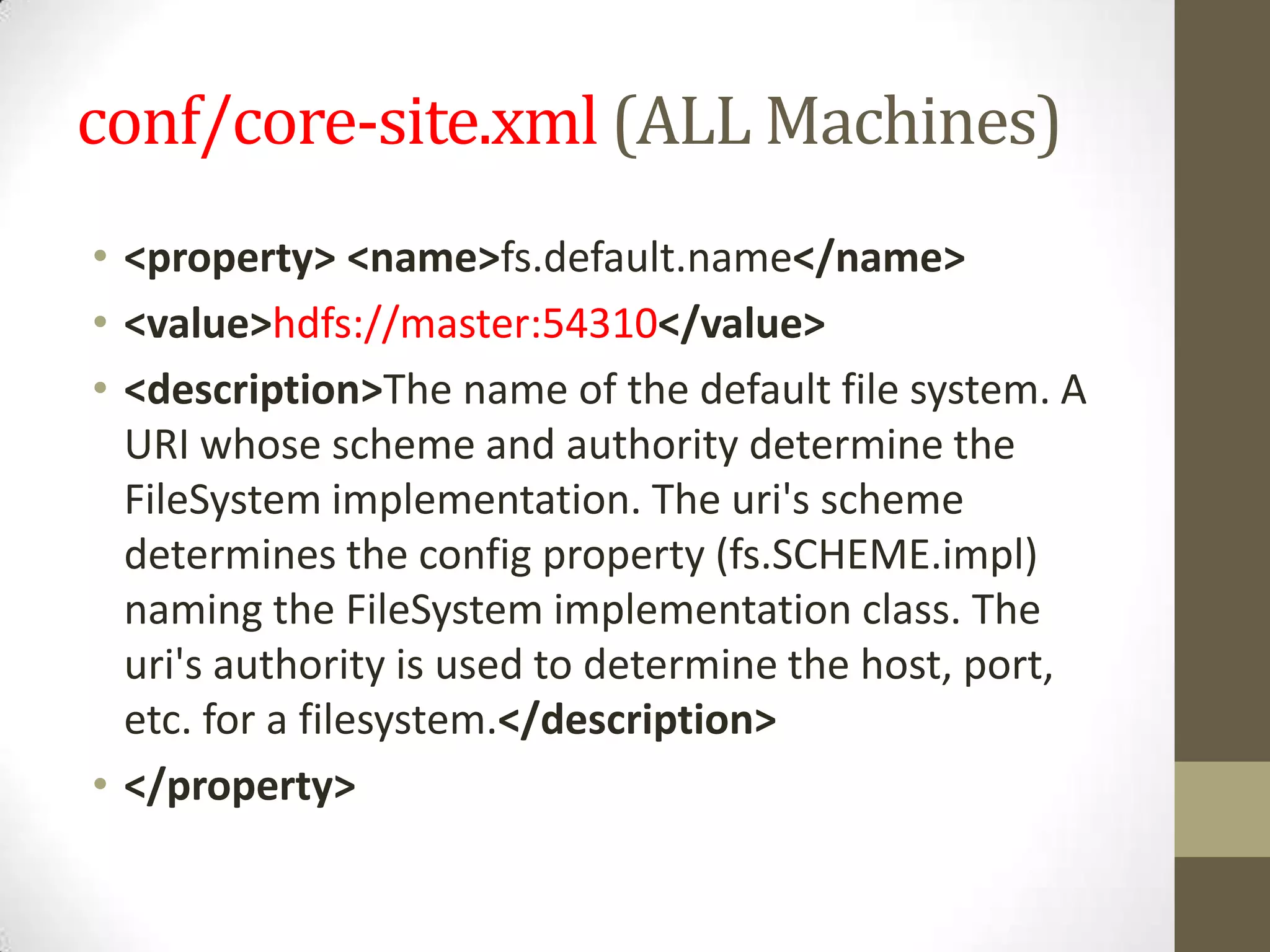
conf/core-site.xml (ALL Machines)
• <property> <name>fs.default.name</name>
• <value>hdfs://master:54310</value>
• <description>The name of the default file system. A
URI whose scheme and authority determine the
FileSystem implementation. The uri's scheme
determines the config property (fs.SCHEME.impl)
naming the FileSystem implementation class. The
uri's authority is used to determine the host, port,
etc. for a filesystem.</description>
• </property>
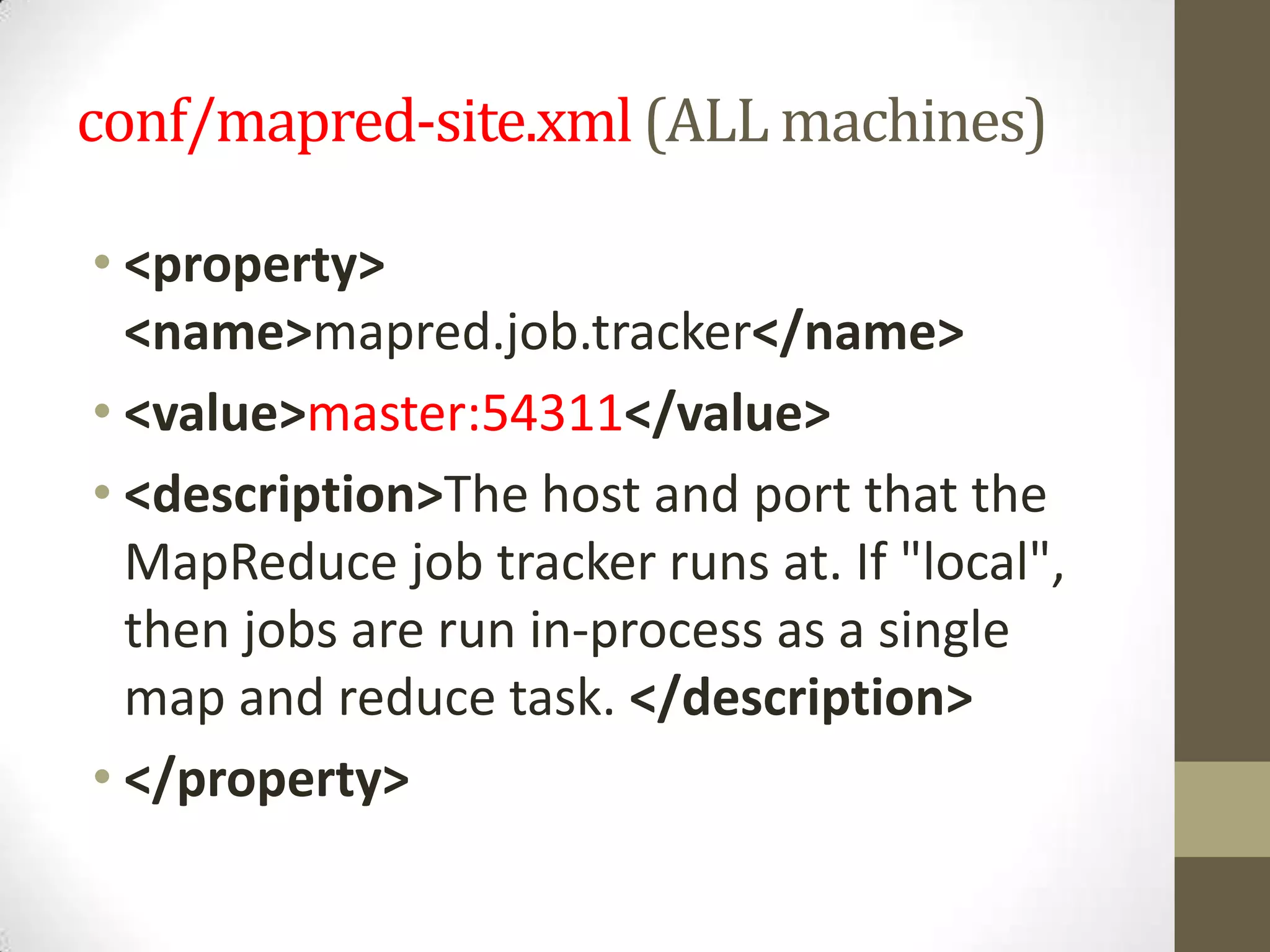
conf/mapred-site.xml(ALL machines)
• <property>
<name>mapred.job.tracker</name>
• <value>master:54311</value>
• <description>The host and port that the
MapReduce job tracker runs at. If "local",
then jobs are run in-process as a single
map and reduce task. </description>
• </property>
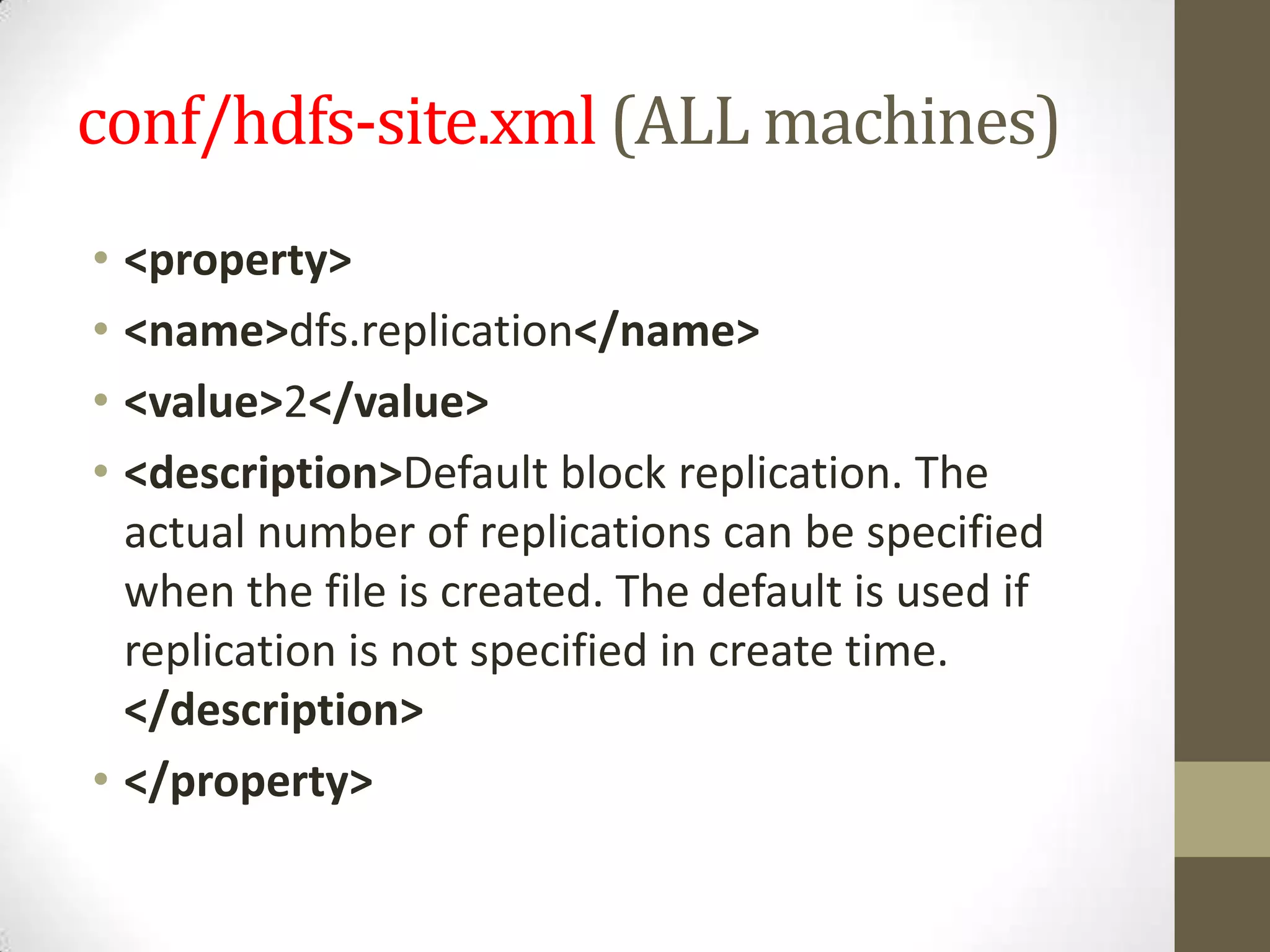
conf/hdfs-site.xml (ALL machines)
• <property>
• <name>dfs.replication</name>
• <value>2</value>
• <description>Default block replication. The
actual number of replications can be specified
when the file is created. The default is used if
replication is not specified in create time.
</description>
• </property>
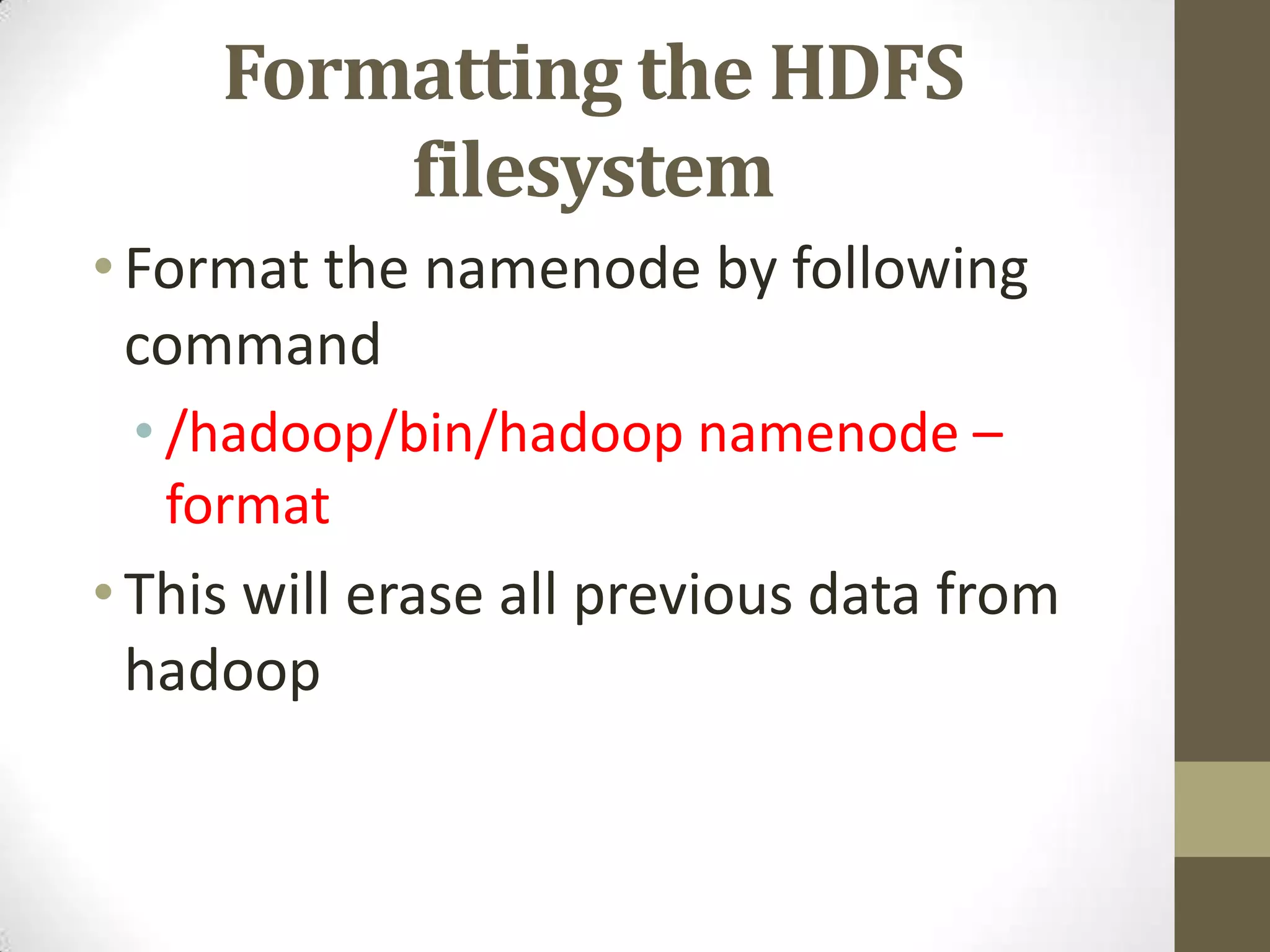
Formatting the HDFS
filesystem
•Format the namenode by following
command
• /hadoop/bin/hadoop namenode –
format
•This will erase all previous data from
hadoop
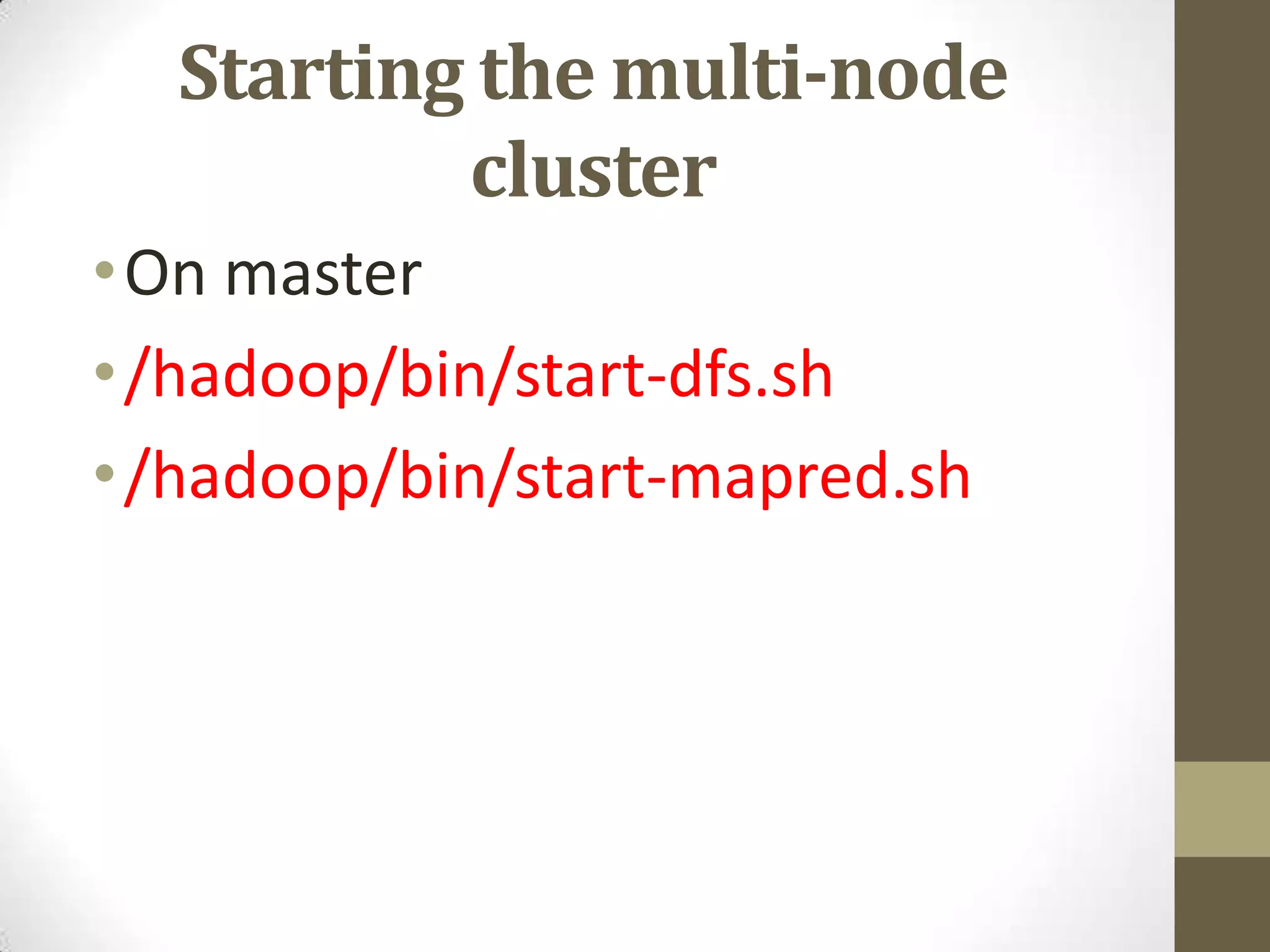
Starting the multi-node
cluster
•On master
•/hadoop/bin/start-dfs.sh
•/hadoop/bin/start-mapred.sh
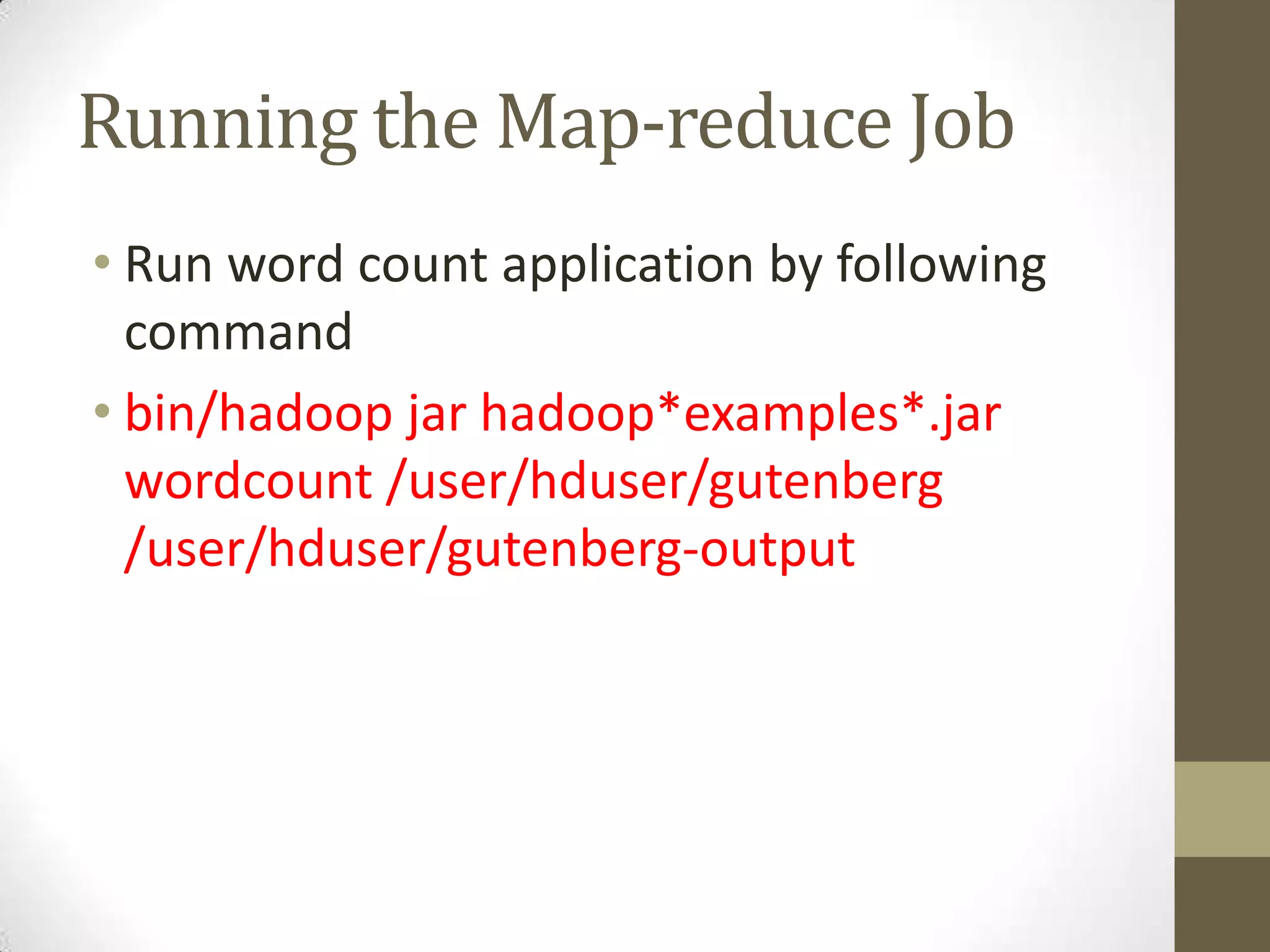
Running the Map-reduce Job
• Run word count application by following
command
• bin/hadoop jar hadoop*examples*.jar
wordcount /user/hduser/gutenberg
/user/hduser/gutenberg-output

New microsoft power point presentation

  • 1.
  • 2.
    Single Node •Install hadoopon single node. •Stop hadoop using • /hadoop/bin/stop-all.sh
  • 3.
    Networking • All nodesshould be on same network and can be accessed. • Assign IP for all nodes • Edit • sudo nano /etc/hosts • In this file add following lines • master 192.168.216.130 • slave 192.168.216.131
  • 4.
    SSH access • Youshould be able to ssh the all nodes from master • Add a RSA key using following command • ssh-copy-id -i $HOME/.ssh/id_rsa.pub hduser@slave • Finally check the SSH by following commands • ssh master • ssh slave
  • 5.
    Configuration for Hadoop •Update •/hadoop/conf/masters to •master •and •/hadoop/conf/slaves to •master •slave
  • 6.
    conf/core-site.xml (ALL Machines) •<property> <name>fs.default.name</name> • <value>hdfs://master:54310</value> • <description>The name of the default file system. A URI whose scheme and authority determine the FileSystem implementation. The uri's scheme determines the config property (fs.SCHEME.impl) naming the FileSystem implementation class. The uri's authority is used to determine the host, port, etc. for a filesystem.</description> • </property>
  • 7.
    conf/mapred-site.xml(ALL machines) • <property> <name>mapred.job.tracker</name> •<value>master:54311</value> • <description>The host and port that the MapReduce job tracker runs at. If "local", then jobs are run in-process as a single map and reduce task. </description> • </property>
  • 8.
    conf/hdfs-site.xml (ALL machines) •<property> • <name>dfs.replication</name> • <value>2</value> • <description>Default block replication. The actual number of replications can be specified when the file is created. The default is used if replication is not specified in create time. </description> • </property>
  • 9.
    Formatting the HDFS filesystem •Formatthe namenode by following command • /hadoop/bin/hadoop namenode – format •This will erase all previous data from hadoop
  • 10.
    Starting the multi-node cluster •Onmaster •/hadoop/bin/start-dfs.sh •/hadoop/bin/start-mapred.sh
  • 11.
    Running the Map-reduceJob • Run word count application by following command • bin/hadoop jar hadoop*examples*.jar wordcount /user/hduser/gutenberg /user/hduser/gutenberg-output