Network
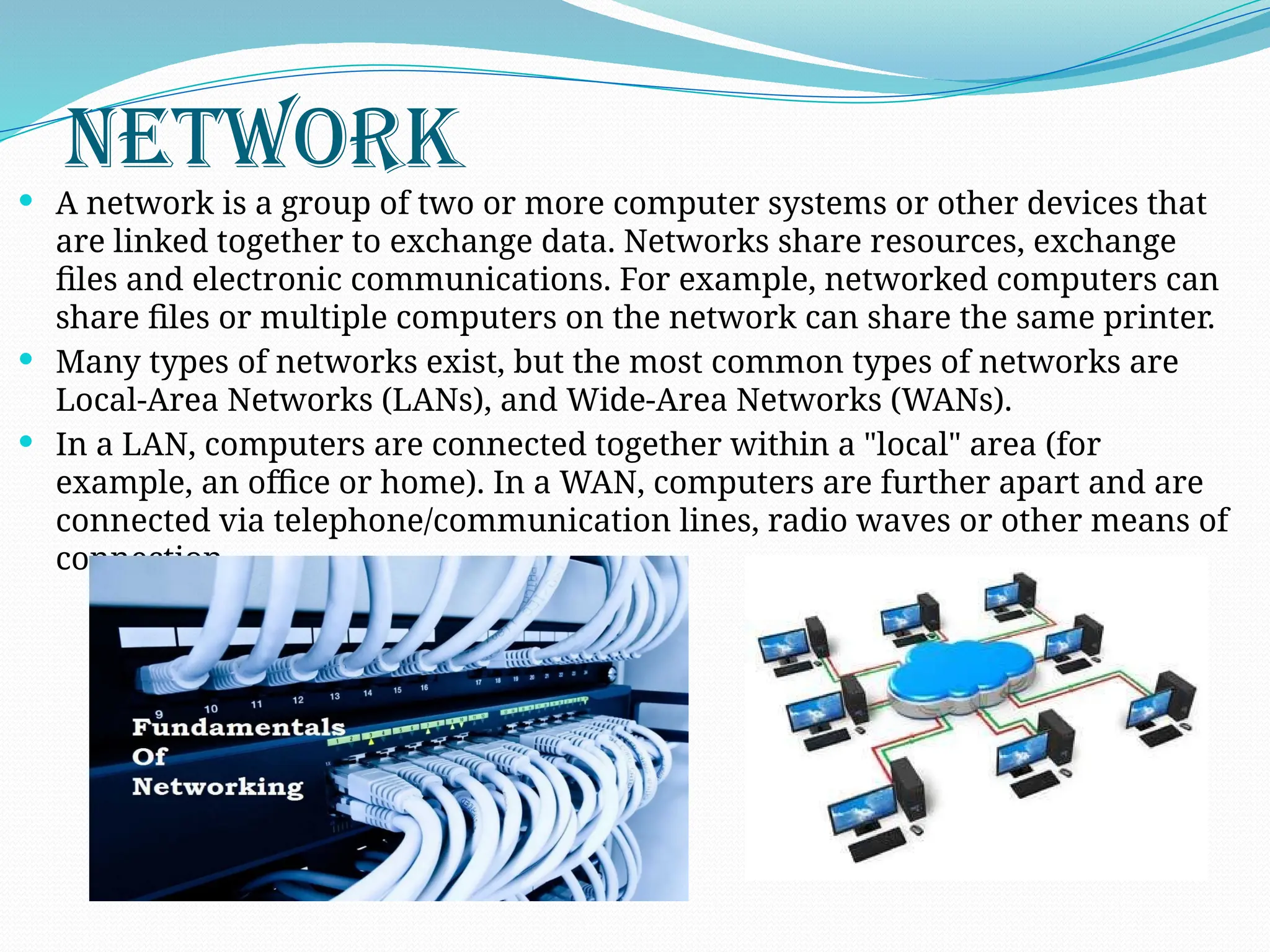
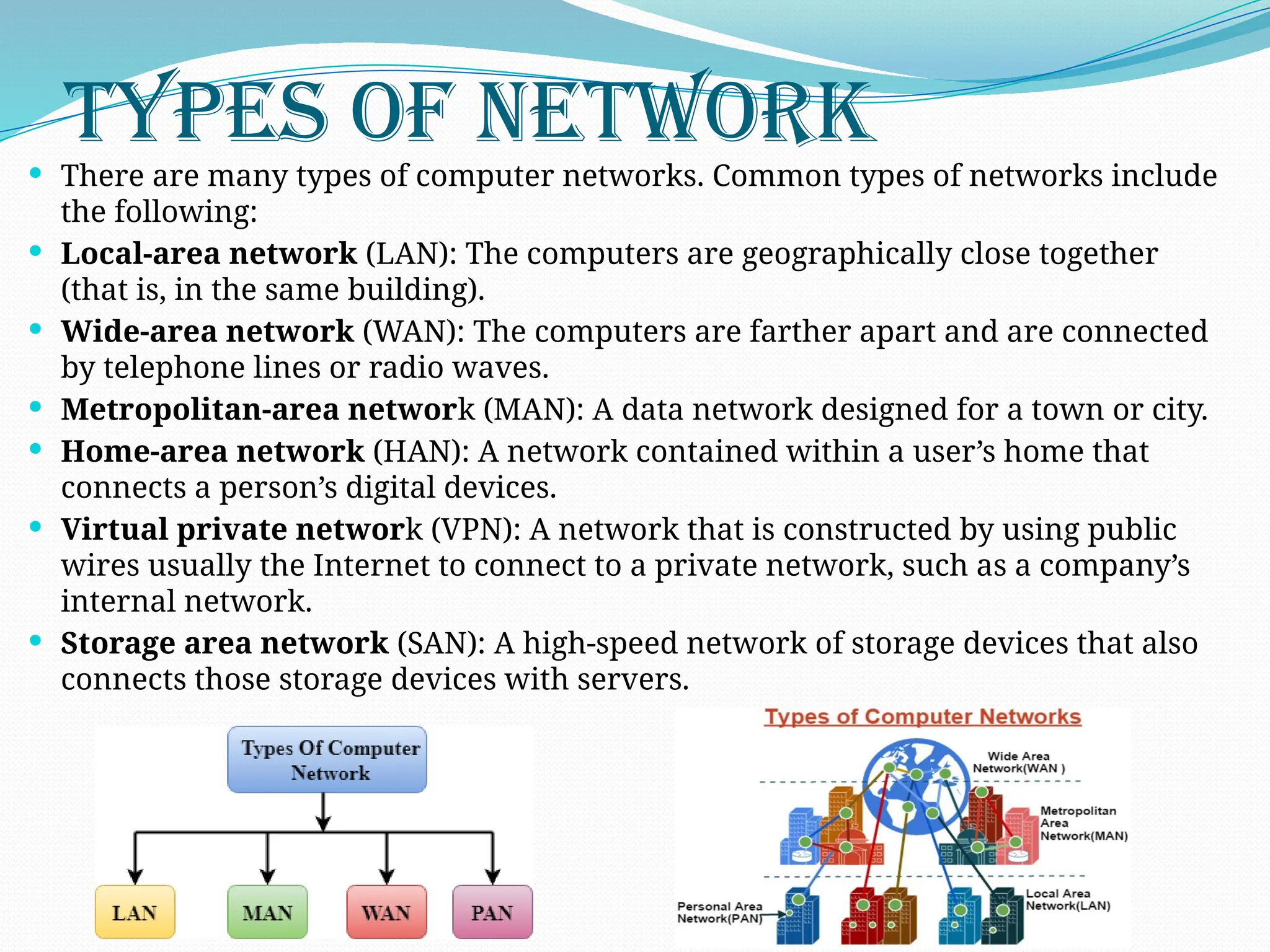
A networkis a group of two or more computer systems or other devices that
are linked together to exchange data. Networks share resources, exchange
files and electronic communications. For example, networked computers can
share files or multiple computers on the network can share the same printer.
Many types of networks exist, but the most common types of networks are
Local-Area Networks (LANs), and Wide-Area Networks (WANs).
In a LAN, computers are connected together within a "local" area (for
example, an office or home). In a WAN, computers are further apart and are
connected via telephone/communication lines, radio waves or other means of
connection.
3.
Types Of Network
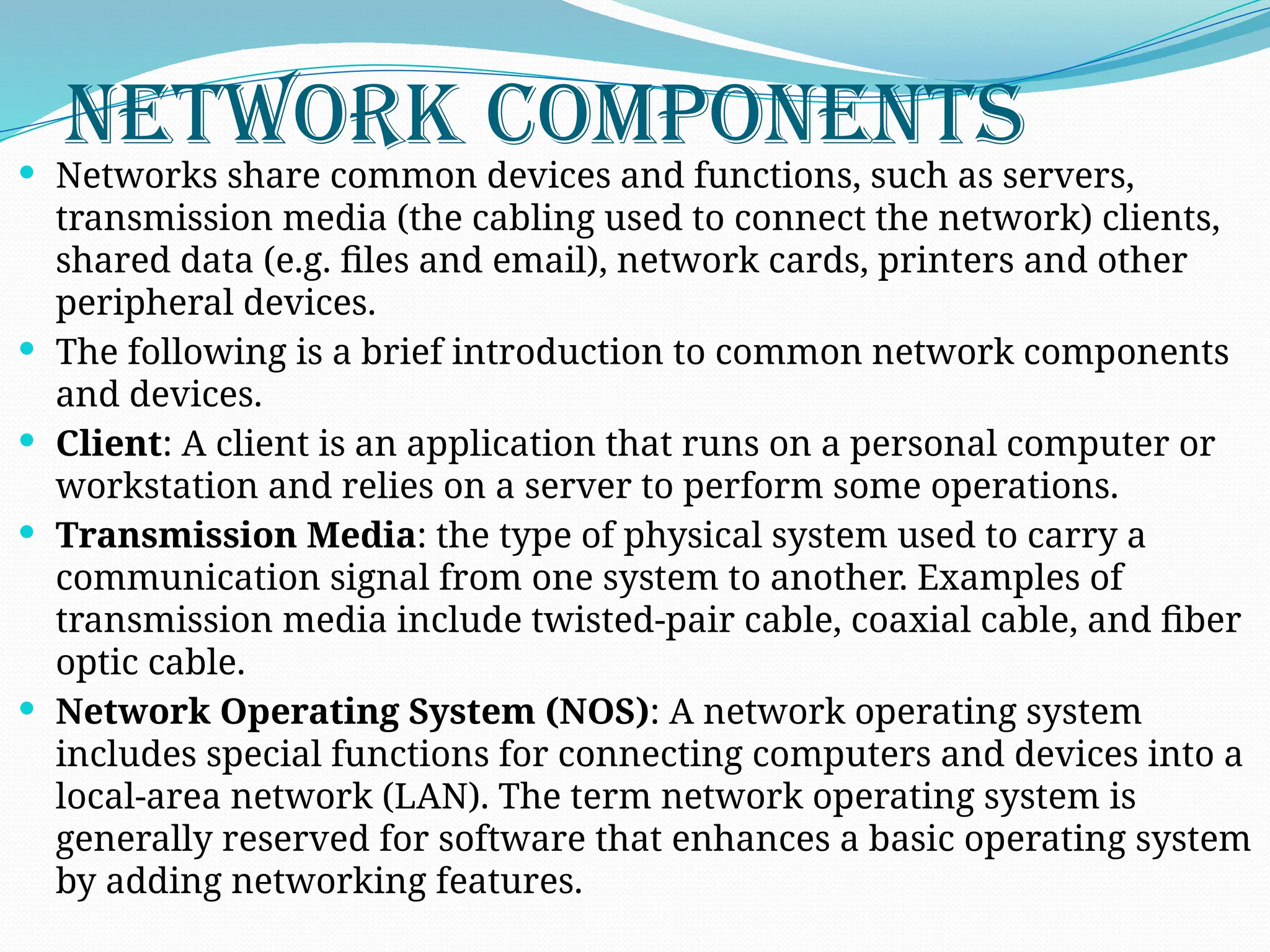
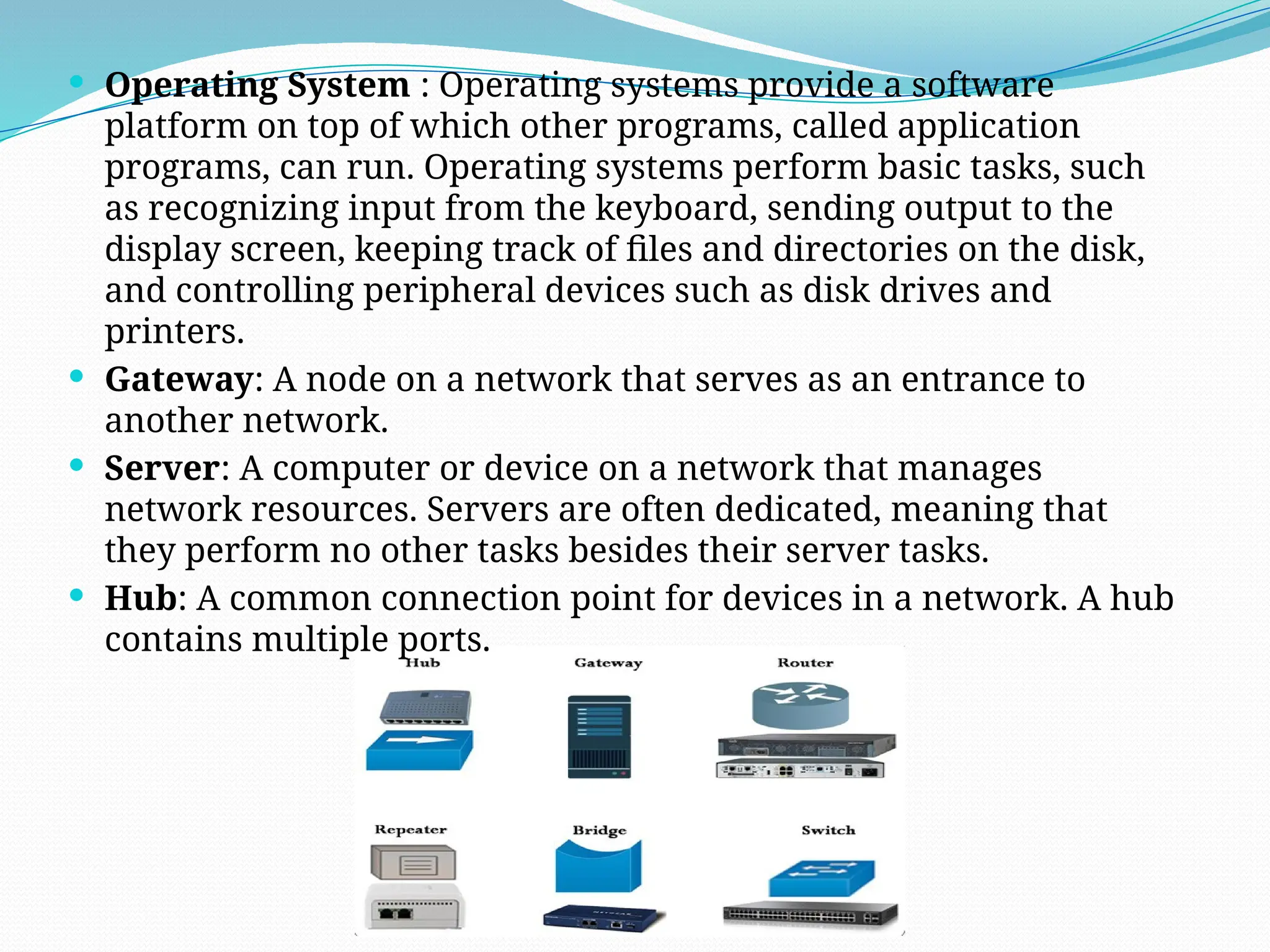
There are many types of computer networks. Common types of networks include
the following:
Local-area network (LAN): The computers are geographically close together
(that is, in the same building).
Wide-area network (WAN): The computers are farther apart and are connected
by telephone lines or radio waves.
Metropolitan-area network (MAN): A data network designed for a town or city.
Home-area network (HAN): A network contained within a user’s home that
connects a person’s digital devices.
Virtual private network (VPN): A network that is constructed by using public
wires usually the Internet to connect to a private network, such as a company’s
internal network.
Storage area network (SAN): A high-speed network of storage devices that also
connects those storage devices with servers.
4.
Network Components
Networksshare common devices and functions, such as servers,
transmission media (the cabling used to connect the network) clients,
shared data (e.g. files and email), network cards, printers and other
peripheral devices.
The following is a brief introduction to common network components
and devices.
Client: A client is an application that runs on a personal computer or
workstation and relies on a server to perform some operations.
Transmission Media: the type of physical system used to carry a
communication signal from one system to another. Examples of
transmission media include twisted-pair cable, coaxial cable, and fiber
optic cable.
Network Operating System (NOS): A network operating system
includes special functions for connecting computers and devices into a
local-area network (LAN). The term network operating system is
generally reserved for software that enhances a basic operating system
by adding networking features.
5.
Operating System: Operating systems provide a software
platform on top of which other programs, called application
programs, can run. Operating systems perform basic tasks, such
as recognizing input from the keyboard, sending output to the
display screen, keeping track of files and directories on the disk,
and controlling peripheral devices such as disk drives and
printers.
Gateway: A node on a network that serves as an entrance to
another network.
Server: A computer or device on a network that manages
network resources. Servers are often dedicated, meaning that
they perform no other tasks besides their server tasks.
Hub: A common connection point for devices in a network. A hub
contains multiple ports.
6.
Network Device
Devices:Computer devices, such as a CD-ROM drive , that is not part of
the essential computer.
Network Interface Card (NIC): An expansion board you insert into a
computer so the computer can be connected to a network.
Switch: A device that filters and forwards packets between LAN
segments.
Routers: A router is a device that forwards data packets along
networks. A router is connected to at least two networks and is located
at gateways, the places where two or more networks connect.
Bridge: A device that connects two local-area networks (LANs), or two
segments of the same LAN that use the same protocol
Channel Service Unit/Digital Service Unit (CSU/DSU): The CSU is a
device that connects a terminal to a digital line. Typically, the two
devices are packaged as a single unit.
Terminal Adapter (ISDN Adapter): A device that connects a computer
to an external digital communications line, such as an ISDN line. A
terminal adapter is a bit like a modem but only needs to pass along
digital signals.
7.
Access Point:A hardware device or a computer’s software that acts
as a communication hub for users of a wireless device to connect to a
wired LAN.
Modem (modulator-demodulator): A modem is a device or
program that enables a computer to transmit data over, for example,
telephone or cable lines.
Firewall: A system designed to prevent unauthorized access to or
from a private network. Firewalls can be implemented in both
hardware and software, or a combination of both.
MAC Address: A MAC (Media Access Control) address, sometimes
referred to as a hardware address or physical address, is an ID code
that’s assigned to a network adapter or any device with built-in
networking capability.
8.
Network Categories
Networksare usually classified using three properties: Topology,
Protocols and Architecture.
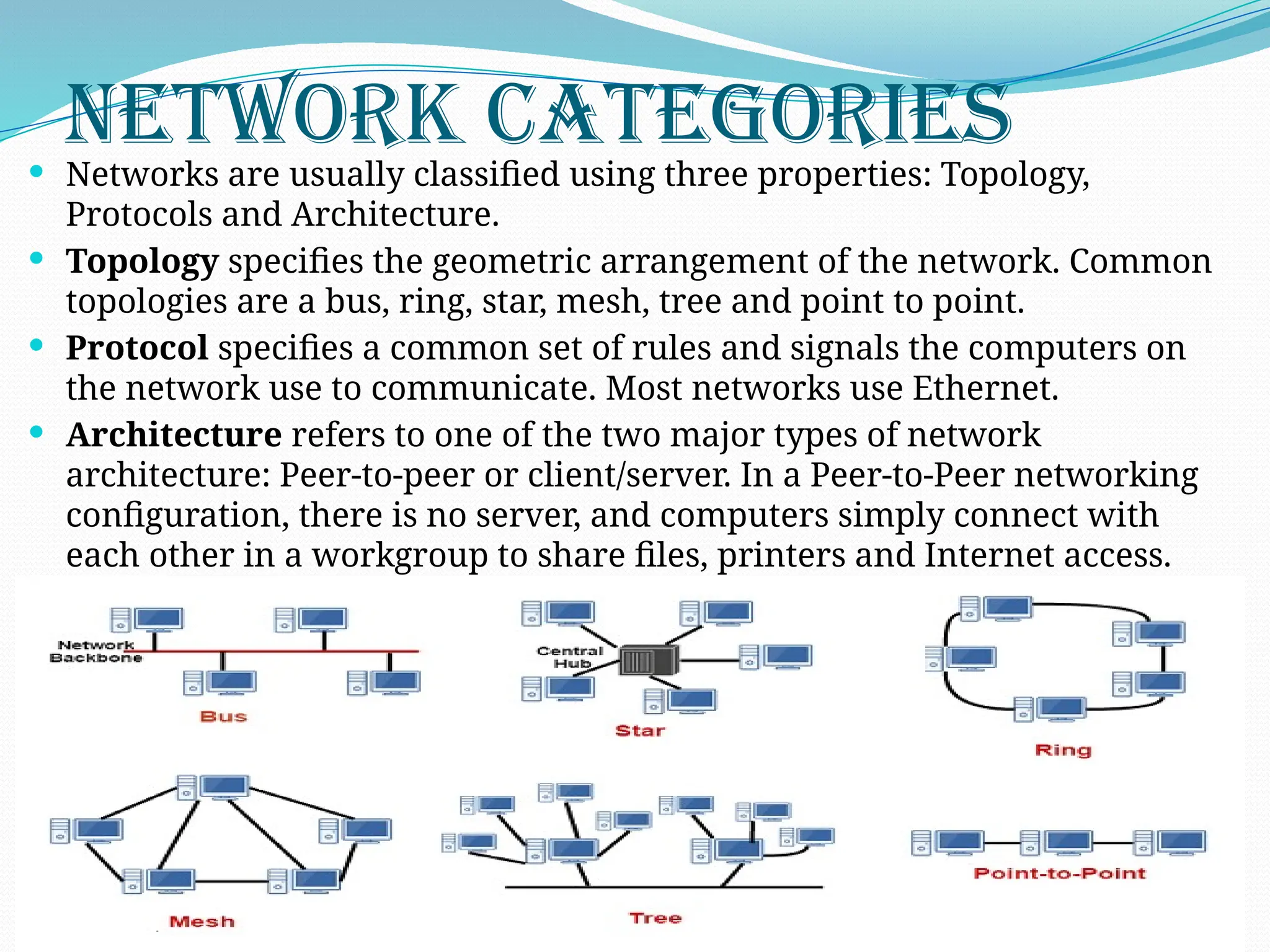
Topology specifies the geometric arrangement of the network. Common
topologies are a bus, ring, star, mesh, tree and point to point.
Protocol specifies a common set of rules and signals the computers on
the network use to communicate. Most networks use Ethernet.
Architecture refers to one of the two major types of network
architecture: Peer-to-peer or client/server. In a Peer-to-Peer networking
configuration, there is no server, and computers simply connect with
each other in a workgroup to share files, printers and Internet access.
9.
Network Security
Networksecurity is one of the most important aspects to consider when working over
the internet, LAN or other method, no matter how small or big your business is. While
there is no network that is immune to attacks, a stable and efficient network security
system is essential to protecting client data. A good network security system helps
business reduce the risk of falling victim of data theft and sabotage.
Network security helps protect your workstations from harmful spyware. It also
ensures that shared data is kept secure. Network security infrastructure provides
several levels of protection to prevent attacks by breaking down information into
numerous parts, encrypting these parts and transmitting them through independent
paths thus preventing cases like eavesdropping.
Getting connected to the internet means that you will receive lots of traffic. Huge traffic
can cause stability problems and may lead to vulnerabilities in the system. Network
security promotes reliability of your network by preventing lagging and downtimes
through continuous monitoring of any suspicious transaction that can sabotage the
system.