Part II:
How the Online Class Works
©2010 Wellner Design
So how do I start the class?
• Your blackboard may not open until the
start date. You are welcome to try to log in
as many times as you want because you
cannot hurt a thing-not your grade, not
your enrollment, not my feelings! If you are
waitlisted you will not be able to log in until
you are enrolled.
• Once you are able to open the blackboard,
it may not show your class(es),or or it may
say that you are not enrolled. Ahhhhh,
technology. If your online teacher emails
you, you are enrolled.
After the start date what do I do?
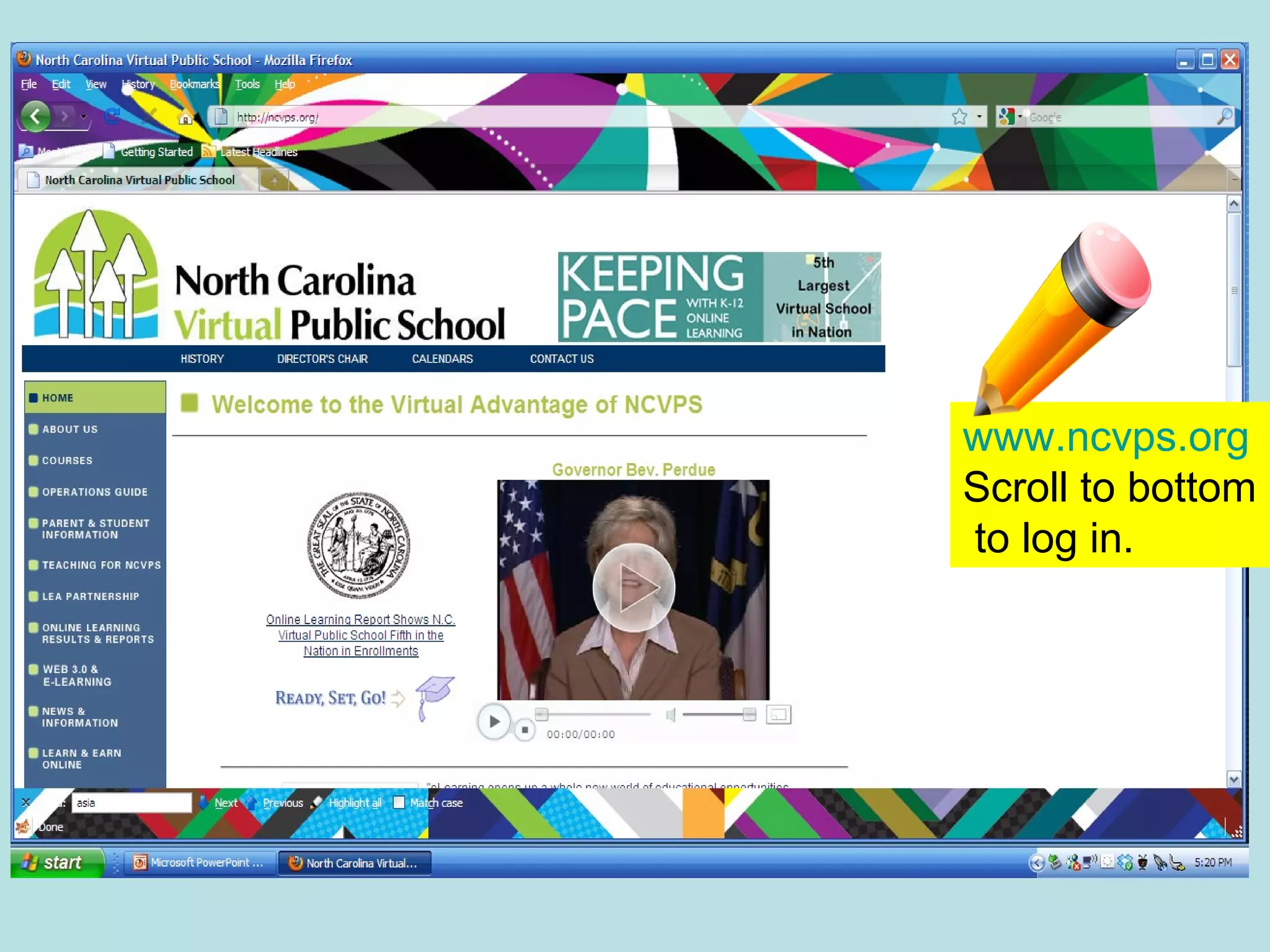
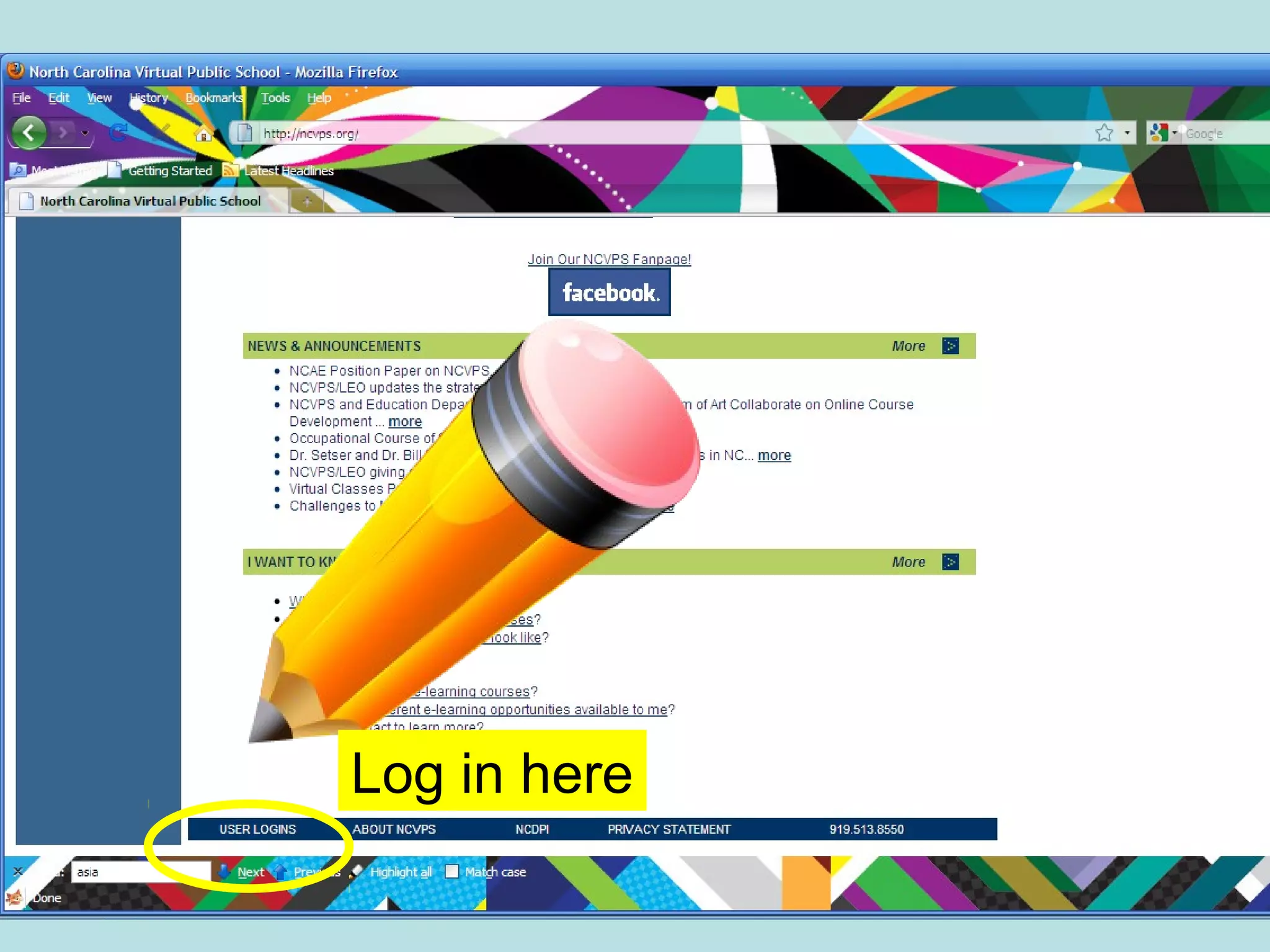
• Go to www.ncvps.org
• The log in is at the bottom of the page.
Follow this pencil!
- www.ncvps.org
Scroll to bottom
to log in.
Log in here
o
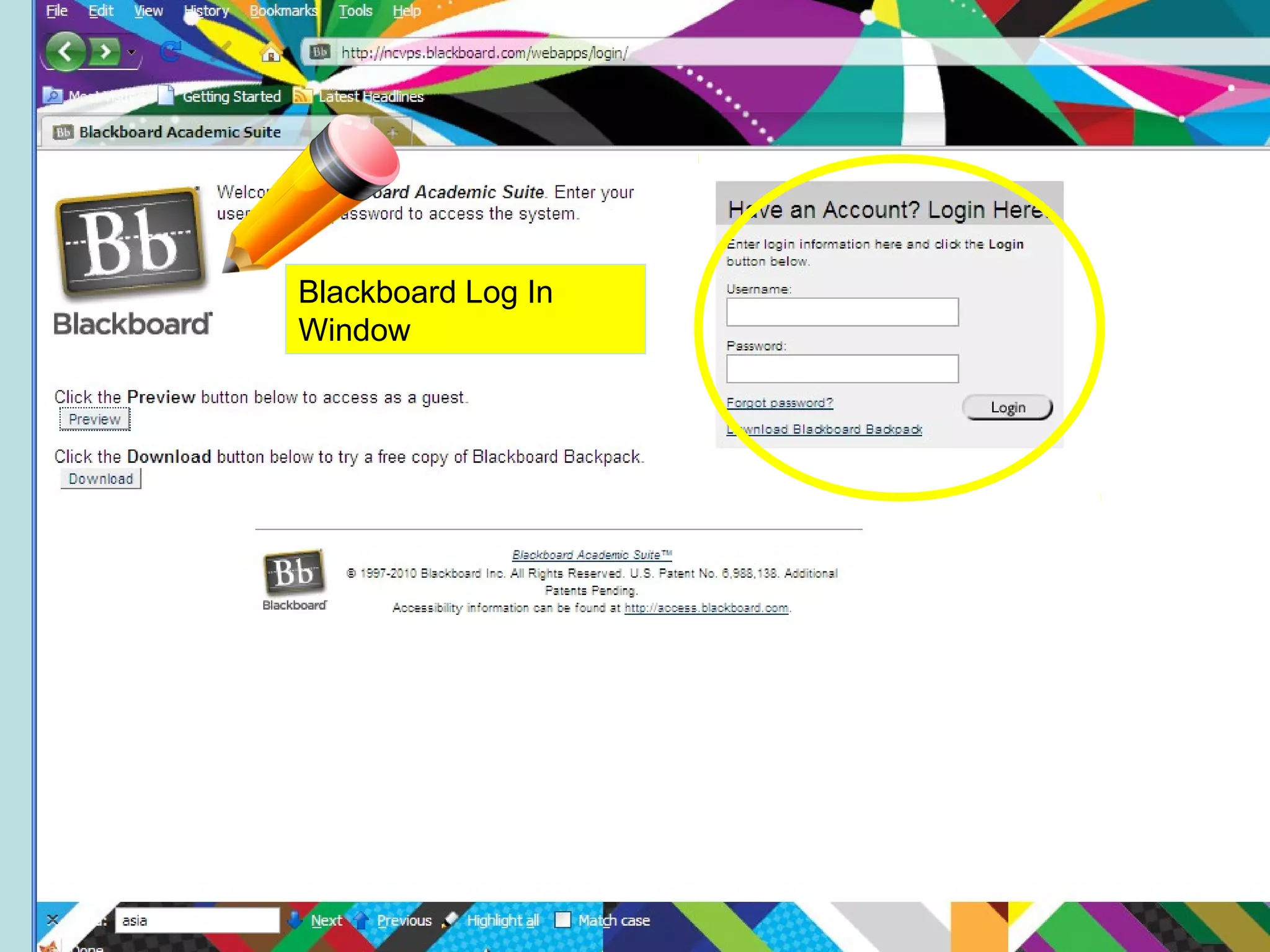
Blackboard Log In
Window
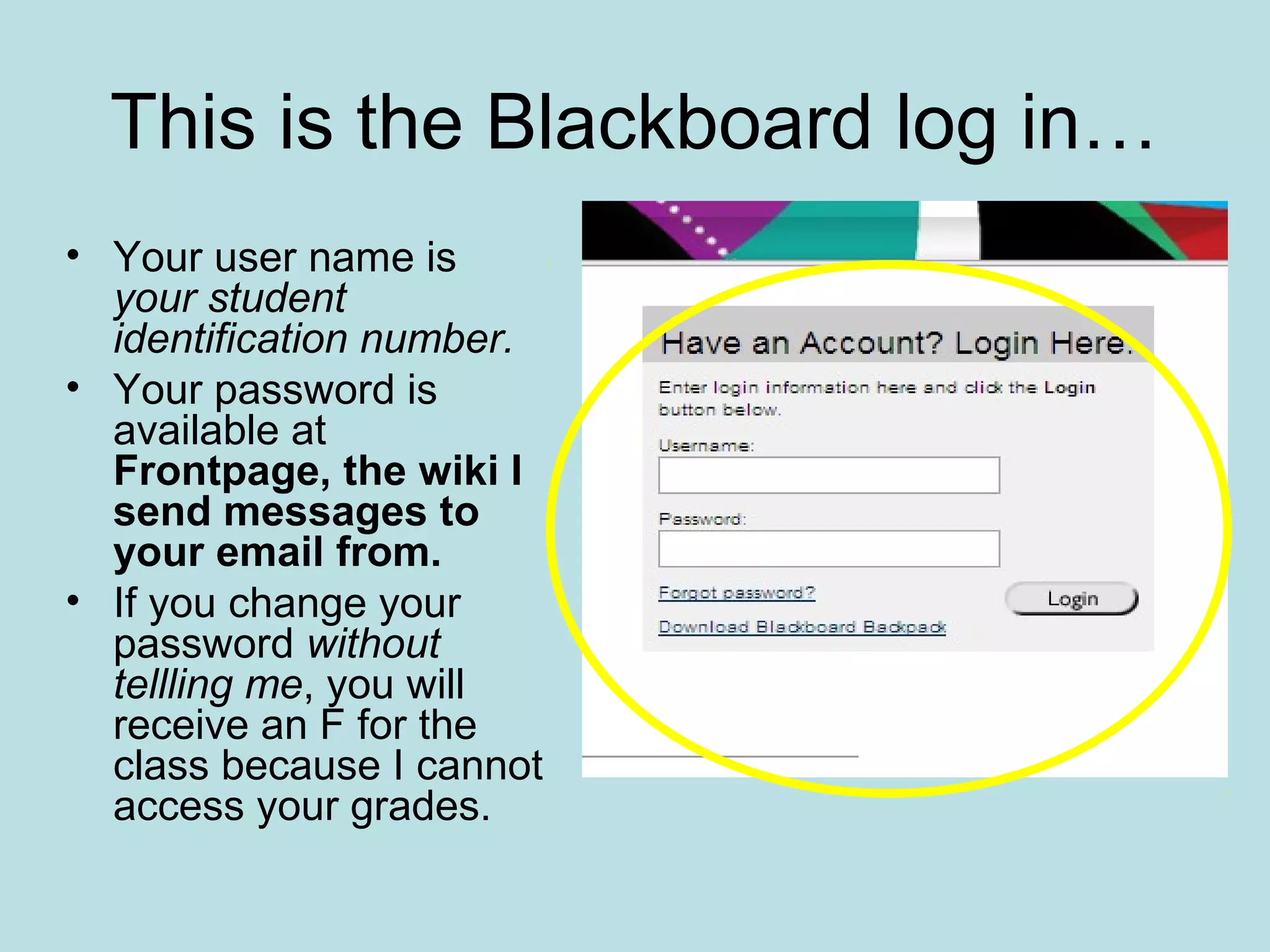
This is the Blackboard log in…
• Your user name is
your student
identification number.
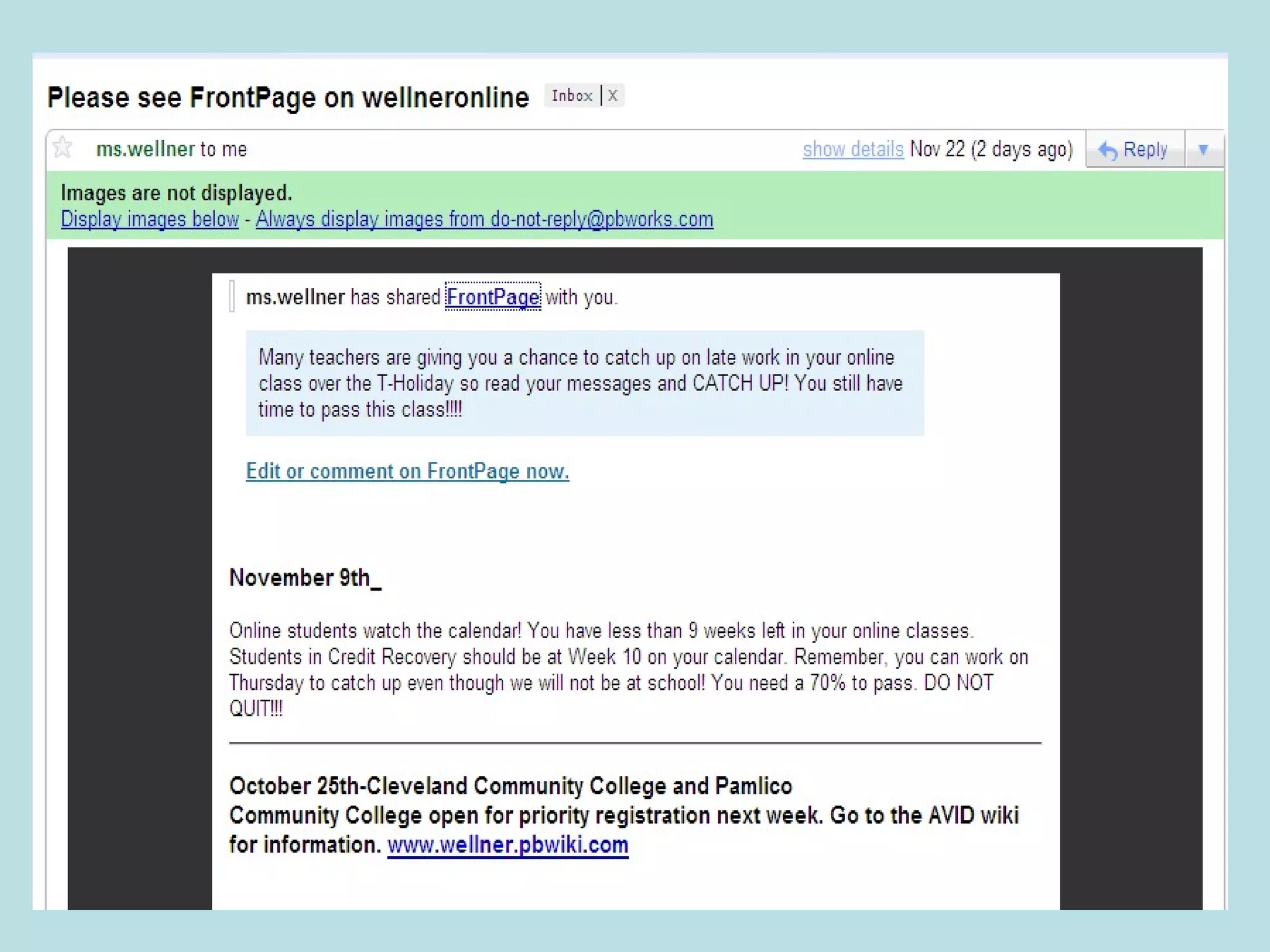
• Your password is
available at
Frontpage, the wiki I
send messages to
your email from.
• If you change your
password without
tellling me, you will
receive an F for the
class because I cannot
access your grades.
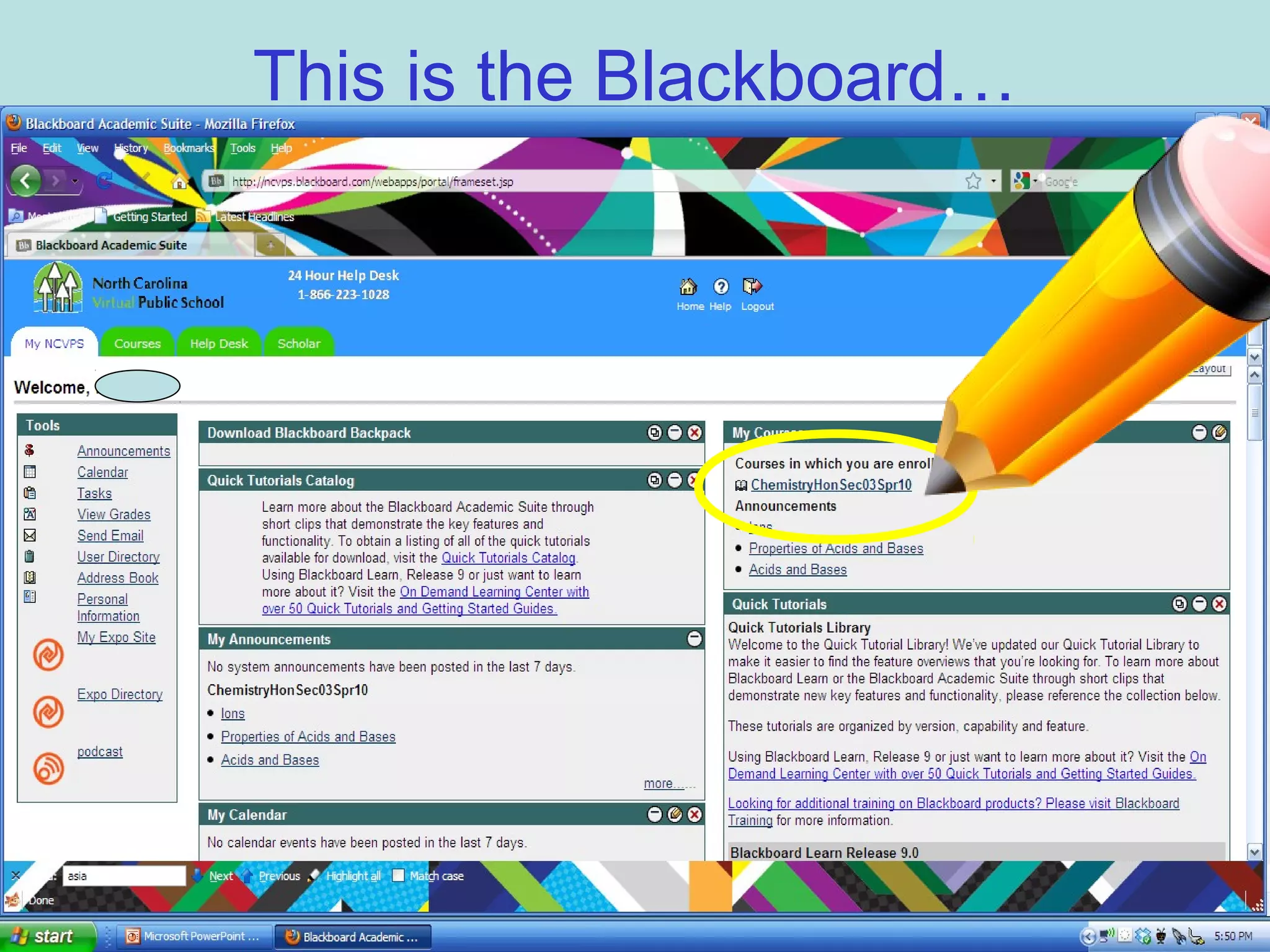
This is the Blackboard…
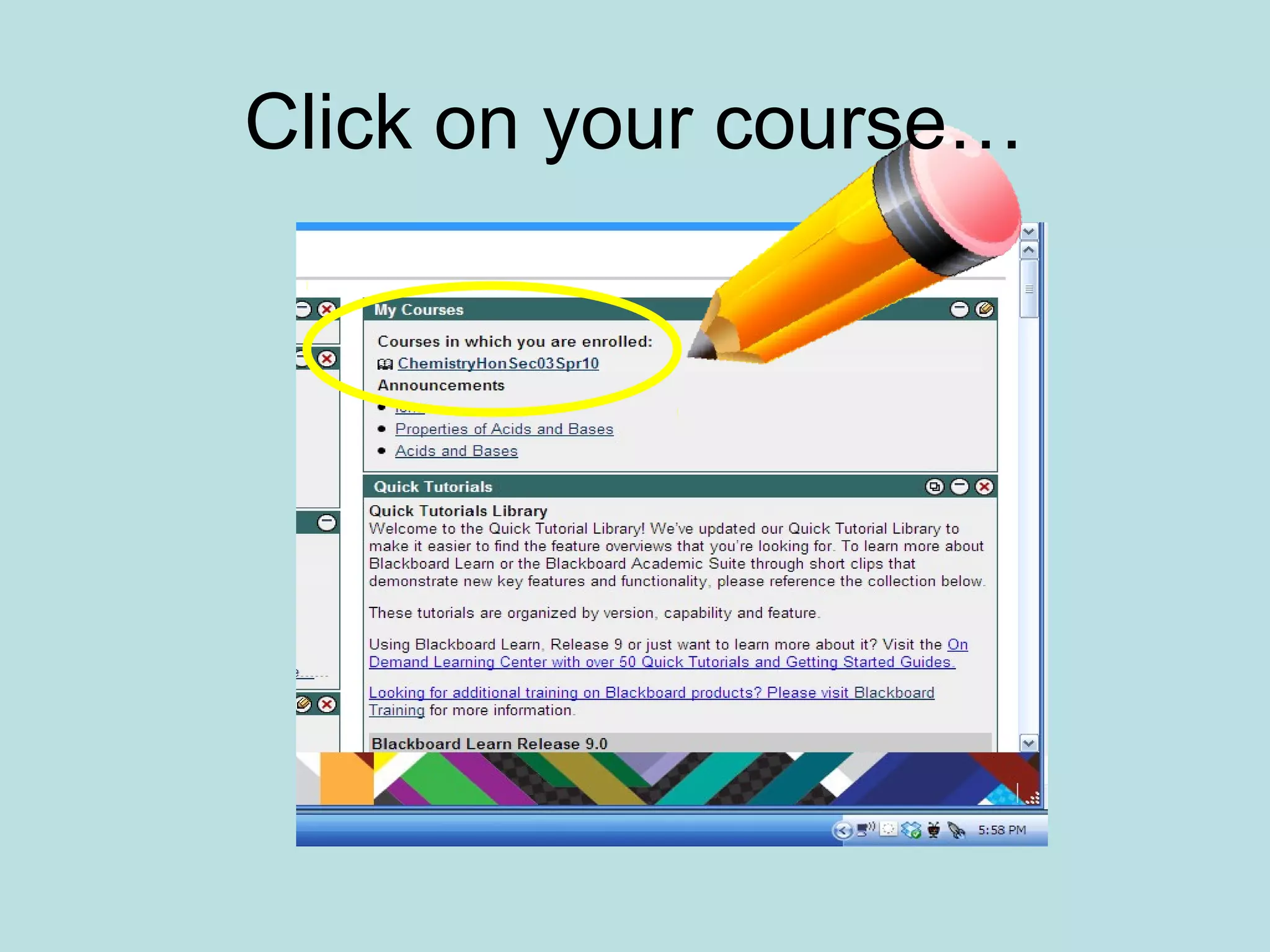
Click on your course…
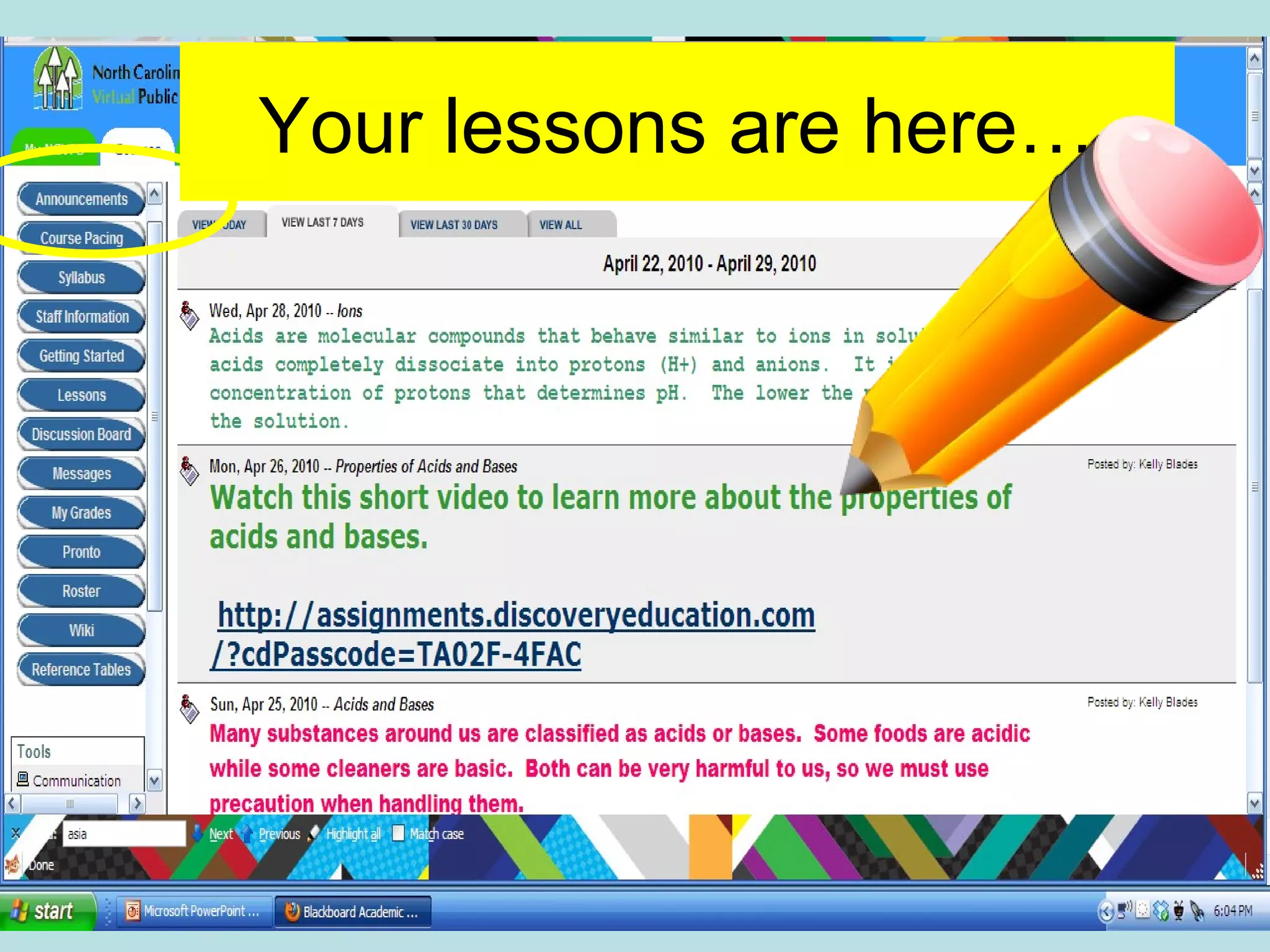
Your lessons are here…
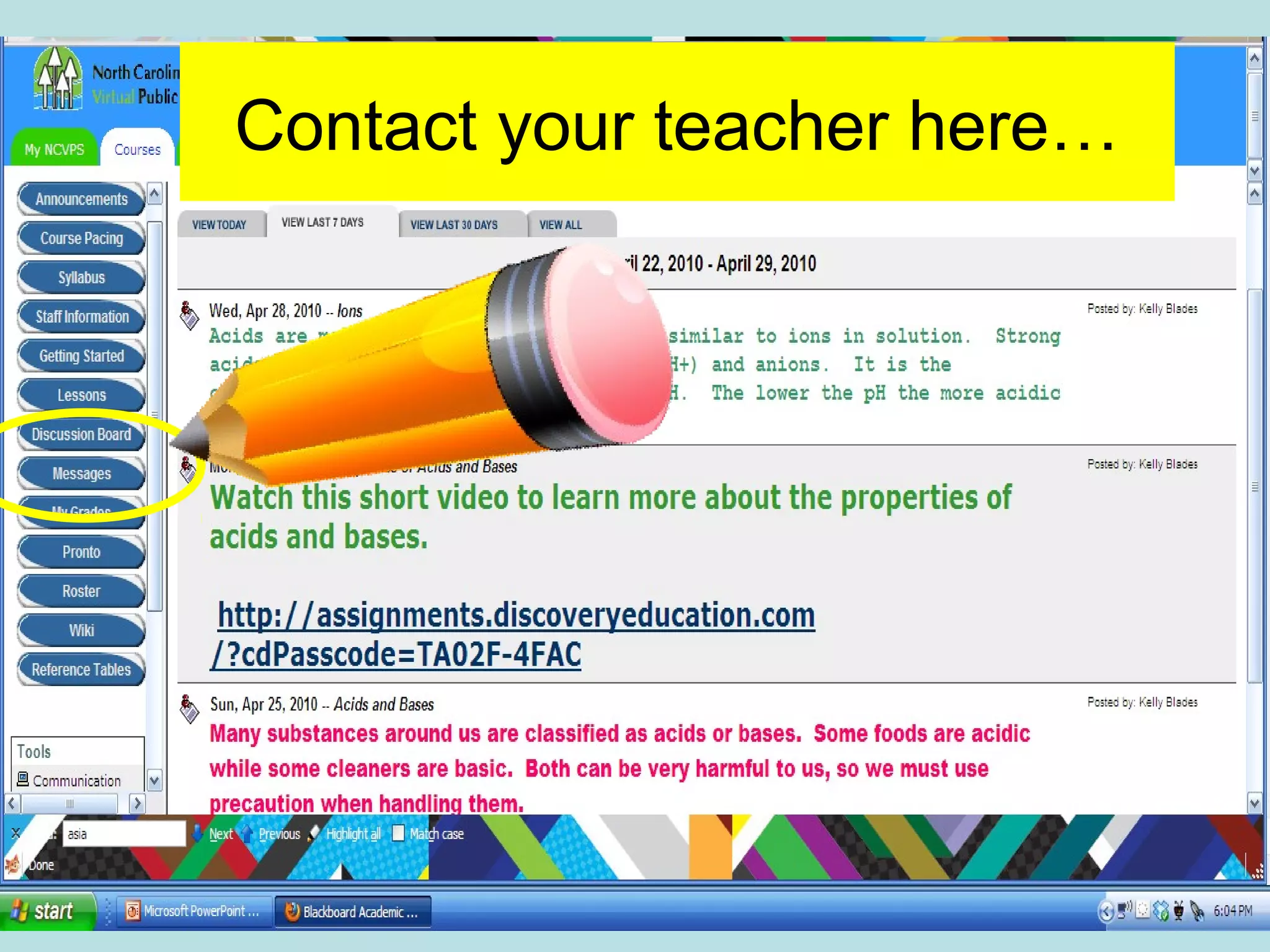
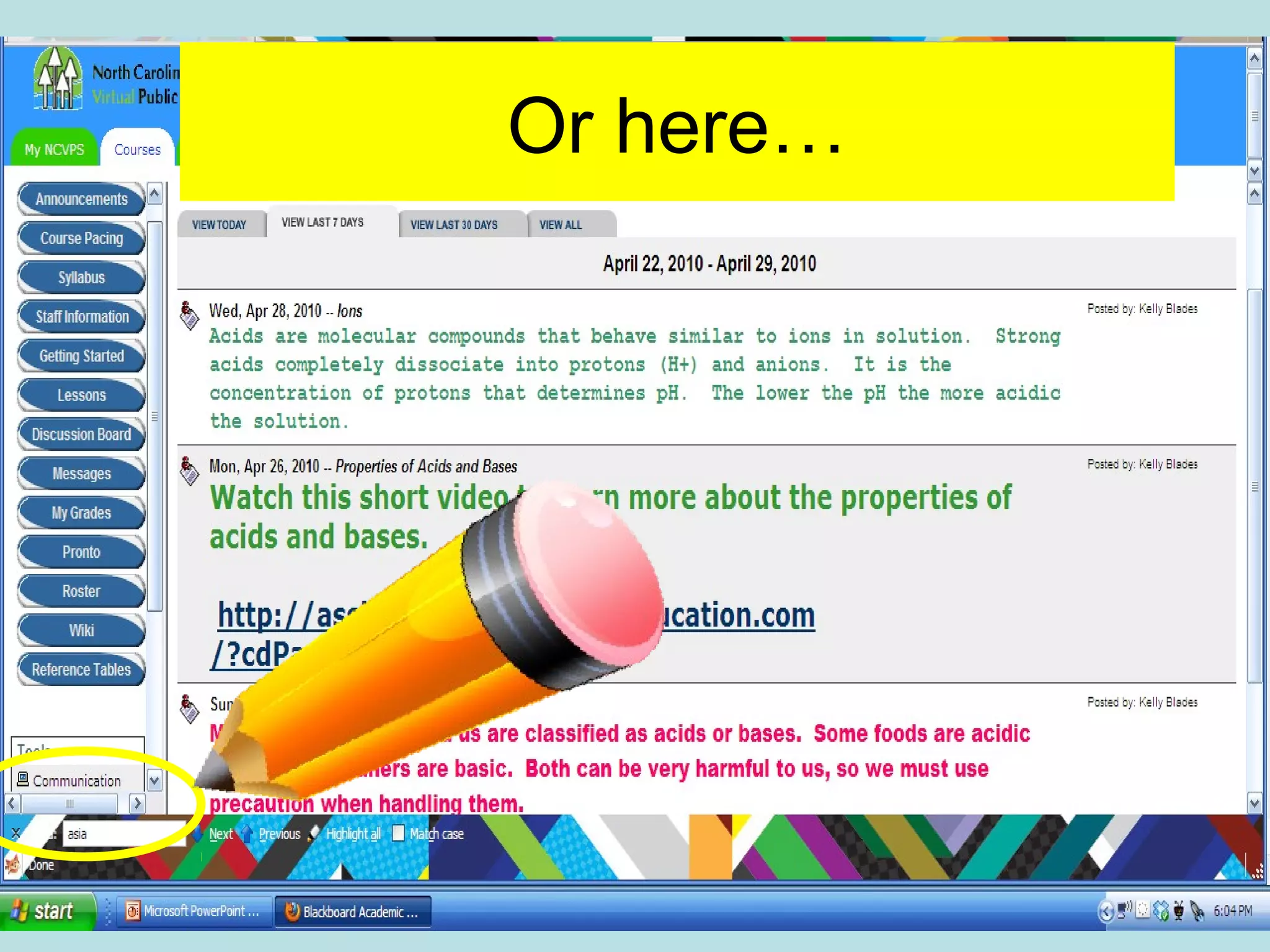
Contact your teacher here…
Or here…
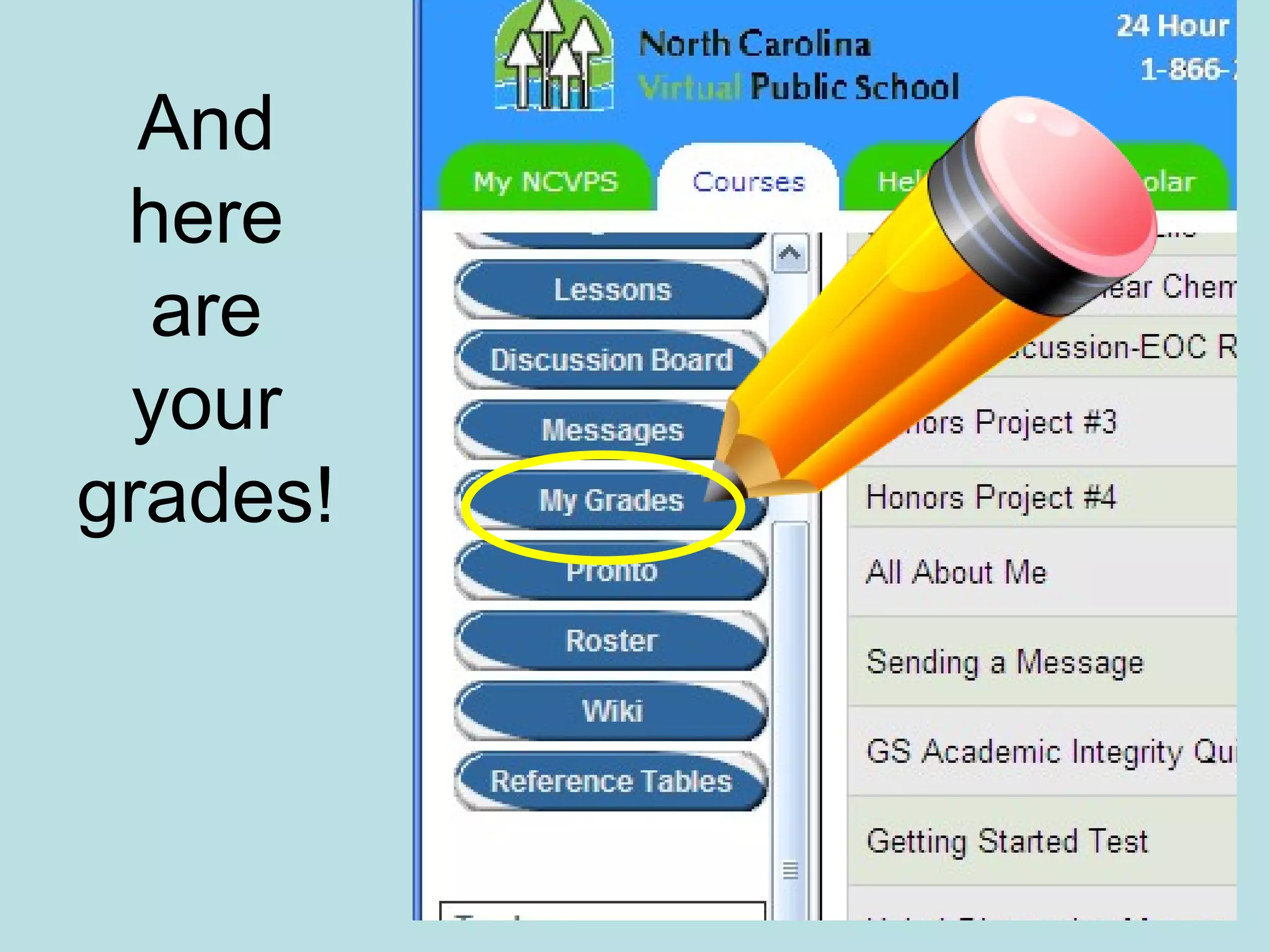
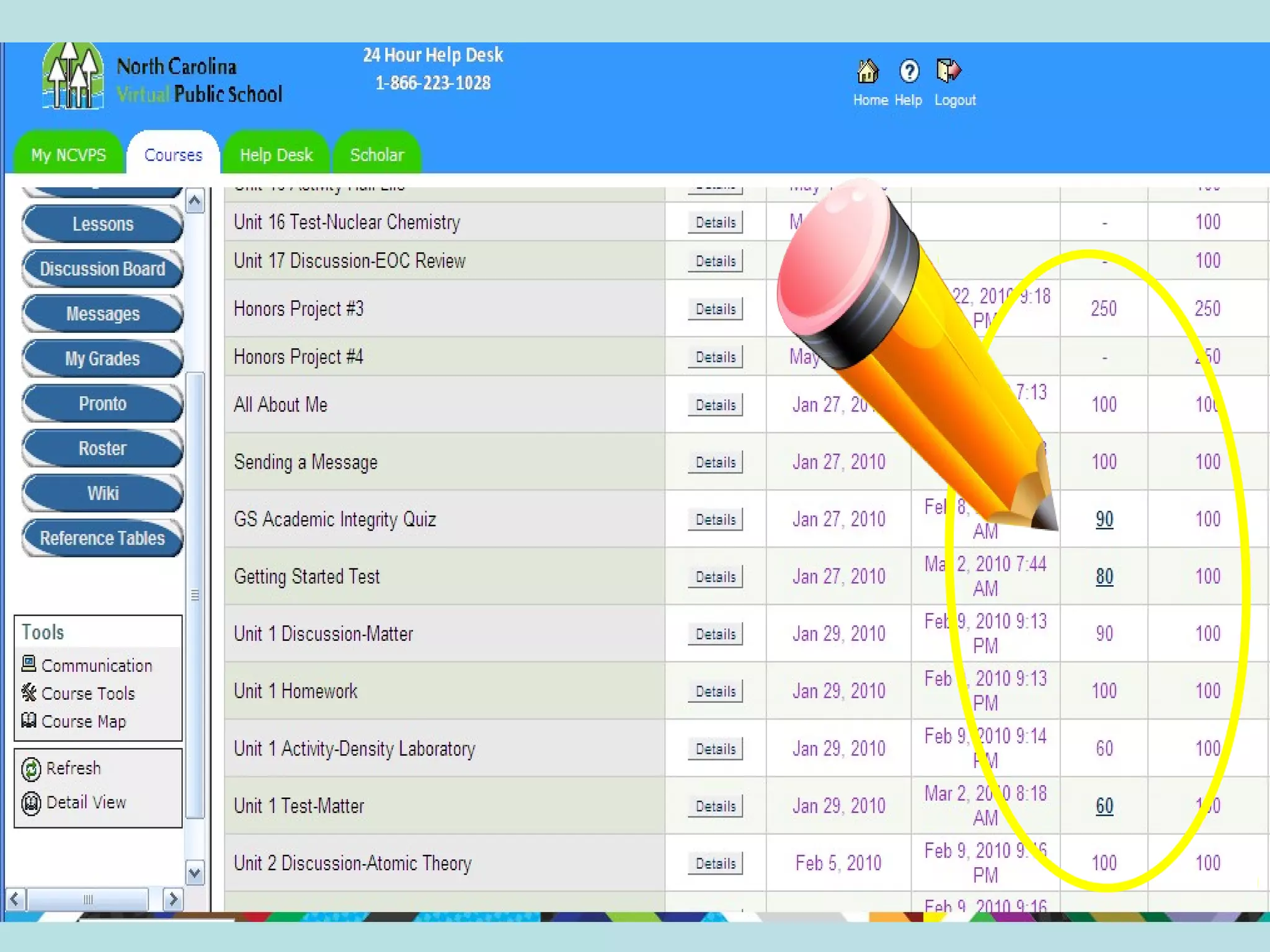
And
here
are
your
grades!
-
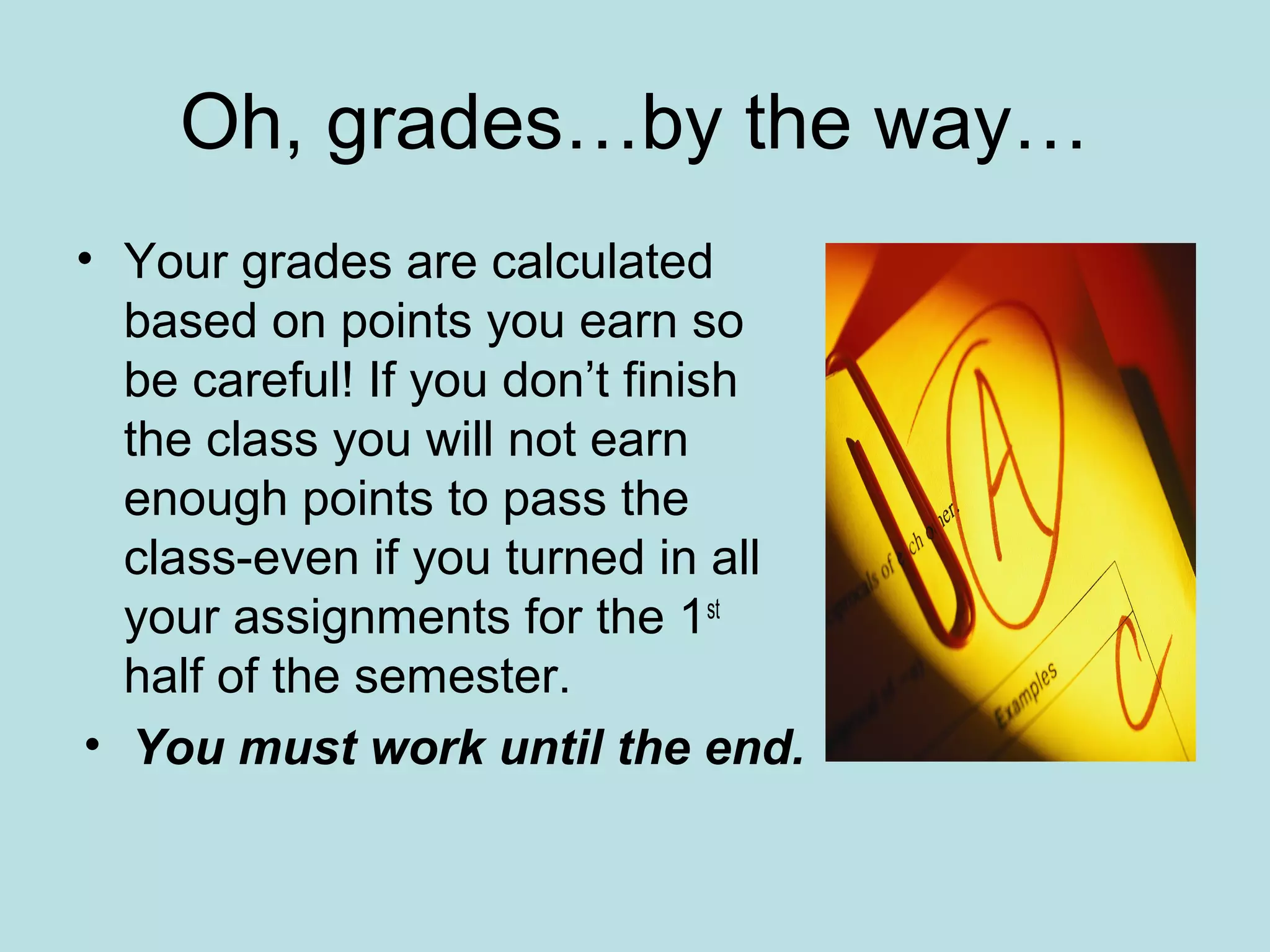
Oh, grades…by the way…
• Your grades are calculated
based on points you earn so
be careful! If you don’t finish
the class you will not earn
enough points to pass the
class-even if you turned in all
your assignments for the 1st
half of the semester.
• You must work until the end.
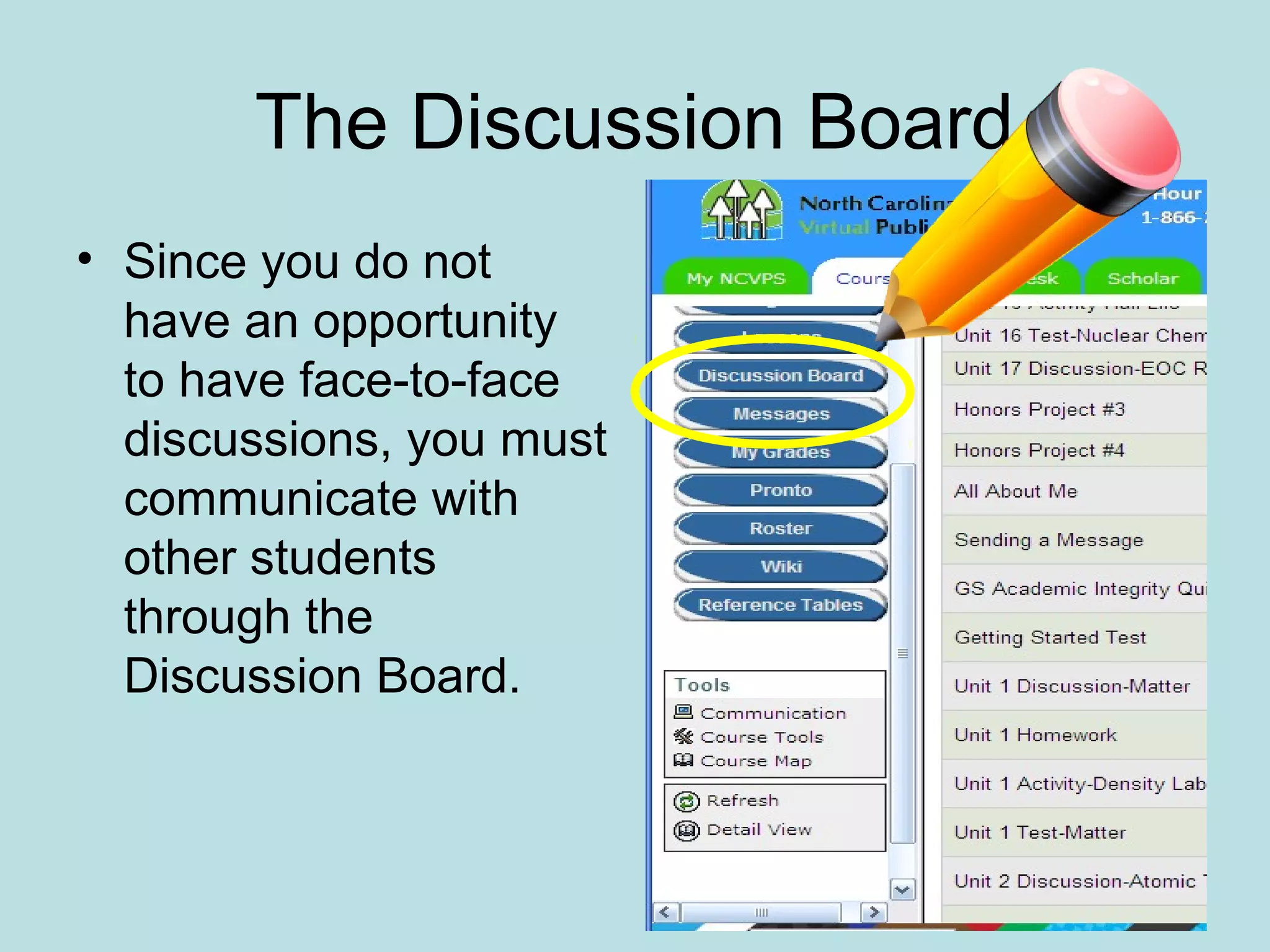
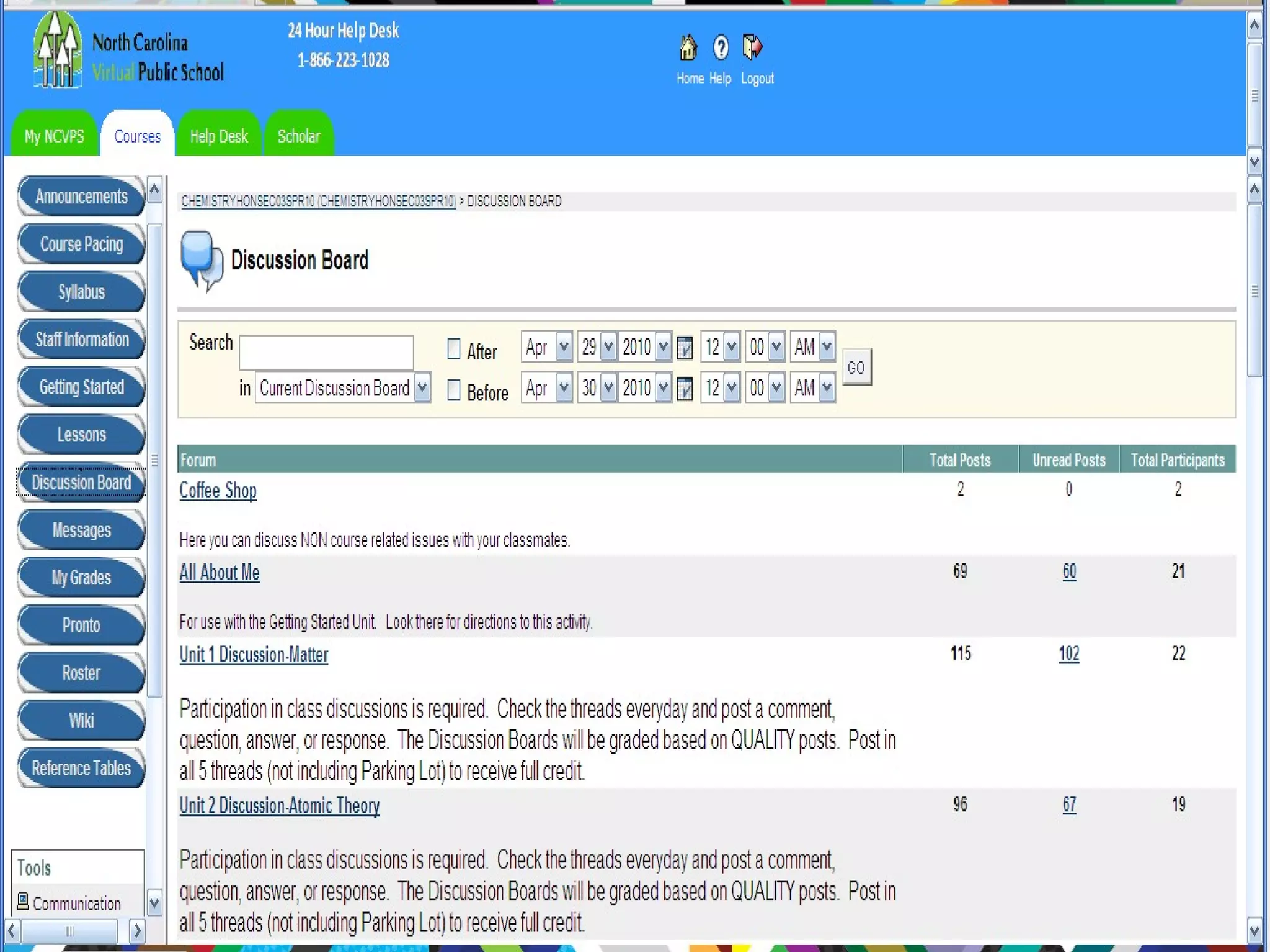
The Discussion Board
• Since you do not
have an opportunity
to have face-to-face
discussions, you must
communicate with
other students
through the
Discussion Board.
After 10 days…
• Although you may feel a little
overwhelmed in the beginning, in less than
10 days you will be an expert in the
Blackboard.
How to succeed in an online
course…
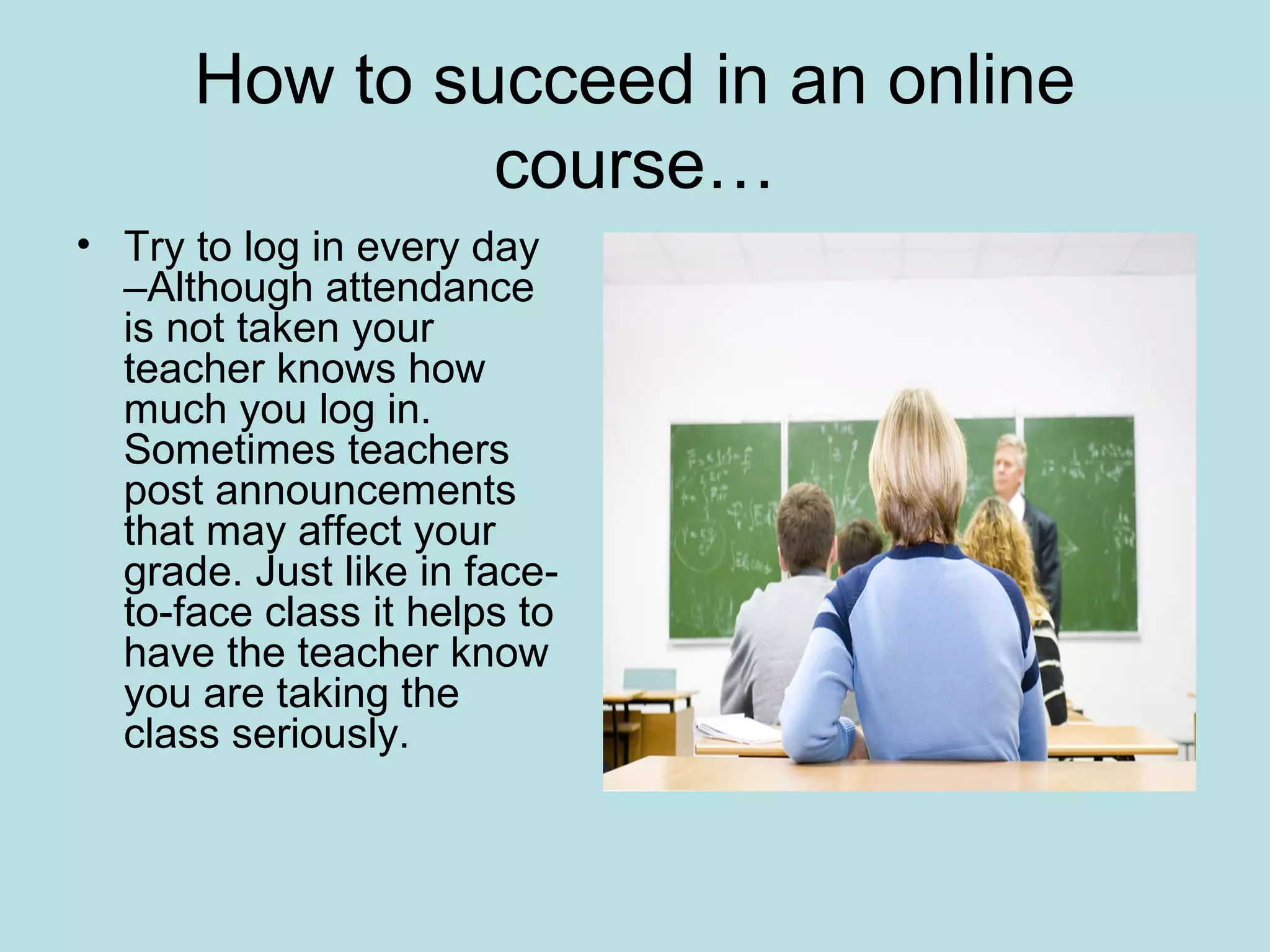
• Try to log in every day
–Although attendance
is not taken your
teacher knows how
much you log in.
Sometimes teachers
post announcements
that may affect your
grade. Just like in face-
to-face class it helps to
have the teacher know
you are taking the
class seriously.
How to succeed in an online
course…
• Don’t forget the Discussion Board. That is
your class participation and constitutes a
large part of your grade.
How to succeed in an online
course…
• Sometimes there are
speaking assignments,
especially in the language
classes. DO THEM!!!!
They are EASY and add
big points to your grade.
Just record the
assignment on your
computer and send it to
your teacher. Easy,
EASY, EASY!!!
How to succeed in an online
course…
• Turn you work in on time.
• If you get behind, contact your teacher
and see if he will accept late work.
Although you will take a penalty, it’s better
than failing the class.
Never give up.
The only students that fail an
online course
simply do not do the work!
What’s it worth to you?
• When you return to school next year, I will
enter your grades on your transcript.
• Students taking EOC courses such as
Physical Science, Algebra II, C&E etc.
must take an EOC in their subject upon
returning to school. I will send you the
contact information.
• Students taking a CTE course such as
Computer Applications, Principals of
Business and others must take a Vocat
upon returning to school. It is factored into
your final grade. I will send you the
contact information.
Is that all?
• Students that finish with a minimum of a C in either Honors, AP or
regular courses have the option to continue with another online
course in the next term.
• Students that fail forfeit the opportunity to
continue in online courses.
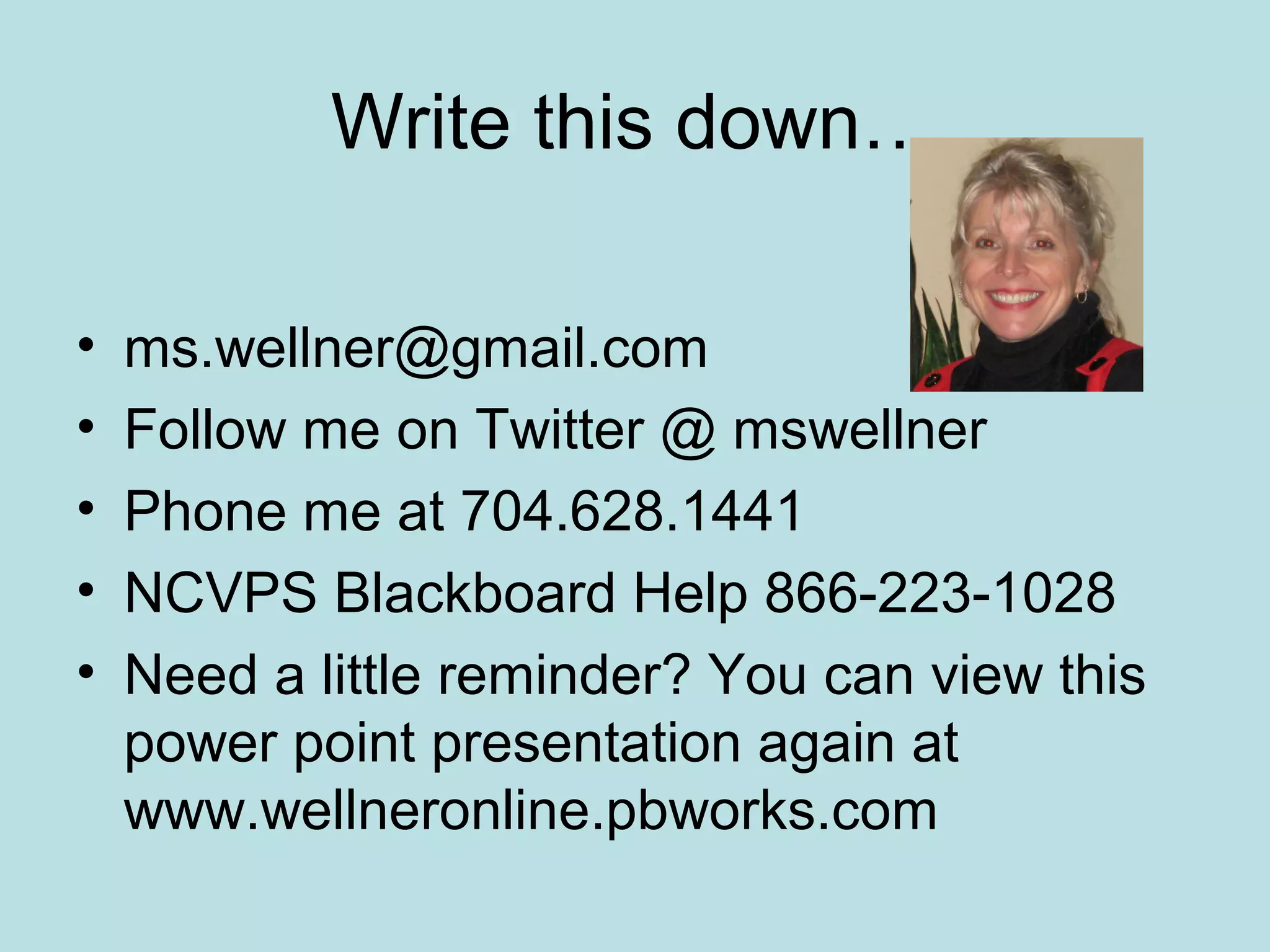
Write this down…
• ms.wellner@gmail.com
• Follow me on Twitter @ mswellner
• Phone me at 704.628.1441
• NCVPS Blackboard Help 866-223-1028
• Need a little reminder? You can view this
power point presentation again at
www.wellneronline.pbworks.com
The
End
Congratulations!
You have just
finished your first
online
assignment!

Ncvps orientation part ii

  • 1.
    Part II: How theOnline Class Works ©2010 Wellner Design
  • 2.
    So how doI start the class? • Your blackboard may not open until the start date. You are welcome to try to log in as many times as you want because you cannot hurt a thing-not your grade, not your enrollment, not my feelings! If you are waitlisted you will not be able to log in until you are enrolled. • Once you are able to open the blackboard, it may not show your class(es),or or it may say that you are not enrolled. Ahhhhh, technology. If your online teacher emails you, you are enrolled.
  • 3.
    After the startdate what do I do? • Go to www.ncvps.org • The log in is at the bottom of the page. Follow this pencil!
  • 4.
    - www.ncvps.org Scroll tobottom to log in.
  • 5.
  • 6.
  • 7.
    This is theBlackboard log in… • Your user name is your student identification number. • Your password is available at Frontpage, the wiki I send messages to your email from. • If you change your password without tellling me, you will receive an F for the class because I cannot access your grades.
  • 9.
    This is theBlackboard…
  • 10.
    Click on yourcourse…
  • 11.
  • 12.
  • 13.
  • 14.
  • 15.
  • 16.
    Oh, grades…by theway… • Your grades are calculated based on points you earn so be careful! If you don’t finish the class you will not earn enough points to pass the class-even if you turned in all your assignments for the 1st half of the semester. • You must work until the end.
  • 17.
    The Discussion Board •Since you do not have an opportunity to have face-to-face discussions, you must communicate with other students through the Discussion Board.
  • 19.
    After 10 days… •Although you may feel a little overwhelmed in the beginning, in less than 10 days you will be an expert in the Blackboard.
  • 20.
    How to succeedin an online course… • Try to log in every day –Although attendance is not taken your teacher knows how much you log in. Sometimes teachers post announcements that may affect your grade. Just like in face- to-face class it helps to have the teacher know you are taking the class seriously.
  • 21.
    How to succeedin an online course… • Don’t forget the Discussion Board. That is your class participation and constitutes a large part of your grade.
  • 22.
    How to succeedin an online course… • Sometimes there are speaking assignments, especially in the language classes. DO THEM!!!! They are EASY and add big points to your grade. Just record the assignment on your computer and send it to your teacher. Easy, EASY, EASY!!!
  • 23.
    How to succeedin an online course… • Turn you work in on time. • If you get behind, contact your teacher and see if he will accept late work. Although you will take a penalty, it’s better than failing the class.
  • 24.
    Never give up. Theonly students that fail an online course simply do not do the work!
  • 25.
    What’s it worthto you? • When you return to school next year, I will enter your grades on your transcript. • Students taking EOC courses such as Physical Science, Algebra II, C&E etc. must take an EOC in their subject upon returning to school. I will send you the contact information. • Students taking a CTE course such as Computer Applications, Principals of Business and others must take a Vocat upon returning to school. It is factored into your final grade. I will send you the contact information.
  • 26.
    Is that all? •Students that finish with a minimum of a C in either Honors, AP or regular courses have the option to continue with another online course in the next term. • Students that fail forfeit the opportunity to continue in online courses.
  • 27.
    Write this down… •ms.wellner@gmail.com • Follow me on Twitter @ mswellner • Phone me at 704.628.1441 • NCVPS Blackboard Help 866-223-1028 • Need a little reminder? You can view this power point presentation again at www.wellneronline.pbworks.com
  • 28.