Introduction To  Online Learning Prince George’s Community College
Welcome…. Purpose of this session Distance Learning Center Contacts Distance Learning Web Site http://www.pgcconline.com
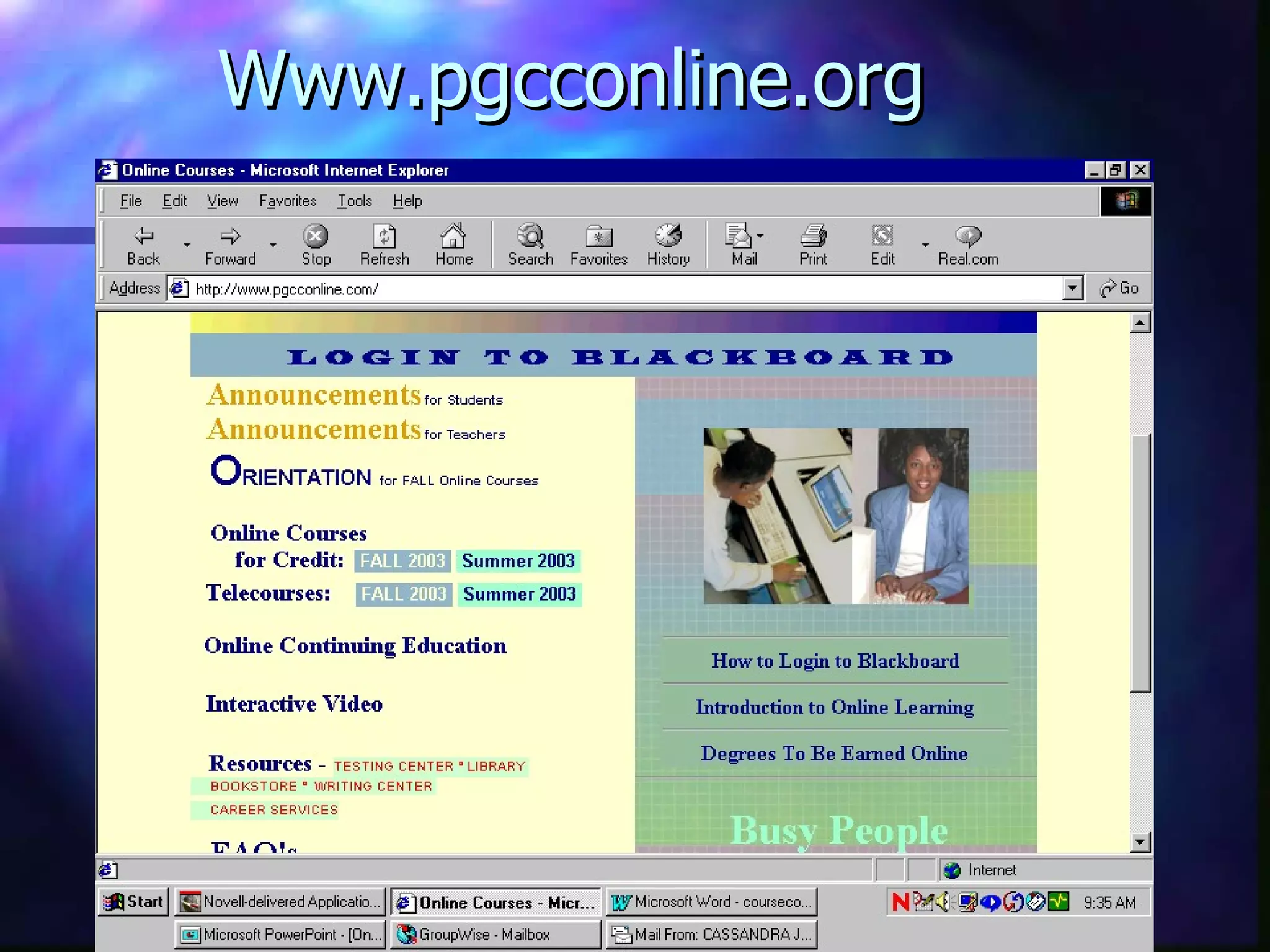
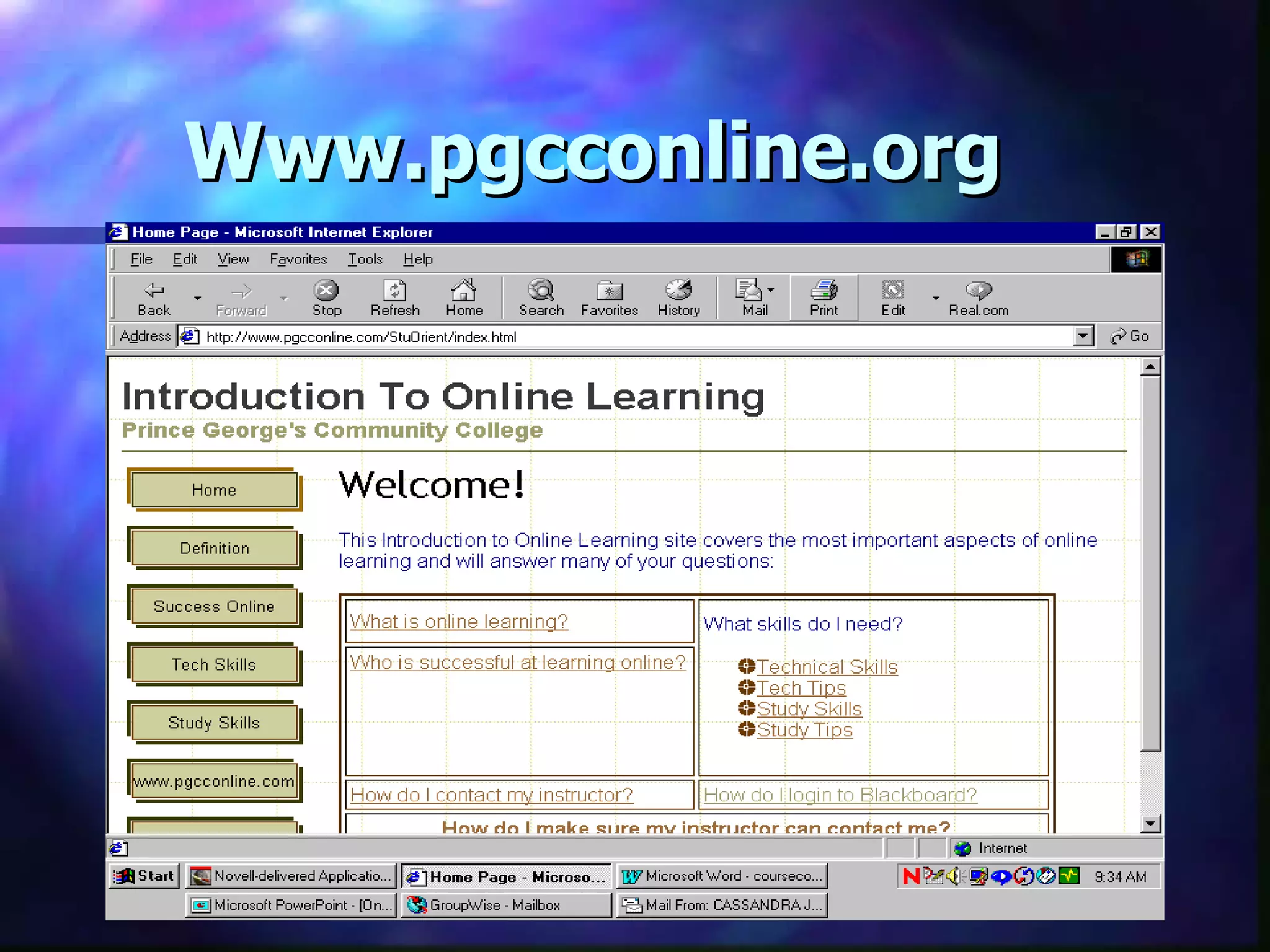
Introduction To  Online Learning Go to  www.pgcconline.org Click on    Introduction to Online Learning
Www.pgcconline.org
Www.pgcconline.org
What is Online Learning? Your computer becomes your classroom Interact with fellow students and your instructor through email and Blackboard Flexible, convenient…NOT EASIER!!!!! Requires a  minimum  of 6-9 hours/week Includes discussions, assignments, exams … and FIRM deadlines
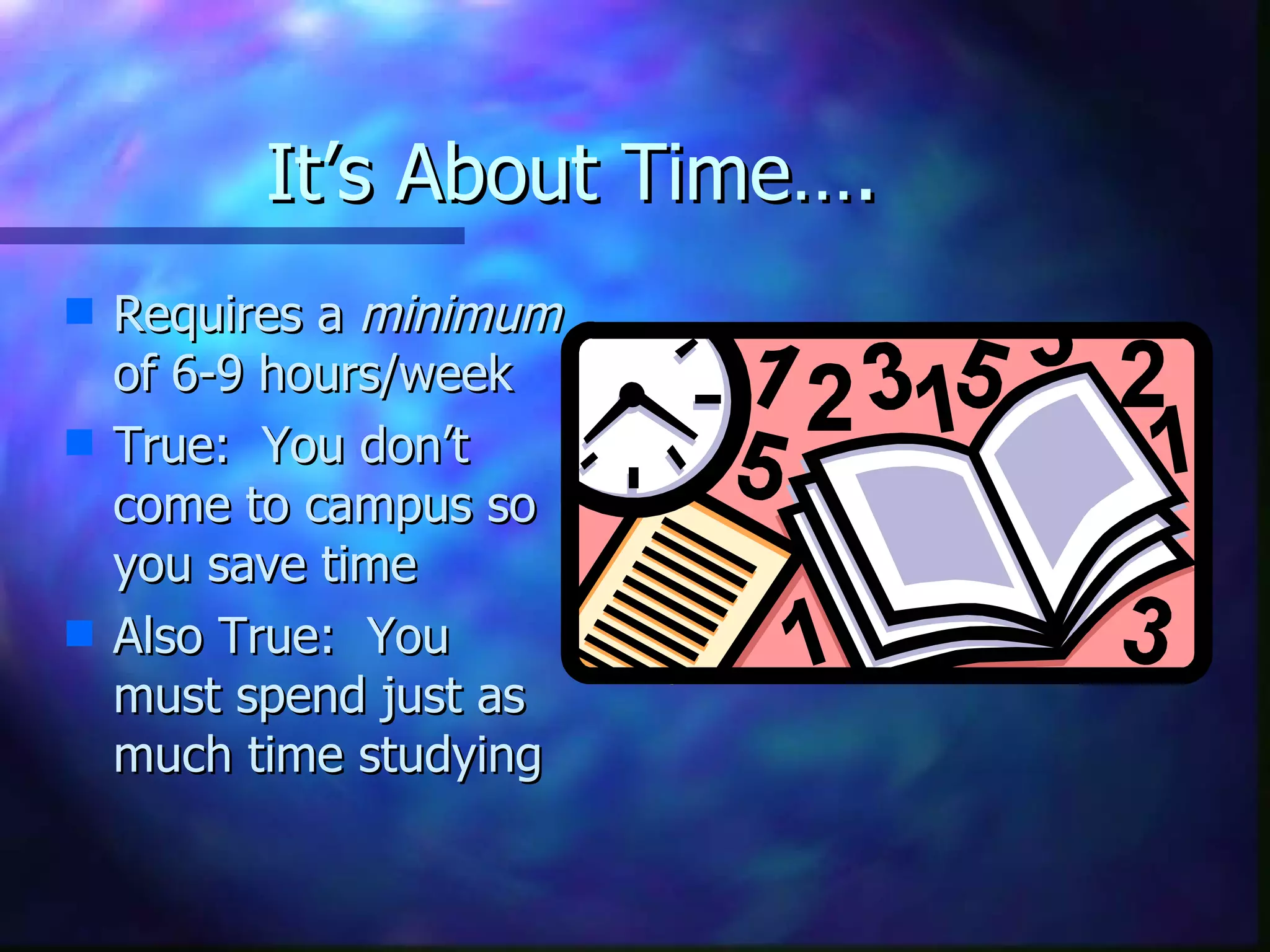
It’s About Time…. Requires a  minimum  of 6-9 hours/week True:  You don’t come to campus so you save time Also True:  You must spend just as much time studying
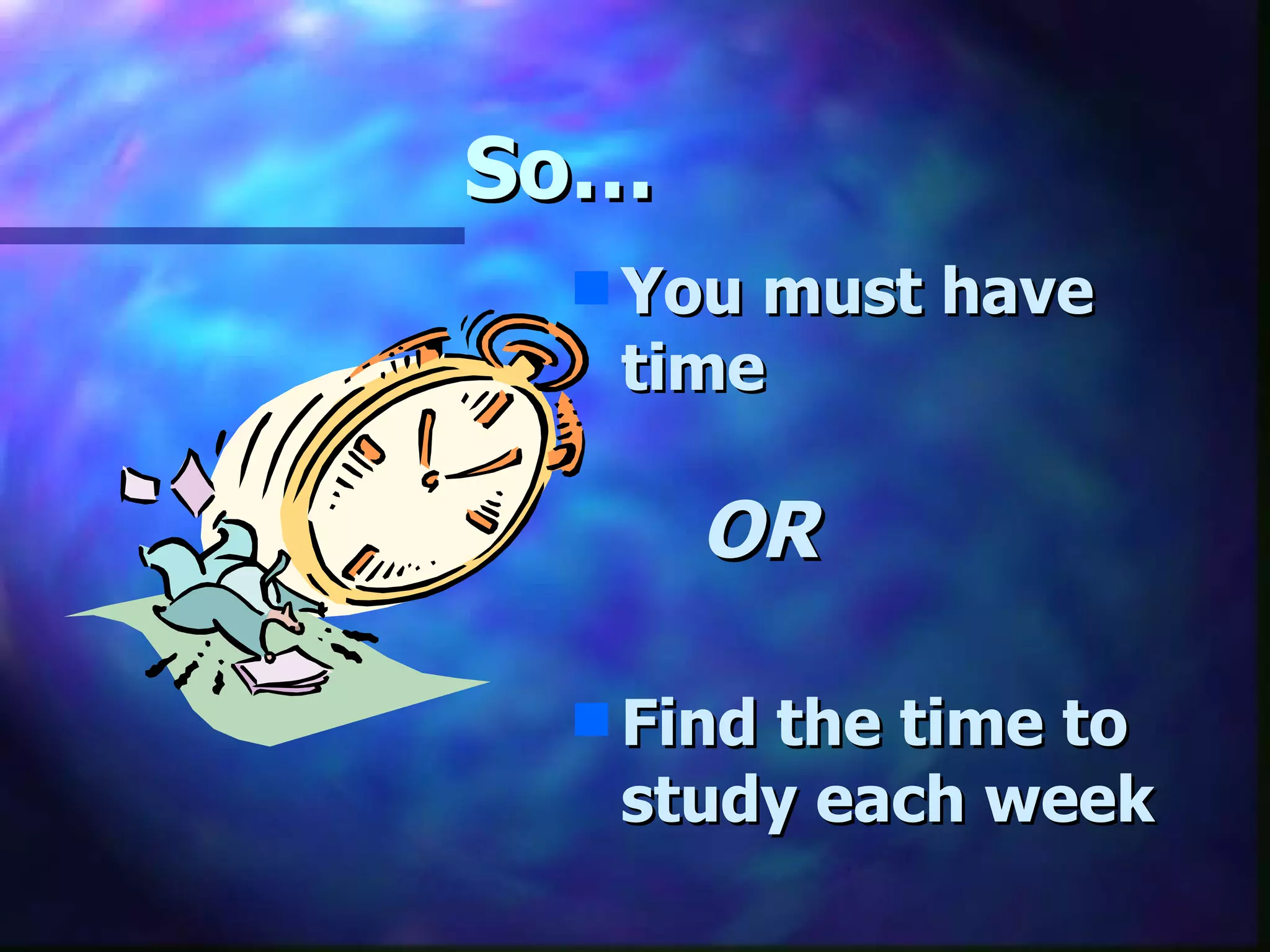
So…   You must have time OR Find the time to study each week
Who Should Take  An Online Course? Successful online students have both: Technology Skills “ Student” Skills
Technology Hardware:  Pentium class computer  at least 32 MB RAM  a 28.8 modem An Internet Service Provider Your own email account
Technology Skills Able to navigate using the Internet Basic Skills Type  Use a mouse Able to Cut, Copy and Paste text Able to use email Able to attach a file
“Student Skills” -  Questions To Ask “ Is Distance Learning Right For Me?” What grades do you typically earn? Do you understand and remember what you read?  Do you meet deadlines?
Read the Course Syllabus! RTCS The syllabus explains the course organization, the grading policy, the types of assignments & other important information.  RTCS   You are expected to read the syllabus & know its contents. I suggest you print & save it.  RTCS   Many questions you will be tempted to ask the instructor in an email have already been answered in the syllabus.   RTCS
So, you have a question!  How do you ask the instructor a question in an online course? Some possibilites are emails, chats conferences & phone calls.   However, rather than answer the same question a “gazillion” times via email, many instructors answer student questions in a conference designated for that purpose & reserve email for highly personal questions only.   Learn your OL instructor’s communication policy and follow it.
When is it due?  Contrary to popular belief,  most online courses are not self-paced ; their assignments have firm due dates. The instructor sets the pace.   Find the  course calendar ! Learn the due dates for the assignments in your online course.    Are there any  penalties for lateness ? For what circumstances, if any, can you submit work late?
What about office hours? Scheduled online chats are used by some online faculty as office hours.    An office hour chat is a great  opportunity to ask questions & get immediate answers.   Find out if your instructor holds online office hours & “attend” them.
I wrote it;  now how do I turn it in? “ Can’t I just send it as an email attachment?” Maybe, maybe not!   Each instructor has a policy about how to submit homework.    Learn your instructor’s policy and follow it. Hint:  Check the course syllabus.  RTCS
Mysterious Emails & Filenames!? Want credit for your homework? Name files in a recognizable way:   E.g., tjones_ae02 for Tom Jones’Analytical Essay #2   Always include your name & the assignment name at the head of the document.   Want to have an email answered? Then, identify yourself by full name & include   course name & reference number.
Tour Of Blackboard Login  (Handout) Welcome Page Navigation Getting Help Statistics Major Features  Announcements Course Information Communication Tools Bulletin Board Send email Digital Drop Box Handout
Tips for Success Budget your time Don’t procrastinate; don’t get behind Meet deadlines  Login to Blackboard often (3-5 times per week  minimum ) Always  save a copy of your files Participate actively Do your work “off line” and save your files to disk before you send them Confused?  Need Help? Questions? Ask your instructor and classmates!
Resources More Information About Online Learning at http://www.marylandonline.org/prospective_students/ including articles about online learning, self-assessments, “Successful Students Checklist”

Orientation

  • 1.
    Introduction To Online Learning Prince George’s Community College
  • 2.
    Welcome…. Purpose ofthis session Distance Learning Center Contacts Distance Learning Web Site http://www.pgcconline.com
  • 3.
    Introduction To Online Learning Go to www.pgcconline.org Click on Introduction to Online Learning
  • 4.
  • 5.
  • 6.
    What is OnlineLearning? Your computer becomes your classroom Interact with fellow students and your instructor through email and Blackboard Flexible, convenient…NOT EASIER!!!!! Requires a minimum of 6-9 hours/week Includes discussions, assignments, exams … and FIRM deadlines
  • 7.
    It’s About Time….Requires a minimum of 6-9 hours/week True: You don’t come to campus so you save time Also True: You must spend just as much time studying
  • 8.
    So… You must have time OR Find the time to study each week
  • 9.
    Who Should Take An Online Course? Successful online students have both: Technology Skills “ Student” Skills
  • 10.
    Technology Hardware: Pentium class computer at least 32 MB RAM a 28.8 modem An Internet Service Provider Your own email account
  • 11.
    Technology Skills Ableto navigate using the Internet Basic Skills Type Use a mouse Able to Cut, Copy and Paste text Able to use email Able to attach a file
  • 12.
    “Student Skills” - Questions To Ask “ Is Distance Learning Right For Me?” What grades do you typically earn? Do you understand and remember what you read? Do you meet deadlines?
  • 13.
    Read the CourseSyllabus! RTCS The syllabus explains the course organization, the grading policy, the types of assignments & other important information. RTCS You are expected to read the syllabus & know its contents. I suggest you print & save it. RTCS Many questions you will be tempted to ask the instructor in an email have already been answered in the syllabus. RTCS
  • 14.
    So, you havea question! How do you ask the instructor a question in an online course? Some possibilites are emails, chats conferences & phone calls. However, rather than answer the same question a “gazillion” times via email, many instructors answer student questions in a conference designated for that purpose & reserve email for highly personal questions only. Learn your OL instructor’s communication policy and follow it.
  • 15.
    When is itdue? Contrary to popular belief, most online courses are not self-paced ; their assignments have firm due dates. The instructor sets the pace. Find the course calendar ! Learn the due dates for the assignments in your online course. Are there any penalties for lateness ? For what circumstances, if any, can you submit work late?
  • 16.
    What about officehours? Scheduled online chats are used by some online faculty as office hours. An office hour chat is a great opportunity to ask questions & get immediate answers. Find out if your instructor holds online office hours & “attend” them.
  • 17.
    I wrote it; now how do I turn it in? “ Can’t I just send it as an email attachment?” Maybe, maybe not! Each instructor has a policy about how to submit homework. Learn your instructor’s policy and follow it. Hint: Check the course syllabus. RTCS
  • 18.
    Mysterious Emails &Filenames!? Want credit for your homework? Name files in a recognizable way: E.g., tjones_ae02 for Tom Jones’Analytical Essay #2 Always include your name & the assignment name at the head of the document. Want to have an email answered? Then, identify yourself by full name & include course name & reference number.
  • 19.
    Tour Of BlackboardLogin (Handout) Welcome Page Navigation Getting Help Statistics Major Features Announcements Course Information Communication Tools Bulletin Board Send email Digital Drop Box Handout
  • 20.
    Tips for SuccessBudget your time Don’t procrastinate; don’t get behind Meet deadlines Login to Blackboard often (3-5 times per week minimum ) Always save a copy of your files Participate actively Do your work “off line” and save your files to disk before you send them Confused? Need Help? Questions? Ask your instructor and classmates!
  • 21.
    Resources More InformationAbout Online Learning at http://www.marylandonline.org/prospective_students/ including articles about online learning, self-assessments, “Successful Students Checklist”