WELCOME TO
ADAPTIVE COMPUTER LAB
(ACL)
and the Year of Growth Mindset!
ORIENTATION
Spring 2016
Please read all information as
there are important changes.
OUR MISSION
• We will try very hard to assist you in
achieving success at Fullerton College.
• We will try very hard to match your
creativity, hard work ethic and
persistence. In other words, if you work
hard and assume the responsibilities of
a college student then you are going to
get a great deal of help in the ACL.
General ACL Hours
Monday: 8:00 am – 4:00 pm
Tuesday: 8:00 am – 7:00 pm
Wednesday: 8:00 am – 4:00 pm
Thursday: 8:00 am – 4:00 pm
Friday: 8:00 am – 12:00 pm
NOTE: The least crowded times are late
afternoons, Tuesday evening and Friday.
Scanning In and Out of ACL
Scan your ID card and select your class. You
will not receive hours if you forget to scan in
and out. Your hours are your responsibility.
ATTENTION: You may scan in the
ACL if another class cancels or
dismisses early.
NOTE: You must scan out
whenever you exit the Lab and
you must scan in when you re-
enter.
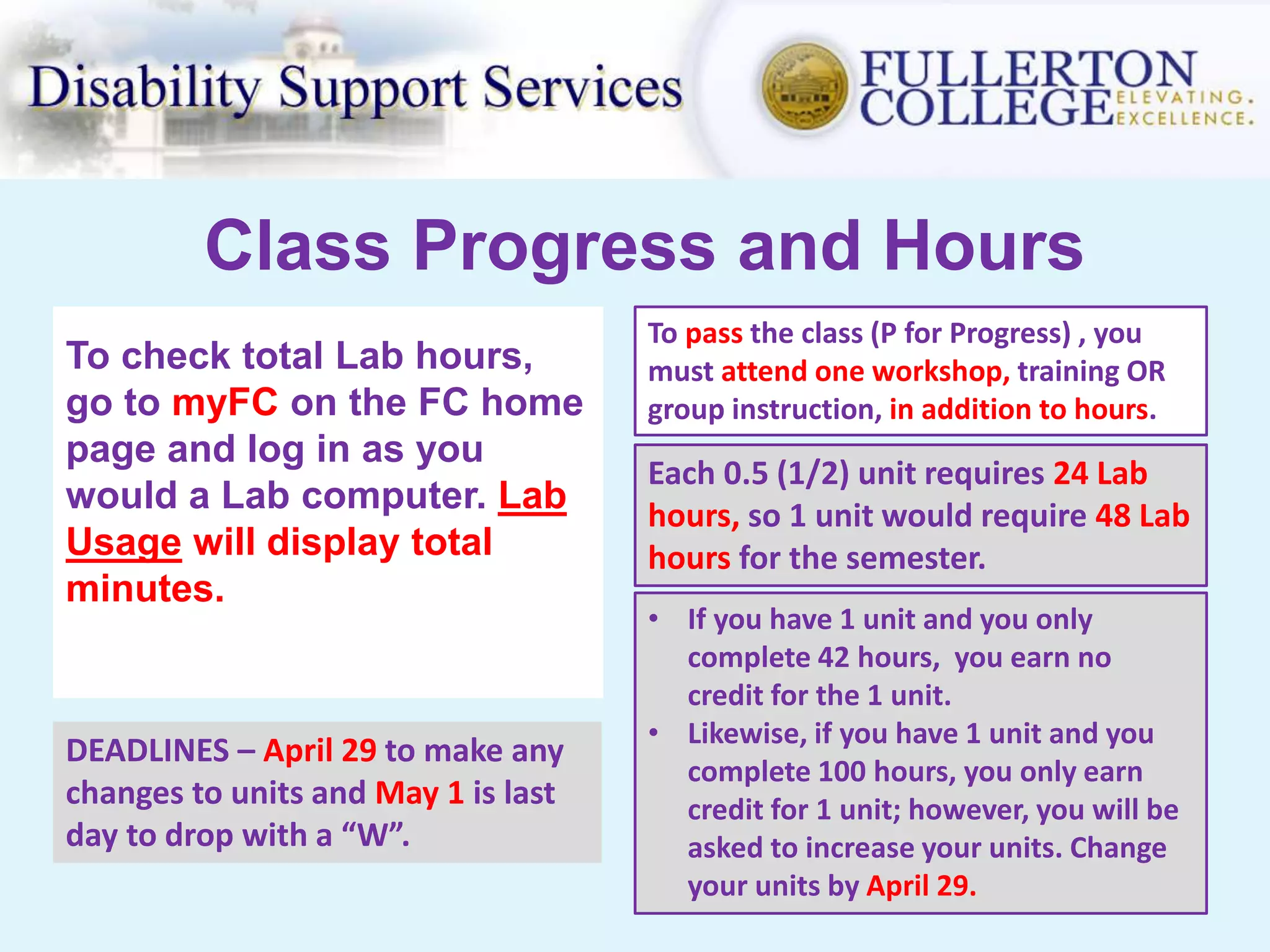
Class Progress and Hours
To check total Lab hours,
go to myFC on the FC home
page and log in as you
would a Lab computer. Lab
Usage will display total
minutes.
Each 0.5 (1/2) unit requires 24 Lab
hours, so 1 unit would require 48 Lab
hours for the semester.
• If you have 1 unit and you only
complete 42 hours, you earn no
credit for the 1 unit.
• Likewise, if you have 1 unit and you
complete 100 hours, you only earn
credit for 1 unit; however, you will be
asked to increase your units. Change
your units by April 29.
DEADLINES – April 29 to make any
changes to units and May 1 is last
day to drop with a “W”.
To pass the class (P for Progress) , you
must attend one workshop, training OR
group instruction, in addition to hours.
Select Hours for Lab Usage
Write down your selected hours from below for your
educational plan form.
Registered Lab
Units
Average Hours per
Week
Semester Hours
Required to Pass
Number of Time
Slots to Select
0.5 1.5 24 1
1 3 48 2
1.5 4.5 72 3
2 6 96 3
Persist and keep up-to-date on your progress throughout the
semester so you won’t get a “No Progress” on your transcript.
• User name is your
Student ID number.
• Password: Each semester
the password is set to
your 6-digit birthday
(mmddyy). Example –
030895.
• Your FCnet account and
MyGateway will now have
the same password.
• If you forget your
password, you will need
to reset it in MyGateway.
Logging On and
Printing
• MyGateway – Use MyGateway
portal on the FC home page to
access your email, ACL
announcements, and other
valuable FC information. Ask for
help with this, if needed.
• Printing – Printing is not free on
campus. It is 0.05¢ per page. Color
printing is now available in the
ACL (804_HpM575 ) for 0.25¢ per
page.
• Print Account – Go to the
Bookstore cash register to add
money to your account. Student
ID is required.
We Will
• Help and support you within
reason.
• Remediate your academics so
you can be successful in your FC
classes.
• Supplement your work to
increase understanding.
• Help you – to help yourself – to
persist and succeed in school.
• Also, software programs are
available on our computers and
in the Academic Support Center
in subjects such as Math, English
and Reading.
We Will Not
• Drop everything because of poor
planning. “The lack of planning
on the student’s part does not
constitute an emergency for the
ACL Instructional Support Staff.”
• Be your instructor – we can only
support what your instructor has
already taught you.
• Do your work for you. That
includes your academic work and
other responsibilities in school
and life.
• Provide tutoring for you if you
haven’t tried the FC Tutoring
Center first.
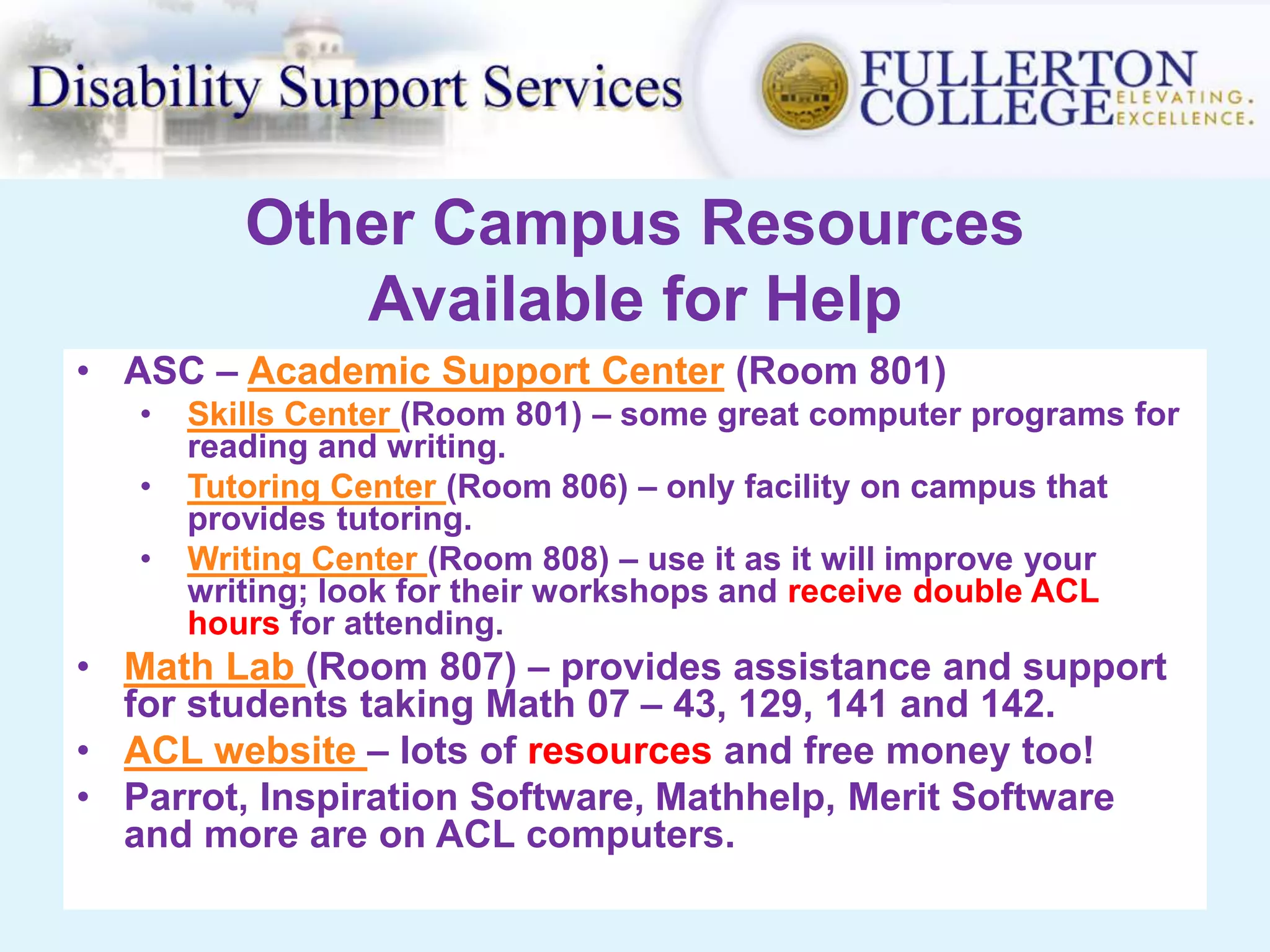
Other Campus Resources
Available for Help
• ASC – Academic Support Center (Room 801)
• Skills Center (Room 801) – some great computer programs for
reading and writing.
• Tutoring Center (Room 806) – only facility on campus that
provides tutoring.
• Writing Center (Room 808) – use it as it will improve your
writing; look for their workshops and receive double ACL
hours for attending.
• Math Lab (Room 807) – provides assistance and support
for students taking Math 07 – 43, 129, 141 and 142.
• ACL website – lots of resources and free money too!
• Parrot, Inspiration Software, Mathhelp, Merit Software
and more are on ACL computers.
Formula for Growing Your Brain:
Effort + Good Strategies + Help From
Others
SOME ACL WORKSHOPS PRESENTED DURING THE SEMESTER
• Livescribe Smart Pen • Inspiration (Graphic Organizing)
• Time Management • Online Academic Resources
• Study Strategies • Note Taking and Reading
• Test Preparation • Campus Resources for Success
• PowerPoint • MS Word and Excel
• Kurzweil (Screen reader) • Math and Test Preparation
• Scholarship Workshop • Brain and Learning
• MLA/Noodlebib for Writing & Citing • Math Review Workshop
ALL students taking an English/writing class for the first time will be REQUIRED
to attend an English & Writing Resource workshop.
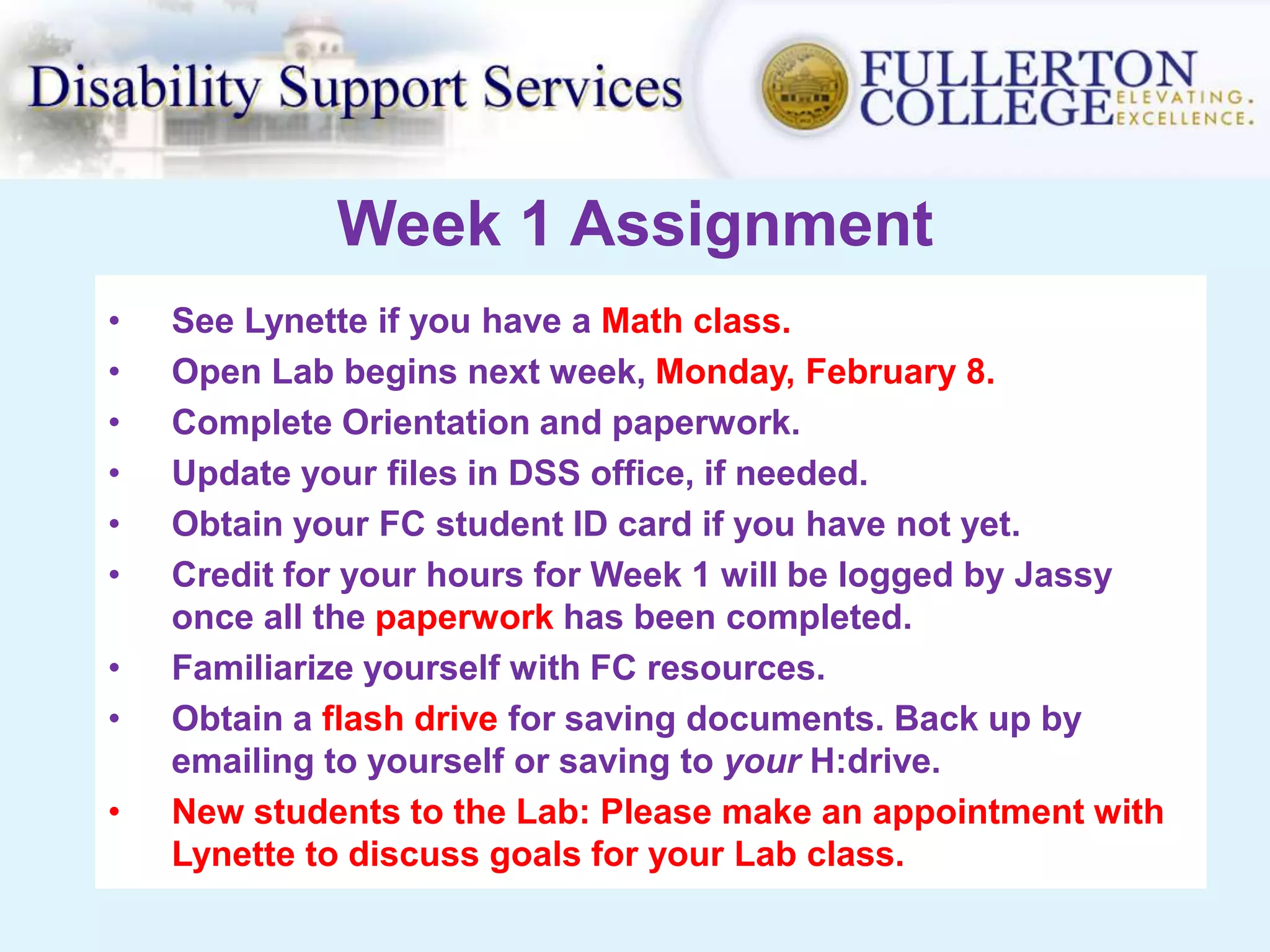
Week 1 Assignment
• See Lynette if you have a Math class.
• Open Lab begins next week, Monday, February 8.
• Complete Orientation and paperwork.
• Update your files in DSS office, if needed.
• Obtain your FC student ID card if you have not yet.
• Credit for your hours for Week 1 will be logged by Jassy
once all the paperwork has been completed.
• Familiarize yourself with FC resources.
• Obtain a flash drive for saving documents. Back up by
emailing to yourself or saving to your H:drive.
• New students to the Lab: Please make an appointment with
Lynette to discuss goals for your Lab class.
Important Dates & Computer Usage
• Feb. 15–last day to drop with refund & drop without a “W”
• April 29 – last day to adjust Lab units
• May 1 – last day to drop with a “W”
• Internet use must be for approved academic purposes.
Please use another campus lab or the Library for personal
Internet access.
• Do not try to make changes to any computer without first
checking with Lynette, Jassy or another ACL staff
member.
• The ACL follows the Fullerton College Acceptable Use
Policy for computer usage. You may review this policy at:
http://support.fullcoll.edu/accept.htm
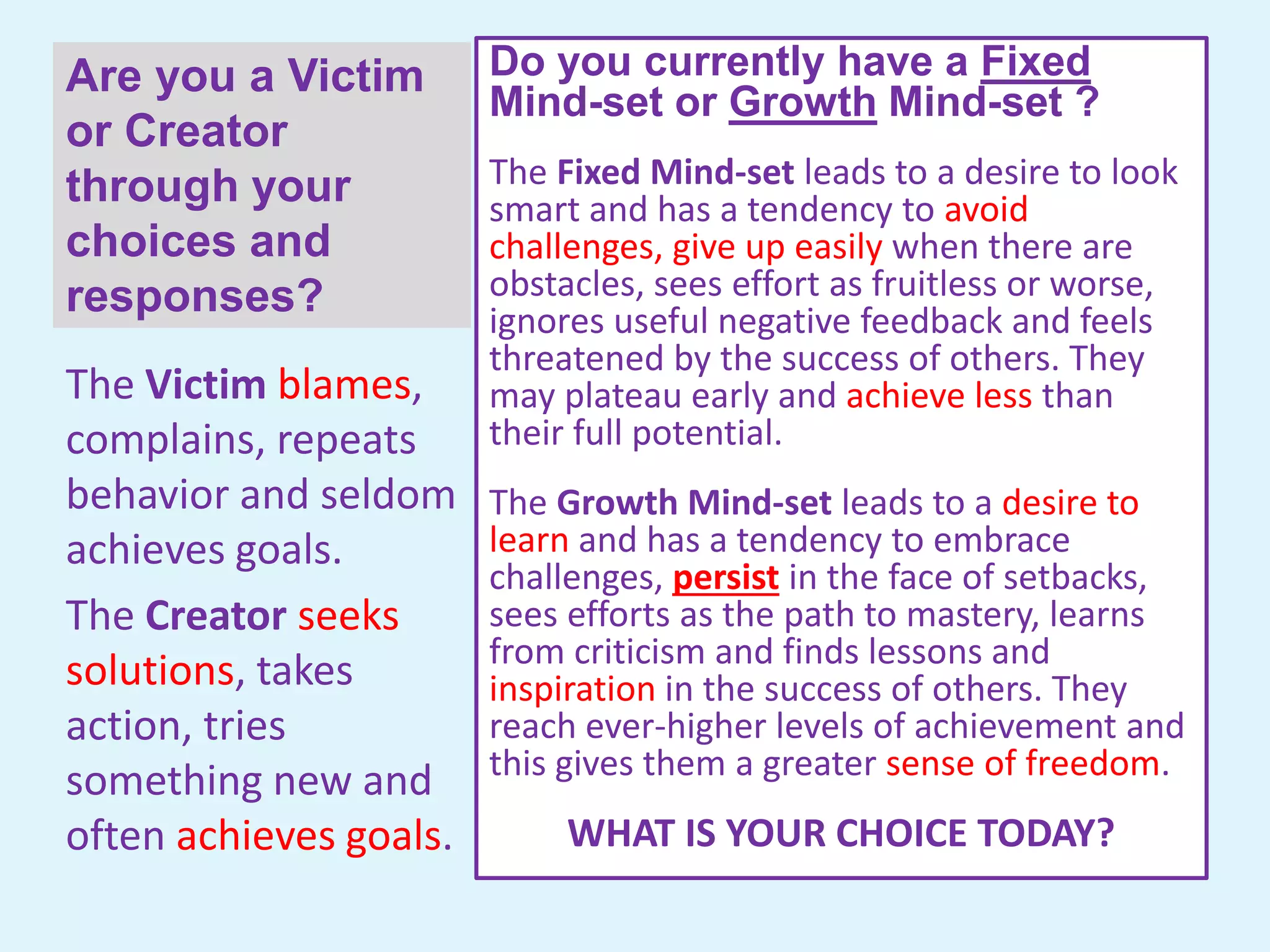
Are you a Victim
or Creator
through your
choices and
responses?
Do you currently have a Fixed
Mind-set or Growth Mind-set ?
The Fixed Mind-set leads to a desire to look
smart and has a tendency to avoid
challenges, give up easily when there are
obstacles, sees effort as fruitless or worse,
ignores useful negative feedback and feels
threatened by the success of others. They
may plateau early and achieve less than
their full potential.
The Growth Mind-set leads to a desire to
learn and has a tendency to embrace
challenges, persist in the face of setbacks,
sees efforts as the path to mastery, learns
from criticism and finds lessons and
inspiration in the success of others. They
reach ever-higher levels of achievement and
this gives them a greater sense of freedom.
WHAT IS YOUR CHOICE TODAY?
The Victim blames,
complains, repeats
behavior and seldom
achieves goals.
The Creator seeks
solutions, takes
action, tries
something new and
often achieves goals.
GOOD LUCK TO YOU THIS SEMESTER!
Formula for Growing Your Brain: Effort + Good
Strategies + Help From Others
Please ask questions if you don’t understand something.
Go to the next slide to complete the required Adaptive
Computer Lab paperwork.
Thank you.
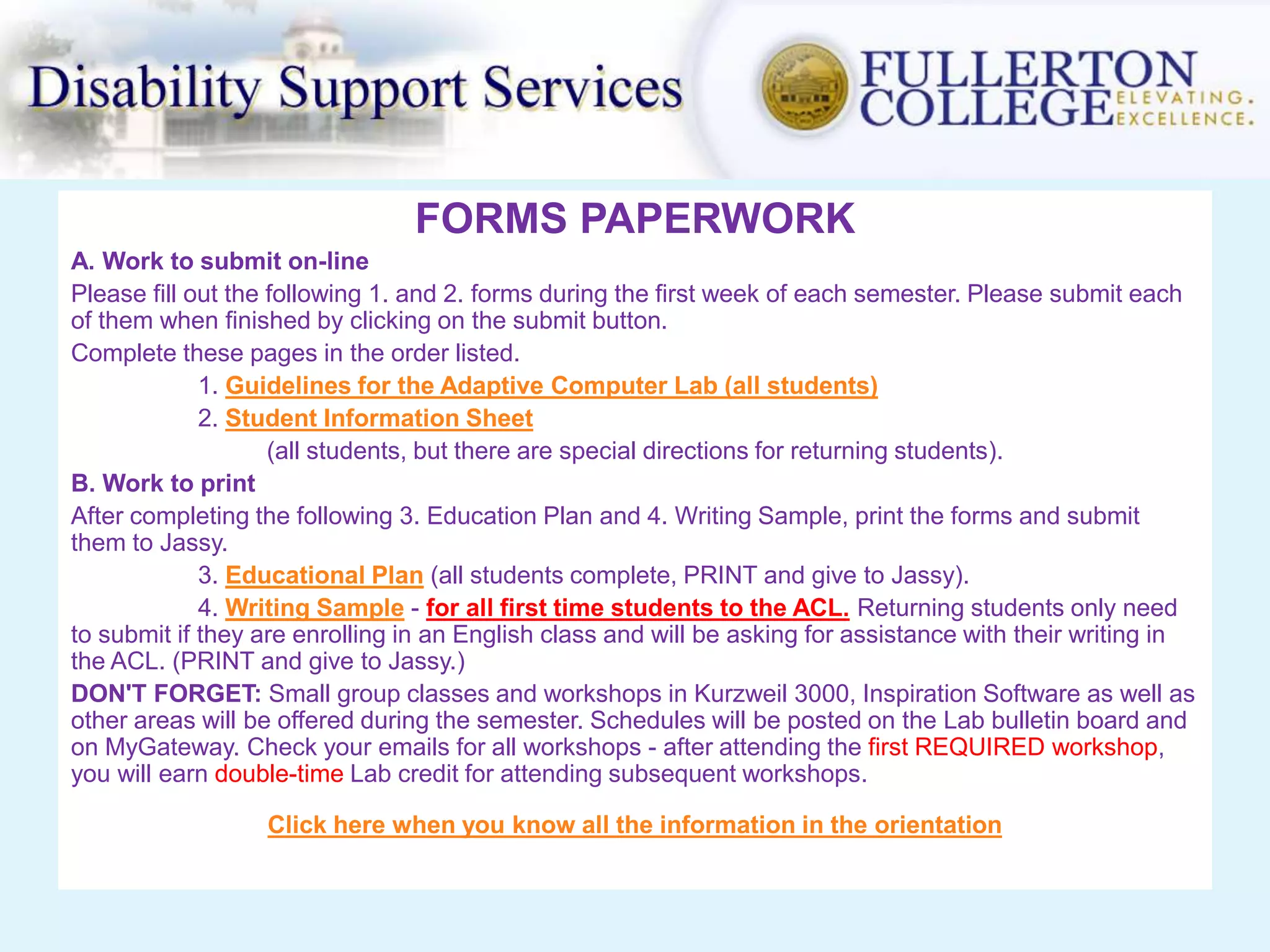
FORMS PAPERWORK
A. Work to submit on-line
Please fill out the following 1. and 2. forms during the first week of each semester. Please submit each
of them when finished by clicking on the submit button.
Complete these pages in the order listed.
1. Guidelines for the Adaptive Computer Lab (all students)
2. Student Information Sheet
(all students, but there are special directions for returning students).
B. Work to print
After completing the following 3. Education Plan and 4. Writing Sample, print the forms and submit
them to Jassy.
3. Educational Plan (all students complete, PRINT and give to Jassy).
4. Writing Sample - for all first time students to the ACL. Returning students only need
to submit if they are enrolling in an English class and will be asking for assistance with their writing in
the ACL. (PRINT and give to Jassy.)
DON'T FORGET: Small group classes and workshops in Kurzweil 3000, Inspiration Software as well as
other areas will be offered during the semester. Schedules will be posted on the Lab bulletin board and
on MyGateway. Check your emails for all workshops - after attending the first REQUIRED workshop,
you will earn double-time Lab credit for attending subsequent workshops.
Click here when you know all the information in the orientation

Orientation Spring 2016

  • 1.
    WELCOME TO ADAPTIVE COMPUTERLAB (ACL) and the Year of Growth Mindset! ORIENTATION Spring 2016 Please read all information as there are important changes.
  • 2.
    OUR MISSION • Wewill try very hard to assist you in achieving success at Fullerton College. • We will try very hard to match your creativity, hard work ethic and persistence. In other words, if you work hard and assume the responsibilities of a college student then you are going to get a great deal of help in the ACL.
  • 3.
    General ACL Hours Monday:8:00 am – 4:00 pm Tuesday: 8:00 am – 7:00 pm Wednesday: 8:00 am – 4:00 pm Thursday: 8:00 am – 4:00 pm Friday: 8:00 am – 12:00 pm NOTE: The least crowded times are late afternoons, Tuesday evening and Friday.
  • 4.
    Scanning In andOut of ACL Scan your ID card and select your class. You will not receive hours if you forget to scan in and out. Your hours are your responsibility. ATTENTION: You may scan in the ACL if another class cancels or dismisses early. NOTE: You must scan out whenever you exit the Lab and you must scan in when you re- enter.
  • 5.
    Class Progress andHours To check total Lab hours, go to myFC on the FC home page and log in as you would a Lab computer. Lab Usage will display total minutes. Each 0.5 (1/2) unit requires 24 Lab hours, so 1 unit would require 48 Lab hours for the semester. • If you have 1 unit and you only complete 42 hours, you earn no credit for the 1 unit. • Likewise, if you have 1 unit and you complete 100 hours, you only earn credit for 1 unit; however, you will be asked to increase your units. Change your units by April 29. DEADLINES – April 29 to make any changes to units and May 1 is last day to drop with a “W”. To pass the class (P for Progress) , you must attend one workshop, training OR group instruction, in addition to hours.
  • 6.
    Select Hours forLab Usage Write down your selected hours from below for your educational plan form. Registered Lab Units Average Hours per Week Semester Hours Required to Pass Number of Time Slots to Select 0.5 1.5 24 1 1 3 48 2 1.5 4.5 72 3 2 6 96 3 Persist and keep up-to-date on your progress throughout the semester so you won’t get a “No Progress” on your transcript.
  • 7.
    • User nameis your Student ID number. • Password: Each semester the password is set to your 6-digit birthday (mmddyy). Example – 030895. • Your FCnet account and MyGateway will now have the same password. • If you forget your password, you will need to reset it in MyGateway. Logging On and Printing • MyGateway – Use MyGateway portal on the FC home page to access your email, ACL announcements, and other valuable FC information. Ask for help with this, if needed. • Printing – Printing is not free on campus. It is 0.05¢ per page. Color printing is now available in the ACL (804_HpM575 ) for 0.25¢ per page. • Print Account – Go to the Bookstore cash register to add money to your account. Student ID is required.
  • 8.
    We Will • Helpand support you within reason. • Remediate your academics so you can be successful in your FC classes. • Supplement your work to increase understanding. • Help you – to help yourself – to persist and succeed in school. • Also, software programs are available on our computers and in the Academic Support Center in subjects such as Math, English and Reading. We Will Not • Drop everything because of poor planning. “The lack of planning on the student’s part does not constitute an emergency for the ACL Instructional Support Staff.” • Be your instructor – we can only support what your instructor has already taught you. • Do your work for you. That includes your academic work and other responsibilities in school and life. • Provide tutoring for you if you haven’t tried the FC Tutoring Center first.
  • 9.
    Other Campus Resources Availablefor Help • ASC – Academic Support Center (Room 801) • Skills Center (Room 801) – some great computer programs for reading and writing. • Tutoring Center (Room 806) – only facility on campus that provides tutoring. • Writing Center (Room 808) – use it as it will improve your writing; look for their workshops and receive double ACL hours for attending. • Math Lab (Room 807) – provides assistance and support for students taking Math 07 – 43, 129, 141 and 142. • ACL website – lots of resources and free money too! • Parrot, Inspiration Software, Mathhelp, Merit Software and more are on ACL computers.
  • 10.
    Formula for GrowingYour Brain: Effort + Good Strategies + Help From Others
  • 11.
    SOME ACL WORKSHOPSPRESENTED DURING THE SEMESTER • Livescribe Smart Pen • Inspiration (Graphic Organizing) • Time Management • Online Academic Resources • Study Strategies • Note Taking and Reading • Test Preparation • Campus Resources for Success • PowerPoint • MS Word and Excel • Kurzweil (Screen reader) • Math and Test Preparation • Scholarship Workshop • Brain and Learning • MLA/Noodlebib for Writing & Citing • Math Review Workshop ALL students taking an English/writing class for the first time will be REQUIRED to attend an English & Writing Resource workshop.
  • 12.
    Week 1 Assignment •See Lynette if you have a Math class. • Open Lab begins next week, Monday, February 8. • Complete Orientation and paperwork. • Update your files in DSS office, if needed. • Obtain your FC student ID card if you have not yet. • Credit for your hours for Week 1 will be logged by Jassy once all the paperwork has been completed. • Familiarize yourself with FC resources. • Obtain a flash drive for saving documents. Back up by emailing to yourself or saving to your H:drive. • New students to the Lab: Please make an appointment with Lynette to discuss goals for your Lab class.
  • 14.
    Important Dates &Computer Usage • Feb. 15–last day to drop with refund & drop without a “W” • April 29 – last day to adjust Lab units • May 1 – last day to drop with a “W” • Internet use must be for approved academic purposes. Please use another campus lab or the Library for personal Internet access. • Do not try to make changes to any computer without first checking with Lynette, Jassy or another ACL staff member. • The ACL follows the Fullerton College Acceptable Use Policy for computer usage. You may review this policy at: http://support.fullcoll.edu/accept.htm
  • 15.
    Are you aVictim or Creator through your choices and responses? Do you currently have a Fixed Mind-set or Growth Mind-set ? The Fixed Mind-set leads to a desire to look smart and has a tendency to avoid challenges, give up easily when there are obstacles, sees effort as fruitless or worse, ignores useful negative feedback and feels threatened by the success of others. They may plateau early and achieve less than their full potential. The Growth Mind-set leads to a desire to learn and has a tendency to embrace challenges, persist in the face of setbacks, sees efforts as the path to mastery, learns from criticism and finds lessons and inspiration in the success of others. They reach ever-higher levels of achievement and this gives them a greater sense of freedom. WHAT IS YOUR CHOICE TODAY? The Victim blames, complains, repeats behavior and seldom achieves goals. The Creator seeks solutions, takes action, tries something new and often achieves goals.
  • 16.
    GOOD LUCK TOYOU THIS SEMESTER! Formula for Growing Your Brain: Effort + Good Strategies + Help From Others Please ask questions if you don’t understand something. Go to the next slide to complete the required Adaptive Computer Lab paperwork. Thank you.
  • 17.
    FORMS PAPERWORK A. Workto submit on-line Please fill out the following 1. and 2. forms during the first week of each semester. Please submit each of them when finished by clicking on the submit button. Complete these pages in the order listed. 1. Guidelines for the Adaptive Computer Lab (all students) 2. Student Information Sheet (all students, but there are special directions for returning students). B. Work to print After completing the following 3. Education Plan and 4. Writing Sample, print the forms and submit them to Jassy. 3. Educational Plan (all students complete, PRINT and give to Jassy). 4. Writing Sample - for all first time students to the ACL. Returning students only need to submit if they are enrolling in an English class and will be asking for assistance with their writing in the ACL. (PRINT and give to Jassy.) DON'T FORGET: Small group classes and workshops in Kurzweil 3000, Inspiration Software as well as other areas will be offered during the semester. Schedules will be posted on the Lab bulletin board and on MyGateway. Check your emails for all workshops - after attending the first REQUIRED workshop, you will earn double-time Lab credit for attending subsequent workshops. Click here when you know all the information in the orientation