








#spopwebinar

Multiscreen Email Design:
Lessons from the Pros

Webinar will start at 2 minutes after
the hour
Before We Get Started

•   Dial in via phone or select “call using your computer”
•   Tweet with us: #spopwebinar
•   Chat your questions to the host
•   Presentation will be emailed to you next week


    #spopwebinar
Today’s Moderator


Loren McDonald
VP, Industry Relations
Silverpop
lmcdonald@silverpop.com
@LorenMcDonald


          #spopwebinar
                          3
Context
 for
 today’s
 Webinar


#spopwebinar
Mobile
 adoption
 by users is
 off-the-
 charts …


#spopwebinar
Mobile
design
#1
hottest
topic …
and
question
we hear.
But many
marketers
are looking
for an
automagic
solution?
… and
often
jumping
straight
to
tactics…
…important
to take a
step back …
look at the
bigger
picture.
… and
then dive
in …
2
 additional
 thoughts


#spopwebinar
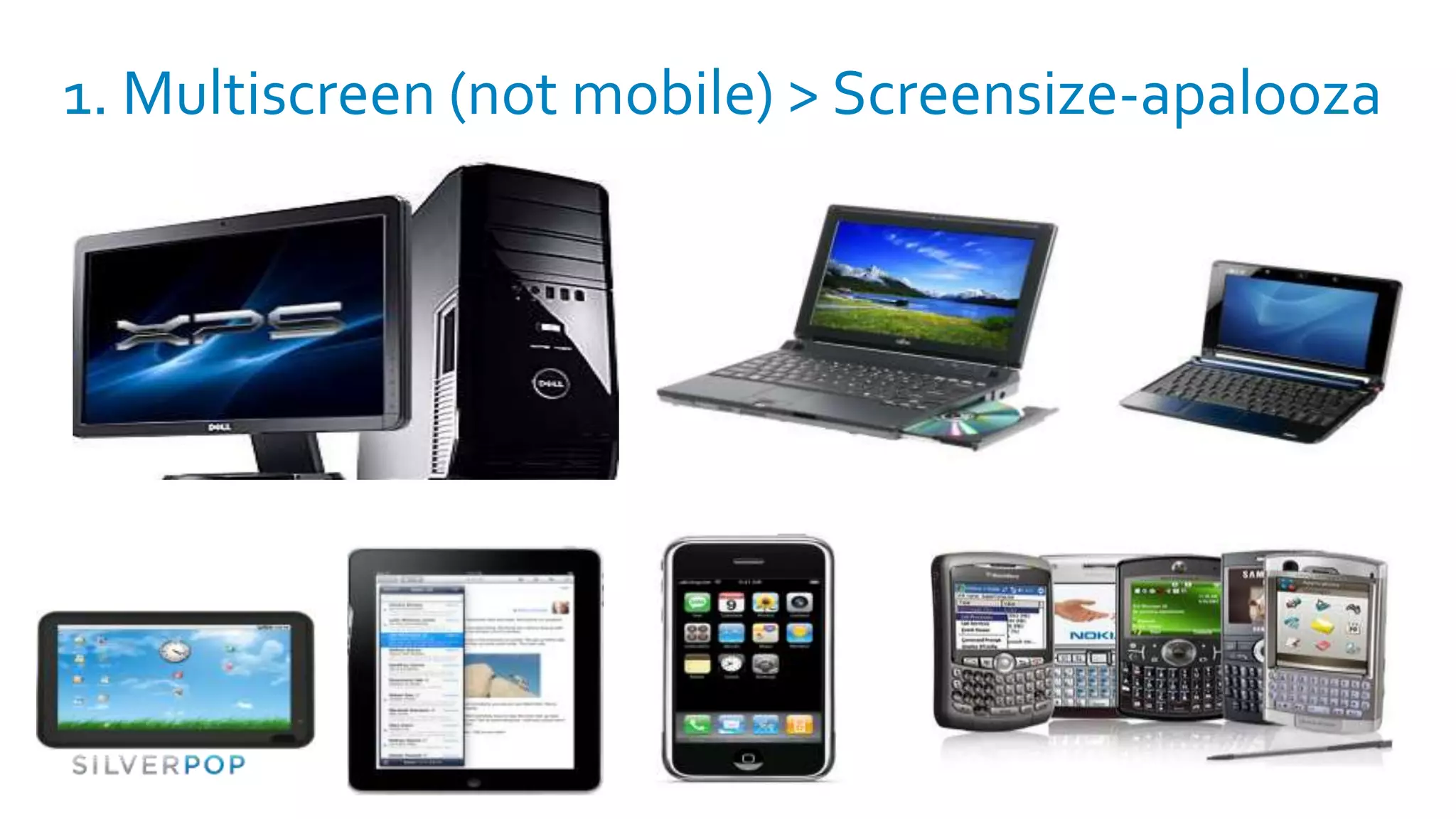
1. Multiscreen (not mobile) > Screensize-apalooza
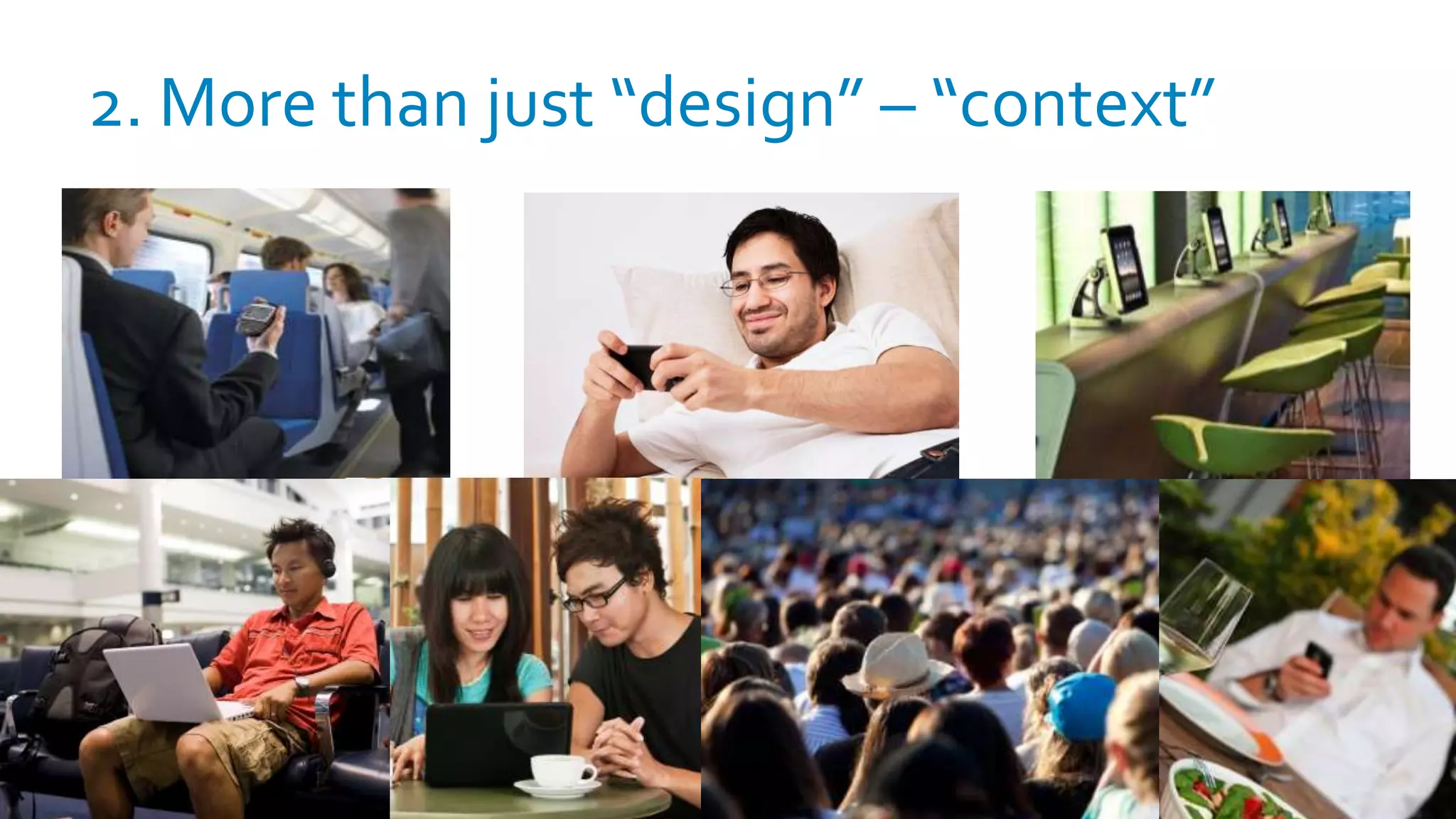
2. More than just “design” – “context”
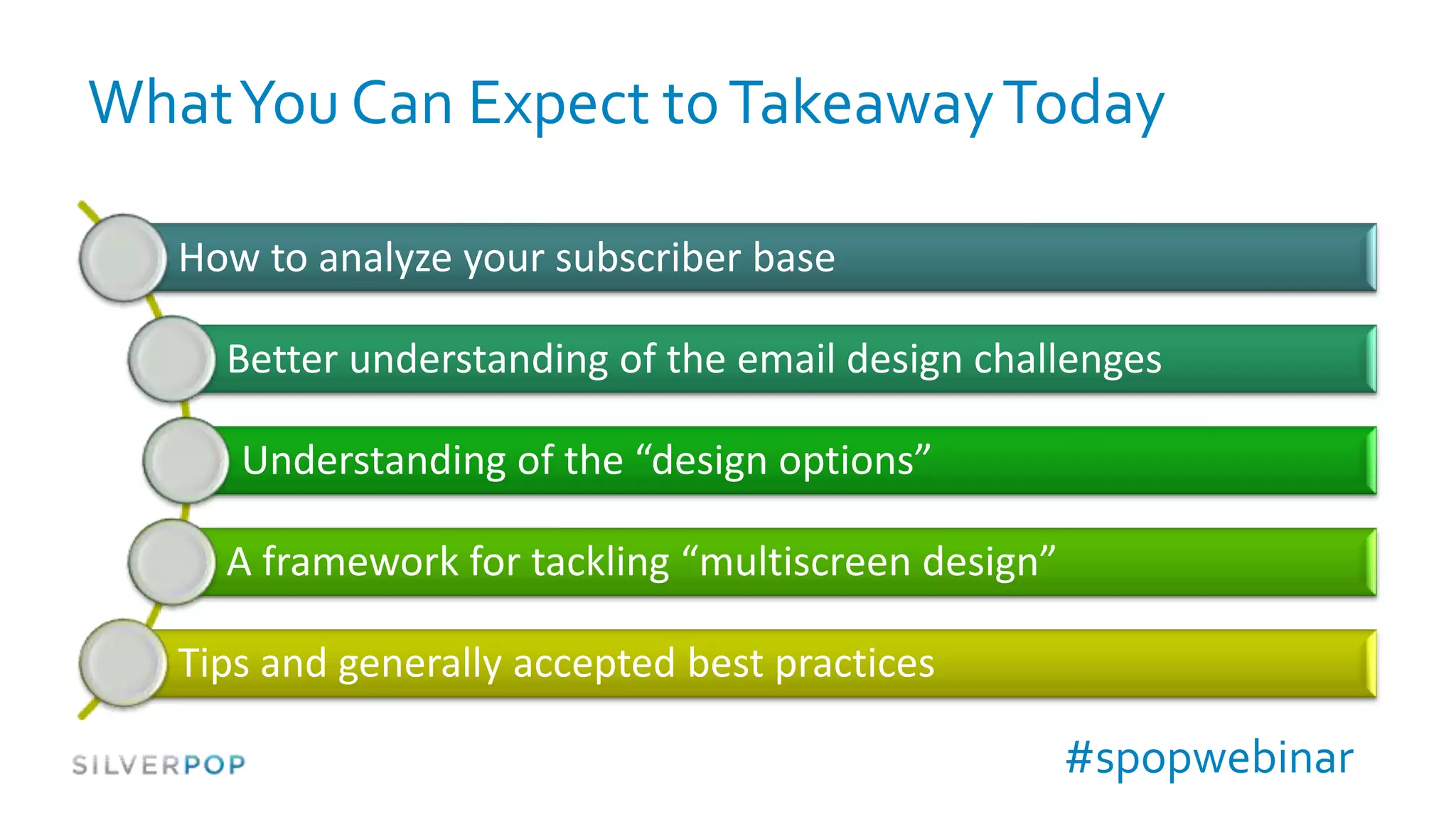
What You Can Expect to Takeaway Today

   How to analyze your subscriber base

     Better understanding of the email design challenges

      Understanding of the “design options”

     A framework for tackling “multiscreen design”

   Tips and generally accepted best practices

                                                     #spopwebinar
Today’s Presenters
Brian Sisolak                   Justine Jordan
Senior Strategist               Marketing Director
Trilogy Interactive             Litmus
brians@trilogyinteractive.com   justine@litmus.com
@bsisolak                       @litmusapp


                                #spopwebinar         15
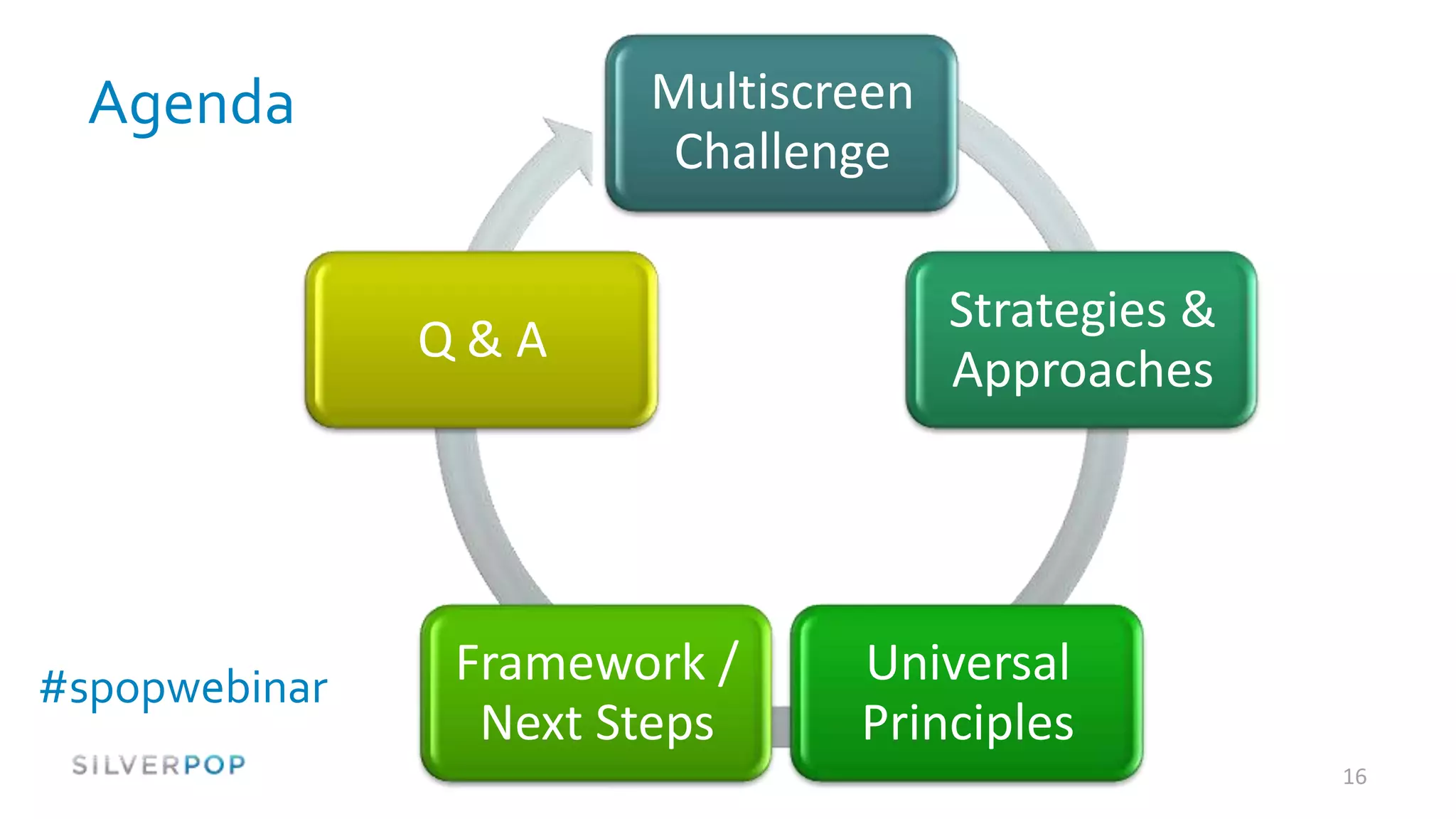
Agenda              Multiscreen
                       Challenge

                                    Strategies &
               Q&A
                                    Approaches


#spopwebinar   Framework /    Universal
                Next Steps    Principles
                                                   16
The Multiscreen Challenge


#spopwebinar
                               17
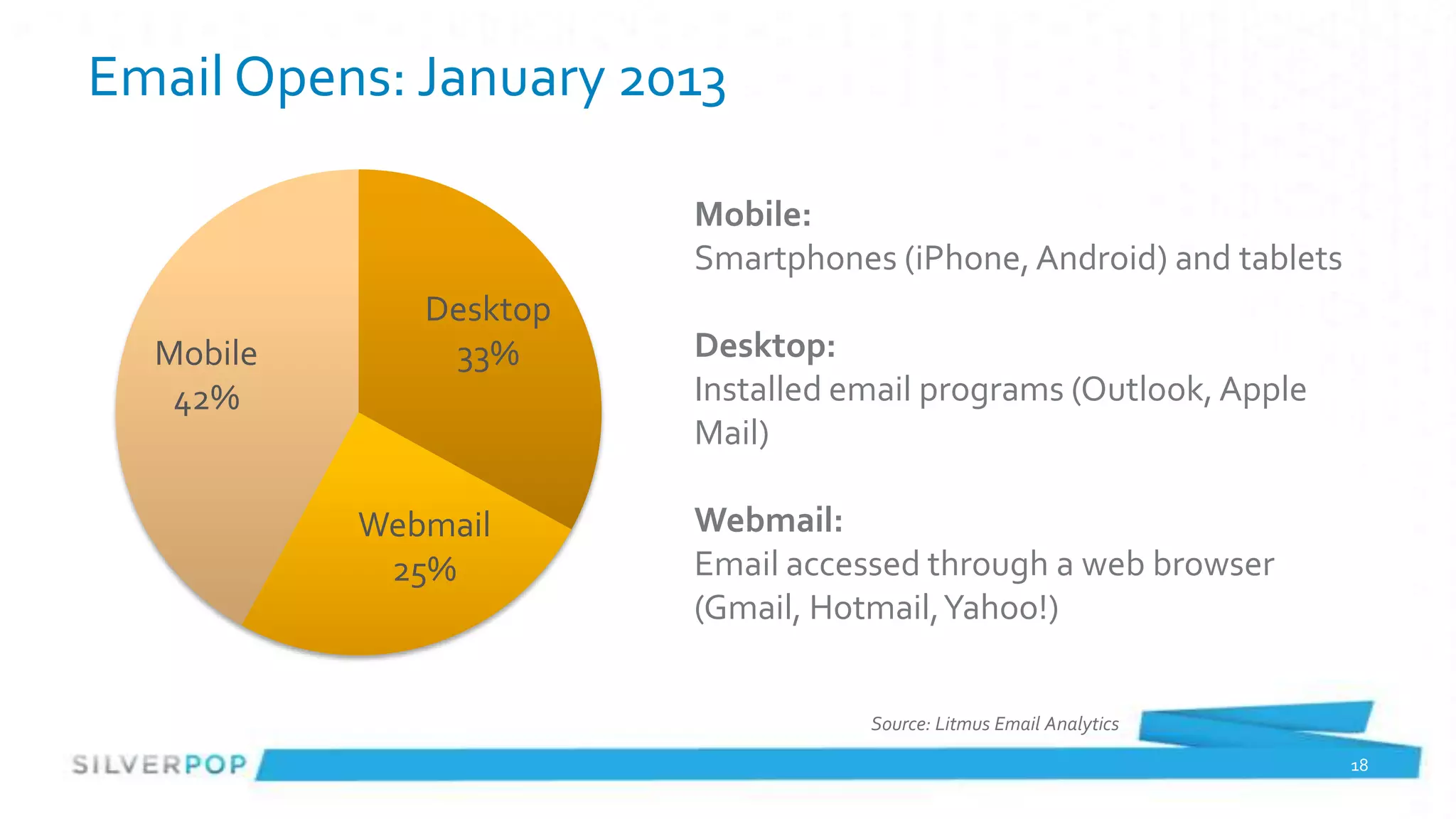
Email Opens: January 2013

                        Mobile:
                        Smartphones (iPhone, Android) and tablets
              Desktop
  Mobile       33%      Desktop:
   42%                  Installed email programs (Outlook, Apple
                        Mail)

           Webmail      Webmail:
            25%         Email accessed through a web browser
                        (Gmail, Hotmail, Yahoo!)


                                   Source: Litmus Email Analytics

                                                                    18
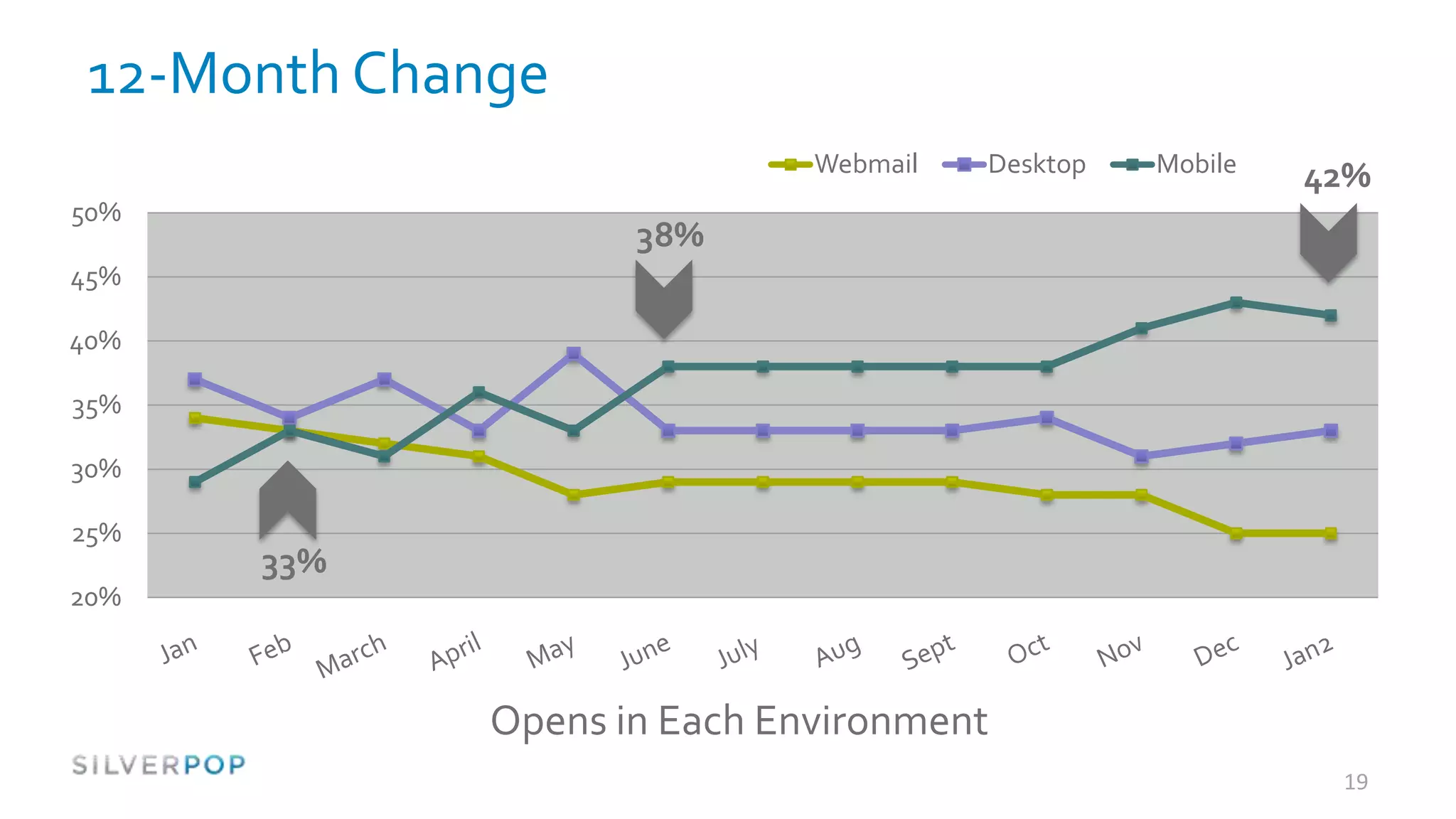
12-Month Change
                              Webmail   Desktop   Mobile
                                                           42%
50%
                     38%
45%

40%

35%

30%

25%
      33%
20%


              Opens in Each Environment
                                                            19
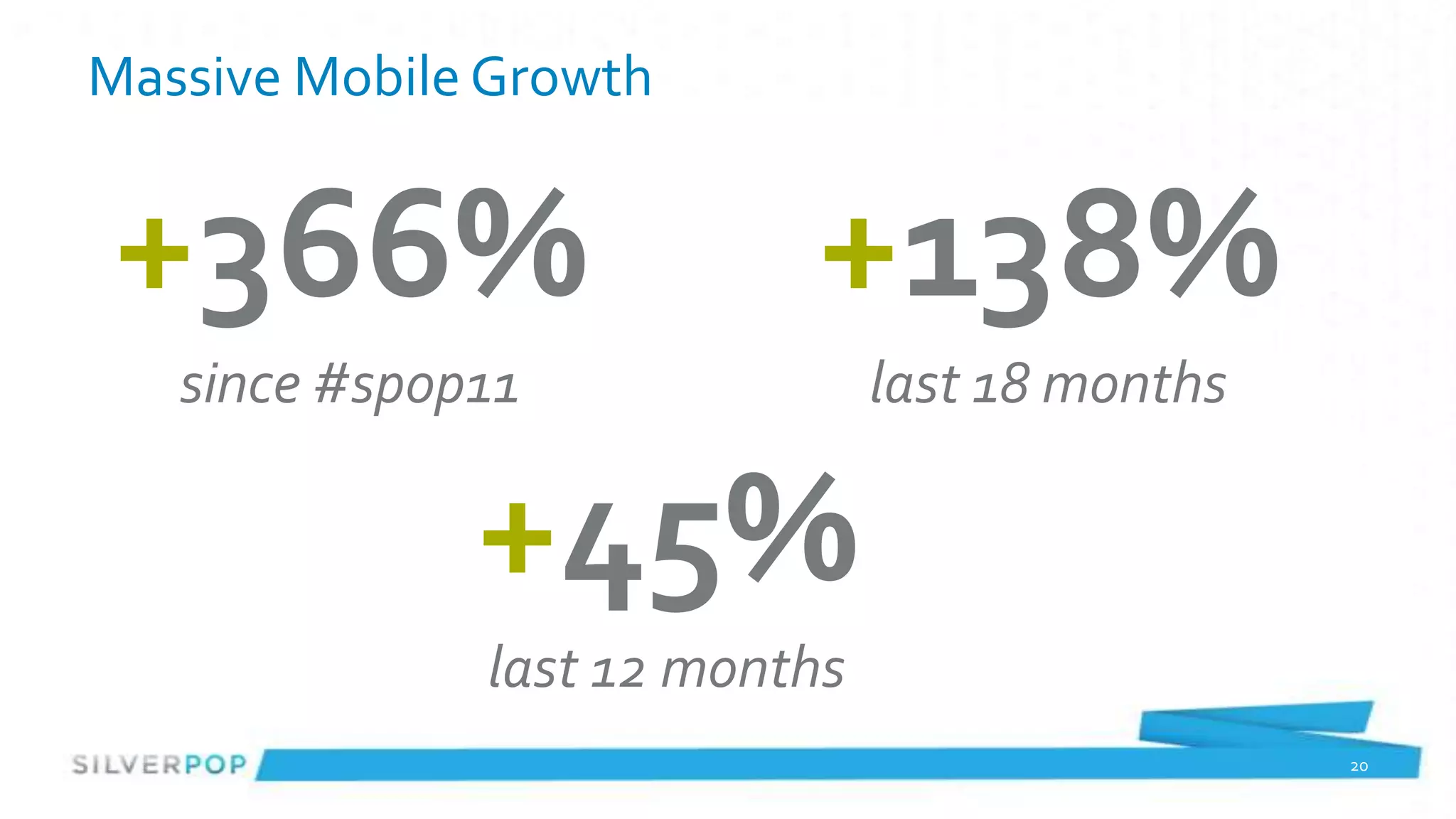
Massive Mobile Growth


+366%                     +138%
   since #spop11               last 18 months

              +45%
              last 12 months
                                                20
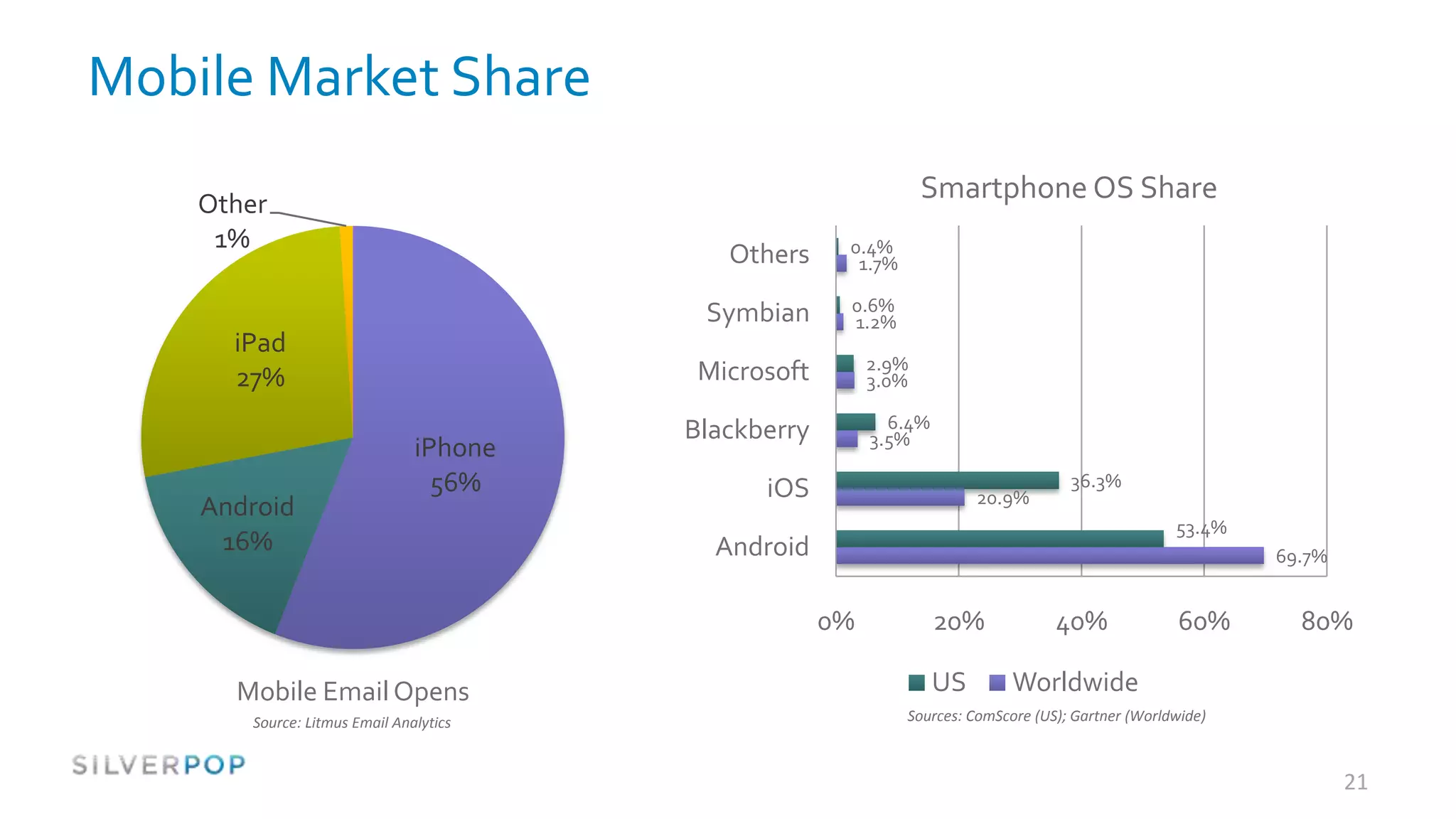
Mobile Market Share

    Other
                                                                 Smartphone OS Share
     1%                                               0.4%
                                           Others      1.7%

                                         Symbian      0.6%
                                                      1.2%
      iPad
                                         Microsoft        2.9%
      27%                                                 3.0%

                                        Blackberry          6.4%
                                                          3.5%
                               iPhone
                                 56%          iOS                       20.9%
                                                                                     36.3%
    Android
                                                                                                    53.4%
     16%                                  Android                                                           69.7%


                                                     0%            20%             40%              60%       80%

      Mobile Email Opens                                           US        Worldwide
       Source: Litmus Email Analytics                         Sources: ComScore (US); Gartner (Worldwide)


                                                                                                                    21
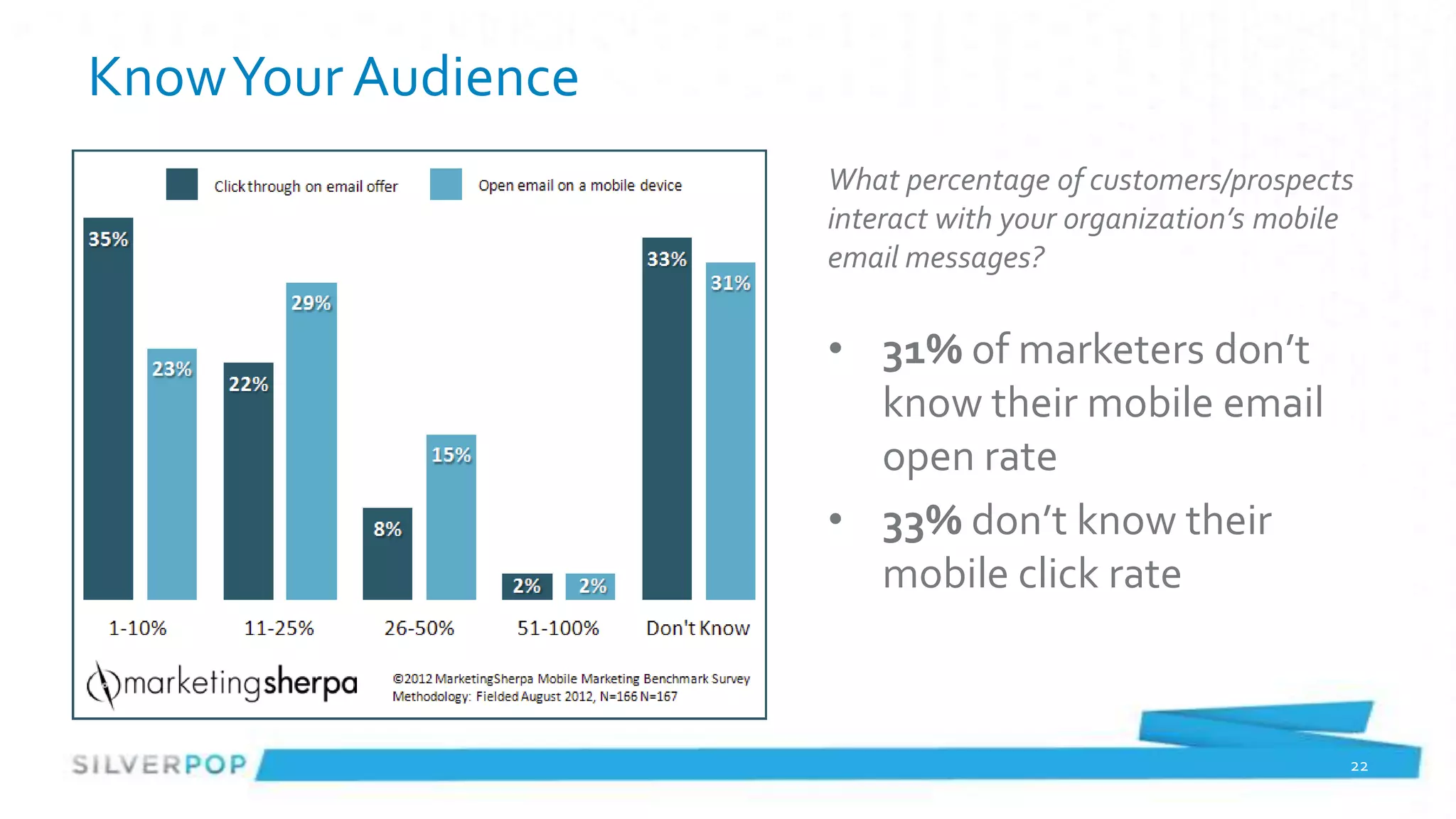
Know Your Audience
                     What percentage of customers/prospects
                     interact with your organization’s mobile
                     email messages?

                     • 31% of marketers don’t
                       know their mobile email
                       open rate
                     • 33% don’t know their
                       mobile click rate


                                                            22
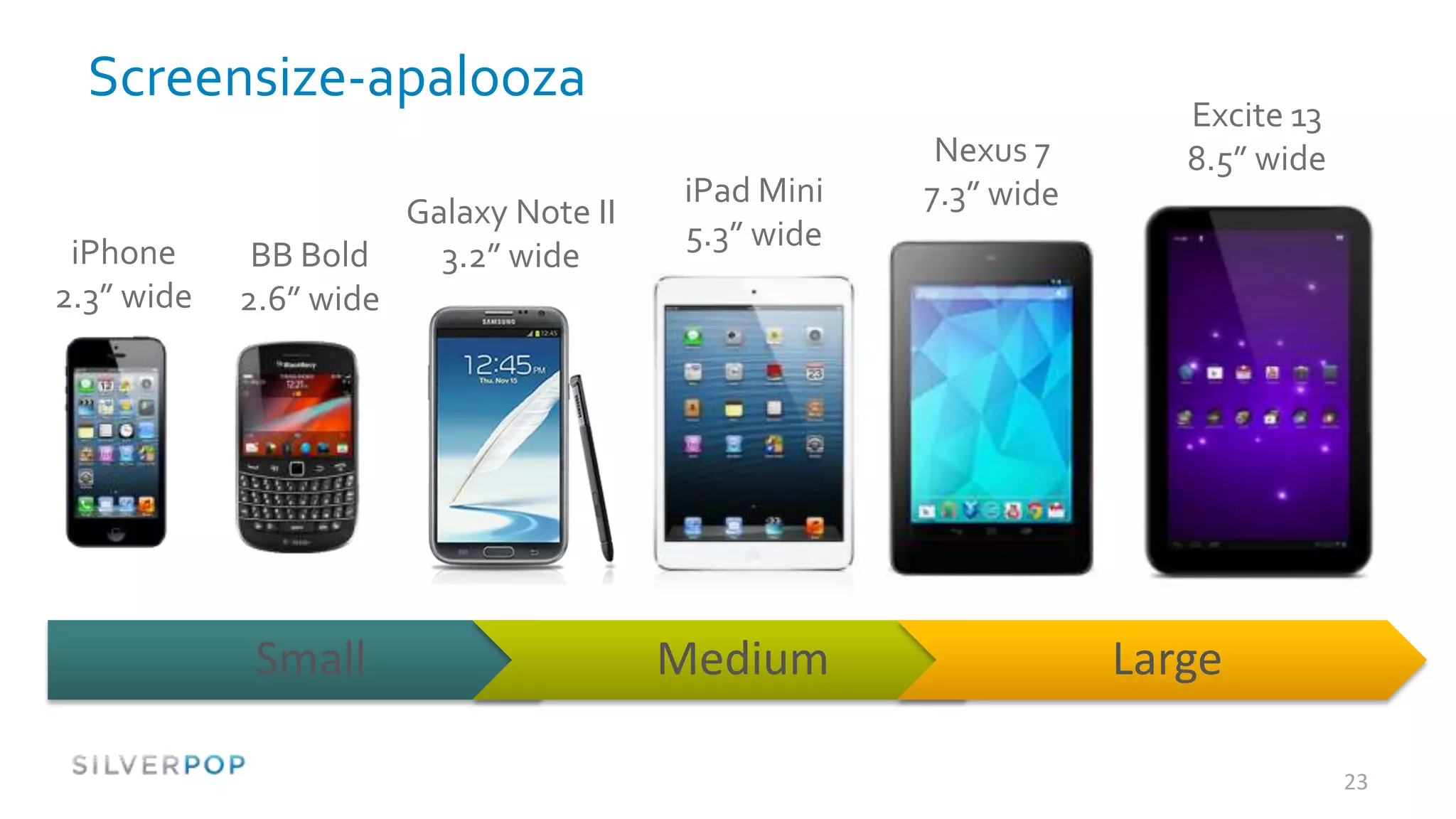
Screensize-apalooza
                                                                    Excite 13
                                                      Nexus 7       8.5” wide
                                         iPad Mini   7.3” wide
                        Galaxy Note II
                                         5.3” wide
 iPhone      BB Bold      3.2” wide
2.3” wide   2.6” wide


             Small                       Medium                  Large

                                                                                23
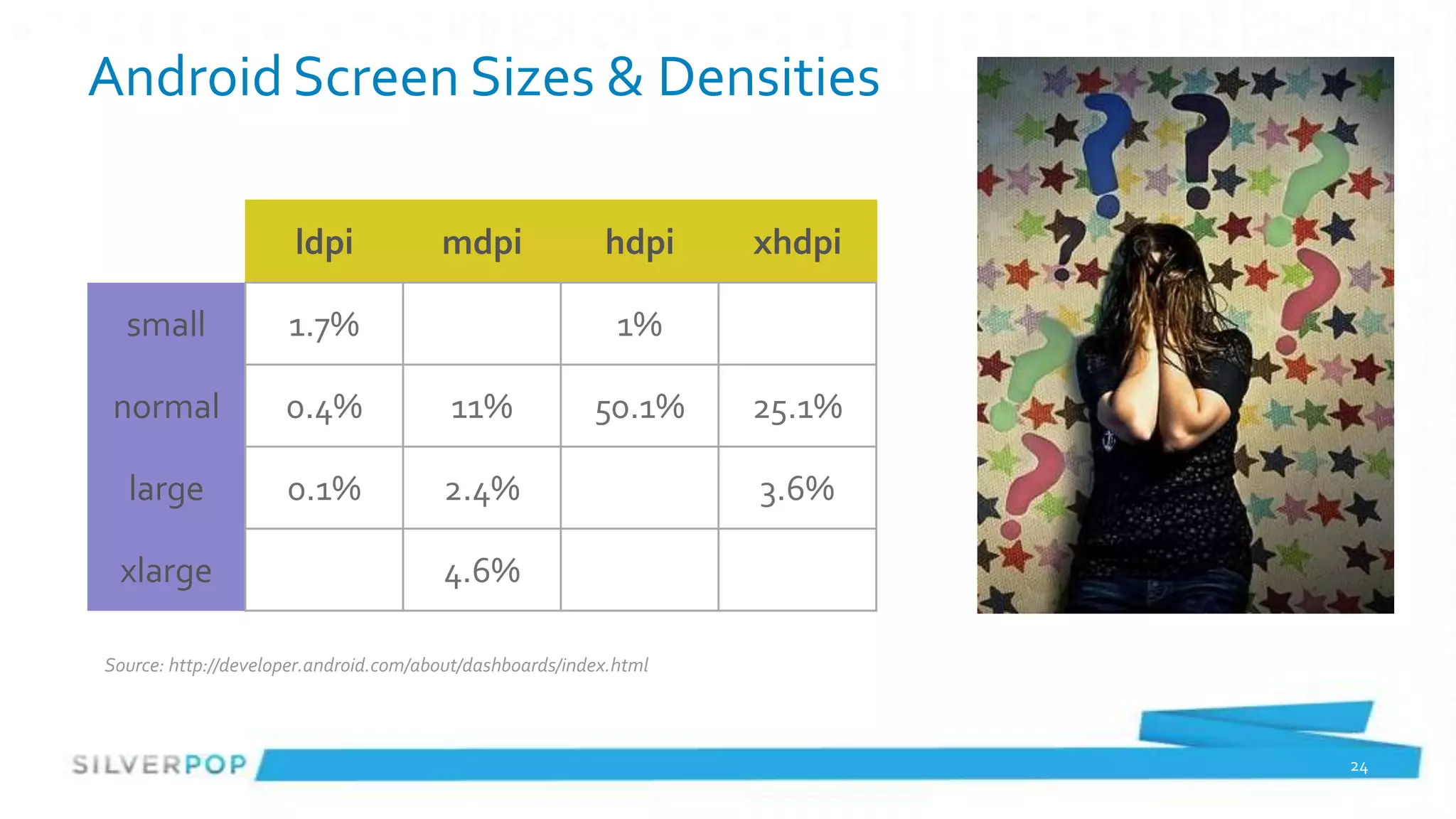
Android Screen Sizes & Densities

                      ldpi             mdpi               hdpi     xhdpi

  small              1.7%                                   1%

 normal              0.4%               11%              50.1%     25.1%

  large              0.1%              2.4%                        3.6%

 xlarge                                4.6%

Source: http://developer.android.com/about/dashboards/index.html


                                                                           24
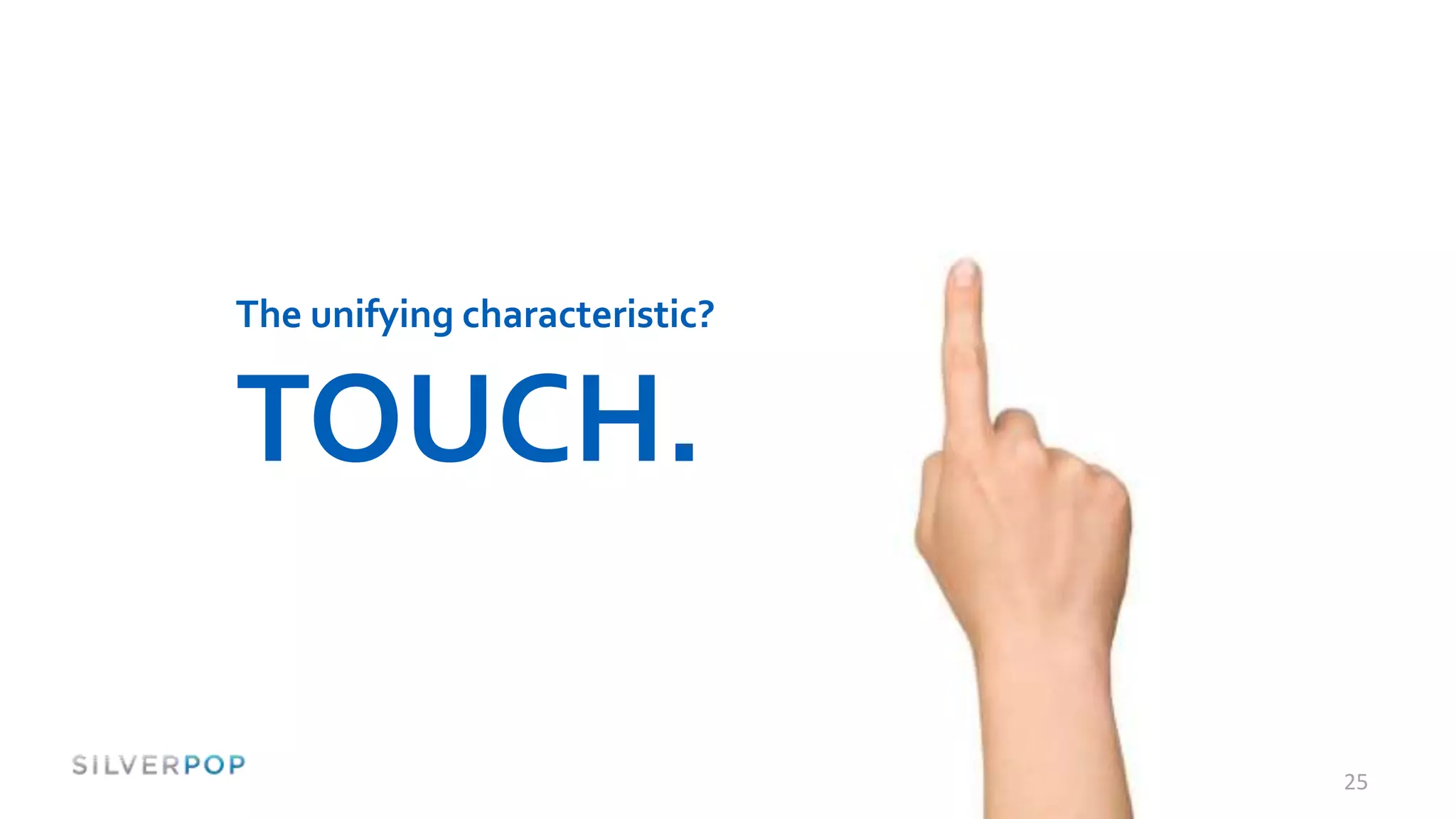
The unifying characteristic?


TOUCH.

                               25
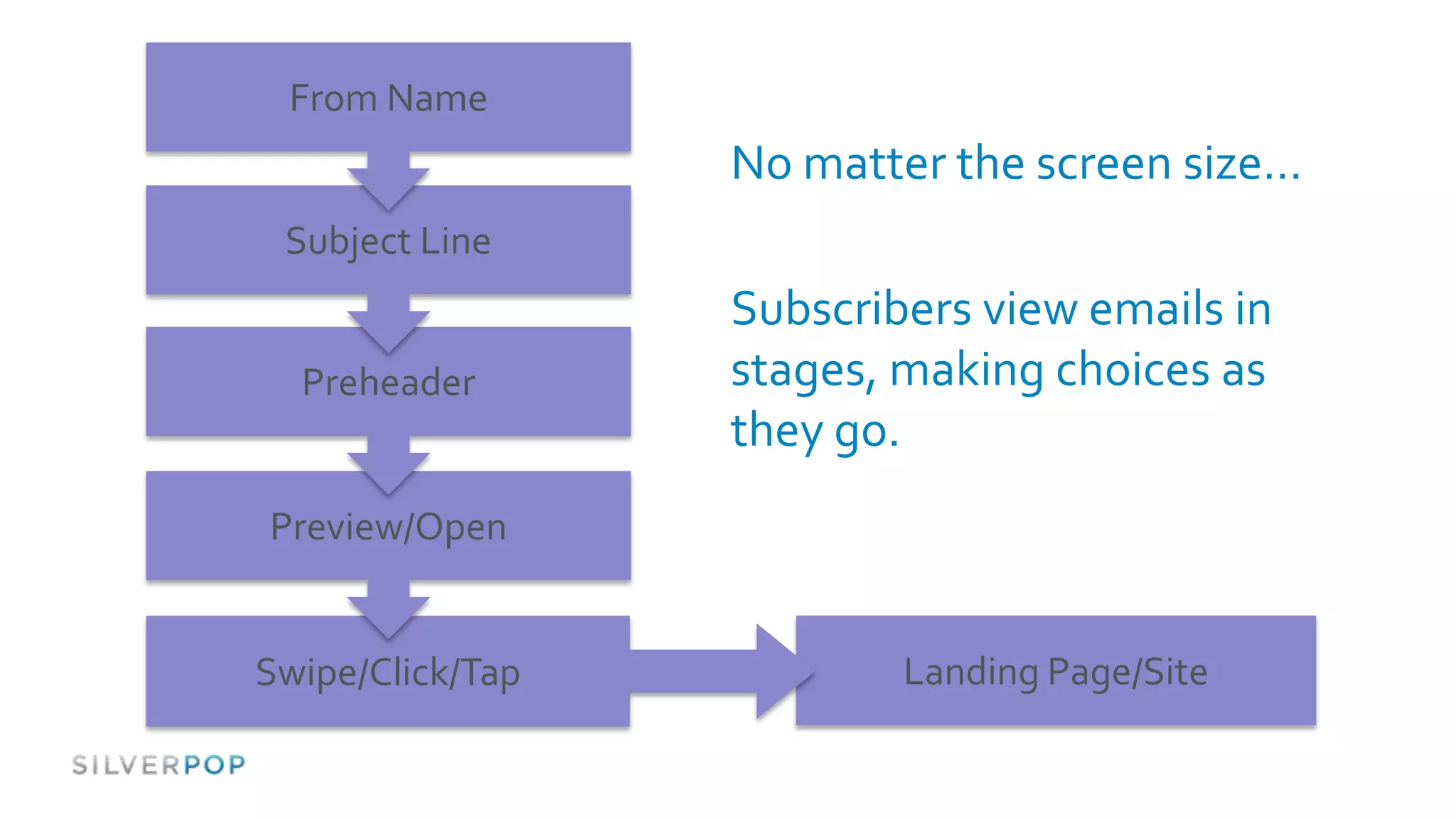
From Name
                  No matter the screen size…
 Subject Line
                  Subscribers view emails in
  Preheader       stages, making choices as
                  they go.
Preview/Open


Swipe/Click/Tap           Landing Page/Site
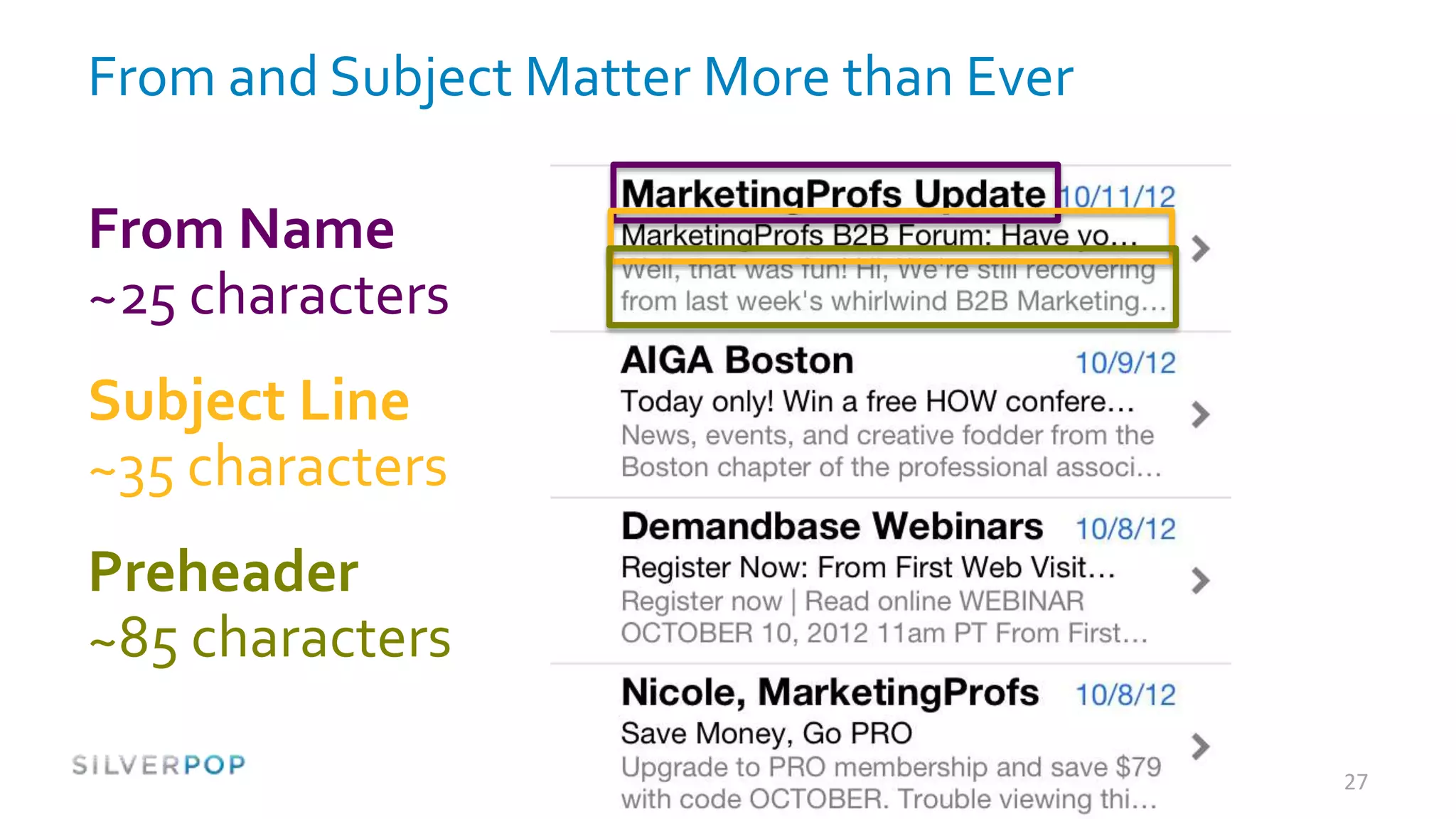
From and Subject Matter More than Ever

From Name
~25 characters
Subject Line
~35 characters
Preheader
~85 characters

                                         27
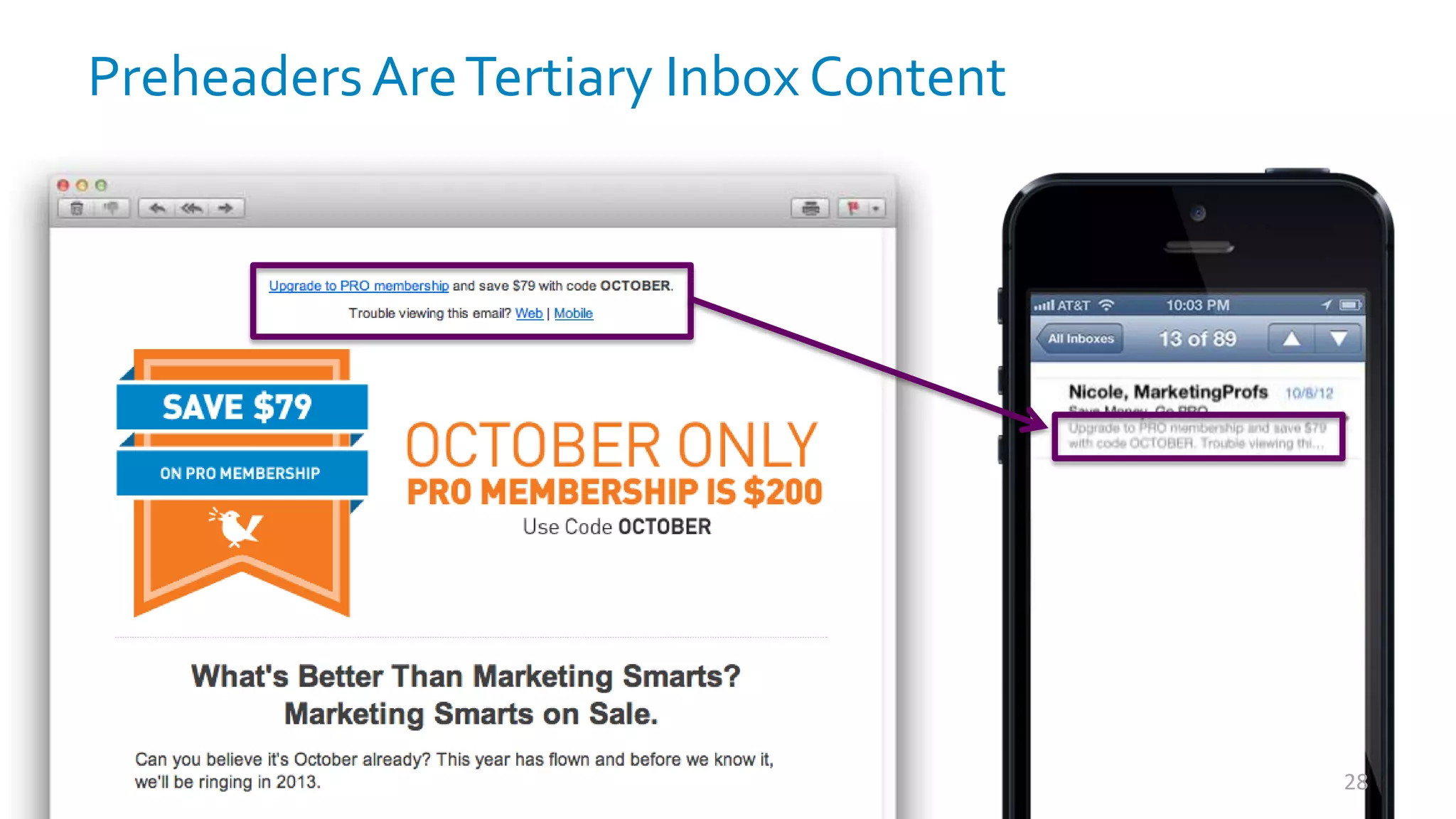
Preheaders Are Tertiary Inbox Content


                                        28
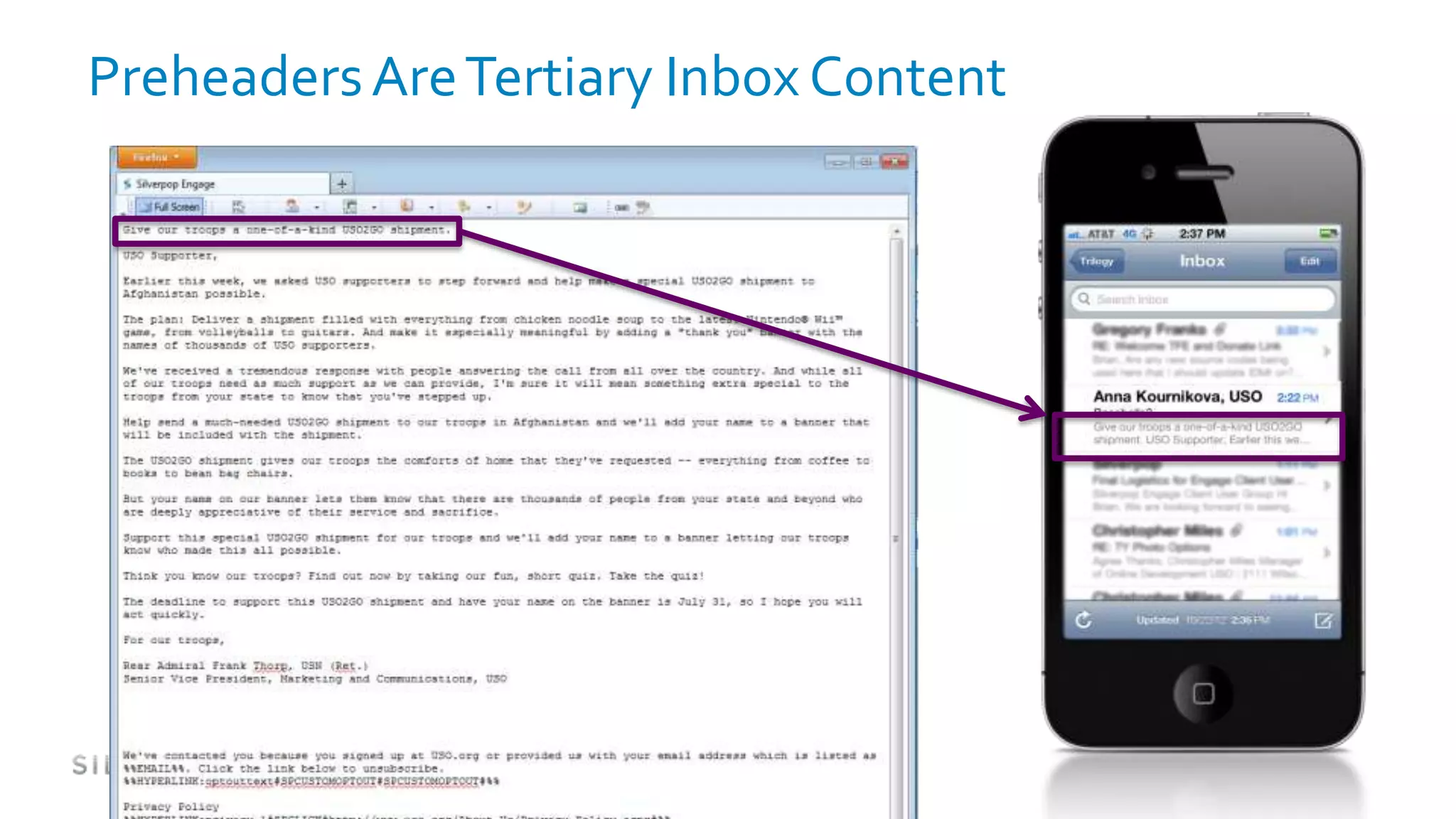
Preheaders Are Tertiary Inbox Content
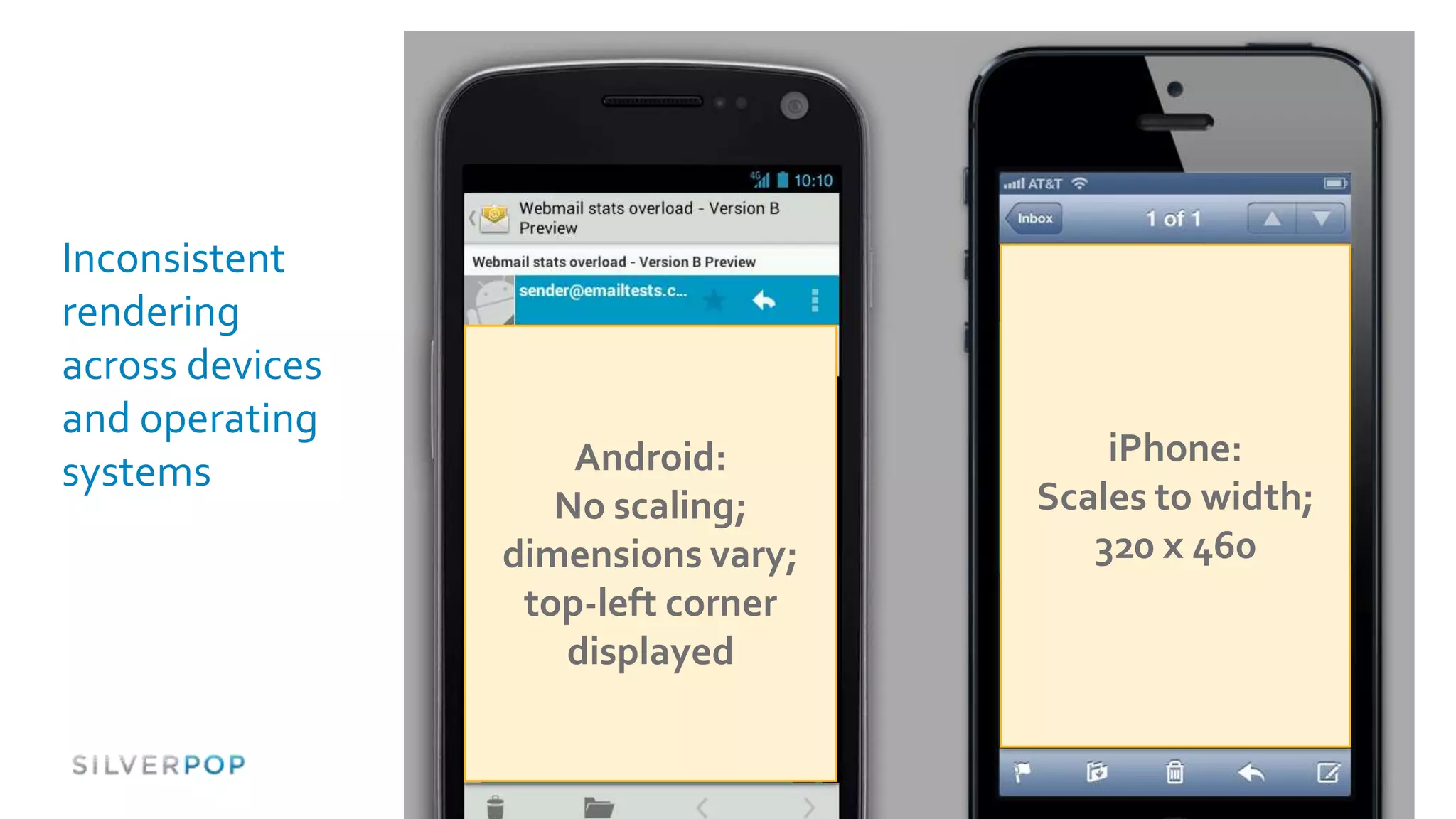
Inconsistent
rendering
across devices
and operating
                     Android:           iPhone:
systems
                    No scaling;     Scales to width;
                 dimensions vary;      320 x 460
                  top-left corner
                    displayed
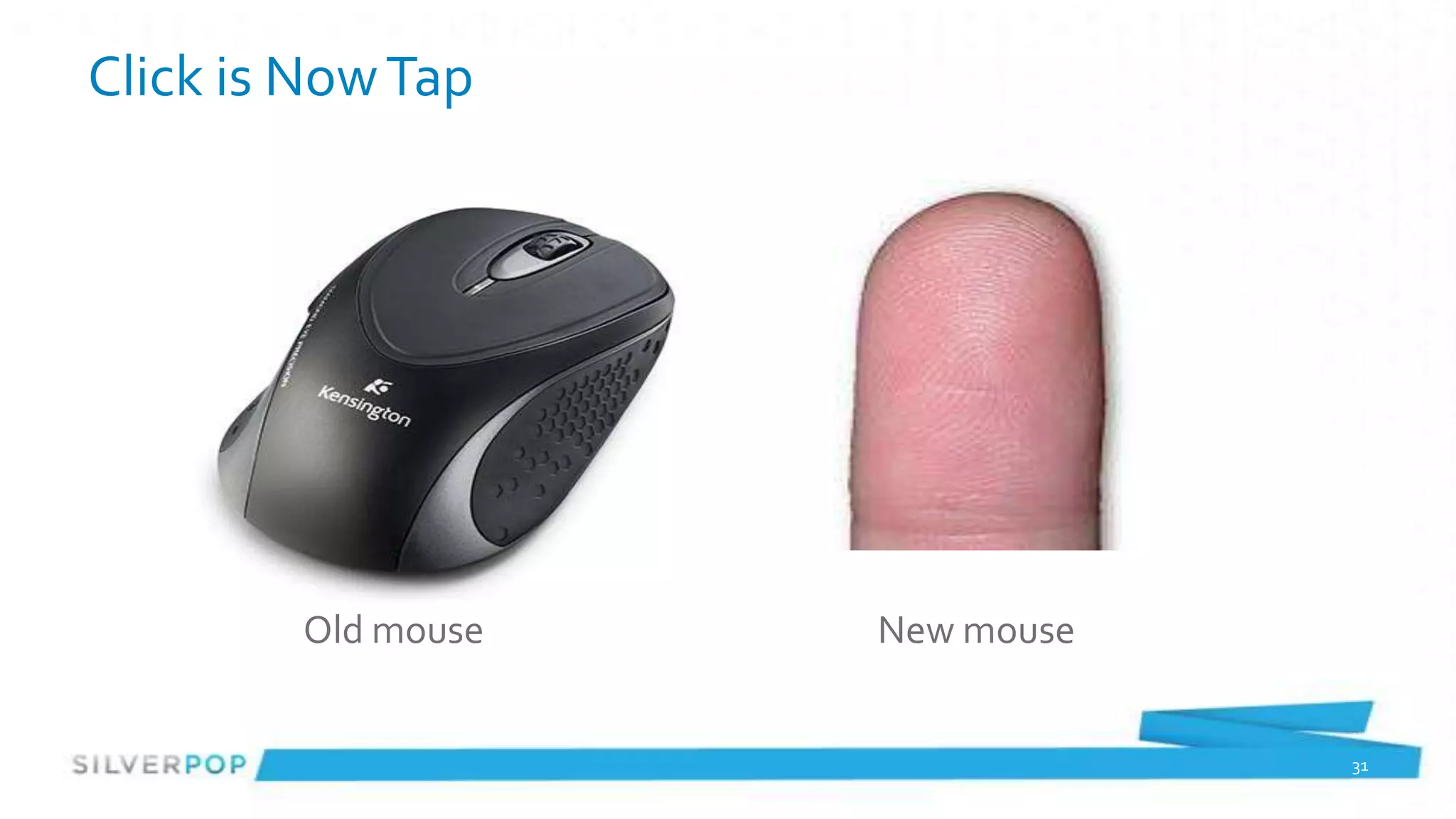
Click is Now Tap


        Old mouse   New mouse


                                31
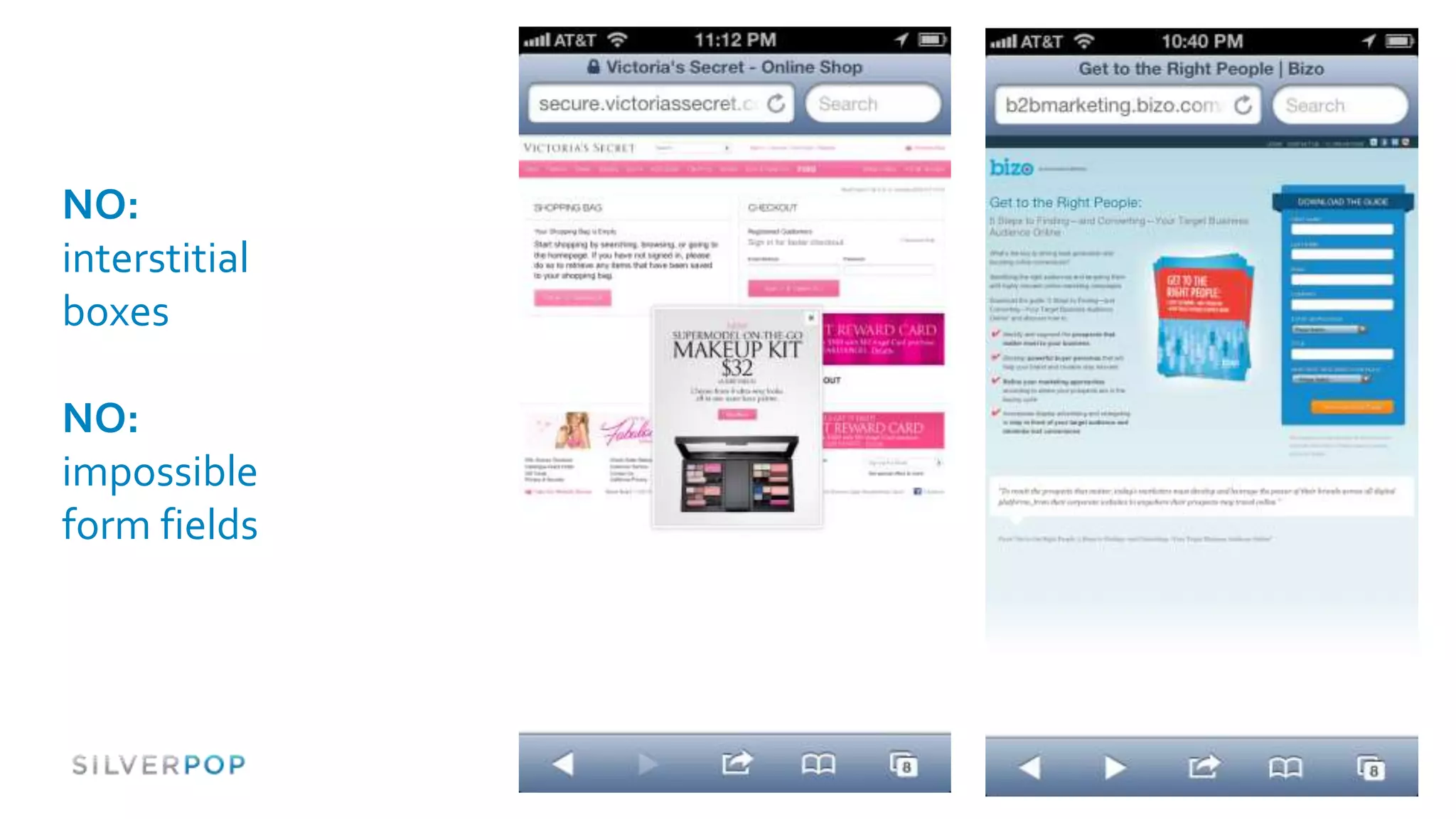
NO:
interstitial
boxes

NO:
impossible
form fields


               32
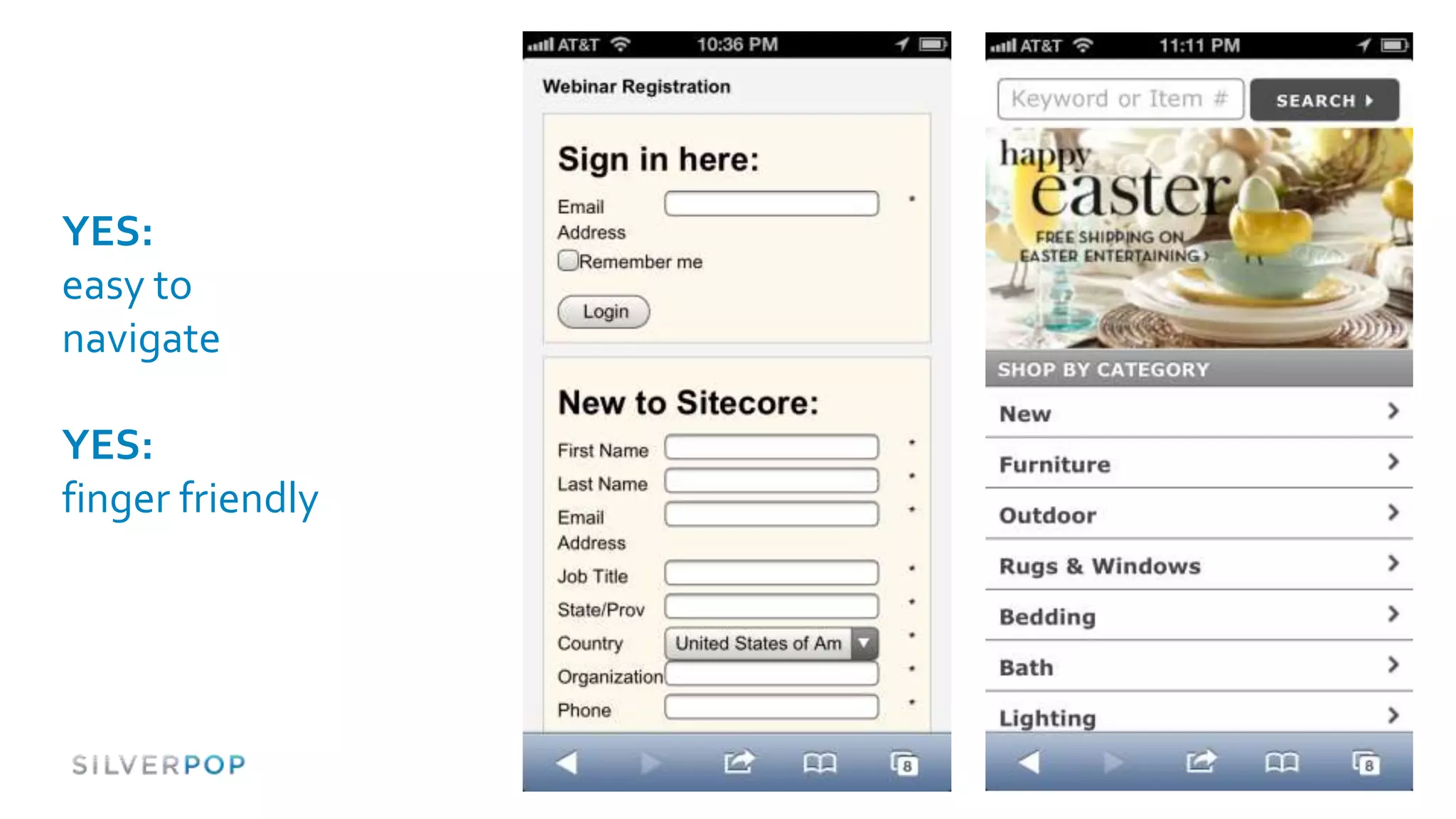
YES:
easy to
navigate

YES:
finger friendly


                  33
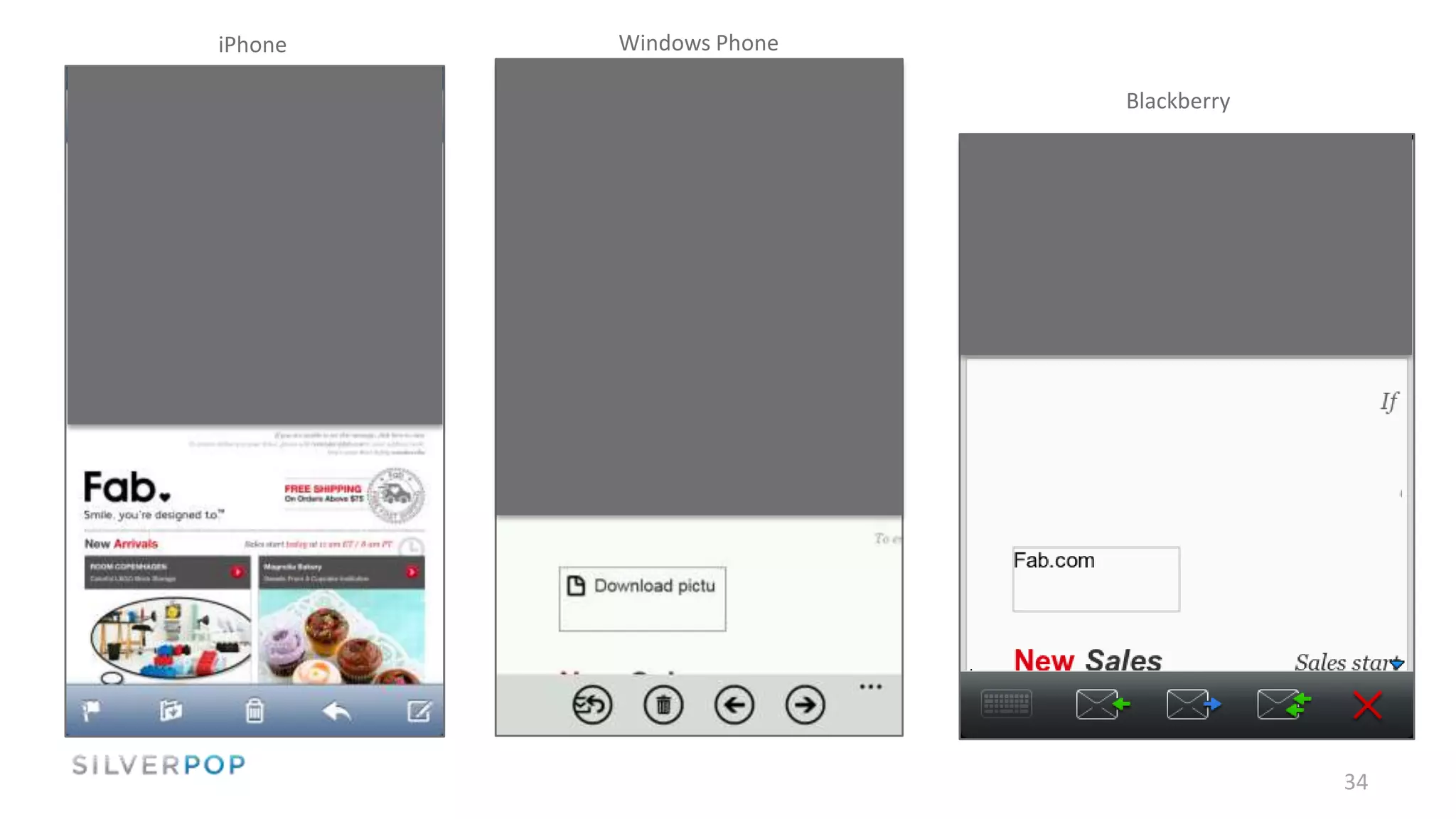
iPhone   Windows Phone

                         Blackberry


                                      34
Strategies & Approaches


#spopwebinar
                             35
As with most
things with
email, there’s
not a one-size-
fits-all
approach
(sorry to disappoint you)
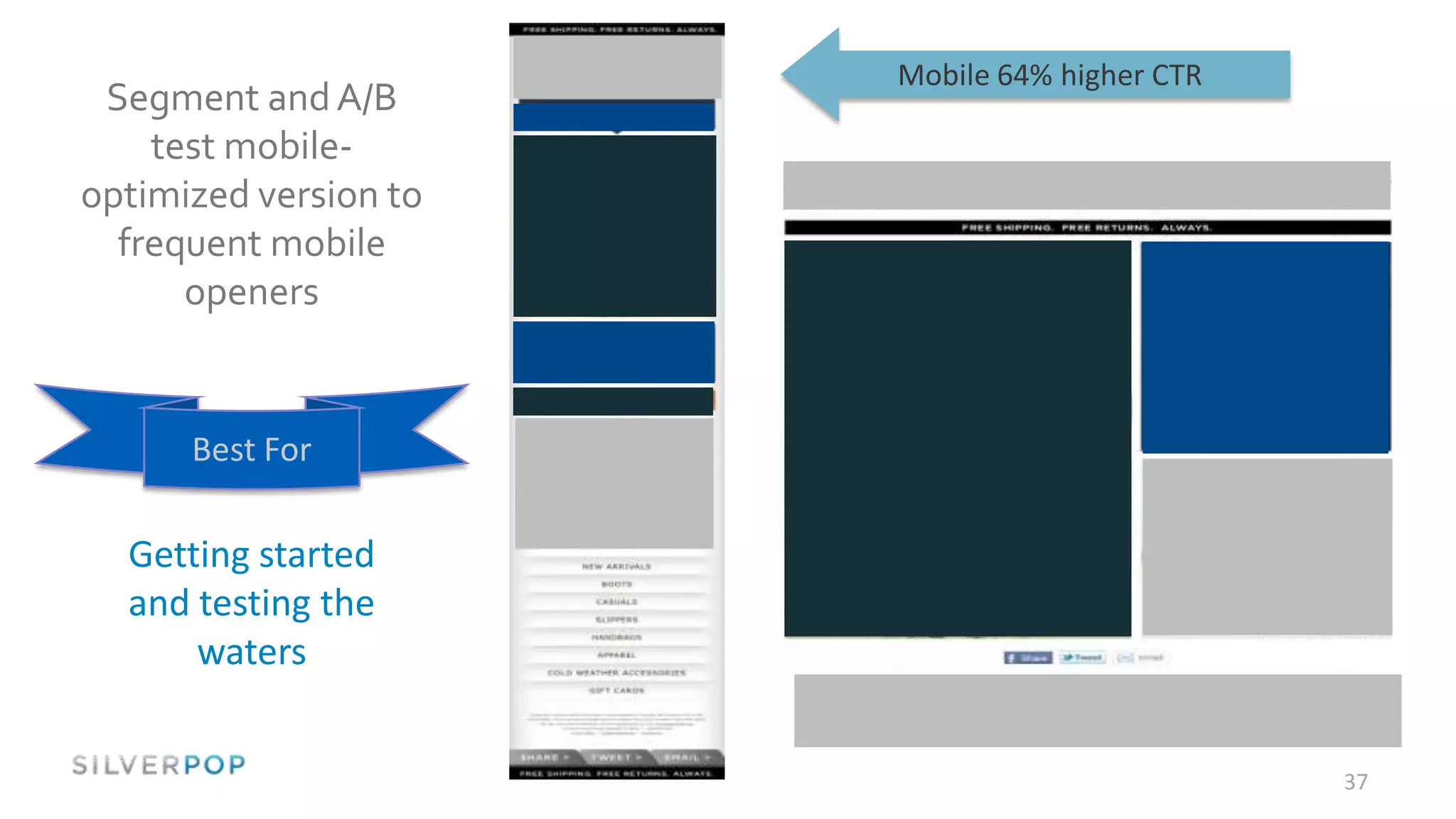
Mobile 64% higher CTR
 Segment and A/B
    test mobile-
optimized version to
  frequent mobile
      openers


      Best For

  Getting started
  and testing the
      waters


                                               37
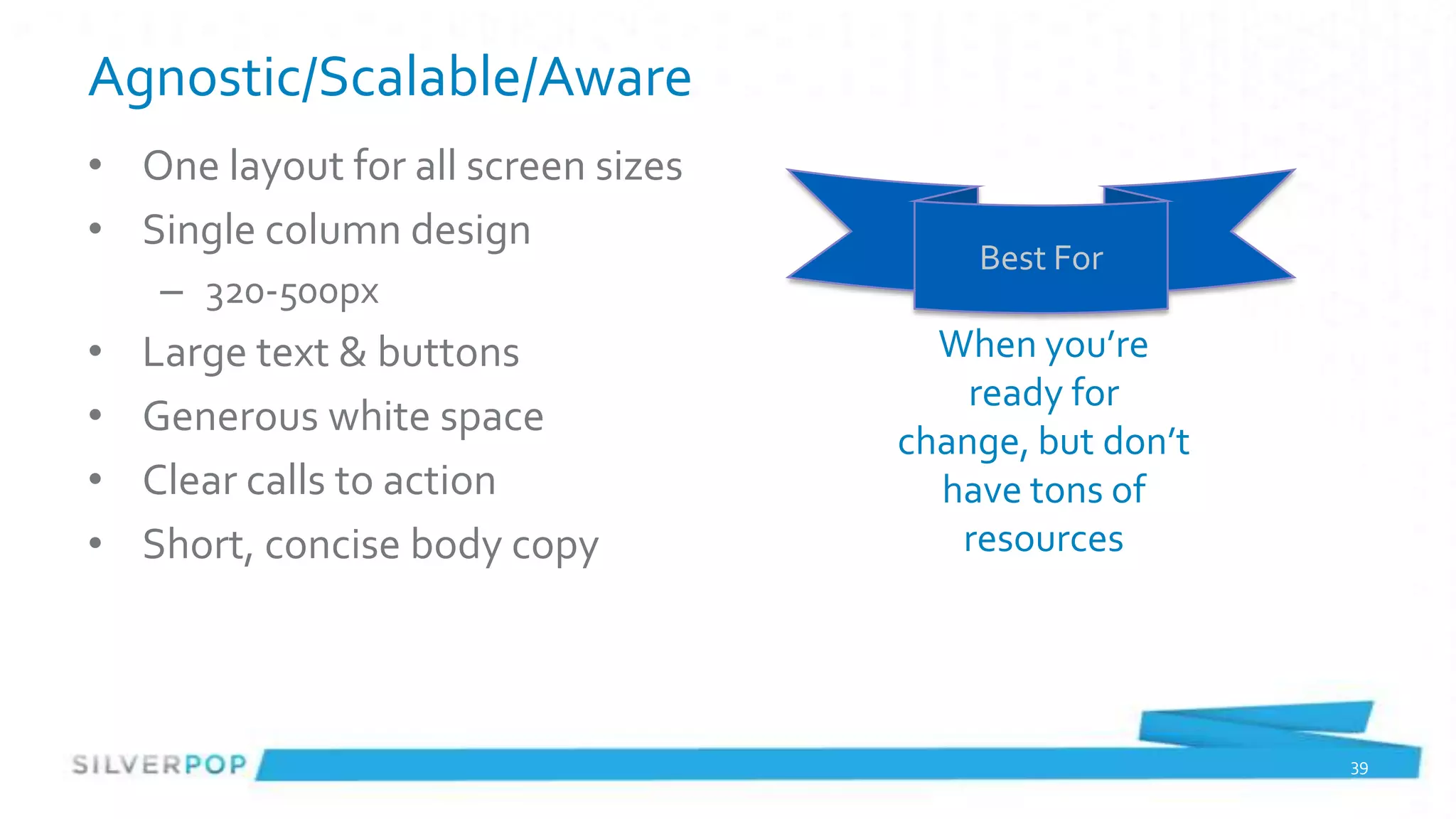
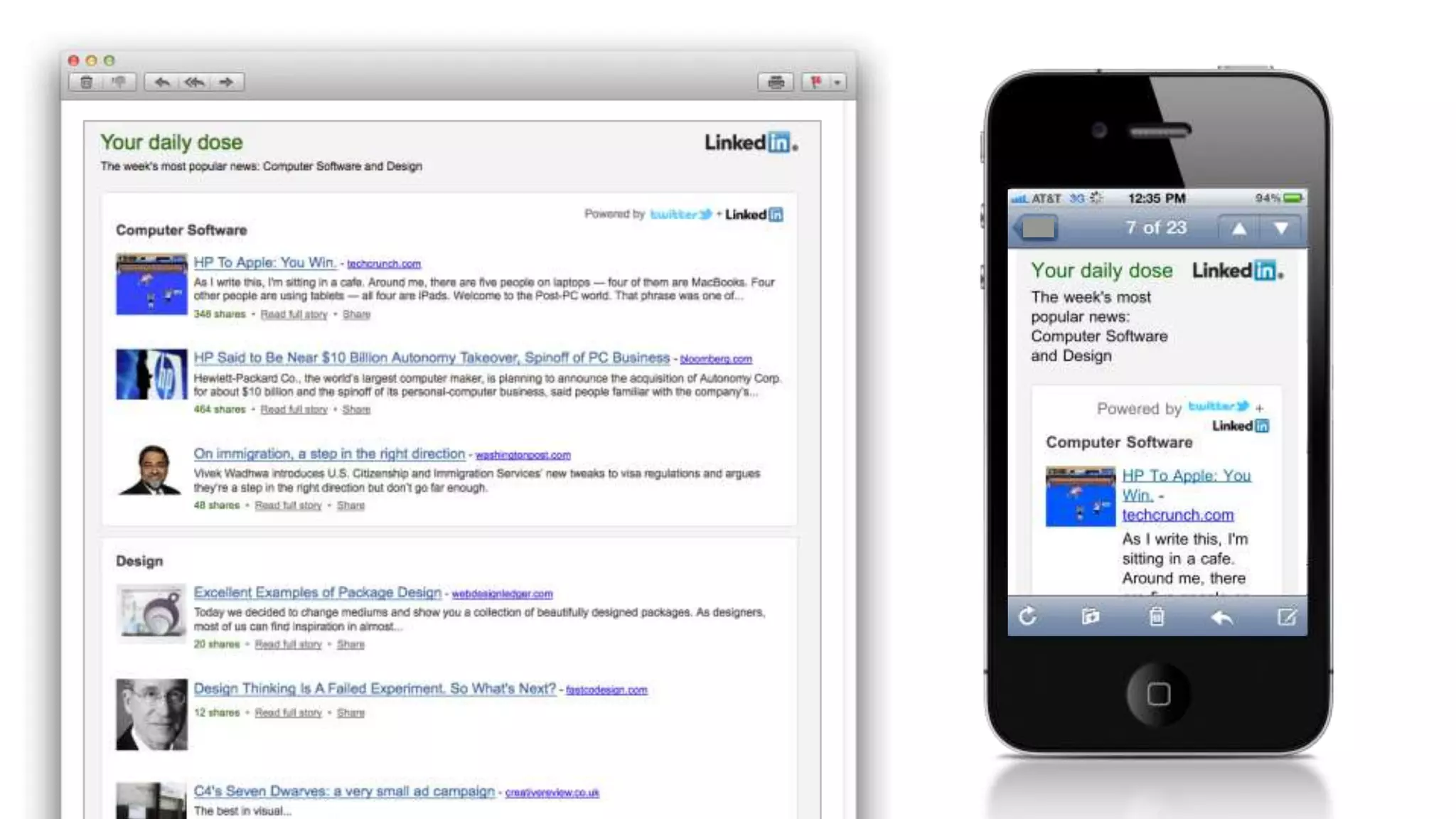
Agnostic/Scalable/Aware
• One layout for all screen sizes
• Single column design
                                        Best For
    – 320-500px
•   Large text & buttons              When you’re
                                        ready for
•   Generous white space
                                    change, but don’t
•   Clear calls to action             have tons of
•   Short, concise body copy           resources


                                                        39
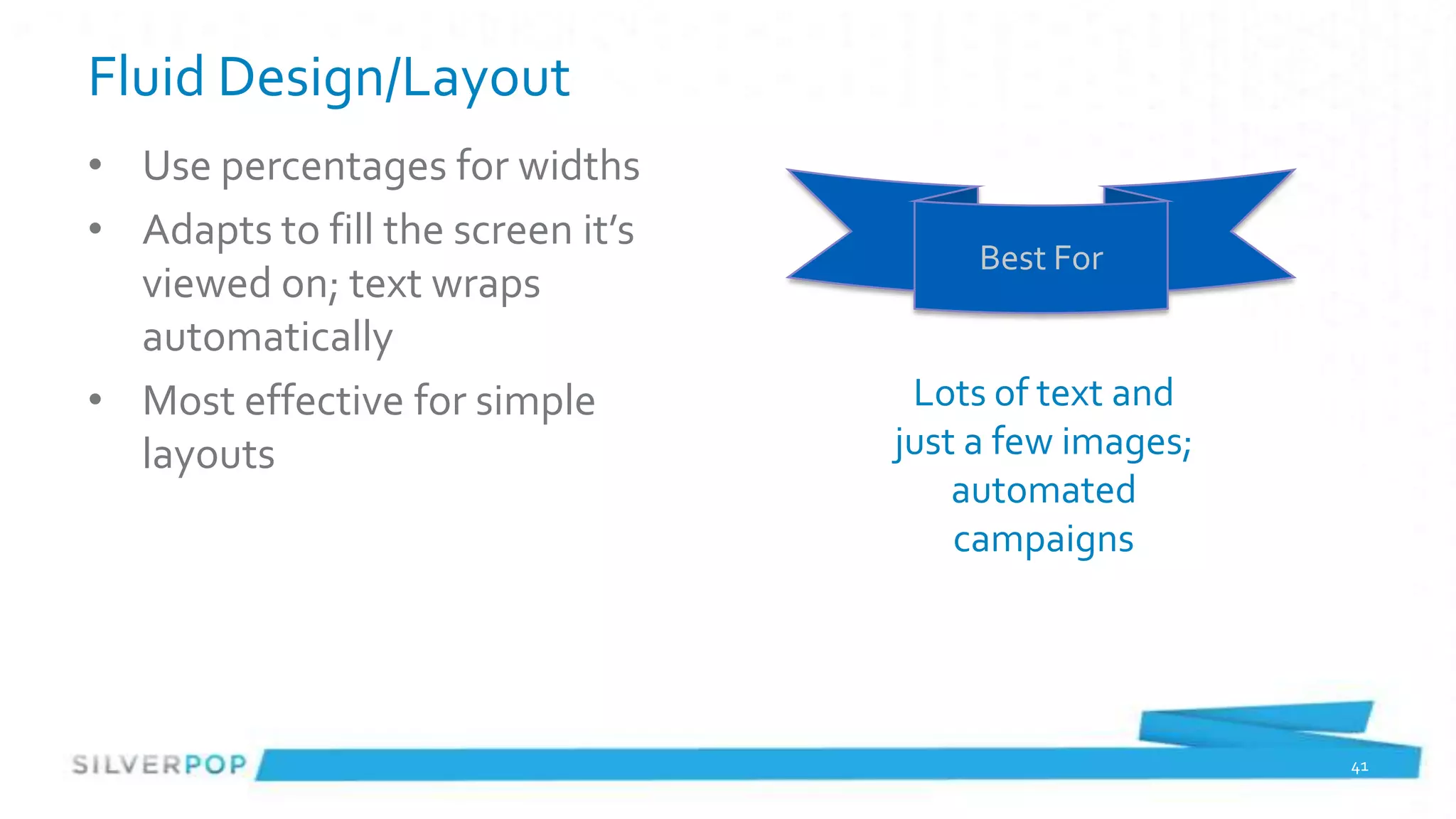
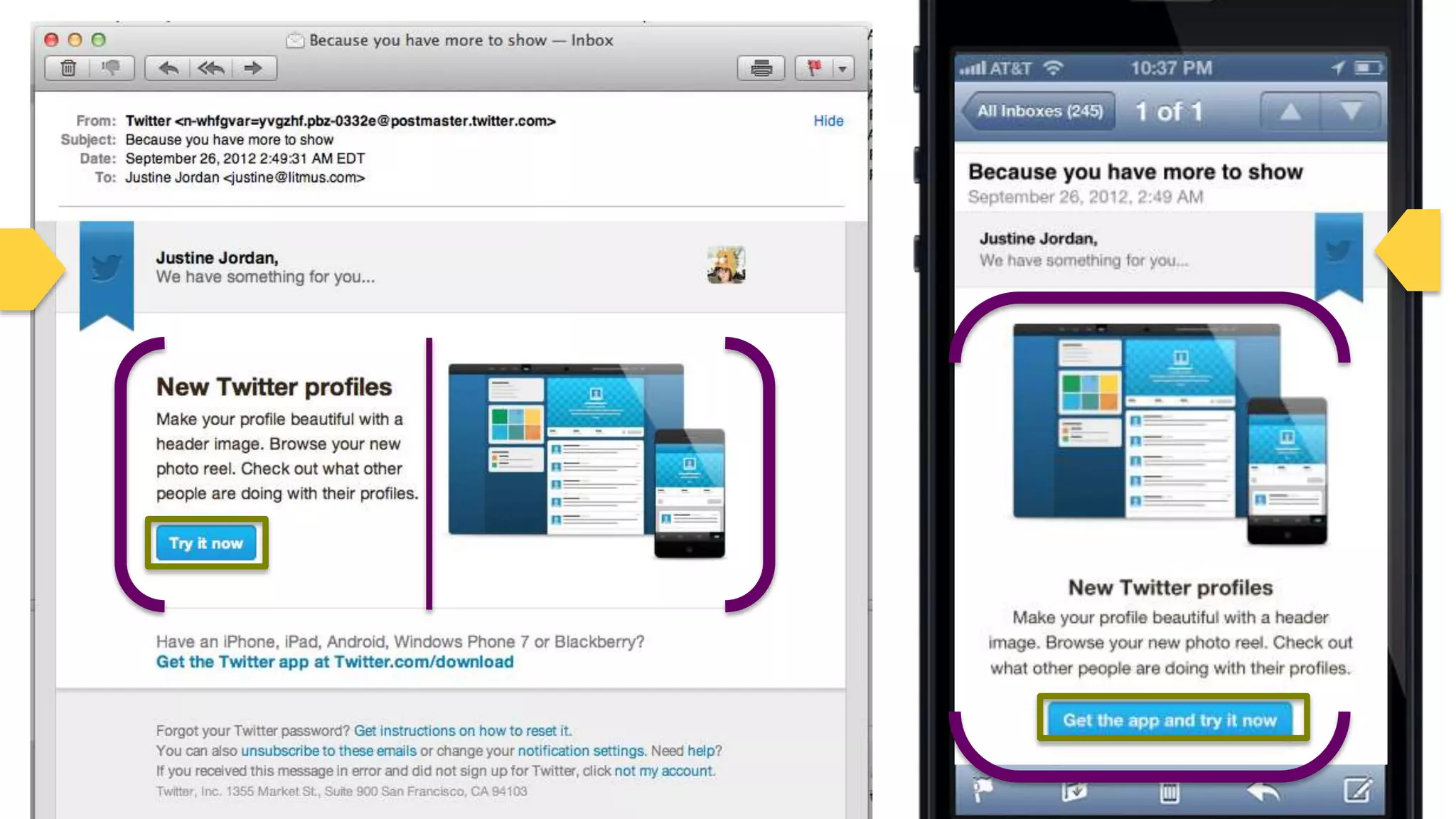
Fluid Design/Layout
• Use percentages for widths
• Adapts to fill the screen it’s
                                        Best For
  viewed on; text wraps
  automatically
• Most effective for simple         Lots of text and
  layouts                          just a few images;
                                       automated
                                       campaigns


                                                        41
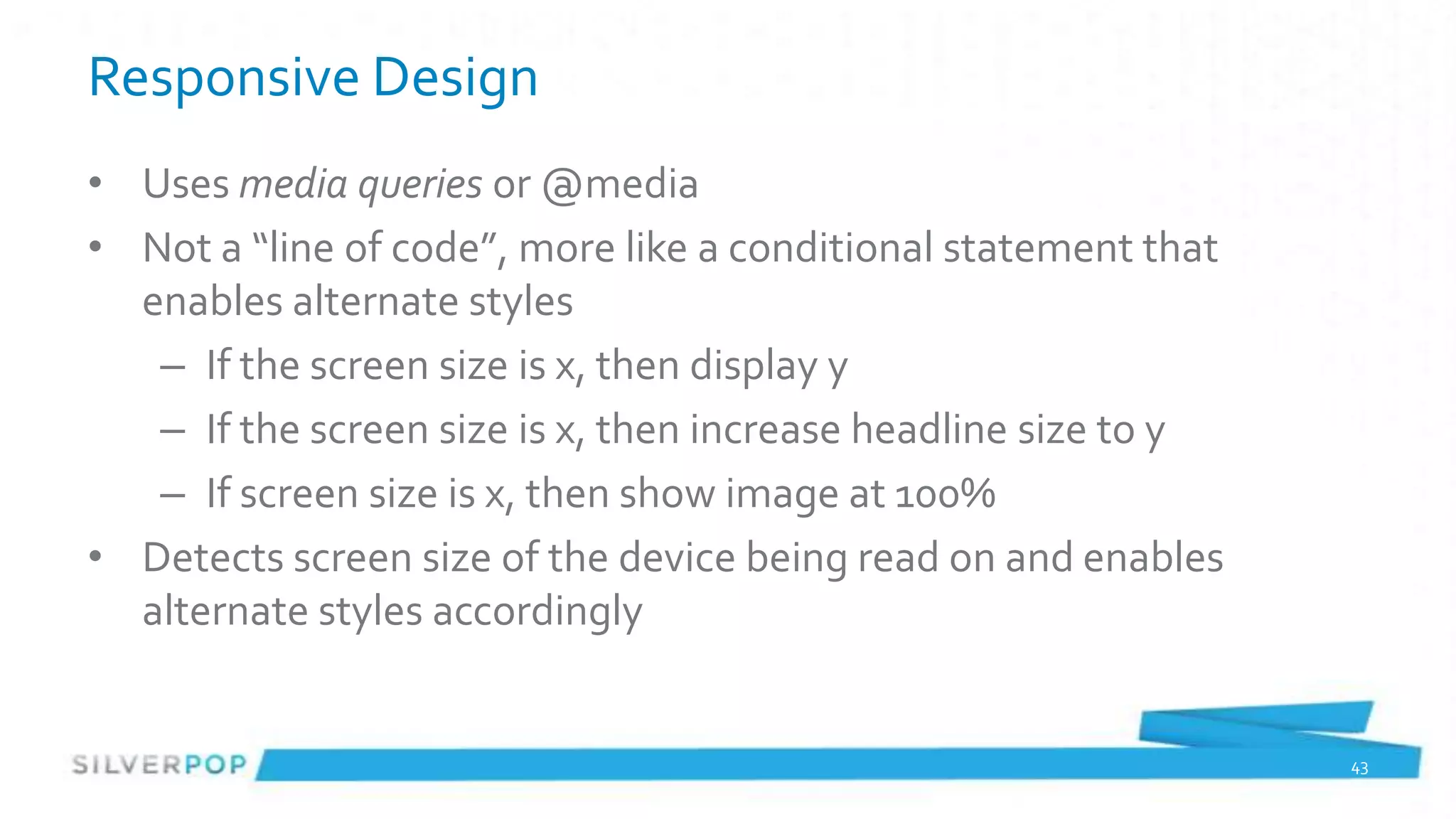
Responsive Design
• Uses media queries or @media
• Not a “line of code”, more like a conditional statement that
  enables alternate styles
   – If the screen size is x, then display y
   – If the screen size is x, then increase headline size to y
   – If screen size is x, then show image at 100%
• Detects screen size of the device being read on and enables
  alternate styles accordingly


                                                                 43
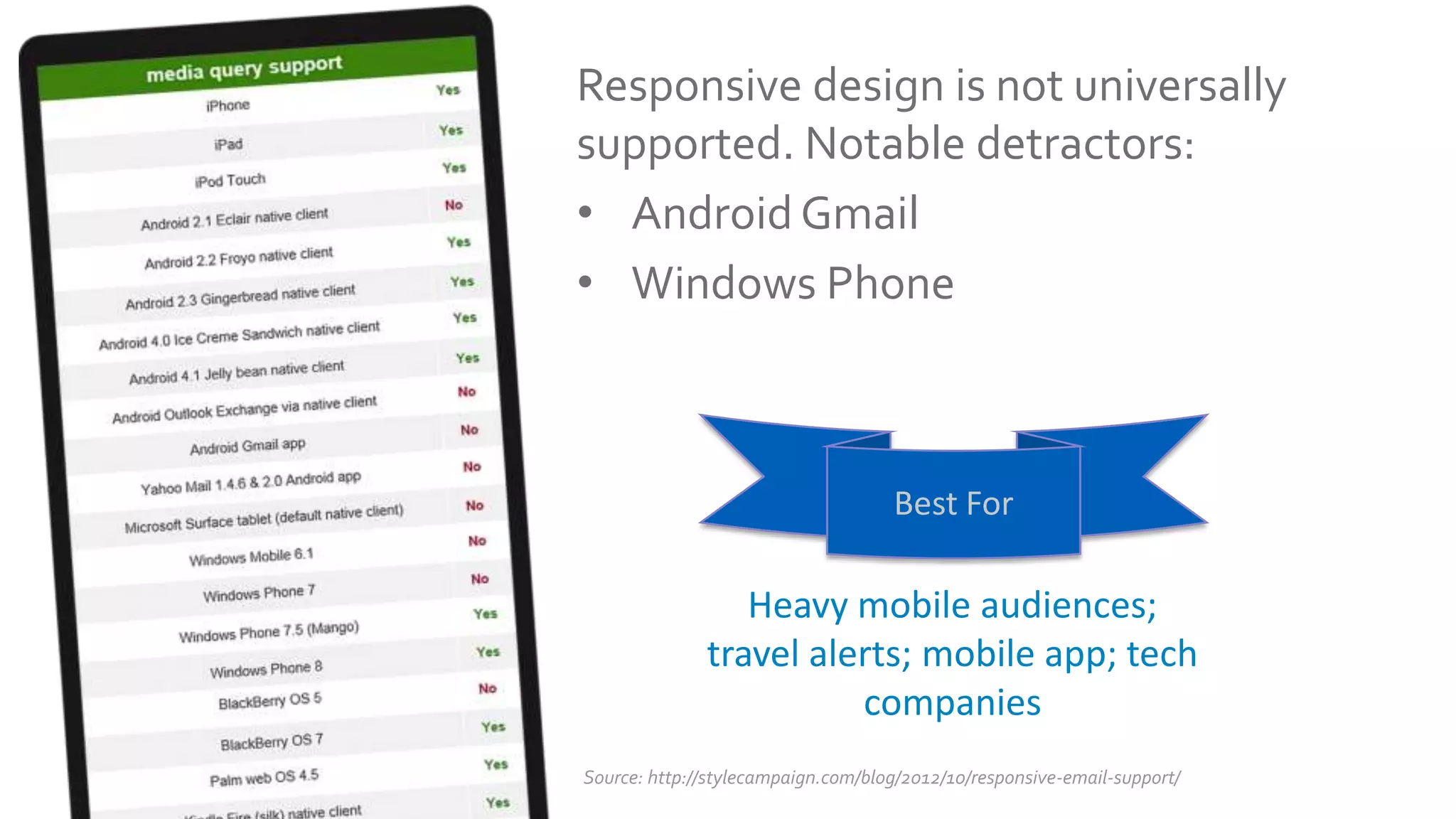
Responsive design is not universally
supported. Notable detractors:
• Android Gmail
• Windows Phone


                                    Best For

                 Heavy mobile audiences;
              travel alerts; mobile app; tech
                        companies
Source: http://stylecampaign.com/blog/2012/10/responsive-email-support/
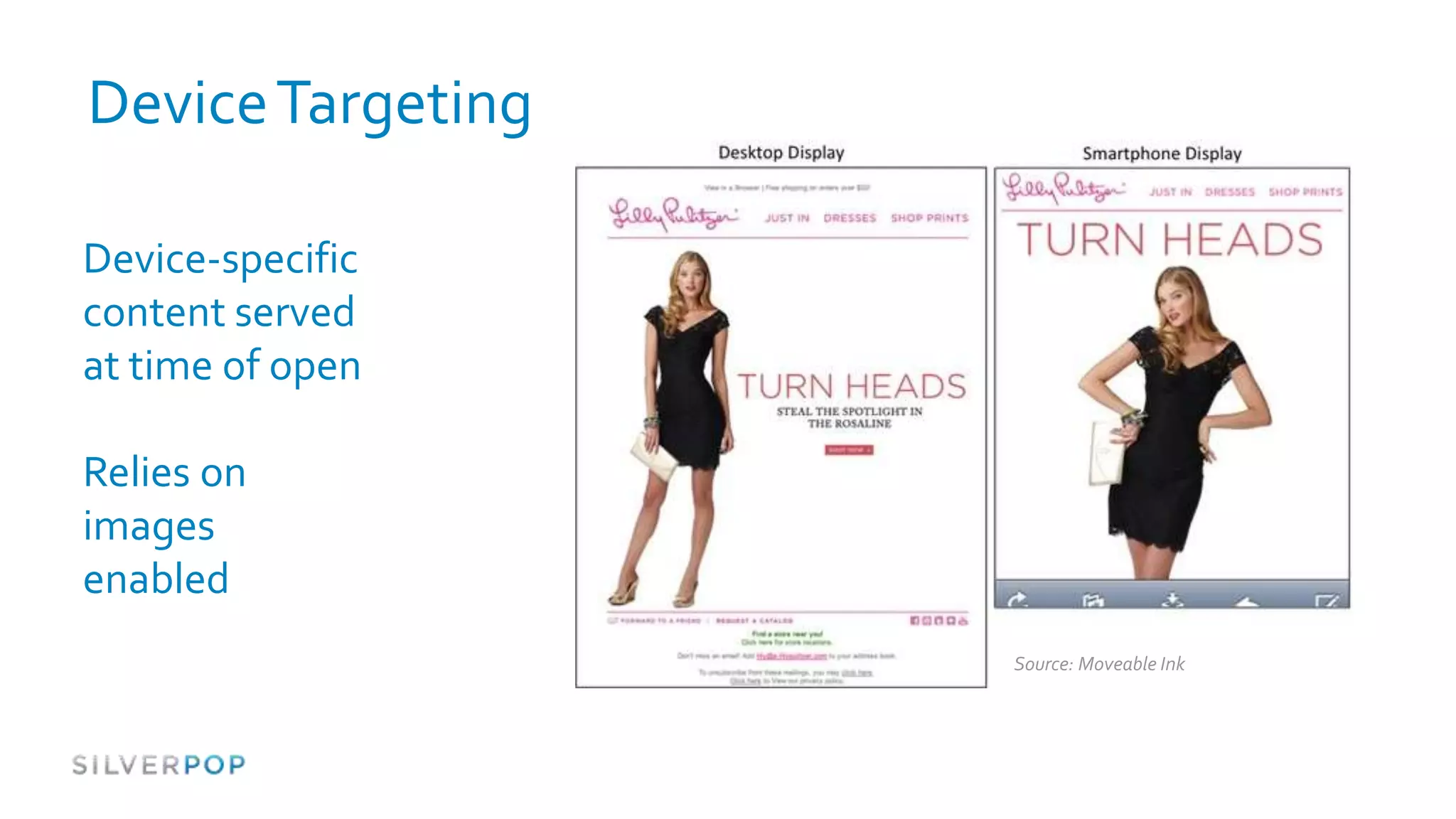
Device Targeting

Device-specific
content served
at time of open

Relies on
images
enabled
                   Source: Moveable Ink
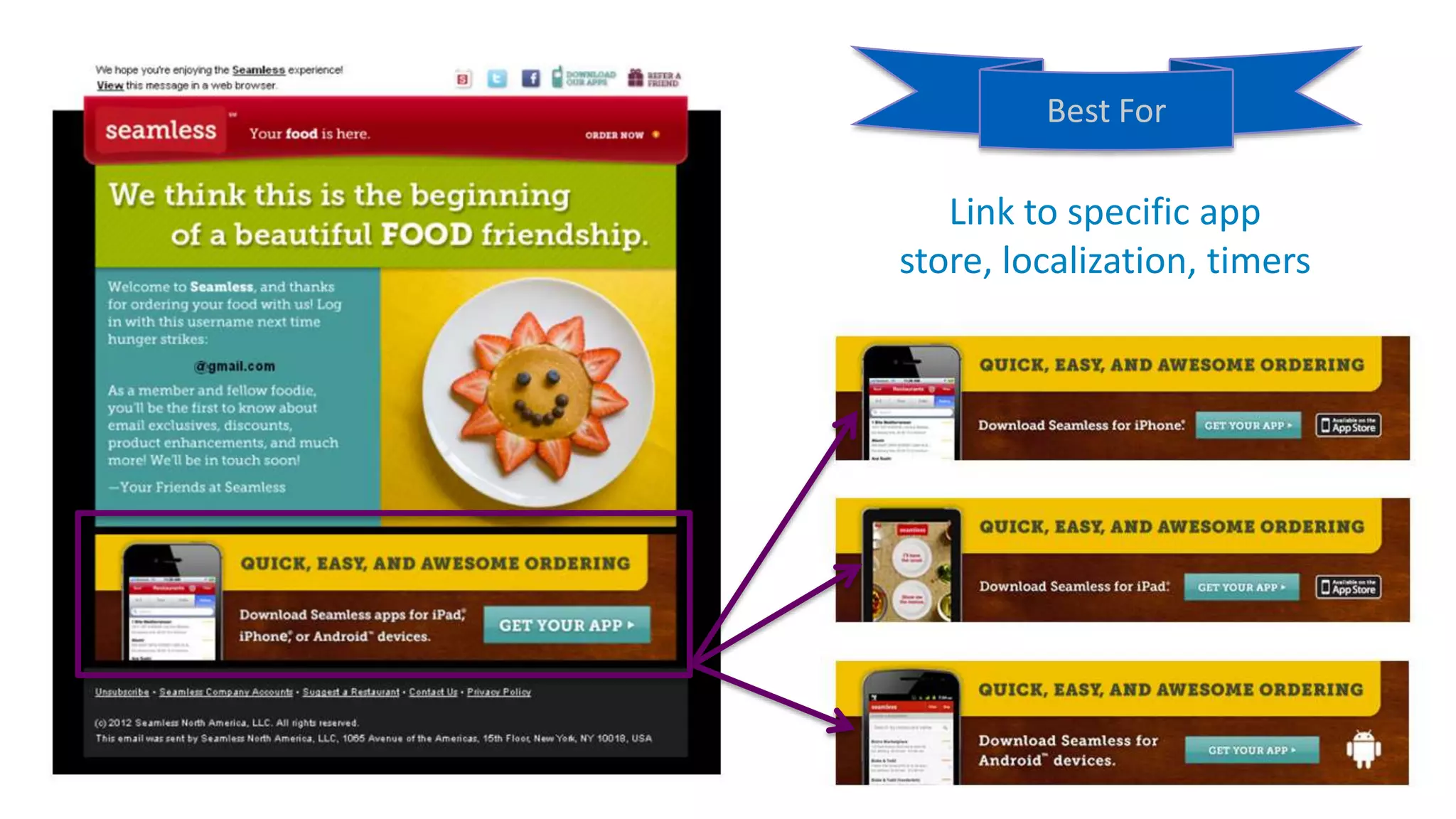
Best For

   Link to specific app
store, localization, timers


                              46
Your ideal
solution may
be a
combination:

Scalable +
Responsive
Text + Device
Targeting?
Universal Principles


#spopwebinar
                          48
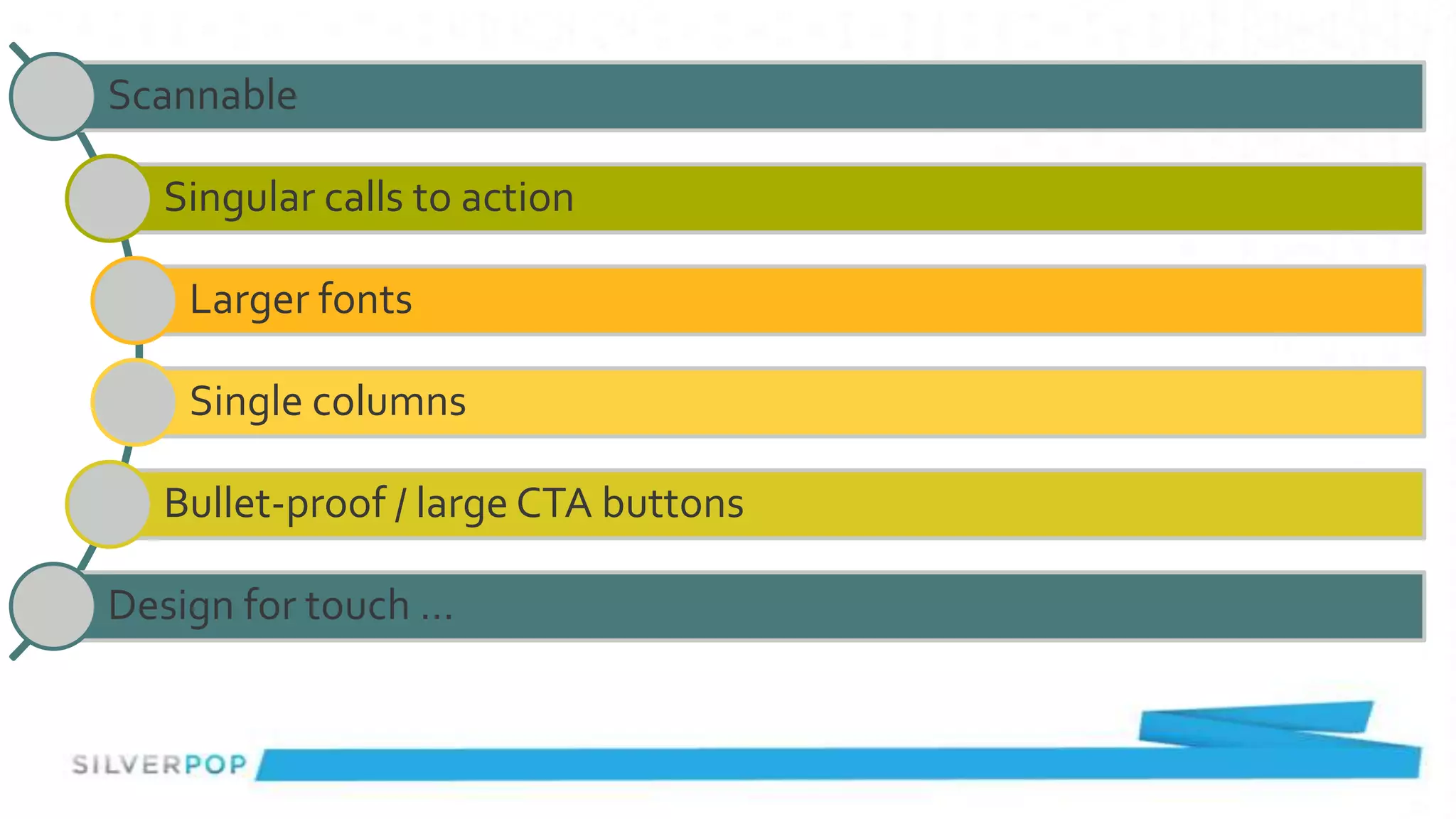
Scannable

  Singular calls to action

    Larger fonts

    Single columns

  Bullet-proof / large CTA buttons

Design for touch …
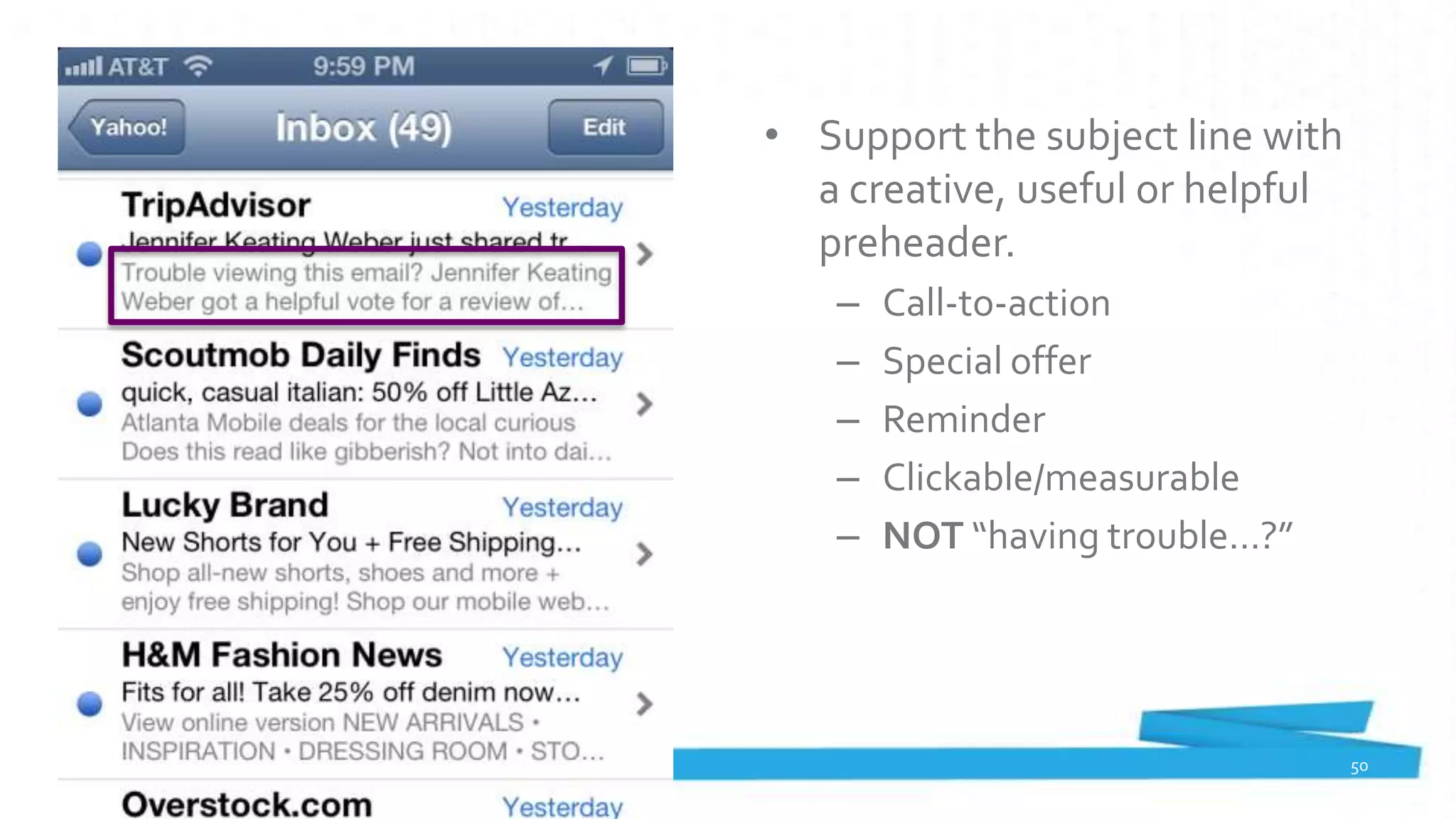
• Support the subject line with
  a creative, useful or helpful
  preheader.
   –   Call-to-action
   –   Special offer
   –   Reminder
   –   Clickable/measurable
   –   NOT “having trouble…?”


                                  50
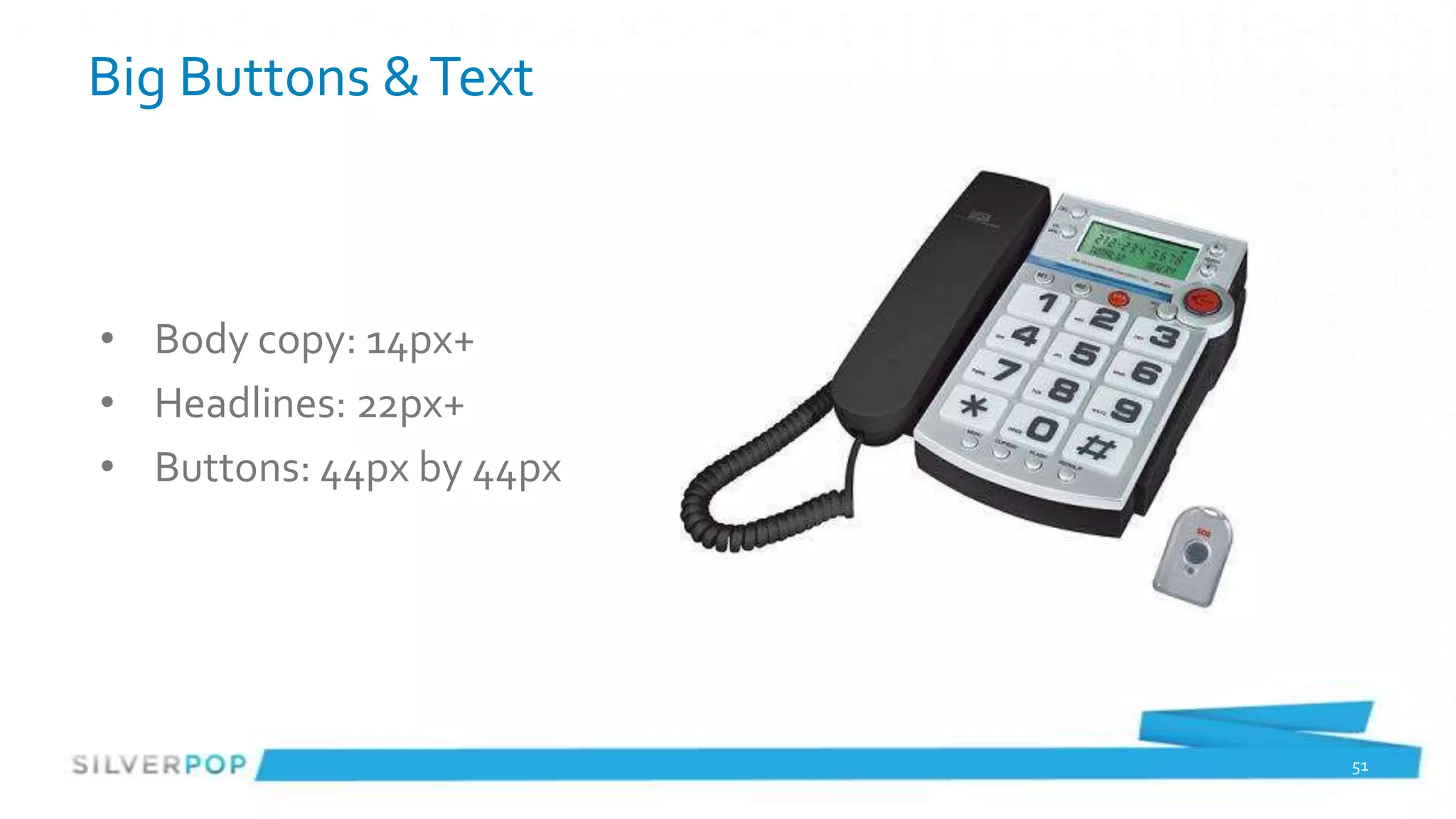
Big Buttons & Text


• Body copy: 14px+
• Headlines: 22px+
• Buttons: 44px by 44px


                          51
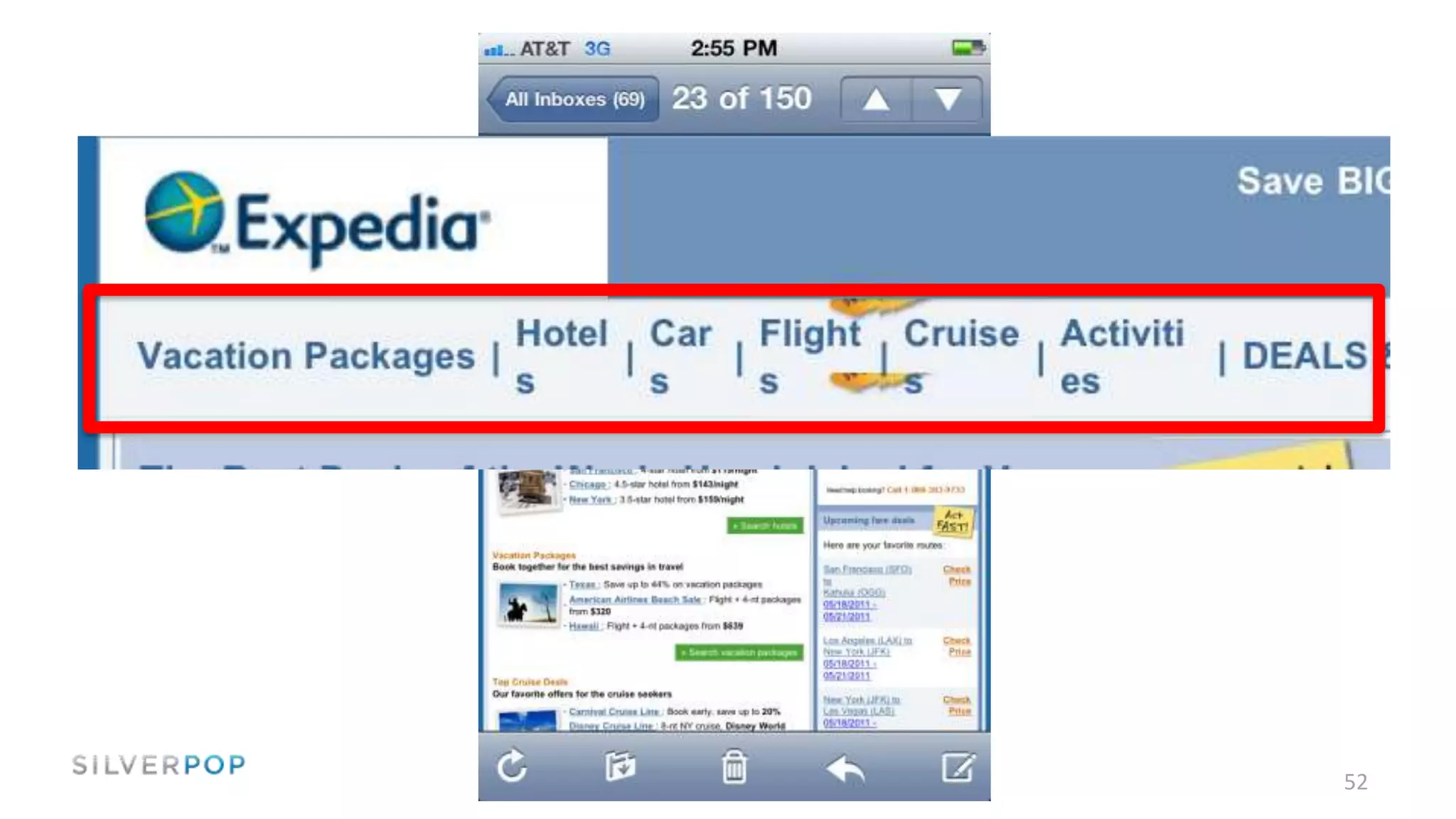
52
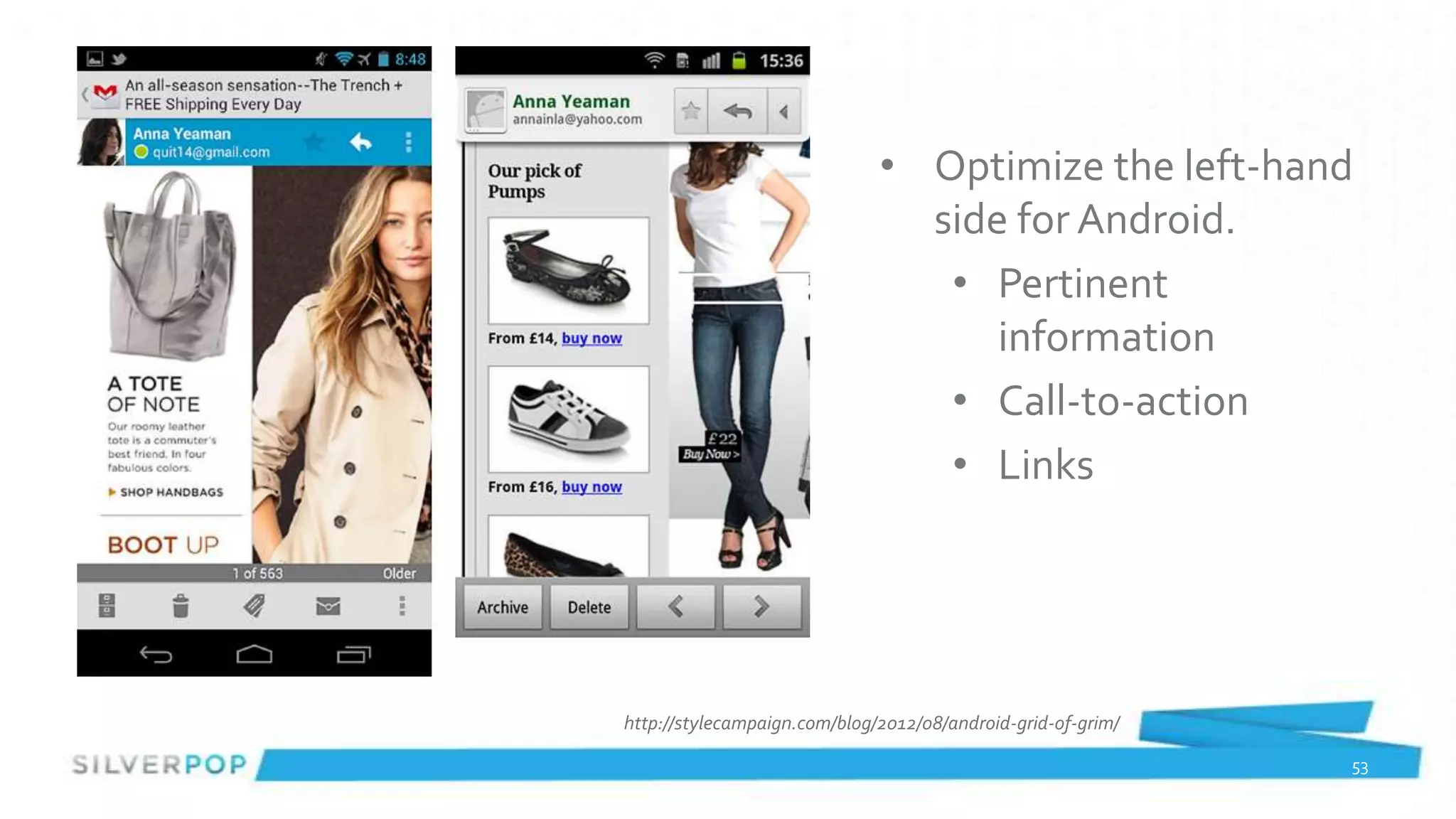
• Optimize the left-hand
                                side for Android.
                                 • Pertinent
                                    information
                                 • Call-to-action
                                 • Links


http://stylecampaign.com/blog/2012/08/android-grid-of-grim/

                                                              53
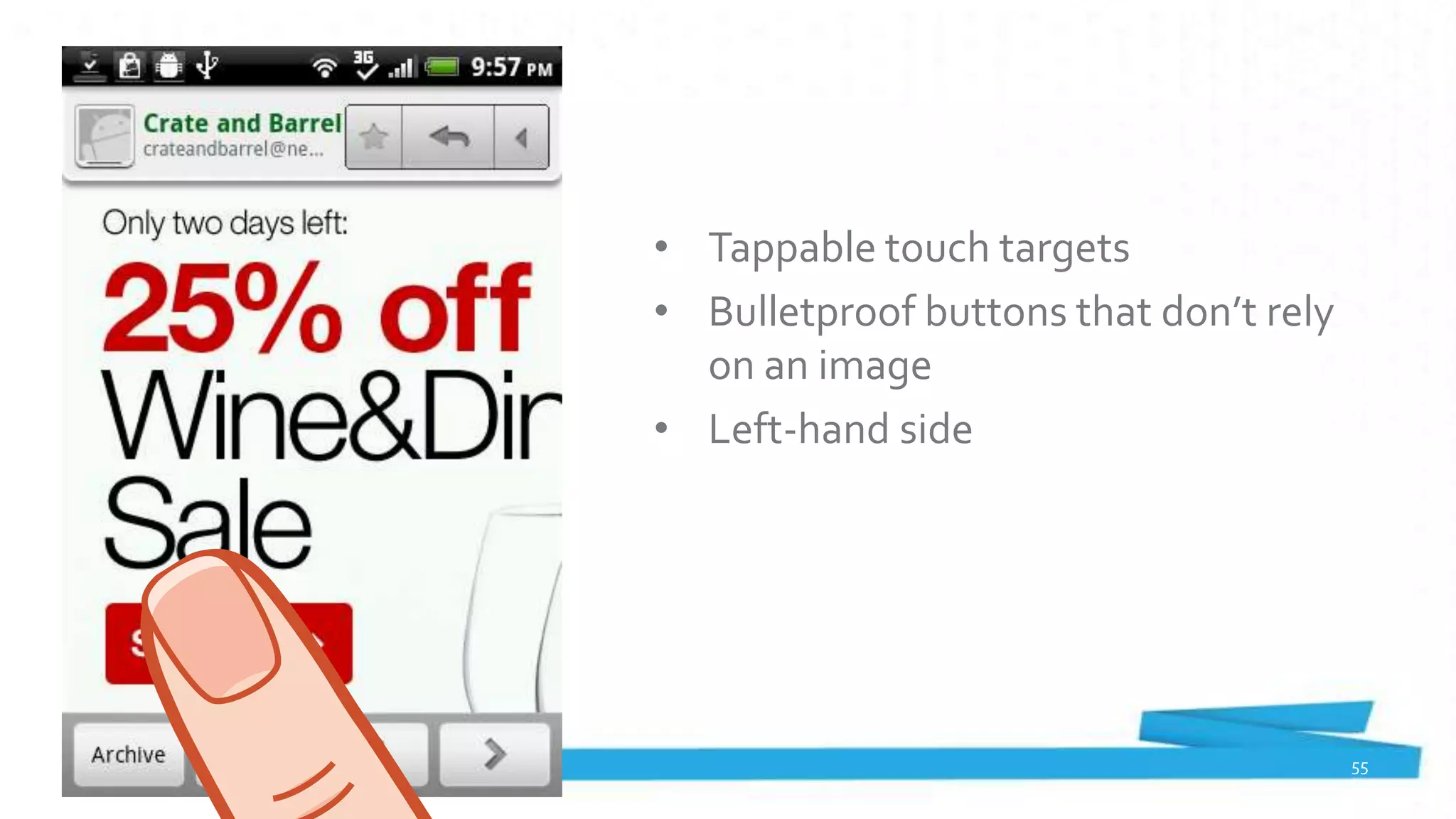
• Tappable touch targets
• Bulletproof buttons that don’t rely
  on an image
• Left-hand side


                                        55
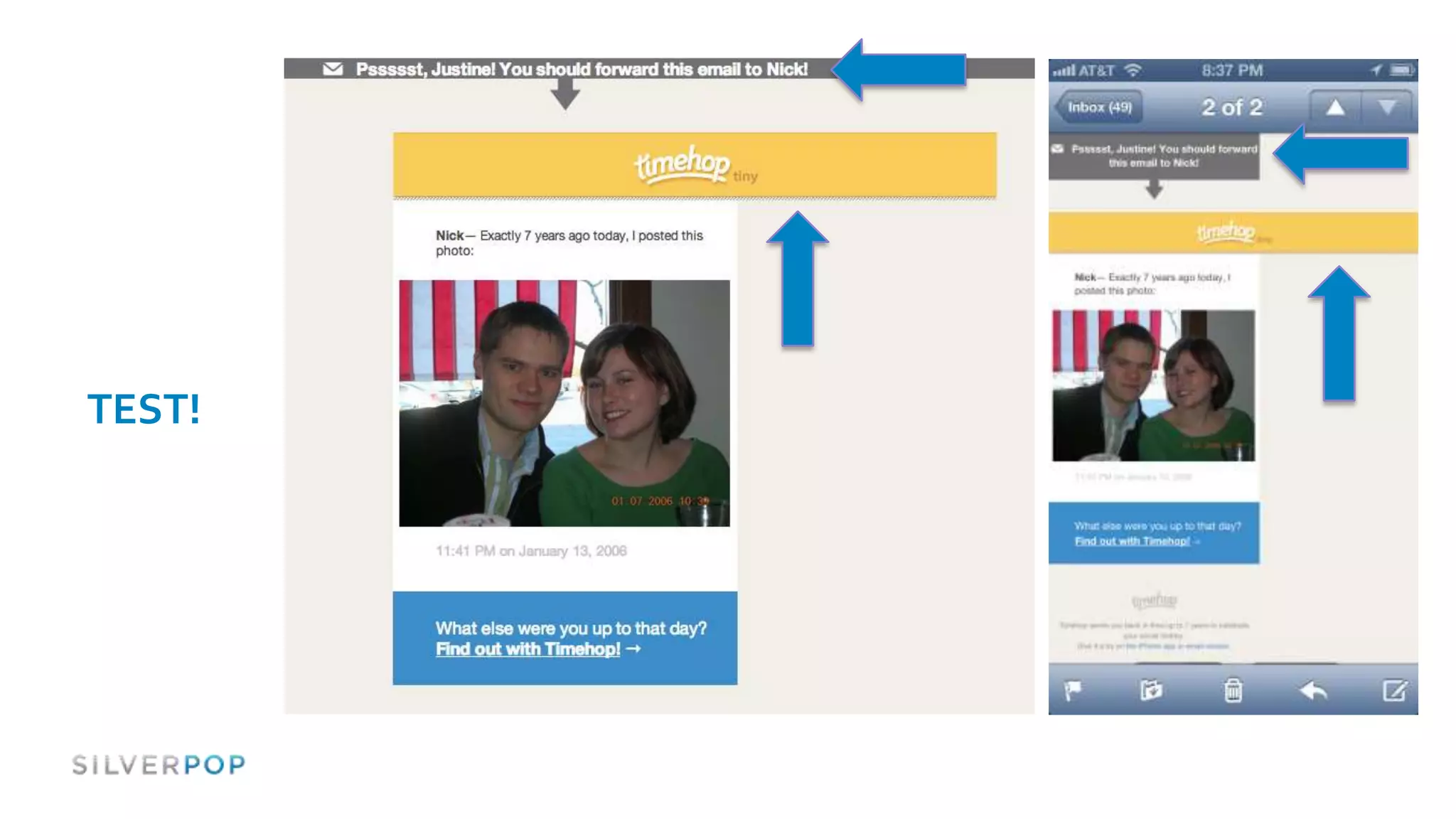
TEST!
Framework / Next Steps


#spopwebinar
                            57
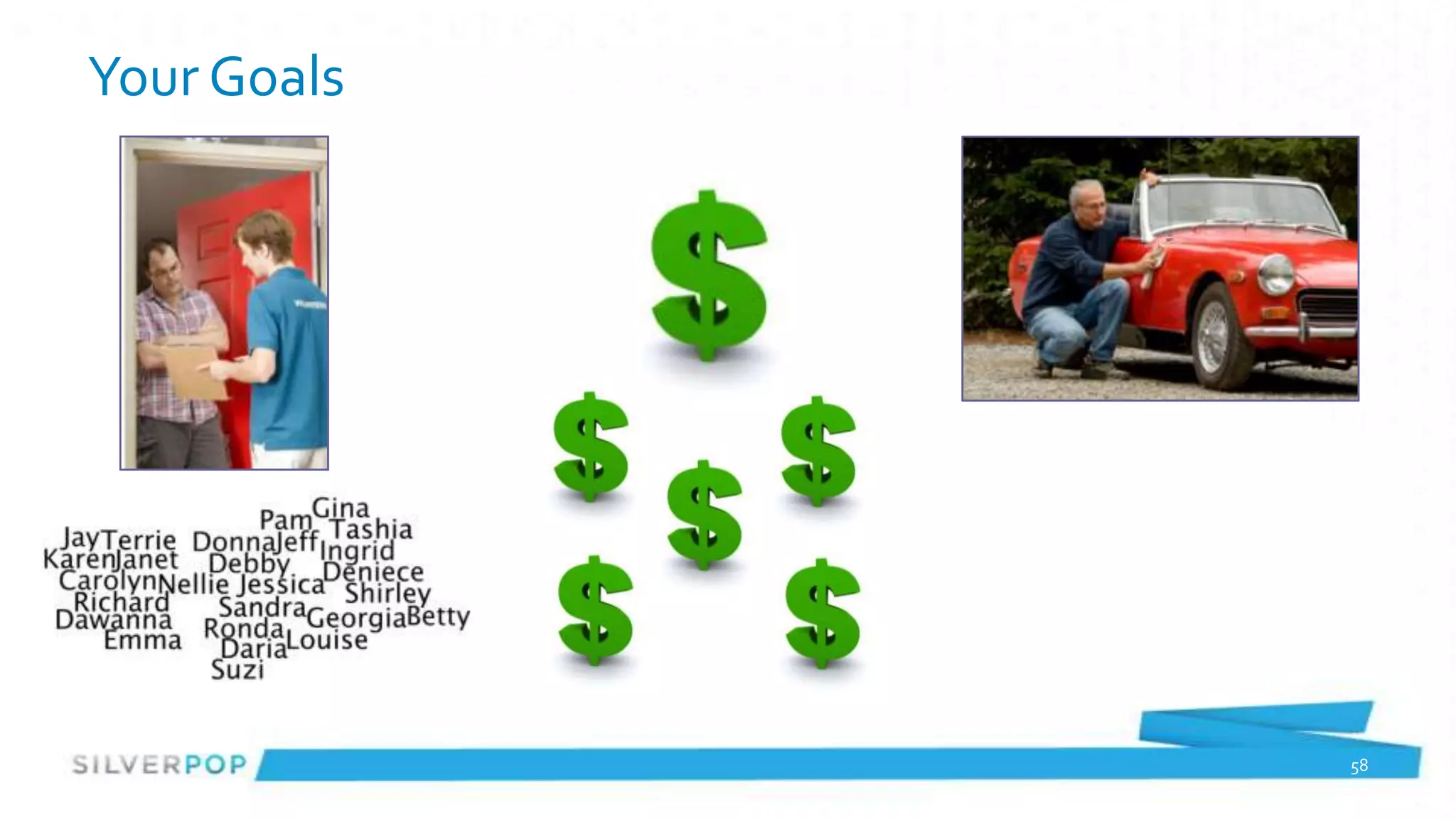
Your Goals


             58
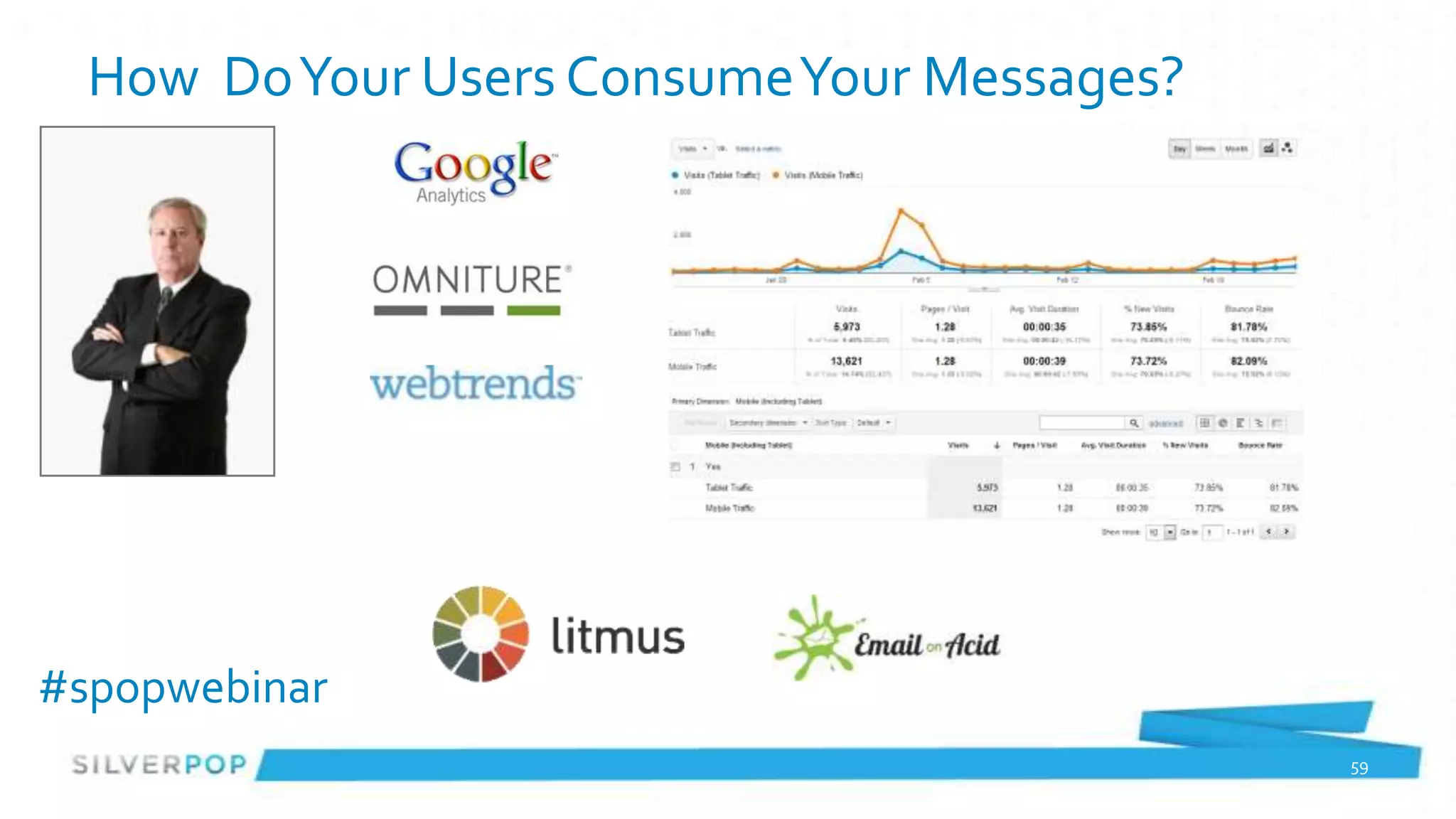
How Do Your Users Consume Your Messages?


#spopwebinar
                                             59
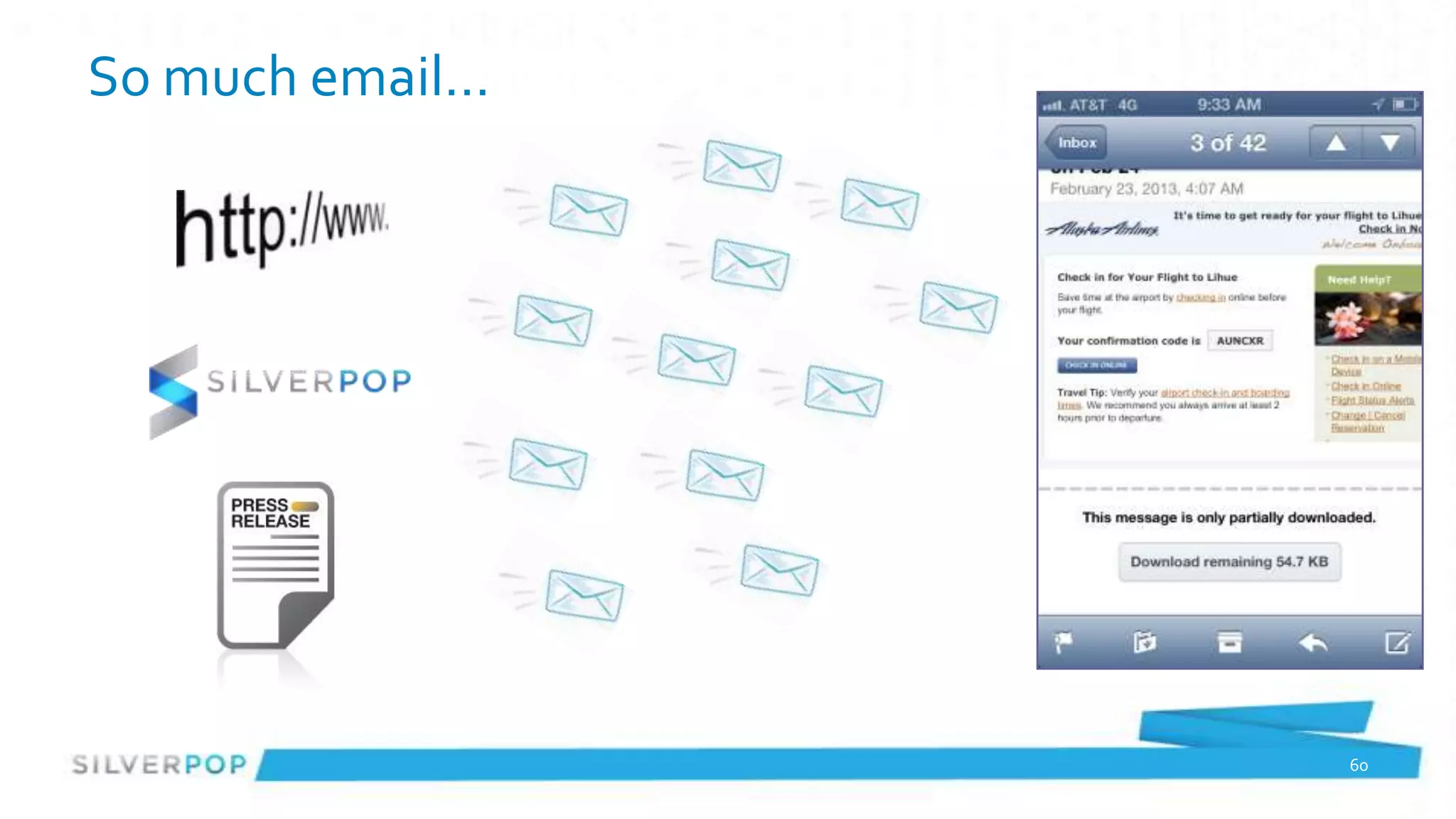
So much email…


                 60
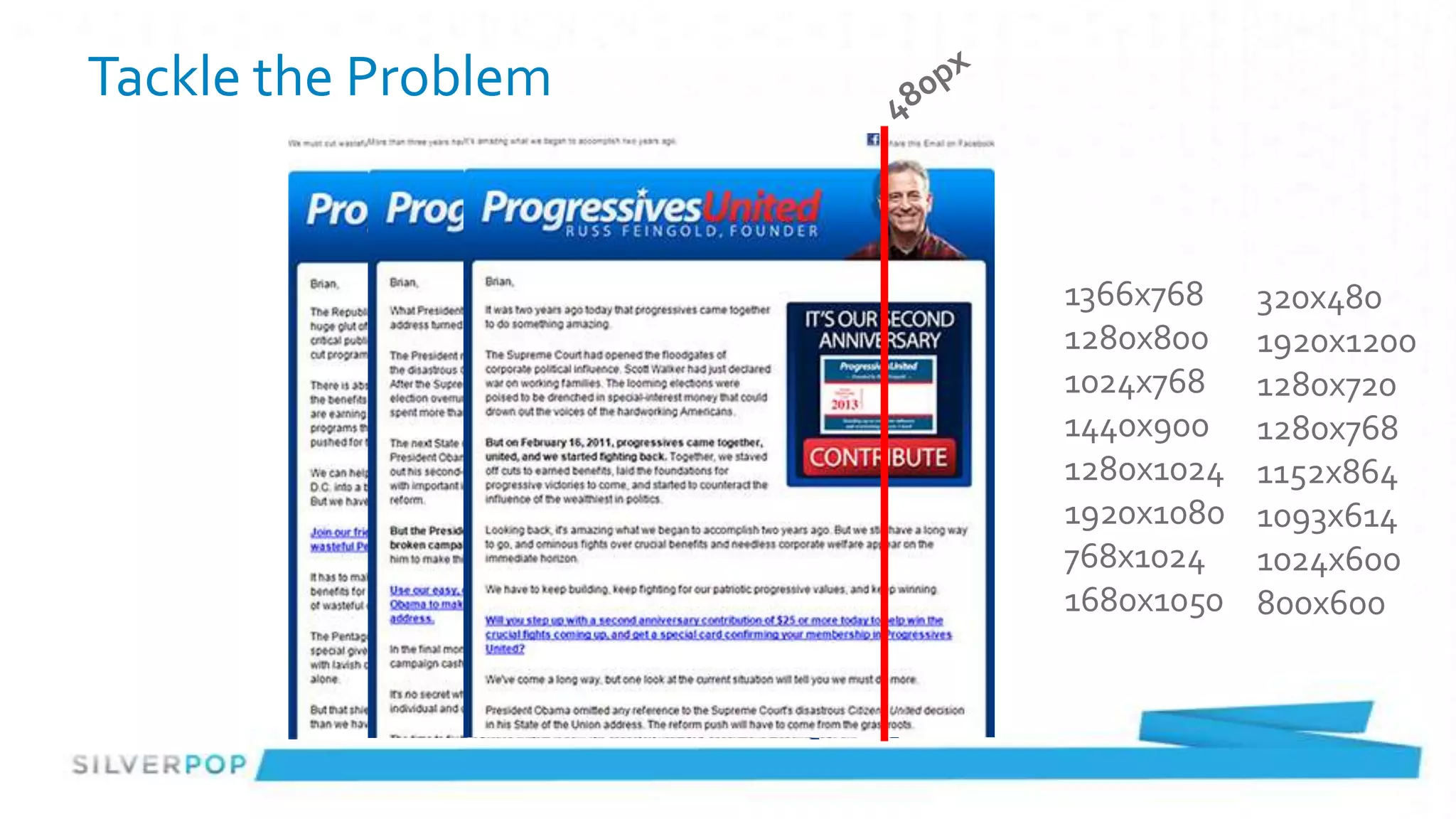
Tackle the Problem


                     1366x768    320x480
                     1280x800    1920x1200
                     1024x768    1280x720
                     1440x900    1280x768
                     1280x1024   1152x864
                     1920x1080   1093x614
                     768x1024    1024x600
                     1680x1050   800x600
Tackle the Problem


#spopwebinar
Quirks & Unknowns
 table[class=callout] {
       width: 50% !important;
       max-width: 50% !important;
       height: auto !important;
       padding: 0 0 3% 3%;
 }


      display: none;


#spopwebinar
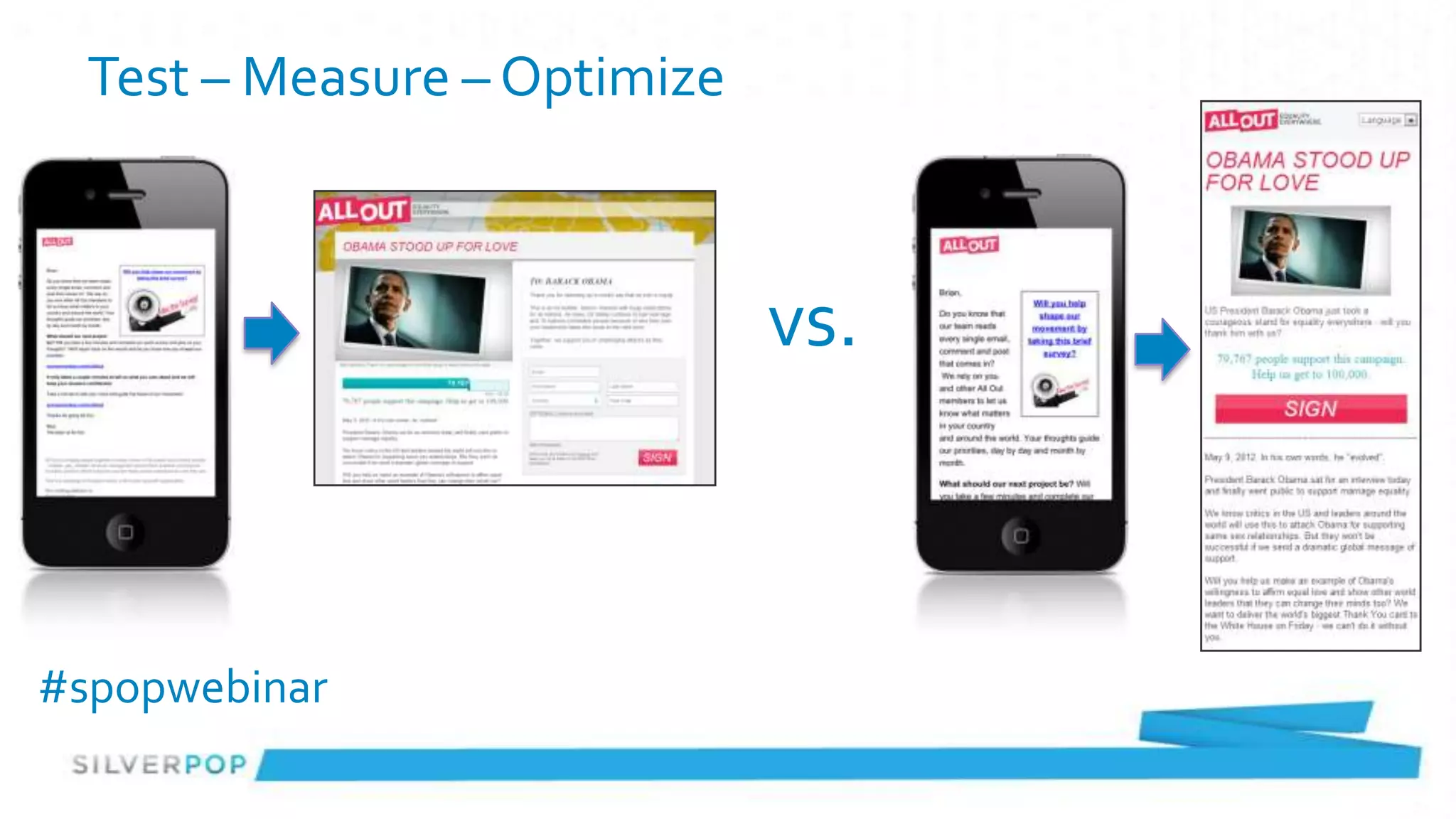
Test – Measure – Optimize


                              vs.


#spopwebinar
Don’t be afraid to jump in
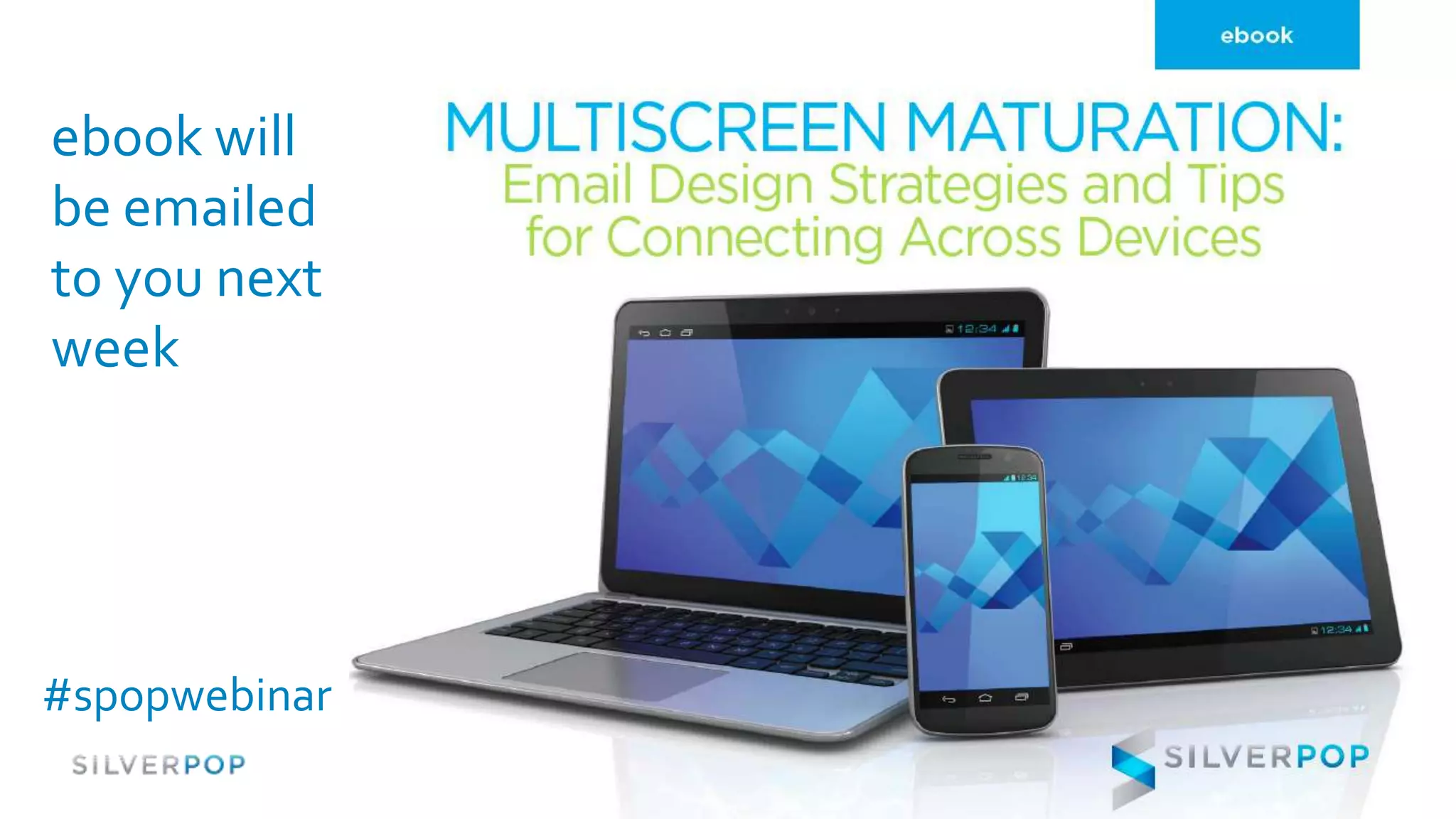
ebook will
be emailed
to you next
week


#spopwebinar
Q & A / Contact Information
Brian Sisolak                   Justine Jordan       Loren McDonald
Senior Strategist               Marketing Director   VP, Industry Relations
Trilogy Interactive             Litmus               Silverpop
brians@trilogyinteractive.com   justine@litmus.com   lmcdonald@silverpop.com
@bsisolak                       @litmusapp           @LorenMcDonald


                                #spopwebinar                          67
Interested In Learning More?

                      silverpop.com
           silverpop.com/marketing-resources
               www.slideshare.net/silverpop
                  Twitter.com/silverpop
                 Facebook.com/silverpop

#spopwebinar

Multiscreen Email Design: Lessons from the Pros

Editor's Notes

  • #13 No longer are we accessing the internet through a nice big desktop screenLaptops.. Netbooks are all growingAnd more are coming – ipad.. tablets.. And then there is mobile..
  • #29 Support the subject line with a creative, useful or helpful preheader (NOT “having trouble…?”)Call-to-actionSpecial offerReminderClickable/measurable
  • #31 After the from/subject/preheader, you get the open.The preview pane still counts, but has a different form factor
  • #32 After the open comes the click… which is now the tap
  • #35 Really long subject lines can enhance… or distract.
  • #38 Segment list into likely mobile and likely desktopSend each segment email optimized for that environmentGood for people that are consistent, bad for those that aren’t (you can’t predict where someone will open)Advantages: Your recipients will receive the email version that is optimized for the screen they use most often. Neither email design nor layout is a compromise. Each is ideal for its screen size and should lead to higher engagement and conversion rates. Disadvantages: You must create two optimized versions of each message – in other words, it’s the multipart text/HTML versions issue all over again.
  • #39 Advantages: You create a “one and done” template for your email that you can send to all subscribers without needing complicated coding to make sure it renders correctly on different screen sizes as well as in portrait (vertical) and landscape mode on phones and tablets. “We found that a screen-agnostic approach did not depend on technology to render the correct version,” says Brian Brown of ideapark, a Silverpop agency partner. “We also found the code base was a little lighter, and the workflow was simplified.” Disadvantages: Focusing on simple and big can make complex emails with multiple elements more challenging. It also sacrifices functionality, such as two-column layouts. As scalable layouts are fixed-width — be itskinny or not — they work well for iOS since content is automatically scaled to the screen width, but are not optimal for other platforms like Android.
  • #41 Fairly easy to implementFew rendering issuesVery small and very large screens can be hard to read
  • #43 Advantages: You create a single message, which provides a seamless experience for viewers no matter which screen they use. Your responsive email will be optimized for many mobile devices, especially the iPhone. Responsive design also allows you to show or hide blocks of copy in different versions of the email. Many designers have latched onto this “show-hide” capability because it allows them to customize copy, images or calls to action for different devices. You could show three offers in a desktop version, for example, and then direct the mobile version to hide all but the primary offer. Disadvantages: Responsive design requires specialized coding expertise and isn’t compatible with all devices/ OS, such as BlackBerry, older versions of Outlook and the Gmail application on an Android mobile. Also, your mobile version might have to lose some valuable content, such as a secondary offer or editorial content. This could reduce click and conversion opportunities.
  • #44 Advantages: You create a single message, which provides a seamless experience for viewers no matter which screen they use. Your responsive email will be optimized for many mobile devices, especially the iPhone. Responsive design also allows you to show or hide blocks of copy in different versions of the email. Many designers have latched onto this “show-hide” capability because it allows them to customize copy, images or calls to action for different devices. You could show three offers in a desktop version, for example, and then direct the mobile version to hide all but the primary offer. Disadvantages: Responsive design requires specialized coding expertise and isn’t compatible with all devices/ OS, such as BlackBerry, older versions of Outlook and the Gmail application on an Android mobile. Also, your mobile version might have to lose some valuable content, such as a secondary offer or editorial content. This could reduce click and conversion opportunities.
  • #69 Silverpop brings the expertise and experience to support your marketing needs. We are the only digital marketing technology provider that brings together email marketing, marketing automation and social sharing, including location-based marketing.Silverpop serves over 1,400 clients across a variety of industries, geographies and business sizes. We have been in marketing technology for over 12 years, this brings you a partner with the financial and operational stability to support your business, it brings you a partner with a depth of experience and with a highly scalable infrastructure. Silverpop is a global company, we have over 400 employees worldwide. Our US headquarters is in Atlanta. We also have offices in London and Frankfurt and do business in Asia Pacific through a reseller.
  • #70 Also available at silverpop.com/marketing-resources is more information about future webinars, recordings from previous webinars, You can also access slides from Silverpop presentations on social media and countless other topics at slideshare.net/silverpop. You can also find us on Twitter and Facebook.