Planning
1 Determine Purpose
Who are you talking to?
Why are you talking to them?
How long have you got?
What story are you going to tell?
7.
Planning
2 Assess YourAudience
“Success depends on your ability to reach
your audience.”
Size
Demographics
Knowledge Level
Motivation
8.
Build Rapport
Audiencemembers who trust you and feel that
you care
Start Before You Begin
Mingle; Learn Names
Opportunity to reinforce or correct audience
assessment
Good First Impression
People Listen To People They Like
Visual Aids
EnhanceUnderstanding
Add Variety
Support Claims
Lasting Impact
Used Poorly…A Distraction…Ineffective
Presentation
12.
Visual Aids -Examples
PowerPoint Slides
Overhead Trans
Graphs / Charts
Pictures
Films / Video
Flip Charts
Sketches
13.
Preparation - Slides
Use Images & Graphics
Minimise text & numbers
Dark text on light background
Avoid distracting backgrounds
Use large sans serif fonts
Mixture upper and lower case
Use colour to highlight text
Keep figures simple
Thick lines and large symbols
Check spellings
Progressive disclosure
14.
Completing the Opening
Firstfew moments.
Selection of words-make it
interesting.
Clearly Defining Topic
Overview
15.
Performance
Relax andbe enthusiastic
Use short simple sentences
Avoid jargon & abbrev.
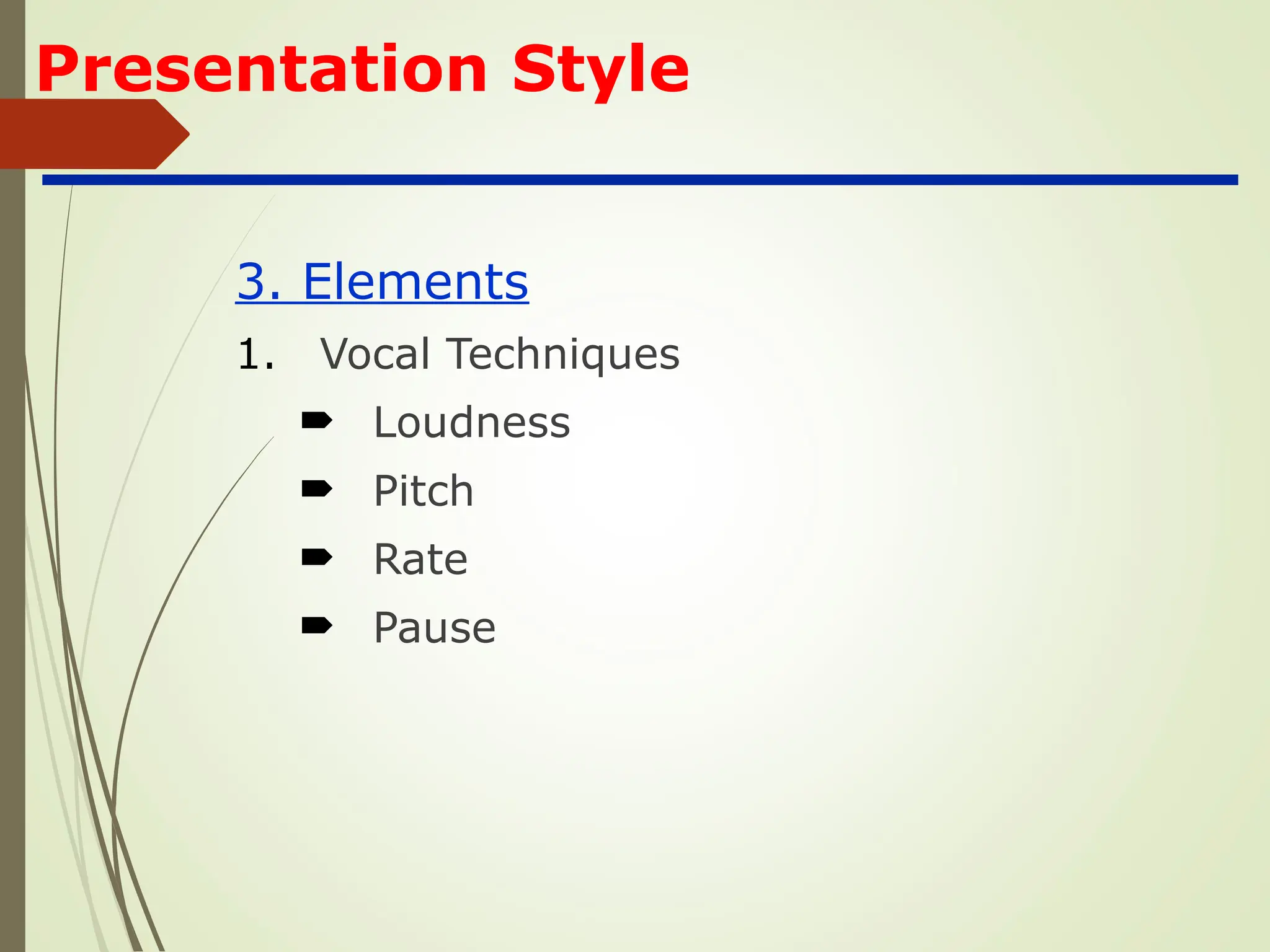
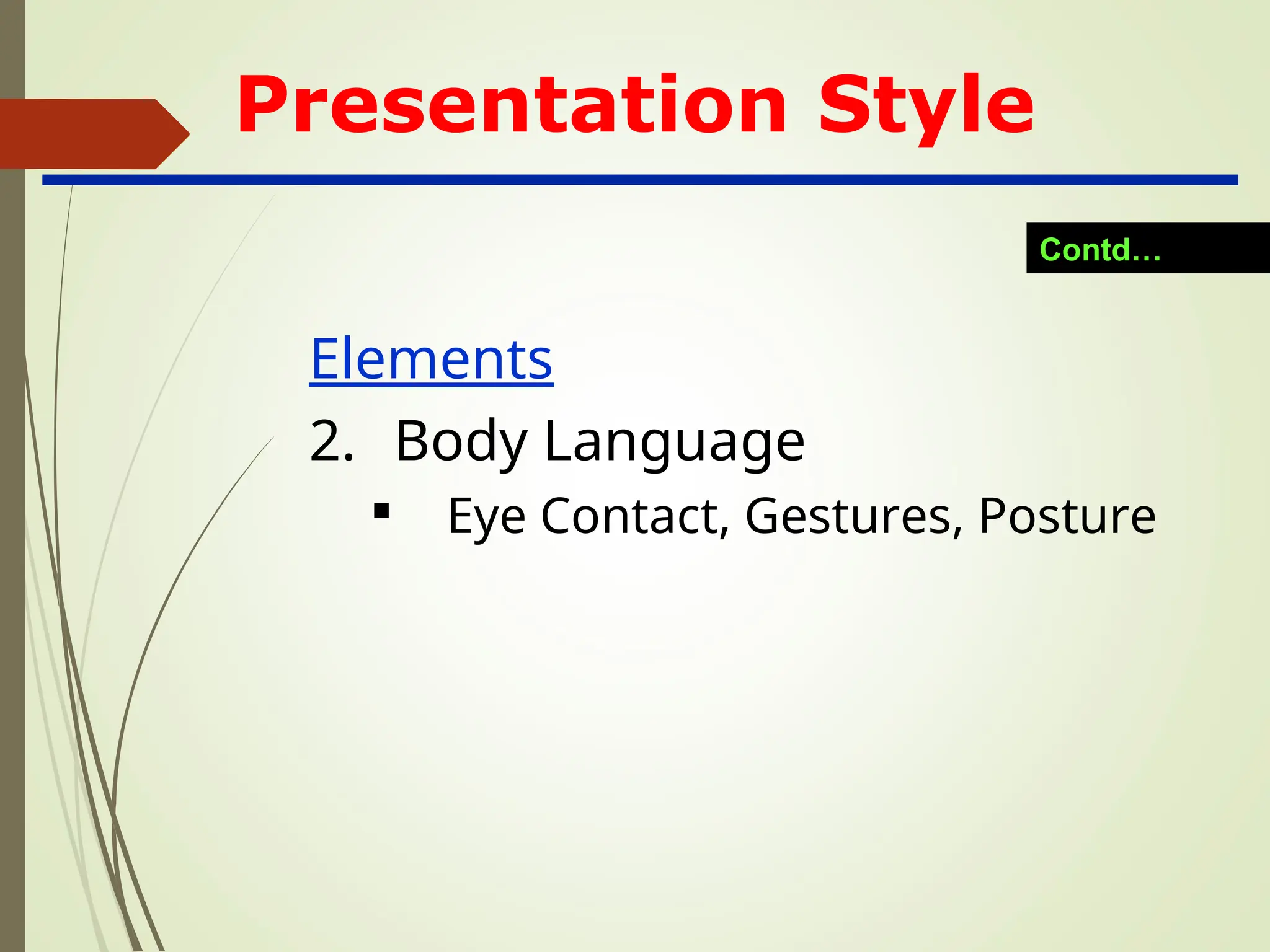
Make eye contact
Keep an eye on the time remaining
Don’t go over time
Common Problems
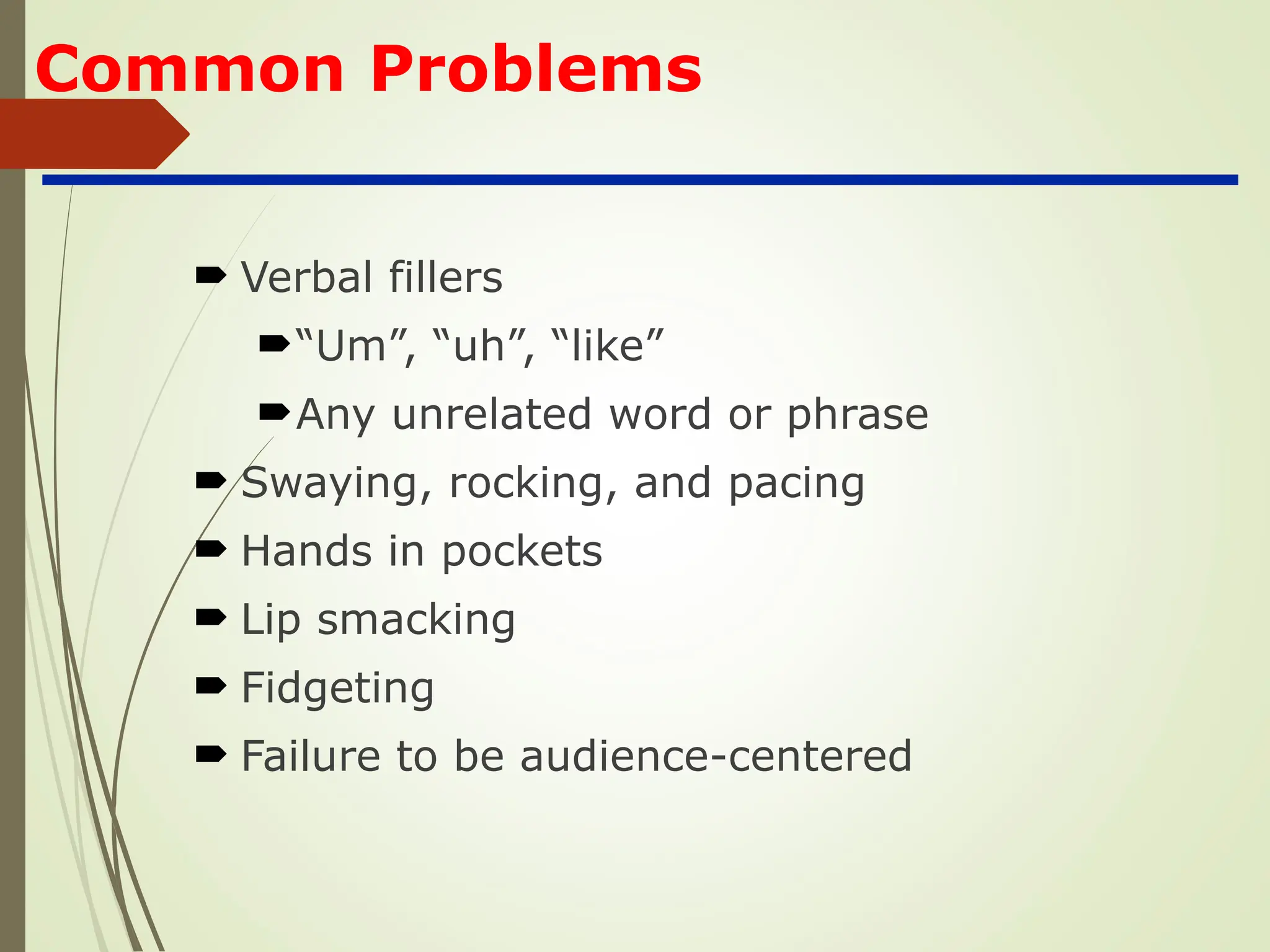
Verbalfillers
“Um”, “uh”, “like”
Any unrelated word or phrase
Swaying, rocking, and pacing
Hands in pockets
Lip smacking
Fidgeting
Failure to be audience-centered
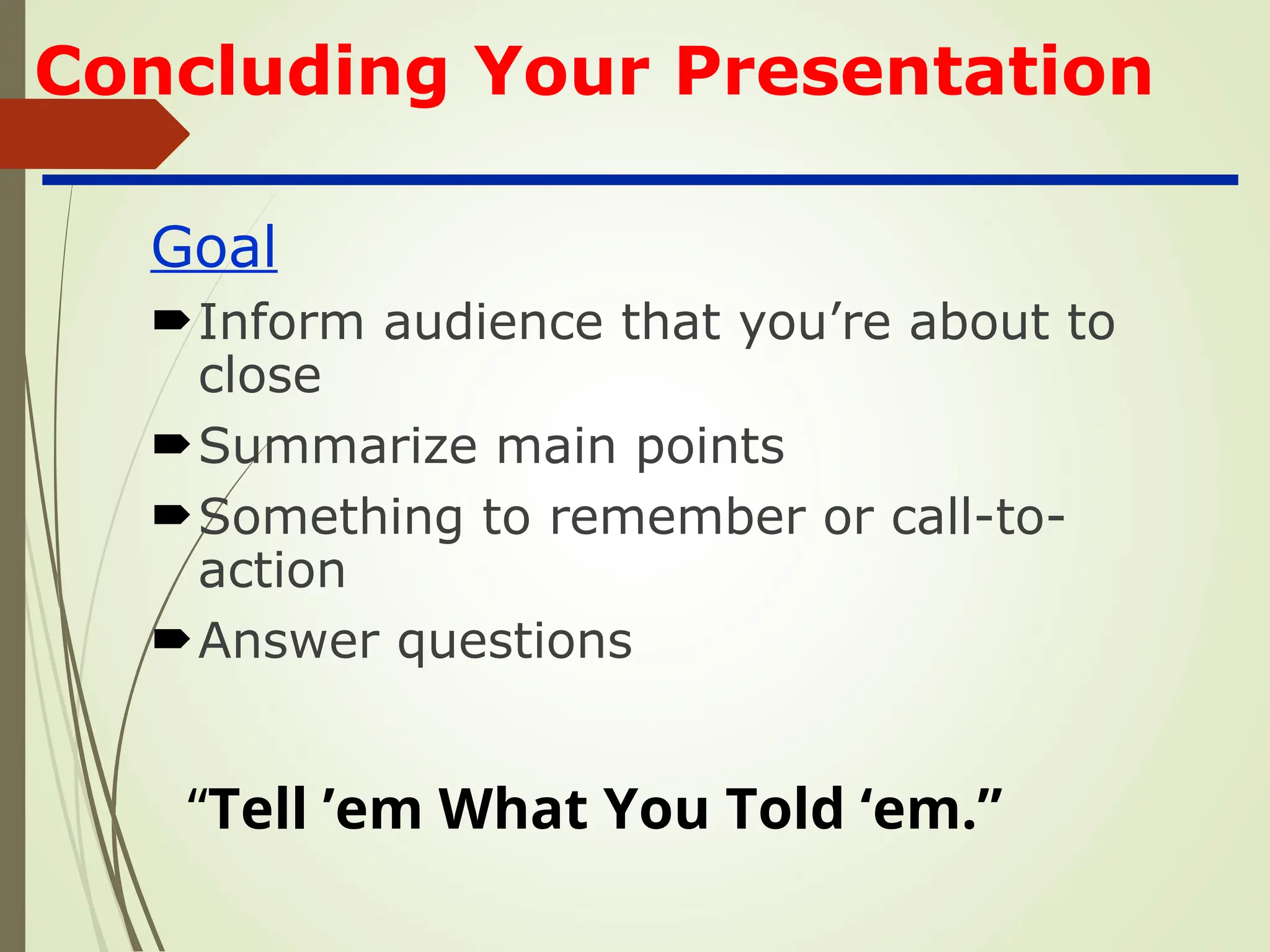
Concluding Your Presentation
Goal
Informaudience that you’re about to
close
Summarize main points
Something to remember or call-to-
action
Answer questions
“Tell ’em What You Told ‘em.”
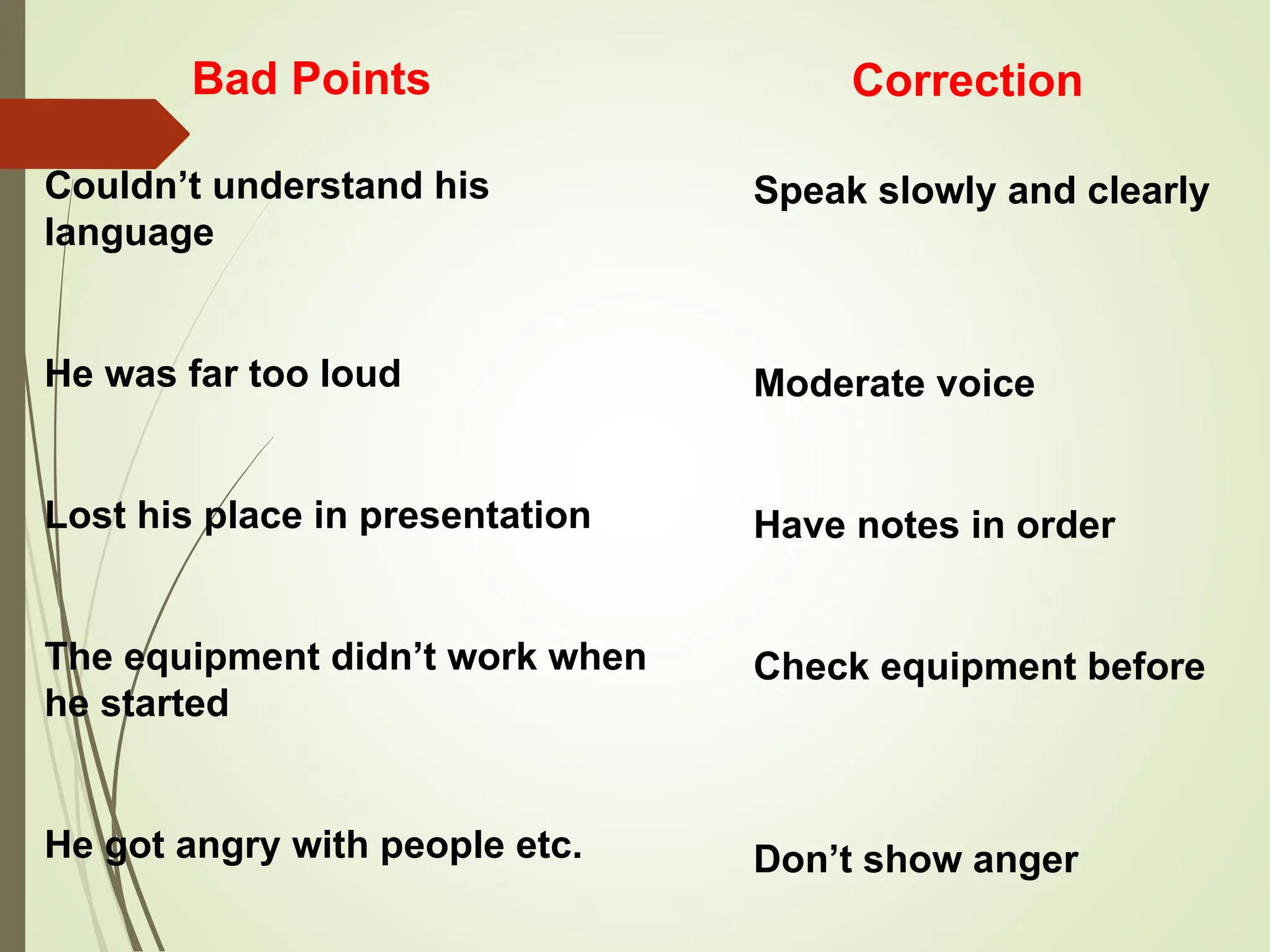
Bad Points
Couldn’t understandhis
language
He was far too loud
Lost his place in presentation
The equipment didn’t work when
he started
He got angry with people etc.
Correction
Speak slowly and clearly
Moderate voice
Have notes in order
Check equipment before
Don’t show anger
37.
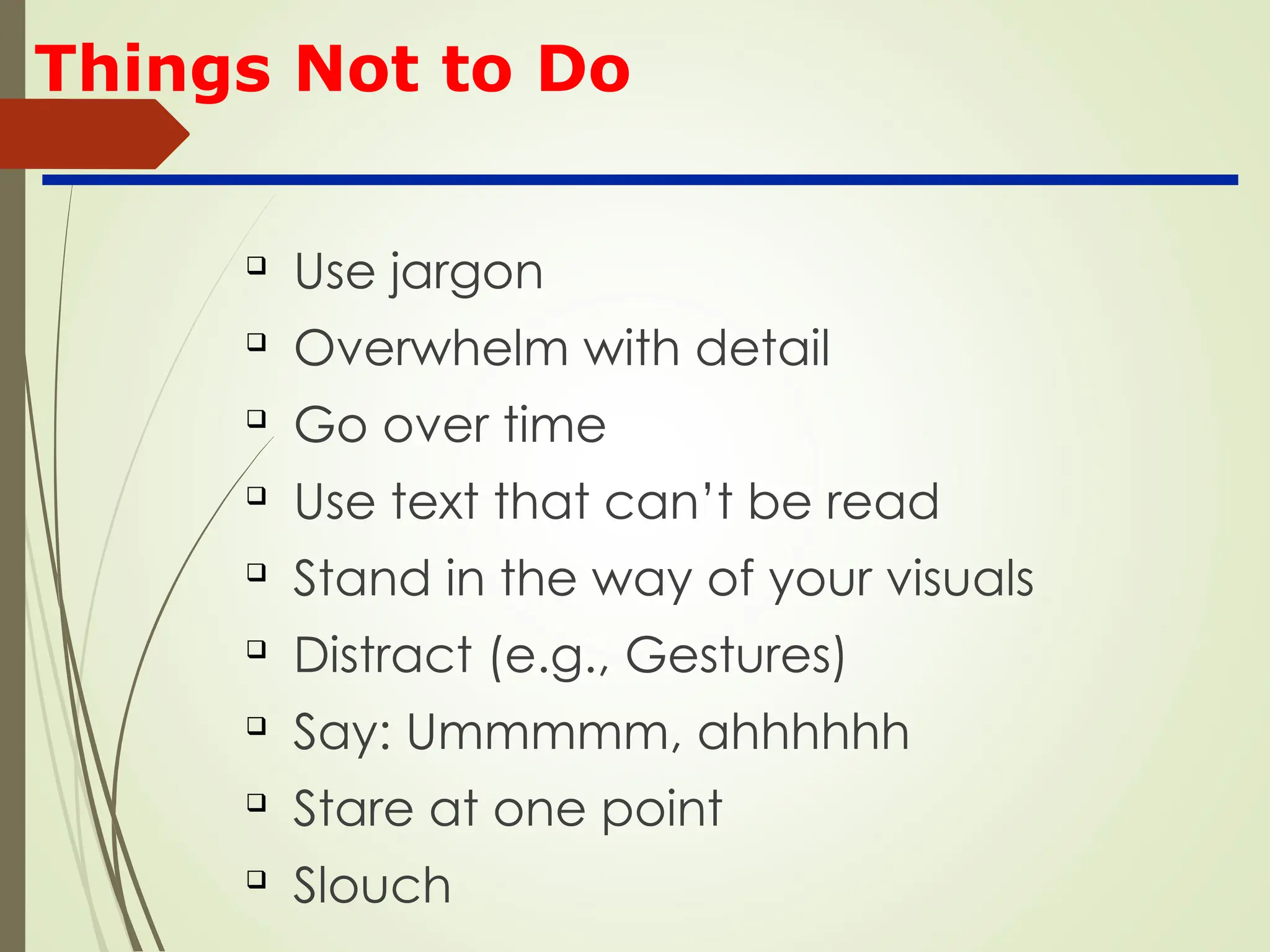
Things Not toDo
Use jargon
Overwhelm with detail
Go over time
Use text that can’t be read
Stand in the way of your visuals
Distract (e.g., Gestures)
Say: Ummmmm, ahhhhhh
Stare at one point
Slouch