Monitor
Practical-3- To study about Display devices.
U.V Patel College of Engineering
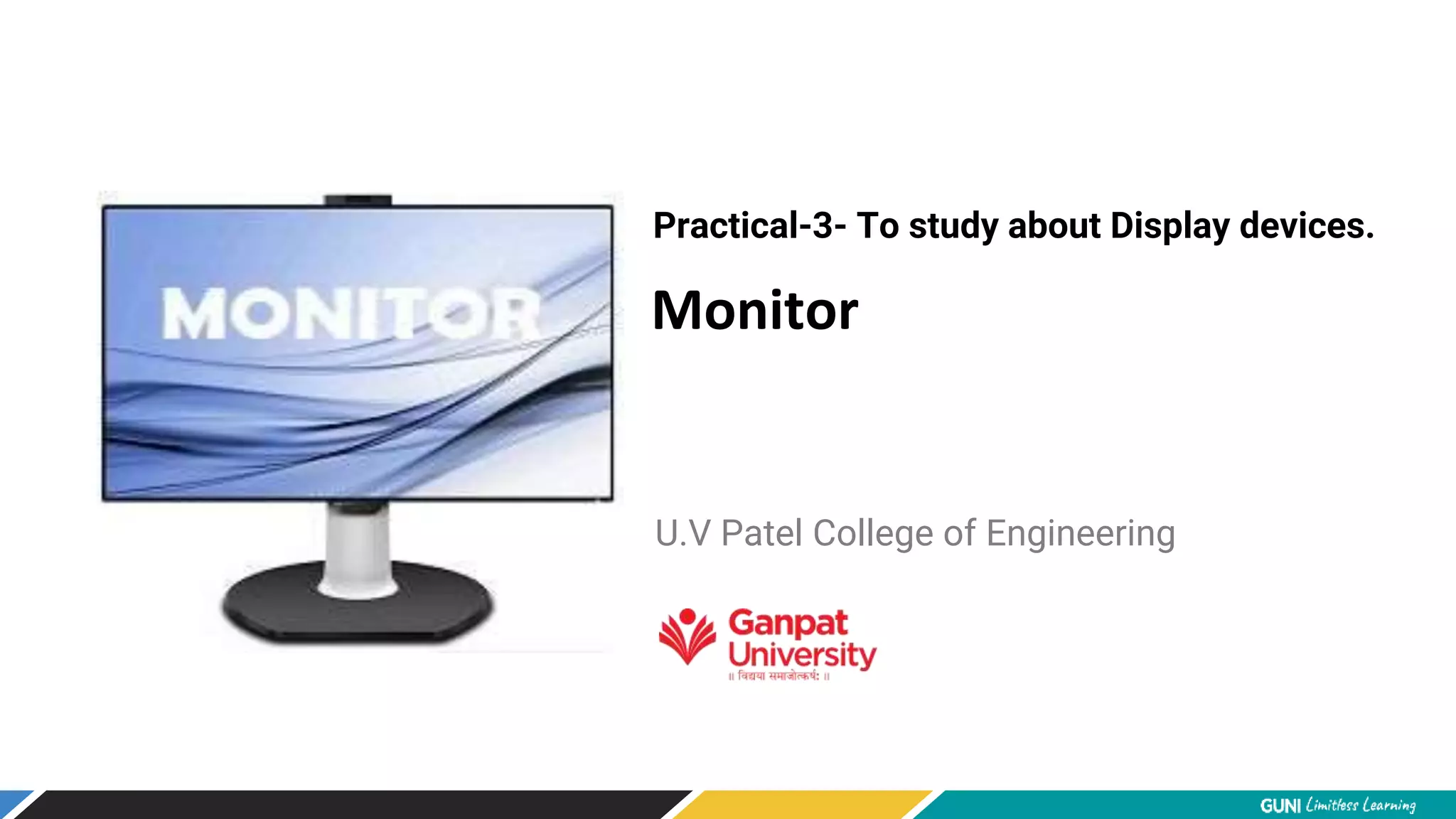
Monitor
•The device which displays computer output.
•The monitor displays the video and graphics information generated by the
computer through the video card.
•Monitors are very similar to televisions but usually display information at a
much higher resolution.
Monochrome Monitor
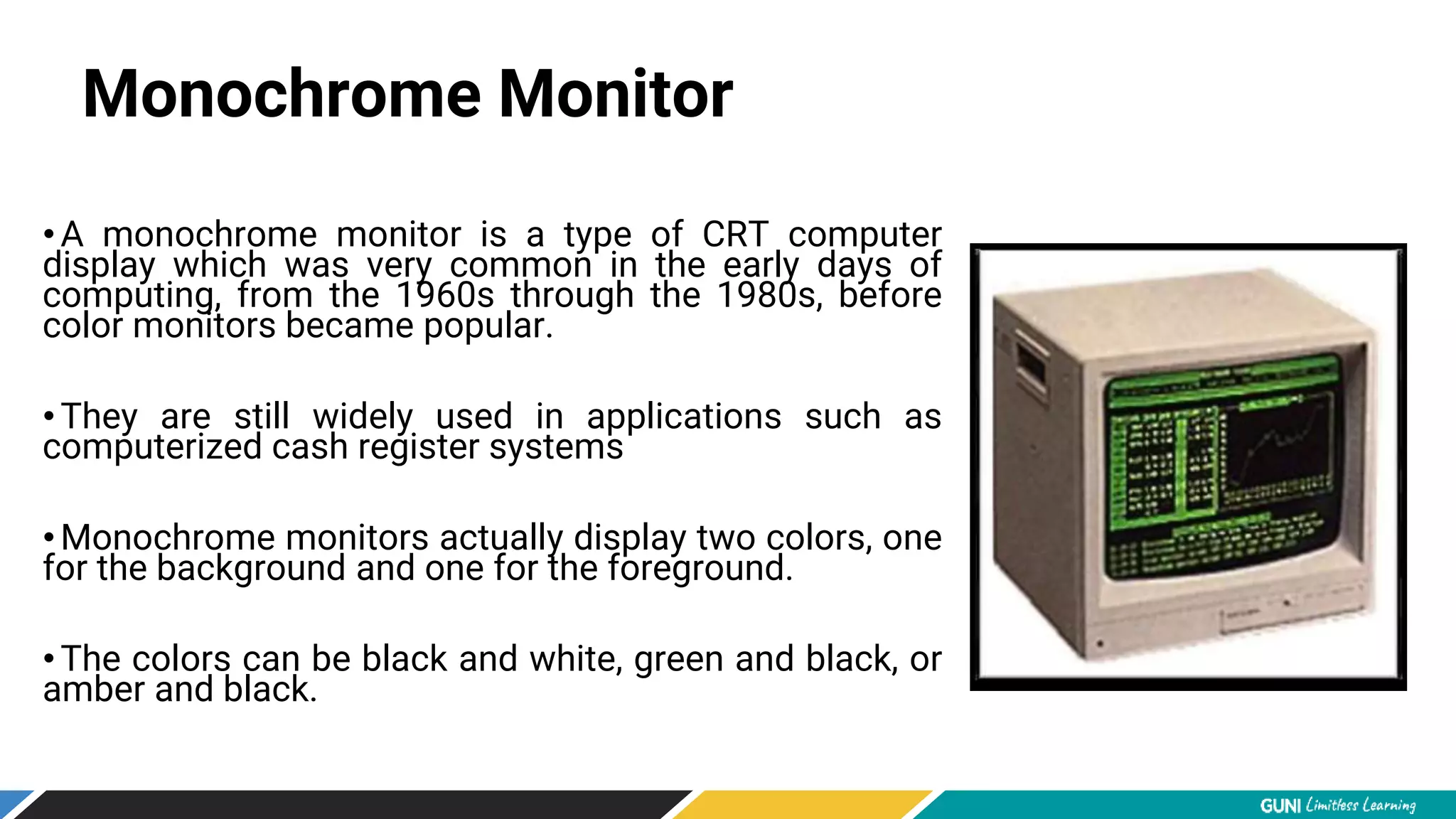
•A monochrome monitor is a type of CRT computer
display which was very common in the early days of
computing, from the 1960s through the 1980s, before
color monitors became popular.
•They are still widely used in applications such as
computerized cash register systems
•Monochrome monitors actually display two colors, one
for the background and one for the foreground.
•The colors can be black and white, green and black, or
amber and black.
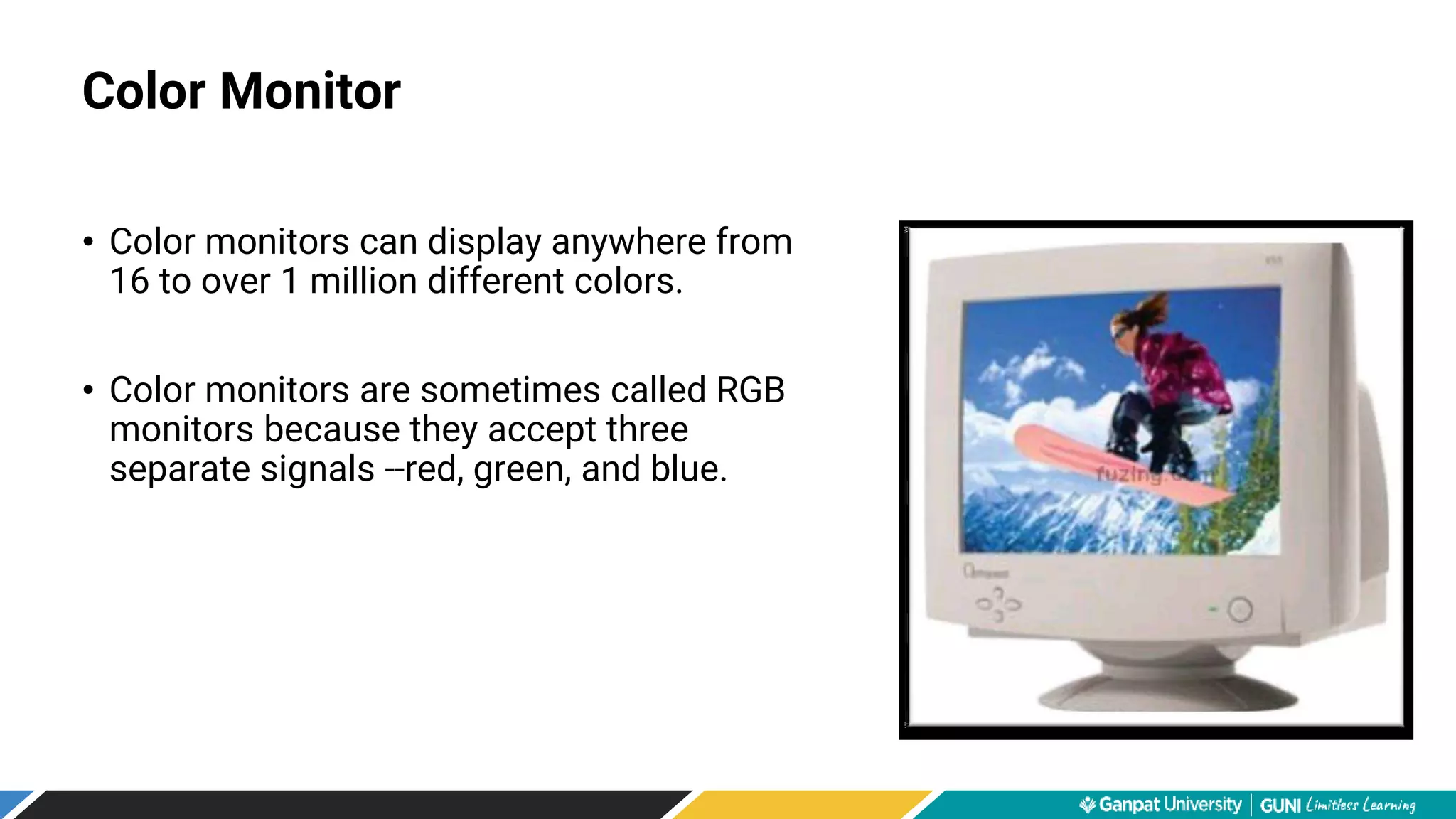
• Color monitors can display anywhere from
16 to over 1 million different colors.
• Color monitors are sometimes called RGB
monitors because they accept three
separate signals --red, green, and blue.
Color Monitor
Types of Monitor
• Cathode Ray Tube (CRT)
• Liquid Crystal Display (LCD)
• Light-emitting Diode (LED)
Types of Monitor
Cathode Ray Tube (CRT)
•Large
•Heavy
•Produce heat
•Not expensive
Types of Monitor
Liquid Crystal Display (LCD)
•Less space
•Lighter
•Low power consumption
•Expensive
•Limited viewing angle
Types of Monitor
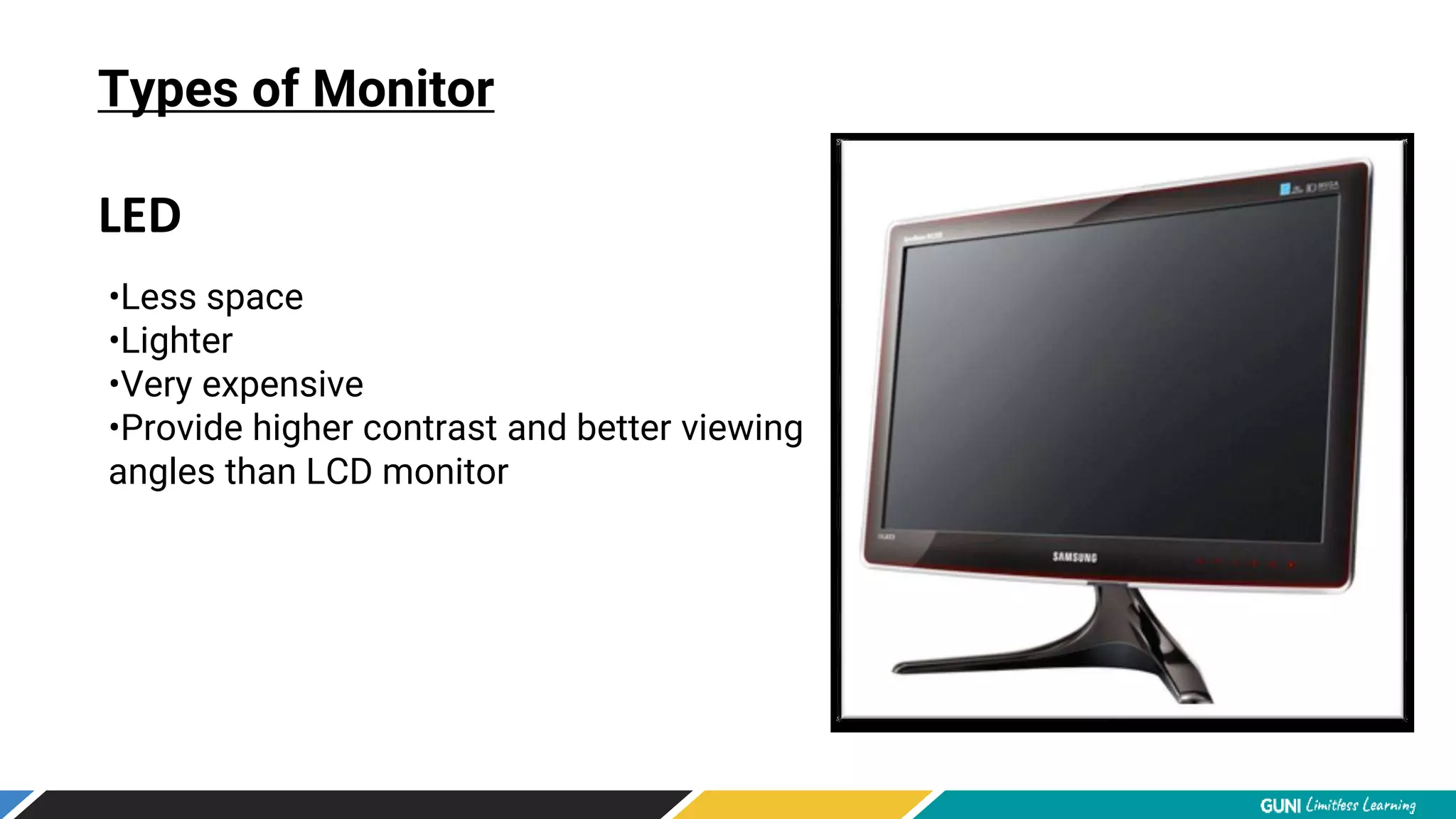
LED
•Less space
•Lighter
•Very expensive
•Provide higher contrast and better viewing
angles than LCD monitor
Monitor Features
Screen Size
• The actual amount of screen space that is
available to display a picture, video or working
space
• Desktop screens are usually 14 -25 inches by
diagonal measurement.
• The aspect ratio of a display is the fractional relation of the width of the
display area compared to its height.
• Two common aspect ratio:
–4:3
–16:9
Monitor Features
Aspect Ratio
Monitor Features
Aspect Ratio
Monitor Features
Display Resolution
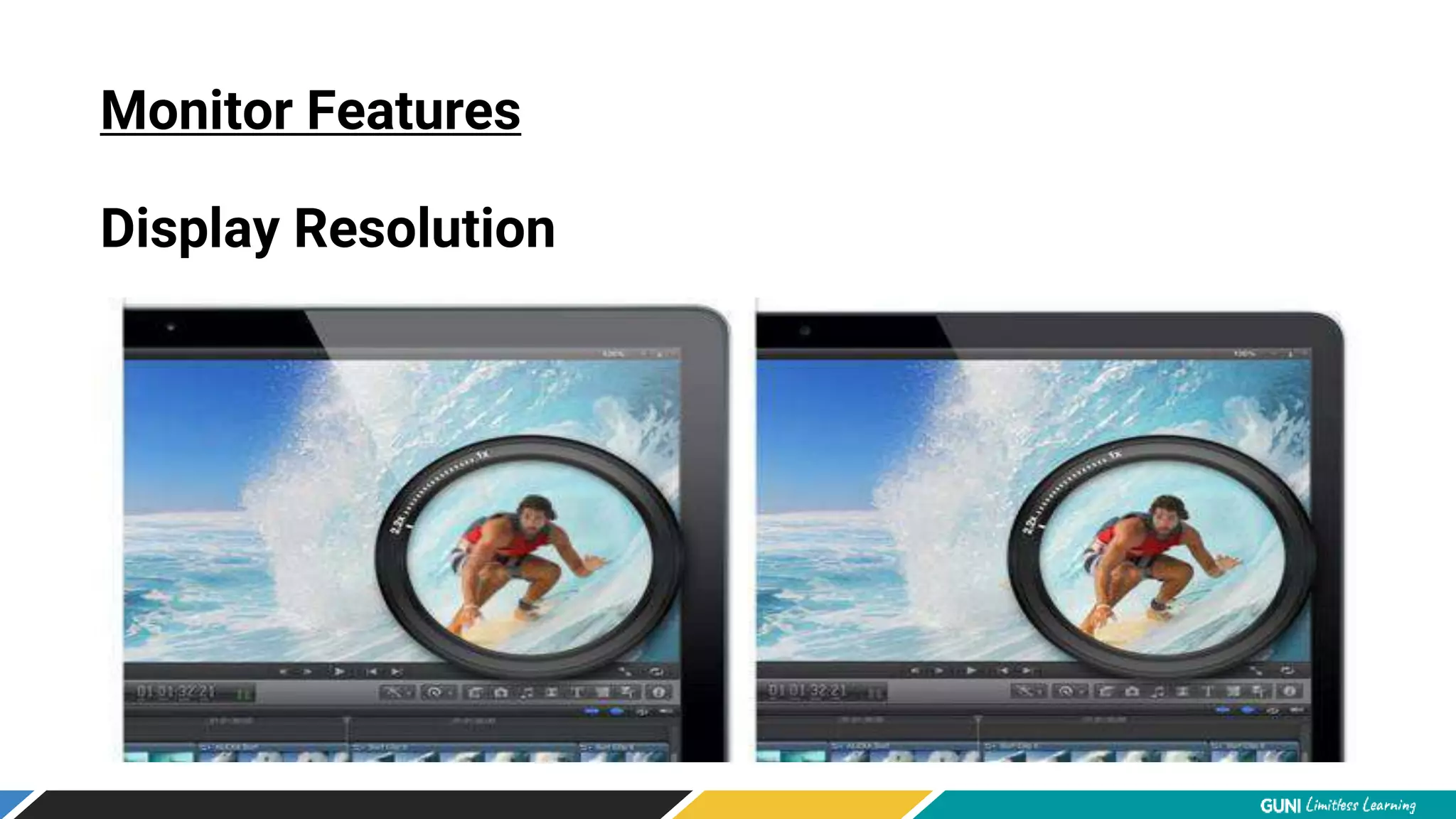
•The resolution of a monitor indicates how densely packed the pixels are.
•In general, the more pixels (often expressed in dots per inch), the sharper
the image.
•Most modern monitors can display 1024 x 768 pixels, the SVGA standard.
•Some high-end models can display 1280 x 1024, or even 1600 x 1200.
Monitor Features
Display Resolution
Monitor Features
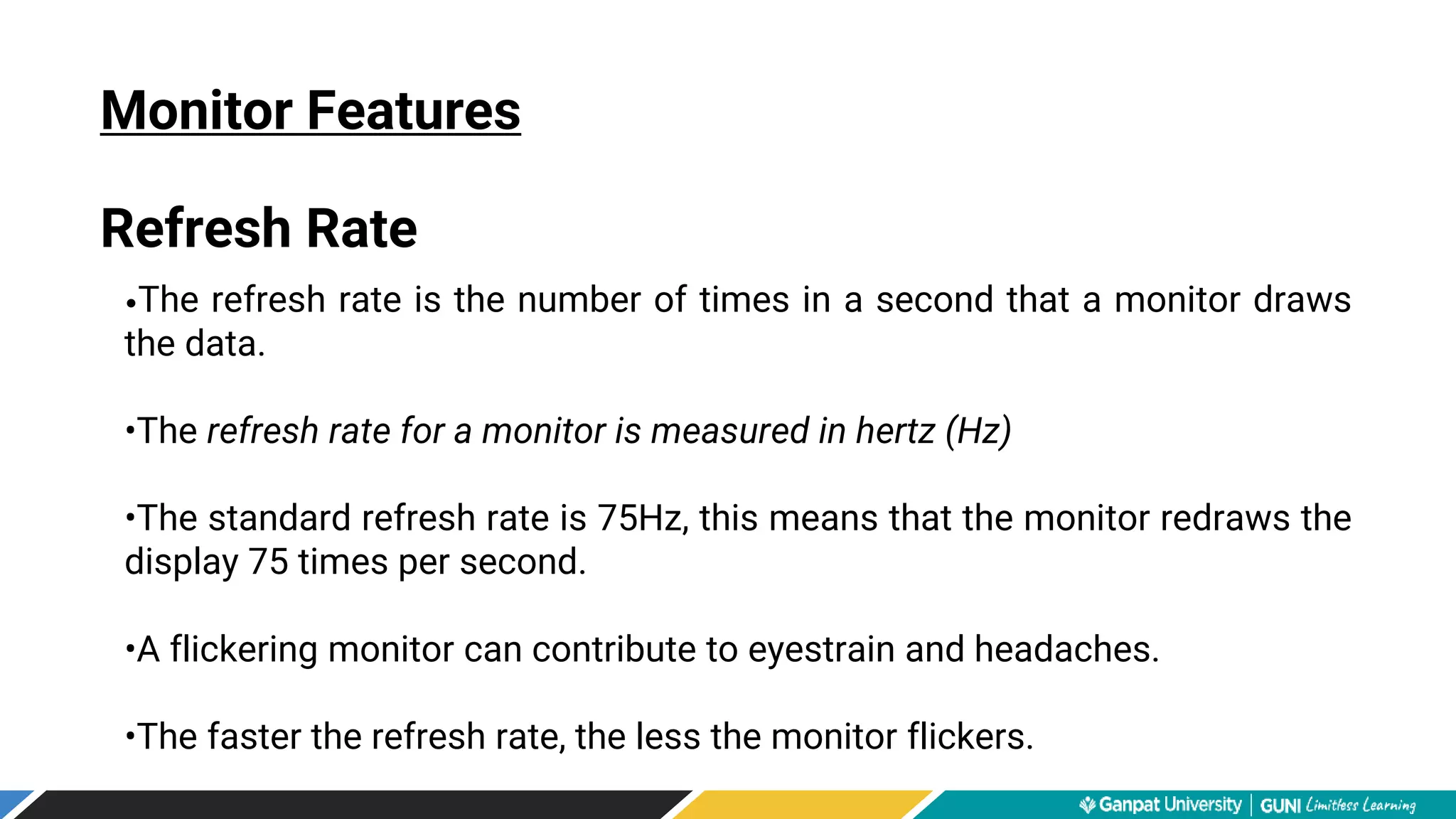
Refresh Rate
•The refresh rate is the number of times in a second that a monitor draws
the data.
•The refresh rate for a monitor is measured in hertz (Hz)
•The standard refresh rate is 75Hz, this means that the monitor redraws the
display 75 times per second.
•A flickering monitor can contribute to eyestrain and headaches.
•The faster the refresh rate, the less the monitor flickers.
Monitor
flickering
Monitor Features
Refresh Rate
Monitor Features
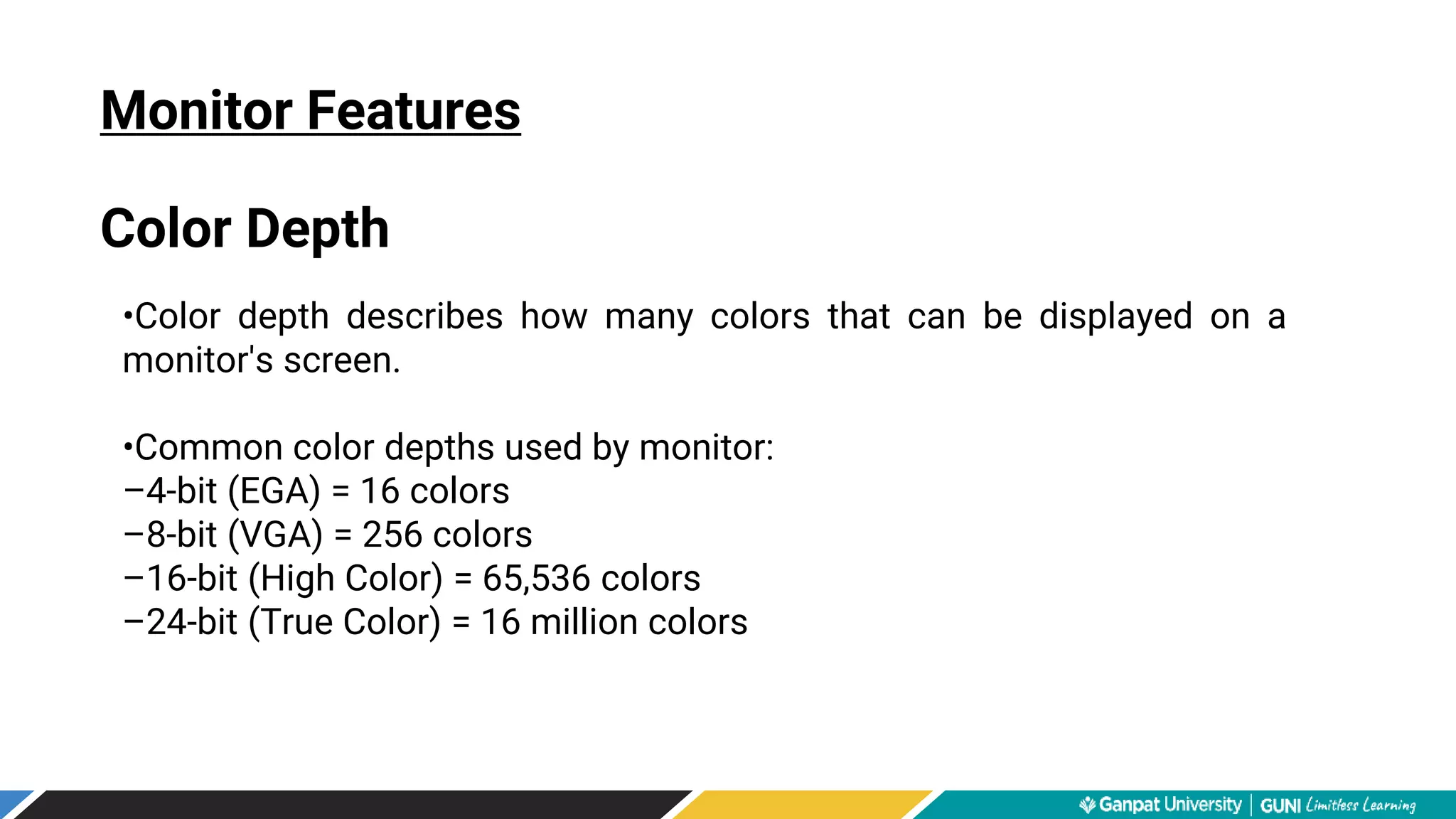
Color Depth
•Color depth describes how many colors that can be displayed on a
monitor's screen.
•Common color depths used by monitor:
–4-bit (EGA) = 16 colors
–8-bit (VGA) = 256 colors
–16-bit (High Color) = 65,536 colors
–24-bit (True Color) = 16 million colors
Monitor Features
Color Depth
EGA Monitor VGA Monitor

MONITOR

  • 1.
    Monitor Practical-3- To studyabout Display devices. U.V Patel College of Engineering
  • 2.
    Monitor •The device whichdisplays computer output. •The monitor displays the video and graphics information generated by the computer through the video card. •Monitors are very similar to televisions but usually display information at a much higher resolution.
  • 3.
    Monochrome Monitor •A monochromemonitor is a type of CRT computer display which was very common in the early days of computing, from the 1960s through the 1980s, before color monitors became popular. •They are still widely used in applications such as computerized cash register systems •Monochrome monitors actually display two colors, one for the background and one for the foreground. •The colors can be black and white, green and black, or amber and black.
  • 4.
    • Color monitorscan display anywhere from 16 to over 1 million different colors. • Color monitors are sometimes called RGB monitors because they accept three separate signals --red, green, and blue. Color Monitor
  • 5.
    Types of Monitor •Cathode Ray Tube (CRT) • Liquid Crystal Display (LCD) • Light-emitting Diode (LED)
  • 6.
    Types of Monitor CathodeRay Tube (CRT) •Large •Heavy •Produce heat •Not expensive
  • 7.
    Types of Monitor LiquidCrystal Display (LCD) •Less space •Lighter •Low power consumption •Expensive •Limited viewing angle
  • 8.
    Types of Monitor LED •Lessspace •Lighter •Very expensive •Provide higher contrast and better viewing angles than LCD monitor
  • 9.
    Monitor Features Screen Size •The actual amount of screen space that is available to display a picture, video or working space • Desktop screens are usually 14 -25 inches by diagonal measurement.
  • 10.
    • The aspectratio of a display is the fractional relation of the width of the display area compared to its height. • Two common aspect ratio: –4:3 –16:9 Monitor Features Aspect Ratio
  • 11.
  • 12.
    Monitor Features Display Resolution •Theresolution of a monitor indicates how densely packed the pixels are. •In general, the more pixels (often expressed in dots per inch), the sharper the image. •Most modern monitors can display 1024 x 768 pixels, the SVGA standard. •Some high-end models can display 1280 x 1024, or even 1600 x 1200.
  • 13.
  • 14.
    Monitor Features Refresh Rate •Therefresh rate is the number of times in a second that a monitor draws the data. •The refresh rate for a monitor is measured in hertz (Hz) •The standard refresh rate is 75Hz, this means that the monitor redraws the display 75 times per second. •A flickering monitor can contribute to eyestrain and headaches. •The faster the refresh rate, the less the monitor flickers.
  • 15.
  • 16.
    Monitor Features Color Depth •Colordepth describes how many colors that can be displayed on a monitor's screen. •Common color depths used by monitor: –4-bit (EGA) = 16 colors –8-bit (VGA) = 256 colors –16-bit (High Color) = 65,536 colors –24-bit (True Color) = 16 million colors
  • 17.