The document discusses various AWS services for monitoring, logging, and security. It provides examples of AWS CloudTrail logs and best practices for CloudTrail such as enabling in all regions, log file validation, encryption, and integration with CloudWatch Logs. It also summarizes VPC flow logs, CloudWatch metrics and logs, and tools for automating compliance like Config rules, CloudWatch events, and Inspector.
Overview of AWS Monitoring & Logging by Jason Poley from Barclaycard / Entech.
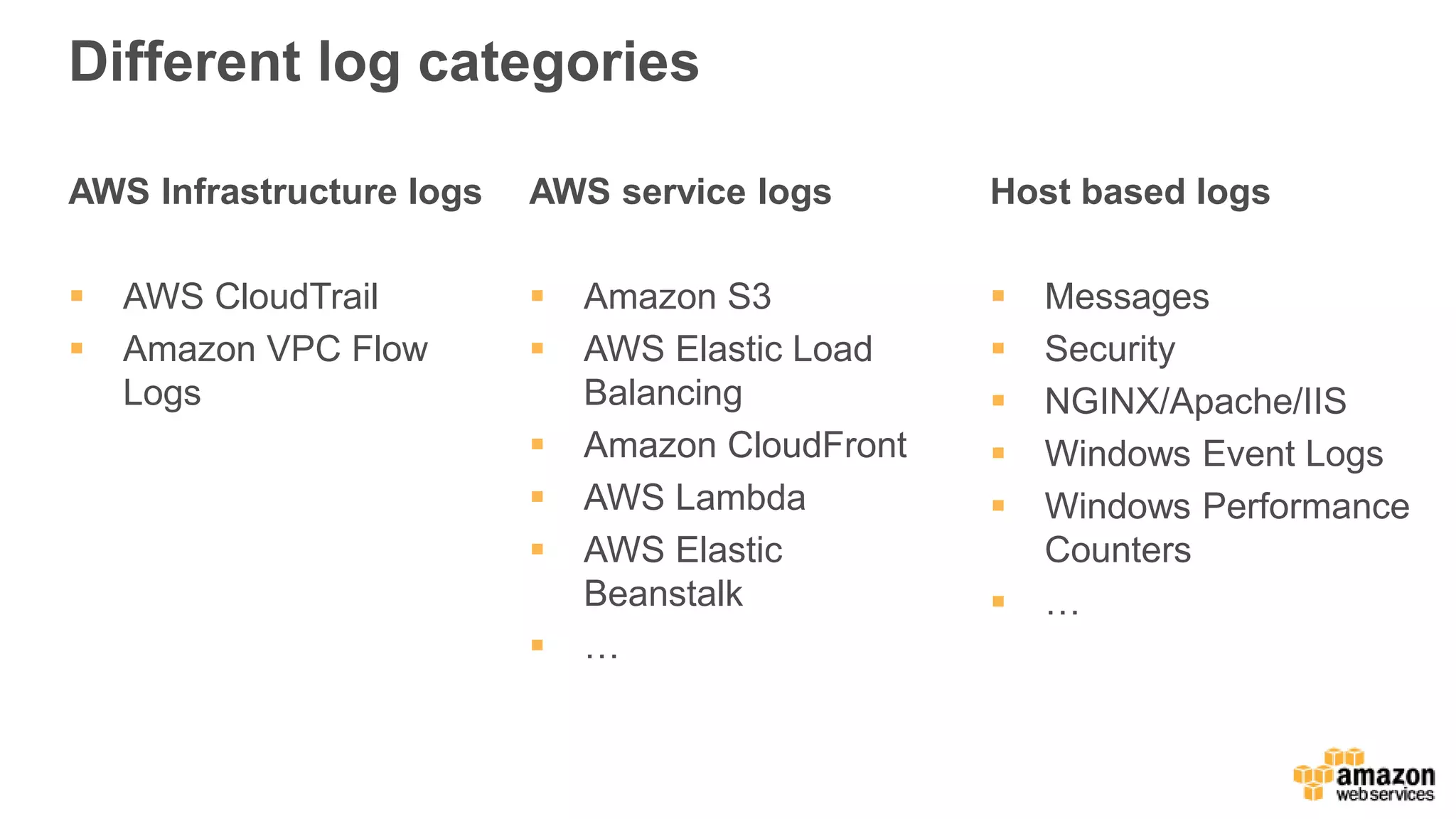
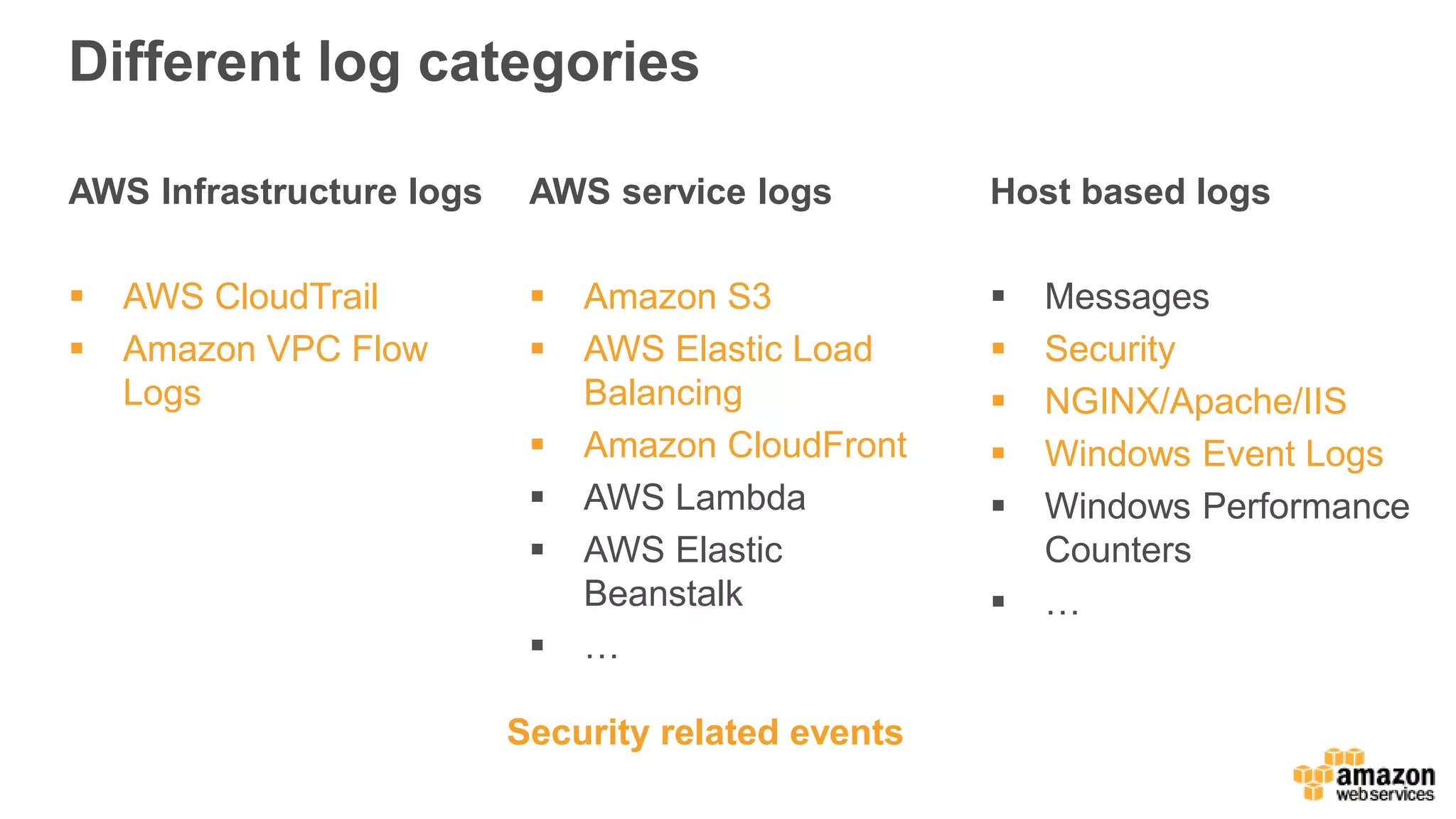
Various AWS log categories including Infrastructure, service, and host-based logs.
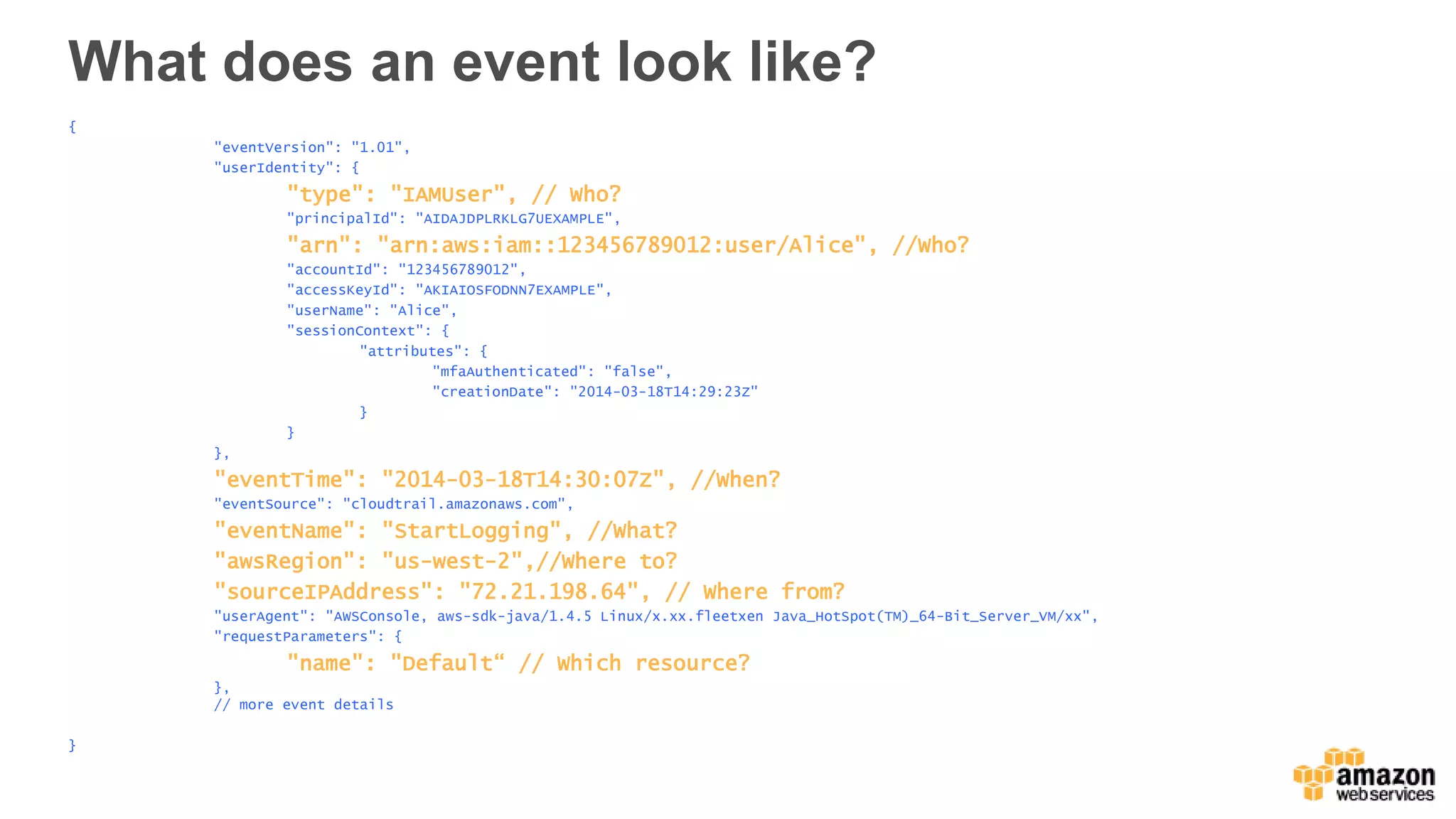
AWS CloudTrail records API calls and provides details such as user identity, event time, and resources.
Example of a CloudTrail event including details about API call, user, and source IP.
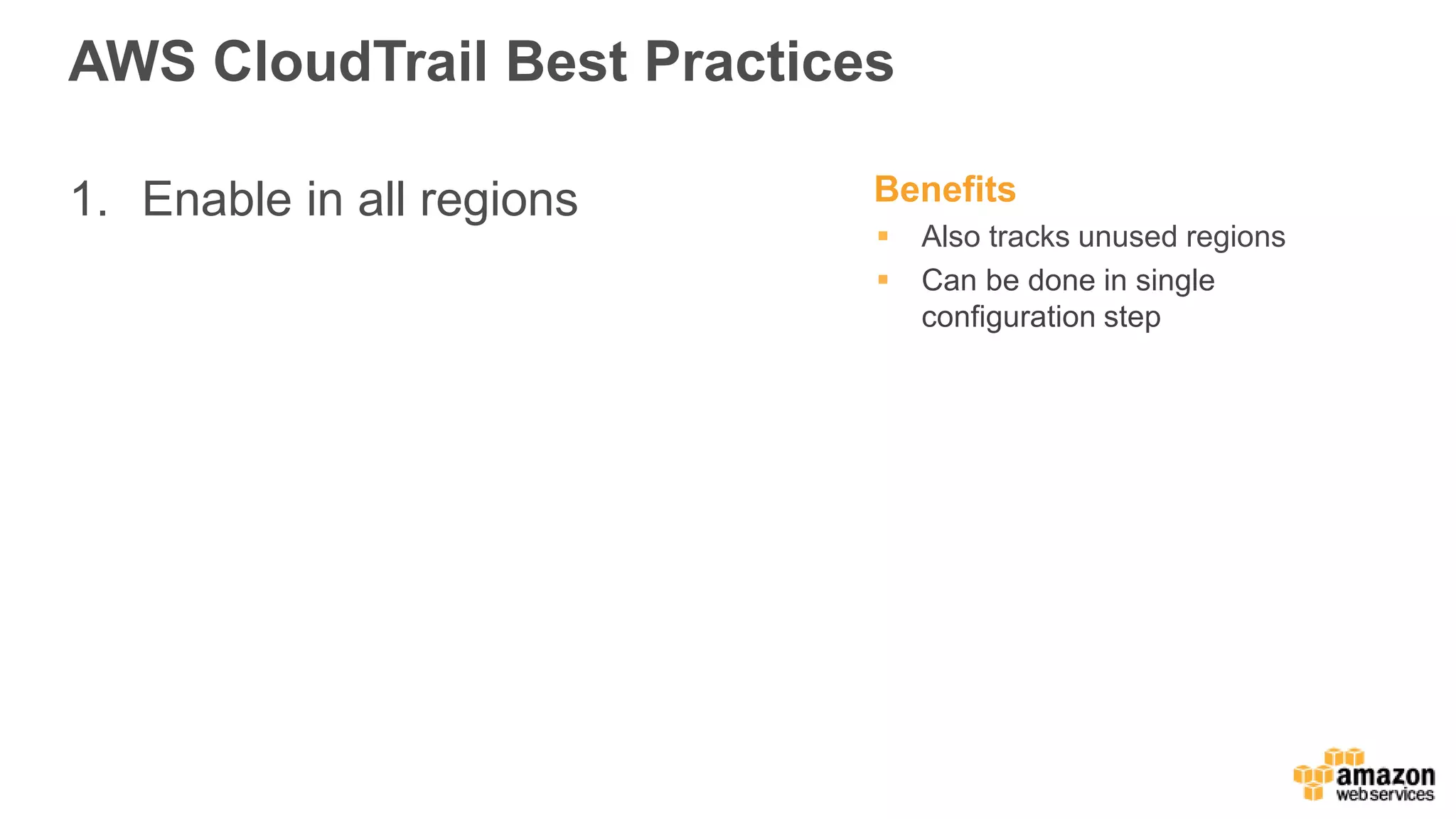
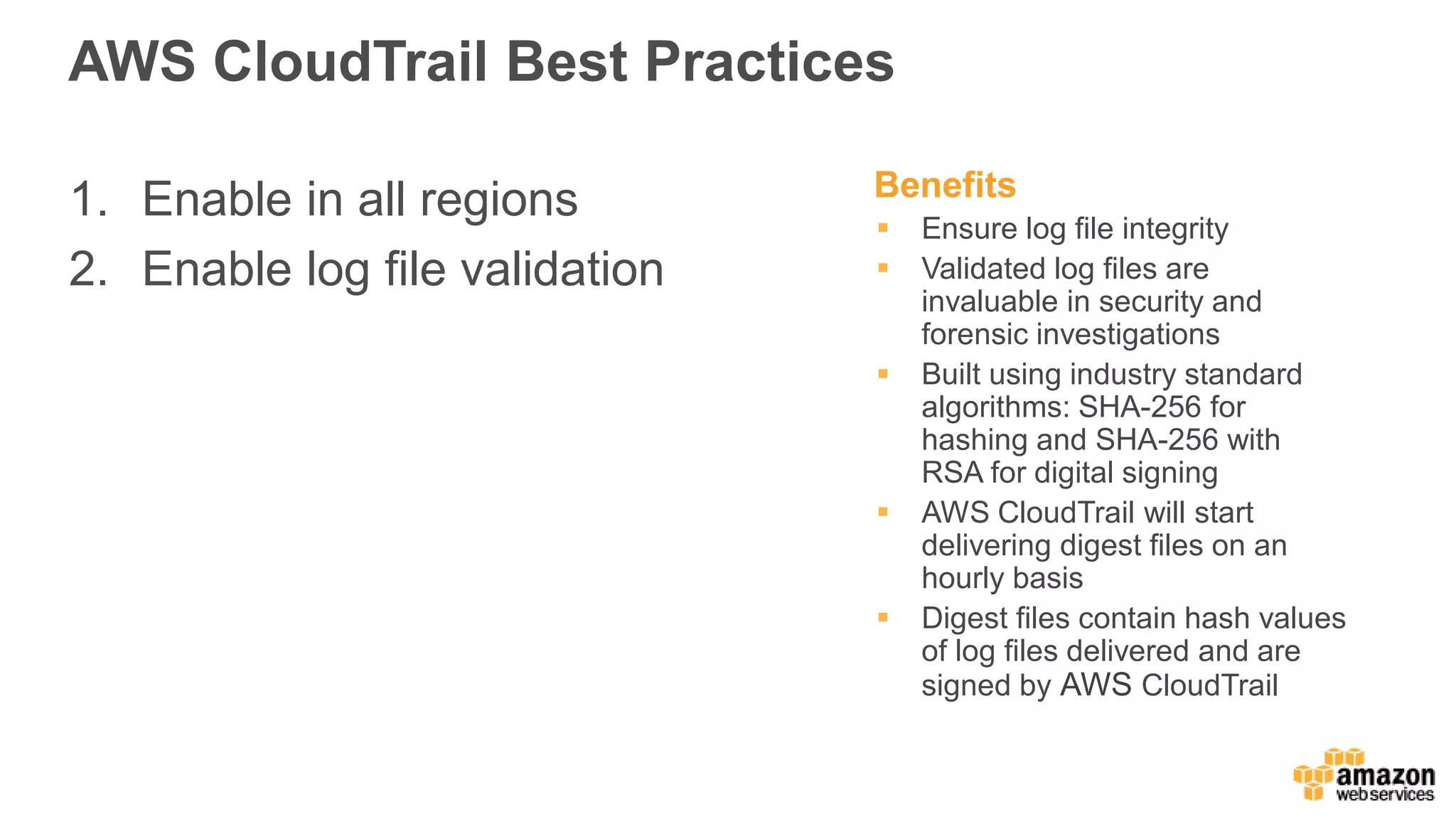
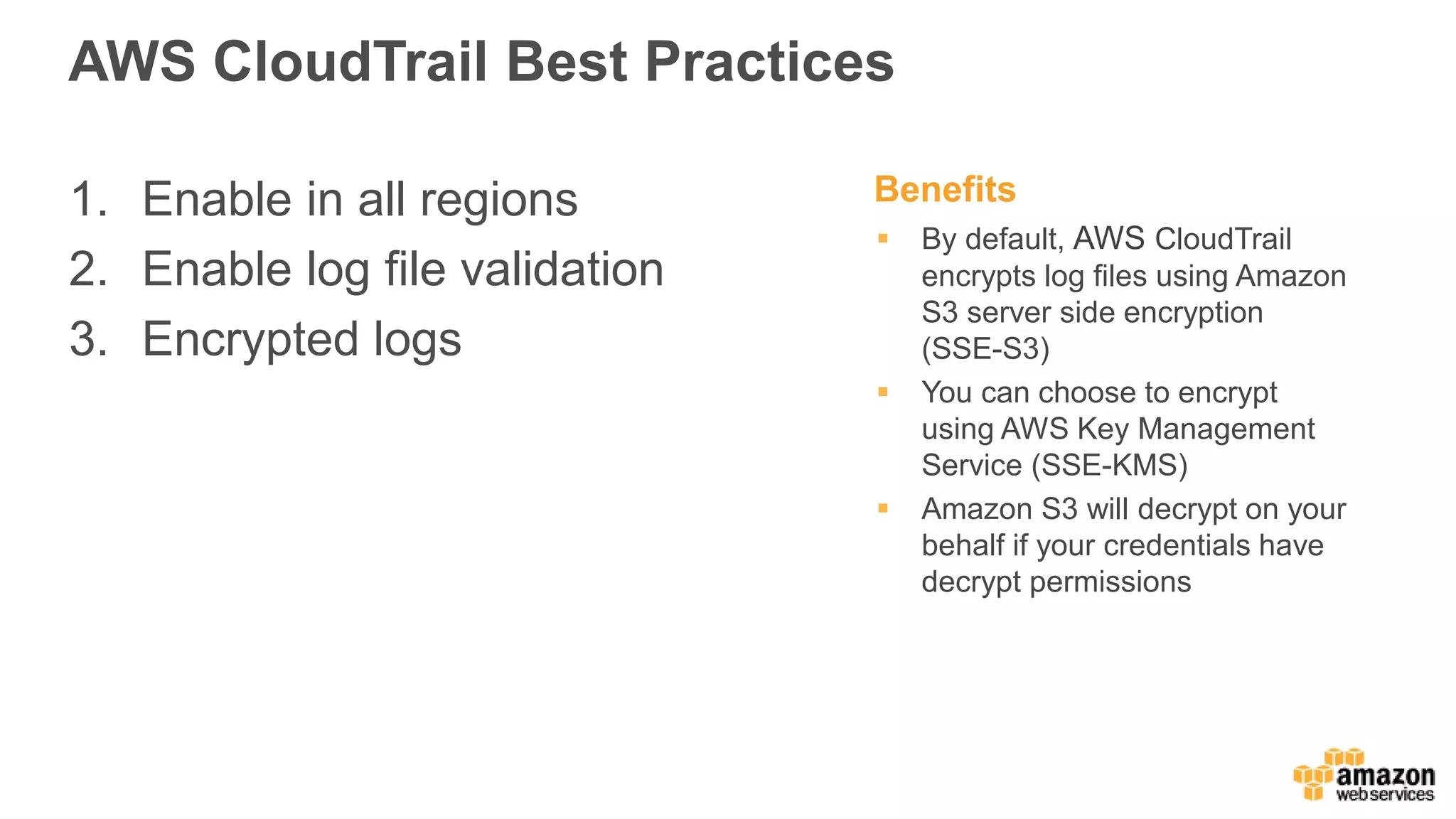
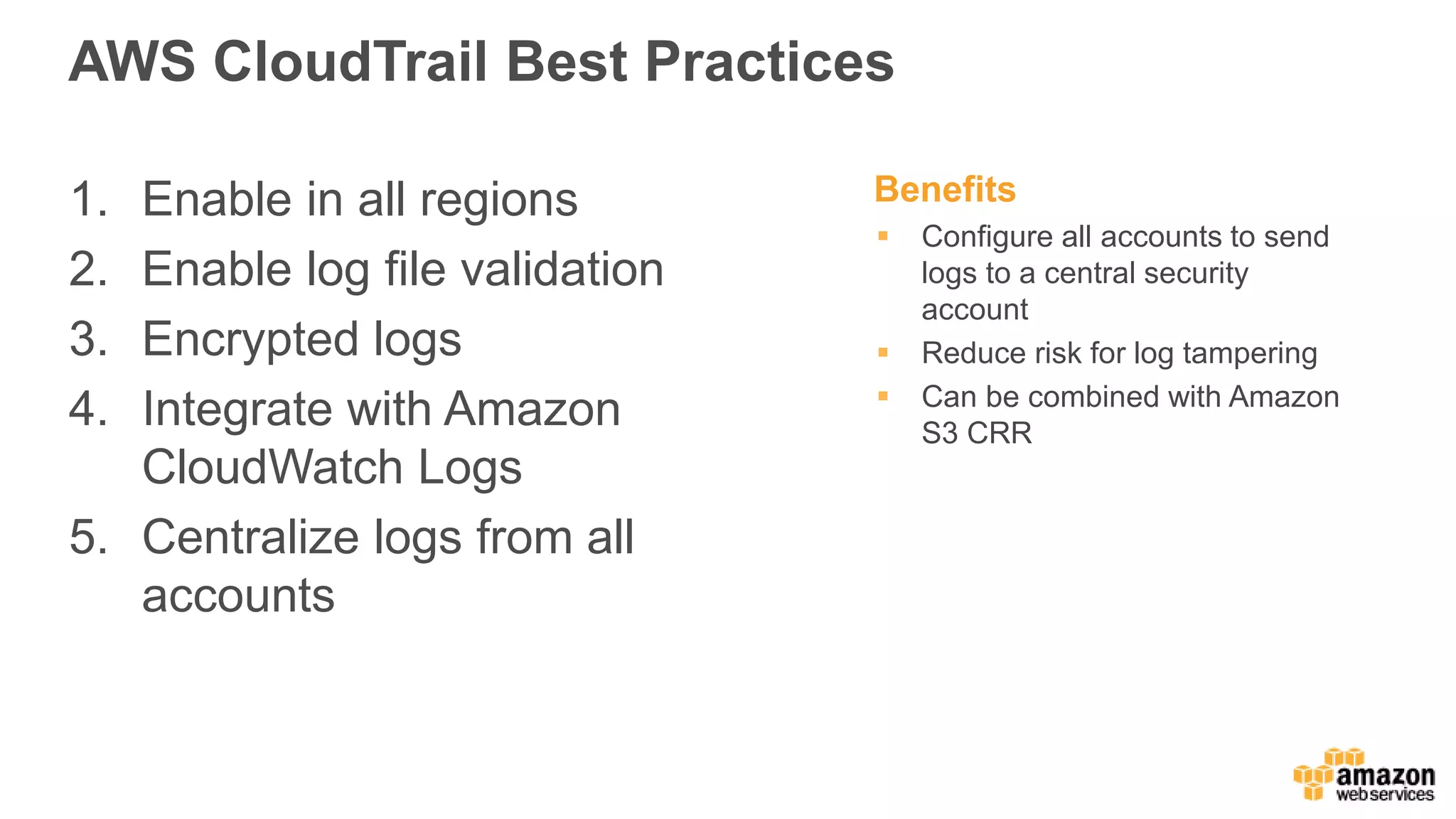
Best practices for AWS CloudTrail include enabling in all regions, log validation, encryption, and integration with CloudWatch.
Introduction to AWS Technology Partner solutions integrated with CloudTrail.
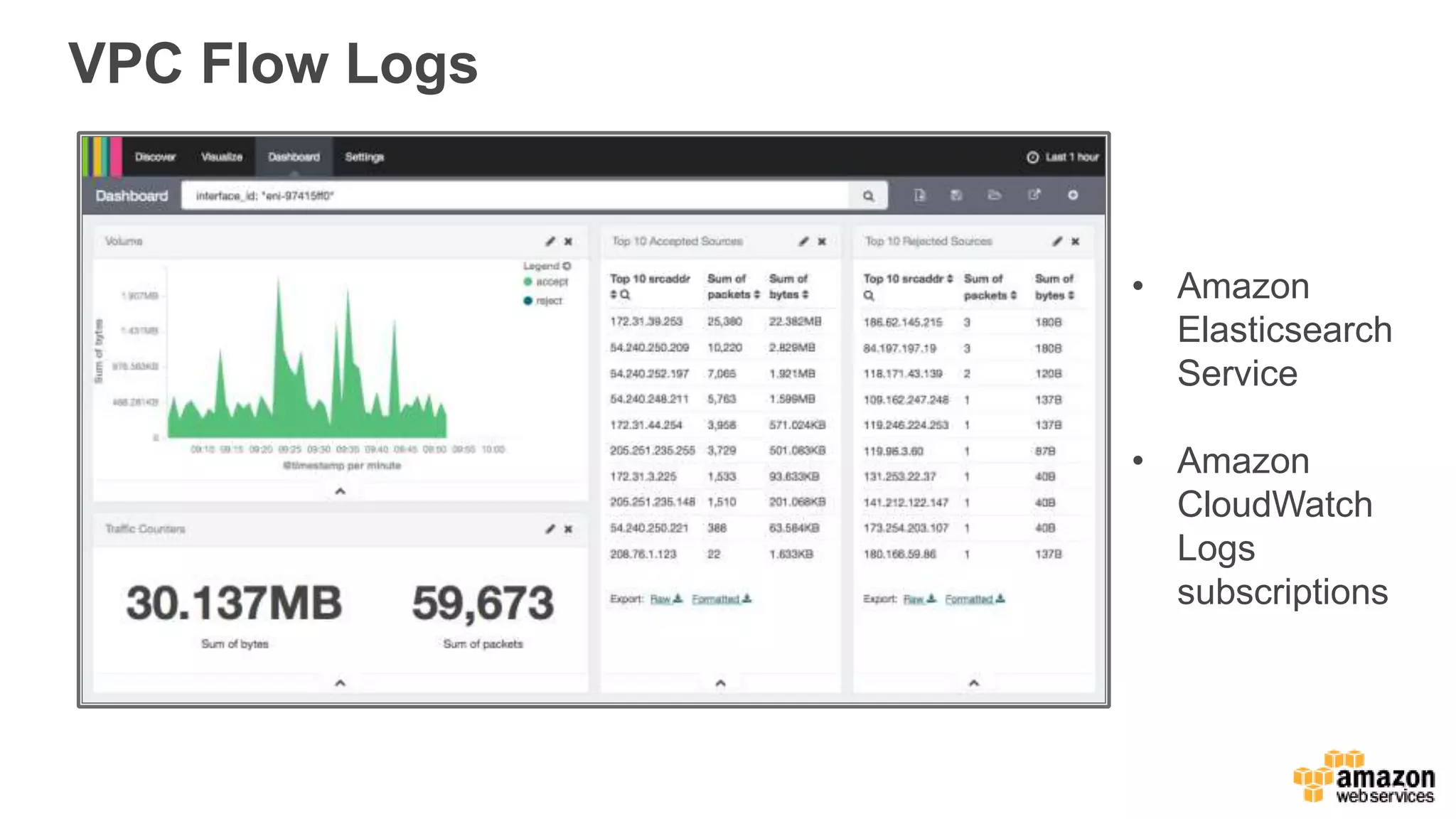
Introduction to Amazon VPC flow logs, which log network traffic information.
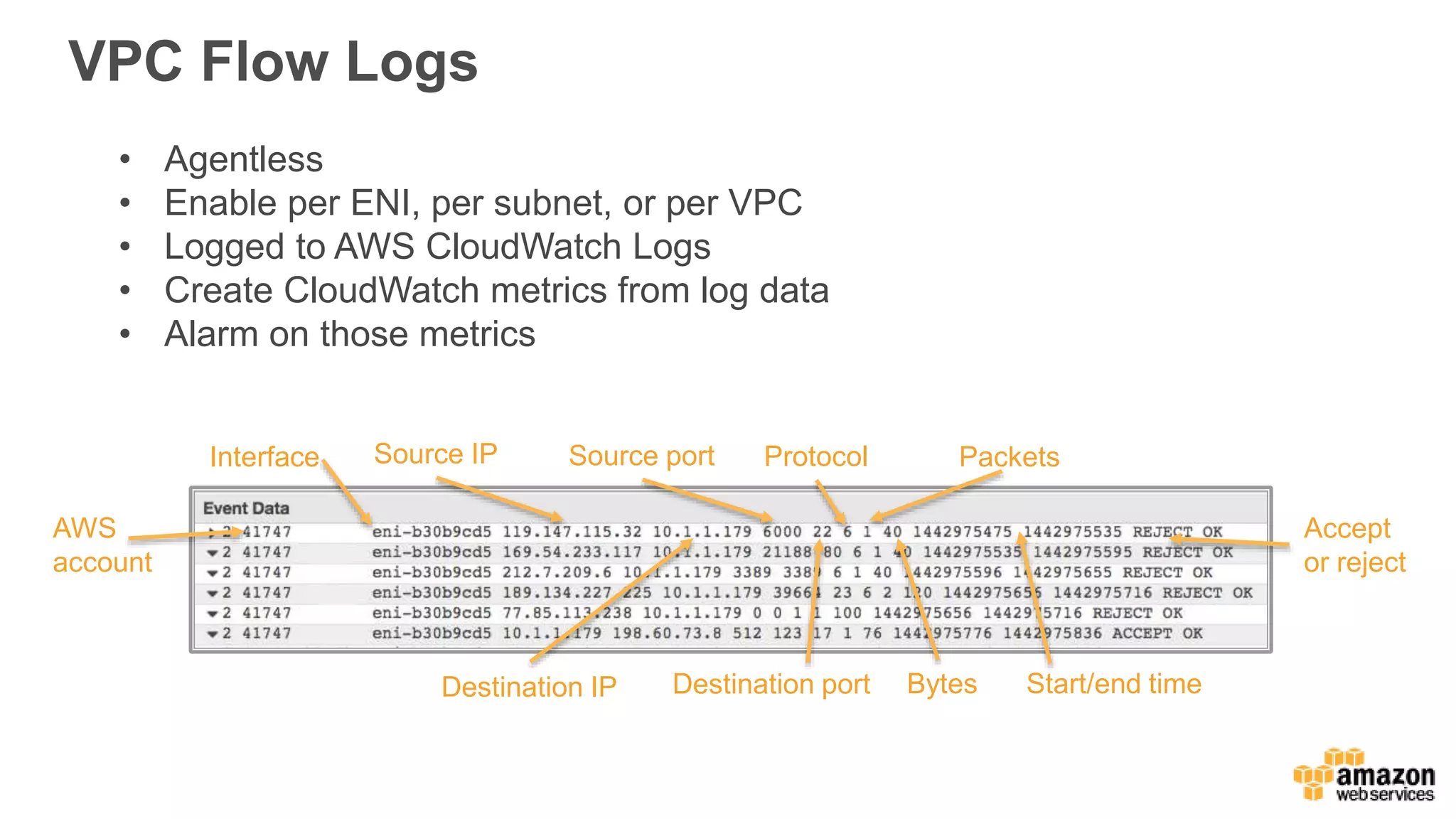
Details on agentless VPC flow logs, how to enable them, and integration with CloudWatch.
Real-time monitoring of logs from EC2 instances with Amazon CloudWatch capabilities.
Details on custom metrics in CloudWatch, frequency of logging, and data storage.
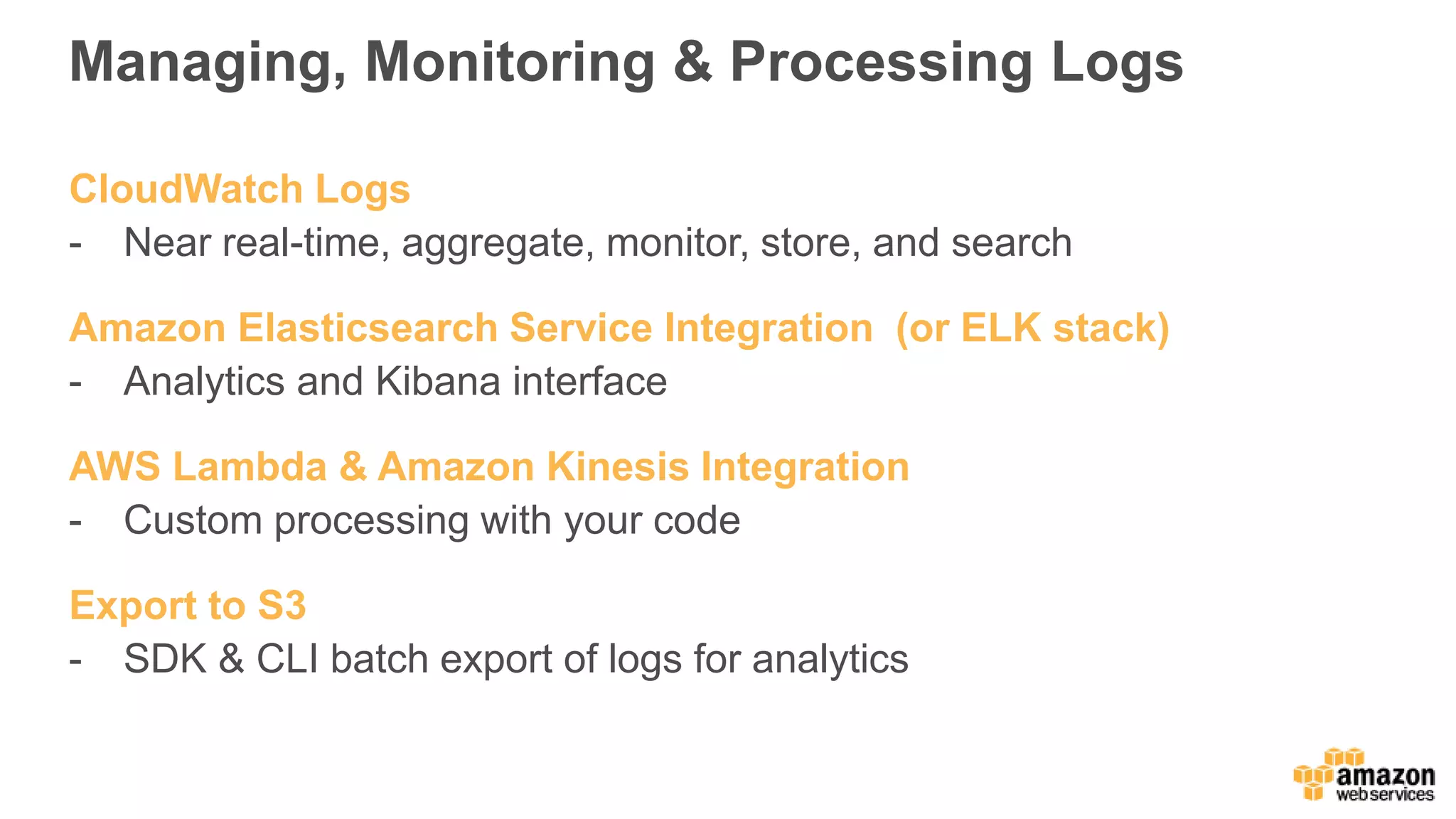
Managing and processing logs via CloudWatch Logs, AWS Lambda, and Amazon Kinesis.
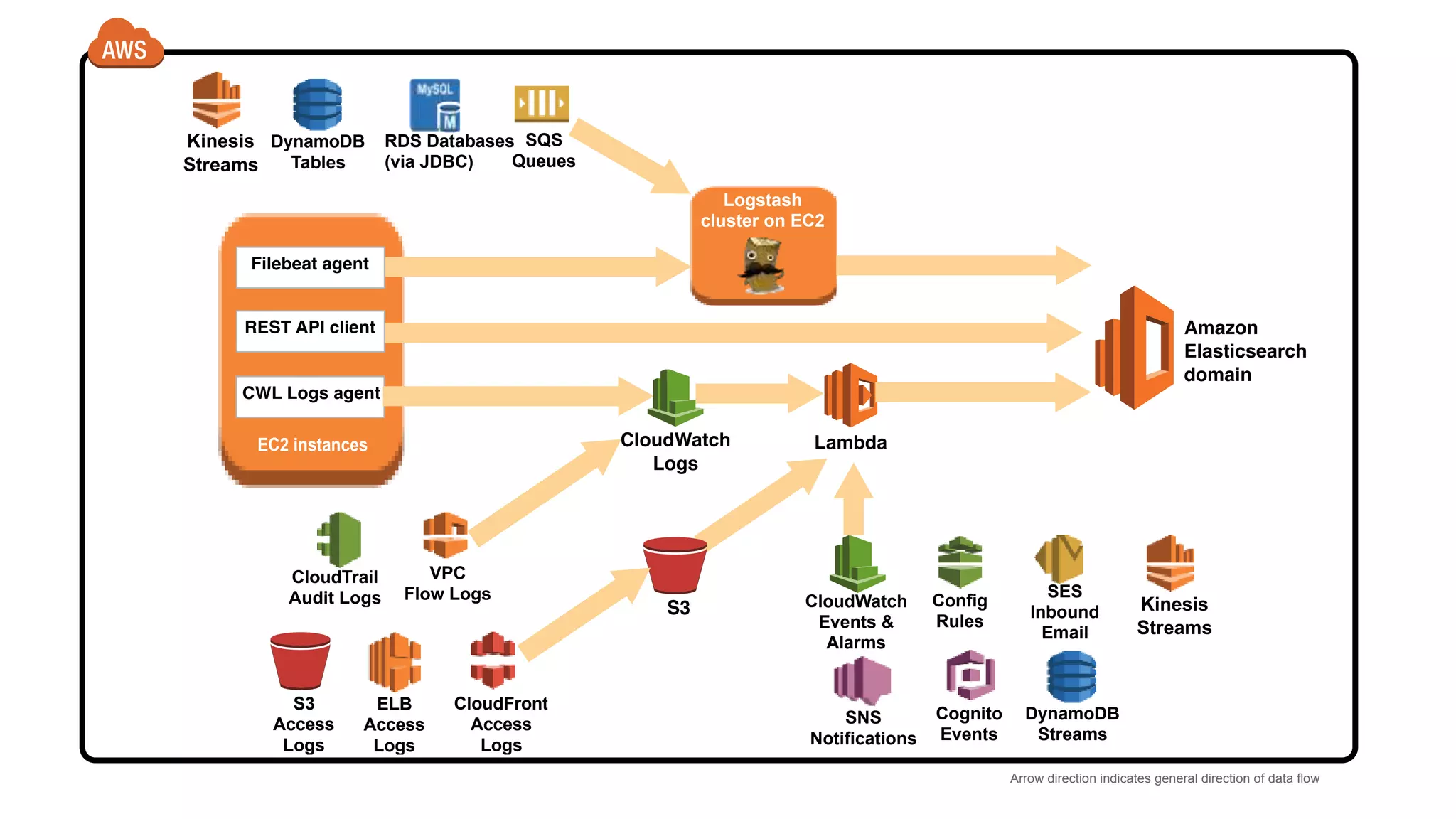
Illustration of data flow direction among various AWS logging and monitoring services.
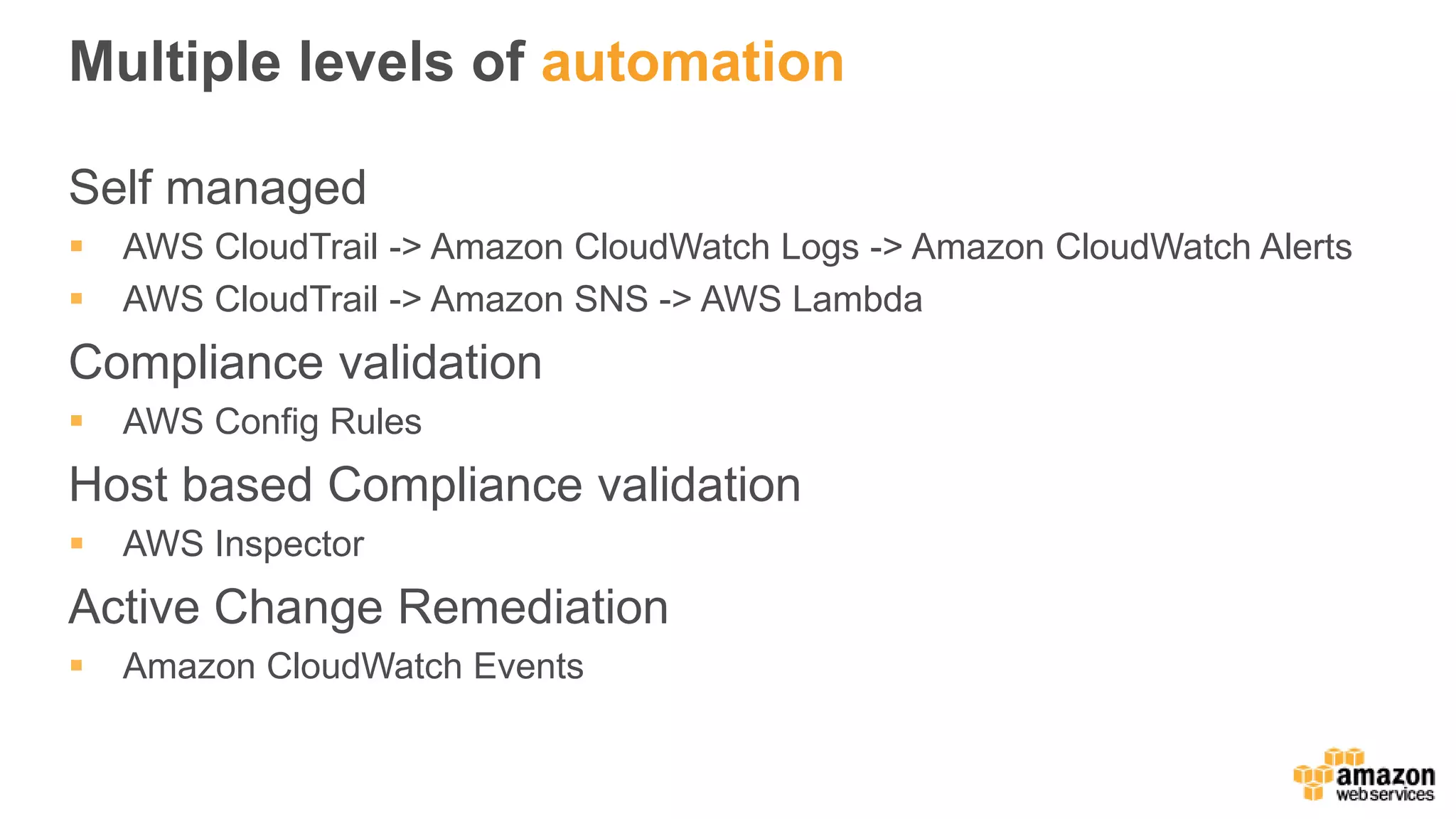
Overview of automation options in AWS for compliance checks using CloudTrail and CloudWatch.
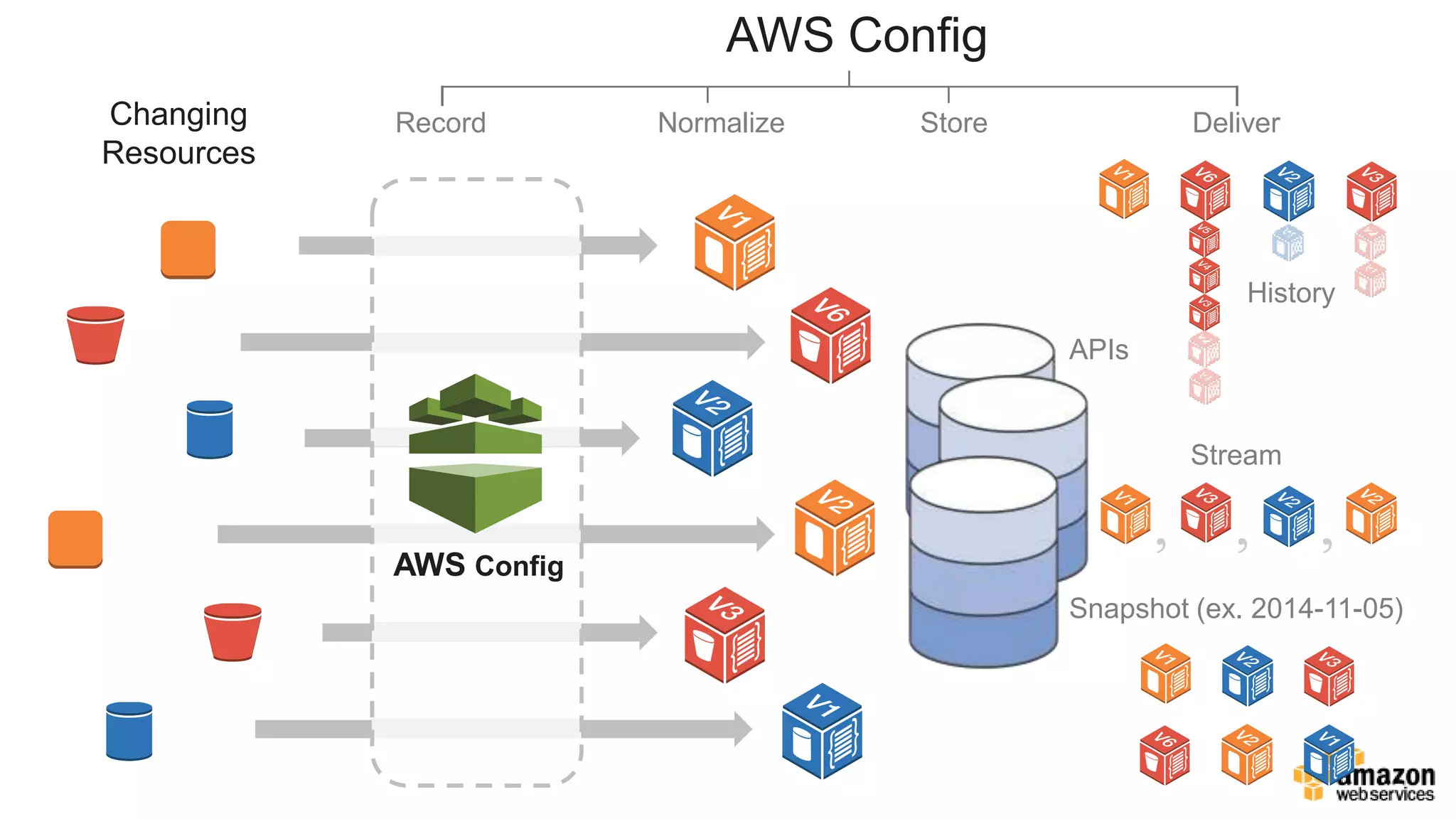
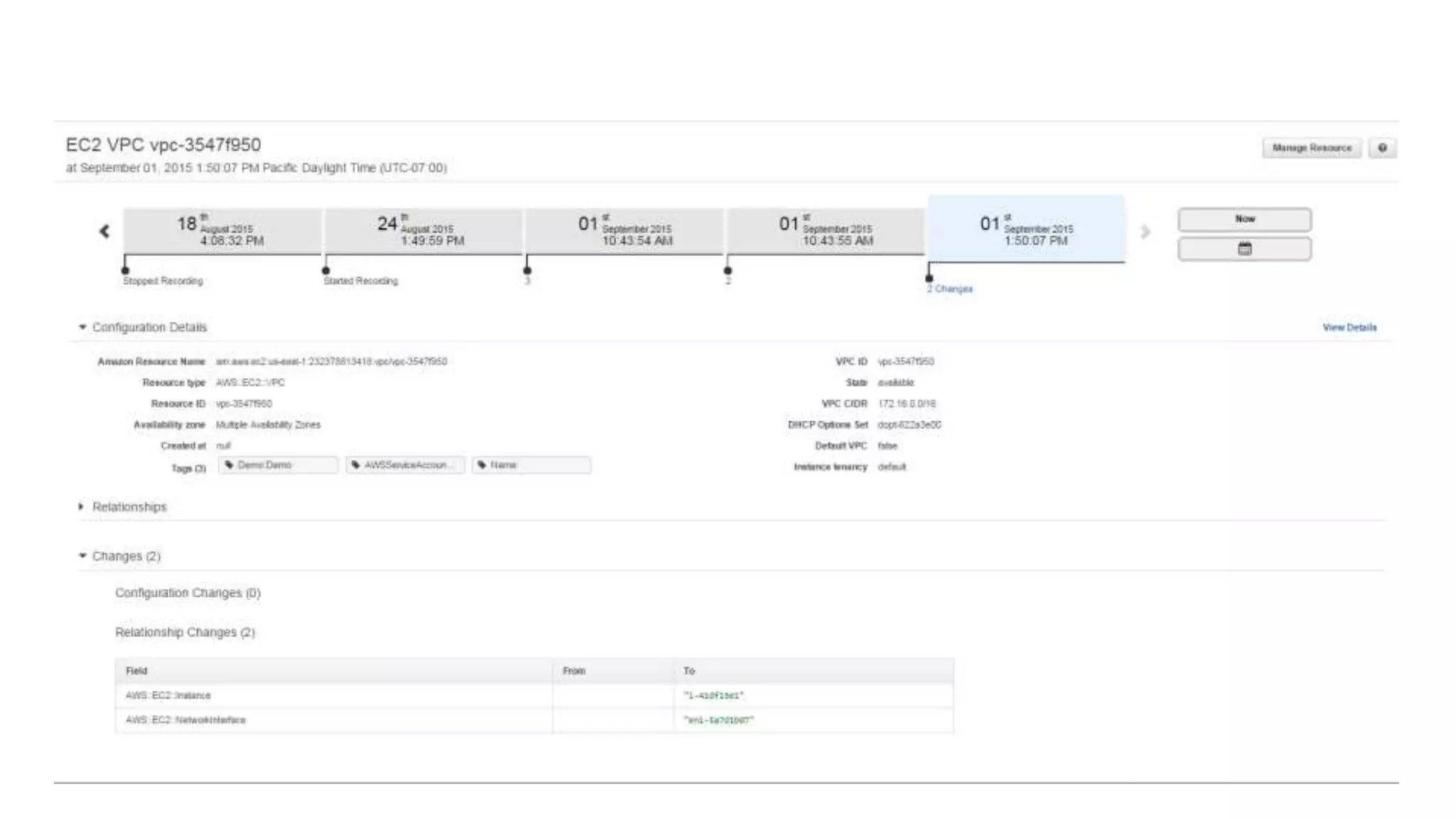
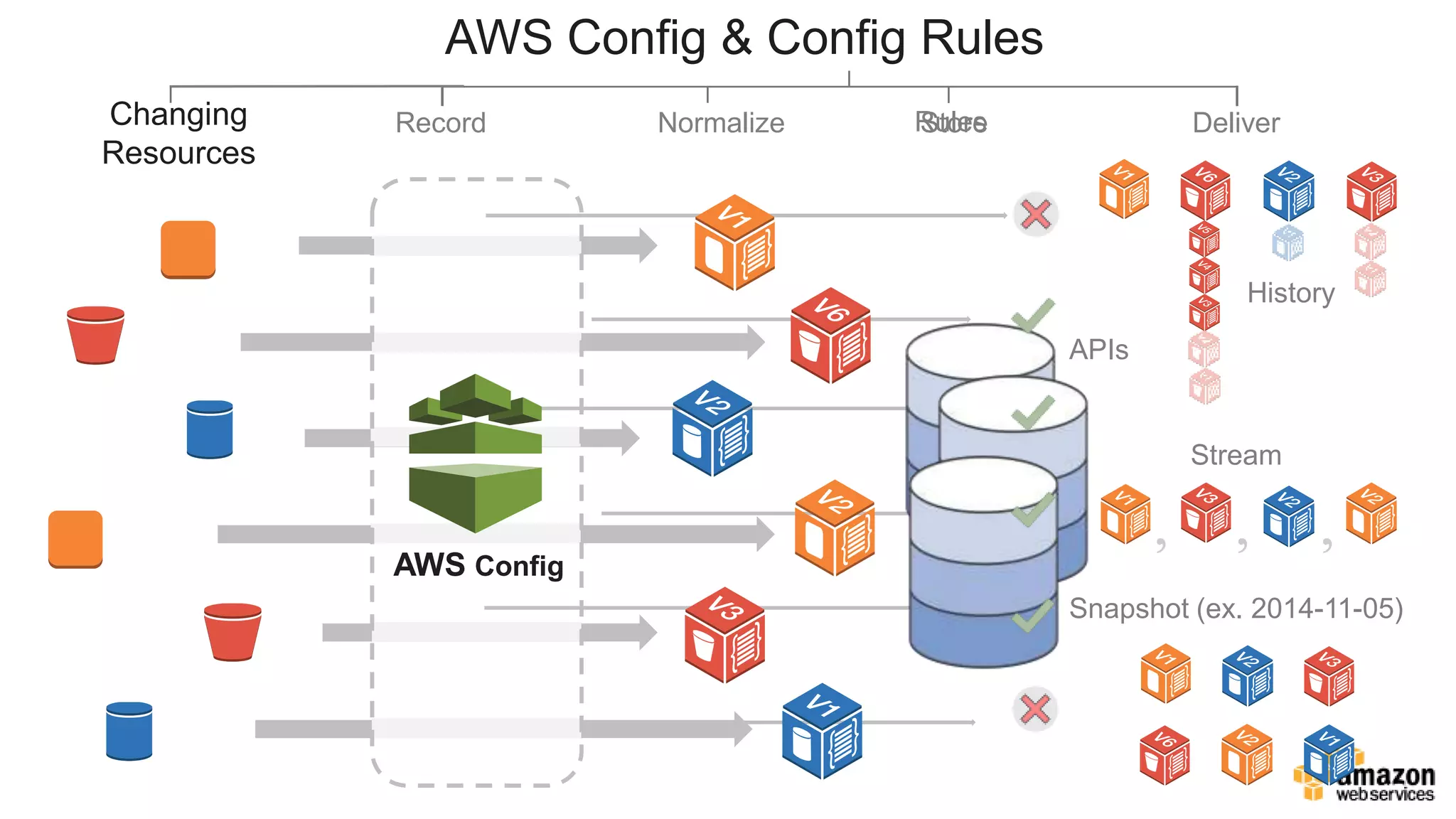
AWS Config capabilities for tracking resources and configuration changes.
Importance of AWS Config for maintaining compliance records at arbitrary times.
Automation of responses to configuration changes through pre-built and custom AWS Config rules.
Usage of AWS CloudWatch Events to trigger actions based on various events.
Introduction to Amazon Inspector for automated security assessments of applications.
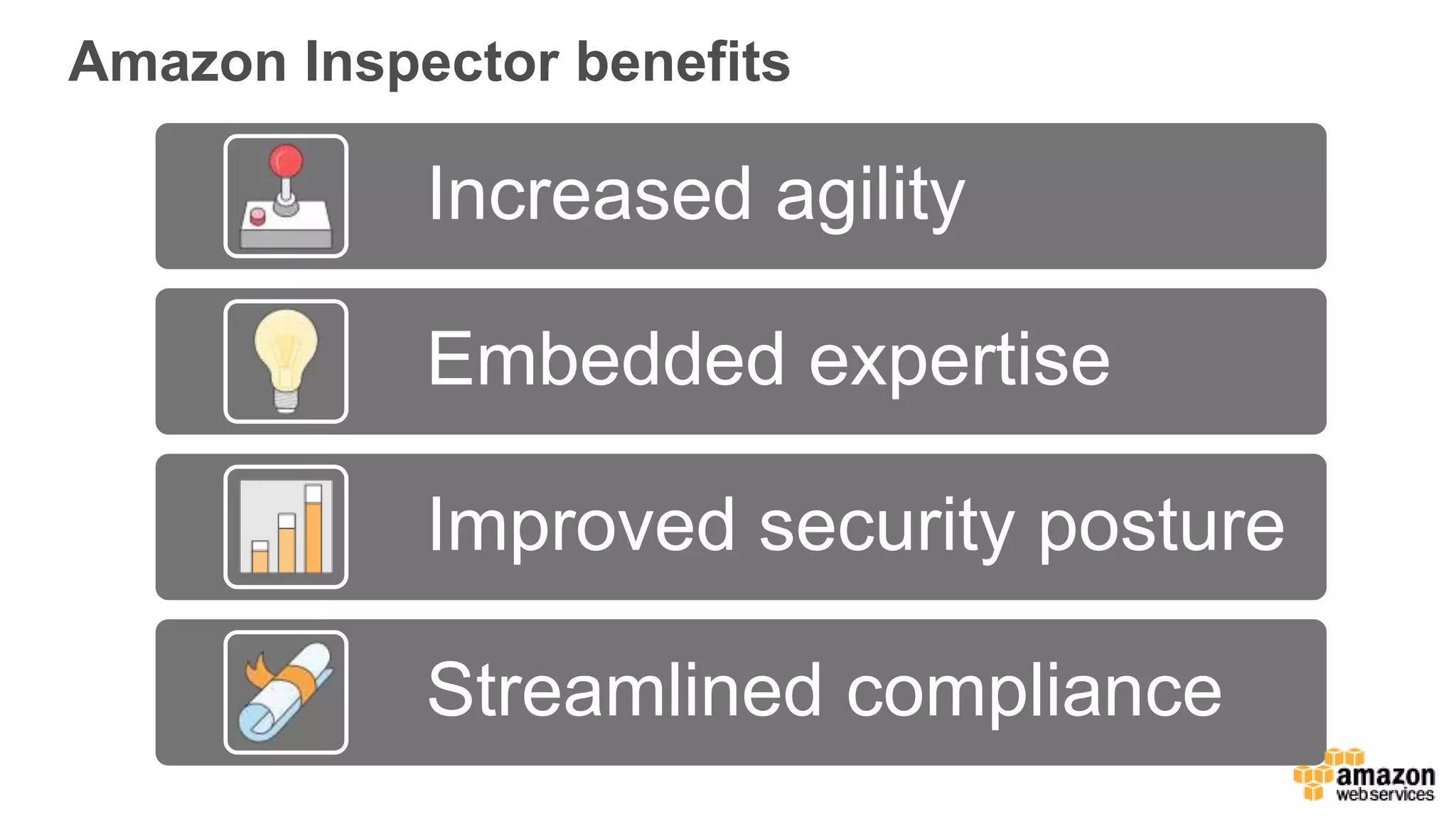
Key benefits of using Amazon Inspector for agility, security posture, and compliance.Overview of various AWS security and compliance tools and the importance of logging.
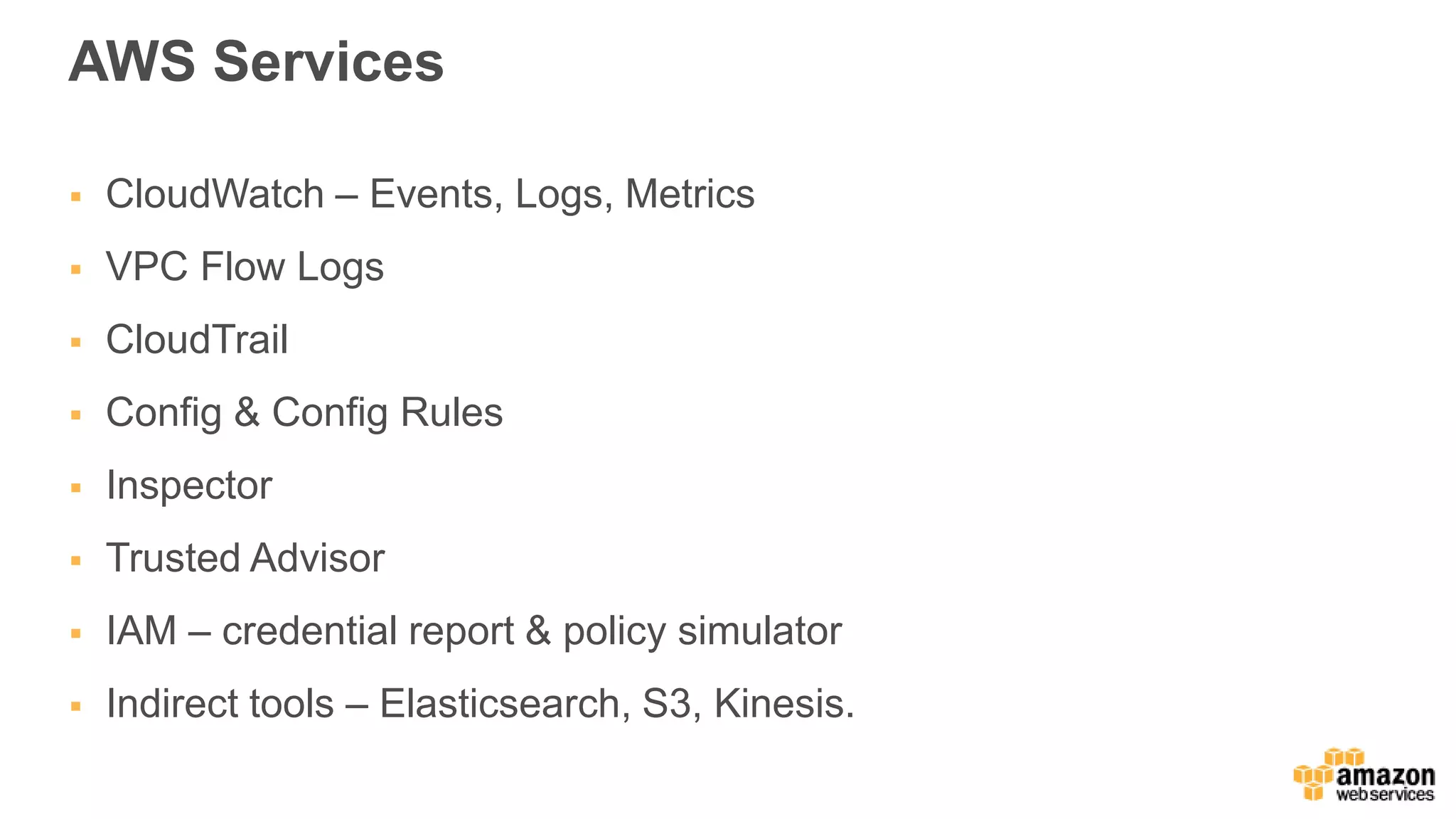
Recap of AWS services used for effective monitoring and compliance.
Emphasizes the balance between speed and security in AWS practices.
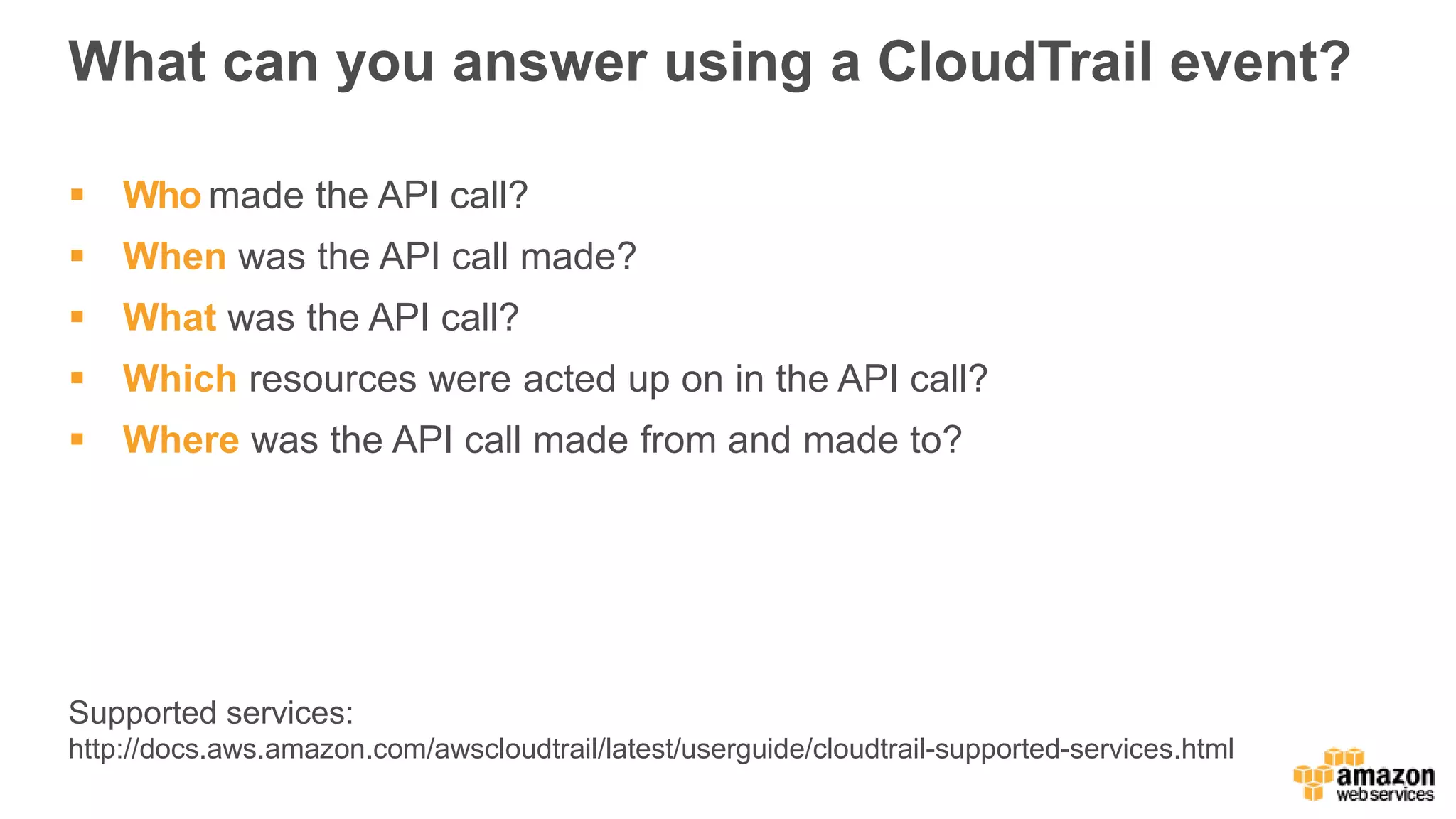
What can youanswer using a CloudTrail event?
Who made the API call?
When was the API call made?
What was the API call?
Which resources were acted up on in the API call?
Where was the API call made from and made to?
Supported services:
http://docs.aws.amazon.com/awscloudtrail/latest/userguide/cloudtrail-supported-services.html
AWS CloudTrail BestPractices
1. Enable in all regions Benefits
Also tracks unused regions
Can be done in single
configuration step
9.
AWS CloudTrail BestPractices
1. Enable in all regions
2. Enable log file validation
Benefits
Ensure log file integrity
Validated log files are
invaluable in security and
forensic investigations
Built using industry standard
algorithms: SHA-256 for
hashing and SHA-256 with
RSA for digital signing
AWS CloudTrail will start
delivering digest files on an
hourly basis
Digest files contain hash values
of log files delivered and are
signed by AWS CloudTrail
10.
AWS CloudTrail BestPractices
1. Enable in all regions
2. Enable log file validation
3. Encrypted logs
Benefits
By default, AWS CloudTrail
encrypts log files using Amazon
S3 server side encryption
(SSE-S3)
You can choose to encrypt
using AWS Key Management
Service (SSE-KMS)
Amazon S3 will decrypt on your
behalf if your credentials have
decrypt permissions
11.
AWS CloudTrail BestPractices
1. Enable in all regions
2. Enable log file validation
3. Encrypted logs
4. Integrate with Amazon
CloudWatch Logs
Benefits
Simple search
Configure alerting on events
12.
AWS CloudTrail BestPractices
1. Enable in all regions
2. Enable log file validation
3. Encrypted logs
4. Integrate with Amazon
CloudWatch Logs
5. Centralize logs from all
accounts
Benefits
Configure all accounts to send
logs to a central security
account
Reduce risk for log tampering
Can be combined with Amazon
S3 CRR
Amazon VPC FlowLogs
Log network traffic for Amazon VPC, subnet or single
interfaces
15.
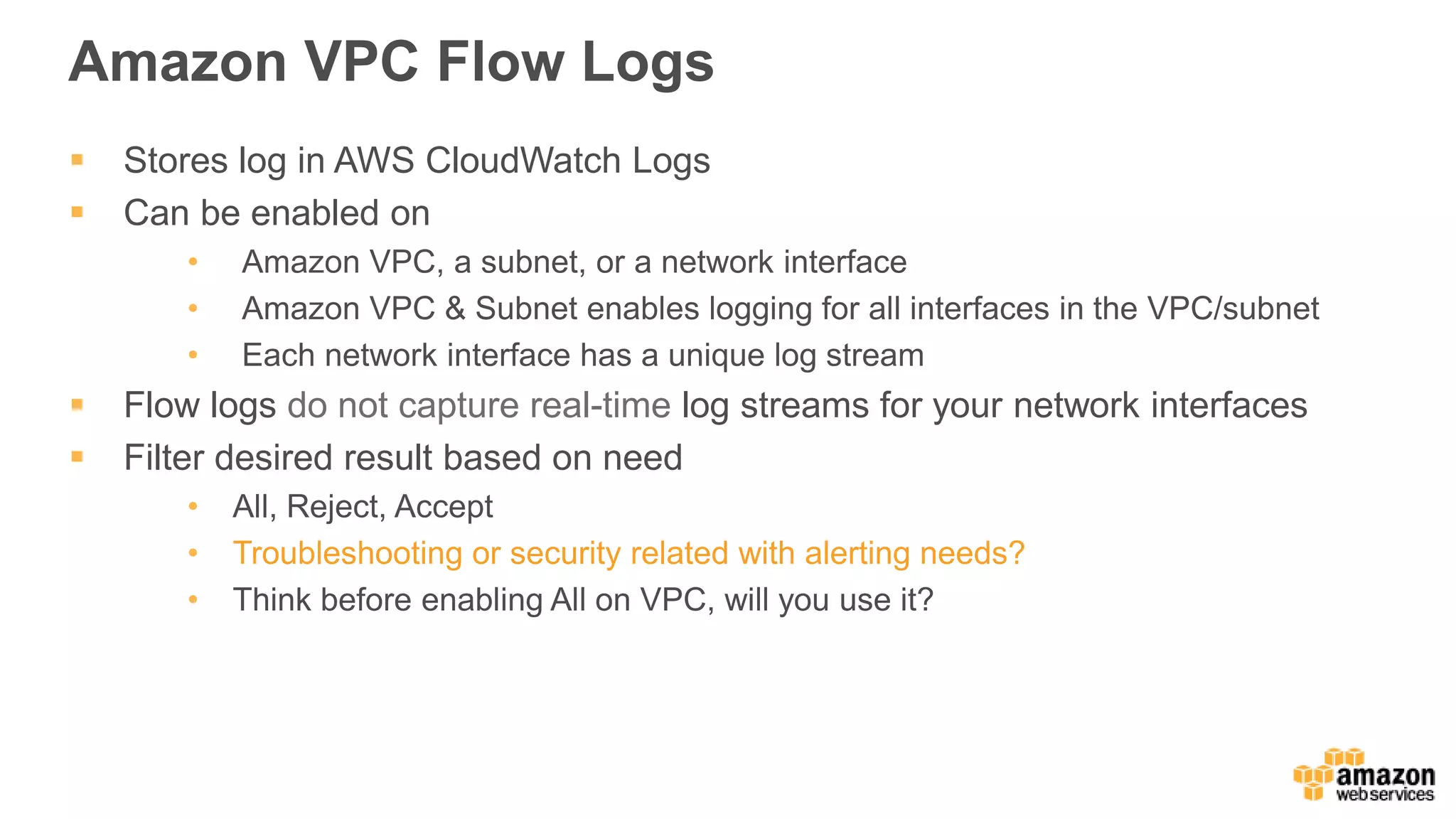
Amazon VPC FlowLogs
Stores log in AWS CloudWatch Logs
Can be enabled on
• Amazon VPC, a subnet, or a network interface
• Amazon VPC & Subnet enables logging for all interfaces in the VPC/subnet
• Each network interface has a unique log stream
Flow logs do not capture real-time log streams for your network interfaces
Filter desired result based on need
• All, Reject, Accept
• Troubleshooting or security related with alerting needs?
• Think before enabling All on VPC, will you use it?
16.
VPC Flow Logs
•Agentless
• Enable per ENI, per subnet, or per VPC
• Logged to AWS CloudWatch Logs
• Create CloudWatch metrics from log data
• Alarm on those metrics
AWS
account
Source IP
Destination IP
Source port
Destination port
Interface Protocol Packets
Bytes Start/end time
Accept
or reject
Ubiquitous logging andmonitoring
Amazon CloudWatch Logs lets you grab everything and monitor activity
Managed service to collect and keep your logs
CloudWatch Logs Agent for Linux and Windows instances
Integration with Metrics and Alarms
Export data to S3 for analytics
Stream to Amazon ElasticSearch Service or AWS Lambda
20.
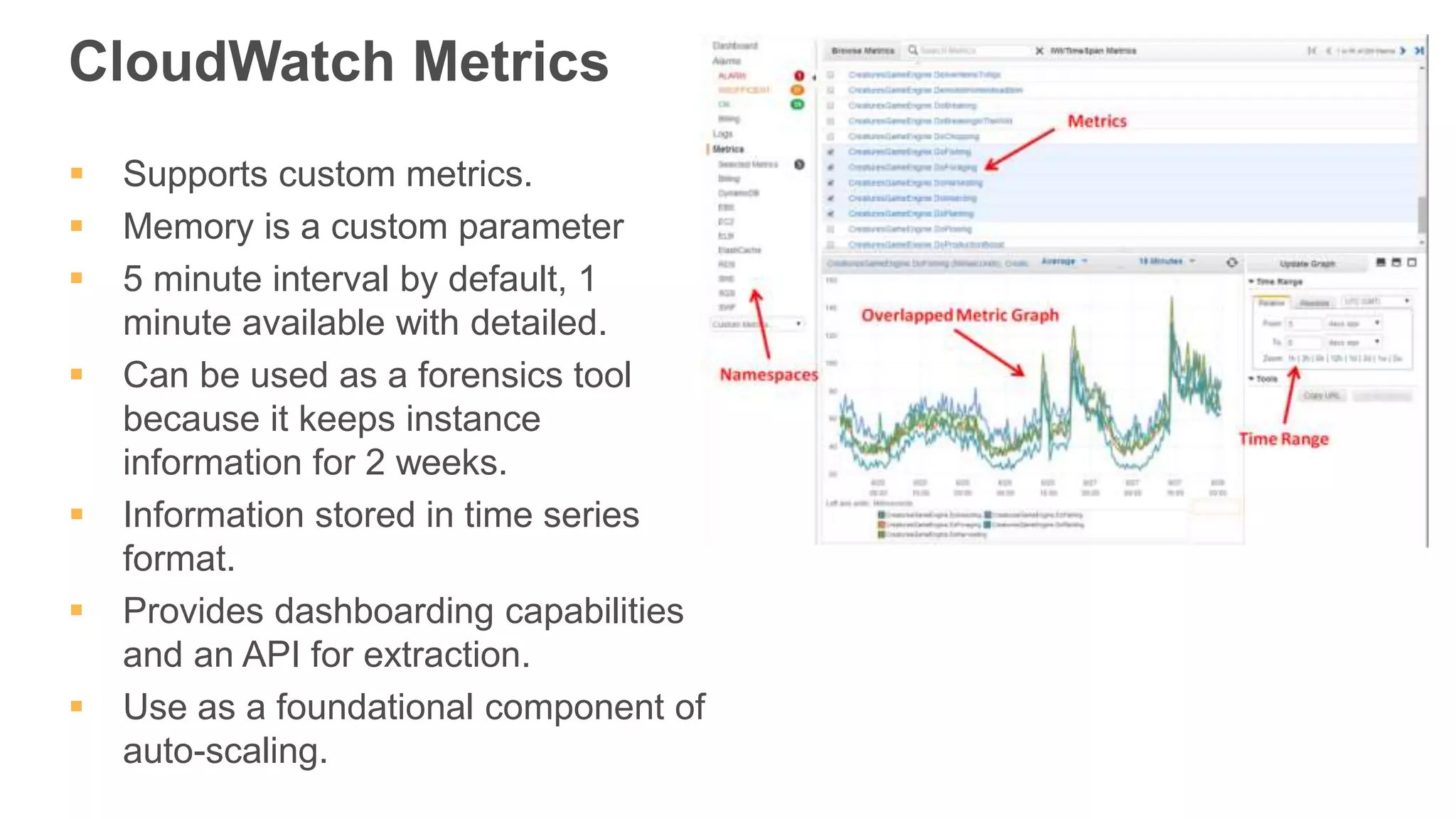
CloudWatch Metrics
Supportscustom metrics.
Memory is a custom parameter
5 minute interval by default, 1
minute available with detailed.
Can be used as a forensics tool
because it keeps instance
information for 2 weeks.
Information stored in time series
format.
Provides dashboarding capabilities
and an API for extraction.
Use as a foundational component of
auto-scaling.
21.
Managing, Monitoring &Processing Logs
CloudWatch Logs
- Near real-time, aggregate, monitor, store, and search
Amazon Elasticsearch Service Integration (or ELK stack)
- Analytics and Kibana interface
AWS Lambda & Amazon Kinesis Integration
- Custom processing with your code
Export to S3
- SDK & CLI batch export of logs for analytics
22.
Arrow direction indicatesgeneral direction of data flow
EC2 instances
Logstash
cluster on EC2
DynamoDB
Tables
RDS Databases
(via JDBC)
SQS
Queues
Kinesis
Streams
VPC
Flow Logs
CloudTrail
Audit Logs
S3
Access
Logs
ELB
Access
Logs
CloudFront
Access
Logs
SNS
Notifications
DynamoDB
Streams
SES
Inbound
Email
Cognito
Events
Kinesis
Streams
CloudWatch
Events &
Alarms
Config
Rules
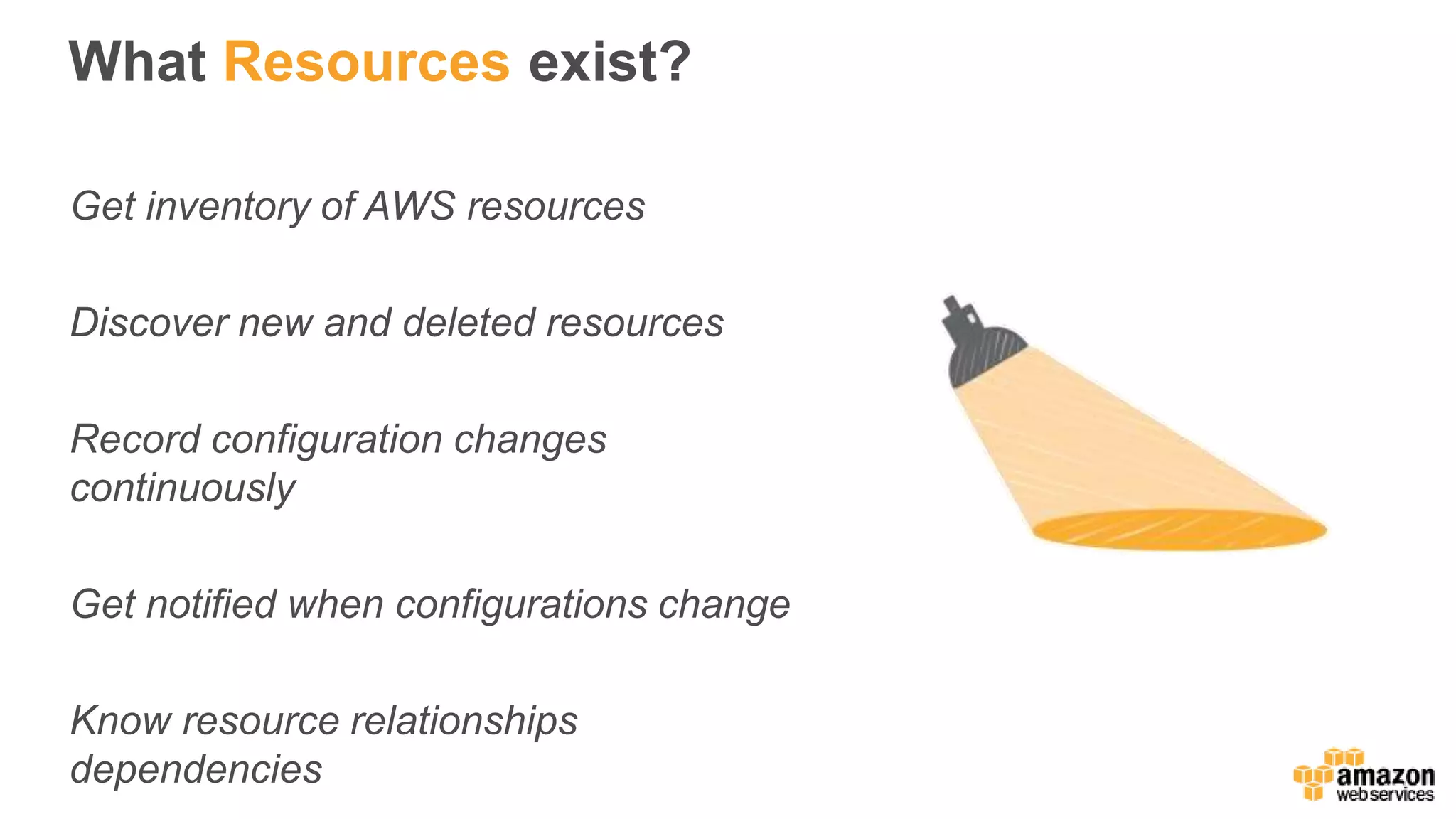
What Resources exist?
Getinventory of AWS resources
Discover new and deleted resources
Record configuration changes
continuously
Get notified when configurations change
Know resource relationships
dependencies
Evidence for compliance
Manycompliance audits require access to the state of your
systems at arbitrary times (i.e., PCI, HIPAA).
A complete inventory of all resources and their configuration
attributes is available for any point in time.
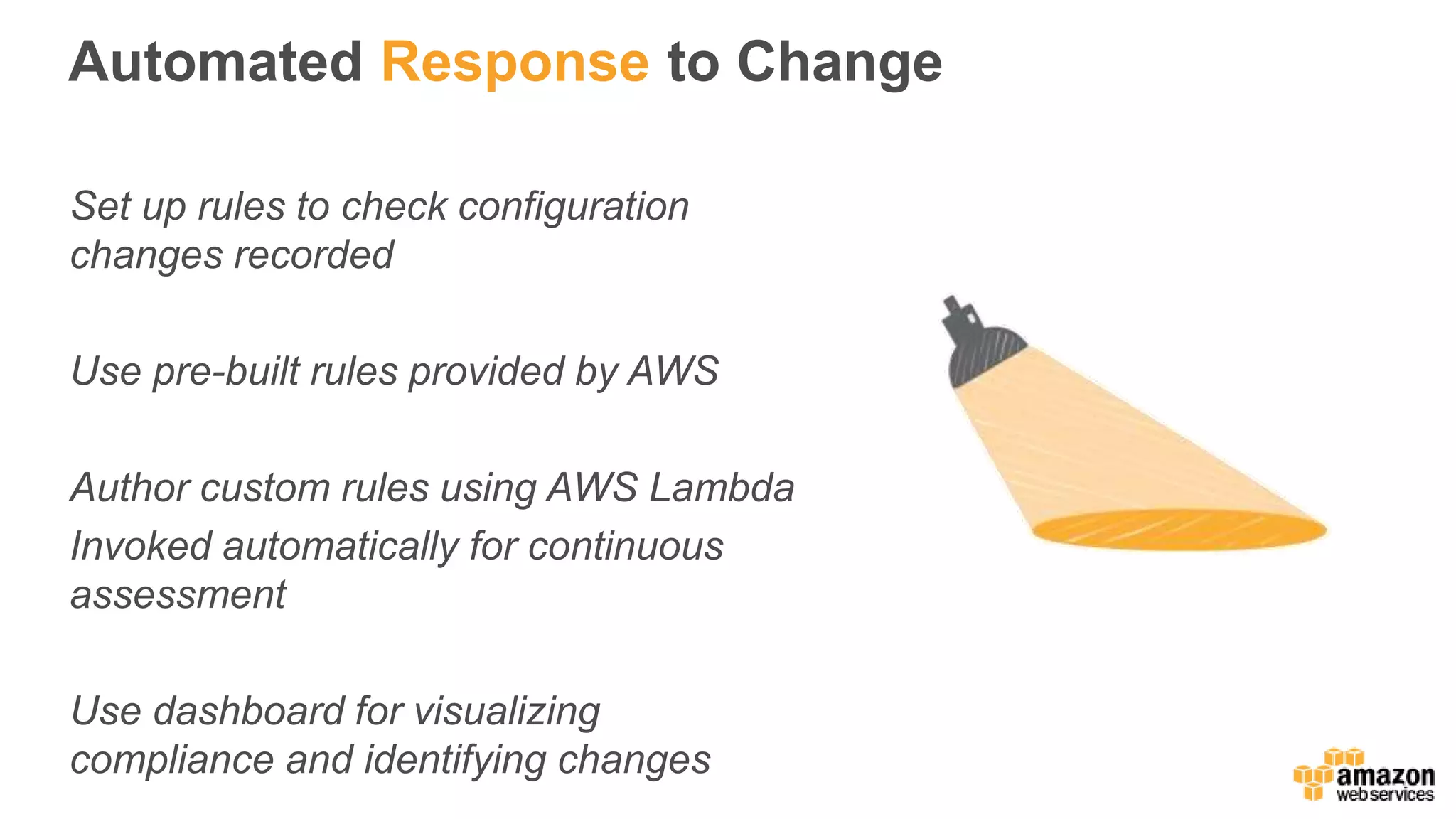
Automated Response toChange
Set up rules to check configuration
changes recorded
Use pre-built rules provided by AWS
Author custom rules using AWS Lambda
Invoked automatically for continuous
assessment
Use dashboard for visualizing
compliance and identifying changes
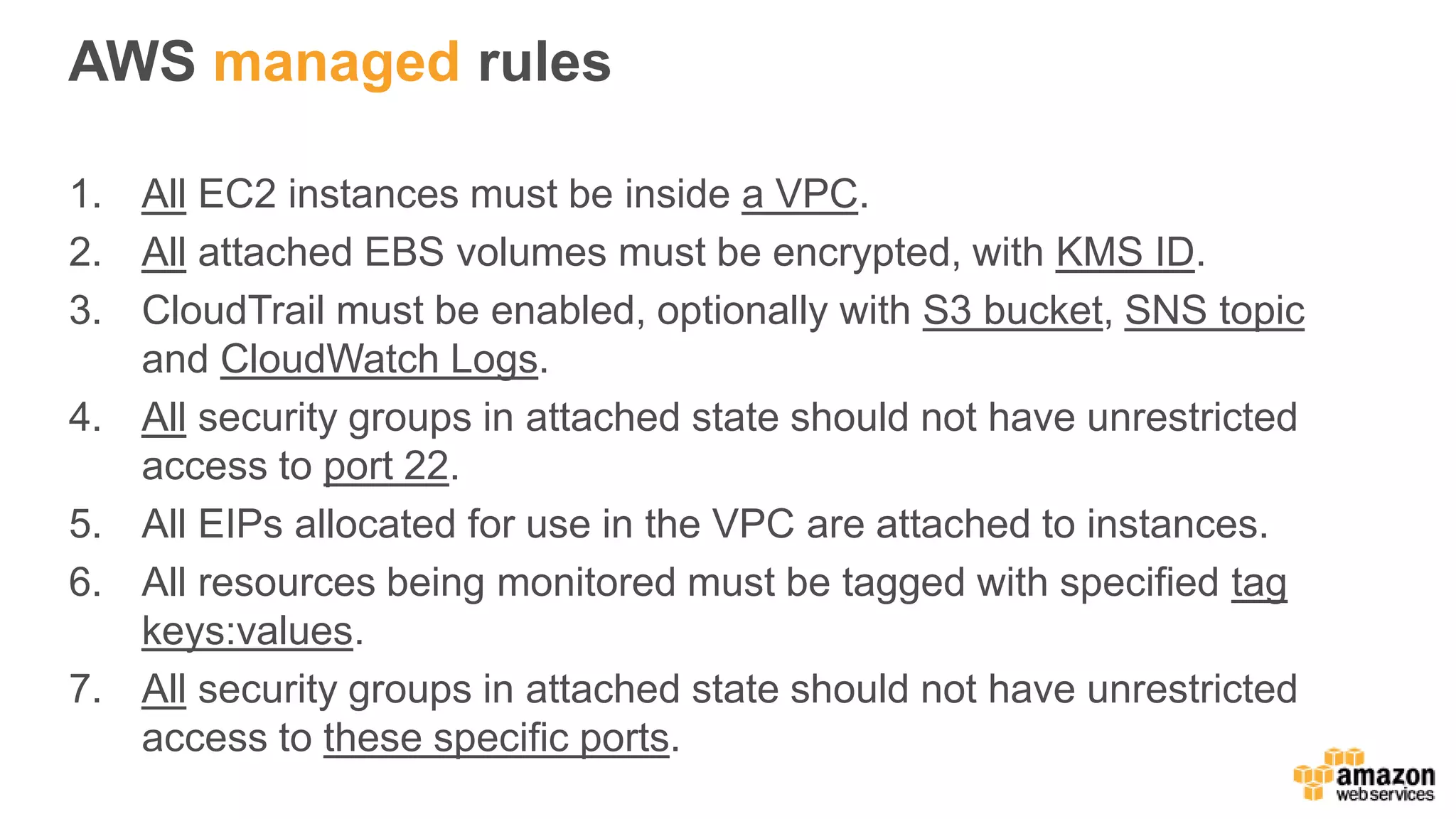
AWS managed rules
1.All EC2 instances must be inside a VPC.
2. All attached EBS volumes must be encrypted, with KMS ID.
3. CloudTrail must be enabled, optionally with S3 bucket, SNS topic
and CloudWatch Logs.
4. All security groups in attached state should not have unrestricted
access to port 22.
5. All EIPs allocated for use in the VPC are attached to instances.
6. All resources being monitored must be tagged with specified tag
keys:values.
7. All security groups in attached state should not have unrestricted
access to these specific ports.
34.
AWS Config RulesRepository
AWS Community repository of custom Config rules
https://github.com/awslabs/aws-config-rules
Contains Node and Python samples for Custom Rules for
AWS Config
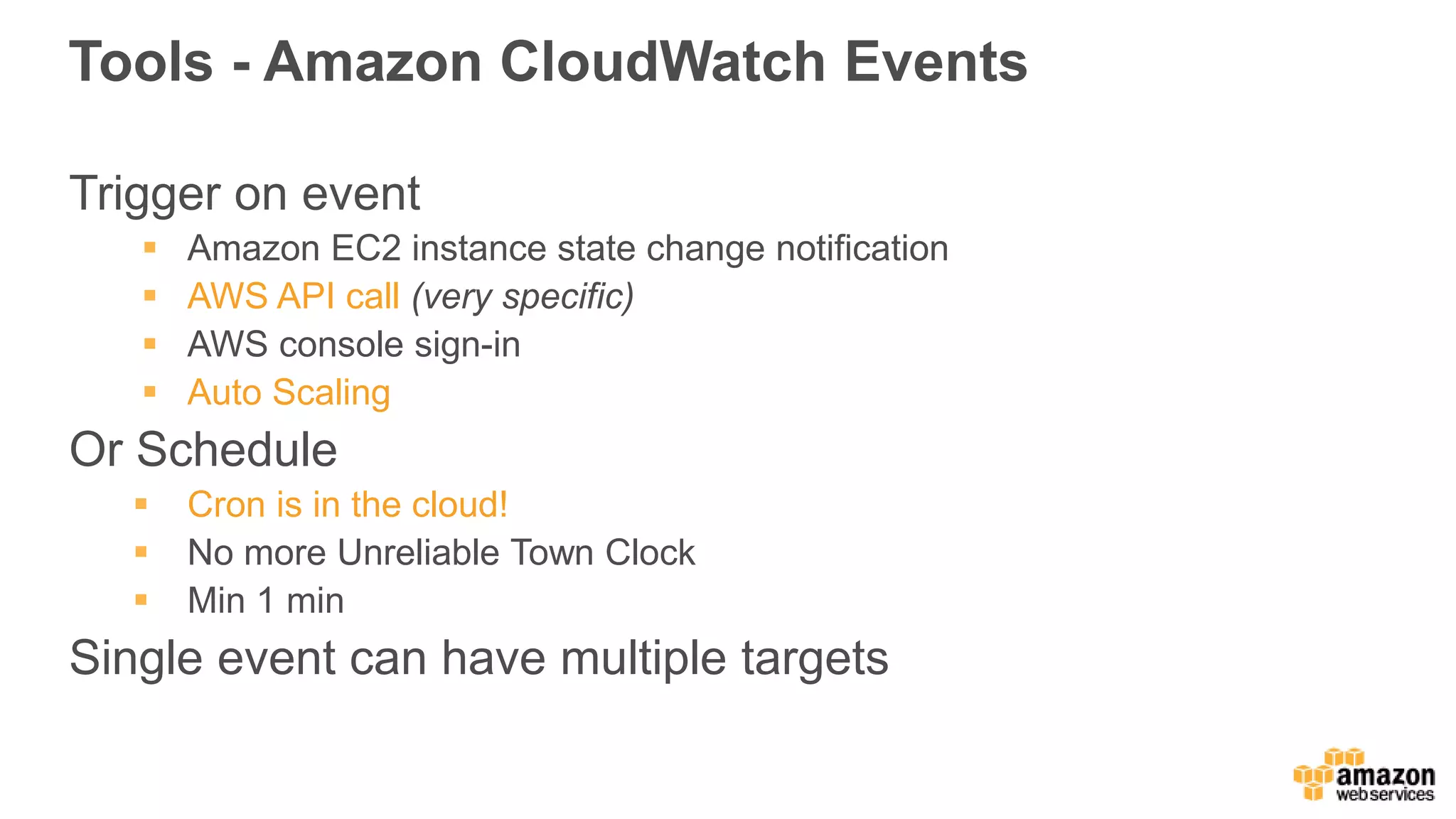
Tools - AmazonCloudWatch Events
Trigger on event
Amazon EC2 instance state change notification
AWS API call (very specific)
AWS console sign-in
Auto Scaling
Or Schedule
Cron is in the cloud!
No more Unreliable Town Clock
Min 1 min
Single event can have multiple targets
Why Amazon Inspector?
Applicationstesting key to moving fast but staying safe
Security assessment highly manual, resulting in delays or
missed security checks
Valuable security subject matter experts spending too
much time on routine security assessment
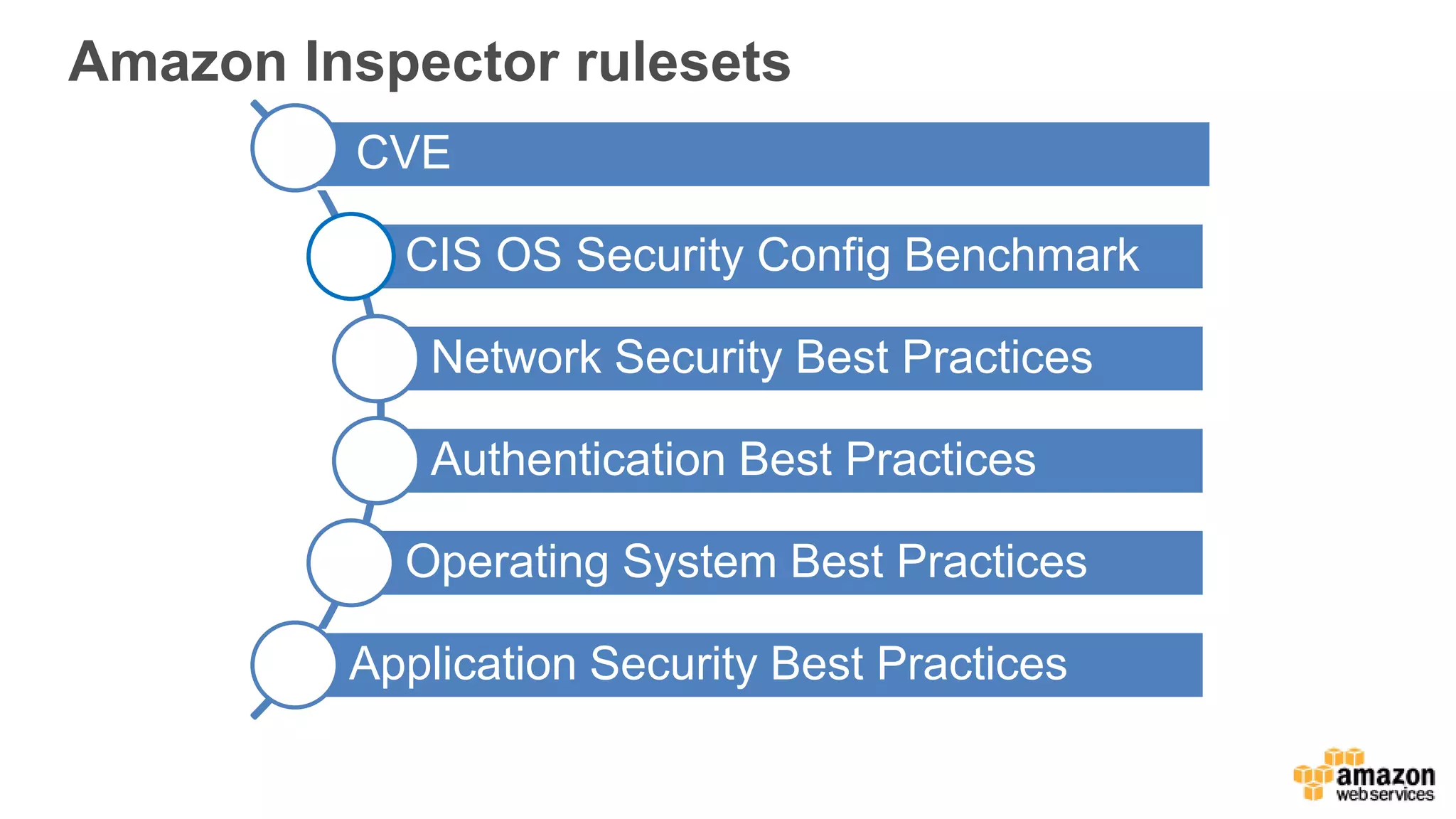
Amazon Inspector rulesets
CVE
CISOS Security Config Benchmark
Network Security Best Practices
Authentication Best Practices
Operating System Best Practices
Application Security Best Practices
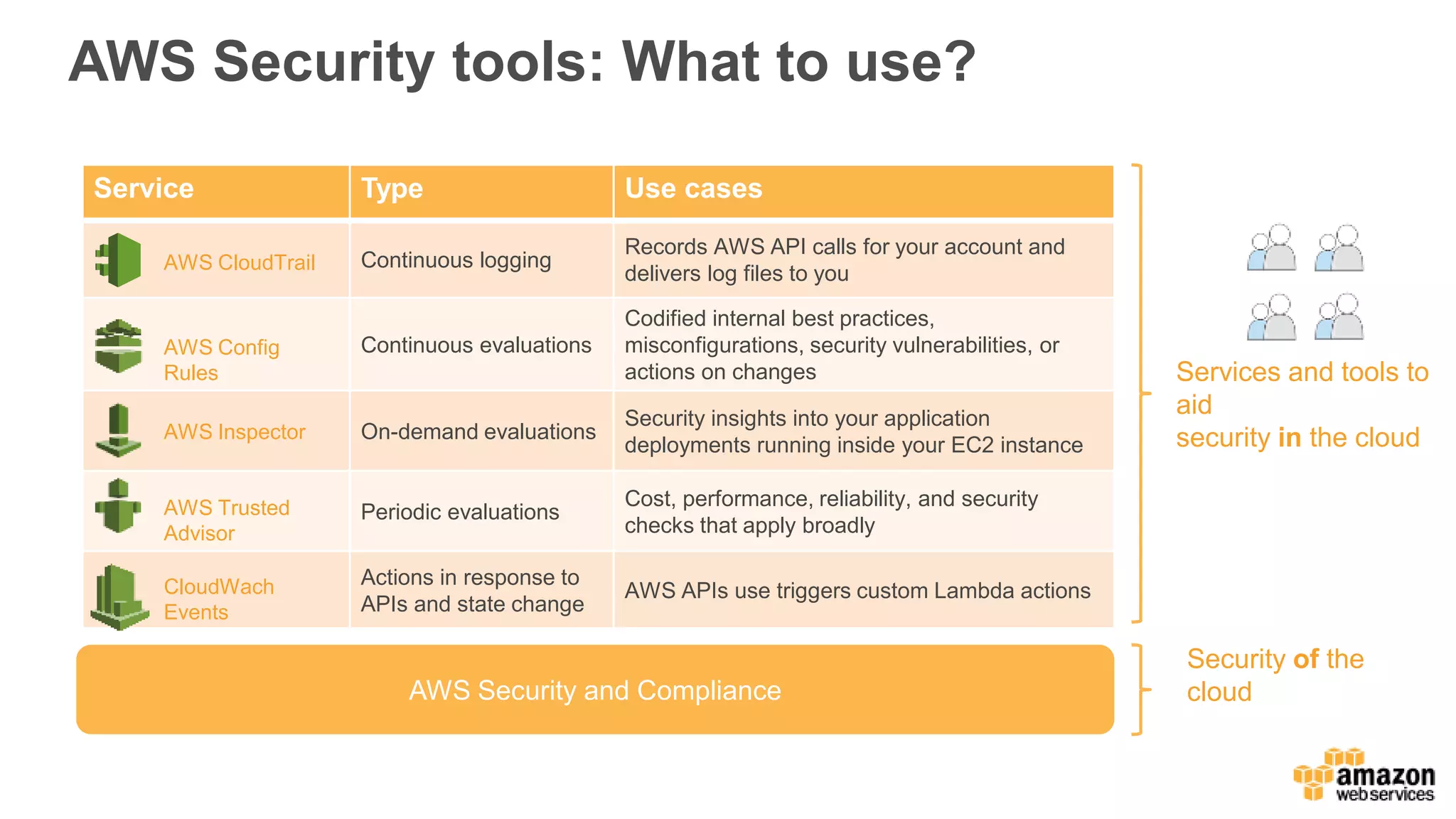
AWS Security tools:What to use?
AWS Security and Compliance
Security of the
cloud
Services and tools to
aid
security in the cloud
Service Type Use cases
Continuous logging
Records AWS API calls for your account and
delivers log files to you
Continuous evaluations
Codified internal best practices,
misconfigurations, security vulnerabilities, or
actions on changes
On-demand evaluations
Security insights into your application
deployments running inside your EC2 instance
Periodic evaluations
Cost, performance, reliability, and security
checks that apply broadly
Actions in response to
APIs and state change
AWS APIs use triggers custom Lambda actions
AWS Inspector
AWS Config
Rules
AWS Trusted
Advisor
AWS CloudTrail
CloudWach
Events
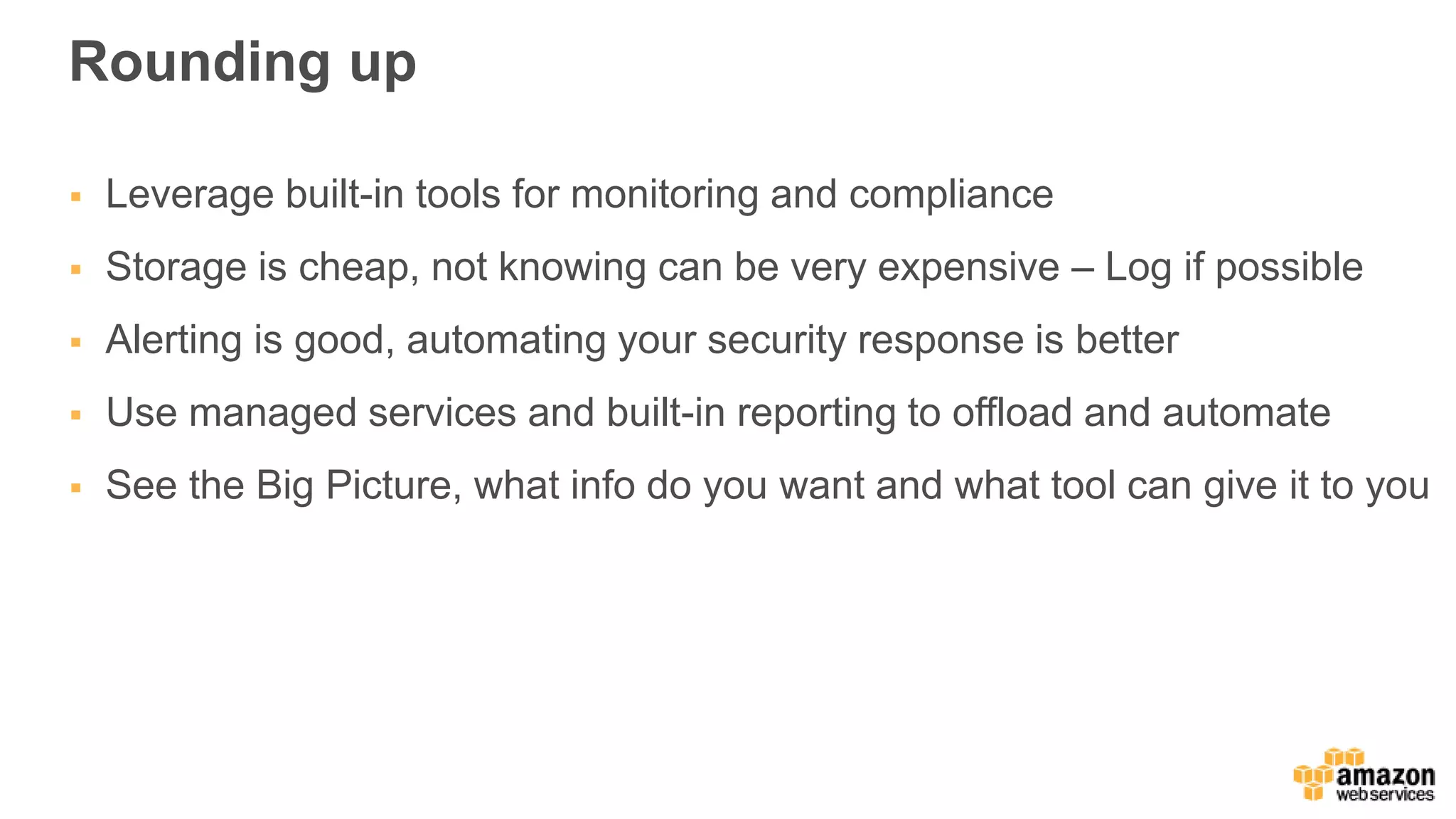
Rounding up
Leveragebuilt-in tools for monitoring and compliance
Storage is cheap, not knowing can be very expensive – Log if possible
Alerting is good, automating your security response is better
Use managed services and built-in reporting to offload and automate
See the Big Picture, what info do you want and what tool can give it to you
#6 Now that you know what CloudTrail does, lets see what questions you can answer using a CloudTrail event: Five important questions/W’s
Turn on CloudTrail for your accounts
Monitor and alarm for API activity with high blast radius
Use Lookup Events to troubleshoot your operational issues
#17 No Agents! Just Turn it on. No really, Ill wait.
Enable per ENI, per Subnet or per VPC
All network traffic data is logged to CloudWatch logs so you get durable storage but also all the analysis features such as filter queries and metric creation
And then Create Alarms on those metrics
Collected, processed and stored in ~10 minute capture windows into Cloudwatch Logs
#18 Or roll your own real time network dashboard with the new Amazon Elasticsearch Service
Also based on a CloudWatch Logs Subscription filter that tees Flow Log data into a Kinesis stream and a stream reader then takes data and puts it into Elasticsearch
See Jeff’s blog post where he details how to setup this VPC Flow Dashboard in a few clicks
#27 AWS Config is a fully managed service that provides you with an inventory of your AWS resources, lets you audit the resource configuration history and notifies you of resource configuration changes.
#32 Will discuss the awesomeness of AWS Config
All EC2 Instances must be inside a VPC.
All attached EBS volumes must be encrypted, with KMS ID.
CloudTrail must be enabled, optionally with S3 bucket, SNS Topic and CloudWatch Logs.
All security groups in attached state should not have unrestricted access to Port 22.
All EIPs allocated for use in VPC are attached to instances.
All resources being monitored must be tagged with specified tag keys:values.
All security groups in attached state should not have unrestricted access to these specific ports.
#41 Each Inspector rule is assigned a severity level. This simplifies the decision of prioritizing one rule over another in your assessments and can help you decide what your reaction and corrective steps should be in the event of the rule highlighting a potential problem. The following are the severity levels for the Inspector rules:
High – this severity level describes a security issue that can result in a compromise of the information confidentiality, integrity, and availability within your application. It is recommended that you treat this security issue as an emergency and implement an immediate remediation.
Medium – this severity level describes a security issue that can result in a compromise of the information confidentiality, integrity, and availability within your application. It is recommended that you fix this issue at the next possible opportunity, for example, during your next service update.
Low - this severity level describes a security issue that can result in a compromise of the information confidentiality, integrity, and availability within your application. It is recommended that you fix this issue as part of one of your future service updates.
Informational – this severity level describes a particular security configuration detail of your application. Based on your business and organization goals, you can either simply make note of this information or use it to improve the security of your application.
https://alpha-docs-aws.amazon.com/inspector/latest/userguide/inspector_rule-packages.html
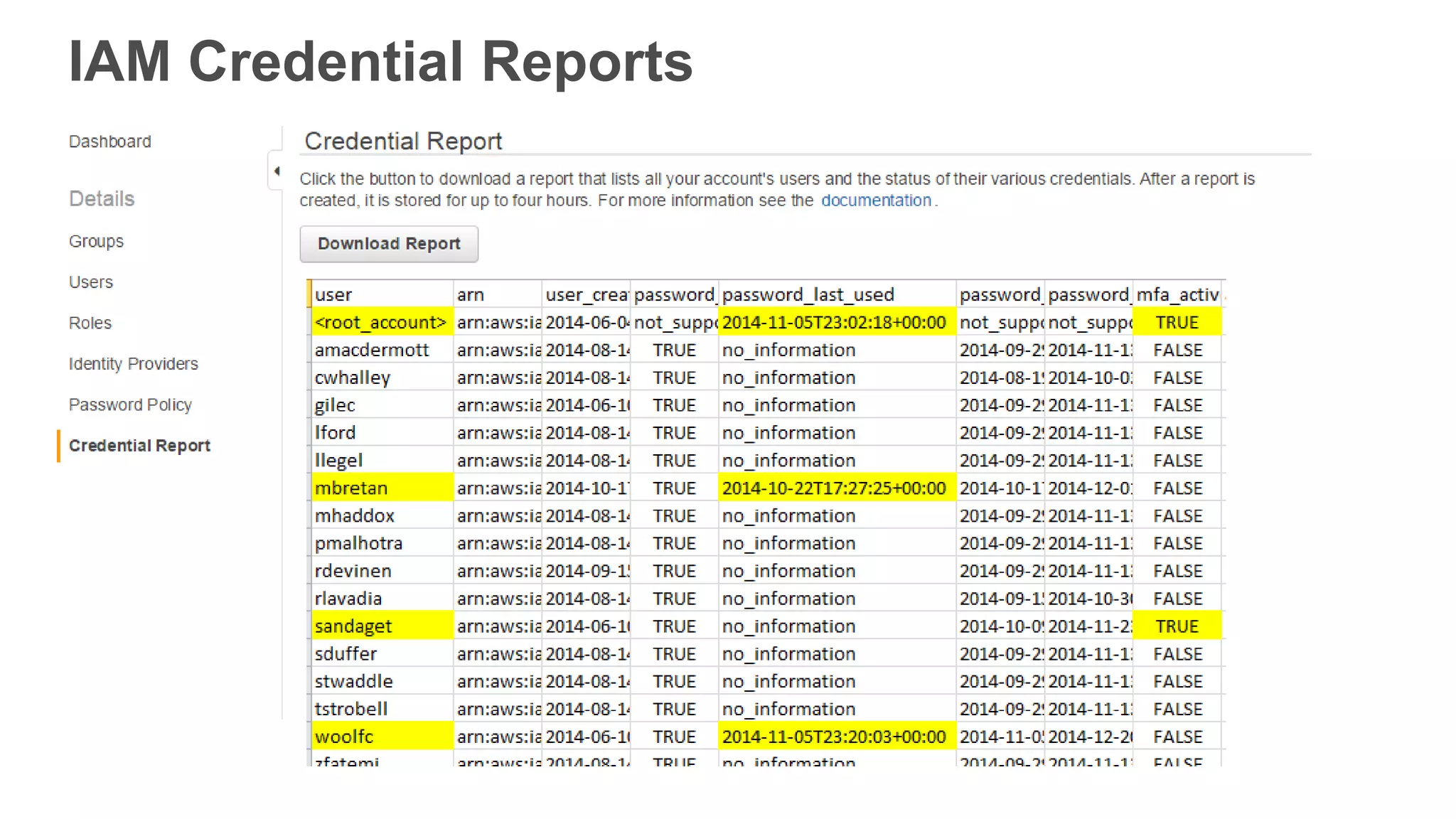
#46 I want evidence that my users are following security best practices, such as requiring MFA for administrative-level users.
You can generate a credential report that lists your IAM users and the status of their AWS security credentials and download it as a CSV file. These reports contain details such as whether MFA is activated, when their password was last rotated, and more. You can generate a new report as often as every 4 hours.
You can download reports interactively via the console or programmatically using the IAM API. (Support is coming soon for downloading the reports using the AWS CLI.)
#49 For a long time, most organizations have had to make a choice between moving fast or maintaining a high degree of security
However, one of the fundamental benefits of the cloud is that it let’s you do both.