


Mobile App
Testing…at a
glance.
How comfortable are you
on a bike without a
helmet? Writing code
without tests is like riding
a bike without a helmet.
You might feel free and
indestructible for now,
but one day you’ll fall and
it’s going to hurt.
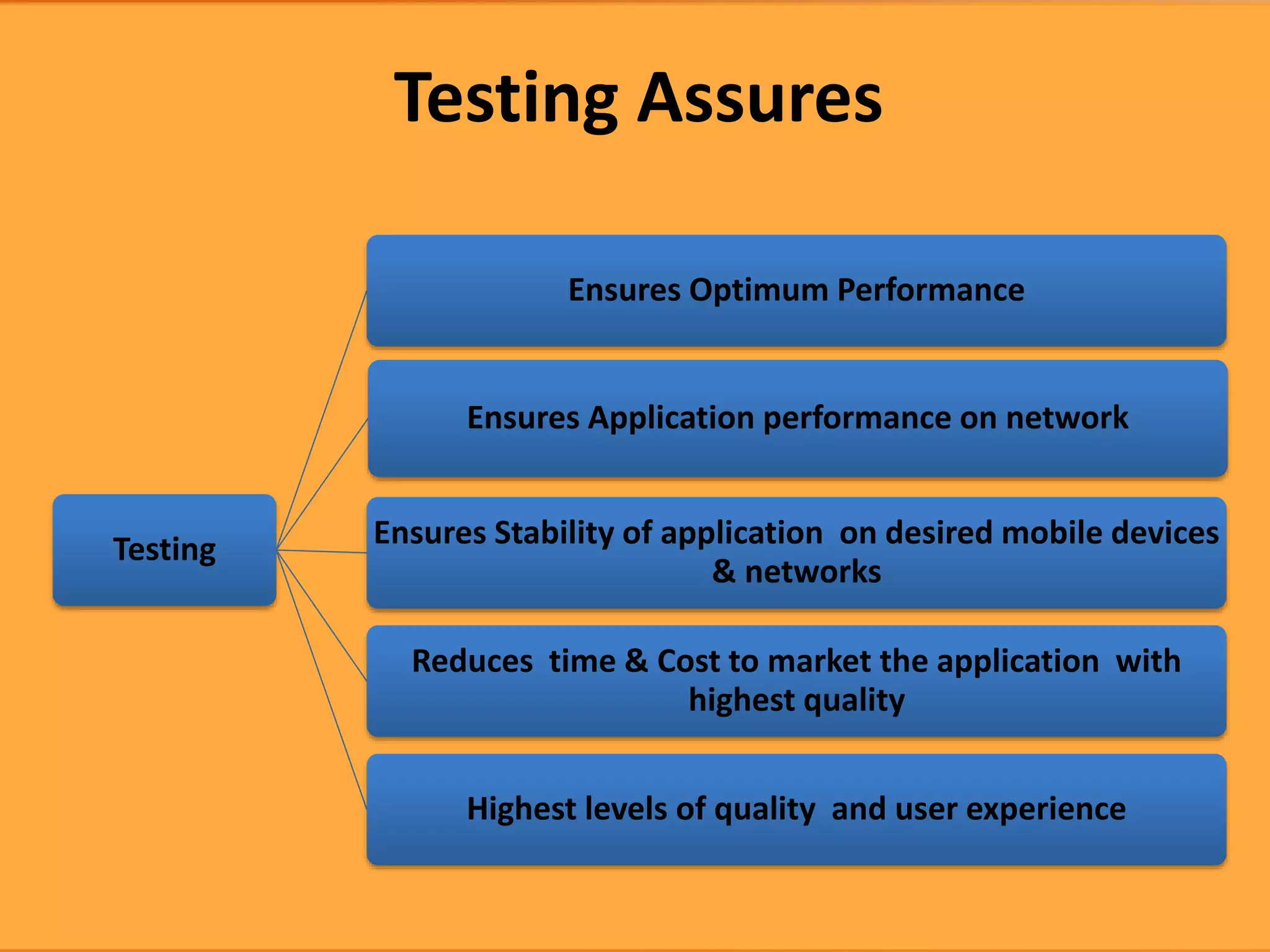
Testing
Ensures Optimum Performance
Ensures Application performance on network
Ensures Stability of application on desired mobile devices
& networks
Reduces time & Cost to market the application with
highest quality
Highest levels of quality and user experience
Testing Assures
Does it
works
Functions as
Planned
Meets the
customers
requirement
• Primary goal of your testing
efforts is not to find errors.
• Goal in testing should be to
understand the quality of your
offerings.
Testing Goals
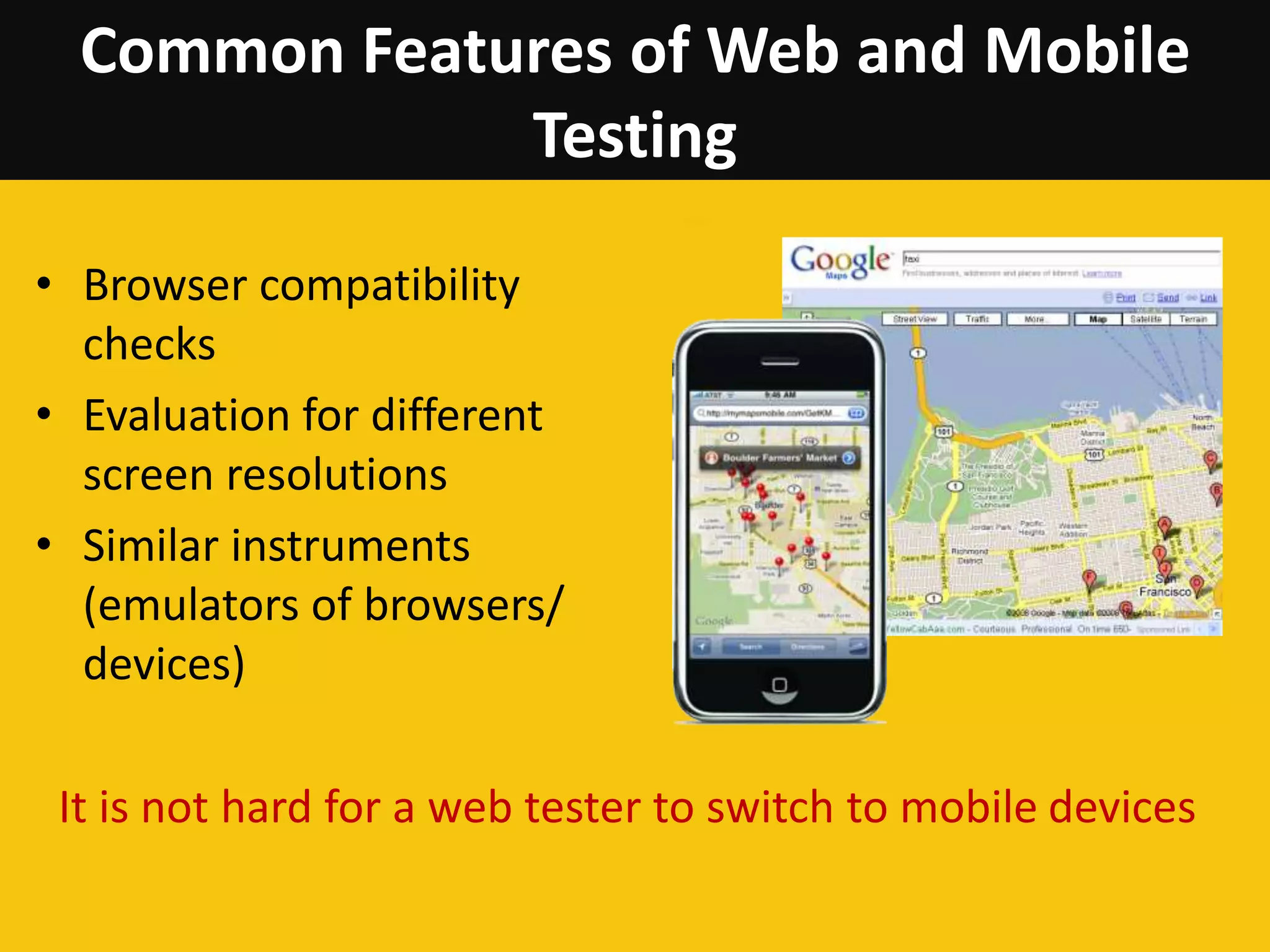
Common Features of Web and Mobile
Testing
• Browser compatibility
checks
• Evaluation for different
screen resolutions
• Similar instruments
(emulators of browsers/
devices)
It is not hard for a web tester to switch to mobile devices
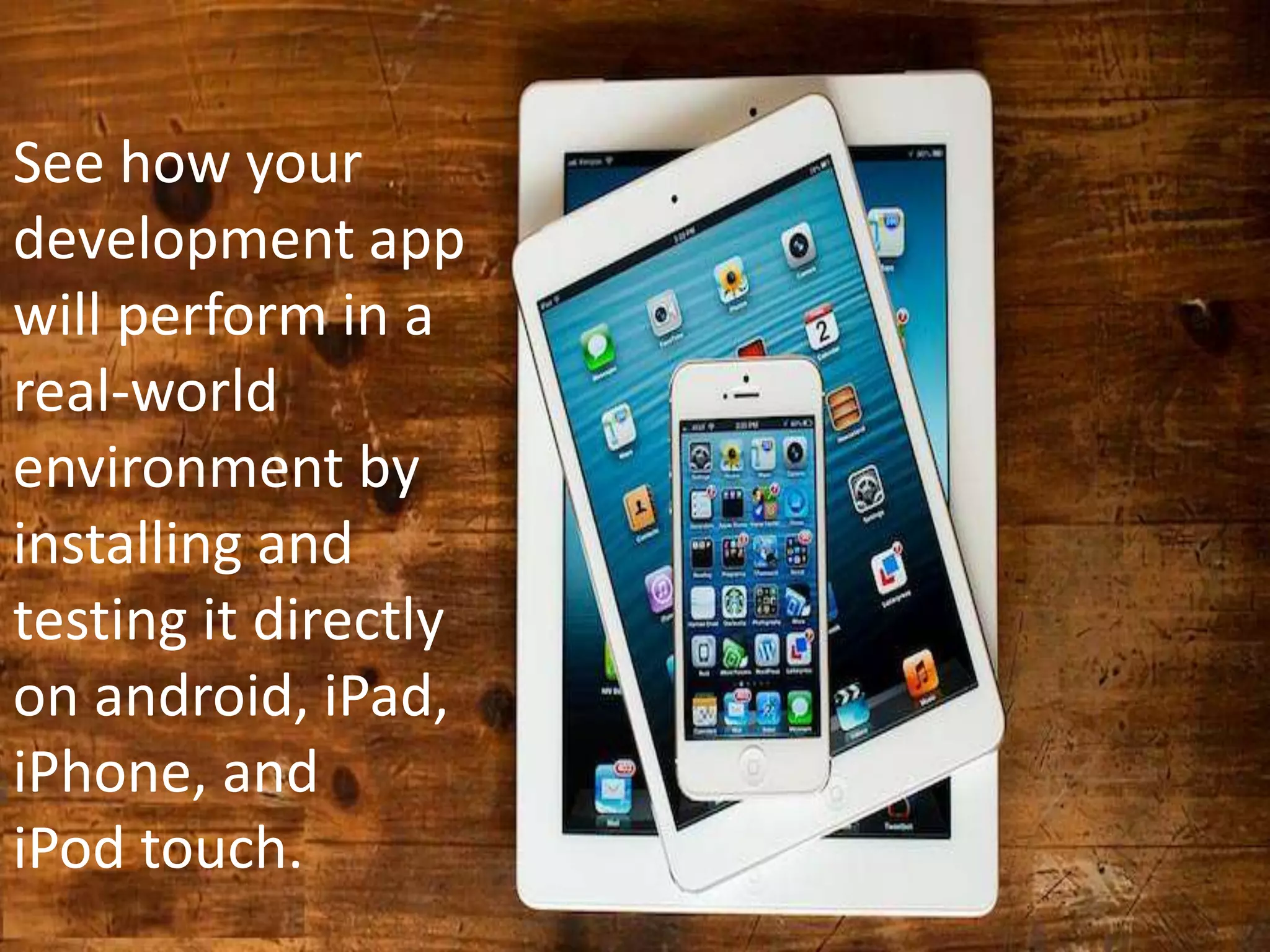
See how your
development app
will perform in a
real-world
environment by
installing and
testing it directly
on android, iPad,
iPhone, and
iPod touch.
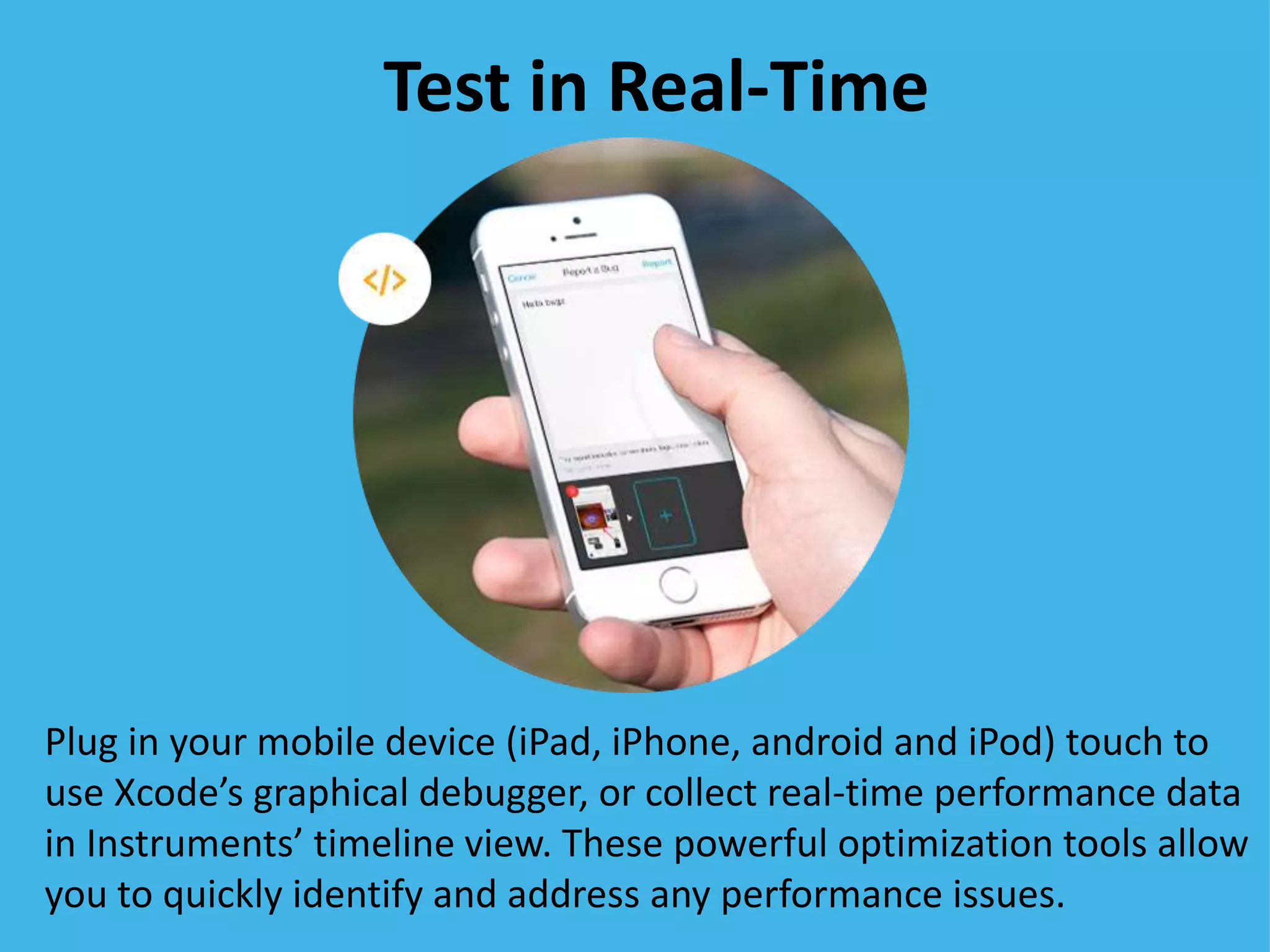
Test in Real-Time
Plug in your mobile device (iPad, iPhone, android and iPod) touch to
use Xcode’s graphical debugger, or collect real-time performance data
in Instruments’ timeline view. These powerful optimization tools allow
you to quickly identify and address any performance issues.
With your app running on a mobile devices (iPad, iPhone, android
and iPod) touch, you can test the performance of your app
connected to a Wi-Fi or carrier’s network for a real-world user
experience.
Test Over the Air
Critical Factors of Mobile
Testing
• Use of emulators and actual
devices
• Use of test automation
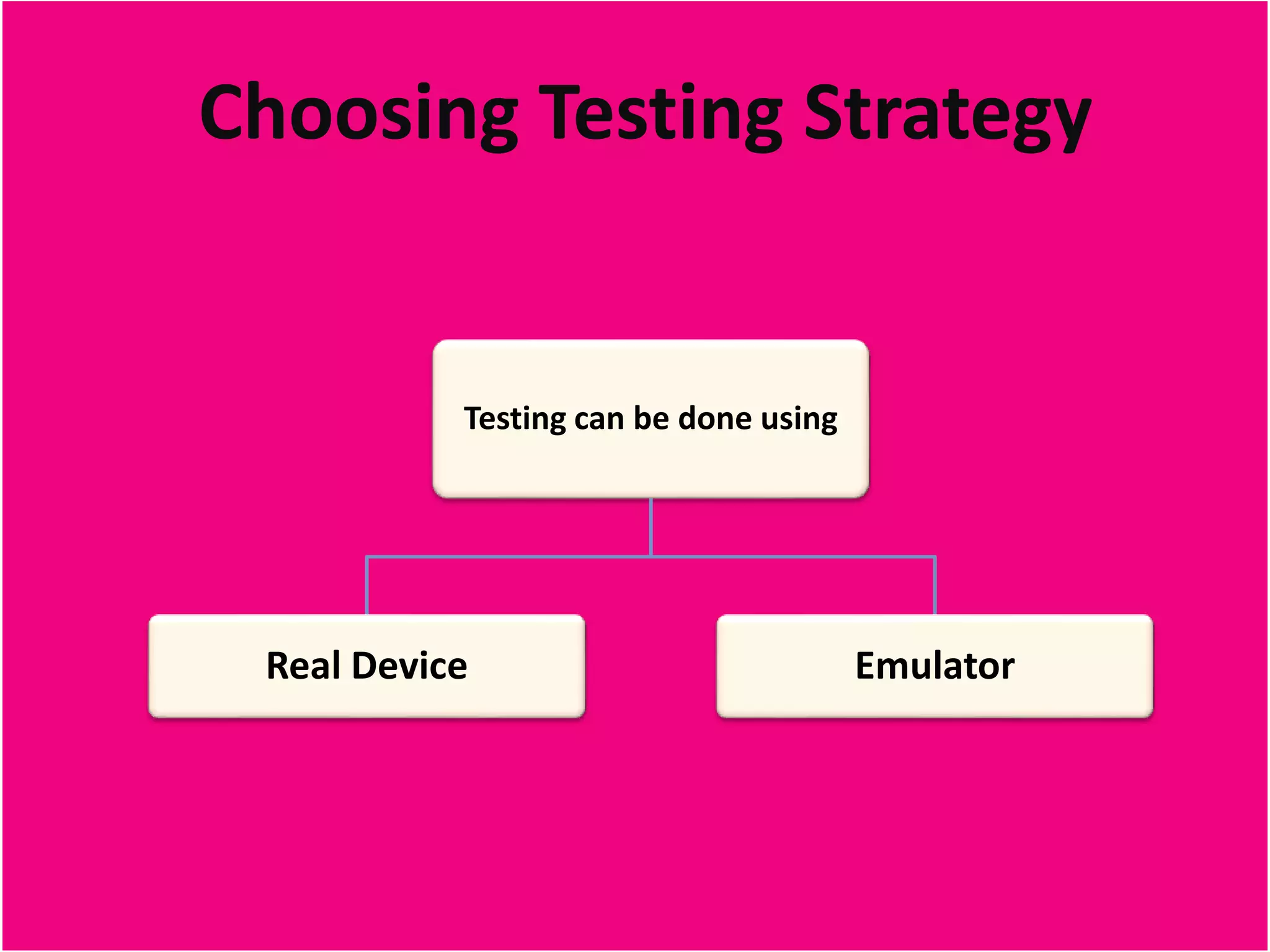
Choosing Testing Strategy
Testing can be done using
Real Device Emulator
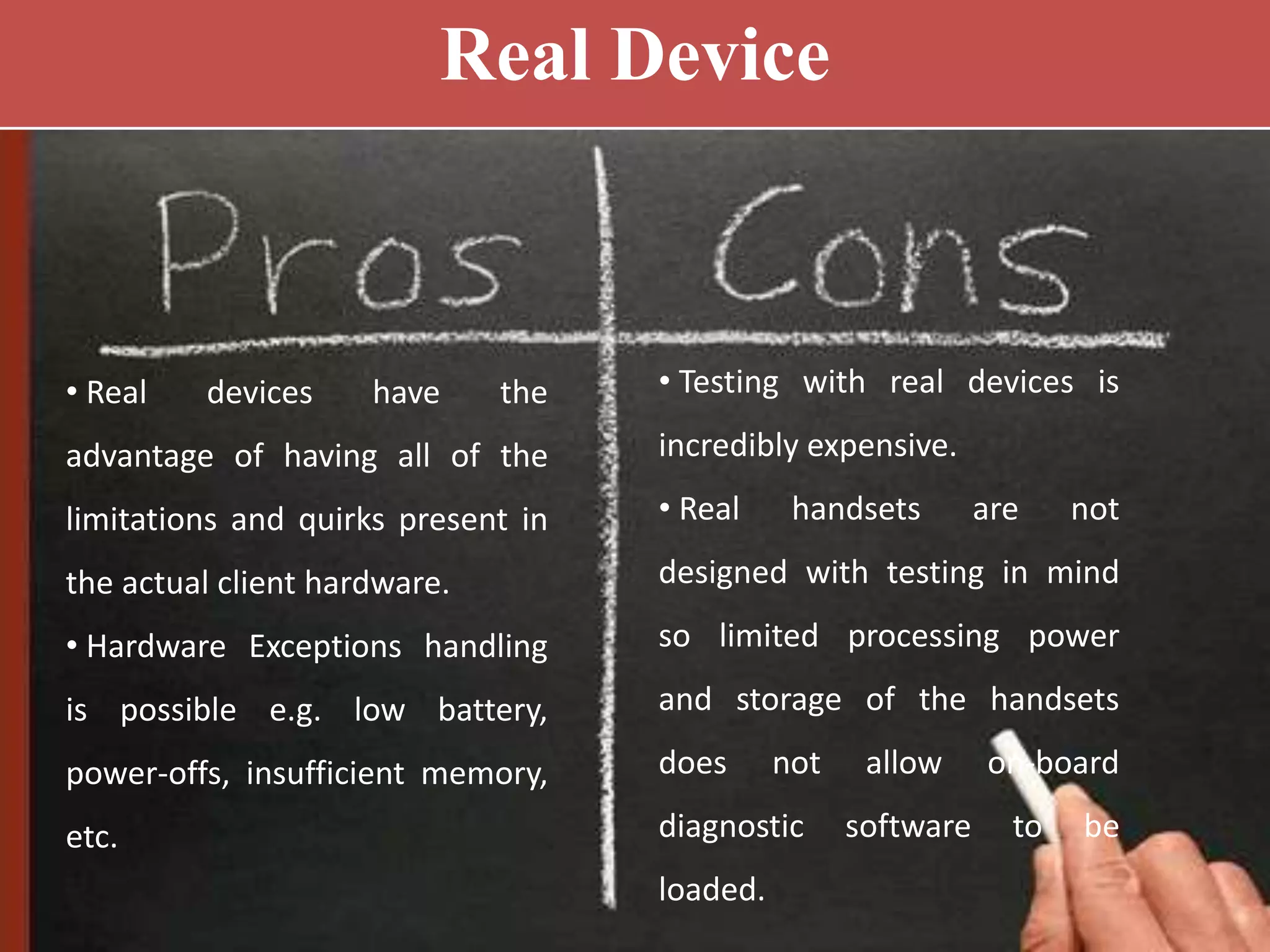
• Real devices have the
advantage of having all of the
limitations and quirks present in
the actual client hardware.
• Hardware Exceptions handling
is possible e.g. low battery,
power-offs, insufficient memory,
etc.
• Testing with real devices is
incredibly expensive.
• Real handsets are not
designed with testing in mind
so limited processing power
and storage of the handsets
does not allow on-board
diagnostic software to be
loaded.
Real Device
Emulator
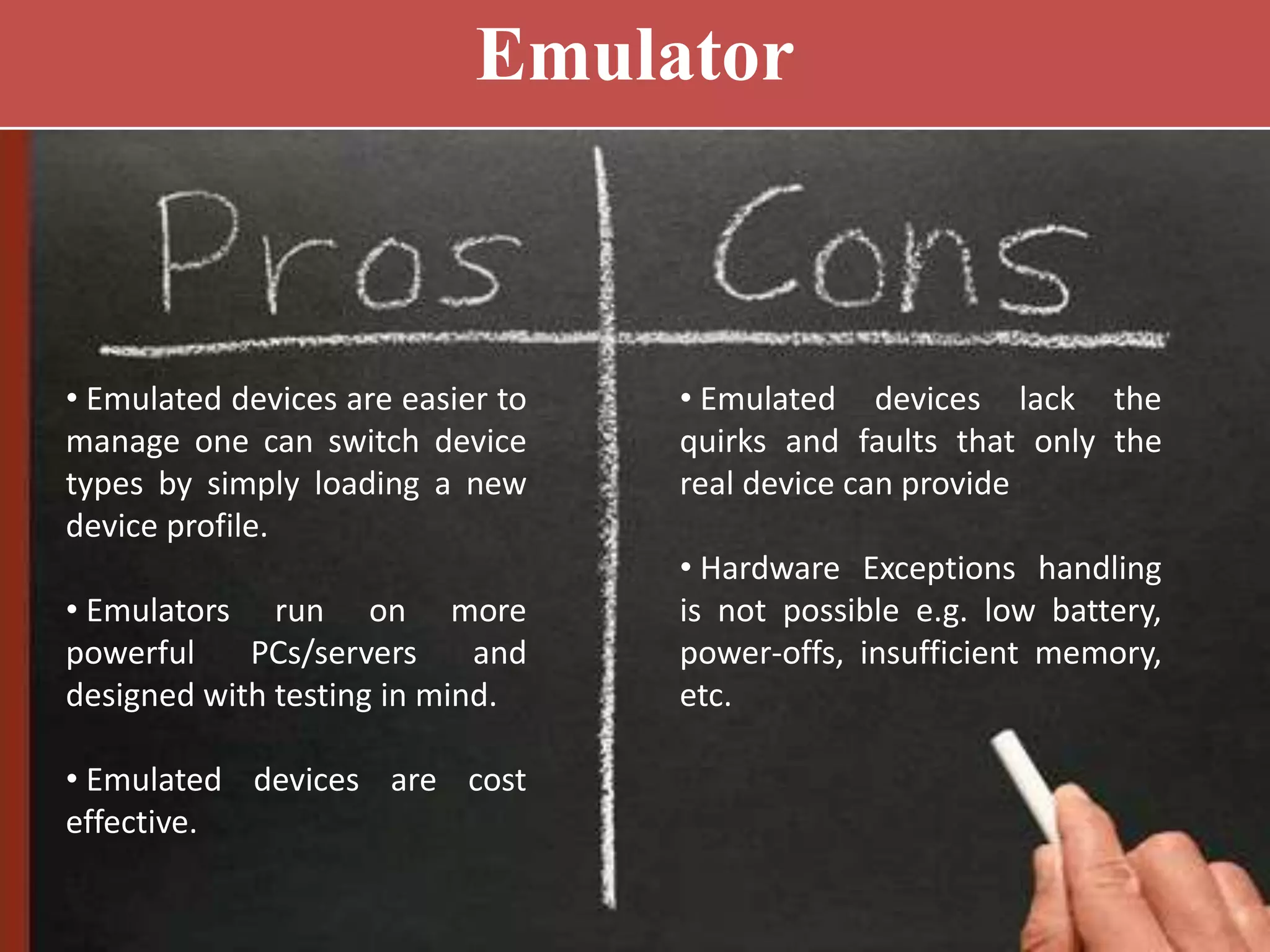
• Emulated devices are easier to
manage one can switch device
types by simply loading a new
device profile.
• Emulators run on more
powerful PCs/servers and
designed with testing in mind.
• Emulated devices are cost
effective.
• Emulated devices lack the
quirks and faults that only the
real device can provide
• Hardware Exceptions handling
is not possible e.g. low battery,
power-offs, insufficient memory,
etc.
Let’s summarize
Mobile application testing is:
• Easy to perform – it can be
described with a check-list,
there is no complex
functionality.
• Easy to plan – coverage is
defined by exploring current
usage stats.
• Inexpensive – we can use
emulators, online services and
use Friends&Family approach.
• Challenging – variety of models and OS
versions.
Mobile Pundits
www.mobilepundits.com

How to make your app successful with mobile app testing?

  • 1.
  • 2.
    How comfortable areyou on a bike without a helmet? Writing code without tests is like riding a bike without a helmet. You might feel free and indestructible for now, but one day you’ll fall and it’s going to hurt.
  • 3.
    Testing Ensures Optimum Performance EnsuresApplication performance on network Ensures Stability of application on desired mobile devices & networks Reduces time & Cost to market the application with highest quality Highest levels of quality and user experience Testing Assures
  • 4.
    Does it works Functions as Planned Meetsthe customers requirement • Primary goal of your testing efforts is not to find errors. • Goal in testing should be to understand the quality of your offerings. Testing Goals
  • 5.
    Common Features ofWeb and Mobile Testing • Browser compatibility checks • Evaluation for different screen resolutions • Similar instruments (emulators of browsers/ devices) It is not hard for a web tester to switch to mobile devices
  • 6.
    See how your developmentapp will perform in a real-world environment by installing and testing it directly on android, iPad, iPhone, and iPod touch.
  • 7.
    Test in Real-Time Plugin your mobile device (iPad, iPhone, android and iPod) touch to use Xcode’s graphical debugger, or collect real-time performance data in Instruments’ timeline view. These powerful optimization tools allow you to quickly identify and address any performance issues.
  • 8.
    With your apprunning on a mobile devices (iPad, iPhone, android and iPod) touch, you can test the performance of your app connected to a Wi-Fi or carrier’s network for a real-world user experience. Test Over the Air
  • 9.
    Critical Factors ofMobile Testing • Use of emulators and actual devices • Use of test automation
  • 10.
    Choosing Testing Strategy Testingcan be done using Real Device Emulator
  • 11.
    • Real deviceshave the advantage of having all of the limitations and quirks present in the actual client hardware. • Hardware Exceptions handling is possible e.g. low battery, power-offs, insufficient memory, etc. • Testing with real devices is incredibly expensive. • Real handsets are not designed with testing in mind so limited processing power and storage of the handsets does not allow on-board diagnostic software to be loaded. Real Device
  • 12.
    Emulator • Emulated devicesare easier to manage one can switch device types by simply loading a new device profile. • Emulators run on more powerful PCs/servers and designed with testing in mind. • Emulated devices are cost effective. • Emulated devices lack the quirks and faults that only the real device can provide • Hardware Exceptions handling is not possible e.g. low battery, power-offs, insufficient memory, etc.
  • 13.
    Let’s summarize Mobile applicationtesting is: • Easy to perform – it can be described with a check-list, there is no complex functionality. • Easy to plan – coverage is defined by exploring current usage stats. • Inexpensive – we can use emulators, online services and use Friends&Family approach. • Challenging – variety of models and OS versions.
  • 14.