Mobile App Analytics. Why, How, What's new - Mar 2019
Dmitry Klymenko, head of enterprise analytics, discusses the importance and nuances of mobile app analytics compared to web analytics, emphasizing user engagement, personalization, and the challenges of data collection. The document covers various analytics platforms available for mobile, their functionalities, and the latest developments in data privacy and compliance with regulations like GDPR. Klymenko advocates for using analytics to inform UX improvements and drive marketing strategies while acknowledging the complexities and responsibilities involved in data handling.
Hello
I am DmitryKlymenko
Head of Enterprise Analytics / Digital and Productisation Team Leader
You can find me at @dmitry.klymenko.1
https://www.internetrix.com.au/blog/profile/dmitry-klymenko
Brief History
5,000 BC- Trypillian culture
2,500 BC - Egyptian pyramids build
~0 AD - A famous boy was born in Bethlehem
1985 AD - Dmitry Klymenko went to school
1999 AD - Dmitry Klymenko full-time employed
5.
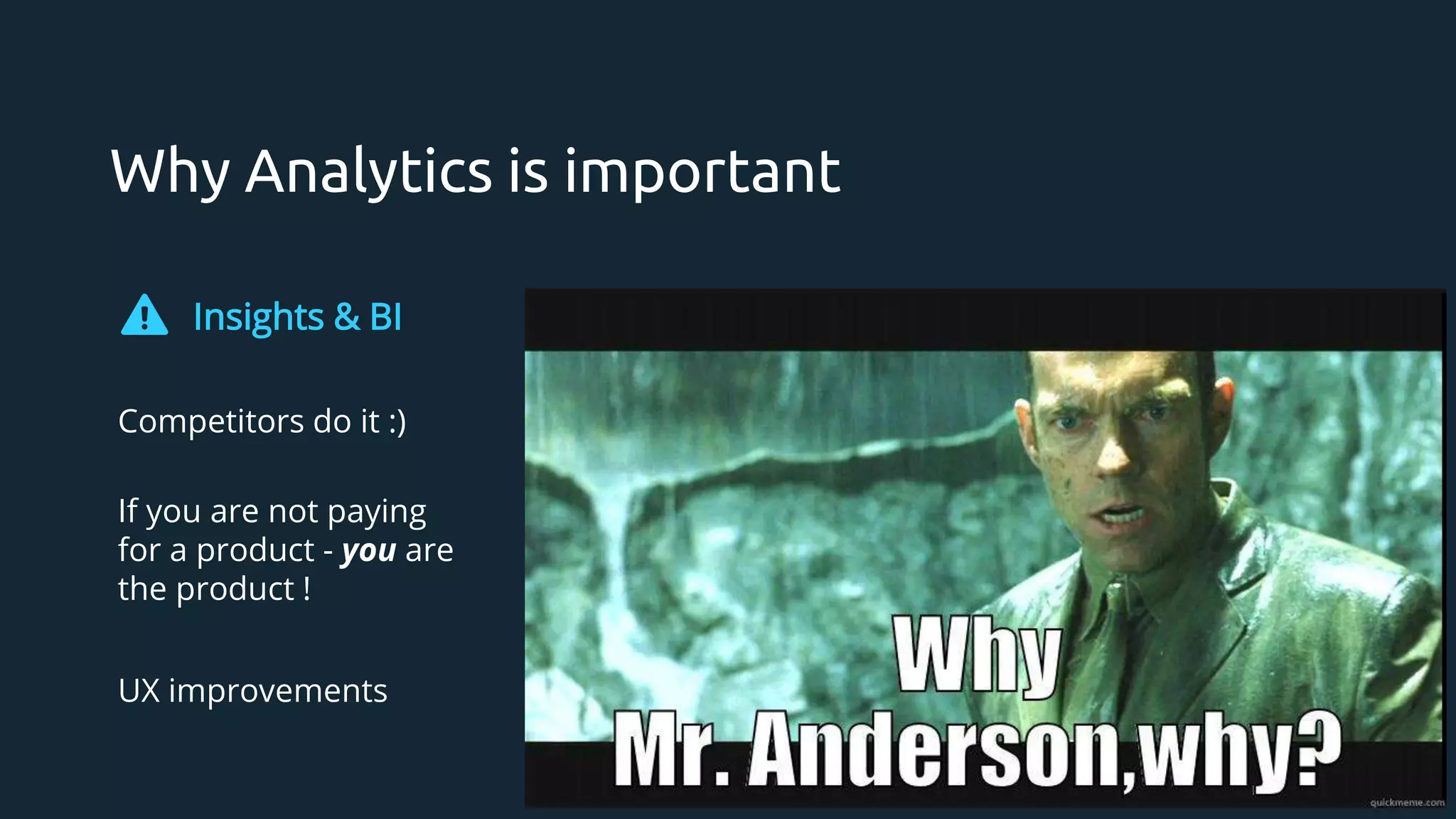
- Why Analytics?Personalisation - is that a thing?
- How mobile app analytics is different?
- App Analytics Platforms
- PII or “are we spying on customers?”
- GMP / GA / Firebase - a massive shift in the Google universe
Next 30 mins
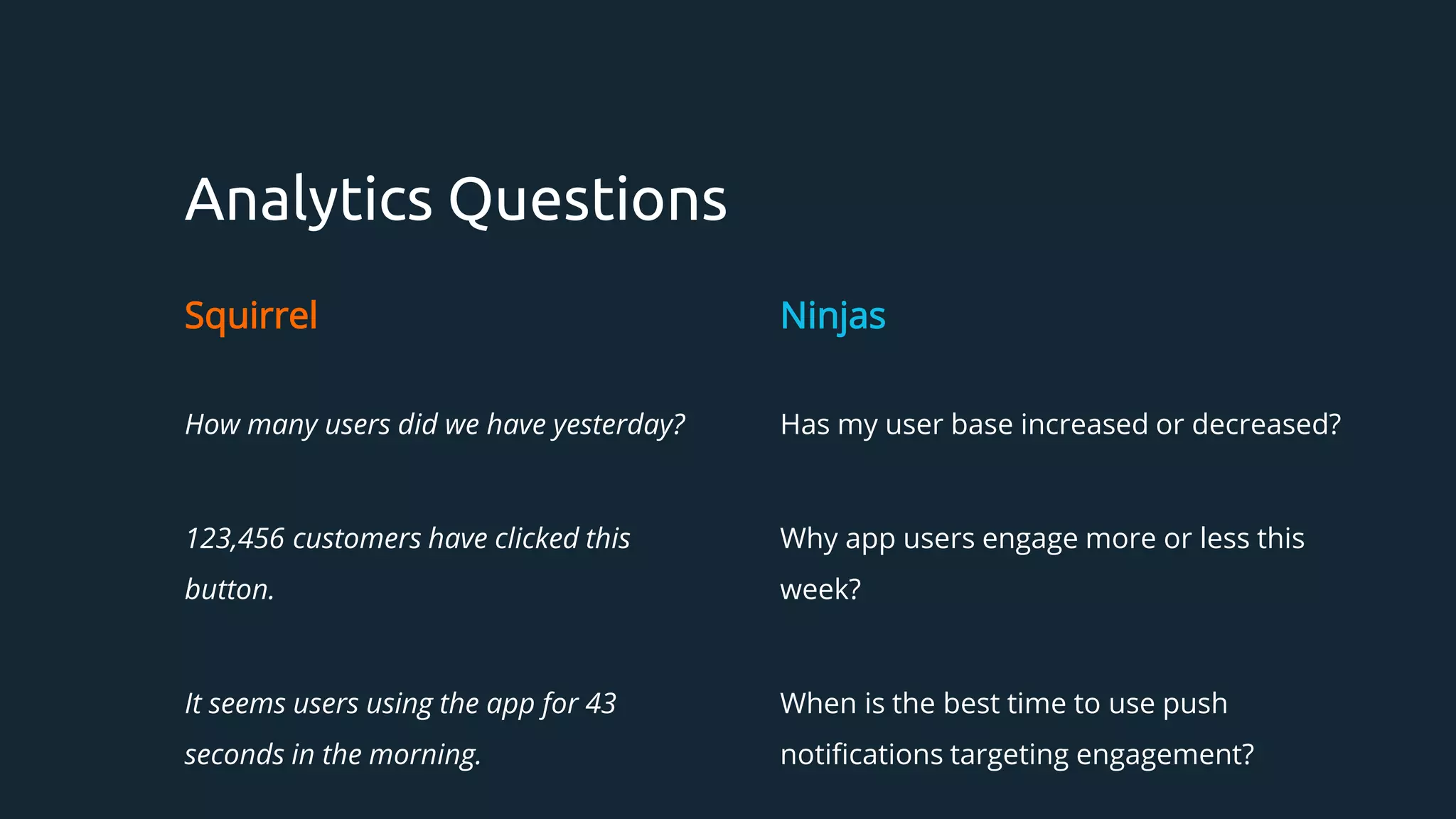
Analytics Questions
Squirrel
How manyusers did we have yesterday?
123,456 customers have clicked this
button.
It seems users using the app for 43
seconds in the morning.
Ninjas
Has my user base increased or decreased?
Why app users engage more or less this
week?
When is the best time to use push
notifications targeting engagement?
12.
“I will developmy own analytics”
“I can create a website like Facebook”
“I will re-write this library from scratch”
13.
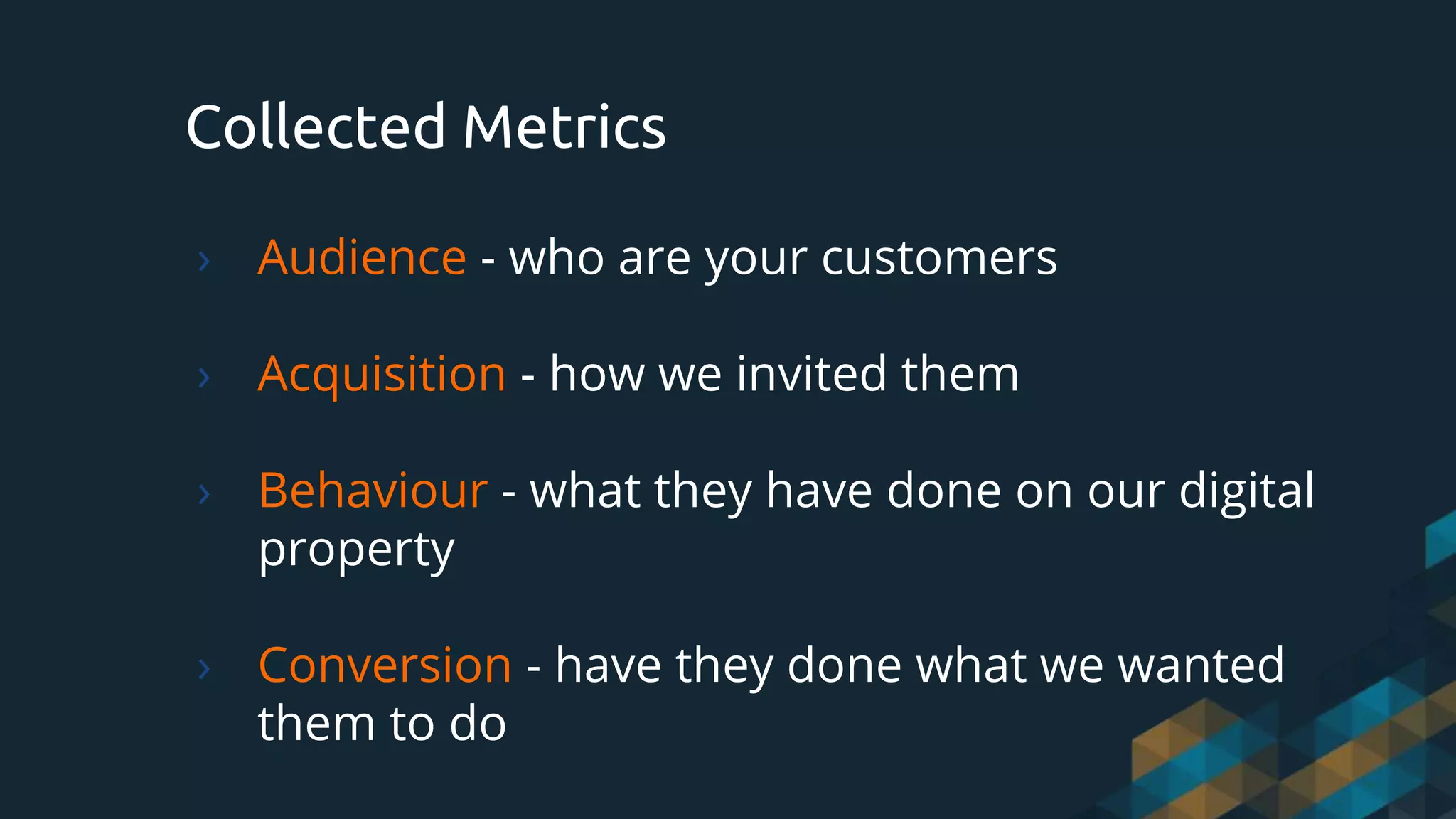
Collected Metrics
› Audience- who are your customers
› Acquisition - how we invited them
› Behaviour - what they have done on our digital
property
› Conversion - have they done what we wanted
them to do
14.
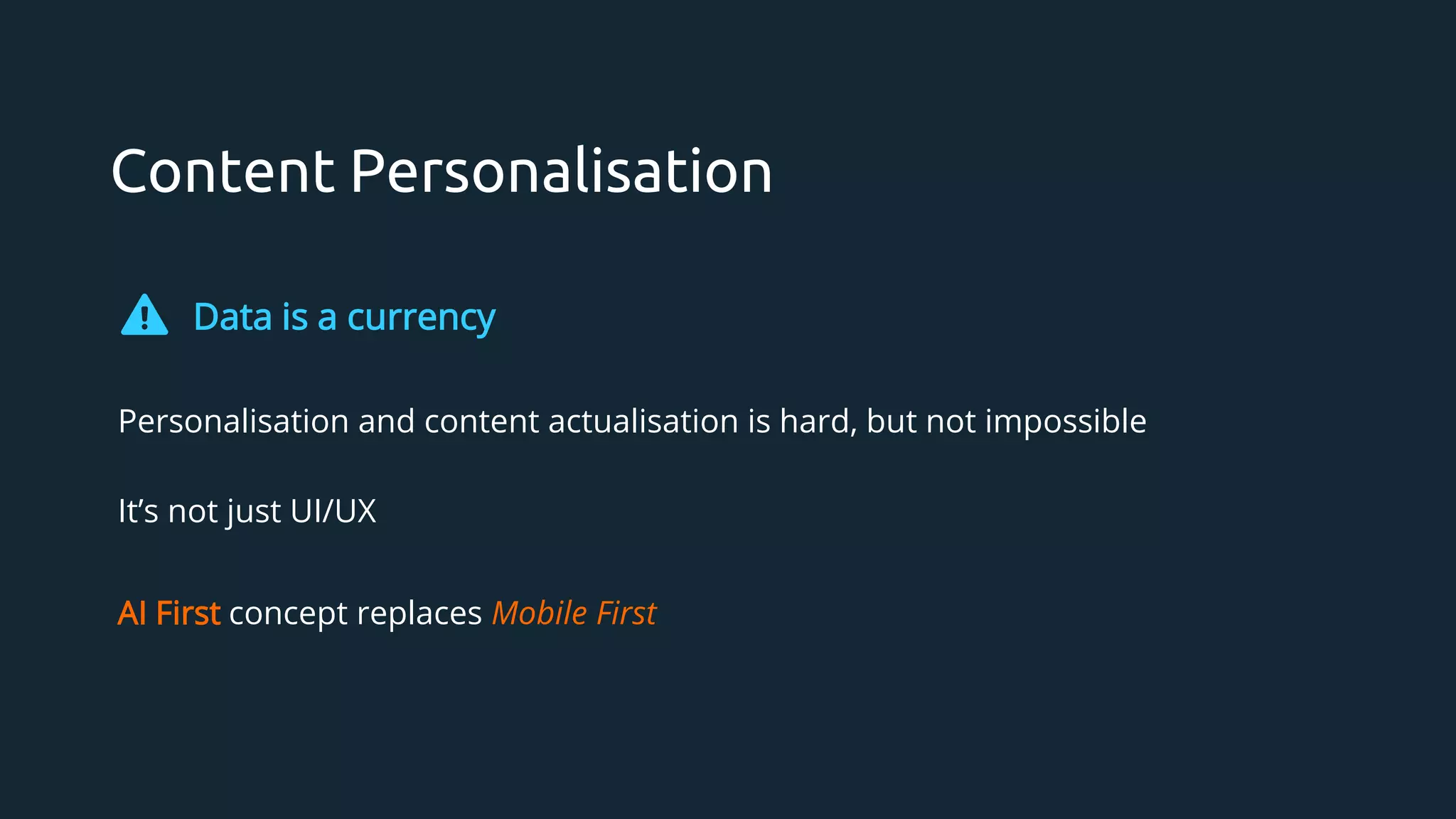
Content Personalisation
Data isa currency
Personalisation and content actualisation is hard, but not impossible
It’s not just UI/UX
AI First concept replaces Mobile First
User Accounts: soit can personalise for you!
› Different titles listed first at different times of the day.
› Different cover images for the same title.
› Email recommendations: “New on Netflix”.
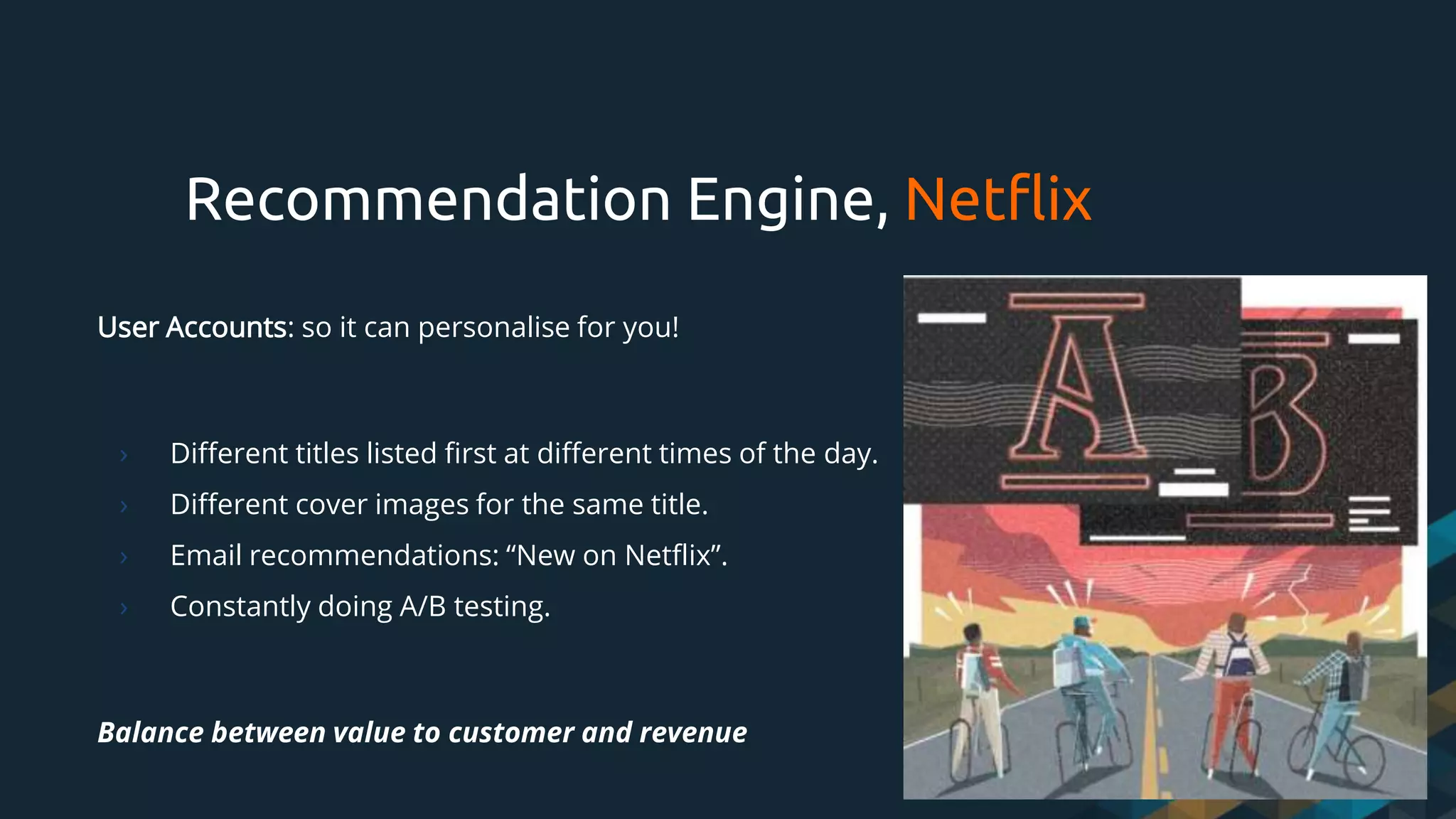
› Constantly doing A/B testing.
Balance between value to customer and revenue
Recommendation Engine, Netflix
17.
Web Analytics Platforms
›Google Analytics / Google Marketing Platform
› Adobe Experience Cloud
› IBM Coremetrics
› WebTrends, SnowPlow
› Log Analysers: AWStat
› Screen Recorders: ClickTale
18.
How Mobile AppAnalytics is Different
when compared to web analytics
19.
Website is first,Apps supplement data
› Mobile has two classes of analytics: for BI and for Devs
› Web has 99% of data completeness while mobile offline data might get lost
› Injecting “pixel” is much simpler on web
› The need to publish version with new tagging solution (weeks/months)
› A/B tests on mobile are much less mature web AB tests tools
› Marketing and Business Intelligence have the same expectation of data quality and
flexibility on mobile as they previously did on web
Mobile Analytics and Web
20.
For Developers
- Firebase(Fabric)
- Crashlytics
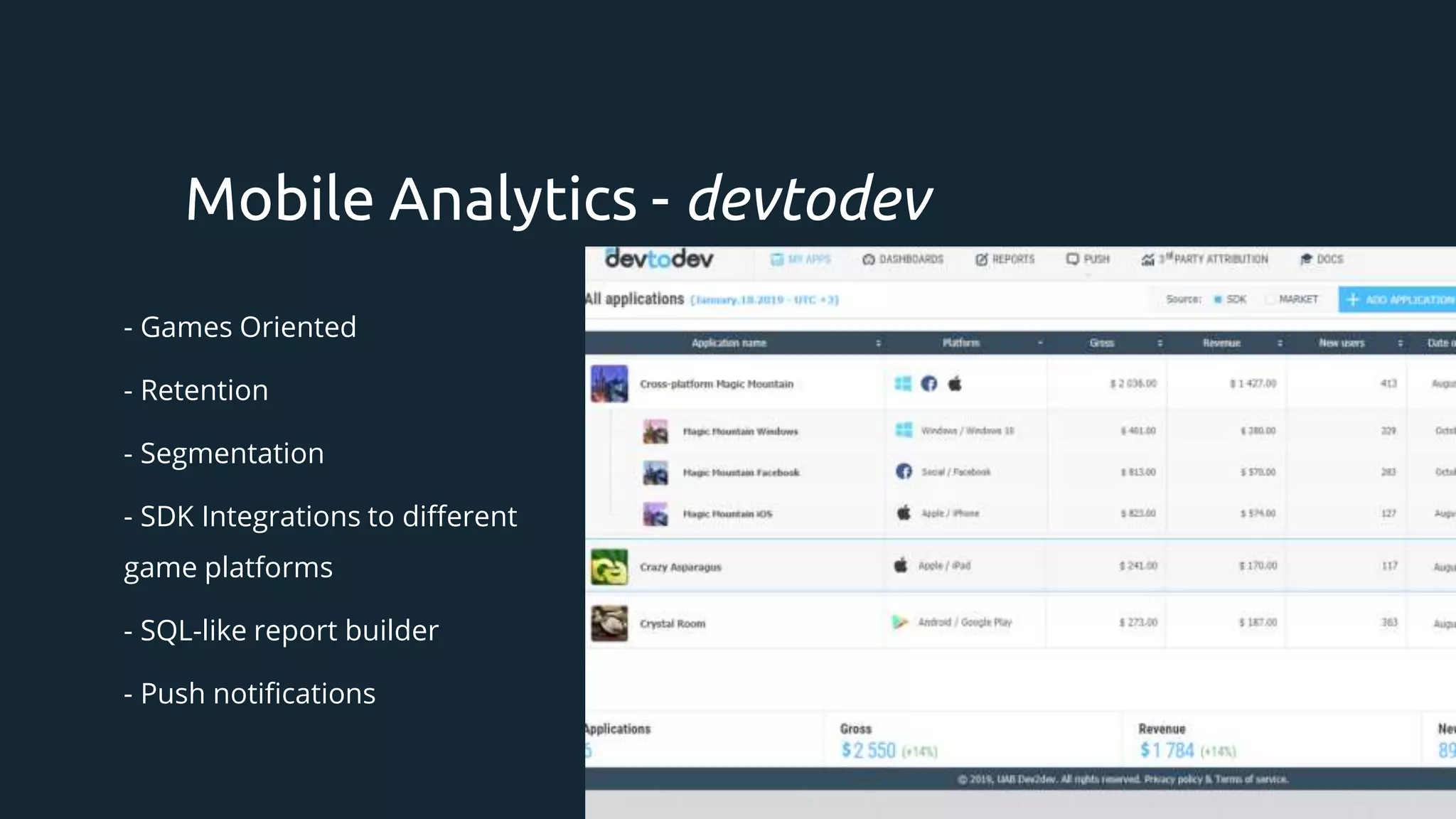
- devtodev
- Performance-based, debug tools
- App Stores
Mobile Analytics For Devs
21.
For Business Intelligence
-App Stores (iOS App Analytics)
- Google Analytics/Firebase
- Adobe Experience Cloud
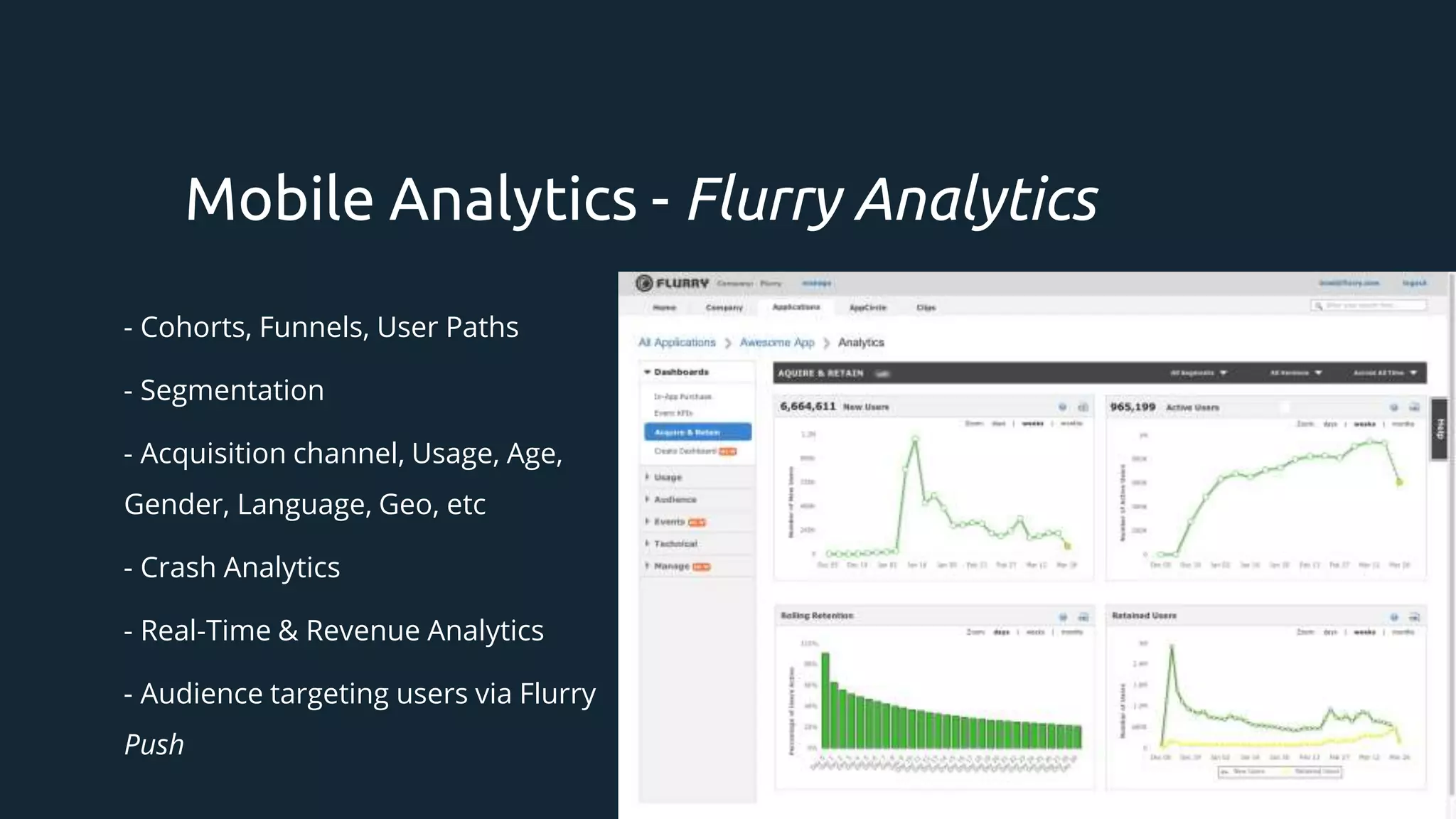
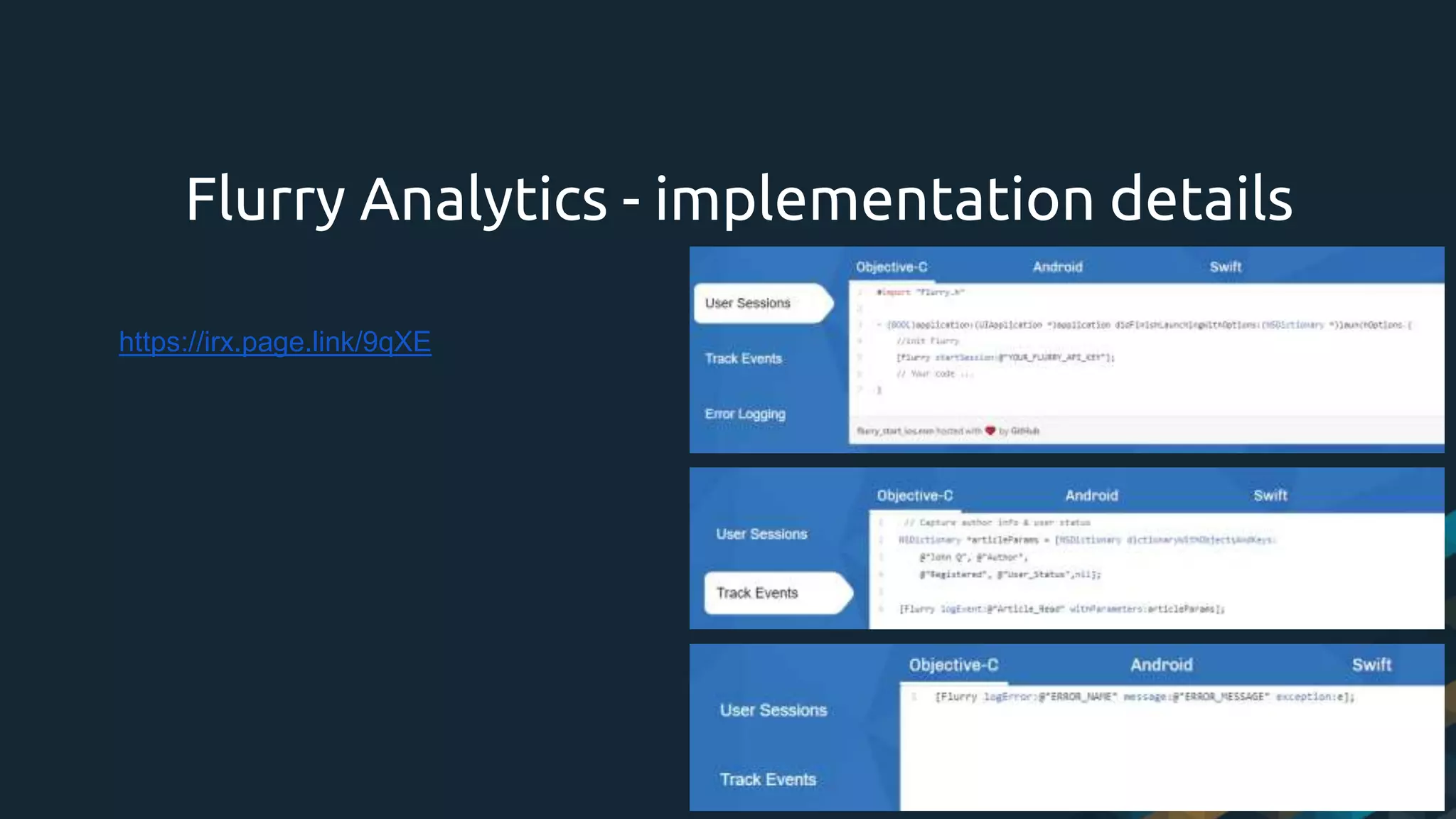
- Flurry Analytics
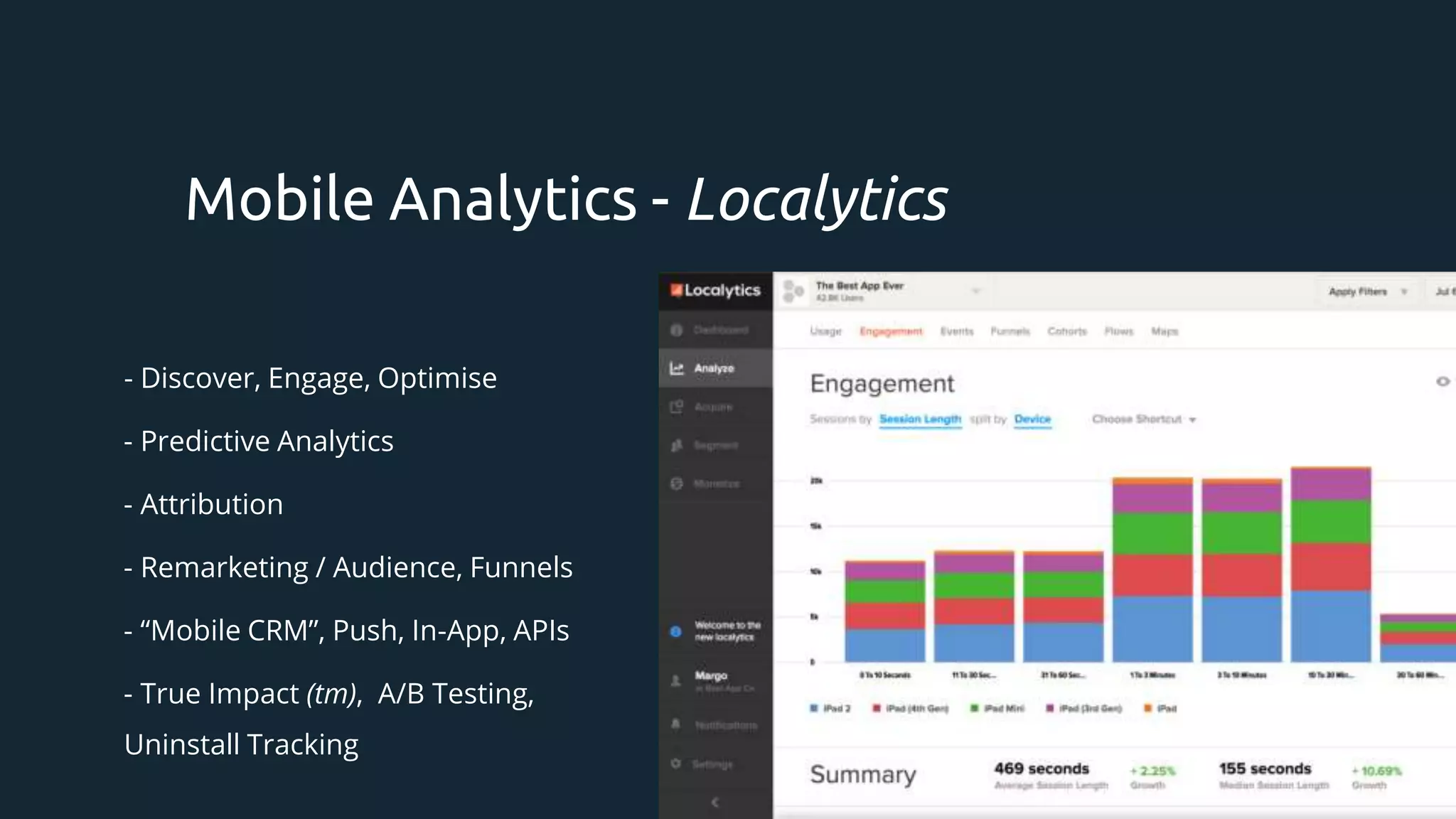
- Localytics
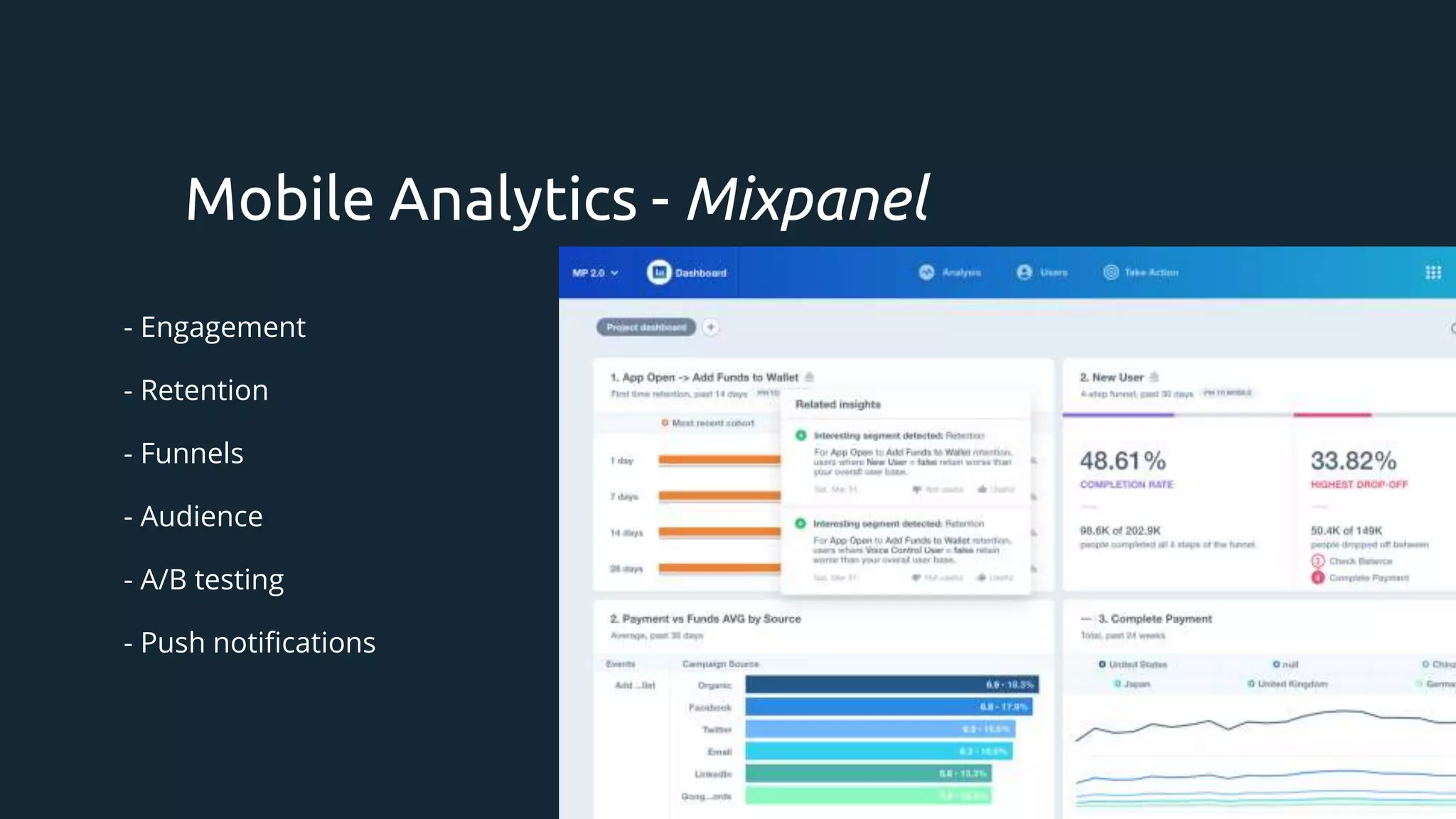
- Mixpanel
Mobile Analytics - For BI
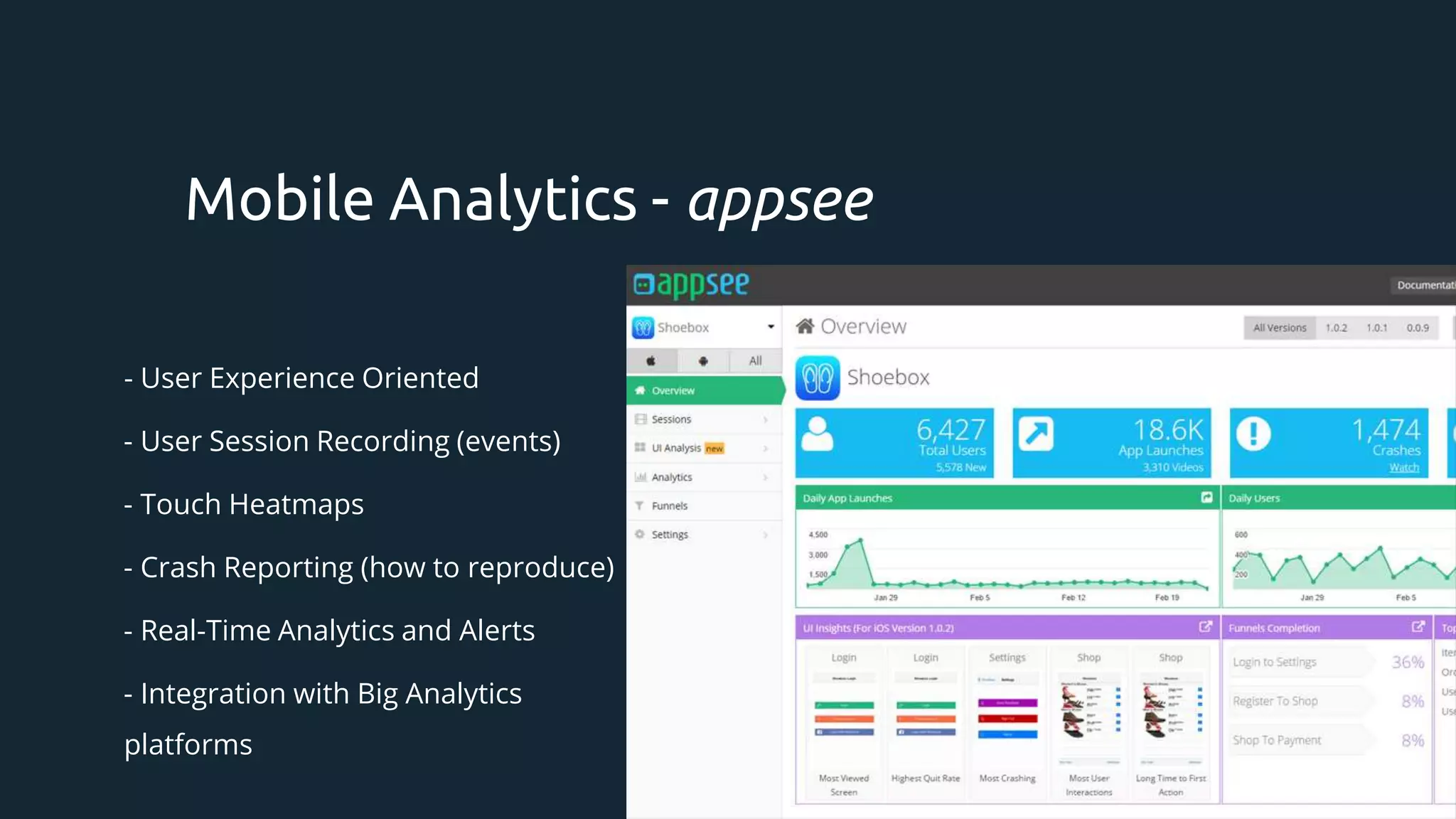
- Appsee
- Countly
- App Annie
- AppFigures
- Bango
- UXCam
- Heap Analytics
- ClickTale
- SnowPlow
22.
- Filters byPlatform, Date, Audience, User Properties (custom filter). Funnels*.
- Active Users, Conversions, Engagement, Revenue.
- Adoption and Acquisition.
- Retention and Audience - Location, Devices, Demographics
- Goals
- Events
- Automatically collected: first time, in-app purchase, ads.
- Custom: what’s important for your business.
Mobile Analytics - Common
- Games Oriented
-Retention
- Segmentation
- SDK Integrations to different
game platforms
- SQL-like report builder
- Push notifications
Mobile Analytics - devtodev
28.
- User ExperienceOriented
- User Session Recording (events)
- Touch Heatmaps
- Crash Reporting (how to reproduce)
- Real-Time Analytics and Alerts
- Integration with Big Analytics
platforms
Mobile Analytics - appsee
29.
- User ExperienceOriented
- User Session Recording (events)
- Touch Heatmaps
- User Analysis
- Screen UX Analysis
Mobile Analytics - uxcam
30.
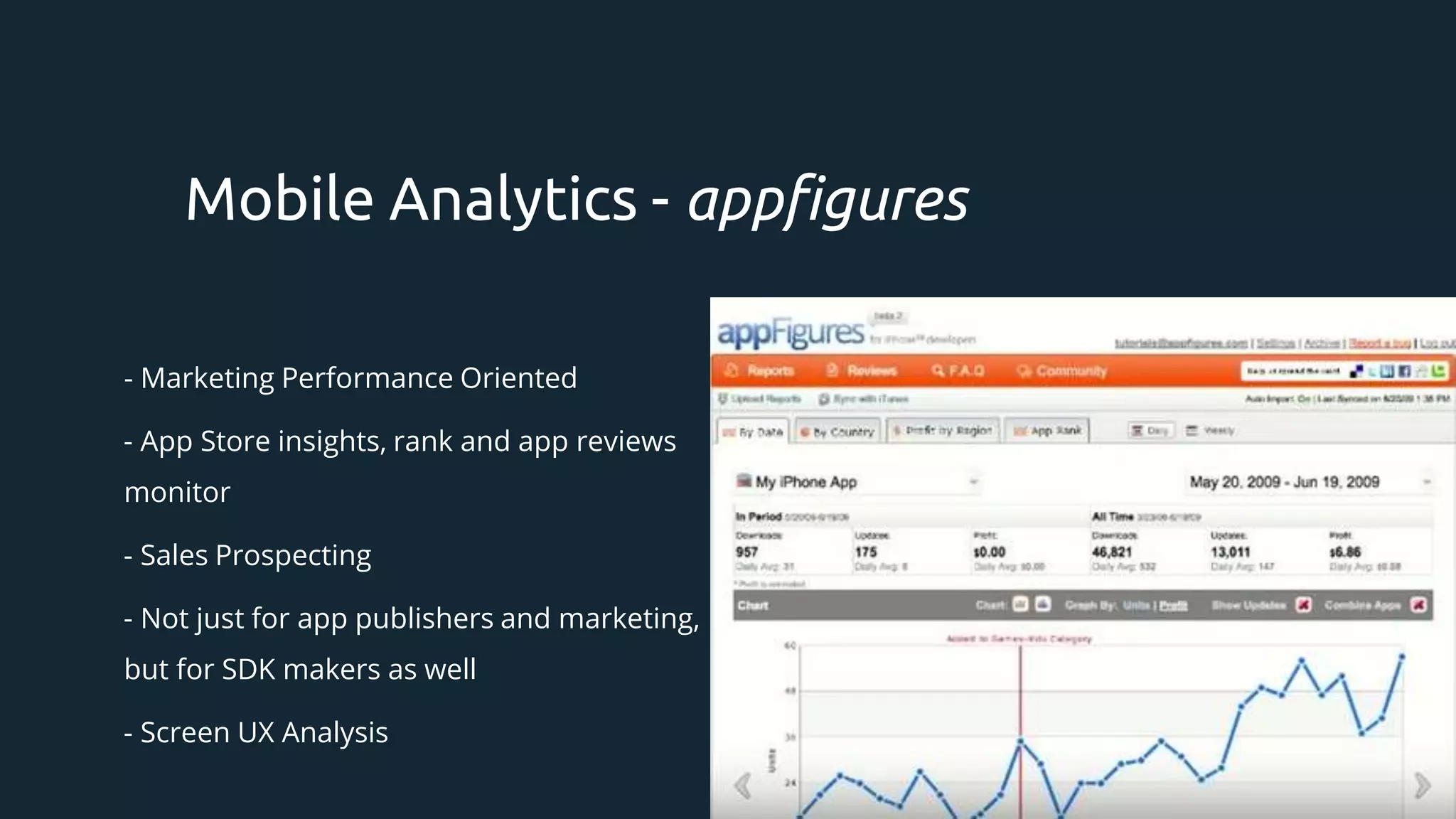
- Marketing PerformanceOriented
- App Store insights, rank and app reviews
monitor
- Sales Prospecting
- Not just for app publishers and marketing,
but for SDK makers as well
- Screen UX Analysis
Mobile Analytics - appfigures
31.
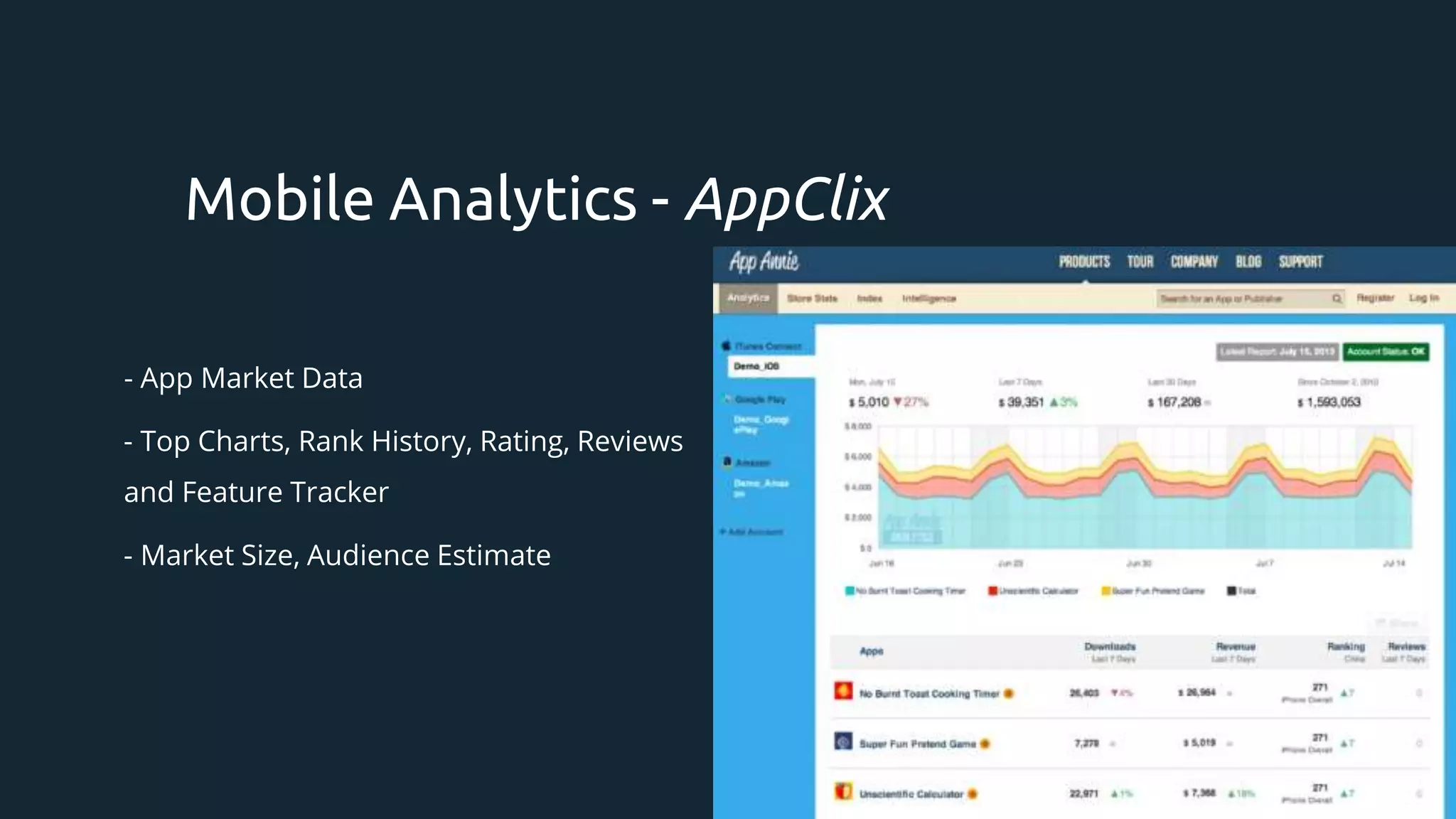
- App MarketData
- Top Charts, Rank History, Rating, Reviews
and Feature Tracker
- Market Size, Audience Estimate
Mobile Analytics - AppClix
32.
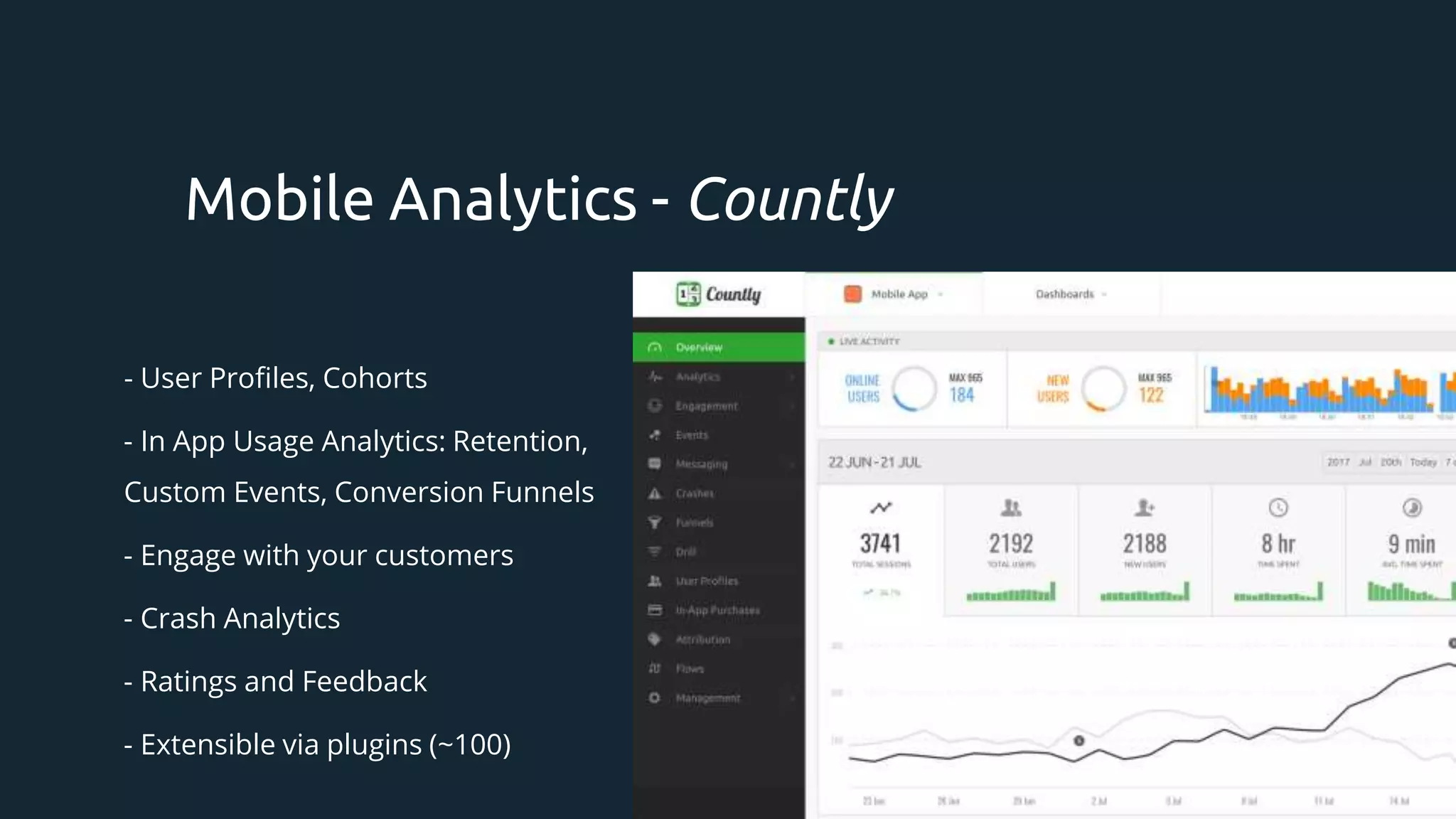
- User Profiles,Cohorts
- In App Usage Analytics: Retention,
Custom Events, Conversion Funnels
- Engage with your customers
- Crash Analytics
- Ratings and Feedback
- Extensible via plugins (~100)
Mobile Analytics - Countly
33.
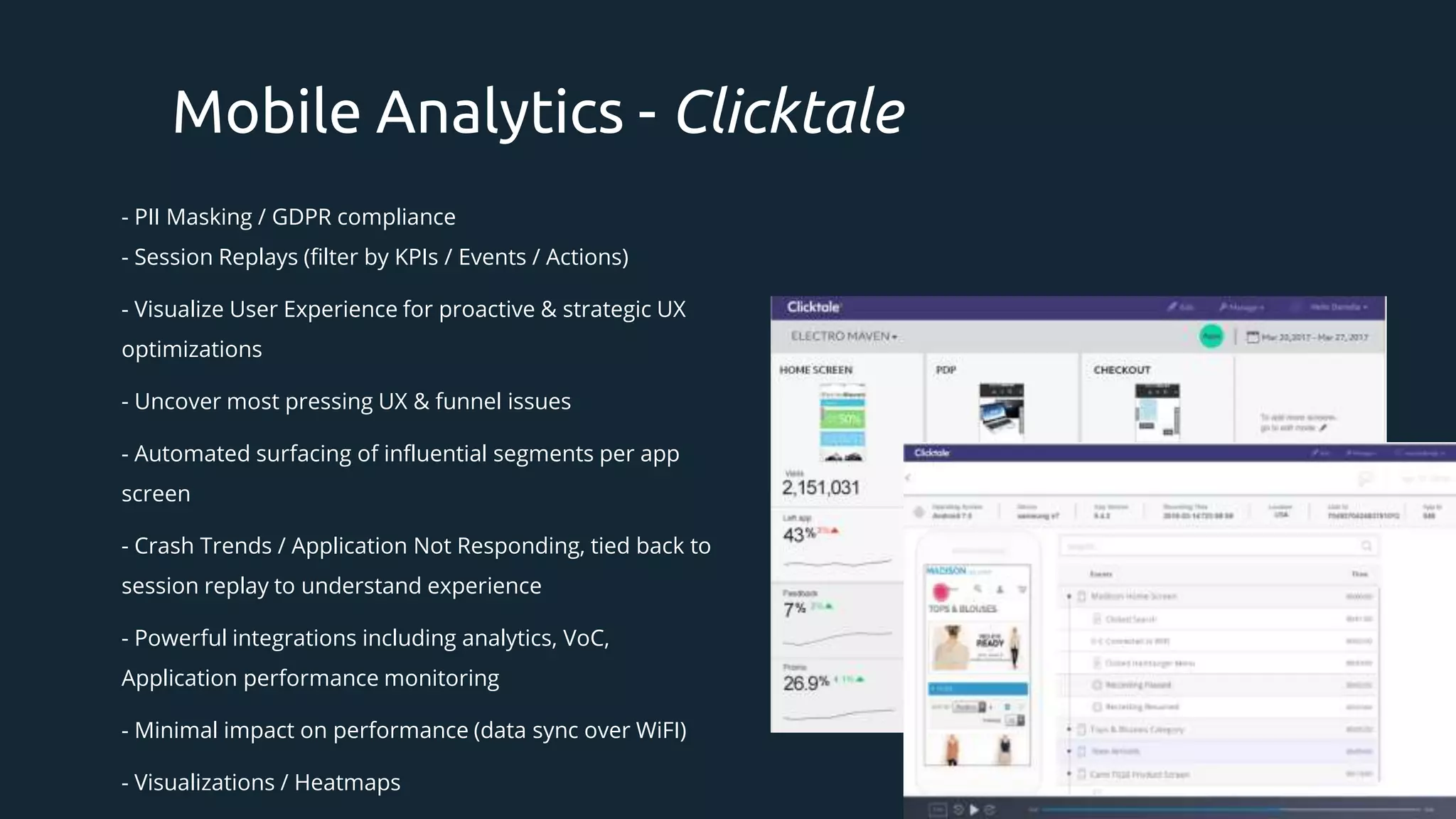
- PII Masking/ GDPR compliance
- Session Replays (filter by KPIs / Events / Actions)
- Visualize User Experience for proactive & strategic UX
optimizations
- Uncover most pressing UX & funnel issues
- Automated surfacing of influential segments per app
screen
- Crash Trends / Application Not Responding, tied back to
session replay to understand experience
- Powerful integrations including analytics, VoC,
Application performance monitoring
- Minimal impact on performance (data sync over WiFI)
- Visualizations / Heatmaps
Mobile Analytics - Clicktale
34.
Firebase [Analytics]
- AppAnalytics
- Database messages
- Crash Reporting
- Performance Monitoring
- In App Messaging
- AB Testing
- Predictive modelling
- Cloud messaging
- Remote configuration
- App Indexing
- Dynamic Links
Mobile Analytics Comparison
Clicktale
- App Analytics & Heatmaps
- Visualize User Experience for proactive &
strategic UX optimizations via session replays
- Crash Reporting & session replay to
understand experience
- Performance Monitoring & Automated
surfacing of influential segments per app
screen
- Powerful integrations including analytics, VoC,
Application performance monitoring
- Event tracking
WHAT HAPPENED vs WHY DID IT HAPPEN
35.
Analytics Types
Based onevents
Based on Fact or
Event.
App generates events
and sends it with
metadata to backend.
Recording
Event-based
recording of taps,
mouse movements,
screenshots.
Access logs
App pings it’s
backend creating a
“digital footprint”
which is being
analysed later by
analytics software.
36.
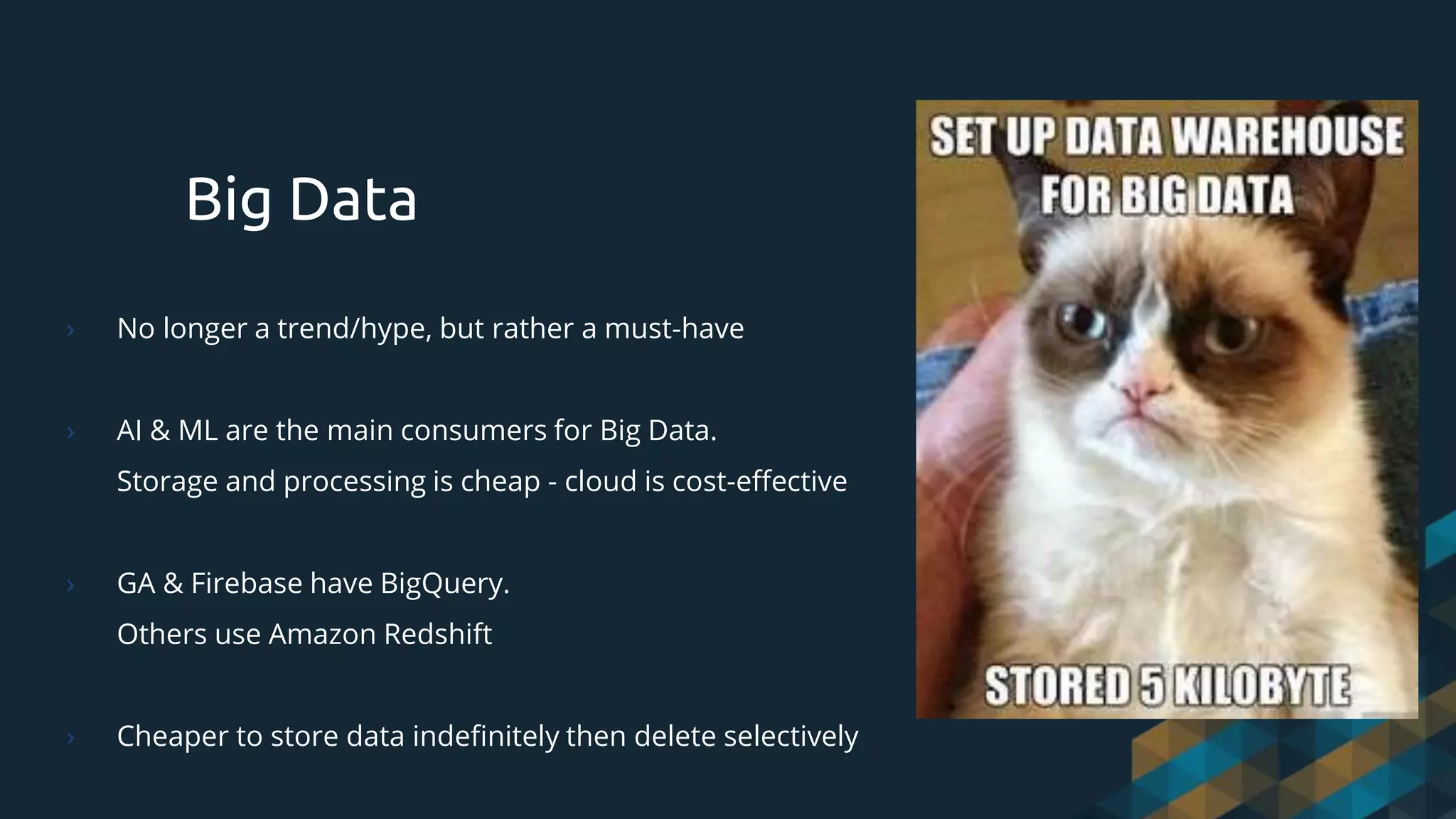
Big Data
› Nolonger a trend/hype, but rather a must-have
› AI & ML are the main consumers for Big Data.
Storage and processing is cheap - cloud is cost-effective
› GA & Firebase have BigQuery.
Others use Amazon Redshift
› Cheaper to store data indefinitely then delete selectively
37.
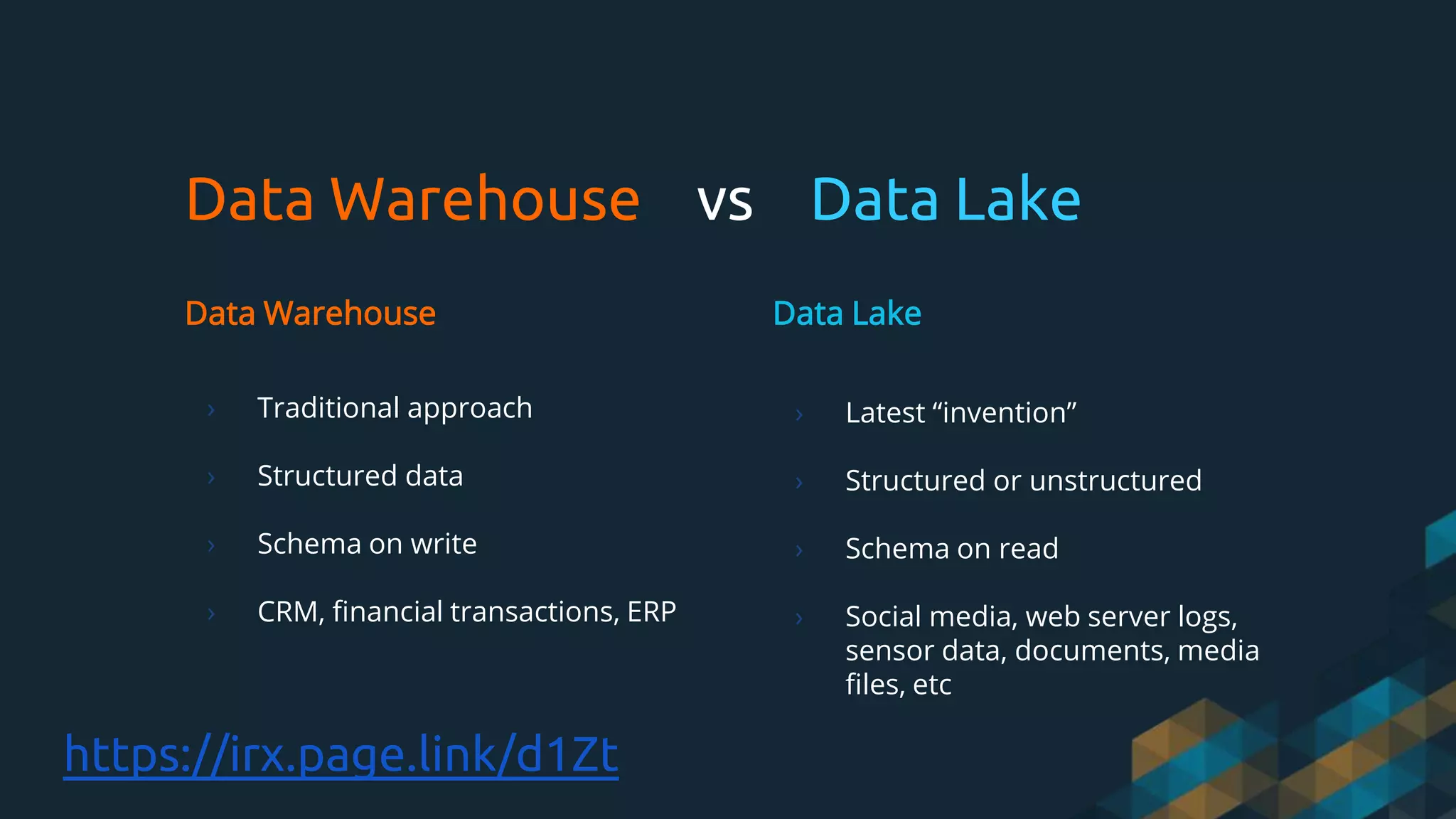
Data Warehouse vsData Lake
Data Warehouse
› Traditional approach
› Structured data
› Schema on write
› CRM, financial transactions, ERP
Data Lake
› Latest “invention”
› Structured or unstructured
› Schema on read
› Social media, web server logs,
sensor data, documents, media
files, etc
https://irx.page.link/d1Zt
› View (screen/page)
›Session
› User
› Unique (over period)
› Active
› Time on Page/Screen
› Campaigns, UTMs
› Real-Time
› Organic
Very Short Analytics Glossary
› Landing
› Segment
› Experiment (A/B, Multi-variant)
› Funnel, Goal, Conversion
› CPC, CPM
› Bounce
› Audience
› Tracking, pixel, snippet,
conversion
› *Framework - favourite one
40.
Testing is notQA for Analytics People!
› Challenge is to define a Control Group and an Experiment Group correctly. Remembering we are
talking about Customers!
› Particular user should not be exposed to multiple variants.
› It’s not just more or less. A/B tool must prove that results are statistically significant.
› We are poor at assessing the value of our ideas.
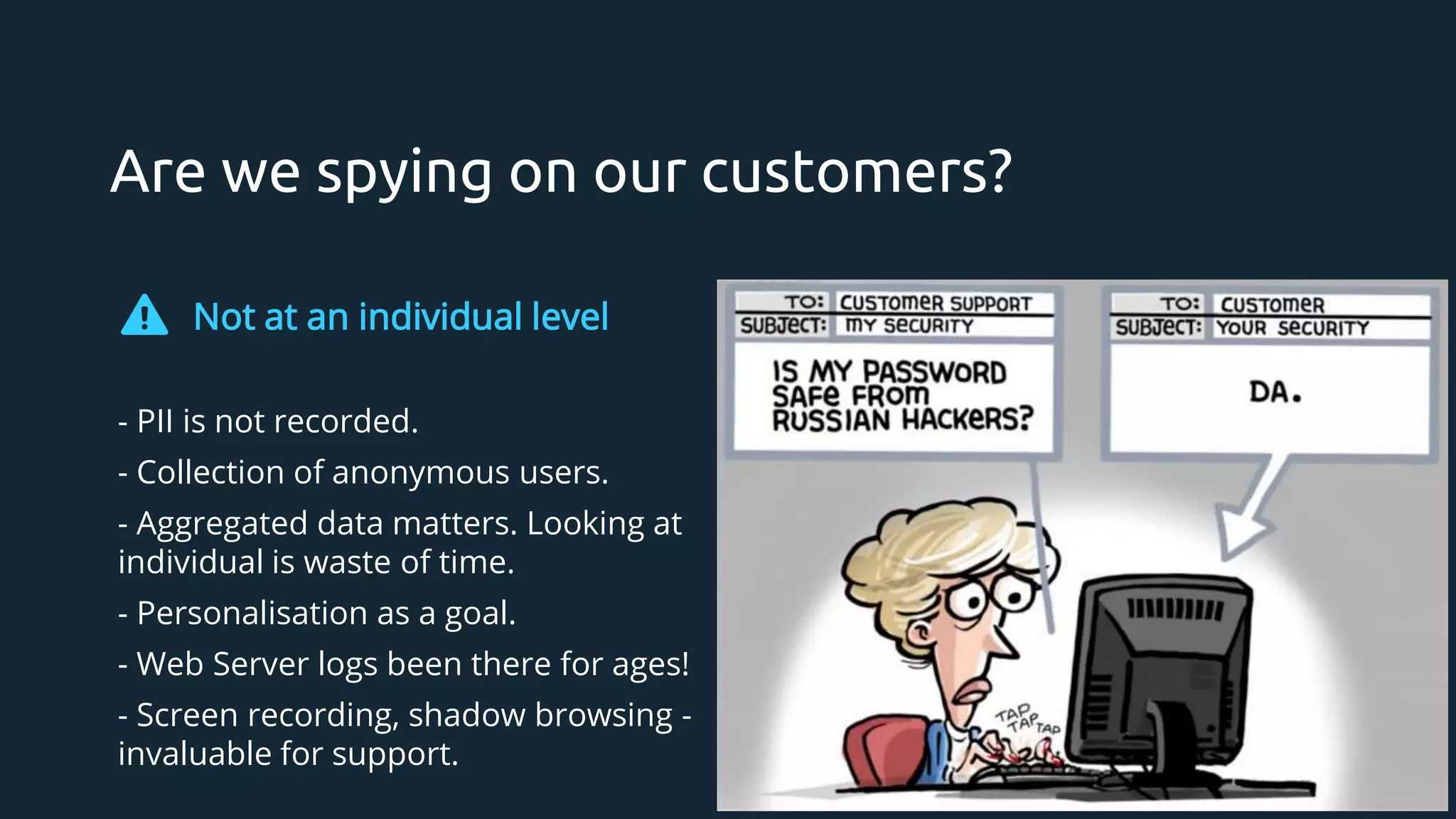
Are we spyingon our customers?
Not at an individual level
- PII is not recorded.
- Collection of anonymous users.
- Aggregated data matters. Looking at
individual is waste of time.
- Personalisation as a goal.
- Web Server logs been there for ages!
- Screen recording, shadow browsing -
invaluable for support.
43.
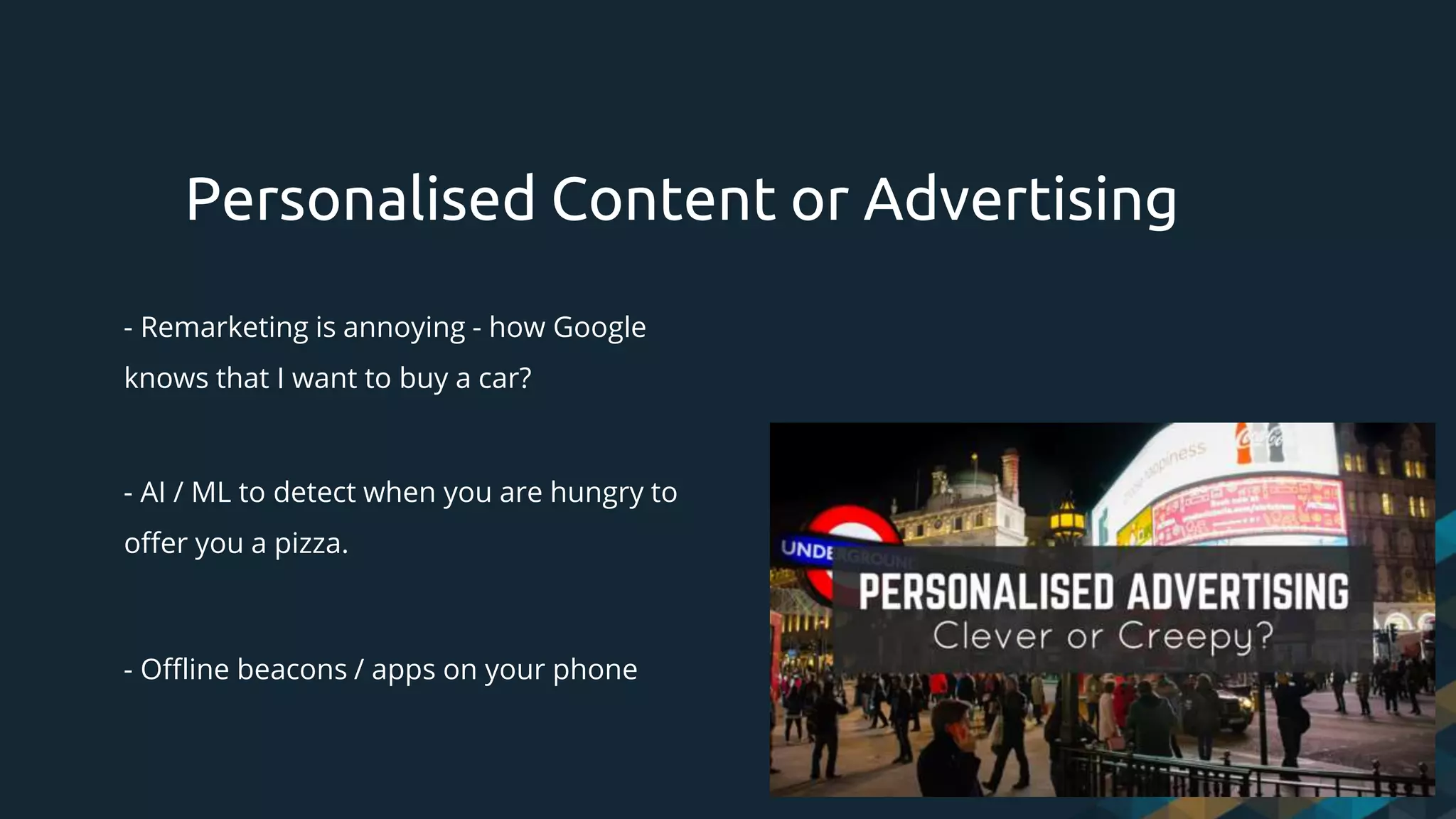
- Remarketing isannoying - how Google
knows that I want to buy a car?
- AI / ML to detect when you are hungry to
offer you a pizza.
- Offline beacons / apps on your phone
Personalised Content or Advertising
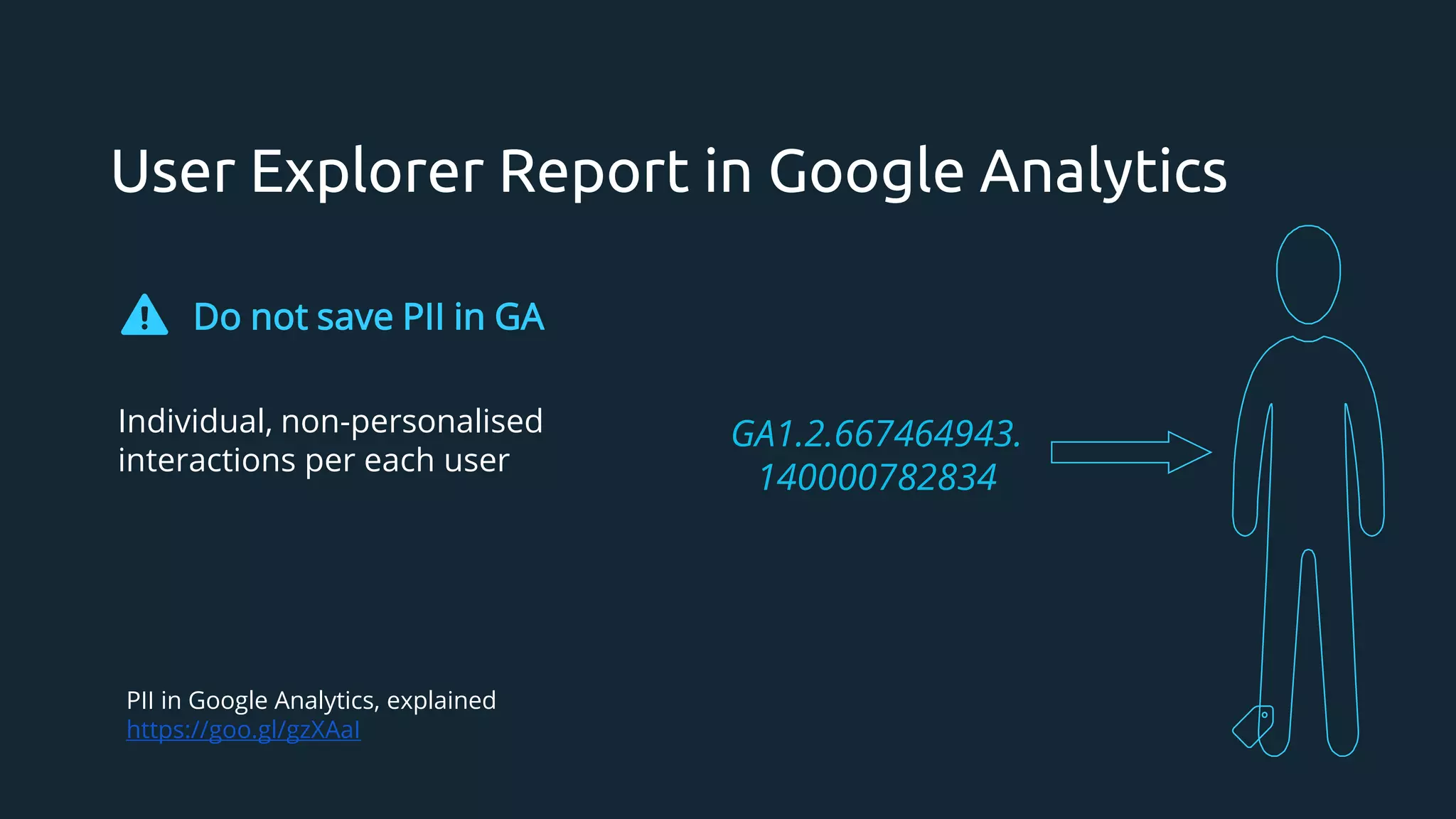
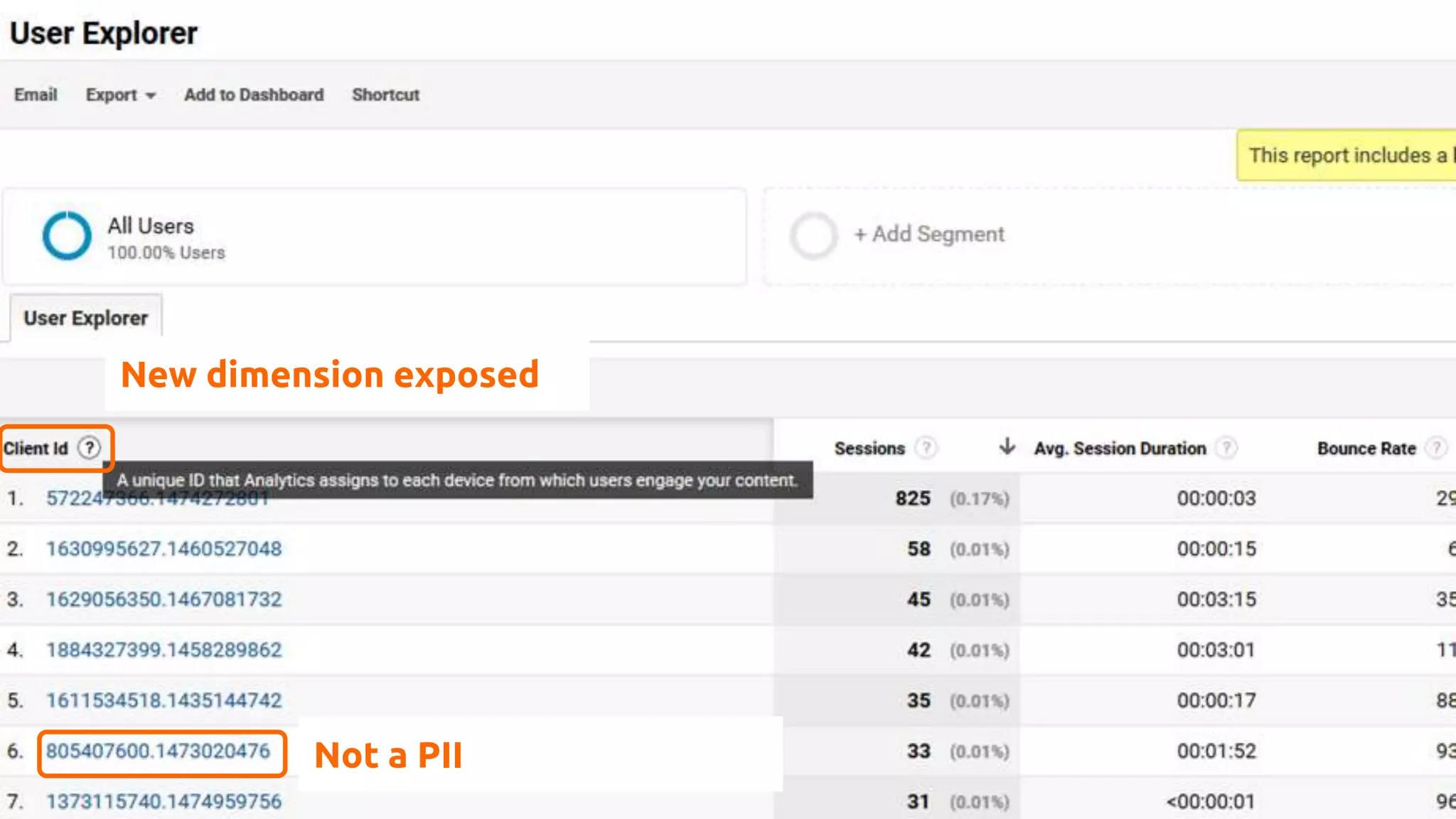
User Explorer Reportin Google Analytics
Do not save PII in GA
Individual, non-personalised
interactions per each user
GA1.2.667464943.
140000782834
PII in Google Analytics, explained
https://goo.gl/gzXAaI
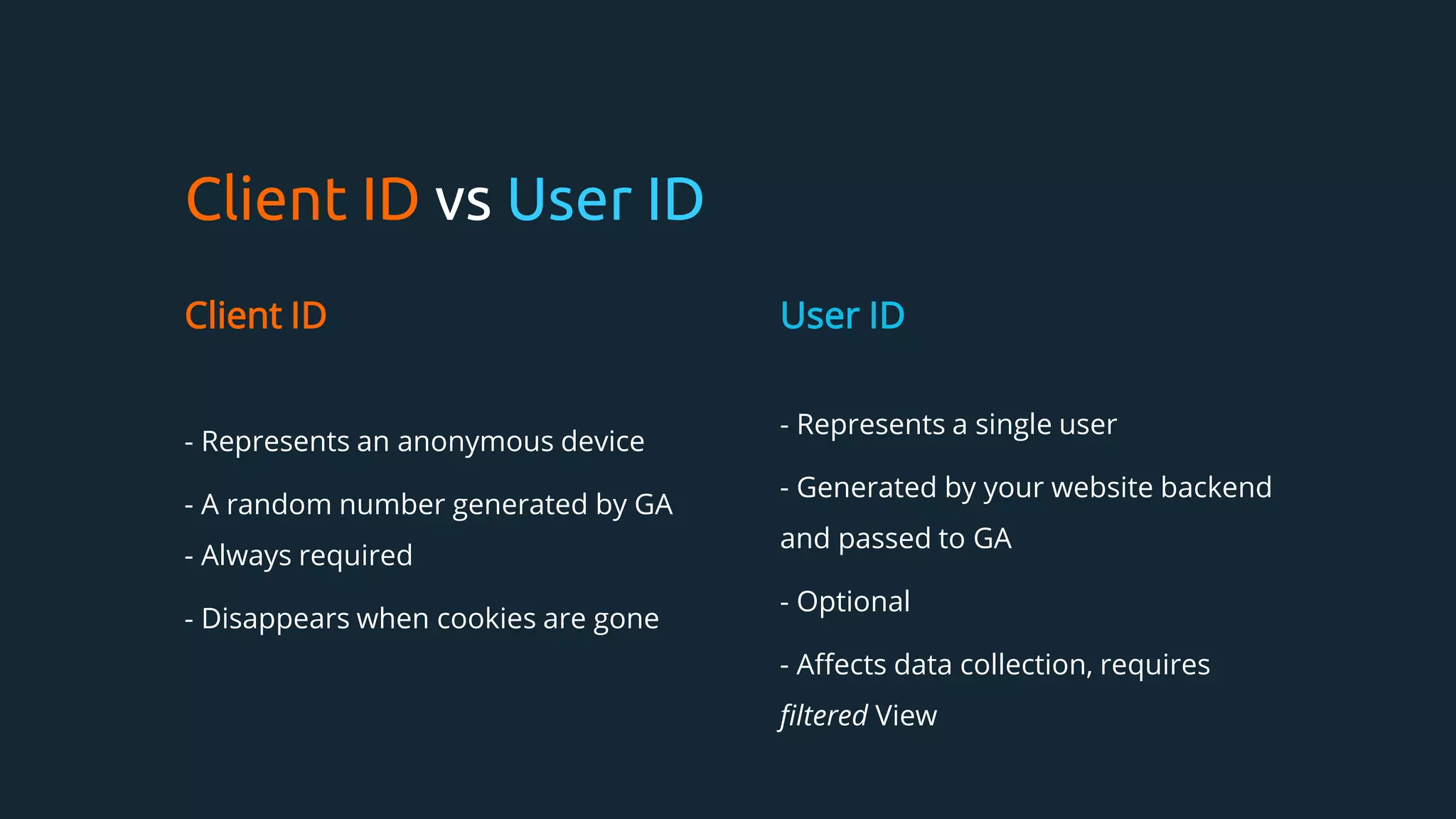
Client ID vsUser ID
Client ID
- Represents an anonymous device
- A random number generated by GA
- Always required
- Disappears when cookies are gone
User ID
- Represents a single user
- Generated by your website backend
and passed to GA
- Optional
- Affects data collection, requires
filtered View
Google Analytics GDPRcompliance
› “Do not track” unless consent given
› Individual row deletion
› Privacy policy explaining GA and DoubleClick cookies
› Anonymise IP
› Server logs
50.
Intelligent Tracking Prevention- ITP 2.1
› Google Analytics cookie lifespan is couple days.
LocalStorage isn’t really a solution
› Safari share is 18% and growing https://irx.page.link/TkFr
› This is unavoidable
› Server-side tracking
Tag Manager
› “ExternalConfig” for apps or web because marketing and BI
needs updates more often than functionality
› Very effective way to hack your own website. Bypass QA
› Honours Data Layer - context in machine readable format
› Tag Manager updates are very fast
› Third-party library in your codebase
53.
Tag Manager
› TagManager business logic executes locally within
browser or app
› Common case - developers emit all possible types of
events to data layer and Tag Manager Business Logic
makes decision what is being sent and where
54.
GMP / GA/ Firebase
current state of apps analytics in Google universe
55.
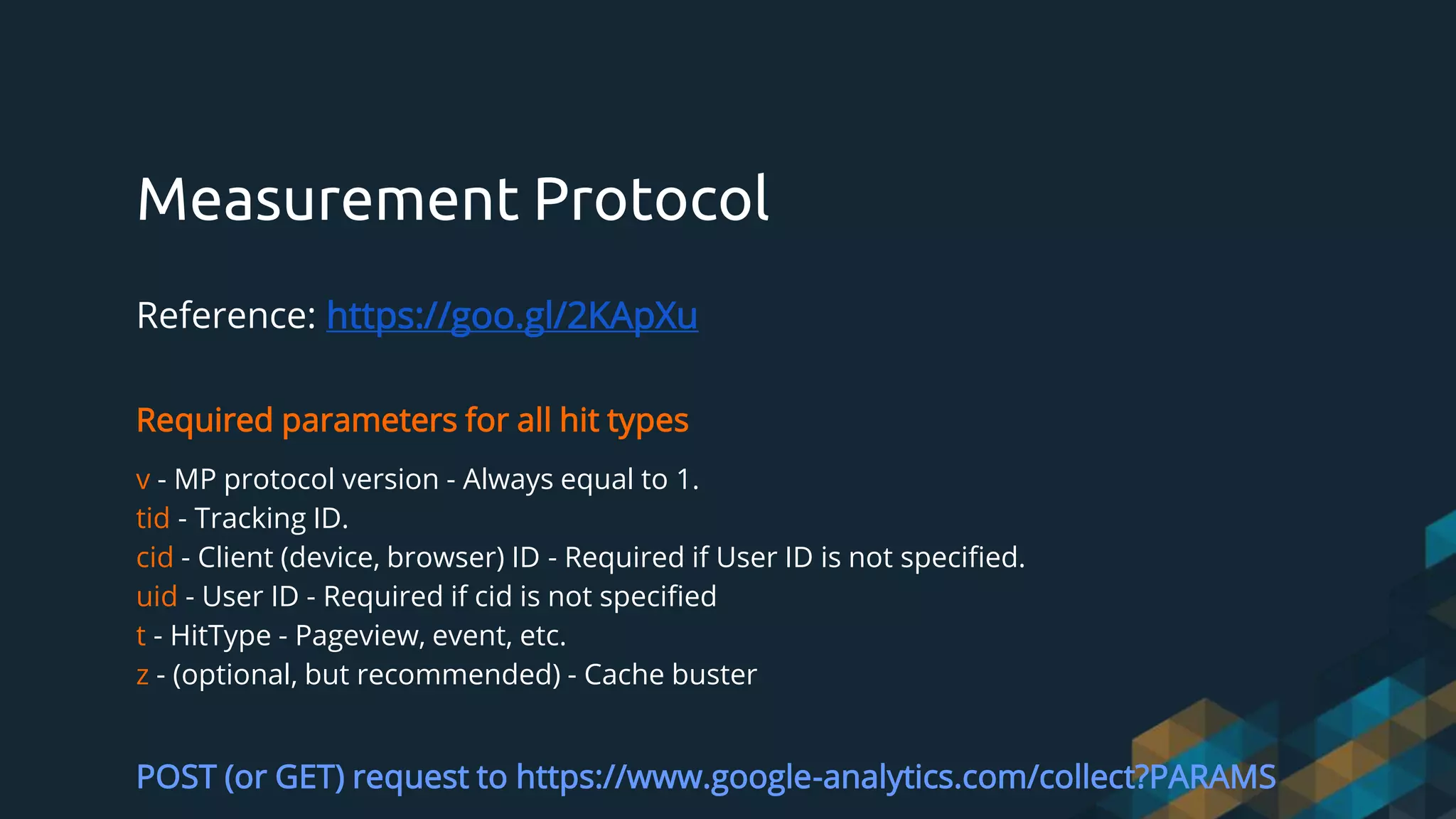
Measurement Protocol
Reference: https://goo.gl/2KApXu
Requiredparameters for all hit types
v - MP protocol version - Always equal to 1.
tid - Tracking ID.
cid - Client (device, browser) ID - Required if User ID is not specified.
uid - User ID - Required if cid is not specified
t - HitType - Pageview, event, etc.
z - (optional, but recommended) - Cache buster
POST (or GET) request to https://www.google-analytics.com/collect?PARAMS
56.
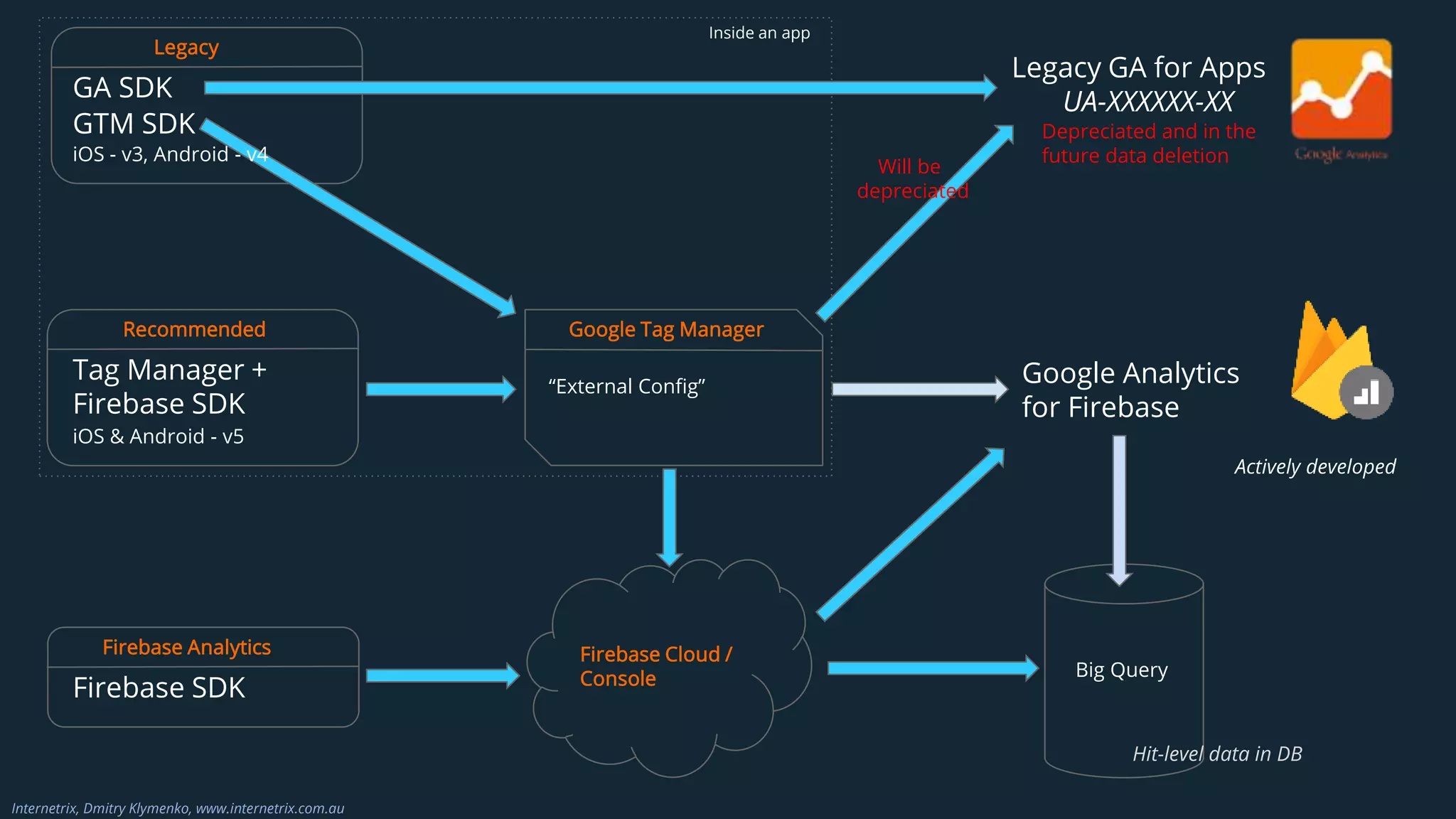
GA SDK
GTM SDK
Legacy
LegacyGA for Apps
UA-XXXXXX-XX
Tag Manager +
Firebase SDK
iOS & Android - v5
Recommended
“External Config”
Google Tag Manager
Will be
depreciated
Google Analytics
for Firebase
Depreciated and in the
future data deletion
Actively developed
Firebase SDK
Firebase Analytics Firebase Cloud /
Console Big Query
Inside an app
Hit-level data in DB
Internetrix, Dmitry Klymenko, www.internetrix.com.au
iOS - v3, Android - v4
57.
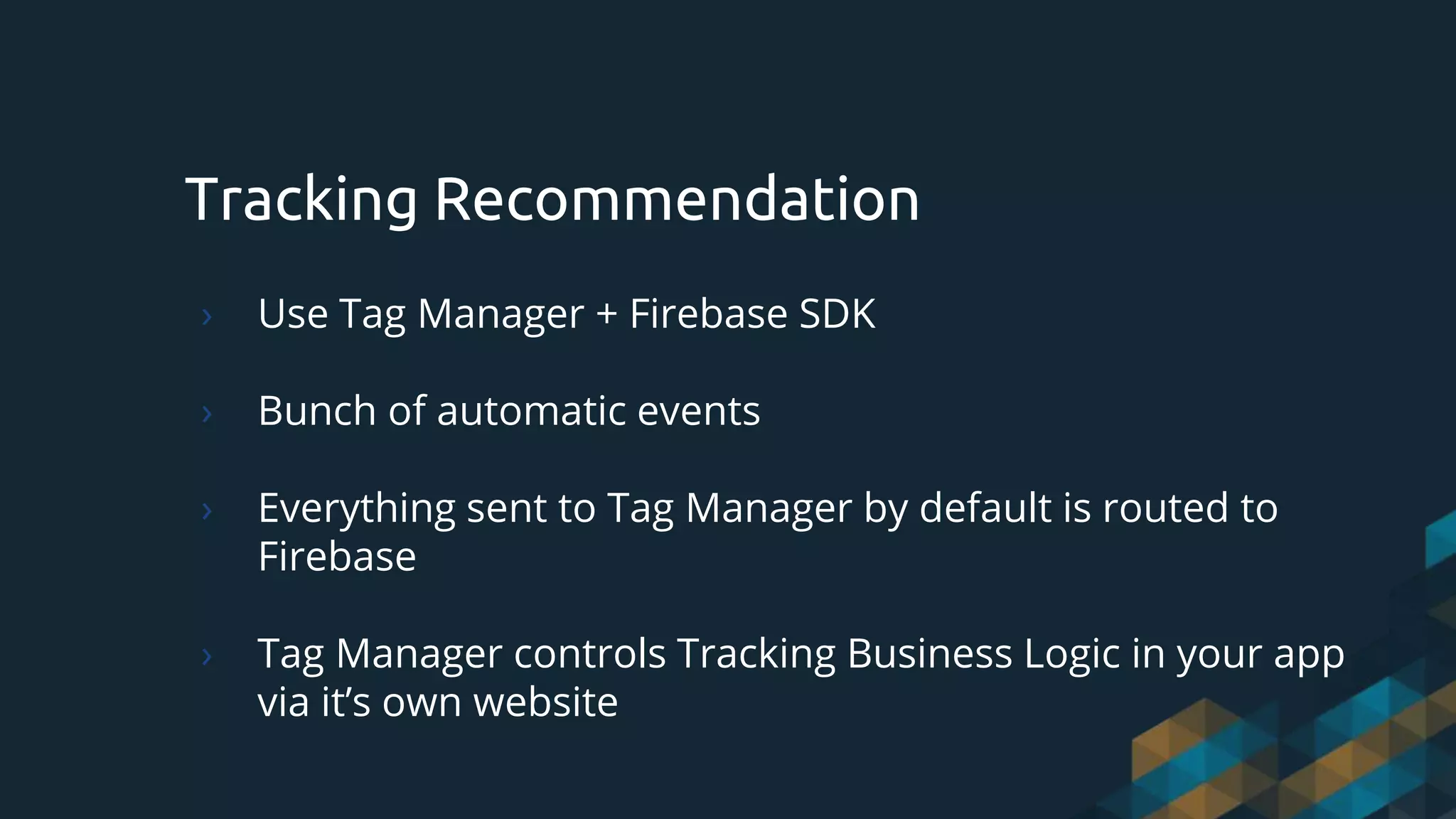
Tracking Recommendation
› UseTag Manager + Firebase SDK
› Bunch of automatic events
› Everything sent to Tag Manager by default is routed to
Firebase
› Tag Manager controls Tracking Business Logic in your app
via it’s own website
58.
THANKS!
Any questions? Freepizza
You can find me at:
@dmitry.klymenko.1
dmitry.klymenko@internetrix.com.au
https://www.linkedin.com/in/dmitry-klymenko-b9469810a/





![Firebase [Analytics]
- App Analytics
- Database messages
- Crash Reporting
- Performance Monitoring
- In App Messaging
- AB Testing
- Predictive modelling
- Cloud messaging
- Remote configuration
- App Indexing
- Dynamic Links
Mobile Analytics Comparison
Clicktale
- App Analytics & Heatmaps
- Visualize User Experience for proactive &
strategic UX optimizations via session replays
- Crash Reporting & session replay to
understand experience
- Performance Monitoring & Automated
surfacing of influential segments per app
screen
- Powerful integrations including analytics, VoC,
Application performance monitoring
- Event tracking
WHAT HAPPENED vs WHY DID IT HAPPEN](https://image.slidesharecdn.com/dk-mobileappsanalytics-cocoaheadsdeck-mar2019-190321222839/75/Mobile-App-Analytics-Why-How-What-s-new-Mar-2019-34-2048.jpg)




![[DSC Europe 25] Goran Obradovic - The Rise of Sovereign AI: Building the Regi...](https://cdn.slidesharecdn.com/ss_thumbnails/7nw2xxixrxqdxvrb5wca-6-251205085714-ab09a2ac-thumbnail.jpg?width=640&height=640&fit=bounds)

![[DSC Europe 25] Andy Cotgreave - Nothing is new in analytics.pptx](https://cdn.slidesharecdn.com/ss_thumbnails/mba4vzcurvoh5lfrd5zw-6-251205194645-341bbbbe-thumbnail.jpg?width=640&height=640&fit=bounds)


![[DSC Europe 25] Boris Perkovic - Lost in performance.pptx](https://cdn.slidesharecdn.com/ss_thumbnails/uq5hrp7vsuahqkxzifux-1-251204082258-fd2ee09d-thumbnail.jpg?width=640&height=640&fit=bounds)


![[DSC Europe 25] Max Talanov - Non digital NNs.pptx](https://cdn.slidesharecdn.com/ss_thumbnails/wif8tr3gtua74qvtopke-non-digital-nns-251205090438-26b0eea6-thumbnail.jpg?width=640&height=640&fit=bounds)


