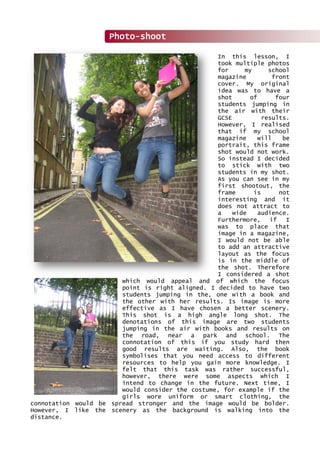
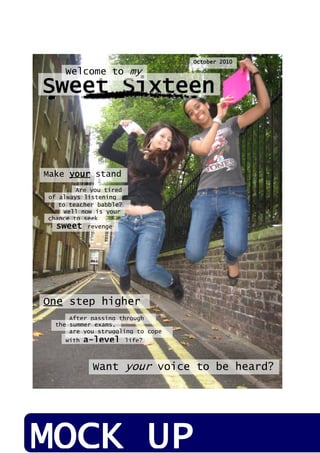
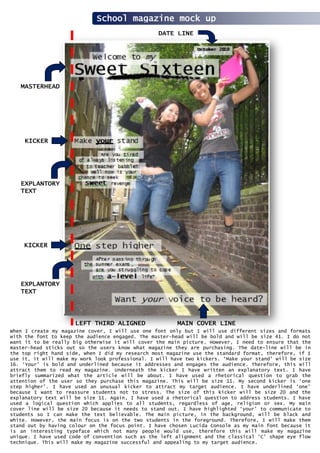
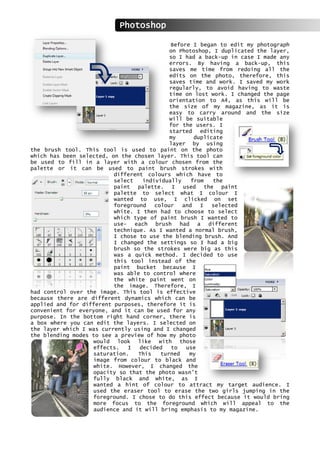
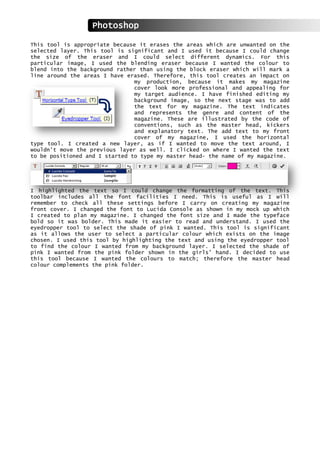
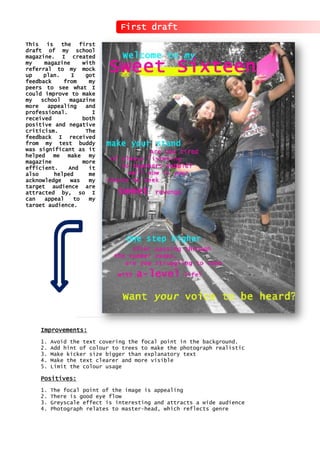
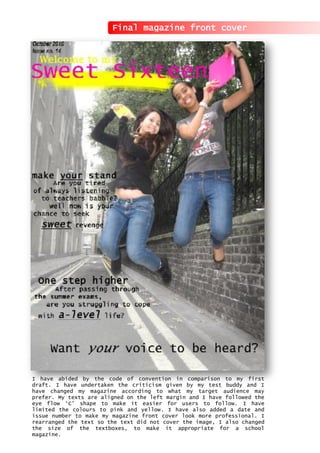
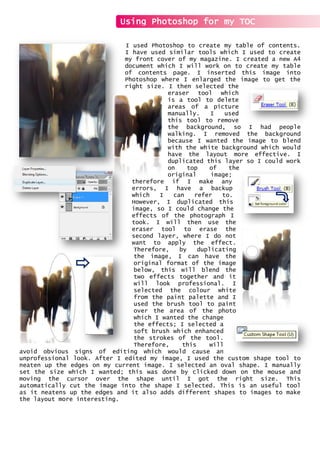
The document provides instructions for editing a photograph in Photoshop for use on the cover of a school magazine. It describes duplicating the photo layer for a backup. It then details using the brush tool to paint color onto the duplicate layer in order to highlight the two students jumping in the foreground, while leaving the background in black and white. Formatting adjustments are made to suit the A4 magazine size. The instructions demonstrate basic photo editing techniques for creating a visually engaging magazine cover image.


![Magazine media[1]](https://cdn.slidesharecdn.com/ss_thumbnails/magazinemedia1-111013024946-phpapp02-thumbnail.jpg?width=640&height=640&fit=bounds)


