The document discusses the process of designing an album cover in Photoshop. Some key points:
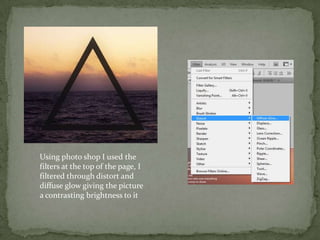
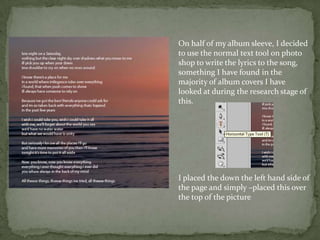
- Effects like distort and diffuse glow were used to add contrast and brightness to a photo. Lyrics were added in the text tool.
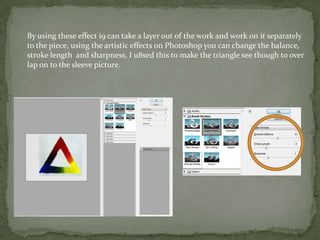
- Photoshop layers and effects like balance, stroke length, and sharpness were used to make a triangle overlay the photo seamlessly.
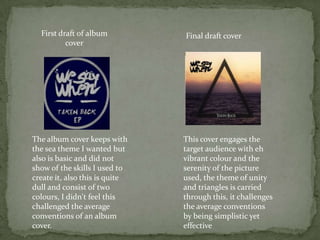
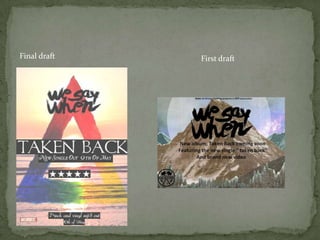
- An initial basic cover was improved in the final draft by making it more vibrant, colorful, and engaging for the target audience while keeping the sea theme and message of unity.
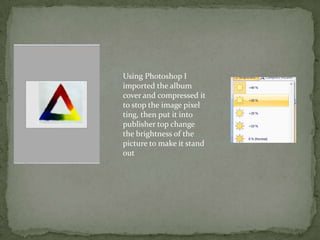
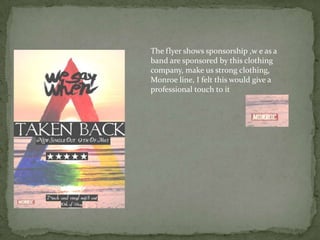
- Photoshop was used to import the cover, compress it, and adjust the brightness to make it stand out more on the flyer