






Measuring Web
Performance
Dave Olsen, West Virginia University
HighEdWeb, October 6
@dmolsen, dmolsen.com
Dave Olsen
Professional Technologist
West Virginia University
About Me
@dmolsen
What I’ll Talk About
• Quick Intro About Why We
Should Care About Web Perf
• How to Add Performance to
Your Workflow
• Setting Up a Device Lab
Why ShouldYou Care
About Web Performance?
Part Une:
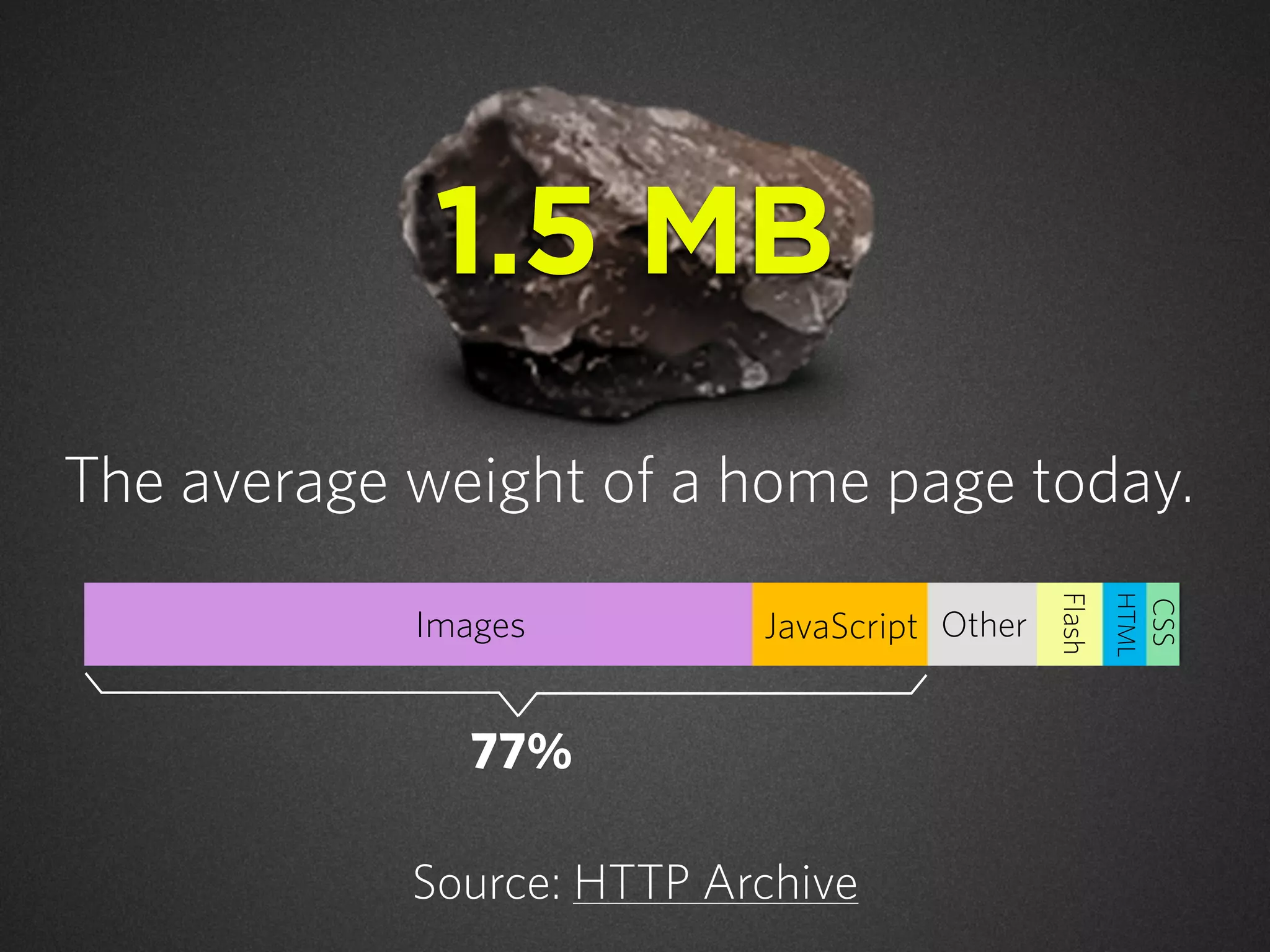
The average weight of a home page today.
Source: HTTP Archive
Images JavaScript
Flash
HTML
CSS
Other
77%
1.5 MB
“RWD makes your website
mobile friendly.”
The marketing of
responsive web design...
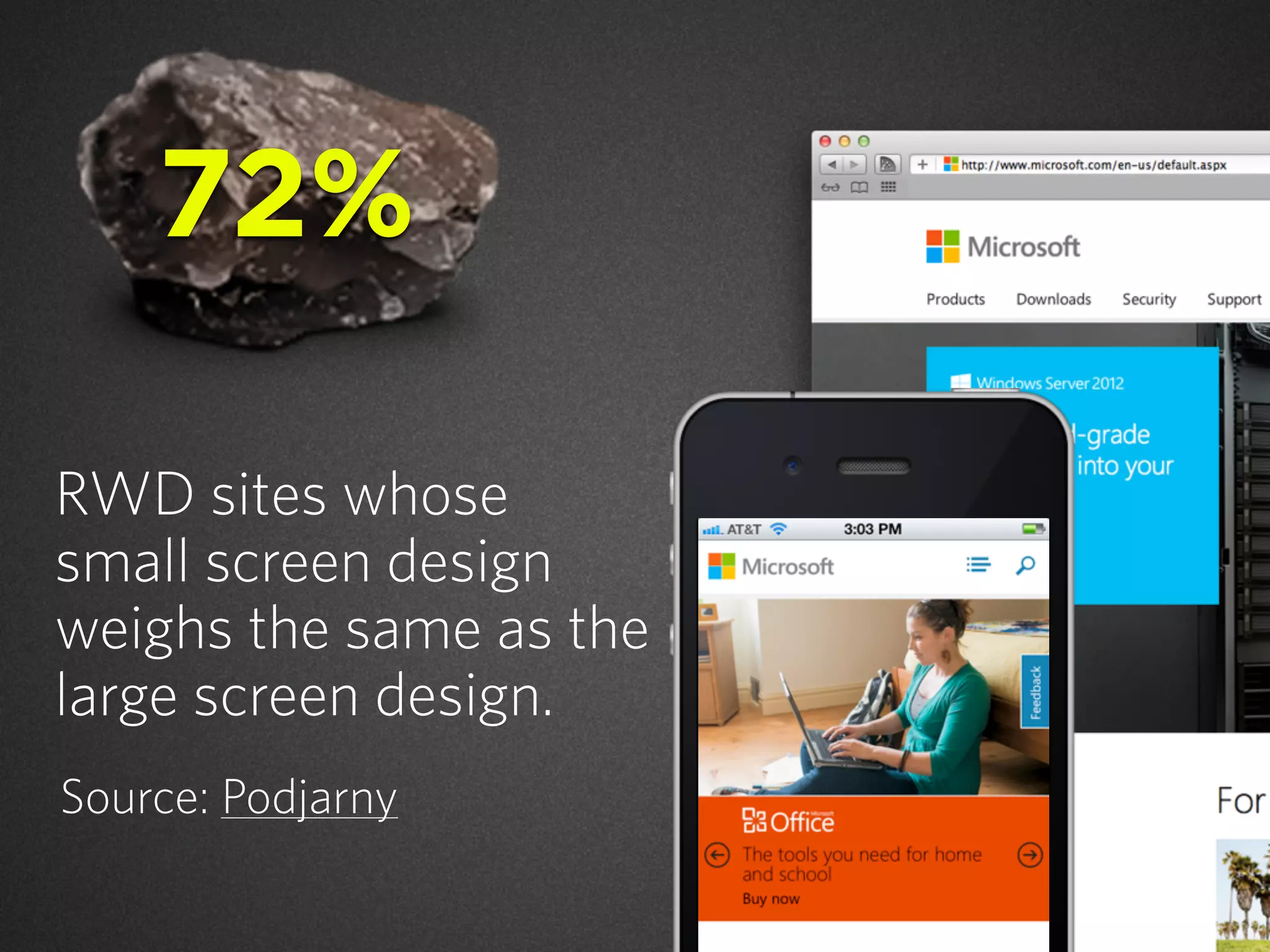
RWD sites whose
small screen design
weighs the same as the
large screen design.
Source: Podjarny
72%
The way in which CSS media
queries have been promoted for
mobile hides tough problems
and gives developers a false
promise of a simple solution for
designing for small screens.
Source: Jason Grigsby on Speakerdeck
“
”- Jason Grigsby
@grigs
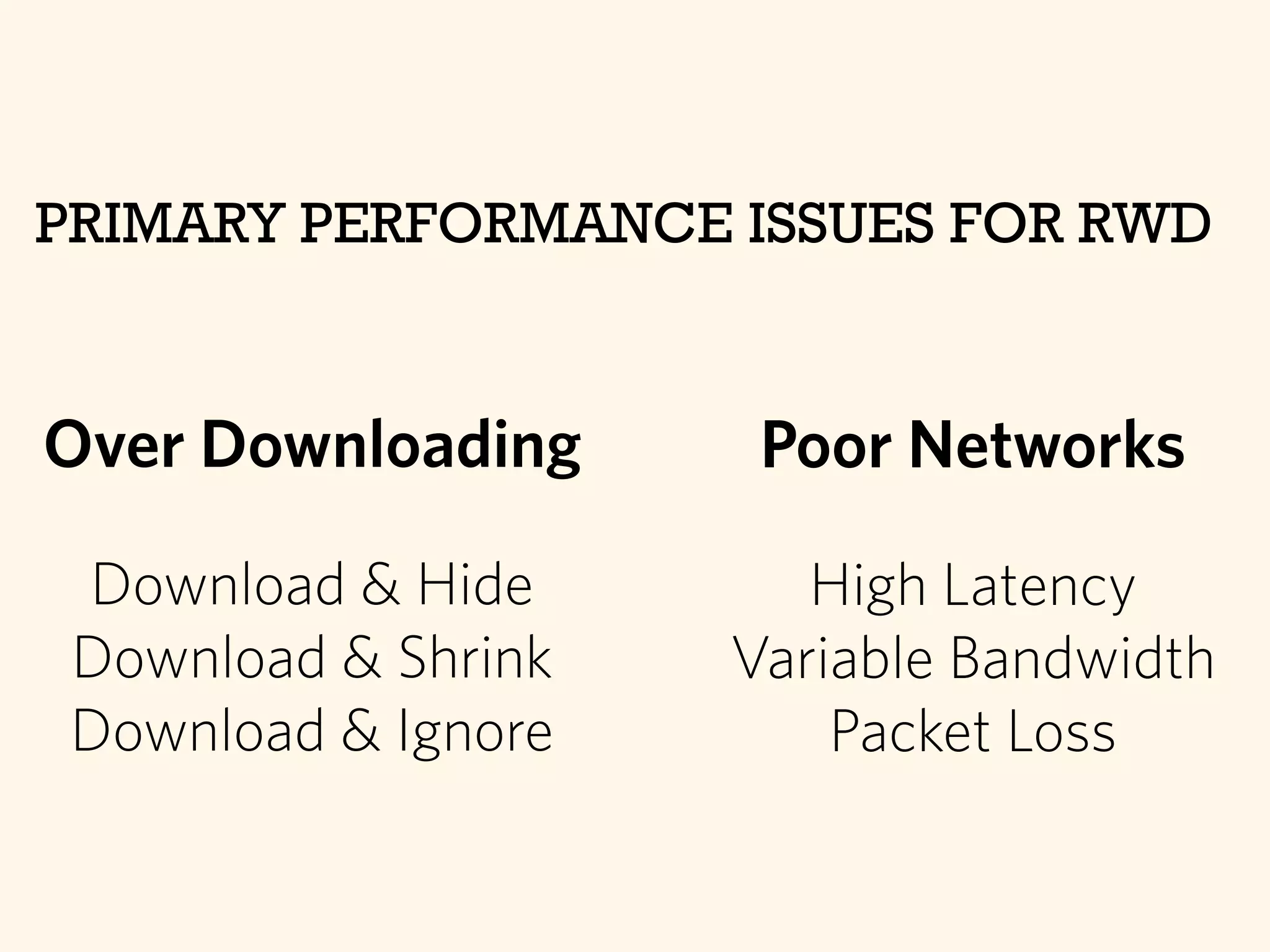
Over Downloading
Download & Hide
Download & Shrink
Download & Ignore
PRIMARY PERFORMANCE ISSUES FOR RWD
Poor Networks
High Latency
Variable Bandwidth
Packet Loss
Current Dev Practices
+ Desktop First RWD
Web Performance Blues
RWD could also mean
responsible web design.
Start with the
small screen & its
constraints.
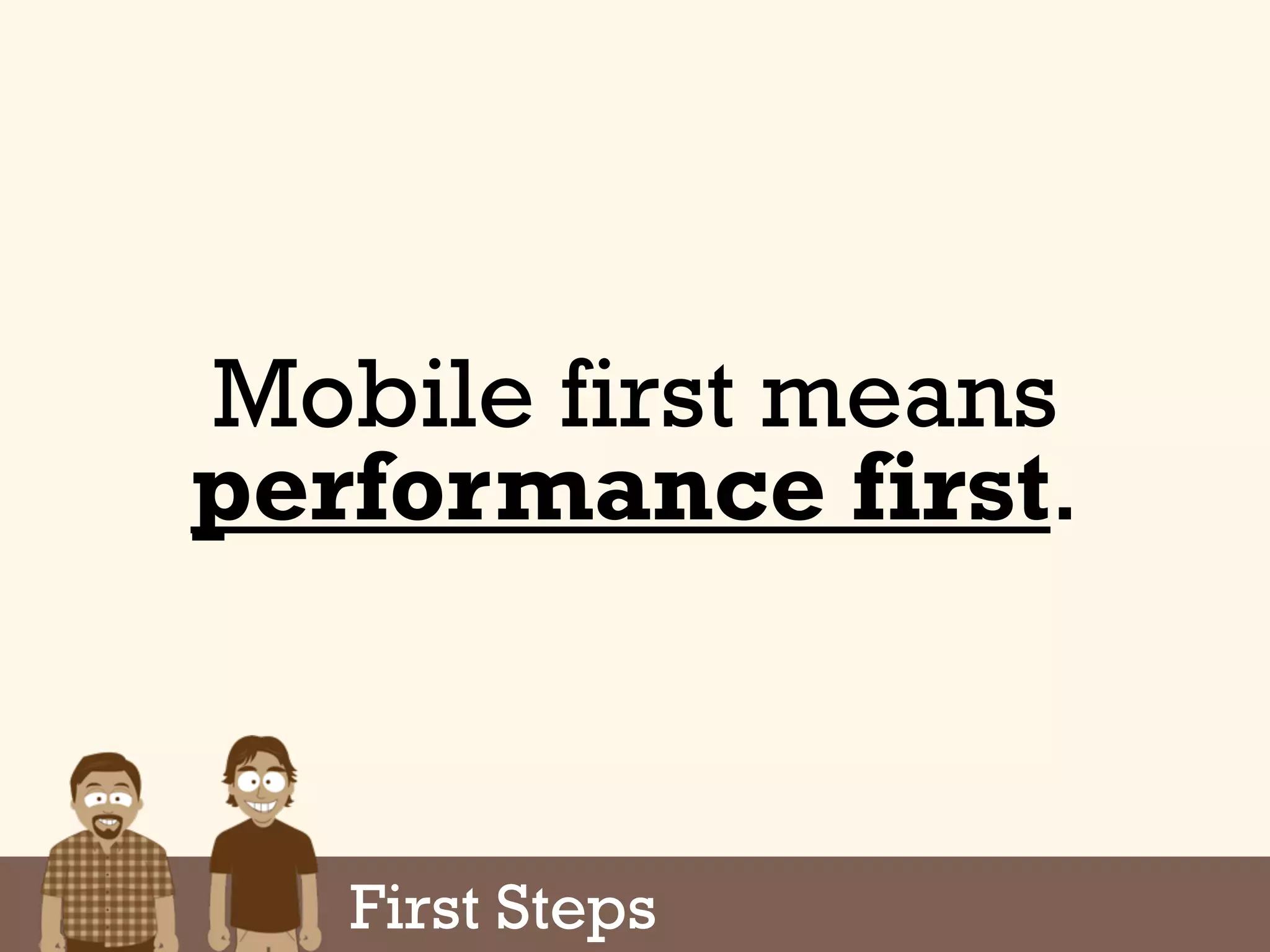
Mobile first means
performance first.
First Steps
Adding Web Performance
to Your Workflow
Part Deux:
Web Perf Optimization Tenets
Reduce requests. Reduce asset size.
Reduce page render time.
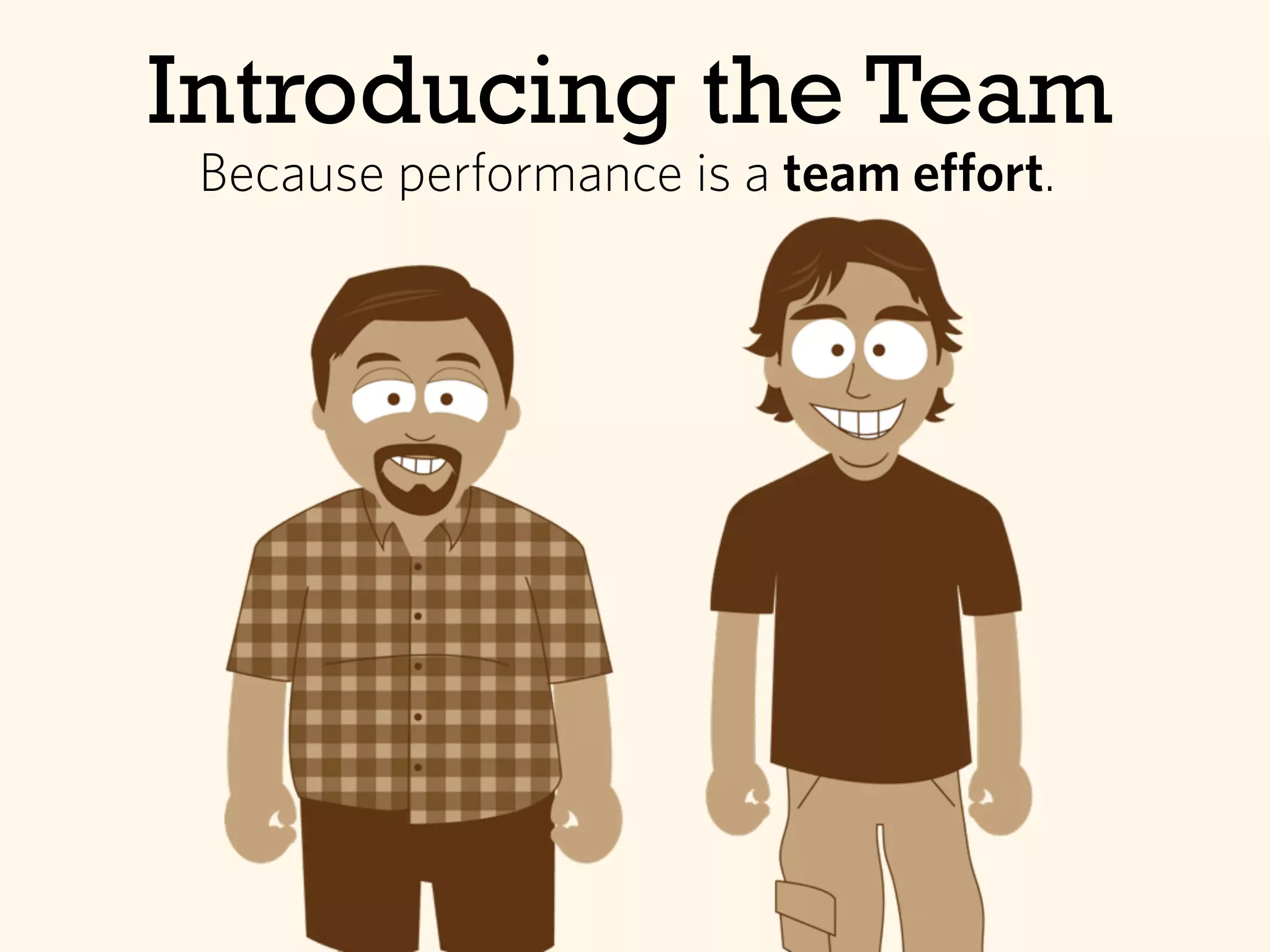
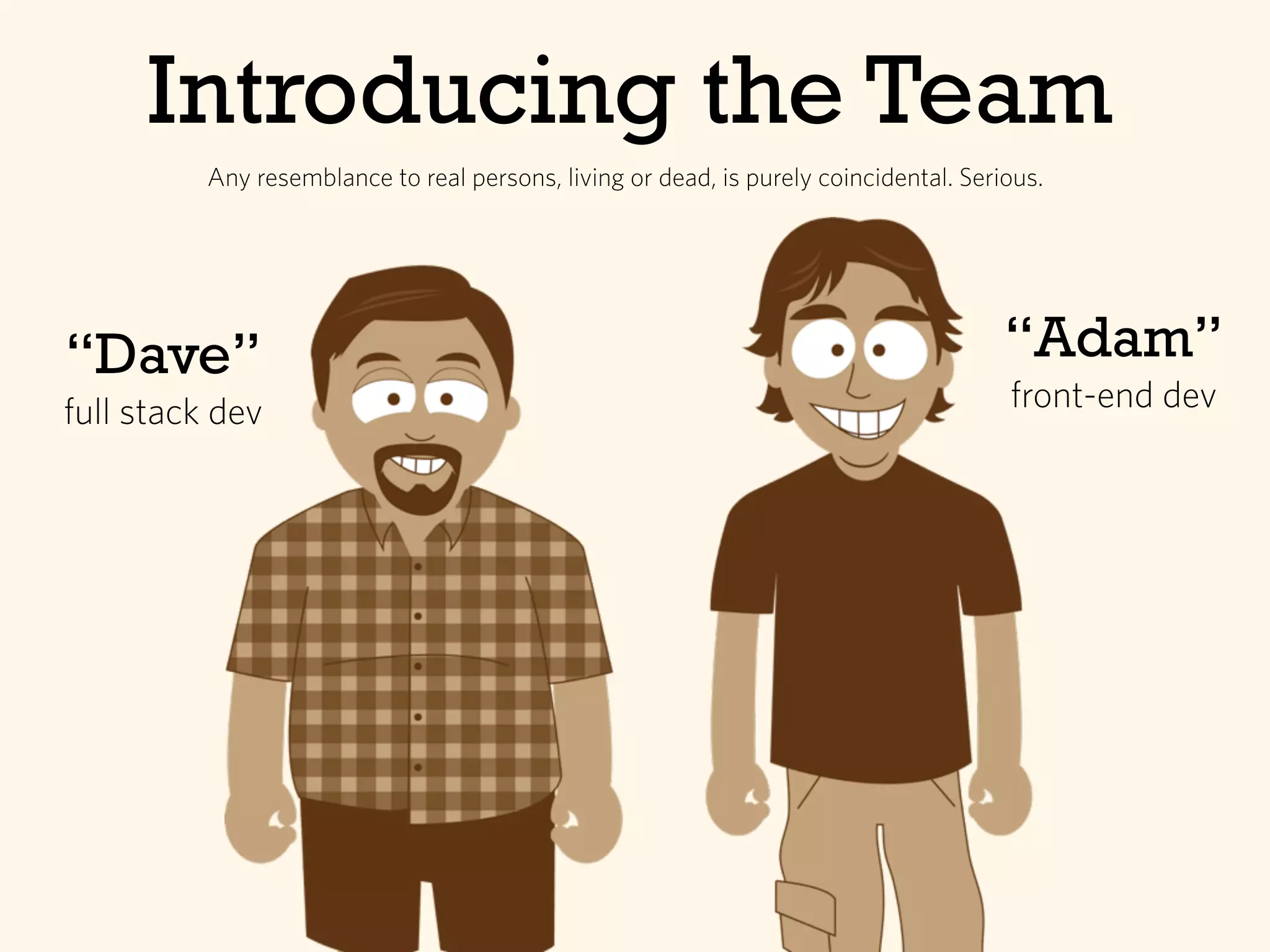
Introducing the Team
Because performance is a team effort.
Introducing the Team
“Dave”
full stack dev
“Adam”
front-end dev
Any resemblance to real persons, living or dead, is purely coincidental. Serious.
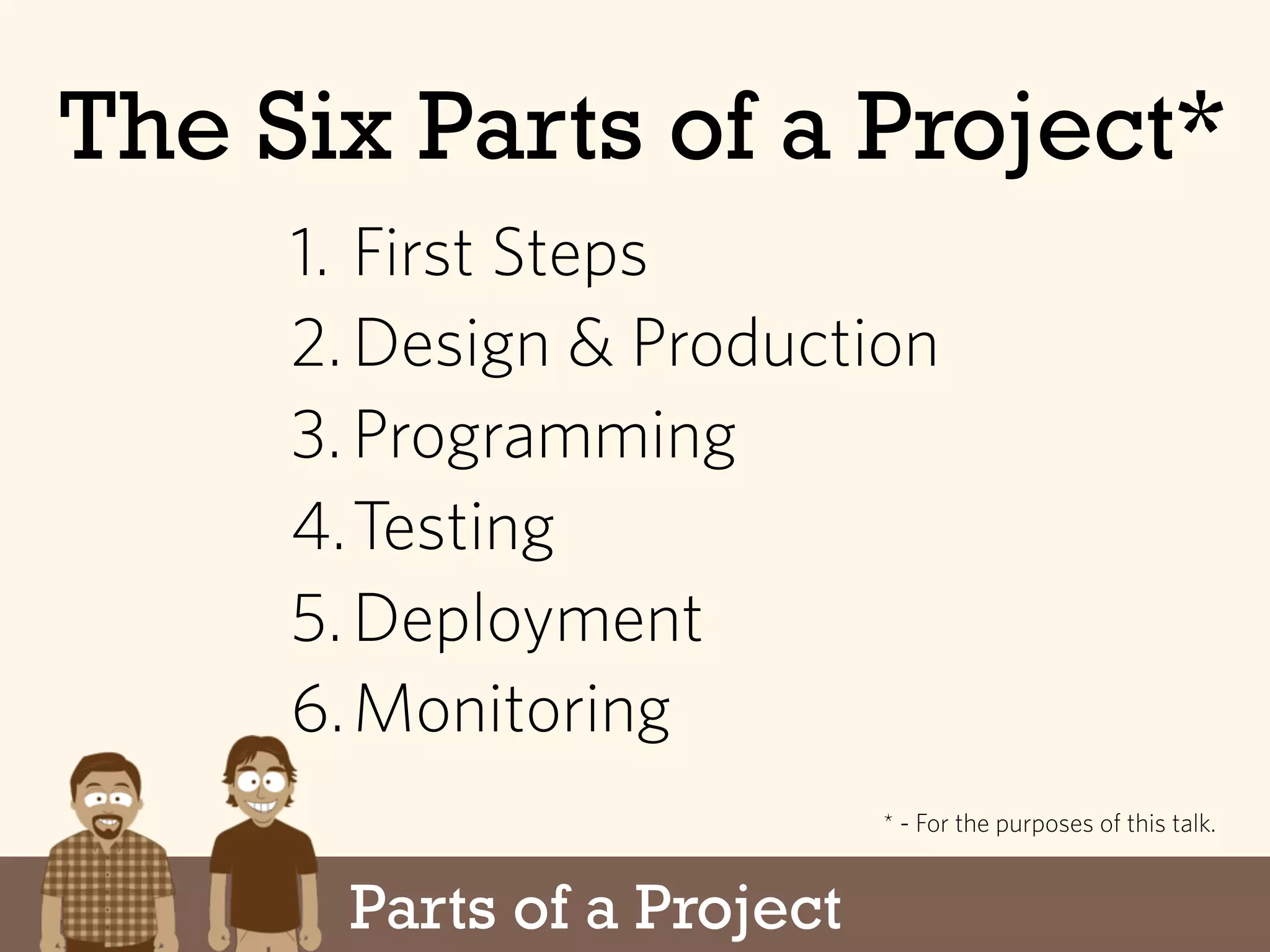
Parts of a Project
The Six Parts of a Project*
1. First Steps
2.Design & Production
3.Programming
4.Testing
5.Deployment
6.Monitoring
* - For the purposes of this talk.
First Steps
The Six Parts of a Project
1. First Steps
2.Design & Production
3.Programming
4.Testing
5.Deployment
6.Monitoring
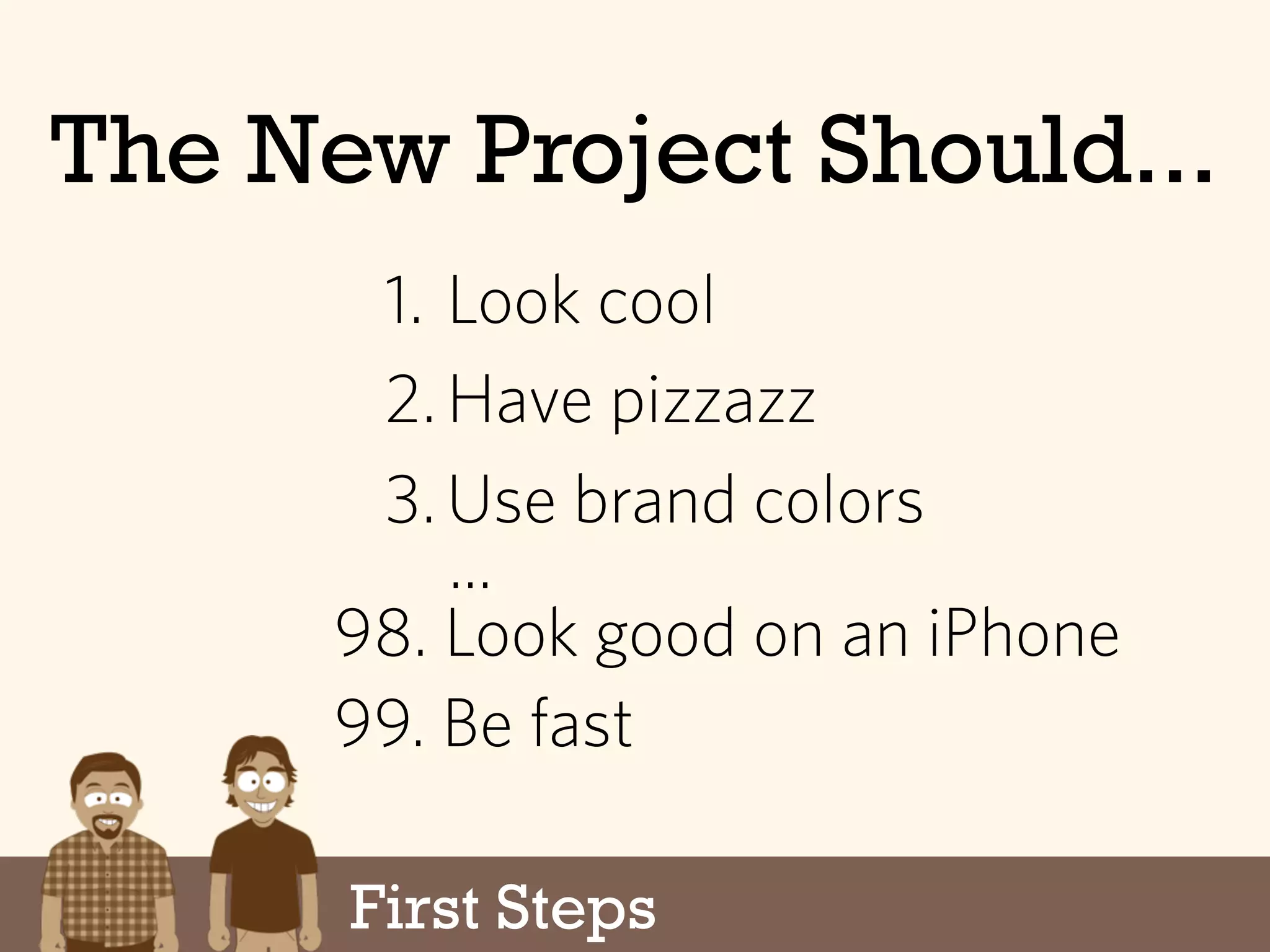
The New Project Should...
1. Look cool
2.Have pizzazz
3.Use brand colors
...
99. Be fast
98. Look good on an iPhone
First Steps
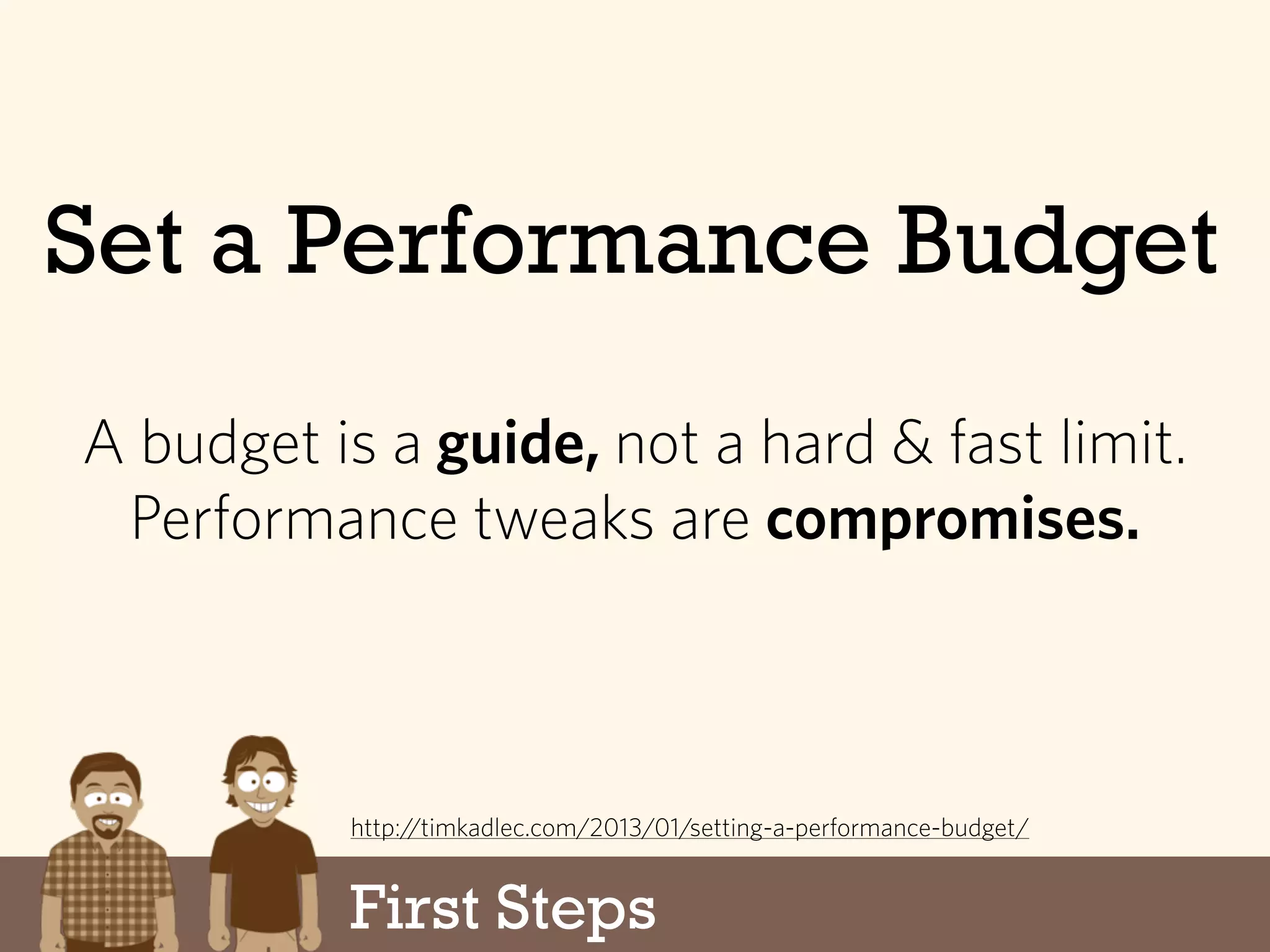
Set a Performance Budget
First Steps
A budget is a guide, not a hard & fast limit.
Performance tweaks are compromises.
http://timkadlec.com/2013/01/setting-a-performance-budget/
First Steps
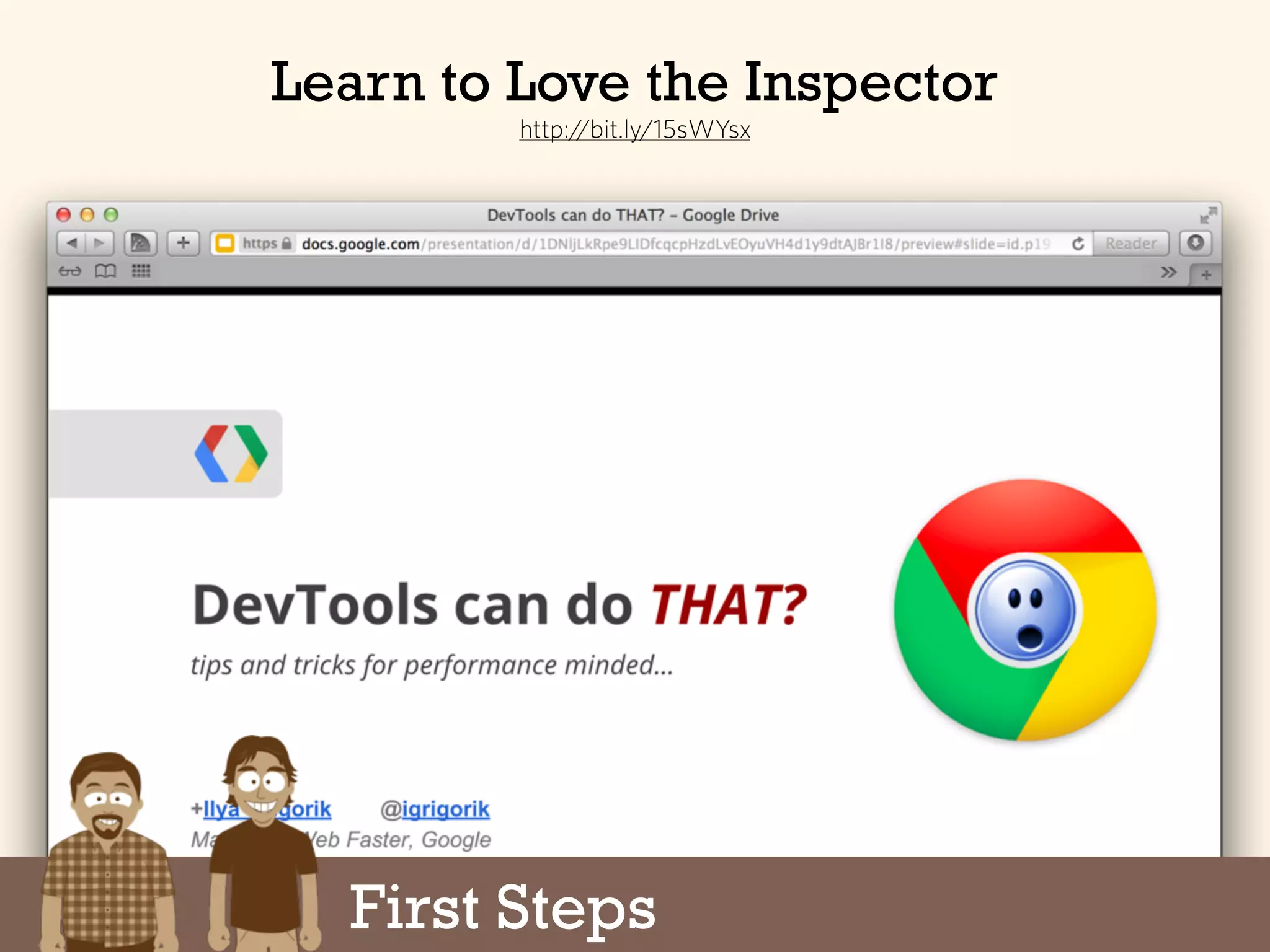
Learn to Love the Inspector
http://bit.ly/15sWYsx
First Steps
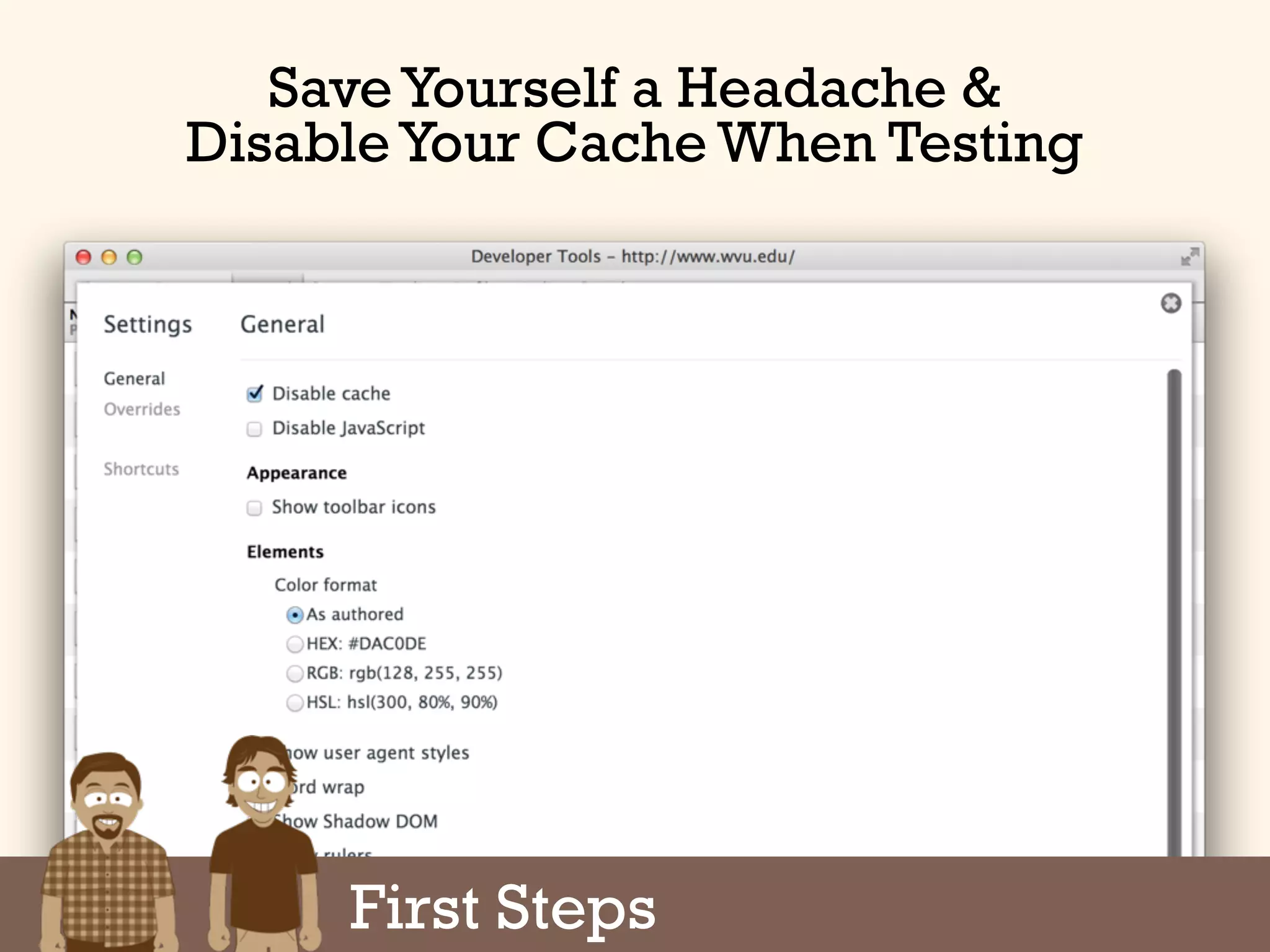
Save Yourself a Headache &
Disable Your Cache When Testing
1. First Steps
2.Design & Production
3.Programming
4.Testing
5.Deployment
6.Monitoring
Design & Performance
The Six Parts of a Project
Design & Performance
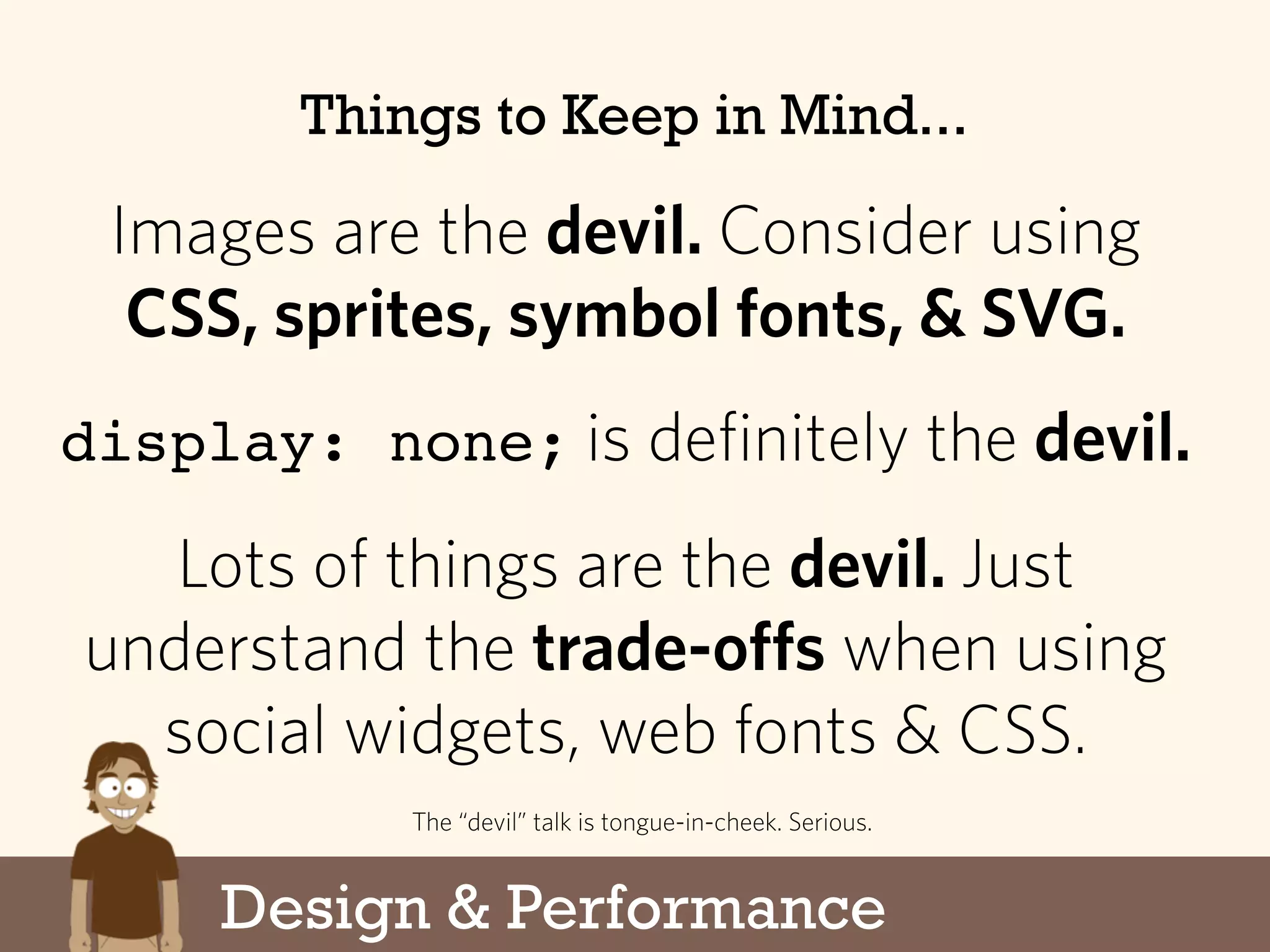
Things to Keep in Mind...
Images are the devil. Consider using
CSS, sprites, symbol fonts, & SVG.
display: none; is definitely the devil.
Lots of things are the devil. Just
understand the trade-offs when using
social widgets, web fonts & CSS.
The “devil” talk is tongue-in-cheek. Serious.
Responsive Images
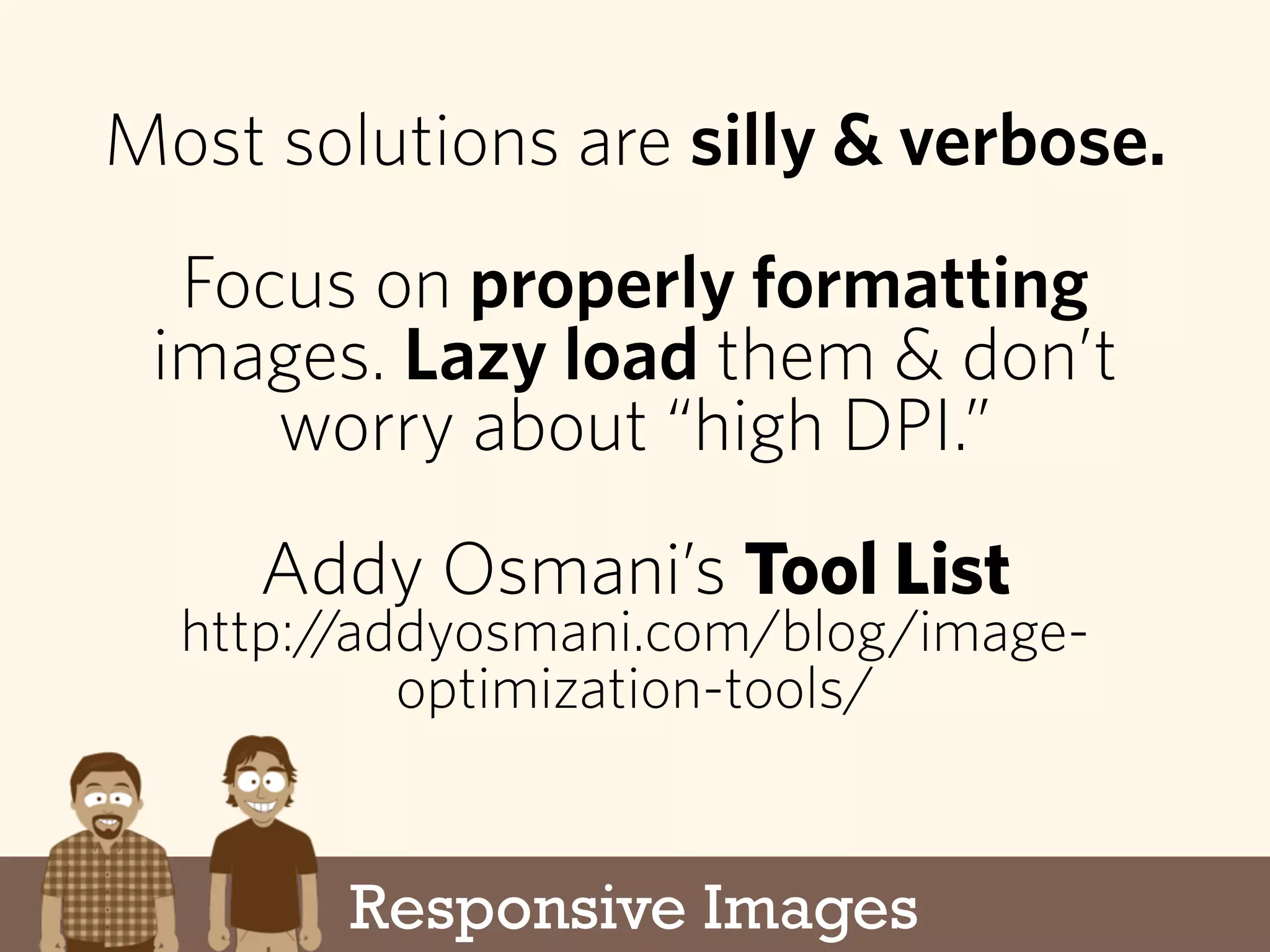
Most solutions are silly & verbose.
Focus on properly formatting
images. Lazy load them & don’t
worry about “high DPI.”
Addy Osmani’s Tool List
http://addyosmani.com/blog/image-
optimization-tools/
Design & Performance
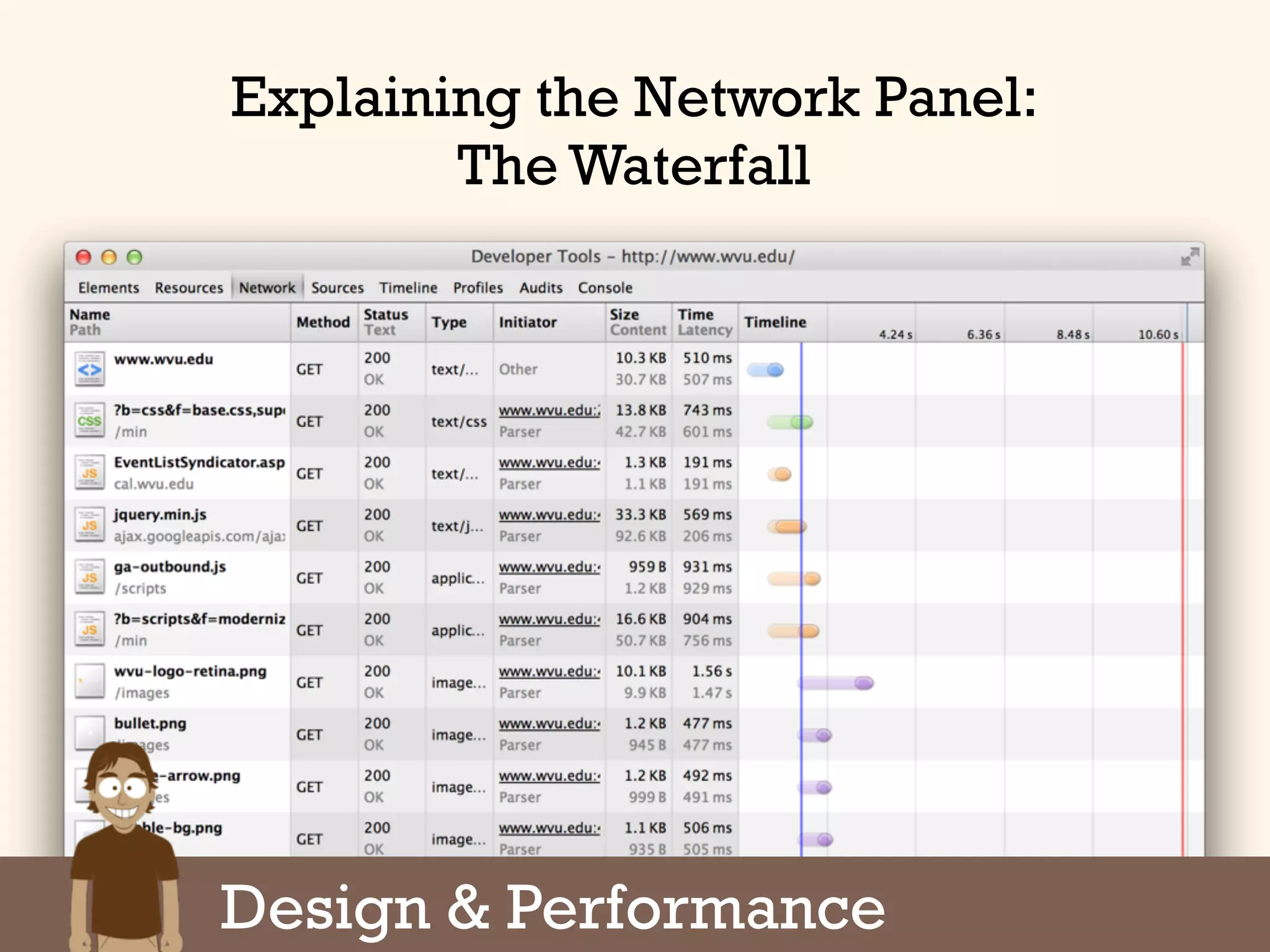
Explaining the Network Panel:
The Waterfall
Design & Performance
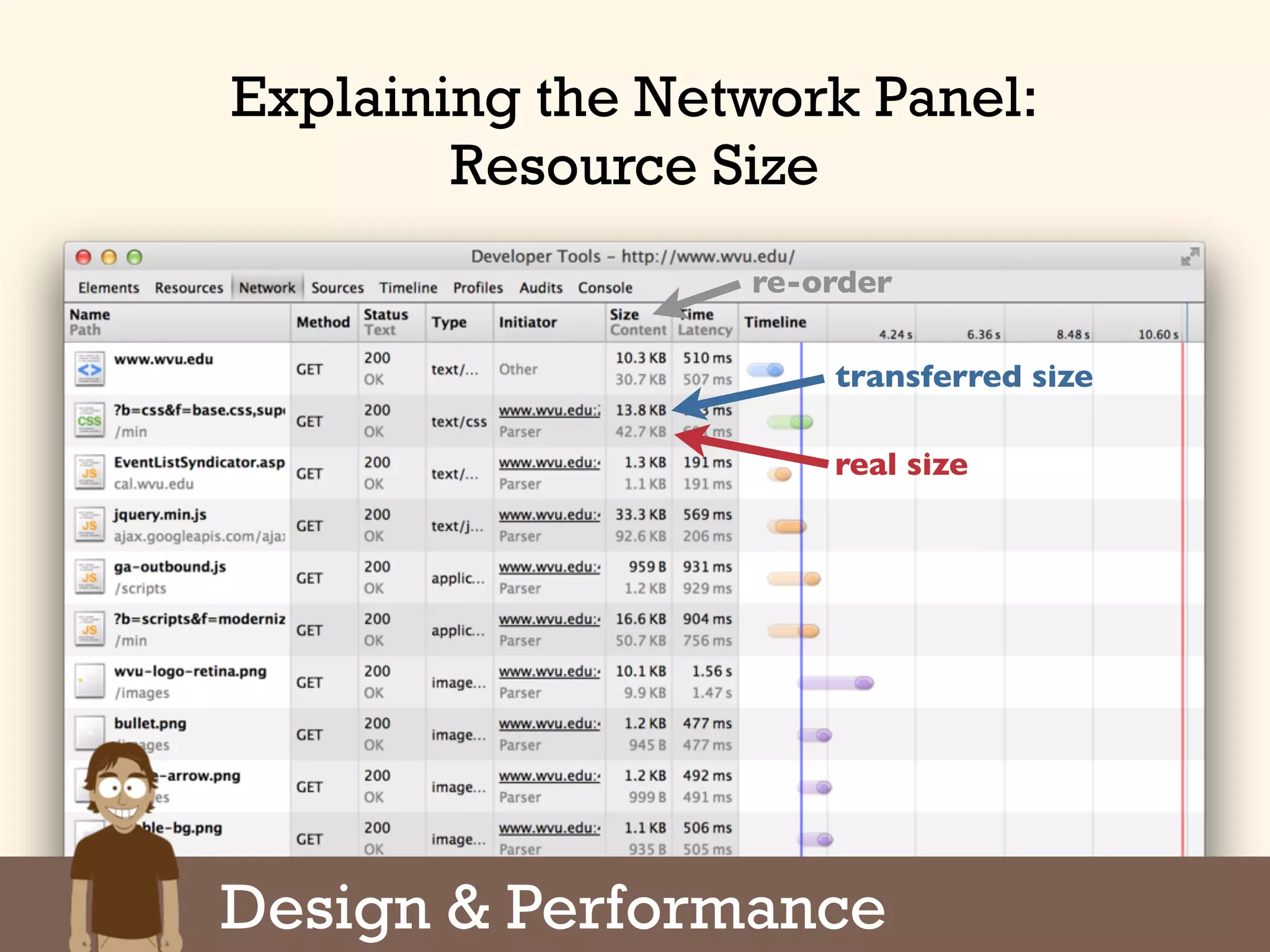
Explaining the Network Panel:
Resource Size
transferred size
real size
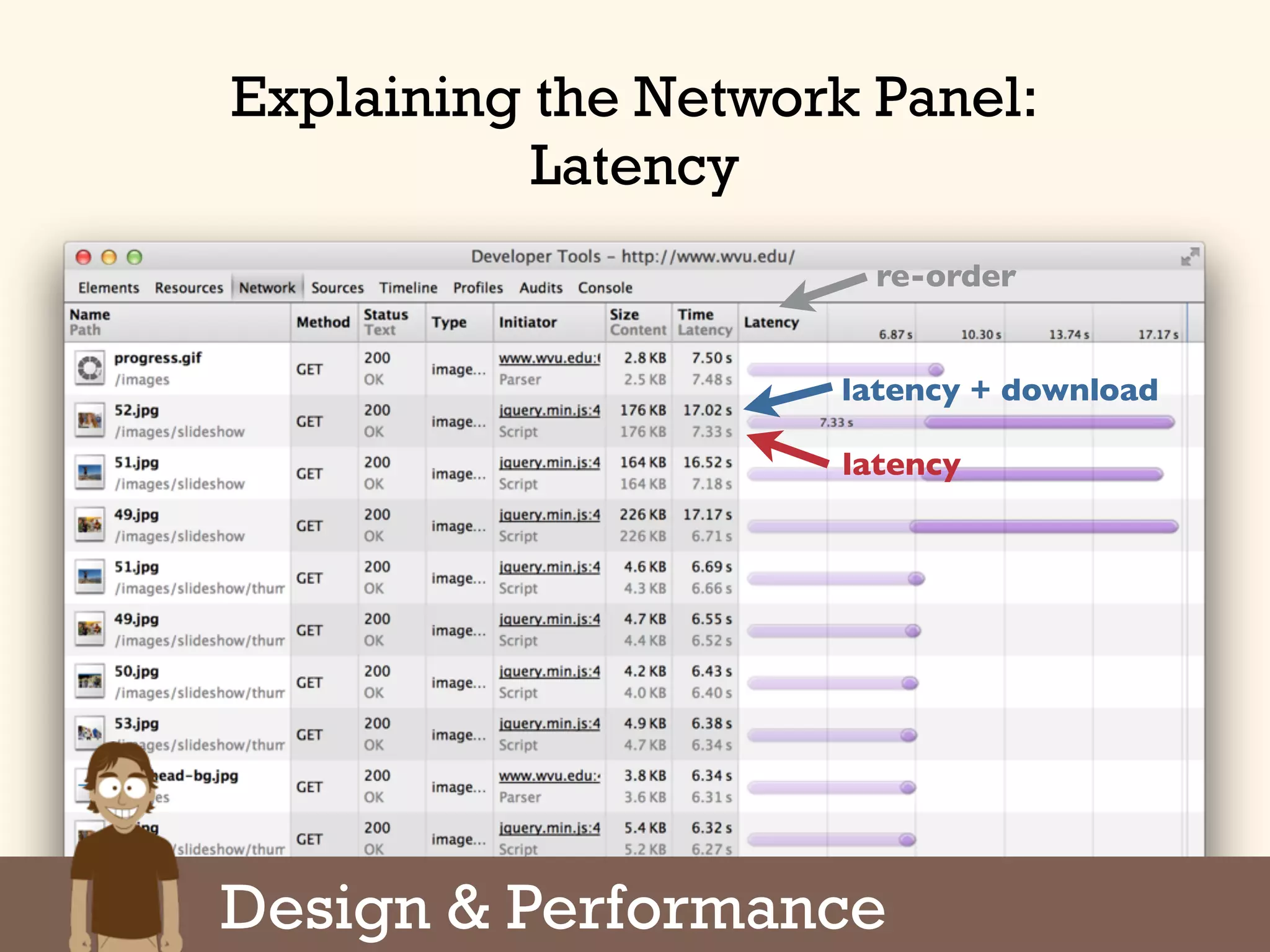
re-order
Design & Performance
latency + download
latency
re-order
Explaining the Network Panel:
Latency
Design & Performance
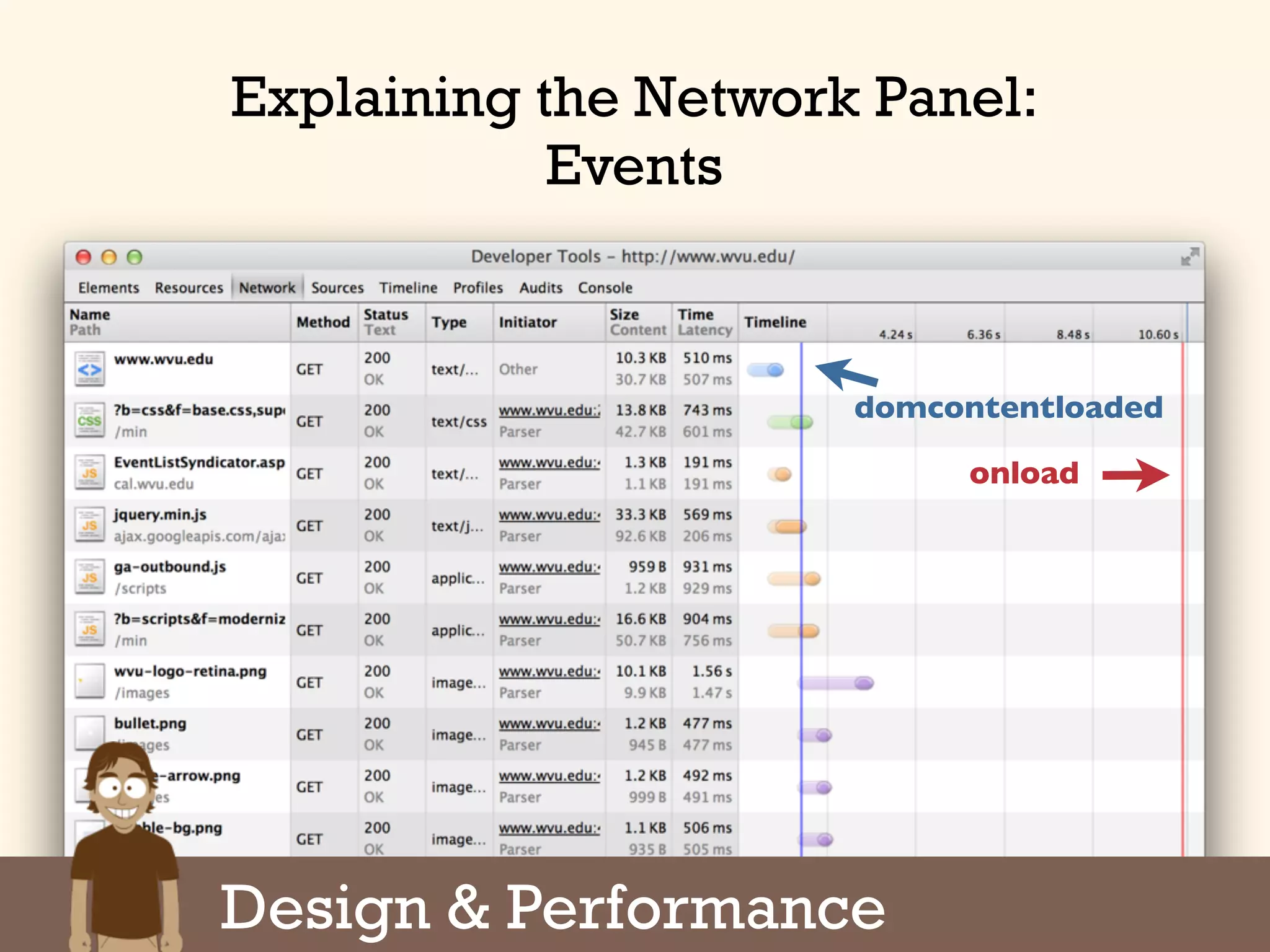
domcontentloaded
onload
Explaining the Network Panel:
Events
Design & Performance
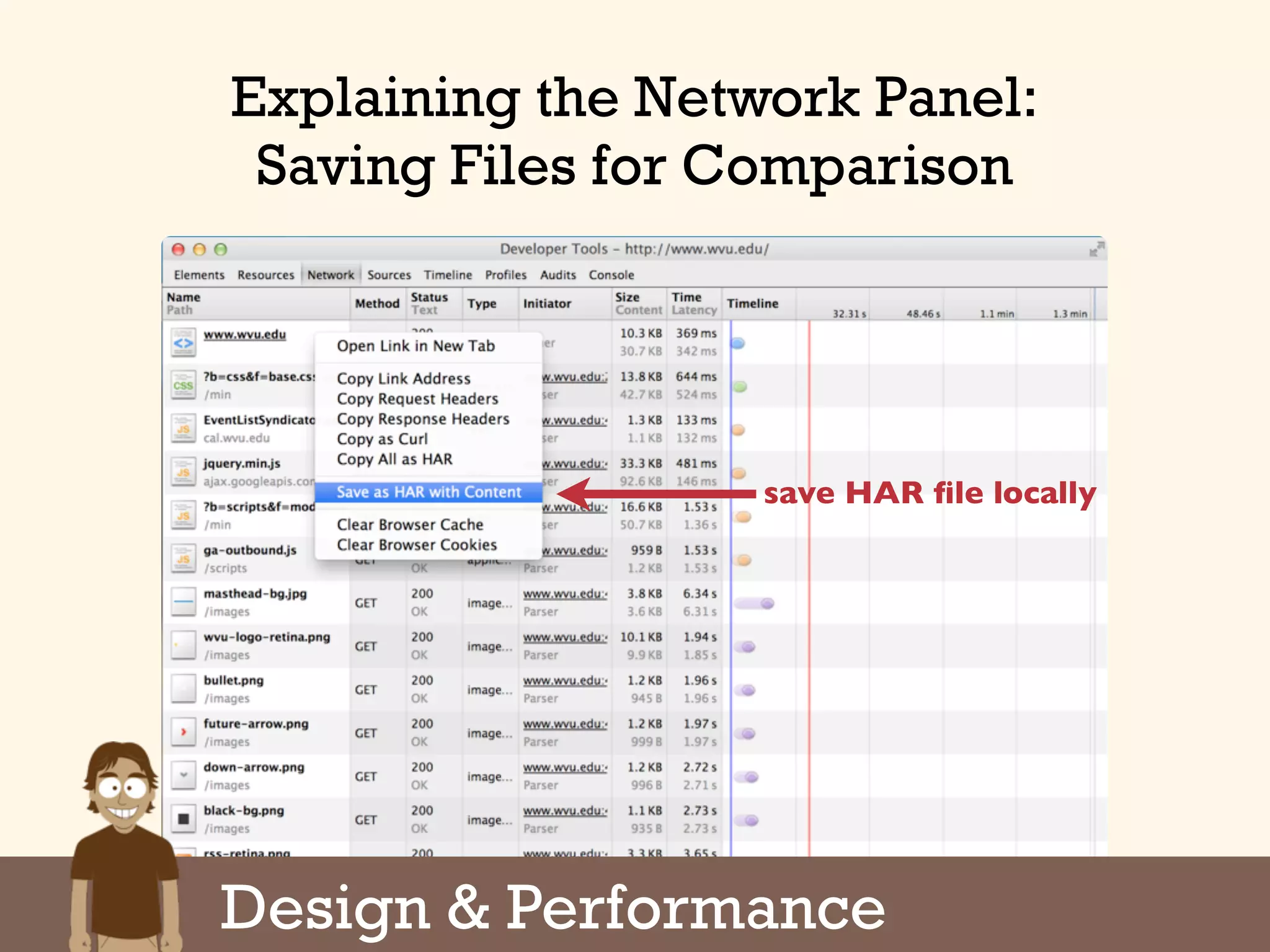
save HAR file locally
Explaining the Network Panel:
Saving Files for Comparison
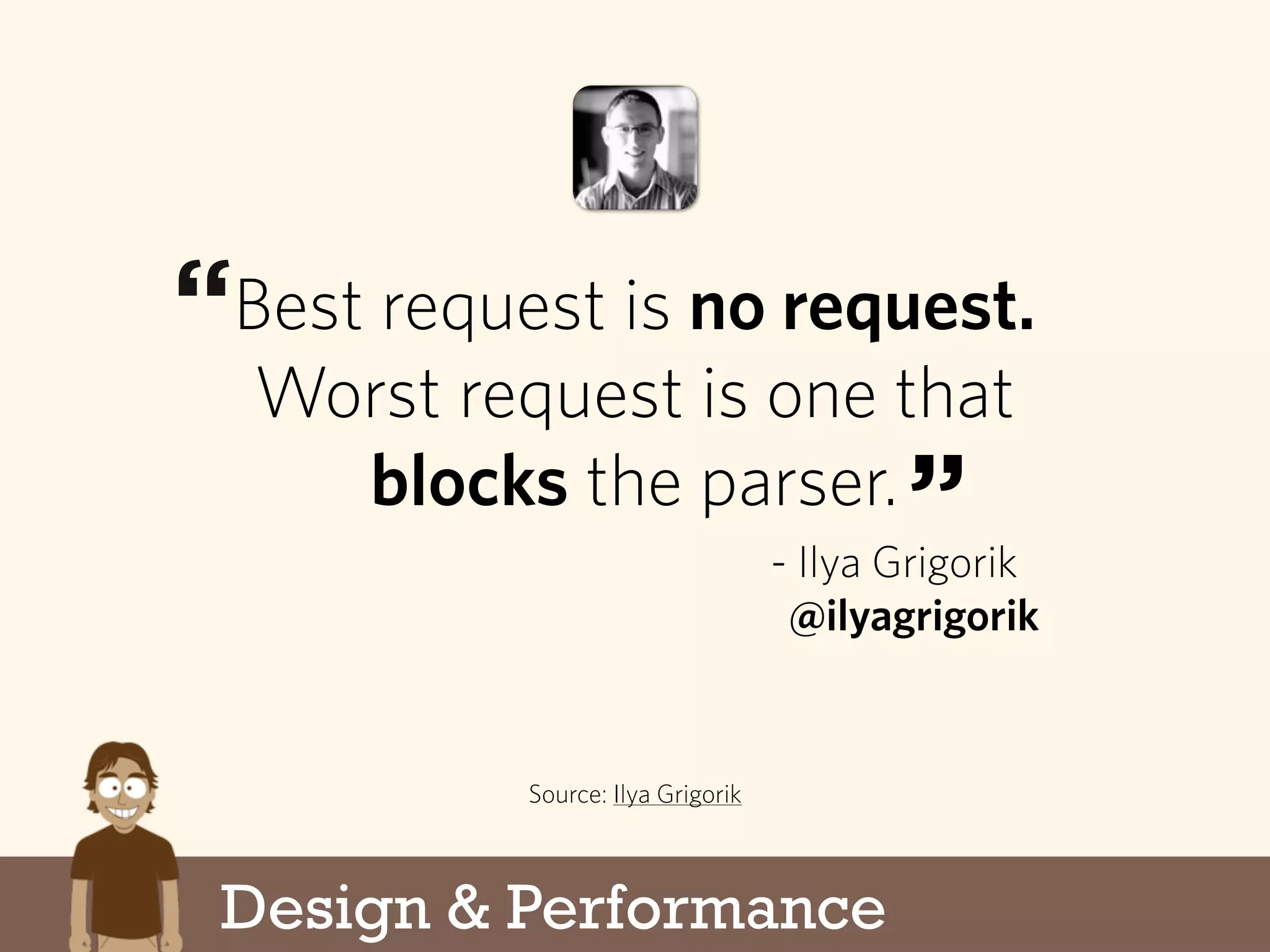
Best request is no request.
Worst request is one that
blocks the parser.
Source: Ilya Grigorik
- Ilya Grigorik
@ilyagrigorik
“
”
Design & Performance
Corollary: The next best request
is the one not parsed.
Source: My brain
- Me
@dmolsen
“
”
Design & Performance
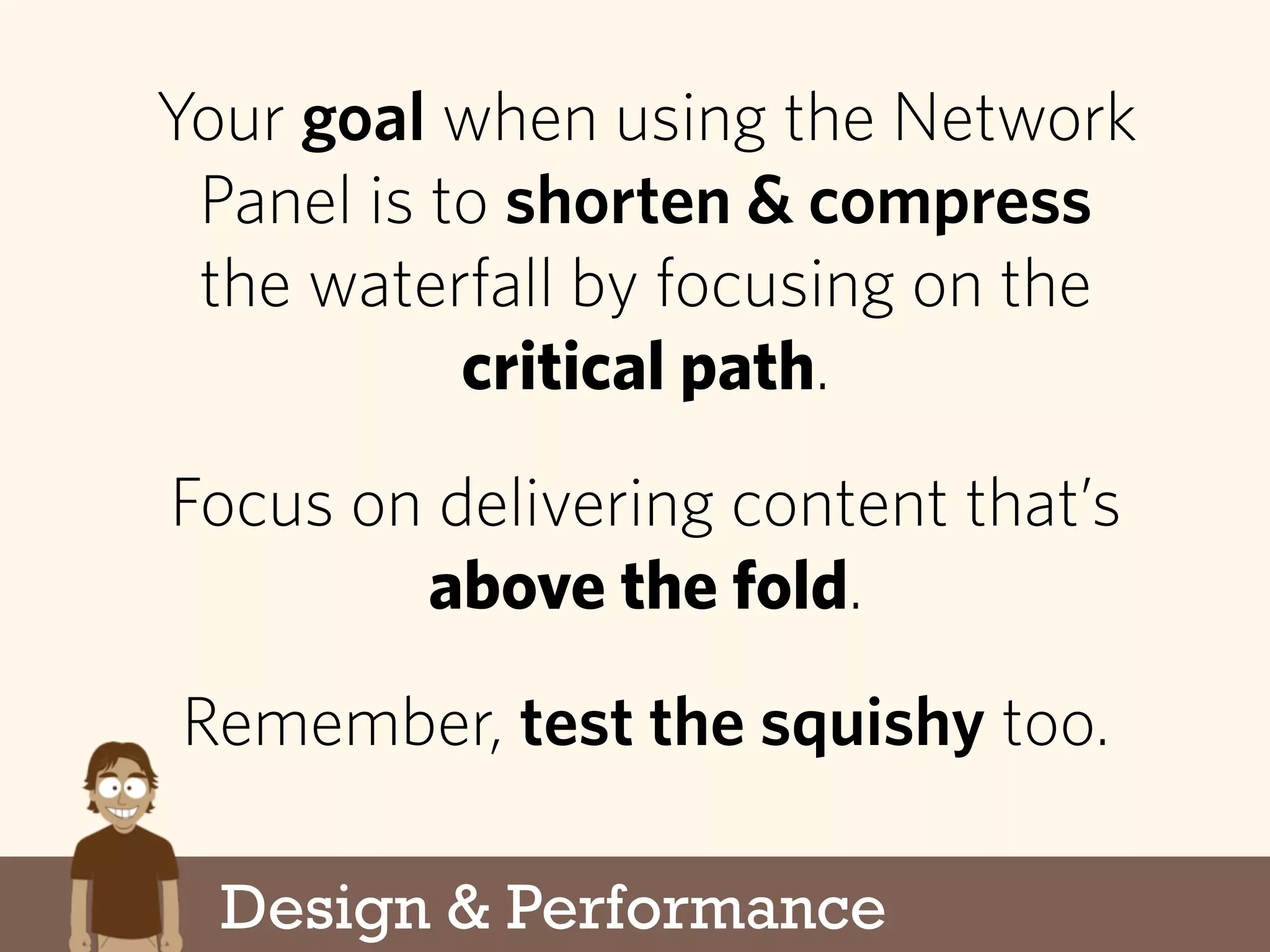
Your goal when using the Network
Panel is to shorten & compress
the waterfall by focusing on the
critical path.
Focus on delivering content that’s
above the fold.
Remember, test the squishy too.
Design & Performance
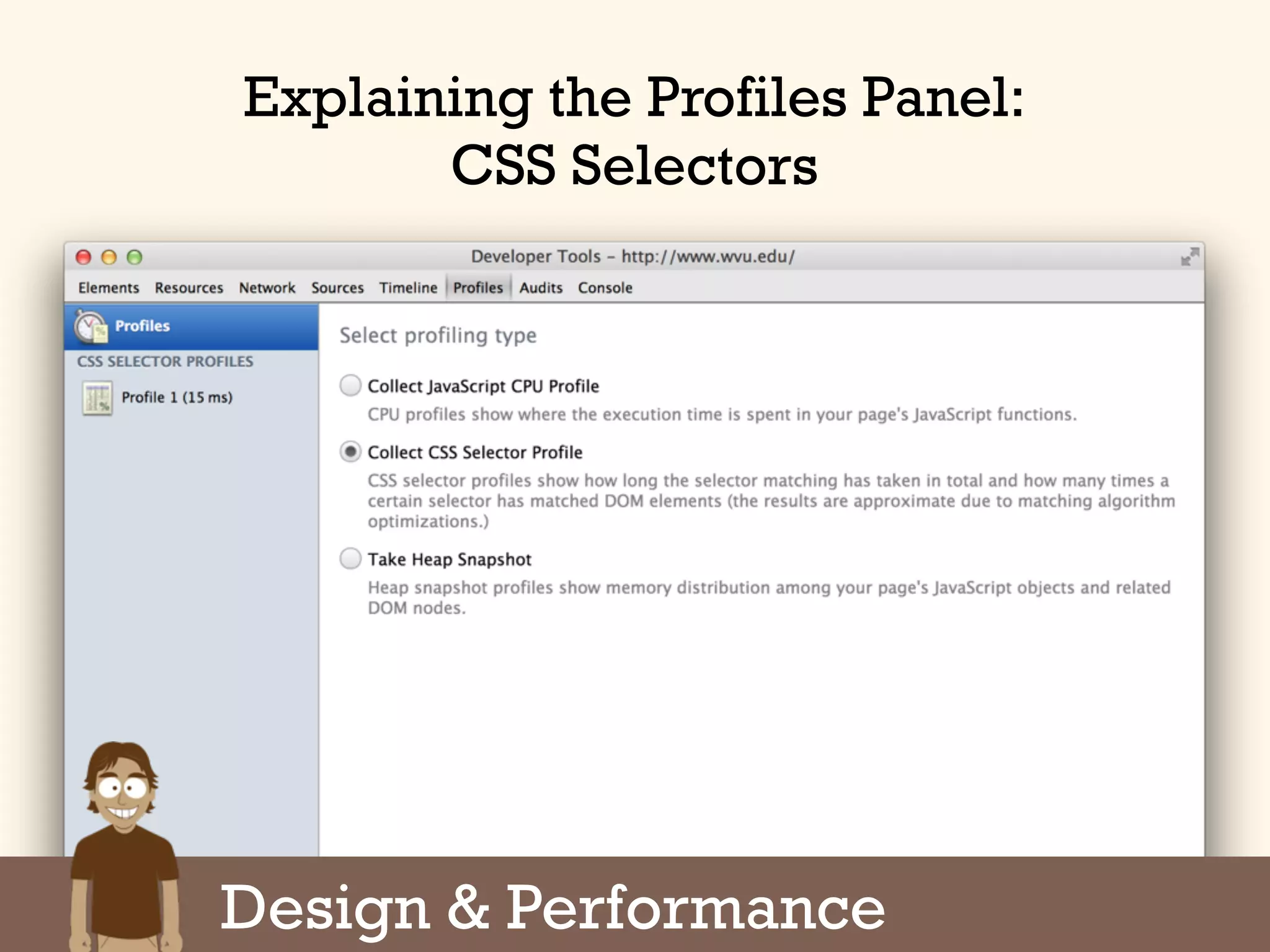
Explaining the Profiles Panel:
CSS Selectors
Design & Performance
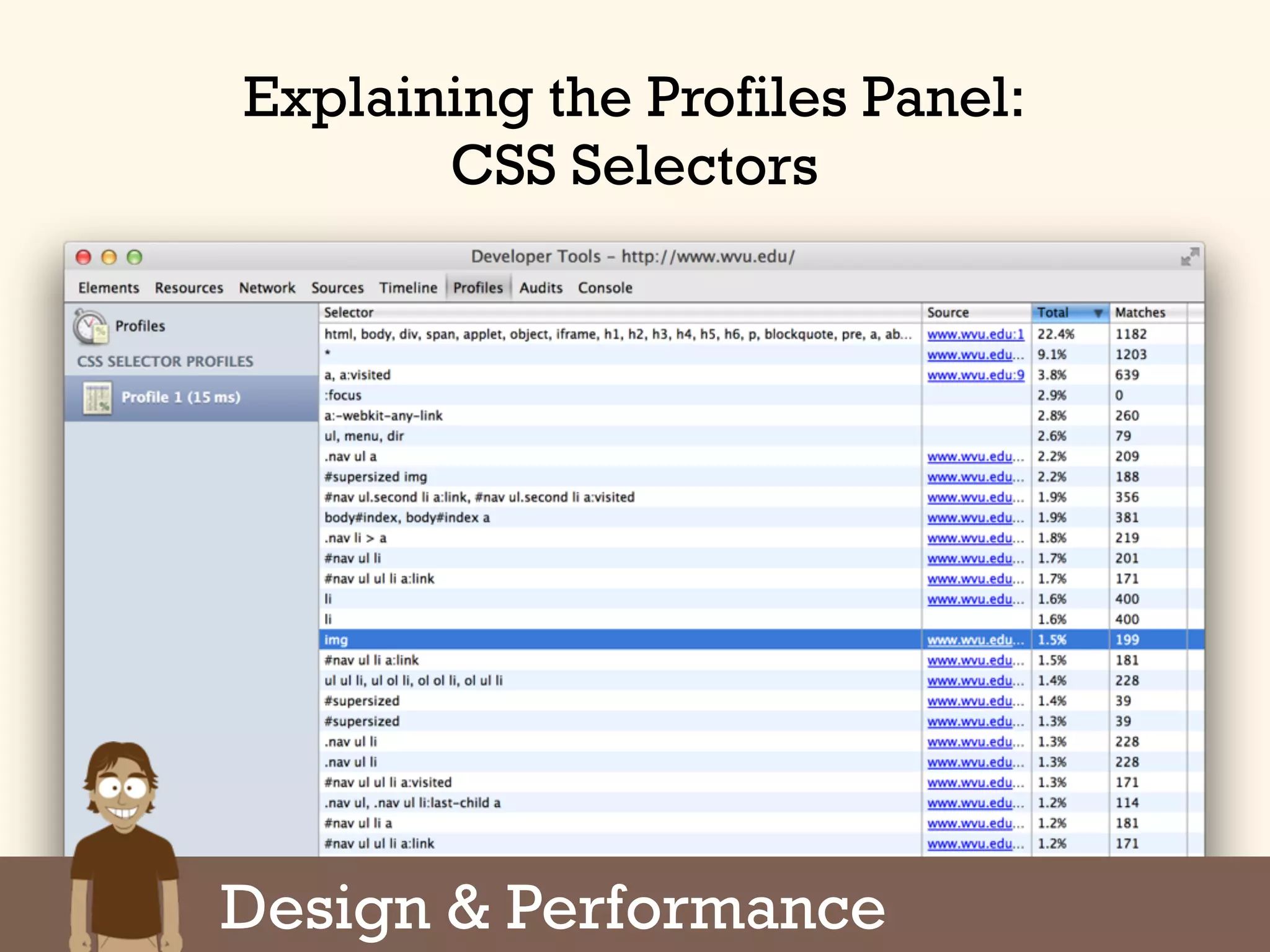
Explaining the Profiles Panel:
CSS Selectors
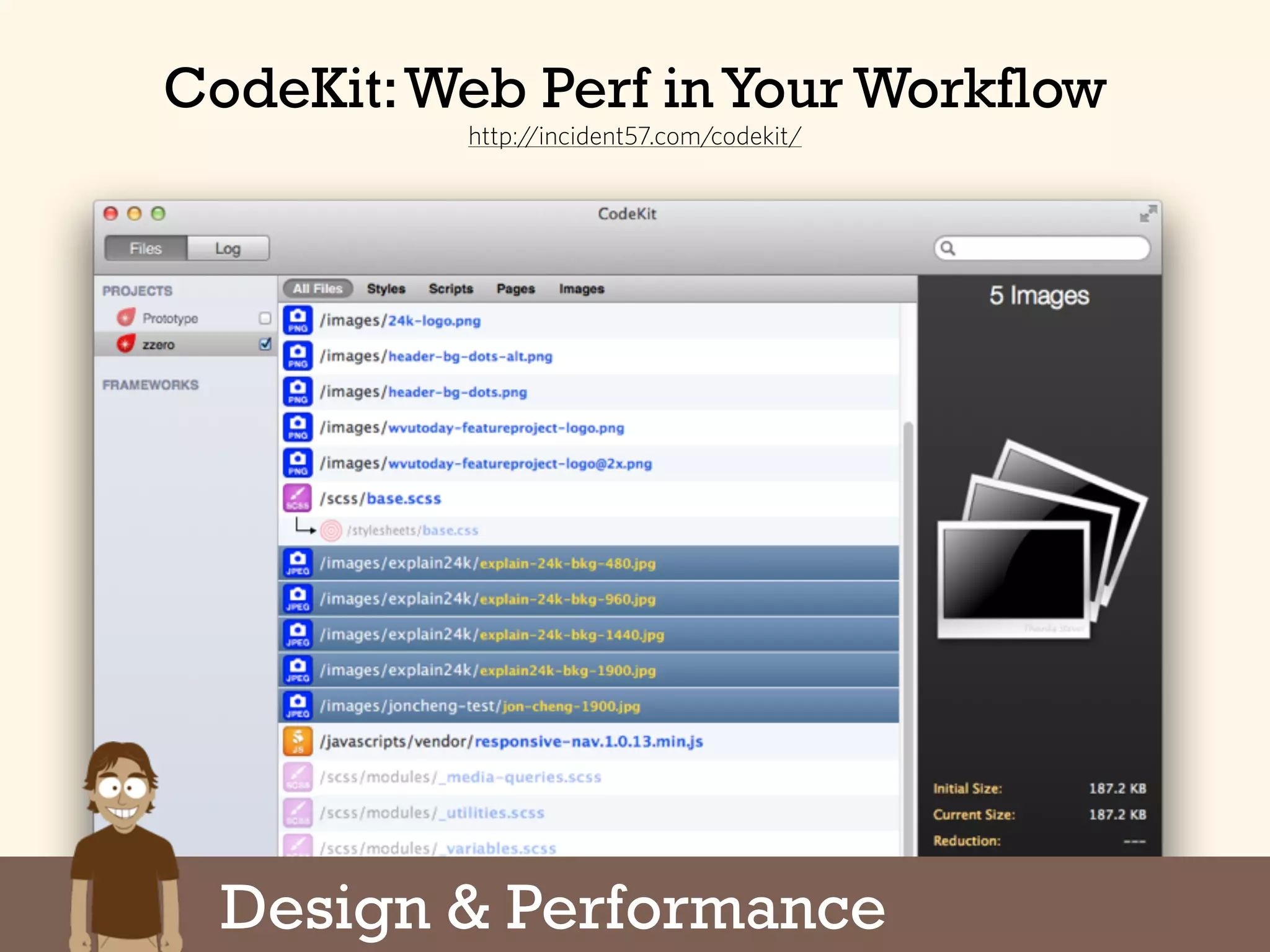
CodeKit
CodeKit:Web Perf in Your Workflow
http://incident57.com/codekit/
Design & Performance
Programming & Performance
The Six Parts of a Project
1. First Steps
2.Design & Production
3.Programming
4.Testing
5.Deployment
6.Monitoring
Programming & Performance
Things to Keep in Mind...
JavaScript libraries are devils. Consider
using microjs.com or vanilla JS.
Defer loading of JavaScript. Use
onTouch events when appropriate.
Reflow & repaints are the devil.
The “devil” talk is tongue-in-cheek. Serious.
Programming & Performance
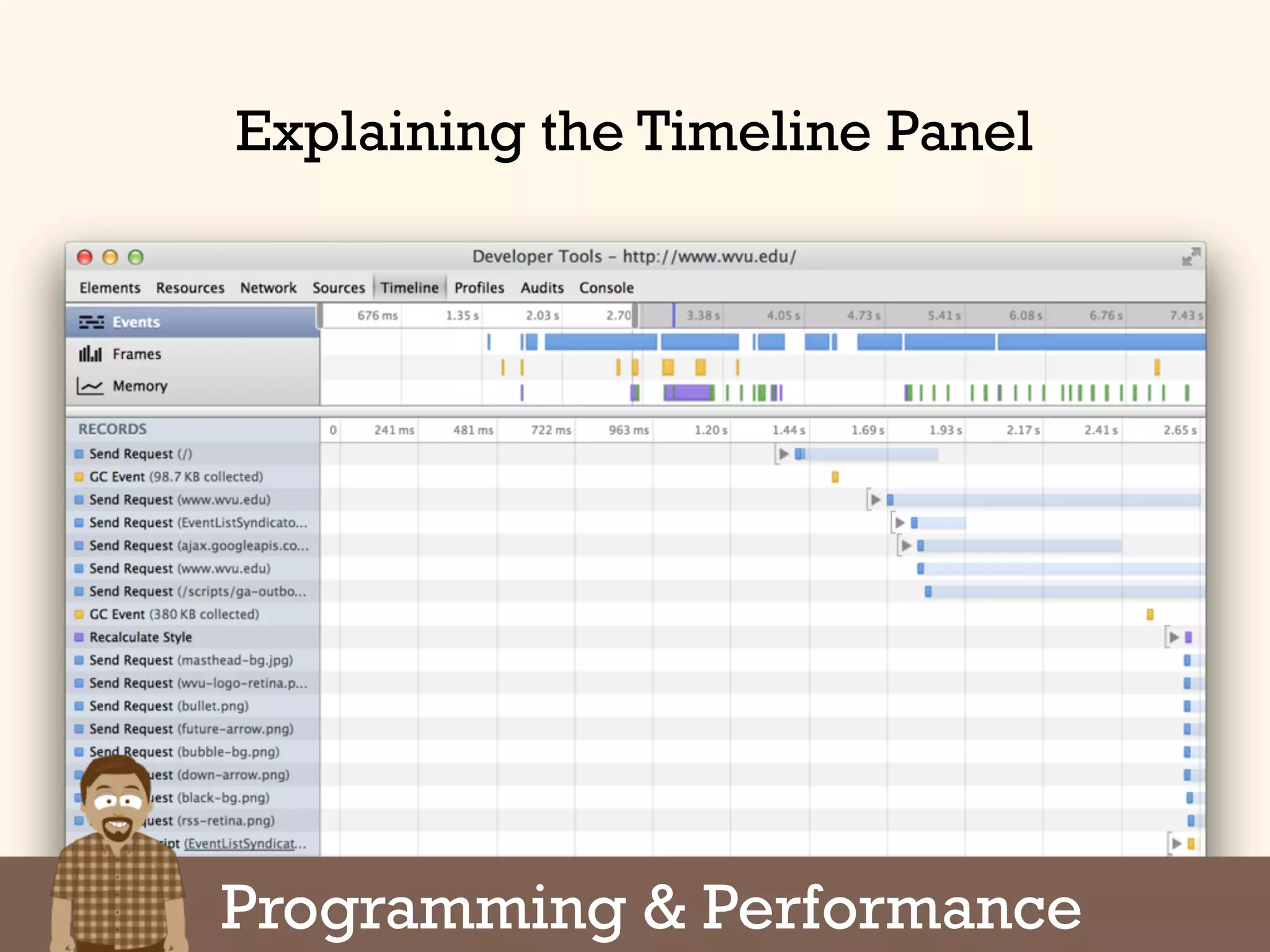
Explaining the Timeline Panel
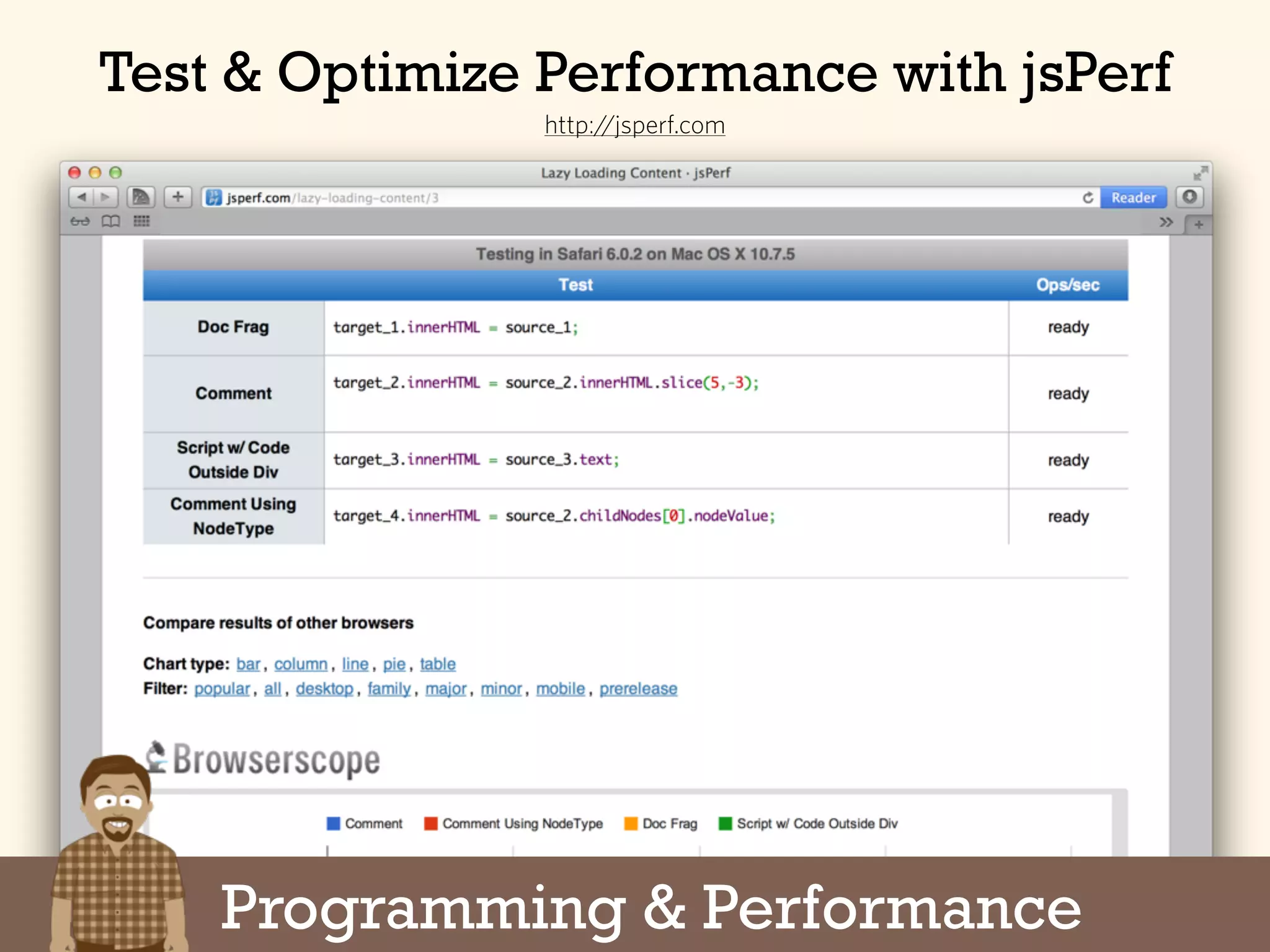
Test & Optimize Performance with jsPerf
http://jsperf.com
Programming & Performance
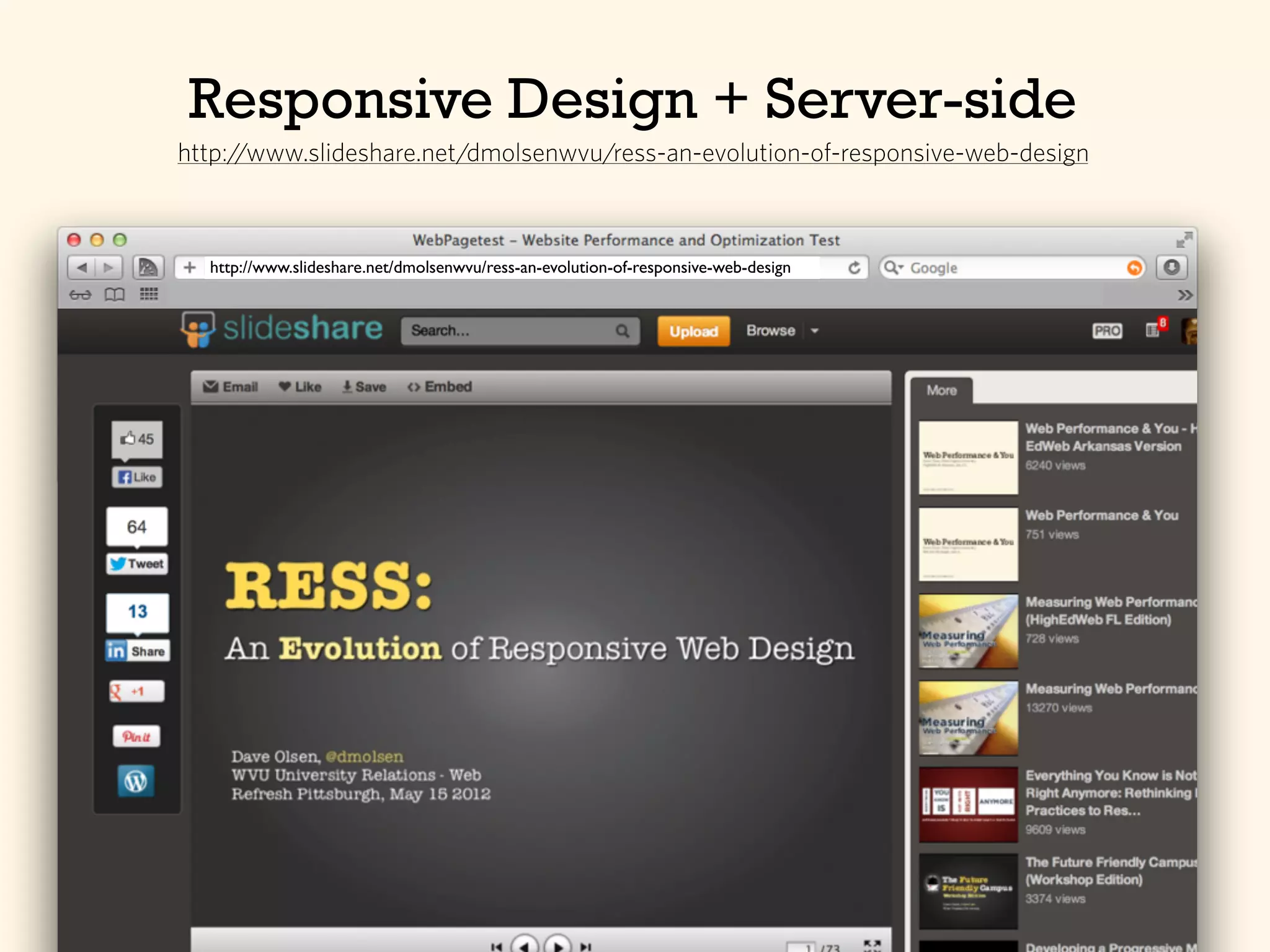
Responsive Design + Server-side
http://www.slideshare.net/dmolsenwvu/ress-an-evolution-of-responsive-web-design
Testing
The Six Parts of a Project
1. First Steps
2.Design & Production
3.Programming
4.Testing
5.Deployment
6.Monitoring
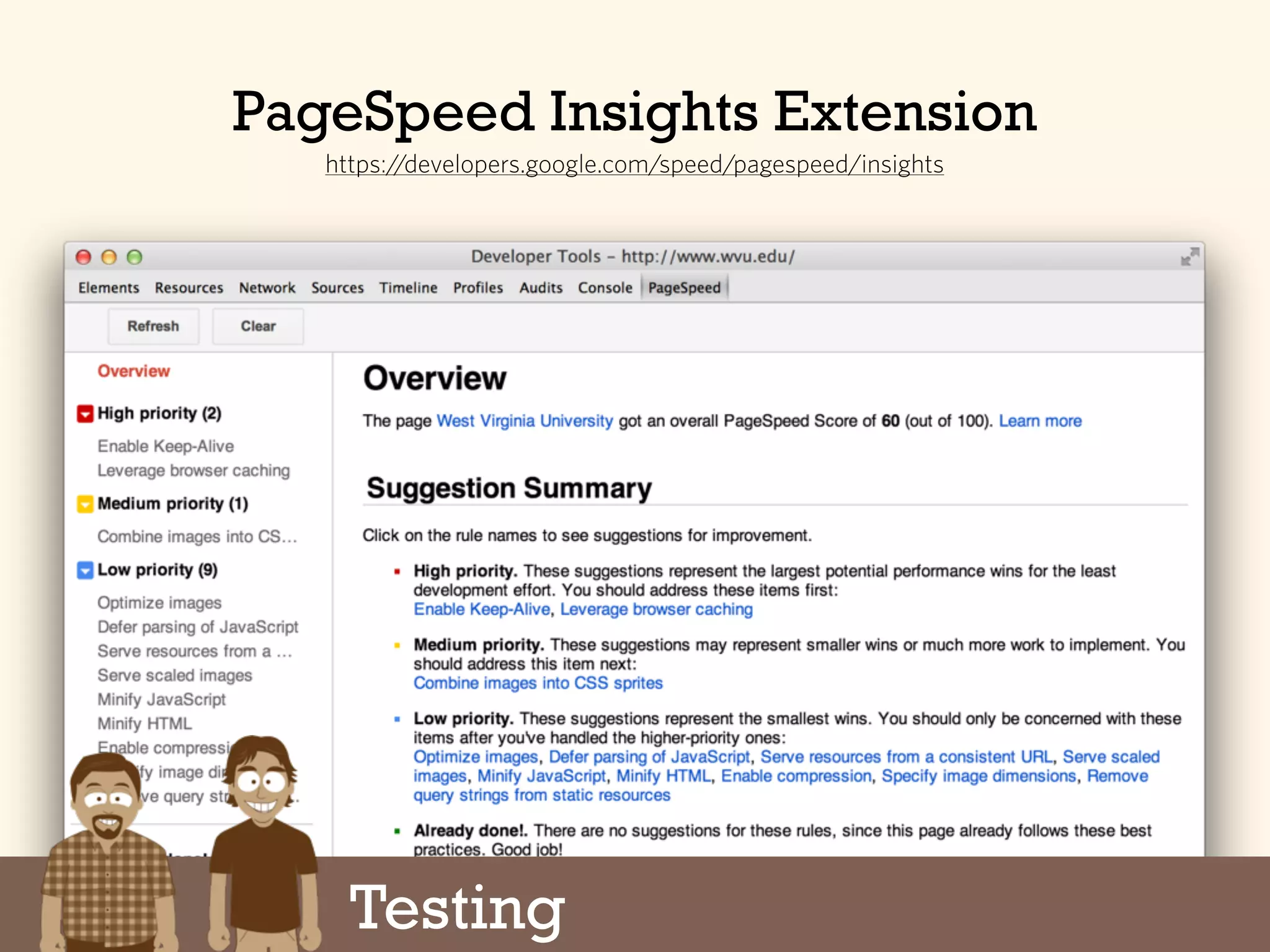
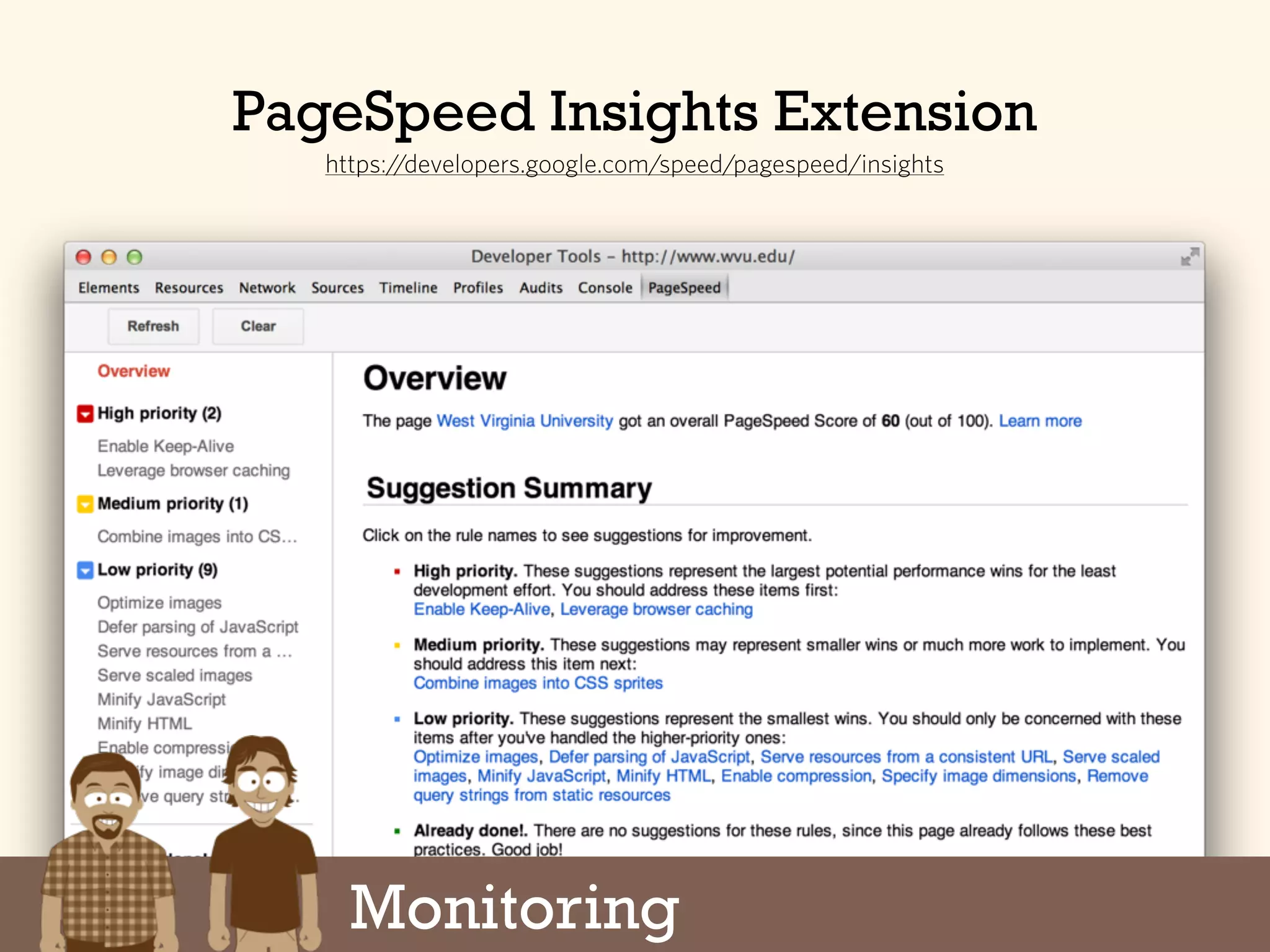
PageSpeed Insights Extension
https://developers.google.com/speed/pagespeed/insights
Testing
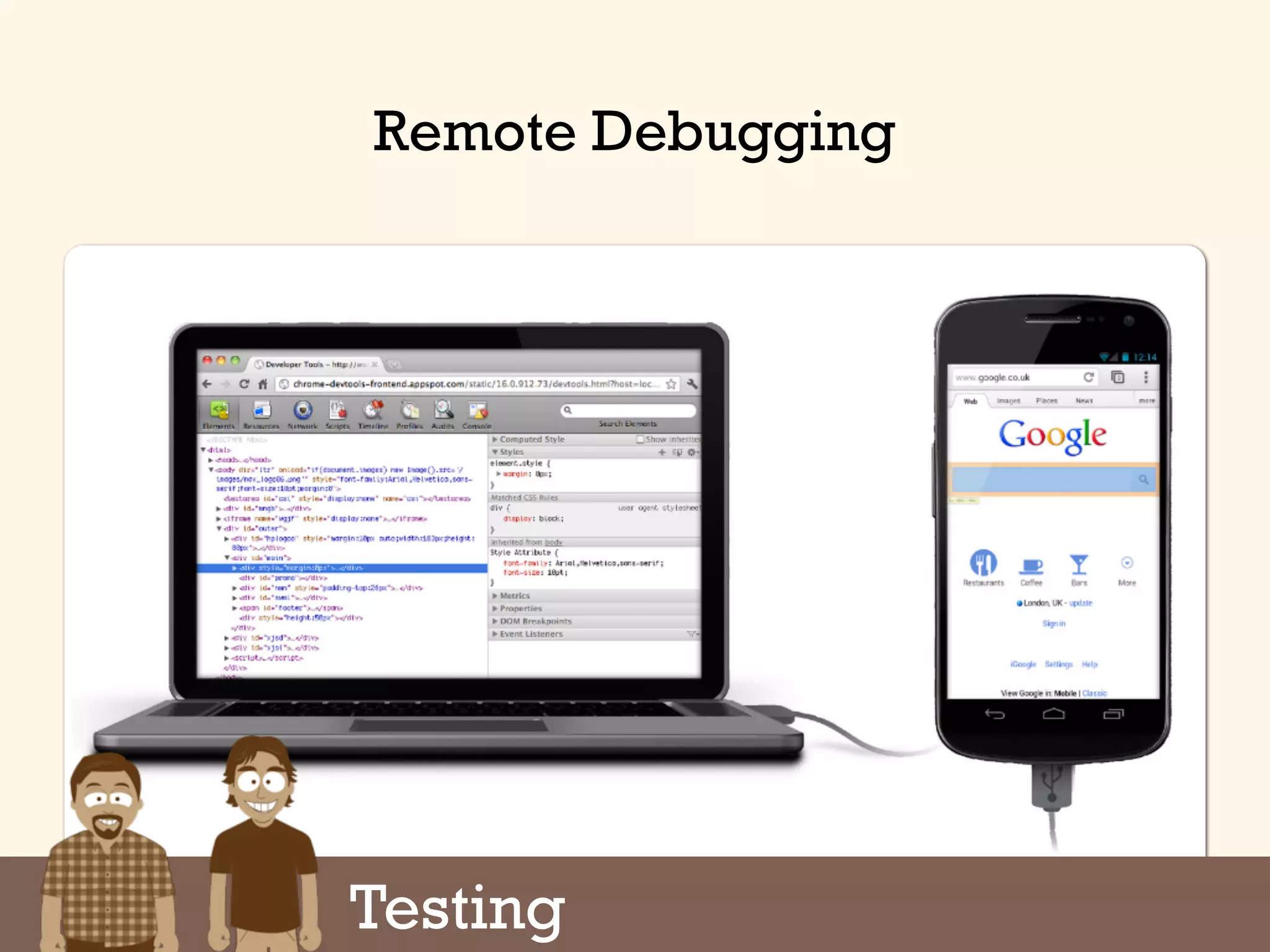
Remote Debugging
Testing
Google Analytics Site Speed
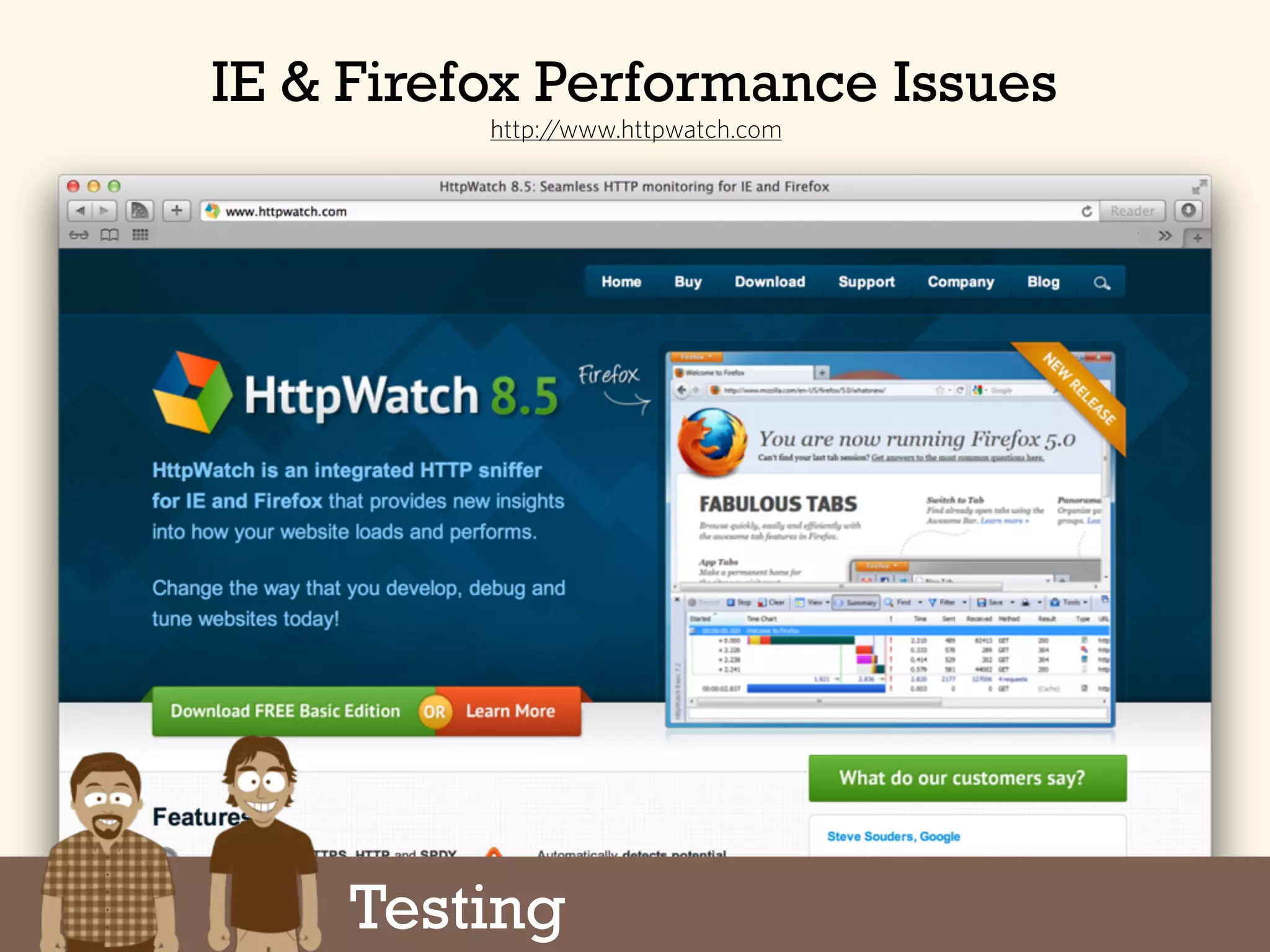
http://www.httpwatch.com
IE & Firefox Performance Issues
Testing
Testing
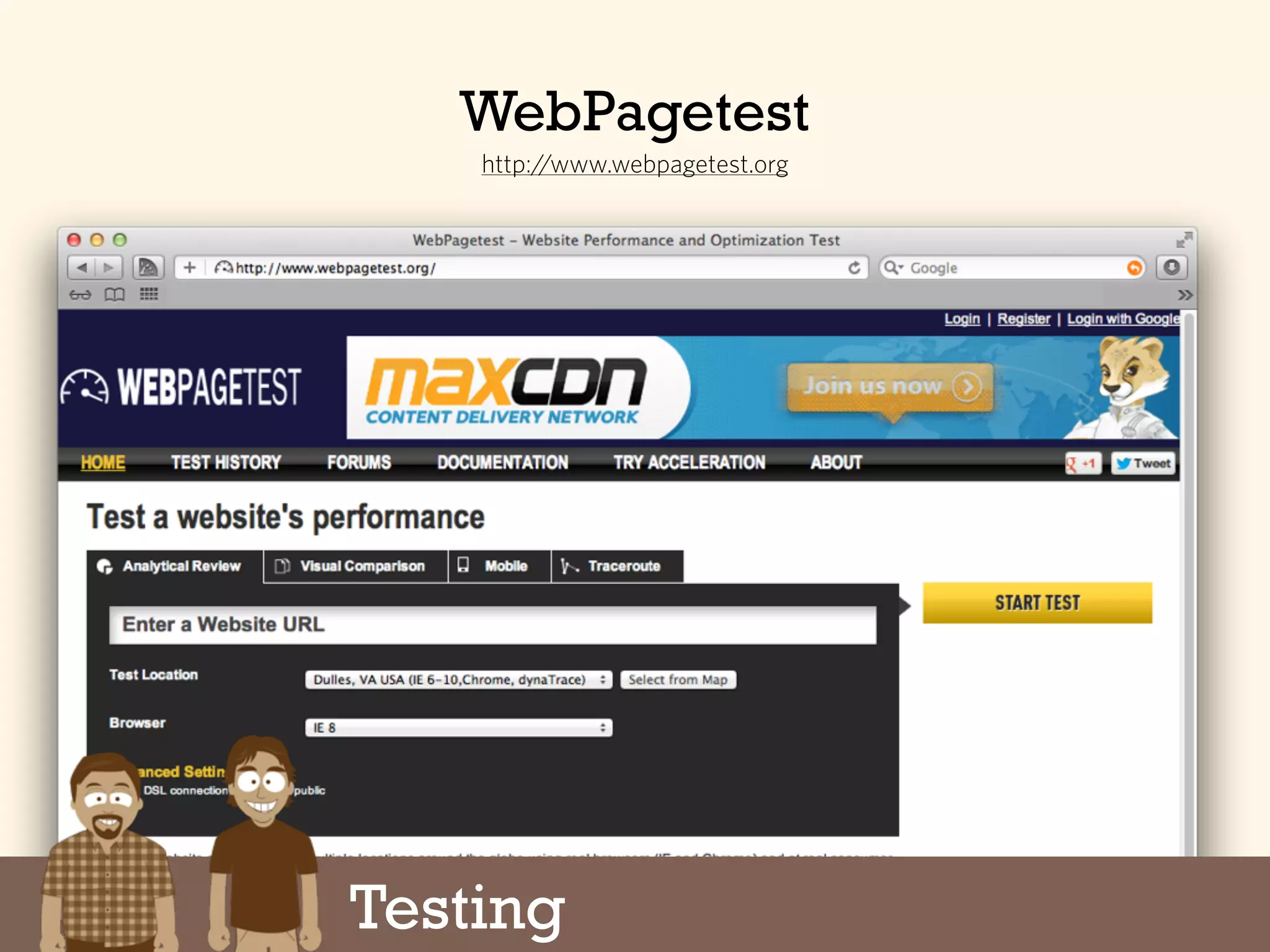
WebPagetest
http://www.webpagetest.org
Google Analytics Site Speed
http://www.slideshare.net/AndyDavies/web-page-test-beyond-the-basics
WebPagetest - Beyond the Basics
Testing
Google Analytics Site Speed
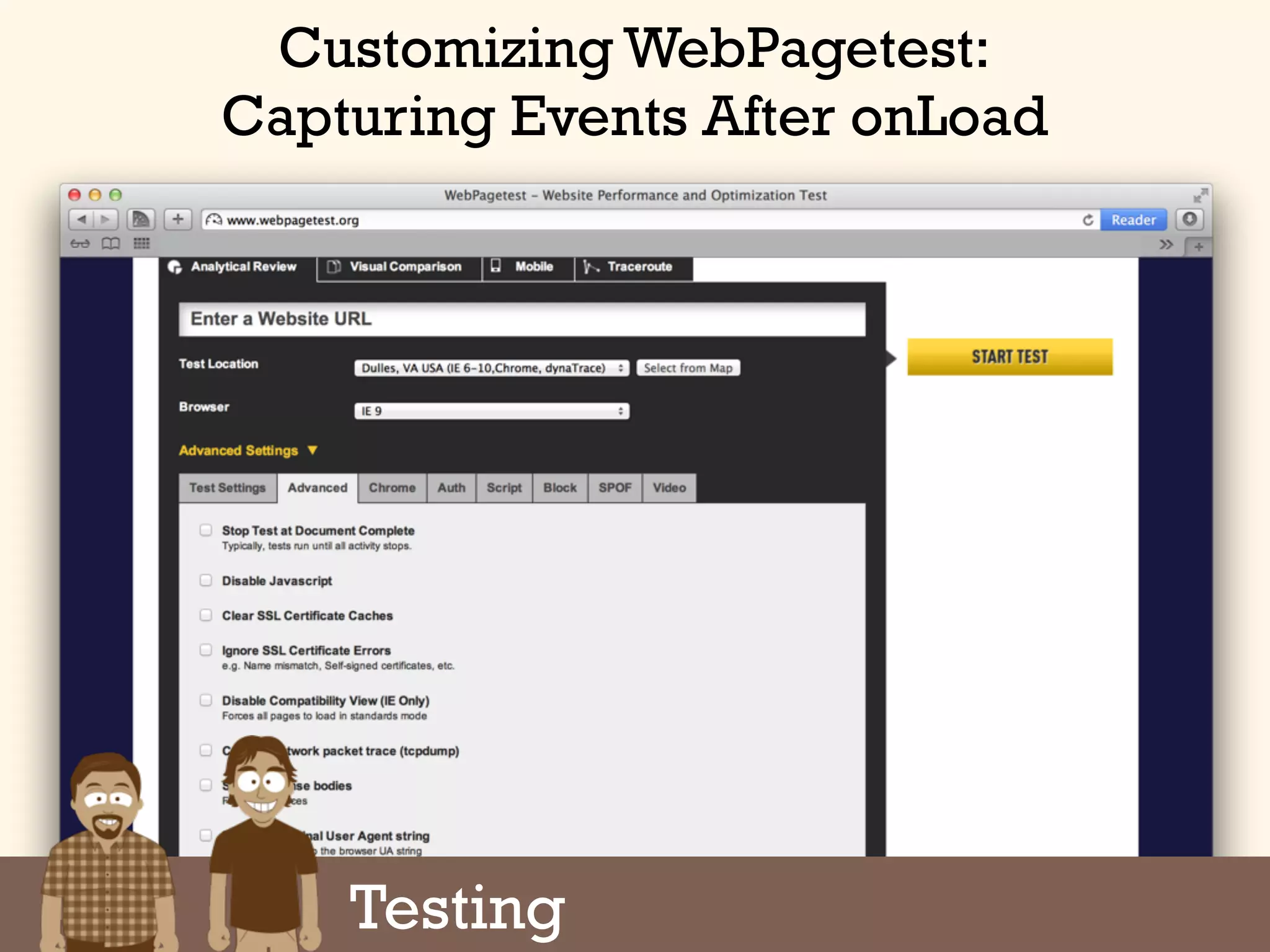
Customizing WebPagetest:
Capturing Events After onLoad
Testing
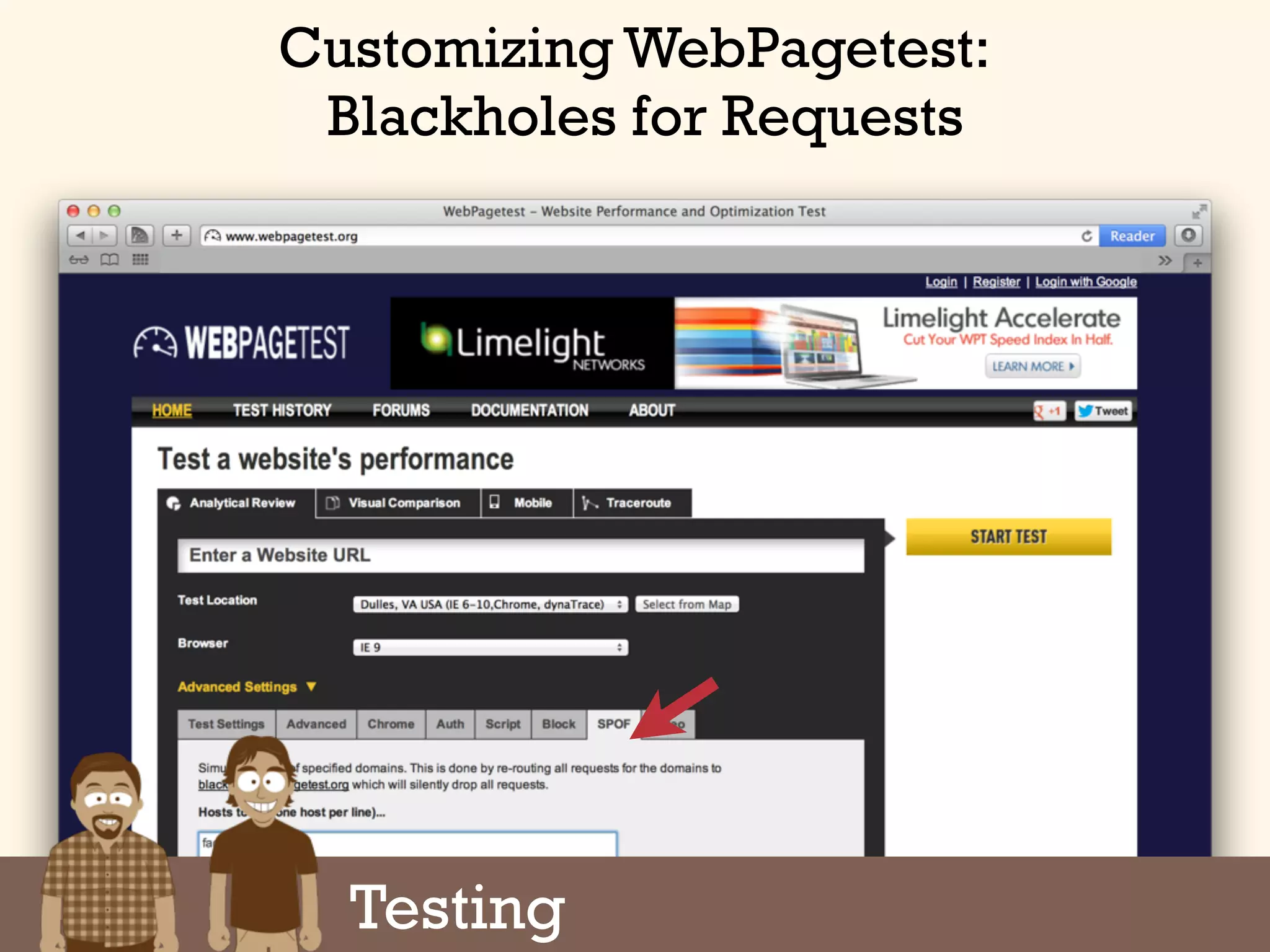
Customizing WebPagetest:
Blackholes for Requests
Testing
Google Analytics Site Speed
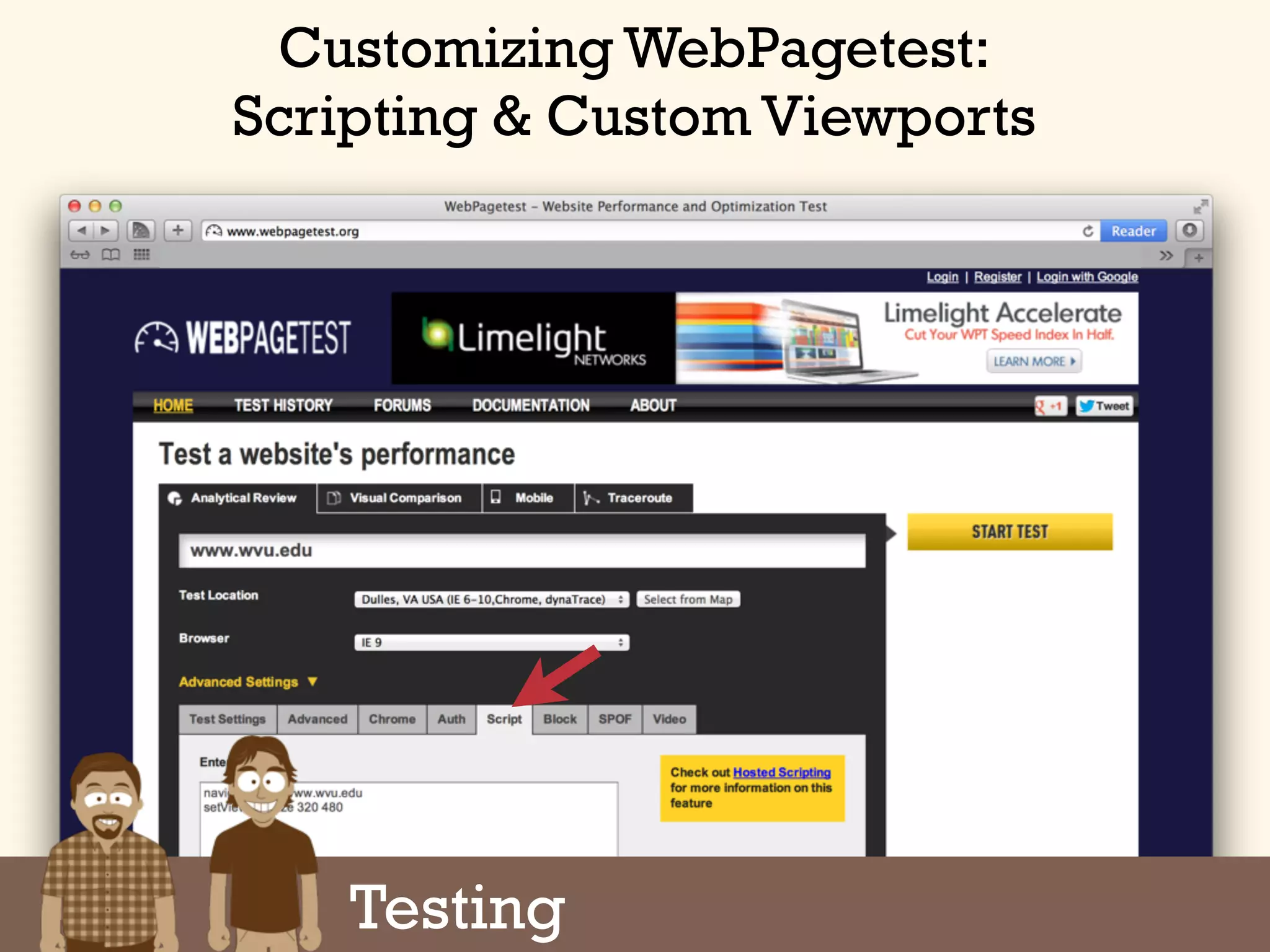
Customizing WebPagetest:
Scripting & Custom Viewports
Testing
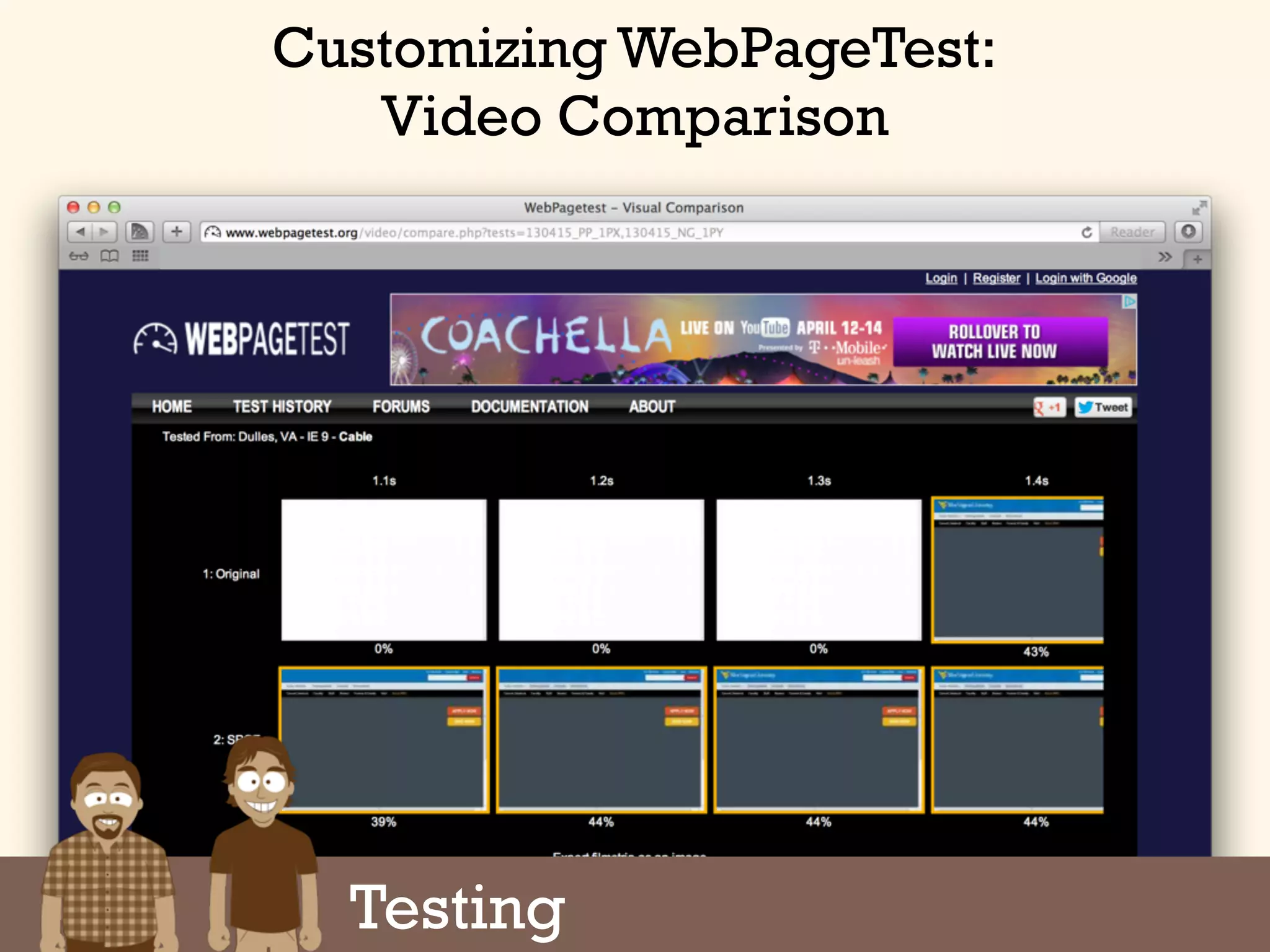
Customizing WebPageTest:
Video Comparison
Testing
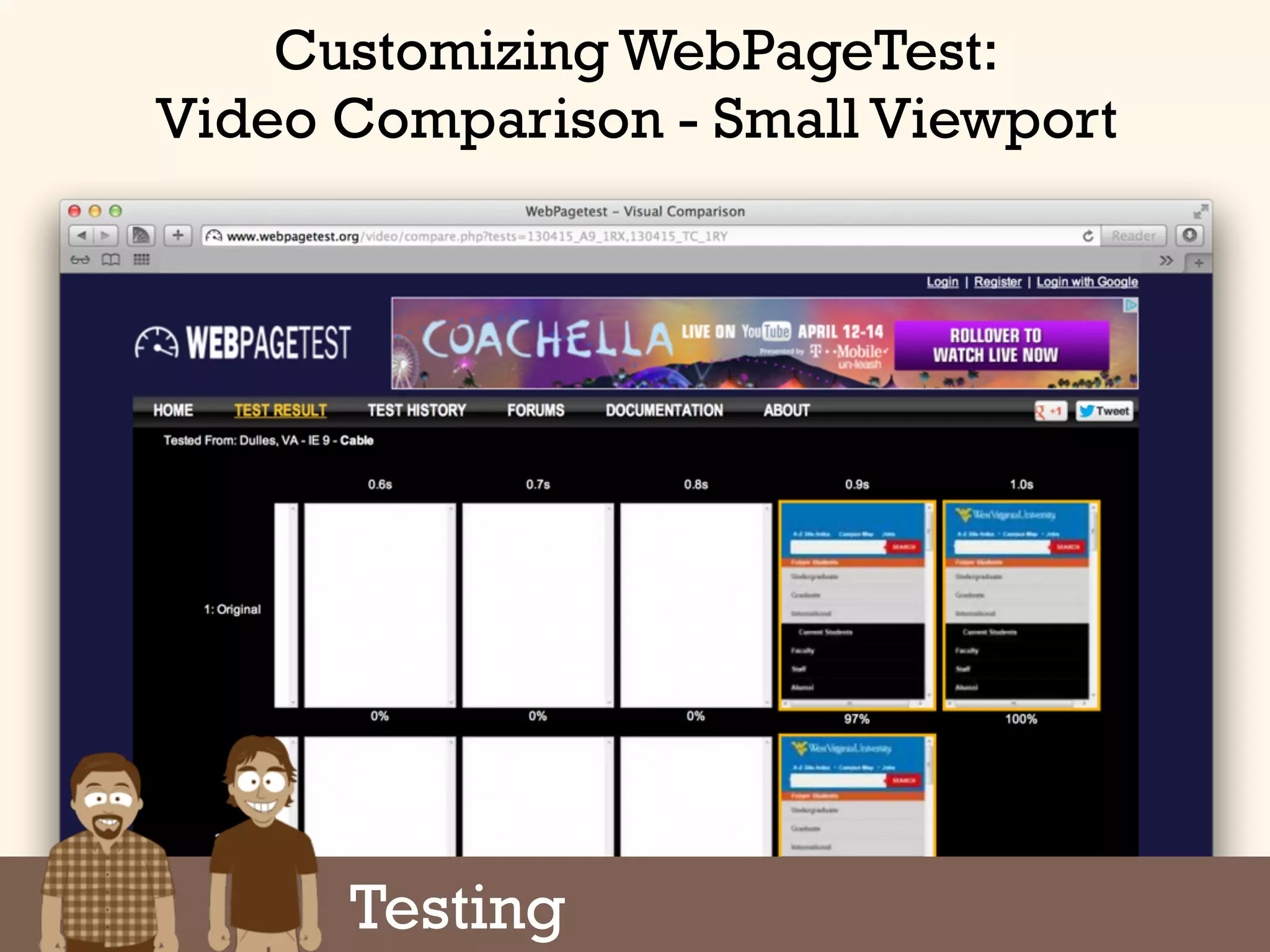
Customizing WebPageTest:
Video Comparison - Small Viewport
Testing
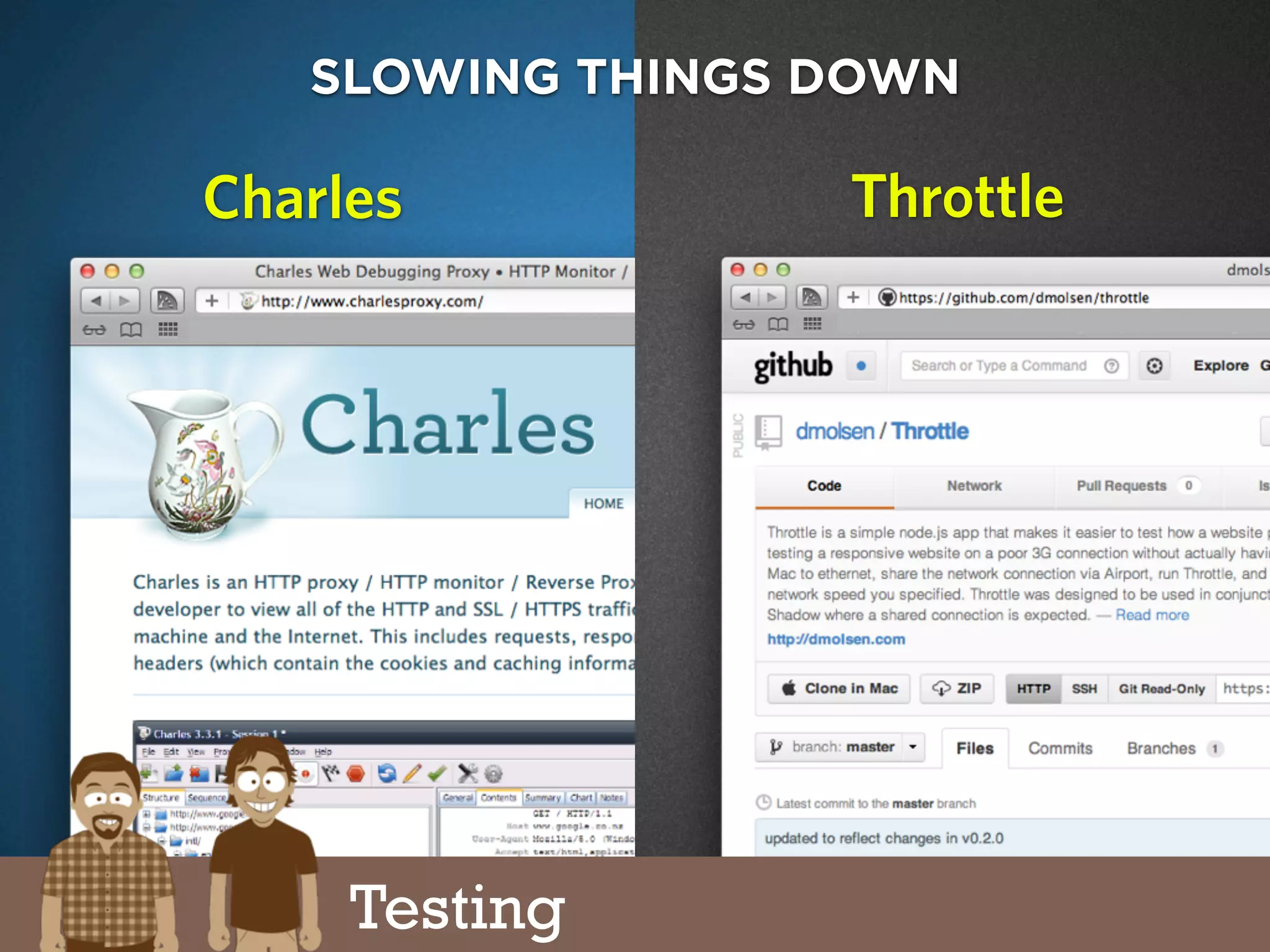
charlesproxy.com
SLOWING THINGS DOWN
ThrottleCharles
Testing
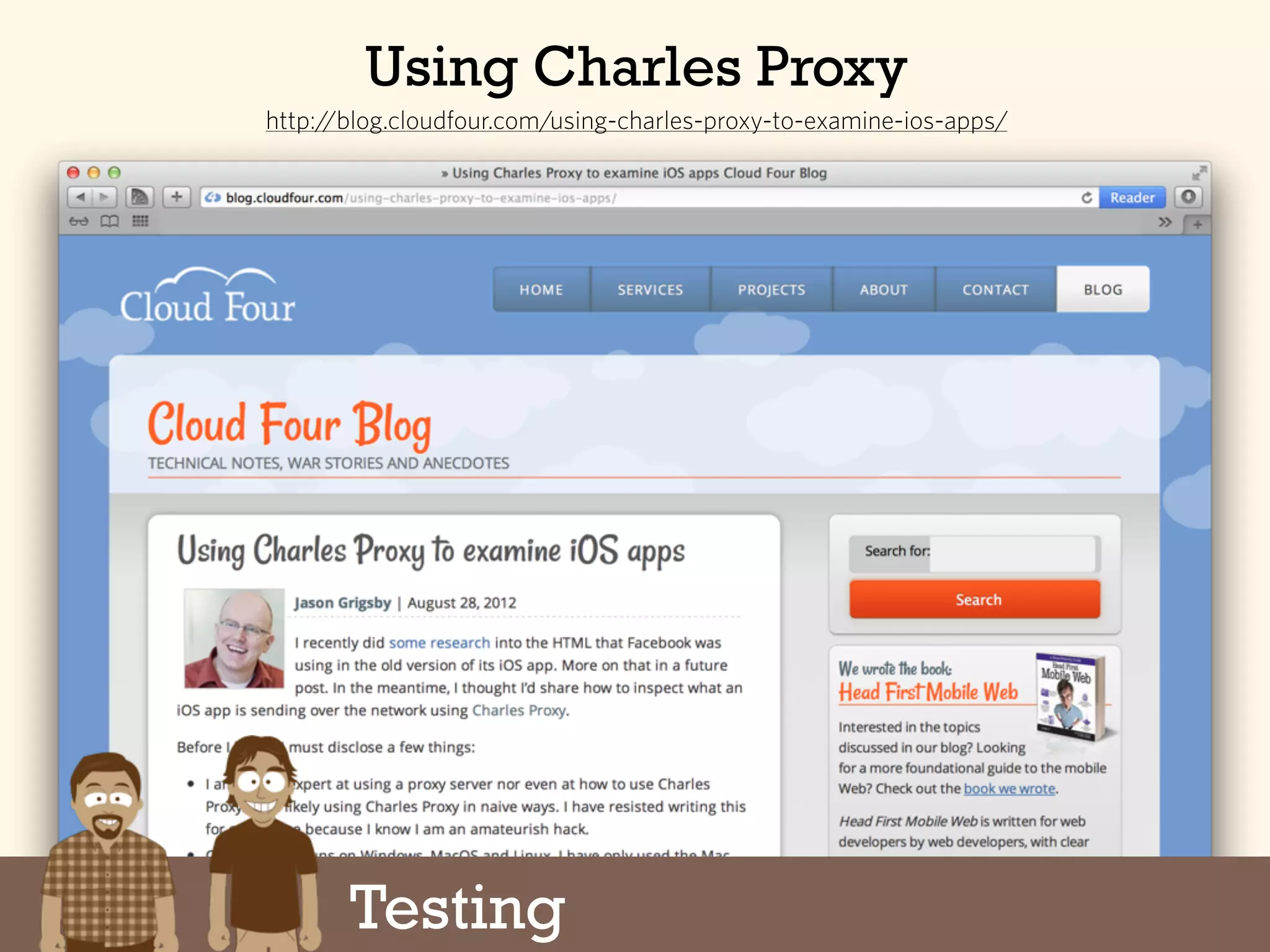
Using Charles Proxy
http://blog.cloudfour.com/using-charles-proxy-to-examine-ios-apps/
Testing
Testing
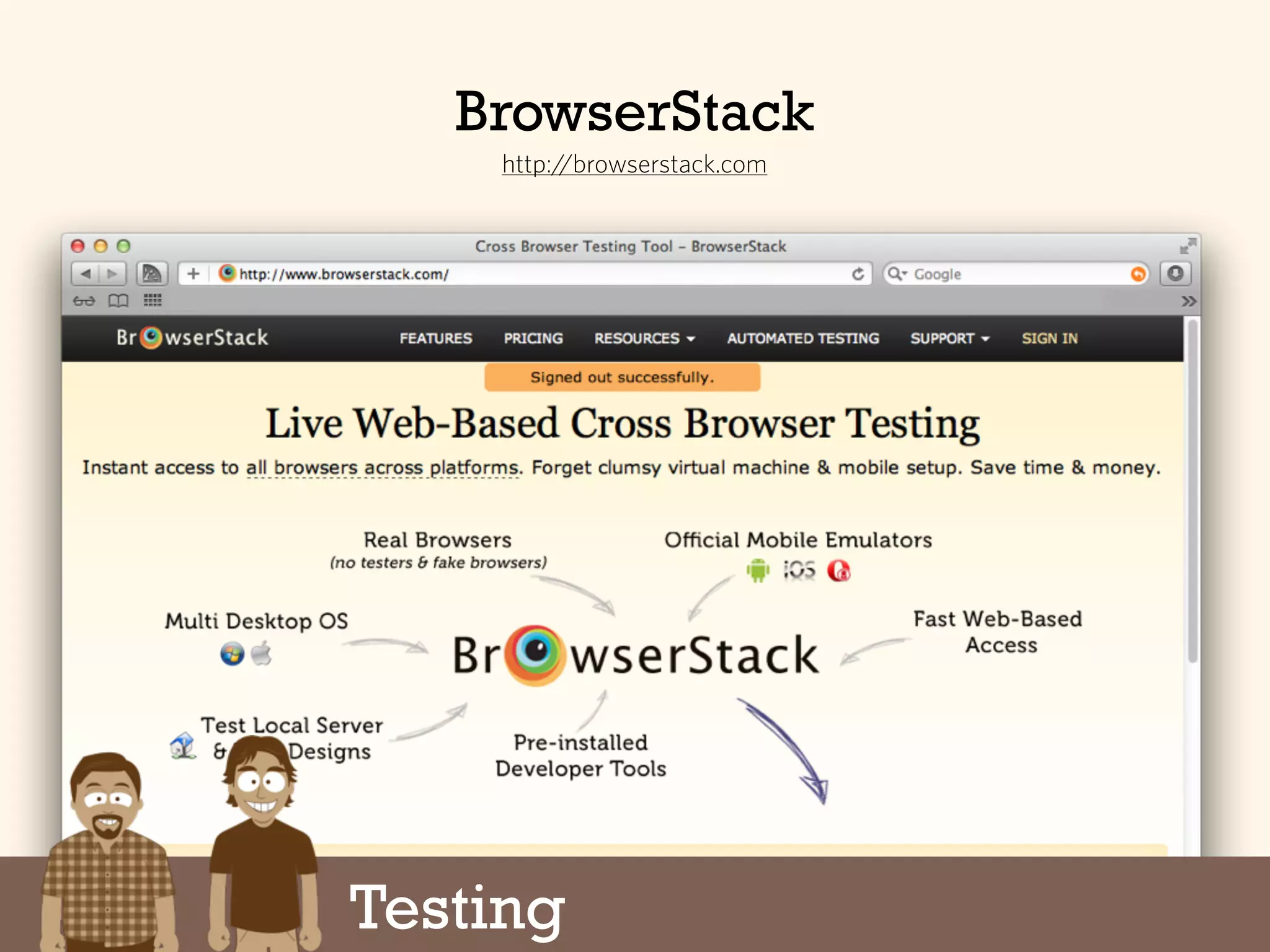
BrowserStack
http://browserstack.com
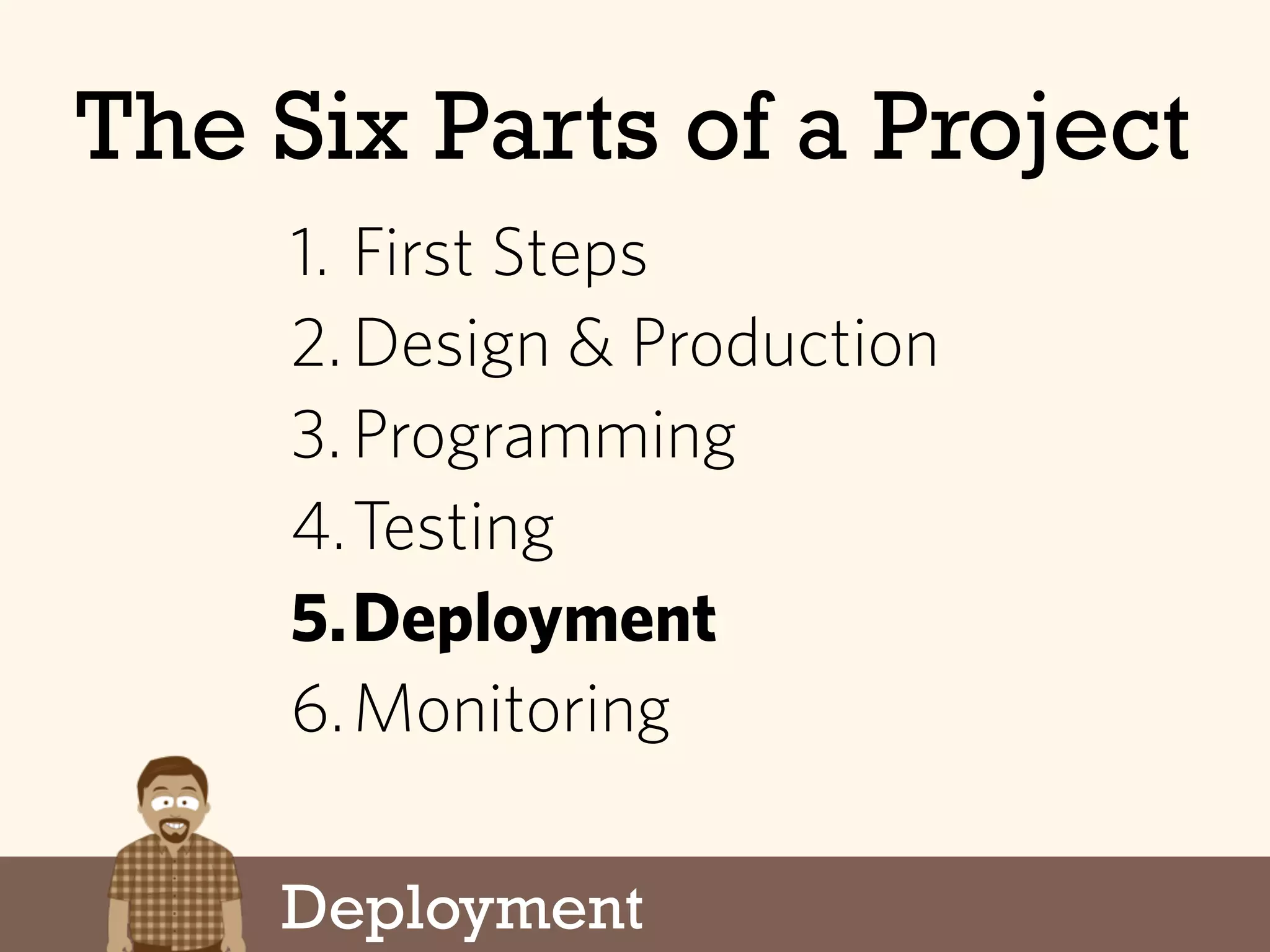
Deployment
The Six Parts of a Project
1. First Steps
2.Design & Production
3.Programming
4.Testing
5.Deployment
6.Monitoring
Deployment
Finally getting to “traditional”
performance techniques...
Performance can’t simply be
tacked onto the end of a project.
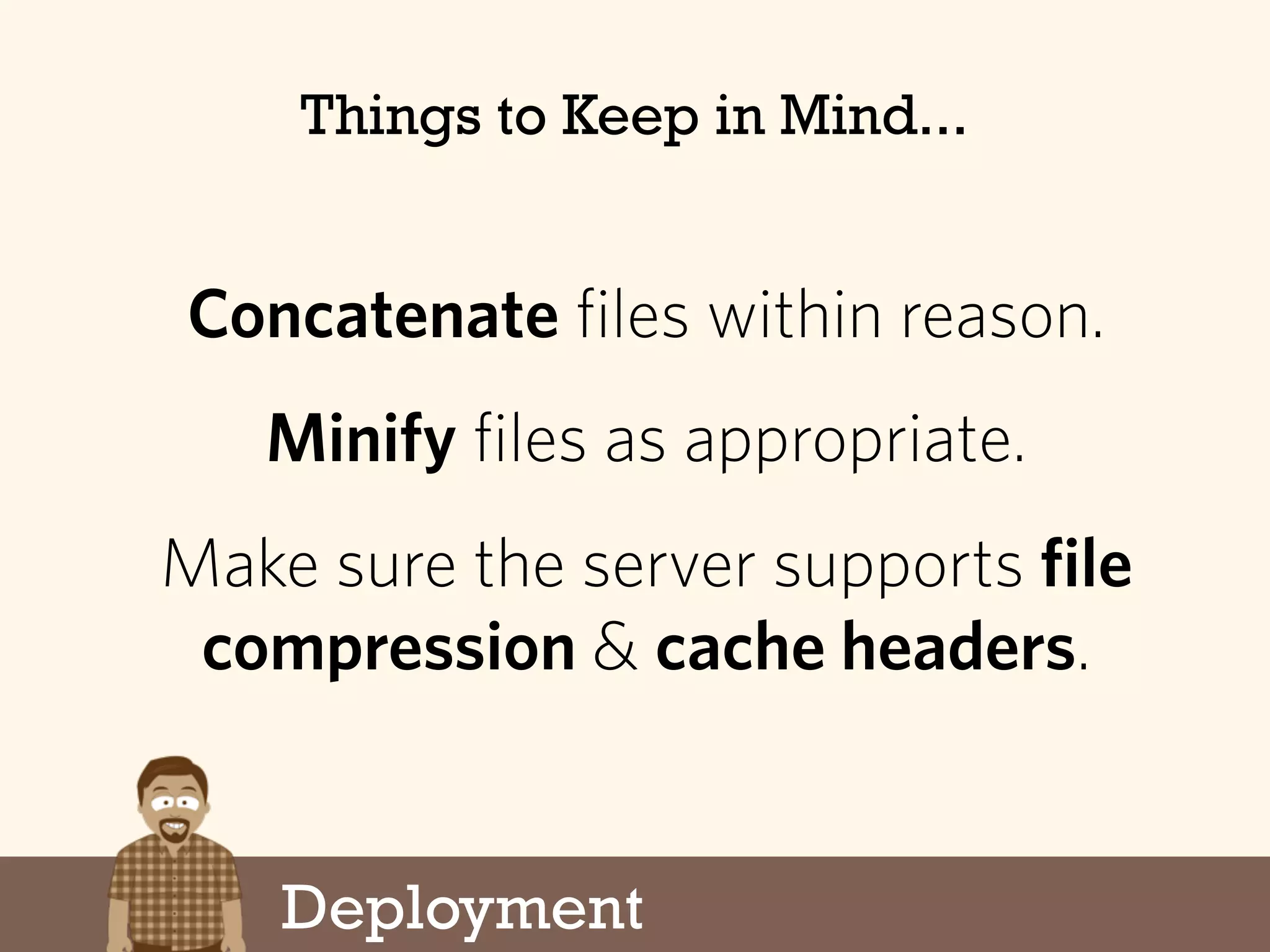
Concatenate files within reason.
Minify files as appropriate.
Make sure the server supports file
compression & cache headers.
Deployment
Things to Keep in Mind...
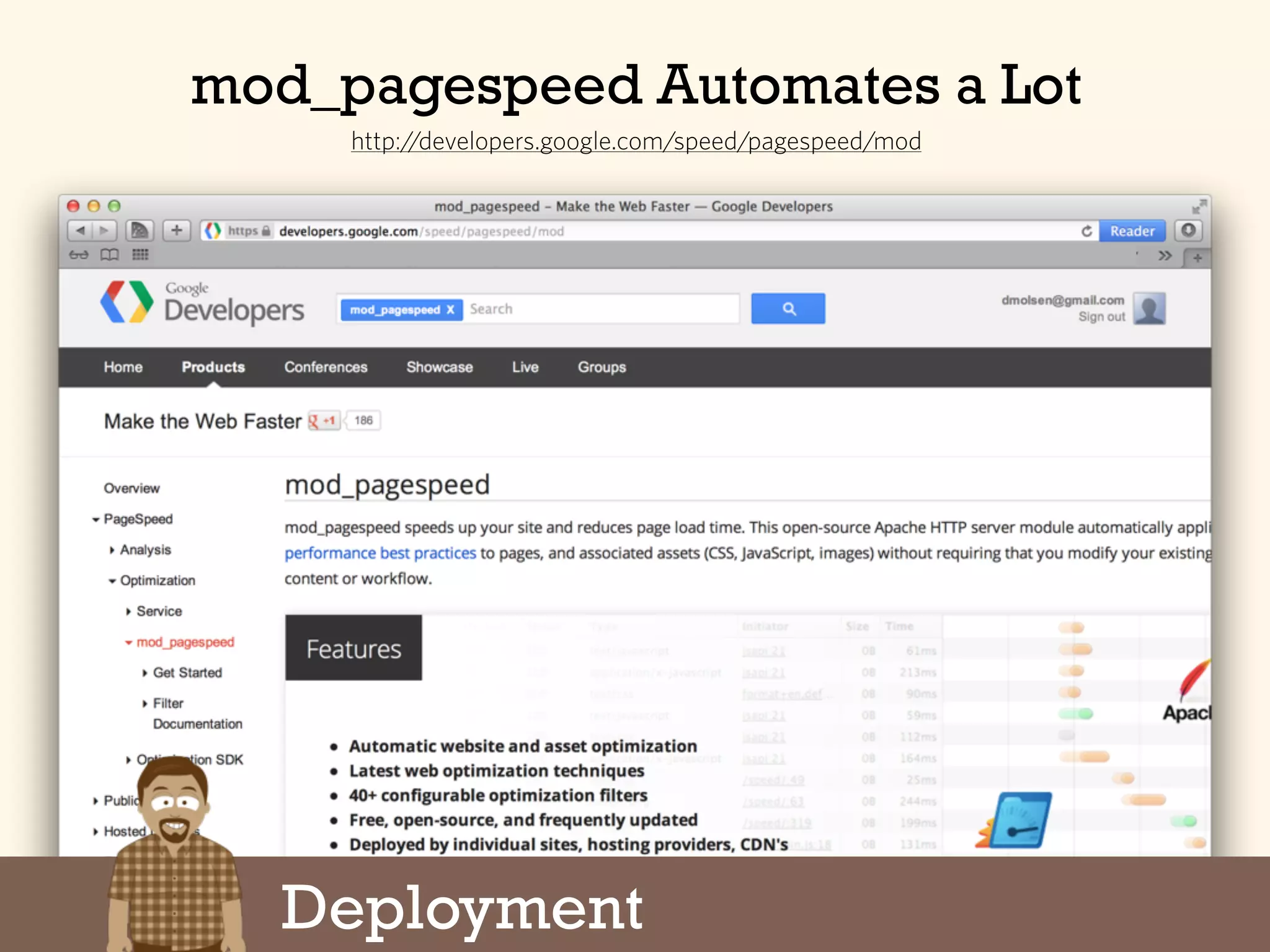
mod_pagespeed Automates a Lot
http://developers.google.com/speed/pagespeed/mod
Deployment
The Six Parts of a Project
Monitoring
1. First Steps
2.Design & Production
3.Programming
4.Testing
5.Deployment
6.Monitoring
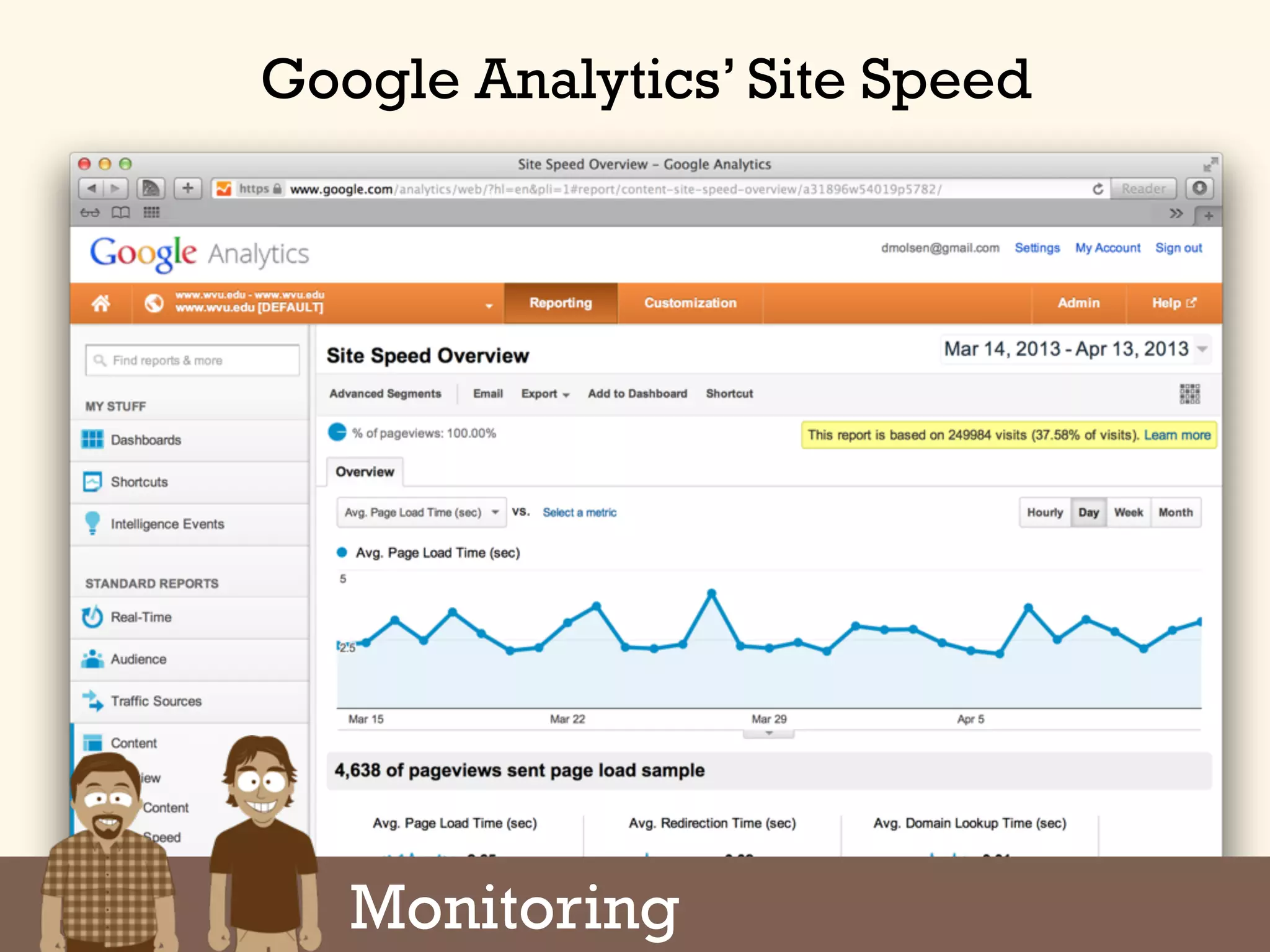
Google Analytics’ Site Speed
Monitoring
PageSpeed Insights Extension
https://developers.google.com/speed/pagespeed/insights
Monitoring
Setting Up a Device Lab
Part Trois:
eBay
MobileKarma.com
Cellphone store leftovers
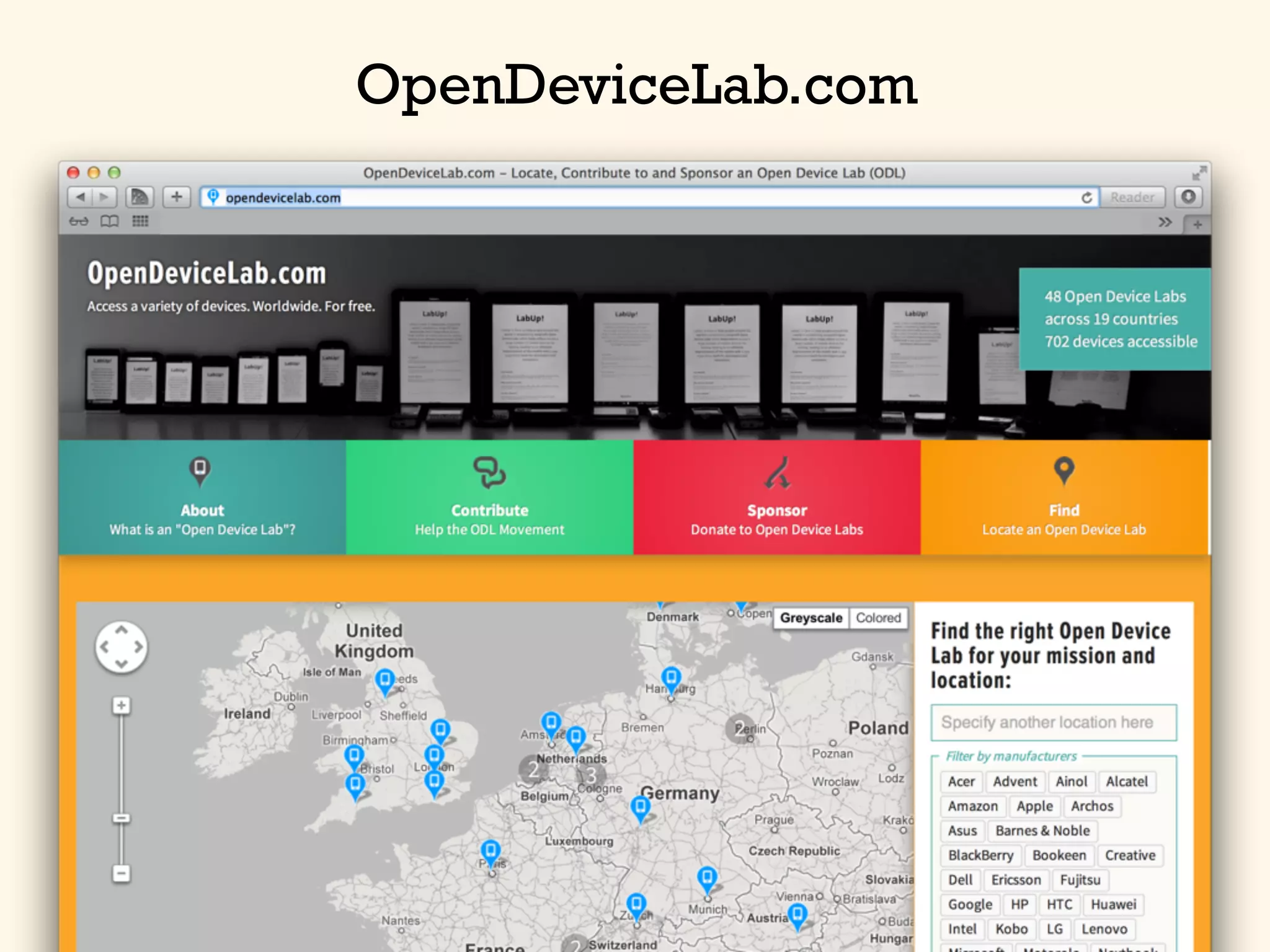
Open device labs
GET YOUR HANDS ON
REAL DEVICES
http://flic.kr/p/7972f6
OpenDeviceLab.com
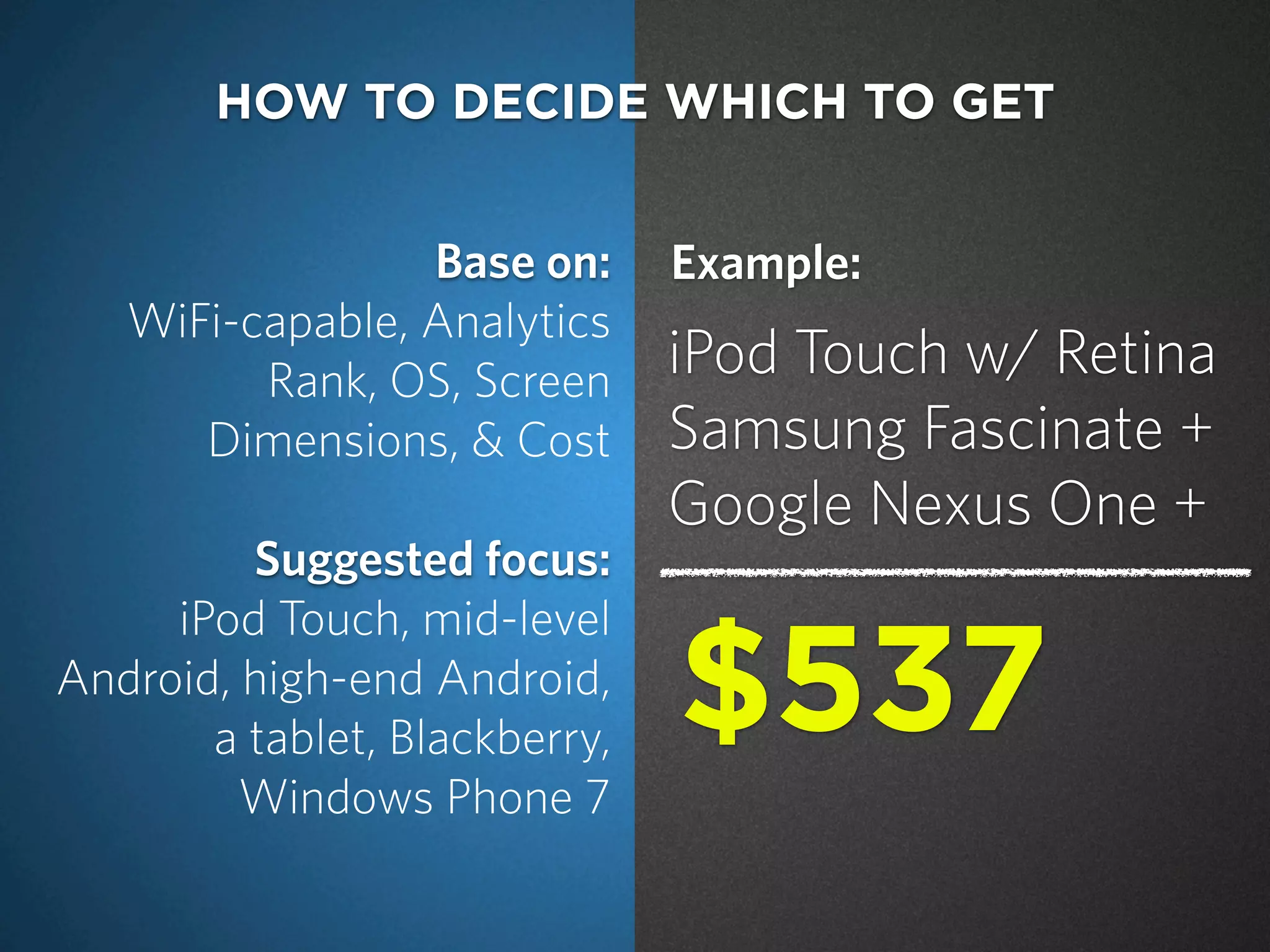
Base on:
WiFi-capable, Analytics
Rank, OS, Screen
Dimensions, & Cost
Suggested focus:
iPod Touch, mid-level
Android, high-end Android,
a tablet, Blackberry,
Windows Phone 7
HOW TO DECIDE WHICH TO GET
iPod Touch w/ Retina
Samsung Fascinate +
Google Nexus One +
$537
Example:
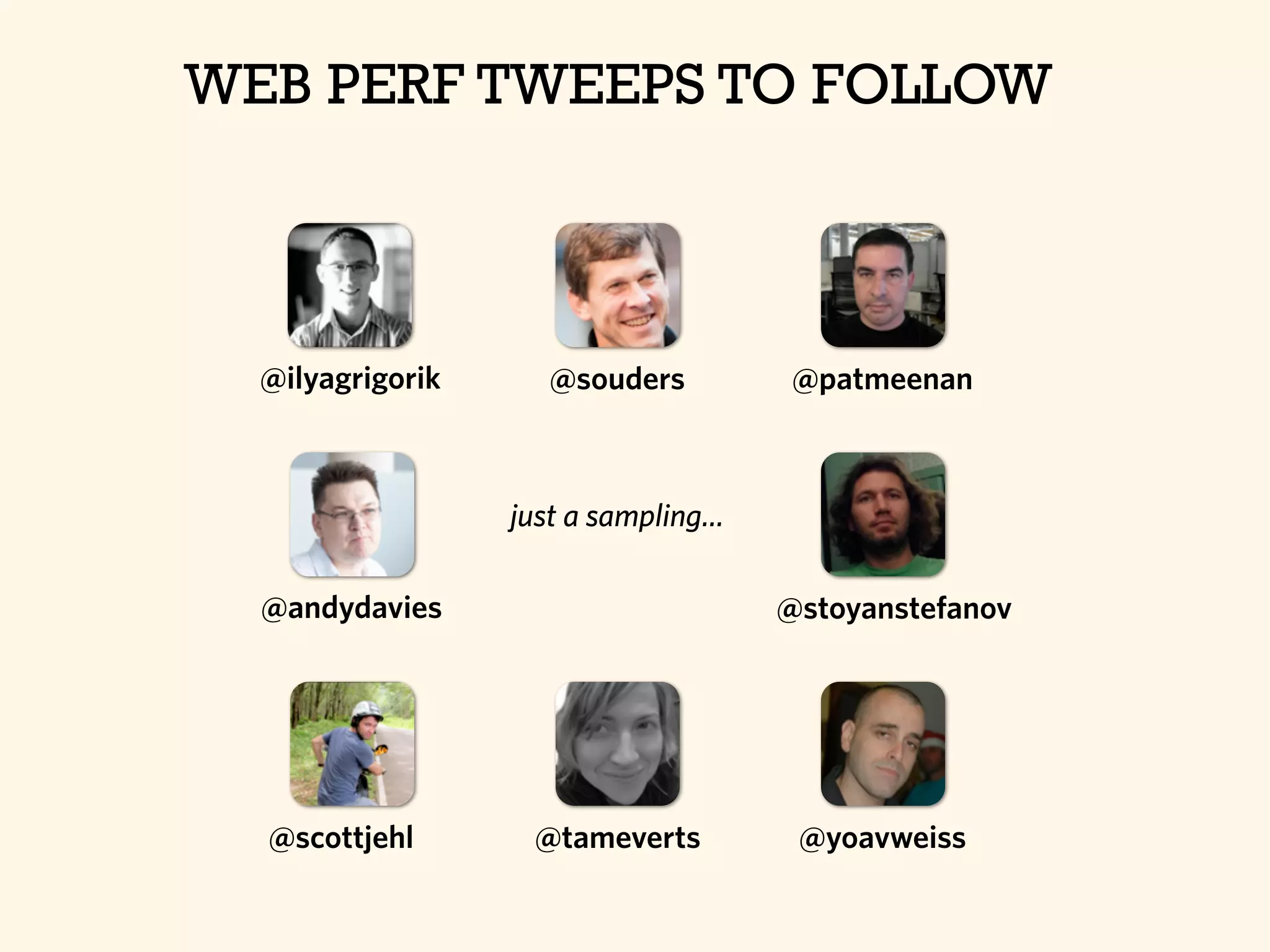
WEB PERF TWEEPS TO FOLLOW
@ilyagrigorik
@andydavies
@souders @patmeenan
@stoyanstefanov
@tameverts @yoavweiss@scottjehl
just a sampling...
Questions?
Dave Olsen
Professional Technologist
West Virginia University
@dmolsen
Thanks for Listening
Illustrations by Graham Curry

Measuring Web Performance - HighEdWeb Edition