
APP METRICS & DISTRIBUTION
GUIDE FOR BEGINNERS
By Deepak Abbot (Twitter @deepakabbot)
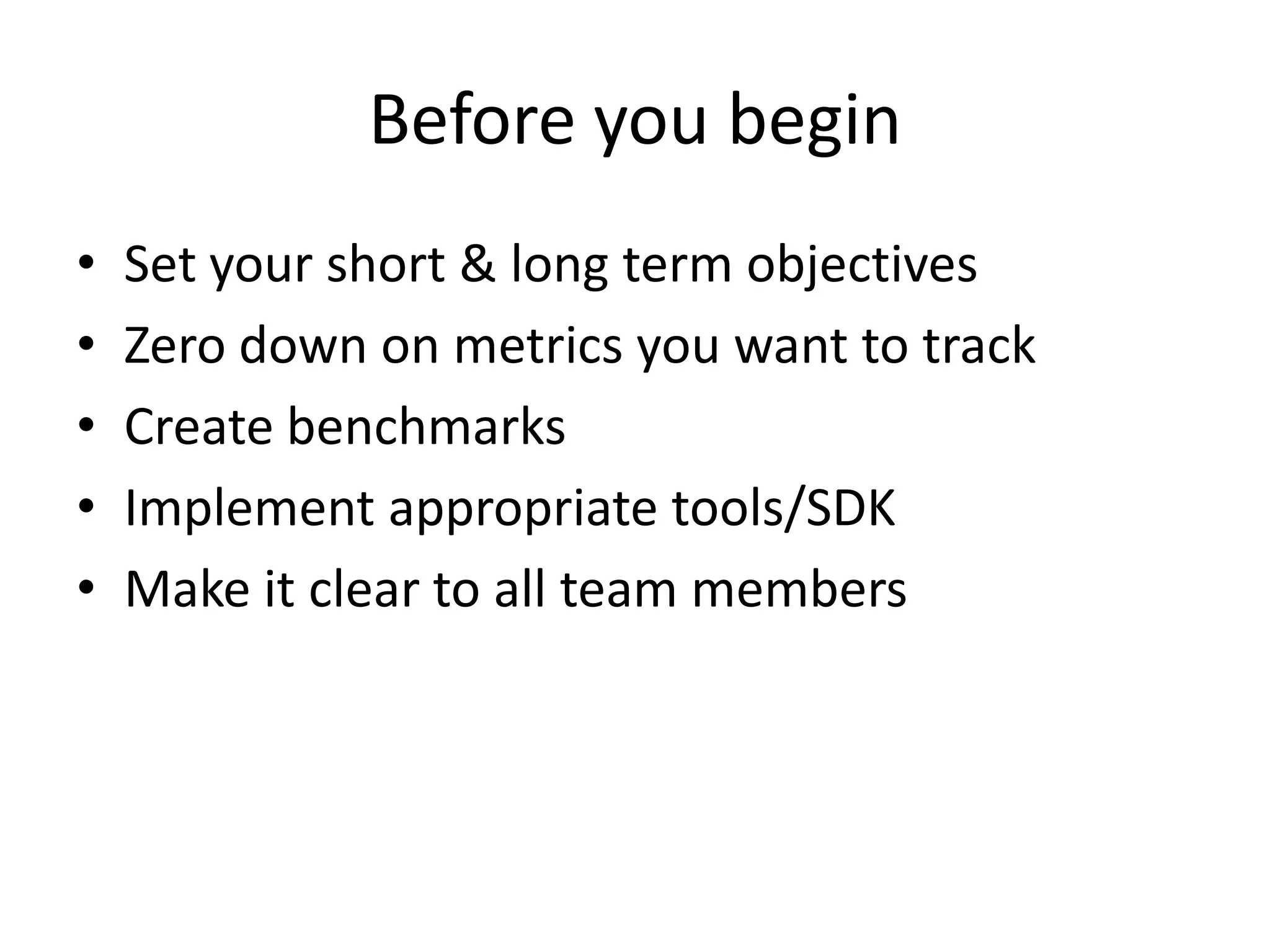
Before you begin
• Set your short & long term objectives
• Zero down on metrics you want to track
• Create benchmarks
• Implement appropriate tools/SDK
• Make it clear to all team members
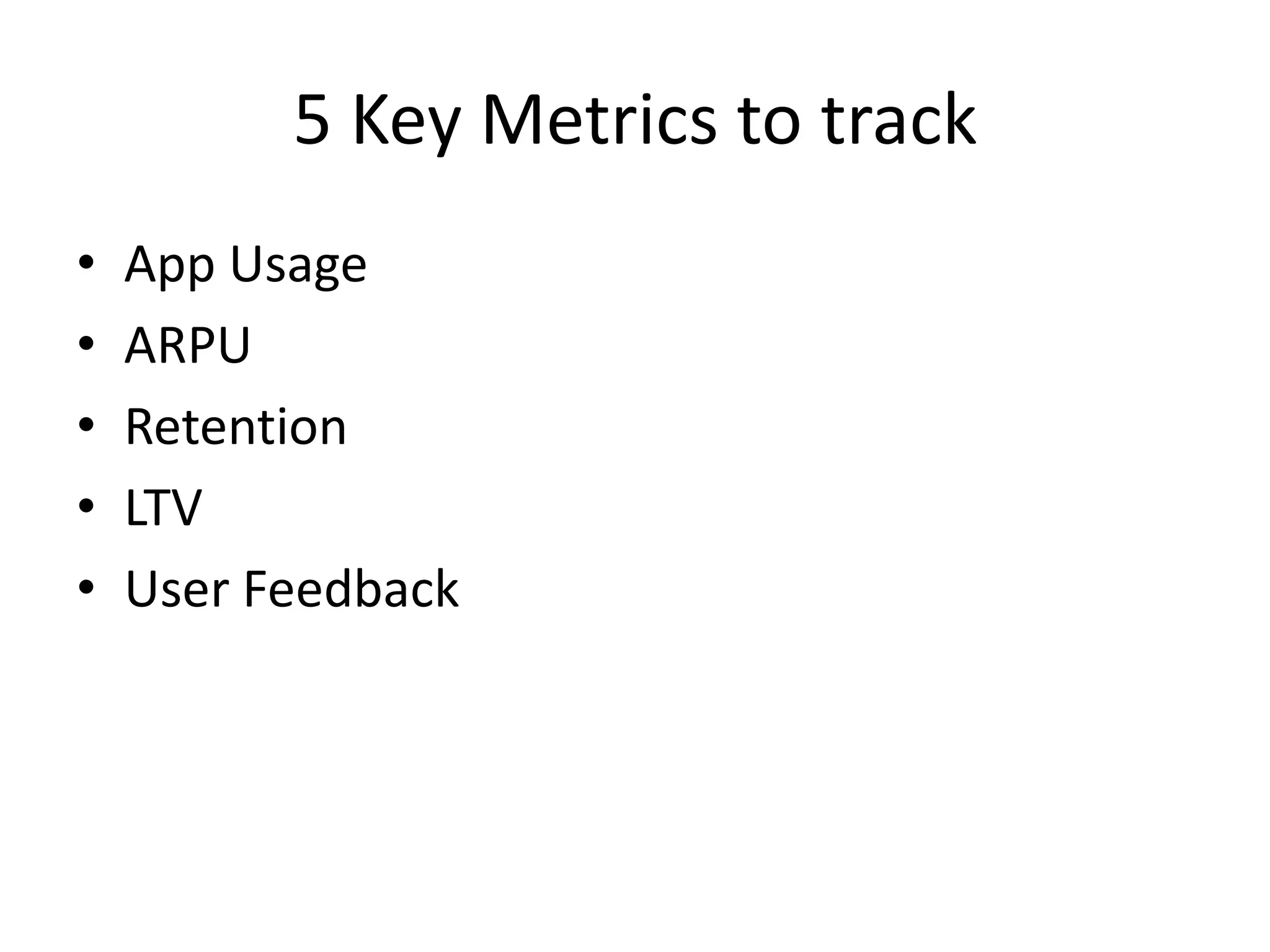
5 Key Metrics to track
• App Usage
• ARPU
• Retention
• LTV
• User Feedback
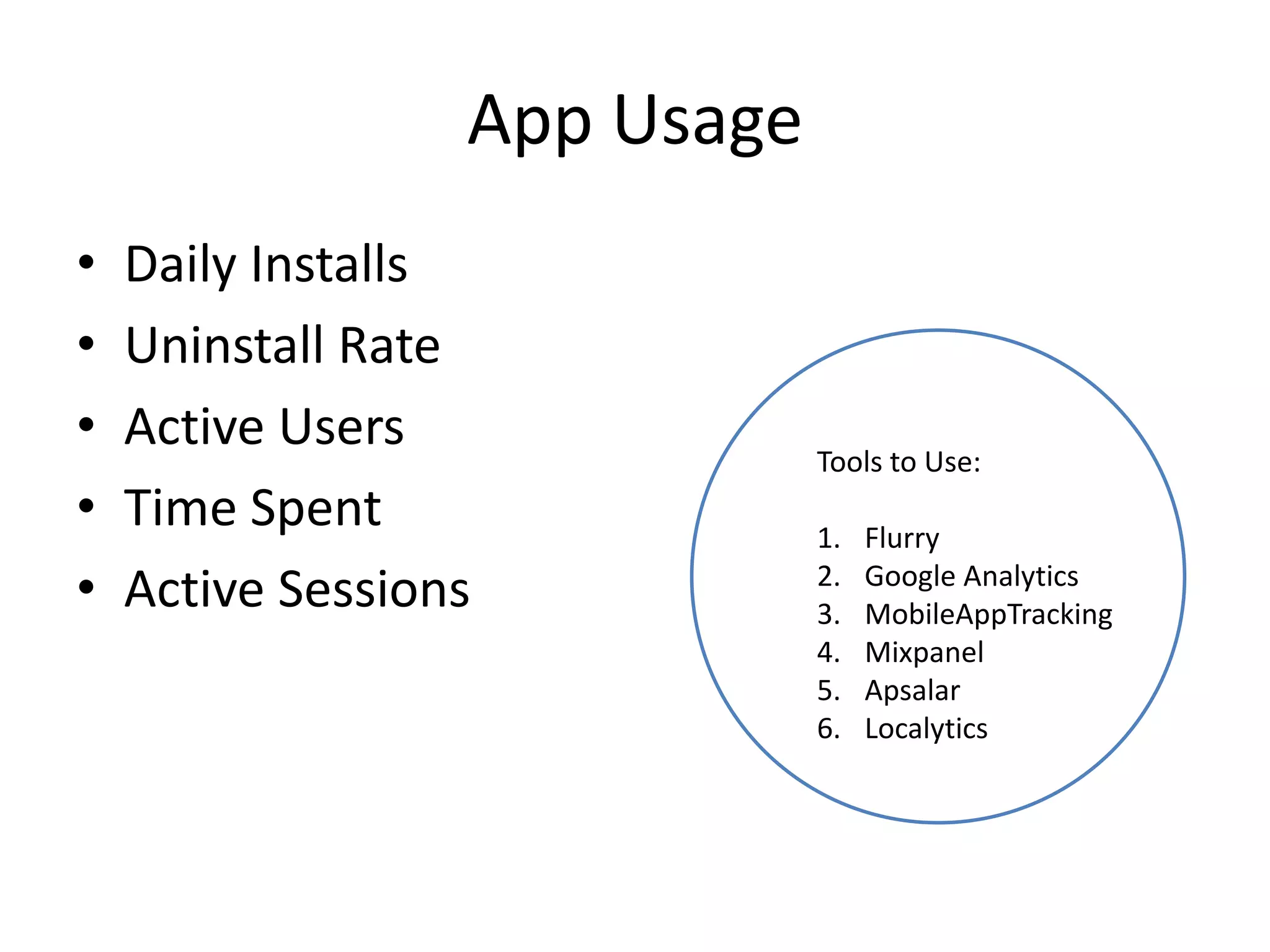
App Usage
• Daily Installs
• Uninstall Rate
• Active Users
• Time Spent
• Active Sessions
Tools to Use:
1. Flurry
2. Google Analytics
3. MobileAppTracking
4. Mixpanel
5. Apsalar
6. Localytics
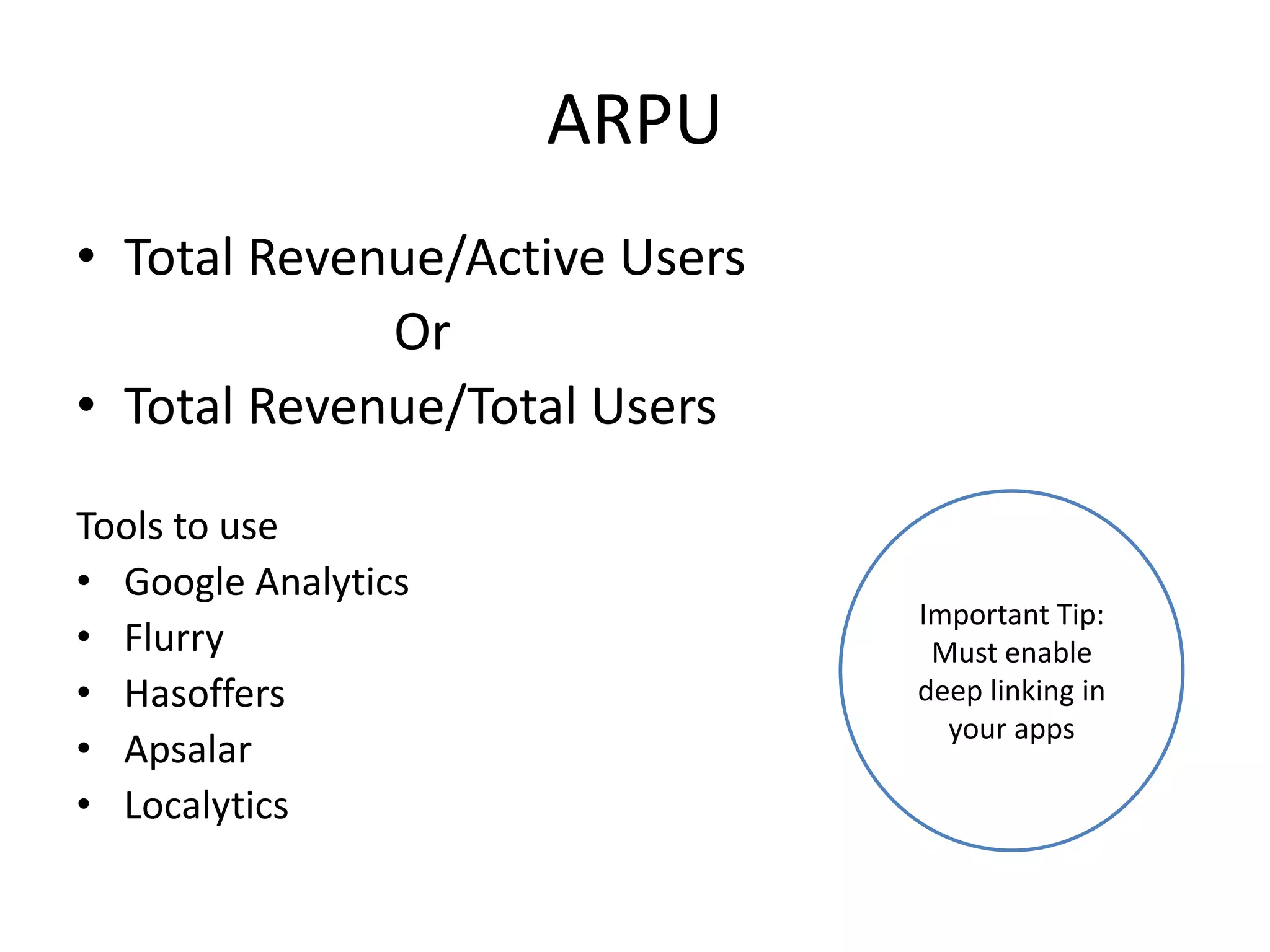
ARPU
• Total Revenue/Active Users
Or
• Total Revenue/Total Users
Tools to use
• Google Analytics
• Flurry
• Hasoffers
• Apsalar
• Localytics
Important Tip:
Must enable
deep linking in
your apps
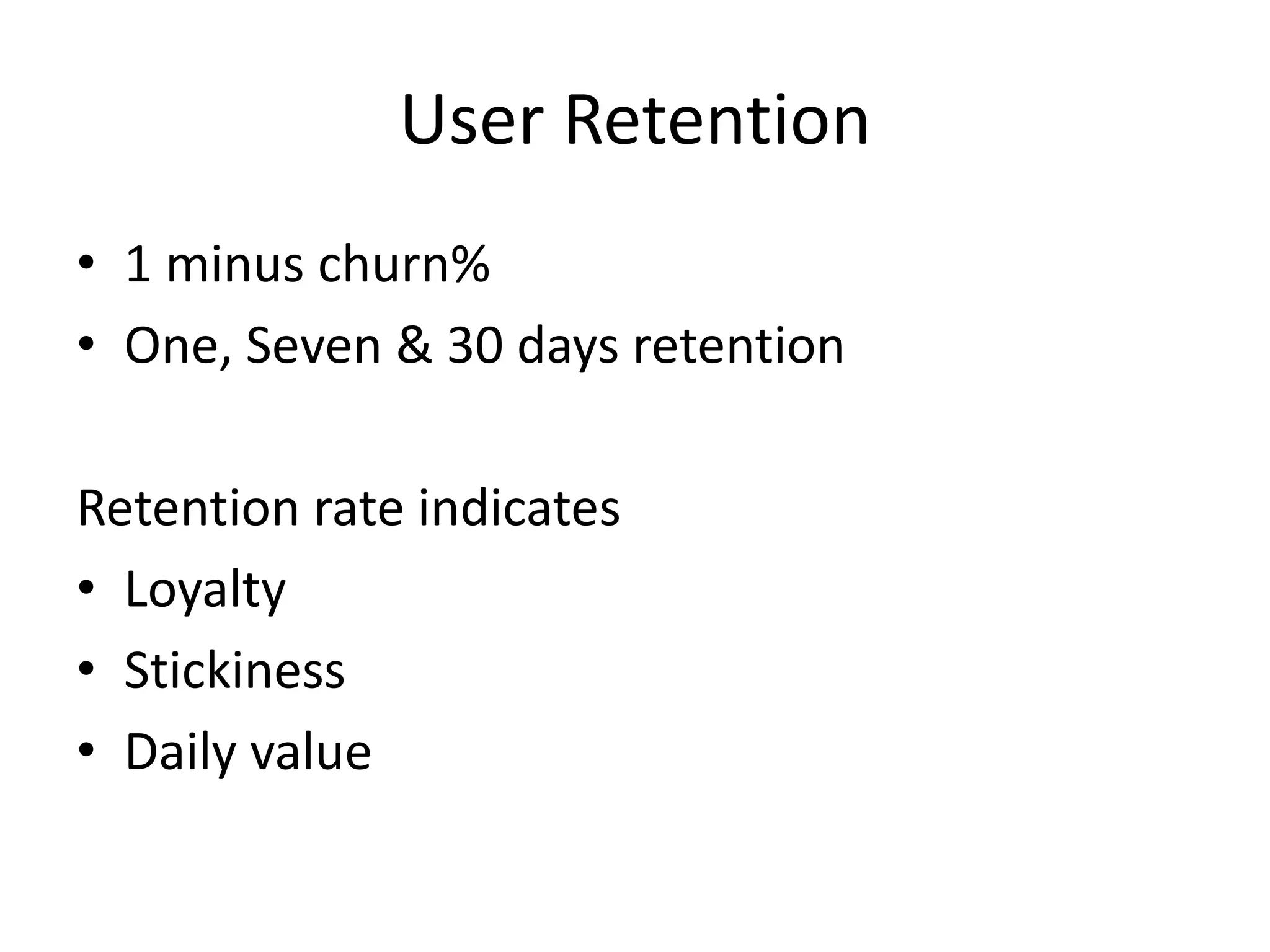
User Retention
• 1 minus churn%
• One, Seven & 30 days retention
Retention rate indicates
• Loyalty
• Stickiness
• Daily value
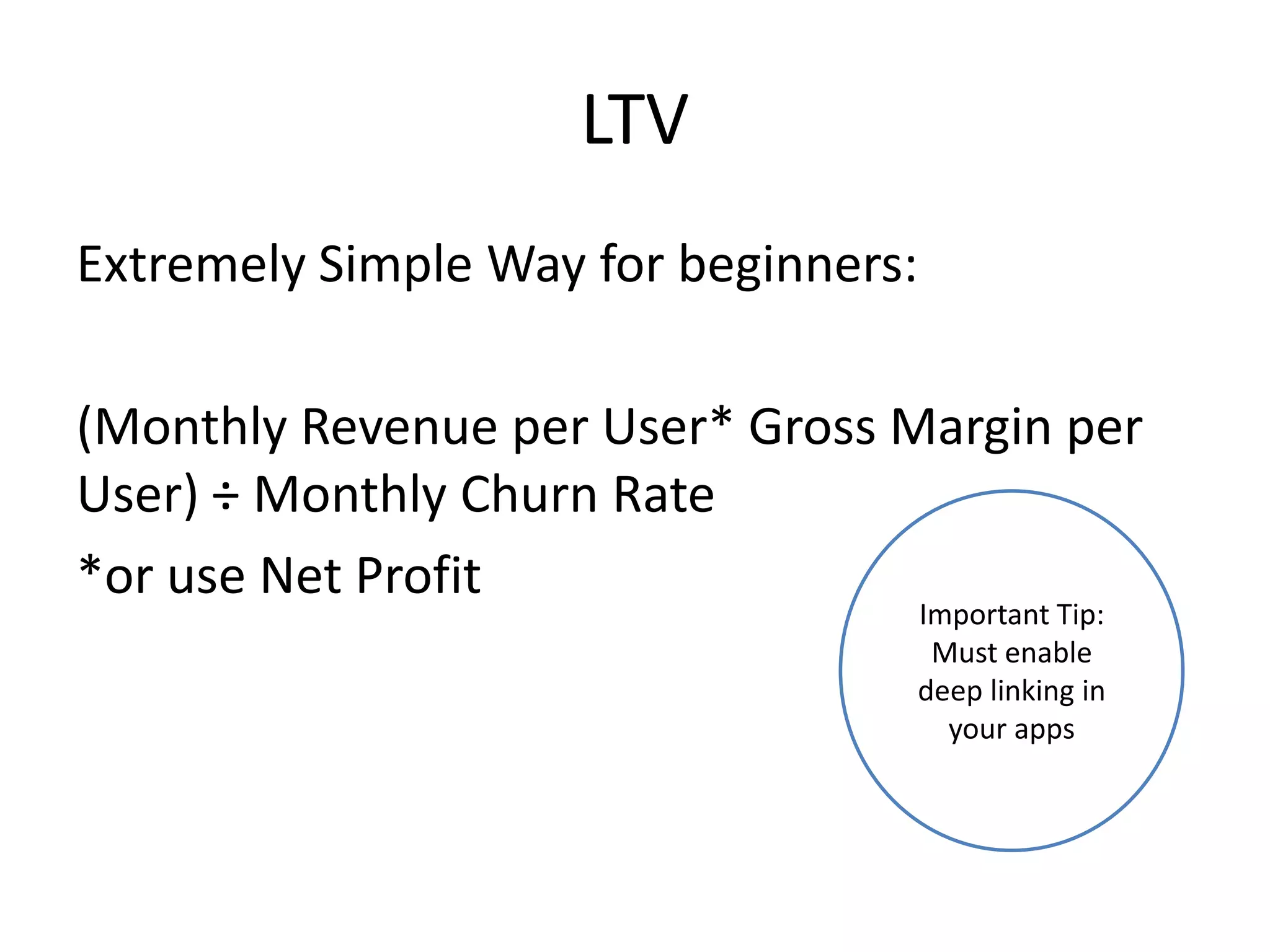
LTV
Extremely Simple Way for beginners:
(Monthly Revenue per User* Gross Margin per
User) ÷ Monthly Churn Rate
*or use Net Profit
Important Tip:
Must enable
deep linking in
your apps
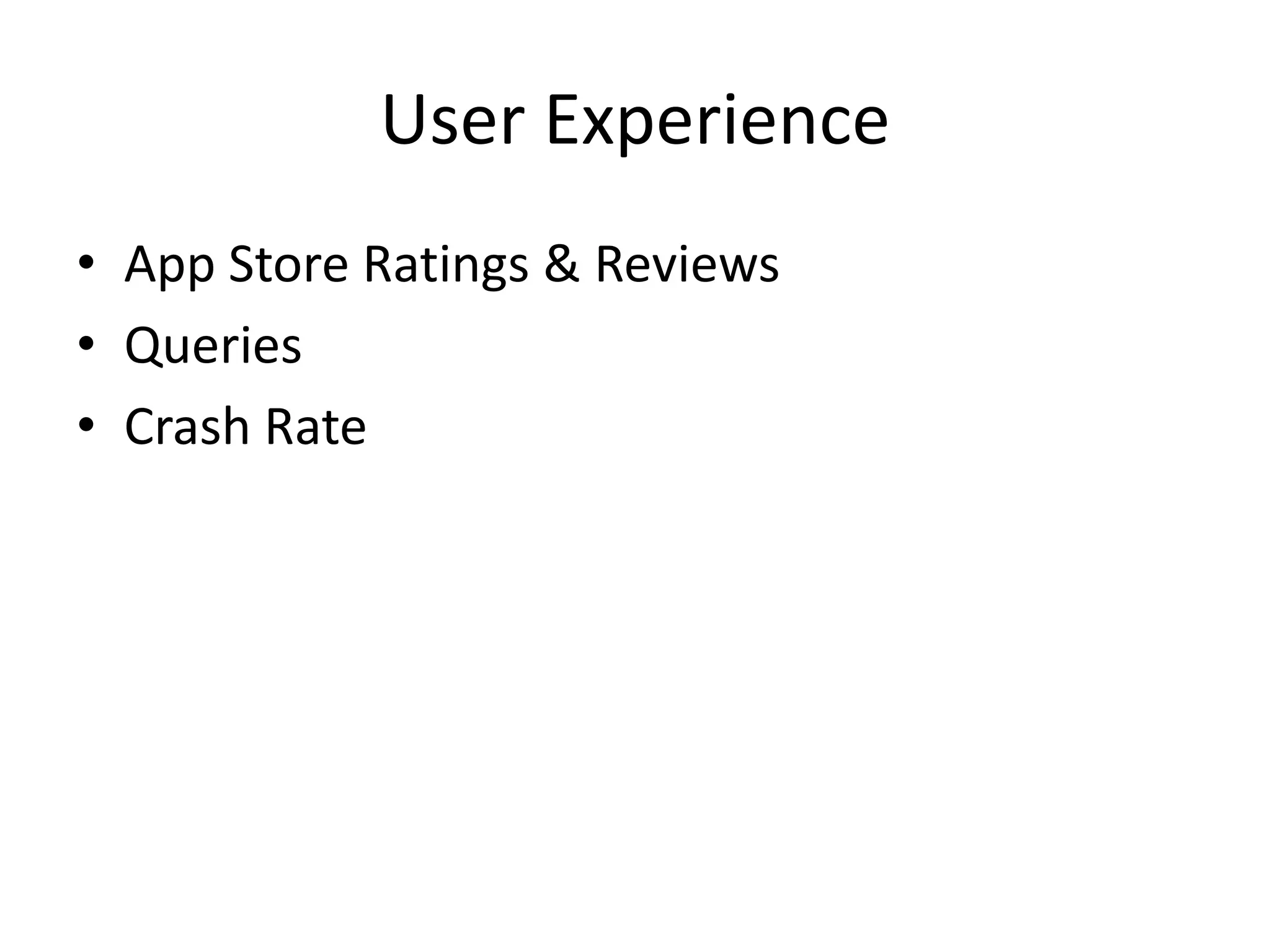
User Experience
• App Store Ratings & Reviews
• Queries
• Crash Rate
User Experience
• App Store Ratings & Reviews
• Queries
• Crash Rate
Advertising Effectiveness
• CTRs
• eCPM/CPC earned
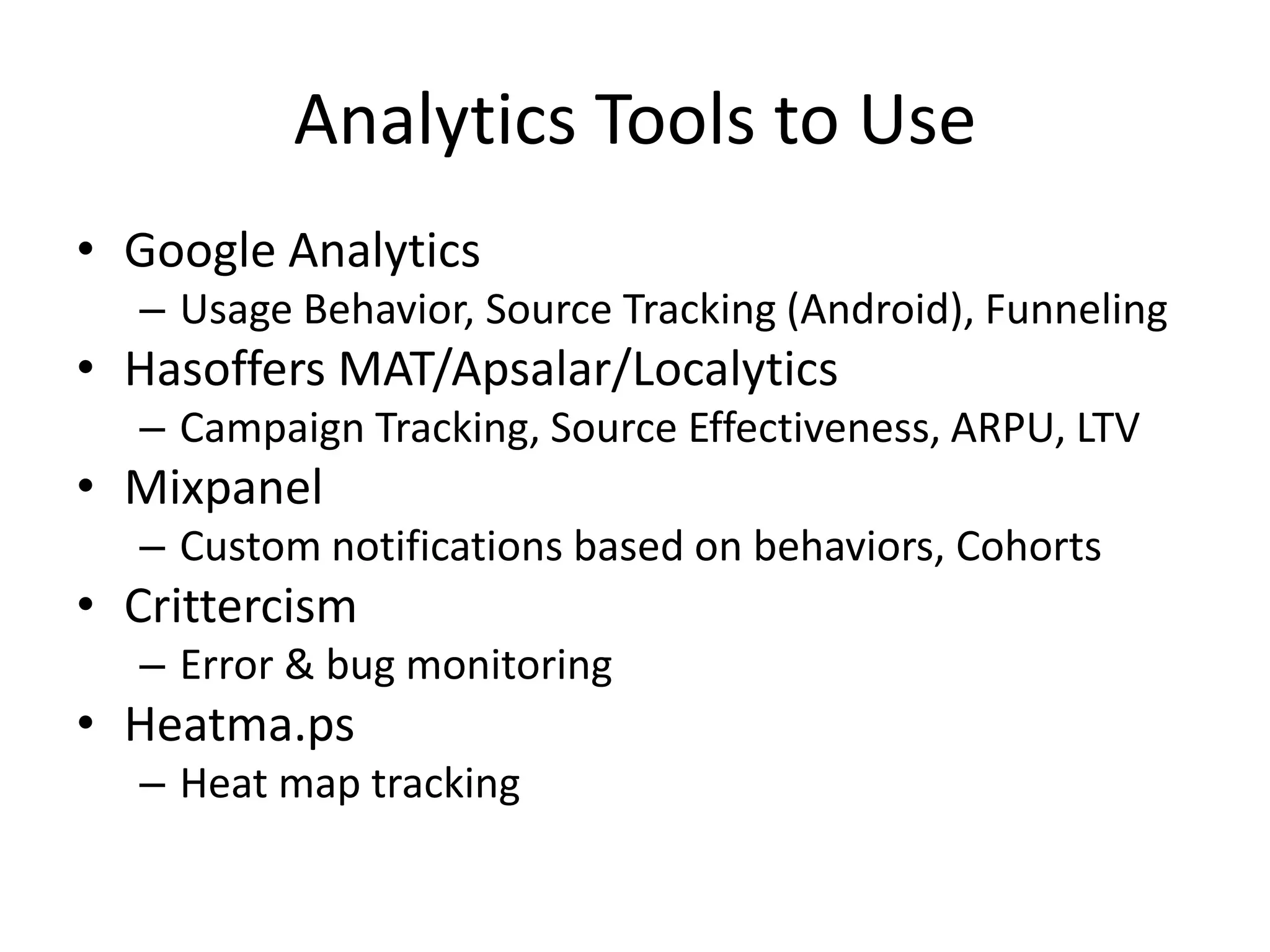
Analytics Tools to Use
• Google Analytics
– Usage Behavior, Source Tracking (Android), Funneling
• Hasoffers MAT/Apsalar/Localytics
– Campaign Tracking, Source Effectiveness, ARPU, LTV
• Mixpanel
– Custom notifications based on behaviors, Cohorts
• Crittercism
– Error & bug monitoring
• Heatma.ps
– Heat map tracking
APP DISTRIBUTION
Organic & Paid
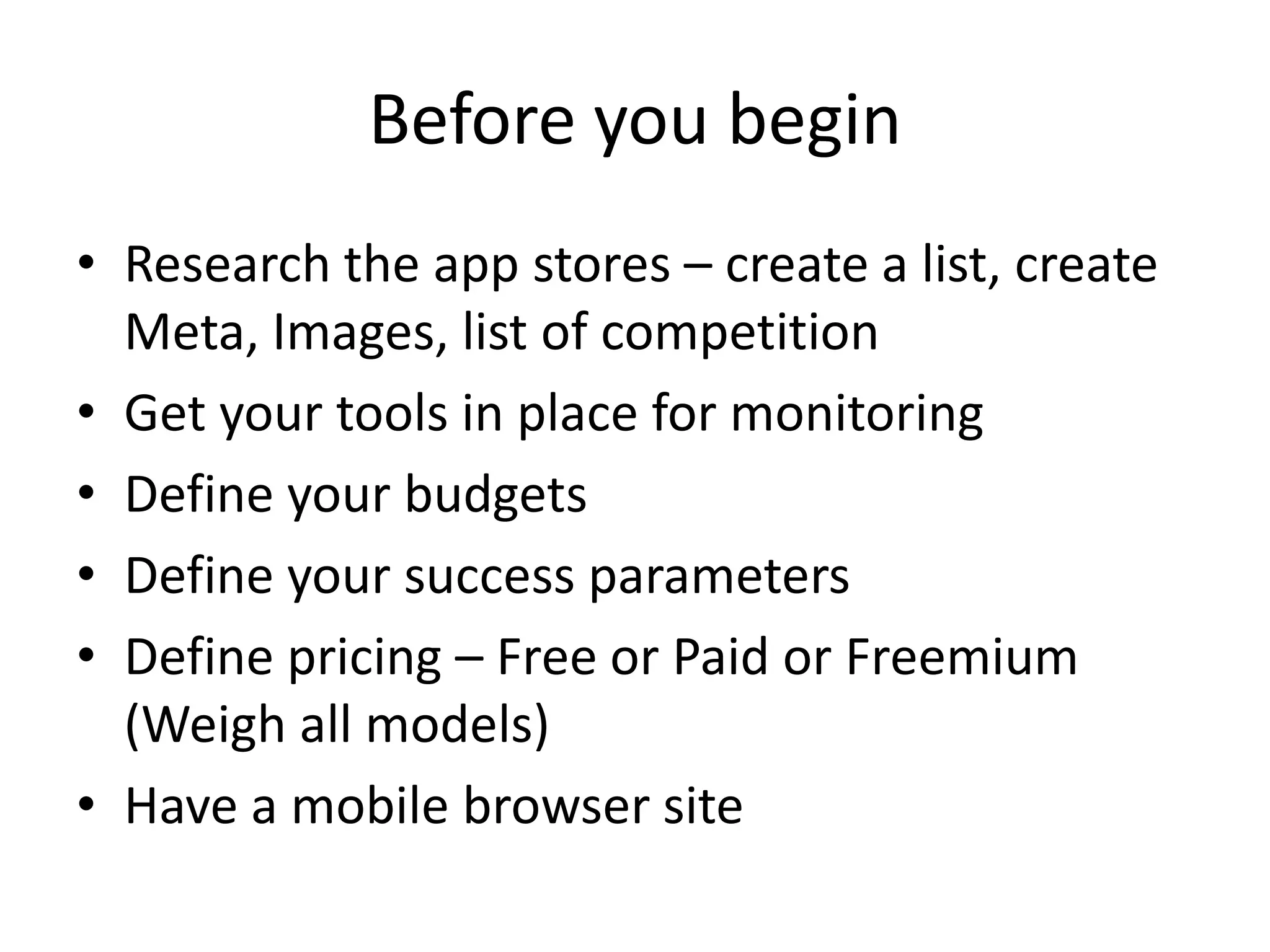
Before you begin
• Research the app stores – create a list, create
Meta, Images, list of competition
• Get your tools in place for monitoring
• Define your budgets
• Define your success parameters
• Define pricing – Free or Paid or Freemium
(Weigh all models)
• Have a mobile browser site
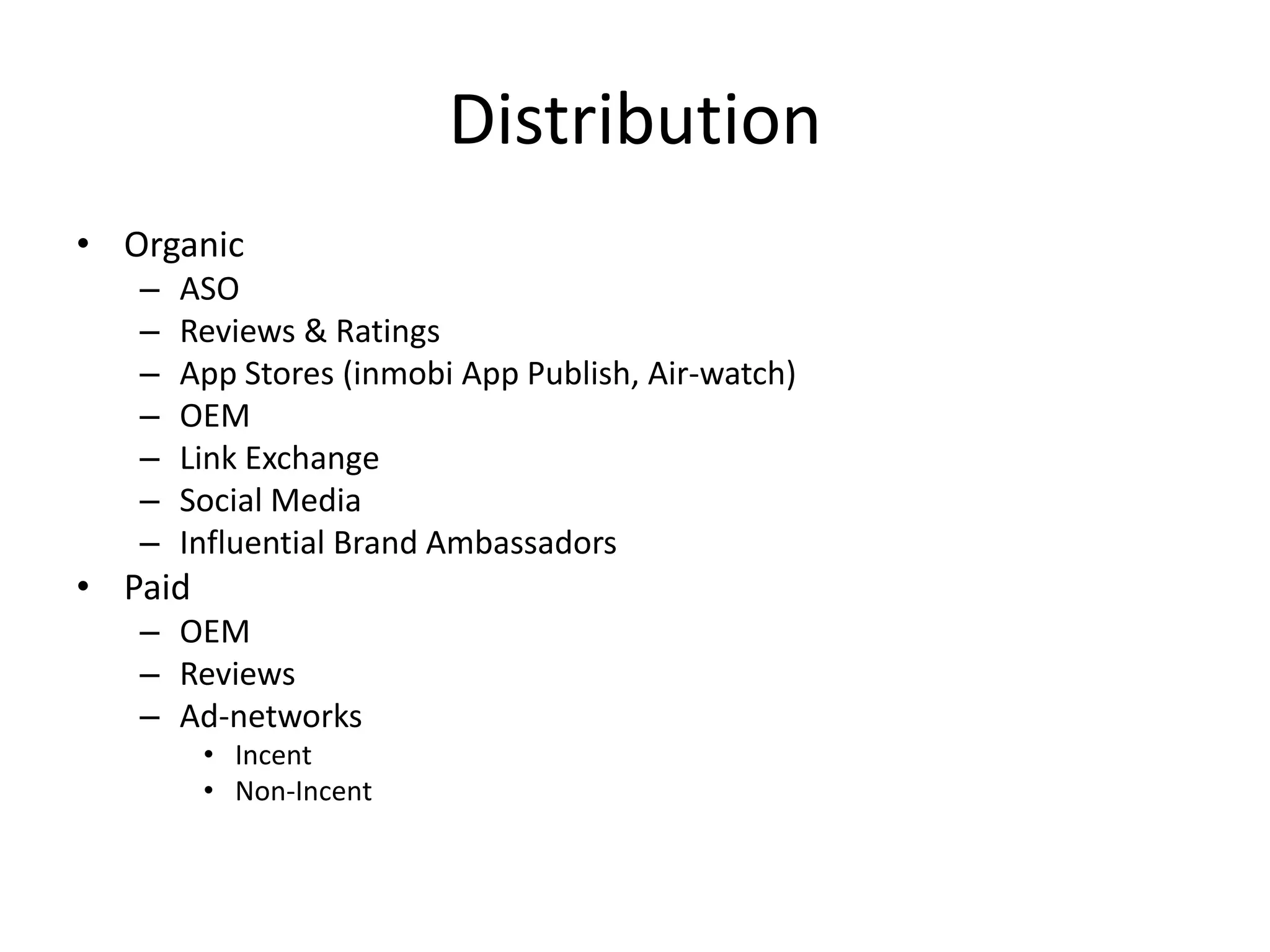
Distribution
• Organic
– ASO
– Reviews & Ratings
– App Stores (inmobi App Publish, Air-watch)
– OEM
– Link Exchange
– Social Media
– Influential Brand Ambassadors
• Paid
– OEM
– Reviews
– Ad-networks
• Incent
• Non-Incent
ASO
• App Title
• Description
• Content & formatting
• Screenshots
• Reviews
• Inbound Links
Reviews & Ratings
• Encourage users to rate you
• Give incentive to review
• Respond to all reviews
• Avoid negative review – (use Apptentive or
Appsfire)
Go Wide
• There are 100 Android App stores worldwide –
Don’t leave any
• Use 3rd party services to submit to all
OEM/Pre-bundle
• Meet all OEMs – show the value your app can
add to their device
• Don’t go for paid offers
Social Media & Others
• Use Twitter/Facebook/Quora/Blogs/Youtube
to the best extent possible
• Engage influential Twitter/Quora users –
submit your app for their feedback/review
• Do extensive PR
• Link/Banner exchange with other Apps
(Linkbuddies, SmartClicks, FreeBanners etc)
• Get your app reviewed
ALL THE BEST
Reach out to me at dabbot@gmail.com

Measuring the Right App Metrics - Guide for Beginners

  • 1.
    APP METRICS &DISTRIBUTION GUIDE FOR BEGINNERS By Deepak Abbot (Twitter @deepakabbot)
  • 2.
    Before you begin •Set your short & long term objectives • Zero down on metrics you want to track • Create benchmarks • Implement appropriate tools/SDK • Make it clear to all team members
  • 3.
    5 Key Metricsto track • App Usage • ARPU • Retention • LTV • User Feedback
  • 4.
    App Usage • DailyInstalls • Uninstall Rate • Active Users • Time Spent • Active Sessions Tools to Use: 1. Flurry 2. Google Analytics 3. MobileAppTracking 4. Mixpanel 5. Apsalar 6. Localytics
  • 5.
    ARPU • Total Revenue/ActiveUsers Or • Total Revenue/Total Users Tools to use • Google Analytics • Flurry • Hasoffers • Apsalar • Localytics Important Tip: Must enable deep linking in your apps
  • 6.
    User Retention • 1minus churn% • One, Seven & 30 days retention Retention rate indicates • Loyalty • Stickiness • Daily value
  • 7.
    LTV Extremely Simple Wayfor beginners: (Monthly Revenue per User* Gross Margin per User) ÷ Monthly Churn Rate *or use Net Profit Important Tip: Must enable deep linking in your apps
  • 8.
    User Experience • AppStore Ratings & Reviews • Queries • Crash Rate
  • 9.
    User Experience • AppStore Ratings & Reviews • Queries • Crash Rate
  • 10.
  • 11.
    Analytics Tools toUse • Google Analytics – Usage Behavior, Source Tracking (Android), Funneling • Hasoffers MAT/Apsalar/Localytics – Campaign Tracking, Source Effectiveness, ARPU, LTV • Mixpanel – Custom notifications based on behaviors, Cohorts • Crittercism – Error & bug monitoring • Heatma.ps – Heat map tracking
  • 12.
  • 13.
    Before you begin •Research the app stores – create a list, create Meta, Images, list of competition • Get your tools in place for monitoring • Define your budgets • Define your success parameters • Define pricing – Free or Paid or Freemium (Weigh all models) • Have a mobile browser site
  • 14.
    Distribution • Organic – ASO –Reviews & Ratings – App Stores (inmobi App Publish, Air-watch) – OEM – Link Exchange – Social Media – Influential Brand Ambassadors • Paid – OEM – Reviews – Ad-networks • Incent • Non-Incent
  • 15.
    ASO • App Title •Description • Content & formatting • Screenshots • Reviews • Inbound Links
  • 16.
    Reviews & Ratings •Encourage users to rate you • Give incentive to review • Respond to all reviews • Avoid negative review – (use Apptentive or Appsfire)
  • 17.
    Go Wide • Thereare 100 Android App stores worldwide – Don’t leave any • Use 3rd party services to submit to all
  • 18.
    OEM/Pre-bundle • Meet allOEMs – show the value your app can add to their device • Don’t go for paid offers
  • 19.
    Social Media &Others • Use Twitter/Facebook/Quora/Blogs/Youtube to the best extent possible • Engage influential Twitter/Quora users – submit your app for their feedback/review • Do extensive PR • Link/Banner exchange with other Apps (Linkbuddies, SmartClicks, FreeBanners etc) • Get your app reviewed
  • 20.
    ALL THE BEST Reachout to me at dabbot@gmail.com