Malwarebytes Corporation, 10 Almaden Blvd., Tenth Floor, San Jose, CA 95113
www.malwarebytes.org • corporate-sales@malwarebytes.org
Protects against new and exploit-based malware
Get Malwarebytes Anti-Malware for Business and Malwarebytes Anti-Exploit for
Business together in one powerful, cost-effective bundle. Protect your endpoints
with a layered Malwarebytes defense engineered to defeat the latest and most
dangerous malware. It’s the smart solution to your security challenges.
Powerful multi-layered defense delivers smart endpoint protection
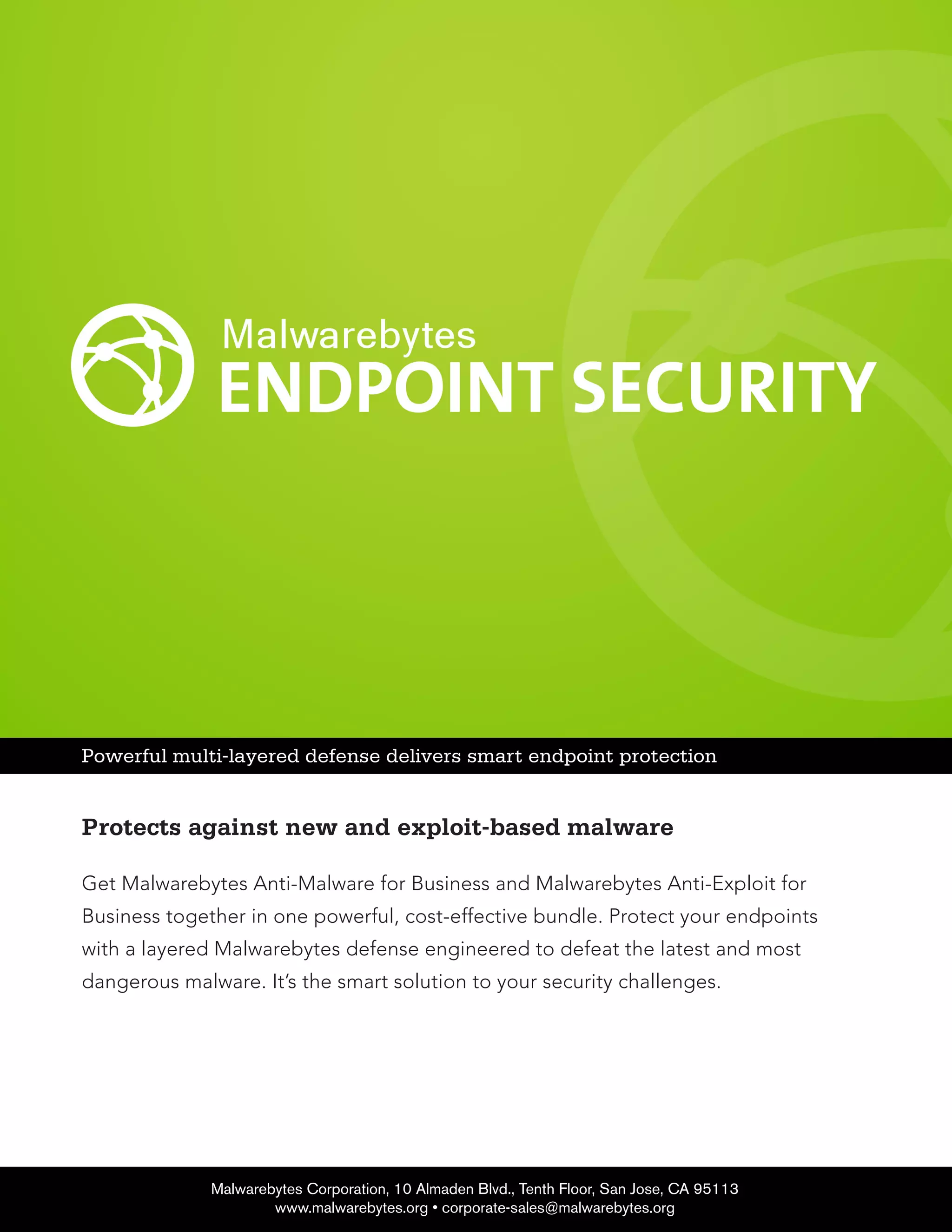
Malwarebytes Anti-Malware for Business
Version: 1.75
Languages Available:
English, Bosnian, Bulgarian, Catalan, Chinese Simplified, Chinese
Traditional, Croatian, Czech, Danish, Dutch, Estonian, Finnish,
French, German, Greek, Hebrew, Hungarian, Italian, Latvian,
Lithuanian, Macedonian, Norwegian, Polish, Portuguese (Brazil),
Portuguese (Portugal), Romanian, Russian, Serbian, Slovak,
Slovenian, Spanish, Swedish, Thai, Turkish, Vietnamese.
Hardware Requirements:
CPU: 800Mhz
RAM: 1024 MB (256 MB or more for Windows XP)
Disk space: 25 MB
Screen resolution: 800x600 or greater
Active internet connection for database and product updates
Software:
Microsoft Internet Explorer 6 (or newer), Firefox, Chrome or Opera
browser
Supported Operating Systems:
Windows 8.1® (32-bit, 64-bit)
Windows 8® (32-bit, 64-bit)
Windows 7® (32-bit, 64-bit)
Windows Vista® (32-bit, 64-bit)
Windows XP® (Service Pack 3 or later)
(32-bit only)
Additional Requirements for Managed Mode:
Windows Installer 4.0 (Windows XP only, already included in other
Windows versions)
.NET Framework 3.5 (Windows XP only)
.NET Framework 4.0 (Windows Vista, Windows 7, Windows 8)
Tech Specs
Malwarebytes Anti-Malware for Business
Malwarebytes Corporation, 10 Almaden Blvd., Tenth Floor, San Jose, CA 95113
www.malwarebytes.org • corporate-sales@malwarebytes.org
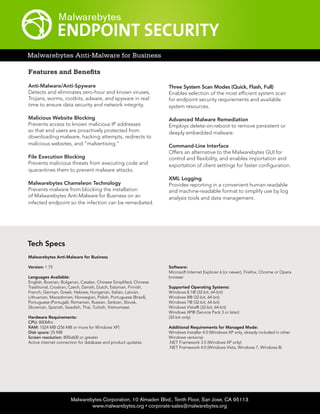
Features and Benefits
Anti-Malware/Anti-Spyware
Detects and eliminates zero-hour and known viruses,
Trojans, worms, rootkits, adware, and spyware in real
time to ensure data security and network integrity.
Malicious Website Blocking
Prevents access to known malicious IP addresses
so that end users are proactively protected from
downloading malware, hacking attempts, redirects to
malicious websites, and “malvertising.”
File Execution Blocking
Prevents malicious threats from executing code and
quarantines them to prevent malware attacks.
Malwarebytes Chameleon Technology
Prevents malware from blocking the installation
of Malwarebytes Anti-Malware for Business on an
infected endpoint so the infection can be remediated.
Three System Scan Modes (Quick, Flash, Full)
Enables selection of the most efficient system scan
for endpoint security requirements and available
system resources.
Advanced Malware Remediation
Employs delete-on-reboot to remove persistent or
deeply embedded malware.
Command-Line Interface
Offers an alternative to the Malwarebytes GUI for
control and flexibility, and enables importation and
exportation of client settings for faster configuration.
XML Logging
Provides reporting in a convenient human-readable
and machine-readable format to simplify use by log
analysis tools and data management.
Malwarebytes Corporation, 10 Almaden Blvd., Tenth Floor, San Jose, CA 95113
www.malwarebytes.org • corporate-sales@malwarebytes.org
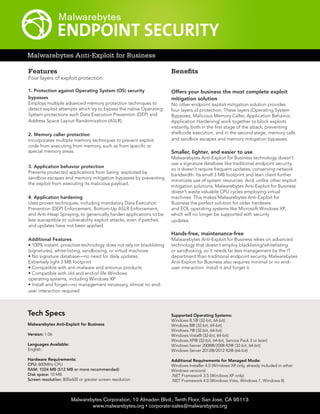
Malwarebytes Anti-Exploit for Business
Features
Four layers of exploit protection:
1. Protection against Operating System (OS) security
bypasses
Employs multiple advanced memory protection techniques to
detect exploit attempts which try to bypass the native Operating
System protections such Data Execution Prevention (DEP) and
Address Space Layout Randomization (ASLR).
2. Memory caller protection
Incorporates multiple memory techniques to prevent exploit
code from executing from memory, such as from specific or
special memory areas.
3. Application behavior protection
Prevents protected applications from being exploited by
sandbox escapes and memory mitigation bypasses by preventing
the exploit from executing its malicious payload.
4. Application hardening
Uses proven techniques, including mandatory Data Execution
Prevention (DEP) Enforcement, Bottom-Up ASLR Enforcement,
and Anti-Heap Spraying, to generically harden applications to be
less susceptible to vulnerability exploit attacks, even if patches
and updates have not been applied.
Additional Features
• 100% instant, proactive technology does not rely on blacklisting
(signatures), white-listing, sandboxing, or virtual machines
• No signature database—no need for daily updates.
Extremely light 3 MB footprint
• Compatible with anti-malware and antivirus products
• Compatible with old and end-of-life Windows
operating systems, including Windows XP
• Install and forget—no management necessary, almost no end-
user interaction required
Benefits
Offers your business the most complete exploit
mitigation solution
No other endpoint exploit mitigation solution provides
four layers of protection. These layers (Operating System
Bypasses, Malicious Memory Caller, Application Behavior,
Application Hardening) work together to block exploits
instantly, both in the first stage of the attack, preventing
shellcode execution, and in the second stage, memory calls
and sandbox escapes and memory mitigation bypasses.
Smaller, lighter, and easier to use
Malwarebytes Anti-Exploit for Business technology doesn’t
use a signature database like traditional endpoint security,
so it doesn’t require frequent updates, conserving network
bandwidth. Its small 3 MB footprint and lean client further
minimizes use of system resources. And, unlike other exploit
mitigation solutions, Malwarebytes Anti-Exploit for Business
doesn’t waste valuable CPU cycles employing virtual
machines. This makes Malwarebytes Anti-Exploit for
Business the perfect solution for older hardware
and EOL operating systems like Microsoft Windows XP,
which will no longer be supported with security
updates.
Hands-free, maintenance-free
Malwarebytes Anti-Exploit for Business relies on advanced
technology that doesn’t employ blacklisting/whitelisting
or sandboxing, so it needs far less management by the IT
department than traditional endpoint security. Malwarebytes
Anti-Exploit for Business also requires minimal or no end-
user interaction. Install it and forget it.
Tech Specs
Malwarebytes Anti-Exploit for Business
Version: 1.06
Languages Available:
English
Hardware Requirements:
CPU: 800MHz CPU
RAM: 1024 MB (512 MB or more recommended)
Disk space: 10 MB
Screen resolution: 800x600 or greater screen resolution
Supported Operating Systems:
Windows 8.1® (32-bit, 64-bit)
Windows 8® (32-bit, 64-bit)
Windows 7® (32-bit, 64-bit)
Windows Vista® (32-bit, 64-bit)
Windows XP® (32-bit, 64-bit, Service Pack 3 or later)
Windows Server 2008®/2008 R2® (32-bit, 64-bit)
Windows Server 2012®/2012 R2® (64-bit)
Additional Requirements for Managed Mode:
Windows Installer 4.0 (Windows XP only, already included in other
Windows versions)
.NET Framework 3.5 (Windows XP only)
.NET Framework 4.0 (Windows Vista, Windows 7, Windows 8)
Tech Specs
Malwarebytes Corporation, 10 Almaden Blvd., Tenth Floor, San Jose, CA 95113
www.malwarebytes.org • corporate-sales@malwarebytes.org
Malwarebytes Management Console
Features and Benefits
• Enables push install of Malwarebytes products to
distributed clients from a single console for easier
deployment
• Enables scheduling of endpoint scans and automatic client
installs for off-peak hours to conserve network bandwidth
and resources
• Detects all endpoints and their software on the network
so endpoints that do not have Malwarebytes and are
vulnerable to cyberattacks can be secured
• Enables simulated deployment on an endpoint before
installation so potential issues can be addressed in advance
• Sends email notifications to specified administrators/
users based upon detected threats and/or multiple system
performance criteria
• Operates alongside other security vendors’ administration
consoles without conflicts or the need to displace existing
endpoint security clients
• Updates signature databases on distributed clients
automatically to ensure viable protection
• Enables customized policies and access for different user
groups
• Offers different end-user visibility settings to ensure the
optimal balance between notification, end-user security
awareness, and productivity
• Features robust system reporting (with printable logs) to
enable enhanced security management
Threat View
Aggregates the data necessary to evaluate potentially
malicious threats on the distributed clients and tracks user
access to potentially malicious websites. Threat View also
tracks activity by both IP address and user login while
displaying the aggregated data in a convenient chart format
for more efficient analysis.
Malwarebytes Management Console
(Managed Mode Only)
Version: 1.5
Languages Available:
English
Hardware:
CPU: 2 GHz (dual-core 2.6 GHZ or higher
recommended)
RAM: 2 GB (4 GB recommended)
Available Disk Space: 10 GB (20 GB
recommended)
Screen Resolution:
1024x768 or greater
Active internet connection for database and
product updates
Software:
Microsoft Internet Explorer 6 (or newer),
Firefox, Chrome or Opera browser
.NET Framework 3.5
.NET Framework 4.0
Supported Operating Systems:
Windows Server 2012 R2 (64-bit)
Windows Server 2012 (64-bit)
Windows Server 2008 (32/64-bit)
Windows Server 2008 R2 (32/64-bit)
Supported Microsoft SQL Servers:
SQL Express 2008 (shipped with product,
subject to review, 10 GB maximum database
size limitation)
SQL Server 2008 (for larger installations)

MBESProductSheet (1)

  • 1.
    Malwarebytes Corporation, 10Almaden Blvd., Tenth Floor, San Jose, CA 95113 www.malwarebytes.org • corporate-sales@malwarebytes.org Protects against new and exploit-based malware Get Malwarebytes Anti-Malware for Business and Malwarebytes Anti-Exploit for Business together in one powerful, cost-effective bundle. Protect your endpoints with a layered Malwarebytes defense engineered to defeat the latest and most dangerous malware. It’s the smart solution to your security challenges. Powerful multi-layered defense delivers smart endpoint protection
  • 2.
    Malwarebytes Anti-Malware forBusiness Version: 1.75 Languages Available: English, Bosnian, Bulgarian, Catalan, Chinese Simplified, Chinese Traditional, Croatian, Czech, Danish, Dutch, Estonian, Finnish, French, German, Greek, Hebrew, Hungarian, Italian, Latvian, Lithuanian, Macedonian, Norwegian, Polish, Portuguese (Brazil), Portuguese (Portugal), Romanian, Russian, Serbian, Slovak, Slovenian, Spanish, Swedish, Thai, Turkish, Vietnamese. Hardware Requirements: CPU: 800Mhz RAM: 1024 MB (256 MB or more for Windows XP) Disk space: 25 MB Screen resolution: 800x600 or greater Active internet connection for database and product updates Software: Microsoft Internet Explorer 6 (or newer), Firefox, Chrome or Opera browser Supported Operating Systems: Windows 8.1® (32-bit, 64-bit) Windows 8® (32-bit, 64-bit) Windows 7® (32-bit, 64-bit) Windows Vista® (32-bit, 64-bit) Windows XP® (Service Pack 3 or later) (32-bit only) Additional Requirements for Managed Mode: Windows Installer 4.0 (Windows XP only, already included in other Windows versions) .NET Framework 3.5 (Windows XP only) .NET Framework 4.0 (Windows Vista, Windows 7, Windows 8) Tech Specs Malwarebytes Anti-Malware for Business Malwarebytes Corporation, 10 Almaden Blvd., Tenth Floor, San Jose, CA 95113 www.malwarebytes.org • corporate-sales@malwarebytes.org Features and Benefits Anti-Malware/Anti-Spyware Detects and eliminates zero-hour and known viruses, Trojans, worms, rootkits, adware, and spyware in real time to ensure data security and network integrity. Malicious Website Blocking Prevents access to known malicious IP addresses so that end users are proactively protected from downloading malware, hacking attempts, redirects to malicious websites, and “malvertising.” File Execution Blocking Prevents malicious threats from executing code and quarantines them to prevent malware attacks. Malwarebytes Chameleon Technology Prevents malware from blocking the installation of Malwarebytes Anti-Malware for Business on an infected endpoint so the infection can be remediated. Three System Scan Modes (Quick, Flash, Full) Enables selection of the most efficient system scan for endpoint security requirements and available system resources. Advanced Malware Remediation Employs delete-on-reboot to remove persistent or deeply embedded malware. Command-Line Interface Offers an alternative to the Malwarebytes GUI for control and flexibility, and enables importation and exportation of client settings for faster configuration. XML Logging Provides reporting in a convenient human-readable and machine-readable format to simplify use by log analysis tools and data management.
  • 3.
    Malwarebytes Corporation, 10Almaden Blvd., Tenth Floor, San Jose, CA 95113 www.malwarebytes.org • corporate-sales@malwarebytes.org Malwarebytes Anti-Exploit for Business Features Four layers of exploit protection: 1. Protection against Operating System (OS) security bypasses Employs multiple advanced memory protection techniques to detect exploit attempts which try to bypass the native Operating System protections such Data Execution Prevention (DEP) and Address Space Layout Randomization (ASLR). 2. Memory caller protection Incorporates multiple memory techniques to prevent exploit code from executing from memory, such as from specific or special memory areas. 3. Application behavior protection Prevents protected applications from being exploited by sandbox escapes and memory mitigation bypasses by preventing the exploit from executing its malicious payload. 4. Application hardening Uses proven techniques, including mandatory Data Execution Prevention (DEP) Enforcement, Bottom-Up ASLR Enforcement, and Anti-Heap Spraying, to generically harden applications to be less susceptible to vulnerability exploit attacks, even if patches and updates have not been applied. Additional Features • 100% instant, proactive technology does not rely on blacklisting (signatures), white-listing, sandboxing, or virtual machines • No signature database—no need for daily updates. Extremely light 3 MB footprint • Compatible with anti-malware and antivirus products • Compatible with old and end-of-life Windows operating systems, including Windows XP • Install and forget—no management necessary, almost no end- user interaction required Benefits Offers your business the most complete exploit mitigation solution No other endpoint exploit mitigation solution provides four layers of protection. These layers (Operating System Bypasses, Malicious Memory Caller, Application Behavior, Application Hardening) work together to block exploits instantly, both in the first stage of the attack, preventing shellcode execution, and in the second stage, memory calls and sandbox escapes and memory mitigation bypasses. Smaller, lighter, and easier to use Malwarebytes Anti-Exploit for Business technology doesn’t use a signature database like traditional endpoint security, so it doesn’t require frequent updates, conserving network bandwidth. Its small 3 MB footprint and lean client further minimizes use of system resources. And, unlike other exploit mitigation solutions, Malwarebytes Anti-Exploit for Business doesn’t waste valuable CPU cycles employing virtual machines. This makes Malwarebytes Anti-Exploit for Business the perfect solution for older hardware and EOL operating systems like Microsoft Windows XP, which will no longer be supported with security updates. Hands-free, maintenance-free Malwarebytes Anti-Exploit for Business relies on advanced technology that doesn’t employ blacklisting/whitelisting or sandboxing, so it needs far less management by the IT department than traditional endpoint security. Malwarebytes Anti-Exploit for Business also requires minimal or no end- user interaction. Install it and forget it. Tech Specs Malwarebytes Anti-Exploit for Business Version: 1.06 Languages Available: English Hardware Requirements: CPU: 800MHz CPU RAM: 1024 MB (512 MB or more recommended) Disk space: 10 MB Screen resolution: 800x600 or greater screen resolution Supported Operating Systems: Windows 8.1® (32-bit, 64-bit) Windows 8® (32-bit, 64-bit) Windows 7® (32-bit, 64-bit) Windows Vista® (32-bit, 64-bit) Windows XP® (32-bit, 64-bit, Service Pack 3 or later) Windows Server 2008®/2008 R2® (32-bit, 64-bit) Windows Server 2012®/2012 R2® (64-bit) Additional Requirements for Managed Mode: Windows Installer 4.0 (Windows XP only, already included in other Windows versions) .NET Framework 3.5 (Windows XP only) .NET Framework 4.0 (Windows Vista, Windows 7, Windows 8)
  • 4.
    Tech Specs Malwarebytes Corporation,10 Almaden Blvd., Tenth Floor, San Jose, CA 95113 www.malwarebytes.org • corporate-sales@malwarebytes.org Malwarebytes Management Console Features and Benefits • Enables push install of Malwarebytes products to distributed clients from a single console for easier deployment • Enables scheduling of endpoint scans and automatic client installs for off-peak hours to conserve network bandwidth and resources • Detects all endpoints and their software on the network so endpoints that do not have Malwarebytes and are vulnerable to cyberattacks can be secured • Enables simulated deployment on an endpoint before installation so potential issues can be addressed in advance • Sends email notifications to specified administrators/ users based upon detected threats and/or multiple system performance criteria • Operates alongside other security vendors’ administration consoles without conflicts or the need to displace existing endpoint security clients • Updates signature databases on distributed clients automatically to ensure viable protection • Enables customized policies and access for different user groups • Offers different end-user visibility settings to ensure the optimal balance between notification, end-user security awareness, and productivity • Features robust system reporting (with printable logs) to enable enhanced security management Threat View Aggregates the data necessary to evaluate potentially malicious threats on the distributed clients and tracks user access to potentially malicious websites. Threat View also tracks activity by both IP address and user login while displaying the aggregated data in a convenient chart format for more efficient analysis. Malwarebytes Management Console (Managed Mode Only) Version: 1.5 Languages Available: English Hardware: CPU: 2 GHz (dual-core 2.6 GHZ or higher recommended) RAM: 2 GB (4 GB recommended) Available Disk Space: 10 GB (20 GB recommended) Screen Resolution: 1024x768 or greater Active internet connection for database and product updates Software: Microsoft Internet Explorer 6 (or newer), Firefox, Chrome or Opera browser .NET Framework 3.5 .NET Framework 4.0 Supported Operating Systems: Windows Server 2012 R2 (64-bit) Windows Server 2012 (64-bit) Windows Server 2008 (32/64-bit) Windows Server 2008 R2 (32/64-bit) Supported Microsoft SQL Servers: SQL Express 2008 (shipped with product, subject to review, 10 GB maximum database size limitation) SQL Server 2008 (for larger installations)