Managing your Minions with Func


                                     Daniel Hanks
                Sr. System Administrator, Omniture
Your humble presenter...
●
    Daniel Hanks
●
    Sysadmin @ Omniture*
●
    B.S. Computer Science, BYU, 2001
●
    Linux sysadmin since 1998
●
    EagleNet Online: 1997-1999 ~20 servers
●
    Northsky / About.com / Primedia / United
    Online: 1999-2008 ~200 servers
●
    Omniture: 2008 – present ~15,000 servers
    * I, for one, welcome our new Adobe overlords!
Your humble presenter...
●
    Blog: http://brainshed.com
●
    Twitter: @danhanks
●
    Coming (hopefully) soon:
    http://opspatterns.com
Why
 are
 you
here?
The Problem


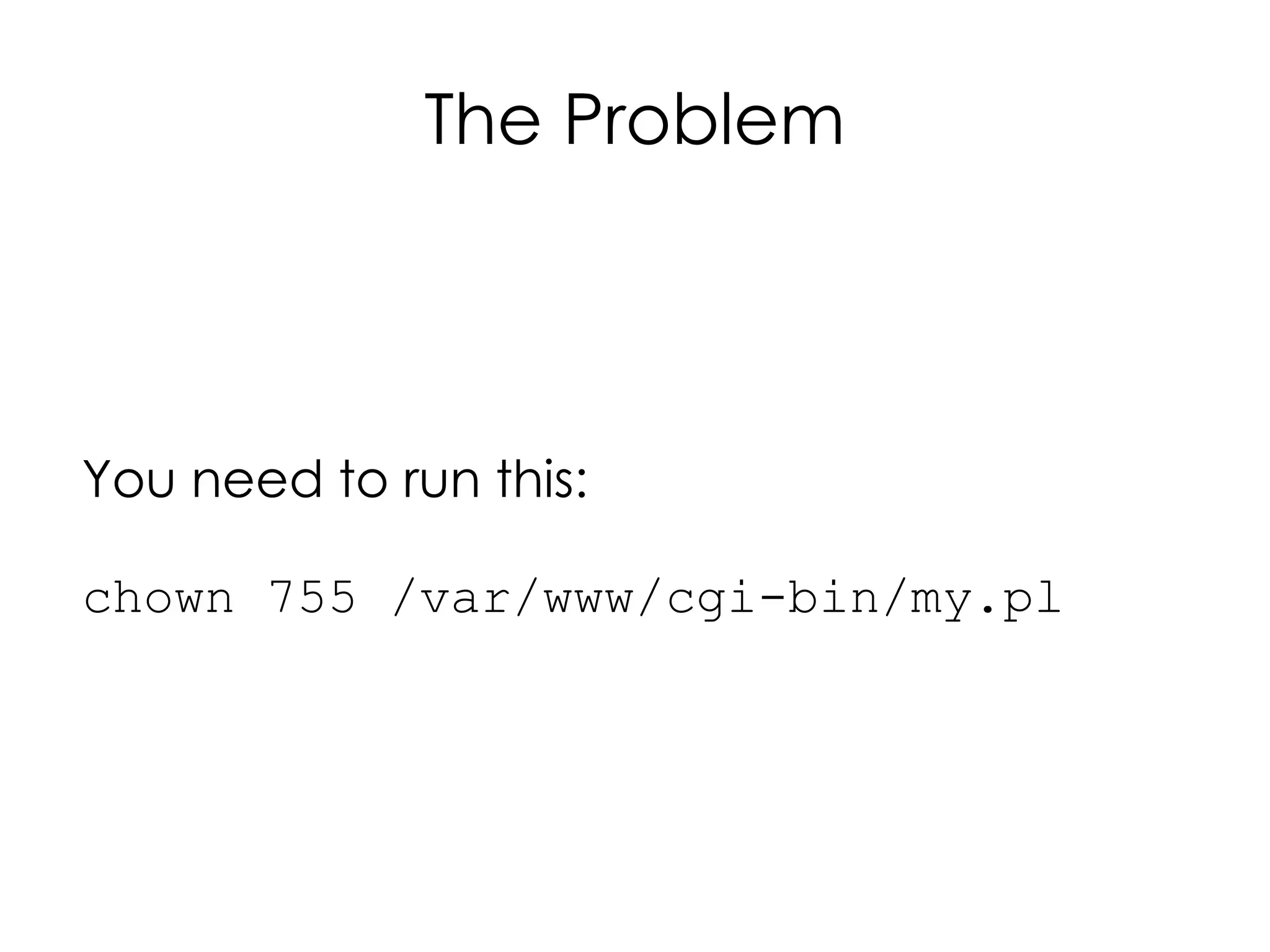
You need to run this:

chown 755 /var/www/cgi-bin/my.pl
On this...
The problem
   ●
       And gather the output in a useful way*.


* How do you know it worked on the 1000 machines you ran it on?
Some history...
●
    “masshost” script at UOL Web Services
    ●
        Written in Expect (later wrapped with
        Expect.pm)
    ●
        SSH under the hood
    ●
        Ran serially, host by host
●
    Most big shops have something like this
You could write your own...
●
    Deal with Expect (or Expect.pm)
●
    Handle ssh 'fun'
    ●
        Password auth or key auth
    ●
        Missing keys (first login)
    ●
        Changing keys (after re-imaging a machine)
●
    Handling parallel/asynchronous execution if your
    site is large enough
●
    Handling input / output from all of the above
●
    Bragging rights
Or you
could
  use
 Func
What's Func?
Makes it easier to
manage your minions...
What's Func?
●
    Fedora Unified Network Controller
●
    An easy way to run commands on lots of
    remote machines
●
    Written in
    ●
        Bindings to talk to it for Java
    ●
        But you can talk to it from anything that speaks
        YAML or JSON
What's Func?
●
    But it's much more:
    ●
        Secure server communications platform
    ●
        XML-RPC over SSL
    ●
        You could build your own puppet or cfengine
        with it.
    ●
        Build a backend for a server-automation
        system with a web interface
    ●
        Automate 1000s of machines from a single
        location
●
    World domination!
Muahahahahahaha!
Func Overview
●
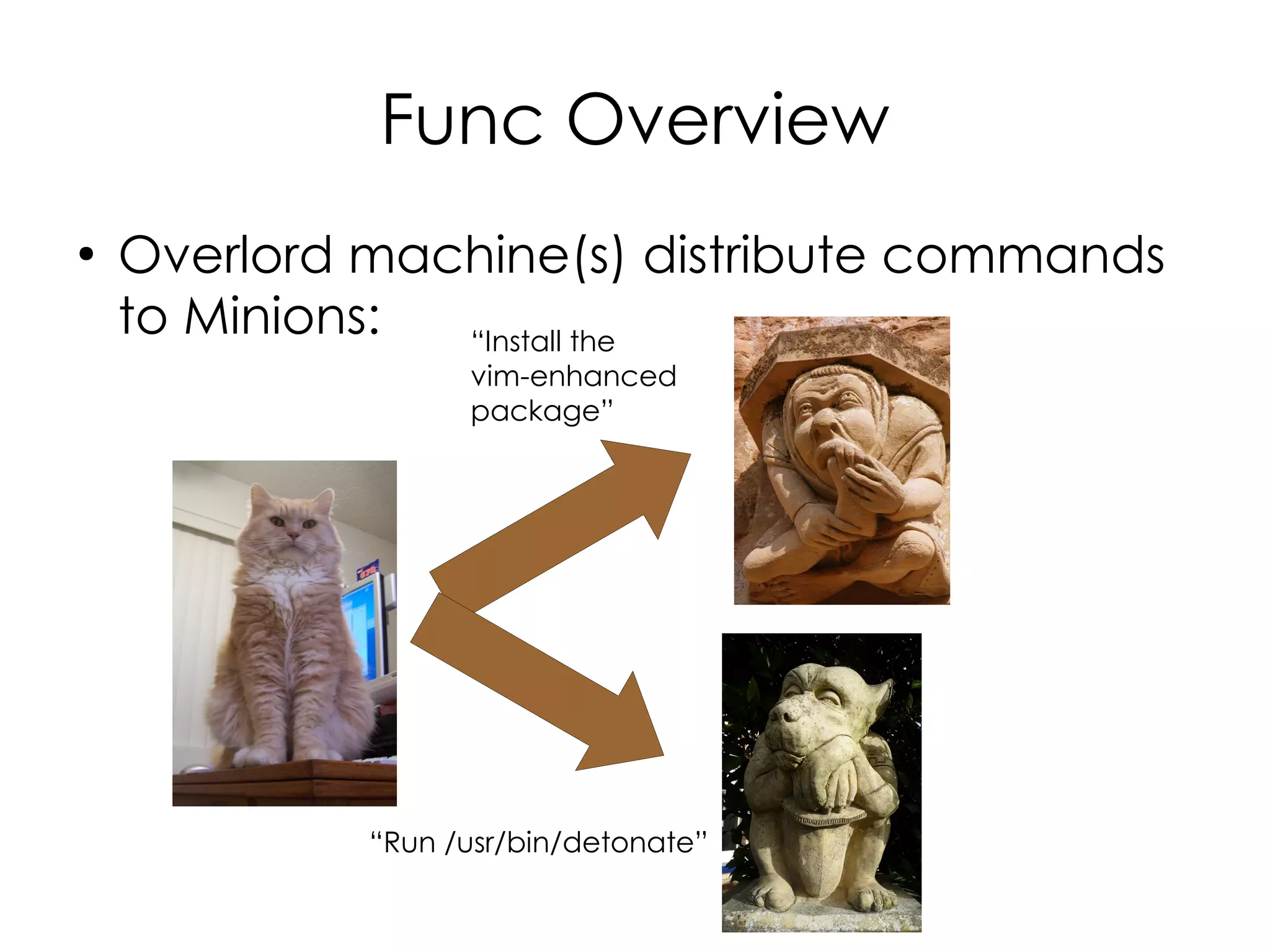
    Overlord machine(s) distribute commands
    to Minions:
Func Overview
●
    Overlord machine(s) distribute commands
    to Minions: “Install the
                   vim-enhanced
                   package”


             “Run /usr/bin/detonate”
Func Overview
●
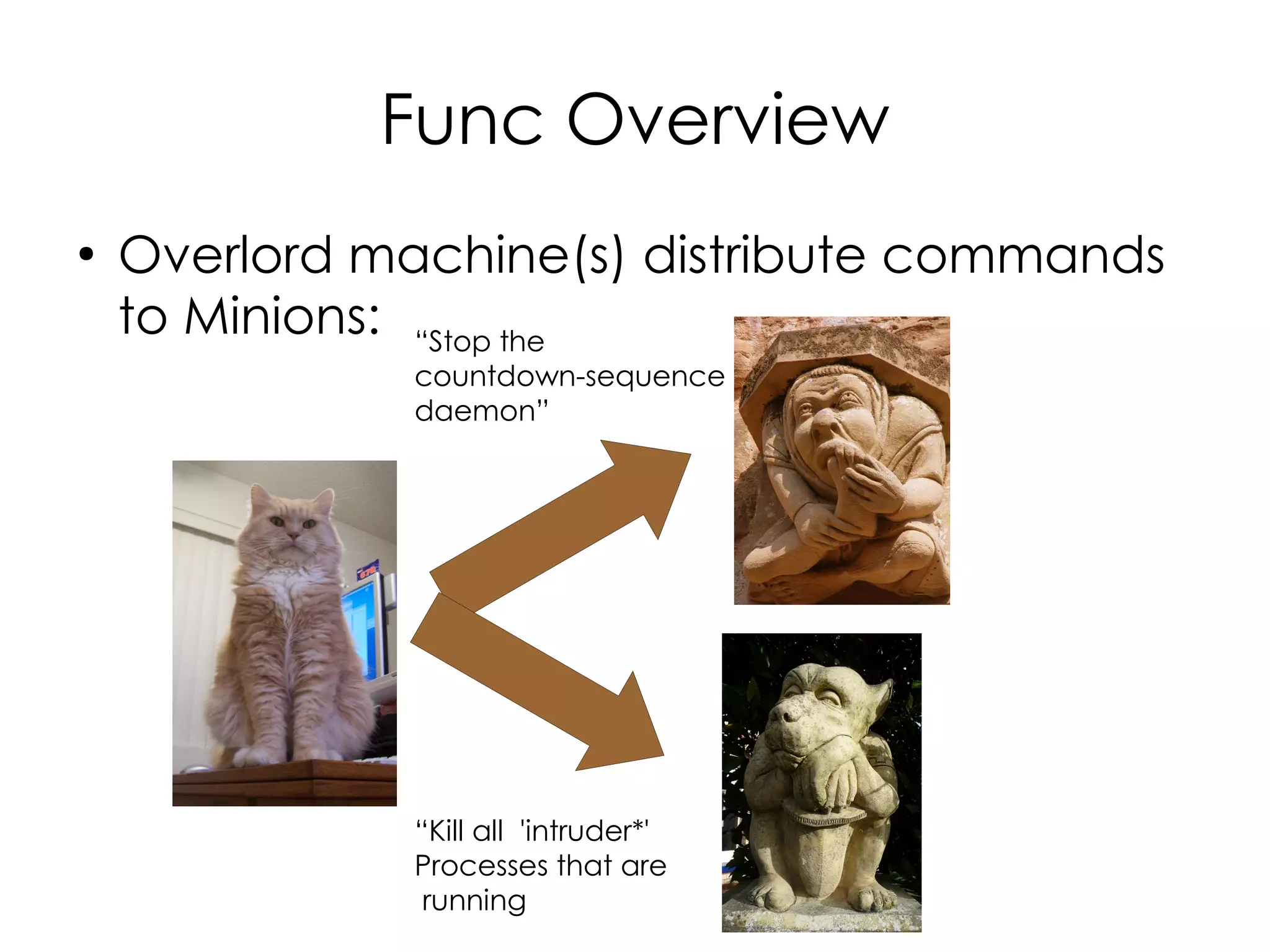
    Overlord machine(s) distribute commands
    to Minions: “Stop the
               countdown-sequence
               daemon”


               “Kill all 'intruder*'
               Processes that are
                running
Func Overview
●
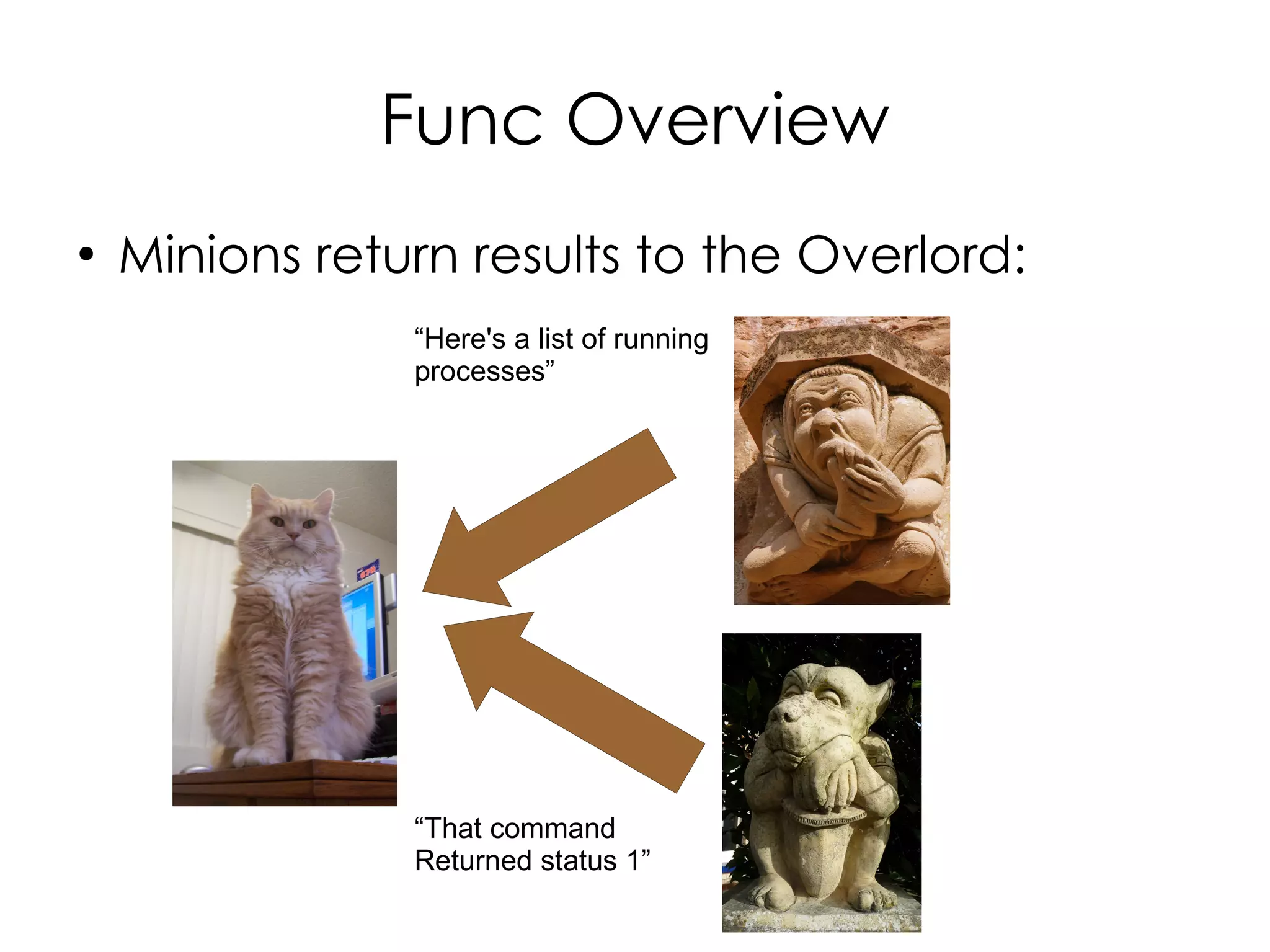
    Minions return results to the Overlord:
                “Here's a list of running
                processes”


                “That command
                Returned status 1”
Getting up and running
Installation
●
    Easiest way is with yum
●
    On Fedora:
    ●   yum install func
    ●   Will pull in certmaster too
●
    On CentOS (Use EPEL):
    ●   rpm -Uvh
        http://download.fedora.redhat.com/pub/
        epel/5/i386/epel-release-5-
        3.noarch.rpm
    ●   yum install func
Installation
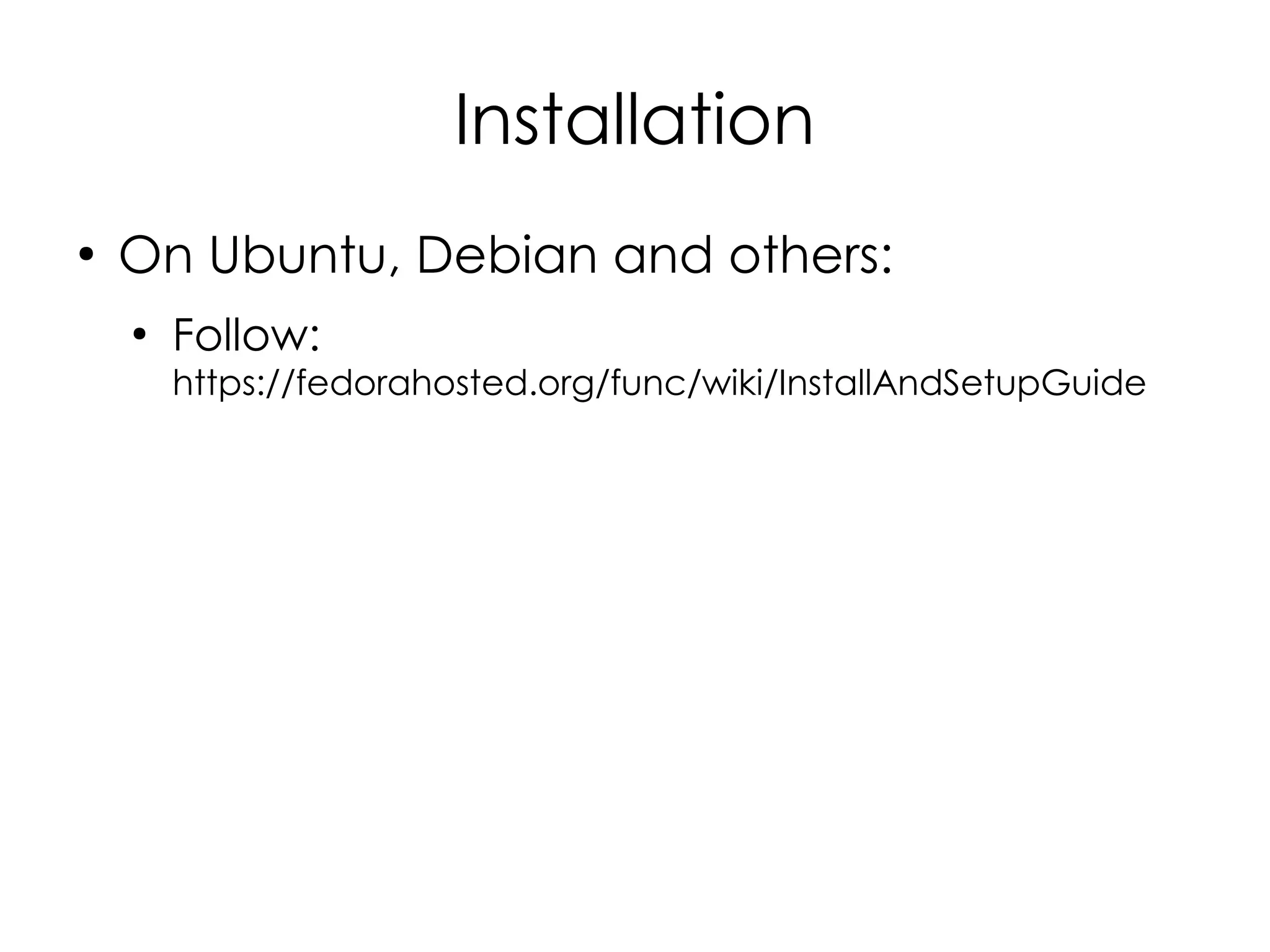
●
    On Ubuntu, Debian and others:
    ●
        Follow:
        https://fedorahosted.org/func/wiki/InstallAndSetupGuide
Configuration
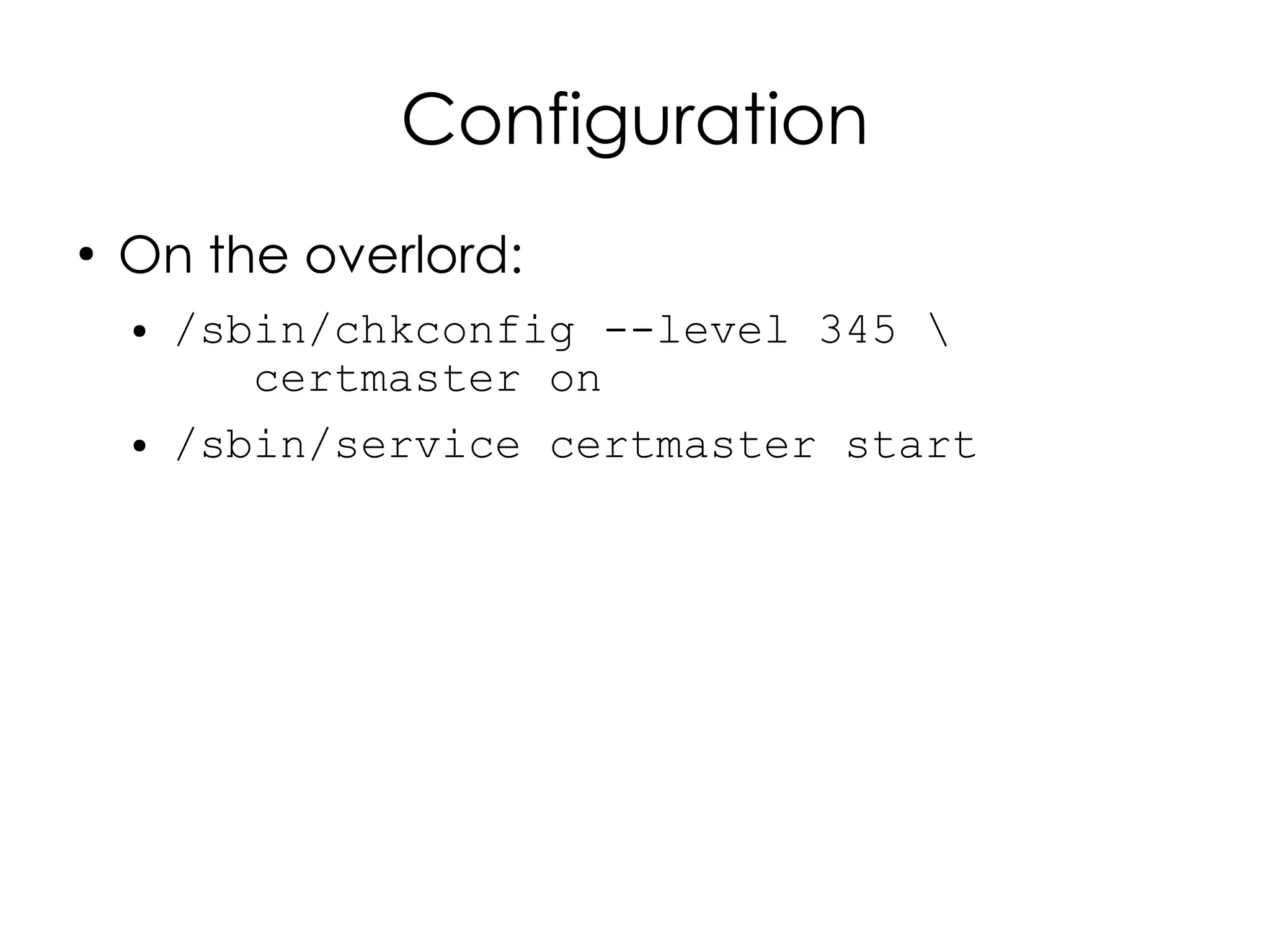
●
    On the overlord:
    ●   /sbin/chkconfig --level 345 
           certmaster on
    ●   /sbin/service certmaster start
Configuration
●
    On the minions:
    ●
        /etc/certmaster/minion.conf:
            [main] certmaster = overlord.example.org
            log_level = DEBUG
            cert_dir = /etc/pki/certmaster
    ●
        Then:
        –   /sbin/chkconfig --level 345 funcd on
        –   /sbin/service funcd start
Configuration
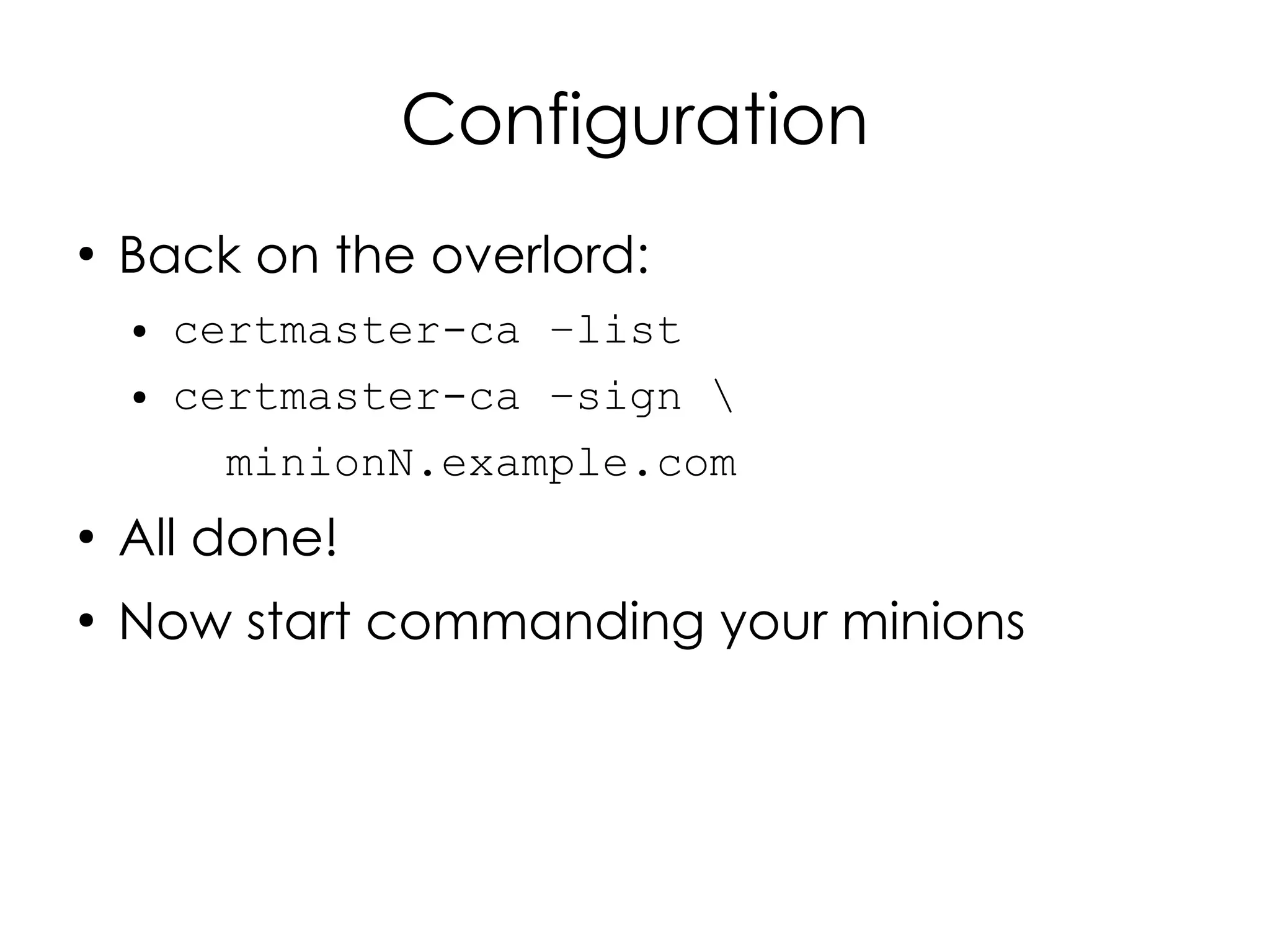
●
    Back on the overlord:
    ●   certmaster-ca –list
    ●   certmaster-ca –sign 
          minionN.example.com
●
    All done!
●
    Now start commanding your minions
Muahahahahahaha!
Using Func from the
    Command Line
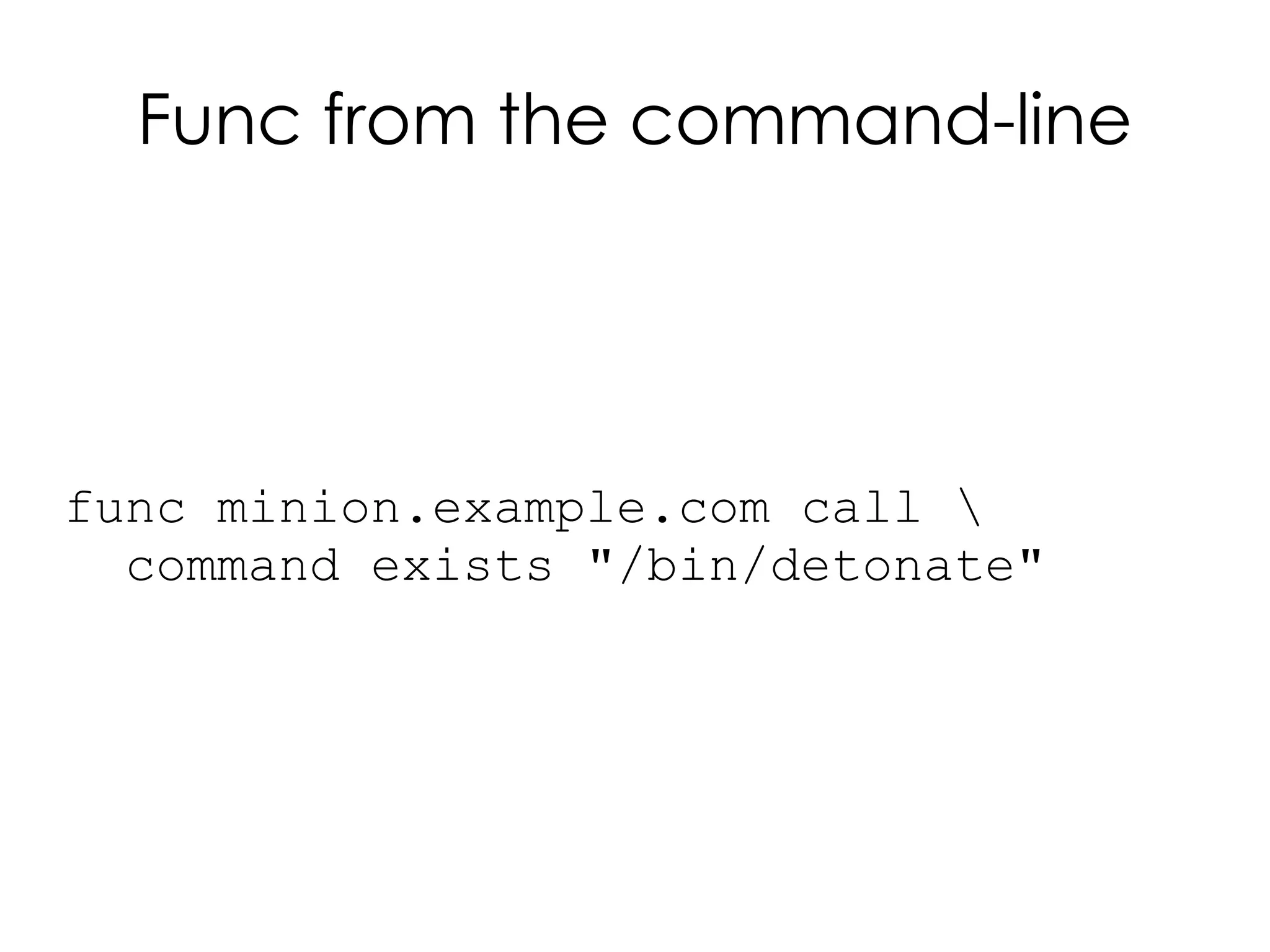
Func from the command-line


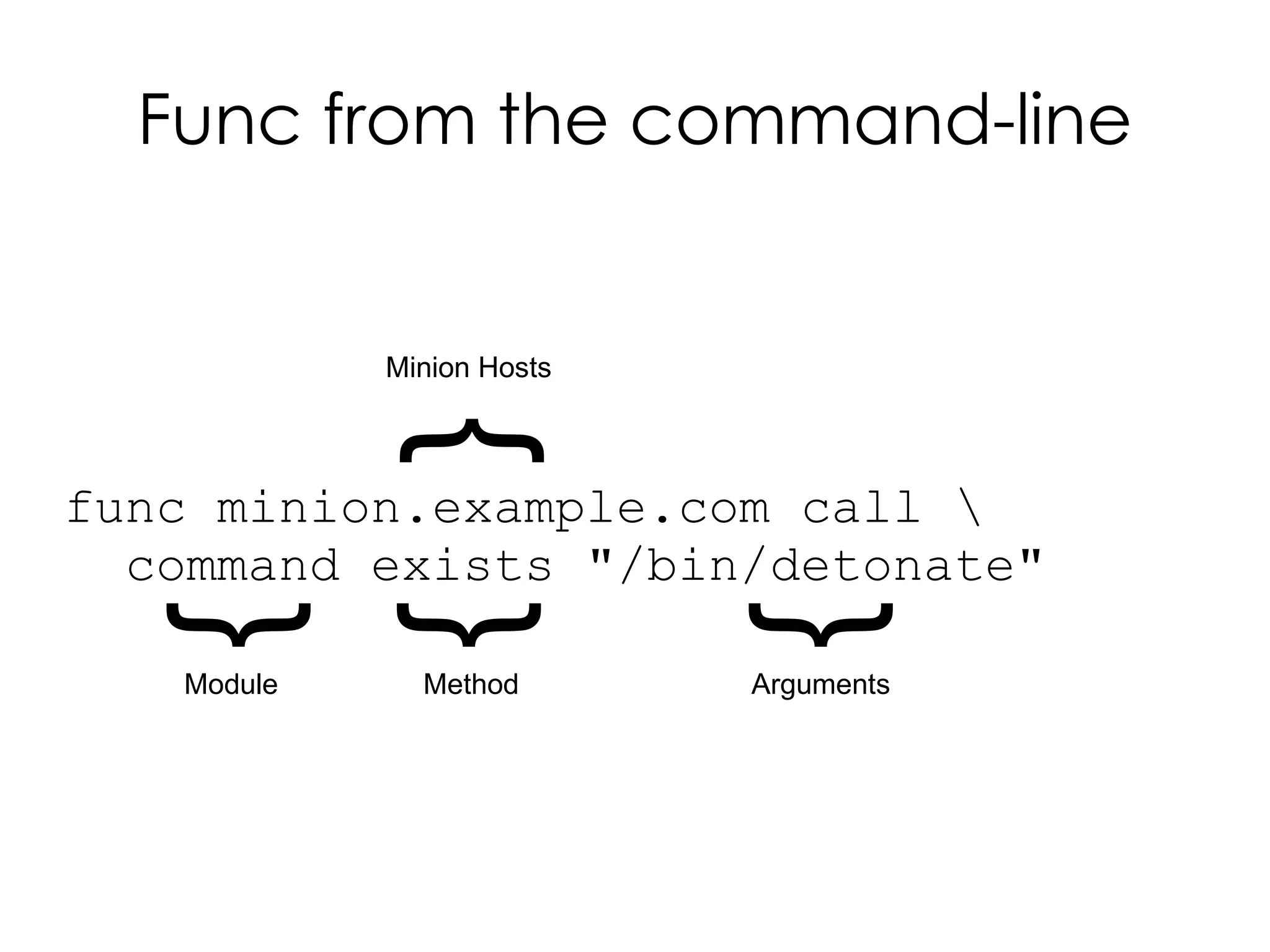
func minion.example.com call 
  command exists "/bin/detonate"
Func from the command-line


            Minion Hosts
             {
func minion.example.com call 
  command exists "/bin/detonate"
  {
  {

                           {
   Module     Method       Arguments
Func from the command-line


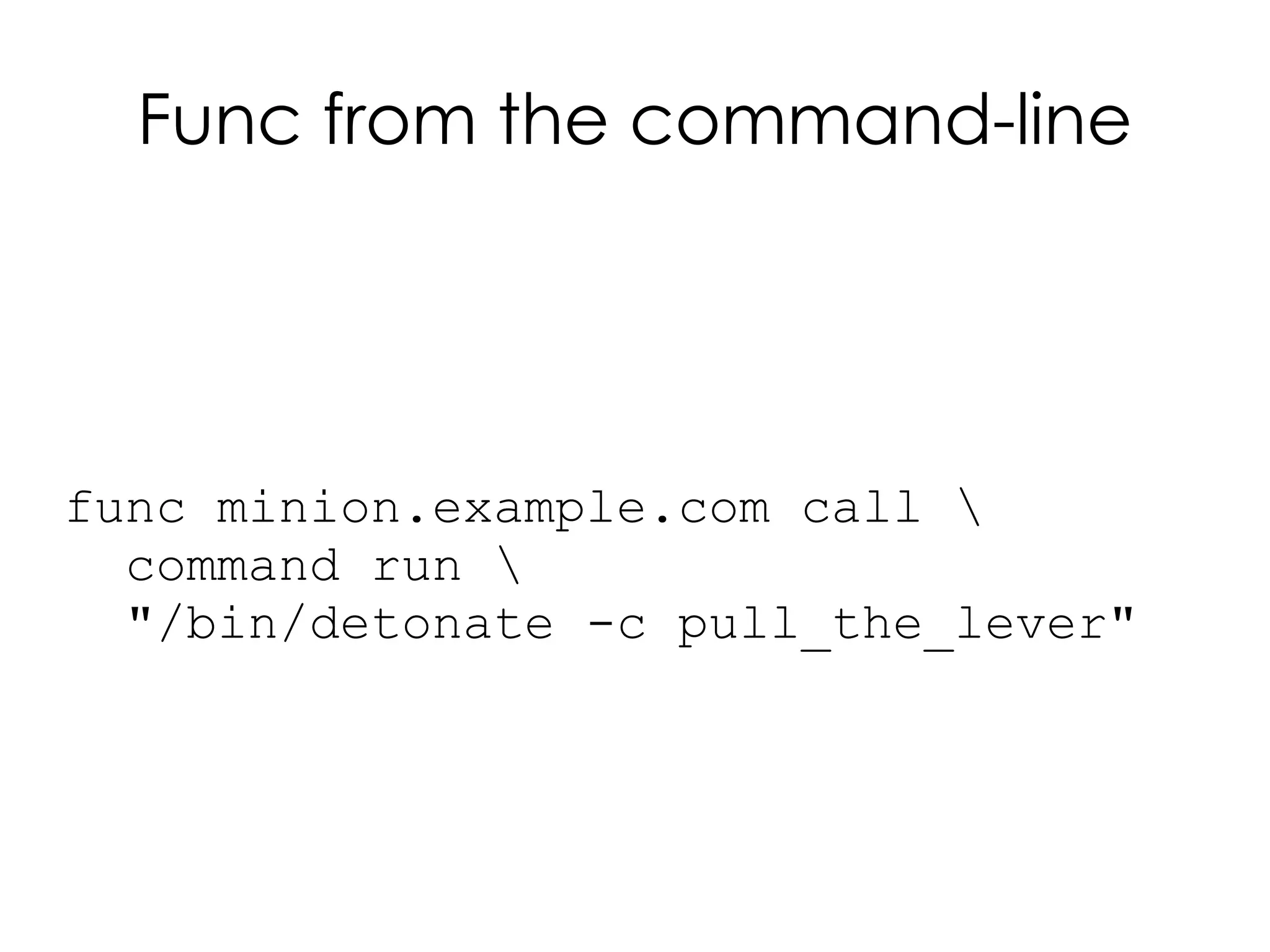
func minion.example.com call 
  command run 
  "/bin/detonate -c pull_the_lever"
Func from the command-line


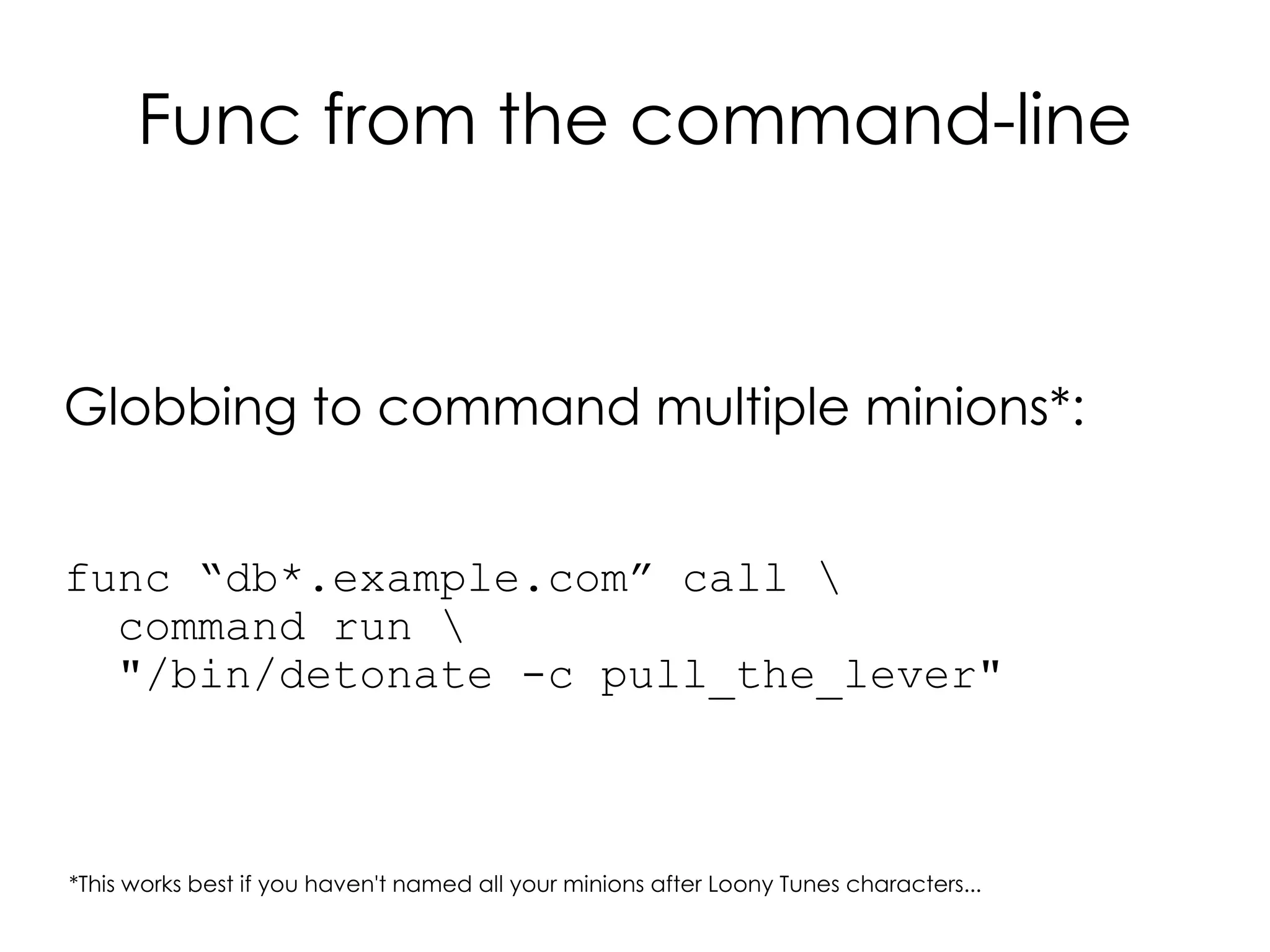
Globbing to command multiple minions*:


func “db*.example.com” call 
  command run 
  "/bin/detonate -c pull_the_lever"


*This works best if you haven't named all your minions after Loony Tunes characters...
Func from the command-line

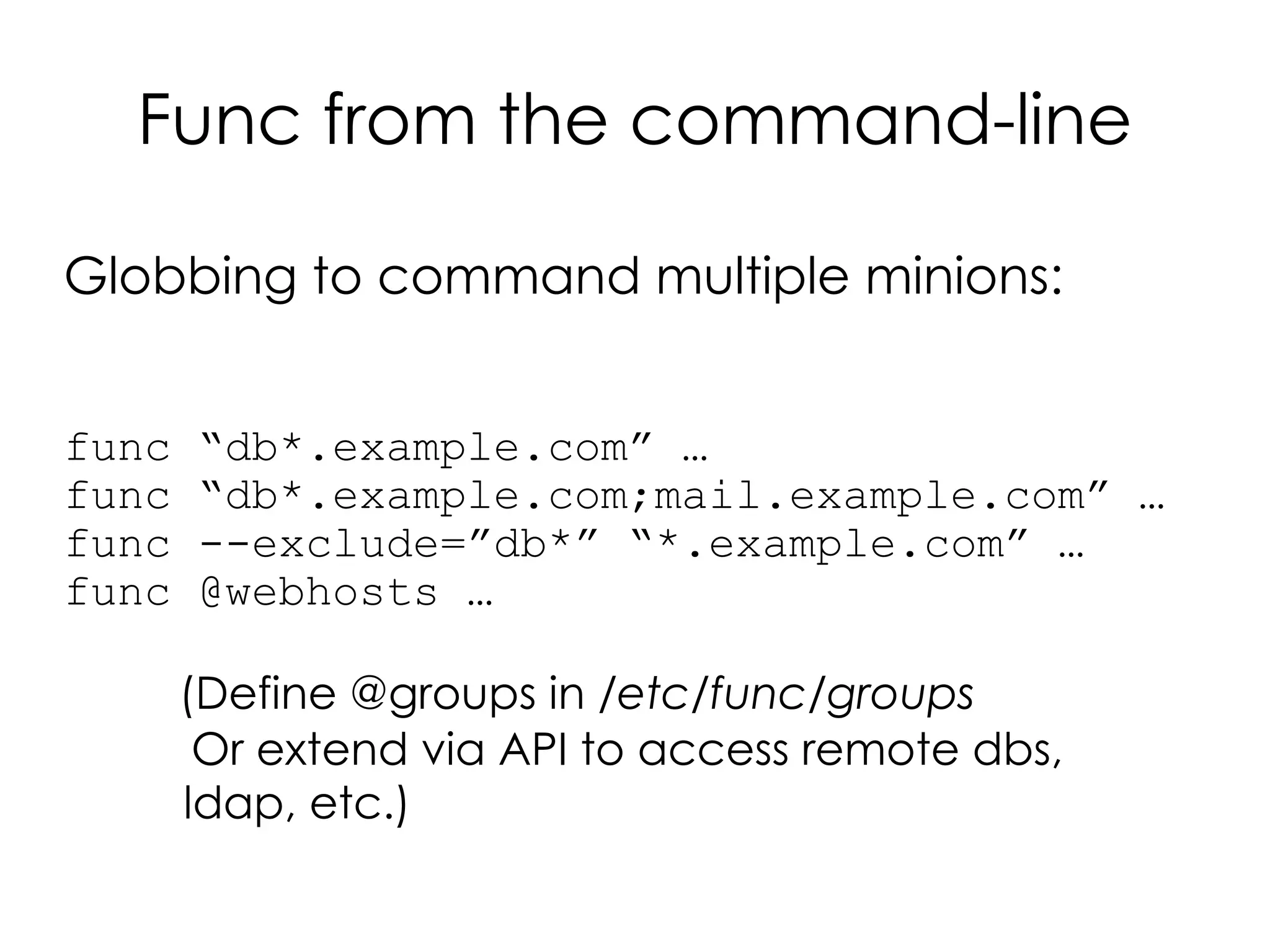
Globbing to command multiple minions:


func   “db*.example.com” …
func   “db*.example.com;mail.example.com” …
func   --exclude=”db*” “*.example.com” …
func   @webhosts …

       (Define @groups in /etc/func/groups
        Or extend via API to access remote dbs,
       ldap, etc.)
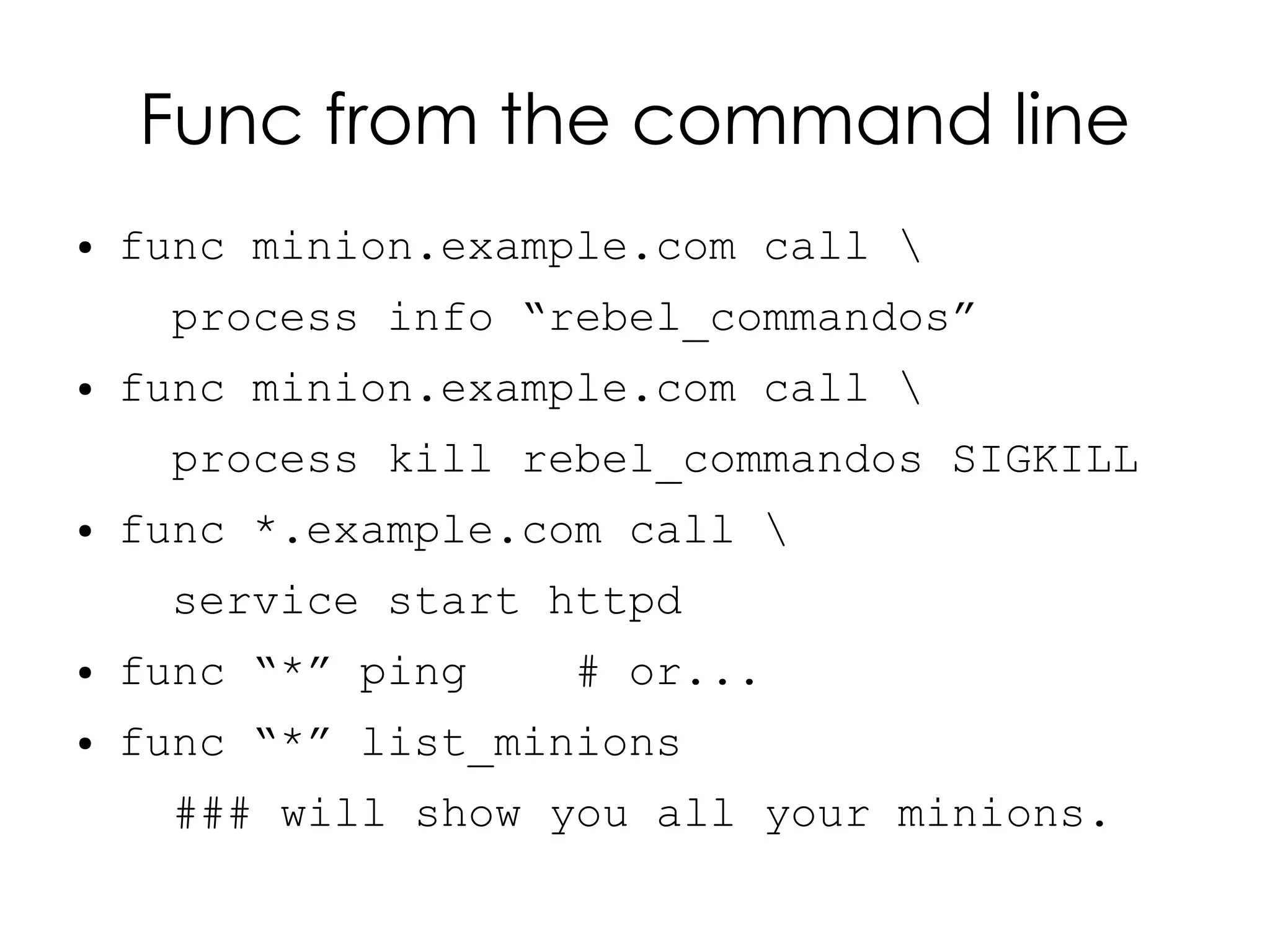
Func from the command line
●   func minion.example.com call 
     process info “rebel_commandos”
●   func minion.example.com call 
     process kill rebel_commandos SIGKILL
●   func *.example.com call 
     service start httpd
●   func “*” ping    # or...
●   func “*” list_minions
      ### will show you all your minions.
Func from the command line


What modules are available on my minions?

func “*” call system list_modules
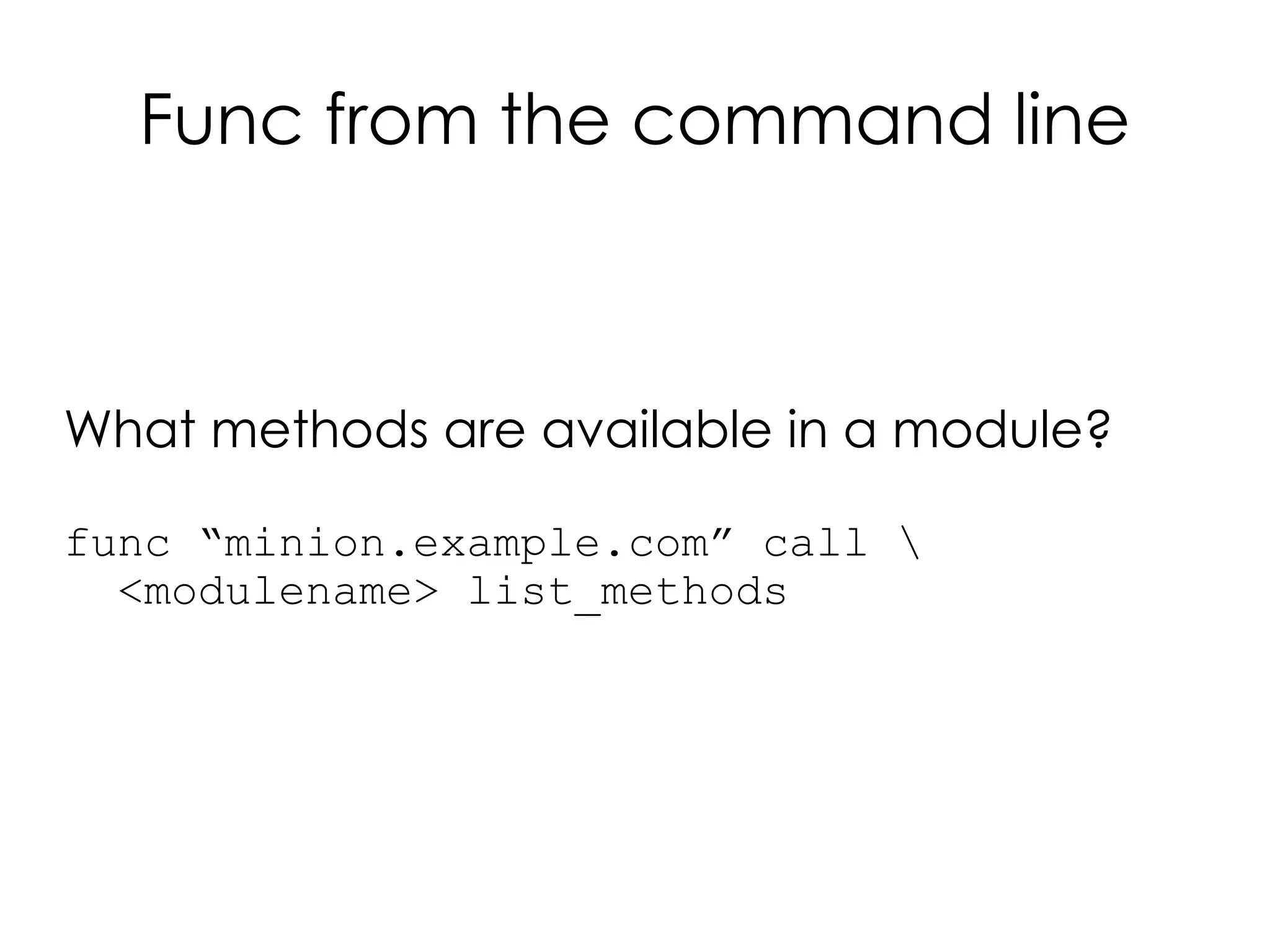
Func from the command line


What methods are available in a module?

func “minion.example.com” call 
  <modulename> list_methods
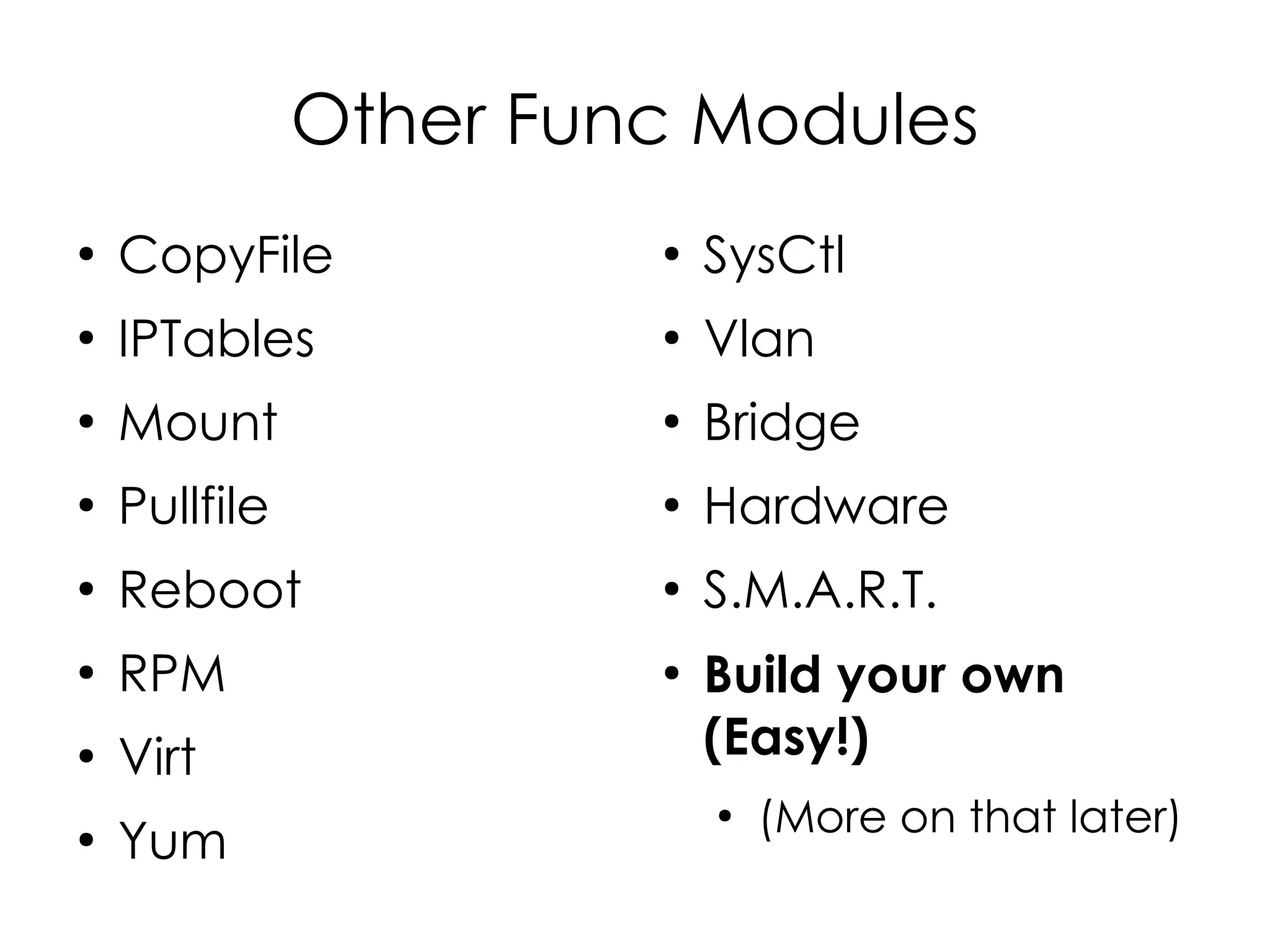
Other Func Modules
●
    CopyFile            ●
                            SysCtl
●
    IPTables            ●
                            Vlan
●
    Mount               ●
                            Bridge
●
    Pullfile            ●
                            Hardware
●
    Reboot              ●
                            S.M.A.R.T.
●
    RPM                 ●
                            Build your own
●
    Virt                    (Easy!)
                            ●
                                (More on that later)
●
    Yum
Func Output
Func Output
●
    Default: Pretty-printed Python tuples / data
    structures:
    ●   func minion.example.com call mount list
    ●   {'minion.example.com': [{'device': 'rootfs',
                                 'dir': '/',
                                 'options': 'rw',
                                 'type': 'rootfs'},
                               {'device': '/proc',
                                 'dir': '/proc',
                                 'options': 'rw',
                                 'type': 'proc'},
                                ... }]}
Func Output
●
    Command module output:
    ●   func minion.example.com call command run 
         “/bin/ls /blah”
    ●   ('minion1.example.com', [1, '', 'ls: /blah: No
        such file or directoryn'])
        ('minion2.example.com', [1, '', 'ls: /blah: No
        such file or directoryn'])
    ●   ('<hostname>', [<exit_status>, '<stdout>',
        '<stderr>'])
Func Output
●
    If you'd prefer JSON:
    ●   func minion.example.com call --json mount list
    ●   {"minion.example.com": [{"device": "rootfs",
        "type": "rootfs", "options": "rw", "dir": "/"},
        {"device": "/proc", "type": "proc", "options":
        "rw", "dir": "/proc"}, {"device": "none",
        "type": "tmpfs", "options": "rw", "dir":
        "/dev"}, {"device": "/dev/root", "type": "ext2",
        "options": "rw", "dir": "/"}, {"device": "none",
        "type": "tmpfs", "options": "rw", "dir":
        "/dev"}, {"device": "/proc", "type": "proc",
        "options": "rw", "dir": "/proc"}, {"device":
        "/sys", "type": "sysfs", "options": "rw", "dir":
        "/sys"}, {"device": "none", "type": "devpts",
        "options": "rw", "dir": "/dev/pts"}, {"device":
        "/dev/cciss/c0d0p1", "type": "ext2", "options":
        "rw", "dir": "/boot"}, .... }]}
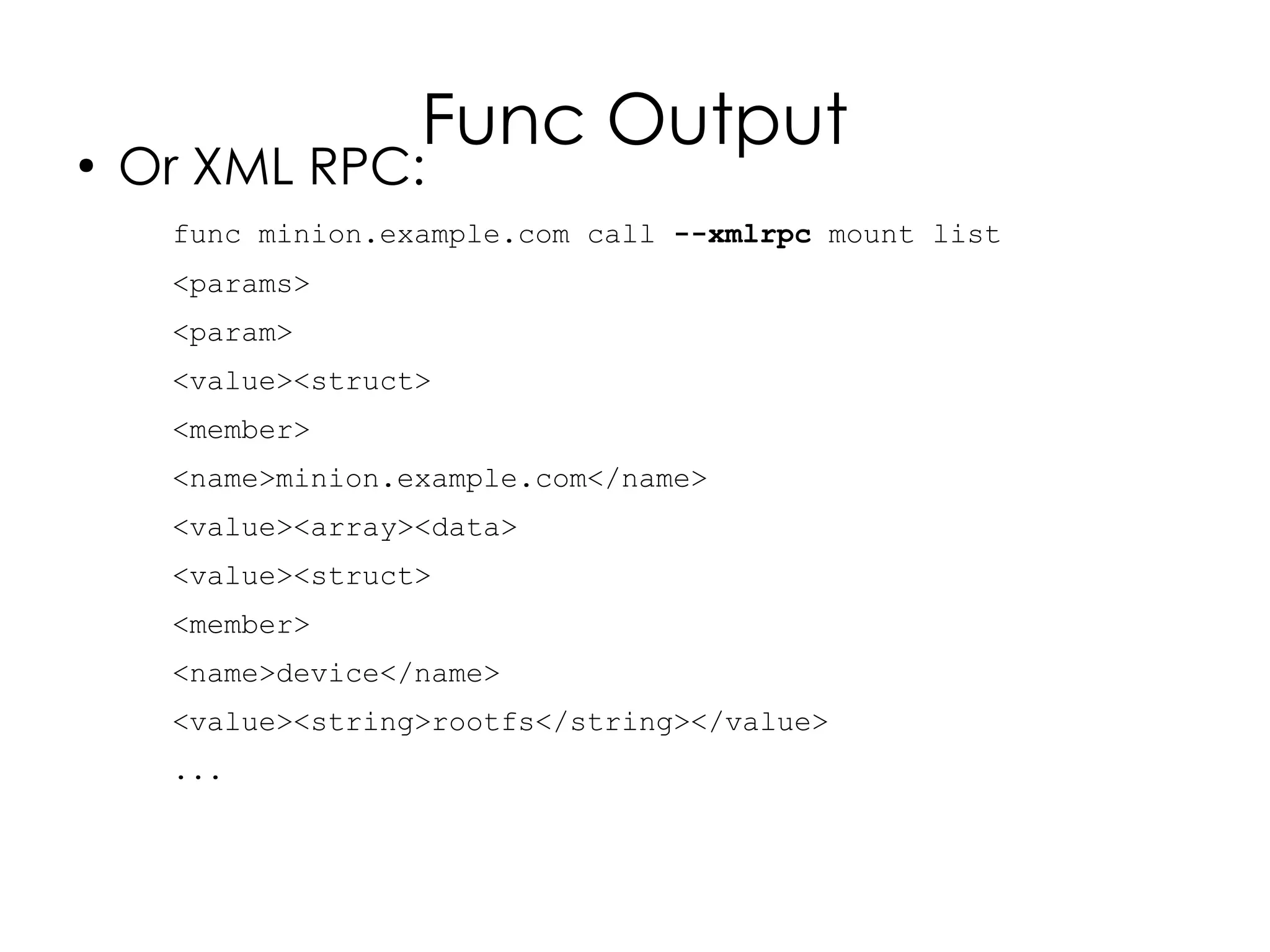
Func Output
●
    Or XML RPC:
     func minion.example.com call --xmlrpc mount list
     <params>
     <param>
     <value><struct>
     <member>
     <name>minion.example.com</name>
     <value><array><data>
     <value><struct>
     <member>
     <name>device</name>
     <value><string>rootfs</string></value>
     ...
Using Func
From Scripts
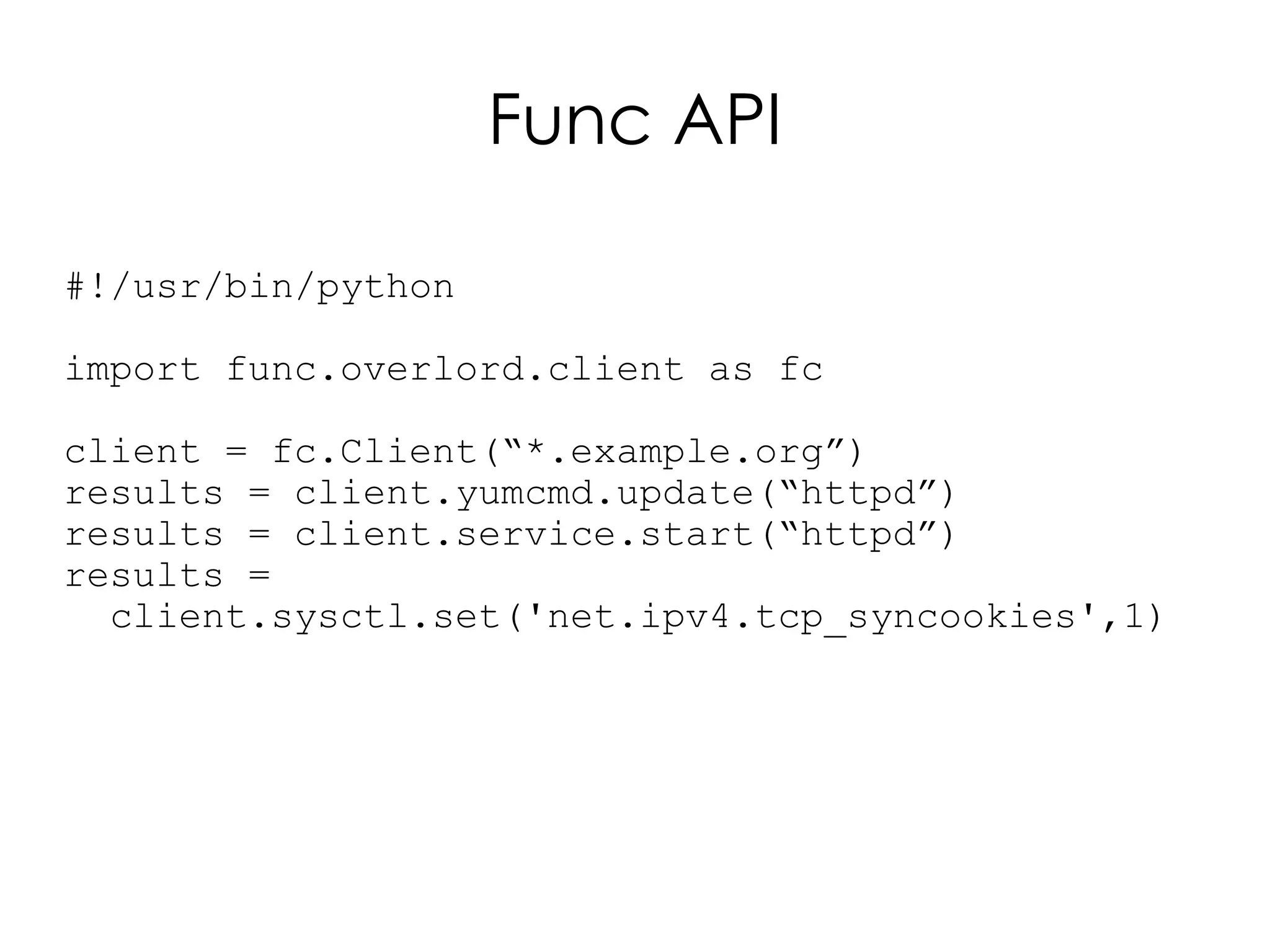
Func API

#!/usr/bin/python

import func.overlord.client as fc

client = fc.Client(“*.example.org”)
results = client.yumcmd.update(“httpd”)
results = client.service.start(“httpd”)
results =
  client.sysctl.set('net.ipv4.tcp_syncookies',1)
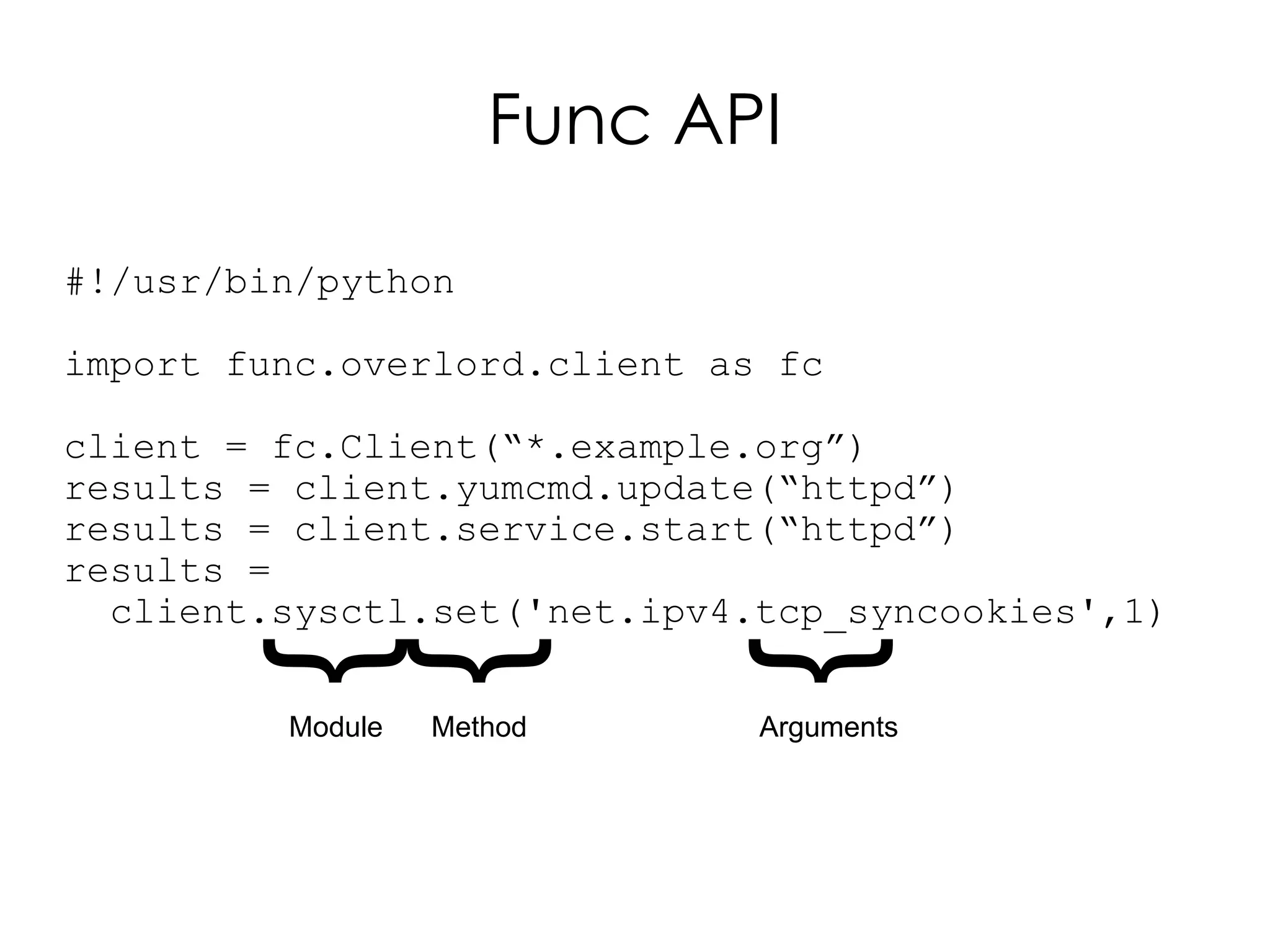
Func API

#!/usr/bin/python

import func.overlord.client as fc

client = fc.Client(“*.example.org”)
results = client.yumcmd.update(“httpd”)
results = client.service.start(“httpd”)
results =
  client.sysctl.set('net.ipv4.tcp_syncookies',1)
       {
       {

                            {
         Module   Method      Arguments
Using Func
                   from Other
Add picture here


                   Languages
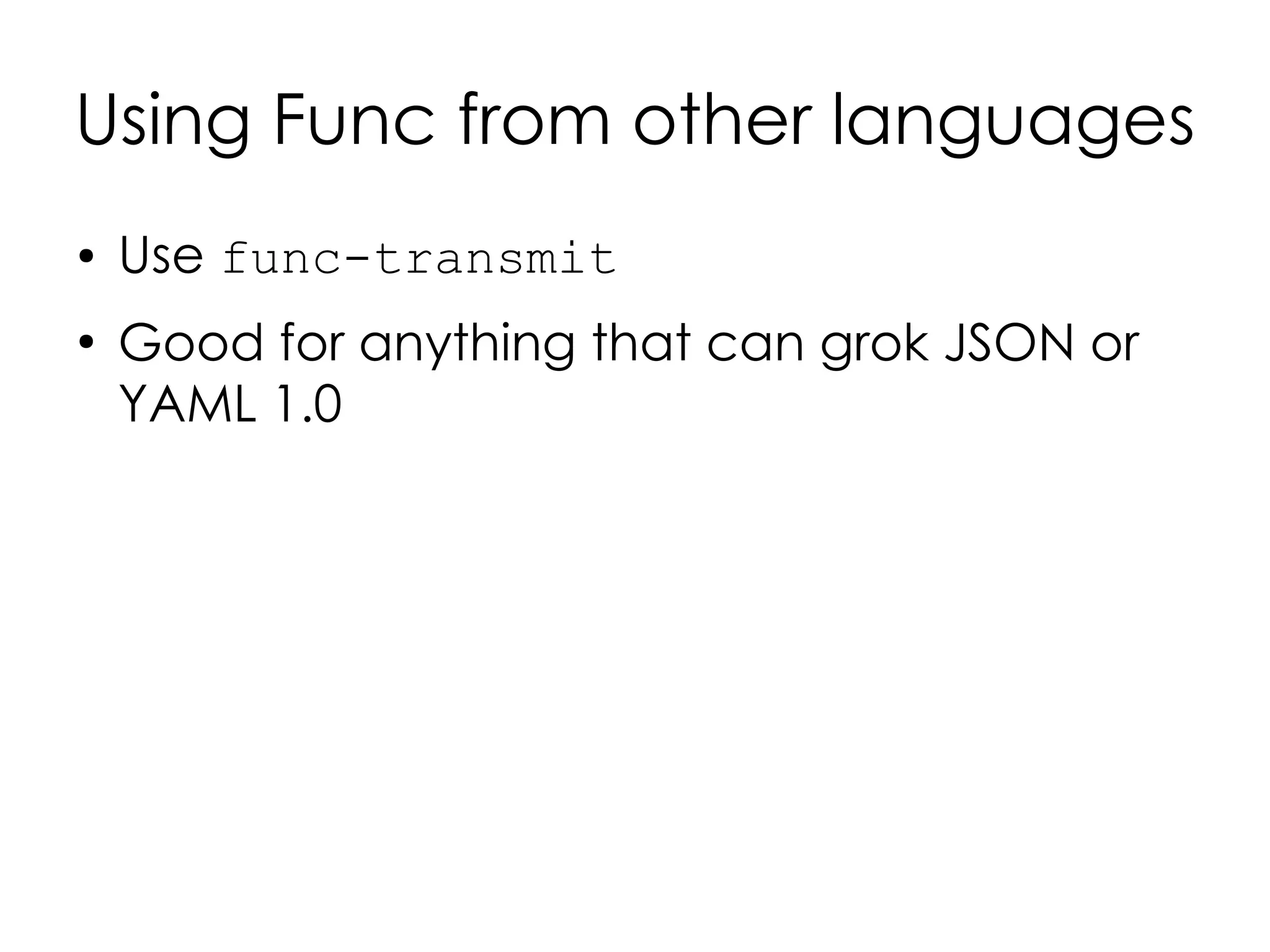
Using Func from other languages
●   Use func-transmit
●
    Good for anything that can grok JSON or
    YAML 1.0
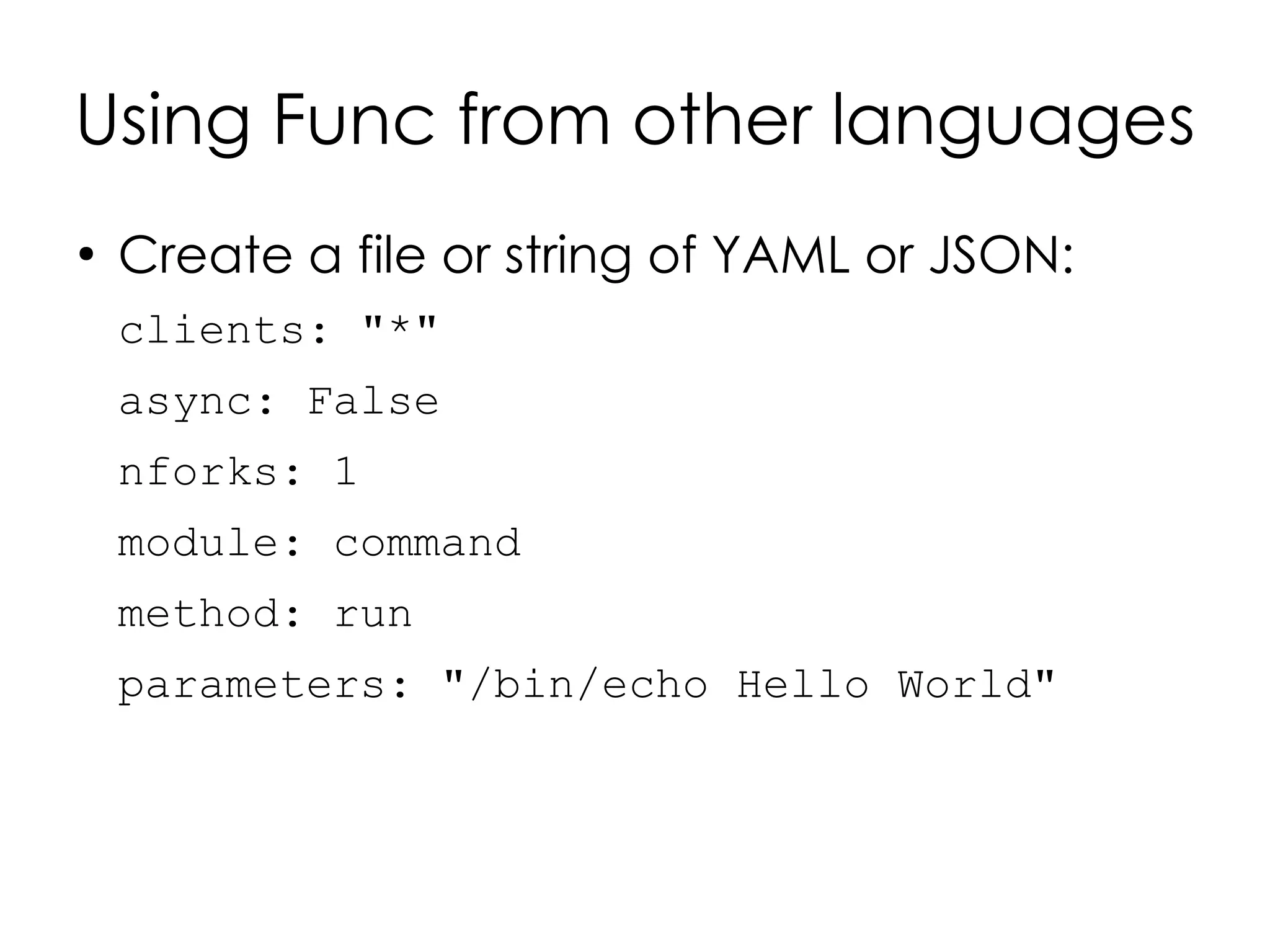
Using Func from other languages
●
    Create a file or string of YAML or JSON:
    clients: "*"
    async: False
    nforks: 1
    module: command
    method: run
    parameters: "/bin/echo Hello World"
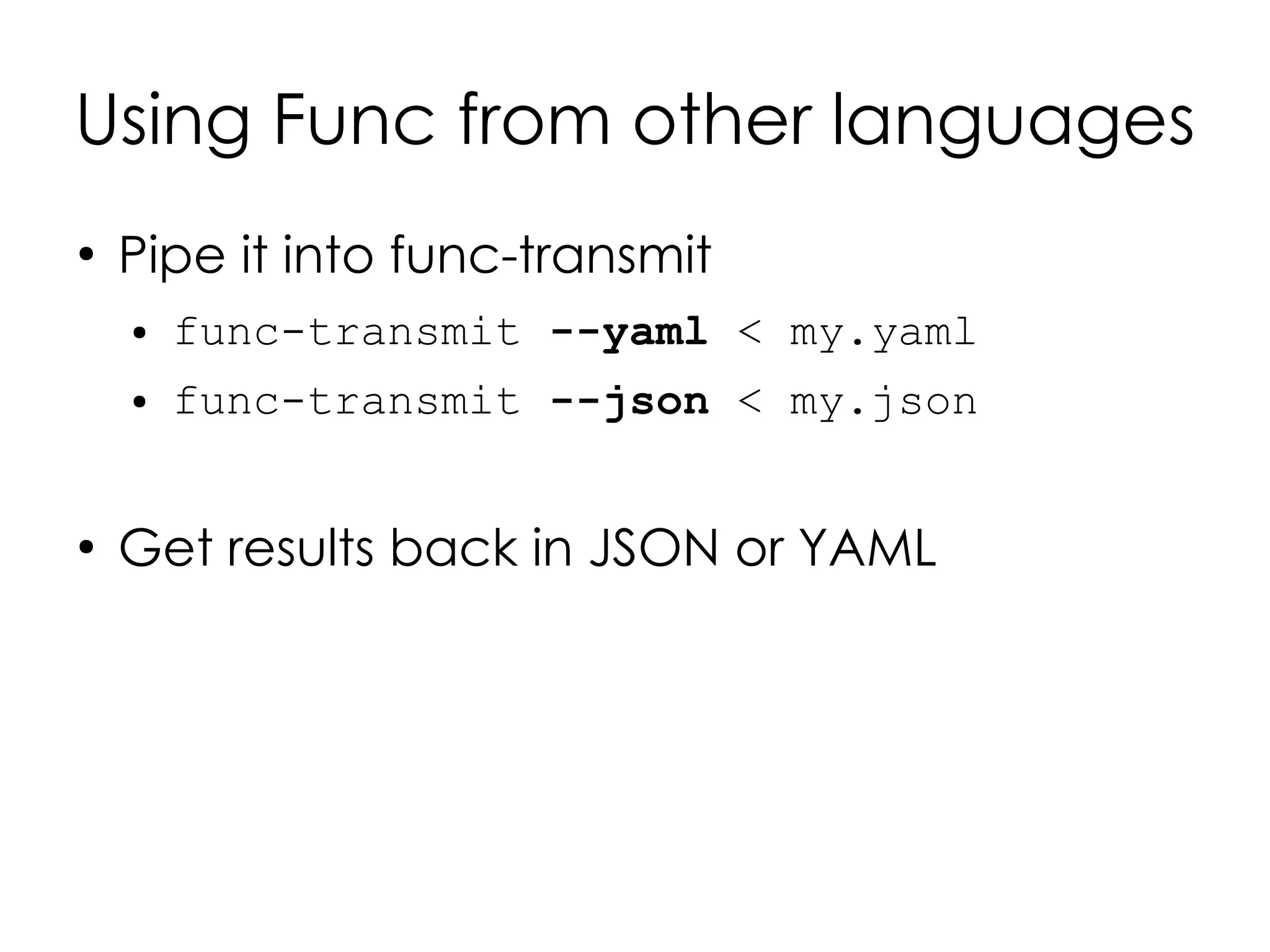
Using Func from other languages
●
    Pipe it into func-transmit
    ●   func-transmit --yaml < my.yaml
    ●   func-transmit --json < my.json


●
    Get results back in JSON or YAML
Writing your
own modules
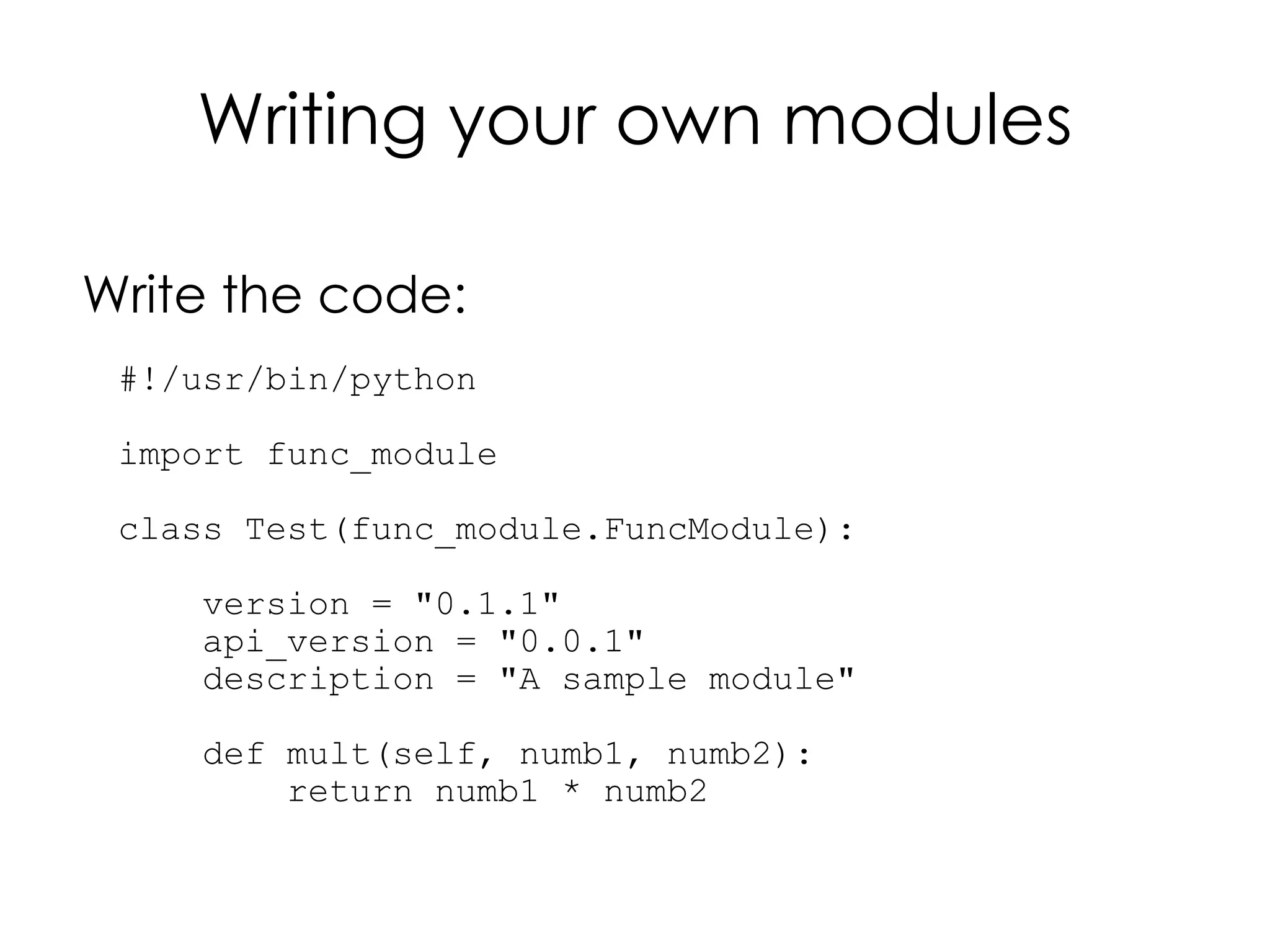
Writing your own modules

Write the code:
 #!/usr/bin/python

 import func_module

 class Test(func_module.FuncModule):

     version = "0.1.1"
     api_version = "0.0.1"
     description = "A sample module"

     def mult(self, numb1, numb2):
         return numb1 * numb2
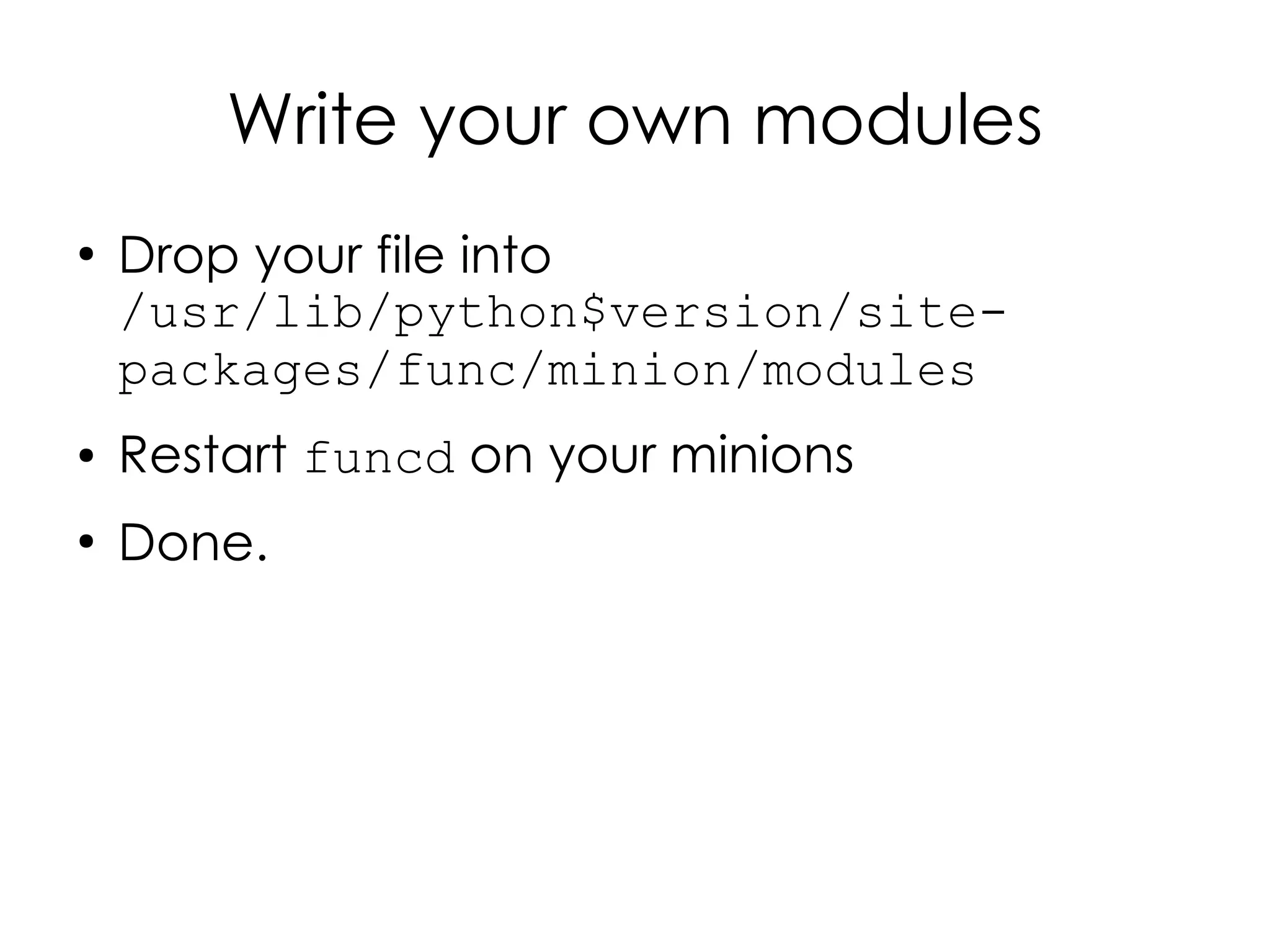
Write your own modules
●
    Drop your file into
    /usr/lib/python$version/site-
    packages/func/minion/modules
●   Restart funcd on your minions
●
    Done.
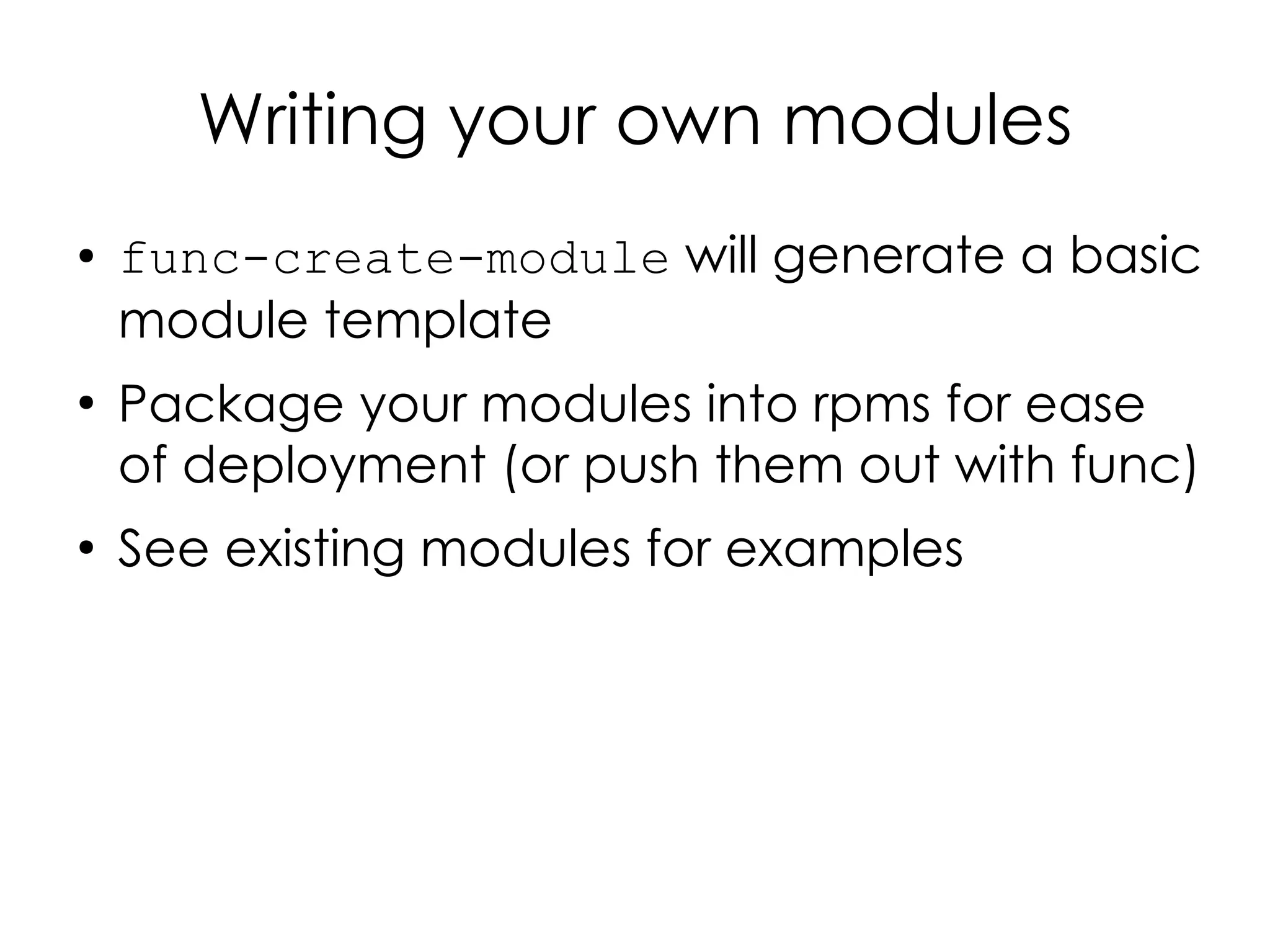
Writing your own modules
●   func-create-module will generate a basic
    module template
●
    Package your modules into rpms for ease
    of deployment (or push them out with func)
●
    See existing modules for examples
Writing your own modules
●
    Can't write modules in other than
    Python...yet.
Other features
●
    Delegation
●
    Multiplexing
●
    Asynchrony
●
    Web interface
●
    ACLs
Cobbler integration
●
    Kickstart
●
    Install Func
●
    Point it to your Overlord
●
    All from Cobbler!
●
    See https://fedorahosted.org/cobbler/wiki/
    FuncIntegration
Muahahahahahaha!
More Func goodness
●
    Func Website:
    ●
        https://fedorahosted.org/func/
●
    IRC:
    ●
        #func on freenode
●
    Mailing list:
    ●
        https://www.redhat.com/mailman/listinfo/func-
        list
Questions?
Thank you!
Photo Credits*
●
  “gargoyles” by Flickr user 'certified_su,' http://www.flickr.com/photos/certified_su/3502855962/, Creative Commons
License BY 2.0
●
  “Cubicle Gargoyle” by Flickr user 'Dennis from Atlanta,' http://www.flickr.com/photos/dennis_matheson/3419153723/, CC
License BY-SA 2.0
●
  “Stacked servers” by Flickr user 'redjar,' http://www.flickr.com/photos/redjar/360113468/, CC License BY-SA 2.0
●
  “Happy Gargoyle” by Flickr user 'Wolfrage,' http://www.flickr.com/photos/wolfrage/3931044145/, CC License BY 2.0
●
  “Gargoyles” by Flickr user 'Laertes,' http://www.flickr.com/photos/jonhurd/492395/, CC License BY 2.0
●
  “blades” by Flickr user 'gothopotam,' http://www.flickr.com/photos/zagrobot/2731084578/, CC License BY 2.0
●
  “Table Decoration” by Flickr user 'Kevin,' http://www.flickr.com/photos/kevincollins/75018222/, CC License BY 2.0
●
  “Gargoyle” by Flickr user 'Joe Jakeman,' http://www.flickr.com/photos/jojakeman/2553116529/, CC License BY 2.0
●
  “Exeter gargoyle” by Flickr user 'aaron.bihari,' http://www.flickr.com/photos/dakima-arts/3456721942/, CC License BY-SA
2.0
●
  “Dark gargoyle” by Flickr user 'Bichuas (E. Carton),' http://www.flickr.com/photos/bichuas/442265525/, CC License BY-SA
2.0
●
  “IMG_4743” by Flickr user 'beggs,' http://www.flickr.com/photos/beggs/88809549/, CC License BY 2.0
●
  “Gothic Gargoyles” by Flickr user 'jakeliefer,' http://www.flickr.com/photos/jakeliefer/283541940/, CC License BY 2.0
●
  “Hunting Gargoyles” by Flickr user 'moonrat42,' http://www.flickr.com/photos/moonrat/1444630026/, CC License BY-SA 2.0
●
  “Kissing Gargoyle, Leon, Spain” by Flickr user 'AndrewGould,' http://www.flickr.com/photos/andrewgould/3643732025/,
CC License BY 2.0
●
  “IMG_4781” by Flickr user 'beggs,' http://www.flickr.com/photos/beggs/88810165/, CC License BY 2.0
●
  “Thann : gargouille / gargoyle 1” by Flickr user 'OliBac,' http://www.flickr.com/photos/olibac/3451405035/, CC License BY
2.0
●
  “(gar)Goyle of my dreams...” by Flickr user 'IntangibleArts,' http://www.flickr.com/photos/intangible/1136971041/, CC
License BY 2.0
●
  “Gargoyle overlooking Paris” by Flickr user 'aliciat89,' http://www.flickr.com/photos/aliciat/3138416652/, CC License BY 2.0
●
  For more info on Creative Commons Licenses see http://creativecommons.org
●
  This presentation is licensed under a Creative Commons Attribution-Share Alike 2.0 license:
http://creativecommons.org/licenses/by-sa/2.0/deed.en


*Thank you Creative Commons!
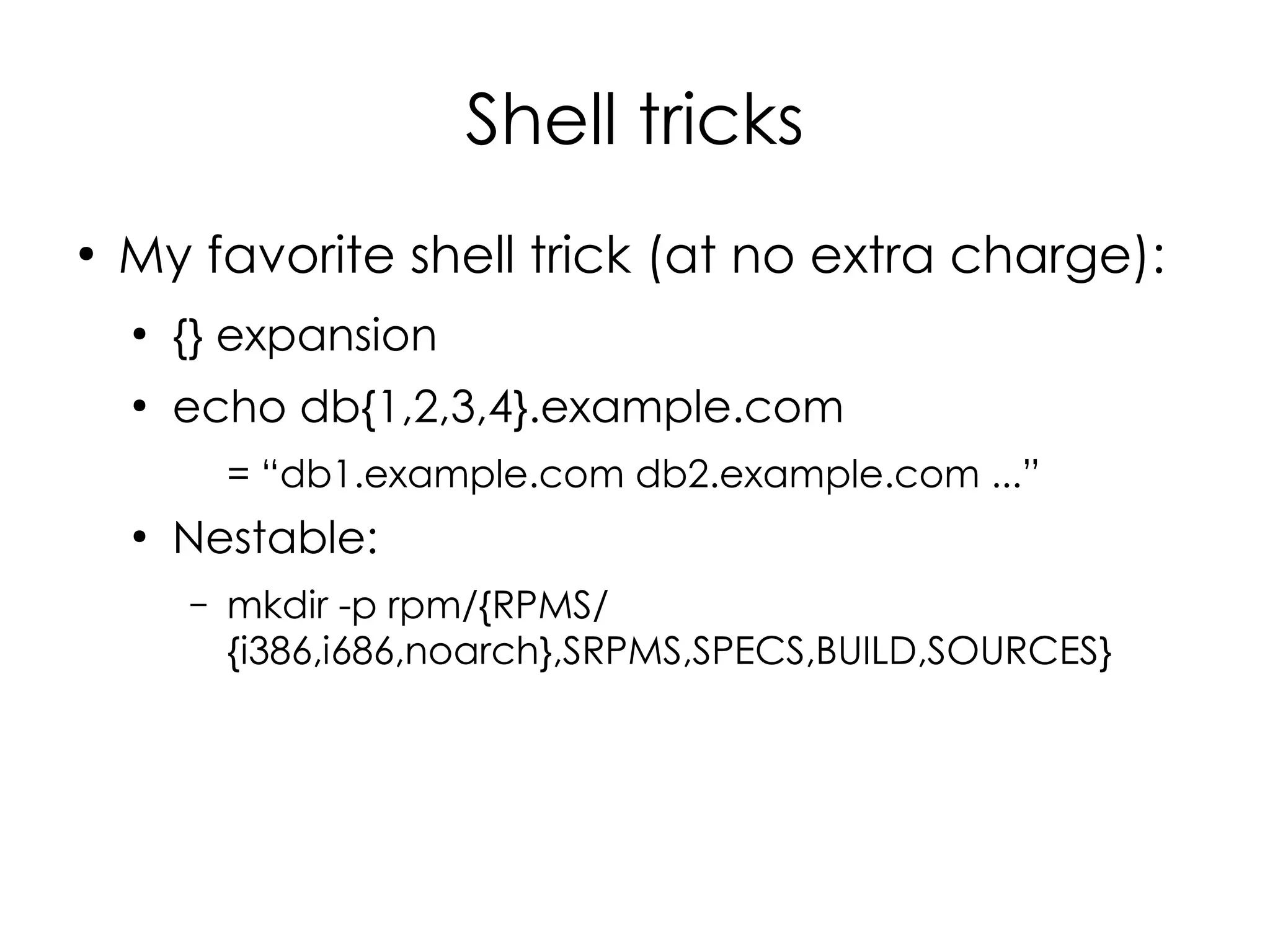
Shell tricks
●
    My favorite shell trick (at no extra charge):
    ●
        {} expansion
    ●
        echo db{1,2,3,4}.example.com
            = “db1.example.com db2.example.com ...”
    ●
        Nestable:
        –   mkdir -p rpm/{RPMS/
            {i386,i686,noarch},SRPMS,SPECS,BUILD,SOURCES}

Managing your Minions with Func

  • 1.
    Managing your Minionswith Func Daniel Hanks Sr. System Administrator, Omniture
  • 2.
    Your humble presenter... ● Daniel Hanks ● Sysadmin @ Omniture* ● B.S. Computer Science, BYU, 2001 ● Linux sysadmin since 1998 ● EagleNet Online: 1997-1999 ~20 servers ● Northsky / About.com / Primedia / United Online: 1999-2008 ~200 servers ● Omniture: 2008 – present ~15,000 servers * I, for one, welcome our new Adobe overlords!
  • 3.
    Your humble presenter... ● Blog: http://brainshed.com ● Twitter: @danhanks ● Coming (hopefully) soon: http://opspatterns.com
  • 4.
  • 5.
    The Problem You needto run this: chown 755 /var/www/cgi-bin/my.pl
  • 6.
  • 7.
    The problem ● And gather the output in a useful way*. * How do you know it worked on the 1000 machines you ran it on?
  • 8.
    Some history... ● “masshost” script at UOL Web Services ● Written in Expect (later wrapped with Expect.pm) ● SSH under the hood ● Ran serially, host by host ● Most big shops have something like this
  • 9.
    You could writeyour own... ● Deal with Expect (or Expect.pm) ● Handle ssh 'fun' ● Password auth or key auth ● Missing keys (first login) ● Changing keys (after re-imaging a machine) ● Handling parallel/asynchronous execution if your site is large enough ● Handling input / output from all of the above ● Bragging rights
  • 10.
    Or you could use Func
  • 11.
  • 12.
    Makes it easierto manage your minions...
  • 13.
    What's Func? ● Fedora Unified Network Controller ● An easy way to run commands on lots of remote machines ● Written in ● Bindings to talk to it for Java ● But you can talk to it from anything that speaks YAML or JSON
  • 14.
    What's Func? ● But it's much more: ● Secure server communications platform ● XML-RPC over SSL ● You could build your own puppet or cfengine with it. ● Build a backend for a server-automation system with a web interface ● Automate 1000s of machines from a single location ● World domination!
  • 15.
  • 16.
    Func Overview ● Overlord machine(s) distribute commands to Minions:
  • 17.
    Func Overview ● Overlord machine(s) distribute commands to Minions: “Install the vim-enhanced package” “Run /usr/bin/detonate”
  • 18.
    Func Overview ● Overlord machine(s) distribute commands to Minions: “Stop the countdown-sequence daemon” “Kill all 'intruder*' Processes that are running
  • 19.
    Func Overview ● Minions return results to the Overlord: “Here's a list of running processes” “That command Returned status 1”
  • 20.
  • 21.
    Installation ● Easiest way is with yum ● On Fedora: ● yum install func ● Will pull in certmaster too ● On CentOS (Use EPEL): ● rpm -Uvh http://download.fedora.redhat.com/pub/ epel/5/i386/epel-release-5- 3.noarch.rpm ● yum install func
  • 22.
    Installation ● On Ubuntu, Debian and others: ● Follow: https://fedorahosted.org/func/wiki/InstallAndSetupGuide
  • 23.
    Configuration ● On the overlord: ● /sbin/chkconfig --level 345 certmaster on ● /sbin/service certmaster start
  • 24.
    Configuration ● On the minions: ● /etc/certmaster/minion.conf: [main] certmaster = overlord.example.org log_level = DEBUG cert_dir = /etc/pki/certmaster ● Then: – /sbin/chkconfig --level 345 funcd on – /sbin/service funcd start
  • 25.
    Configuration ● Back on the overlord: ● certmaster-ca –list ● certmaster-ca –sign minionN.example.com ● All done! ● Now start commanding your minions
  • 26.
  • 27.
    Using Func fromthe Command Line
  • 28.
    Func from thecommand-line func minion.example.com call command exists "/bin/detonate"
  • 29.
    Func from thecommand-line Minion Hosts { func minion.example.com call command exists "/bin/detonate" { { { Module Method Arguments
  • 30.
    Func from thecommand-line func minion.example.com call command run "/bin/detonate -c pull_the_lever"
  • 31.
    Func from thecommand-line Globbing to command multiple minions*: func “db*.example.com” call command run "/bin/detonate -c pull_the_lever" *This works best if you haven't named all your minions after Loony Tunes characters...
  • 32.
    Func from thecommand-line Globbing to command multiple minions: func “db*.example.com” … func “db*.example.com;mail.example.com” … func --exclude=”db*” “*.example.com” … func @webhosts … (Define @groups in /etc/func/groups Or extend via API to access remote dbs, ldap, etc.)
  • 33.
    Func from thecommand line ● func minion.example.com call process info “rebel_commandos” ● func minion.example.com call process kill rebel_commandos SIGKILL ● func *.example.com call service start httpd ● func “*” ping # or... ● func “*” list_minions ### will show you all your minions.
  • 34.
    Func from thecommand line What modules are available on my minions? func “*” call system list_modules
  • 35.
    Func from thecommand line What methods are available in a module? func “minion.example.com” call <modulename> list_methods
  • 36.
    Other Func Modules ● CopyFile ● SysCtl ● IPTables ● Vlan ● Mount ● Bridge ● Pullfile ● Hardware ● Reboot ● S.M.A.R.T. ● RPM ● Build your own ● Virt (Easy!) ● (More on that later) ● Yum
  • 37.
  • 38.
    Func Output ● Default: Pretty-printed Python tuples / data structures: ● func minion.example.com call mount list ● {'minion.example.com': [{'device': 'rootfs', 'dir': '/', 'options': 'rw', 'type': 'rootfs'}, {'device': '/proc', 'dir': '/proc', 'options': 'rw', 'type': 'proc'}, ... }]}
  • 39.
    Func Output ● Command module output: ● func minion.example.com call command run “/bin/ls /blah” ● ('minion1.example.com', [1, '', 'ls: /blah: No such file or directoryn']) ('minion2.example.com', [1, '', 'ls: /blah: No such file or directoryn']) ● ('<hostname>', [<exit_status>, '<stdout>', '<stderr>'])
  • 40.
    Func Output ● If you'd prefer JSON: ● func minion.example.com call --json mount list ● {"minion.example.com": [{"device": "rootfs", "type": "rootfs", "options": "rw", "dir": "/"}, {"device": "/proc", "type": "proc", "options": "rw", "dir": "/proc"}, {"device": "none", "type": "tmpfs", "options": "rw", "dir": "/dev"}, {"device": "/dev/root", "type": "ext2", "options": "rw", "dir": "/"}, {"device": "none", "type": "tmpfs", "options": "rw", "dir": "/dev"}, {"device": "/proc", "type": "proc", "options": "rw", "dir": "/proc"}, {"device": "/sys", "type": "sysfs", "options": "rw", "dir": "/sys"}, {"device": "none", "type": "devpts", "options": "rw", "dir": "/dev/pts"}, {"device": "/dev/cciss/c0d0p1", "type": "ext2", "options": "rw", "dir": "/boot"}, .... }]}
  • 41.
    Func Output ● Or XML RPC: func minion.example.com call --xmlrpc mount list <params> <param> <value><struct> <member> <name>minion.example.com</name> <value><array><data> <value><struct> <member> <name>device</name> <value><string>rootfs</string></value> ...
  • 42.
  • 43.
    Func API #!/usr/bin/python import func.overlord.clientas fc client = fc.Client(“*.example.org”) results = client.yumcmd.update(“httpd”) results = client.service.start(“httpd”) results = client.sysctl.set('net.ipv4.tcp_syncookies',1)
  • 44.
    Func API #!/usr/bin/python import func.overlord.clientas fc client = fc.Client(“*.example.org”) results = client.yumcmd.update(“httpd”) results = client.service.start(“httpd”) results = client.sysctl.set('net.ipv4.tcp_syncookies',1) { { { Module Method Arguments
  • 45.
    Using Func from Other Add picture here Languages
  • 46.
    Using Func fromother languages ● Use func-transmit ● Good for anything that can grok JSON or YAML 1.0
  • 47.
    Using Func fromother languages ● Create a file or string of YAML or JSON: clients: "*" async: False nforks: 1 module: command method: run parameters: "/bin/echo Hello World"
  • 48.
    Using Func fromother languages ● Pipe it into func-transmit ● func-transmit --yaml < my.yaml ● func-transmit --json < my.json ● Get results back in JSON or YAML
  • 49.
  • 50.
    Writing your ownmodules Write the code: #!/usr/bin/python import func_module class Test(func_module.FuncModule): version = "0.1.1" api_version = "0.0.1" description = "A sample module" def mult(self, numb1, numb2): return numb1 * numb2
  • 51.
    Write your ownmodules ● Drop your file into /usr/lib/python$version/site- packages/func/minion/modules ● Restart funcd on your minions ● Done.
  • 52.
    Writing your ownmodules ● func-create-module will generate a basic module template ● Package your modules into rpms for ease of deployment (or push them out with func) ● See existing modules for examples
  • 53.
    Writing your ownmodules ● Can't write modules in other than Python...yet.
  • 54.
    Other features ● Delegation ● Multiplexing ● Asynchrony ● Web interface ● ACLs
  • 55.
    Cobbler integration ● Kickstart ● Install Func ● Point it to your Overlord ● All from Cobbler! ● See https://fedorahosted.org/cobbler/wiki/ FuncIntegration
  • 56.
  • 57.
    More Func goodness ● Func Website: ● https://fedorahosted.org/func/ ● IRC: ● #func on freenode ● Mailing list: ● https://www.redhat.com/mailman/listinfo/func- list
  • 58.
  • 59.
  • 60.
    Photo Credits* ● “gargoyles” by Flickr user 'certified_su,' http://www.flickr.com/photos/certified_su/3502855962/, Creative Commons License BY 2.0 ● “Cubicle Gargoyle” by Flickr user 'Dennis from Atlanta,' http://www.flickr.com/photos/dennis_matheson/3419153723/, CC License BY-SA 2.0 ● “Stacked servers” by Flickr user 'redjar,' http://www.flickr.com/photos/redjar/360113468/, CC License BY-SA 2.0 ● “Happy Gargoyle” by Flickr user 'Wolfrage,' http://www.flickr.com/photos/wolfrage/3931044145/, CC License BY 2.0 ● “Gargoyles” by Flickr user 'Laertes,' http://www.flickr.com/photos/jonhurd/492395/, CC License BY 2.0 ● “blades” by Flickr user 'gothopotam,' http://www.flickr.com/photos/zagrobot/2731084578/, CC License BY 2.0 ● “Table Decoration” by Flickr user 'Kevin,' http://www.flickr.com/photos/kevincollins/75018222/, CC License BY 2.0 ● “Gargoyle” by Flickr user 'Joe Jakeman,' http://www.flickr.com/photos/jojakeman/2553116529/, CC License BY 2.0 ● “Exeter gargoyle” by Flickr user 'aaron.bihari,' http://www.flickr.com/photos/dakima-arts/3456721942/, CC License BY-SA 2.0 ● “Dark gargoyle” by Flickr user 'Bichuas (E. Carton),' http://www.flickr.com/photos/bichuas/442265525/, CC License BY-SA 2.0 ● “IMG_4743” by Flickr user 'beggs,' http://www.flickr.com/photos/beggs/88809549/, CC License BY 2.0 ● “Gothic Gargoyles” by Flickr user 'jakeliefer,' http://www.flickr.com/photos/jakeliefer/283541940/, CC License BY 2.0 ● “Hunting Gargoyles” by Flickr user 'moonrat42,' http://www.flickr.com/photos/moonrat/1444630026/, CC License BY-SA 2.0 ● “Kissing Gargoyle, Leon, Spain” by Flickr user 'AndrewGould,' http://www.flickr.com/photos/andrewgould/3643732025/, CC License BY 2.0 ● “IMG_4781” by Flickr user 'beggs,' http://www.flickr.com/photos/beggs/88810165/, CC License BY 2.0 ● “Thann : gargouille / gargoyle 1” by Flickr user 'OliBac,' http://www.flickr.com/photos/olibac/3451405035/, CC License BY 2.0 ● “(gar)Goyle of my dreams...” by Flickr user 'IntangibleArts,' http://www.flickr.com/photos/intangible/1136971041/, CC License BY 2.0 ● “Gargoyle overlooking Paris” by Flickr user 'aliciat89,' http://www.flickr.com/photos/aliciat/3138416652/, CC License BY 2.0 ● For more info on Creative Commons Licenses see http://creativecommons.org ● This presentation is licensed under a Creative Commons Attribution-Share Alike 2.0 license: http://creativecommons.org/licenses/by-sa/2.0/deed.en *Thank you Creative Commons!
  • 61.
    Shell tricks ● My favorite shell trick (at no extra charge): ● {} expansion ● echo db{1,2,3,4}.example.com = “db1.example.com db2.example.com ...” ● Nestable: – mkdir -p rpm/{RPMS/ {i386,i686,noarch},SRPMS,SPECS,BUILD,SOURCES}