Making the most out
  of your test suite


                    Eric Holscher
         http://ericholscher.com
              Djangocon.eu 2010
Overview


» Defining your tests
» Running your tests on every commit
» Monitoring and deployment
» Playing with test data
Defining your tests
I download your code...
Now I want to run your tests
How do I do that?
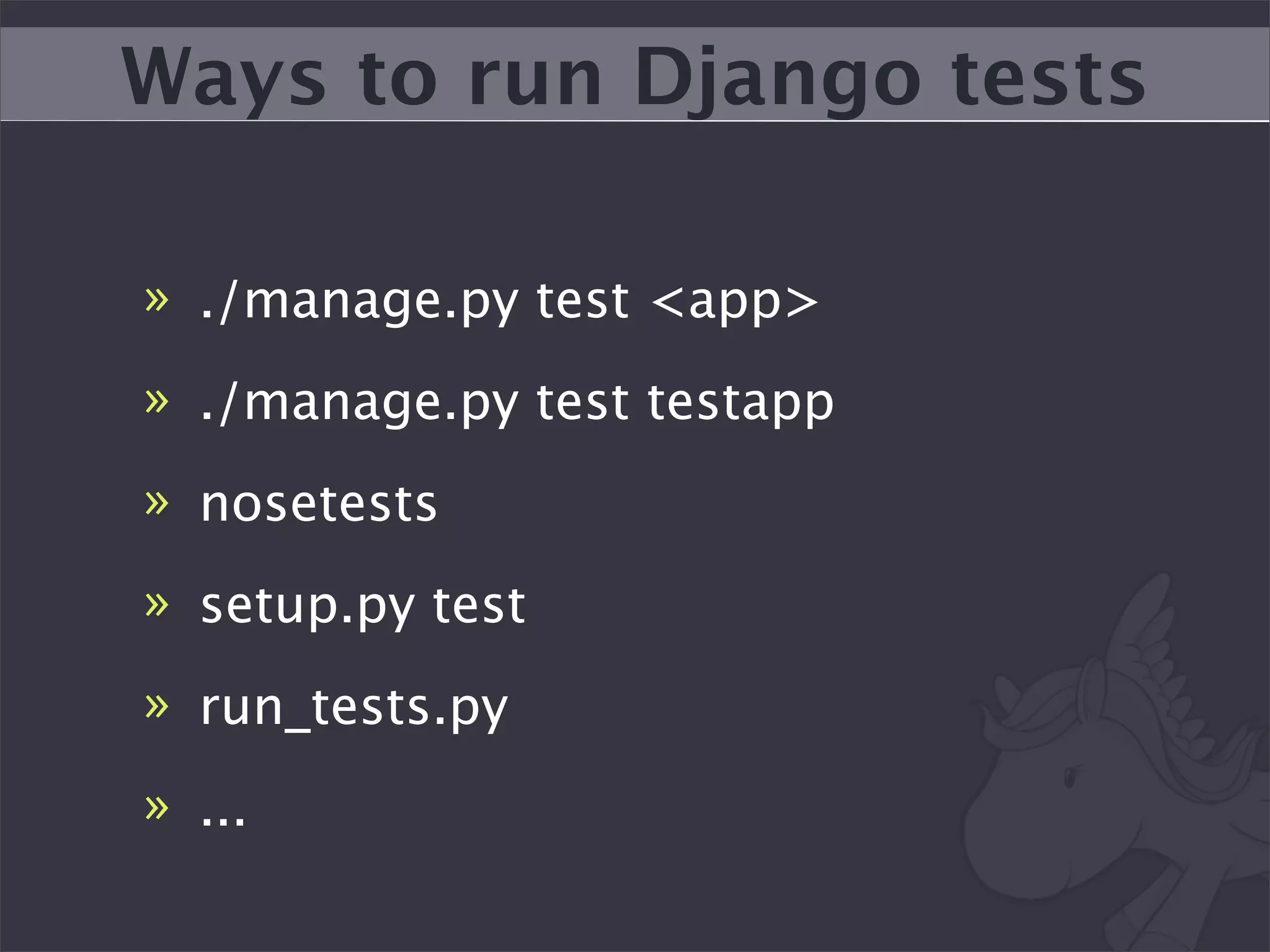
Ways to run Django tests

» ./manage.py test <app>
» ./manage.py test testapp
» nosetests
» setup.py test
» run_tests.py
» ...
Python has even more
We need a standard way to
    run Python tests
setup.py test is the answer
...but it’s not ready
setup.py test


» Part of setuptools/distribute
» Will be a part of distutils2
» Django has no support for this yet
» We can lead standardization efforts
Pony Build
Pony Build


» Started by Titus Brown
» Super simple Continuous Integration
  Server
» Interesting part is the client
» github.com/ericholscher/pony_barn
Define how to run tests in
        Python
Full Example

class PonyBuild(BaseBuild):

  def __init__(self):
    super(PonyBuild, self).__init__()

    self.name = "sphinx"
    self.required = ['nose']
    self.repo_url = 'http://bitbucket.org/birkenfeld/sphinx/'

  def define_commands(self):
    self.commands = [
       pony.HgClone(self.repo_url, egg=self.get_name()),
       pony.BuildCommand([self.context.python, 'setup.py', 'install']),
       pony.TestCommand([self.context.python, 'tests/run.py']),
       ]
Supports standard ways of
running tests out of the box
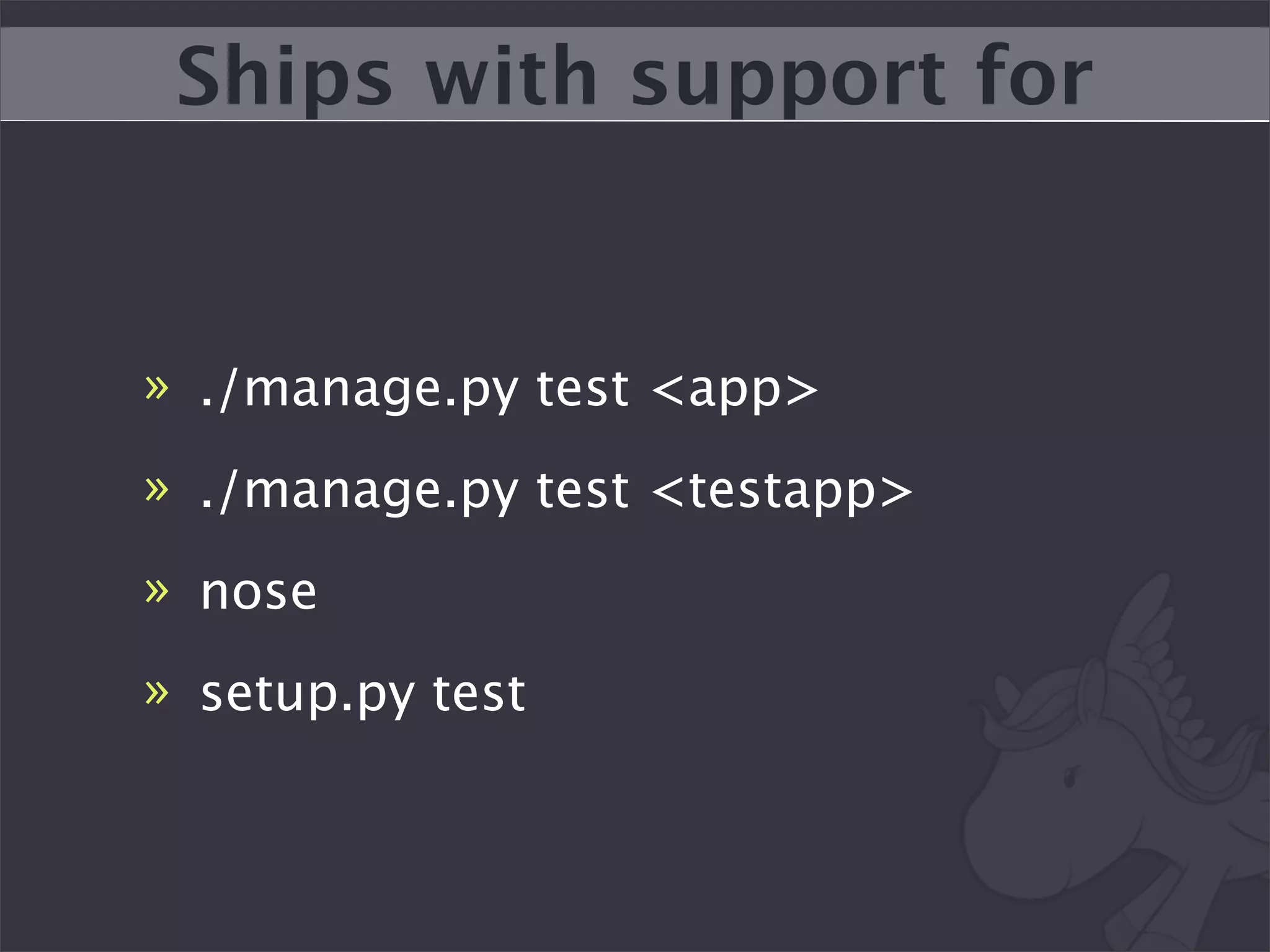
Ships with support for


» ./manage.py test <app>
» ./manage.py test <testapp>
» nose
» setup.py test
Simple Pony Build


class PonyBuild(DjangoGitBuild):
   def __init__(self):
     super(PonyBuild, self).__init__()
     self.repo_url = "git://github.com/alex/django-filter.git"
     self.name = "django-filter"
     self.package_name = 'django_filters'
     self.installed_apps = ['django_filters', 'django_filters.tests']
Lets you run your build in
 different environments
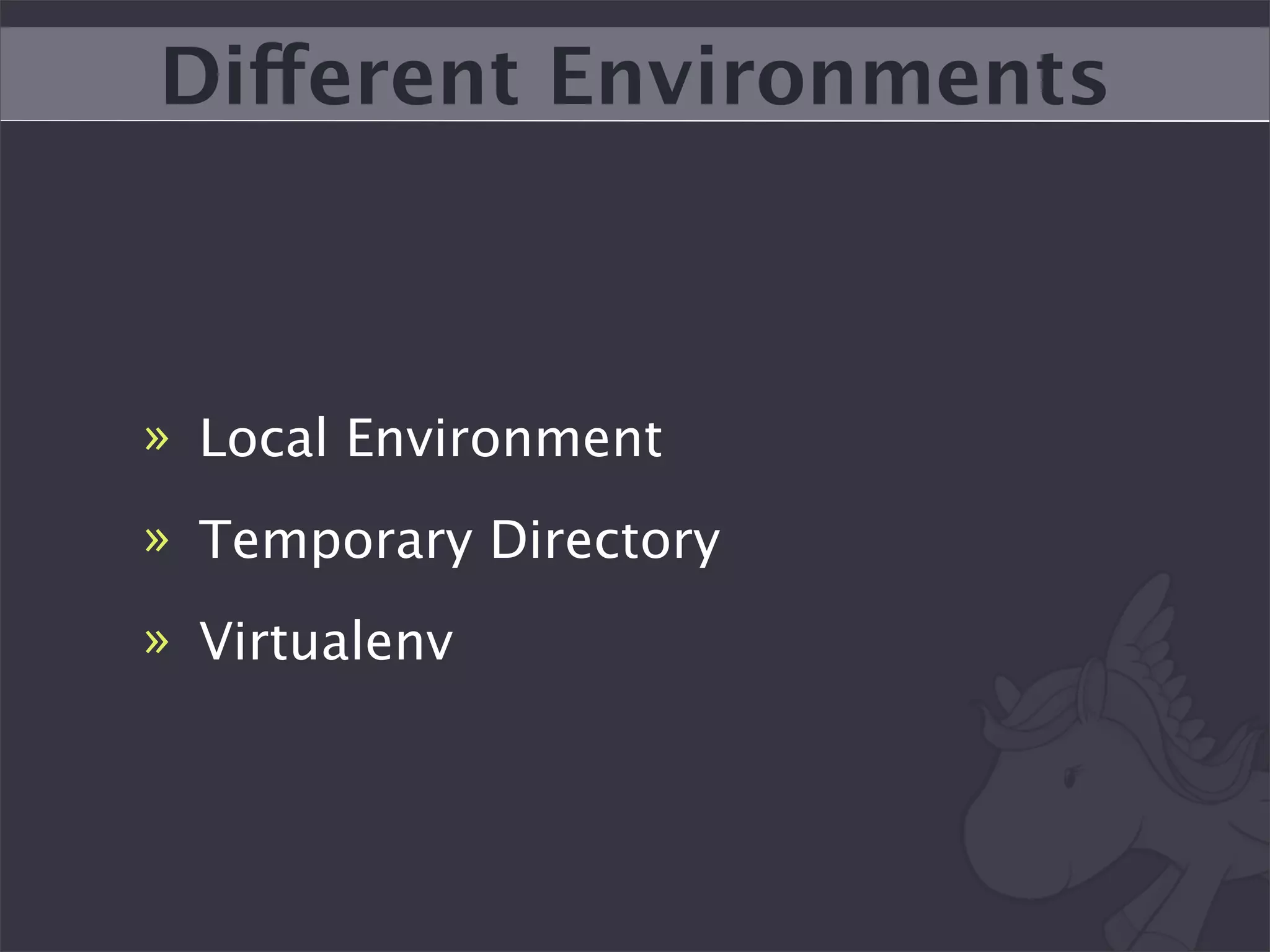
Different Environments


» Local Environment
» Temporary Directory
» Virtualenv
At least ship with a shell
          script
Document how to run tests
Continuous Integration
“Run your tests on every
       commit”
A fancy wrapper around a
       shell script
Without this, your tests are
          useless
Make sure you setup.py
 install your package!
--noinput is your friend
Use Virtualenv
Watch Titus’s Pycon Talk
Three main options


» Buildbot
» Hudson
» Devmason
Hudson
Hudson stats


» Written in Java :x
» Great plugin community
» Super simple to setup
» Becoming Defacto
» Worthwhile if you have resources
We use this at work and it
        kicks ass
hudson.djangoproject.com
Setting up your own
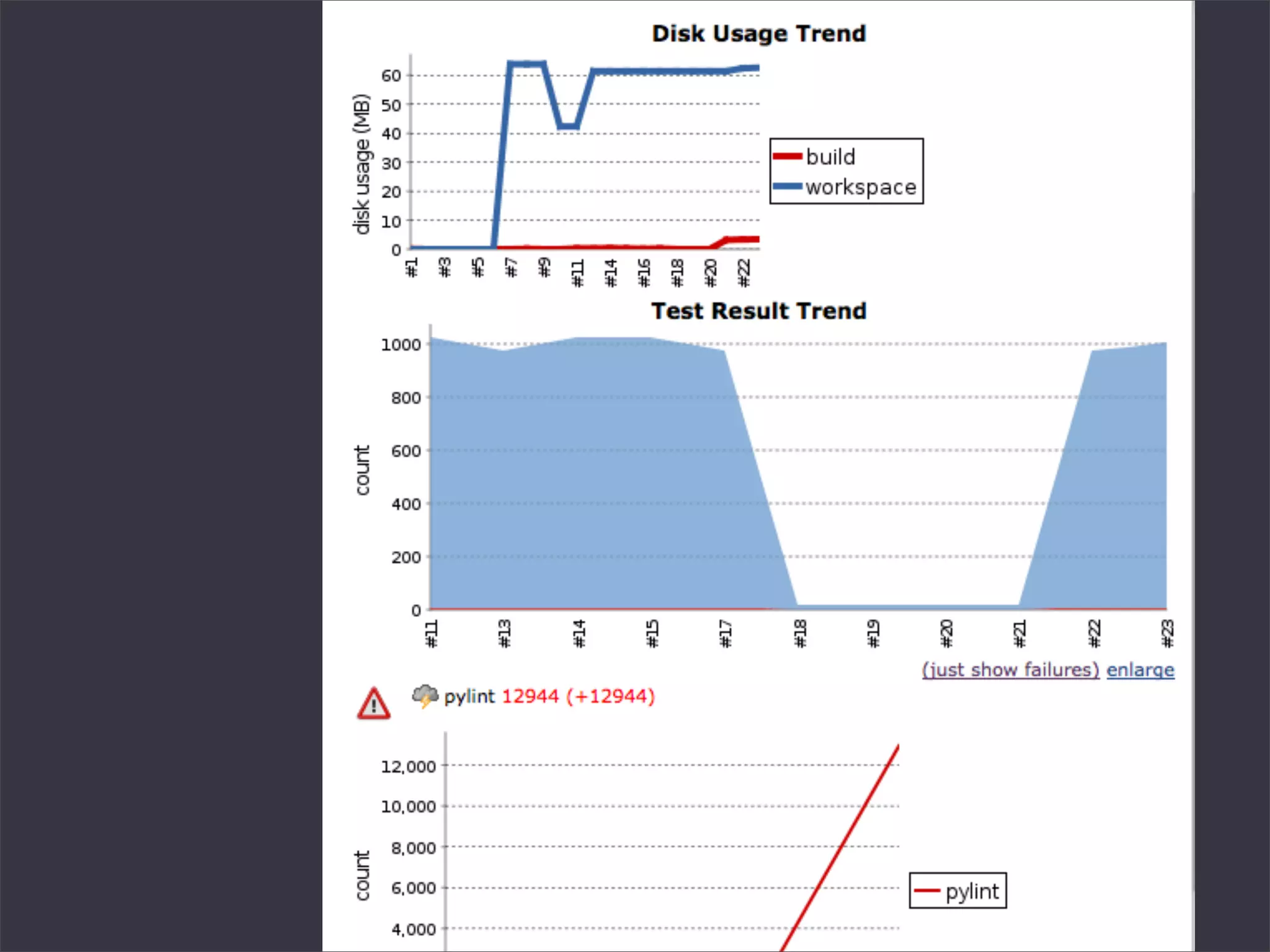
Useful Capabilities


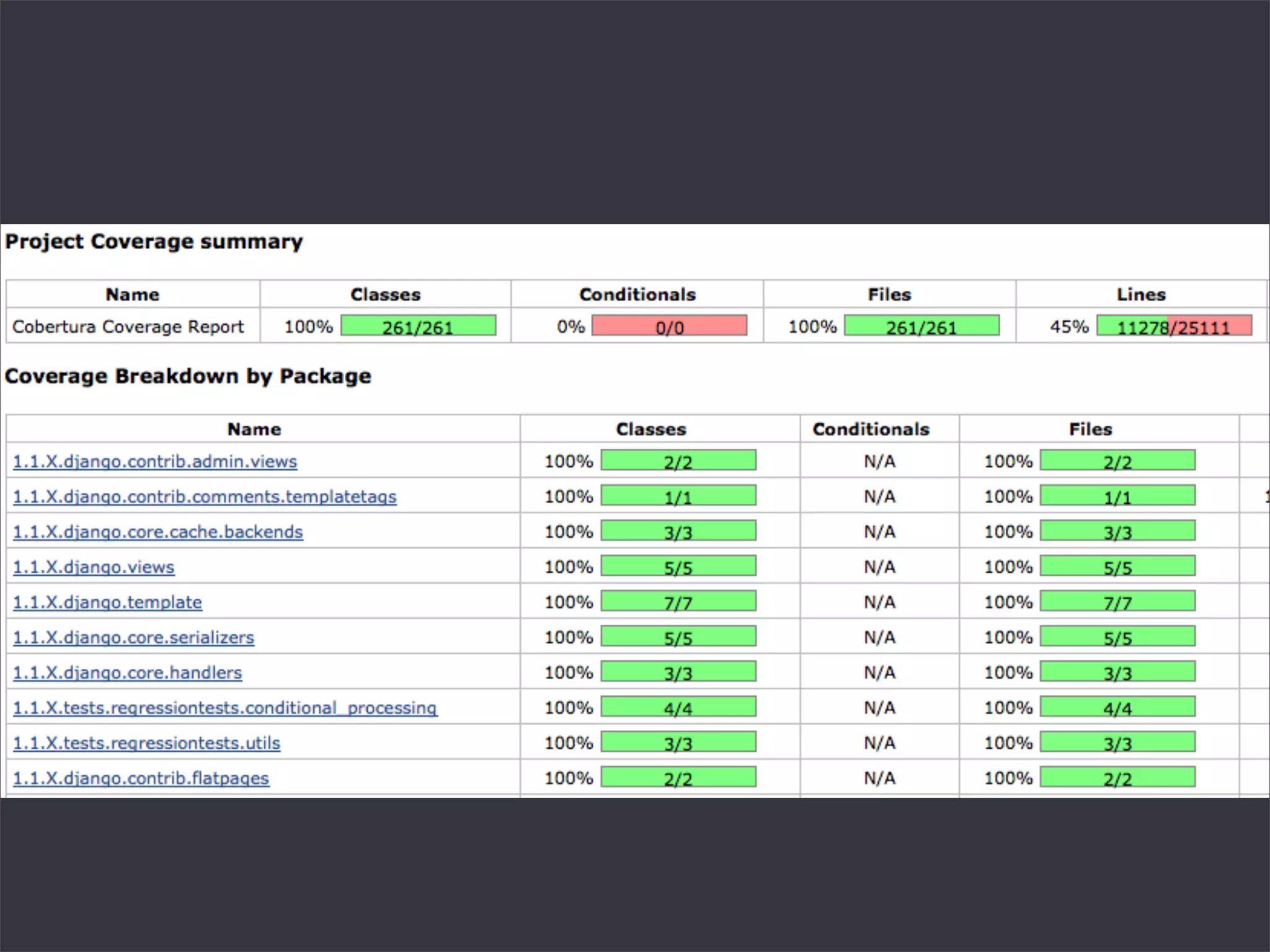
» Coverage
» XML Output
» PyLint
» Profiling
Plugins


» Hudson Cobertura Plugin
» Hudson Violations Plugin
» IRC Plugin
pip install coverage
(Compiles a C extension)
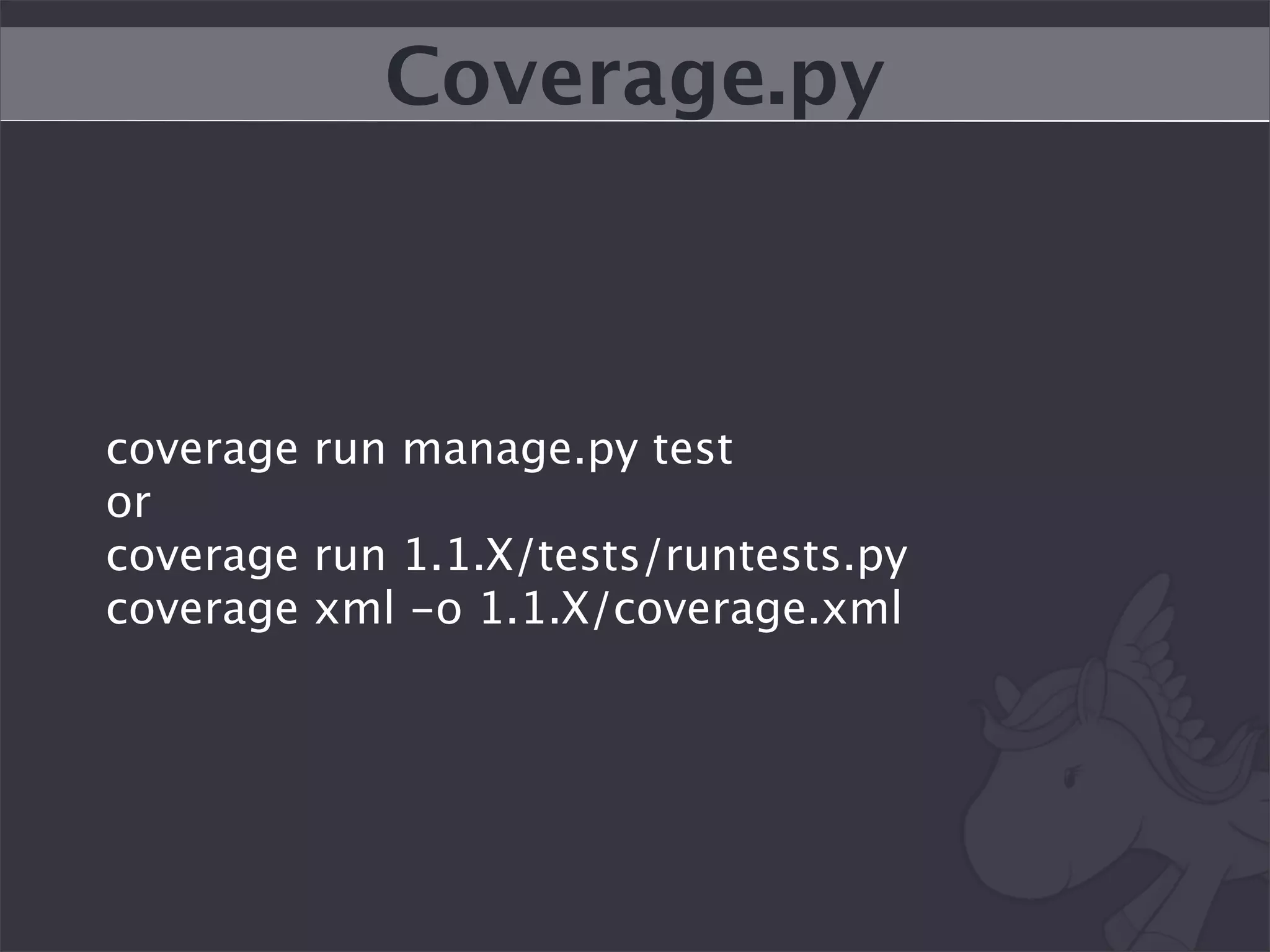
Coverage.py


coverage run manage.py test
or
coverage run 1.1.X/tests/runtests.py
coverage xml -o 1.1.X/coverage.xml
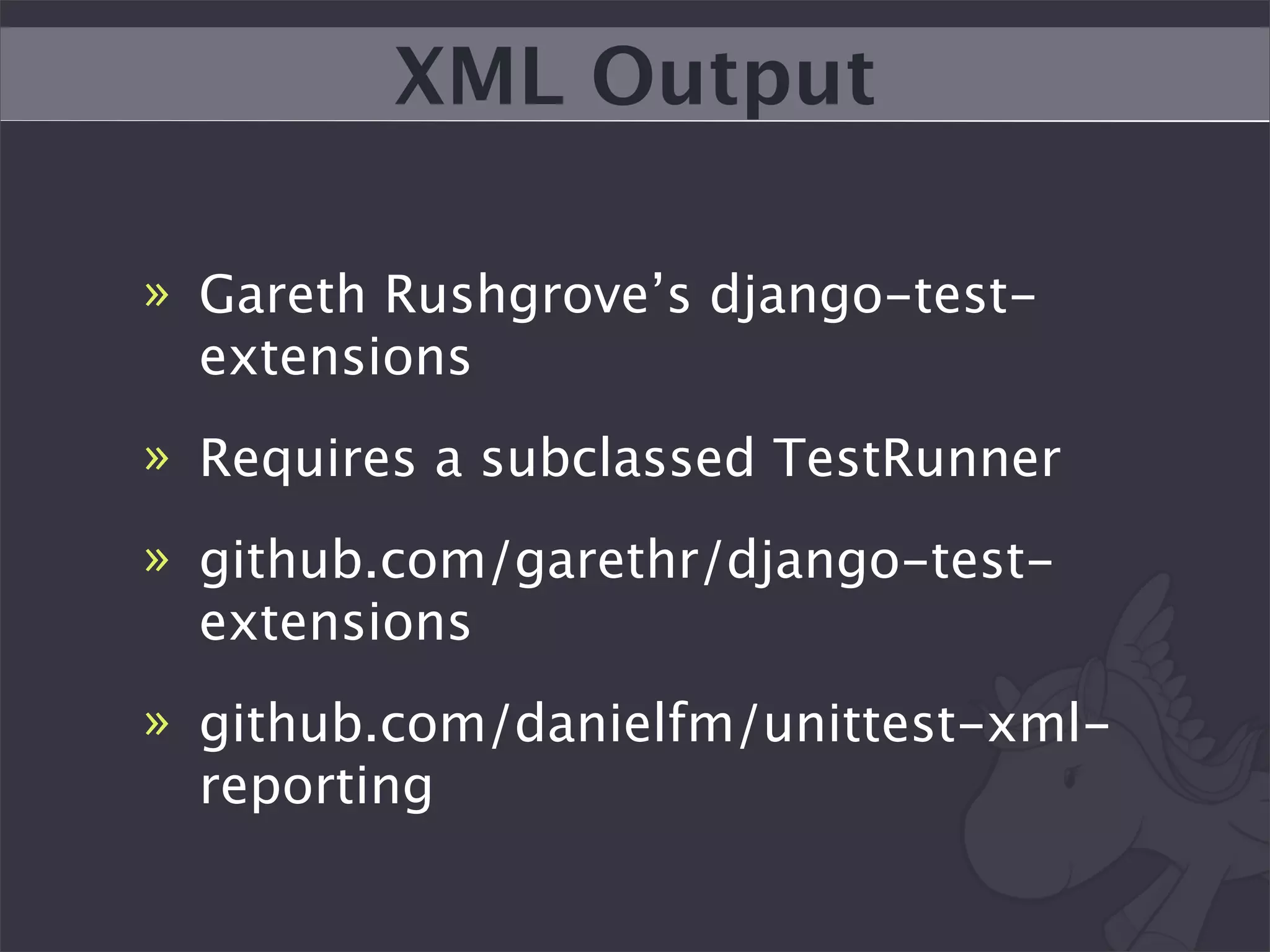
XML Output

» Gareth Rushgrove’s django-test-
  extensions
» Requires a subclassed TestRunner
» github.com/garethr/django-test-
  extensions
» github.com/danielfm/unittest-xml-
  reporting
Example Build Bits


from my_test_settings import *
TEST_RUNNER =
‘test_extensions.test_runners.xmloutput’
Nightly Tasks


» pylint
» profiling
django-nose makes a lot of
       this easier
Devmason
Language Agnostic Build
     Reporting API
<3 Piston
devmason.com/docs
Integrates with Github and
         Bitbucket
Have simple API support for
 Python unittest and Pony
          Build
Keep your builds in the
      Pony Barn
“Free” for Python
   community
Will hopefully help
standardize tests
github.com/ericholscher/
    devmason-server
github.com/ericholscher/
     devmason-utils
Monitoring & Deployment
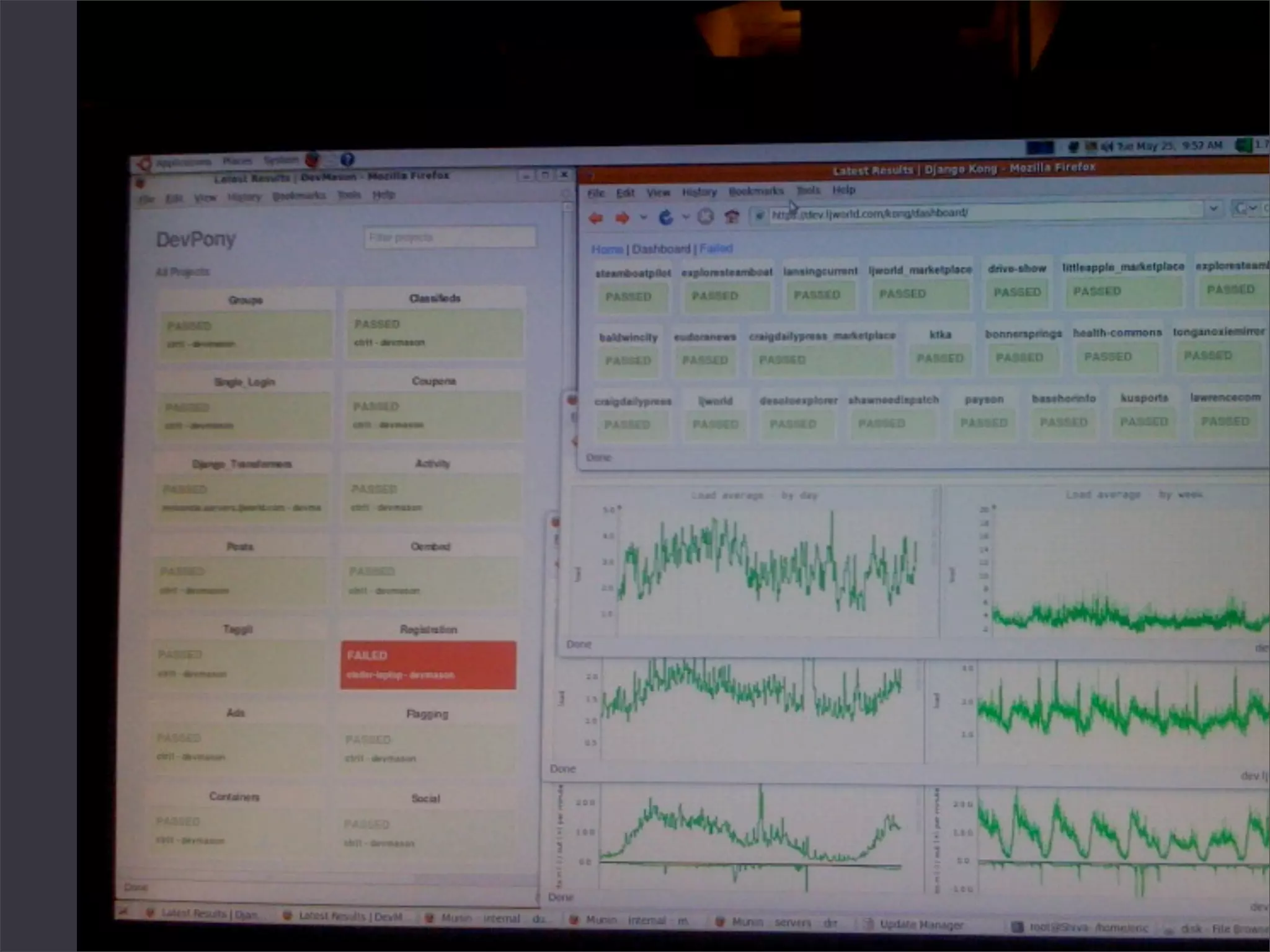
“Django Kong”


» “Functional Testing”
» “Devops”
» Uses Twill: twill.idyll.org
» github.com/ericholscher/django-kong
Simple Example


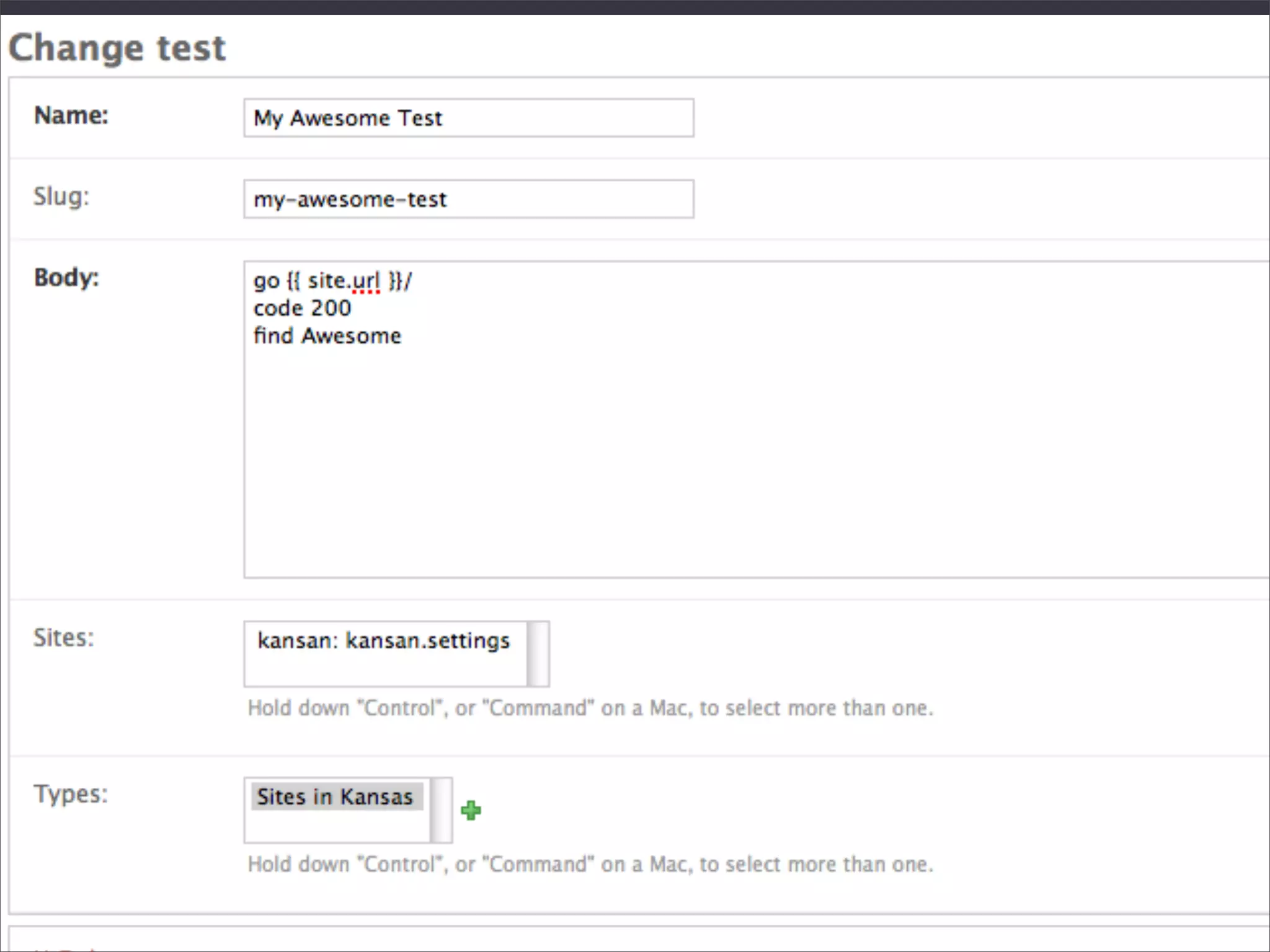
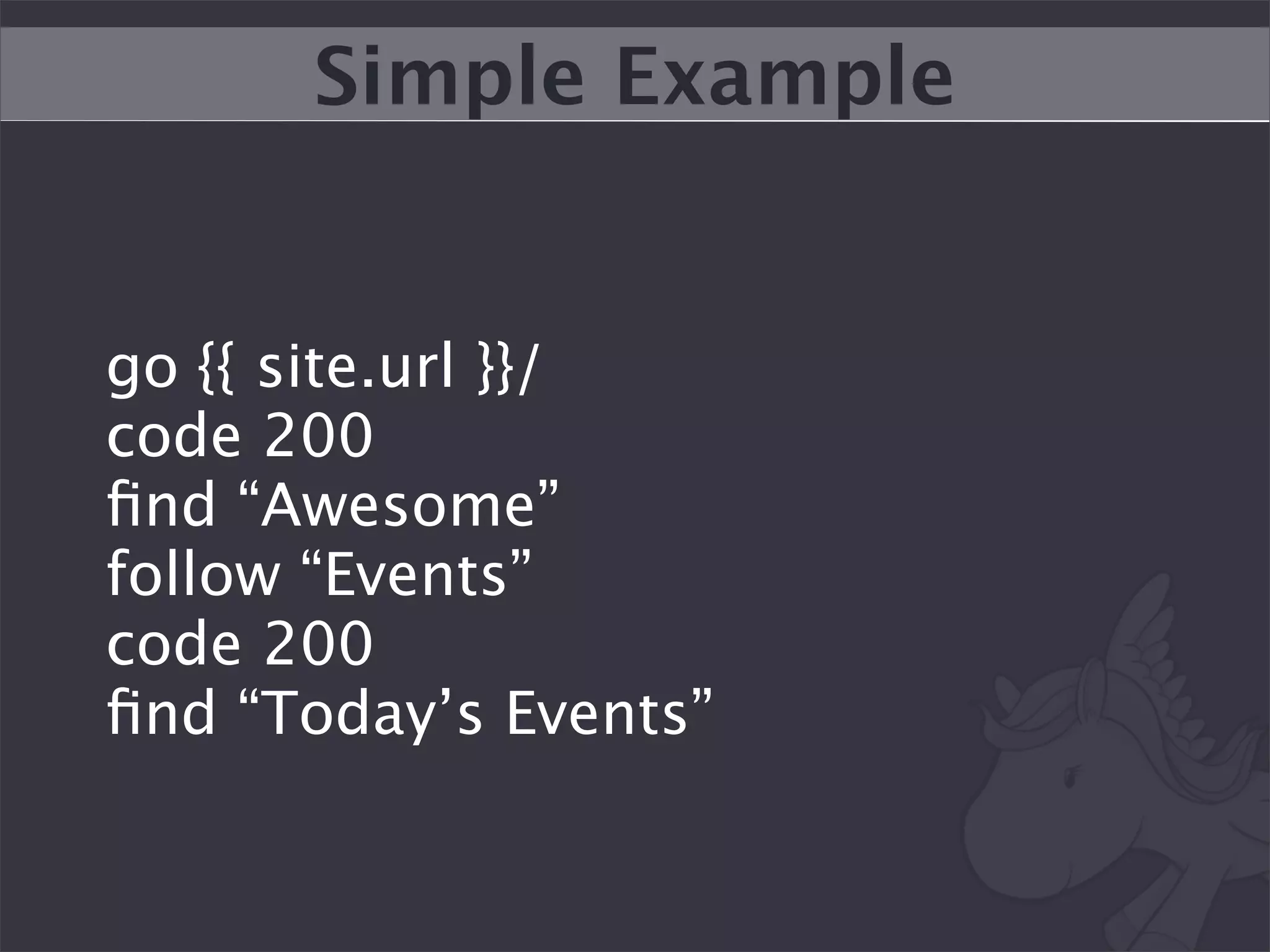
go {{ site.url }}/
code 200
find “Awesome”
follow “Events”
code 200
find “Today’s Events”
Check to see if your code
  works on live sites
Easily run your tests across
      all types of a site
Catch errors users are
having but never reporting
Gives you a neat “feel” for
        your sites
We check all of our sites
    every 3 minutes
A neat hack allows you to
test your site locally too!
Stuff to do


» Nagios integration
» “Run levels”
» Better aggregates timing data
» Have tests live on disk/in VCS
Run nightly automated
tools to check your sites
Patu
Test Utils Crawler
Get a Dashboard!
Test Data
My Pony
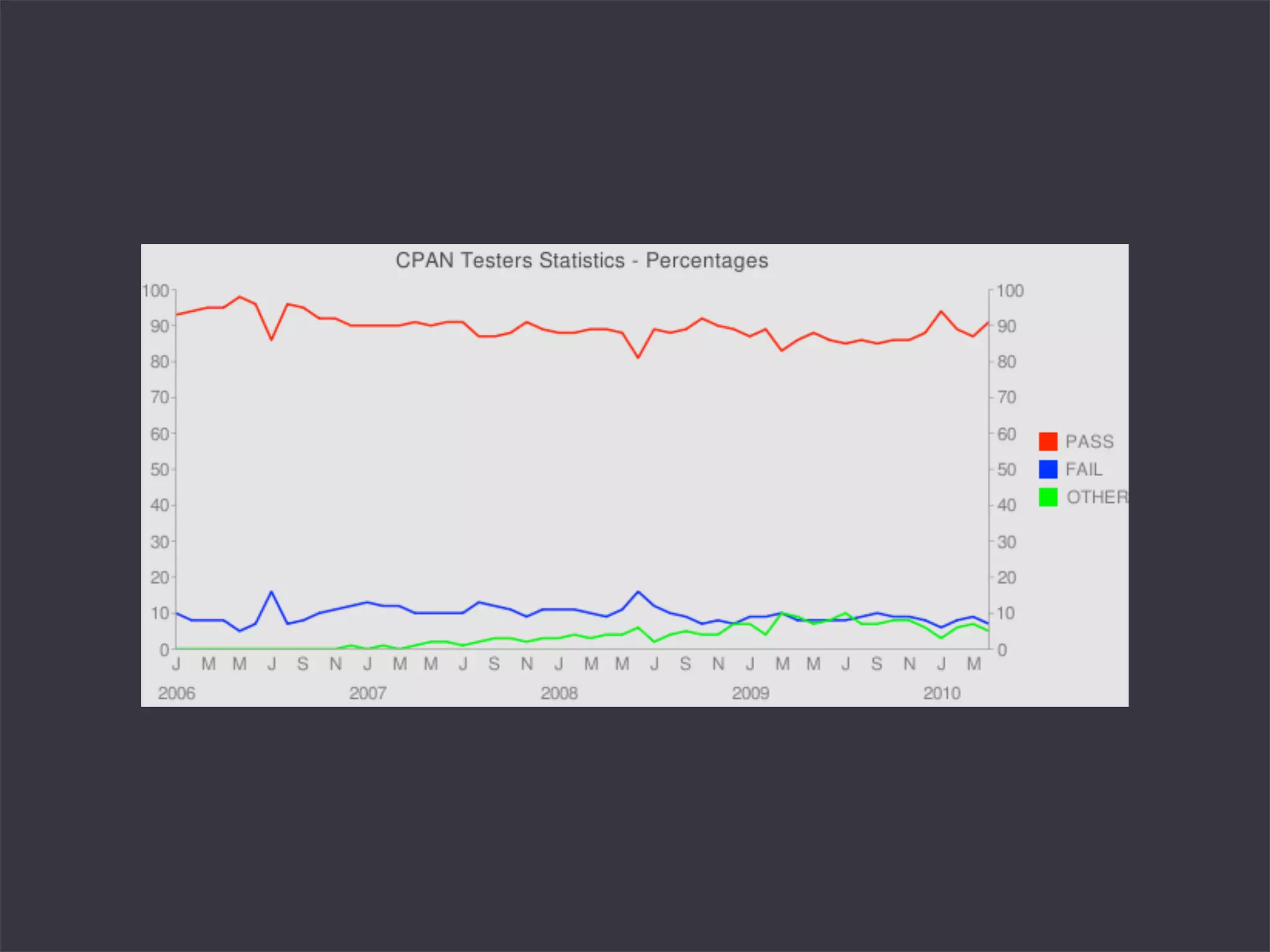
We all run tests a lot.
There is valuable data about
    our software there.
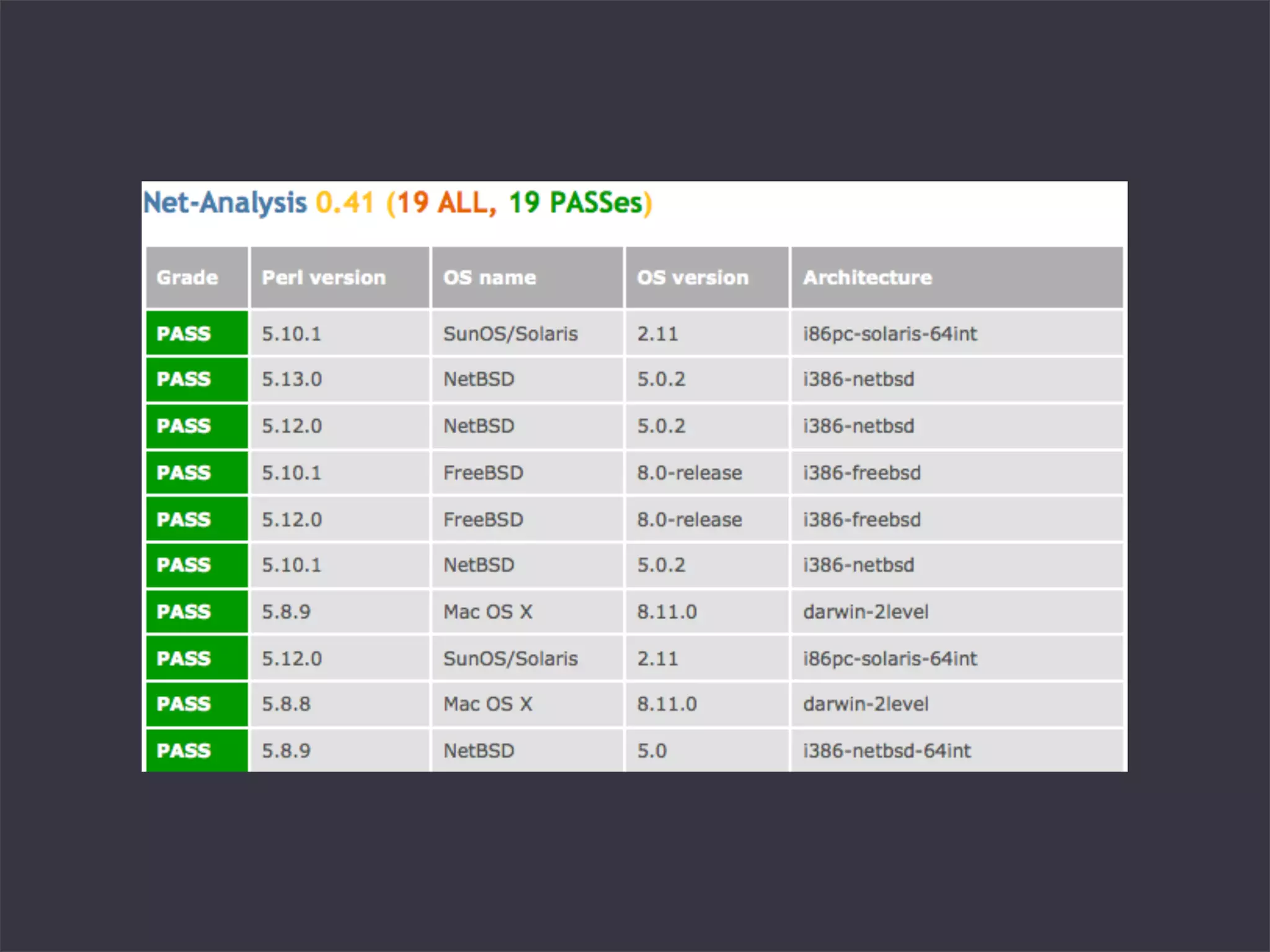
CPANTS


» Perl’s Effort of aggregating test data
» Lots of pretty graphs
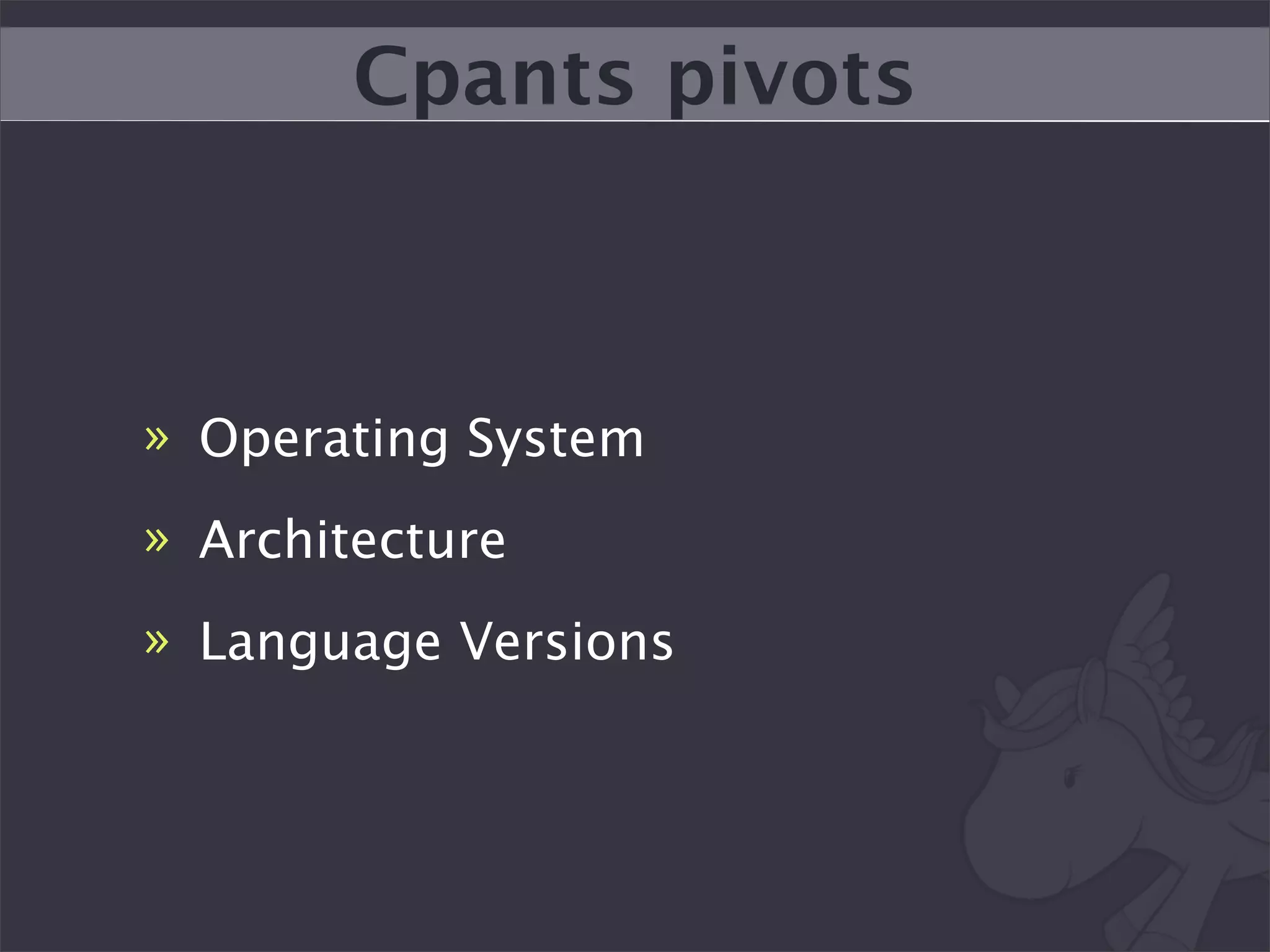
Cpants pivots


» Operating System
» Architecture
» Language Versions
We need this for Python
Devmason can serve as the
   reporting platform
We have all the tech we
need, just need to tie it
        together
Things to Remember
Document how to run your
tests (in executable form)
Get a CI server setup
What you don’t measure
  you don’t improve
Get some basic monitoring
for your sites functionality
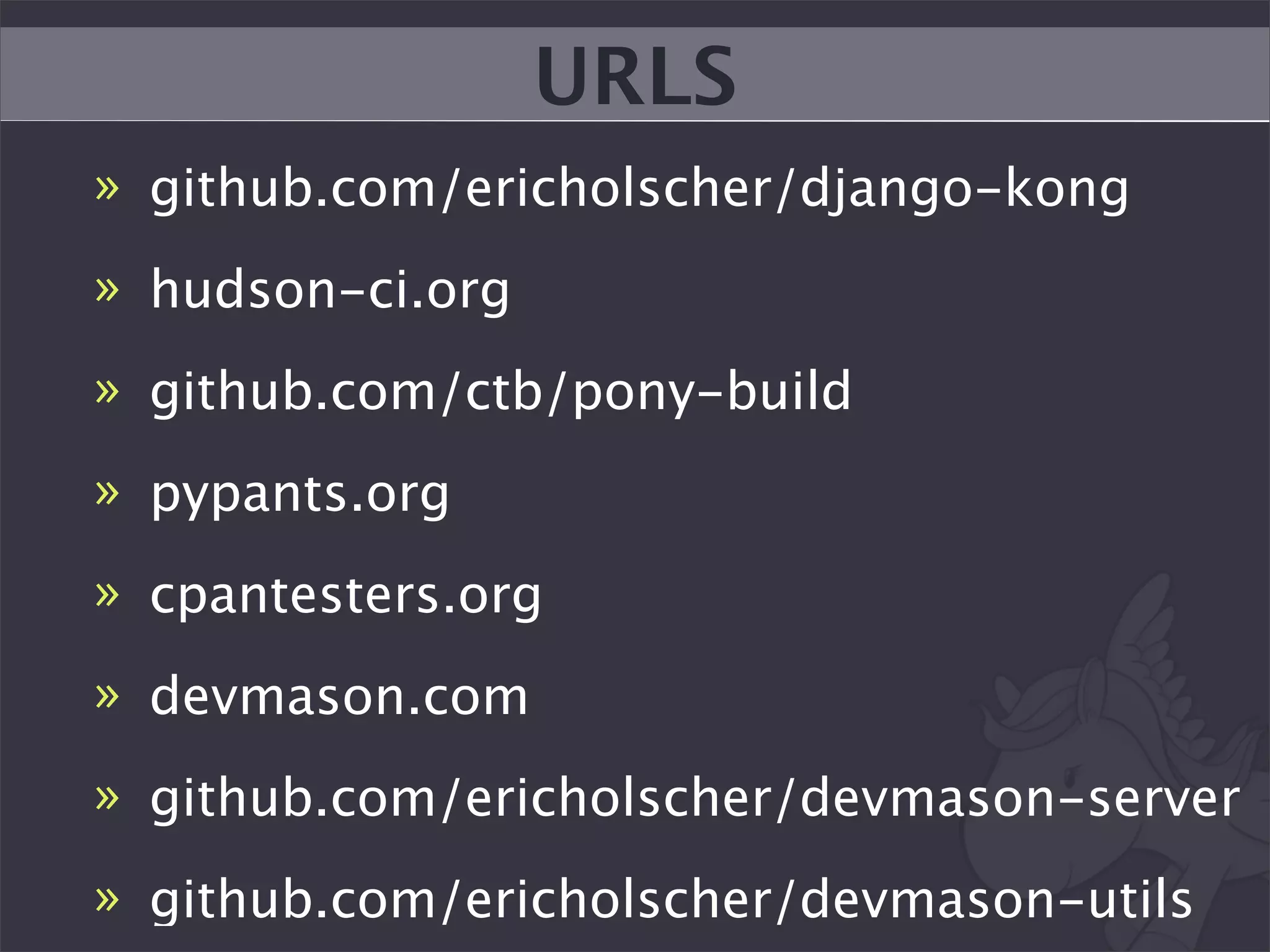
URLS
» github.com/ericholscher/django-kong
» hudson-ci.org
» github.com/ctb/pony-build
» pypants.org
» cpantesters.org
» devmason.com
» github.com/ericholscher/devmason-server
» github.com/ericholscher/devmason-utils
Questions?


» eric@ericholscher.com
» twitter.com/ericholscher

Making the most of your Test Suite