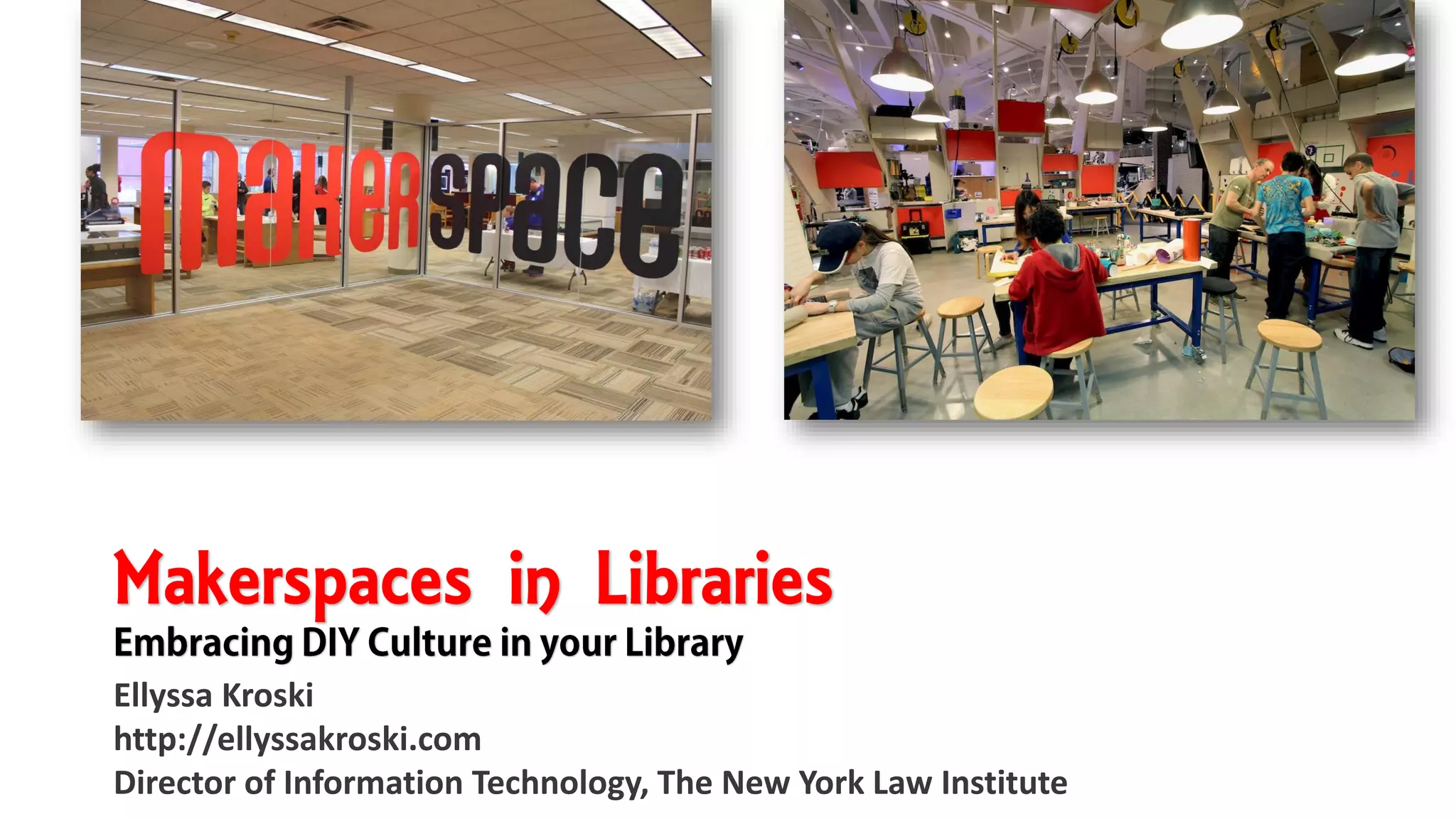
Makerspaces in Libraries
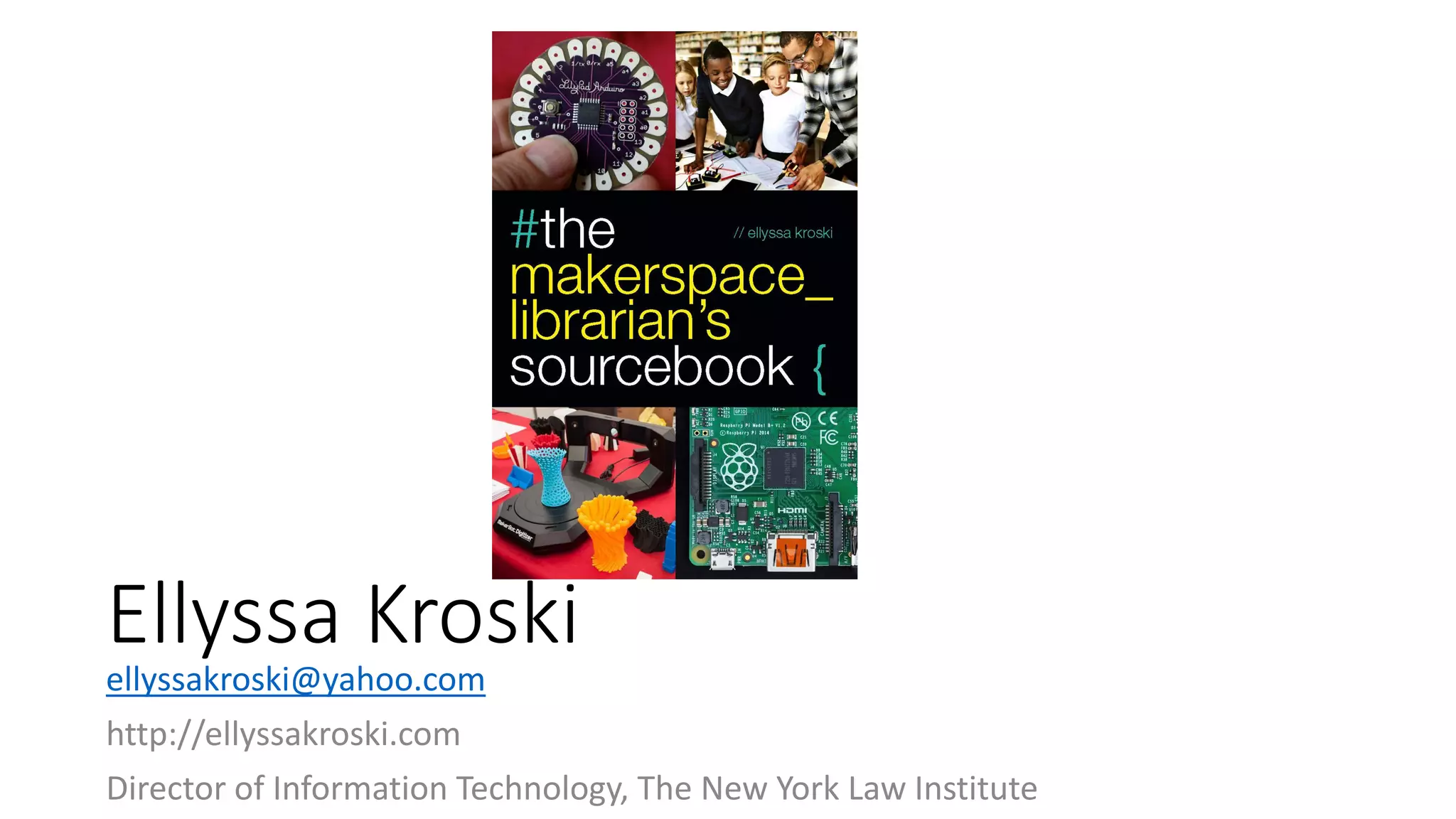
Ellyssa Kroski
http://ellyssakroski.com
Director of Information Technology, The New York Law Institute
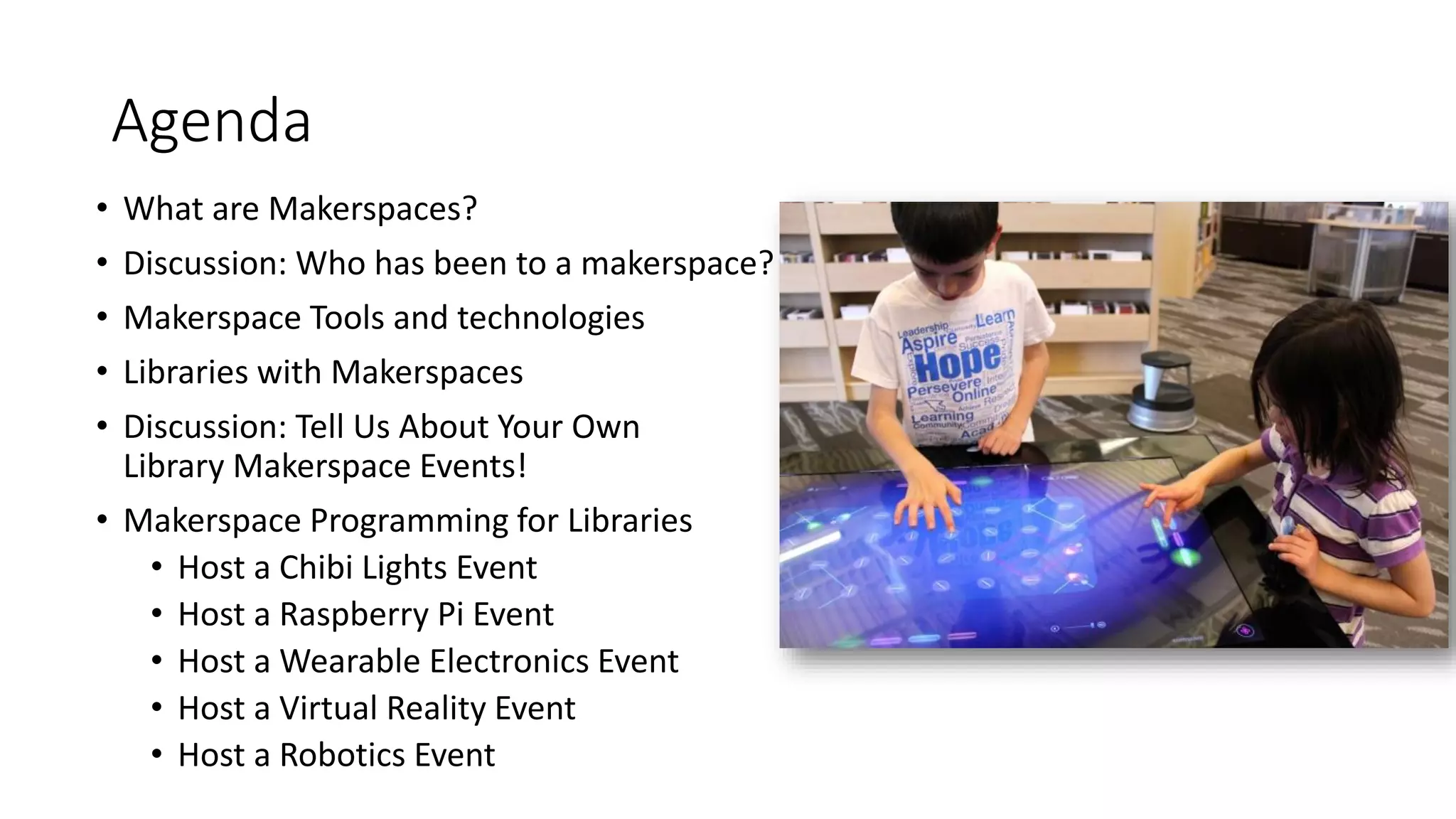
Agenda
• What are Makerspaces?
• Discussion: Who has been to a makerspace?
• Makerspace Tools and technologies
• Libraries with Makerspaces
• Discussion: Tell Us About Your Own
Library Makerspace Events!
• Makerspace Programming for Libraries
• Host a Chibi Lights Event
• Host a Raspberry Pi Event
• Host a Wearable Electronics Event
• Host a Virtual Reality Event
• Host a Robotics Event
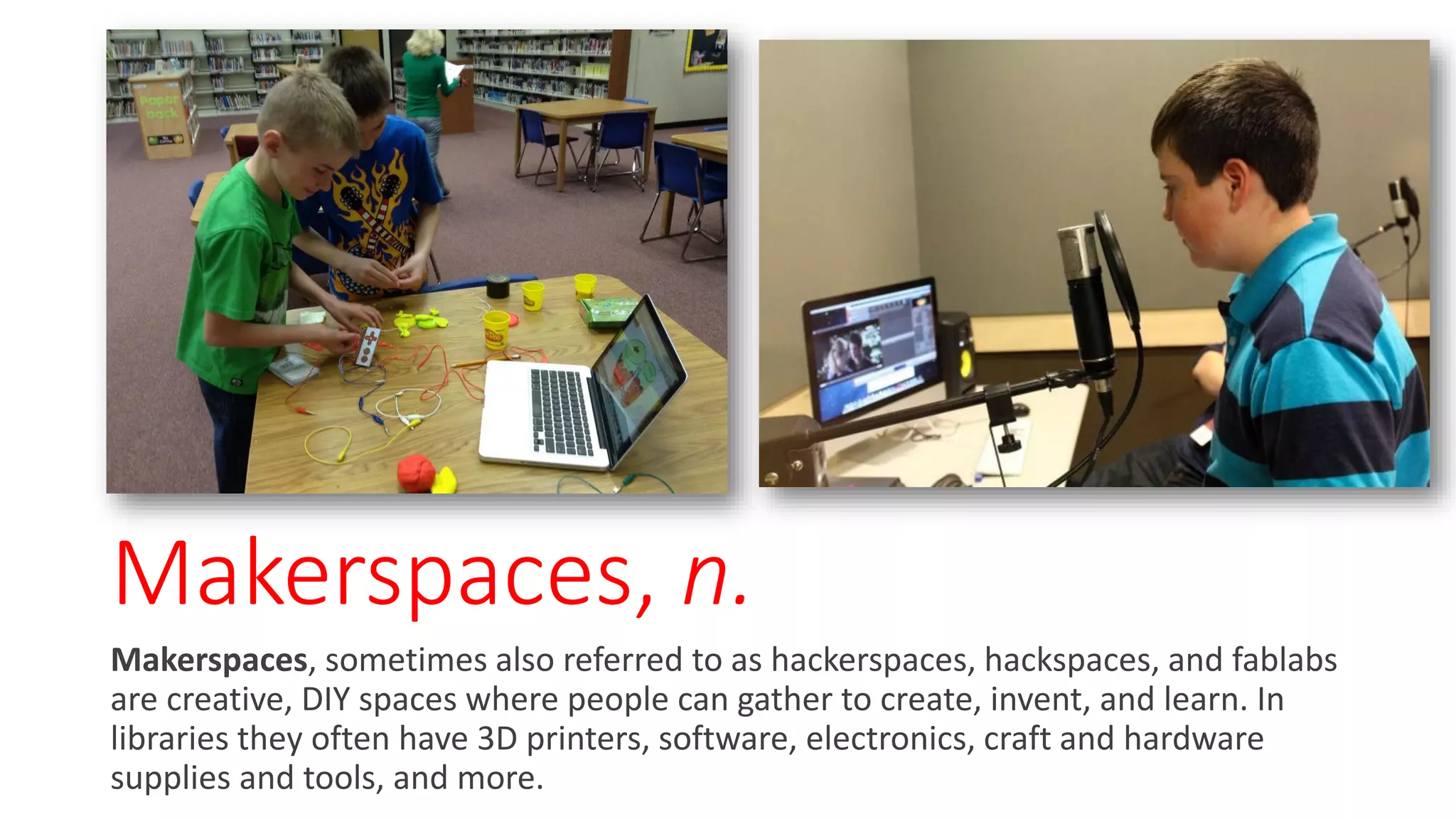
Makerspaces, n.
Makerspaces, sometimes also referred to as hackerspaces, hackspaces, and fablabs
are creative, DIY spaces where people can gather to create, invent, and learn. In
libraries they often have 3D printers, software, electronics, craft and hardware
supplies and tools, and more.
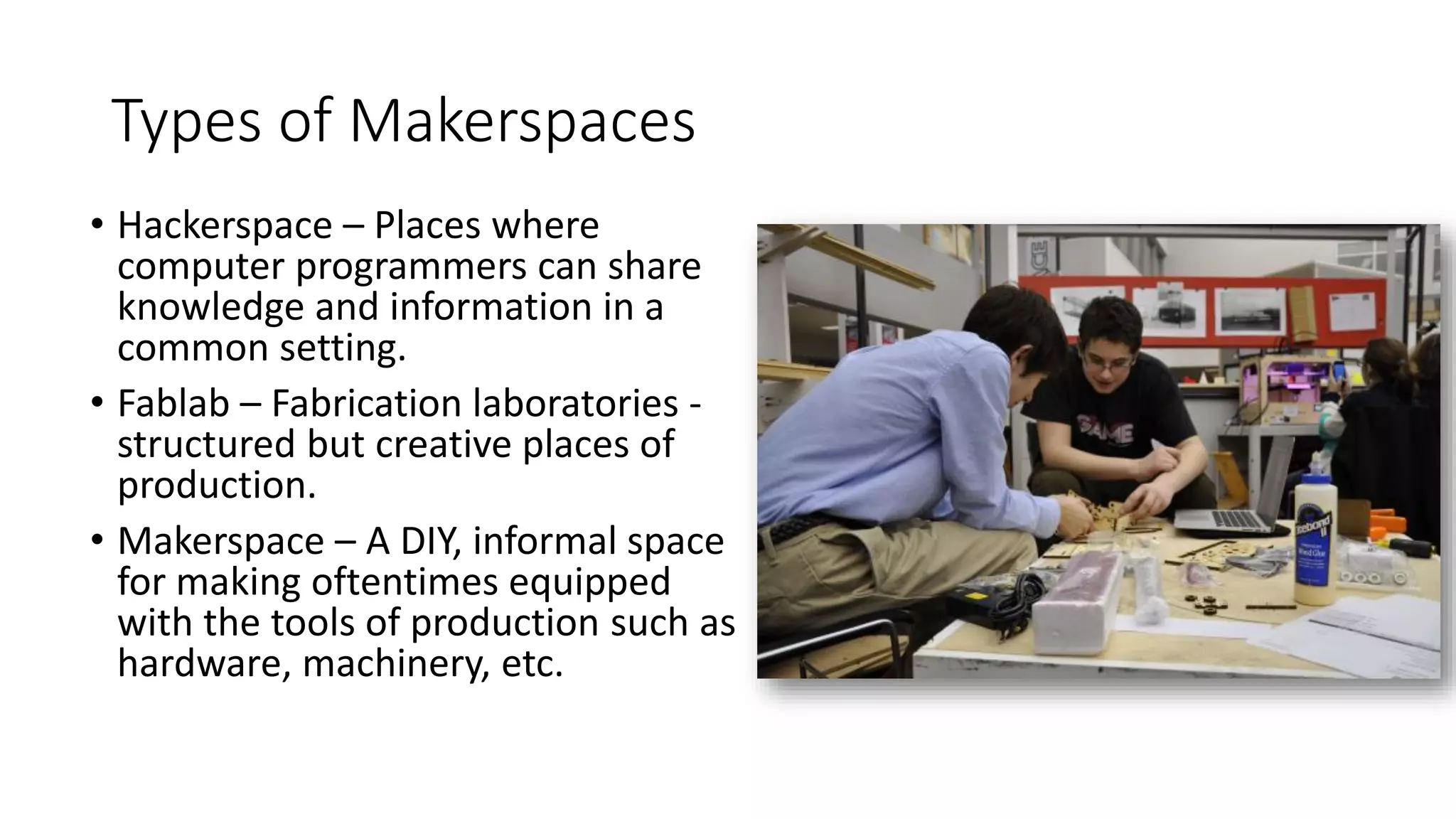
Types of Makerspaces
• Hackerspace – Places where
computer programmers can share
knowledge and information in a
common setting.
• Fablab – Fabrication laboratories -
structured but creative places of
production.
• Makerspace – A DIY, informal space
for making oftentimes equipped
with the tools of production such as
hardware, machinery, etc.
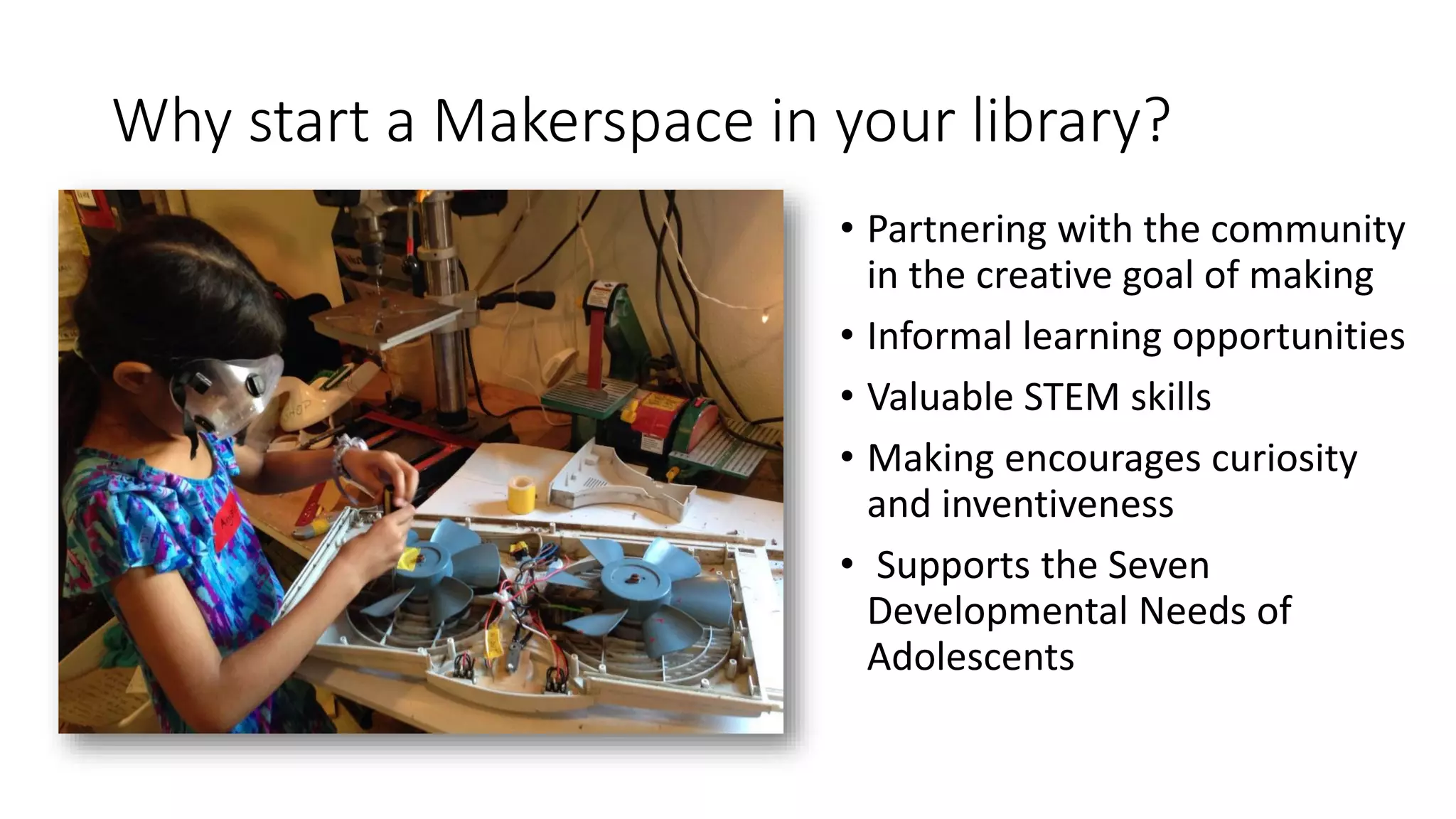
Why start a Makerspace in your library?
• Partnering with the community
in the creative goal of making
• Informal learning opportunities
• Valuable STEM skills
• Making encourages curiosity
and inventiveness
• Supports the Seven
Developmental Needs of
Adolescents
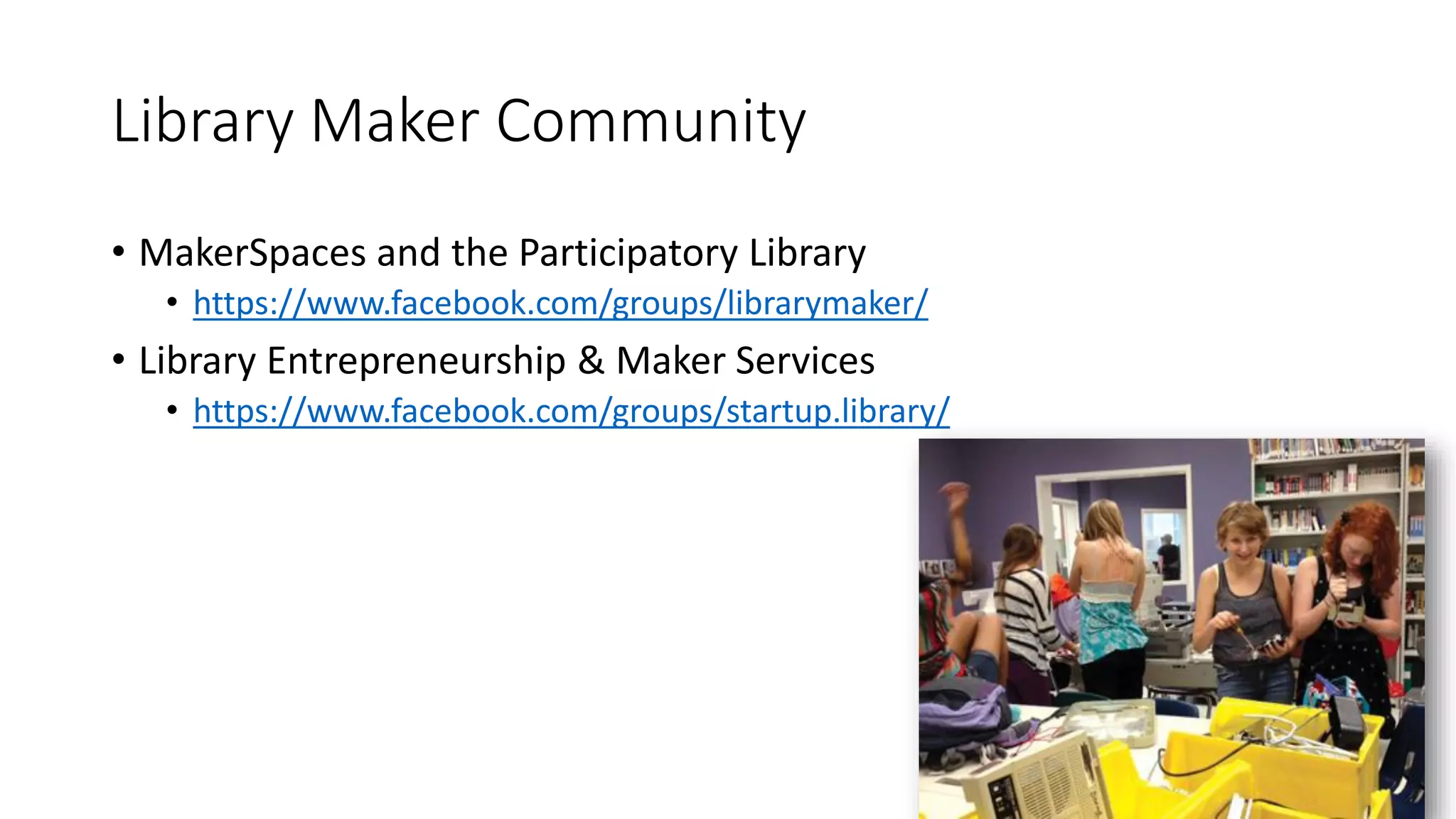
Library Maker Community
• MakerSpaces and the Participatory Library
• https://www.facebook.com/groups/librarymaker/
• Library Entrepreneurship & Maker Services
• https://www.facebook.com/groups/startup.library/
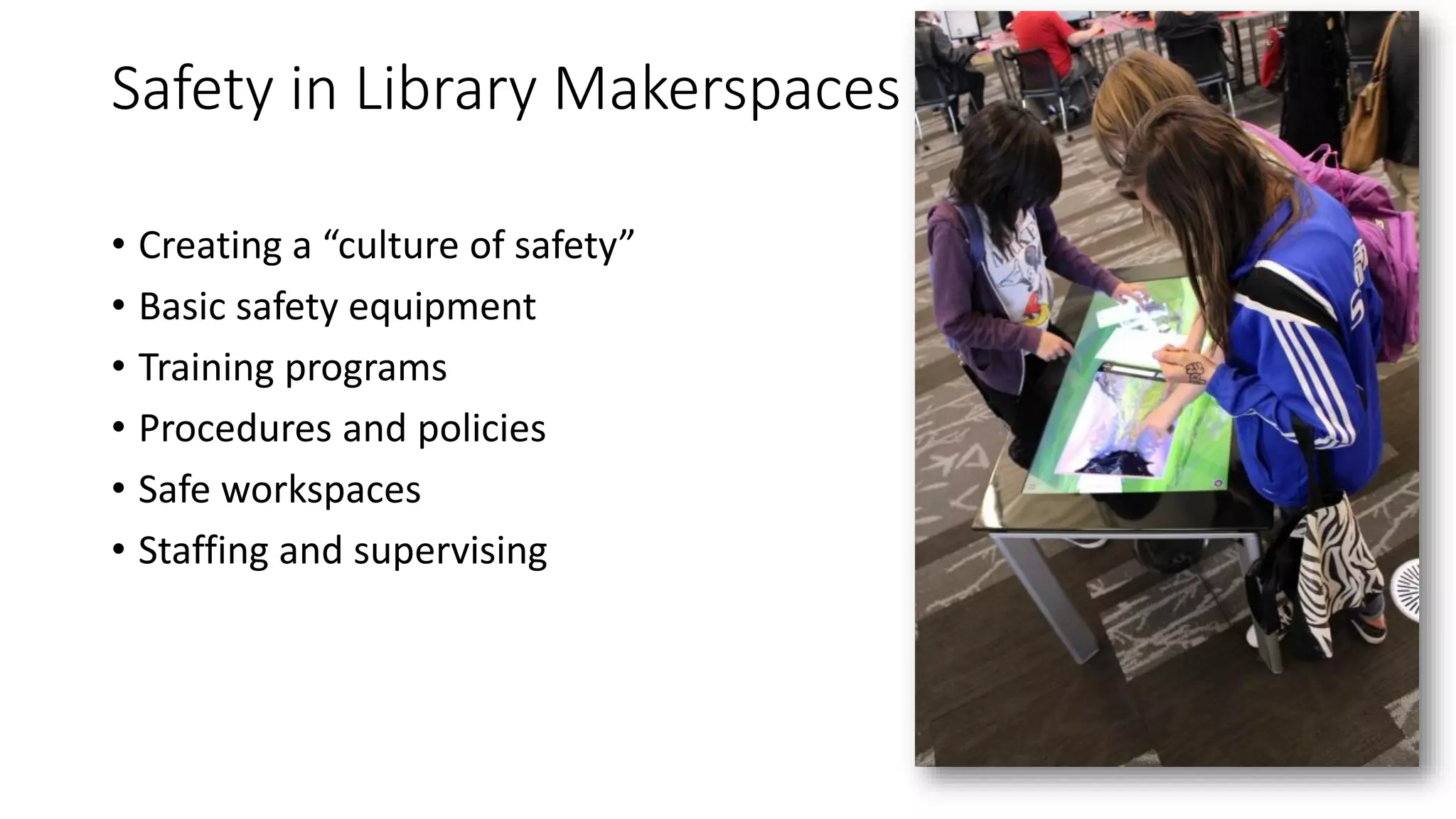
Safety in Library Makerspaces
• Creating a “culture of safety”
• Basic safety equipment
• Training programs
• Procedures and policies
• Safe workspaces
• Staffing and supervising
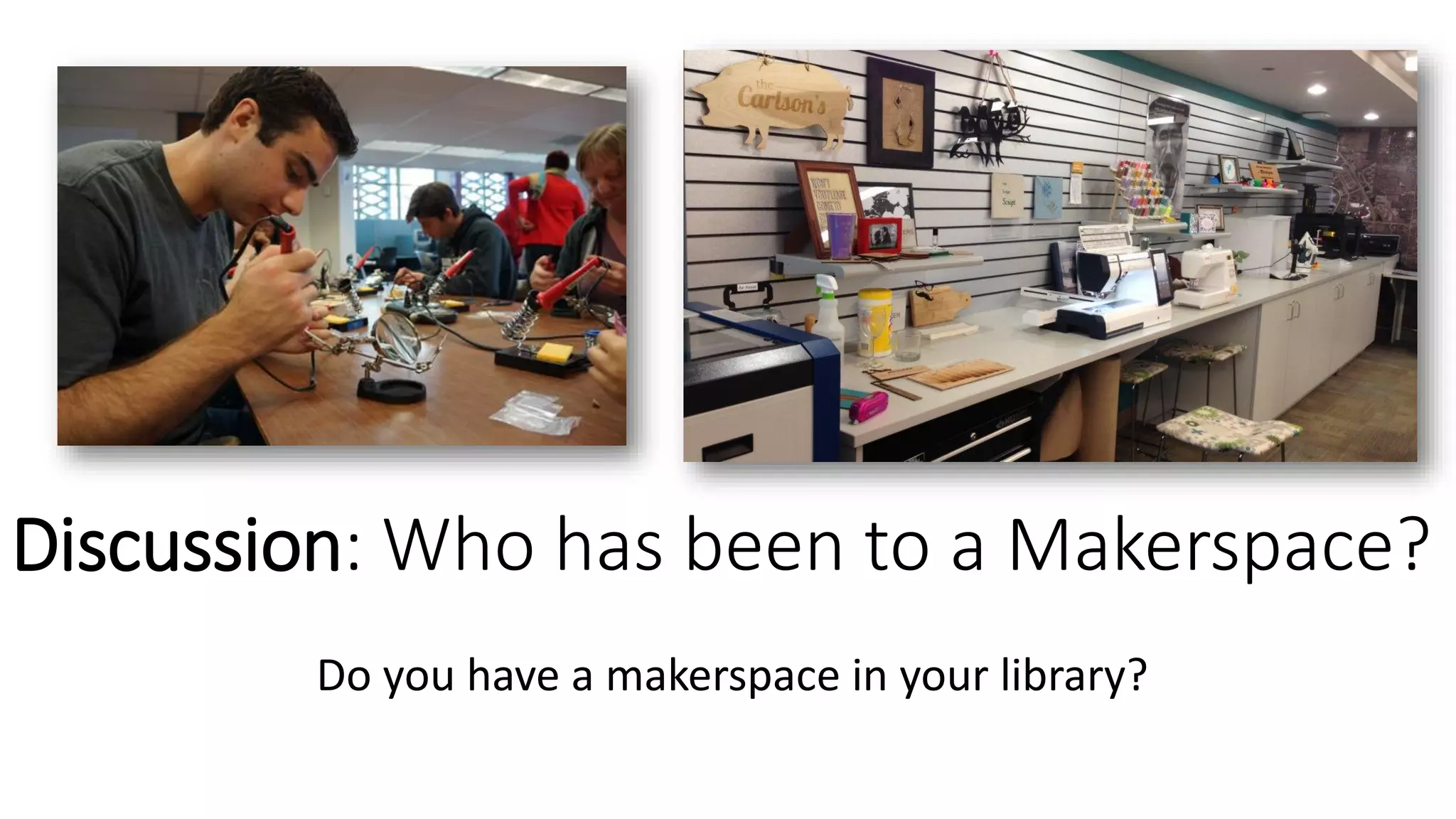
Discussion: Who has been to a Makerspace?
Do you have a makerspace in your library?
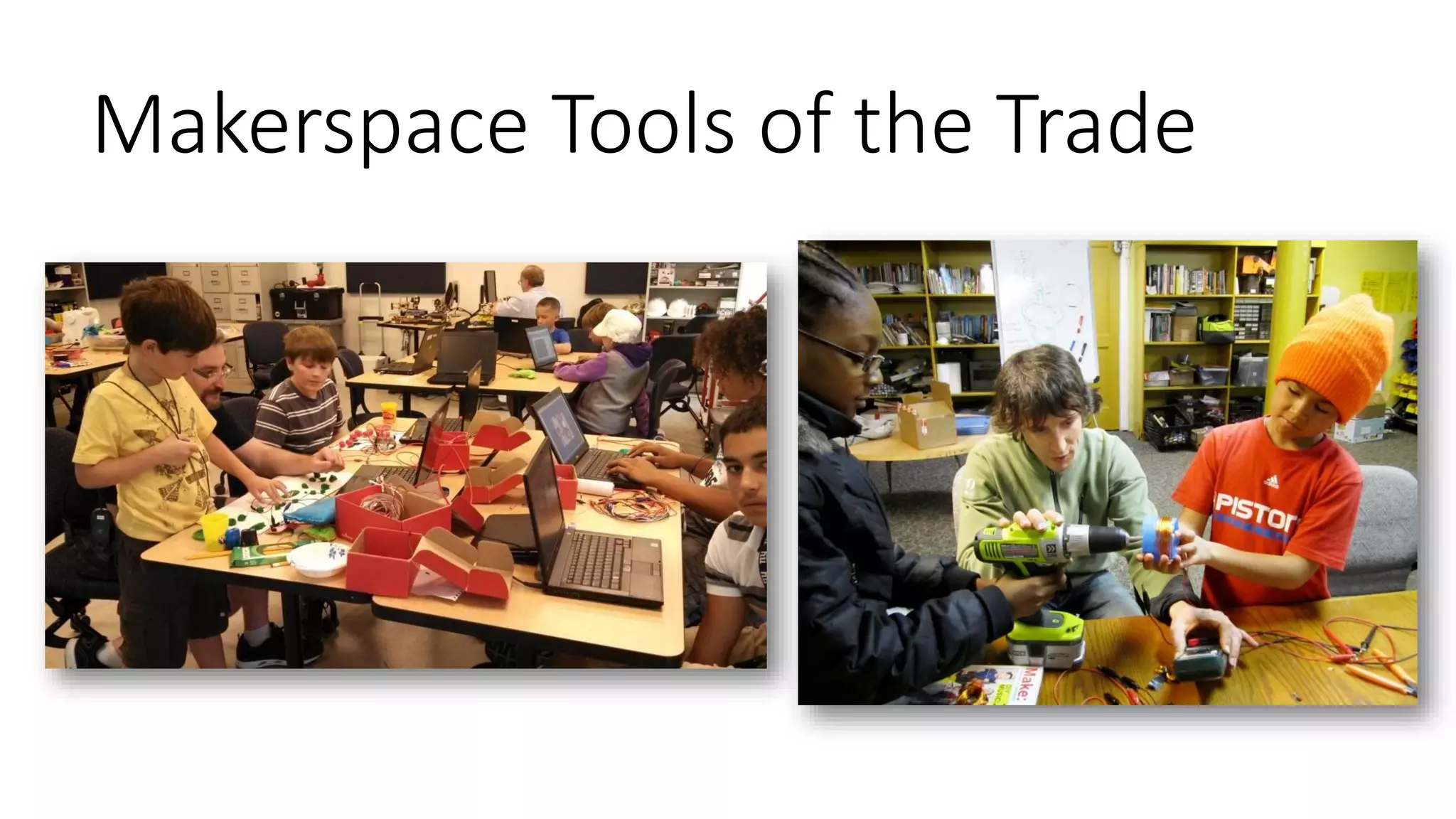
Makerspace Tools of the Trade
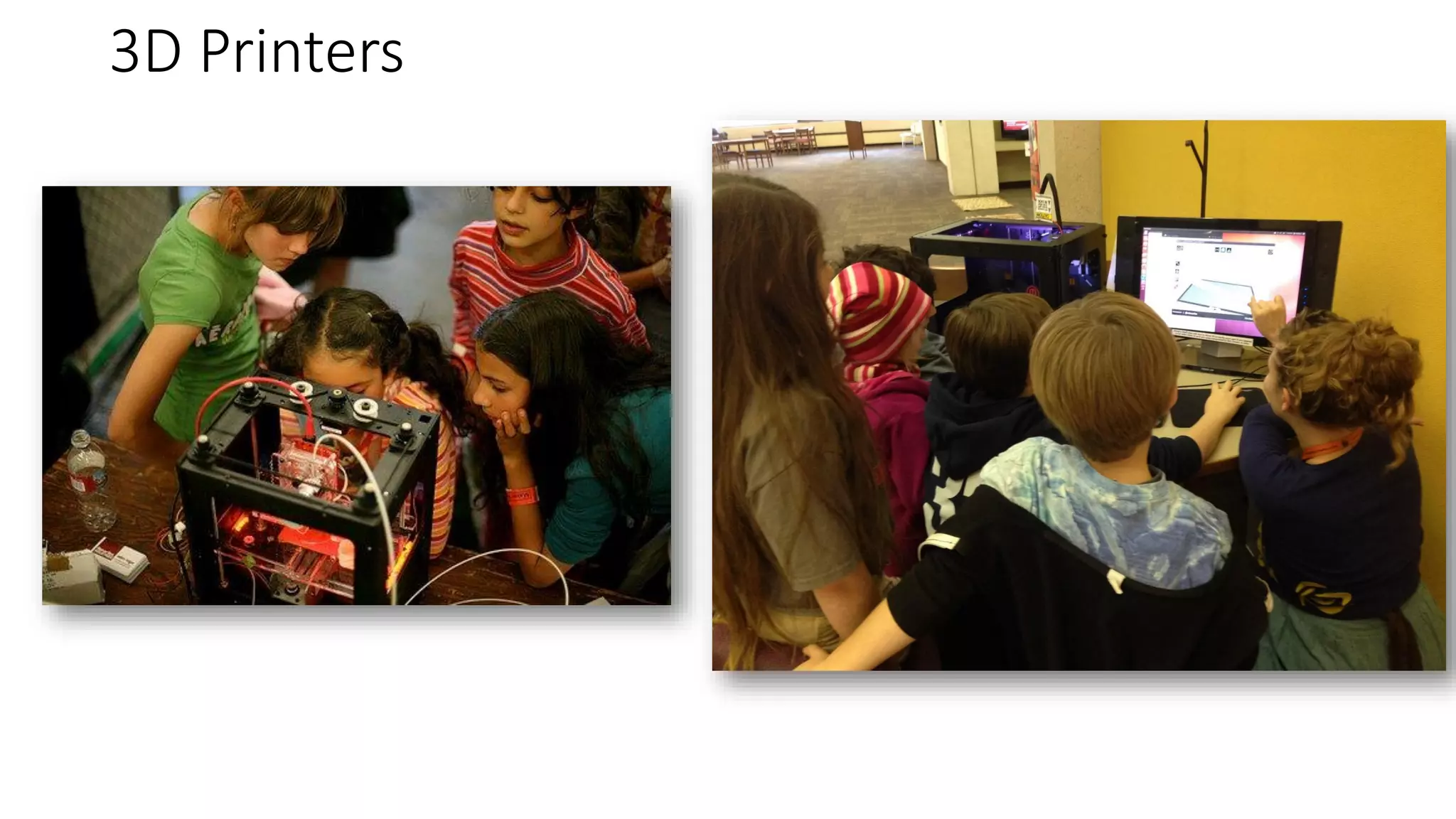
3D Printers
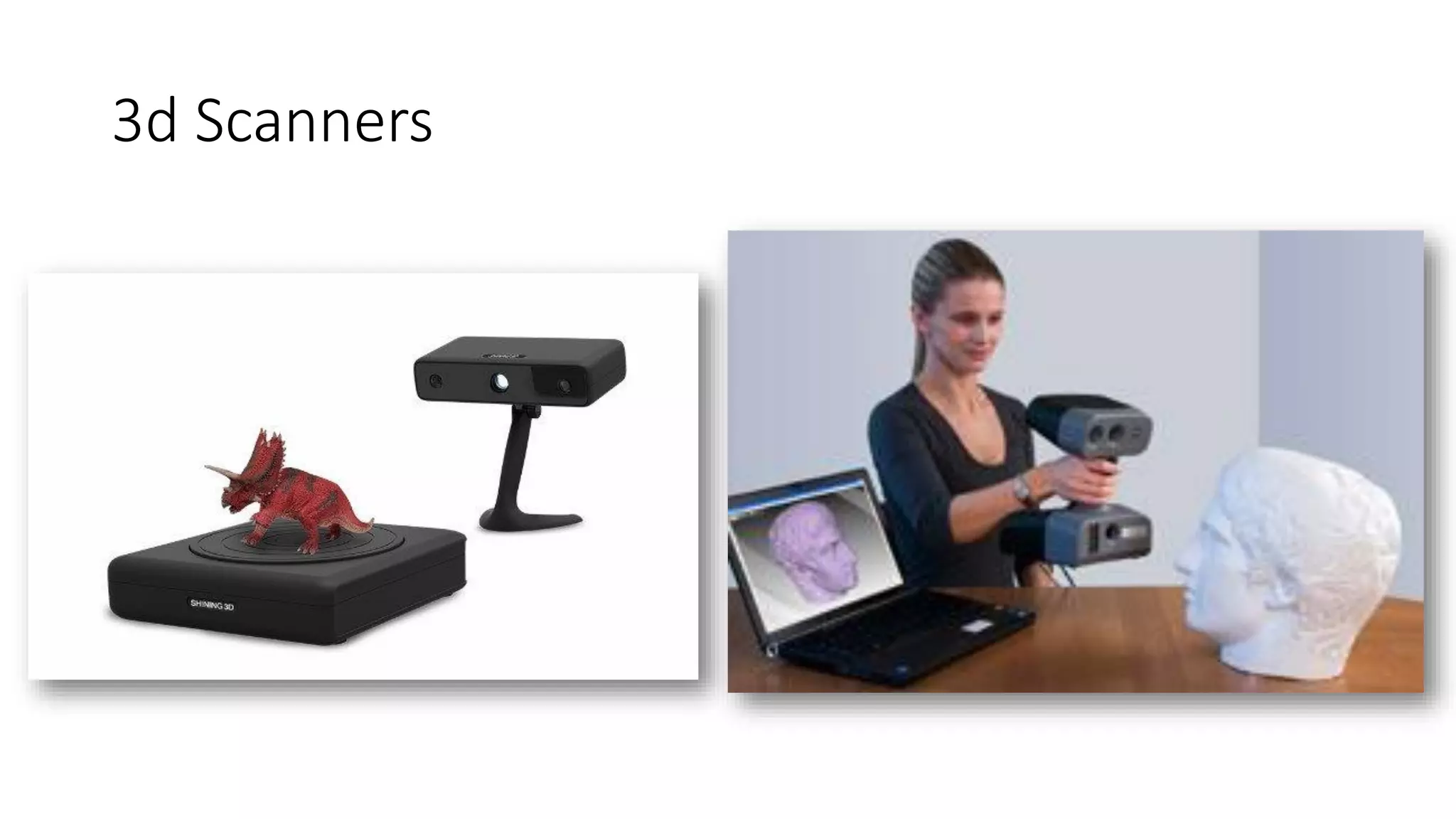
3d Scanners
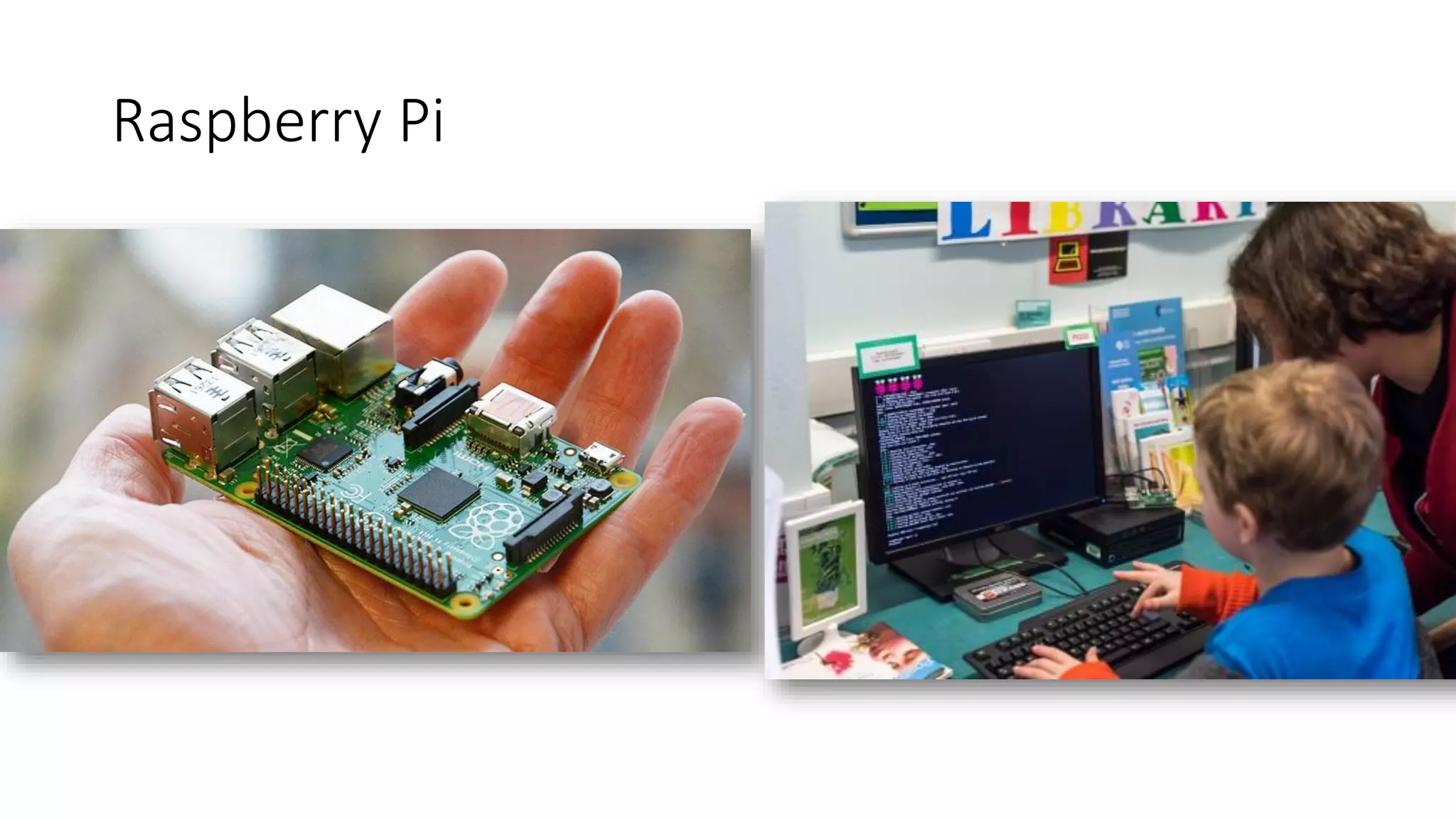
Raspberry Pi
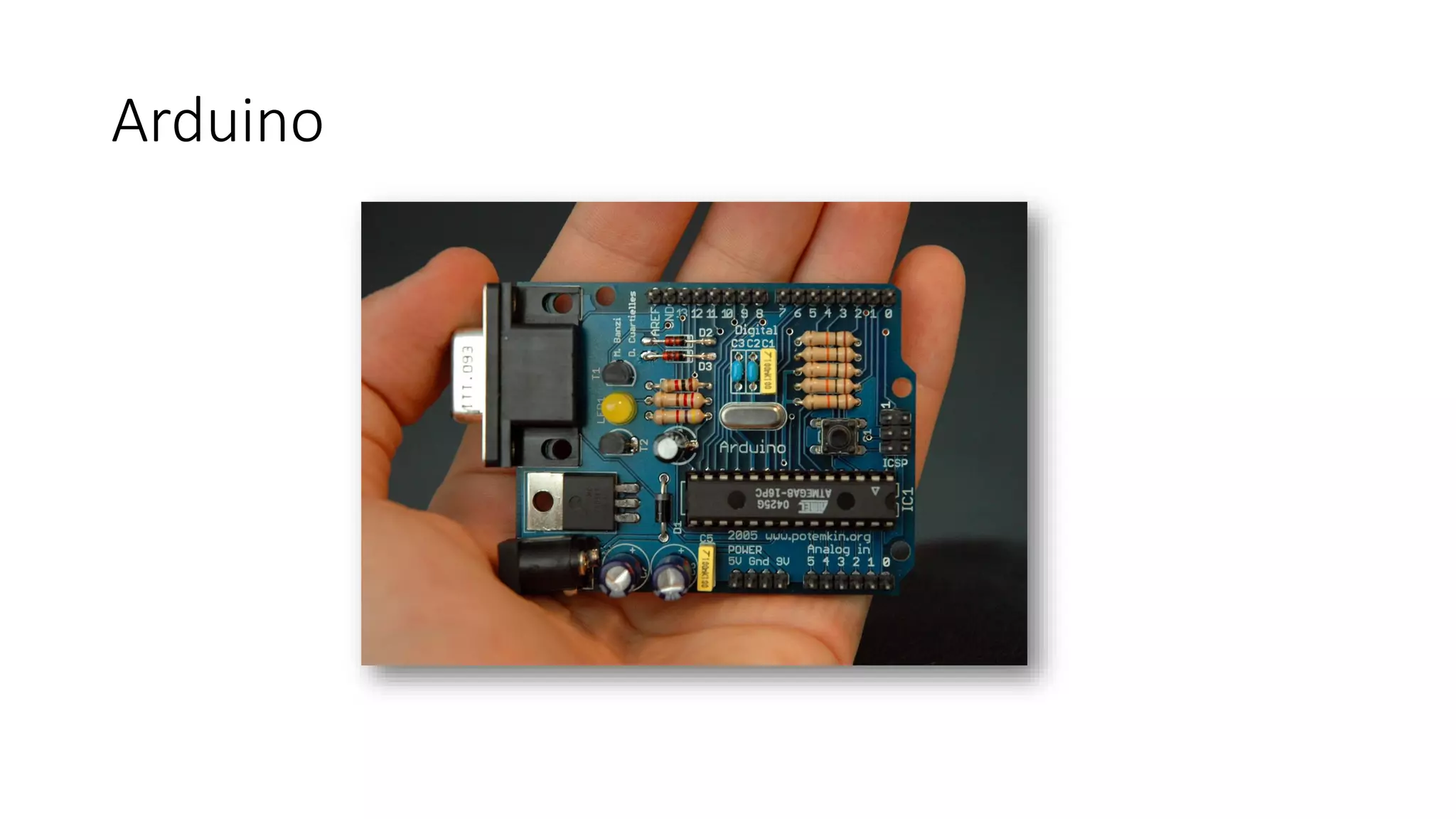
Arduino
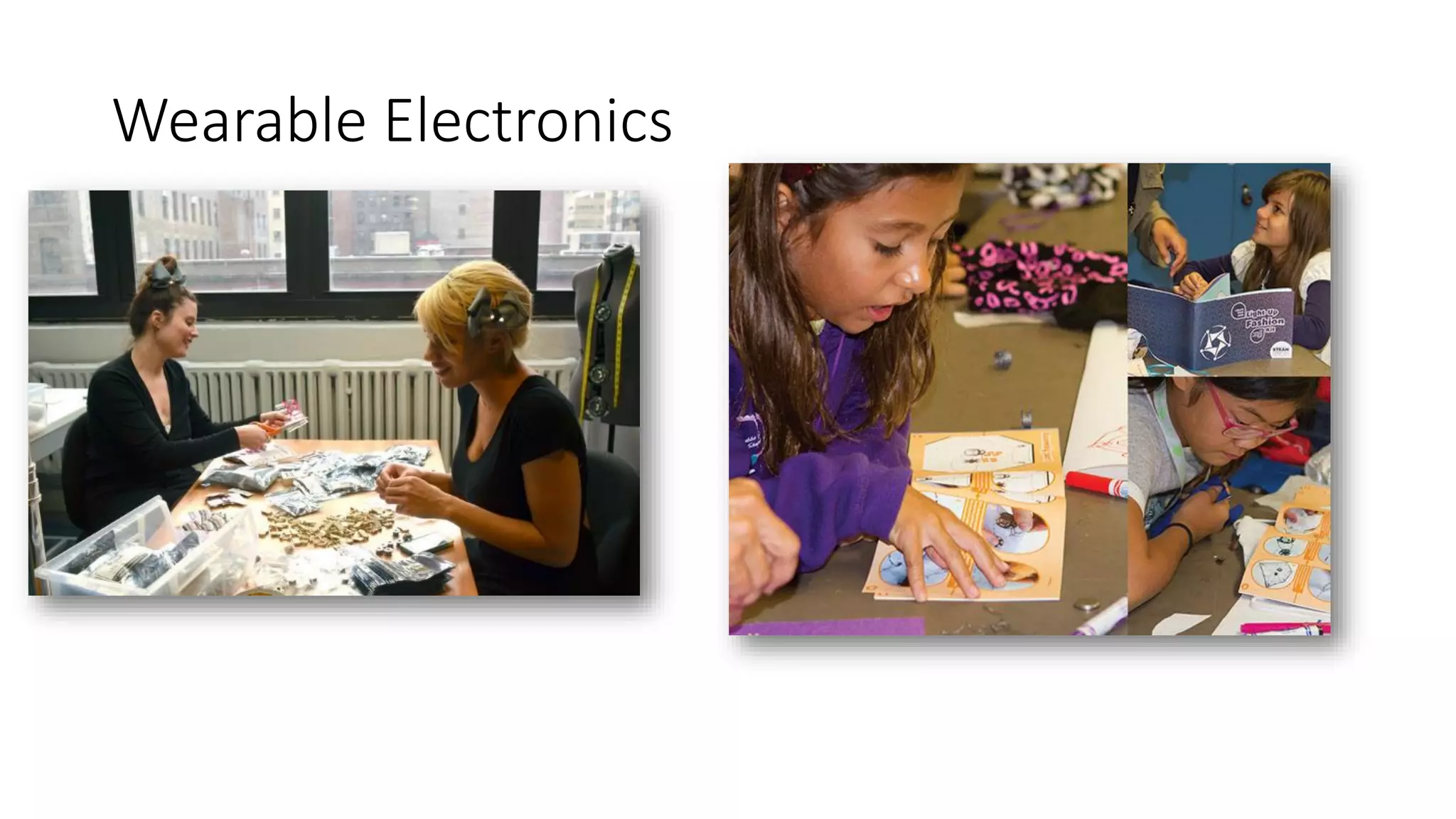
Wearable Electronics
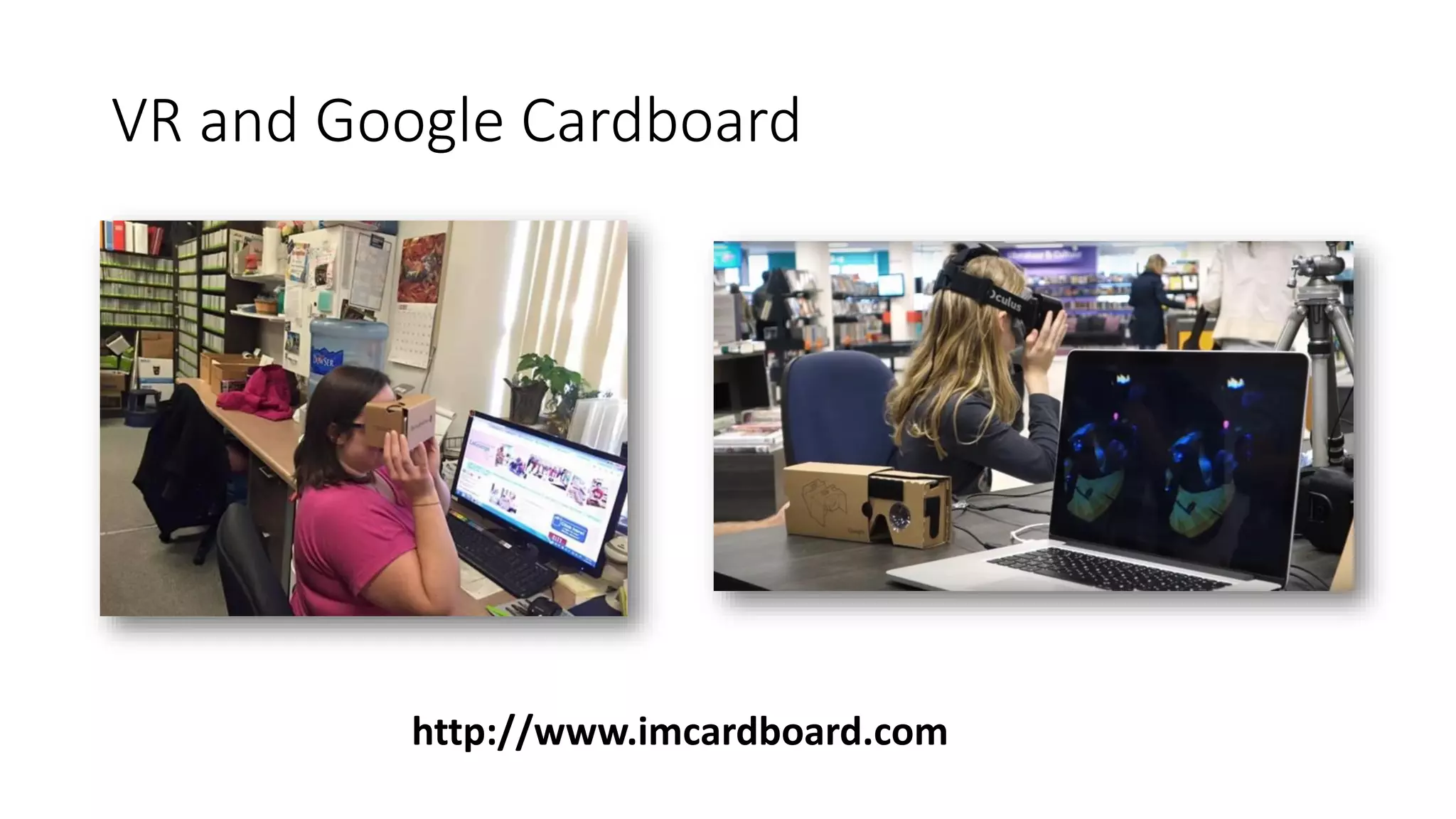
VR and Google Cardboard
http://www.imcardboard.com
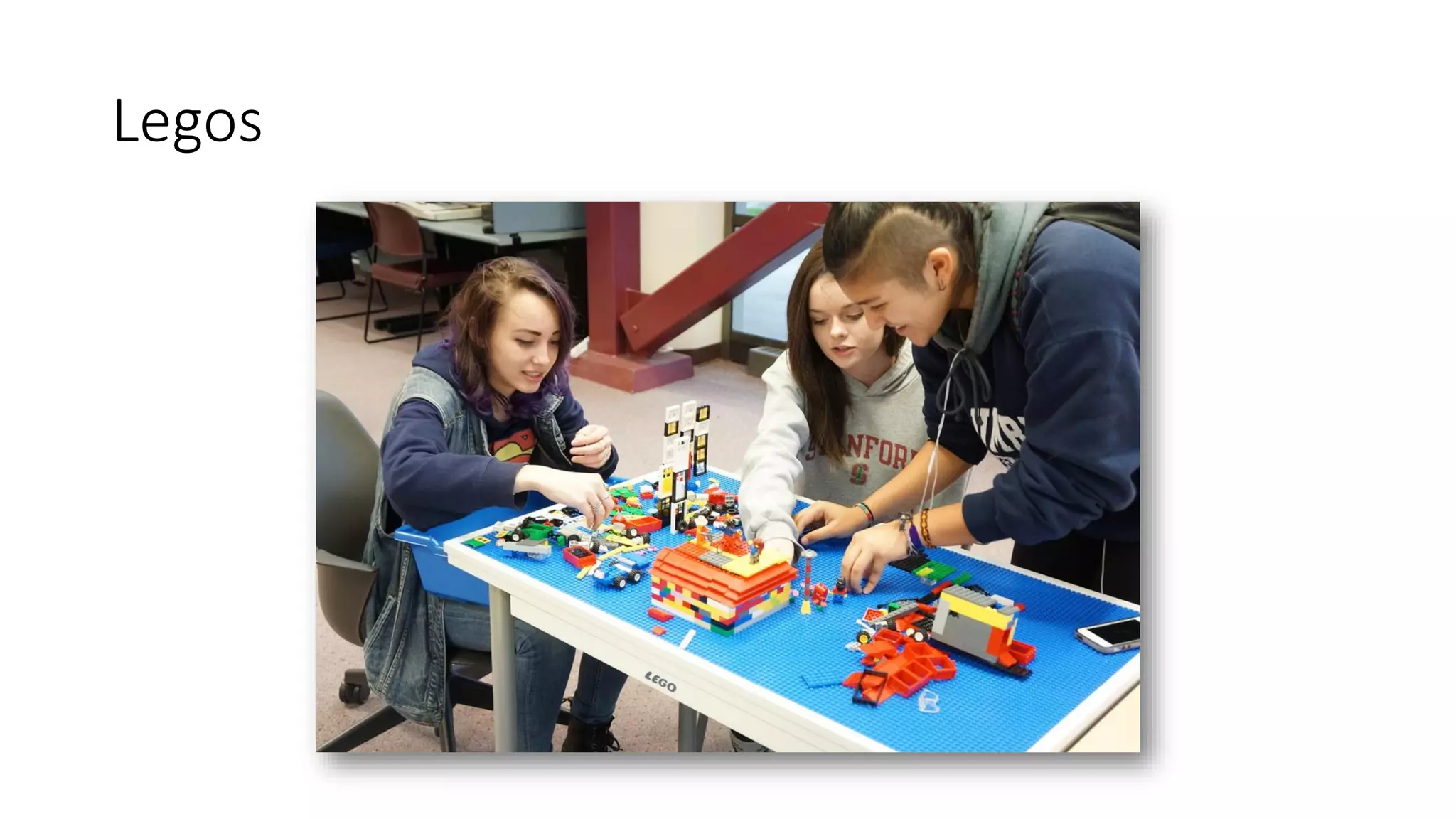
Legos
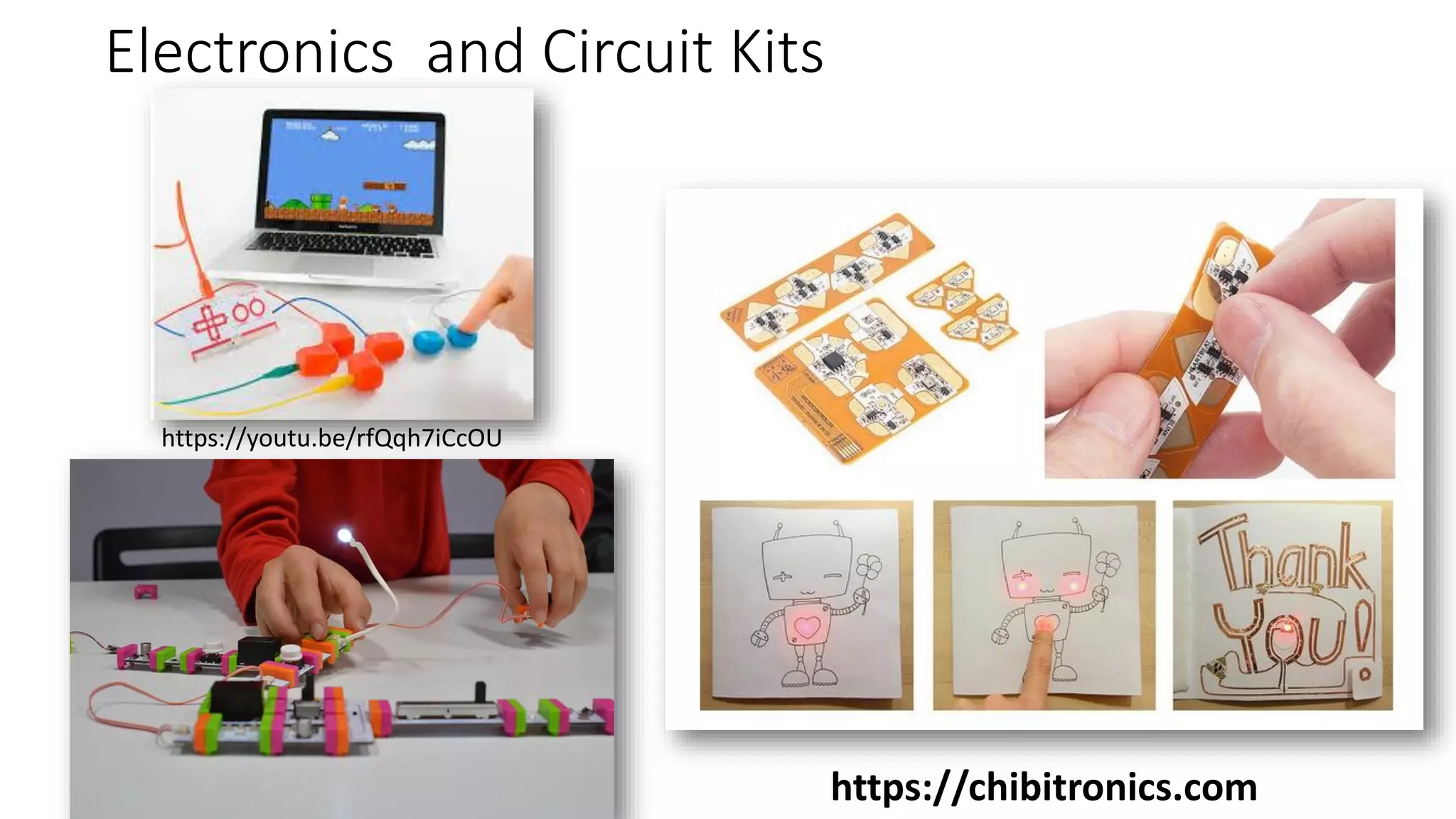
Electronics and Circuit Kits
https://chibitronics.com
https://youtu.be/rfQqh7iCcOU
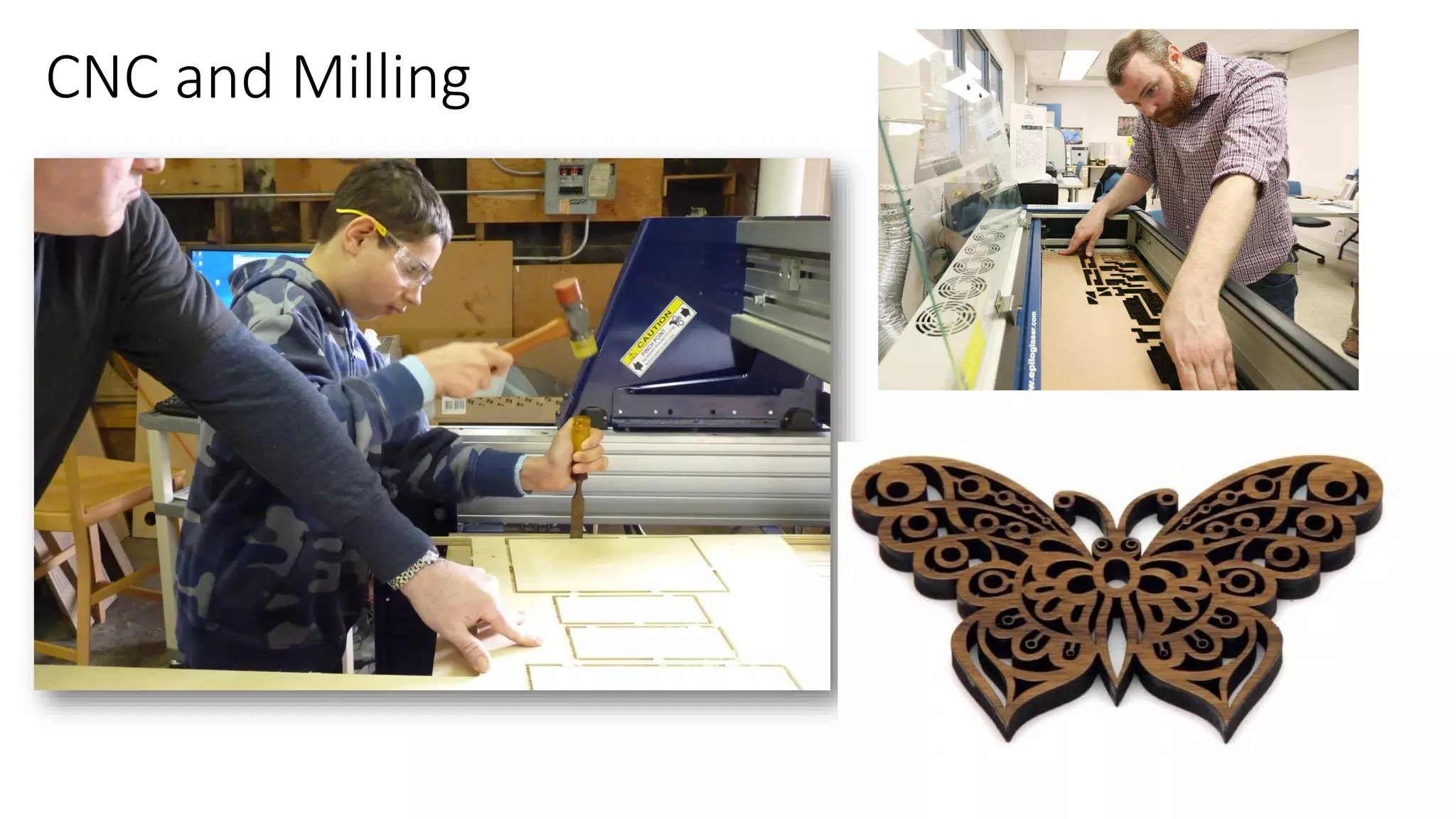
CNC and Milling
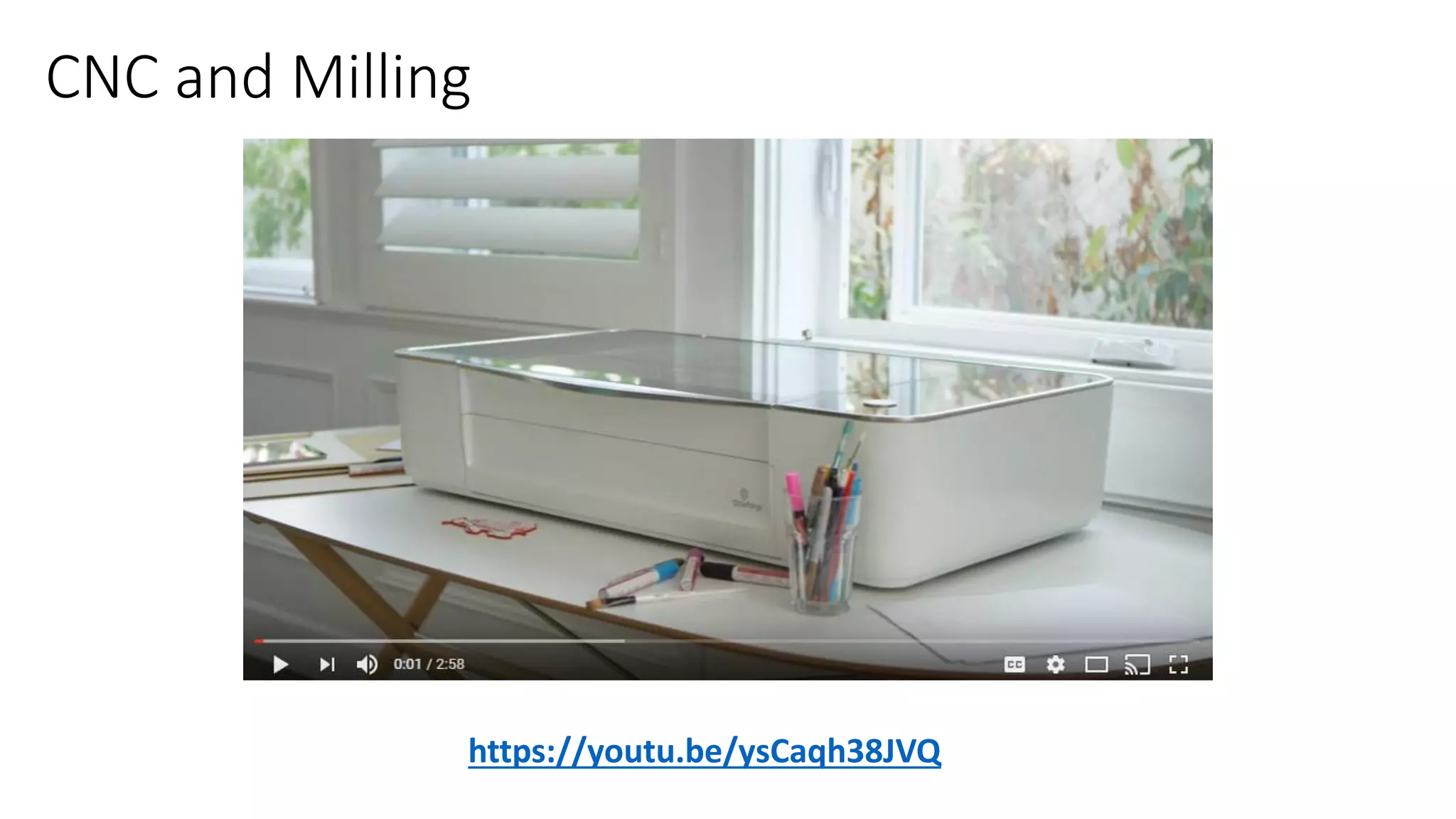
CNC and Milling
https://youtu.be/ysCaqh38JVQ
Robotics
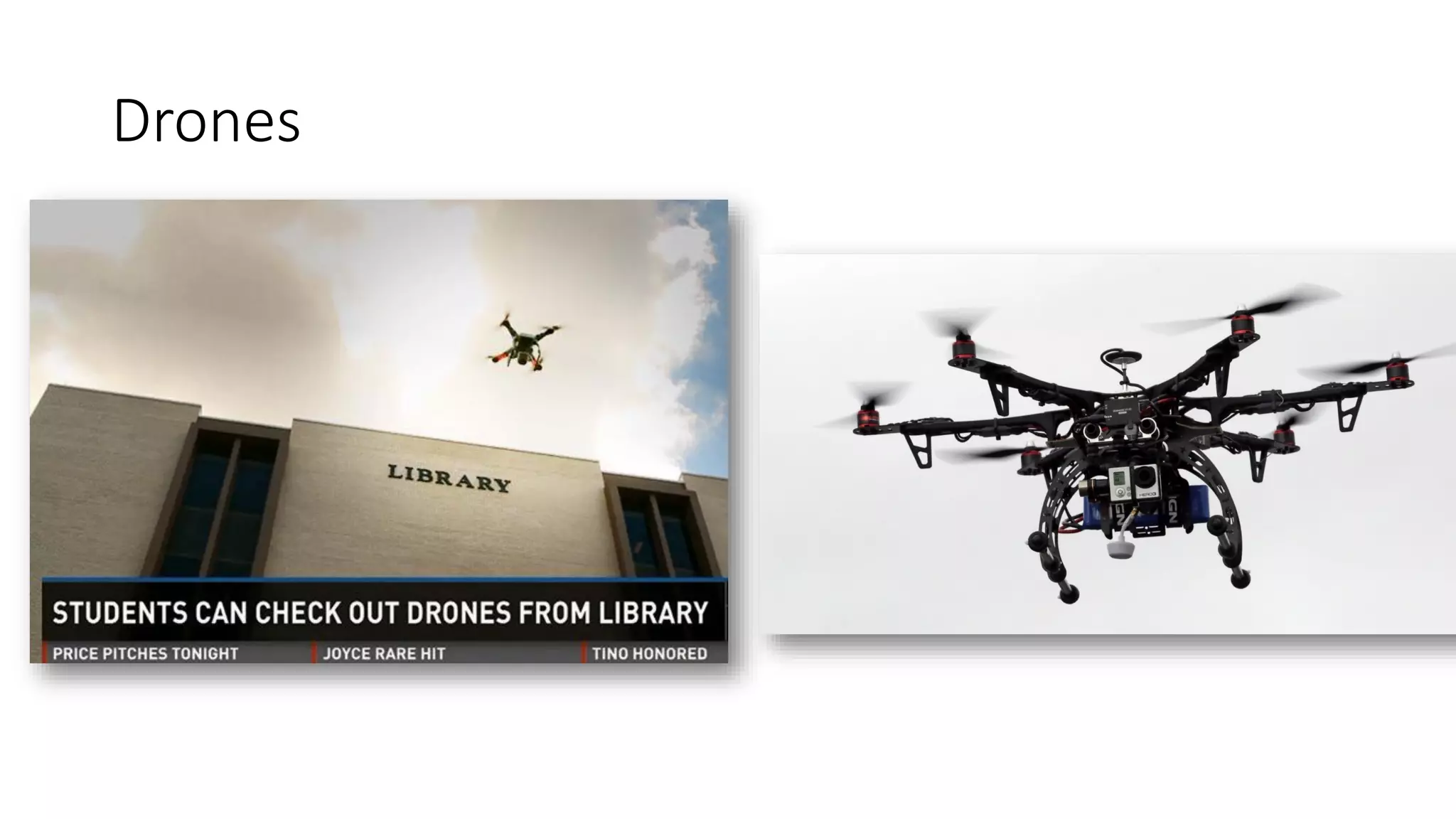
Drones
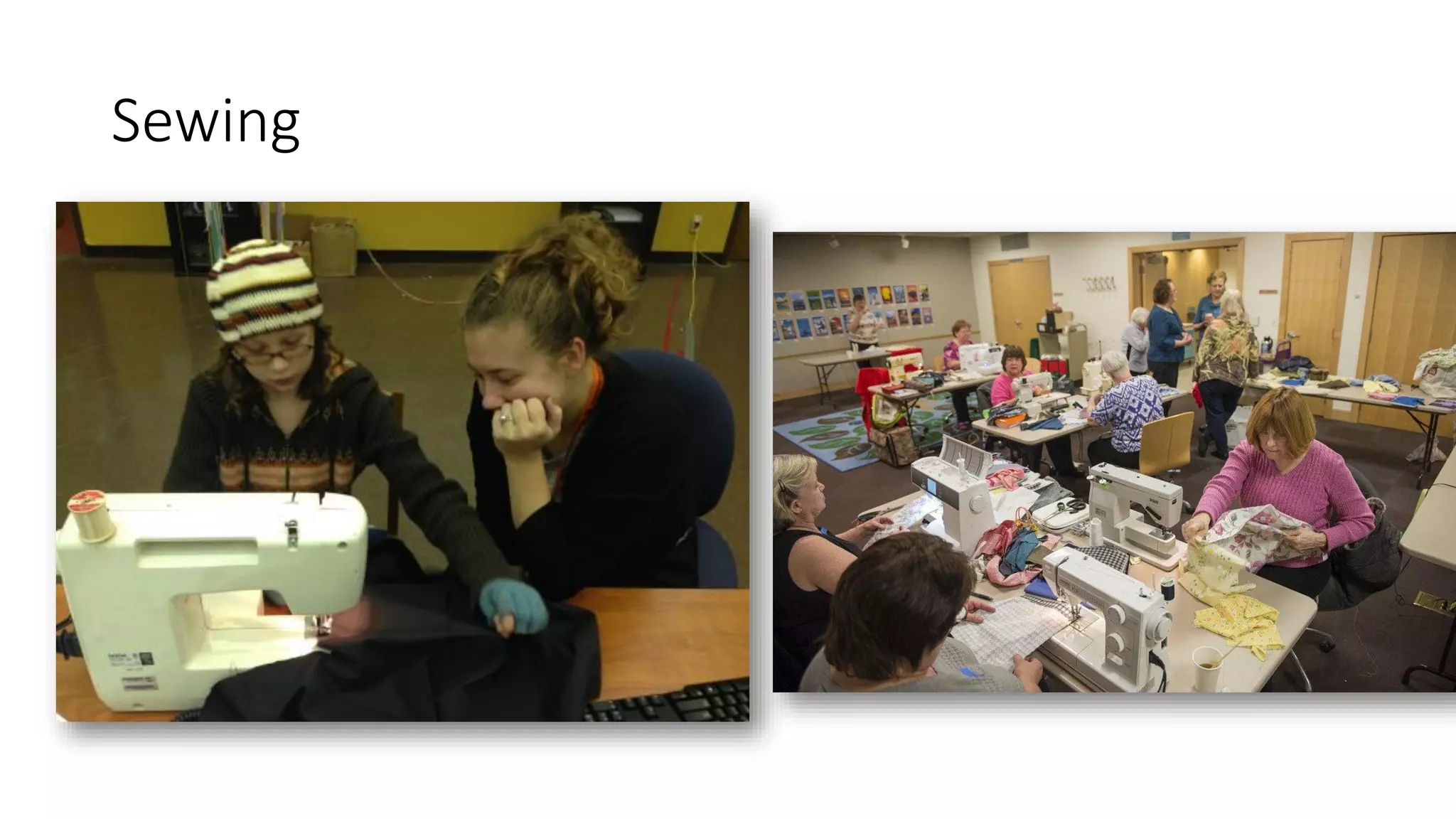
Sewing
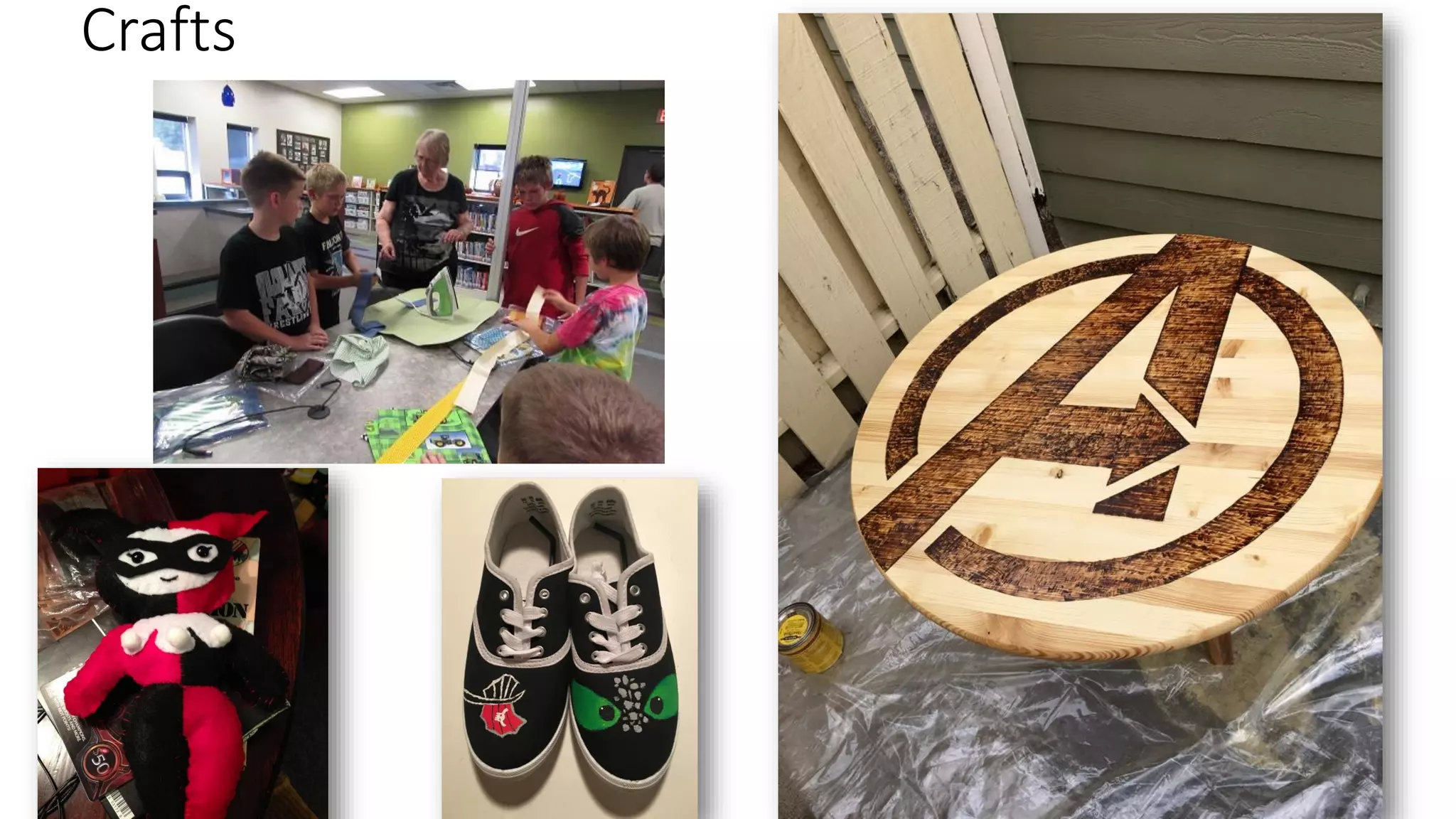
Crafts
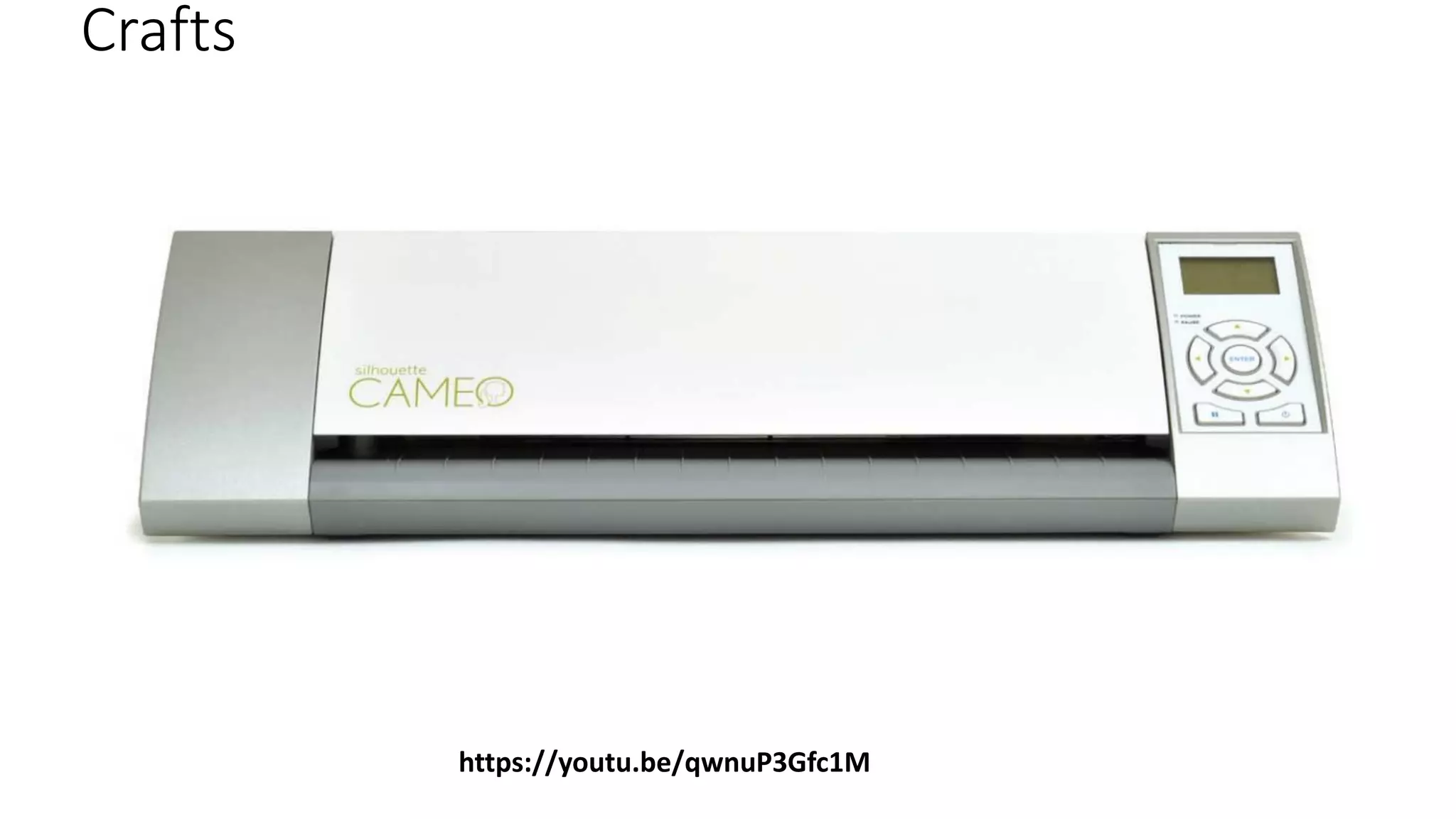
Crafts
https://youtu.be/qwnuP3Gfc1M
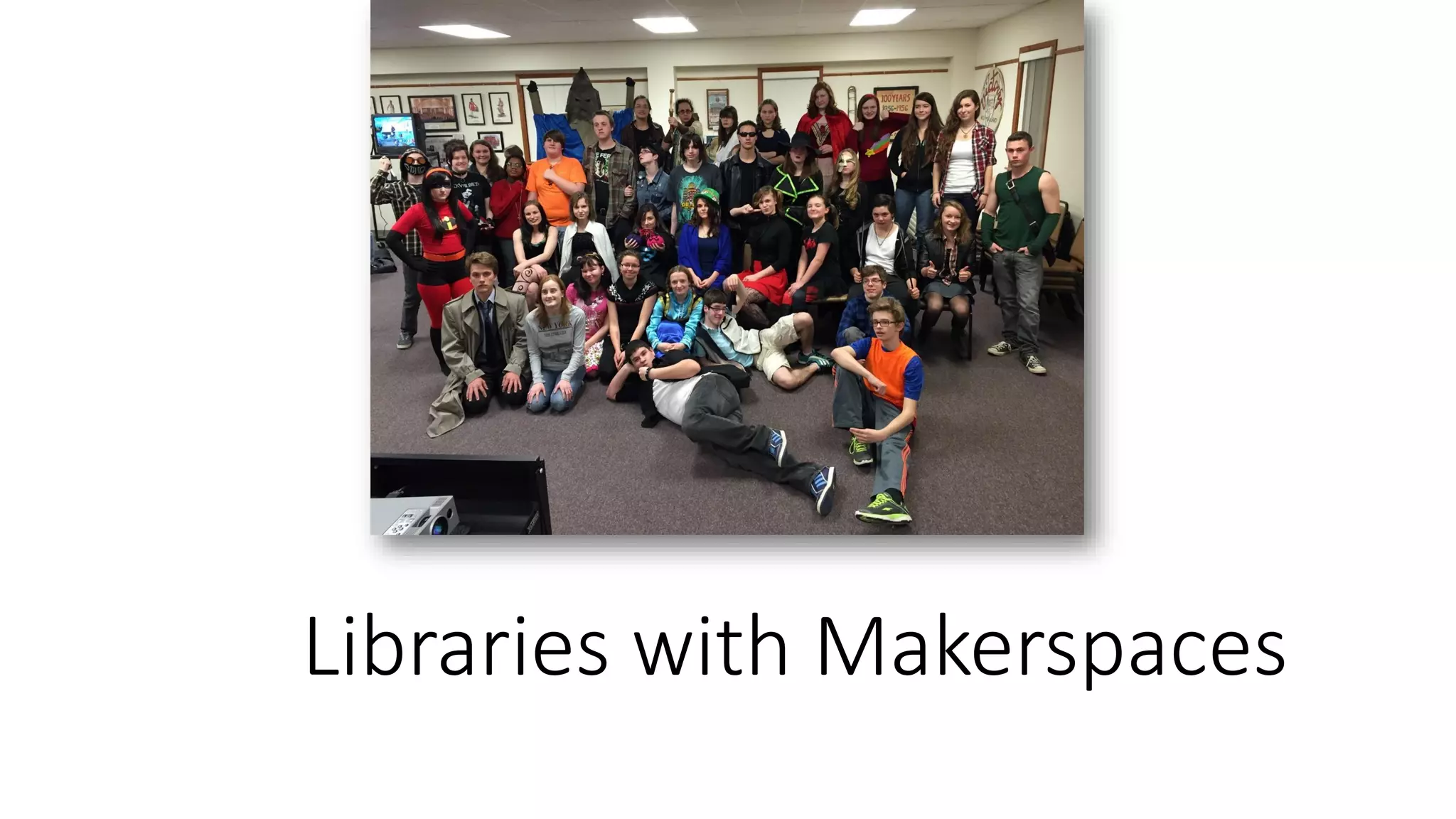
Libraries with Makerspaces
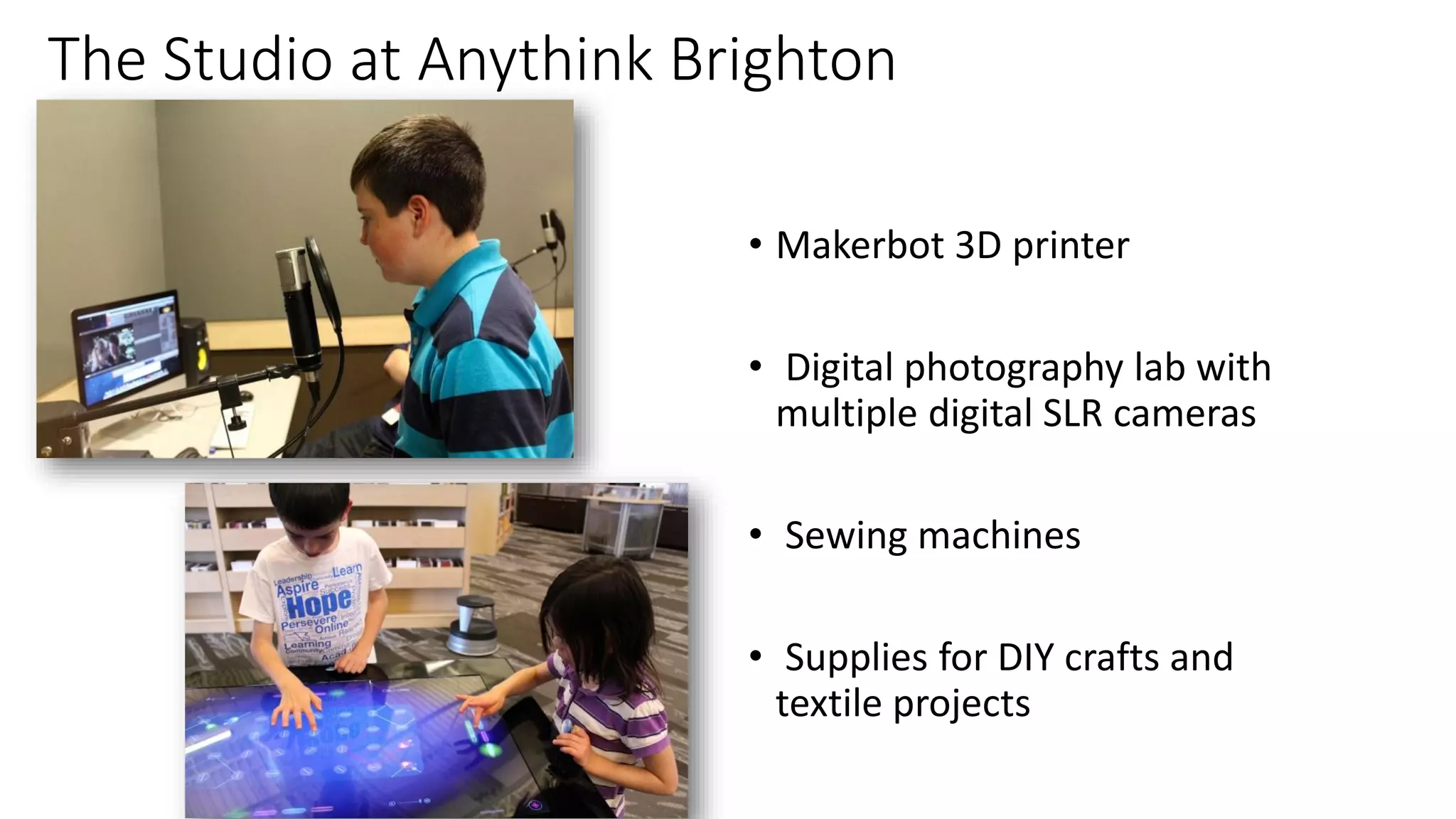
The Studio at Anythink Brighton
• Makerbot 3D printer
• Digital photography lab with
multiple digital SLR cameras
• Sewing machines
• Supplies for DIY crafts and
textile projects
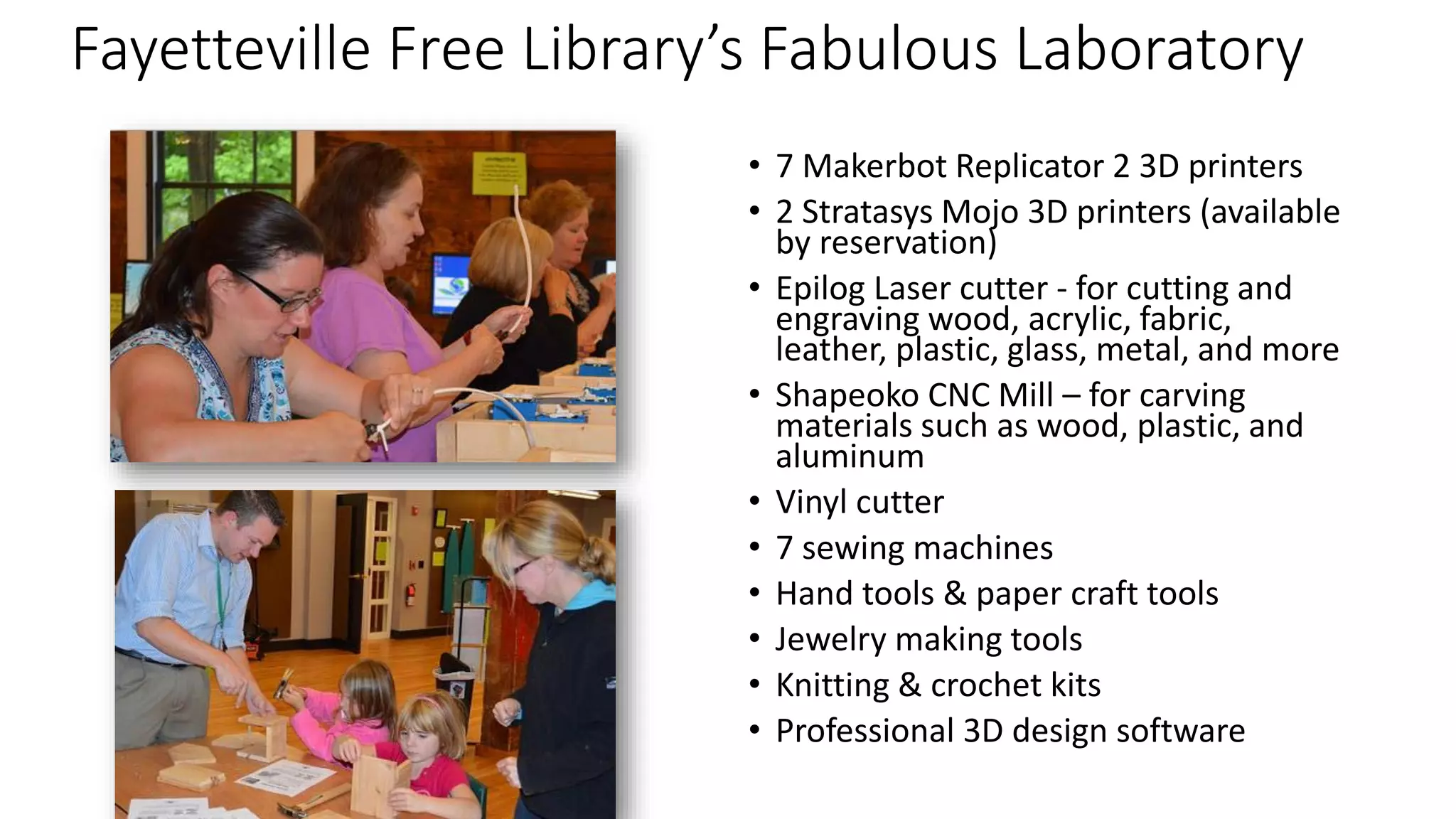
Fayetteville Free Library’s Fabulous Laboratory
• 7 Makerbot Replicator 2 3D printers
• 2 Stratasys Mojo 3D printers (available
by reservation)
• Epilog Laser cutter - for cutting and
engraving wood, acrylic, fabric,
leather, plastic, glass, metal, and more
• Shapeoko CNC Mill – for carving
materials such as wood, plastic, and
aluminum
• Vinyl cutter
• 7 sewing machines
• Hand tools & paper craft tools
• Jewelry making tools
• Knitting & crochet kits
• Professional 3D design software
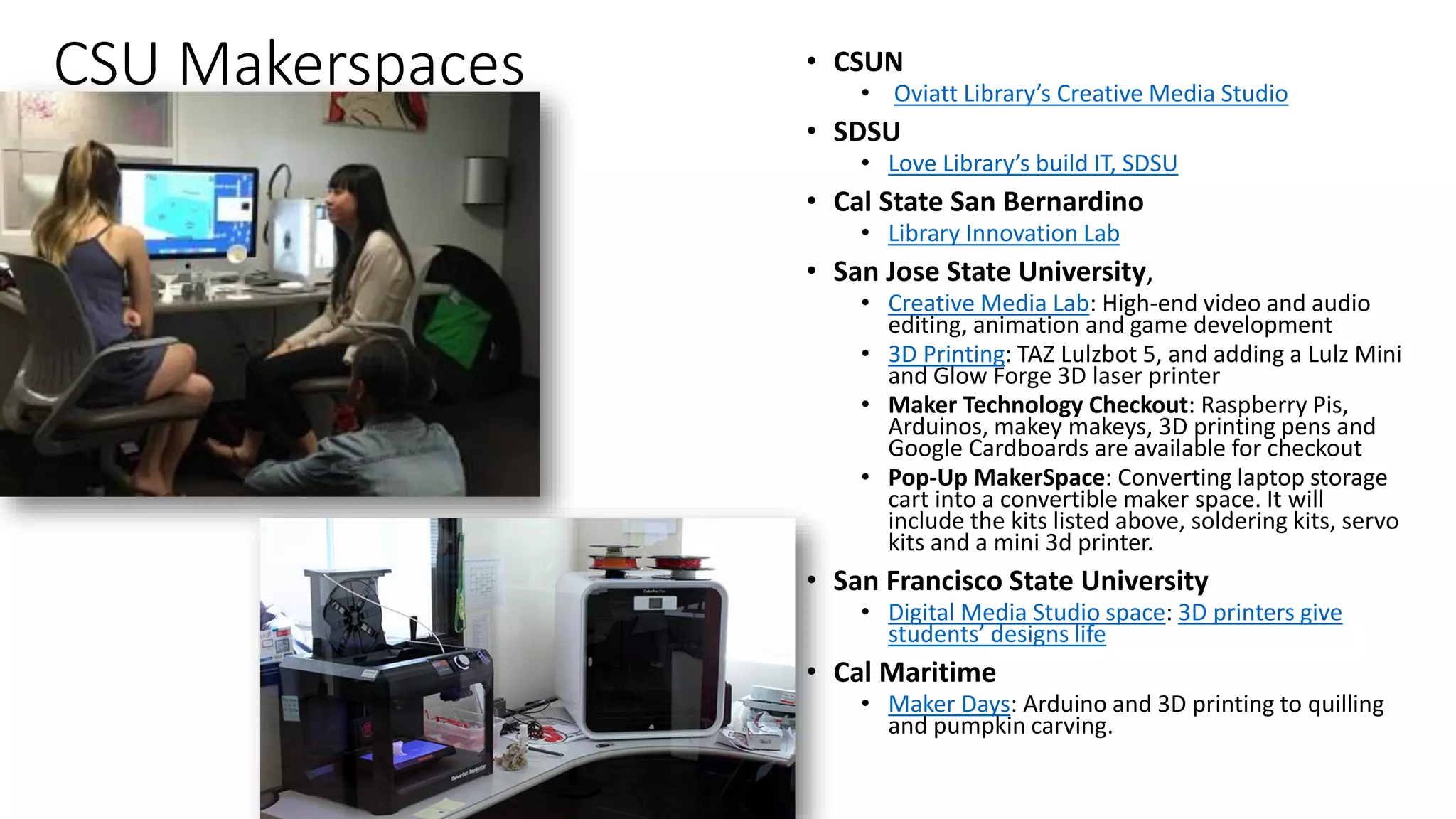
CSU Makerspaces • CSUN
• Oviatt Library’s Creative Media Studio
• SDSU
• Love Library’s build IT, SDSU
• Cal State San Bernardino
• Library Innovation Lab
• San Jose State University,
• Creative Media Lab: High-end video and audio
editing, animation and game development
• 3D Printing: TAZ Lulzbot 5, and adding a Lulz Mini
and Glow Forge 3D laser printer
• Maker Technology Checkout: Raspberry Pis,
Arduinos, makey makeys, 3D printing pens and
Google Cardboards are available for checkout
• Pop-Up MakerSpace: Converting laptop storage
cart into a convertible maker space. It will
include the kits listed above, soldering kits, servo
kits and a mini 3d printer.
• San Francisco State University
• Digital Media Studio space: 3D printers give
students’ designs life
• Cal Maritime
• Maker Days: Arduino and 3D printing to quilling
and pumpkin carving.
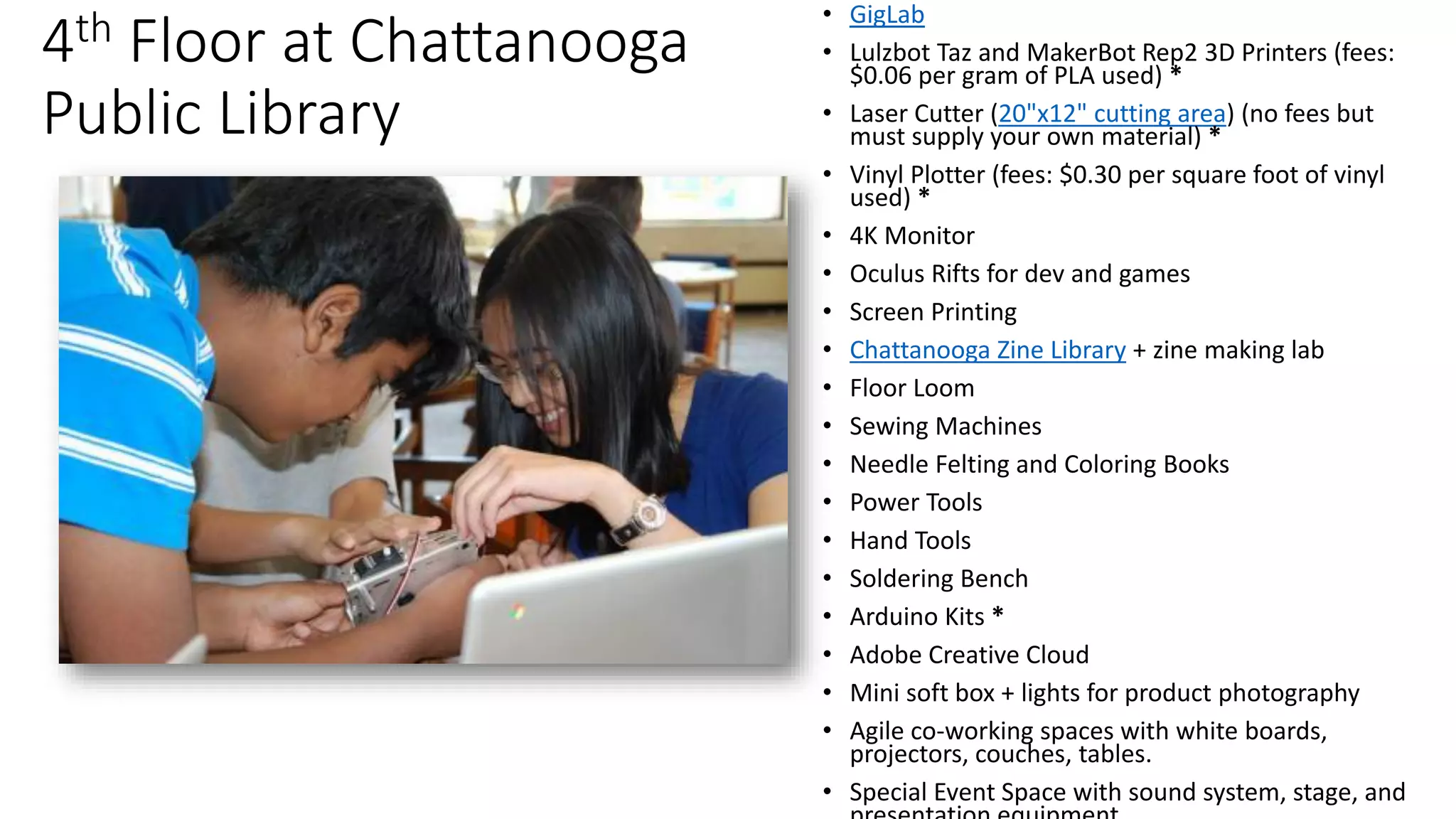
4th Floor at Chattanooga
Public Library
• GigLab
• Lulzbot Taz and MakerBot Rep2 3D Printers (fees:
$0.06​ per gram of PLA used) *
• Laser Cutter (20"x12" cutting area) (no fees but
must supply your own material) *
• Vinyl Plotter (fees: $0.30 per square foot of vinyl
used) *
• 4K Monitor
• Oculus Rifts for dev and games
• Screen Printing
• Chattanooga Zine Library + zine making lab
• Floor Loom
• Sewing Machines
• Needle Felting and Coloring Books
• Power Tools
• Hand Tools
• Soldering Bench
• Arduino Kits *
• Adobe Creative Cloud
• Mini soft box + lights for product photography
• Agile co-working spaces with white boards,
projectors, couches, tables.
• Special Event Space with sound system, stage, and
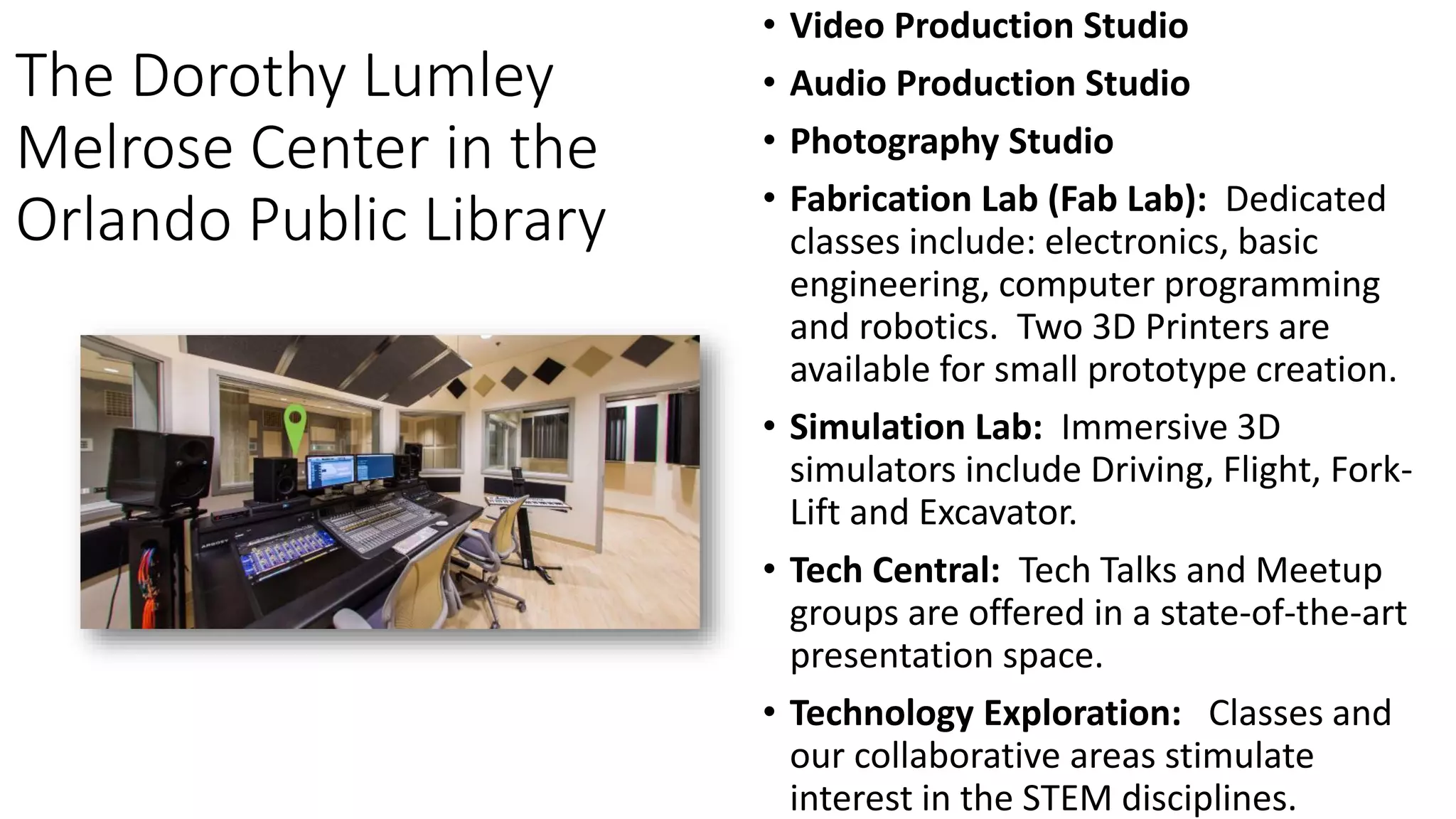
The Dorothy Lumley
Melrose Center in the
Orlando Public Library
• Video Production Studio
• Audio Production Studio
• Photography Studio
• Fabrication Lab (Fab Lab): Dedicated
classes include: electronics, basic
engineering, computer programming
and robotics. Two 3D Printers are
available for small prototype creation.
• Simulation Lab: Immersive 3D
simulators include Driving, Flight, Fork-
Lift and Excavator.
• Tech Central: Tech Talks and Meetup
groups are offered in a state-of-the-art
presentation space.
• Technology Exploration: Classes and
our collaborative areas stimulate
interest in the STEM disciplines.
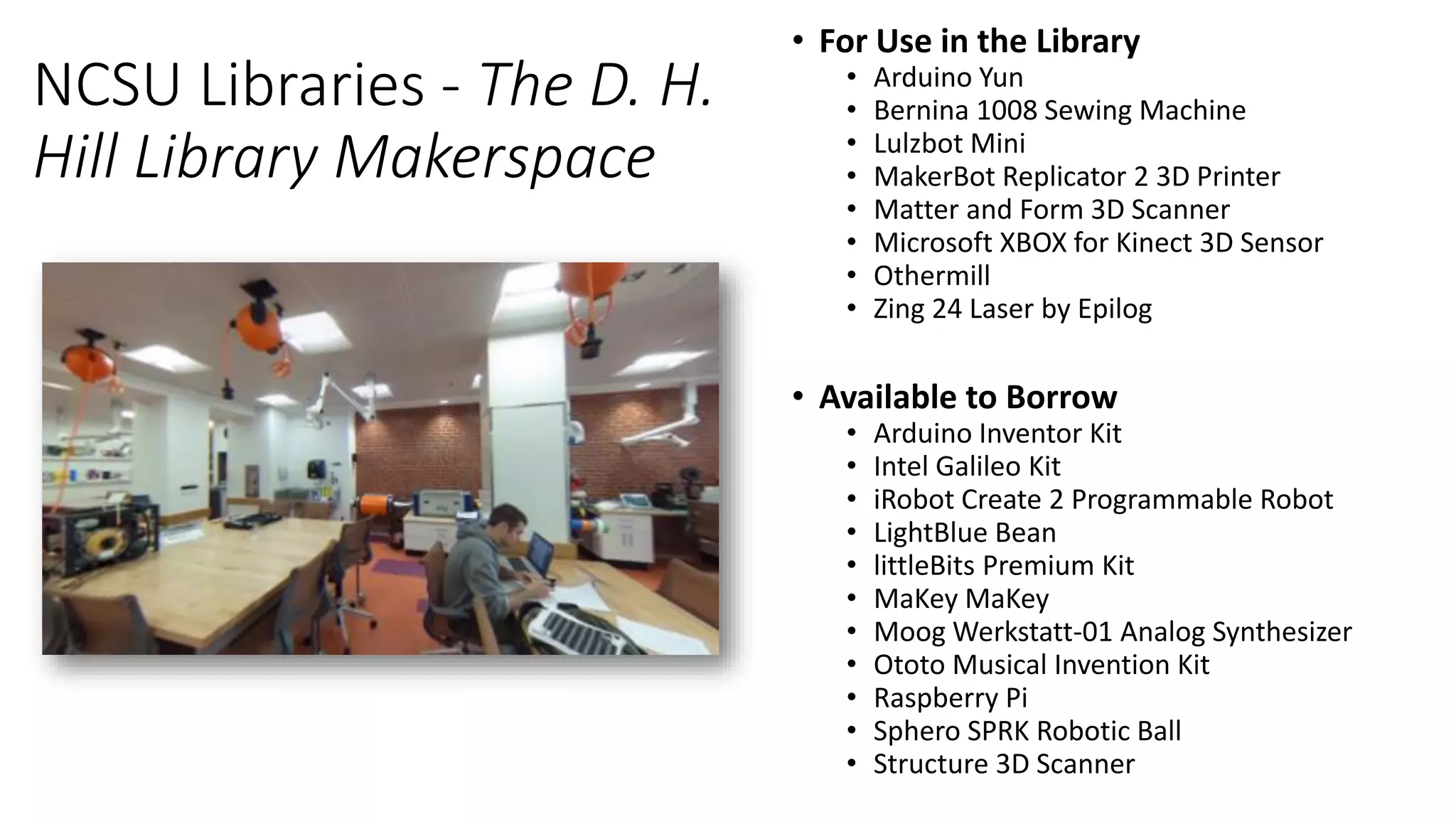
NCSU Libraries - The D. H.
Hill Library Makerspace
• For Use in the Library
• Arduino Yun
• Bernina 1008 Sewing Machine
• Lulzbot Mini
• MakerBot Replicator 2 3D Printer
• Matter and Form 3D Scanner
• Microsoft XBOX for Kinect 3D Sensor
• Othermill
• Zing 24 Laser by Epilog
• Available to Borrow
• Arduino Inventor Kit
• Intel Galileo Kit
• iRobot Create 2 Programmable Robot
• LightBlue Bean
• littleBits Premium Kit
• MaKey MaKey
• Moog Werkstatt-01 Analog Synthesizer
• Ototo Musical Invention Kit
• Raspberry Pi
• Sphero SPRK Robotic Ball
• Structure 3D Scanner
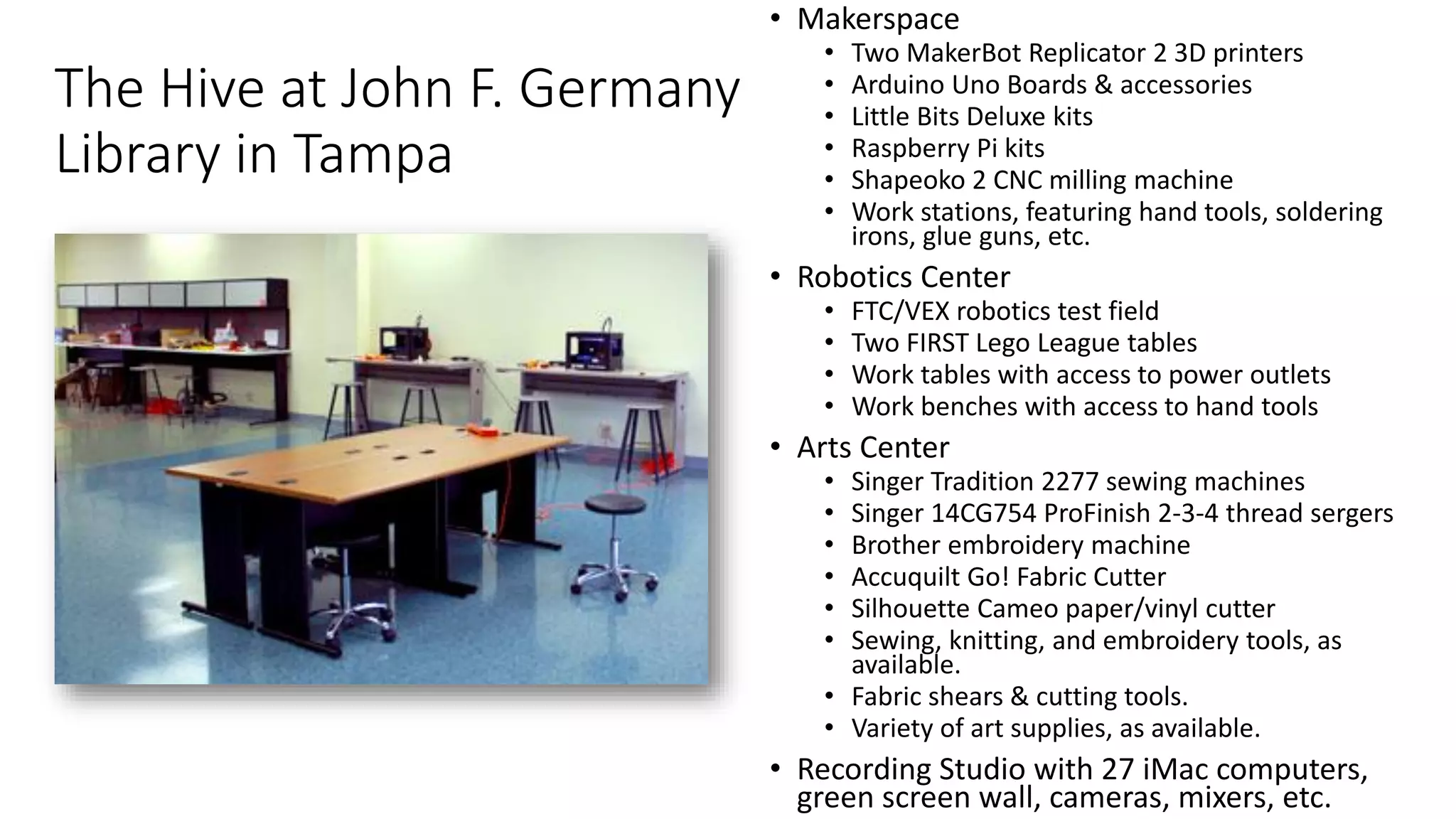
The Hive at John F. Germany
Library in Tampa
• Makerspace
• Two MakerBot Replicator 2 3D printers
• Arduino Uno Boards & accessories
• Little Bits Deluxe kits
• Raspberry Pi kits
• Shapeoko 2 CNC milling machine
• Work stations, featuring hand tools, soldering
irons, glue guns, etc.
• Robotics Center
• FTC/VEX robotics test field
• Two FIRST Lego League tables
• Work tables with access to power outlets
• Work benches with access to hand tools
• Arts Center
• Singer Tradition 2277 sewing machines
• Singer 14CG754 ProFinish 2-3-4 thread sergers
• Brother embroidery machine
• Accuquilt Go! Fabric Cutter
• Silhouette Cameo paper/vinyl cutter
• Sewing, knitting, and embroidery tools, as
available.
• Fabric shears & cutting tools.
• Variety of art supplies, as available.
• Recording Studio with 27 iMac computers,
green screen wall, cameras, mixers, etc.
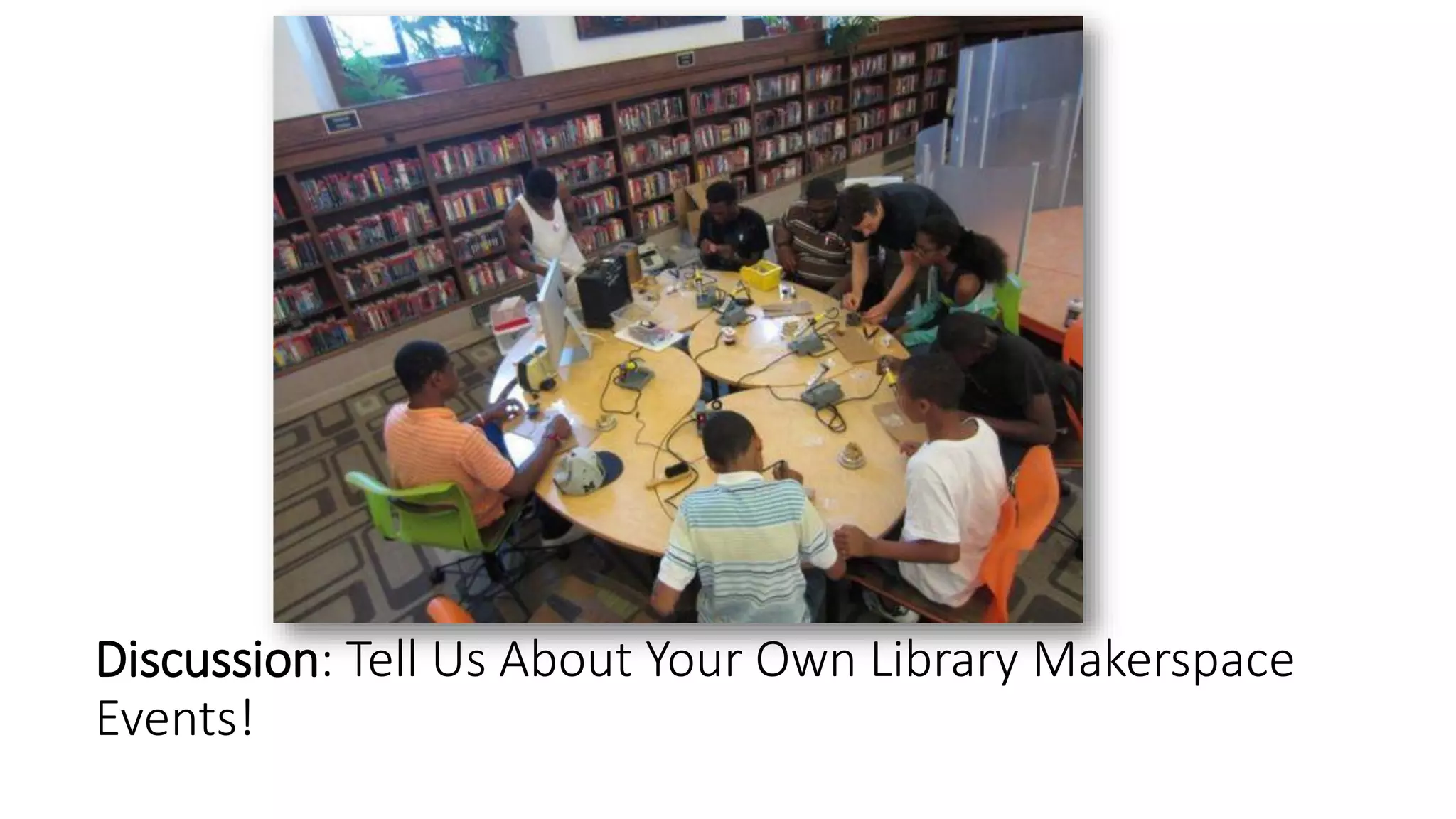
Discussion: Tell Us About Your Own Library Makerspace
Events!
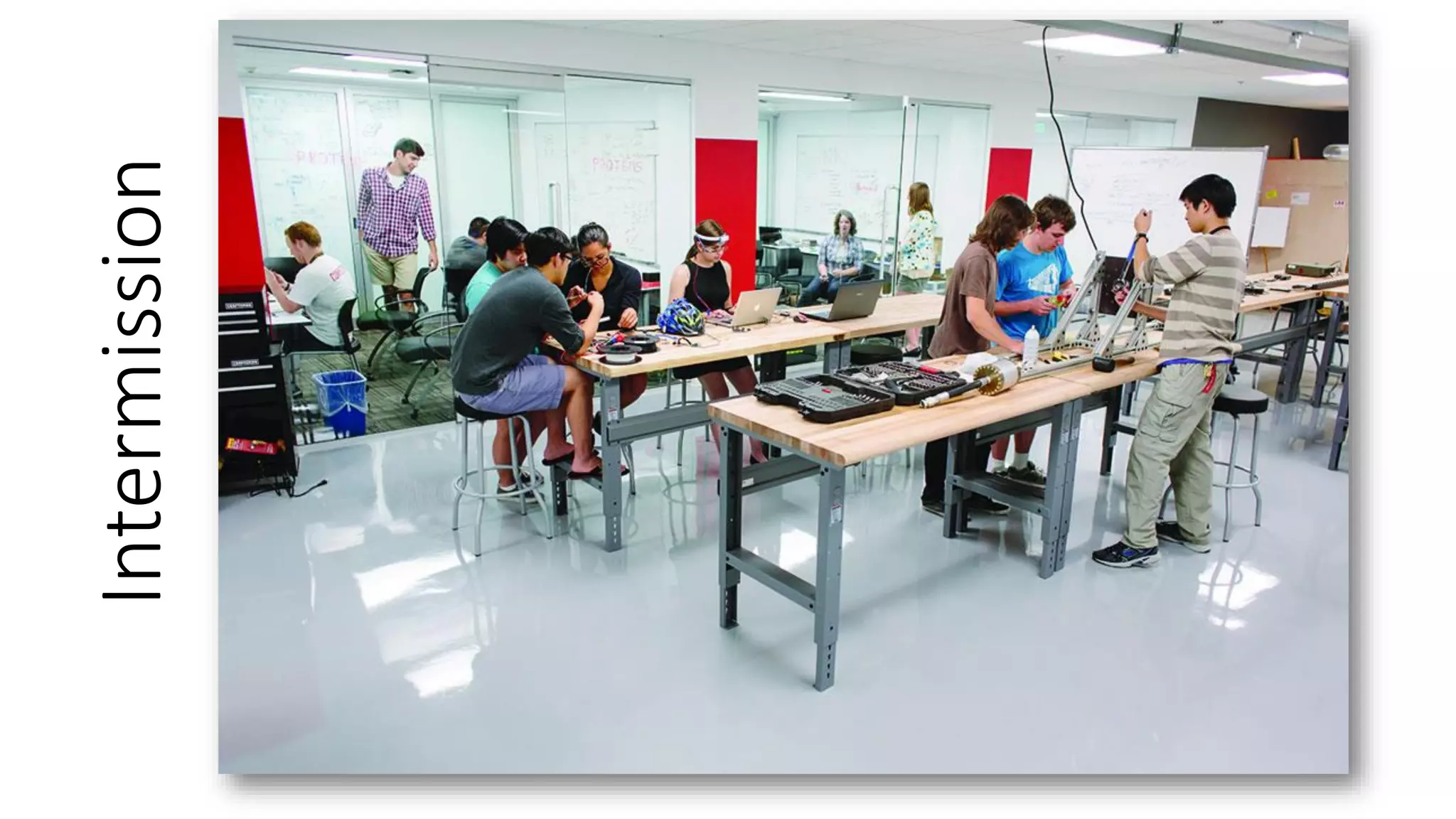
Intermission
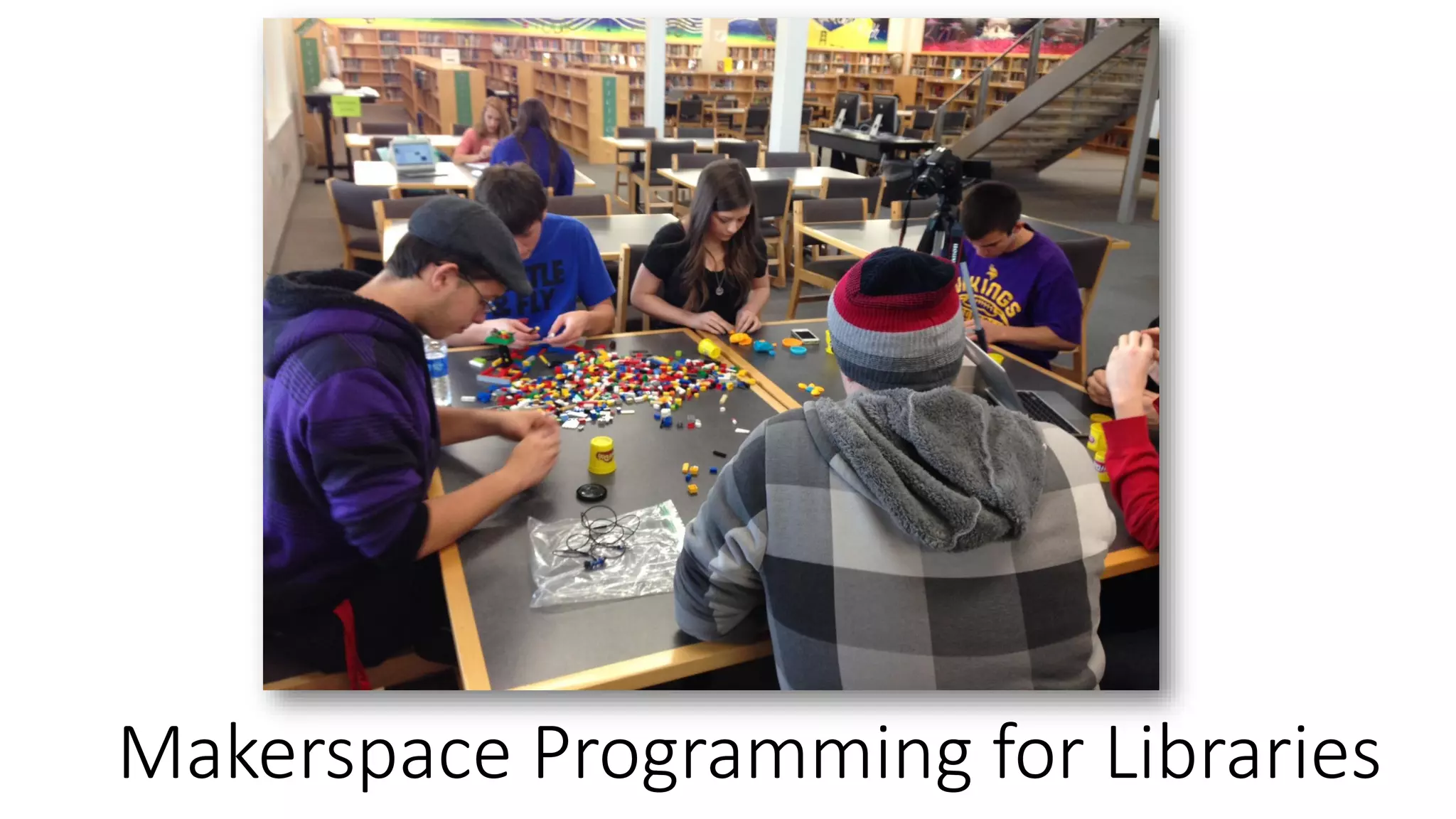
Makerspace Programming for Libraries
Seven Developmental Needs of Adolescents
1. The Need for Physical Activity.
2. The Need for Competence and Achievement.
3. The Need for Self-Definition.
4. The Need for Creative Expression.
5. The Need for Positive Social Interaction.
6. The Need for Structure and Clear Limits.
7. The Need for Meaningful Participation.
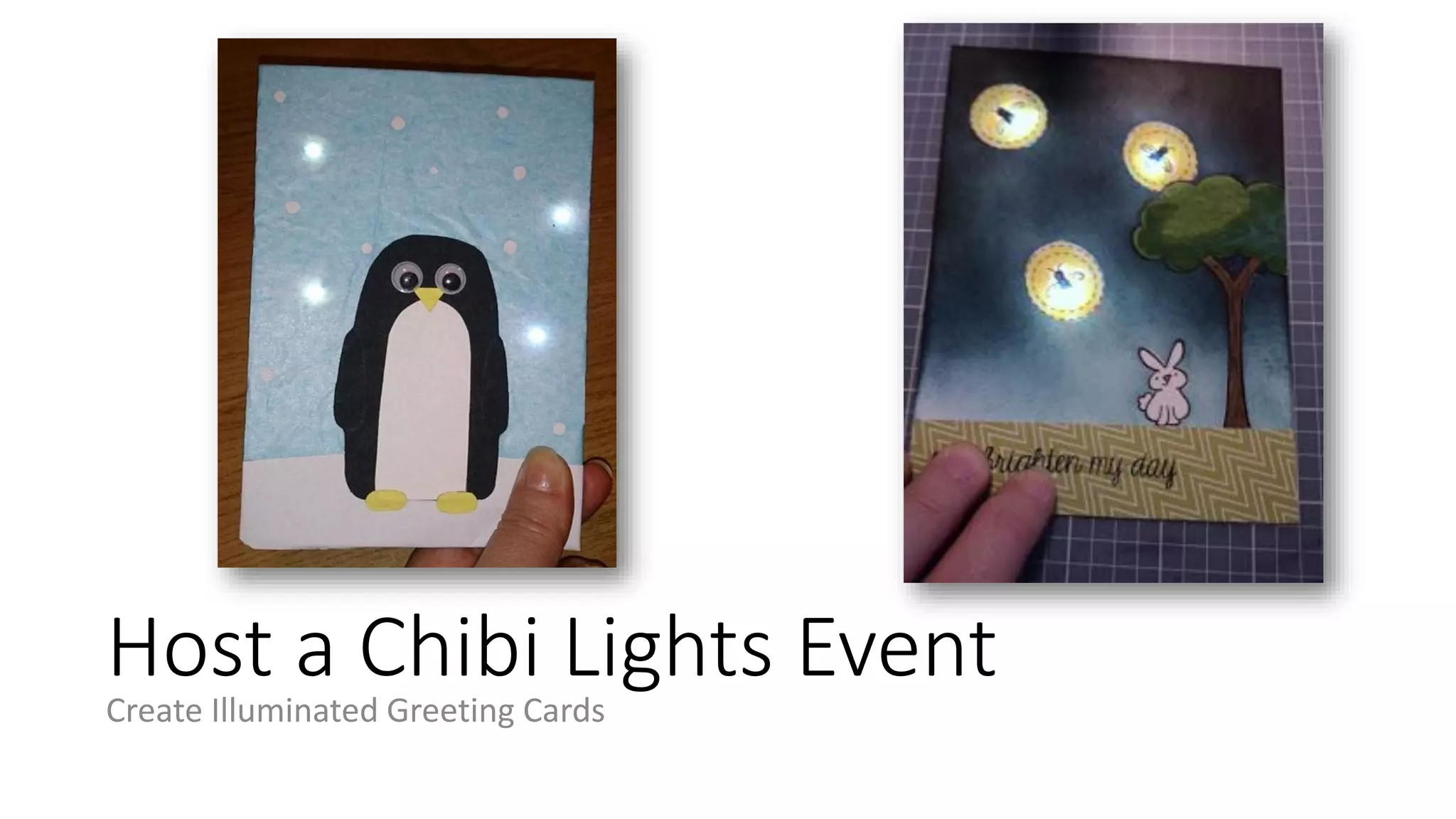
Host a Chibi Lights Event
Create Illuminated Greeting Cards
Host a Chibi Lights Event
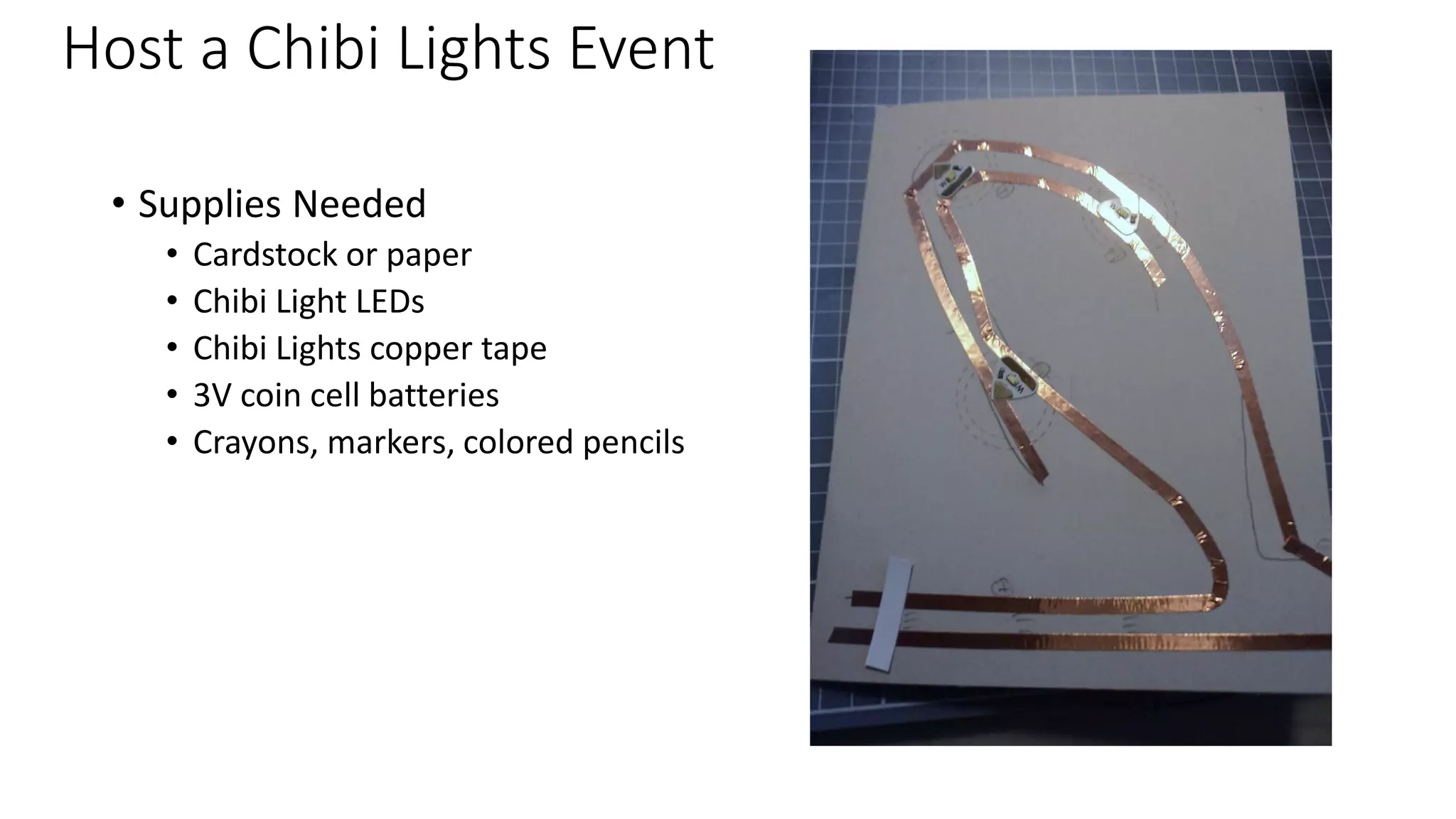
• Supplies Needed
• Cardstock or paper
• Chibi Light LEDs
• Chibi Lights copper tape
• 3V coin cell batteries
• Crayons, markers, colored pencils
Host a Chibi Lights Event
• Sketch out greeting card designs with participants
• Lesson on parallel circuits
• Sketch placement of LED lights either on back of the front of the card
or attach a panel behind front of card
• Lesson on switches to turn lights on and off
• Finish design on card
• Stick on copper tape, LEDs, and attach battery
• Test out card
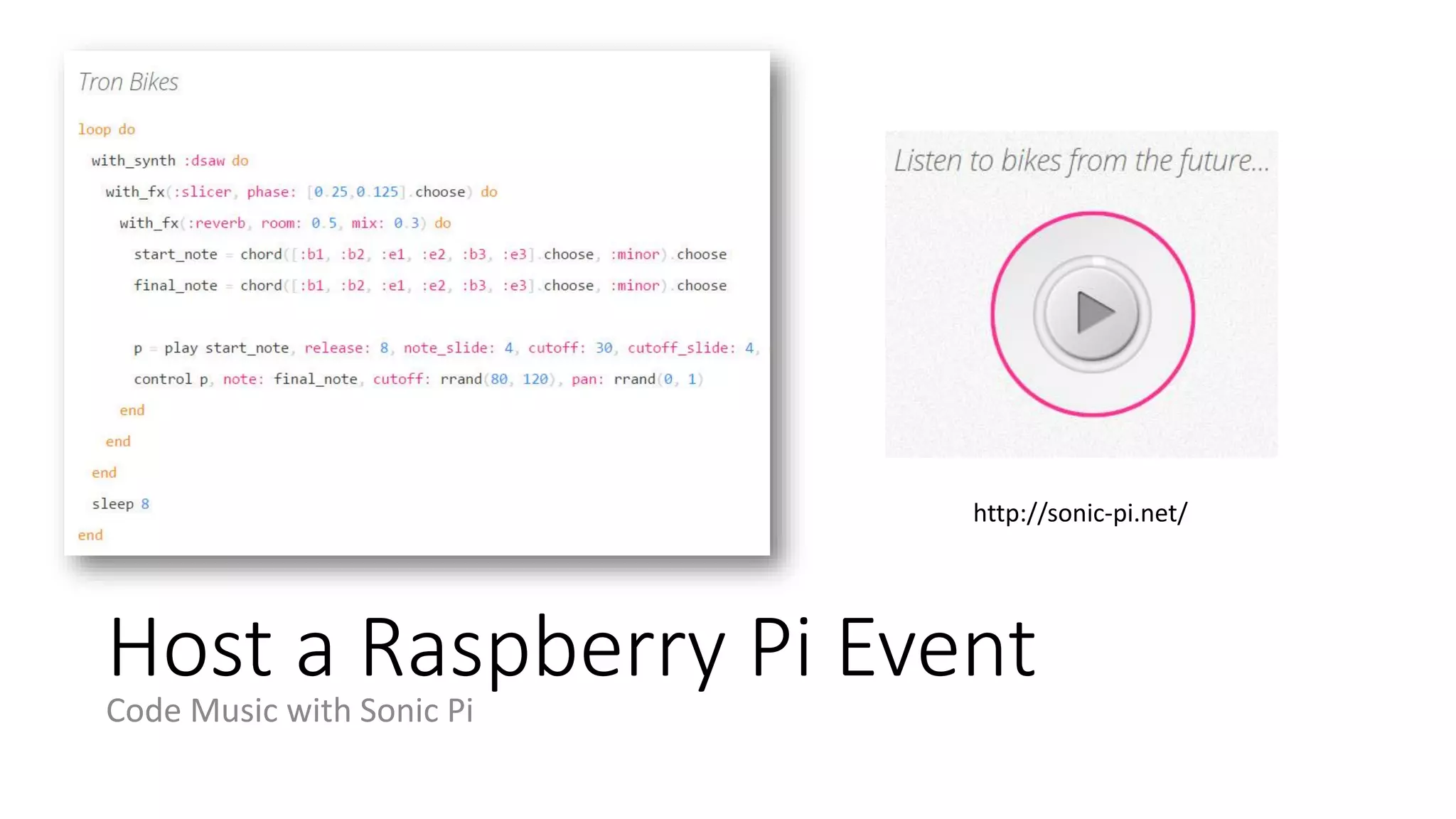
Host a Raspberry Pi Event
Code Music with Sonic Pi
http://sonic-pi.net/
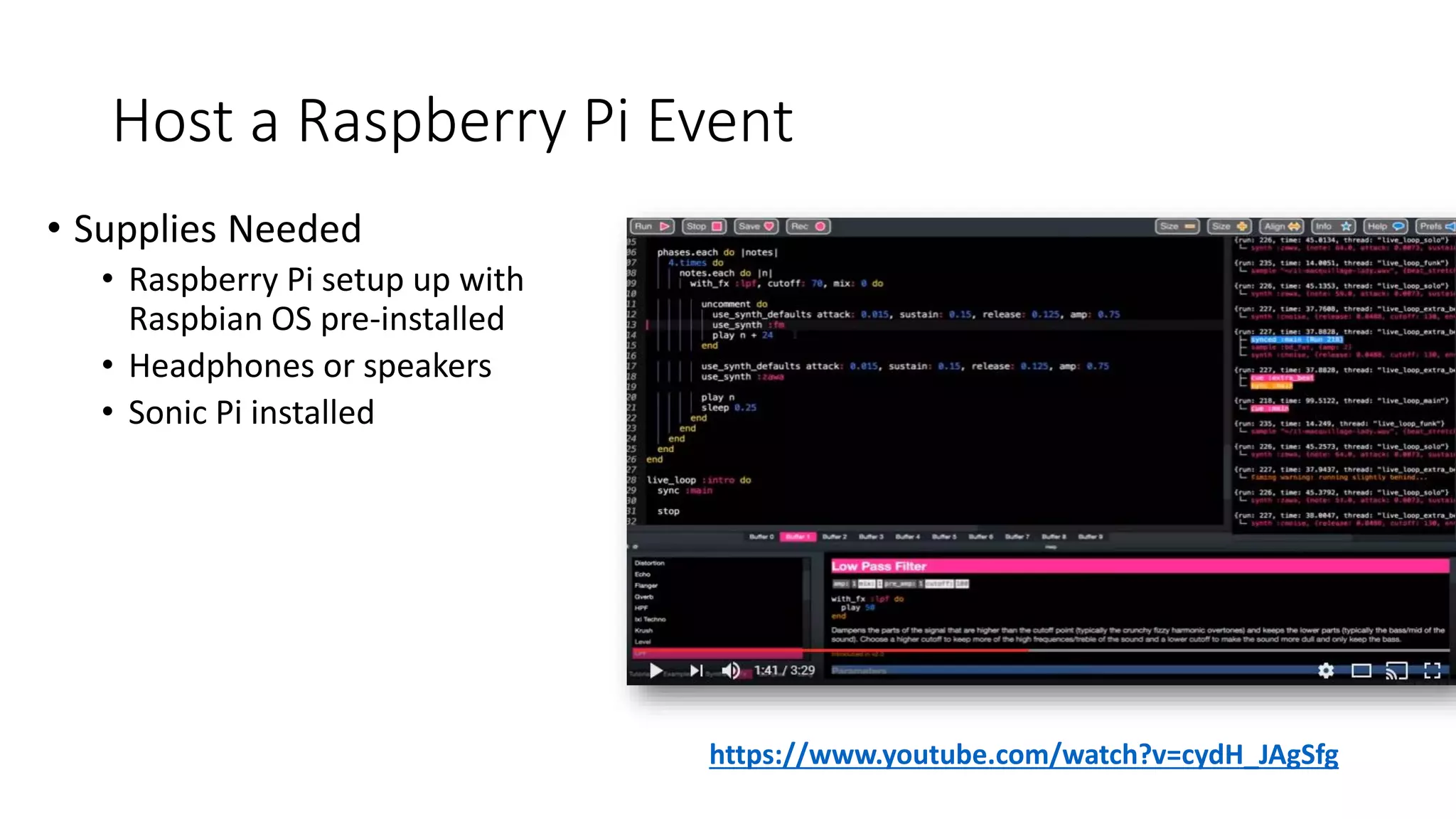
Host a Raspberry Pi Event
• Supplies Needed
• Raspberry Pi setup up with
Raspbian OS pre-installed
• Headphones or speakers
• Sonic Pi installed
https://www.youtube.com/watch?v=cydH_JAgSfg
Host a Raspberry Pi Event
• Install Sonic Pi on Raspberry Pis (or have participants do this)
• Download Sonic Pi Lesson plans to prepare beforehand
• https://www.raspberrypi.org/learning/sonic-pi-lessons
• Introduce participants to Raspberry Pi (discussed in lesson plans)
• Introduce participants to coding and computer science components
(discussed in lesson plans)
• Sequencing, iteration, and conditionals
• Data structures, functions, and algorithms
• Debugging and concurrency
• Discuss Sonic Pi and show demo
• Point participants to tutorials at the bottom of the Sonic Pi program
window and tell them to get started at their own pace
• Plan group share time for end of workshop
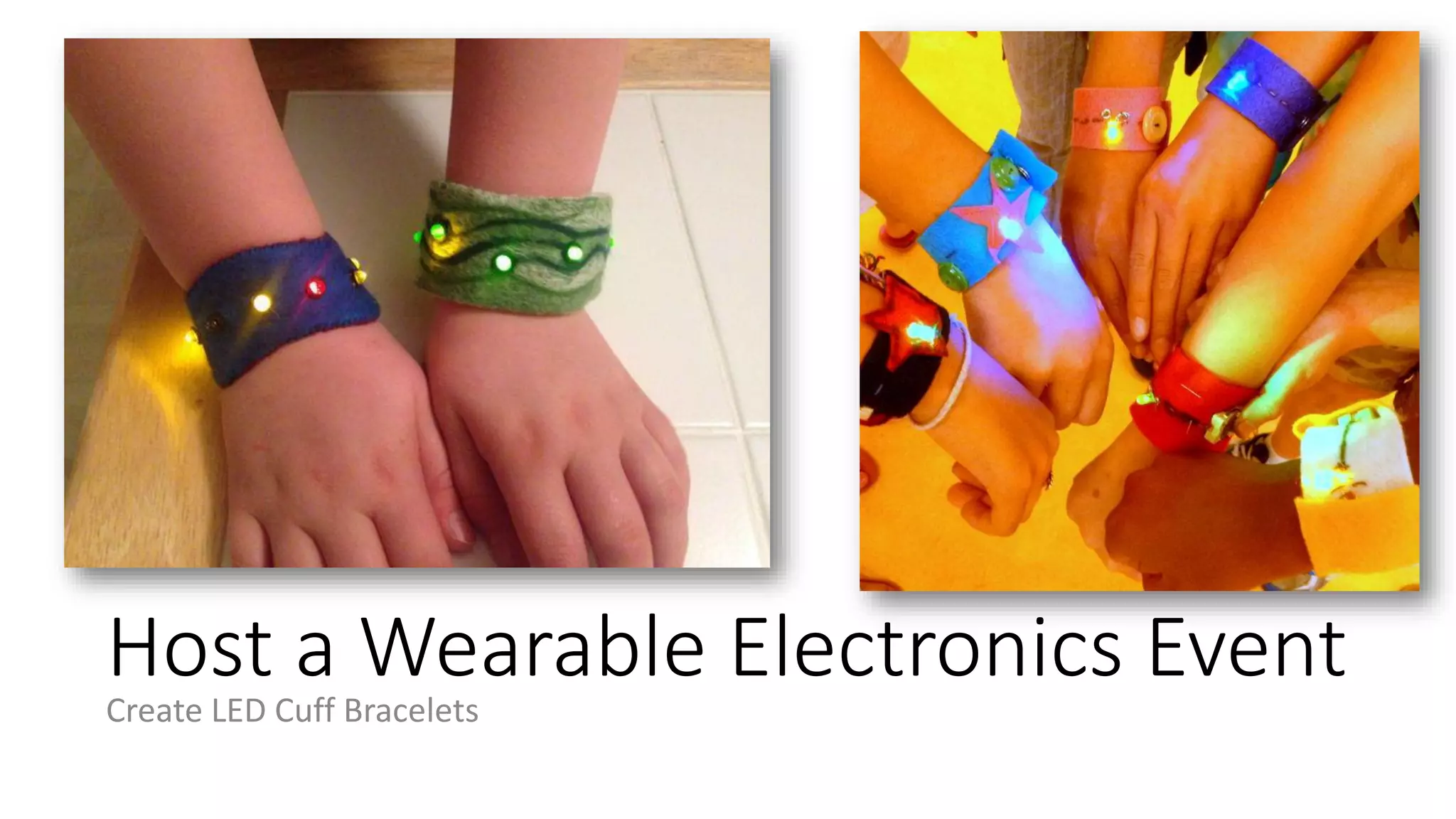
Host a Wearable Electronics Event
Create LED Cuff Bracelets
Host a Wearable Electronics Event
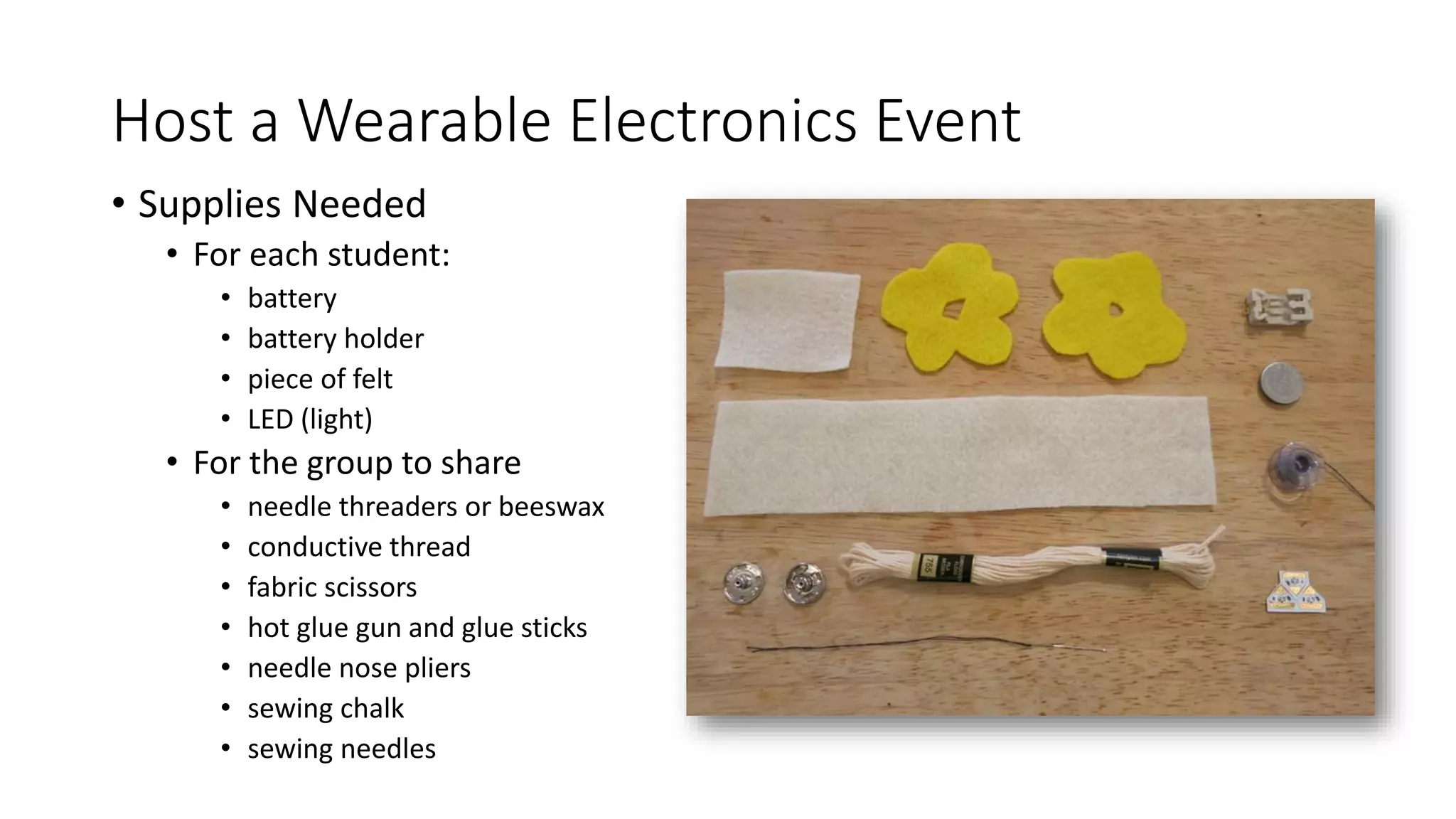
• Supplies Needed
• For each student:
• battery
• battery holder
• piece of felt
• LED (light)
• For the group to share
• needle threaders or beeswax
• conductive thread
• fabric scissors
• hot glue gun and glue sticks
• needle nose pliers
• sewing chalk
• sewing needles
Host a Wearable Electronics Event
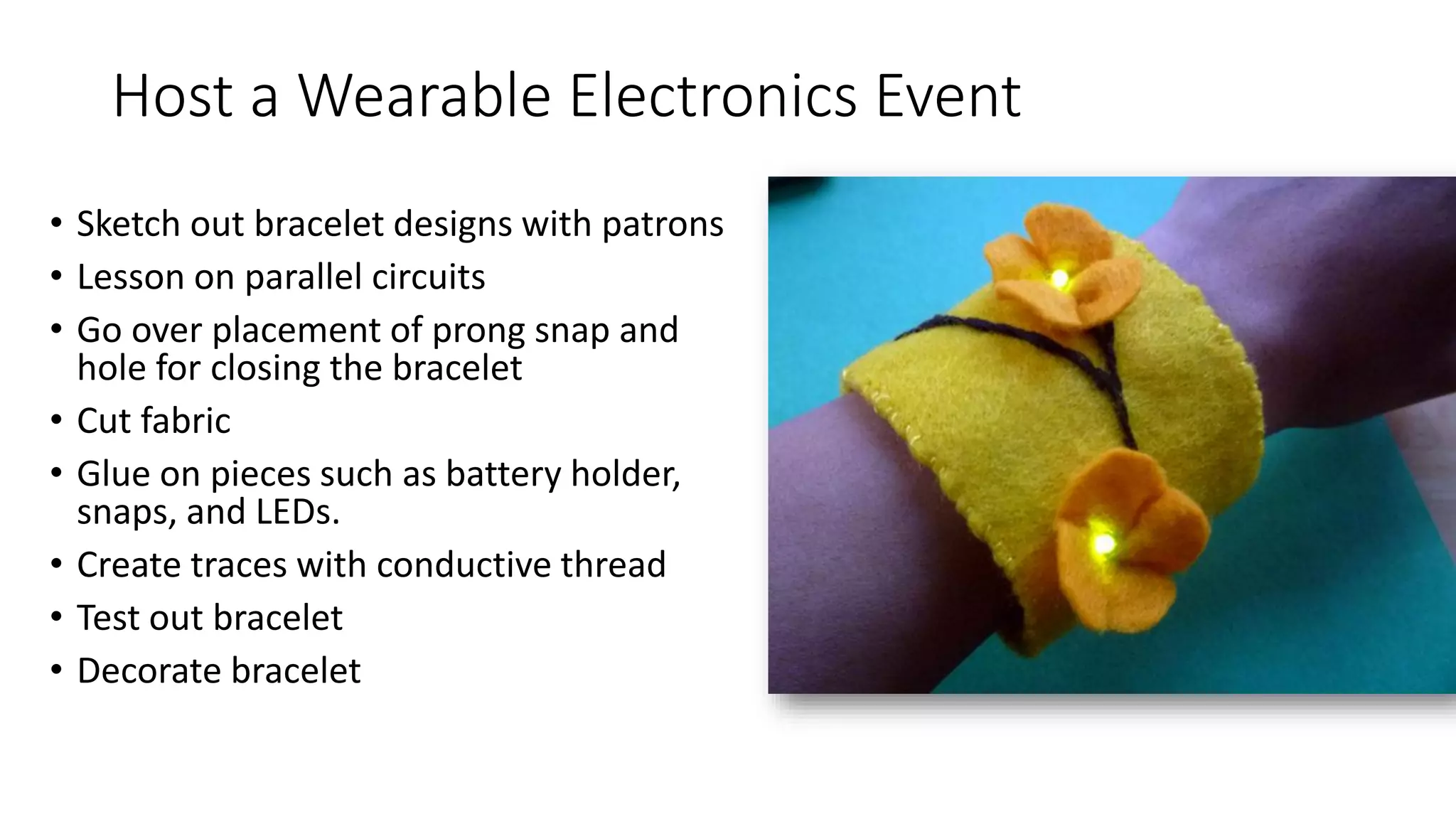
• Sketch out bracelet designs with patrons
• Lesson on parallel circuits
• Go over placement of prong snap and
hole for closing the bracelet
• Cut fabric
• Glue on pieces such as battery holder,
snaps, and LEDs.
• Create traces with conductive thread
• Test out bracelet
• Decorate bracelet
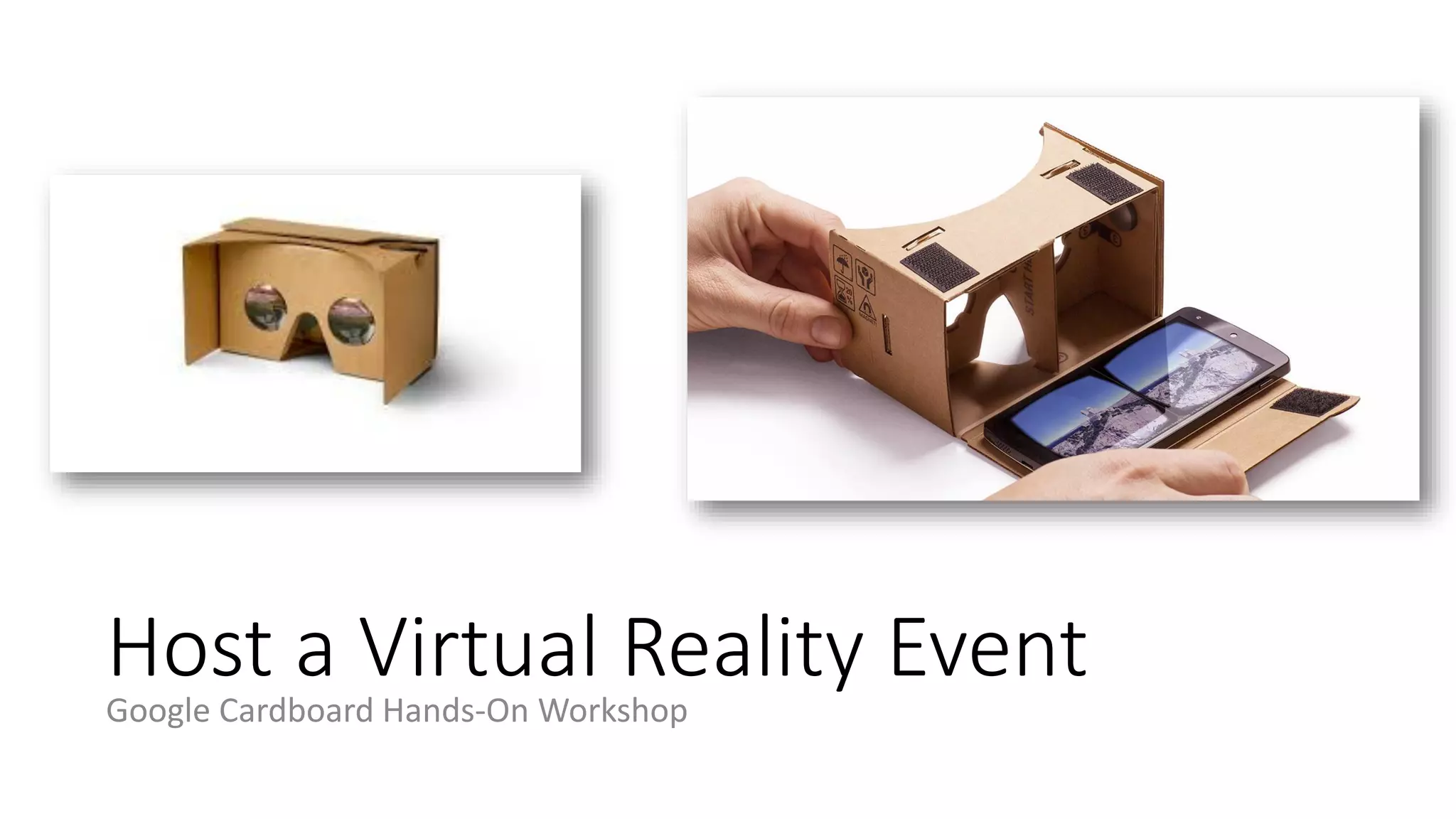
Host a Virtual Reality Event
Google Cardboard Hands-On Workshop
Host a Virtual Reality Event
• Supplies Needed
• For each student:
• Google cardboard headset kit
• Participants smartphones
Host a Virtual Reality Event
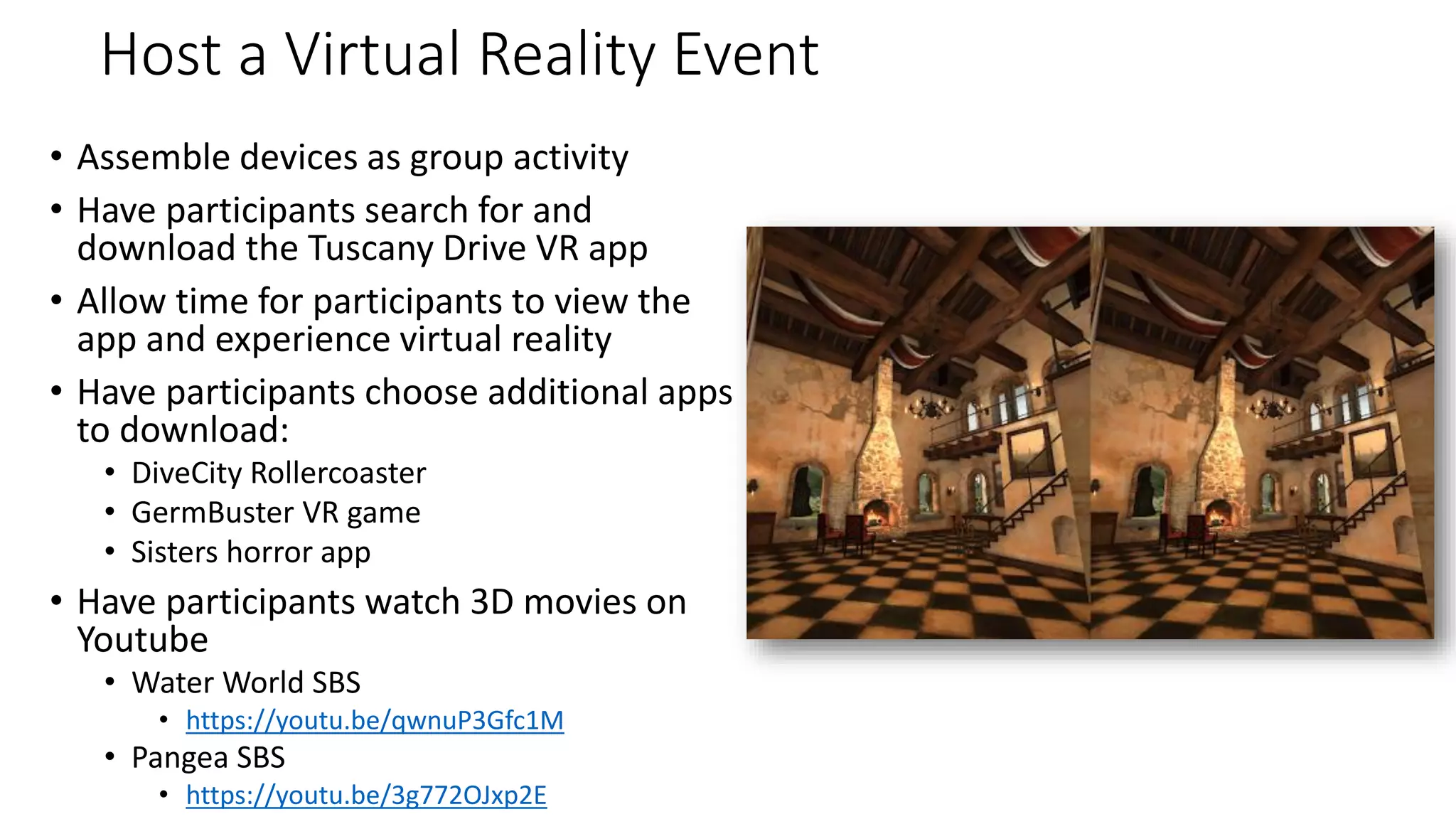
• Assemble devices as group activity
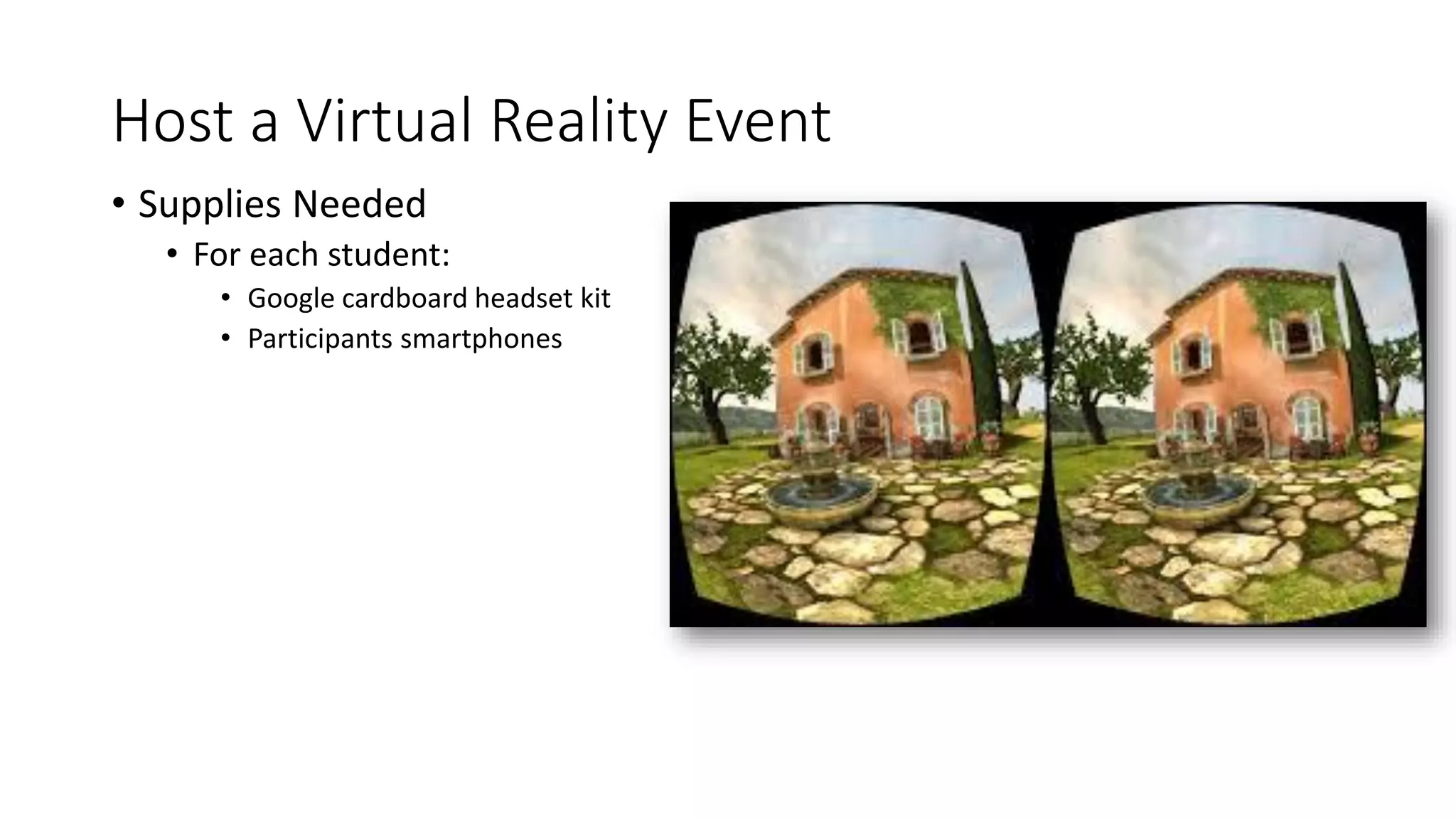
• Have participants search for and
download the Tuscany Drive VR app
• Allow time for participants to view the
app and experience virtual reality
• Have participants choose additional apps
to download:
• DiveCity Rollercoaster
• GermBuster VR game
• Sisters horror app
• Have participants watch 3D movies on
Youtube
• Water World SBS
• https://youtu.be/qwnuP3Gfc1M
• Pangea SBS
• https://youtu.be/3g772OJxp2E
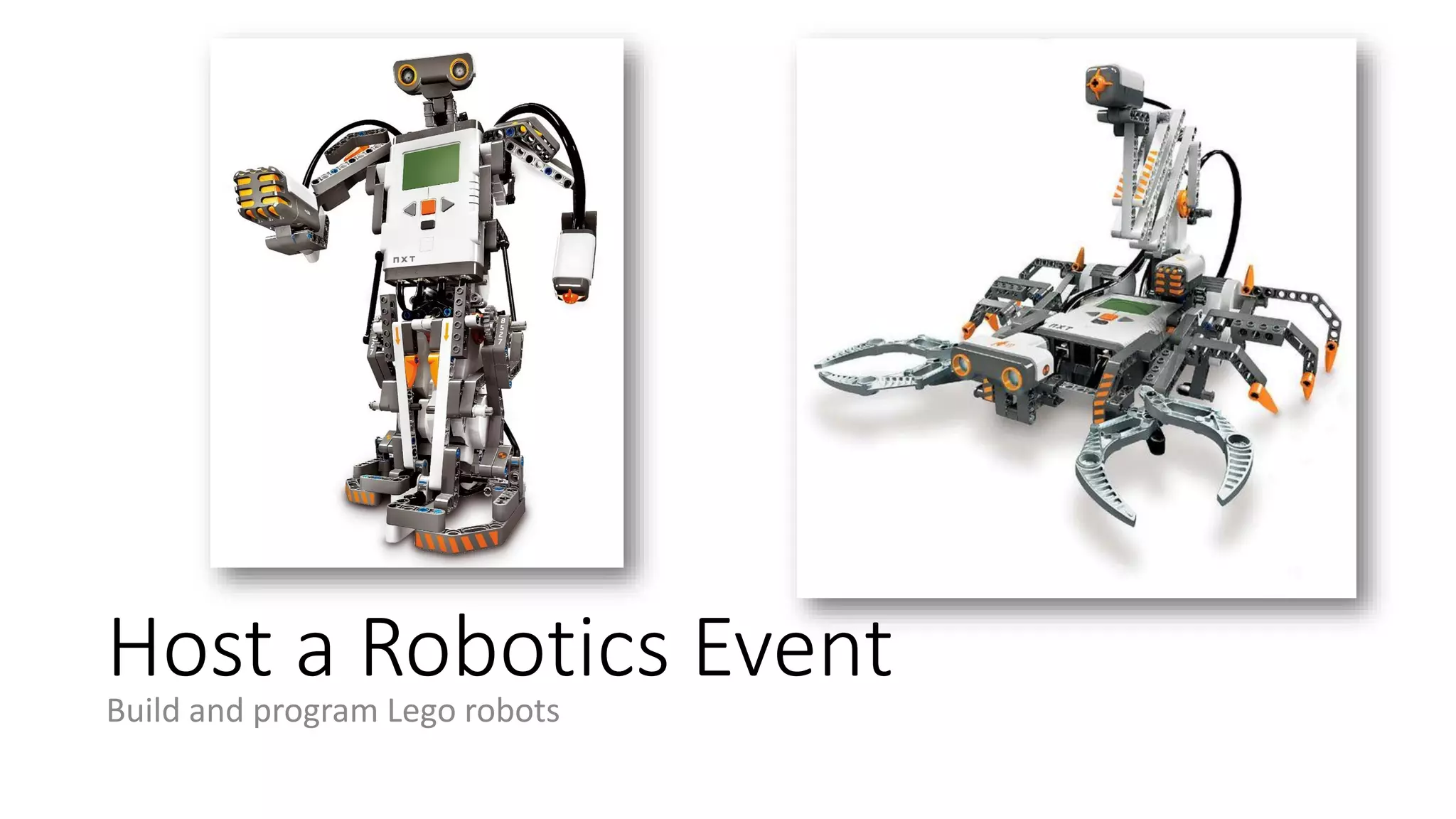
Host a Robotics Event
Build and program Lego robots
Host a Robotics Event
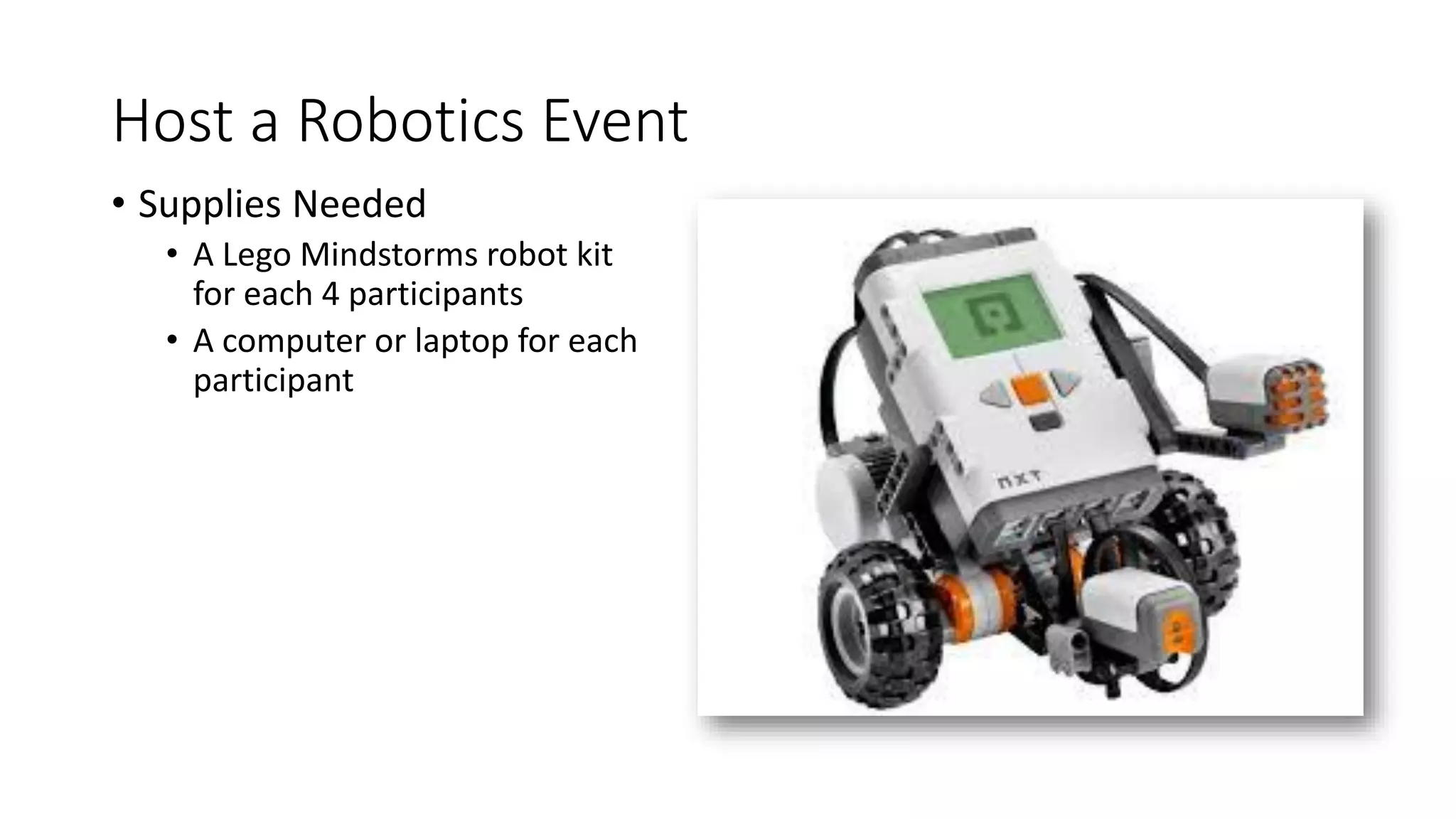
• Supplies Needed
• A Lego Mindstorms robot kit
for each 4 participants
• A computer or laptop for each
participant
Host a Robotics Event
• Install the free Lego Mindstorms
programming platform on each
computer before event
• Groups of 4 participants work together
to assemble their robots
• Groups work together to follow the
instructions included in the software to
program their robots
Tips for Pitching to Your Board
• Present a clear vision statement of what your makerspace would consist of:
• Equipment
• Supplies
• Realistic estimate of space needed
• Staffing and volunteer plan
• Provide estimated budget for development and ongoing costs
• Provide ideas for funding (donations, grants, etc)
• Underscore STEM skills opportunities
• Pitch collaboration opportunities with local businesses
• Pitch "maker" library programming
• Start Small to Prove Community Interest
• Host a Mini Maker Faire to get community feedback
• Start with Kits and Clubs
Ellyssa Kroski
ellyssakroski@yahoo.com
http://ellyssakroski.com
Director of Information Technology, The New York Law Institute

Makerspaces: Embracing DIY Culture at Your Library Workshop (April 2018)

  • 1.
    Makerspaces in Libraries EllyssaKroski http://ellyssakroski.com Director of Information Technology, The New York Law Institute
  • 2.
    Agenda • What areMakerspaces? • Discussion: Who has been to a makerspace? • Makerspace Tools and technologies • Libraries with Makerspaces • Discussion: Tell Us About Your Own Library Makerspace Events! • Makerspace Programming for Libraries • Host a Chibi Lights Event • Host a Raspberry Pi Event • Host a Wearable Electronics Event • Host a Virtual Reality Event • Host a Robotics Event
  • 3.
    Makerspaces, n. Makerspaces, sometimesalso referred to as hackerspaces, hackspaces, and fablabs are creative, DIY spaces where people can gather to create, invent, and learn. In libraries they often have 3D printers, software, electronics, craft and hardware supplies and tools, and more.
  • 4.
    Types of Makerspaces •Hackerspace – Places where computer programmers can share knowledge and information in a common setting. • Fablab – Fabrication laboratories - structured but creative places of production. • Makerspace – A DIY, informal space for making oftentimes equipped with the tools of production such as hardware, machinery, etc.
  • 5.
    Why start aMakerspace in your library? • Partnering with the community in the creative goal of making • Informal learning opportunities • Valuable STEM skills • Making encourages curiosity and inventiveness • Supports the Seven Developmental Needs of Adolescents
  • 6.
    Library Maker Community •MakerSpaces and the Participatory Library • https://www.facebook.com/groups/librarymaker/ • Library Entrepreneurship & Maker Services • https://www.facebook.com/groups/startup.library/
  • 7.
    Safety in LibraryMakerspaces • Creating a “culture of safety” • Basic safety equipment • Training programs • Procedures and policies • Safe workspaces • Staffing and supervising
  • 8.
    Discussion: Who hasbeen to a Makerspace? Do you have a makerspace in your library?
  • 9.
  • 10.
  • 11.
  • 12.
  • 13.
  • 14.
  • 15.
    VR and GoogleCardboard http://www.imcardboard.com
  • 16.
  • 17.
    Electronics and CircuitKits https://chibitronics.com https://youtu.be/rfQqh7iCcOU
  • 18.
  • 19.
  • 20.
  • 21.
  • 22.
  • 23.
  • 24.
  • 25.
  • 26.
    The Studio atAnythink Brighton • Makerbot 3D printer • Digital photography lab with multiple digital SLR cameras • Sewing machines • Supplies for DIY crafts and textile projects
  • 27.
    Fayetteville Free Library’sFabulous Laboratory • 7 Makerbot Replicator 2 3D printers • 2 Stratasys Mojo 3D printers (available by reservation) • Epilog Laser cutter - for cutting and engraving wood, acrylic, fabric, leather, plastic, glass, metal, and more • Shapeoko CNC Mill – for carving materials such as wood, plastic, and aluminum • Vinyl cutter • 7 sewing machines • Hand tools & paper craft tools • Jewelry making tools • Knitting & crochet kits • Professional 3D design software
  • 28.
    CSU Makerspaces •CSUN • Oviatt Library’s Creative Media Studio • SDSU • Love Library’s build IT, SDSU • Cal State San Bernardino • Library Innovation Lab • San Jose State University, • Creative Media Lab: High-end video and audio editing, animation and game development • 3D Printing: TAZ Lulzbot 5, and adding a Lulz Mini and Glow Forge 3D laser printer • Maker Technology Checkout: Raspberry Pis, Arduinos, makey makeys, 3D printing pens and Google Cardboards are available for checkout • Pop-Up MakerSpace: Converting laptop storage cart into a convertible maker space. It will include the kits listed above, soldering kits, servo kits and a mini 3d printer. • San Francisco State University • Digital Media Studio space: 3D printers give students’ designs life • Cal Maritime • Maker Days: Arduino and 3D printing to quilling and pumpkin carving.
  • 29.
    4th Floor atChattanooga Public Library • GigLab • Lulzbot Taz and MakerBot Rep2 3D Printers (fees: $0.06​ per gram of PLA used) * • Laser Cutter (20"x12" cutting area) (no fees but must supply your own material) * • Vinyl Plotter (fees: $0.30 per square foot of vinyl used) * • 4K Monitor • Oculus Rifts for dev and games • Screen Printing • Chattanooga Zine Library + zine making lab • Floor Loom • Sewing Machines • Needle Felting and Coloring Books • Power Tools • Hand Tools • Soldering Bench • Arduino Kits * • Adobe Creative Cloud • Mini soft box + lights for product photography • Agile co-working spaces with white boards, projectors, couches, tables. • Special Event Space with sound system, stage, and
  • 30.
    The Dorothy Lumley MelroseCenter in the Orlando Public Library • Video Production Studio • Audio Production Studio • Photography Studio • Fabrication Lab (Fab Lab): Dedicated classes include: electronics, basic engineering, computer programming and robotics. Two 3D Printers are available for small prototype creation. • Simulation Lab: Immersive 3D simulators include Driving, Flight, Fork- Lift and Excavator. • Tech Central: Tech Talks and Meetup groups are offered in a state-of-the-art presentation space. • Technology Exploration: Classes and our collaborative areas stimulate interest in the STEM disciplines.
  • 31.
    NCSU Libraries -The D. H. Hill Library Makerspace • For Use in the Library • Arduino Yun • Bernina 1008 Sewing Machine • Lulzbot Mini • MakerBot Replicator 2 3D Printer • Matter and Form 3D Scanner • Microsoft XBOX for Kinect 3D Sensor • Othermill • Zing 24 Laser by Epilog • Available to Borrow • Arduino Inventor Kit • Intel Galileo Kit • iRobot Create 2 Programmable Robot • LightBlue Bean • littleBits Premium Kit • MaKey MaKey • Moog Werkstatt-01 Analog Synthesizer • Ototo Musical Invention Kit • Raspberry Pi • Sphero SPRK Robotic Ball • Structure 3D Scanner
  • 32.
    The Hive atJohn F. Germany Library in Tampa • Makerspace • Two MakerBot Replicator 2 3D printers • Arduino Uno Boards & accessories • Little Bits Deluxe kits • Raspberry Pi kits • Shapeoko 2 CNC milling machine • Work stations, featuring hand tools, soldering irons, glue guns, etc. • Robotics Center • FTC/VEX robotics test field • Two FIRST Lego League tables • Work tables with access to power outlets • Work benches with access to hand tools • Arts Center • Singer Tradition 2277 sewing machines • Singer 14CG754 ProFinish 2-3-4 thread sergers • Brother embroidery machine • Accuquilt Go! Fabric Cutter • Silhouette Cameo paper/vinyl cutter • Sewing, knitting, and embroidery tools, as available. • Fabric shears & cutting tools. • Variety of art supplies, as available. • Recording Studio with 27 iMac computers, green screen wall, cameras, mixers, etc.
  • 33.
    Discussion: Tell UsAbout Your Own Library Makerspace Events!
  • 34.
  • 35.
  • 36.
    Seven Developmental Needsof Adolescents 1. The Need for Physical Activity. 2. The Need for Competence and Achievement. 3. The Need for Self-Definition. 4. The Need for Creative Expression. 5. The Need for Positive Social Interaction. 6. The Need for Structure and Clear Limits. 7. The Need for Meaningful Participation.
  • 37.
    Host a ChibiLights Event Create Illuminated Greeting Cards
  • 38.
    Host a ChibiLights Event • Supplies Needed • Cardstock or paper • Chibi Light LEDs • Chibi Lights copper tape • 3V coin cell batteries • Crayons, markers, colored pencils
  • 39.
    Host a ChibiLights Event • Sketch out greeting card designs with participants • Lesson on parallel circuits • Sketch placement of LED lights either on back of the front of the card or attach a panel behind front of card • Lesson on switches to turn lights on and off • Finish design on card • Stick on copper tape, LEDs, and attach battery • Test out card
  • 40.
    Host a RaspberryPi Event Code Music with Sonic Pi http://sonic-pi.net/
  • 41.
    Host a RaspberryPi Event • Supplies Needed • Raspberry Pi setup up with Raspbian OS pre-installed • Headphones or speakers • Sonic Pi installed https://www.youtube.com/watch?v=cydH_JAgSfg
  • 42.
    Host a RaspberryPi Event • Install Sonic Pi on Raspberry Pis (or have participants do this) • Download Sonic Pi Lesson plans to prepare beforehand • https://www.raspberrypi.org/learning/sonic-pi-lessons • Introduce participants to Raspberry Pi (discussed in lesson plans) • Introduce participants to coding and computer science components (discussed in lesson plans) • Sequencing, iteration, and conditionals • Data structures, functions, and algorithms • Debugging and concurrency • Discuss Sonic Pi and show demo • Point participants to tutorials at the bottom of the Sonic Pi program window and tell them to get started at their own pace • Plan group share time for end of workshop
  • 43.
    Host a WearableElectronics Event Create LED Cuff Bracelets
  • 44.
    Host a WearableElectronics Event • Supplies Needed • For each student: • battery • battery holder • piece of felt • LED (light) • For the group to share • needle threaders or beeswax • conductive thread • fabric scissors • hot glue gun and glue sticks • needle nose pliers • sewing chalk • sewing needles
  • 45.
    Host a WearableElectronics Event • Sketch out bracelet designs with patrons • Lesson on parallel circuits • Go over placement of prong snap and hole for closing the bracelet • Cut fabric • Glue on pieces such as battery holder, snaps, and LEDs. • Create traces with conductive thread • Test out bracelet • Decorate bracelet
  • 46.
    Host a VirtualReality Event Google Cardboard Hands-On Workshop
  • 47.
    Host a VirtualReality Event • Supplies Needed • For each student: • Google cardboard headset kit • Participants smartphones
  • 48.
    Host a VirtualReality Event • Assemble devices as group activity • Have participants search for and download the Tuscany Drive VR app • Allow time for participants to view the app and experience virtual reality • Have participants choose additional apps to download: • DiveCity Rollercoaster • GermBuster VR game • Sisters horror app • Have participants watch 3D movies on Youtube • Water World SBS • https://youtu.be/qwnuP3Gfc1M • Pangea SBS • https://youtu.be/3g772OJxp2E
  • 49.
    Host a RoboticsEvent Build and program Lego robots
  • 50.
    Host a RoboticsEvent • Supplies Needed • A Lego Mindstorms robot kit for each 4 participants • A computer or laptop for each participant
  • 51.
    Host a RoboticsEvent • Install the free Lego Mindstorms programming platform on each computer before event • Groups of 4 participants work together to assemble their robots • Groups work together to follow the instructions included in the software to program their robots
  • 52.
    Tips for Pitchingto Your Board • Present a clear vision statement of what your makerspace would consist of: • Equipment • Supplies • Realistic estimate of space needed • Staffing and volunteer plan • Provide estimated budget for development and ongoing costs • Provide ideas for funding (donations, grants, etc) • Underscore STEM skills opportunities • Pitch collaboration opportunities with local businesses • Pitch "maker" library programming • Start Small to Prove Community Interest • Host a Mini Maker Faire to get community feedback • Start with Kits and Clubs
  • 53.
    Ellyssa Kroski ellyssakroski@yahoo.com http://ellyssakroski.com Director ofInformation Technology, The New York Law Institute