Molly Lynde Godwin High School Henrico, Va 23238 Using Great Collaboration Practices In Your Classroom Metropolitan Educational Research Consortium October 15, 2009
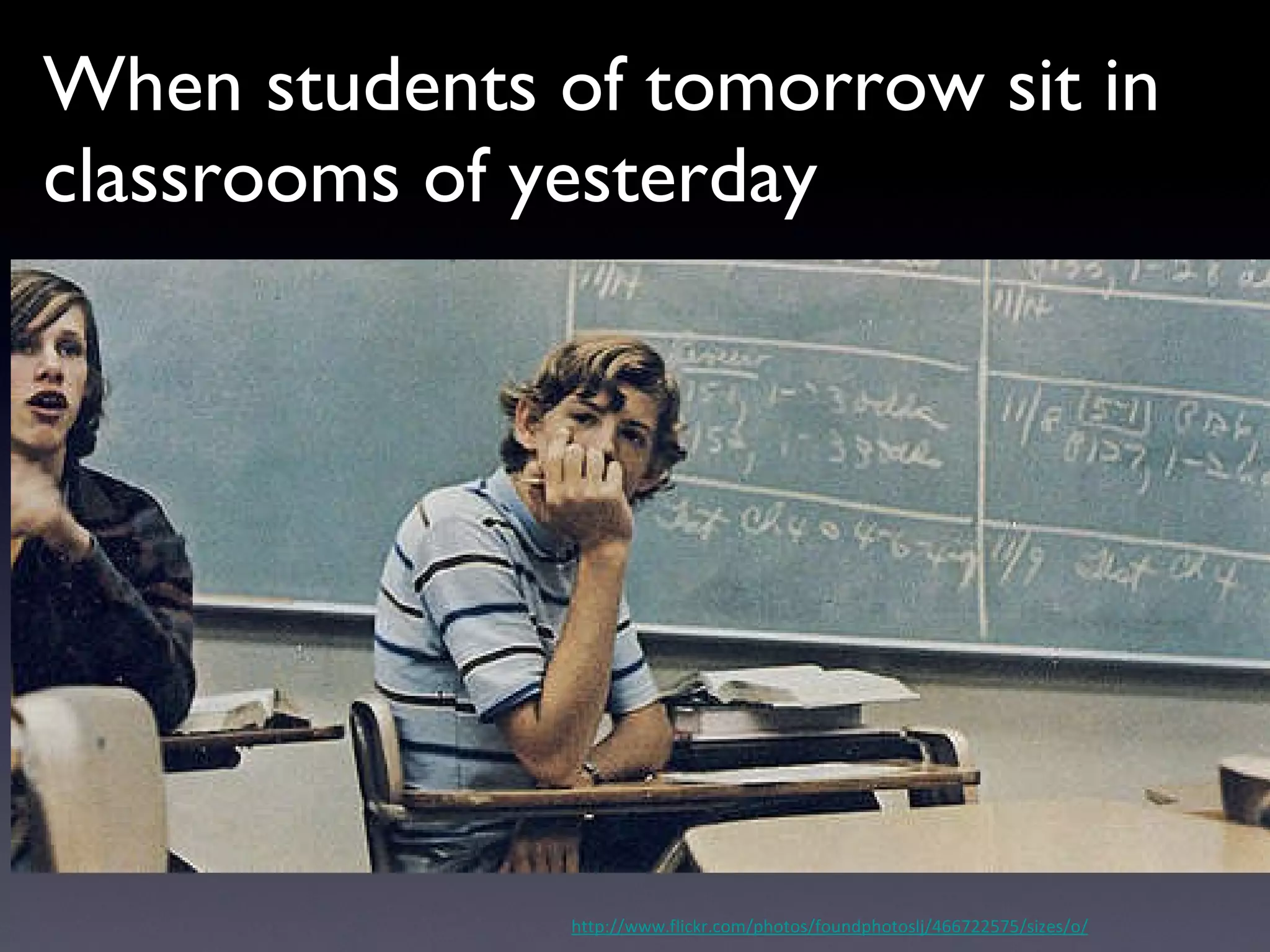
When students of tomorrow sit in classrooms of yesterday http://www.flickr.com/photos/foundphotoslj/466722575/sizes/o/
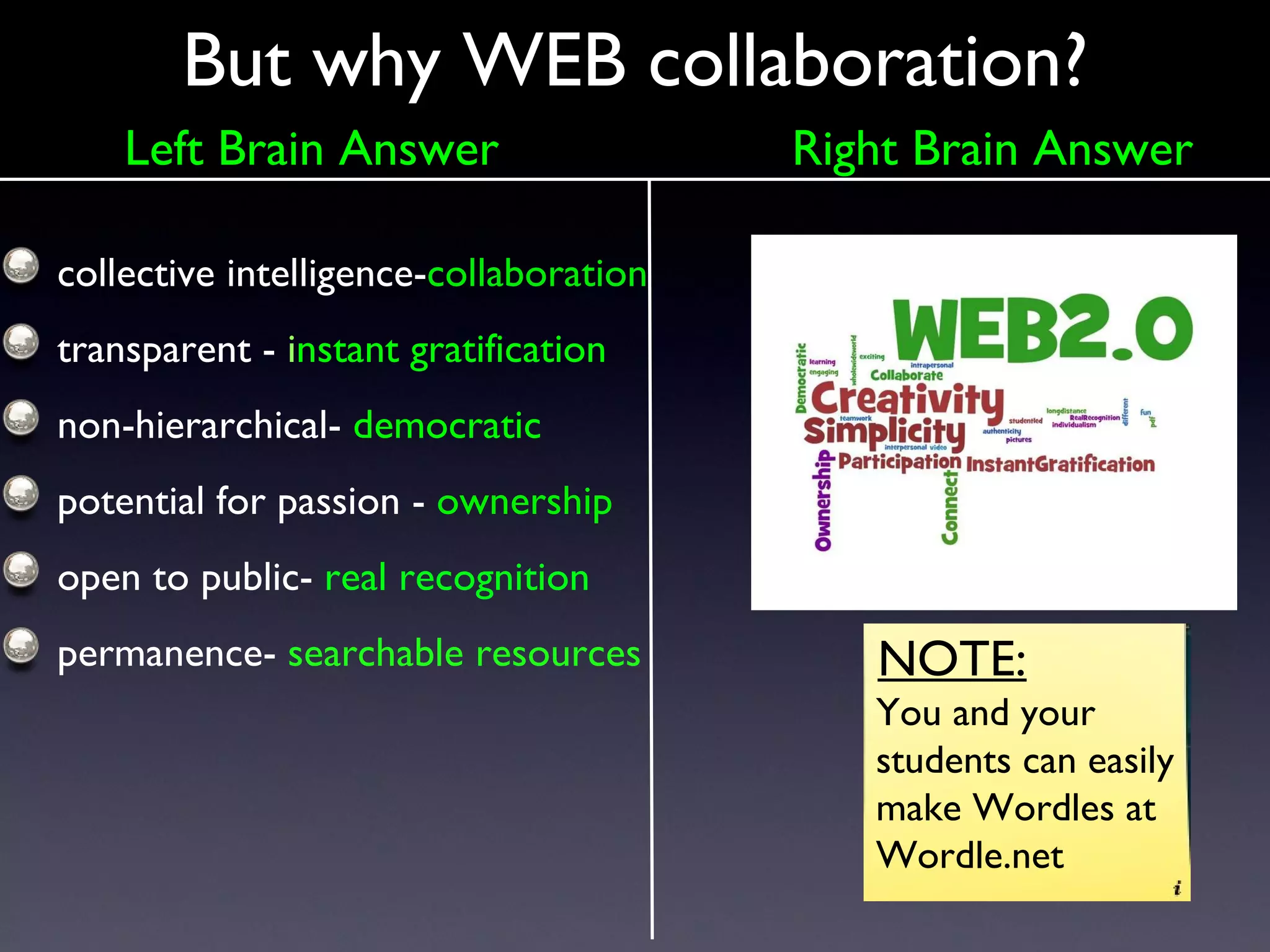
But why WEB collaboration? collective intelligence- collaboration transparent -  i nstant gratification non-hierarchical-  democratic potential for passion -  ownership open to public-  real recognition permanence-  searchable resources NOTE: You and your students can easily make Wordles at Wordle.net Left Brain Answer Right Brain Answer
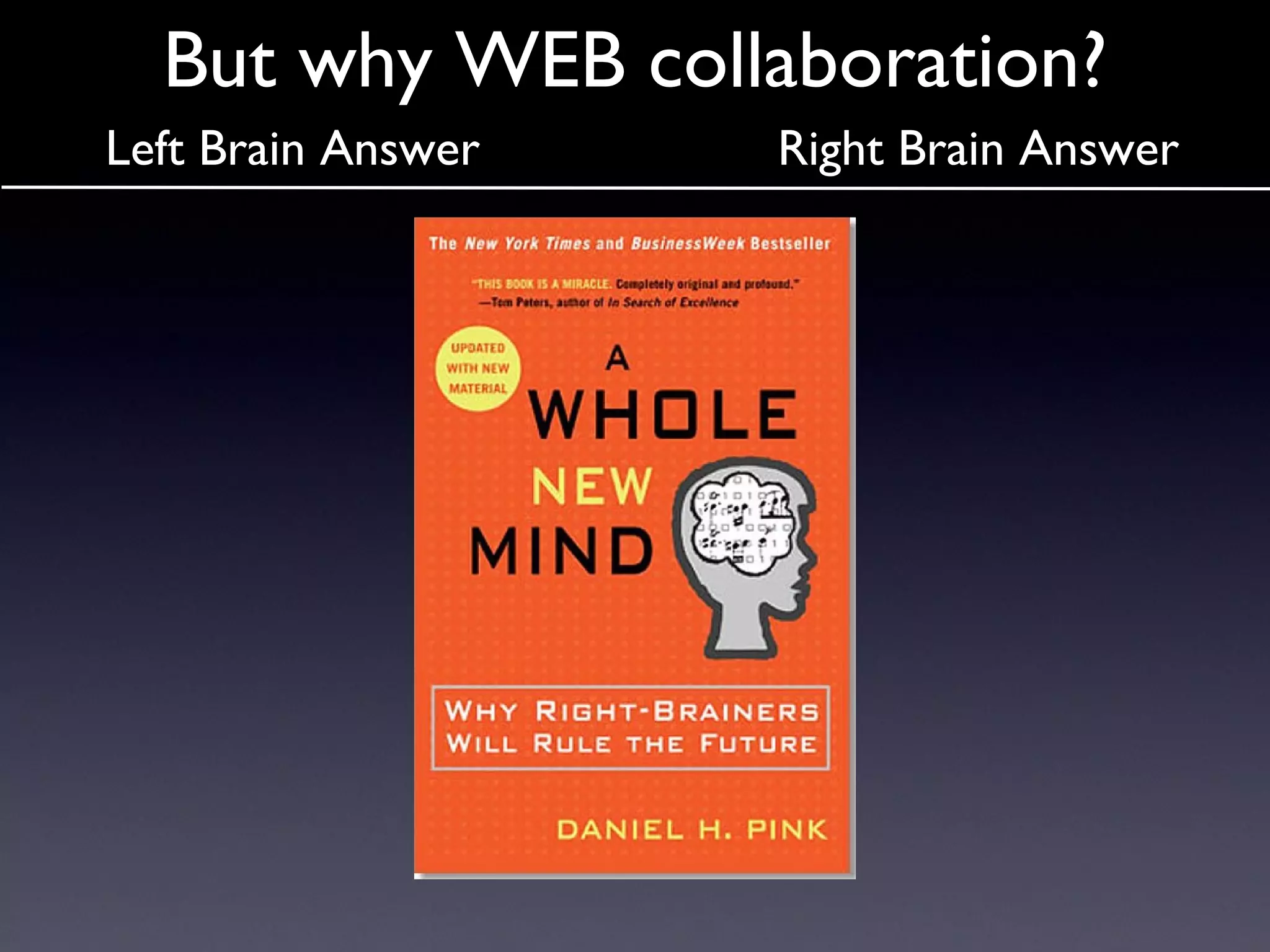
But why WEB collaboration? Left Brain Answer Right Brain Answer
www.masternewmedia.org/online_collaboration/s... We Collaborate To Learn!
Collaboration The  why  is answered- it’s more effective but the  how  can be challenging
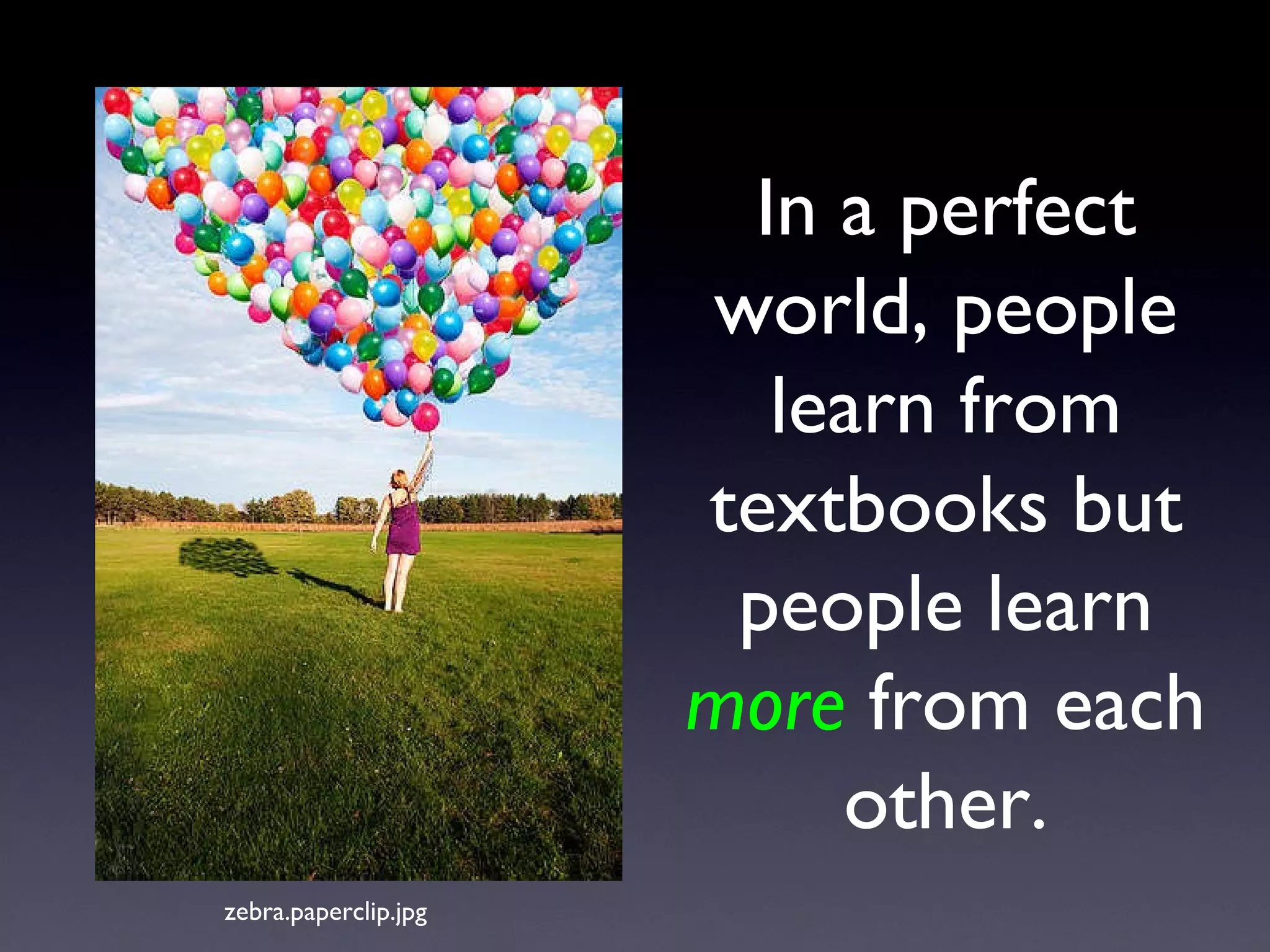
In a perfect world, people learn from textbooks but people learn   more  from each other. zebra.paperclip.jpg
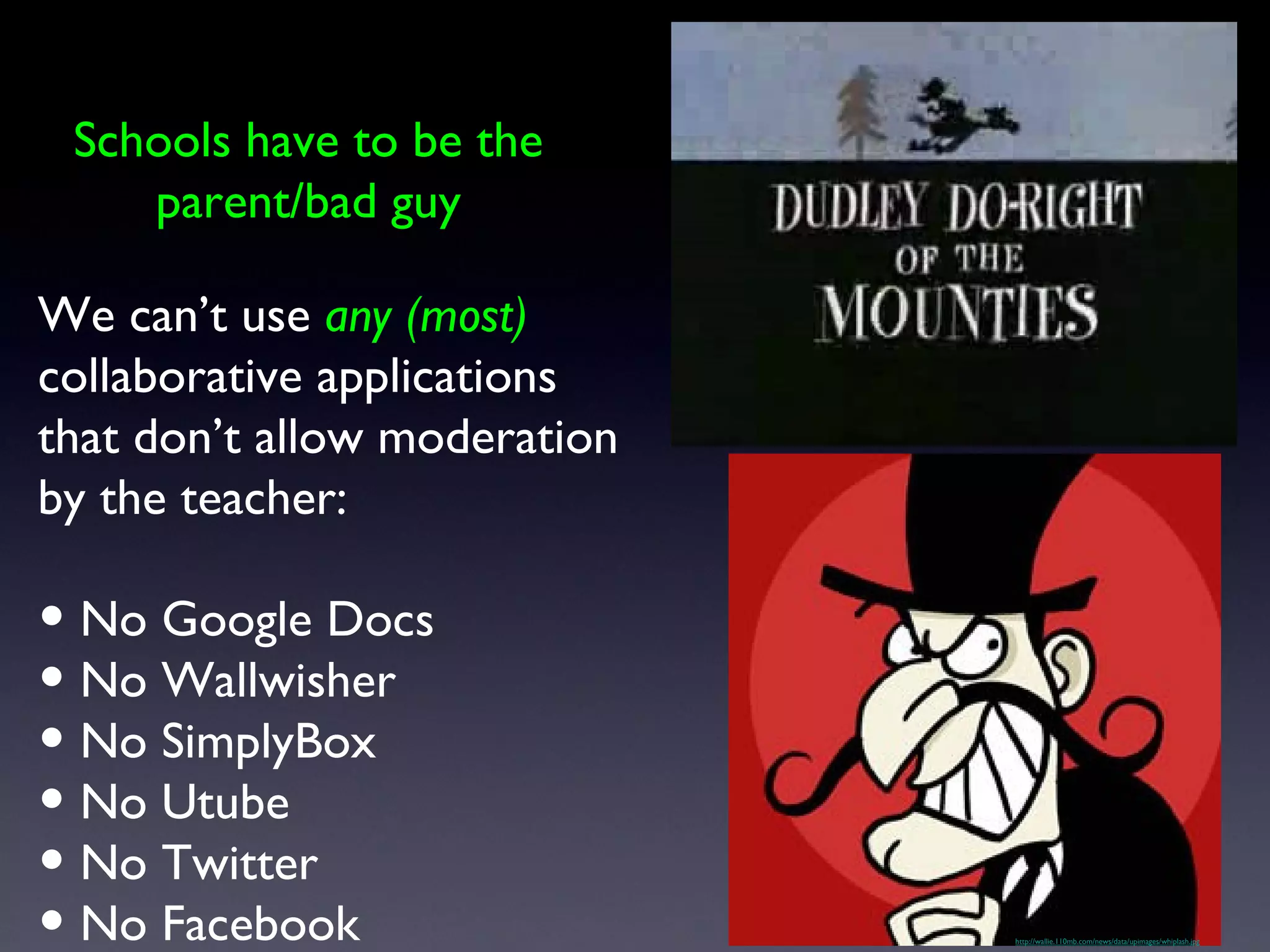
http://wallie.110mb.com/news/data/upimages/whiplash.jpg We can’t use  any (most)  collaborative applications that don’t allow moderation by the teacher: No Google Docs No Wallwisher No SimplyBox No Utube No Twitter No Facebook Schools have to be the parent/bad guy
When there are obstacles - just remember the mantra,  “Technology is my friend....”
http://www.polleverywhere.com/multiple_choice_polls/MTM5NTY4NjQ0Nw
Don’t Byte the Ram That Feeds Ya’
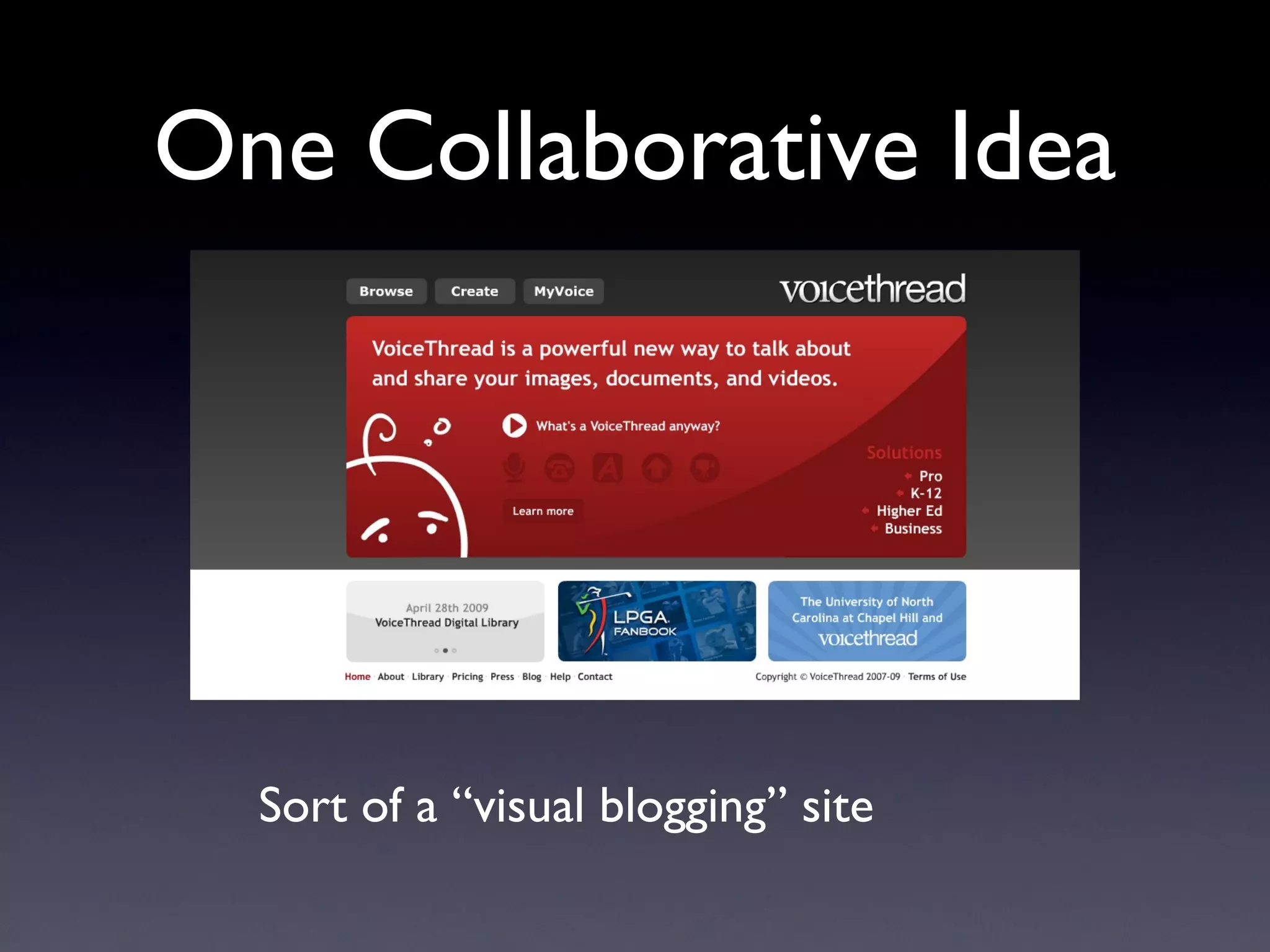
One Collaborative Idea Sort of a “visual blogging” site
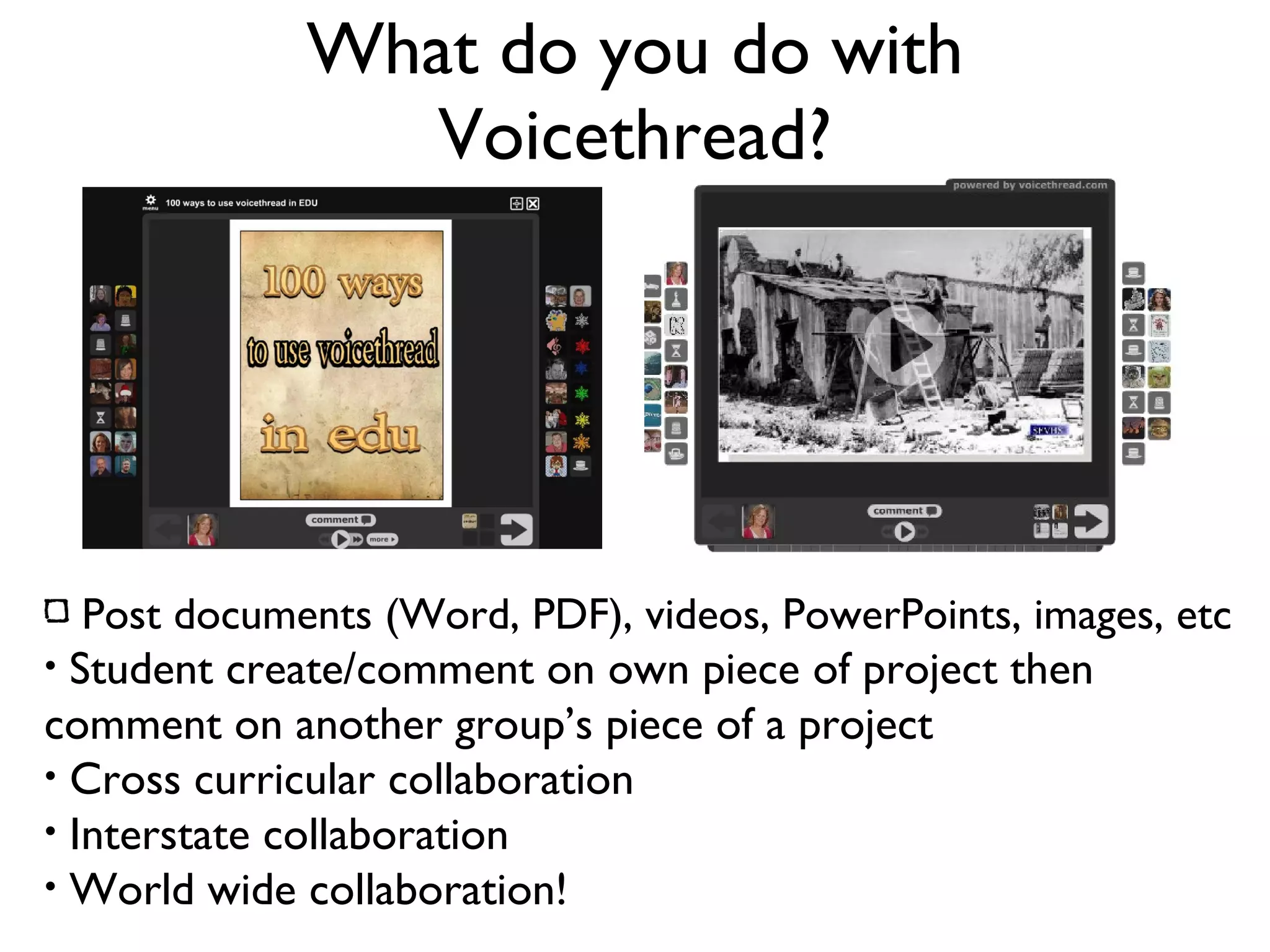
What do you do with Voicethread? Post documents (Word, PDF), videos, PowerPoints, images, etc Student create/comment on own piece of project then comment on another group’s piece of a project Cross curricular collaboration Interstate collaboration World wide collaboration!
1. Have students sign a  Voicethread Do and Don’t  worksheet 2. Have students register with VoiceThread. They will need an email account (Gaggle for in-school use) 3. They will create an avatar (icon) just like they do in Facebook. 4. You can assign coded numbers to identify students. 5. Create a sandbox/play Voicethread so they can get use to the techniques involved. http://voicethread.com/share/661520/
How do you go about making your own Voicethread?
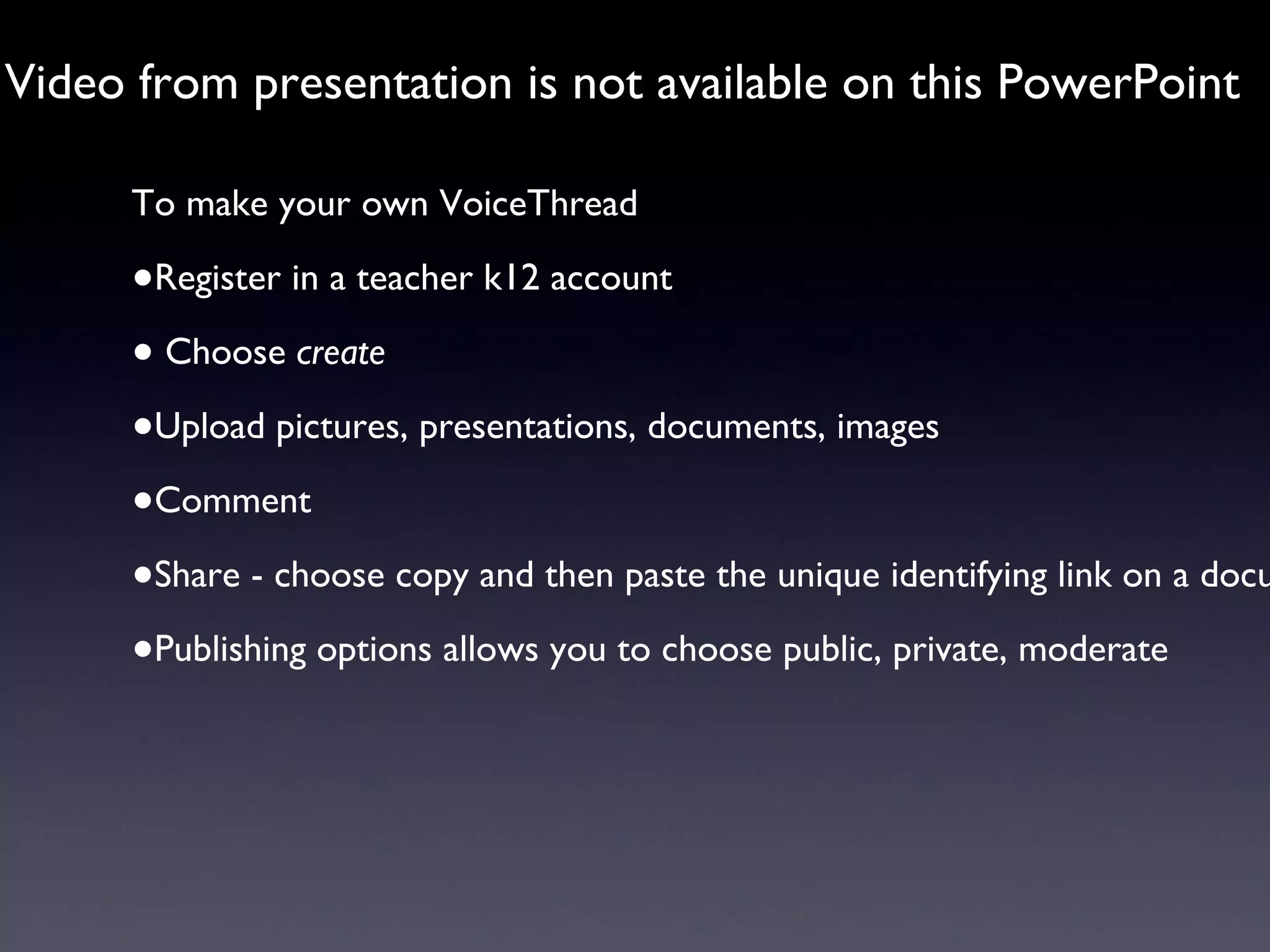
Video from presentation is not available on this PowerPoint To make your own VoiceThread Register in a teacher k12 account Choose  create Upload pictures, presentations, documents, images Comment Share - choose copy and then paste the unique identifying link on a document or embed in a wiki/blog Publishing options allows you to choose public, private, moderate
But wait, there is more! http://www.flickr.com/photos/pagedooley/2018663891/sizes/l/ Licensed under a Creative Commons attribution-share alike license. http://creativecommons.org/licenses/by-sa/3.0 slide origina lly created by Bill Ferriter
Cover It Live!
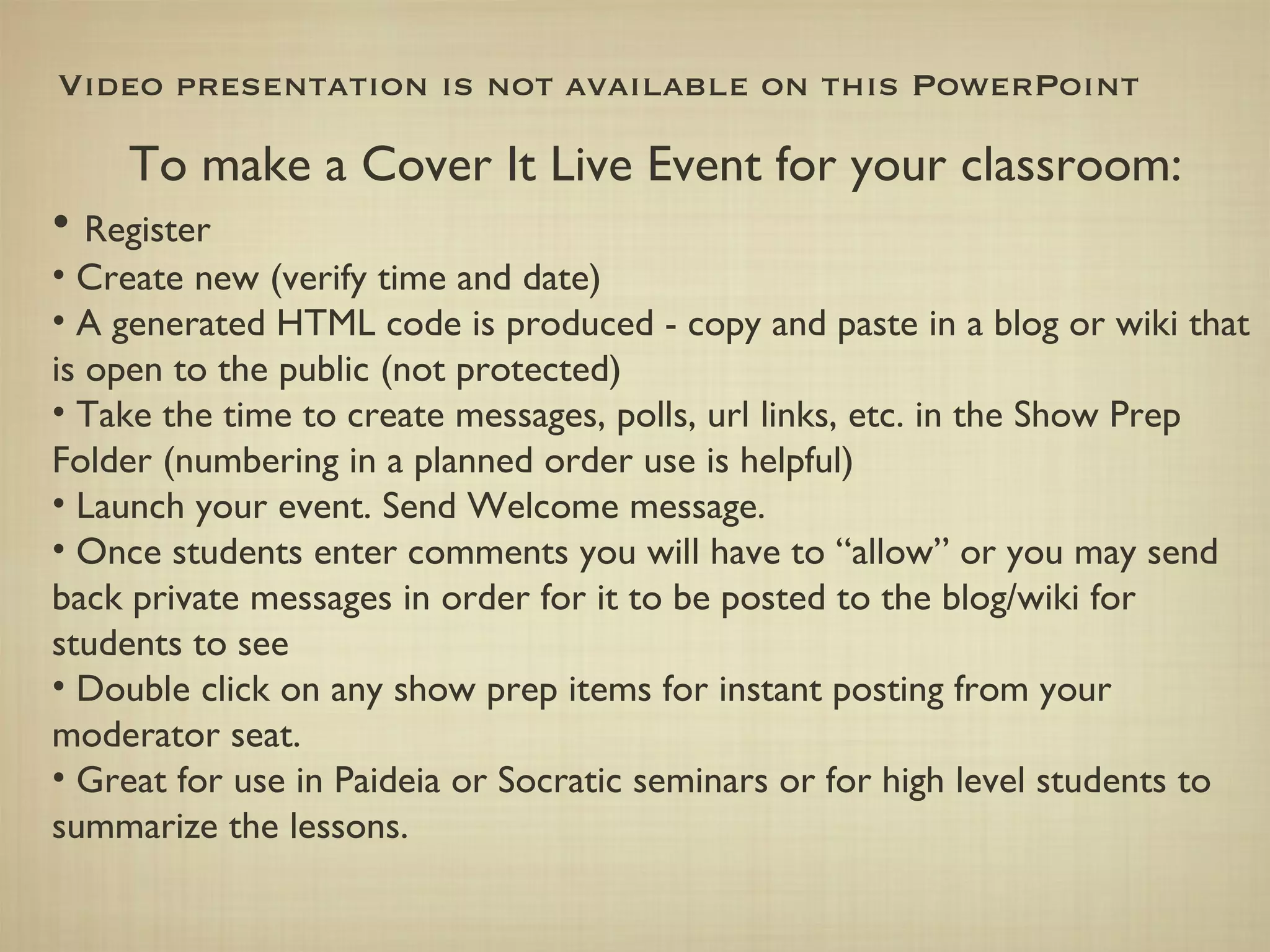
Video presentation is not available on this PowerPoint To make a Cover It Live Event for your classroom: Register Create new (verify time and date) A generated HTML code is produced - copy and paste in a blog or wiki that is open to the public (not protected) Take the time to create messages, polls, url links, etc. in the Show Prep Folder (numbering in a planned order use is helpful) Launch your event. Send Welcome message. Once students enter comments you will have to “allow” or you may send back private messages in order for it to be posted to the blog/wiki for students to see Double click on any show prep items for instant posting from your moderator seat. Great for use in Paideia or Socratic seminars or for high level students to summarize the lessons.
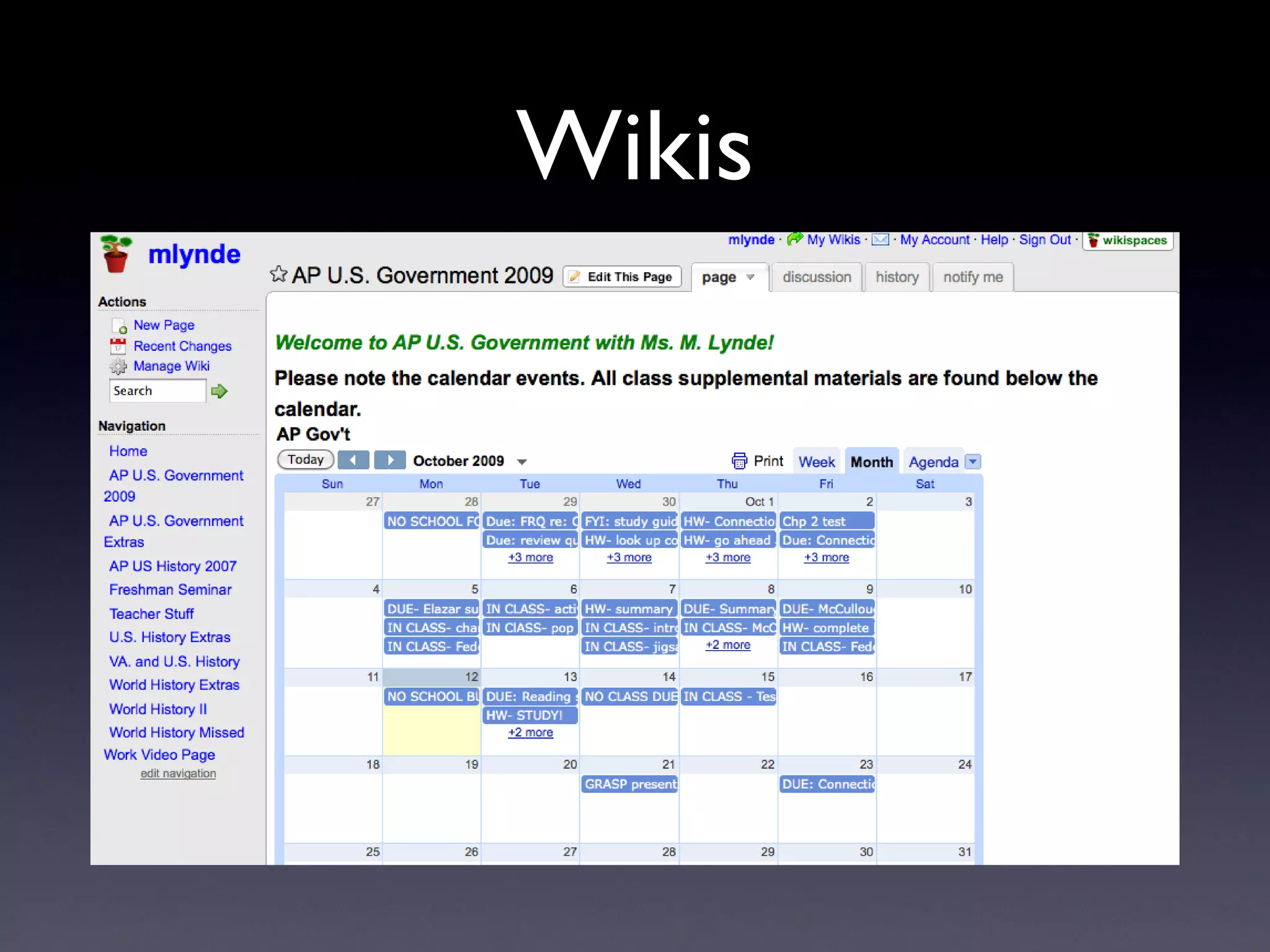
Wikis
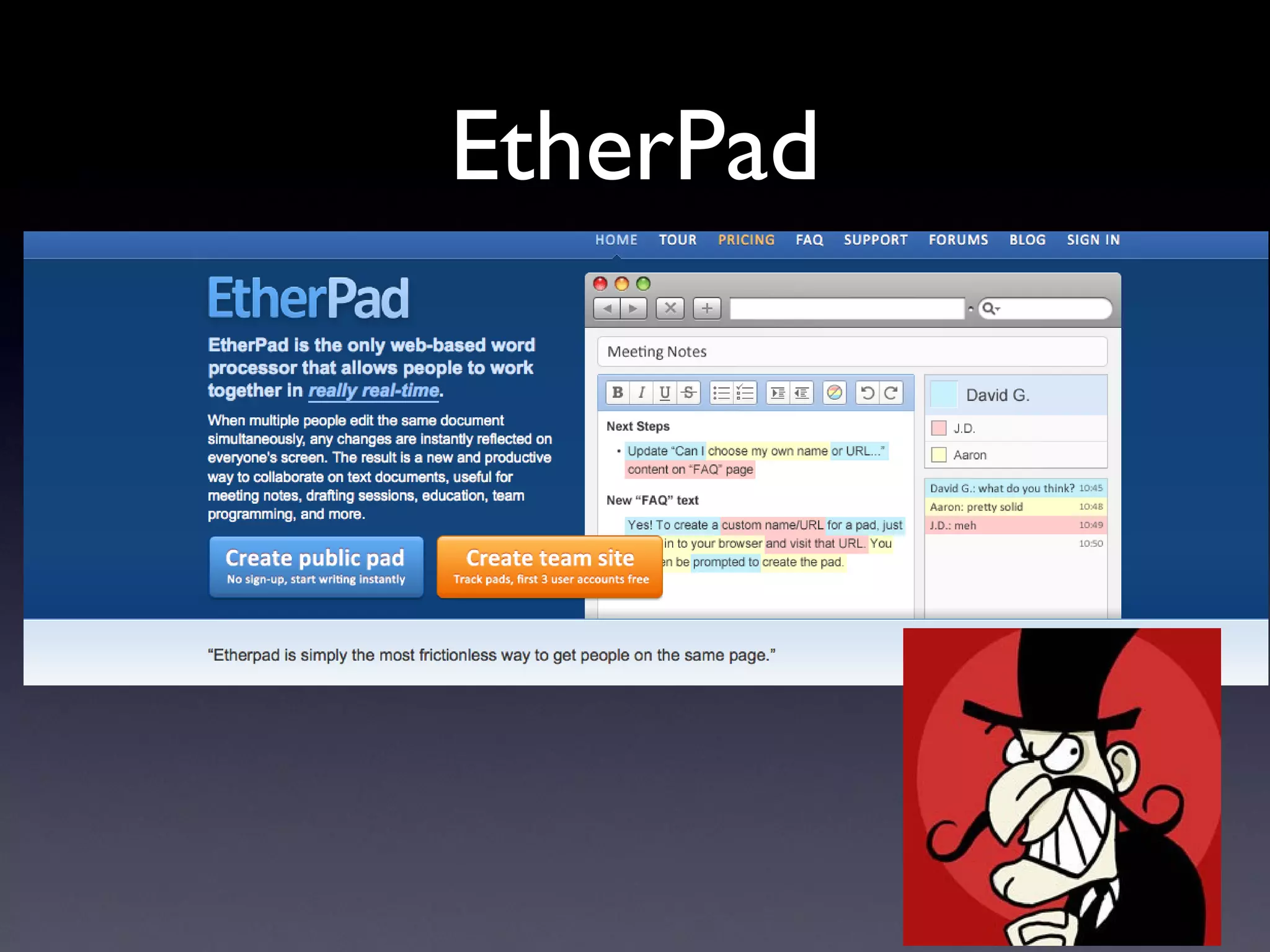
EtherPad
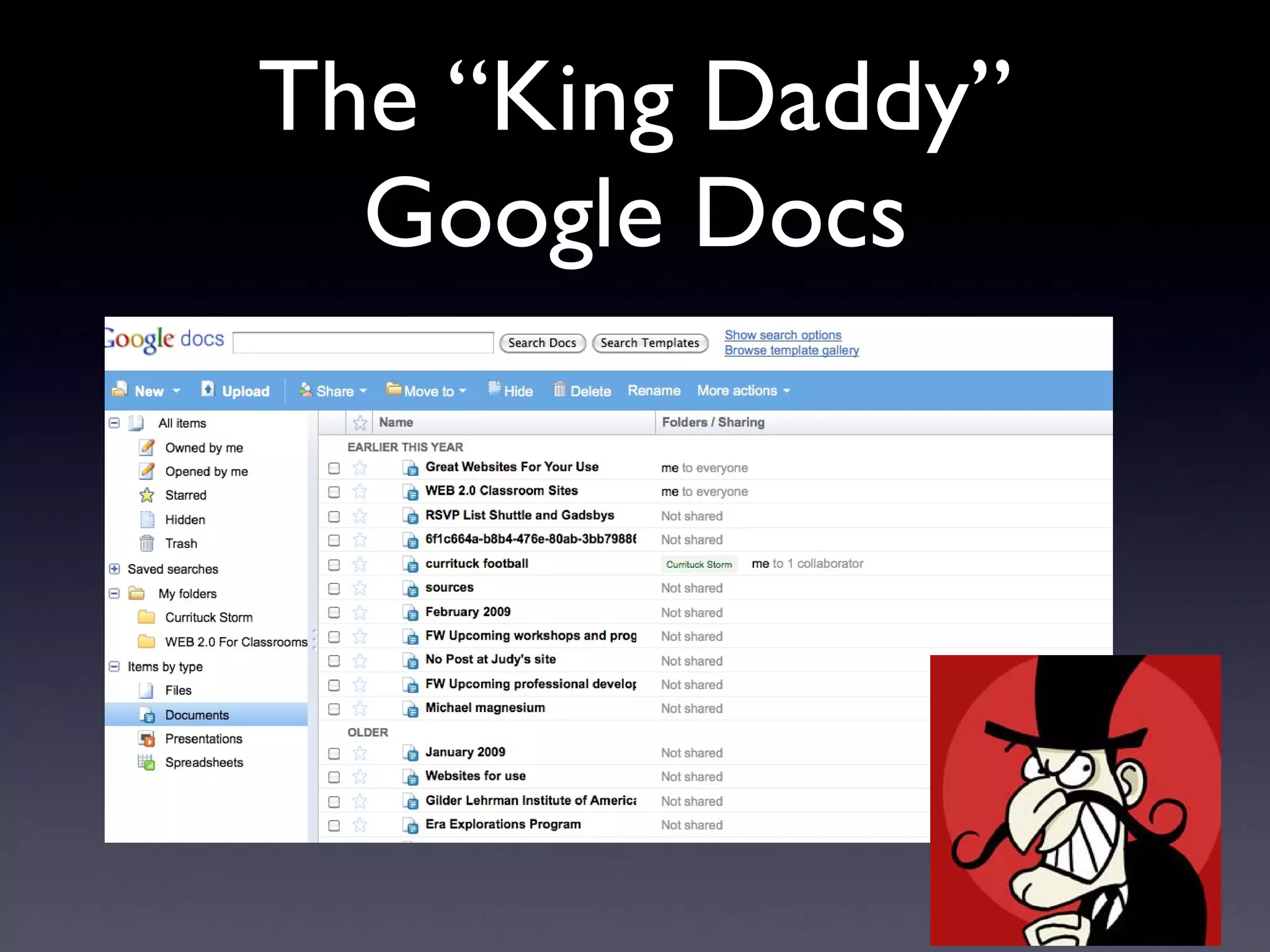
The “King Daddy” Google Docs
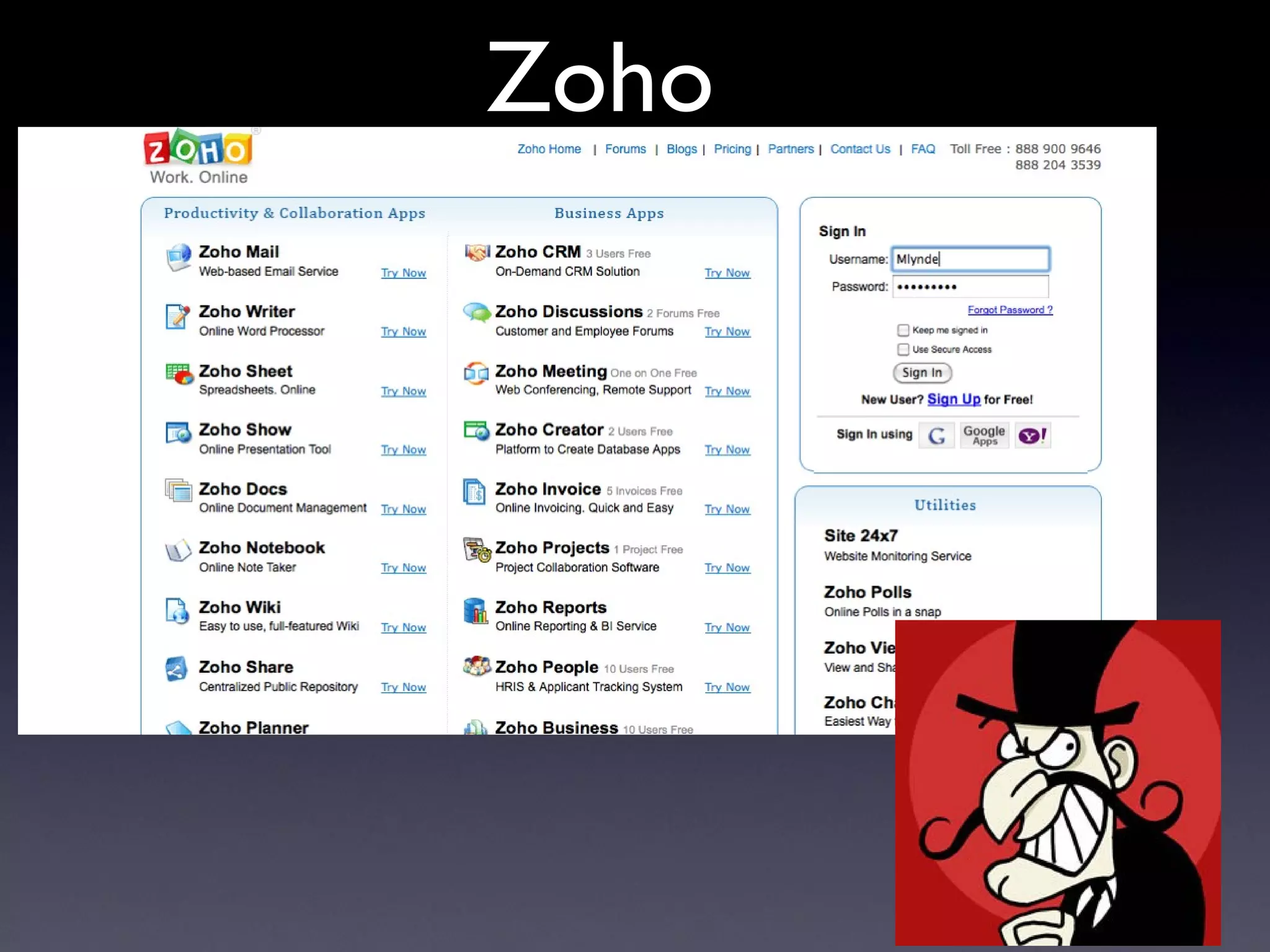
Zoho
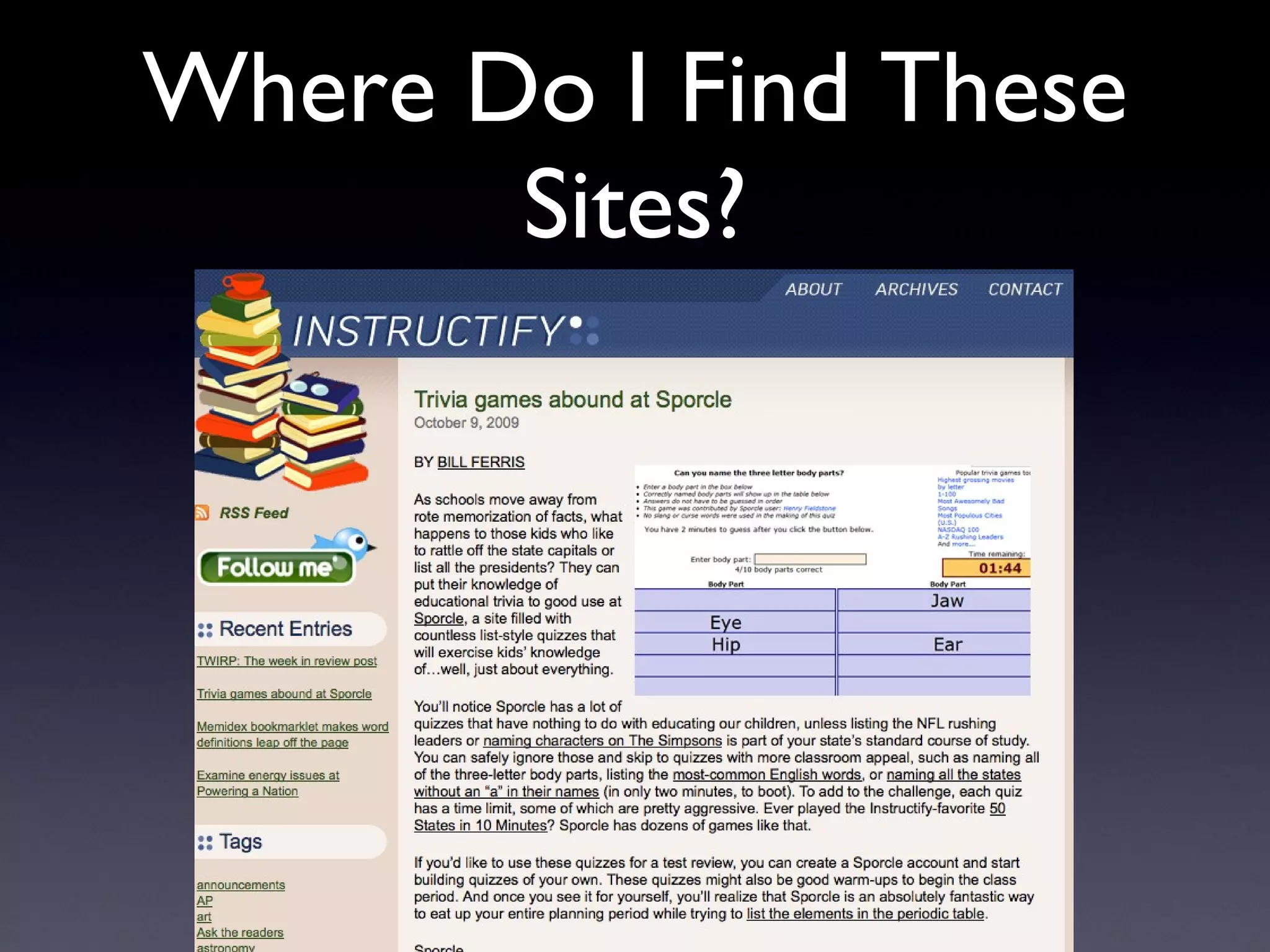
Where Do I Find These Sites?
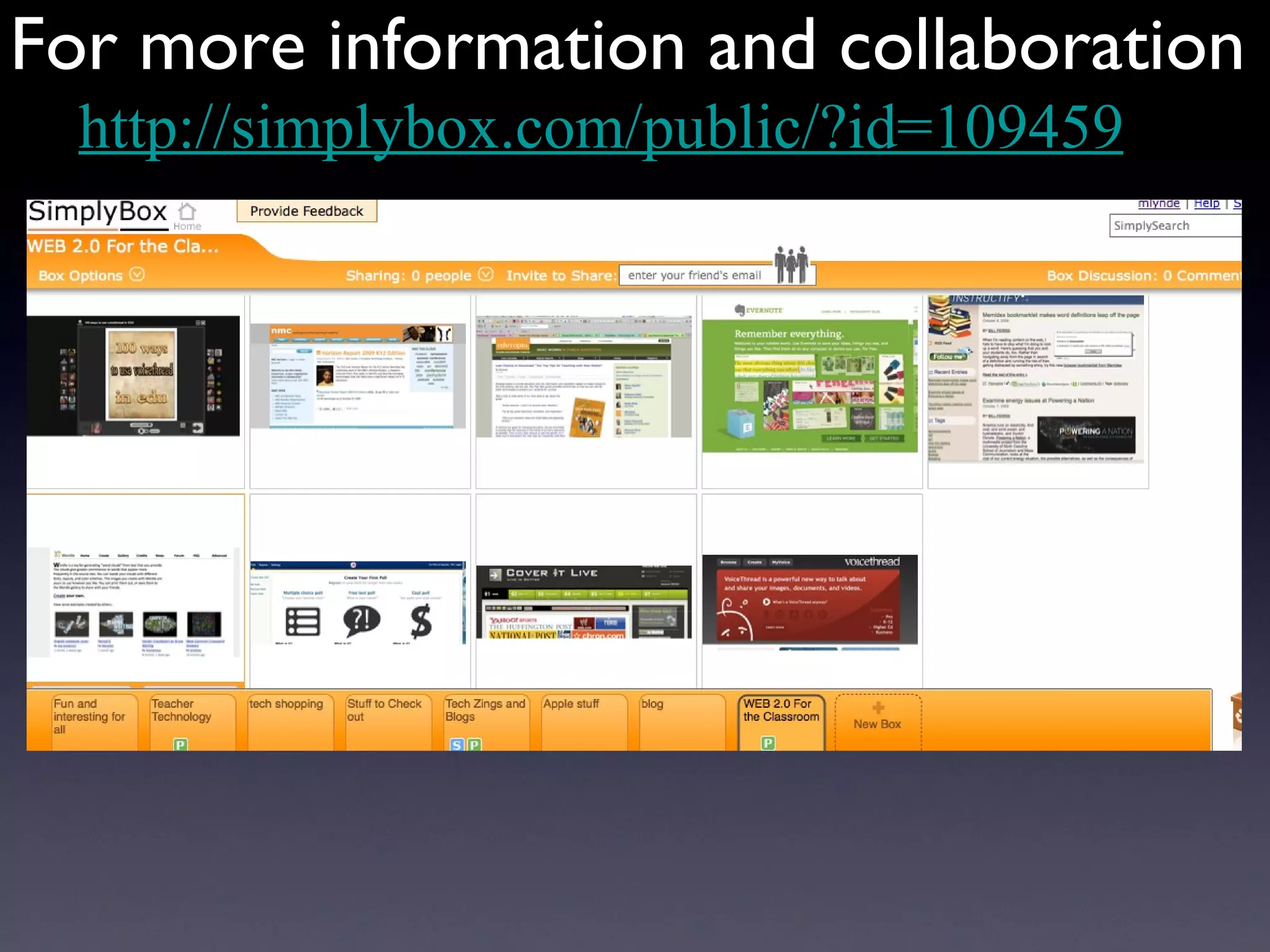
For more information and collaboration http://simplybox.com/public/?id=109459
Excellent Publications
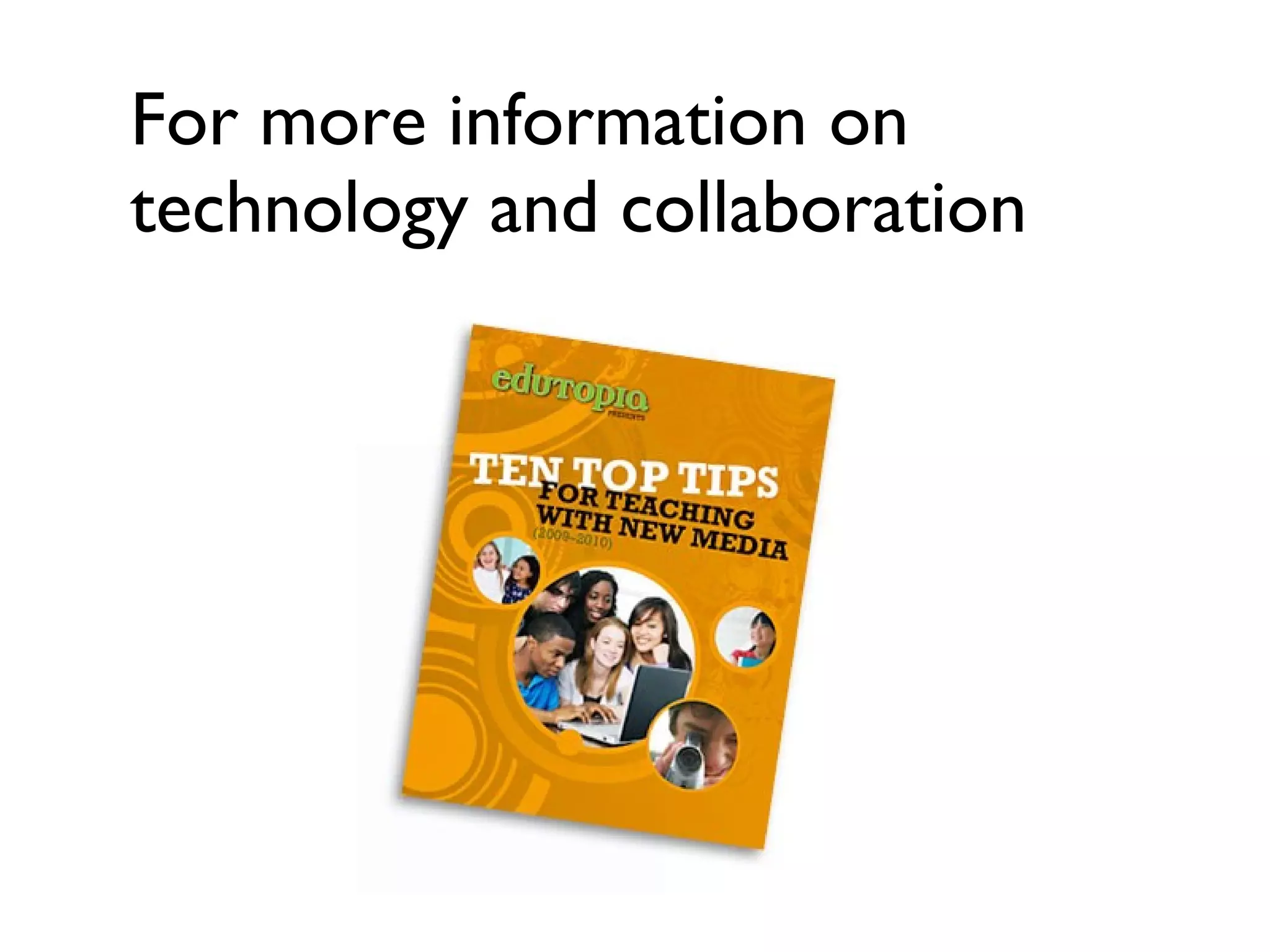
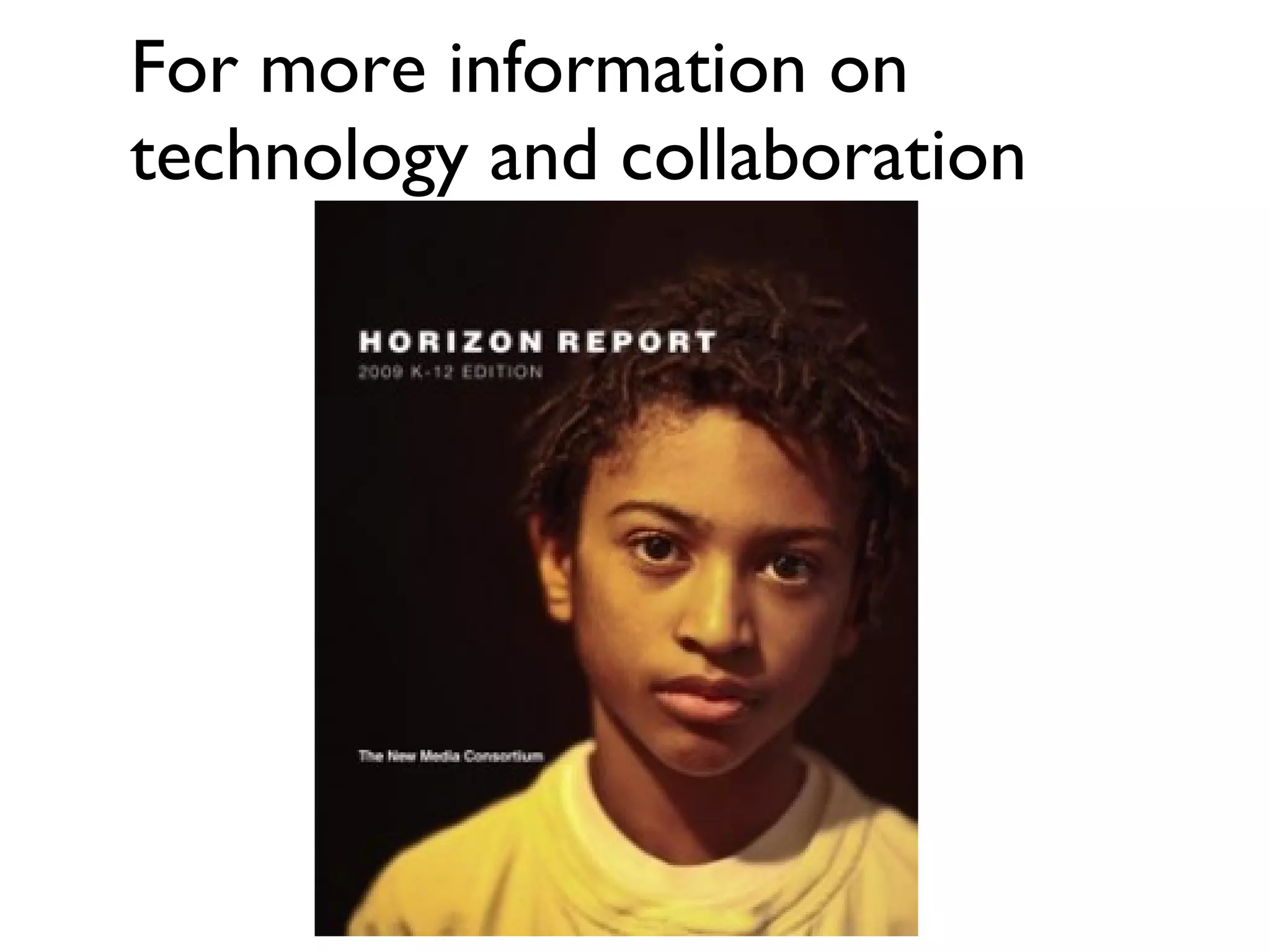
For more information on technology and collaboration
 
For more information and collaboration [email_address] [email_address] mlynde.wikispaces.com

M E R C 10 15 09 M Lynde

  • 1.
    Molly Lynde GodwinHigh School Henrico, Va 23238 Using Great Collaboration Practices In Your Classroom Metropolitan Educational Research Consortium October 15, 2009
  • 2.
    When students oftomorrow sit in classrooms of yesterday http://www.flickr.com/photos/foundphotoslj/466722575/sizes/o/
  • 3.
    But why WEBcollaboration? collective intelligence- collaboration transparent - i nstant gratification non-hierarchical- democratic potential for passion - ownership open to public- real recognition permanence- searchable resources NOTE: You and your students can easily make Wordles at Wordle.net Left Brain Answer Right Brain Answer
  • 4.
    But why WEBcollaboration? Left Brain Answer Right Brain Answer
  • 5.
  • 6.
    Collaboration The why is answered- it’s more effective but the how can be challenging
  • 7.
    In a perfectworld, people learn from textbooks but people learn more from each other. zebra.paperclip.jpg
  • 8.
    http://wallie.110mb.com/news/data/upimages/whiplash.jpg We can’tuse any (most) collaborative applications that don’t allow moderation by the teacher: No Google Docs No Wallwisher No SimplyBox No Utube No Twitter No Facebook Schools have to be the parent/bad guy
  • 9.
    When there areobstacles - just remember the mantra, “Technology is my friend....”
  • 10.
  • 11.
    Don’t Byte theRam That Feeds Ya’
  • 12.
    One Collaborative IdeaSort of a “visual blogging” site
  • 13.
    What do youdo with Voicethread? Post documents (Word, PDF), videos, PowerPoints, images, etc Student create/comment on own piece of project then comment on another group’s piece of a project Cross curricular collaboration Interstate collaboration World wide collaboration!
  • 14.
    1. Have studentssign a Voicethread Do and Don’t worksheet 2. Have students register with VoiceThread. They will need an email account (Gaggle for in-school use) 3. They will create an avatar (icon) just like they do in Facebook. 4. You can assign coded numbers to identify students. 5. Create a sandbox/play Voicethread so they can get use to the techniques involved. http://voicethread.com/share/661520/
  • 15.
    How do yougo about making your own Voicethread?
  • 16.
    Video from presentationis not available on this PowerPoint To make your own VoiceThread Register in a teacher k12 account Choose create Upload pictures, presentations, documents, images Comment Share - choose copy and then paste the unique identifying link on a document or embed in a wiki/blog Publishing options allows you to choose public, private, moderate
  • 17.
    But wait, thereis more! http://www.flickr.com/photos/pagedooley/2018663891/sizes/l/ Licensed under a Creative Commons attribution-share alike license. http://creativecommons.org/licenses/by-sa/3.0 slide origina lly created by Bill Ferriter
  • 18.
  • 19.
    Video presentation isnot available on this PowerPoint To make a Cover It Live Event for your classroom: Register Create new (verify time and date) A generated HTML code is produced - copy and paste in a blog or wiki that is open to the public (not protected) Take the time to create messages, polls, url links, etc. in the Show Prep Folder (numbering in a planned order use is helpful) Launch your event. Send Welcome message. Once students enter comments you will have to “allow” or you may send back private messages in order for it to be posted to the blog/wiki for students to see Double click on any show prep items for instant posting from your moderator seat. Great for use in Paideia or Socratic seminars or for high level students to summarize the lessons.
  • 20.
  • 21.
  • 22.
  • 23.
  • 24.
    Where Do IFind These Sites?
  • 25.
    For more informationand collaboration http://simplybox.com/public/?id=109459
  • 26.
  • 27.
    For more informationon technology and collaboration
  • 28.
    For more informationon technology and collaboration
  • 29.
  • 30.
    For more informationand collaboration [email_address] [email_address] mlynde.wikispaces.com