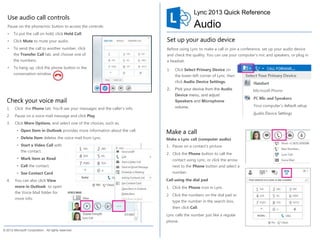


This document provides instructions for using various voice and audio functions in Lync, including checking voicemail, setting up audio devices, making calls, answering calls, controlling audio during calls, adding participants to calls, and starting conference calls. Key steps include clicking the Phone tab to see voicemail, selecting an audio device and adjusting volume, clicking a contact's picture or Phone button to call, clicking numbers on the dial pad to call a number, clicking buttons like Hold Call, Mute, and Transfer Call during calls, clicking to answer incoming calls, inviting more people to calls, selecting multiple contacts and clicking Start a Conference Call, and pausing on the Phone icon during chats to add audio.


