The document summarizes key concepts in ABAP Chapter 2 including:
1) Report statements are used to define reports and control page formatting. Common statements include REPORT, TOP-OF-PAGE, and END-OF-PAGE.
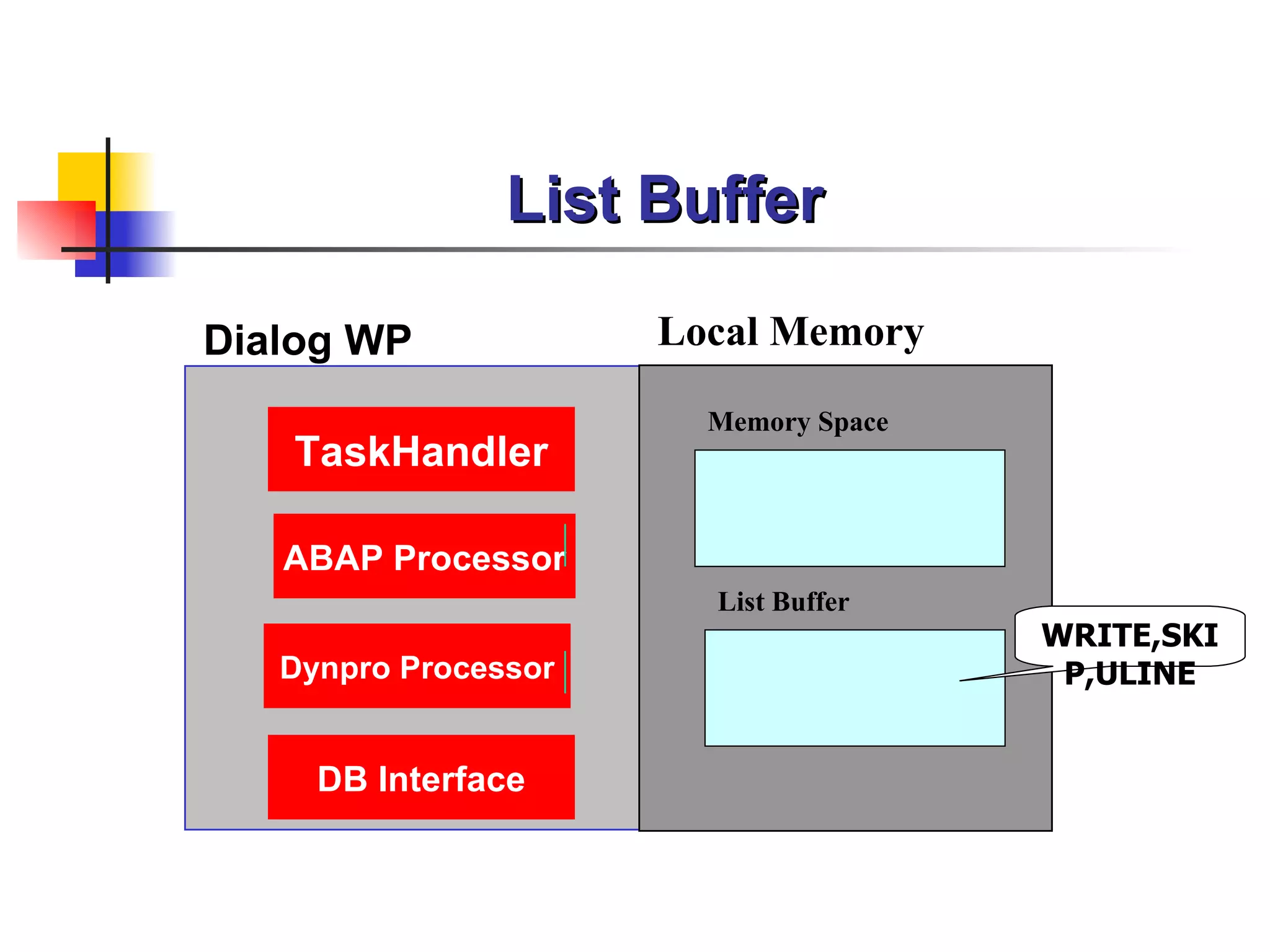
2) WRITE, SKIP, and ULINE statements are used to create and format lists. The list buffer stores output until the end of processing.
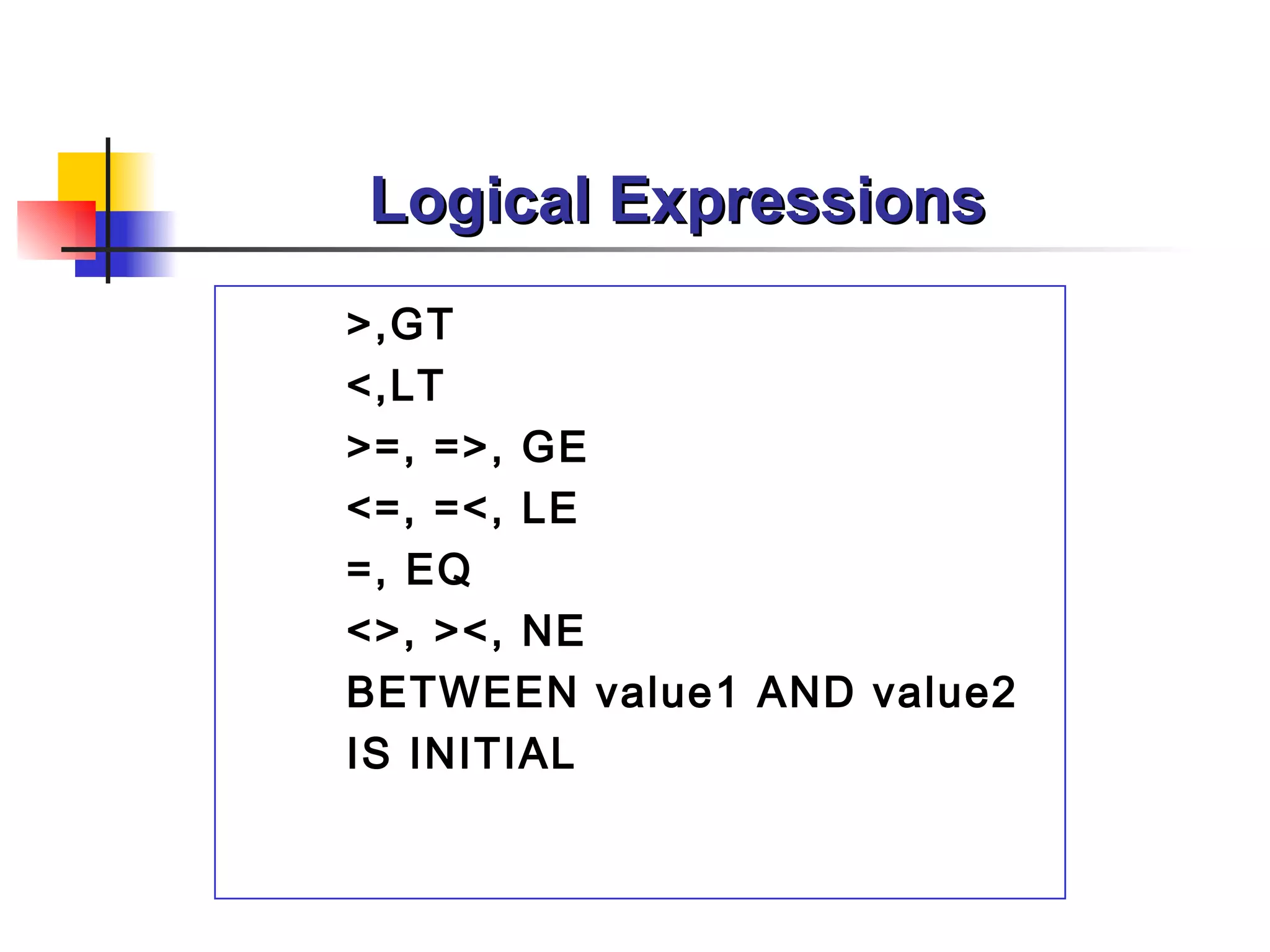
3) Flow control statements like IF, CASE, DO, and WHILE control program flow. Logical and arithmetic expressions are used in conditions.
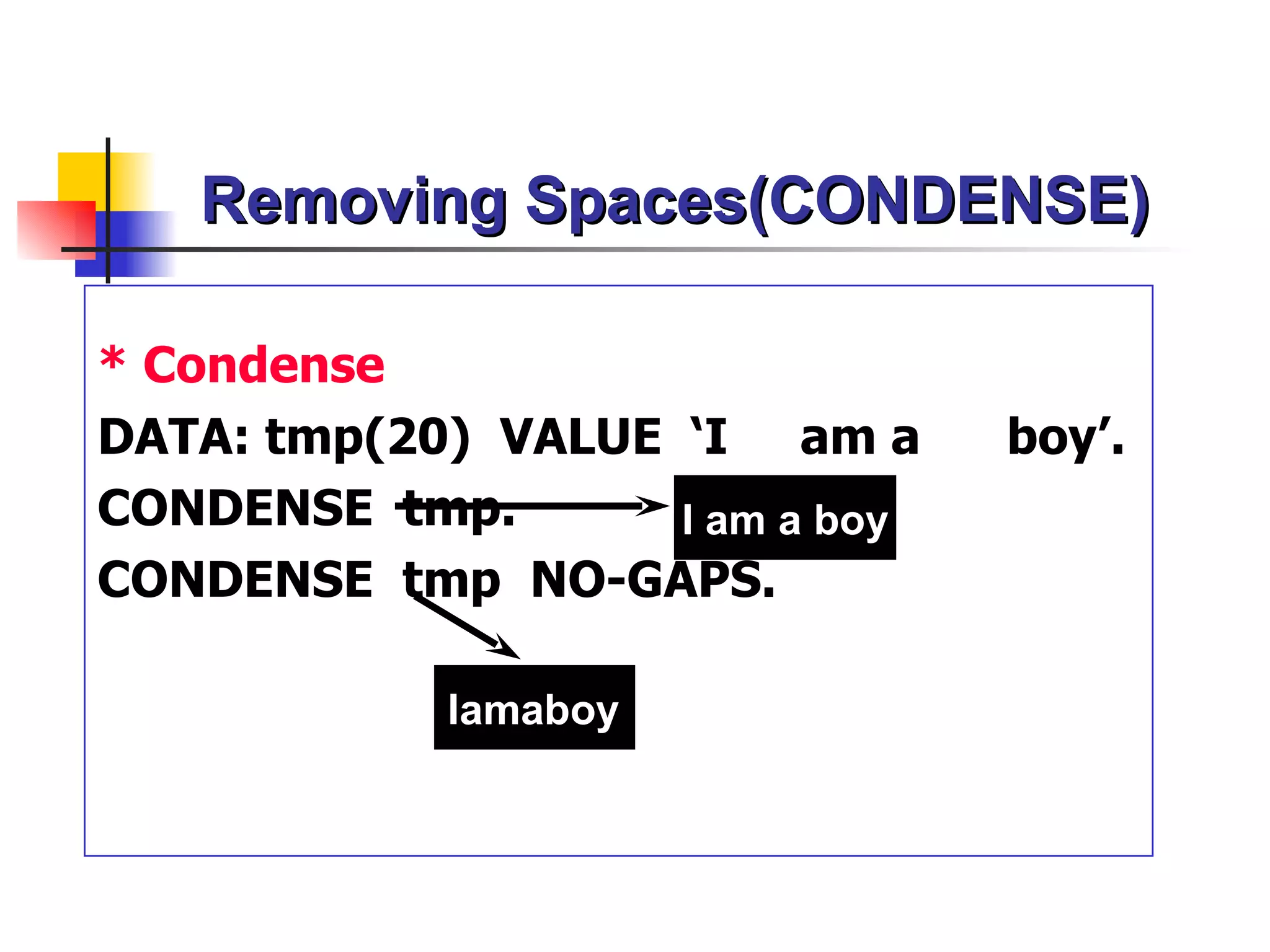
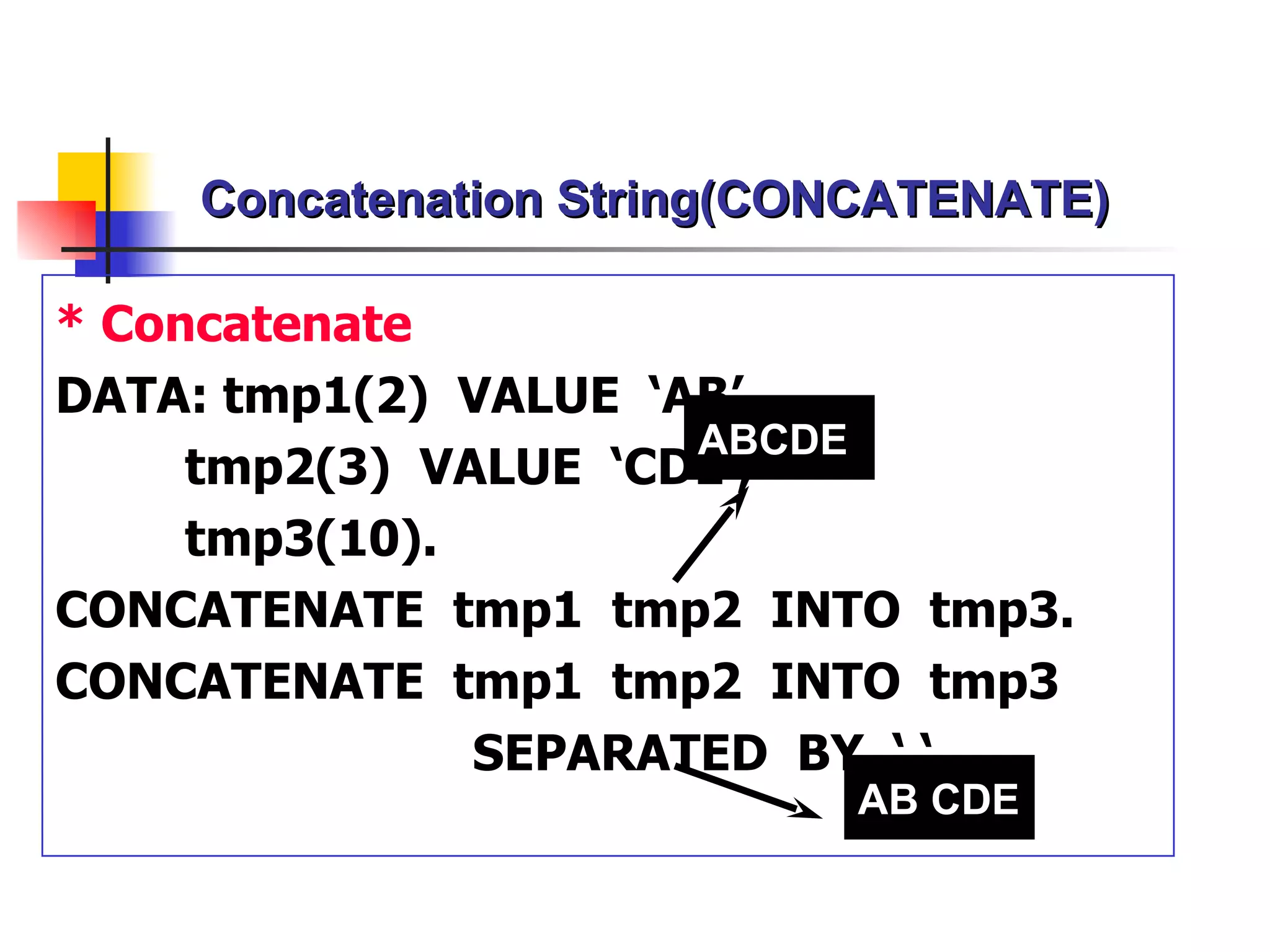
4) Character manipulation functions allow working with strings, dates, and other data types. Built-in functions provide useful calculations.
5) Event-driven programming uses events like TOP-
Report Statement
Syntax
EPORT <report name >
[NO STANDARD PAGE HEADING]
[LINE-SIZE no of columns ]
[LINE-COUNT no of lines [( no of footer )]].
EPORT ztest1 NO STANDARD PAGE HEADING.
EPORT ztest LINE-SIZE 132 LINE-COUNT 65(2
sy-linsz
4.
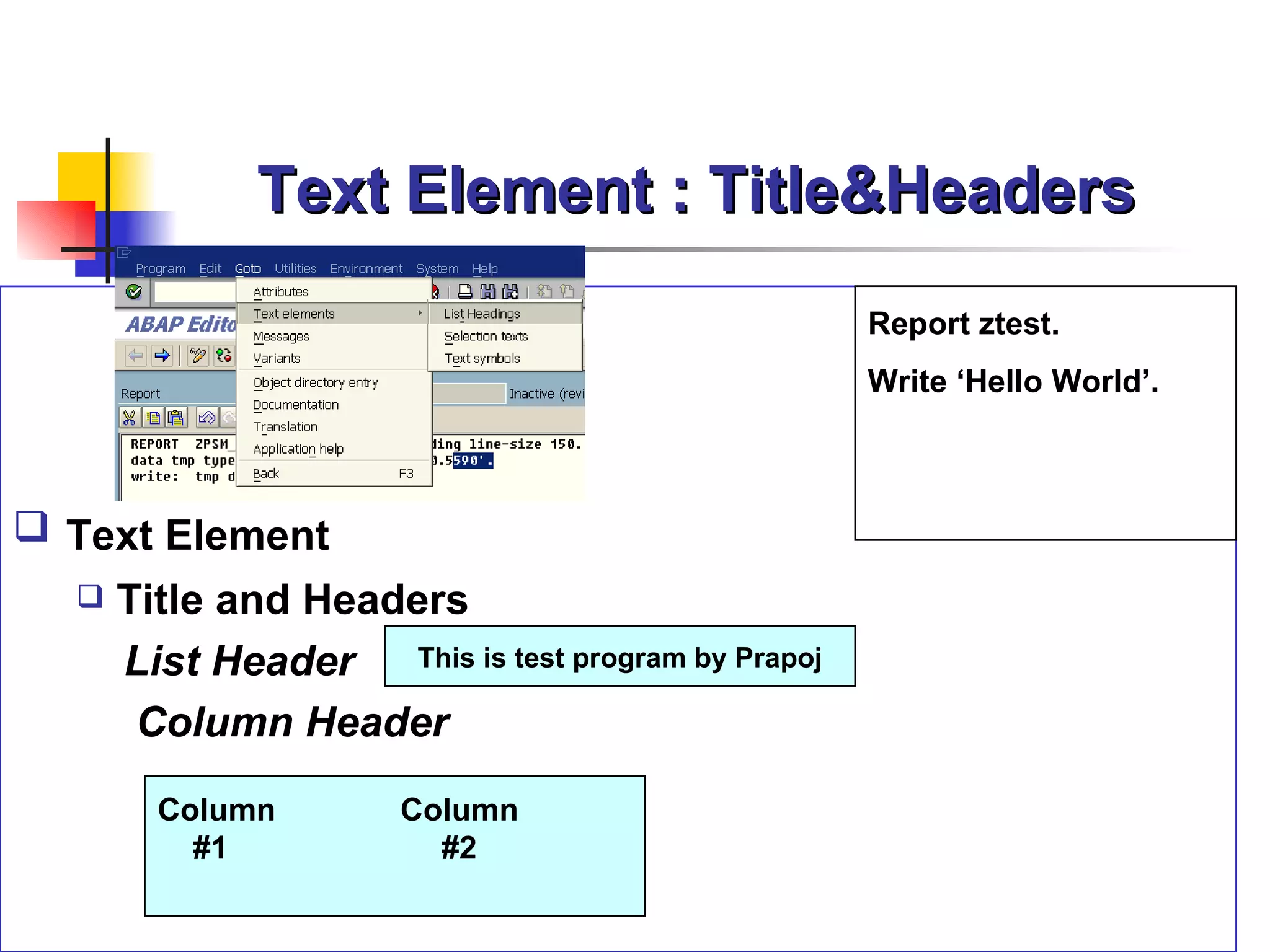
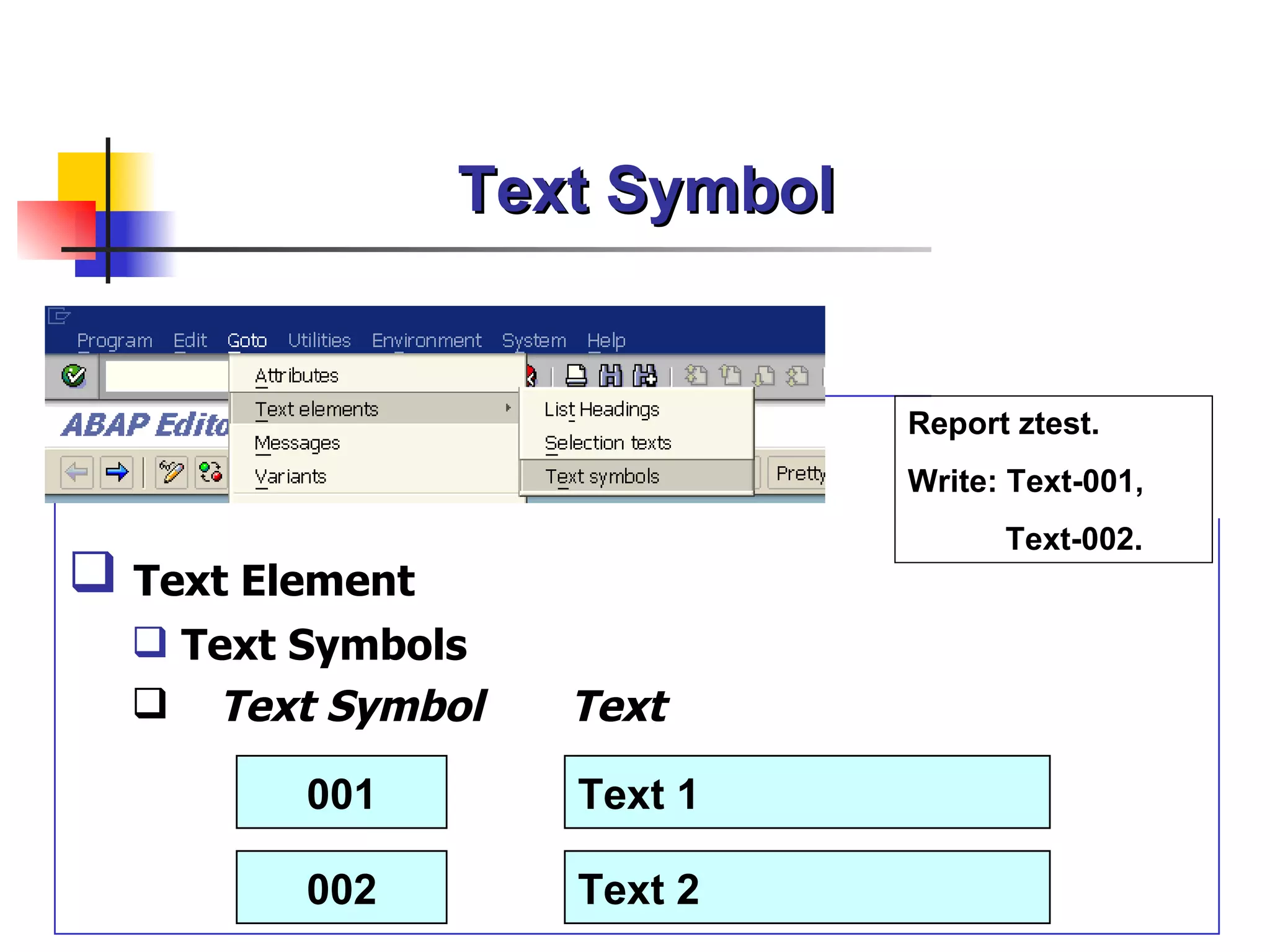
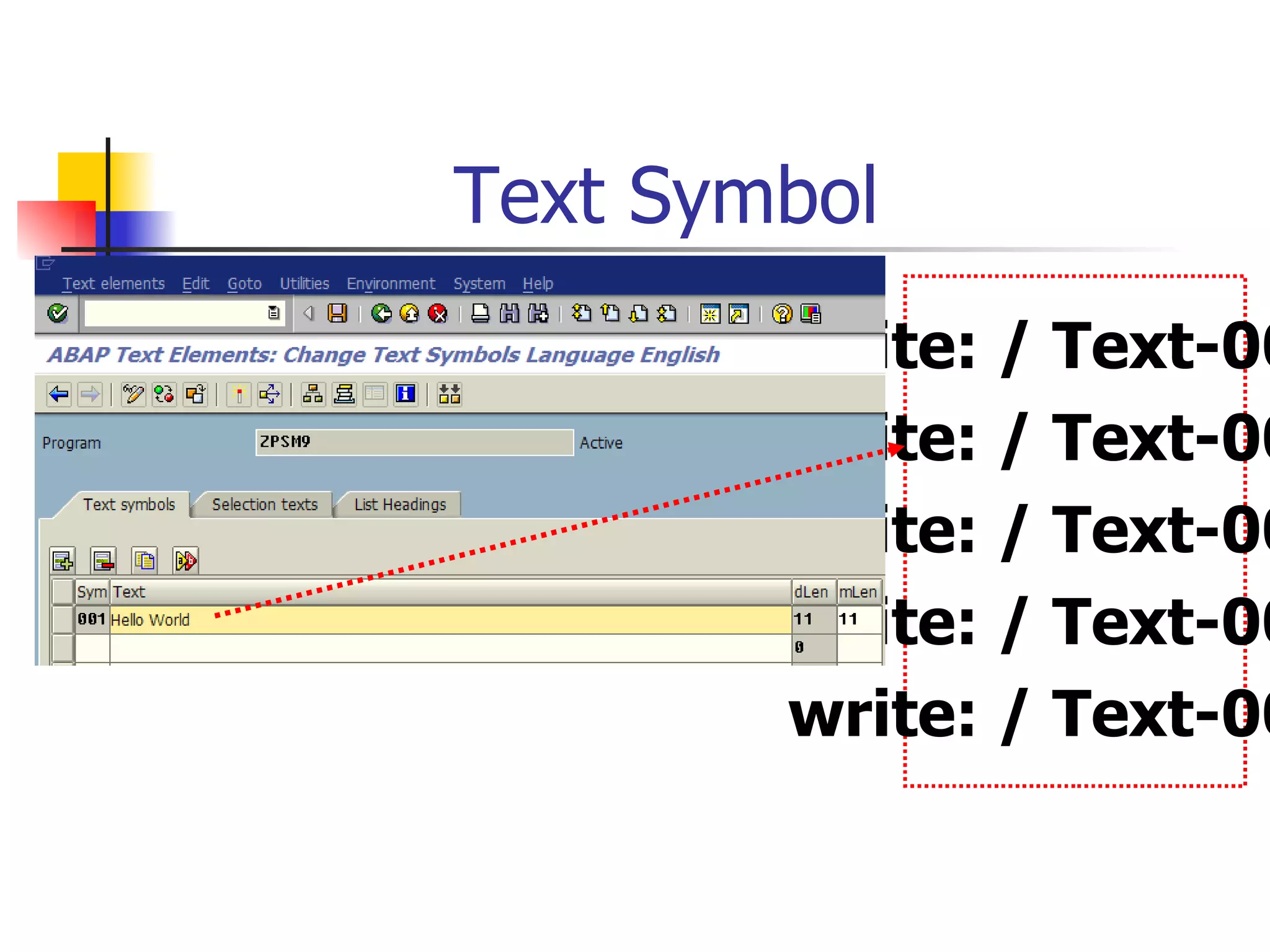
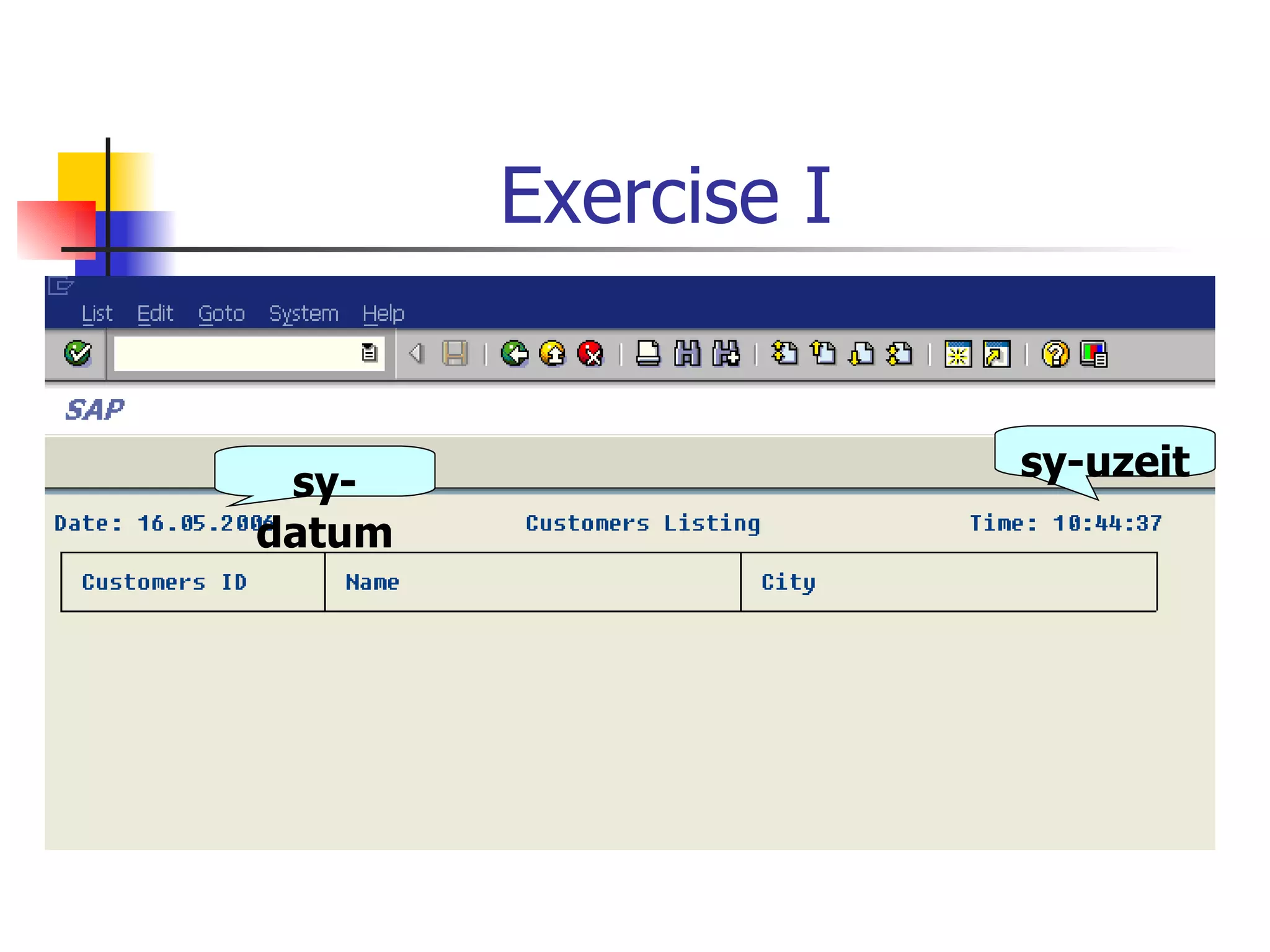
Text Element :Title&Headers
Report ztest.
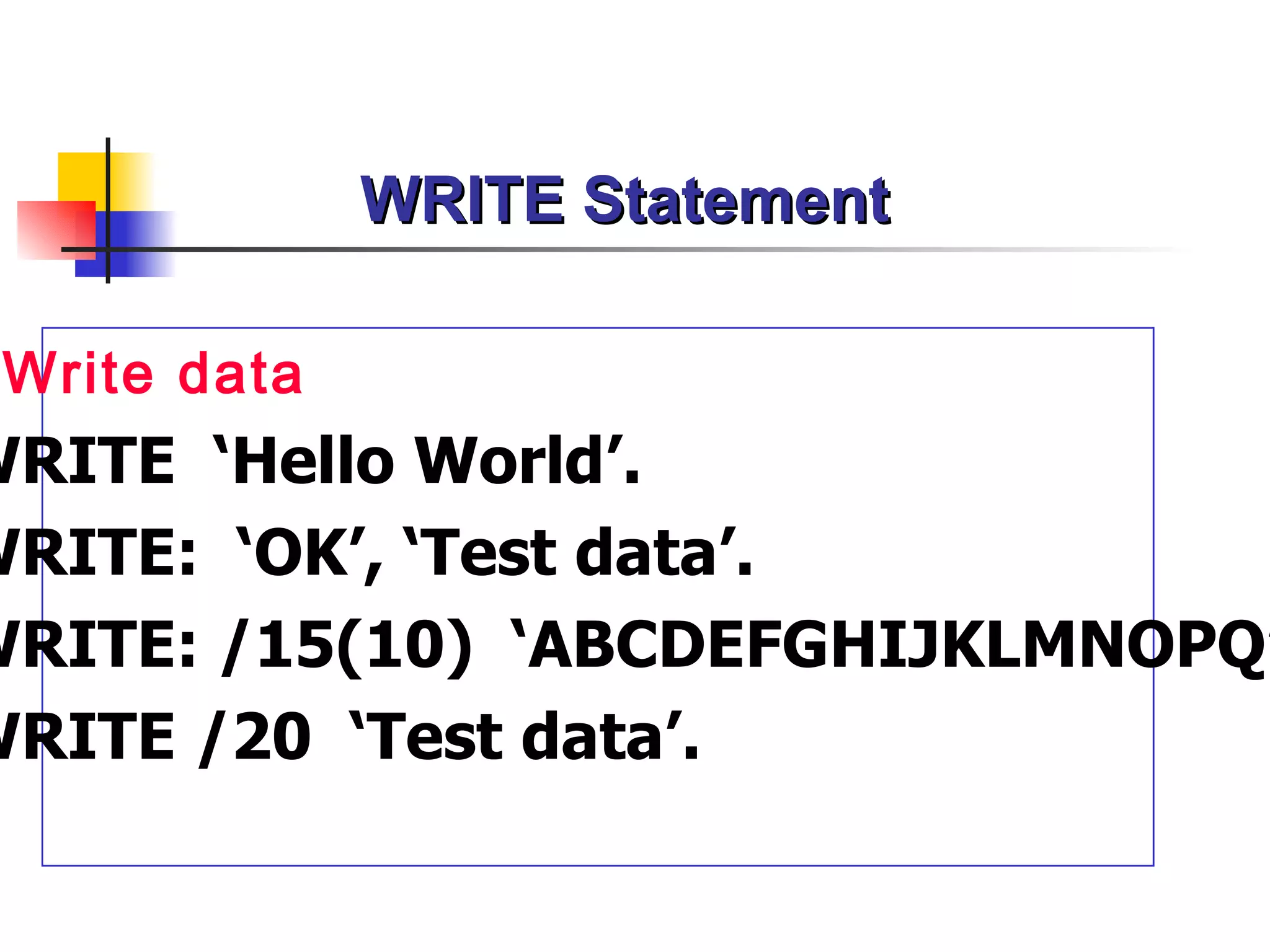
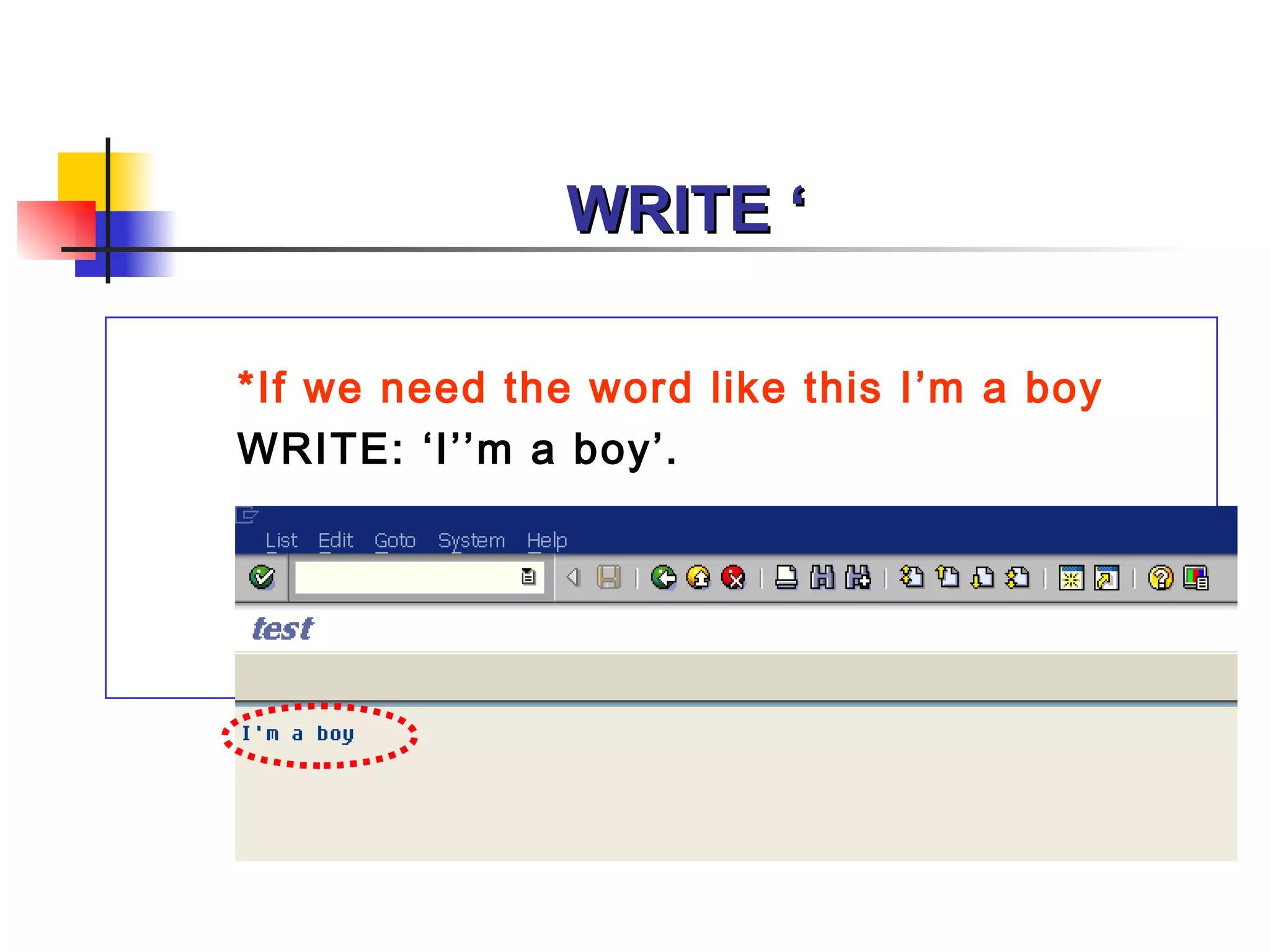
Write ‘Hello World’.
Text Element
Title and Headers
List Header This is test program by Prapoj
Column Header
Column Column
#1 #2
5.
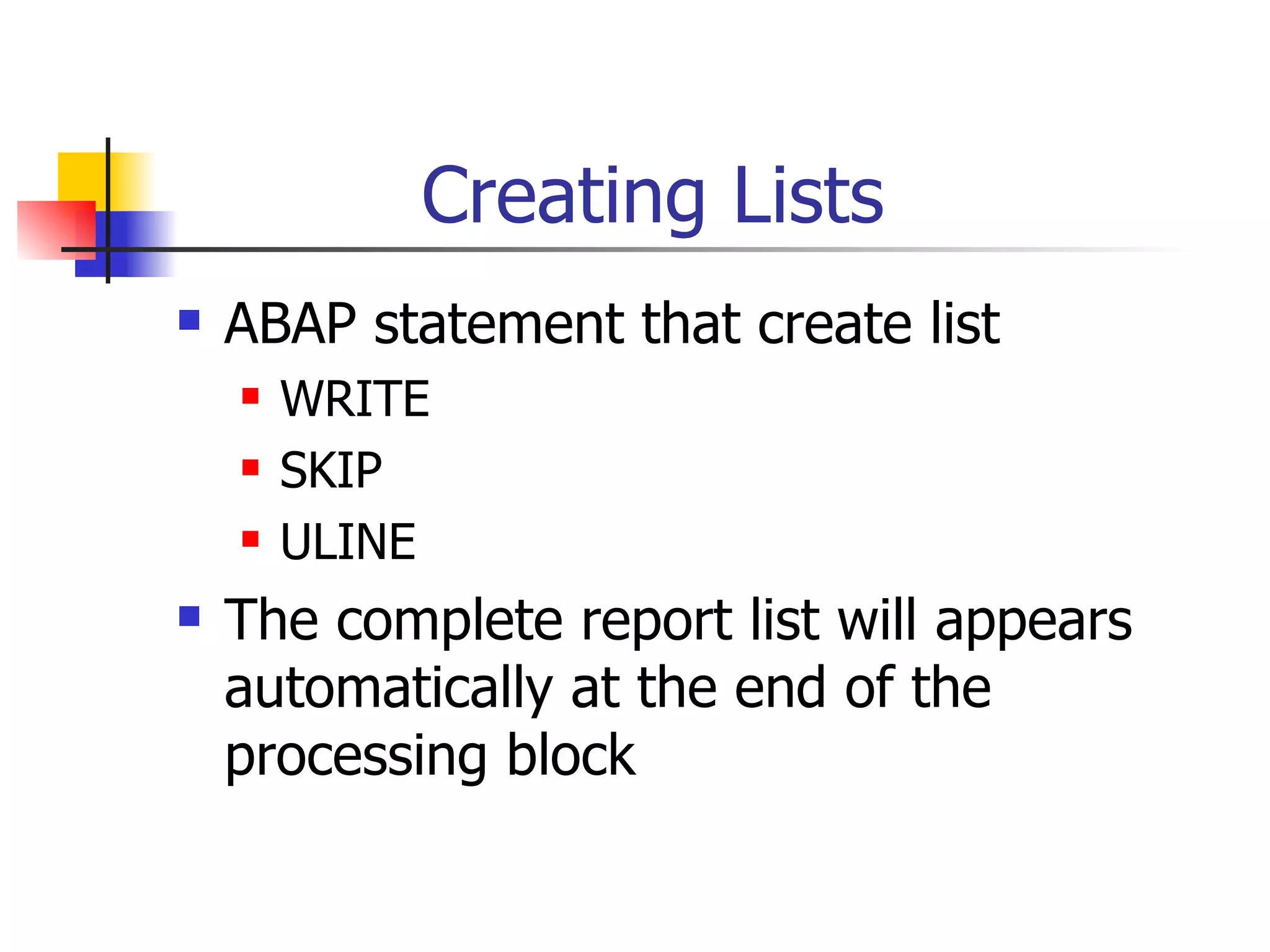
Creating Lists
ABAP statement that create list
WRITE
SKIP
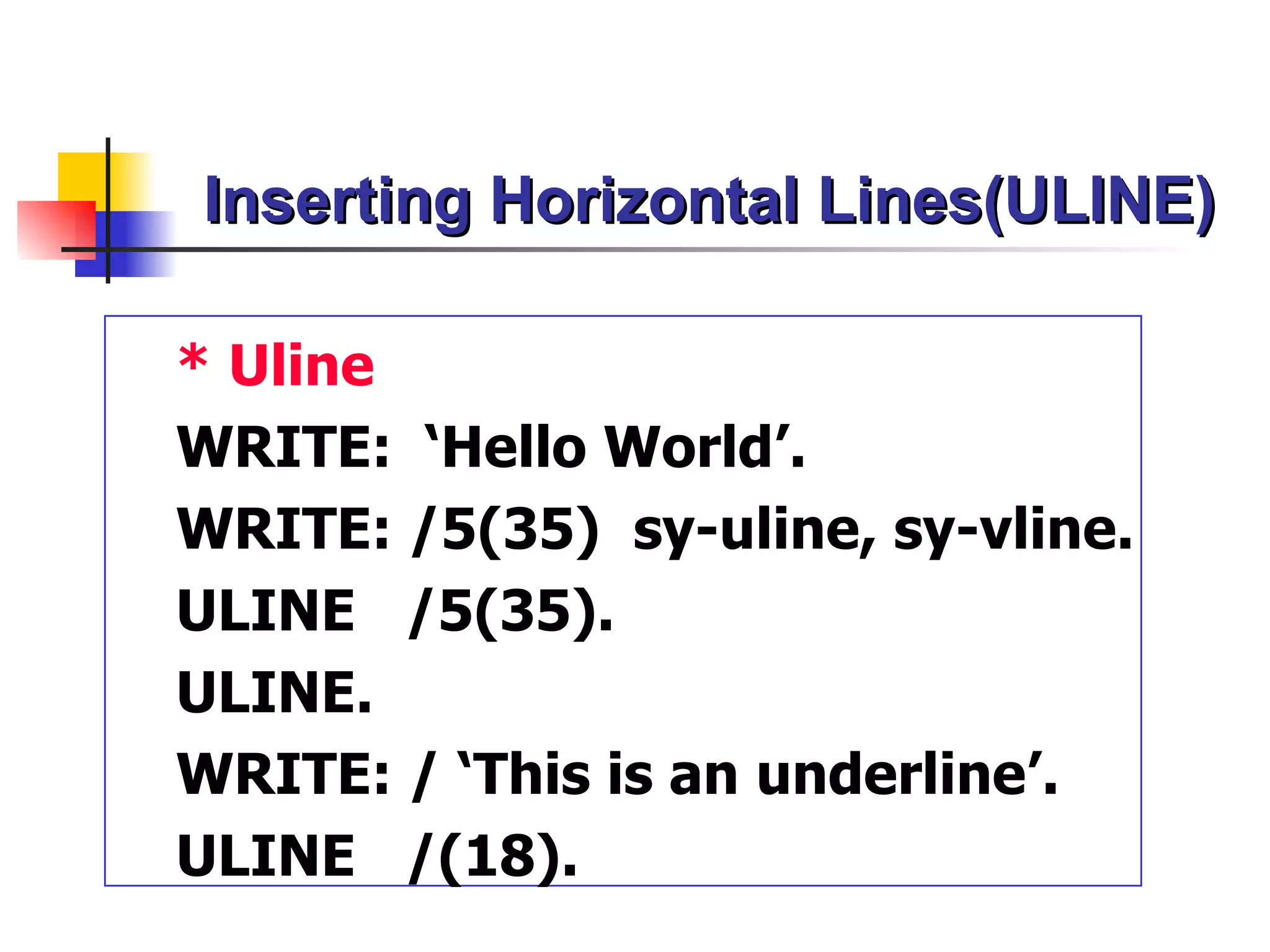
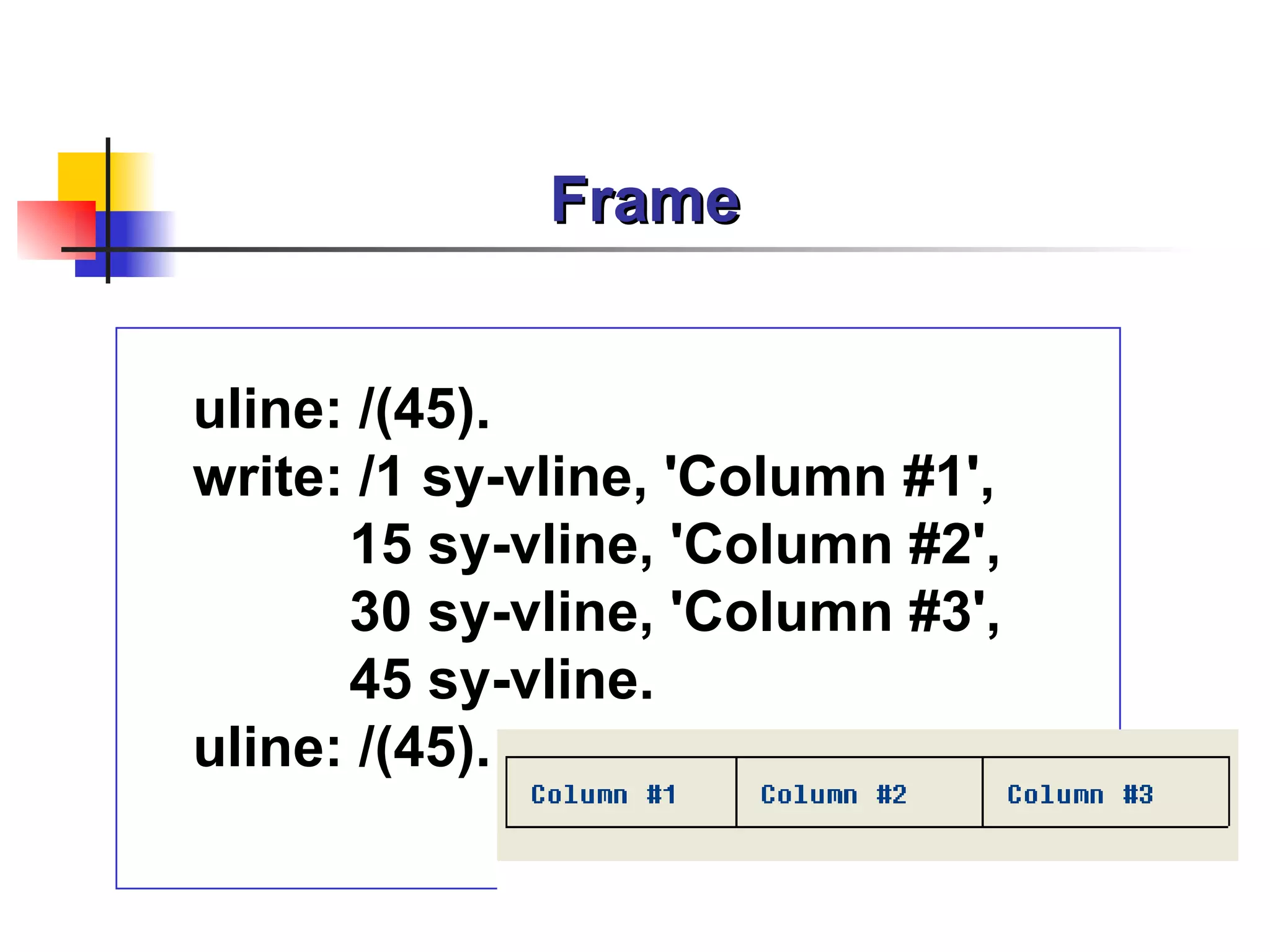
ULINE
The complete report list will appears
automatically at the end of the
processing block
6.
List Buffer
Dialog WP Local Memory
Memory Space
TaskHandler
ABAP Processor
List Buffer
WRITE,SKI
Dynpro Processor P,ULINE
DB Interface
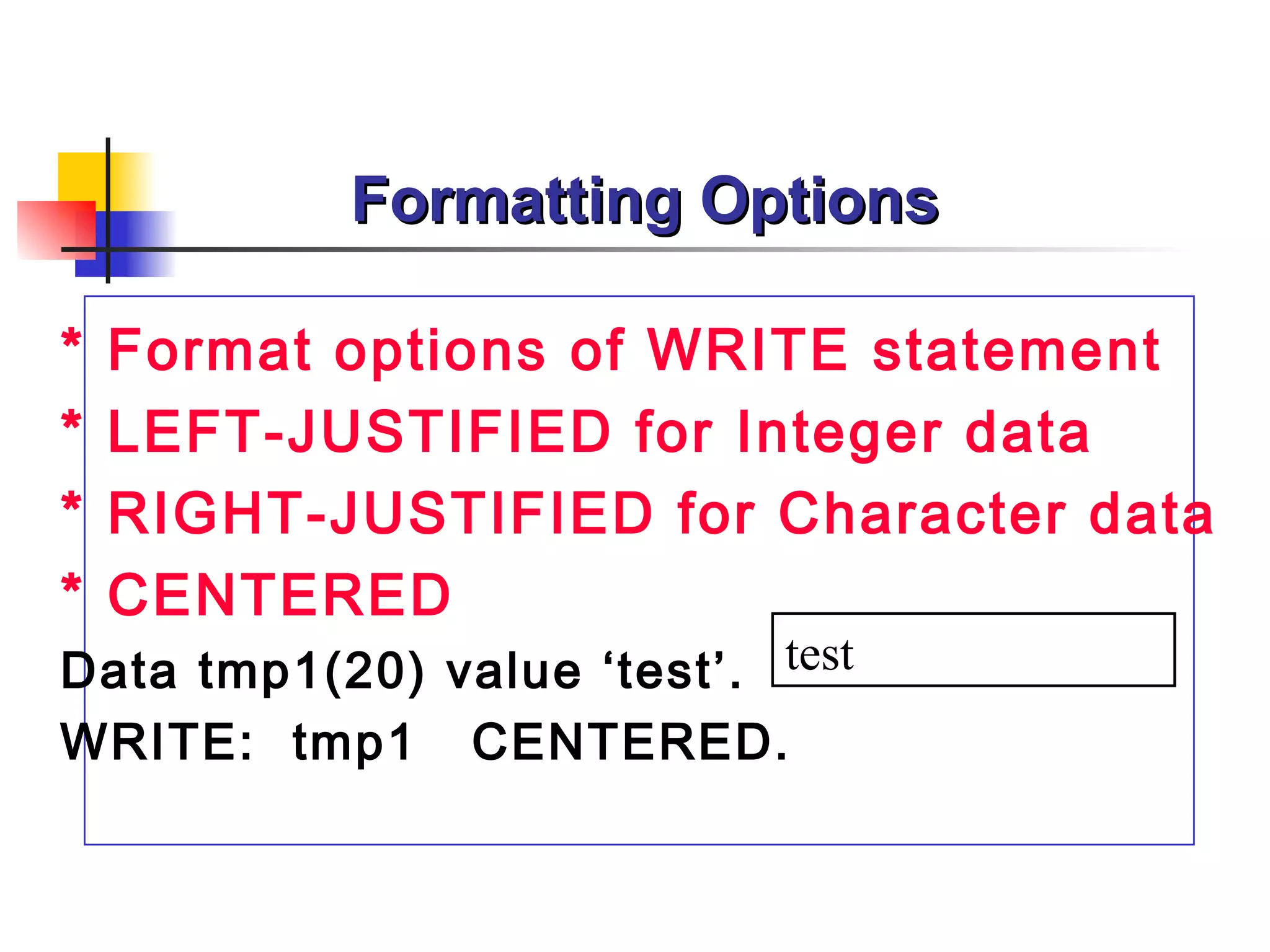
Formatting Options
* Format options of WRITE statement
* LEFT-JUSTIFIED for Integer data
* RIGHT-JUSTIFIED for Character data
* CENTERED
Data tmp1(20) value ‘test’. test
WRITE: tmp1 CENTERED.
19.
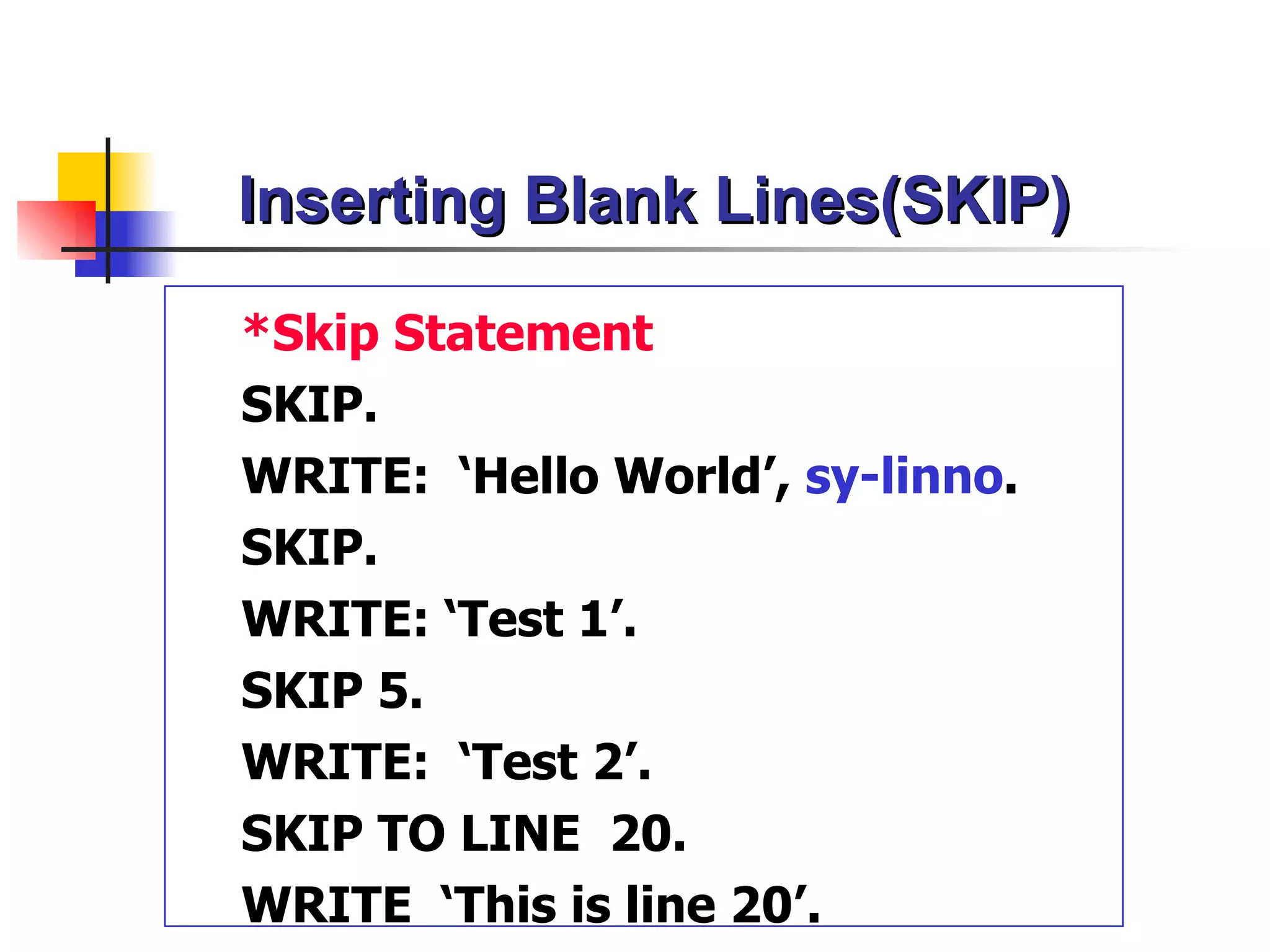
Inserting Blank Lines(SKIP)
*SkipStatement
SKIP.
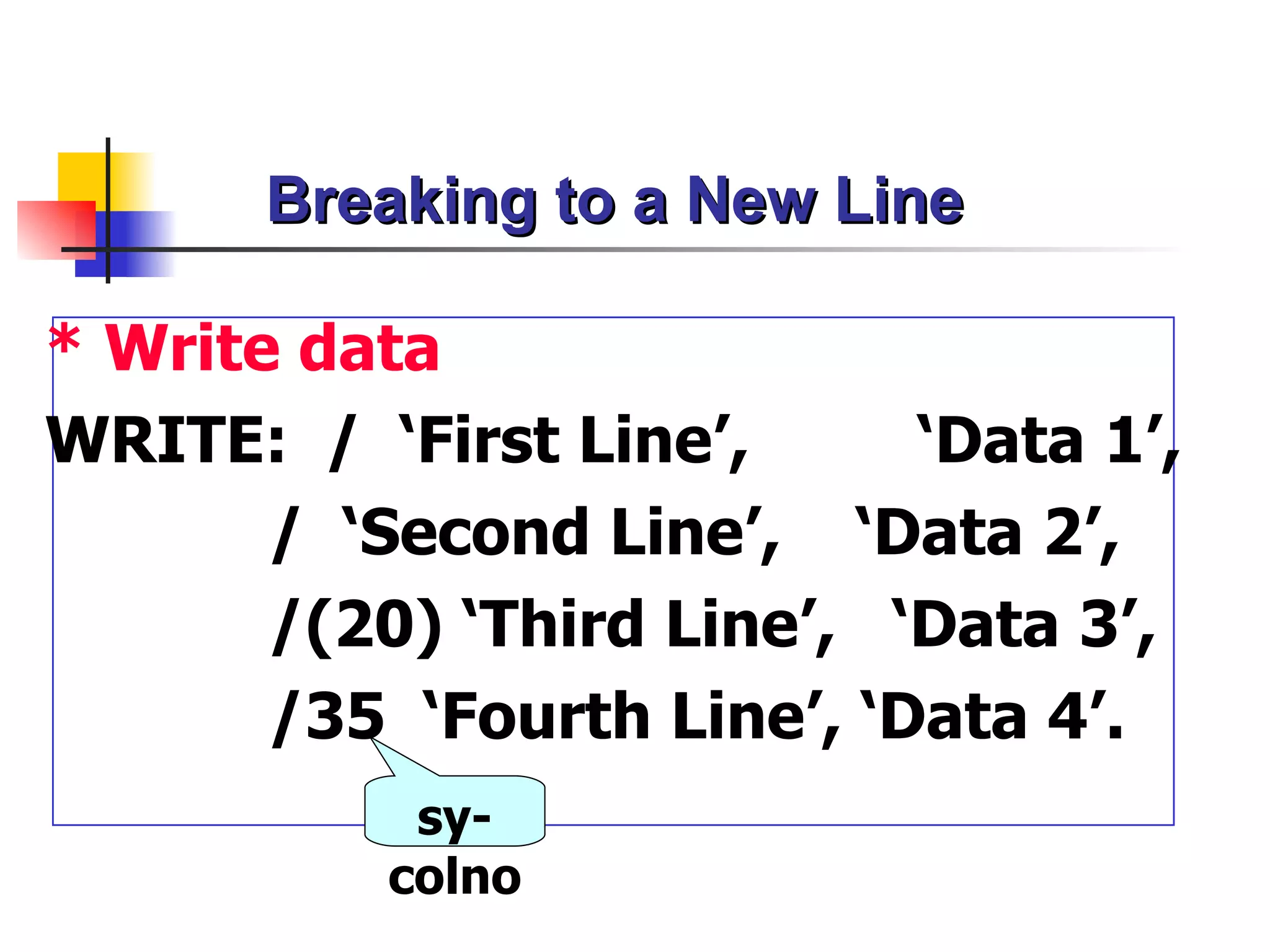
WRITE: ‘Hello World’, sy-linno.
SKIP.
WRITE: ‘Test 1’.
SKIP 5.
WRITE: ‘Test 2’.
SKIP TO LINE 20.
WRITE ‘This is line 20’.
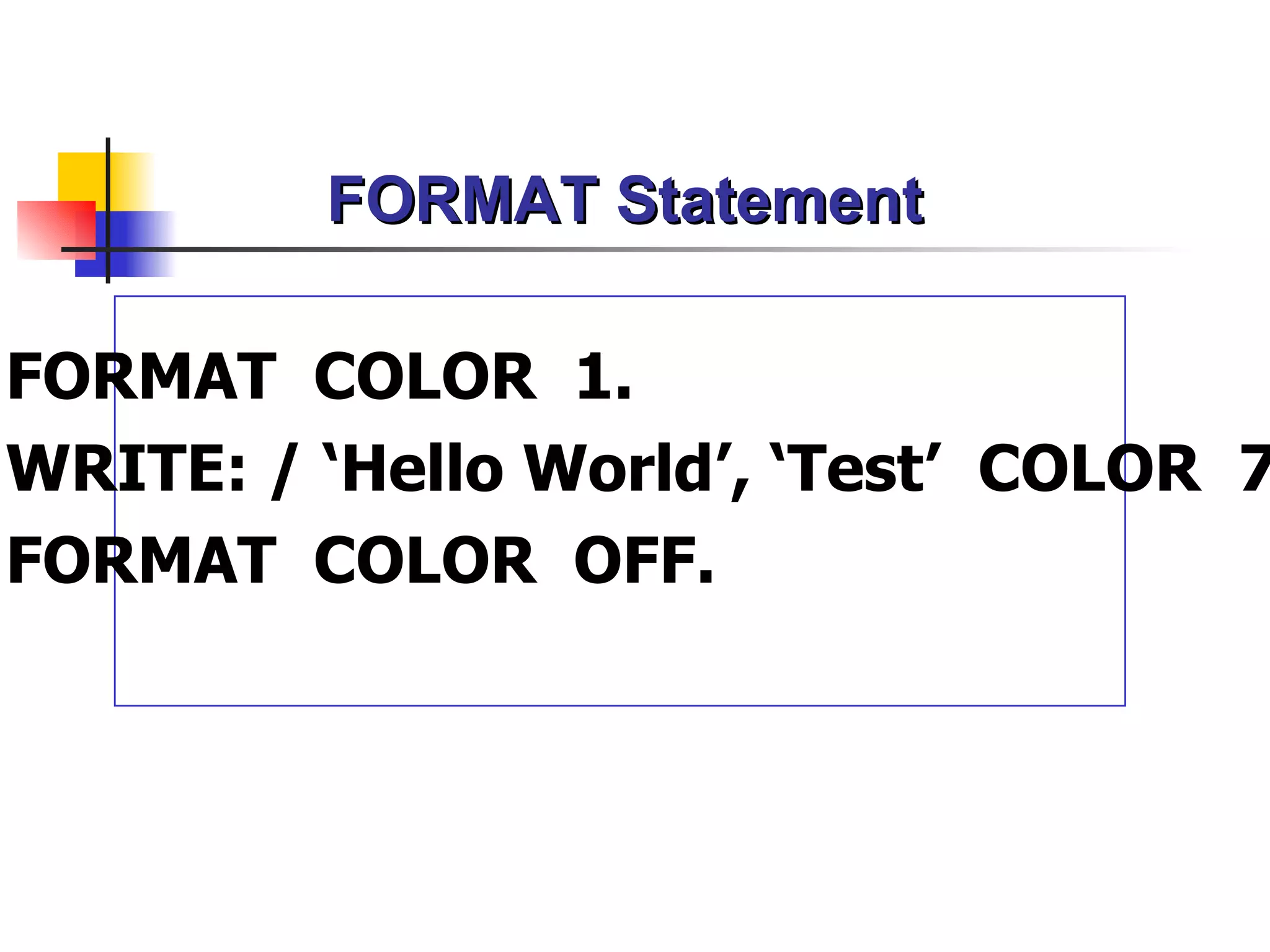
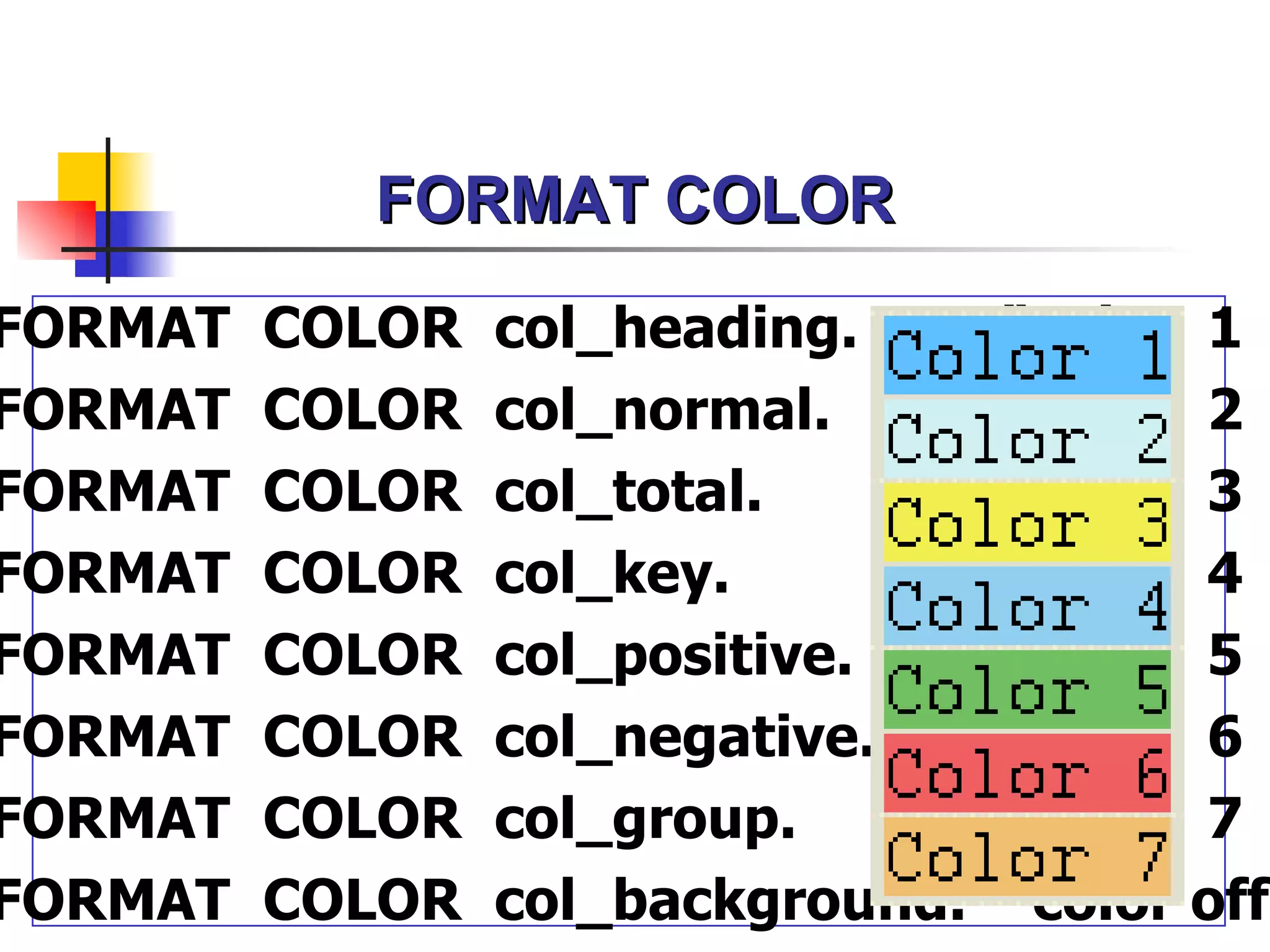
FORMAT COLOR
FORMAT COLOR col_heading. “color 1
FORMAT COLOR col_normal. “color 2
FORMAT COLOR col_total. “color 3
FORMAT COLOR col_key. “color 4
FORMAT COLOR col_positive. “color 5
FORMAT COLOR col_negative. “color 6
FORMAT COLOR col_group. “color 7
FORMAT COLOR col_background. “color off
Include Program
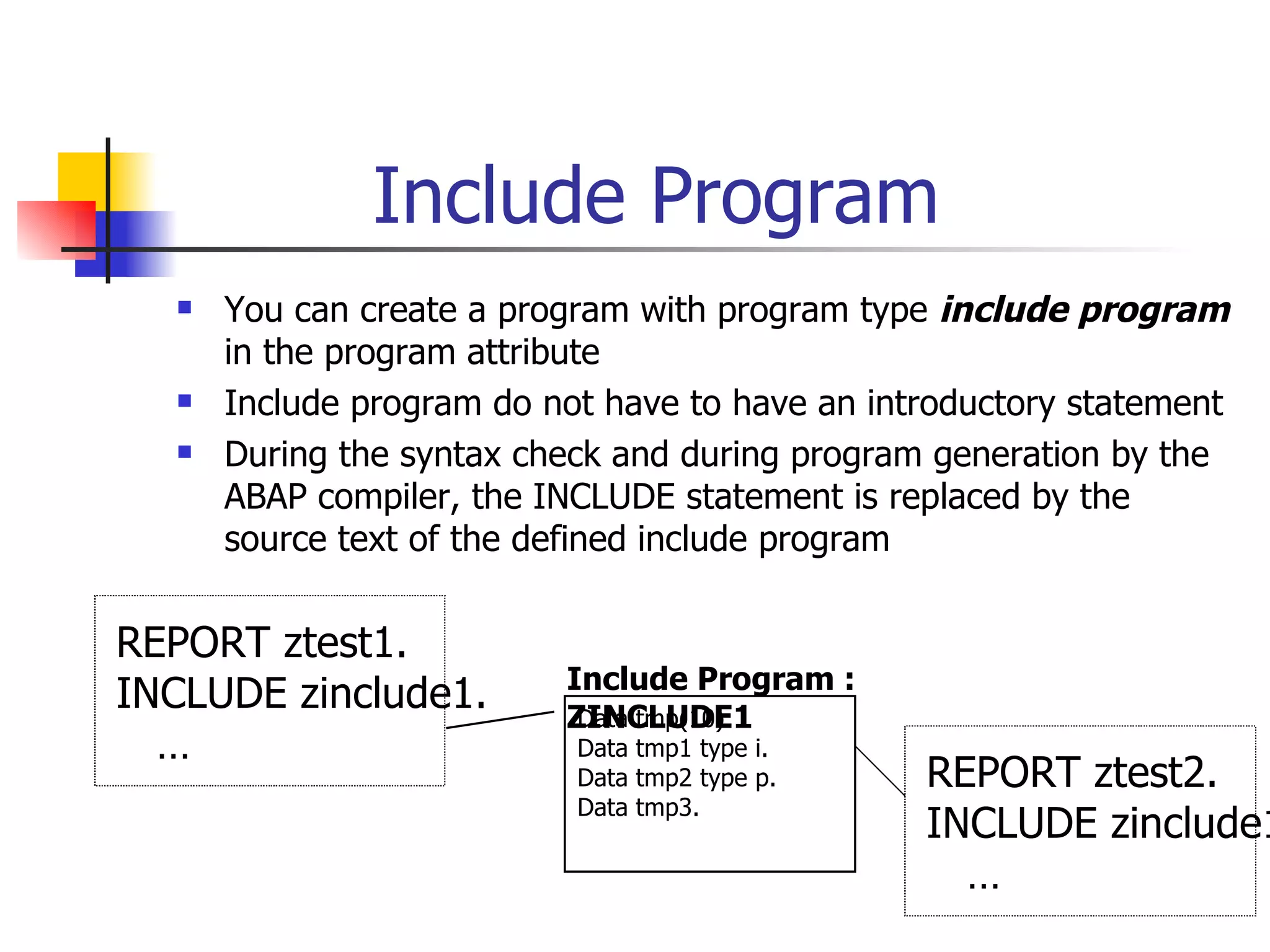
You can create a program with program type include program
in the program attribute
Include program do not have to have an introductory statement
During the syntax check and during program generation by the
ABAP compiler, the INCLUDE statement is replaced by the
source text of the defined include program
REPORT ztest1.
Include Program :
INCLUDE zinclude1. ZINCLUDE1
Data tmp(10).
… Data tmp1 type i.
Data tmp2 type p. REPORT ztest2.
Data tmp3.
INCLUDE zinclude1
…
28.
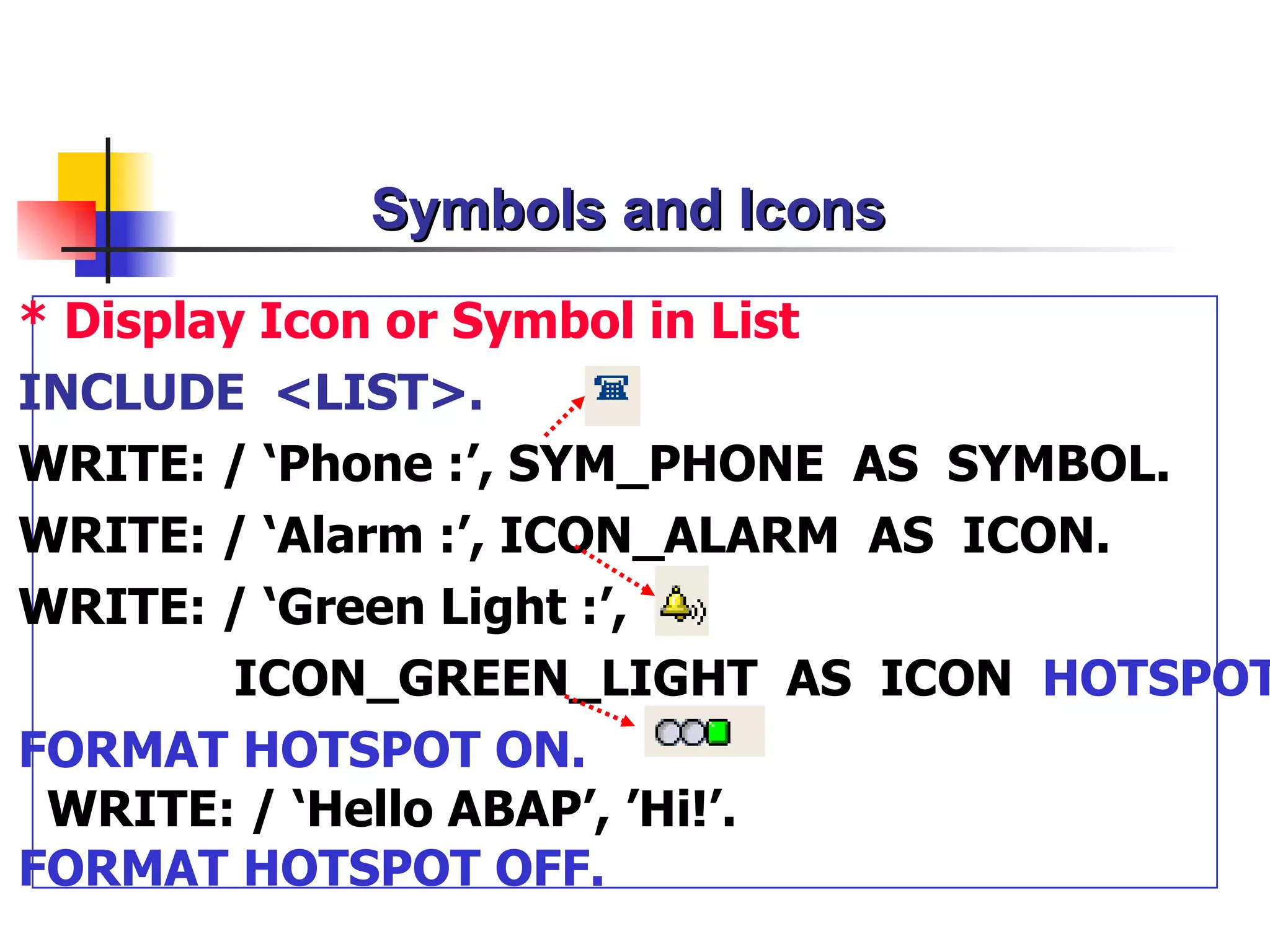
Symbols and Icons
*Display Icon or Symbol in List
INCLUDE <LIST>.
WRITE: / ‘Phone :’, SYM_PHONE AS SYMBOL.
WRITE: / ‘Alarm :’, ICON_ALARM AS ICON.
WRITE: / ‘Green Light :’,
ICON_GREEN_LIGHT AS ICON HOTSPOT
FORMAT HOTSPOT ON.
WRITE: / ‘Hello ABAP’, ’Hi!’.
FORMAT HOTSPOT OFF.
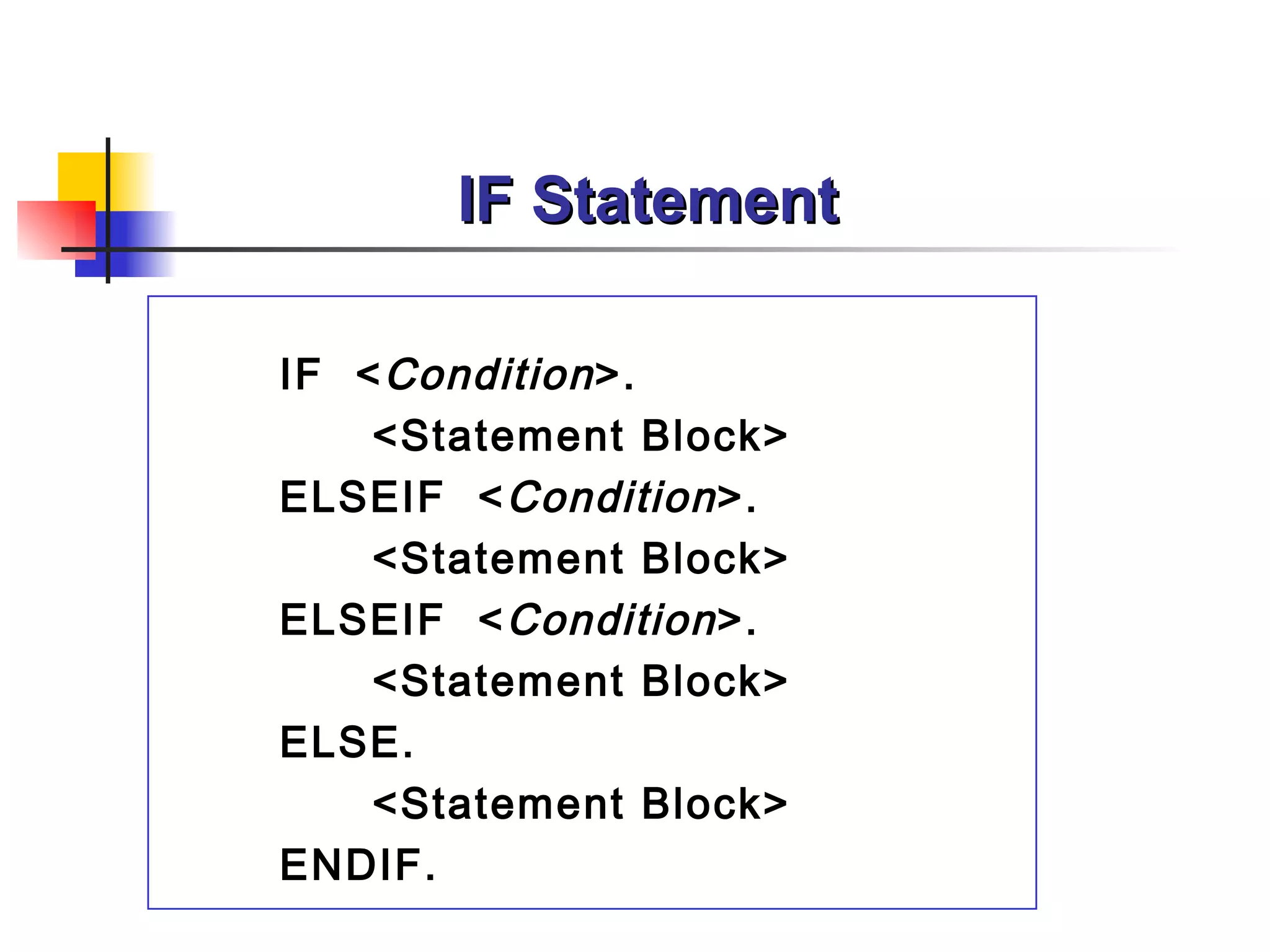
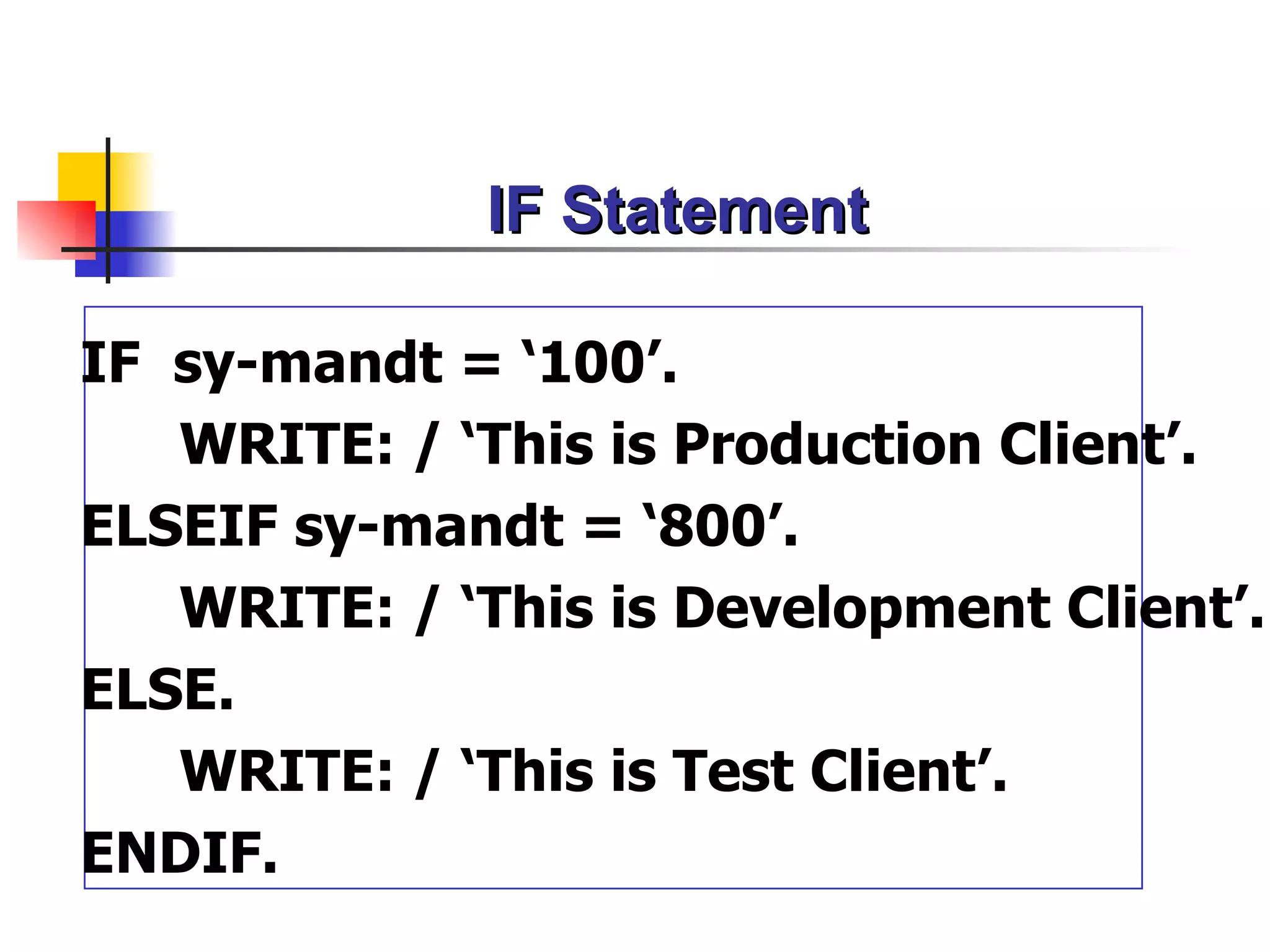
IF Statement
IF sy-mandt= ‘100’.
WRITE: / ‘This is Production Client’.
ELSEIF sy-mandt = ‘800’.
WRITE: / ‘This is Development Client’.
ELSE.
WRITE: / ‘This is Test Client’.
ENDIF.
33.
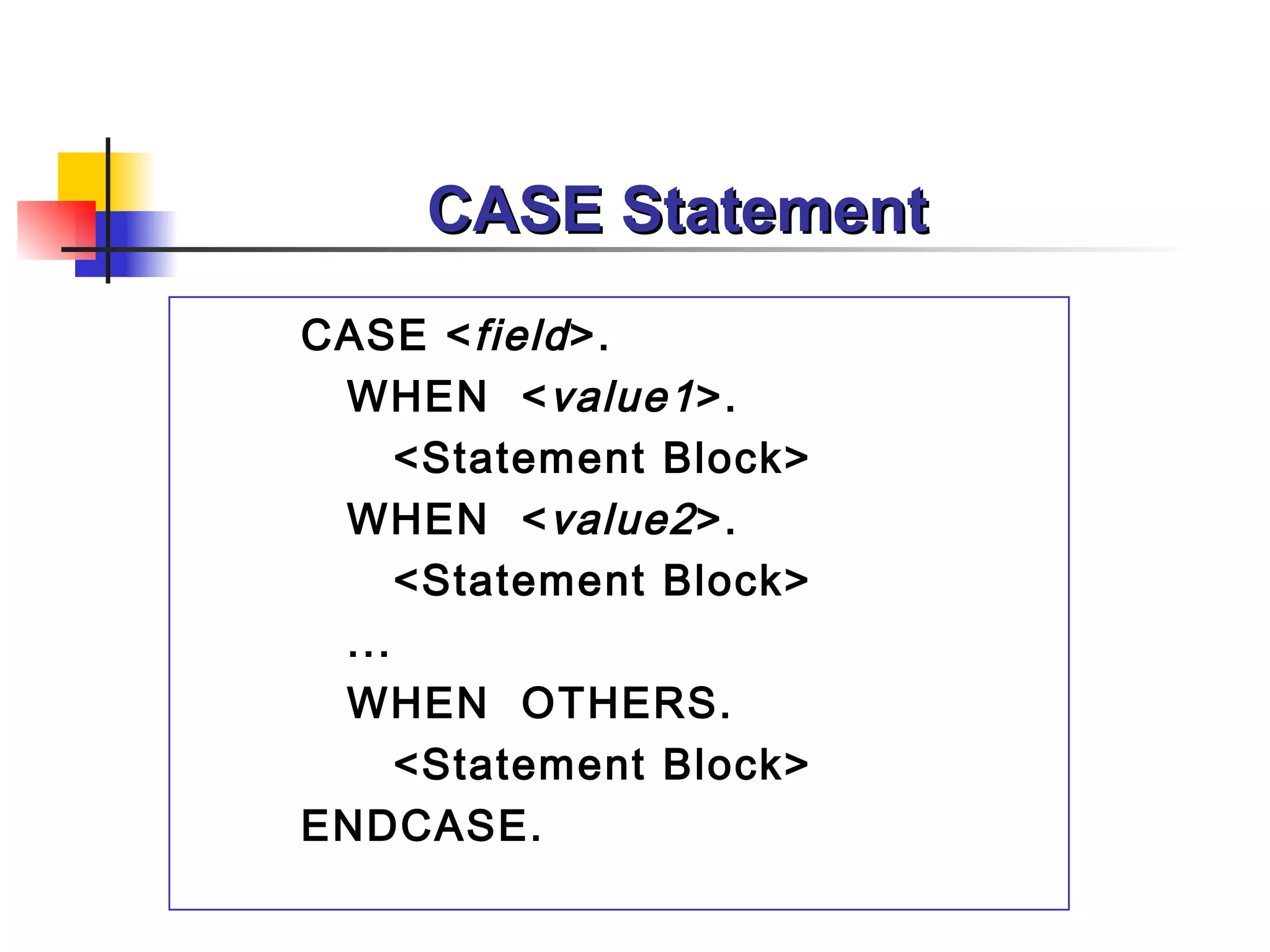
CASE Statement
CASE <field >.
WHEN < value1 >.
<Statement Block>
WHEN < value2 >.
<Statement Block>
...
WHEN OTHERS.
<Statement Block>
ENDCASE.
34.
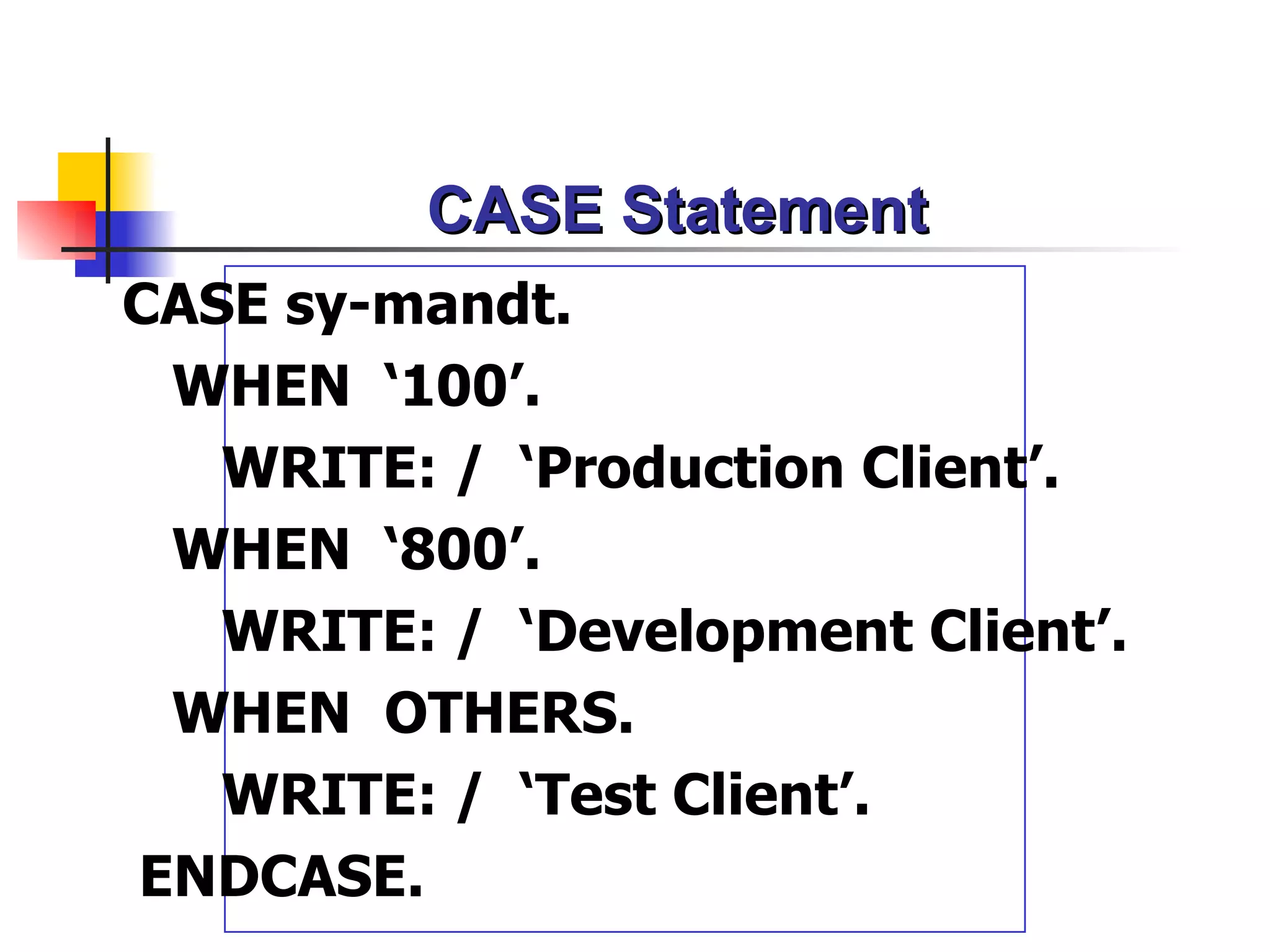
CASE Statement
CASE sy-mandt.
WHEN ‘100’.
WRITE: / ‘Production Client’.
WHEN ‘800’.
WRITE: / ‘Development Client’.
WHEN OTHERS.
WRITE: / ‘Test Client’.
ENDCASE.
Manipulating Character Data
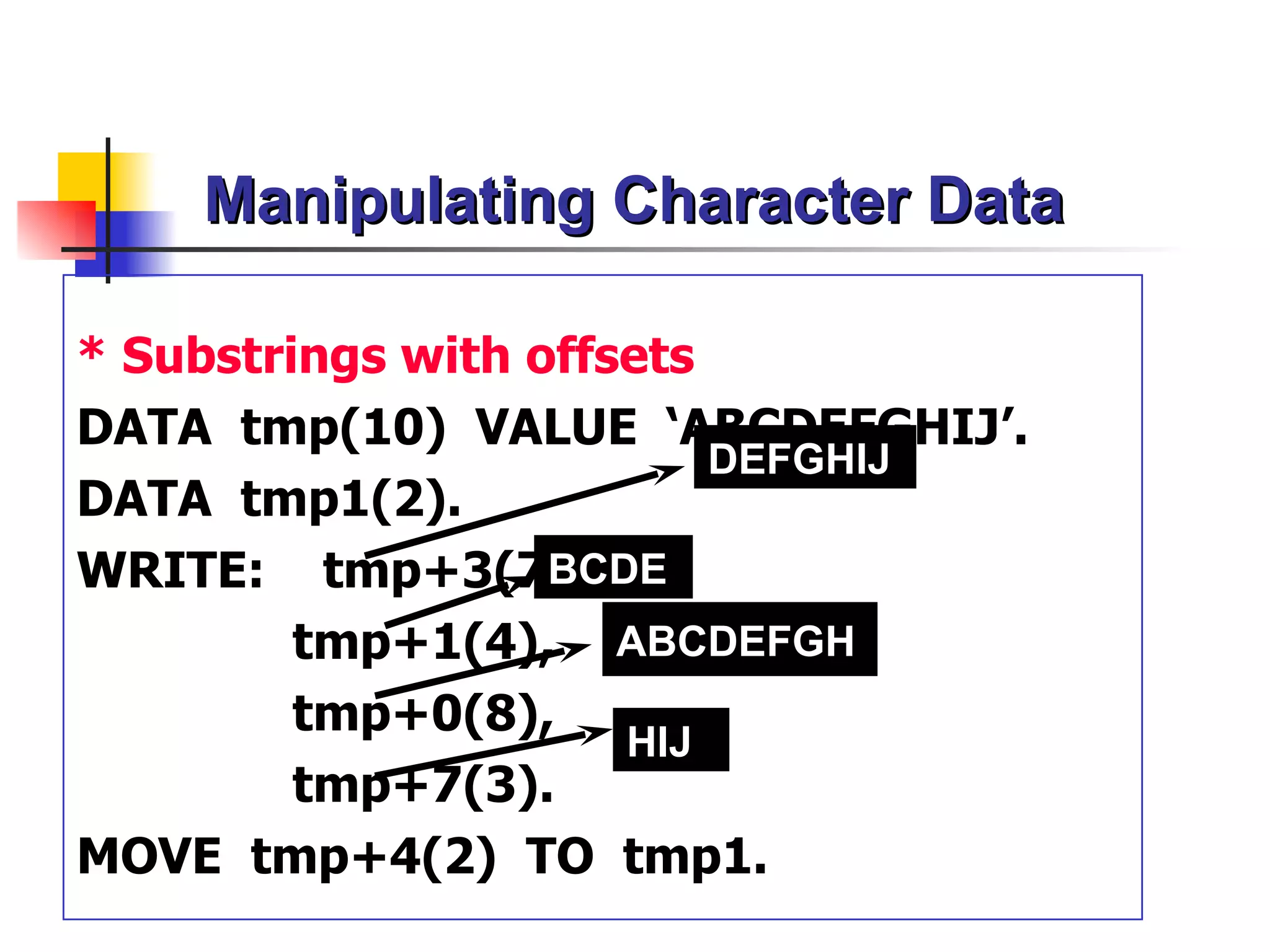
*Substrings with offsets
DATA tmp(10) VALUE ‘ABCDEFGHIJ’.
DEFGHIJ
DATA tmp1(2).
WRITE: tmp+3(7), BCDE
tmp+1(4), ABCDEFGH
tmp+0(8),
HIJ
tmp+7(3).
MOVE tmp+4(2) TO tmp1.
44.
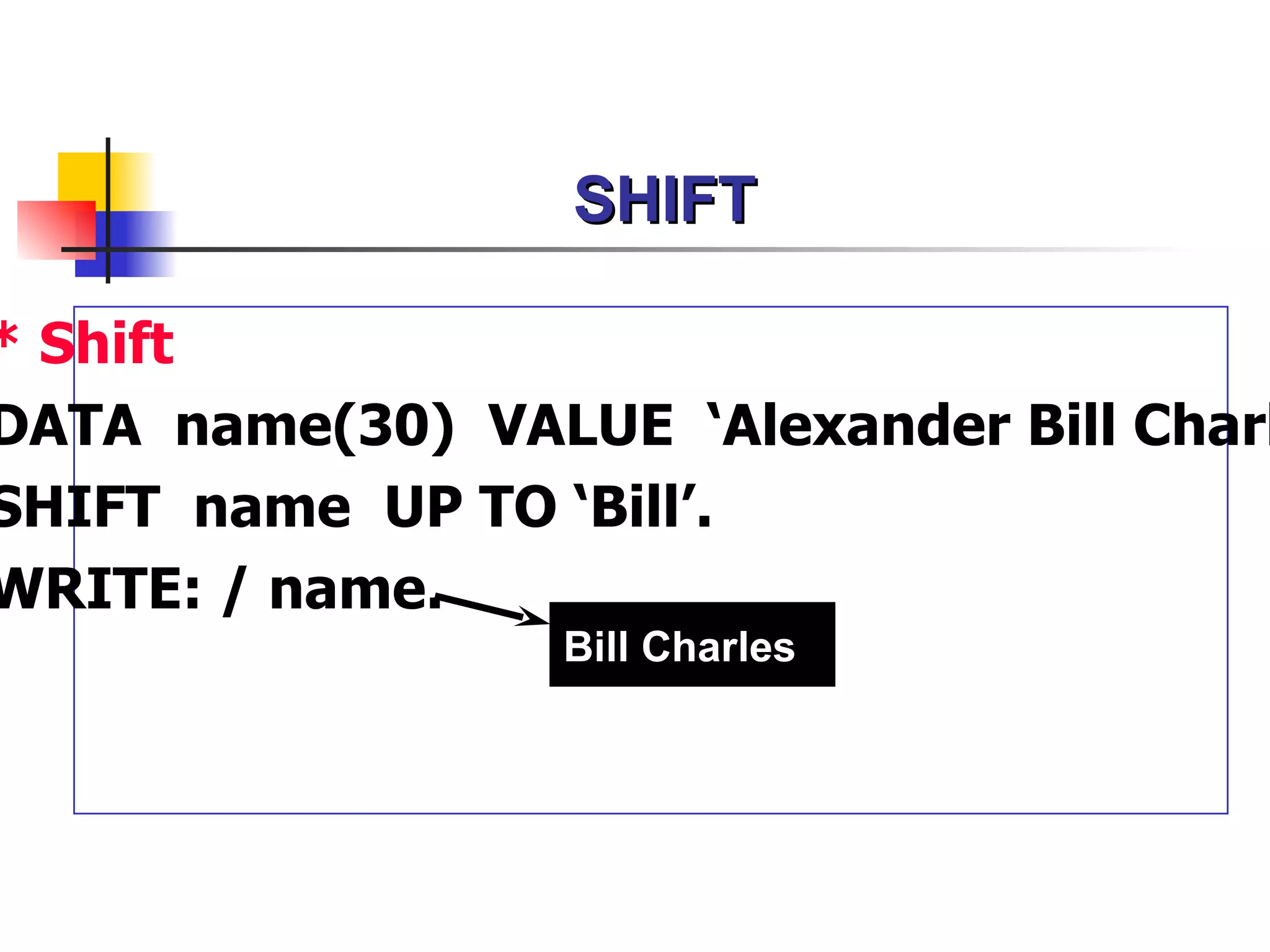
SHIFT Statement
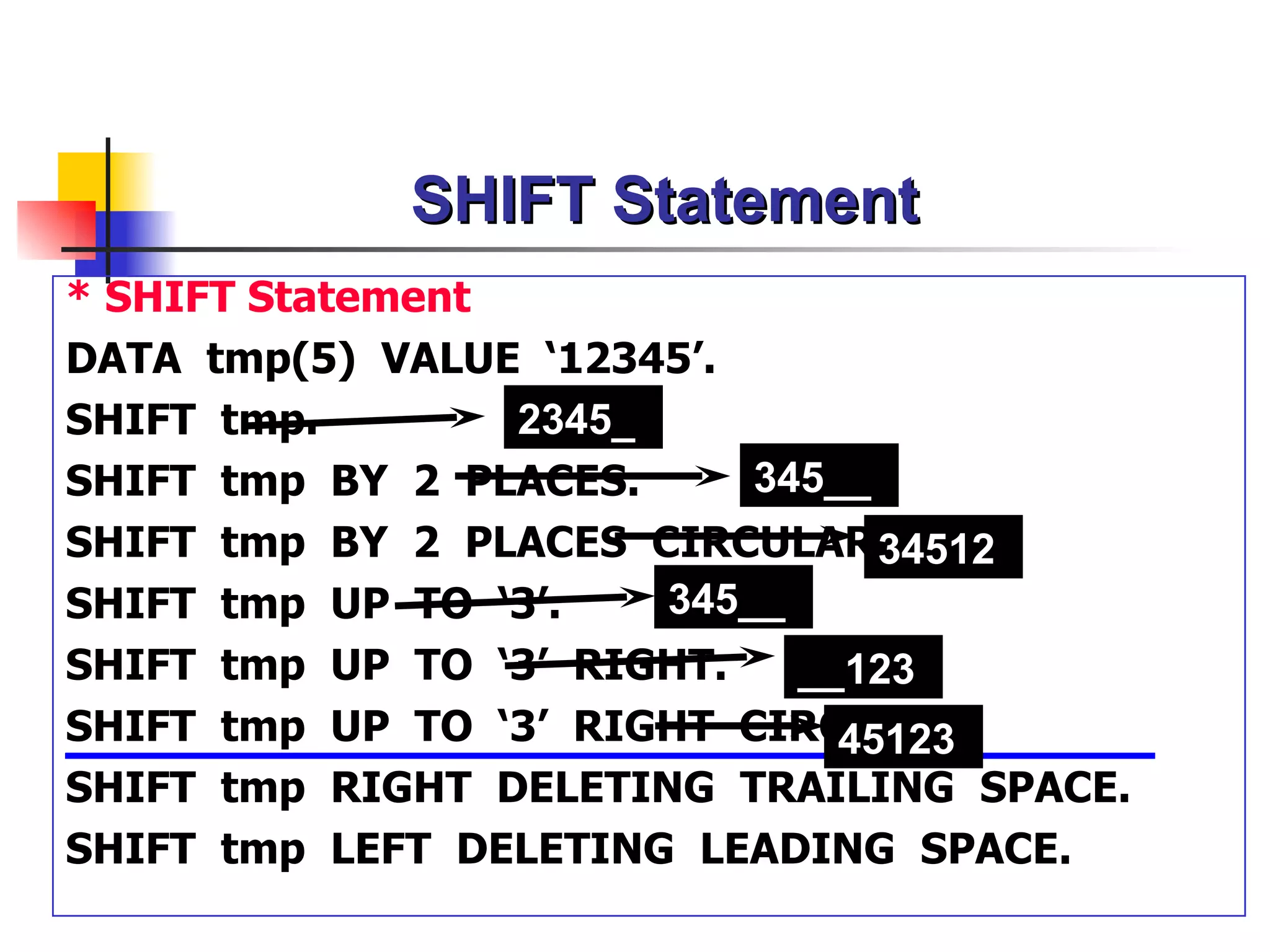
* SHIFTStatement
DATA tmp(5) VALUE ‘12345’.
SHIFT tmp. 2345_
SHIFT tmp BY 2 PLACES. 345__
SHIFT tmp BY 2 PLACES CIRCULAR. 34512
SHIFT tmp UP TO ‘3’. 345__
SHIFT tmp UP TO ‘3’ RIGHT. __123
SHIFT tmp UP TO ‘3’ RIGHT CIRCULAR.
45123
SHIFT tmp RIGHT DELETING TRAILING SPACE.
SHIFT tmp LEFT DELETING LEADING SPACE.
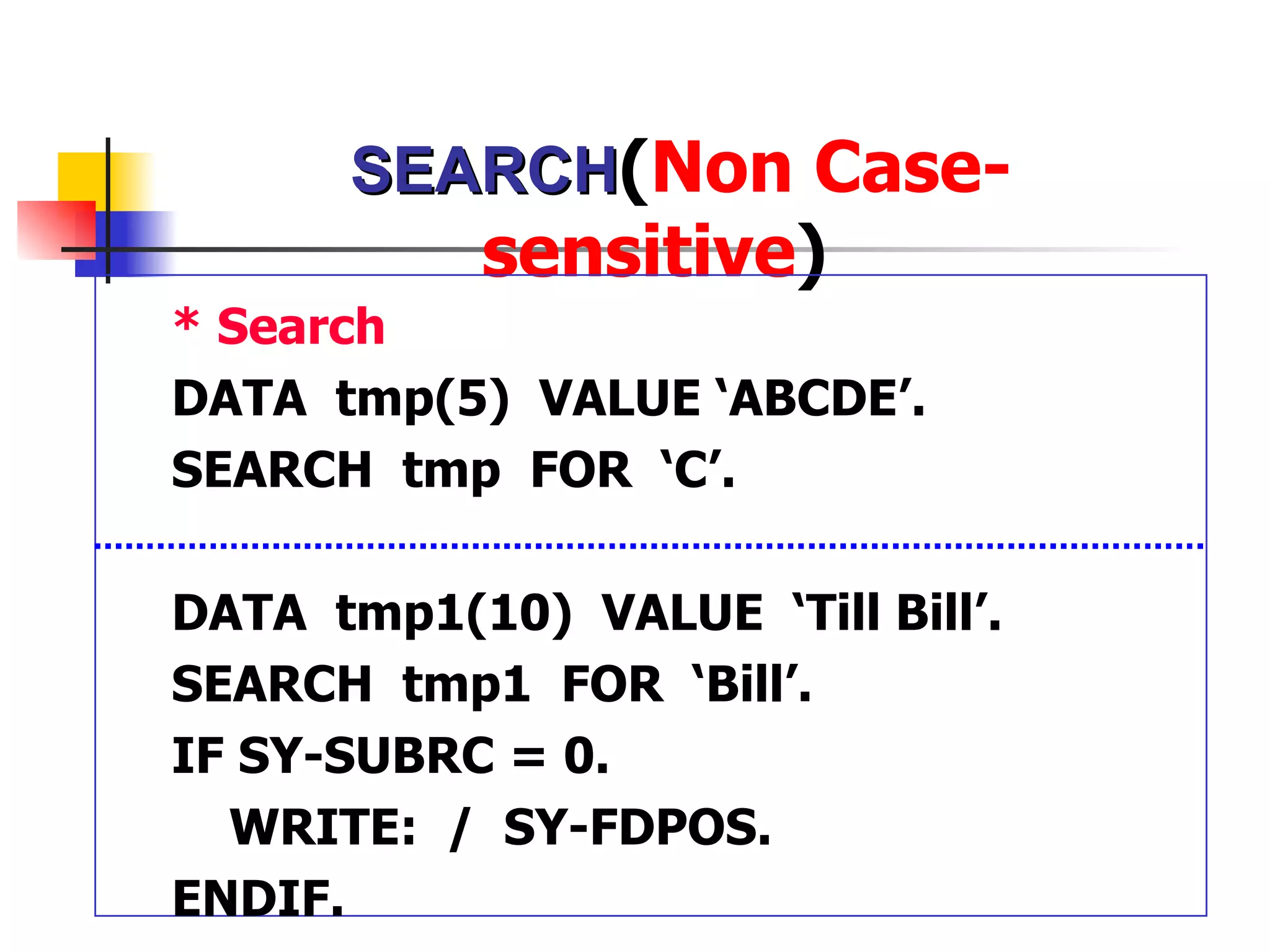
SEARCH(Non Case-
sensitive)
* Search
DATA tmp(5) VALUE ‘ABCDE’.
SEARCH tmp FOR ‘C’.
DATA tmp1(10) VALUE ‘Till Bill’.
SEARCH tmp1 FOR ‘Bill’.
IF SY-SUBRC = 0.
WRITE: / SY-FDPOS.
ENDIF.
47.
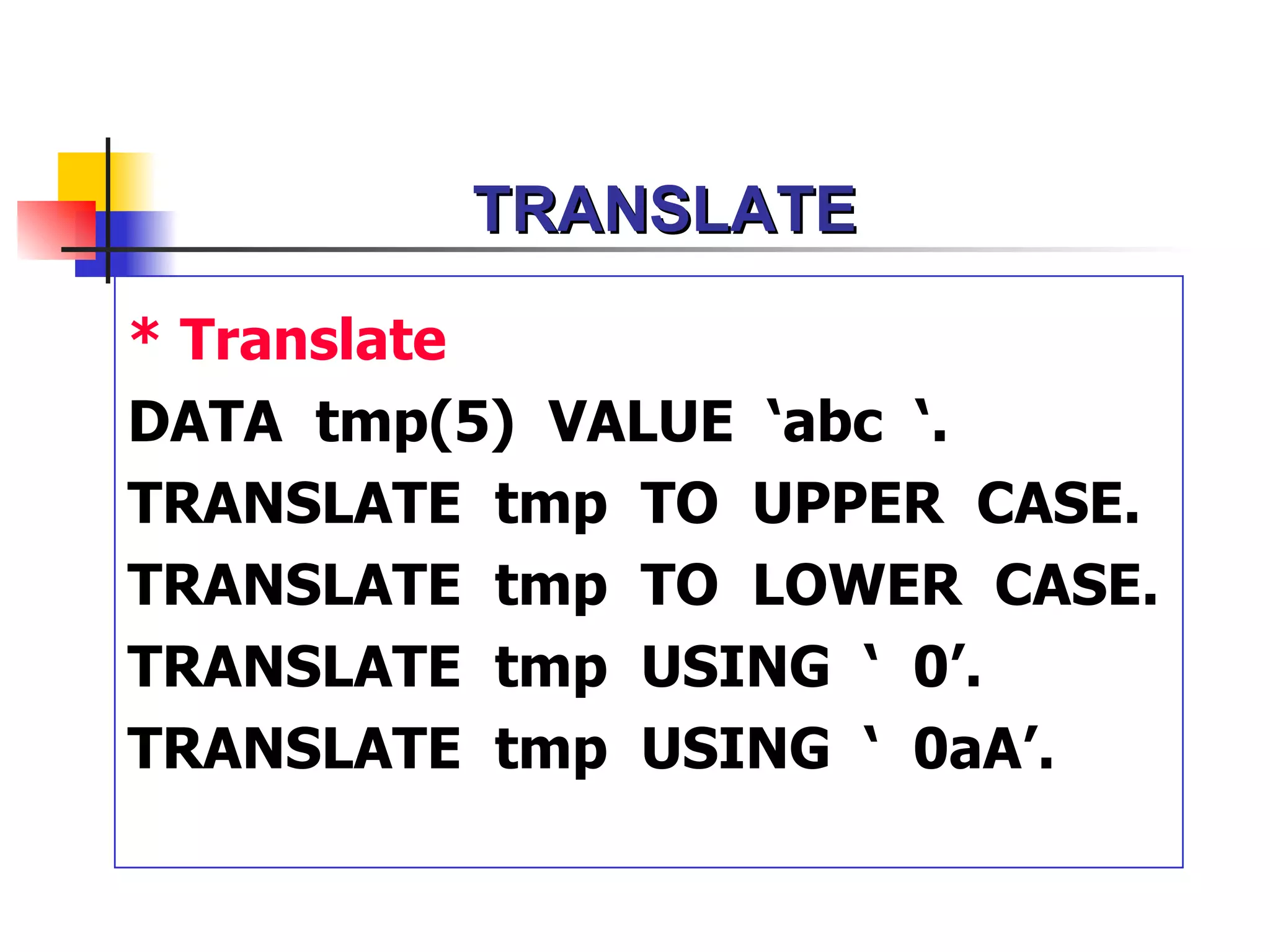
TRANSLATE
* Translate
DATA tmp(5)VALUE ‘abc ‘.
TRANSLATE tmp TO UPPER CASE.
TRANSLATE tmp TO LOWER CASE.
TRANSLATE tmp USING ‘ 0’.
TRANSLATE tmp USING ‘ 0aA’.
48.
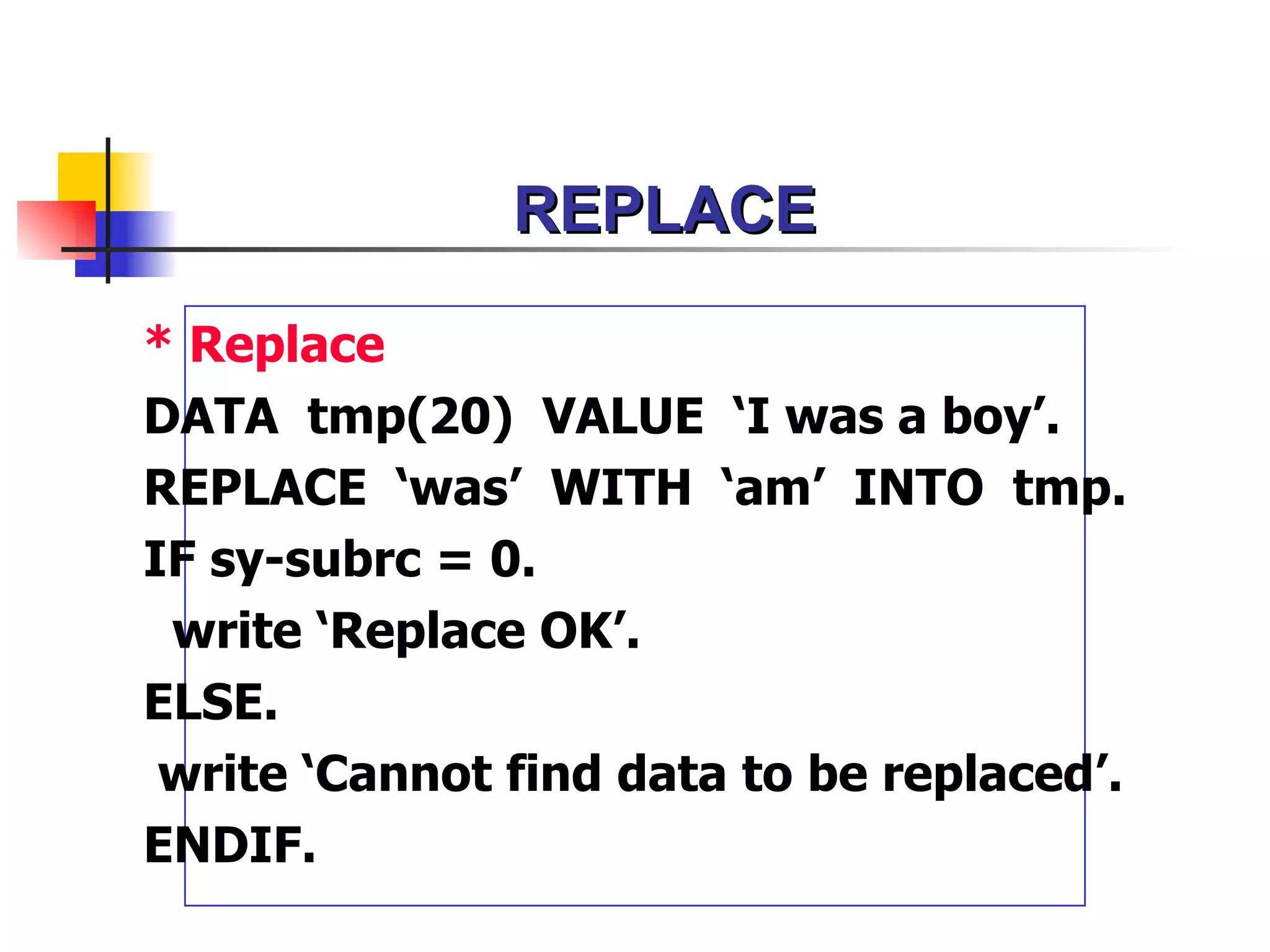
REPLACE
* Replace
DATA tmp(20)VALUE ‘I was a boy’.
REPLACE ‘was’ WITH ‘am’ INTO tmp.
IF sy-subrc = 0.
write ‘Replace OK’.
ELSE.
write ‘Cannot find data to be replaced’.
ENDIF.
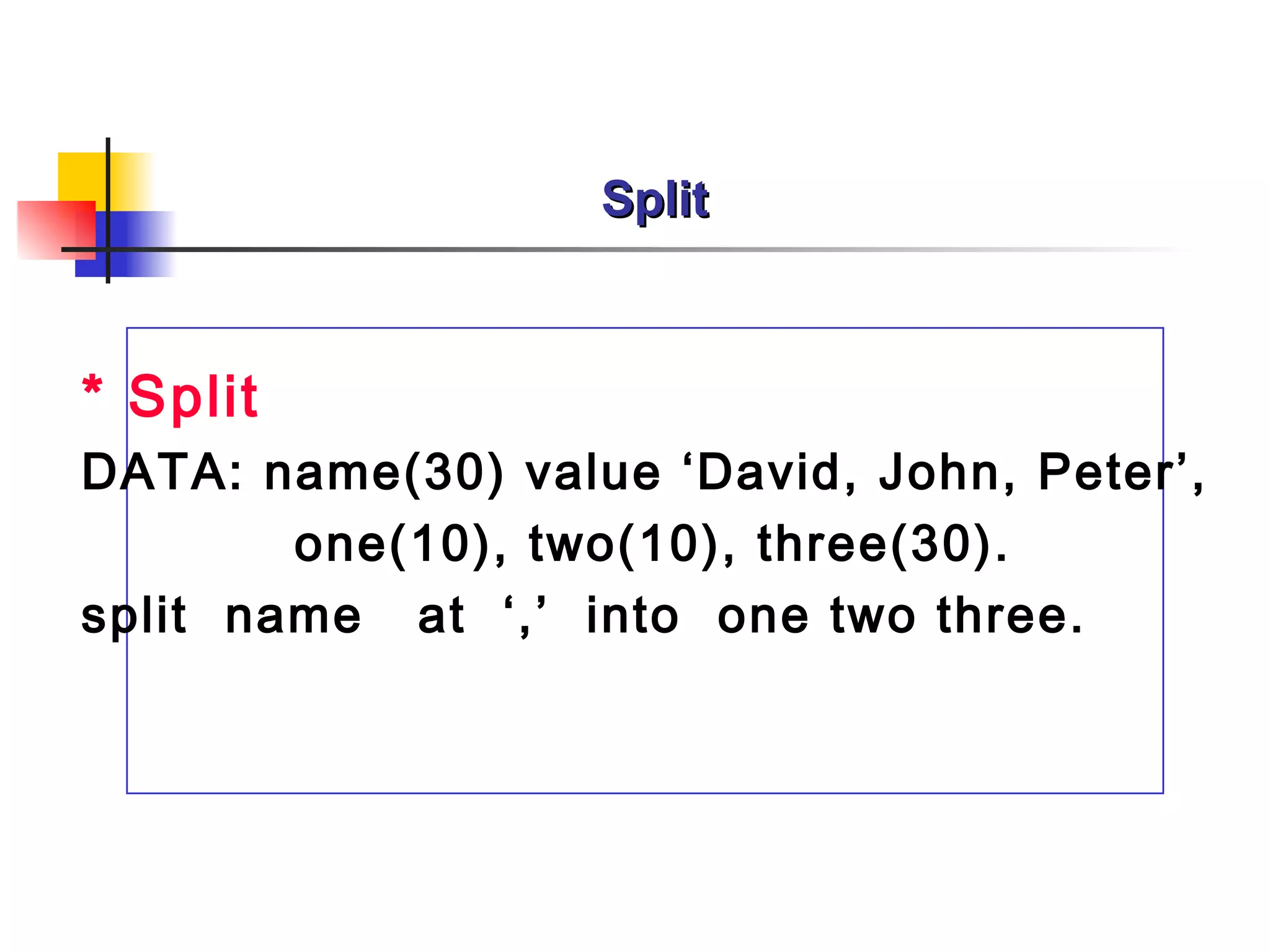
Split
* Split
DATA: name(30)value ‘David, John, Peter’,
one(10), two(10), three(30).
split name at ‘,’ into one two three.
52.
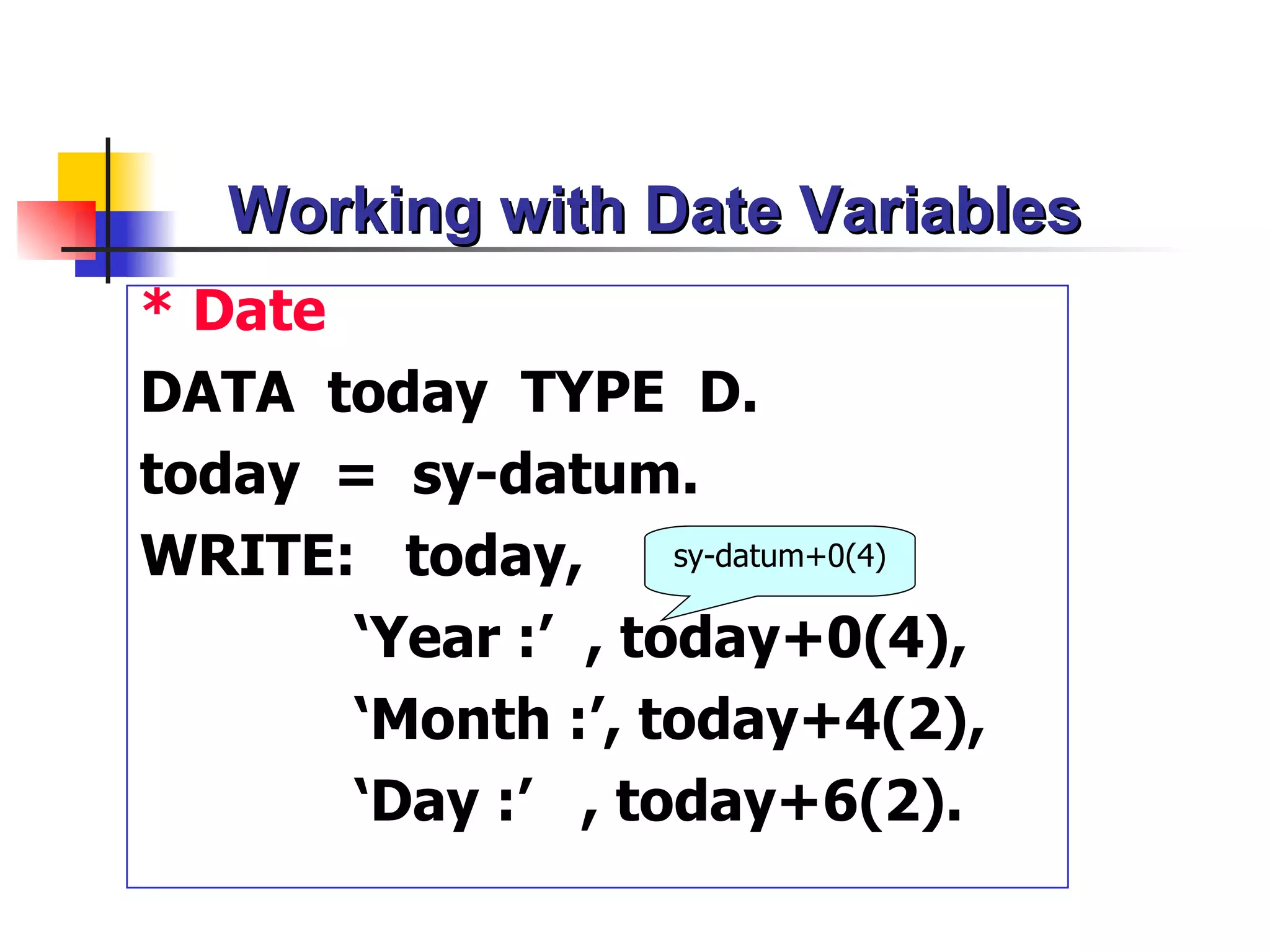
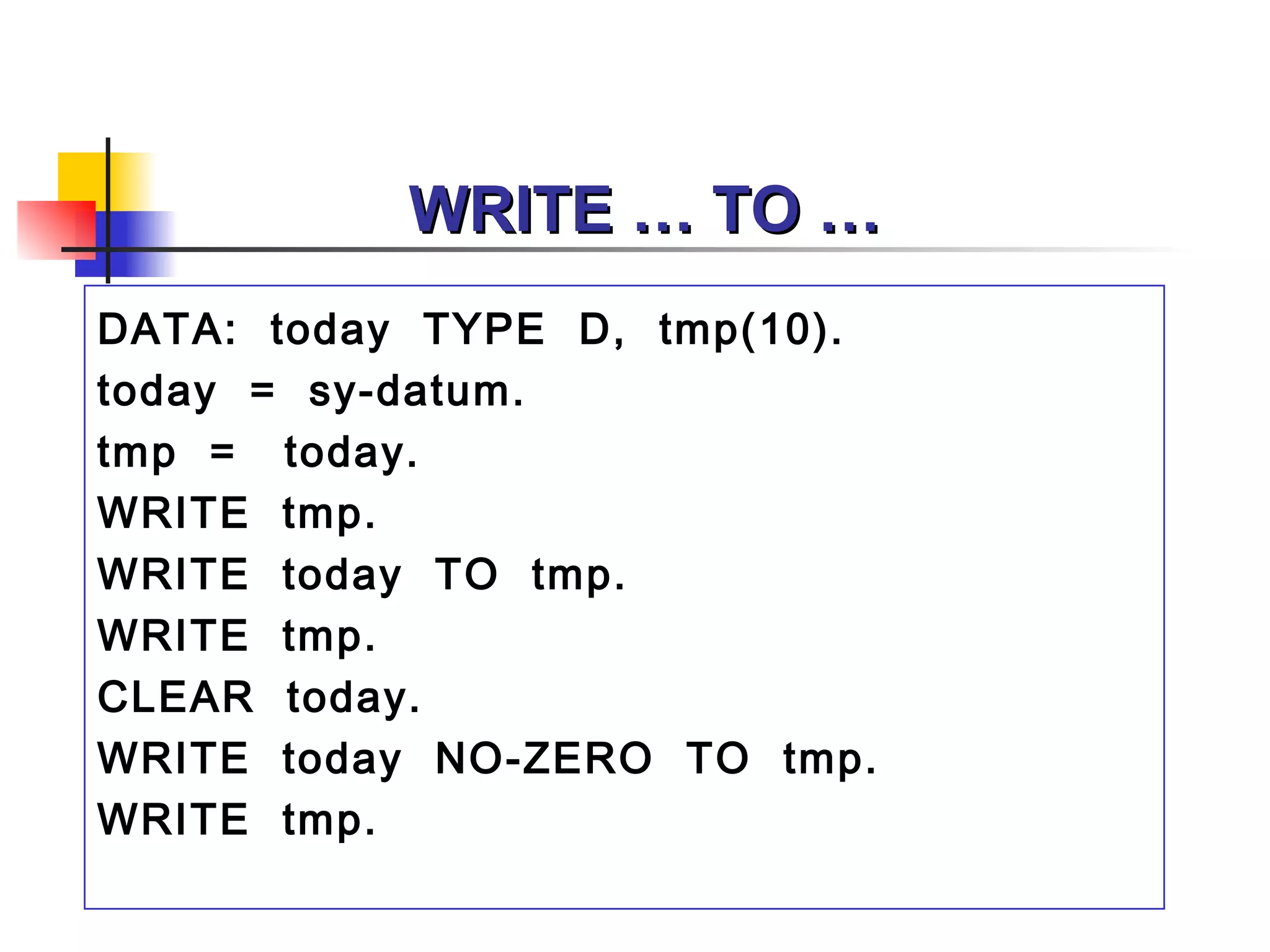
Working with DateVariables
* Date
DATA today TYPE D.
today = sy-datum.
WRITE: today, sy-datum+0(4)
‘Year :’ , today+0(4),
‘Month :’, today+4(2),
‘Day :’ , today+6(2).
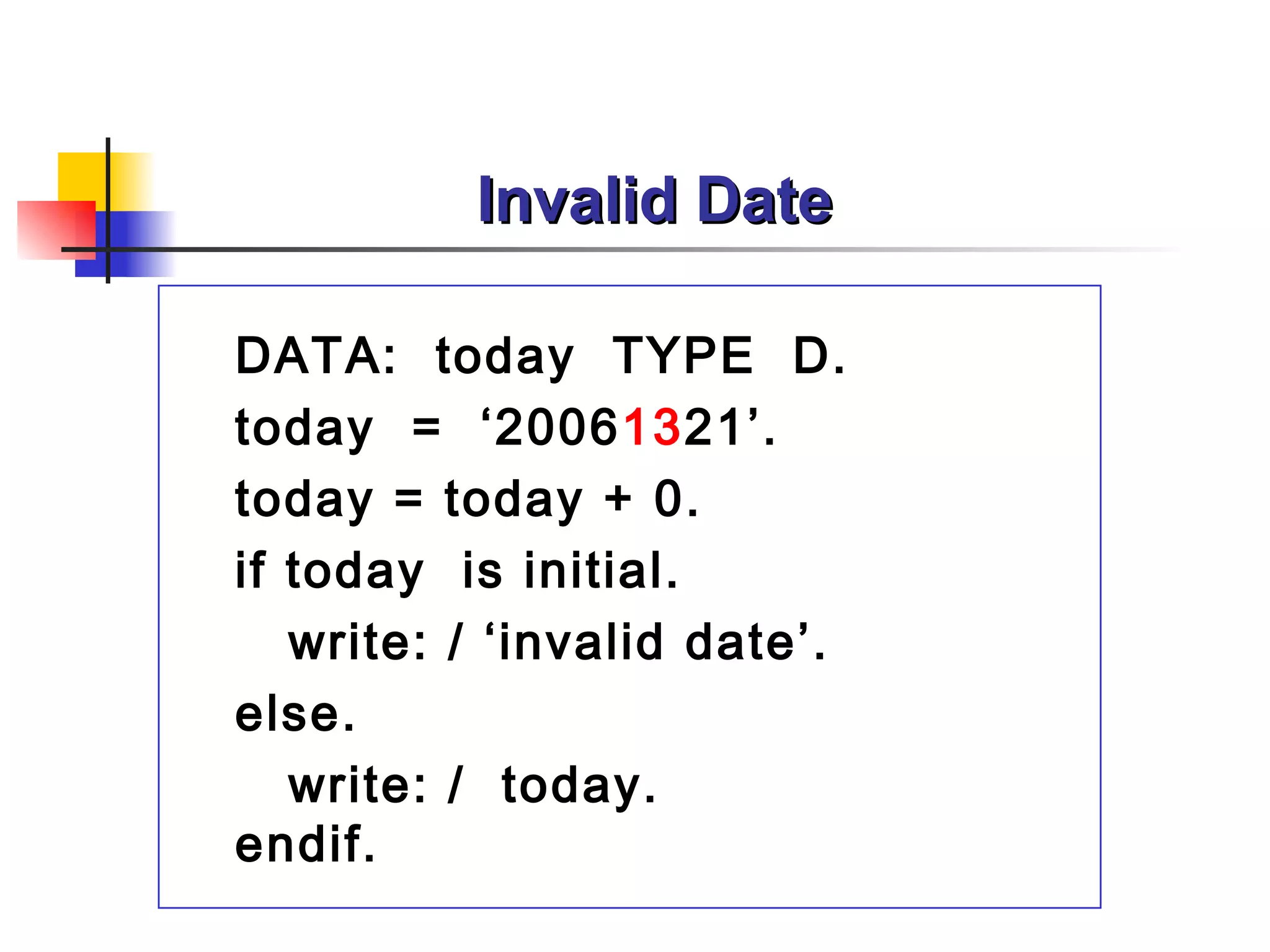
Invalid Date
DATA: todayTYPE D.
today = ‘20061321’.
today = today + 0.
if today is initial.
write: / ‘invalid date’.
else.
write: / today.
endif.
55.
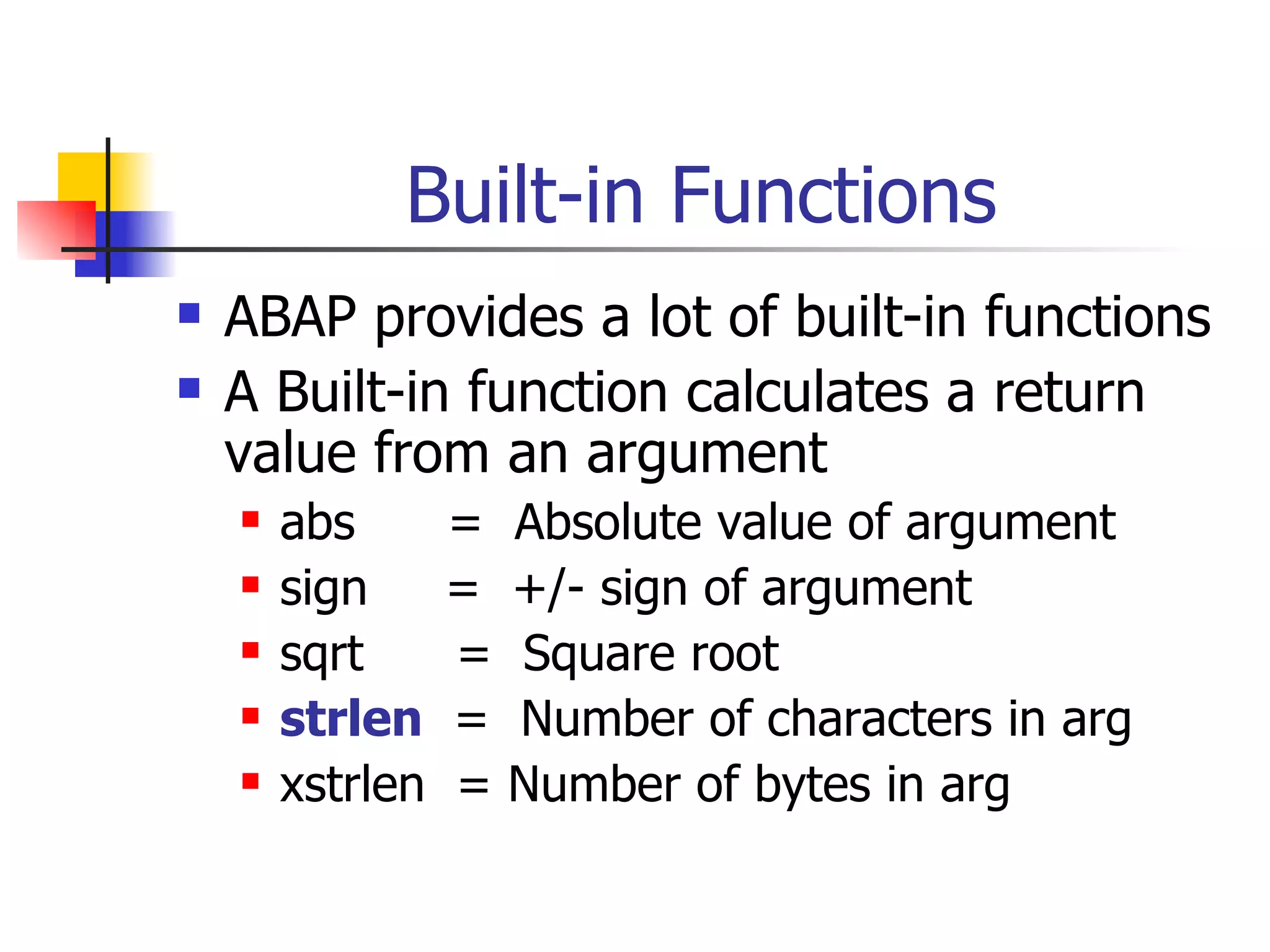
Built-in Functions
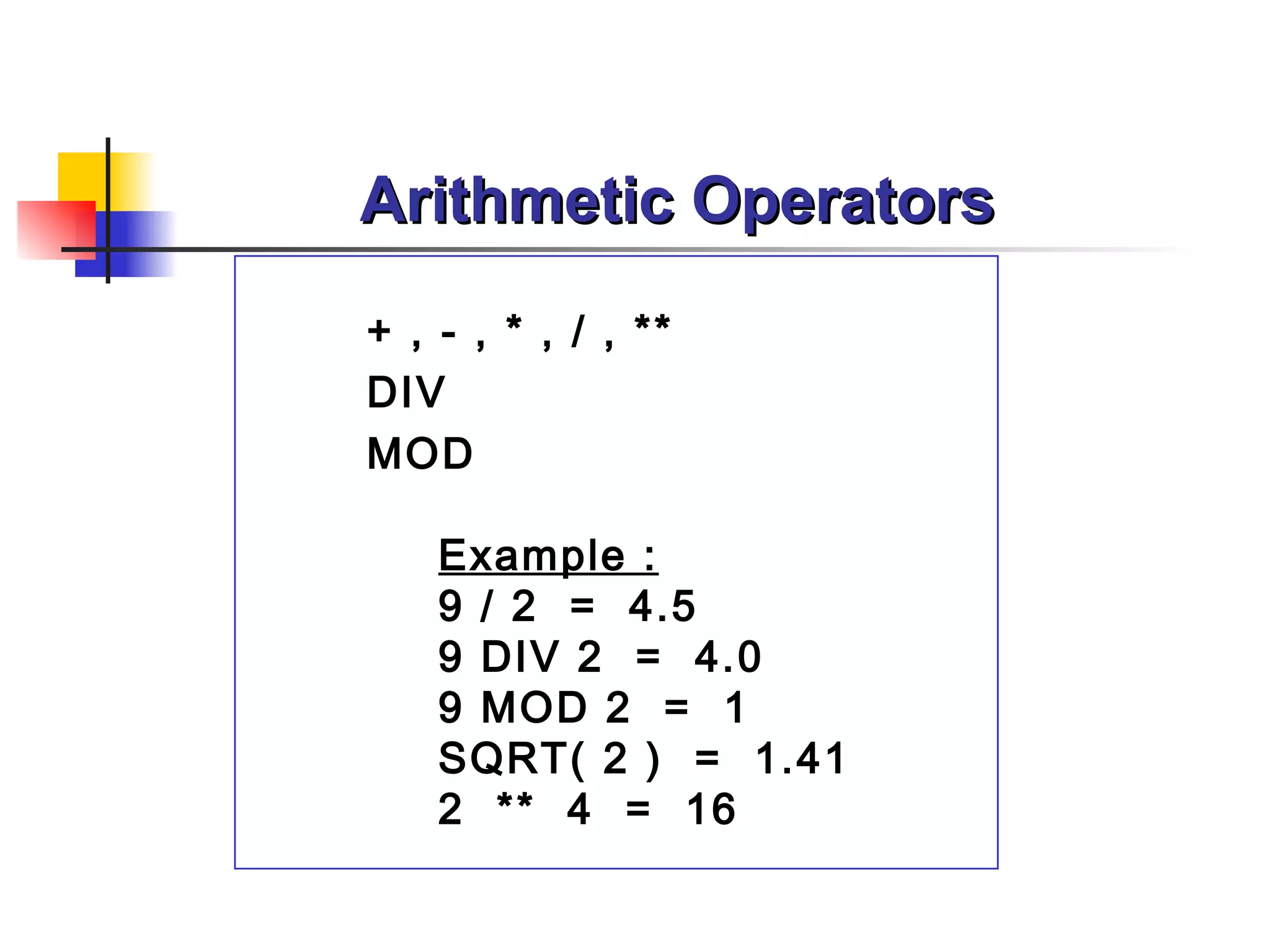
ABAP provides a lot of built-in functions
A Built-in function calculates a return
value from an argument
abs = Absolute value of argument
sign = +/- sign of argument
sqrt = Square root
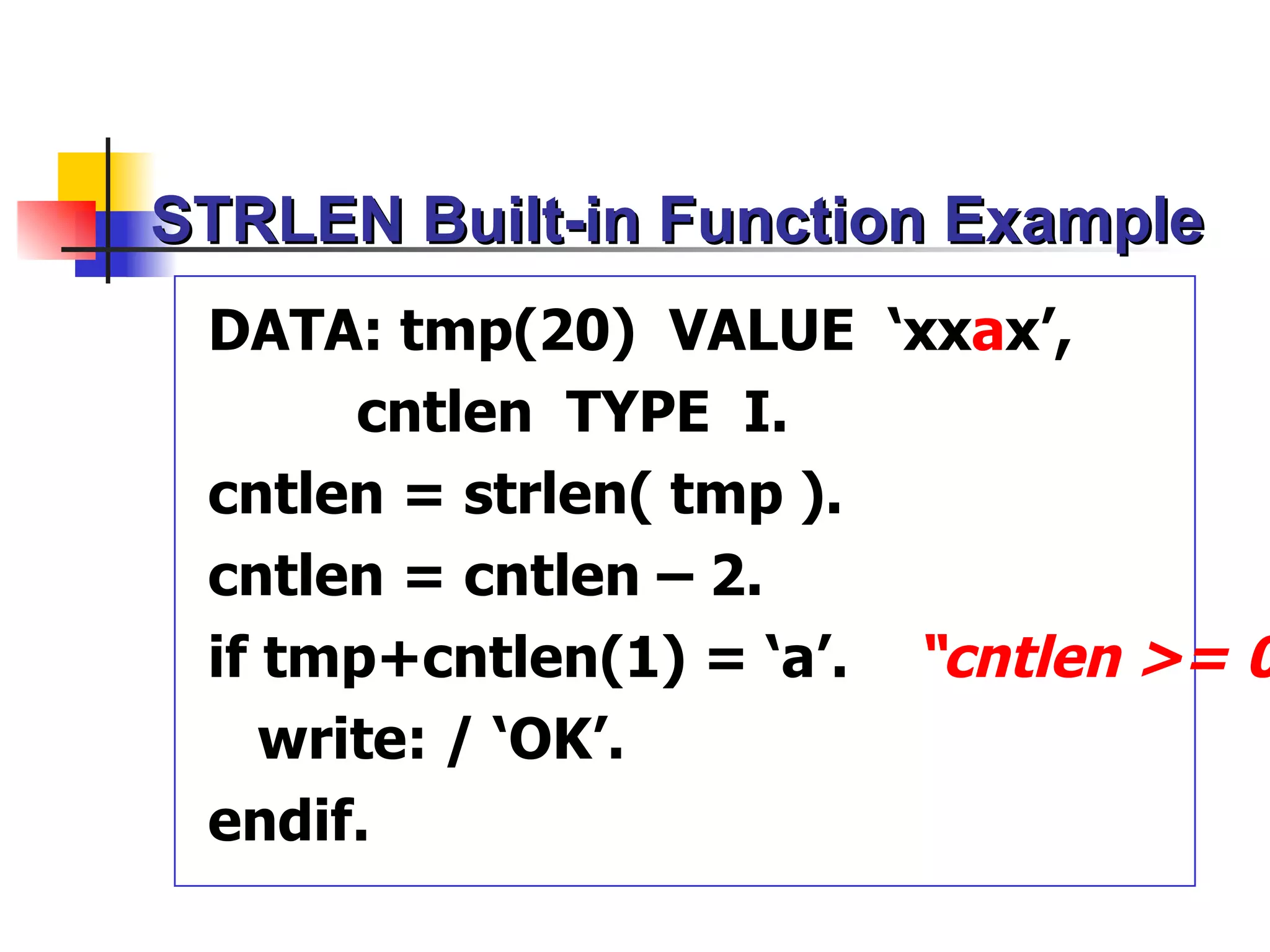
strlen = Number of characters in arg
xstrlen = Number of bytes in arg
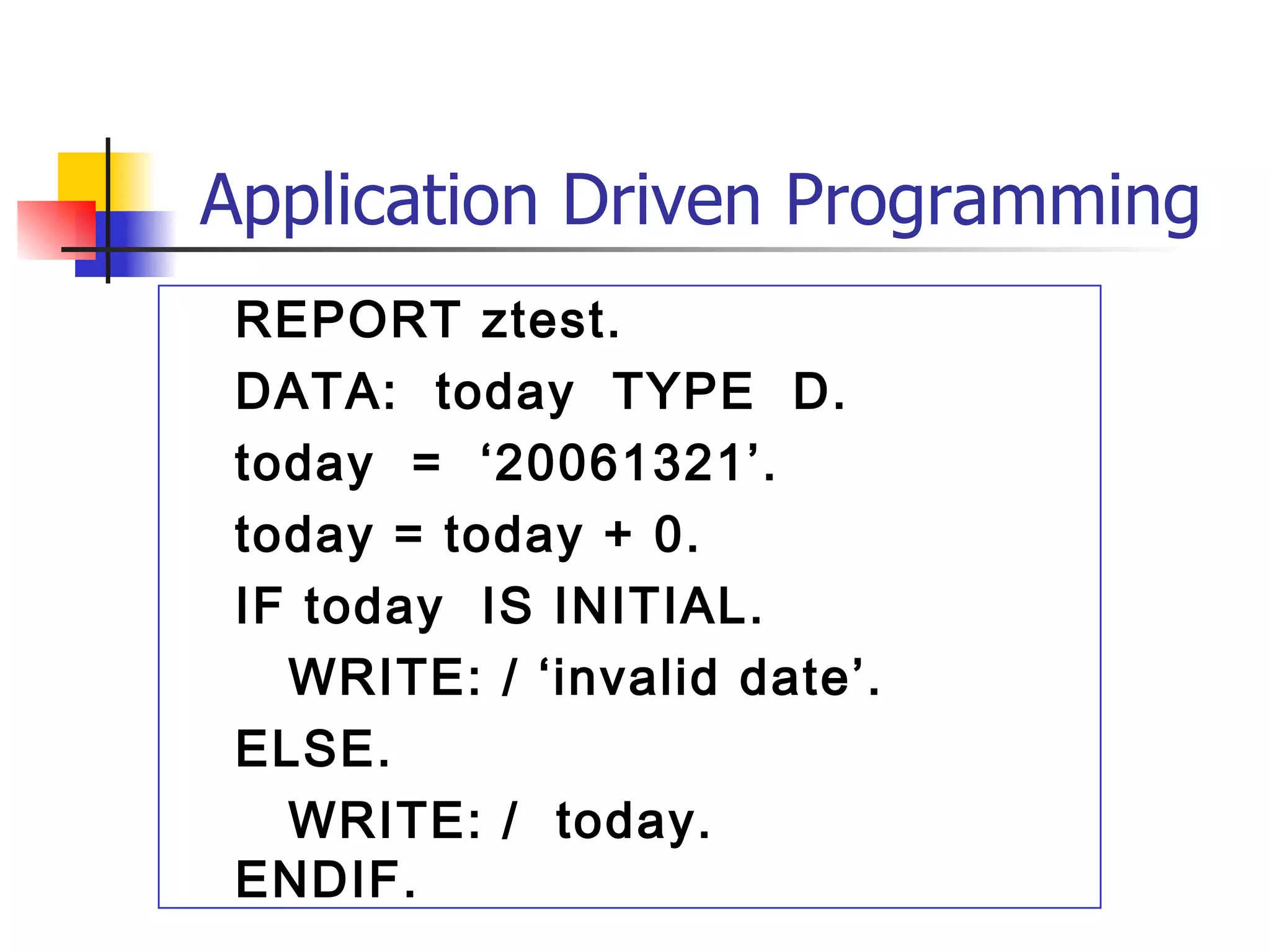
Application Driven Programming
REPORT ztest.
DATA: today TYPE D.
today = ‘20061321’.
today = today + 0.
IF today IS INITIAL.
WRITE: / ‘invalid date’.
ELSE.
WRITE: / today.
ENDIF.
62.
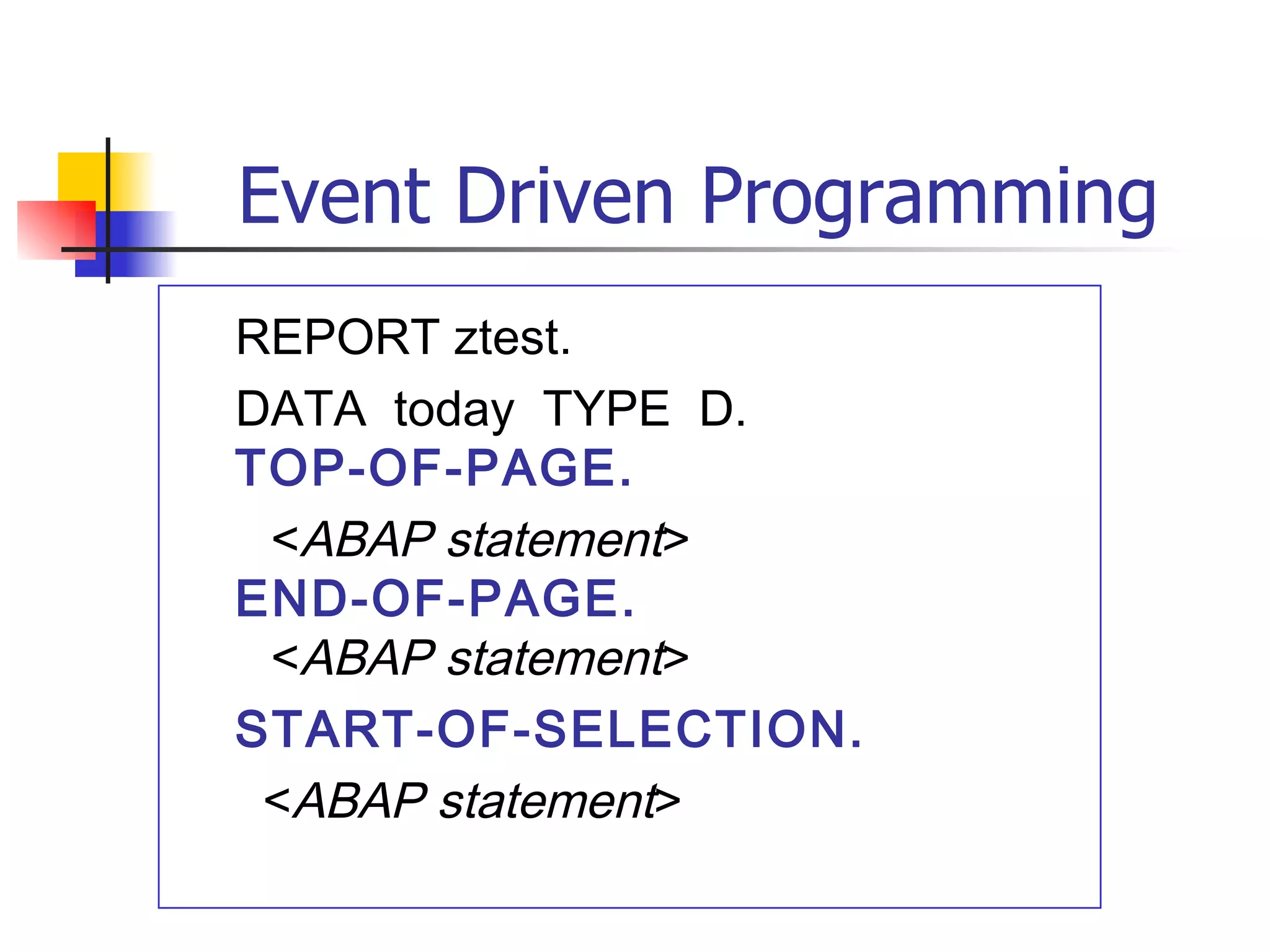
Event Driven Programming
REPORTztest.
DATA today TYPE D.
TOP-OF-PAGE.
<ABAP statement>
END-OF-PAGE.
<ABAP statement>
START-OF-SELECTION.
<ABAP statement>
63.
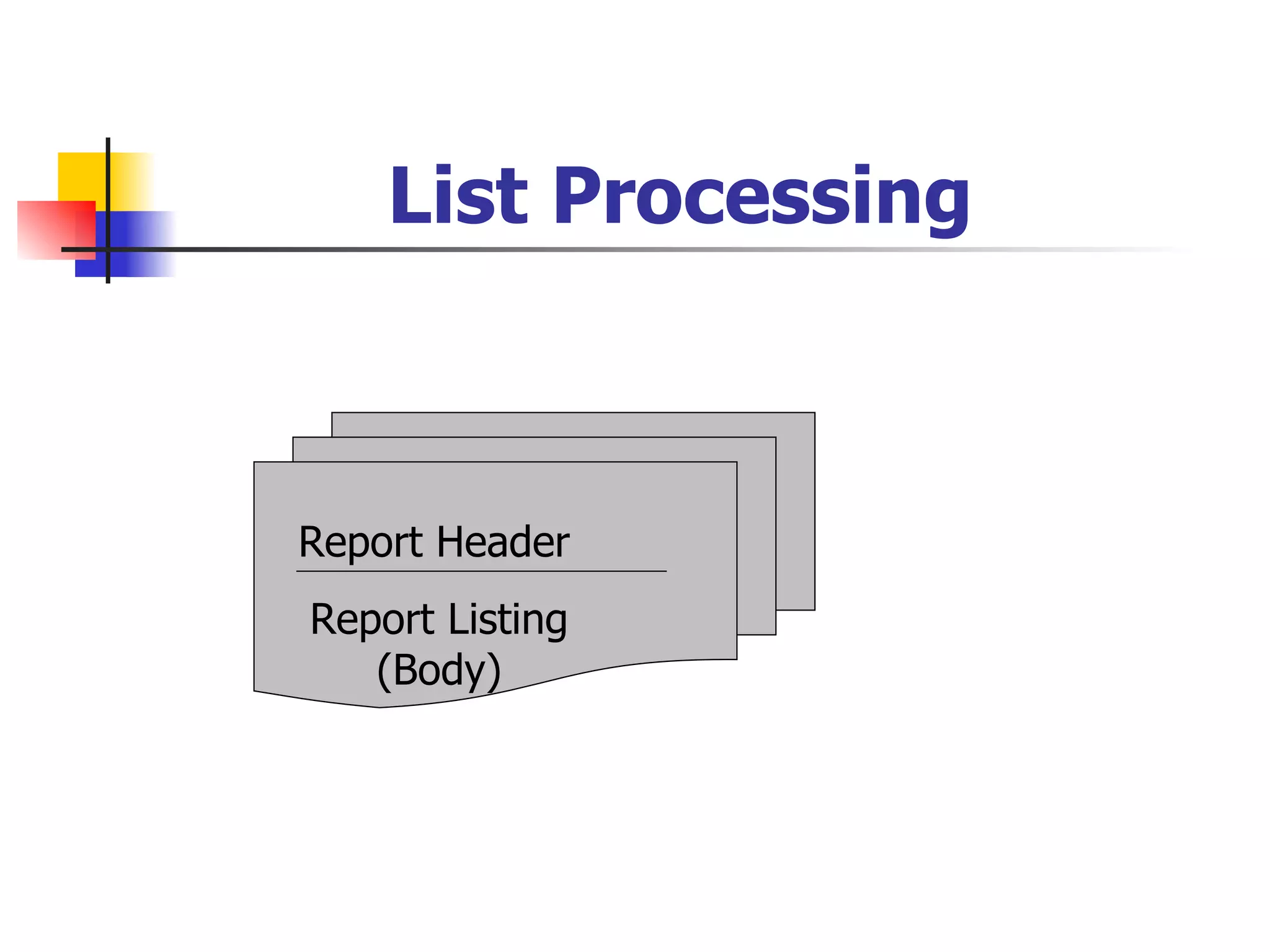
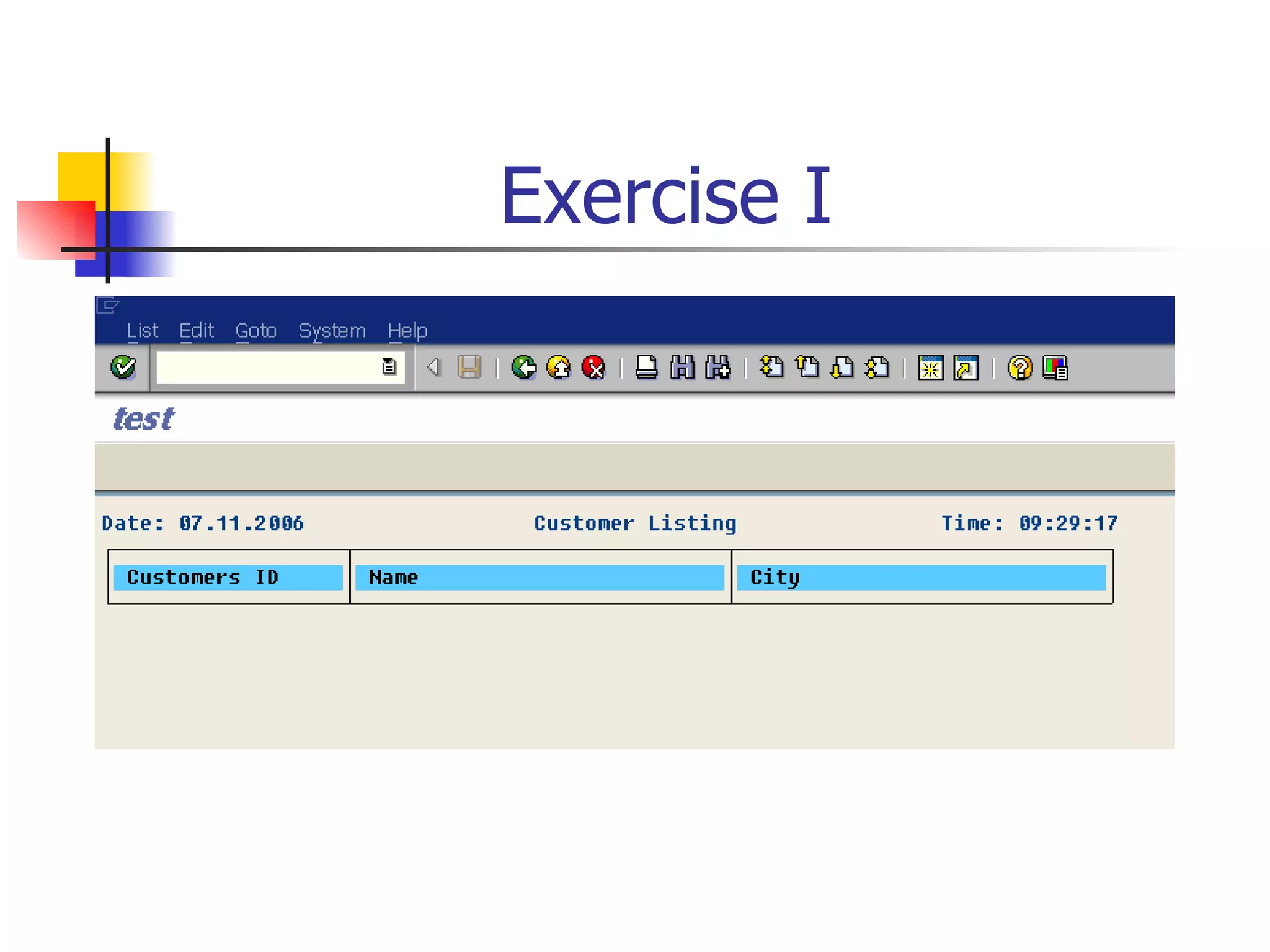
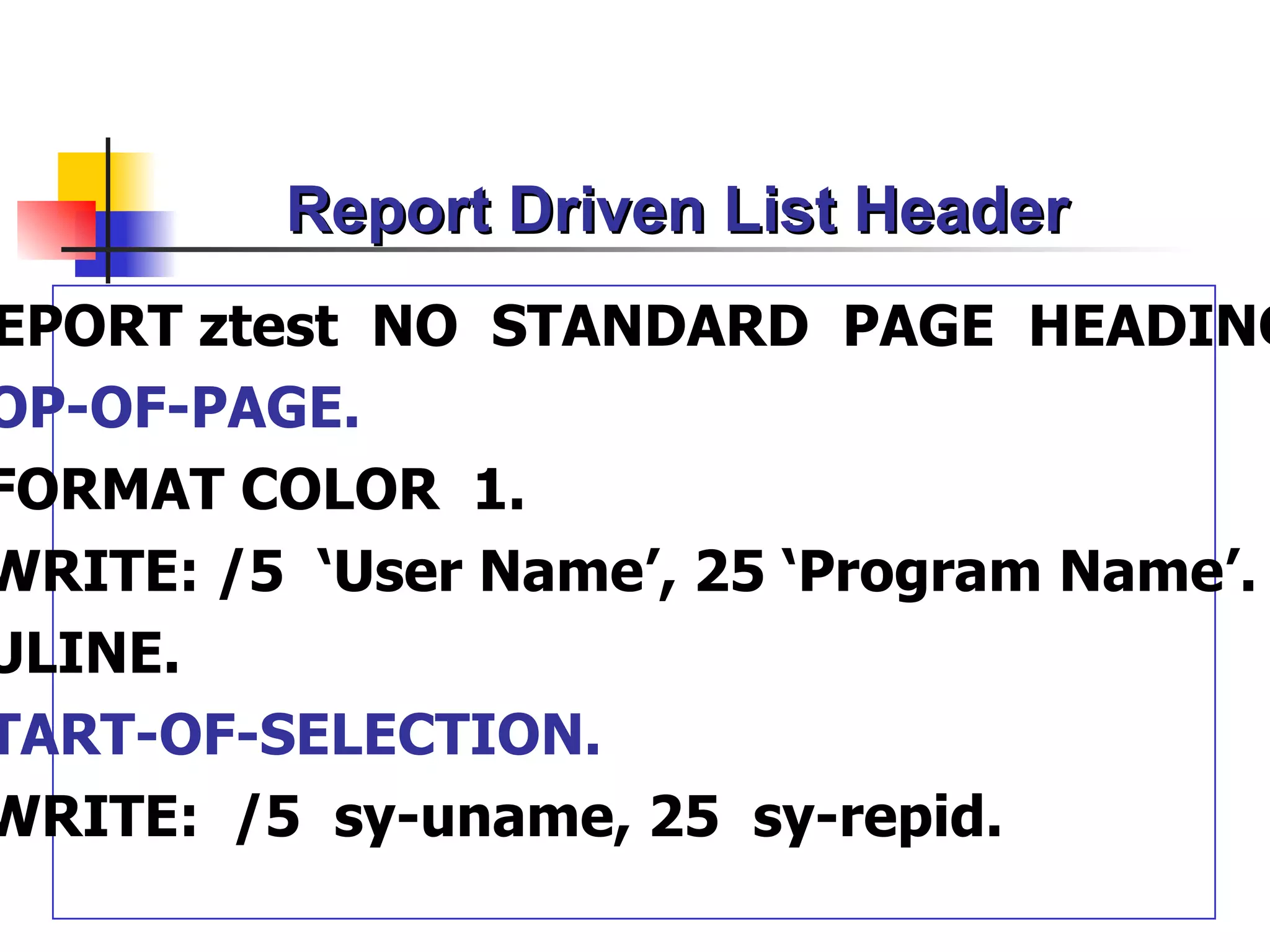
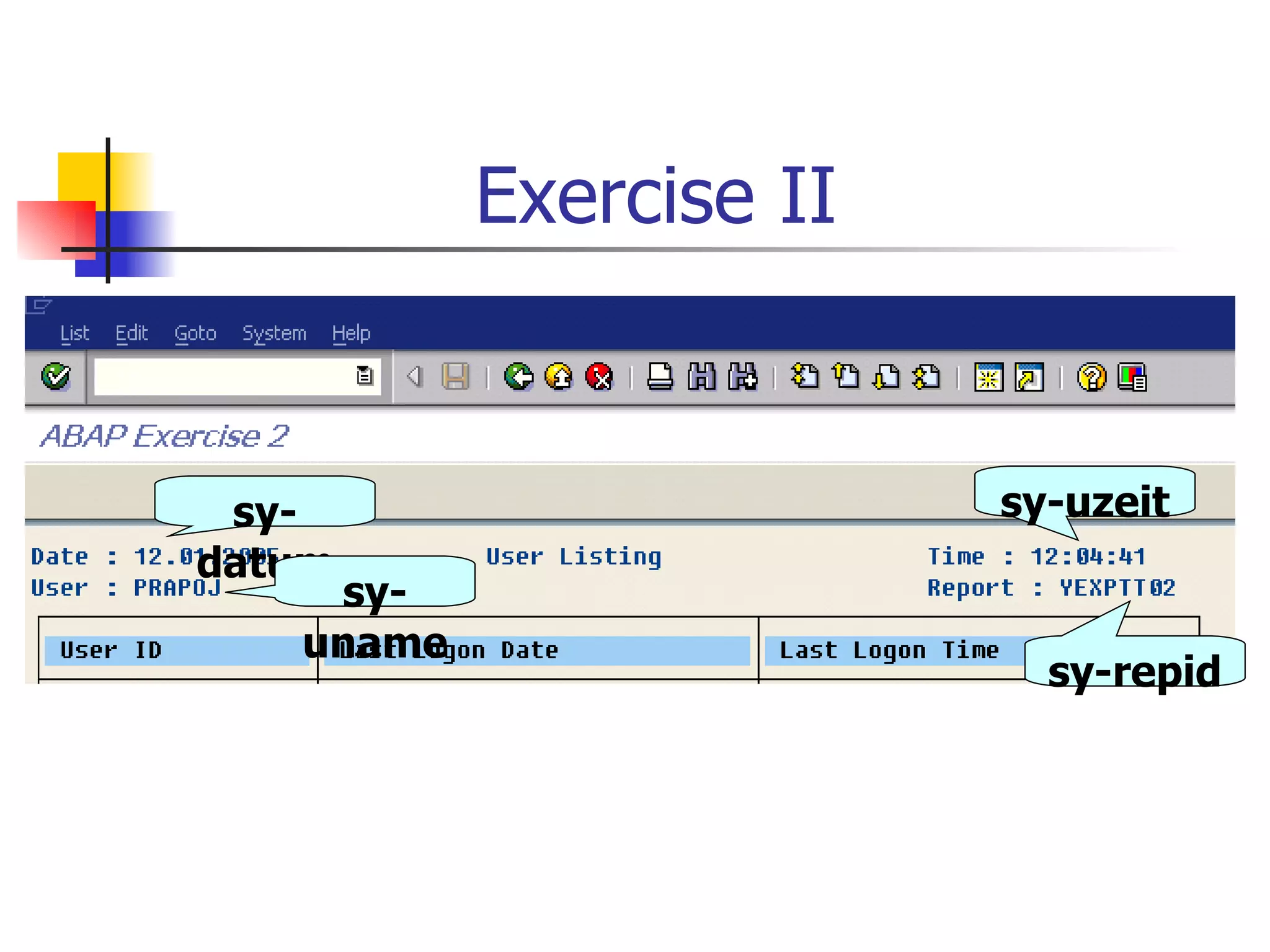
Report Driven ListHeader
EPORT ztest NO STANDARD PAGE HEADING
OP-OF-PAGE.
FORMAT COLOR 1.
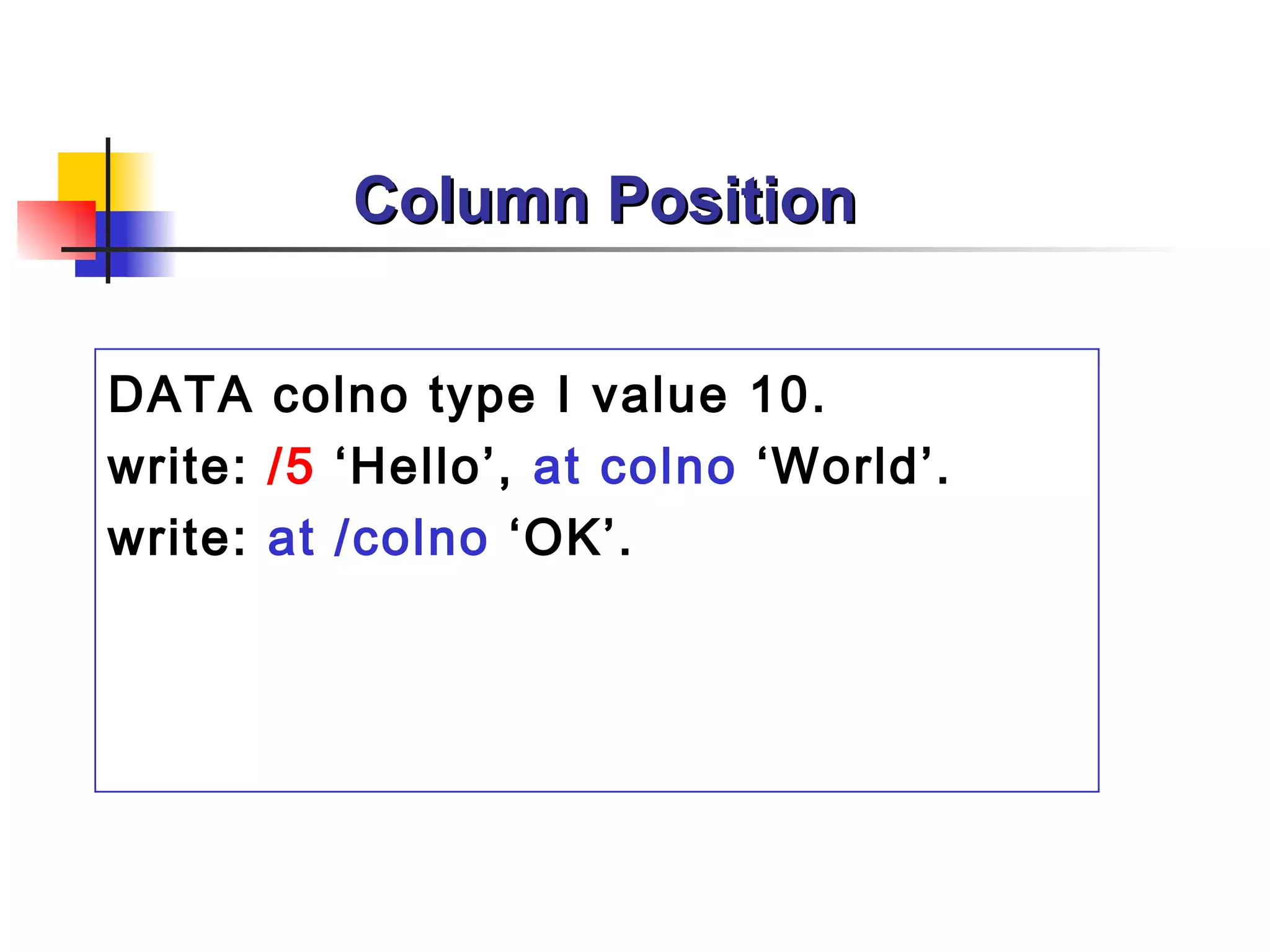
WRITE: /5 ‘User Name’, 25 ‘Program Name’.
ULINE.
TART-OF-SELECTION.
WRITE: /5 sy-uname, 25 sy-repid.
64.
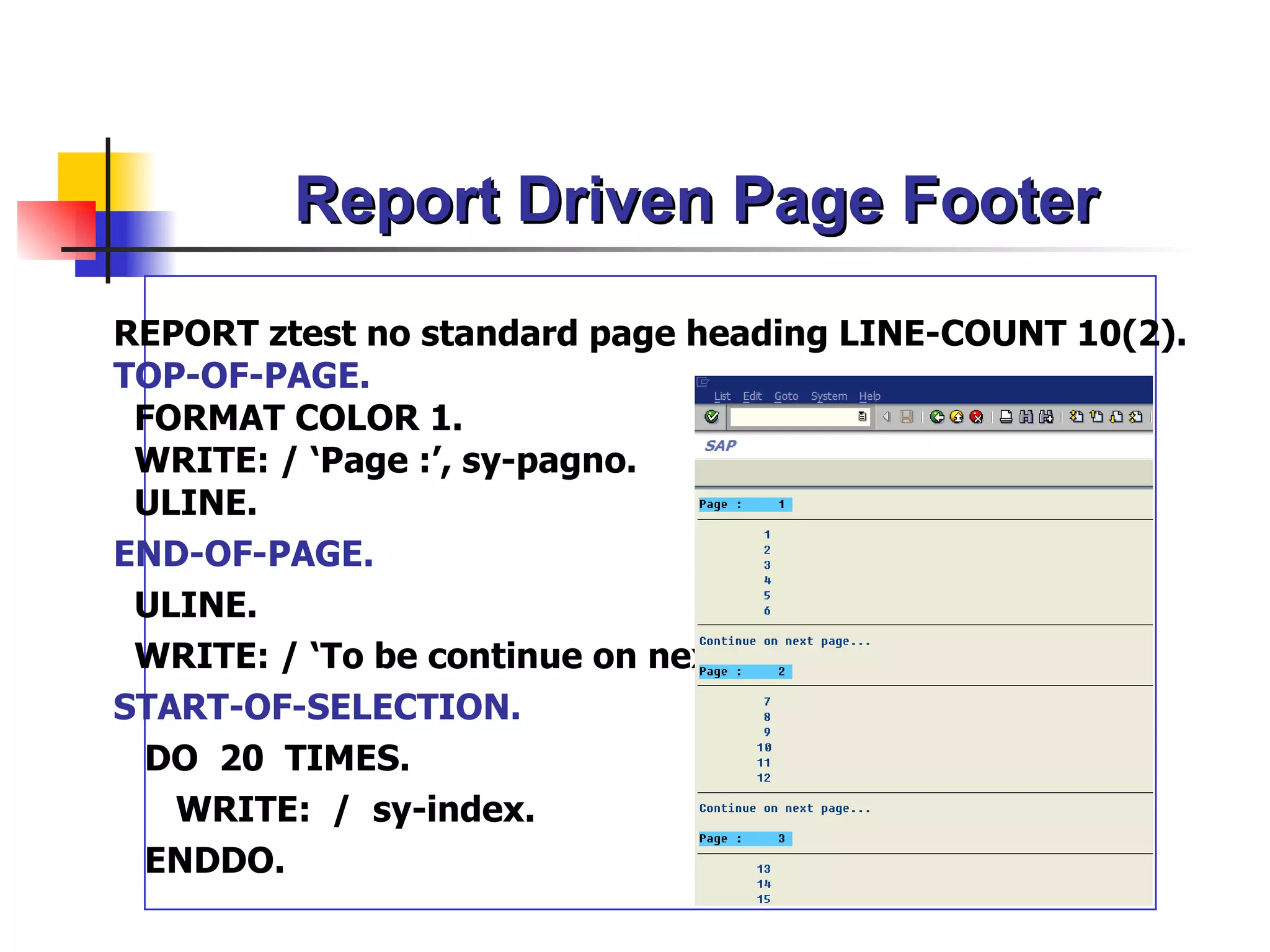
Report Driven PageFooter
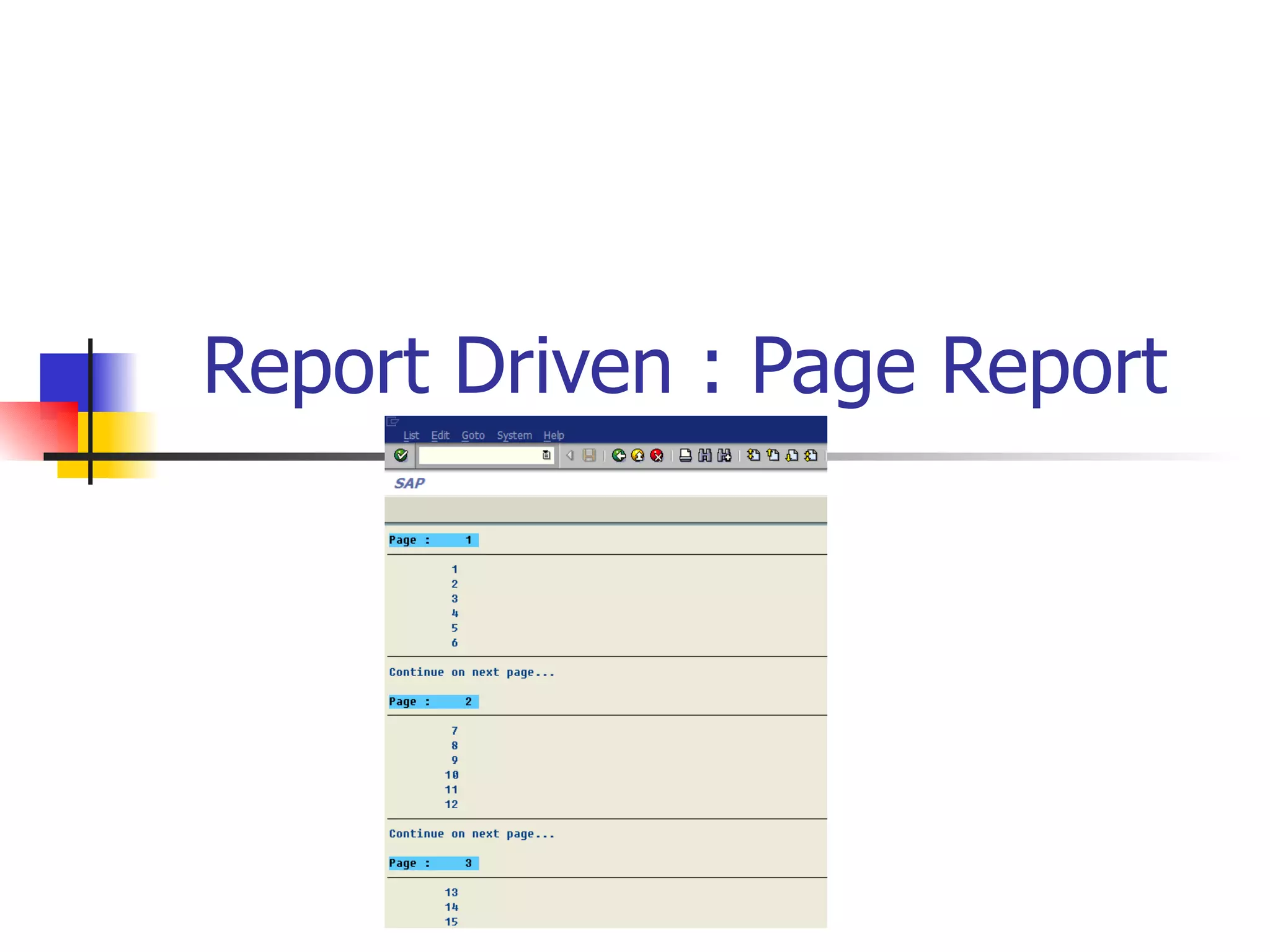
REPORT ztest no standard page heading LINE-COUNT 10(2).
TOP-OF-PAGE.
FORMAT COLOR 1.
WRITE: / ‘Page :’, sy-pagno.
ULINE.
END-OF-PAGE.
ULINE.
WRITE: / ‘To be continue on next page…’ .
START-OF-SELECTION.
DO 20 TIMES.
WRITE: / sy-index.
ENDDO.
65.
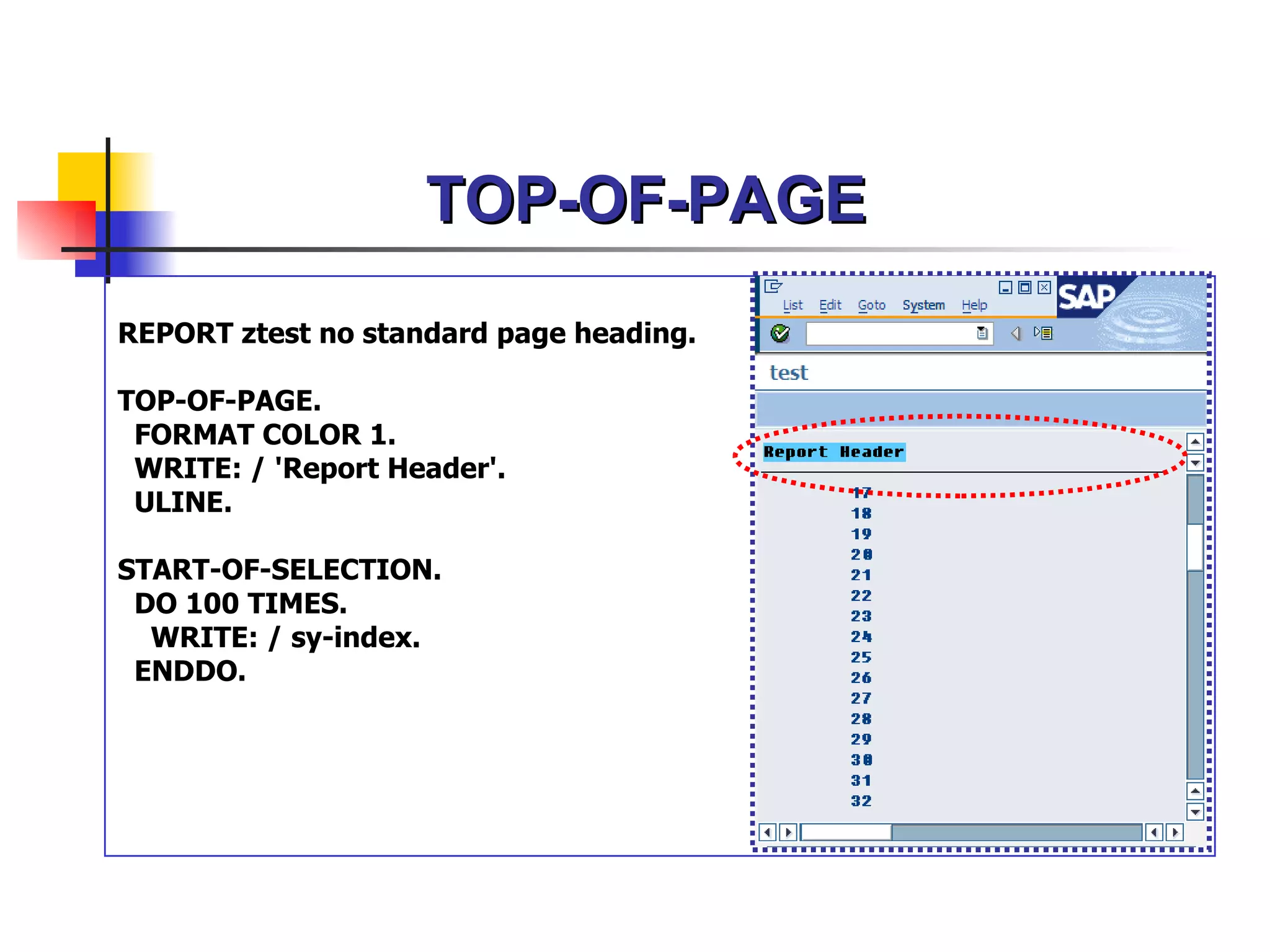
TOP-OF-PAGE
REPORT ztest nostandard page heading.
TOP-OF-PAGE.
FORMAT COLOR 1.
WRITE: / 'Report Header'.
ULINE.
START-OF-SELECTION.
DO 100 TIMES.
WRITE: / sy-index.
ENDDO.
66.
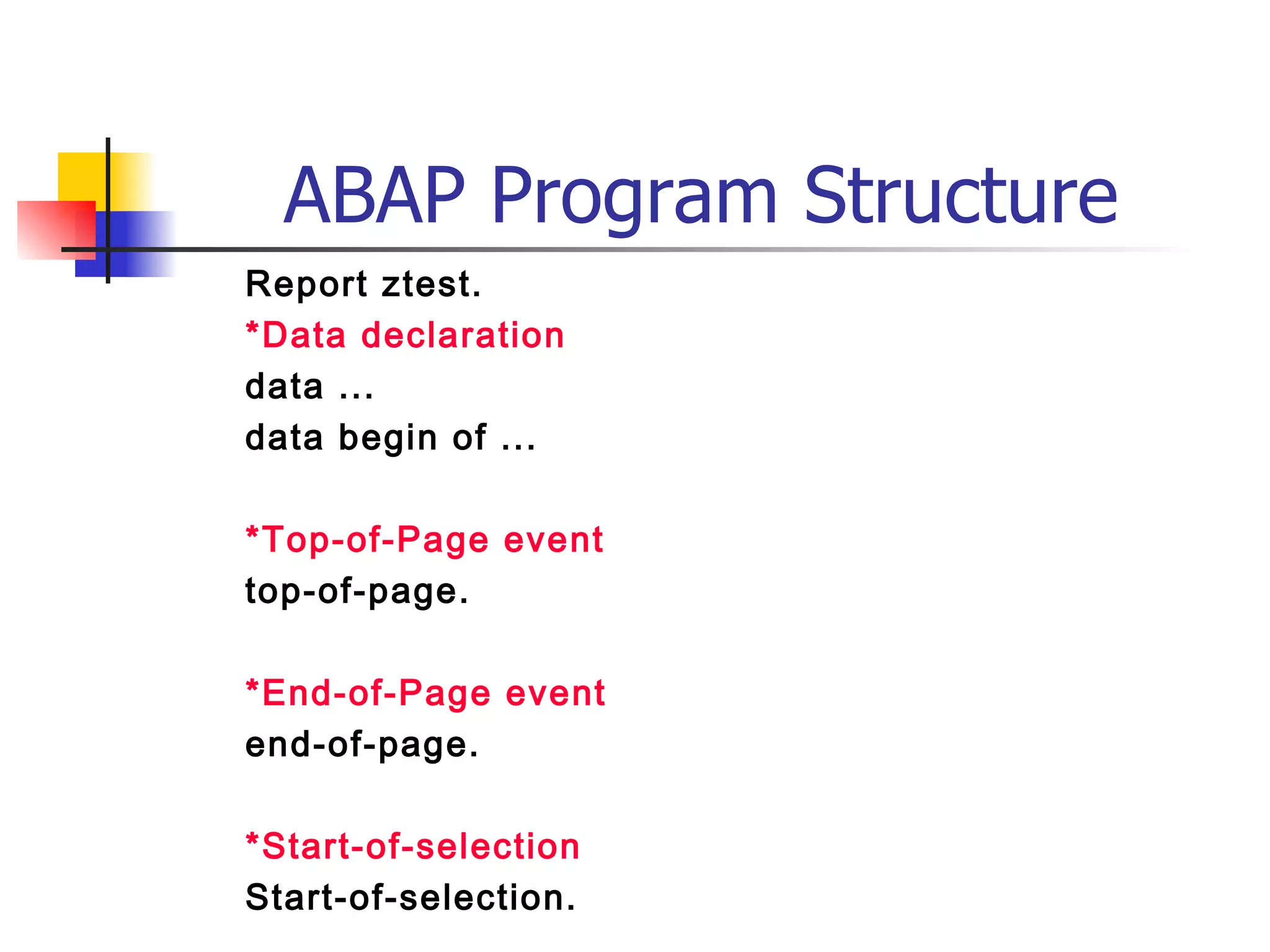
ABAP Program Structure
Reportztest.
*Data declaration
data ...
data begin of ...
*Top-of-Page event
top-of-page.
*End-of-Page event
end-of-page.
*Start-of-selection
Start-of-selection.