LIQUIDATING DATABASE
FRUSTRATIONS WITH
LIQUIBASE
Paul Churchward, FRM
September 23, 2016
THE OLD WAY
OF MANAGING DATABASE
CHANGES
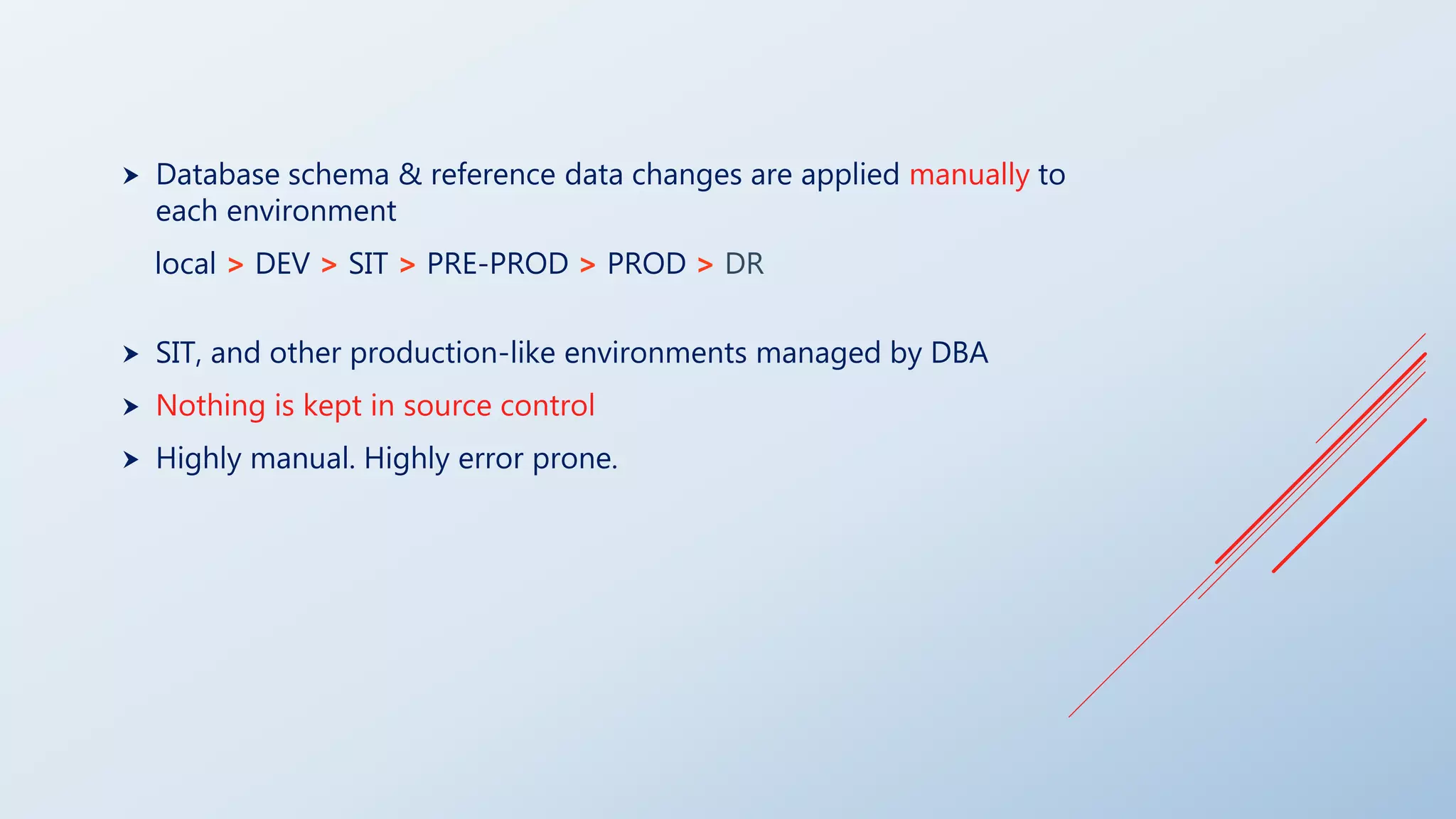
 Database schema & reference data changes are applied manually to
each environment
local > DEV > SIT > PRE-PROD > PROD > DR
 SIT, and other production-like environments managed by DBA
 Nothing is kept in source control
 Highly manual. Highly error prone.
THE (SLIGHTLY BETTER) OLD WAY
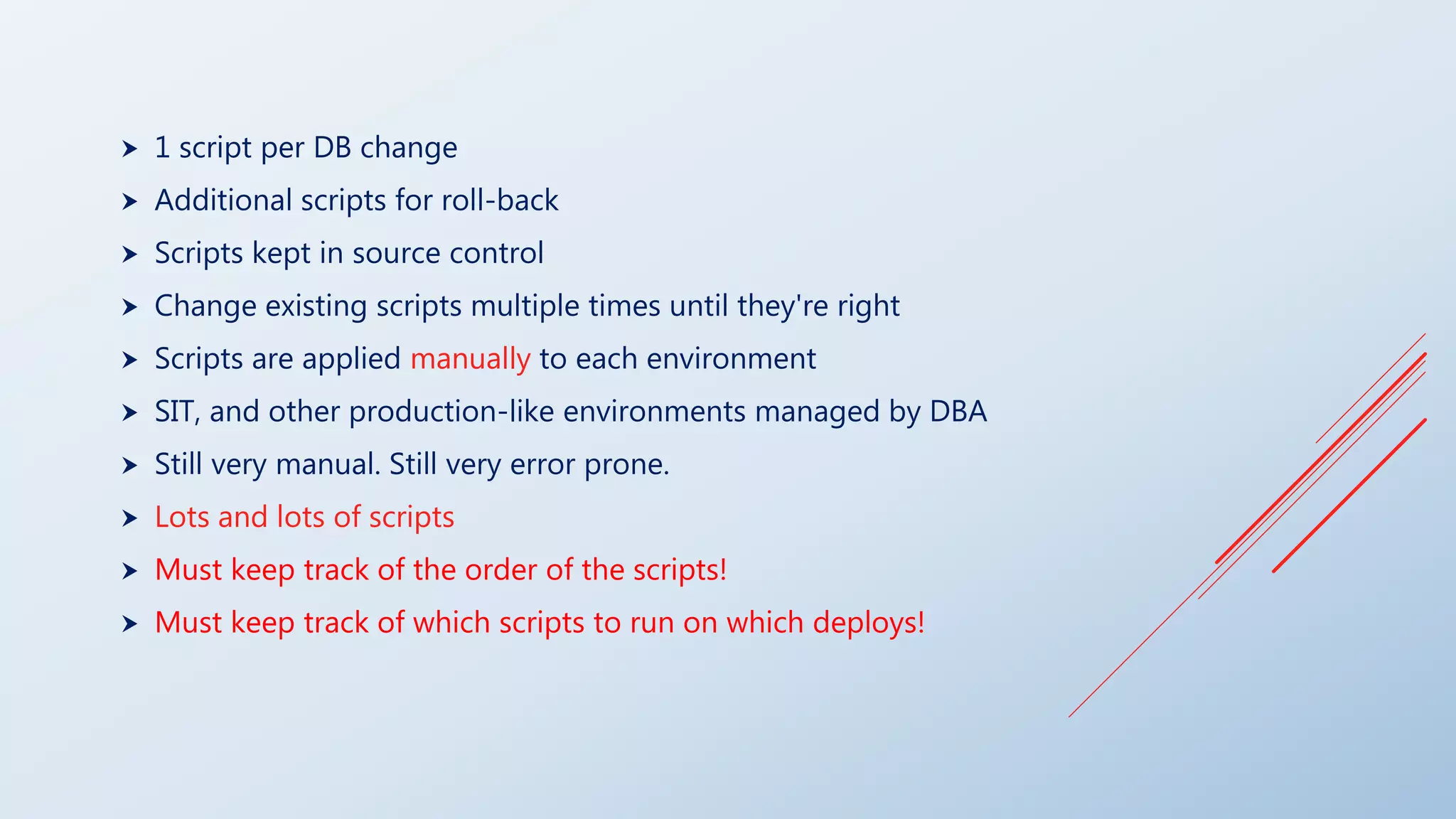
 1 script per DB change
 Additional scripts for roll-back
 Scripts kept in source control
 Change existing scripts multiple times until they're right
 Scripts are applied manually to each environment
 SIT, and other production-like environments managed by DBA
 Still very manual. Still very error prone.
 Lots and lots of scripts
 Must keep track of the order of the scripts!
 Must keep track of which scripts to run on which deploys!
THE LIQUIBASE WAY
LIQUIBASE UPDATES THE DB
… NOT YOU
(MOST OF THE TIME)
 Each database schema & reference data change is added to source control
> developer choses how to organize them.
Examples:
One change log file per feature
One change log file
 Liquibase only executes new changes since last run
 Changes can be specified in database agnostic formats (XML, JSON) or SQL
 No merge conflicts.
 Never modify an existing change, always create a new one.
 Automatic rollback without a custom script (unless you want one)
 No more manual upgrades
EXAMPLE
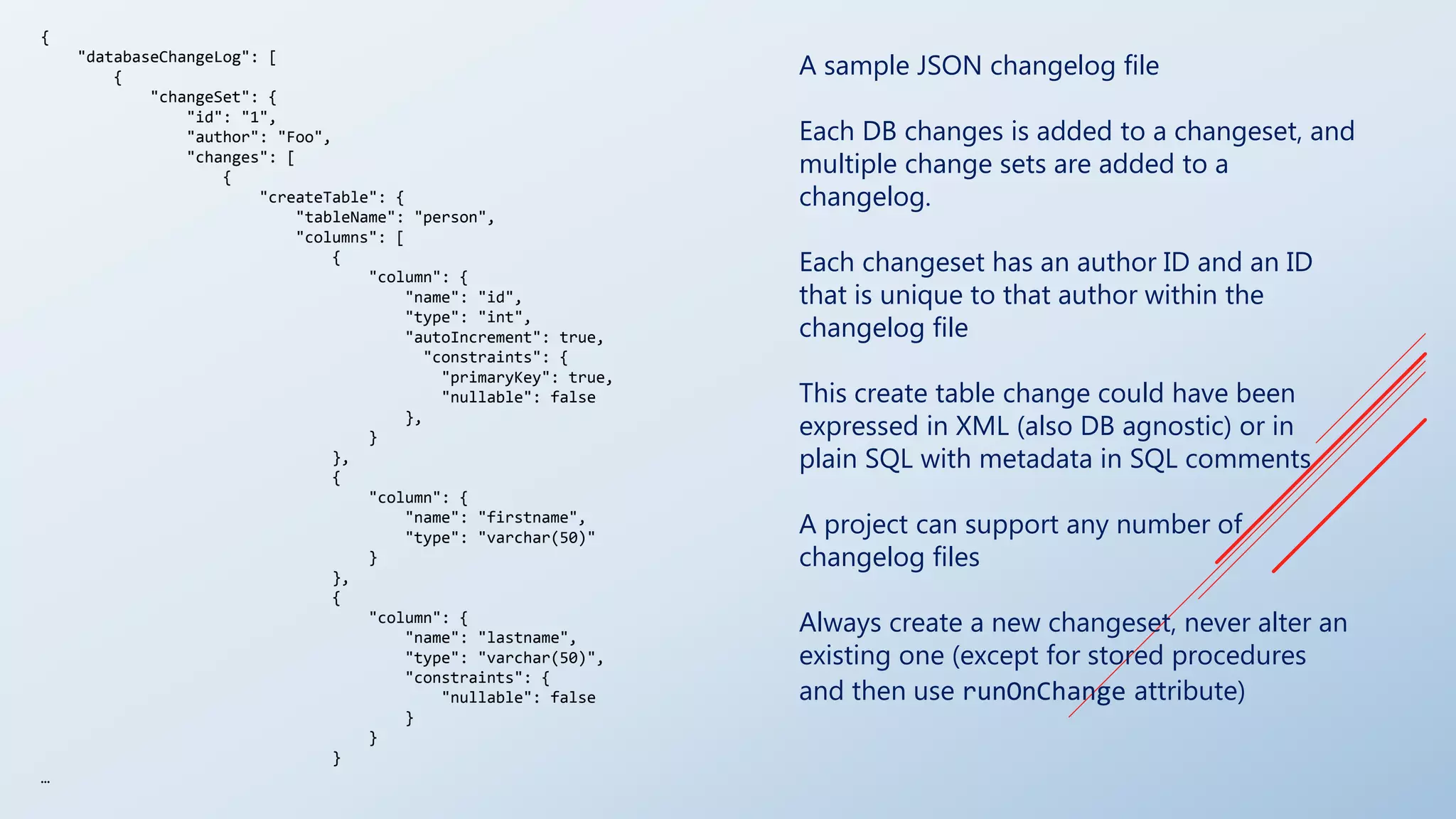
A sample JSON changelog file
Each DB changes is added to a changeset, and
multiple change sets are added to a
changelog.
Each changeset has an author ID and an ID
that is unique to that author within the
changelog file
This create table change could have been
expressed in XML (also DB agnostic) or in
plain SQL with metadata in SQL comments
A project can support any number of
changelog files
Always create a new changeset, never alter an
existing one (except for stored procedures
and then use runOnChange attribute)
{
"databaseChangeLog": [
{
"changeSet": {
"id": "1",
"author": "Foo",
"changes": [
{
"createTable": {
"tableName": "person",
"columns": [
{
"column": {
"name": "id",
"type": "int",
"autoIncrement": true,
"constraints": {
"primaryKey": true,
"nullable": false
},
}
},
{
"column": {
"name": "firstname",
"type": "varchar(50)"
}
},
{
"column": {
"name": "lastname",
"type": "varchar(50)",
"constraints": {
"nullable": false
}
}
}
…
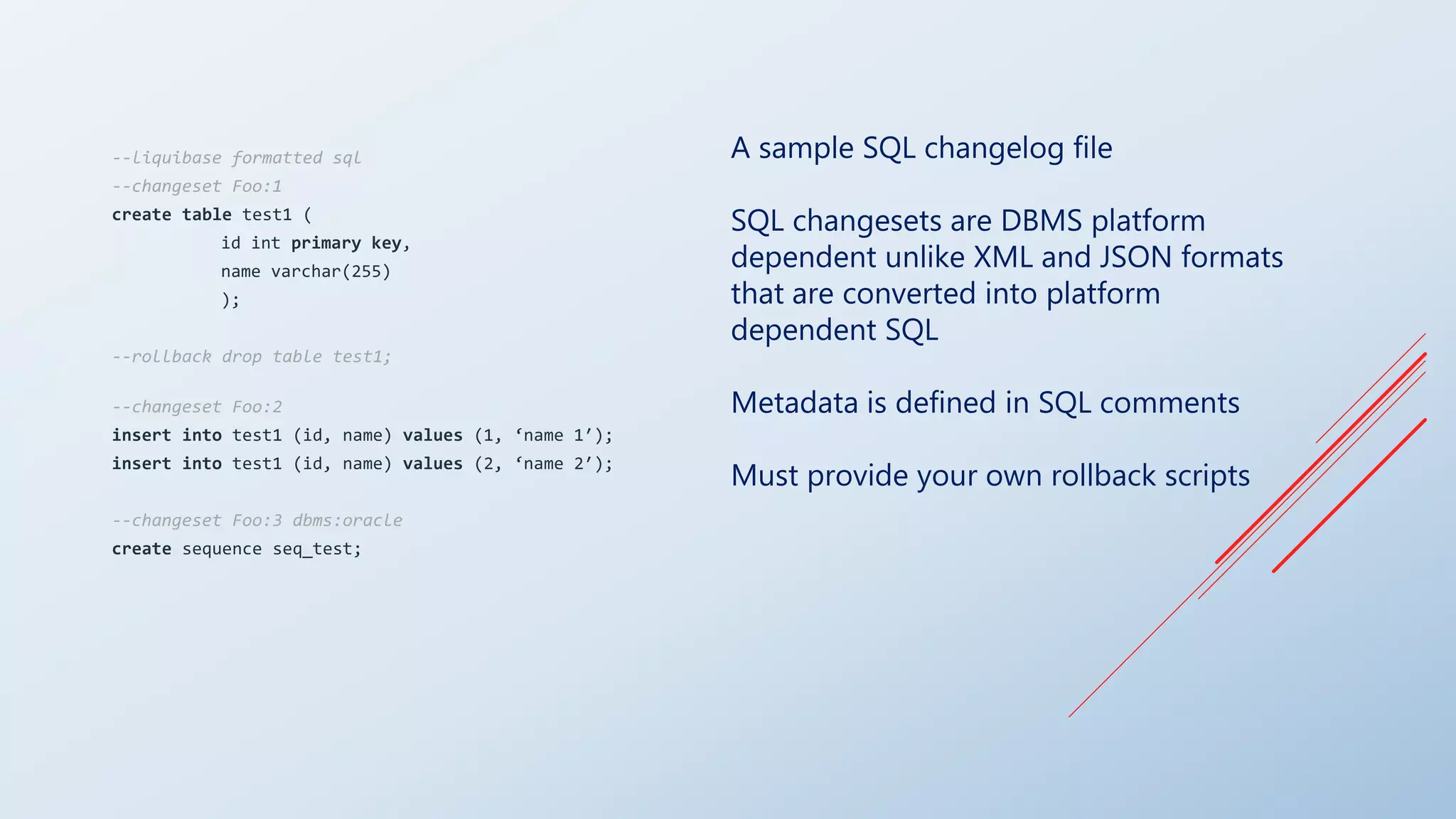
A sample SQL changelog file
SQL changesets are DBMS platform
dependent unlike XML and JSON formats
that are converted into platform
dependent SQL
Metadata is defined in SQL comments
Must provide your own rollback scripts
--liquibase formatted sql
--changeset Foo:1
create table test1 (
id int primary key,
name varchar(255)
);
--rollback drop table test1;
--changeset Foo:2
insert into test1 (id, name) values (1, ‘name 1′);
insert into test1 (id, name) values (2, ‘name 2′);
--changeset Foo:3 dbms:oracle
create sequence seq_test;
RUNNING LIQUIBASE
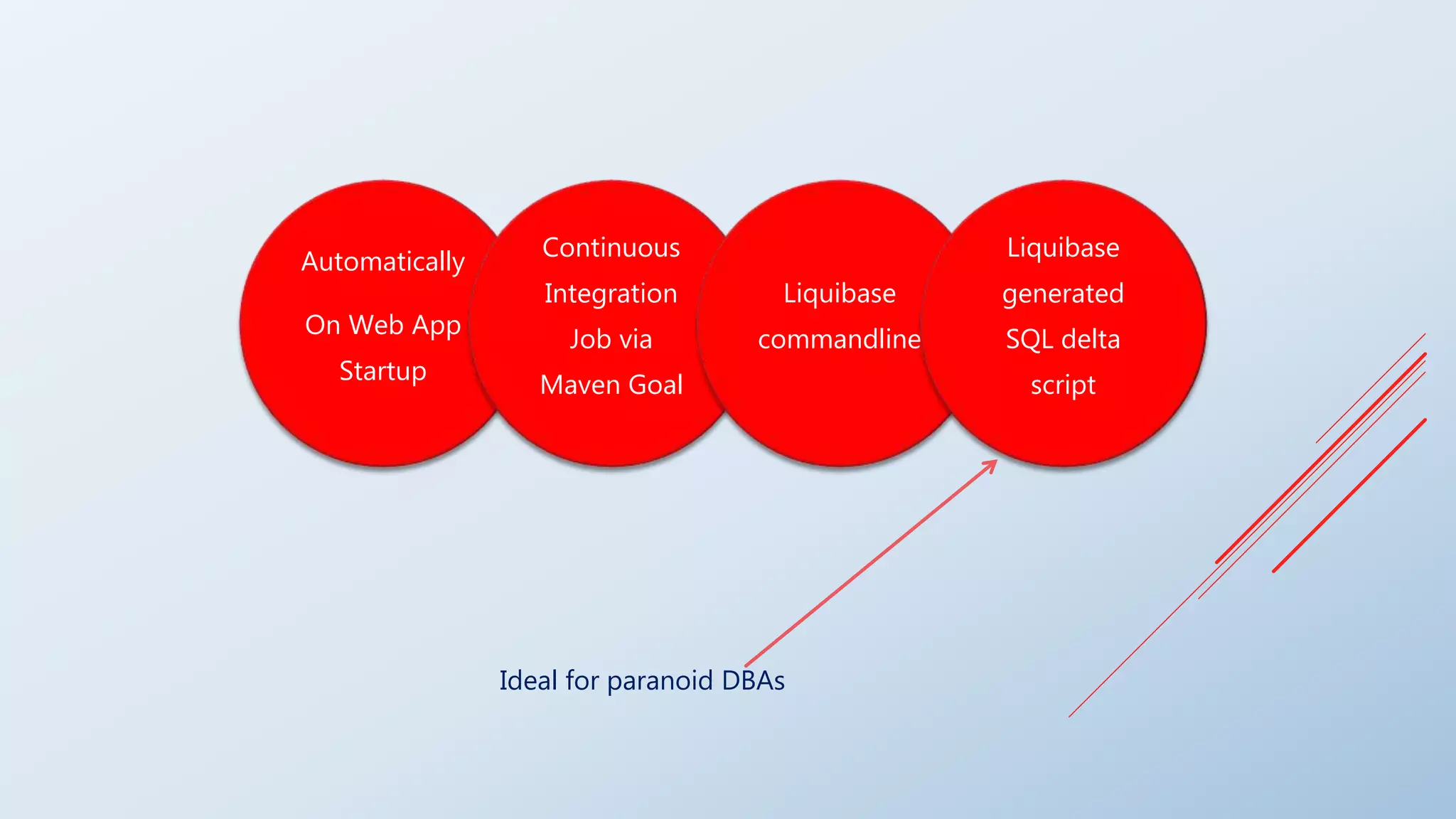
Automatically
On Web App
Startup
Continuous
Integration
Job via
Maven Goal
Liquibase
commandline
Liquibase
generated
SQL delta
script
Ideal for paranoid DBAs
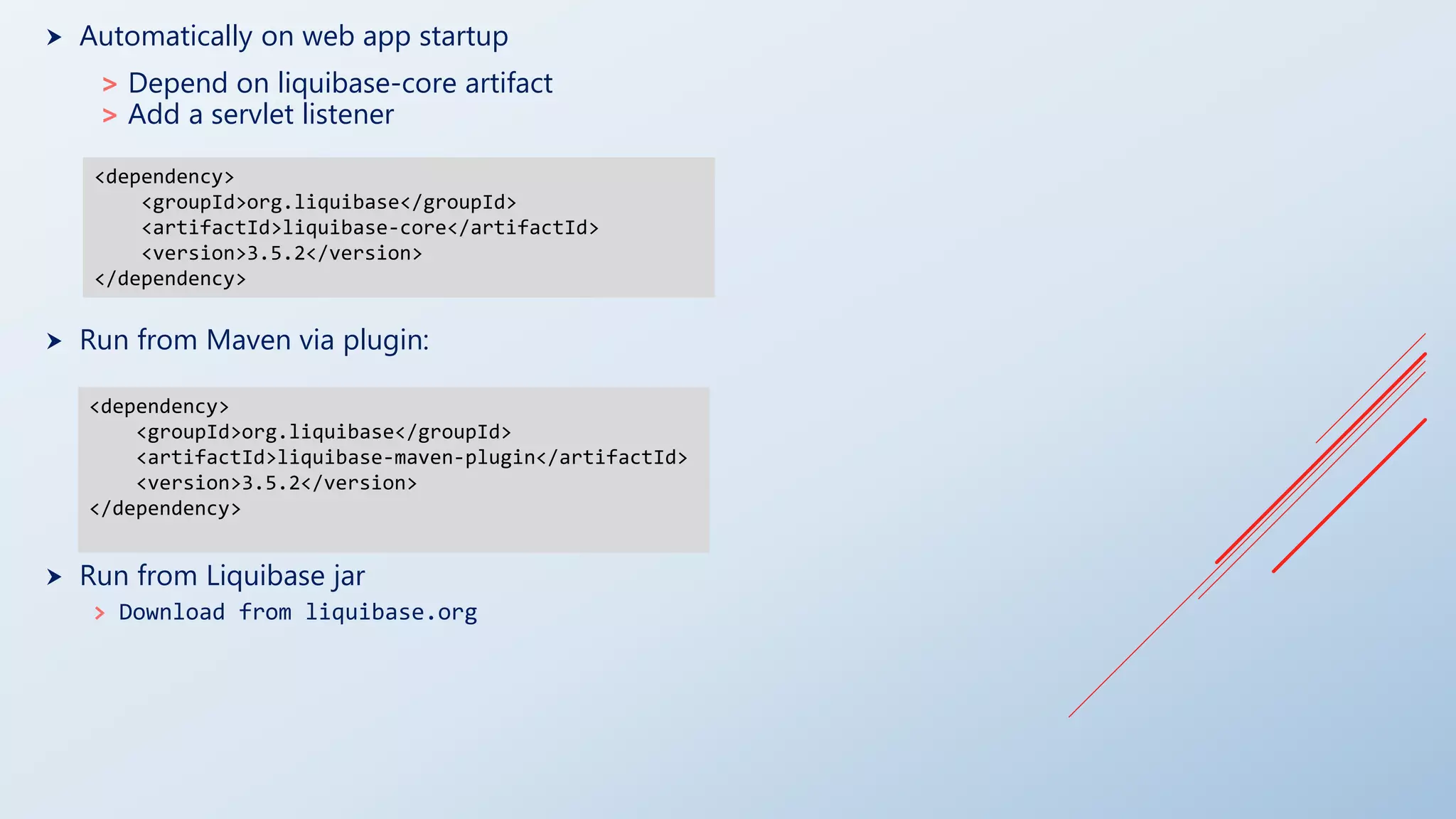
 Automatically on web app startup
> Depend on liquibase-core artifact
> Add a servlet listener
 Run from Maven via plugin:
 Run from Liquibase jar
> Download from liquibase.org
<dependency>
<groupId>org.liquibase</groupId>
<artifactId>liquibase-maven-plugin</artifactId>
<version>3.5.2</version>
</dependency>
<dependency>
<groupId>org.liquibase</groupId>
<artifactId>liquibase-core</artifactId>
<version>3.5.2</version>
</dependency>
ROLLBACK
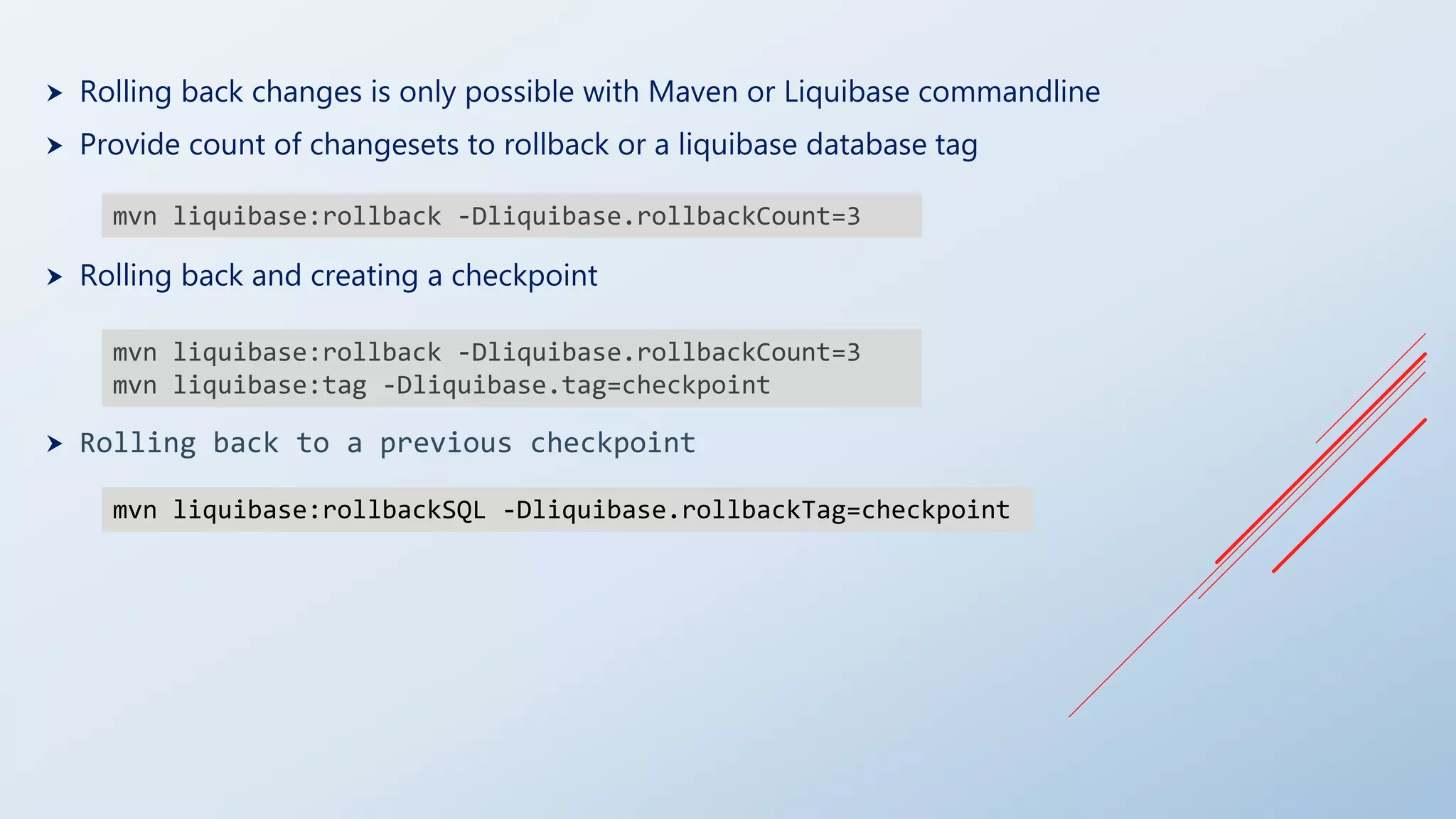
 Rolling back changes is only possible with Maven or Liquibase commandline
 Provide count of changesets to rollback or a liquibase database tag
 Rolling back and creating a checkpoint
 Rolling back to a previous checkpoint
mvn liquibase:rollback -Dliquibase.rollbackCount=3
mvn liquibase:tag -Dliquibase.tag=checkpoint
mvn liquibase:rollbackSQL -Dliquibase.rollbackTag=checkpoint

Liquidating database frustrations with liquibase

  • 1.
  • 2.
    THE OLD WAY OFMANAGING DATABASE CHANGES
  • 3.
     Database schema& reference data changes are applied manually to each environment local > DEV > SIT > PRE-PROD > PROD > DR  SIT, and other production-like environments managed by DBA  Nothing is kept in source control  Highly manual. Highly error prone.
  • 4.
  • 5.
     1 scriptper DB change  Additional scripts for roll-back  Scripts kept in source control  Change existing scripts multiple times until they're right  Scripts are applied manually to each environment  SIT, and other production-like environments managed by DBA  Still very manual. Still very error prone.  Lots and lots of scripts  Must keep track of the order of the scripts!  Must keep track of which scripts to run on which deploys!
  • 6.
  • 7.
    LIQUIBASE UPDATES THEDB … NOT YOU (MOST OF THE TIME)
  • 8.
     Each databaseschema & reference data change is added to source control > developer choses how to organize them. Examples: One change log file per feature One change log file  Liquibase only executes new changes since last run  Changes can be specified in database agnostic formats (XML, JSON) or SQL  No merge conflicts.  Never modify an existing change, always create a new one.  Automatic rollback without a custom script (unless you want one)  No more manual upgrades
  • 9.
  • 10.
    A sample JSONchangelog file Each DB changes is added to a changeset, and multiple change sets are added to a changelog. Each changeset has an author ID and an ID that is unique to that author within the changelog file This create table change could have been expressed in XML (also DB agnostic) or in plain SQL with metadata in SQL comments A project can support any number of changelog files Always create a new changeset, never alter an existing one (except for stored procedures and then use runOnChange attribute) { "databaseChangeLog": [ { "changeSet": { "id": "1", "author": "Foo", "changes": [ { "createTable": { "tableName": "person", "columns": [ { "column": { "name": "id", "type": "int", "autoIncrement": true, "constraints": { "primaryKey": true, "nullable": false }, } }, { "column": { "name": "firstname", "type": "varchar(50)" } }, { "column": { "name": "lastname", "type": "varchar(50)", "constraints": { "nullable": false } } } …
  • 11.
    A sample SQLchangelog file SQL changesets are DBMS platform dependent unlike XML and JSON formats that are converted into platform dependent SQL Metadata is defined in SQL comments Must provide your own rollback scripts --liquibase formatted sql --changeset Foo:1 create table test1 ( id int primary key, name varchar(255) ); --rollback drop table test1; --changeset Foo:2 insert into test1 (id, name) values (1, ‘name 1′); insert into test1 (id, name) values (2, ‘name 2′); --changeset Foo:3 dbms:oracle create sequence seq_test;
  • 12.
  • 13.
    Automatically On Web App Startup Continuous Integration Jobvia Maven Goal Liquibase commandline Liquibase generated SQL delta script Ideal for paranoid DBAs
  • 14.
     Automatically onweb app startup > Depend on liquibase-core artifact > Add a servlet listener  Run from Maven via plugin:  Run from Liquibase jar > Download from liquibase.org <dependency> <groupId>org.liquibase</groupId> <artifactId>liquibase-maven-plugin</artifactId> <version>3.5.2</version> </dependency> <dependency> <groupId>org.liquibase</groupId> <artifactId>liquibase-core</artifactId> <version>3.5.2</version> </dependency>
  • 15.
  • 16.
     Rolling backchanges is only possible with Maven or Liquibase commandline  Provide count of changesets to rollback or a liquibase database tag  Rolling back and creating a checkpoint  Rolling back to a previous checkpoint mvn liquibase:rollback -Dliquibase.rollbackCount=3 mvn liquibase:rollback -Dliquibase.rollbackCount=3 mvn liquibase:tag -Dliquibase.tag=checkpoint mvn liquibase:rollbackSQL -Dliquibase.rollbackTag=checkpoint