The Power of Personal
Connections:
Using LinkedIn to Market Your
Business and Yourself


                    Presented by:
                      Mary Bahr
                         6/08/10
How Small Businesses Use Social Media
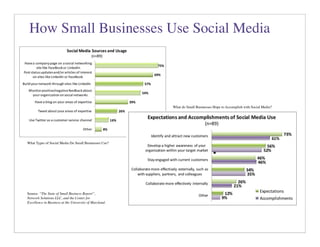
Figure 19


                                                                      The areas that users have been successful in are generally the same as expectations. However,
                                                                      there is one notable gap: while 73 percent of users expect to identify and attract new customers
                                                                      with social media, only 61 percent have accomplished this successfully. Thus, social media
                                                                      performance is below expectations in bringing new business in the door, although it meets
                                                                      expectations for building brand awareness and staying engaged with customers.


                                                                      Figure 20                       What do Small Businesses Hope to Accomplish with Social Media?


        What Types of Social Media Do Small Businesses Use?
Most users of social media – 58 percent – find the medium just “met expectations” for success.
For the remainder, twice as many feel the medium fell short of expectations (26 percent) than
exceeded expectations (12 percent) for success.

The expectations small business owners have for social media are related to external marketing
and engagement, and include identifying and attracting new customers, building brand
awareness, and staying engaged with customers. Fewer small business owners expect social
media to help them with collaborating with external suppliers, partners and colleagues or with
staff internally. The external marketing is an obvious use of social media, but there may be a vast
untapped potential for using Small Business Report”,
         Source: “The State of the medium to link members of the supply network, colleagues and
         Network Solutions LLC, and the Center for
staff to gain advantages in creativity and productivity. Such internal uses are harder to imagine
         Excellence in Business at the University of Maryland.
and in their infancy, but have the potential to unleash a vast reservoir of creativity and joint
problem solving as social media users grow exponentially. Examples of such uses are
developing a new product or service, finding low cost resources, teaming to pursue business
opportunities, or leveraging an expert source to solve a special problem.
                                                                      Social media use is not without problems, the main one being the amount of time involved. Half

                                                                      (50 percent) of small business users of social media have found that it has taken up more time
                                                                      than they expected. A common concern about social media in a business context is that it gives
                                                                      people a chance to criticize the business on the internet, but only 17 percent cite this as a
Some Background on LinkedIn
• Founded in 2003
• Over 67 million members; 1 new member per
  second; 50% outside US
• All Fortune 500 represented; over 4 million
  small businesses


                                        4
Why embrace LinkedIn?
• Increase your visibility, improve your Google page rank and
  search engine results
• Increase your connectability: locate people from your past,
  present and future
• Research companies and people (staff movement, hiring
  turnover, job descriptions)
• Give and get—ask questions, answer questions, write
  recommendations
• Promote yourself and your business with added apps,
  and website, blog visibility
• Scope our the competition, potential customers and
  employers
• Keep track of job movement of your network
                                                     5
How to do it…
• Strive for 100% complete profile (click on the button that
  shows how complete your profile is: it will help you
  complete it!)
• Use the “professional headline” for more than your current
  title: use it to describe yourself (in Basic Information
  section)
• Use “current status” field to raise your professional profile:
  e.g.: what are you working on, what are you reading, what
  are you attending…
• Make your profile and work experience as complete as
  possible: it will bring more potential connections to your
  attention
                                                       6
How to do it…
• Remember your LinkedIn profile should complement
  your resume, not duplicate it
• If you’re a business owner, create a business page for
  your business
• Change your public profile URL to your name; add
  this URL as a hyperlink to your email signature
• Add your websites and blogs to website listings: you
  can list up to three (could also list causes that you are
  involved in)
• Summary: is NOT a resume: use it to explain who
  you are and what you are passionate about

                                                    7
How to do it…
• Applications add functionality and visibility to your profile:
  select ones that you’ll use (I love Amazon Reading Lists,
  SlideShare and Blog Link, but choose what works for you)
• Give and get recommendations strategically: do not give
  recommendations that you would not give in “real life”
• Look for groups that will complement both your
  professional and personal interests
• Ask questions when you are trying to solve a problem or
  find a solution: particularly if you are looking for something
  specific
• Track companies


                                                       8
How to do it…
• Use LinkedIn proactively: research someone before you
  meet them, if you are going on an interview or business
  pitch, request to LinkIn BEFORE your meeting, so that they
  can review your profile
• Events: promote professional events you are involved in,
  invite your network
• Create your own special interest group: create additional
  credibility for your expertise
• To learn more: Guy Kawasaki’s article on LinkedIn (http://
  tinyurl.com/2fbver)
• Check out LinkedIn movie:(http://press.linkedin.com/about)


                                                     9
The Fast Fifty
(or almost free websites)


                            10
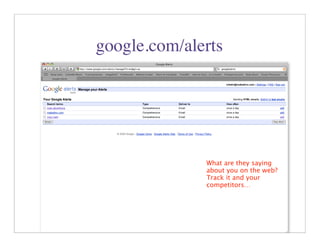
google.com/alerts


              What are they saying
              about you on the web?
              Track it and your
              competitors…


                           11
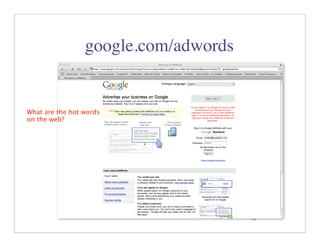
google.com/adwords


What are the hot words
on the web?


                                      12
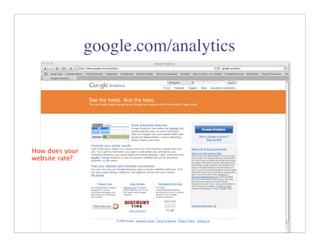
google.com/analytics


How does your
website rate?


                                       13
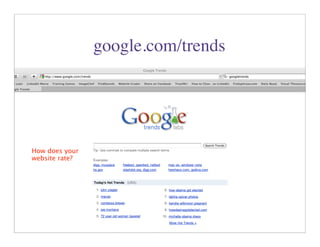
google.com/trends


How does your
website rate?


                                    14
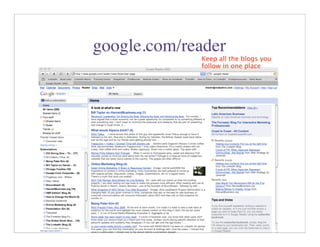
google.com/reader
             Keep all the blogs you
             follow in one place


                            15
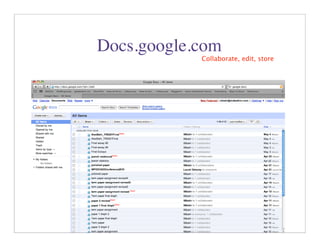
Docs.google.com
            Collaborate, edit, store


                            16
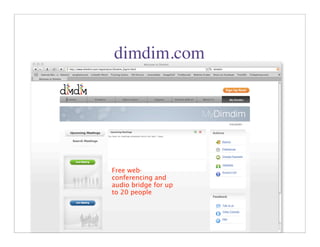
dimdim.com


Free web-
conferencing and
audio bridge for up
to 20 people


                      17
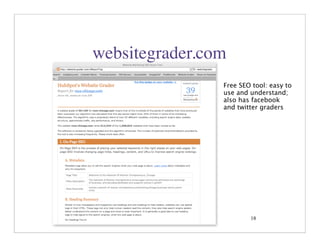
websitegrader.com
                Free SEO tool: easy to
                use and understand;
                also has facebook
                and twitter graders


                        18
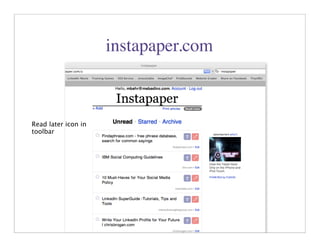
instapaper.com


Read later icon in
toolbar


                                      19
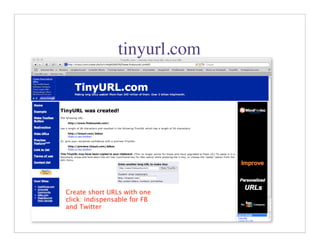
tinyurl.com


Create short URLs with one
click: indispensable for FB
and Twitter
                              20
Healthyskeptic.org


Alternative, informative
Health and diet
information


                                   21
marshallgoldsmithlibrary.com


           Author of “What Got You
           Here, Won’t Get You There

                                       22
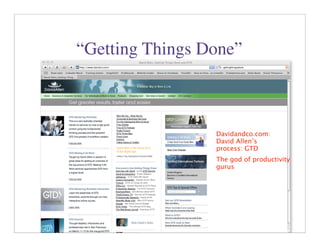
“Getting Things Done”


                 Davidandco.com:
                 David Allen’s
                 process: GTD
                 The god of productivity
                 gurus


                           23
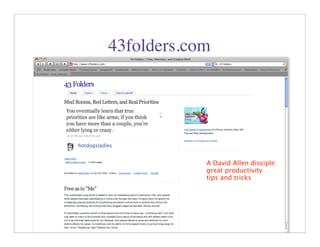
43folders.com


            A David Allen disciple:
            great productivity
            tips and tricks


                          24
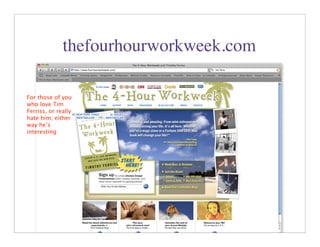
thefourhourworkweek.com

For those of you
who love Tim
Ferriss, or really
hate him; either
way he’s
interesting


                                    25
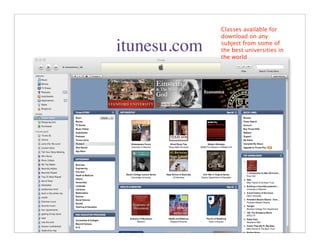
Classes available for
              download on any

itunesu.com   subject from some of
              the best universities in
              the world


                         26
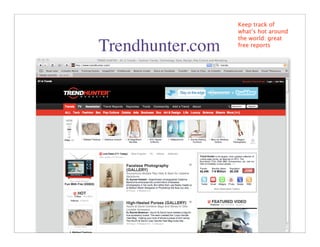
Keep track of
                  what’s hot around
                  the world: great
Trendhunter.com   free reports


                      27
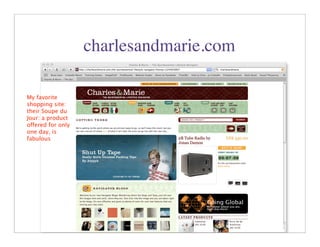
charlesandmarie.com

My favorite
shopping site:
their Soupe du
Jour: a product
offered for only
one day, is
fabulous


                                         28
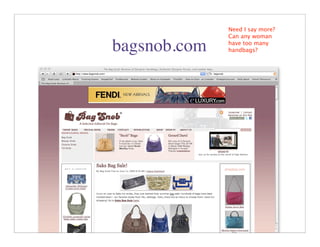
Need I say more?
              Can any woman

bagsnob.com   have too many
              handbags?


                     29
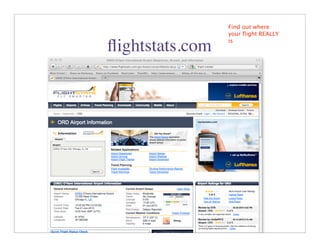
Find out where
                 your flight REALLY
                 is
flightstats.com


                        30
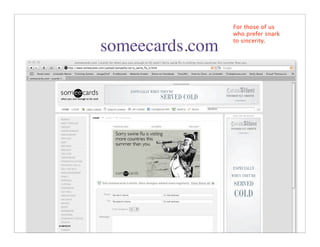
For those of us
                 who prefer snark
                 to sincerity.
someecards.com


                       31
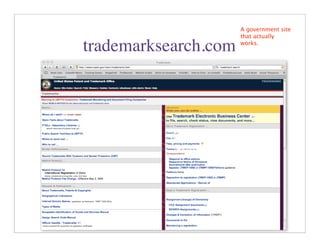
A government site
                      that actually

trademarksearch.com   works.


                         32
Logos, logos and
more logos         brandsoftheworld.com


                                     33
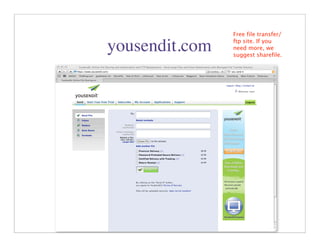
Free file transfer/
                ftp site. If you
yousendit.com   need more, we
                suggest sharefile.


                      34
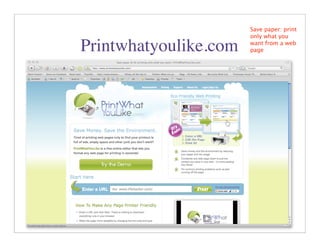
Save paper: print
                       only what you

Printwhatyoulike.com   want from a web
                       page


                       35
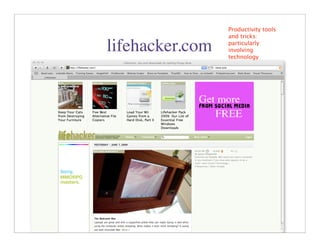
Productivity tools
                 and tricks:

lifehacker.com   particularly
                 involving
                 technology


                         36
Good advice for
                those of us over-

zenhabits.com   scheduled, over-
                worked people


                     37
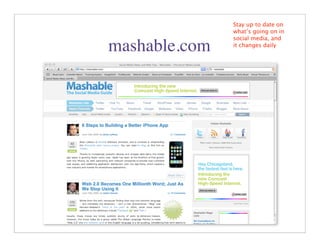
Stay up to date on
               what’s going on in
               social media, and
mashable.com   it changes daily


                     38
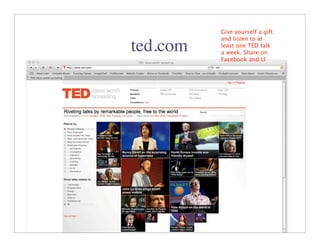
Give yourself a gift
          and listen to at
ted.com   least one TED talk
          a week. Share on
          Facebook and LI


                     39
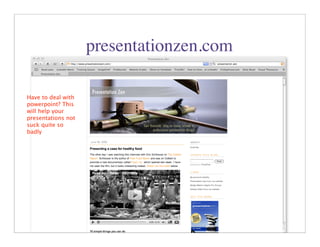
presentationzen.com

Have to deal with
powerpoint? This
will help your
presentations not
suck quite so
badly


                                          40
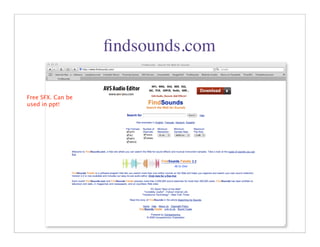
findsounds.com

Free SFX. Can be
used in ppt!


                                   41
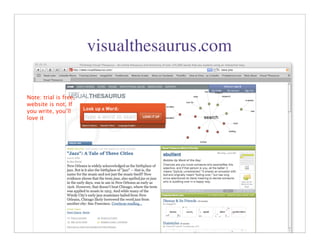
visualthesaurus.com

Note: trial is free,
website is not. If
you write, you’ll
love it


                                             42
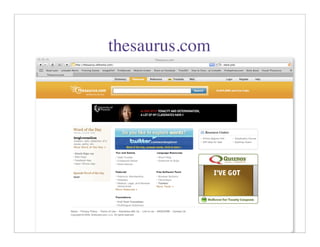
thesaurus.com


                43
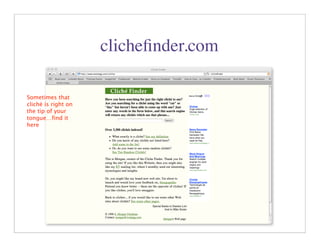
clichefinder.com

Sometimes that
cliché is right on
the tip of your
tongue…find it
here


                                       44
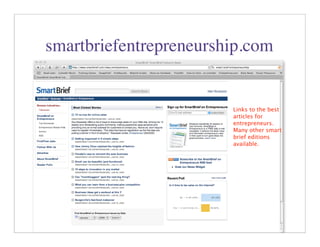
smartbriefentrepreneurship.com


                        Links to the best
                        articles for
                        entrepreneurs.
                        Many other smart
                        brief editions
                        available.


                              45
groupon.com

Great deals, if
enough folks sign
up


                                  46
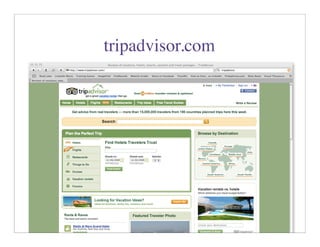
tripadvisor.com


                  47
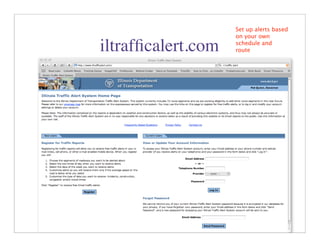
Set up alerts based
                    on your own

iltrafficalert.com   schedule and
                    route


                         48
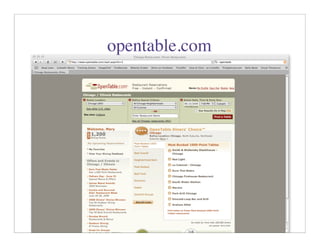
opentable.com


                49
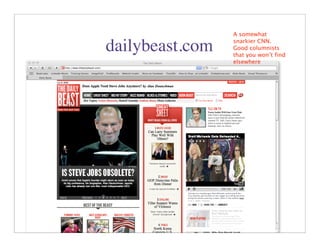
A somewhat
                 snarkier CNN.
dailybeast.com   Good columnists
                 that you won’t find
                 elsewhere


                       50
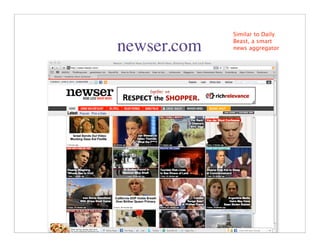
Similar to Daily
             Beast, a smart
newser.com   news aggregator


                   51
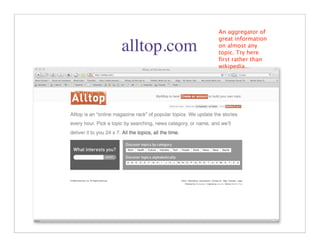
An aggregator of
             great information
alltop.com   on almost any
             topic. Try here
             first rather than
             wikipedia…


                        52
Gossip, gossip,
              gossip.
pagesix.com


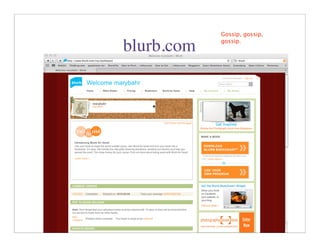
                        53
Gossip, gossip,
            gossip.
blurb.com


                      54

Linkedinwotw

  • 1.
    The Power ofPersonal Connections: Using LinkedIn to Market Your Business and Yourself Presented by: Mary Bahr 6/08/10
  • 2.
    How Small BusinessesUse Social Media Figure 19 The areas that users have been successful in are generally the same as expectations. However, there is one notable gap: while 73 percent of users expect to identify and attract new customers with social media, only 61 percent have accomplished this successfully. Thus, social media performance is below expectations in bringing new business in the door, although it meets expectations for building brand awareness and staying engaged with customers. Figure 20 What do Small Businesses Hope to Accomplish with Social Media? What Types of Social Media Do Small Businesses Use? Most users of social media – 58 percent – find the medium just “met expectations” for success. For the remainder, twice as many feel the medium fell short of expectations (26 percent) than exceeded expectations (12 percent) for success. The expectations small business owners have for social media are related to external marketing and engagement, and include identifying and attracting new customers, building brand awareness, and staying engaged with customers. Fewer small business owners expect social media to help them with collaborating with external suppliers, partners and colleagues or with staff internally. The external marketing is an obvious use of social media, but there may be a vast untapped potential for using Small Business Report”, Source: “The State of the medium to link members of the supply network, colleagues and Network Solutions LLC, and the Center for staff to gain advantages in creativity and productivity. Such internal uses are harder to imagine Excellence in Business at the University of Maryland. and in their infancy, but have the potential to unleash a vast reservoir of creativity and joint problem solving as social media users grow exponentially. Examples of such uses are developing a new product or service, finding low cost resources, teaming to pursue business opportunities, or leveraging an expert source to solve a special problem. Social media use is not without problems, the main one being the amount of time involved. Half (50 percent) of small business users of social media have found that it has taken up more time than they expected. A common concern about social media in a business context is that it gives people a chance to criticize the business on the internet, but only 17 percent cite this as a
  • 4.
    Some Background onLinkedIn • Founded in 2003 • Over 67 million members; 1 new member per second; 50% outside US • All Fortune 500 represented; over 4 million small businesses 4
  • 5.
    Why embrace LinkedIn? •Increase your visibility, improve your Google page rank and search engine results • Increase your connectability: locate people from your past, present and future • Research companies and people (staff movement, hiring turnover, job descriptions) • Give and get—ask questions, answer questions, write recommendations • Promote yourself and your business with added apps, and website, blog visibility • Scope our the competition, potential customers and employers • Keep track of job movement of your network 5
  • 6.
    How to doit… • Strive for 100% complete profile (click on the button that shows how complete your profile is: it will help you complete it!) • Use the “professional headline” for more than your current title: use it to describe yourself (in Basic Information section) • Use “current status” field to raise your professional profile: e.g.: what are you working on, what are you reading, what are you attending… • Make your profile and work experience as complete as possible: it will bring more potential connections to your attention 6
  • 7.
    How to doit… • Remember your LinkedIn profile should complement your resume, not duplicate it • If you’re a business owner, create a business page for your business • Change your public profile URL to your name; add this URL as a hyperlink to your email signature • Add your websites and blogs to website listings: you can list up to three (could also list causes that you are involved in) • Summary: is NOT a resume: use it to explain who you are and what you are passionate about 7
  • 8.
    How to doit… • Applications add functionality and visibility to your profile: select ones that you’ll use (I love Amazon Reading Lists, SlideShare and Blog Link, but choose what works for you) • Give and get recommendations strategically: do not give recommendations that you would not give in “real life” • Look for groups that will complement both your professional and personal interests • Ask questions when you are trying to solve a problem or find a solution: particularly if you are looking for something specific • Track companies 8
  • 9.
    How to doit… • Use LinkedIn proactively: research someone before you meet them, if you are going on an interview or business pitch, request to LinkIn BEFORE your meeting, so that they can review your profile • Events: promote professional events you are involved in, invite your network • Create your own special interest group: create additional credibility for your expertise • To learn more: Guy Kawasaki’s article on LinkedIn (http:// tinyurl.com/2fbver) • Check out LinkedIn movie:(http://press.linkedin.com/about) 9
  • 10.
    The Fast Fifty (oralmost free websites) 10
  • 11.
    google.com/alerts What are they saying about you on the web? Track it and your competitors… 11
  • 12.
    google.com/adwords What are thehot words on the web? 12
  • 13.
  • 14.
  • 15.
    google.com/reader Keep all the blogs you follow in one place 15
  • 16.
    Docs.google.com Collaborate, edit, store 16
  • 17.
    dimdim.com Free web- conferencing and audiobridge for up to 20 people 17
  • 18.
    websitegrader.com Free SEO tool: easy to use and understand; also has facebook and twitter graders 18
  • 19.
  • 20.
    tinyurl.com Create short URLswith one click: indispensable for FB and Twitter 20
  • 21.
  • 22.
    marshallgoldsmithlibrary.com Author of “What Got You Here, Won’t Get You There 22
  • 23.
    “Getting Things Done” Davidandco.com: David Allen’s process: GTD The god of productivity gurus 23
  • 24.
    43folders.com A David Allen disciple: great productivity tips and tricks 24
  • 25.
    thefourhourworkweek.com For those ofyou who love Tim Ferriss, or really hate him; either way he’s interesting 25
  • 26.
    Classes available for download on any itunesu.com subject from some of the best universities in the world 26
  • 27.
    Keep track of what’s hot around the world: great Trendhunter.com free reports 27
  • 28.
    charlesandmarie.com My favorite shopping site: theirSoupe du Jour: a product offered for only one day, is fabulous 28
  • 29.
    Need I saymore? Can any woman bagsnob.com have too many handbags? 29
  • 30.
    Find out where your flight REALLY is flightstats.com 30
  • 31.
    For those ofus who prefer snark to sincerity. someecards.com 31
  • 32.
    A government site that actually trademarksearch.com works. 32
  • 33.
    Logos, logos and morelogos brandsoftheworld.com 33
  • 34.
    Free file transfer/ ftp site. If you yousendit.com need more, we suggest sharefile. 34
  • 35.
    Save paper: print only what you Printwhatyoulike.com want from a web page 35
  • 36.
    Productivity tools and tricks: lifehacker.com particularly involving technology 36
  • 37.
    Good advice for those of us over- zenhabits.com scheduled, over- worked people 37
  • 38.
    Stay up todate on what’s going on in social media, and mashable.com it changes daily 38
  • 39.
    Give yourself agift and listen to at ted.com least one TED talk a week. Share on Facebook and LI 39
  • 40.
    presentationzen.com Have to dealwith powerpoint? This will help your presentations not suck quite so badly 40
  • 41.
  • 42.
    visualthesaurus.com Note: trial isfree, website is not. If you write, you’ll love it 42
  • 43.
  • 44.
    clichefinder.com Sometimes that cliché isright on the tip of your tongue…find it here 44
  • 45.
    smartbriefentrepreneurship.com Links to the best articles for entrepreneurs. Many other smart brief editions available. 45
  • 46.
  • 47.
  • 48.
    Set up alertsbased on your own iltrafficalert.com schedule and route 48
  • 49.
  • 50.
    A somewhat snarkier CNN. dailybeast.com Good columnists that you won’t find elsewhere 50
  • 51.
    Similar to Daily Beast, a smart newser.com news aggregator 51
  • 52.
    An aggregator of great information alltop.com on almost any topic. Try here first rather than wikipedia… 52
  • 53.
    Gossip, gossip, gossip. pagesix.com 53
  • 54.
    Gossip, gossip, gossip. blurb.com 54