The Power of  Personal Connections*: Using   to Market  Yourself and Your Business Presented by: Mary Bahr 09/30/09 * Plus, 50 Fabulous Free websites to help   you do things faster, better cheaper.
Source: http://www.informationisbeautiful.net/2009/the-hierarchy-of-digital-distractions/
 
 
Largest B2B social network: founded in 2003; 42M members;    1new member per second; 50% outside US All Fortune 500 represented; over 4M small businesses Increase visibility, improve Google page rank & search engine results Increase connectability: locate people from your past, present & future Research companies & people (staff movement, hiring turnover, job    descriptions) Give and get — ask questions, answer questions, write recommendations Promote yourself and your business with added apps, website, blog visibility Scope out the competition, potential customers and employers Keep track of job movement and people within your network Why use
Must Do!  Strive for 100% complete profile (click “complete profile” button   to see how complete your profile is: follow instructions to get to 100%) Must Do!  Use the “professional headline” for more than your current title:    use it to describe yourself (see Basic Information section) Should Do!  Use “current status” (AKA “Facebook” field) to raise your   professional profile: e.g.: what are you working on?, what are you reading?,    what are you attending?…Current status updates appear in your network’s    email updates Make your profile and work experience as complete as possible: it will    bring more potential connections to your attention Your LinkedIn profile should  complement  your resume, not duplicate it;    what do you want people to know “behind” your resume? Must Do!  If you’re a business owner, create a business page for your   business  NOW ; it increases business’ credibility & visibility Maximize Your  Experience
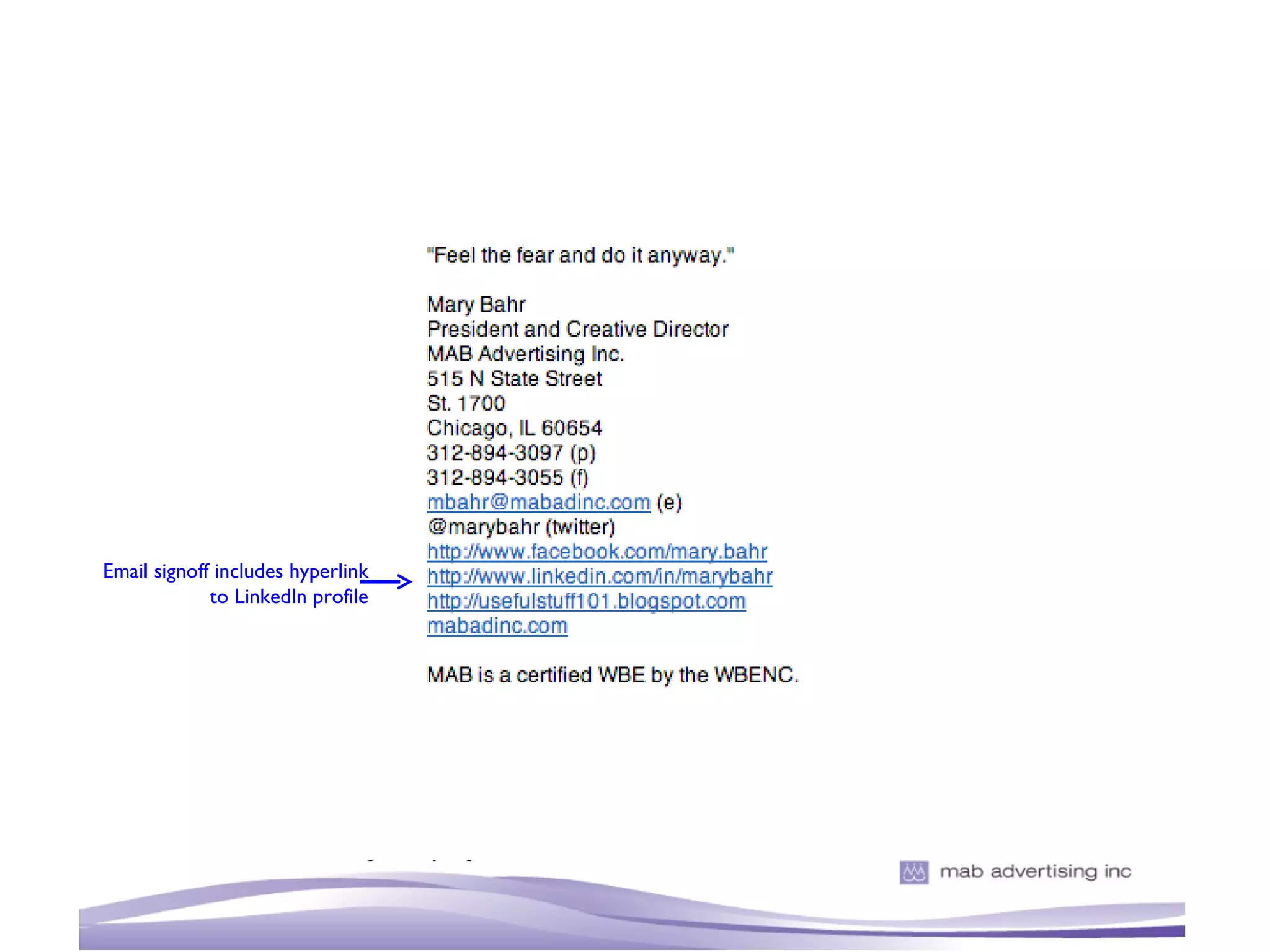
Must Do!  Edit your public profile URL to your name; add this URL    as a hyperlink to your email signature: people you email can instantly    look you up Add your websites and blogs to website listings: list up to three    (you could also list causes you are involved in) Applications add functionality and visibility to your profile: select ones    you’ll use (I love: Amazon Reading Lists, SlideShare and Blog Link, but    choose what works for you and your business) Give and get recommendations strategically: however, do not give   recommendations that you would not give in “real life”  Join groups that will complement both your professional and    personal interests Ask questions when you are trying to solve a problem or find a solution:    particularly if you are looking for something specific Maximize Your  Experience
Use description for  more than your title Strive for 100%  complete Formatted profile Personalize your URL
Email signoff includes hyperlink to LinkedIn profile
My Lucky Strike Extra! The Fast Fifty Websites* that will help you do things faster, better and cheaper (*and they are almost all free!)
google.com/alerts Google might take over the world! They have free apps galore that can help your business immensely. These are just a couple of the best… stay on the lookout for Google Wave! What are they saying about you on the web? Track it and your competitors…
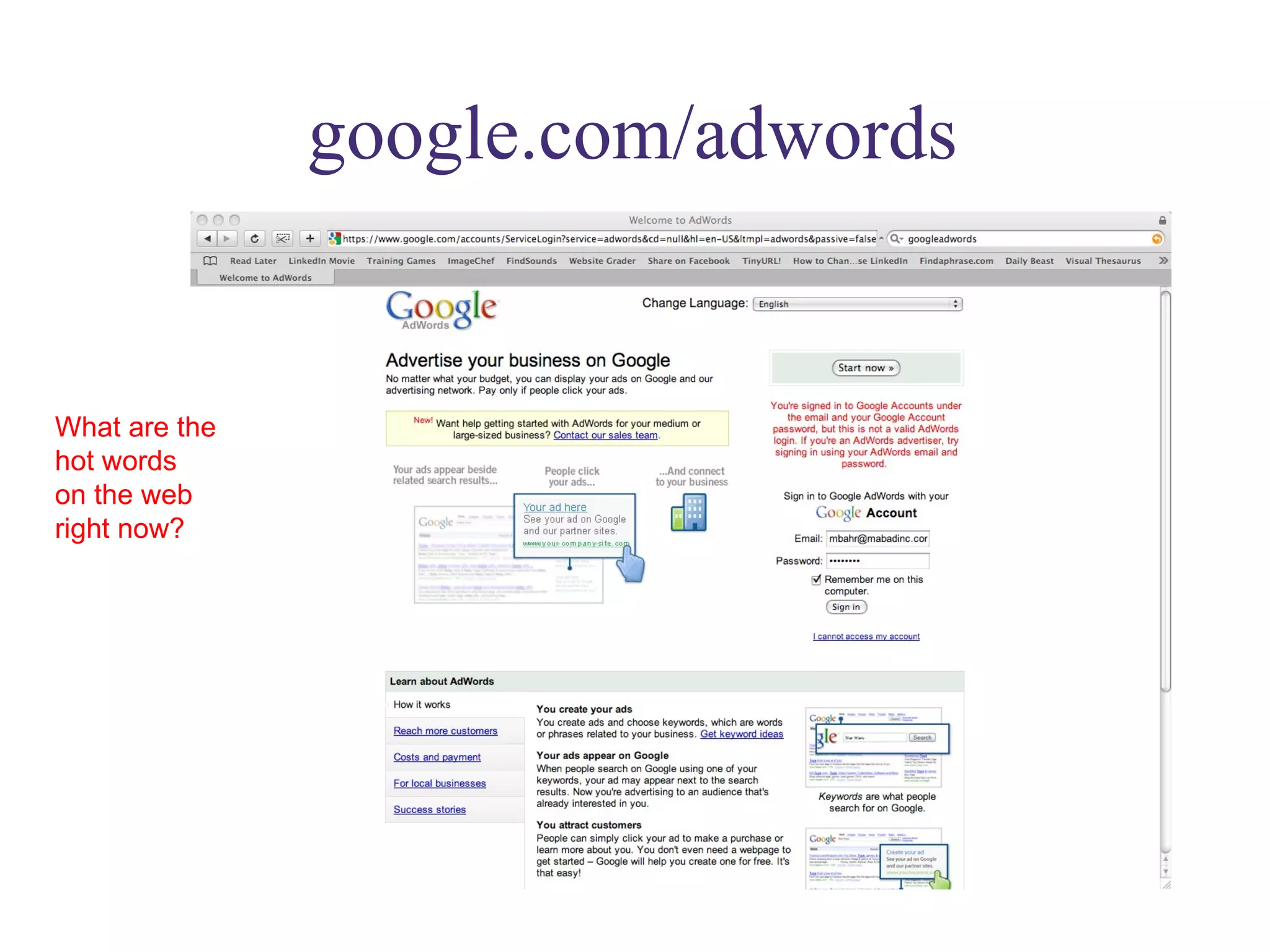
google.com/adwords What are the  hot words  on the web right now?
google.com/analytics How does your  website rate?
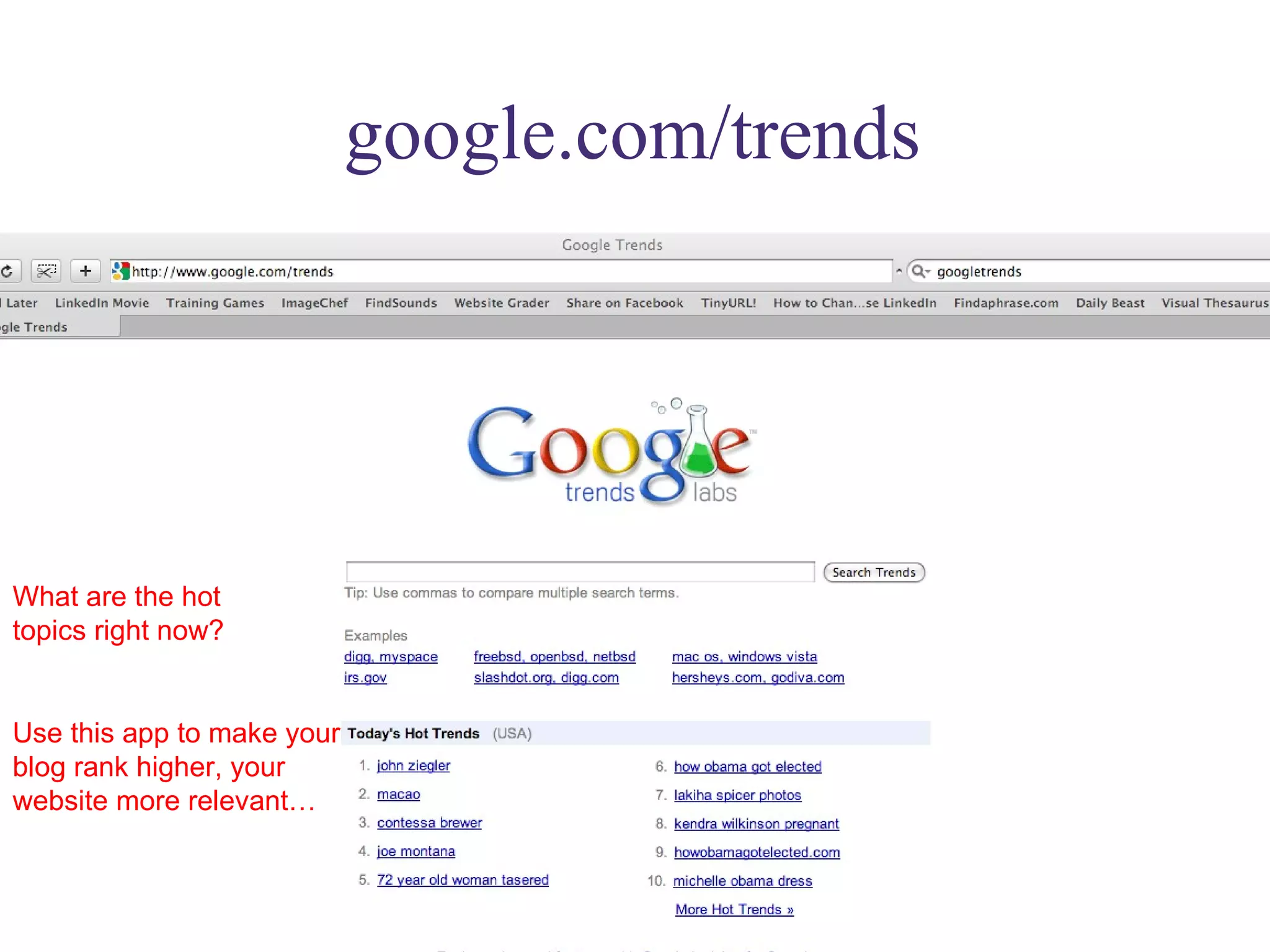
google.com/trends What are the hot  topics right now? Use this app to make your blog rank higher, your website more relevant…
google.com/reader Keep all the blogs you follow in one place; sort and save functions very helpful
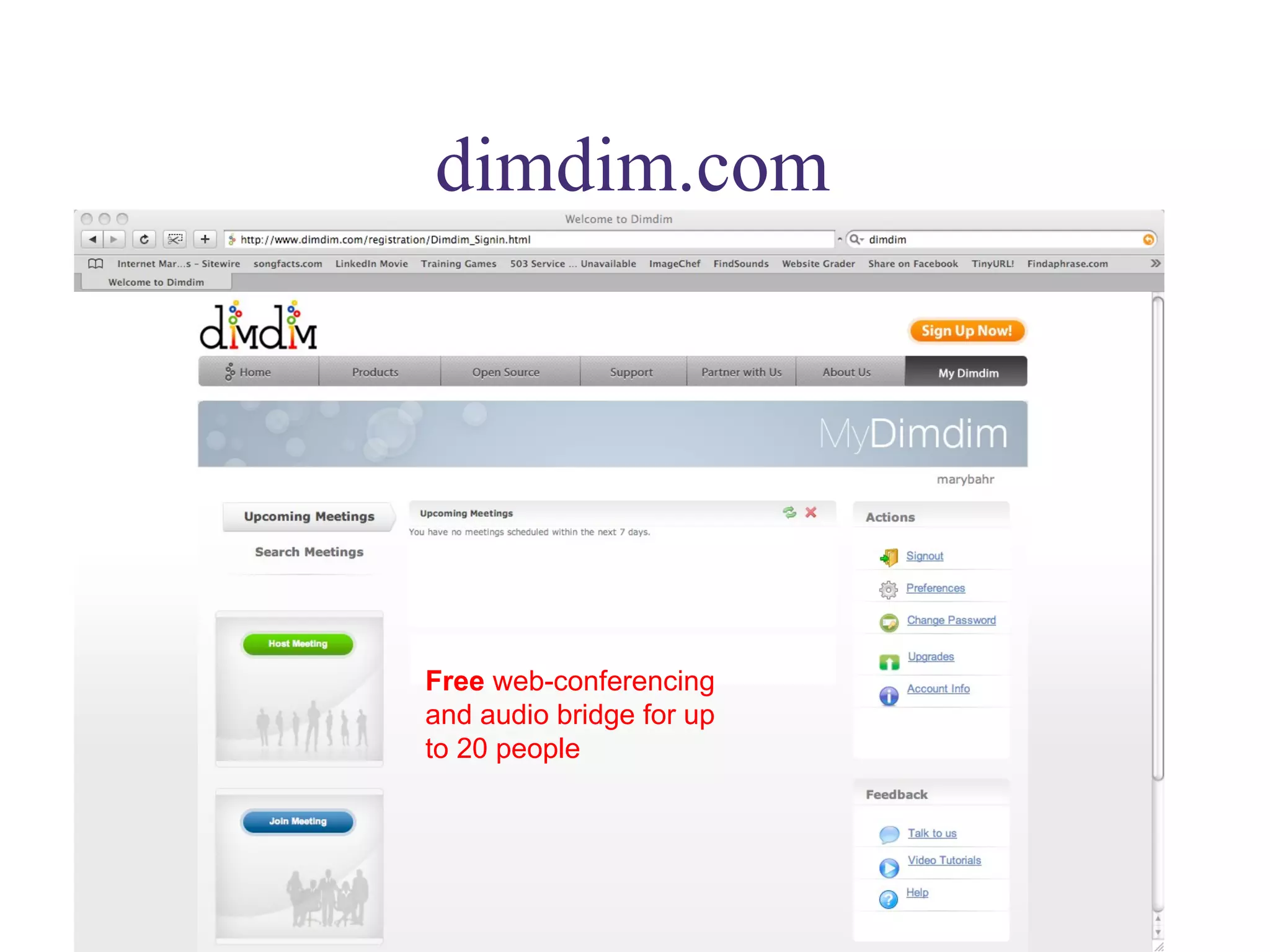
dimdim.com Free  web-conferencing and audio bridge for up to 20 people
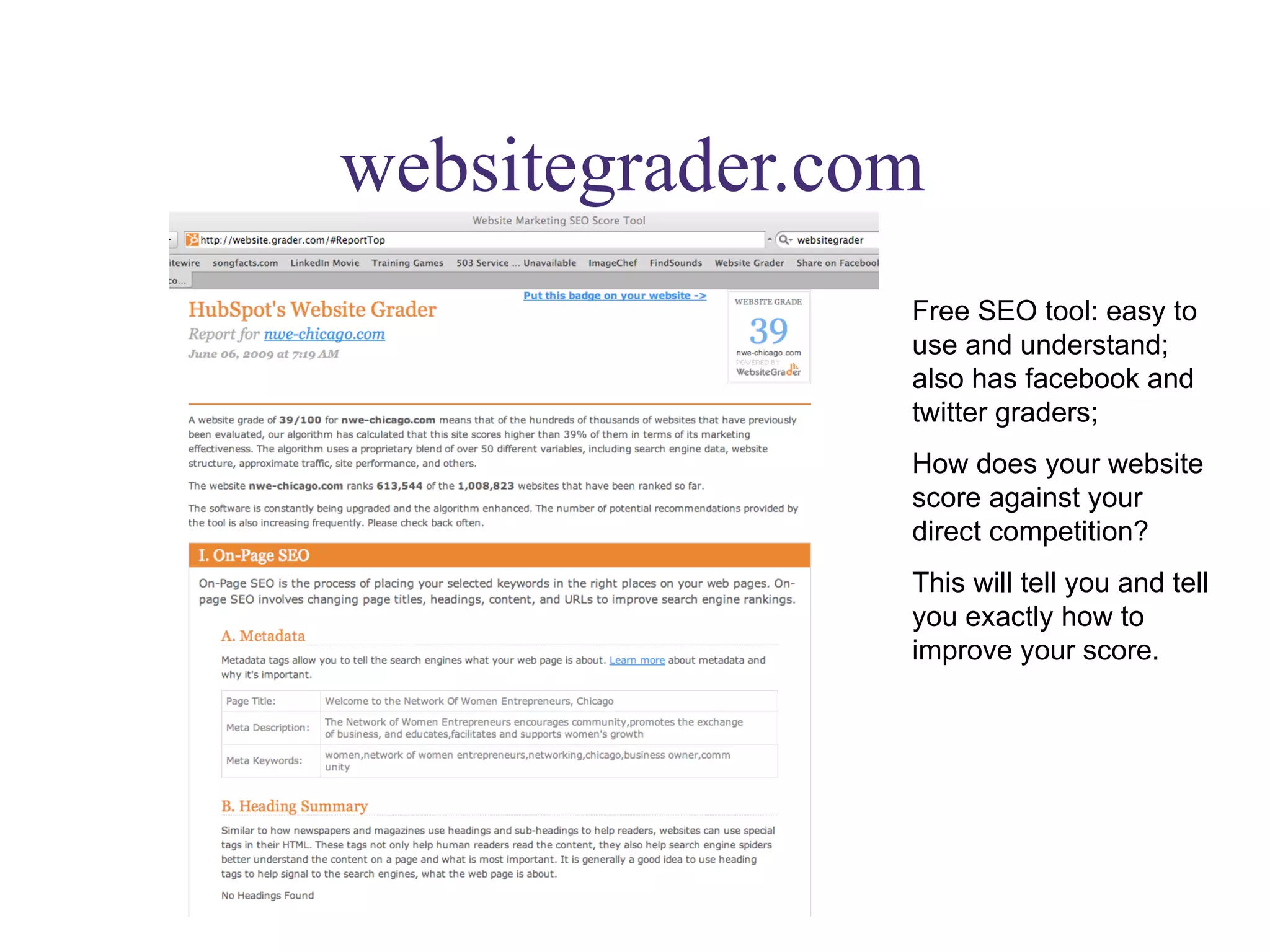
websitegrader.com Free SEO tool: easy to use and understand; also has facebook and twitter graders; How does your website score against your direct competition? This will tell you and tell you exactly how to improve your score.
instapaper.com Save web pages you want to read but don’t have time to now in one central place! Read later icon in toolbar…
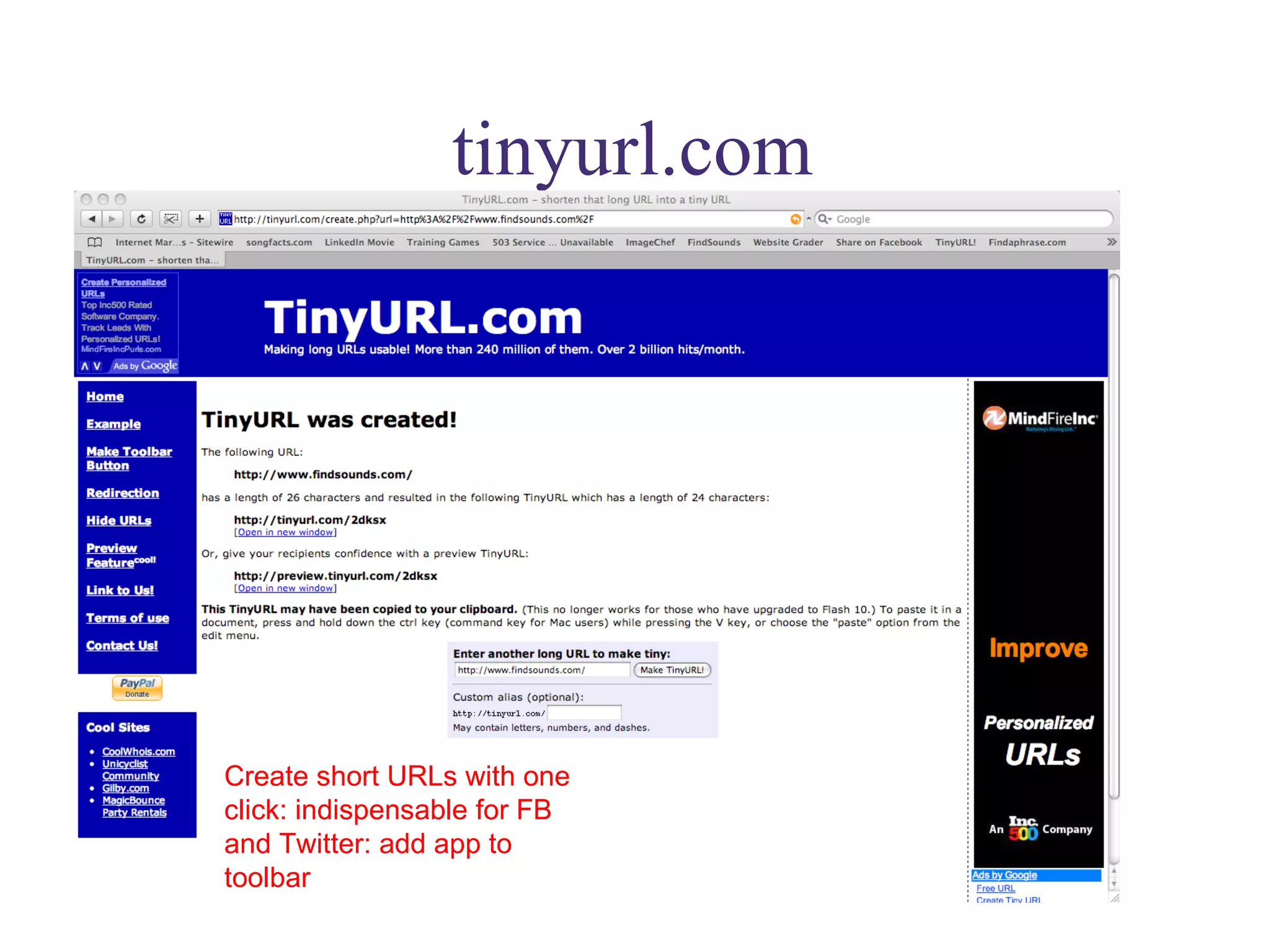
tinyurl.com Create short URLs with one click: indispensable for FB and Twitter: add app to toolbar
posterous.com A phenomenally easy blog/website platform. Email whatever you want and it’s instantly posted to site.
hetemeel.com Personalize pictures to send or use in presentations: fun but functional
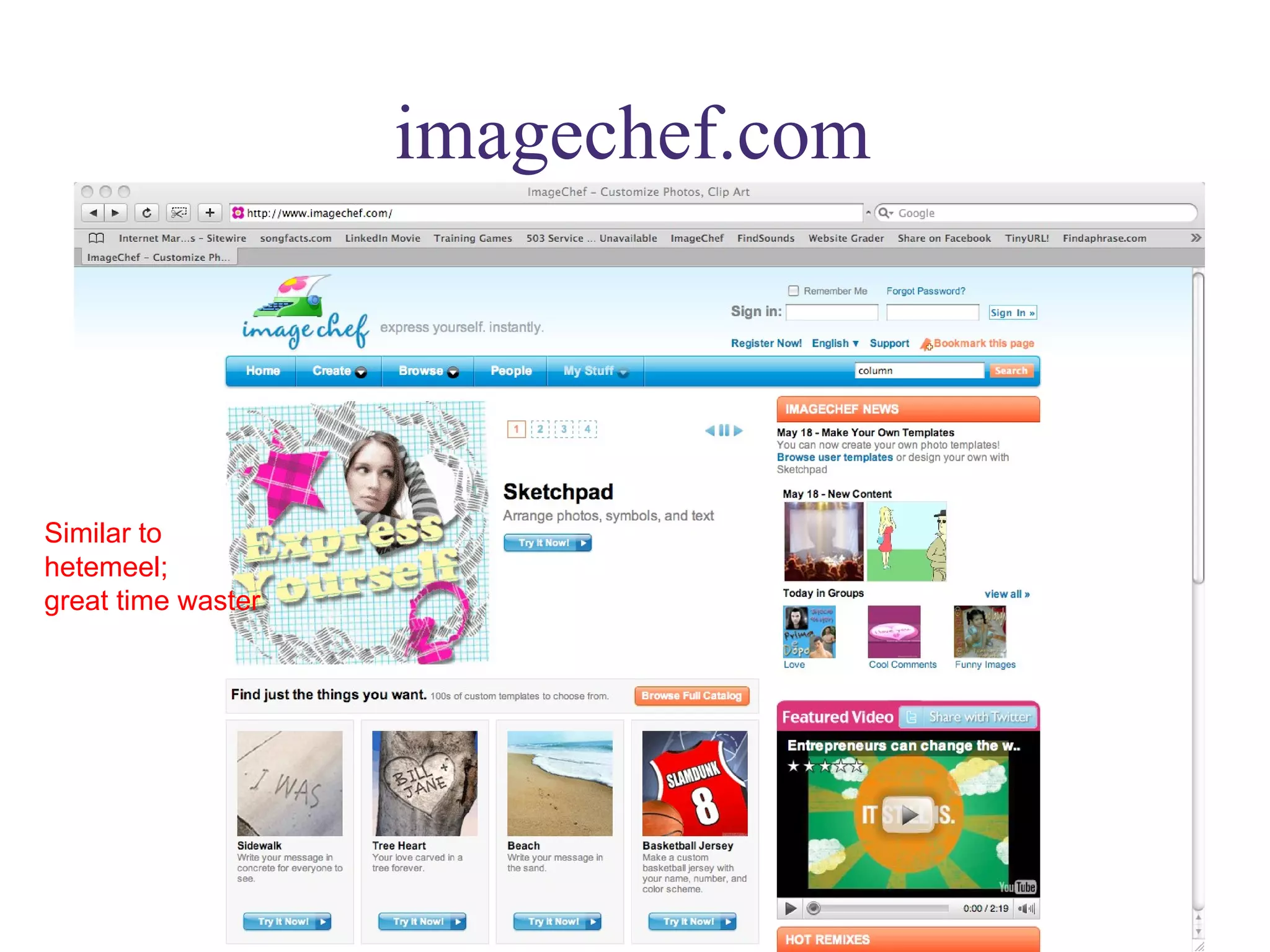
imagechef.com Similar to  hetemeel;  great time waster
“Getting Things Done” Davidandco.com: David Allen’s  process: GTD The god of productivity gurus…his email management ideas are gold…
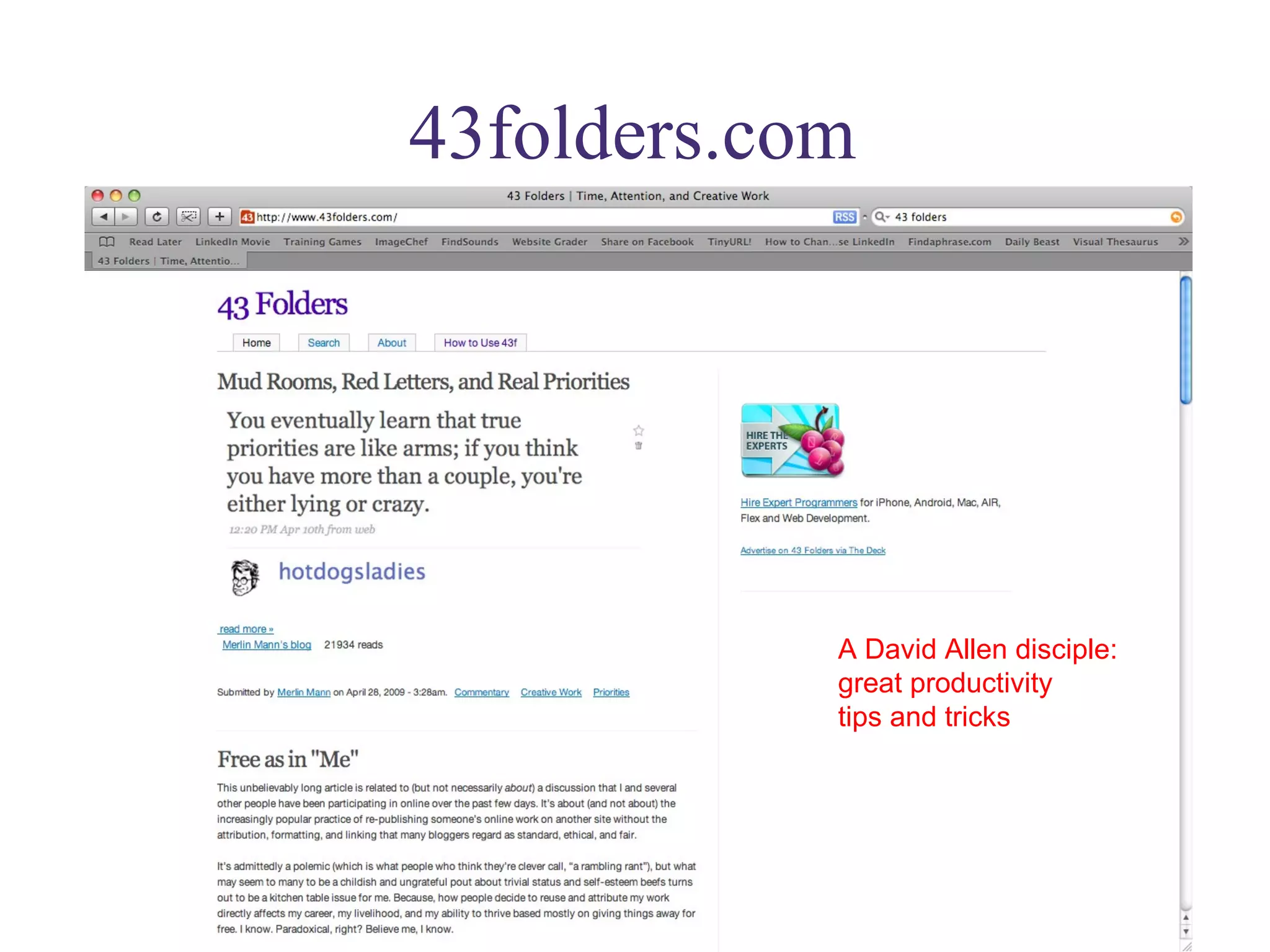
43folders.com A David Allen disciple: great productivity  tips and tricks
thefourhourworkweek.com For those of you who love Tim Ferriss, or really hate him; either way he’s interesting and provocative, and urges us not to waste our personal time and resources
itunesu.com Get the equivalent of a graduate degree in anything…Classes available for download on any subject from some of the best universities in the world
Trendhunter.com Keep track of what’s hot around the world: great free reports on worldwide trends
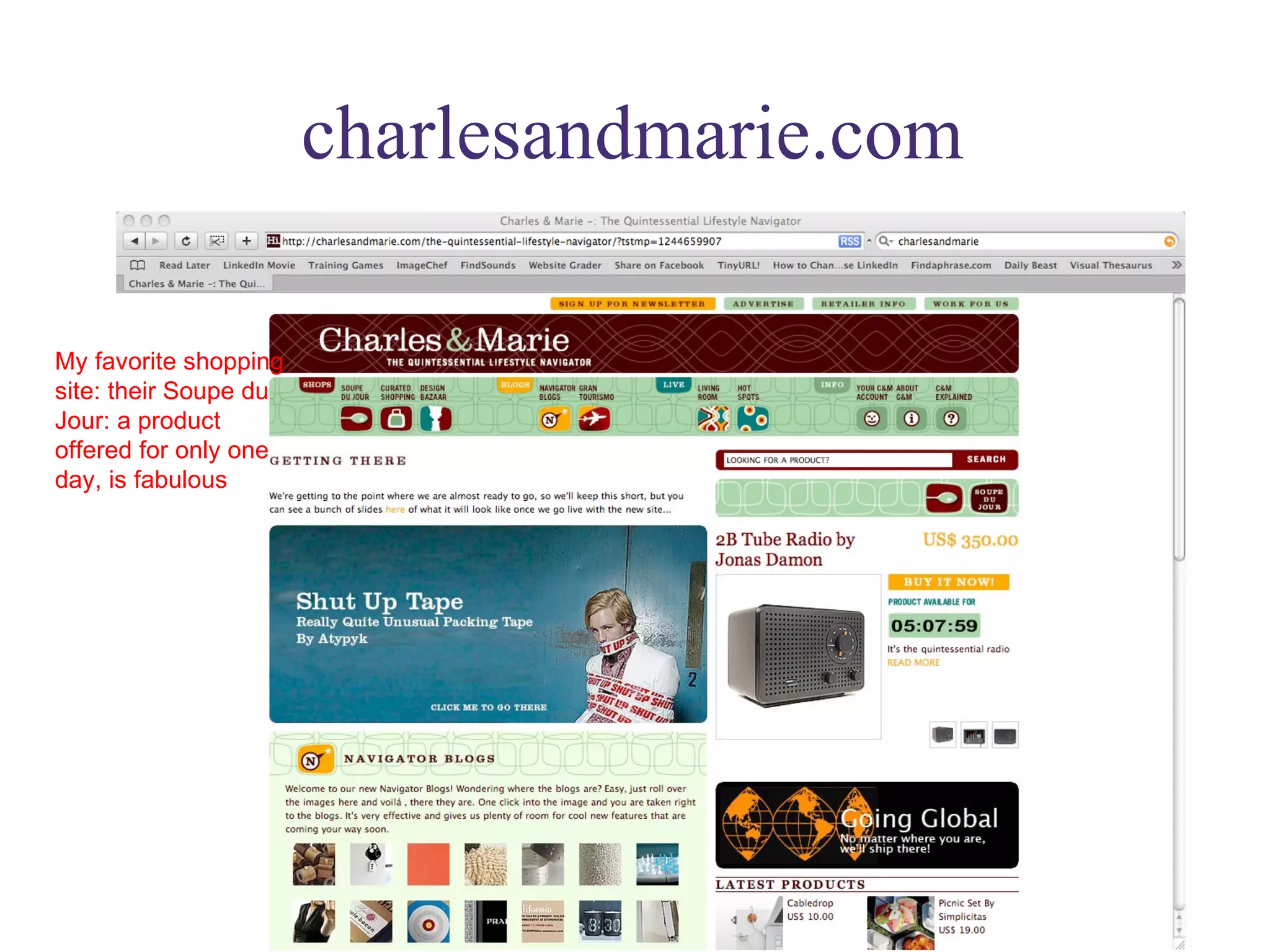
charlesandmarie.com My favorite shopping site: their Soupe du Jour: a product offered for only one day, is fabulous
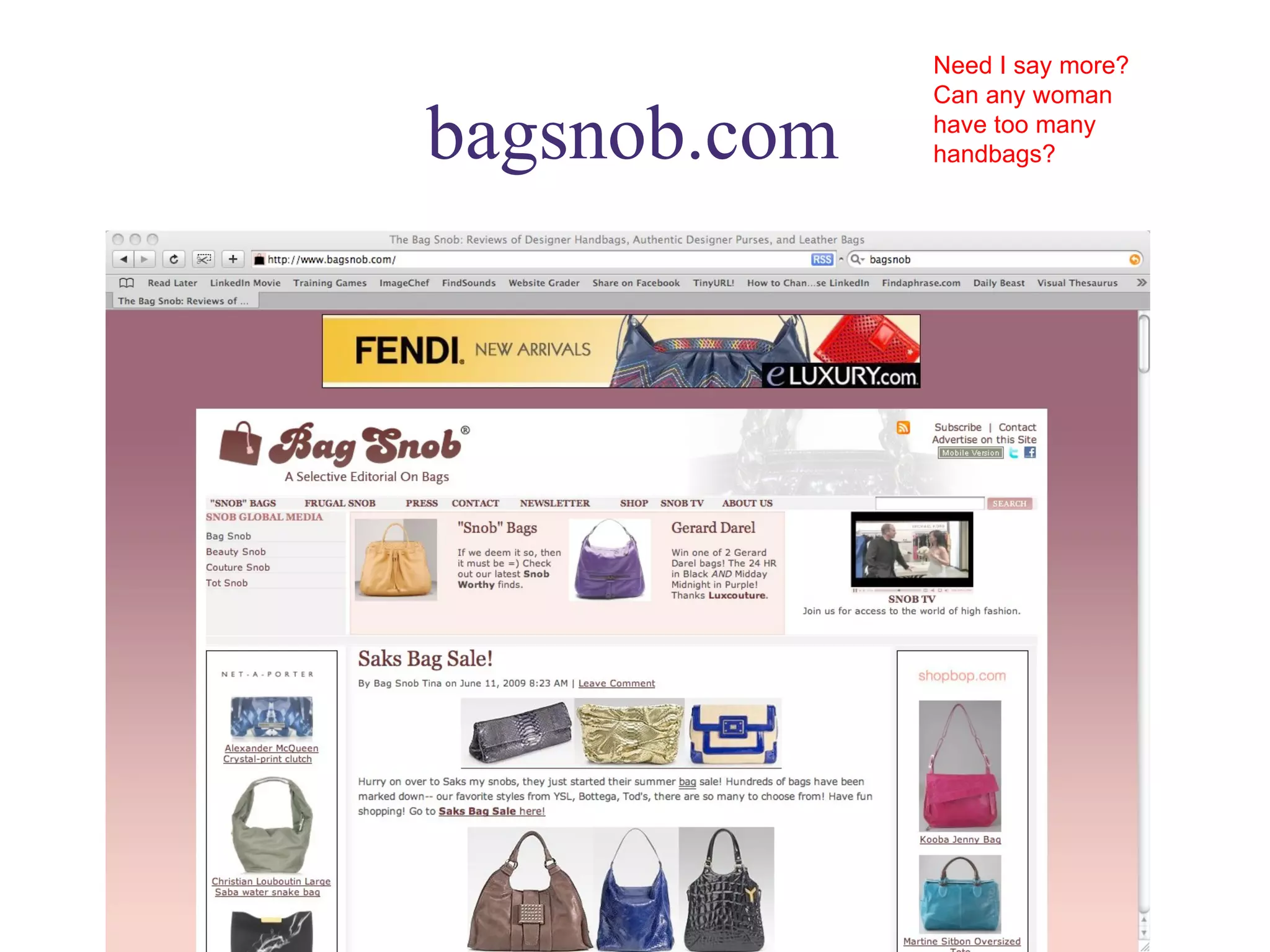
bagsnob.com Need I say more? Can any woman have too many handbags?
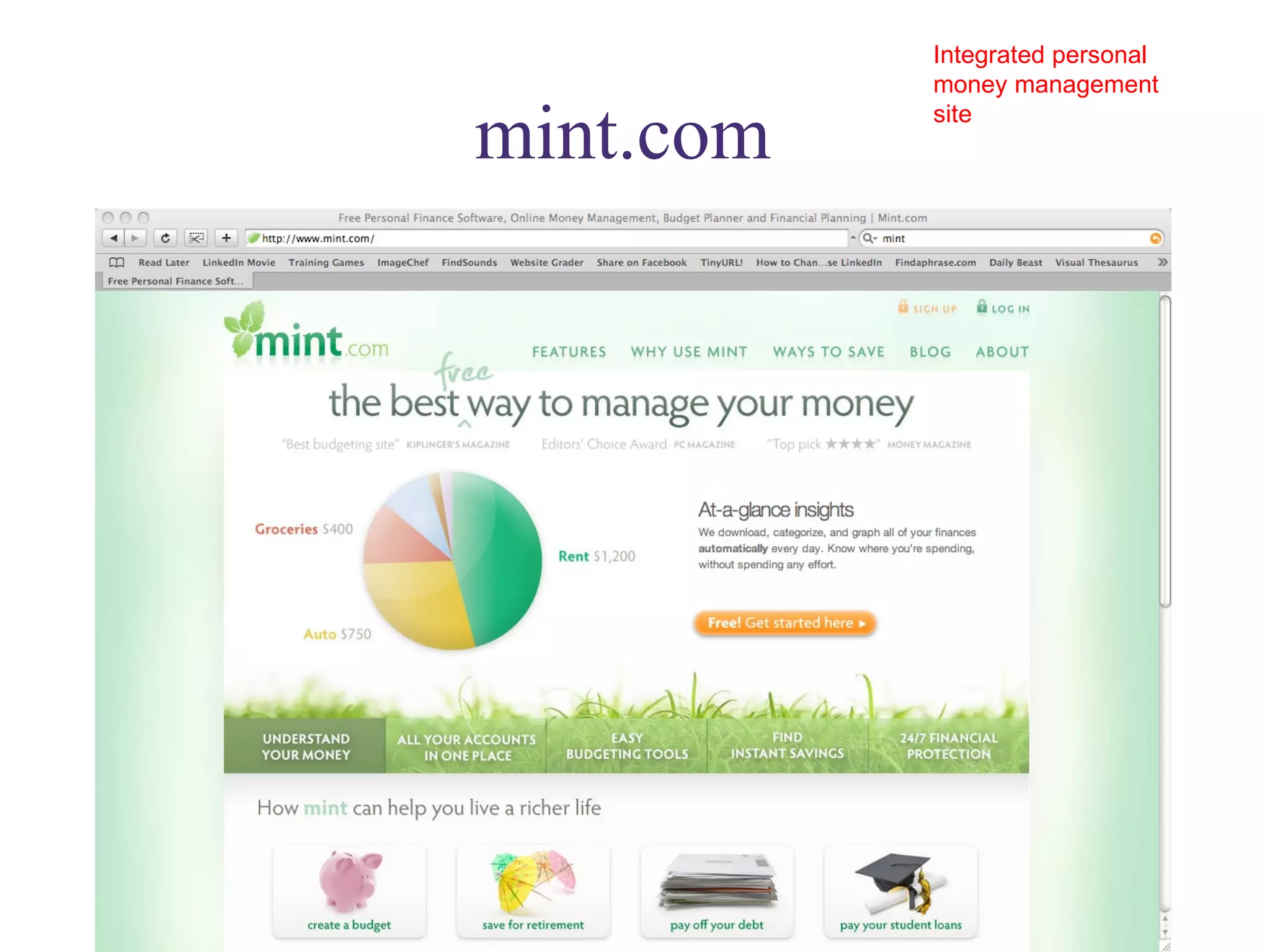
mint.com  Integrated personal money management site
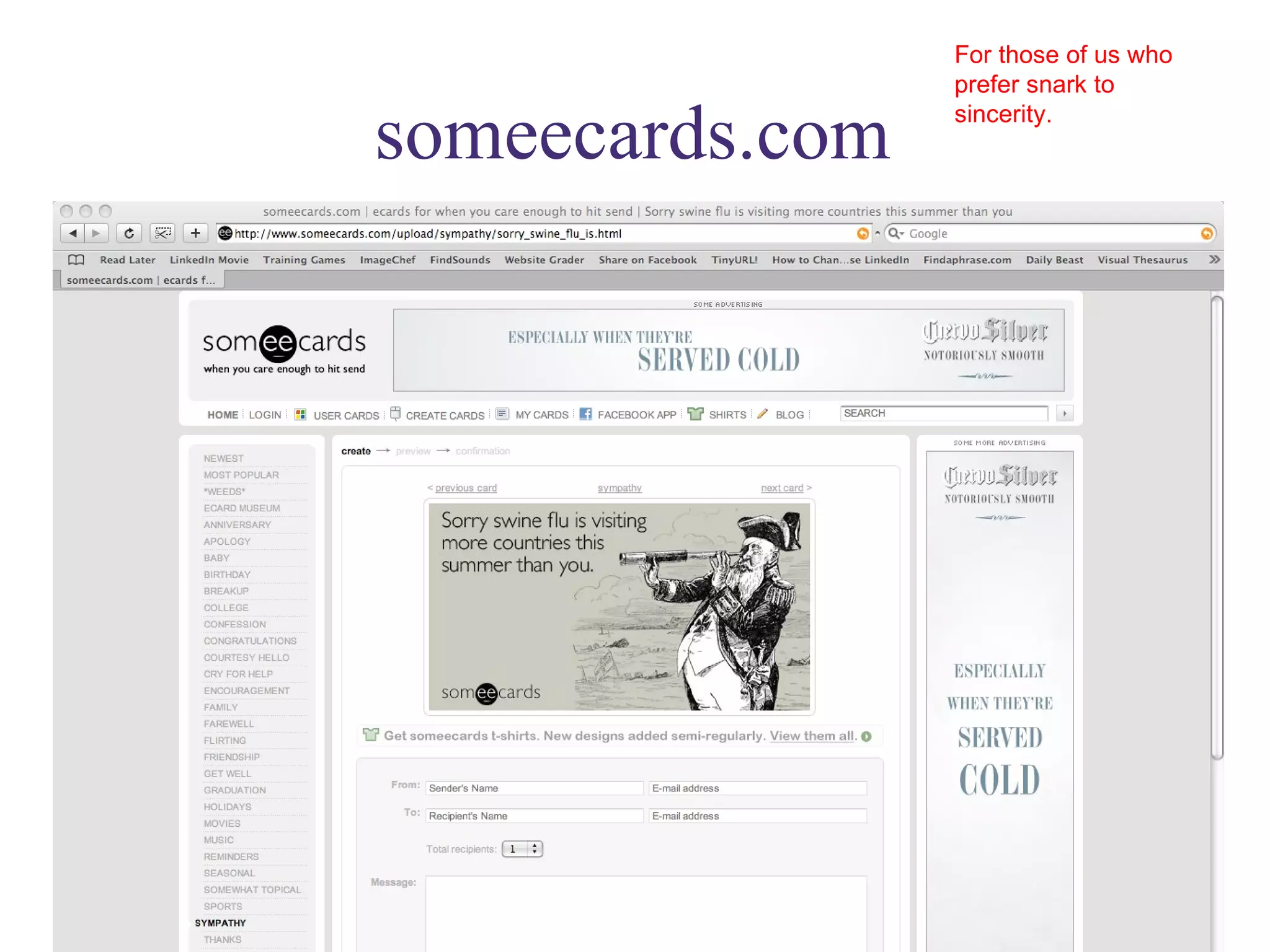
someecards.com For those of us who prefer snark to sincerity.
trademarksearch.com A government site that actually works.
brandsoftheworld.com  Logos, logos and more logos
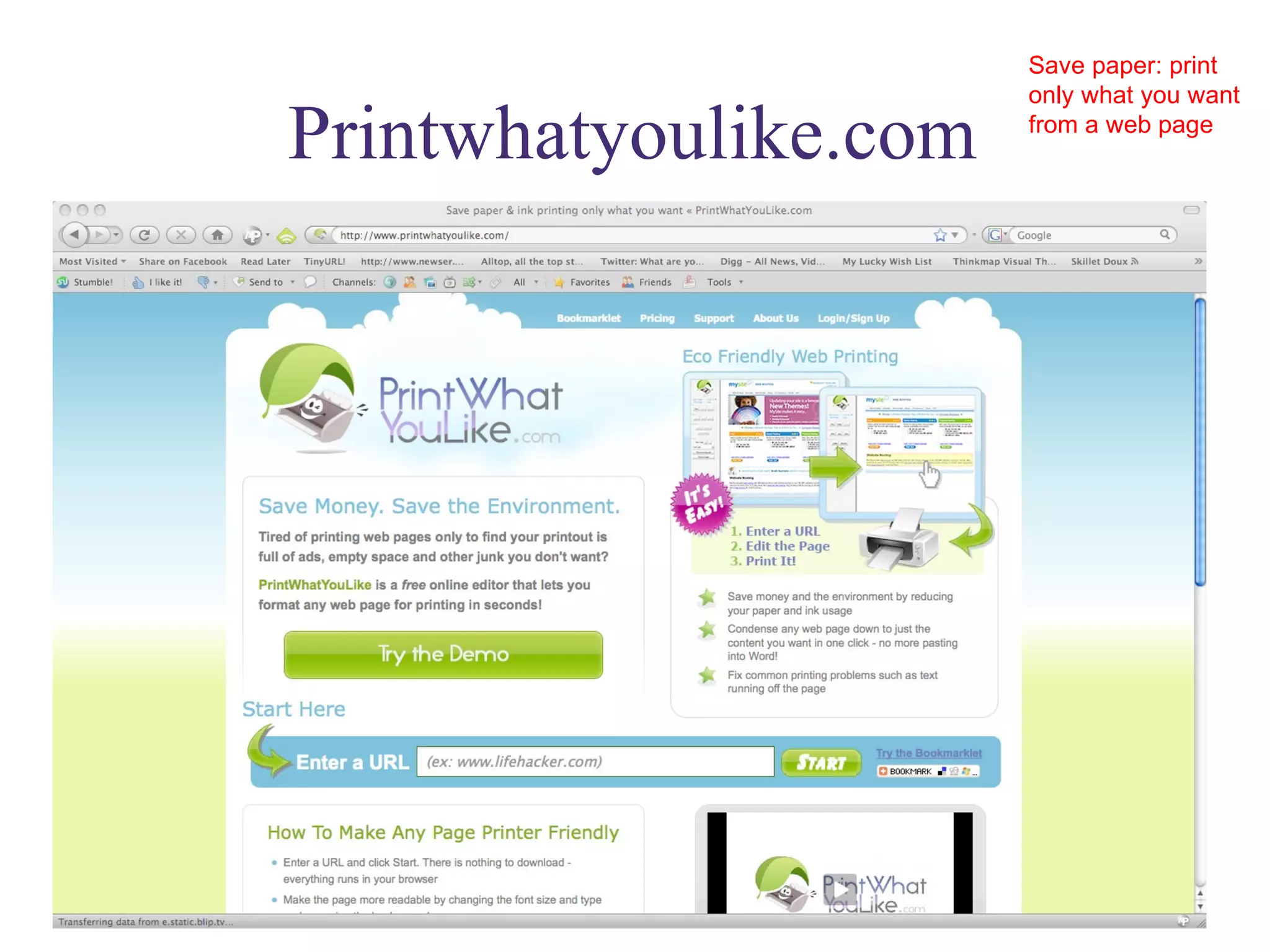
Printwhatyoulike.com Save paper: print only what you want from a web page
lifehacker.com Productivity tools and tricks: particularly involving technology
zenhabits.com Good advice for those of us over-scheduled, over-worked people
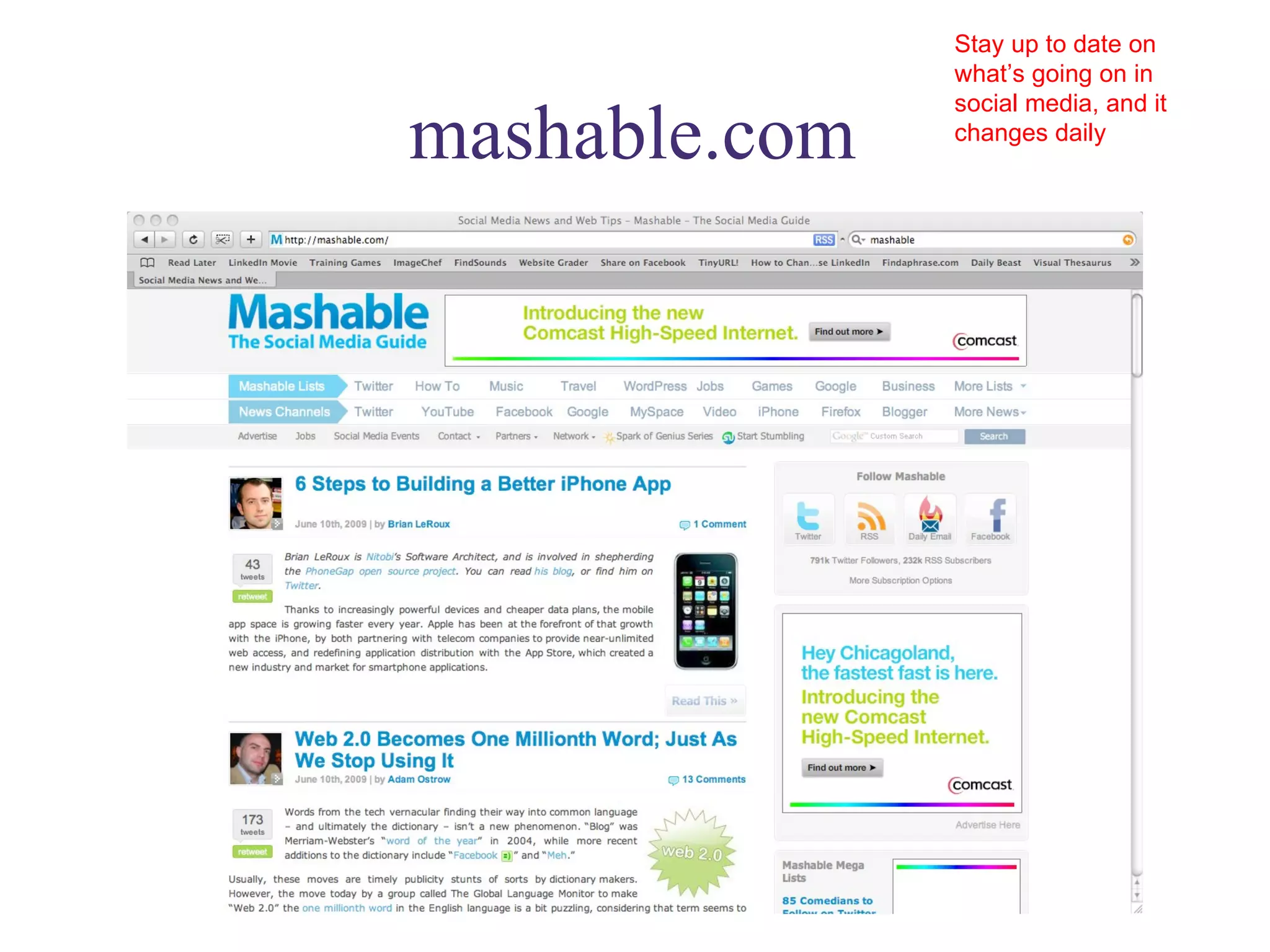
mashable.com Stay up to date on what’s going on in social media, and it changes daily
ted.com Give yourself a gift and listen to at least one TED talk a week. Share on Facebook and LI, share your favorites with friends and colleagues
presentationzen.com Stuck with powerpoint? At least try not to suck so This will help your presentations not suck quite so badly
findsounds.com Free SFX. Can be used in ppt!
visualthesaurus.com Note: trial is free, website is not. If you write, you’ll love it
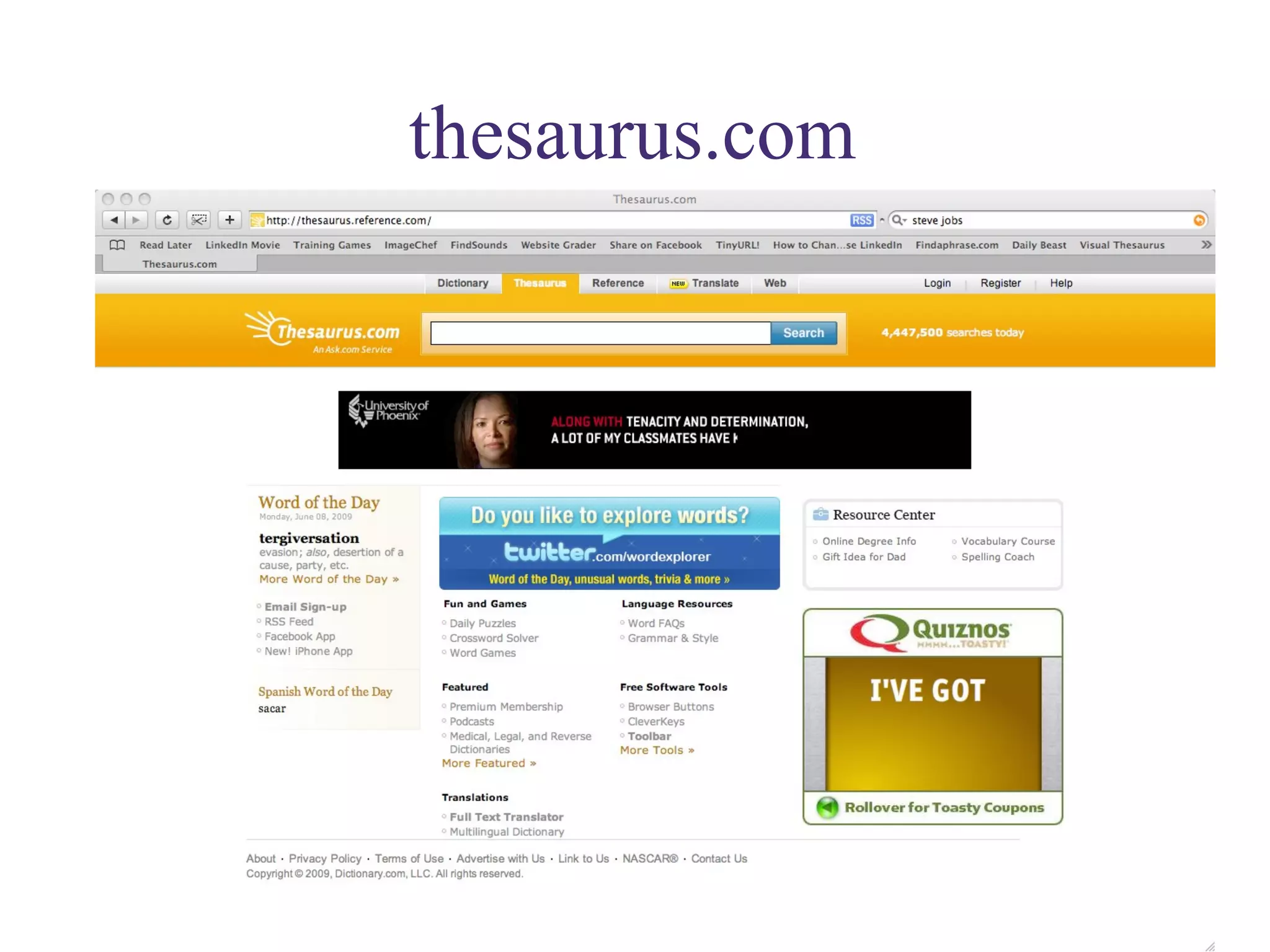
thesaurus.com
clichefinder.com  Sometimes that cliché is right on the tip of your tongue…find it here
smartbriefentrepreneurship.com Links to the best articles for entrepreneurs. Many other smart brief editions available.
digg.com  See what other people find interesting on the web and vote yourself
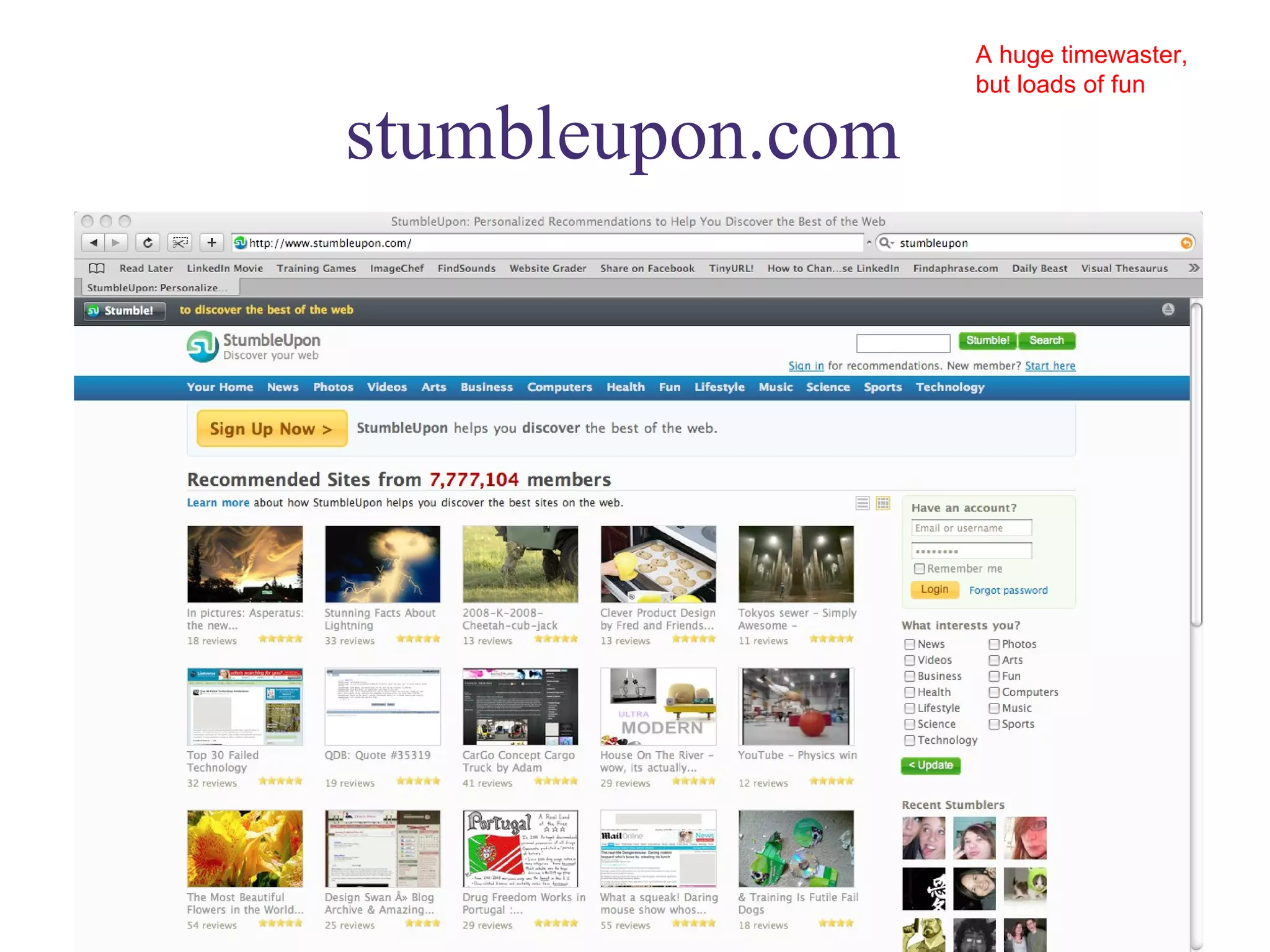
stumbleupon.com  A huge timewaster, but loads of fun
groupon.com  Great deals, if enough folks sign up
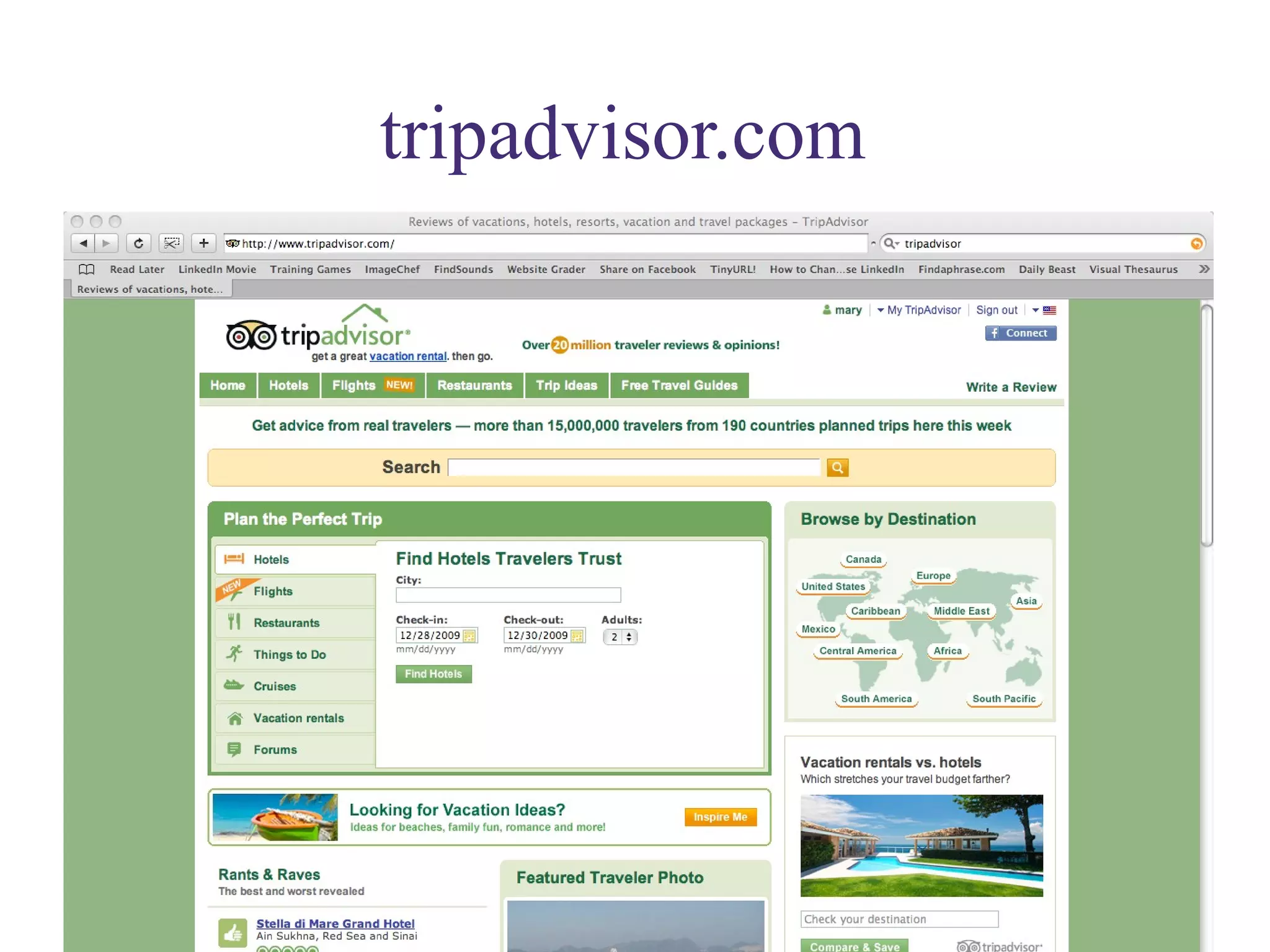
tripadvisor.com
iltrafficalert.com  Set up alerts based on your own schedule and route
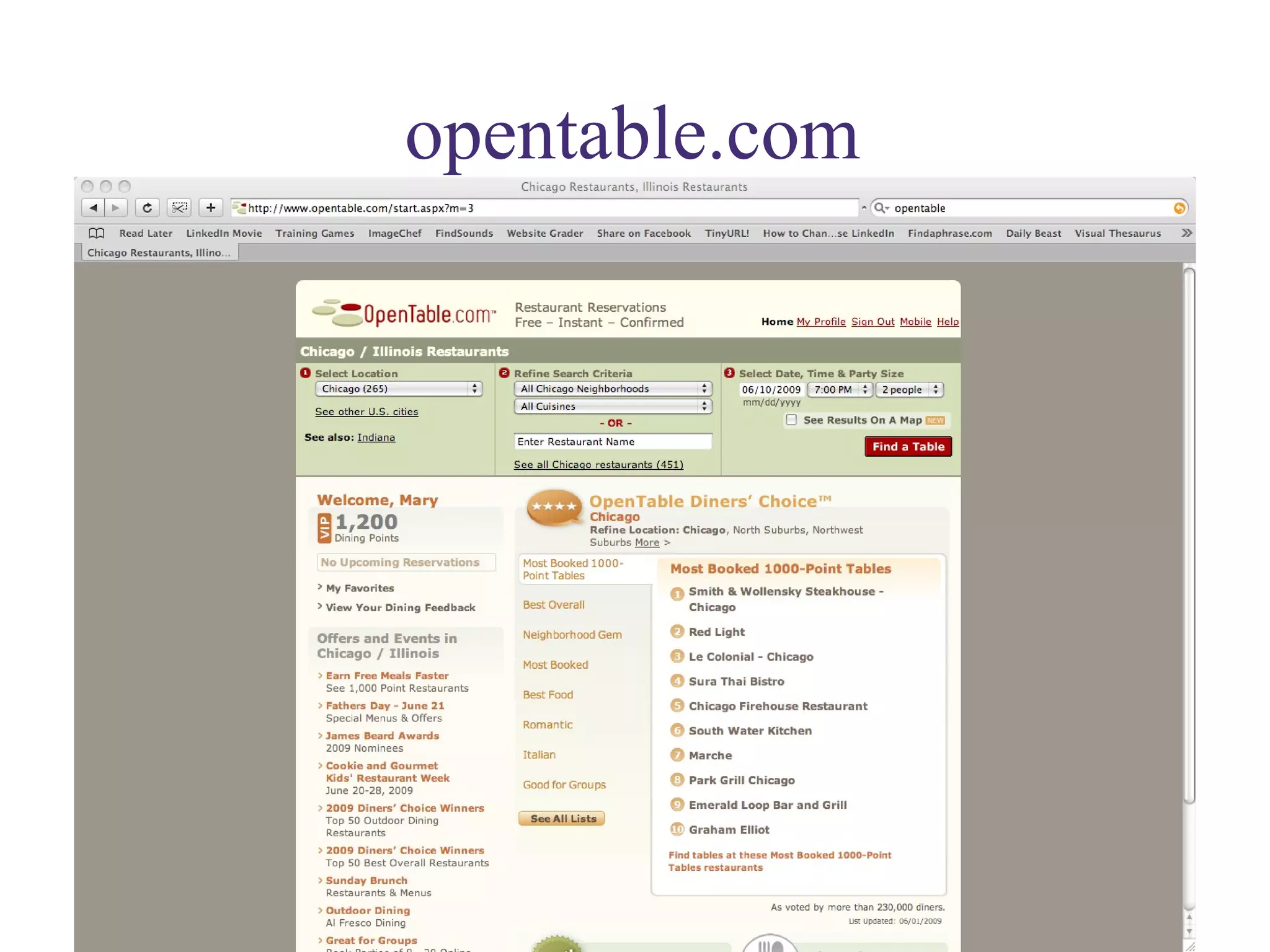
opentable.com
openforum.com  From American Express: great resources for small business owners.
dailybeast.com  A somewhat snarkier CNN. Good columnists that you won’t find elsewhere
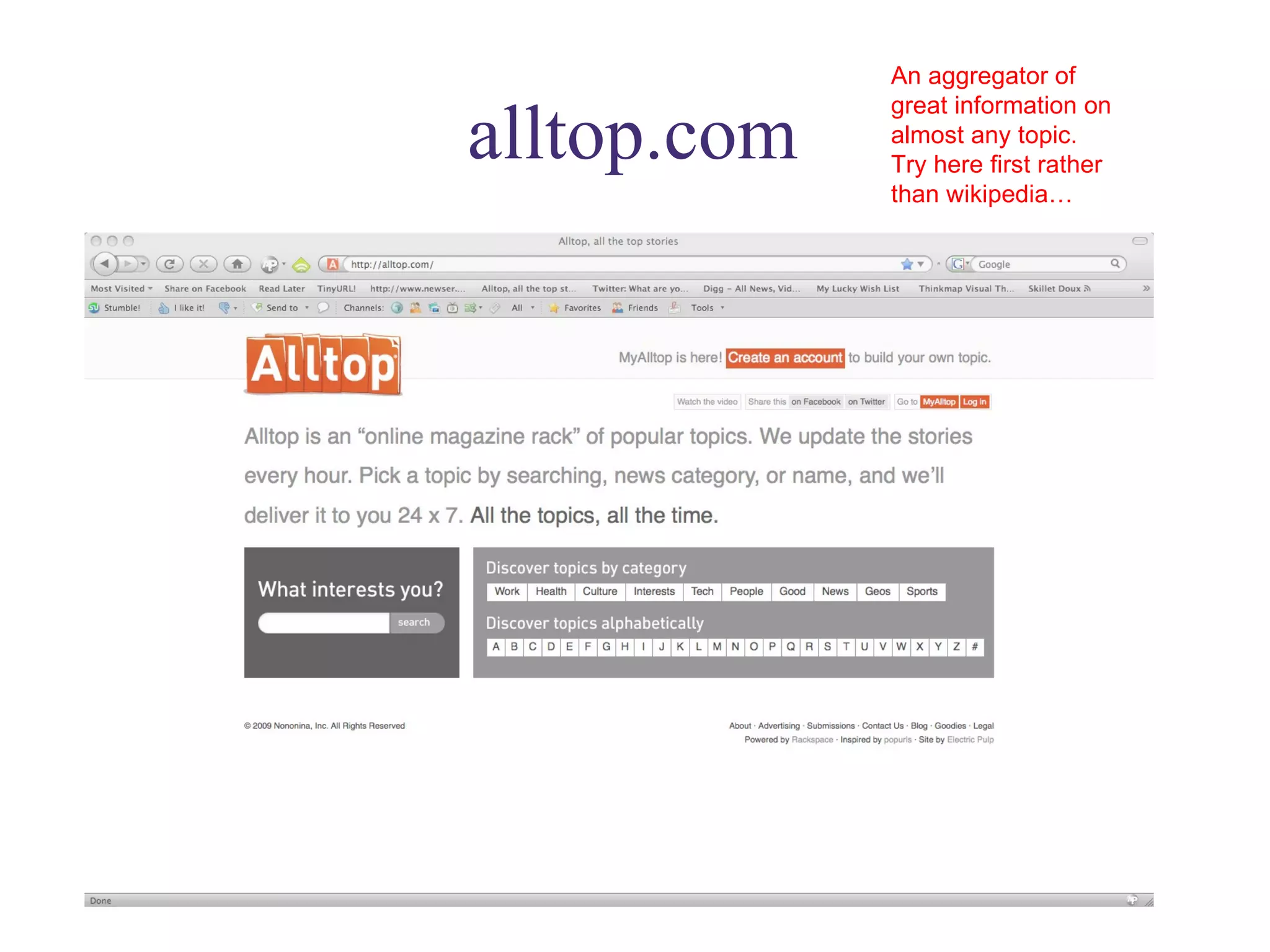
alltop.com An aggregator of great information on almost any topic. Try here first rather than wikipedia…
evernote.com Capture everything from a web page to photo to clipping and keep it all organized on your computer. Premium version is worth it. Syncs with smart phone.
godaddy.com Easy, cheap URL purchase, web hosting and more.
whois.net Find out who owns a specific URL and how to contact them.
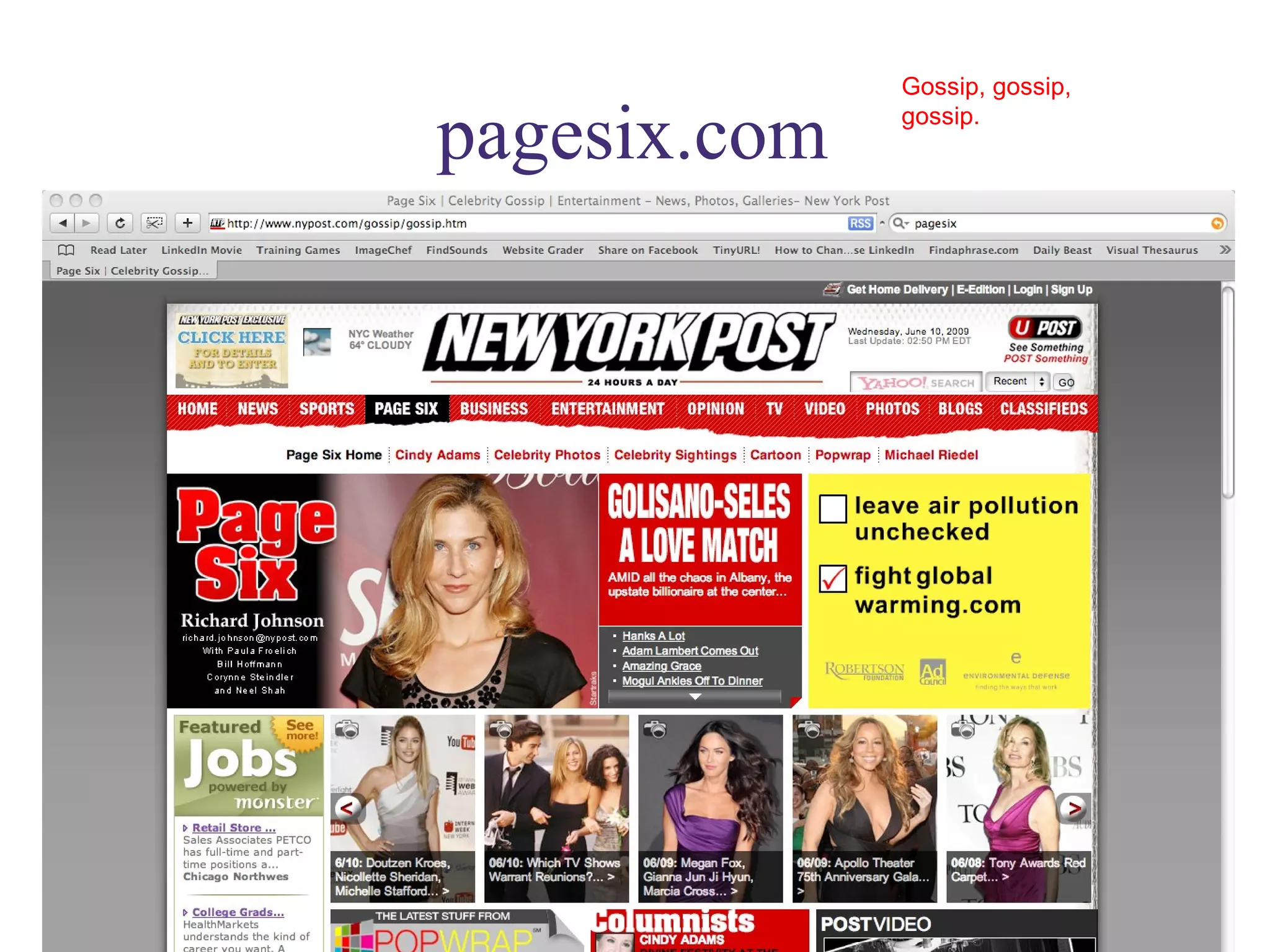
pagesix.com Gossip, gossip, gossip.
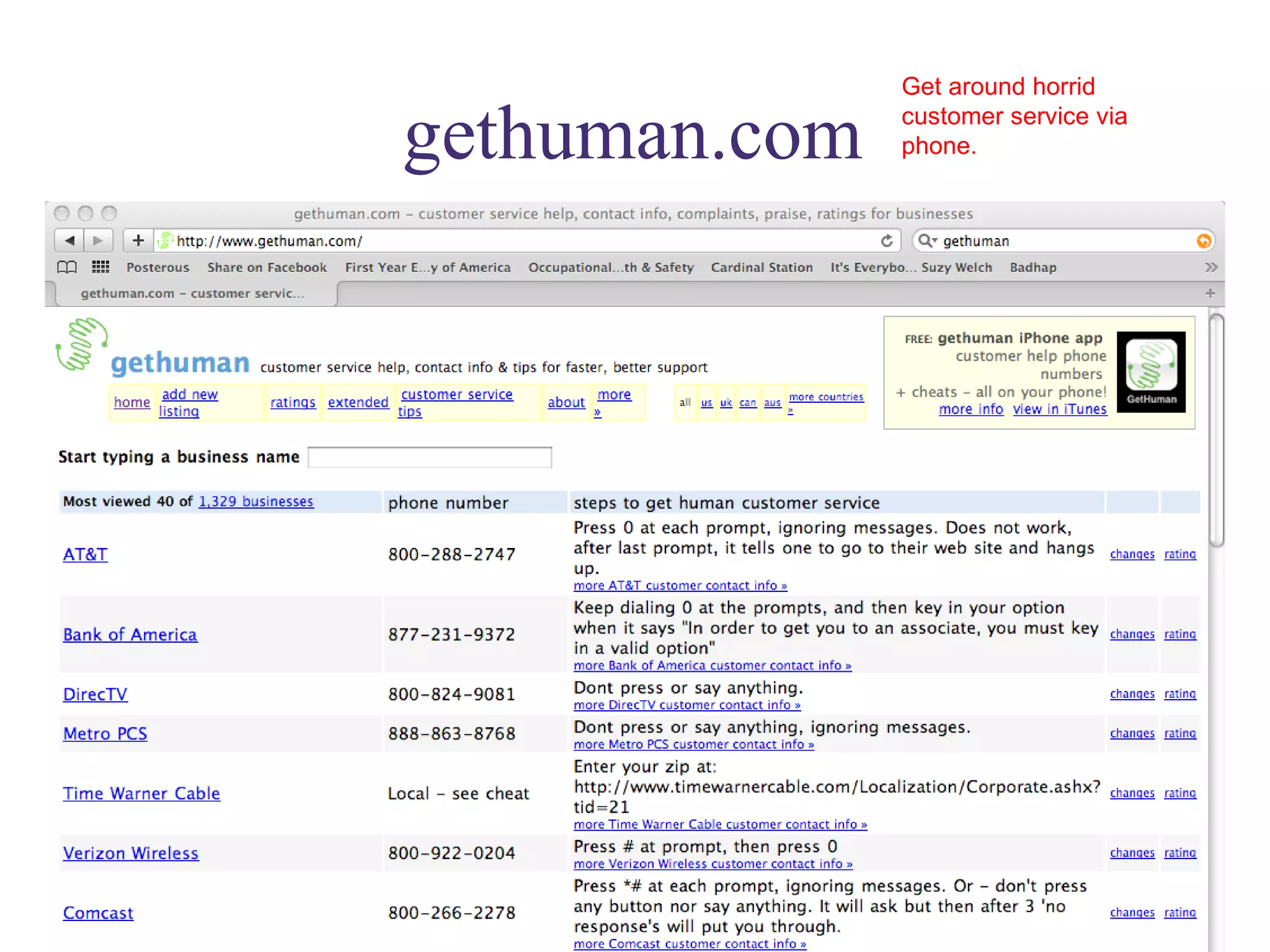
gethuman.com Get around horrid customer service via phone.
mailchimp.com Free email blasting service!
Flip mino Not a website, but the coolest, smallest, easiest HD camcorder. Stores up to 2 hours of HD video. Connects to computer via USB.

Nawbolinkedin2

  • 1.
    The Power of Personal Connections*: Using to Market Yourself and Your Business Presented by: Mary Bahr 09/30/09 * Plus, 50 Fabulous Free websites to help you do things faster, better cheaper.
  • 2.
  • 3.
  • 4.
  • 5.
    Largest B2B socialnetwork: founded in 2003; 42M members; 1new member per second; 50% outside US All Fortune 500 represented; over 4M small businesses Increase visibility, improve Google page rank & search engine results Increase connectability: locate people from your past, present & future Research companies & people (staff movement, hiring turnover, job descriptions) Give and get — ask questions, answer questions, write recommendations Promote yourself and your business with added apps, website, blog visibility Scope out the competition, potential customers and employers Keep track of job movement and people within your network Why use
  • 6.
    Must Do! Strive for 100% complete profile (click “complete profile” button to see how complete your profile is: follow instructions to get to 100%) Must Do! Use the “professional headline” for more than your current title: use it to describe yourself (see Basic Information section) Should Do! Use “current status” (AKA “Facebook” field) to raise your professional profile: e.g.: what are you working on?, what are you reading?, what are you attending?…Current status updates appear in your network’s email updates Make your profile and work experience as complete as possible: it will bring more potential connections to your attention Your LinkedIn profile should complement your resume, not duplicate it; what do you want people to know “behind” your resume? Must Do! If you’re a business owner, create a business page for your business NOW ; it increases business’ credibility & visibility Maximize Your Experience
  • 7.
    Must Do! Edit your public profile URL to your name; add this URL as a hyperlink to your email signature: people you email can instantly look you up Add your websites and blogs to website listings: list up to three (you could also list causes you are involved in) Applications add functionality and visibility to your profile: select ones you’ll use (I love: Amazon Reading Lists, SlideShare and Blog Link, but choose what works for you and your business) Give and get recommendations strategically: however, do not give recommendations that you would not give in “real life” Join groups that will complement both your professional and personal interests Ask questions when you are trying to solve a problem or find a solution: particularly if you are looking for something specific Maximize Your Experience
  • 8.
    Use description for more than your title Strive for 100% complete Formatted profile Personalize your URL
  • 9.
    Email signoff includeshyperlink to LinkedIn profile
  • 10.
    My Lucky StrikeExtra! The Fast Fifty Websites* that will help you do things faster, better and cheaper (*and they are almost all free!)
  • 11.
    google.com/alerts Google mighttake over the world! They have free apps galore that can help your business immensely. These are just a couple of the best… stay on the lookout for Google Wave! What are they saying about you on the web? Track it and your competitors…
  • 12.
    google.com/adwords What arethe hot words on the web right now?
  • 13.
  • 14.
    google.com/trends What arethe hot topics right now? Use this app to make your blog rank higher, your website more relevant…
  • 15.
    google.com/reader Keep allthe blogs you follow in one place; sort and save functions very helpful
  • 16.
    dimdim.com Free web-conferencing and audio bridge for up to 20 people
  • 17.
    websitegrader.com Free SEOtool: easy to use and understand; also has facebook and twitter graders; How does your website score against your direct competition? This will tell you and tell you exactly how to improve your score.
  • 18.
    instapaper.com Save webpages you want to read but don’t have time to now in one central place! Read later icon in toolbar…
  • 19.
    tinyurl.com Create shortURLs with one click: indispensable for FB and Twitter: add app to toolbar
  • 20.
    posterous.com A phenomenallyeasy blog/website platform. Email whatever you want and it’s instantly posted to site.
  • 21.
    hetemeel.com Personalize picturesto send or use in presentations: fun but functional
  • 22.
    imagechef.com Similar to hetemeel; great time waster
  • 23.
    “Getting Things Done”Davidandco.com: David Allen’s process: GTD The god of productivity gurus…his email management ideas are gold…
  • 24.
    43folders.com A DavidAllen disciple: great productivity tips and tricks
  • 25.
    thefourhourworkweek.com For thoseof you who love Tim Ferriss, or really hate him; either way he’s interesting and provocative, and urges us not to waste our personal time and resources
  • 26.
    itunesu.com Get theequivalent of a graduate degree in anything…Classes available for download on any subject from some of the best universities in the world
  • 27.
    Trendhunter.com Keep trackof what’s hot around the world: great free reports on worldwide trends
  • 28.
    charlesandmarie.com My favoriteshopping site: their Soupe du Jour: a product offered for only one day, is fabulous
  • 29.
    bagsnob.com Need Isay more? Can any woman have too many handbags?
  • 30.
    mint.com Integratedpersonal money management site
  • 31.
    someecards.com For thoseof us who prefer snark to sincerity.
  • 32.
    trademarksearch.com A governmentsite that actually works.
  • 33.
    brandsoftheworld.com Logos,logos and more logos
  • 34.
    Printwhatyoulike.com Save paper:print only what you want from a web page
  • 35.
    lifehacker.com Productivity toolsand tricks: particularly involving technology
  • 36.
    zenhabits.com Good advicefor those of us over-scheduled, over-worked people
  • 37.
    mashable.com Stay upto date on what’s going on in social media, and it changes daily
  • 38.
    ted.com Give yourselfa gift and listen to at least one TED talk a week. Share on Facebook and LI, share your favorites with friends and colleagues
  • 39.
    presentationzen.com Stuck withpowerpoint? At least try not to suck so This will help your presentations not suck quite so badly
  • 40.
    findsounds.com Free SFX.Can be used in ppt!
  • 41.
    visualthesaurus.com Note: trialis free, website is not. If you write, you’ll love it
  • 42.
  • 43.
    clichefinder.com Sometimesthat cliché is right on the tip of your tongue…find it here
  • 44.
    smartbriefentrepreneurship.com Links tothe best articles for entrepreneurs. Many other smart brief editions available.
  • 45.
    digg.com Seewhat other people find interesting on the web and vote yourself
  • 46.
    stumbleupon.com Ahuge timewaster, but loads of fun
  • 47.
    groupon.com Greatdeals, if enough folks sign up
  • 48.
  • 49.
    iltrafficalert.com Setup alerts based on your own schedule and route
  • 50.
  • 51.
    openforum.com FromAmerican Express: great resources for small business owners.
  • 52.
    dailybeast.com Asomewhat snarkier CNN. Good columnists that you won’t find elsewhere
  • 53.
    alltop.com An aggregatorof great information on almost any topic. Try here first rather than wikipedia…
  • 54.
    evernote.com Capture everythingfrom a web page to photo to clipping and keep it all organized on your computer. Premium version is worth it. Syncs with smart phone.
  • 55.
    godaddy.com Easy, cheapURL purchase, web hosting and more.
  • 56.
    whois.net Find outwho owns a specific URL and how to contact them.
  • 57.
  • 58.
    gethuman.com Get aroundhorrid customer service via phone.
  • 59.
    mailchimp.com Free emailblasting service!
  • 60.
    Flip mino Nota website, but the coolest, smallest, easiest HD camcorder. Stores up to 2 hours of HD video. Connects to computer via USB.