American Student
Assistance
Nancy L. Dube, Principal
Dube Consulting
http://www.linkedin.com/in/nancyldube
1
2
All rights reserved - Dube Consulting 2013
3
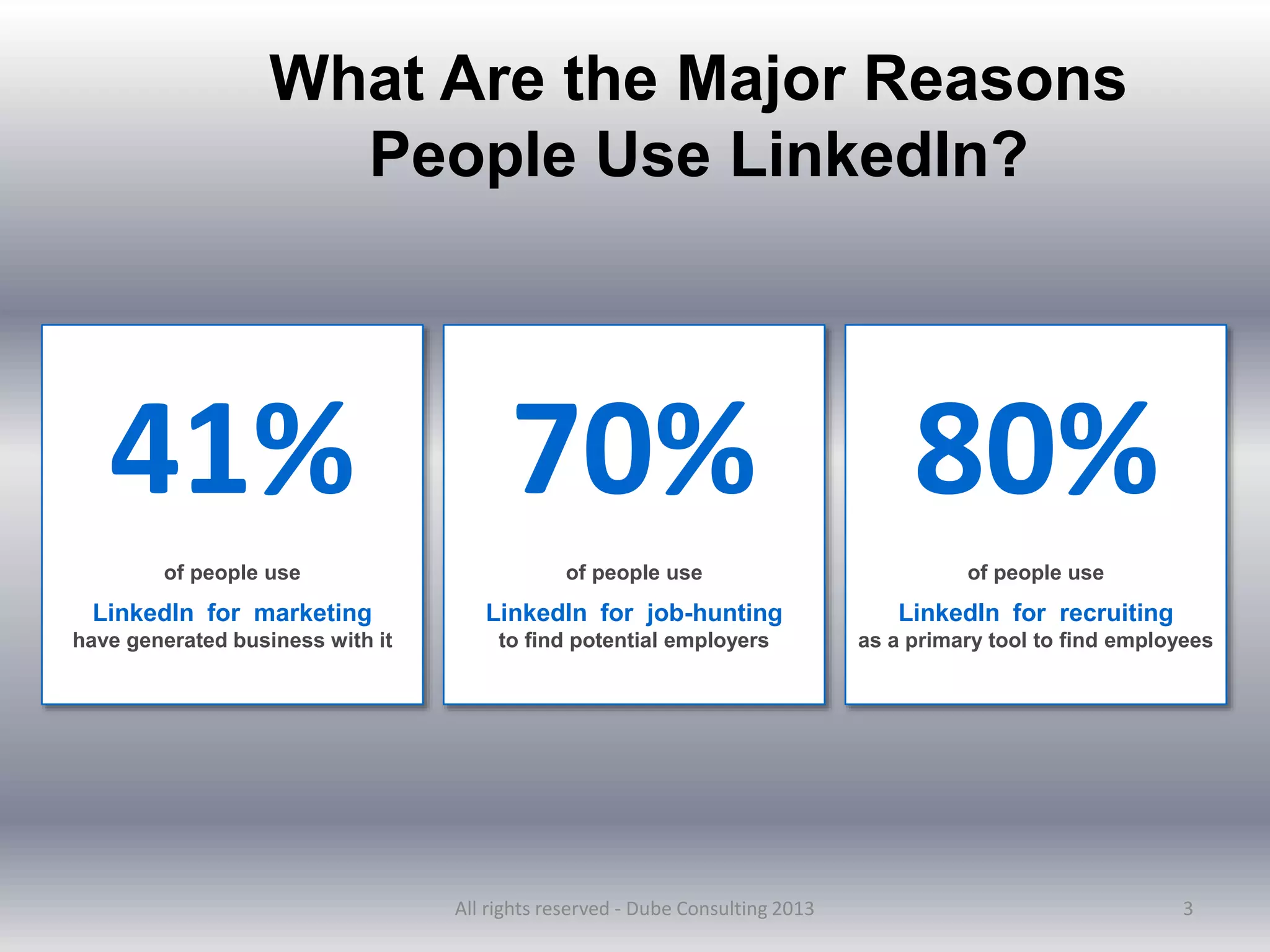
What Are the Major Reasons
People Use LinkedIn?
of people use
LinkedIn for marketing
have generated business with it
41% 70%
of people use
LinkedIn for job-hunting
to find potential employers
80%
of people use
LinkedIn for recruiting
as a primary tool to find employees
All rights reserved - Dube Consulting 2013
Overview
 Optimize your profile
 Keywords
 Identify and Leverage Connections
 Recommendations
 Job Search Tools
4
All rights reserved - Dube Consulting 2013
5
How Can You Make a LinkedIn
Profile More Powerful?
1. Add some polish and spark.
2. Add a professional photograph.
3. Upgrade the summary.
4. Give specifics.
5. Add statistics and solutions to problems.
6. Obtain current, enthusiastic recommendations
7. Add content that is relevant to your background, experience,
and your career goals.
All rights reserved - Dube Consulting 2013
Secrets for Getting to the Top of
LinkedIn’s Search Results?
6
Generate a list of keywords:
Google Adwords
https://adwords.google.com/select.key
wordtoolexernal
Wordle
http://www.wordle.net/
Optimize your profile to 100%.
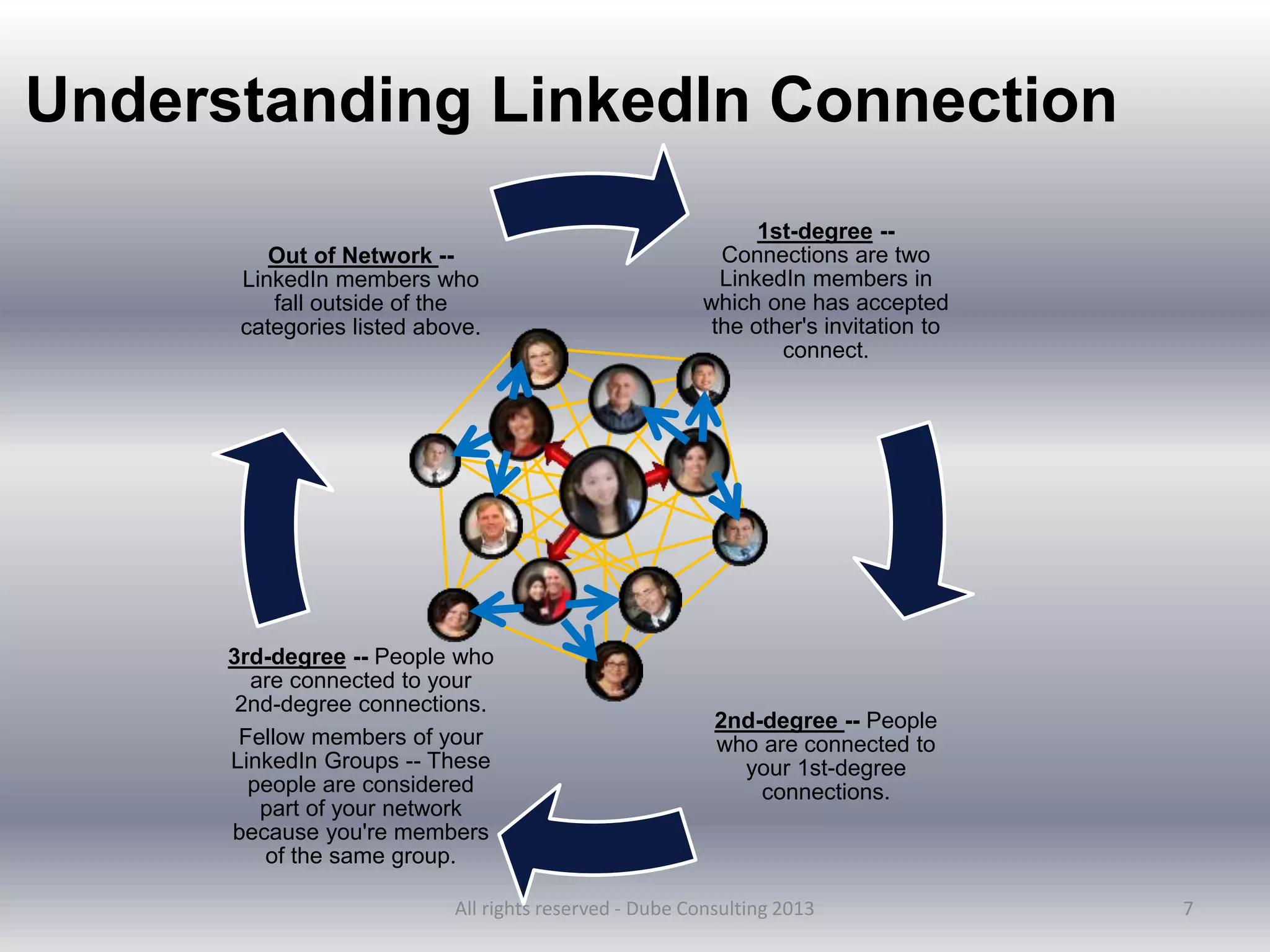
1st-degree --
Connections are two
LinkedIn members in
which one has accepted
the other's invitation to
connect.
2nd-degree -- People
who are connected to
your 1st-degree
connections.
3rd-degree -- People who
are connected to your
2nd-degree connections.
Fellow members of your
LinkedIn Groups -- These
people are considered
part of your network
because you're members
of the same group.
Out of Network --
LinkedIn members who
fall outside of the
categories listed above.
7
Understanding LinkedIn Connection
All rights reserved - Dube Consulting 2013
8
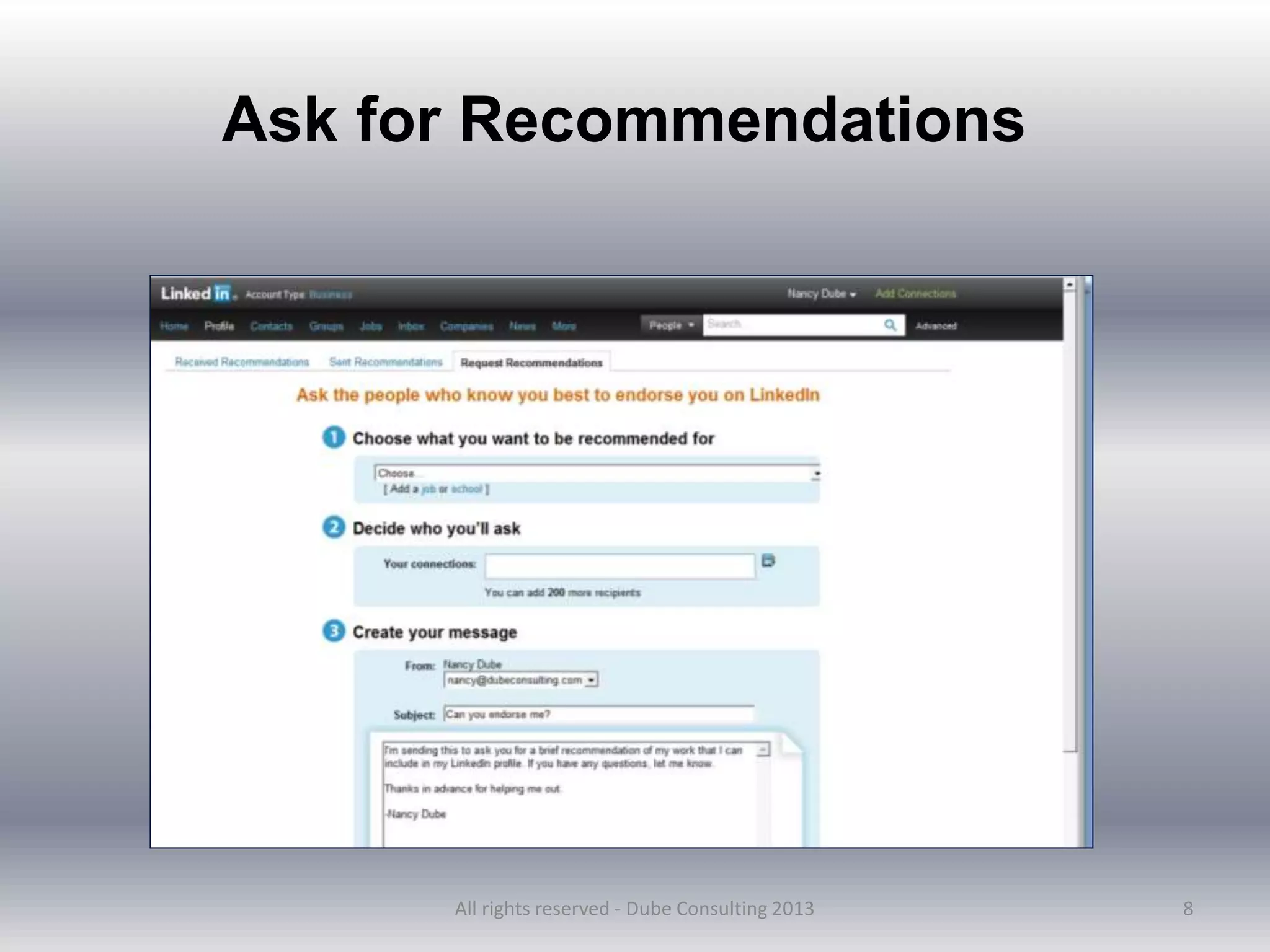
Ask for Recommendations
All rights reserved - Dube Consulting 2013
9
1. Contact members who are in your 2nd or 3rd degree
network.
2. Locate the member's profile.
3. "Get introduced through a connection" on the right side
of the profile.
a. If only one person can make the introduction, the
Request an Introduction page will appear. Move your
cursor over the arrow next to the Send InMail button
and click Get introduced.
b. If more than one person can make the introduction,
you may choose who you want to make the
introduction.
Request an Introduction
All rights reserved - Dube Consulting 2013
10
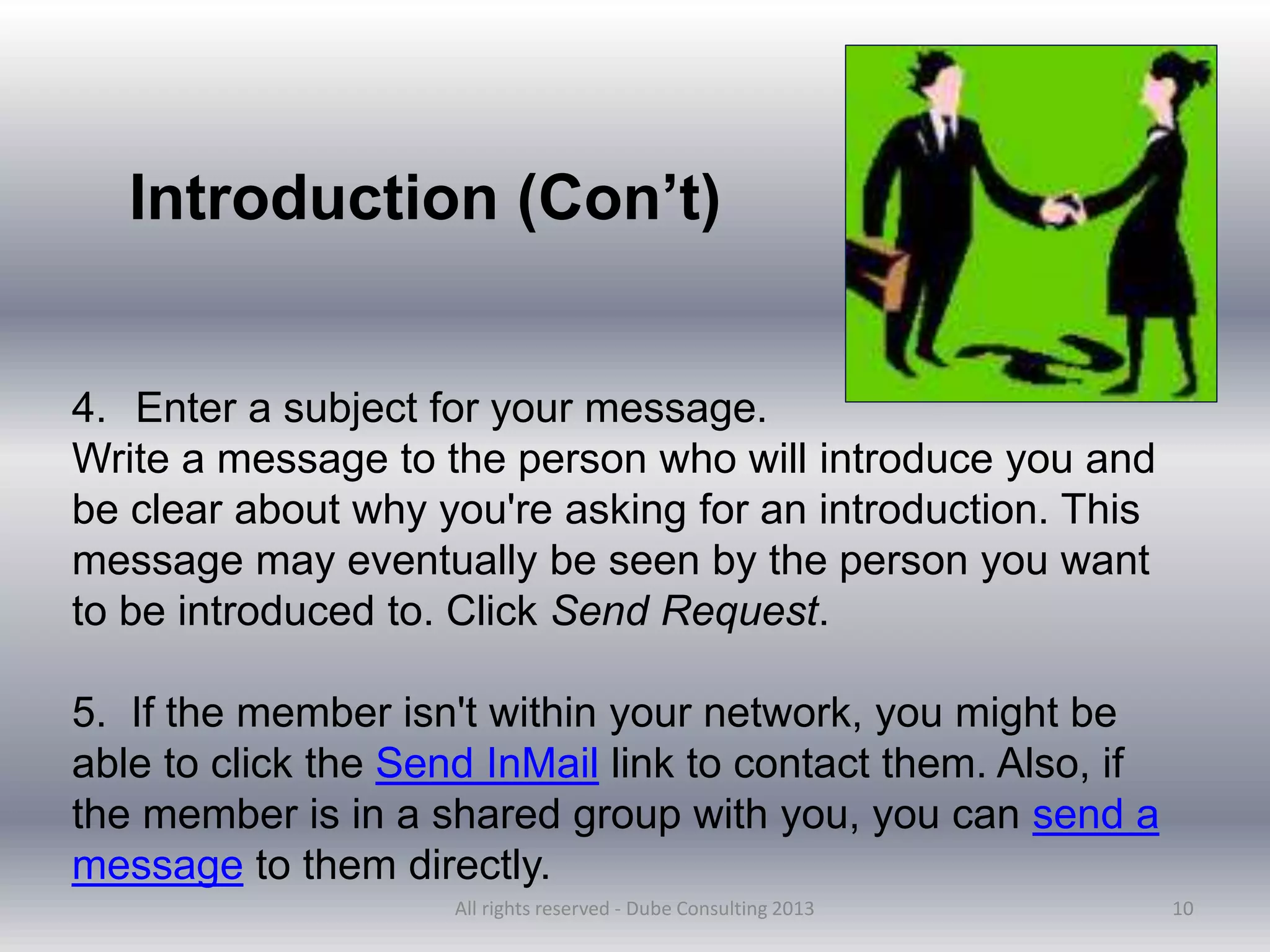
4. Enter a subject for your message.
Write a message to the person who will introduce you and
be clear about why you're asking for an introduction. This
message may eventually be seen by the person you want
to be introduced to. Click Send Request.
5. If the member isn't within your network, you might be
able to click the Send InMail link to contact them. Also, if
the member is in a shared group with you, you can send a
message to them directly.
Introduction (Con’t)
All rights reserved - Dube Consulting 2013
11
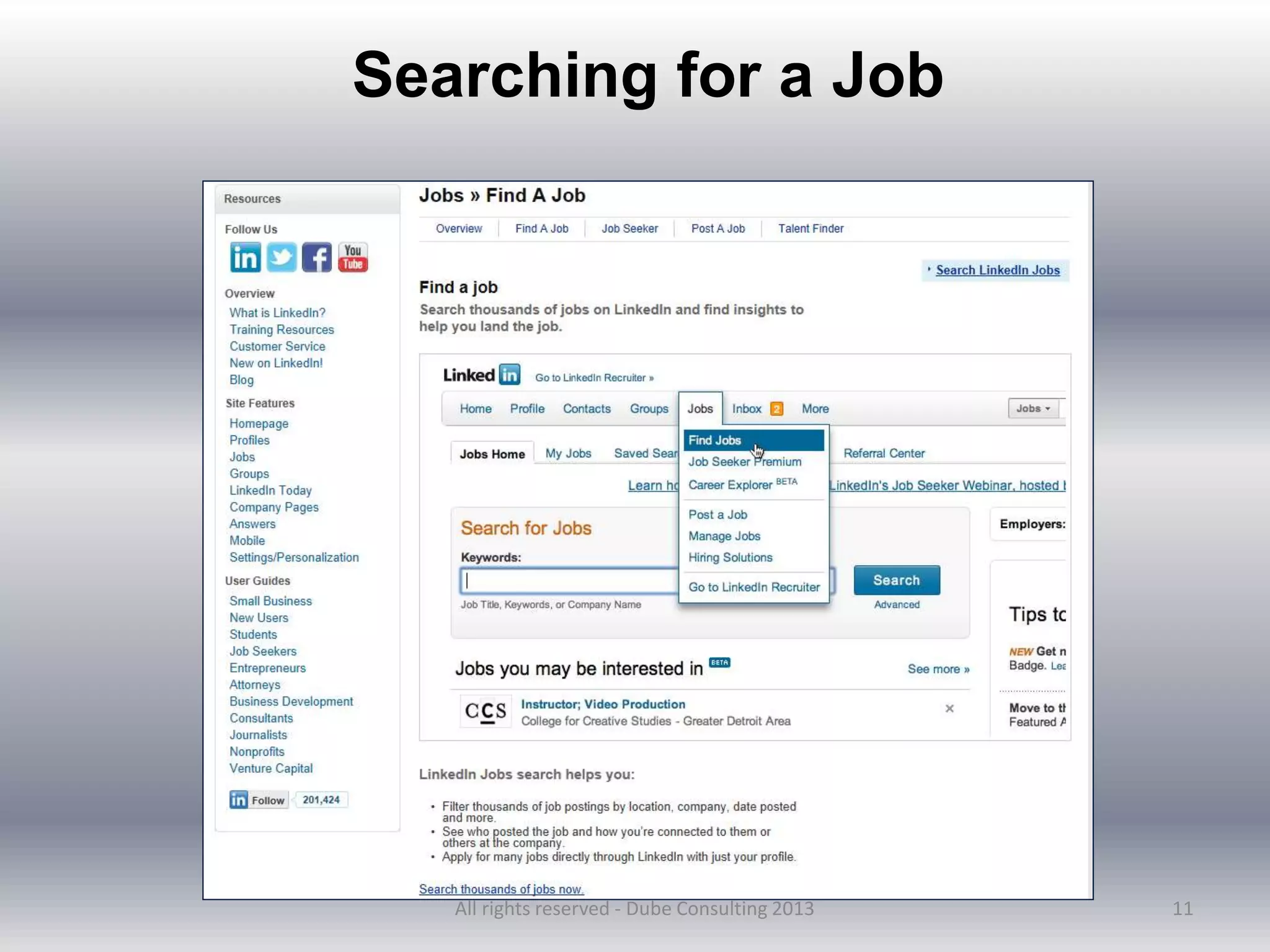
Searching for a Job
All rights reserved - Dube Consulting 2013
12
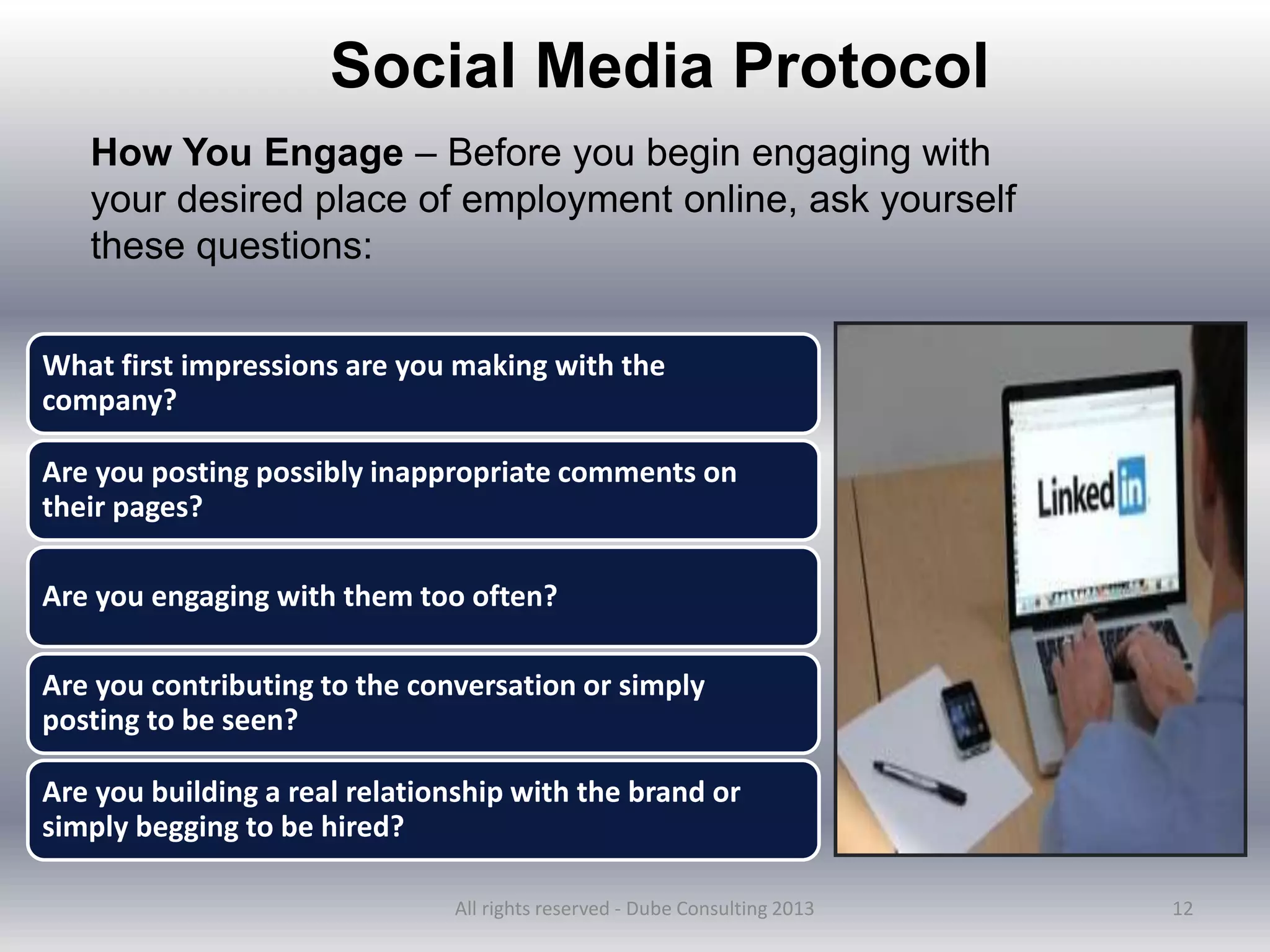
Social Media Protocol
How You Engage – Before you begin engaging with
your desired place of employment online, ask yourself
these questions:
What first impressions are you making with the
company?
Are you posting possibly inappropriate comments on
their pages?
Are you engaging with them too often?
Are you contributing to the conversation or simply
posting to be seen?
Are you building a real relationship with the brand or
simply begging to be hired?
All rights reserved - Dube Consulting 2013
13
Do:
• Follow up online after applying
• Connect with the company’s social assets
• Engage appropriately on topics that interest you
• Build a real relationship with that company
Don’t:
• Connect with that company’s individual employee’s social accounts
• Overstay your welcome
• Become a pest
• Disrespect the company’s social pages
All rights reserved - Dube Consulting 2013
14
What Are Some Tips for Getting More
Out of LinkedIn?
1. Find out about events that others are attending.
2. Start a group to generate more
contacts
3. Do status updates, share your
knowledge, and provide tips
4. Link your profile to Facebook
5. Prepare for encounters with another person
(at a meeting or convention, for example) by
doing a “People” search on LinkedIn
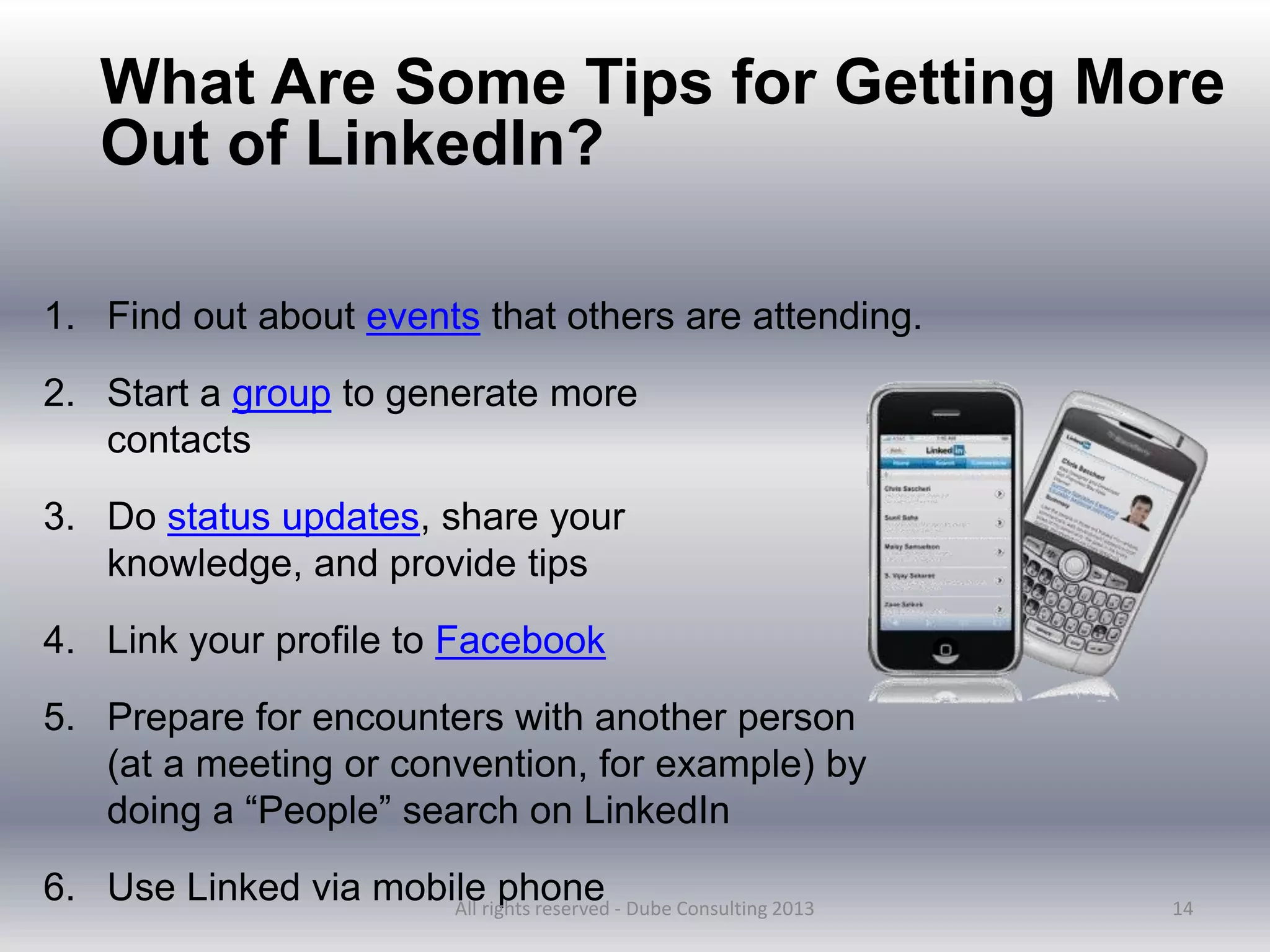
6. Use Linked via mobile phone
All rights reserved - Dube Consulting 2013
15
All rights reserved - Dube Consulting 2013

Linked in for Students

  • 1.
    American Student Assistance Nancy L.Dube, Principal Dube Consulting http://www.linkedin.com/in/nancyldube 1
  • 2.
    2 All rights reserved- Dube Consulting 2013
  • 3.
    3 What Are theMajor Reasons People Use LinkedIn? of people use LinkedIn for marketing have generated business with it 41% 70% of people use LinkedIn for job-hunting to find potential employers 80% of people use LinkedIn for recruiting as a primary tool to find employees All rights reserved - Dube Consulting 2013
  • 4.
    Overview  Optimize yourprofile  Keywords  Identify and Leverage Connections  Recommendations  Job Search Tools 4 All rights reserved - Dube Consulting 2013
  • 5.
    5 How Can YouMake a LinkedIn Profile More Powerful? 1. Add some polish and spark. 2. Add a professional photograph. 3. Upgrade the summary. 4. Give specifics. 5. Add statistics and solutions to problems. 6. Obtain current, enthusiastic recommendations 7. Add content that is relevant to your background, experience, and your career goals. All rights reserved - Dube Consulting 2013
  • 6.
    Secrets for Gettingto the Top of LinkedIn’s Search Results? 6 Generate a list of keywords: Google Adwords https://adwords.google.com/select.key wordtoolexernal Wordle http://www.wordle.net/ Optimize your profile to 100%.
  • 7.
    1st-degree -- Connections aretwo LinkedIn members in which one has accepted the other's invitation to connect. 2nd-degree -- People who are connected to your 1st-degree connections. 3rd-degree -- People who are connected to your 2nd-degree connections. Fellow members of your LinkedIn Groups -- These people are considered part of your network because you're members of the same group. Out of Network -- LinkedIn members who fall outside of the categories listed above. 7 Understanding LinkedIn Connection All rights reserved - Dube Consulting 2013
  • 8.
    8 Ask for Recommendations Allrights reserved - Dube Consulting 2013
  • 9.
    9 1. Contact memberswho are in your 2nd or 3rd degree network. 2. Locate the member's profile. 3. "Get introduced through a connection" on the right side of the profile. a. If only one person can make the introduction, the Request an Introduction page will appear. Move your cursor over the arrow next to the Send InMail button and click Get introduced. b. If more than one person can make the introduction, you may choose who you want to make the introduction. Request an Introduction All rights reserved - Dube Consulting 2013
  • 10.
    10 4. Enter asubject for your message. Write a message to the person who will introduce you and be clear about why you're asking for an introduction. This message may eventually be seen by the person you want to be introduced to. Click Send Request. 5. If the member isn't within your network, you might be able to click the Send InMail link to contact them. Also, if the member is in a shared group with you, you can send a message to them directly. Introduction (Con’t) All rights reserved - Dube Consulting 2013
  • 11.
    11 Searching for aJob All rights reserved - Dube Consulting 2013
  • 12.
    12 Social Media Protocol HowYou Engage – Before you begin engaging with your desired place of employment online, ask yourself these questions: What first impressions are you making with the company? Are you posting possibly inappropriate comments on their pages? Are you engaging with them too often? Are you contributing to the conversation or simply posting to be seen? Are you building a real relationship with the brand or simply begging to be hired? All rights reserved - Dube Consulting 2013
  • 13.
    13 Do: • Follow uponline after applying • Connect with the company’s social assets • Engage appropriately on topics that interest you • Build a real relationship with that company Don’t: • Connect with that company’s individual employee’s social accounts • Overstay your welcome • Become a pest • Disrespect the company’s social pages All rights reserved - Dube Consulting 2013
  • 14.
    14 What Are SomeTips for Getting More Out of LinkedIn? 1. Find out about events that others are attending. 2. Start a group to generate more contacts 3. Do status updates, share your knowledge, and provide tips 4. Link your profile to Facebook 5. Prepare for encounters with another person (at a meeting or convention, for example) by doing a “People” search on LinkedIn 6. Use Linked via mobile phone All rights reserved - Dube Consulting 2013
  • 15.
    15 All rights reserved- Dube Consulting 2013