Linked In for Small
Business
How to make the most of Linked In
Goals for this session


Introduction to Linked In



How to develop your own profile



How to make the right connections and manage your
network



How to develop a page for your business



How to grow your page’s following
What is Linked In?


Professional online ‘social’ network



Approximately 4 million users in Australia



Approximately 250 million users worldwide



Global network



Some consider it ‘Facebook for business’
Why Linked In?


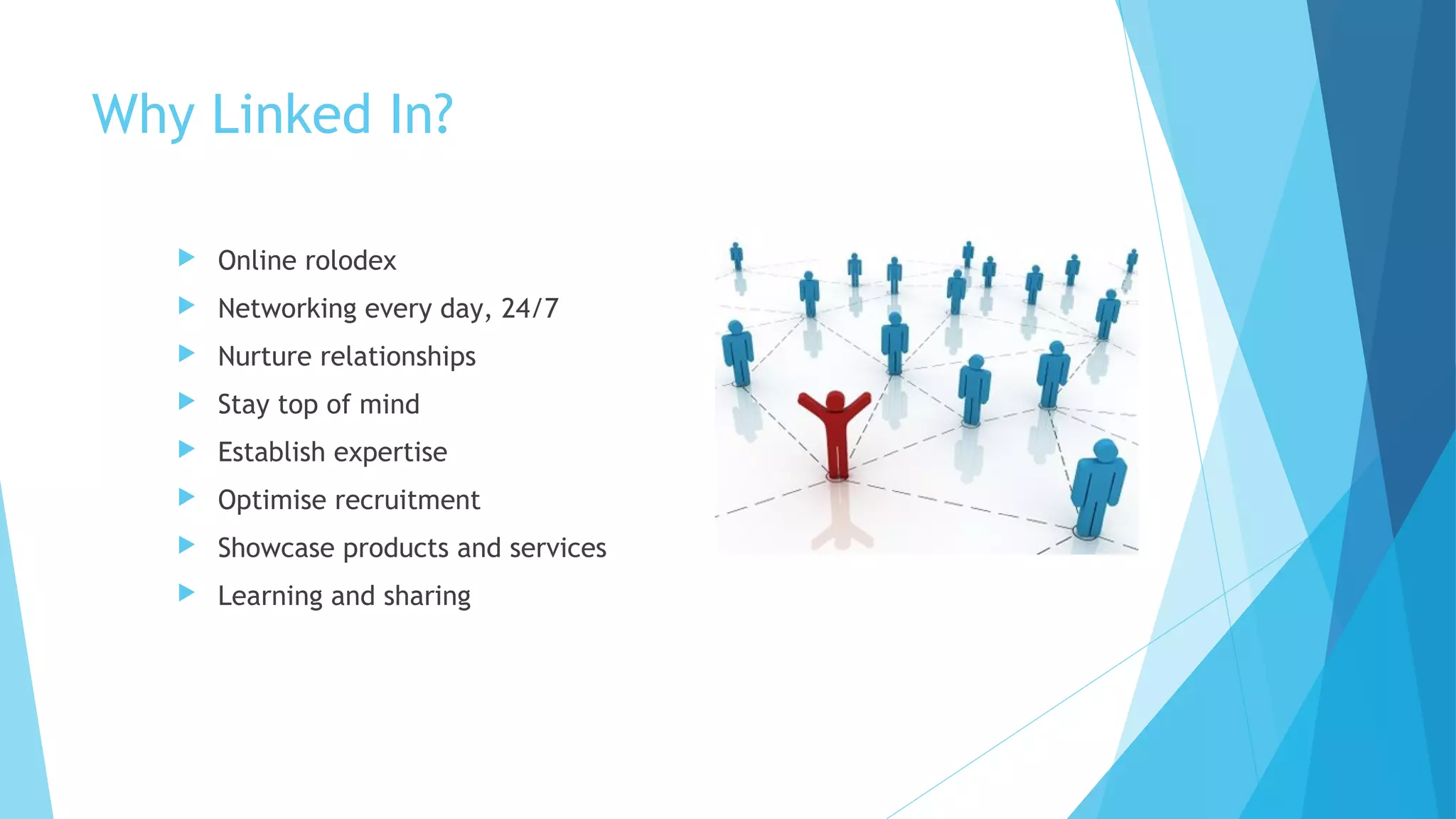
Online rolodex



Networking every day, 24/7



Nurture relationships



Stay top of mind



Establish expertise



Optimise recruitment



Showcase products and services



Learning and sharing
But it’s not perfect!


Linked In Liars and Half Truth Harries



Self promotion meets content sharing – the fine line



False endorsements



Non-legit recommendations



Connection junkies
Getting started: your profile


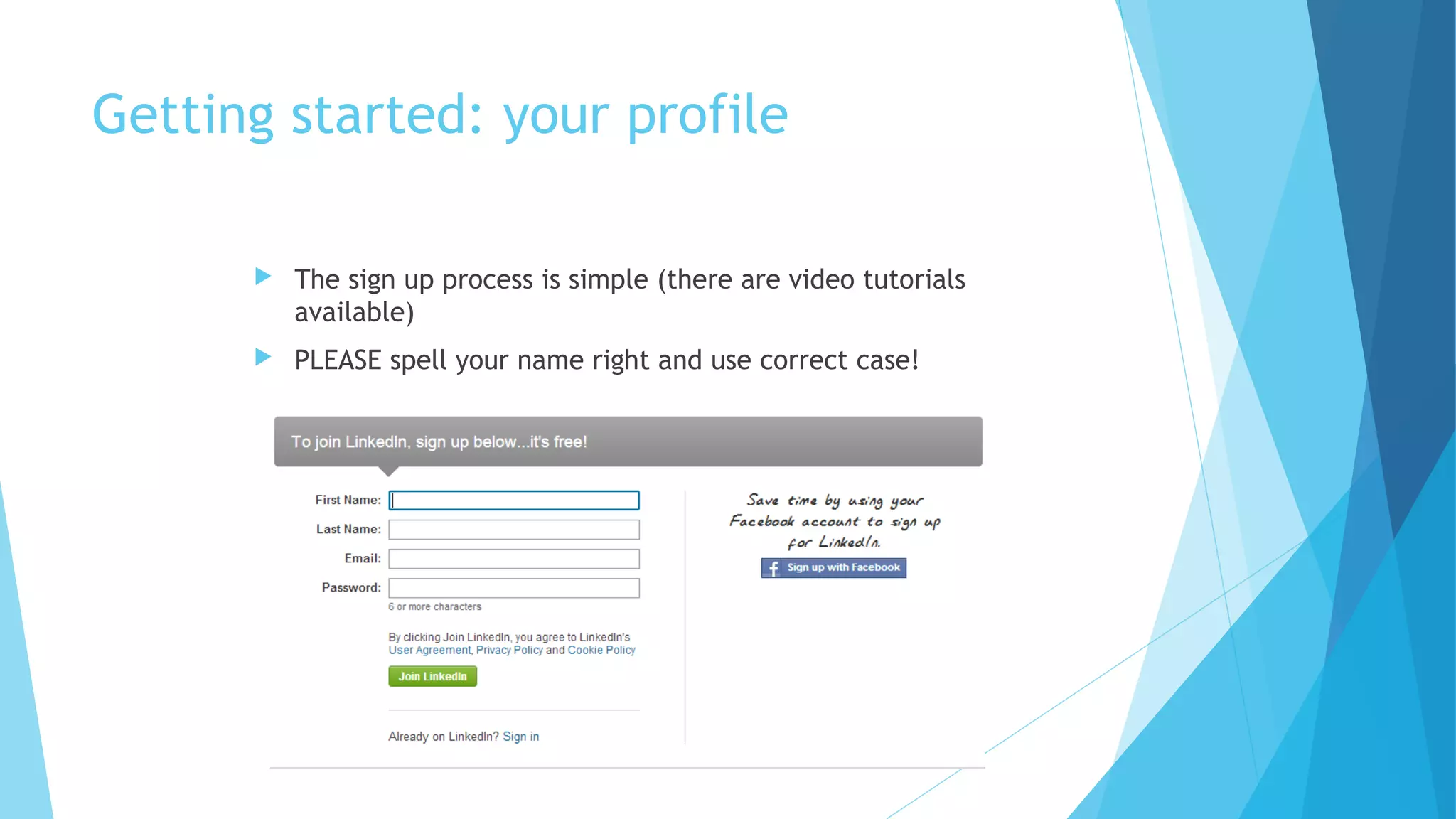
The sign up process is simple (there are video tutorials
available)



PLEASE spell your name right and use correct case!
Build your profile


Dust off your resume



Be thorough – it will take a couple of hours



Choose whether you wish to use first or third person – and stick
to it



Create a strong cover statement / headline



Add video, presentations, website, your blog and other media



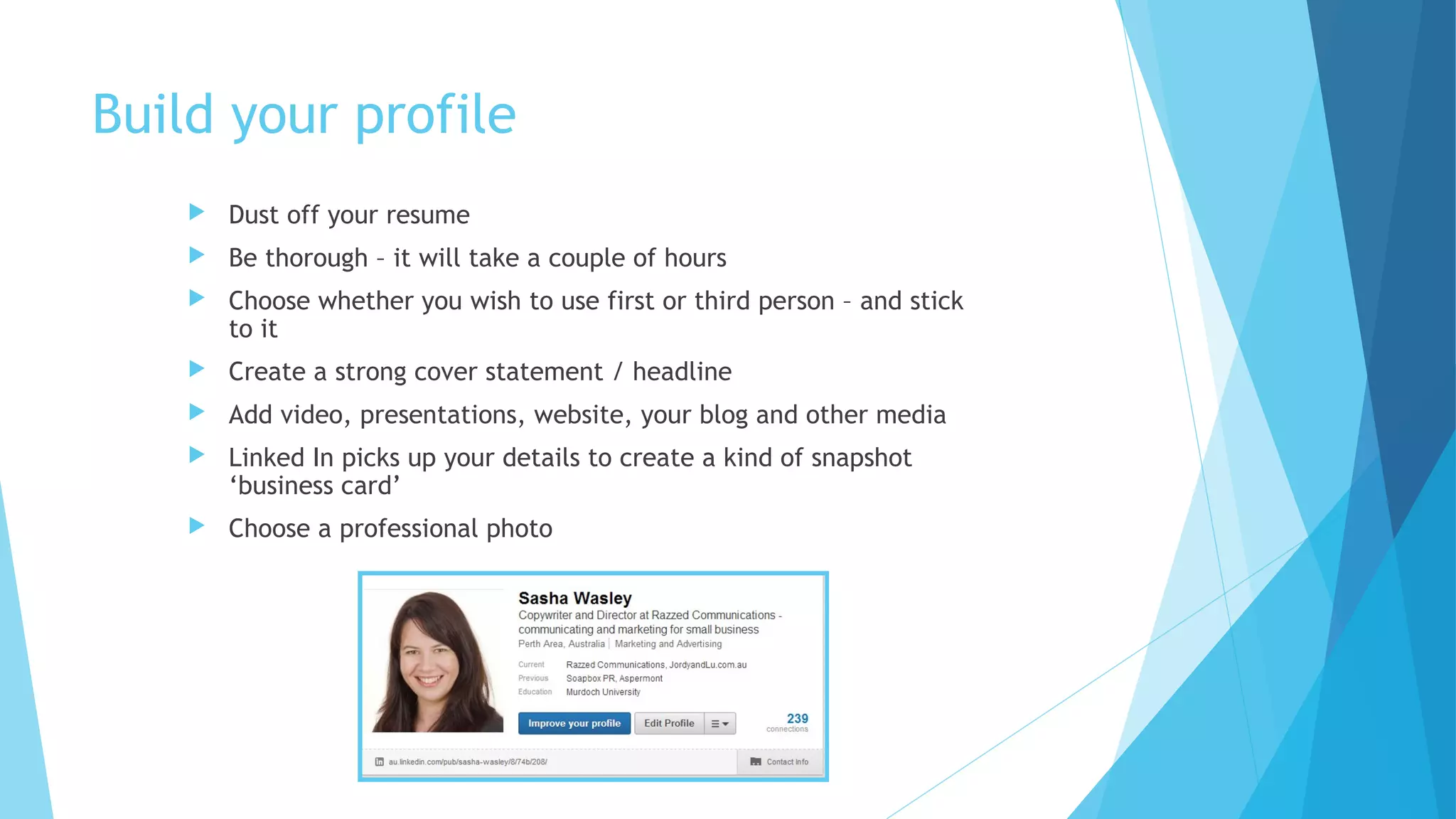
Linked In picks up your details to create a kind of snapshot
‘business card’



Choose a professional photo
Bad Photos
•
•
•
•
•
•
•

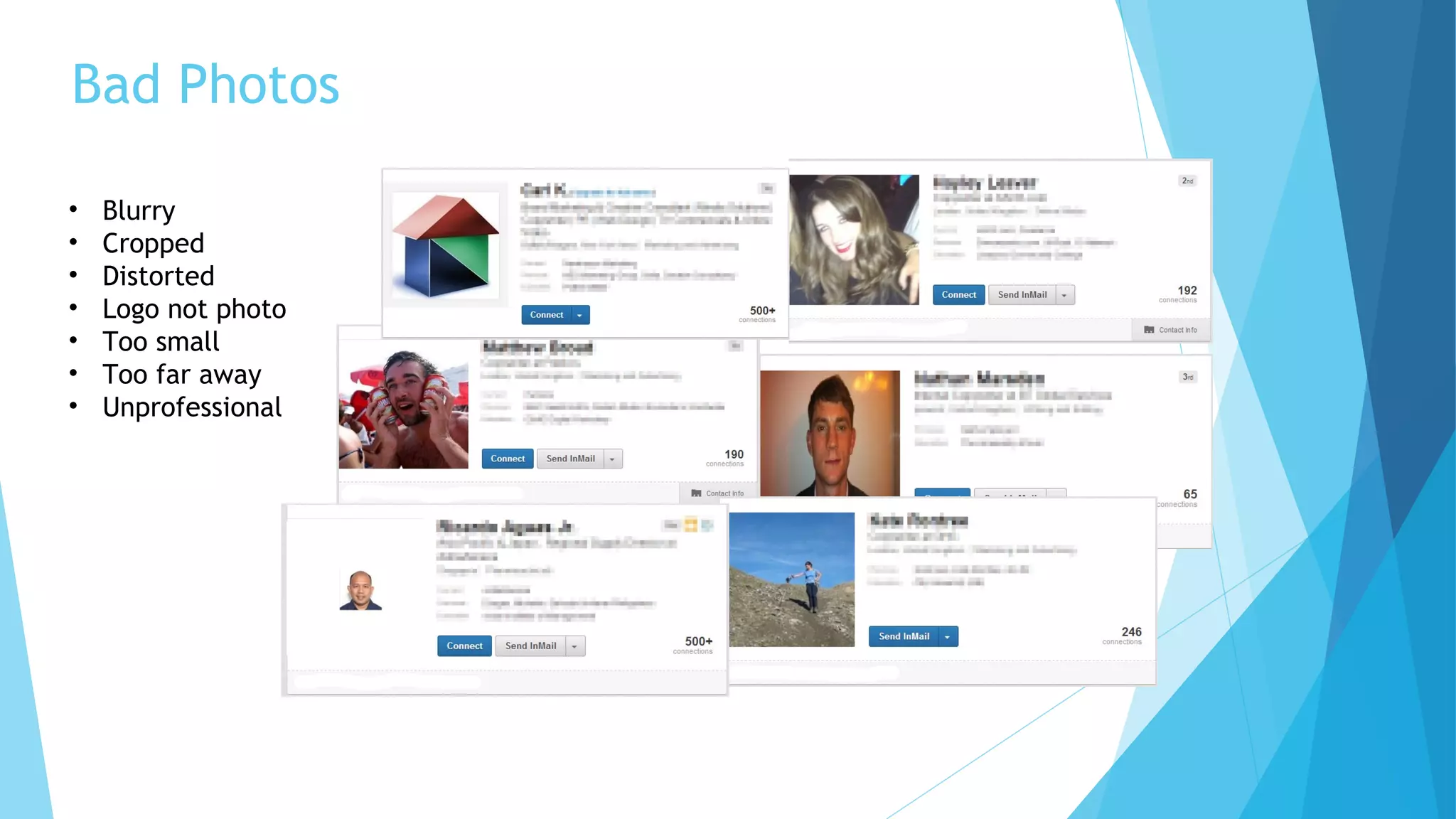
Blurry
Cropped
Distorted
Logo not photo
Too small
Too far away
Unprofessional
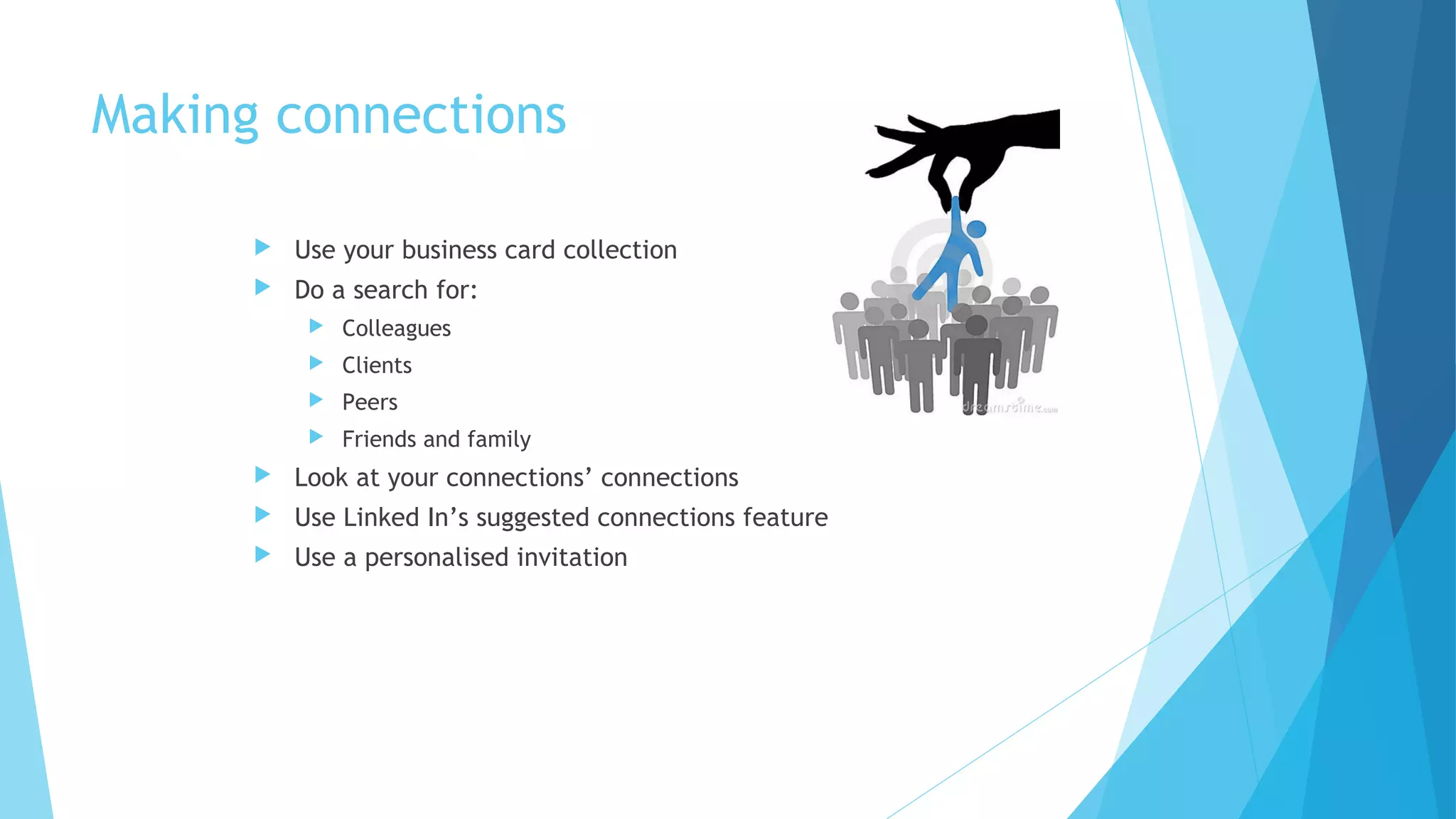
Making connections


Use your business card collection



Do a search for:


Colleagues



Clients



Peers



Friends and family



Look at your connections’ connections



Use Linked In’s suggested connections feature



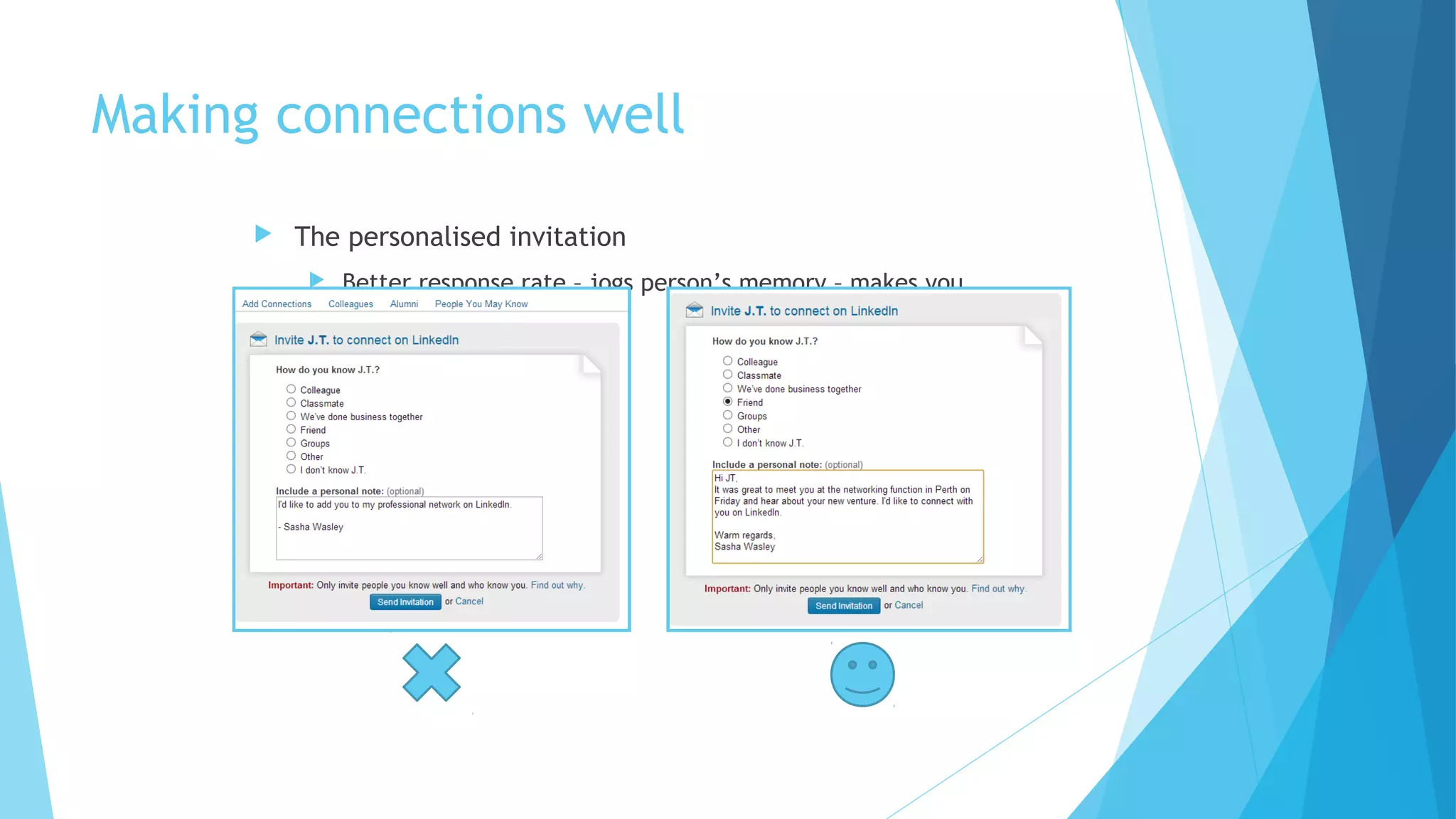
Use a personalised invitation
Making connections well


The personalised invitation


Better response rate – jogs person’s memory – makes you
look good
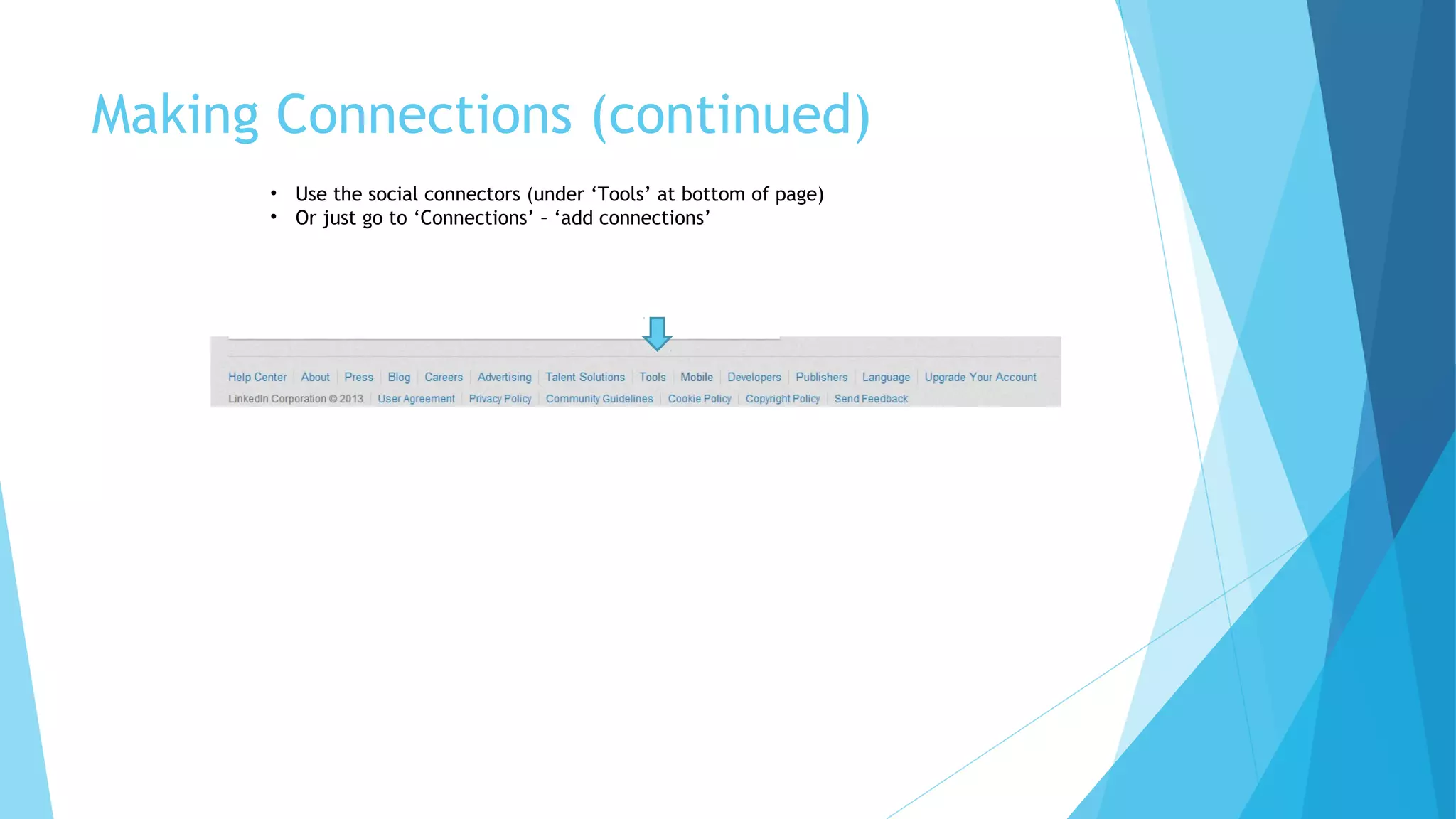
Making Connections (continued)
• Use the social connectors (under ‘Tools’ at bottom of page)
• Or just go to ‘Connections’ – ‘add connections’
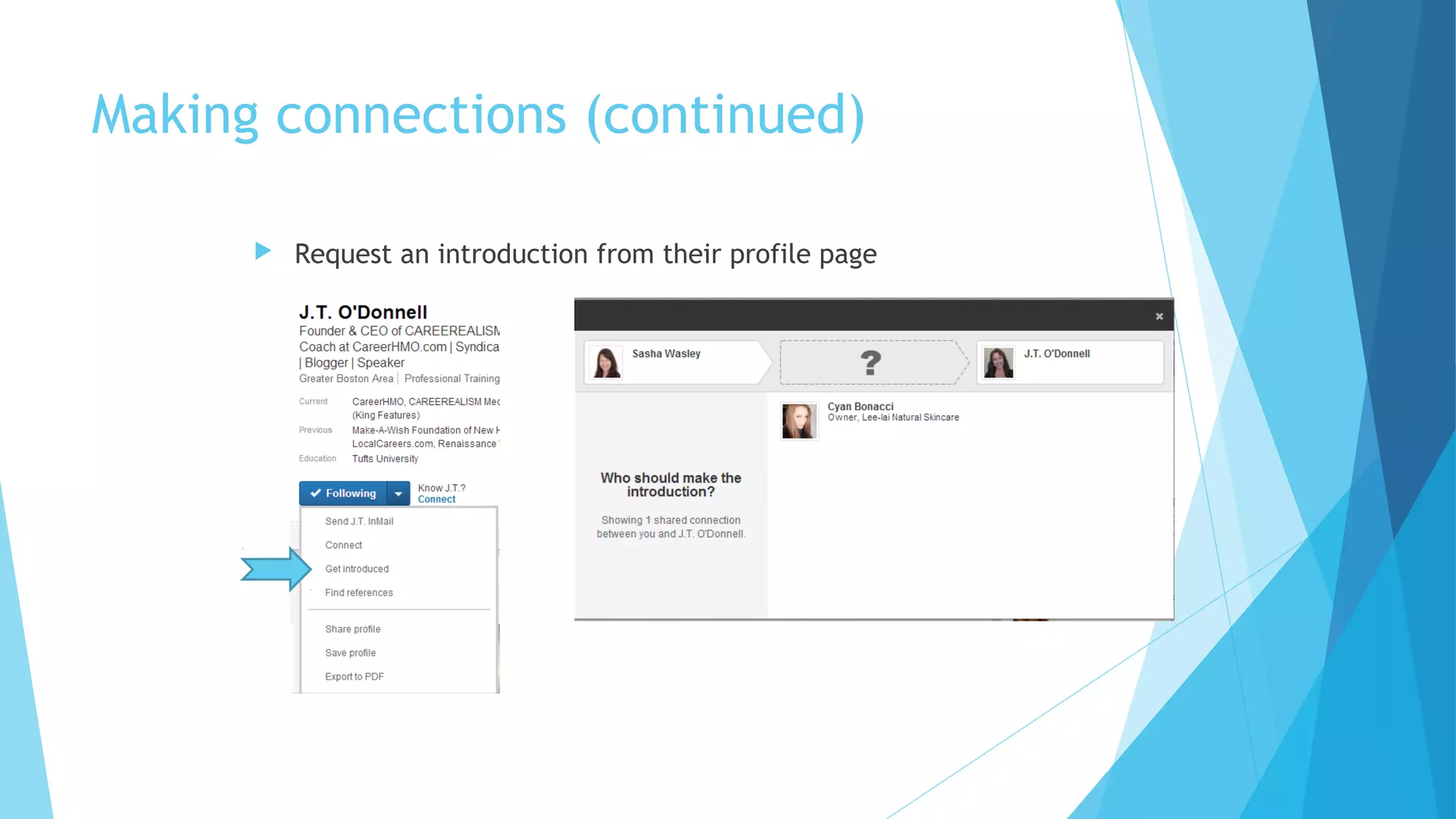
Making connections (continued)


Request an introduction from their profile page
Fielding connections


This isn’t Facebook – business, not personal! So don’t be afraid of connections



You may be a target if you are in a desirable industry or have powerful
connections



Two options: confirm or ignore



If no personal request, don’t ignore; view the profile.


Any valuable mutual connections?



In a related industry?



Posting interesting or relevant updates?



How many connections?



Are they in your target market?



You can ask questions (premium members!)



If it’s an introduction request, you can ask your mutual connection questions



You can think about it
Your personal brand


Your profile



Your connections



Your business page



What Linked In shares about you



What you share



Your photo



Your interactions

Your personal brand
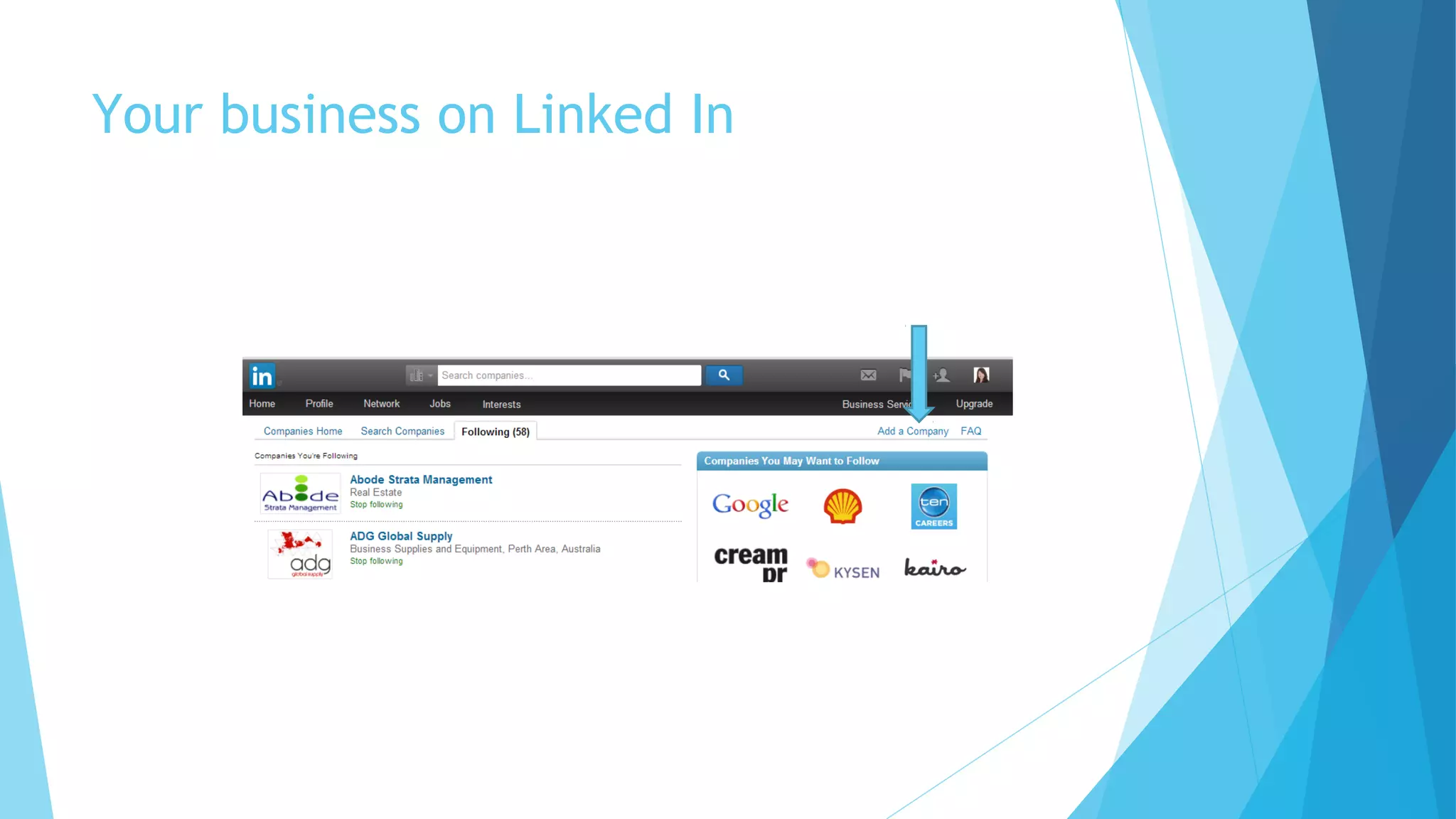
Your business on Linked In
Why put your business on Linked In?


Ownership of the brand, control of messages



Staff can list your business as their employer



People can follow your company



Allows you to showcase products and services



Some SEO value



Recruitment

Why not?


If you ARE your business and brand
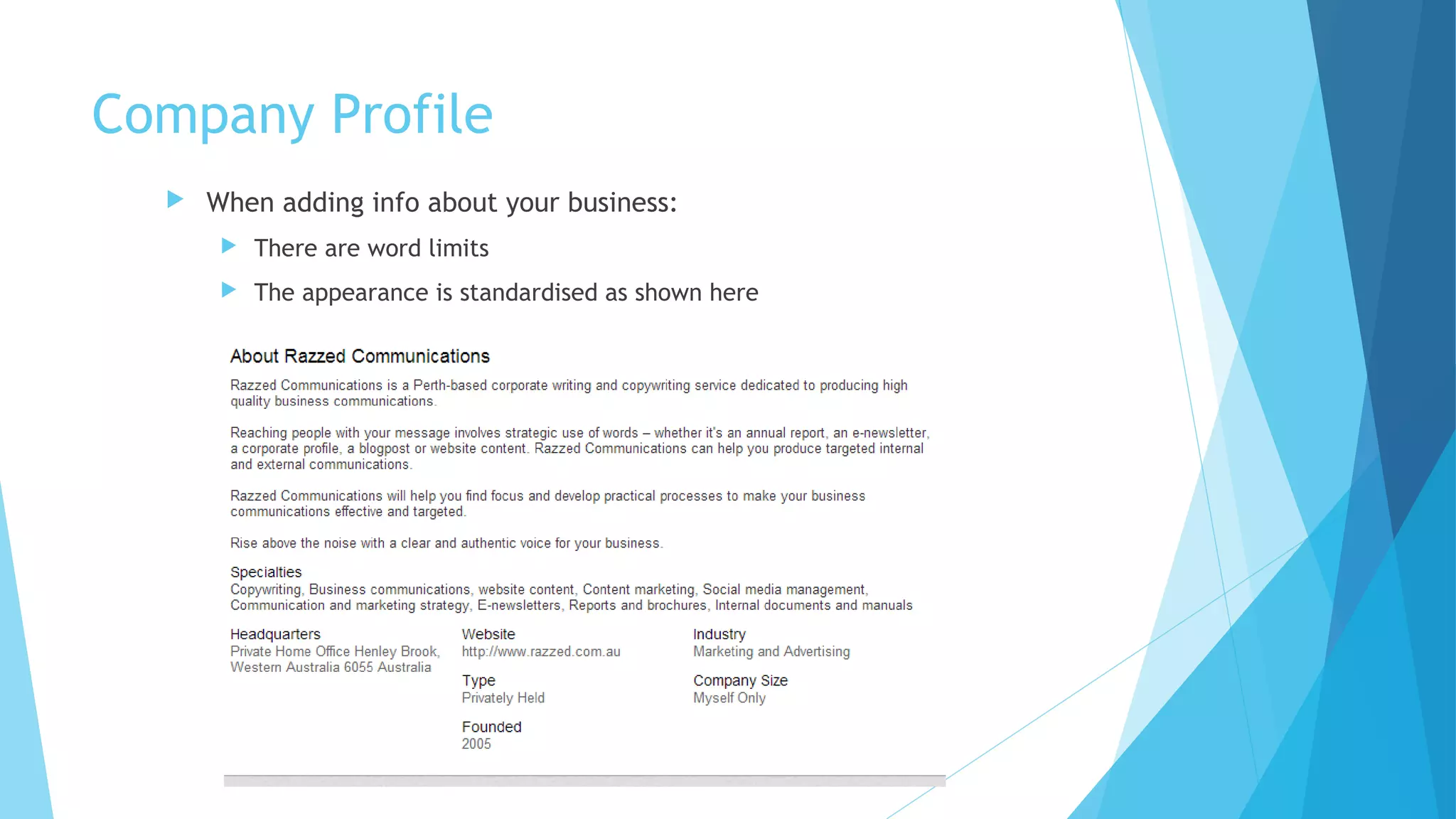
Company Profile


When adding info about your business:


There are word limits



The appearance is standardised as shown here
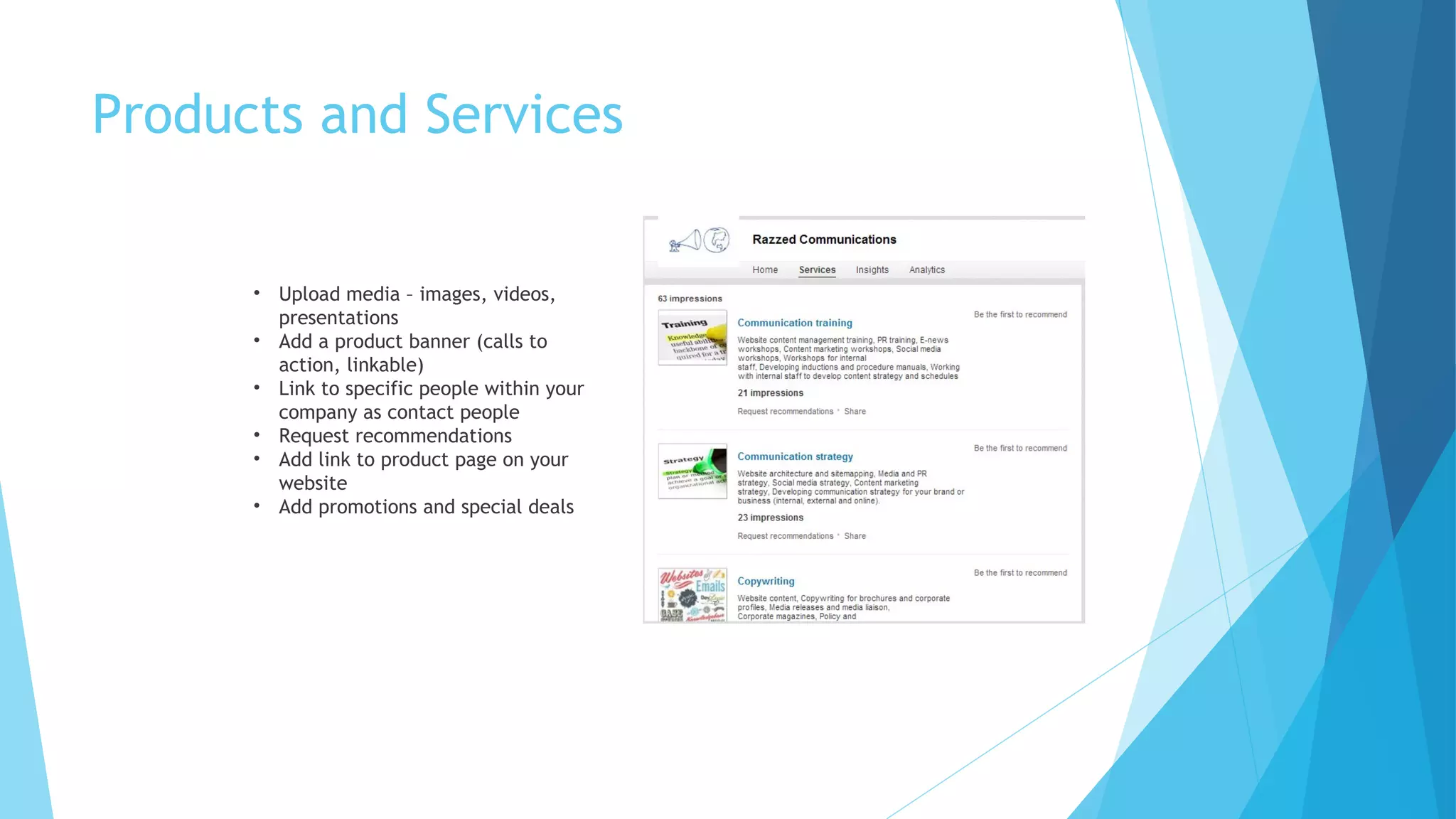
Products and Services

• Upload media – images, videos,
presentations
• Add a product banner (calls to
action, linkable)
• Link to specific people within your
company as contact people
• Request recommendations
• Add link to product page on your
website
• Add promotions and special deals
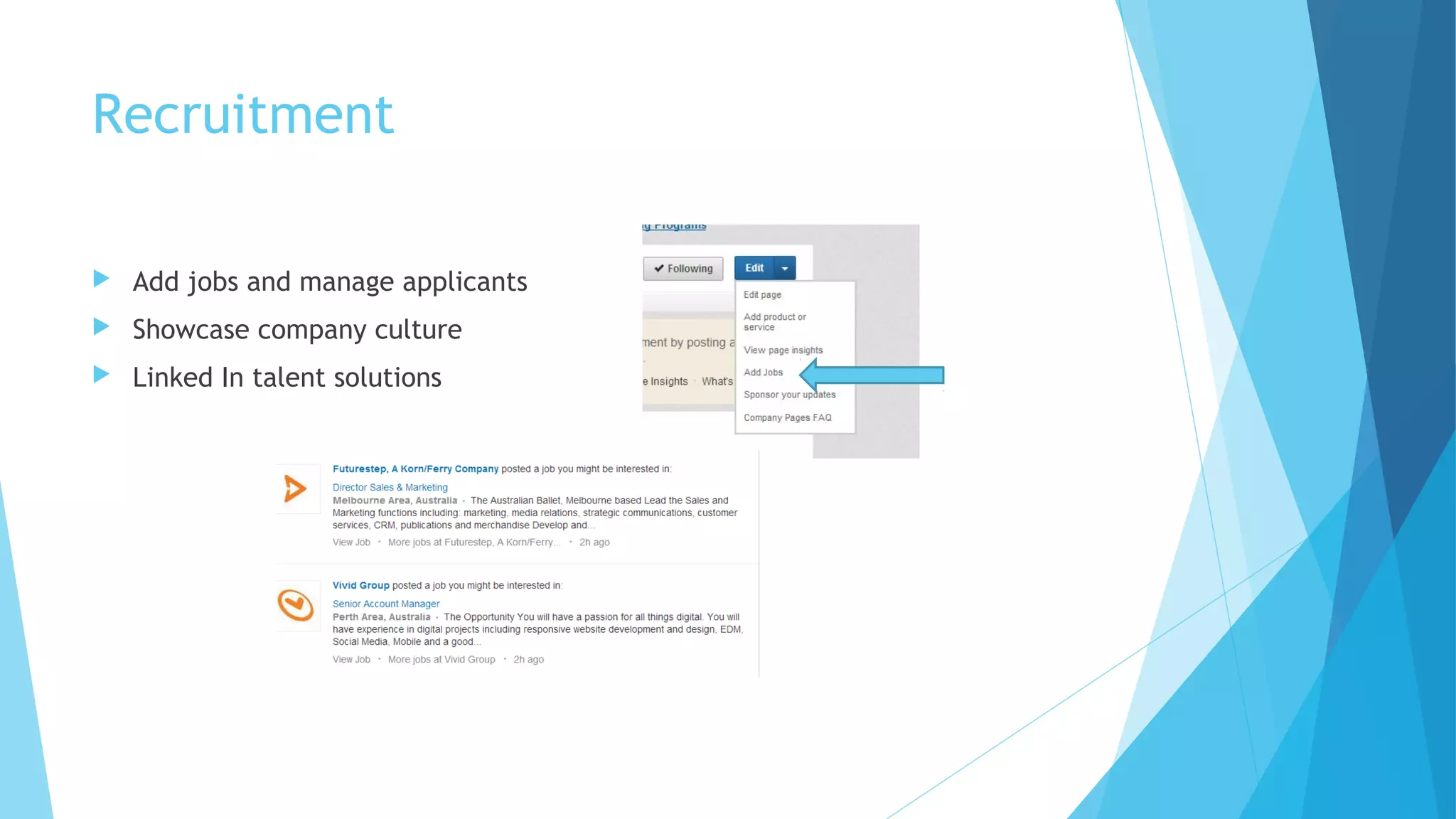
Recruitment


Add jobs and manage applicants



Showcase company culture



Linked In talent solutions
Content and Updates


ADD VALUE!!



Relevant and appropriate (no cat videos!)


Company news



Industry news



Product news



Website and blog updates



Partner and client news, if appropriate



Staff achievements



Mix it up: links, multimedia and images add interest for users



Linked In’s Share Bookmarklet (under tools) to help you share content



Other apps like Buffer and Hootsuite allow you to schedule your posts
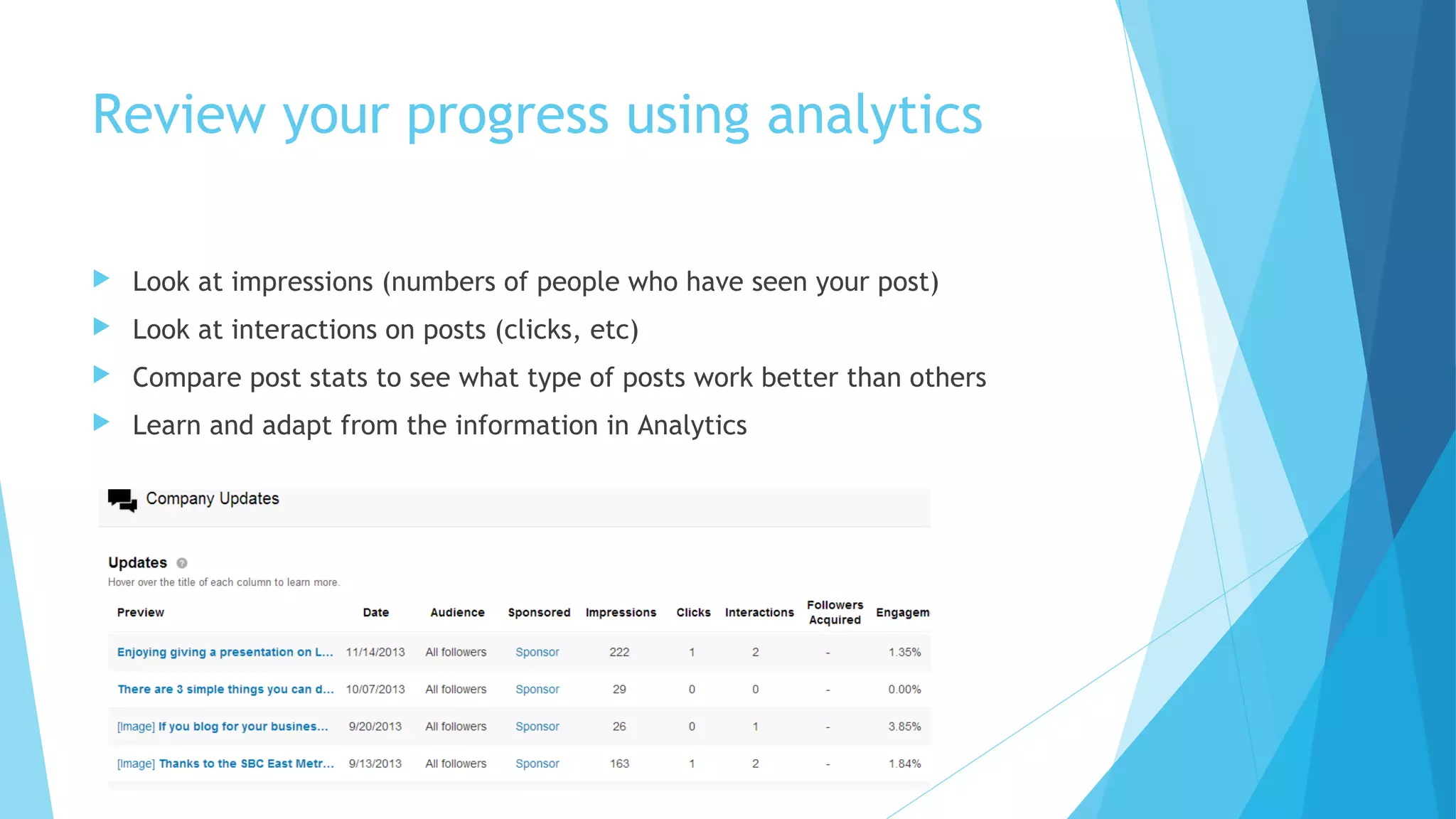
Review your progress using analytics


Look at impressions (numbers of people who have seen your post)



Look at interactions on posts (clicks, etc)



Compare post stats to see what type of posts work better than others



Learn and adapt from the information in Analytics
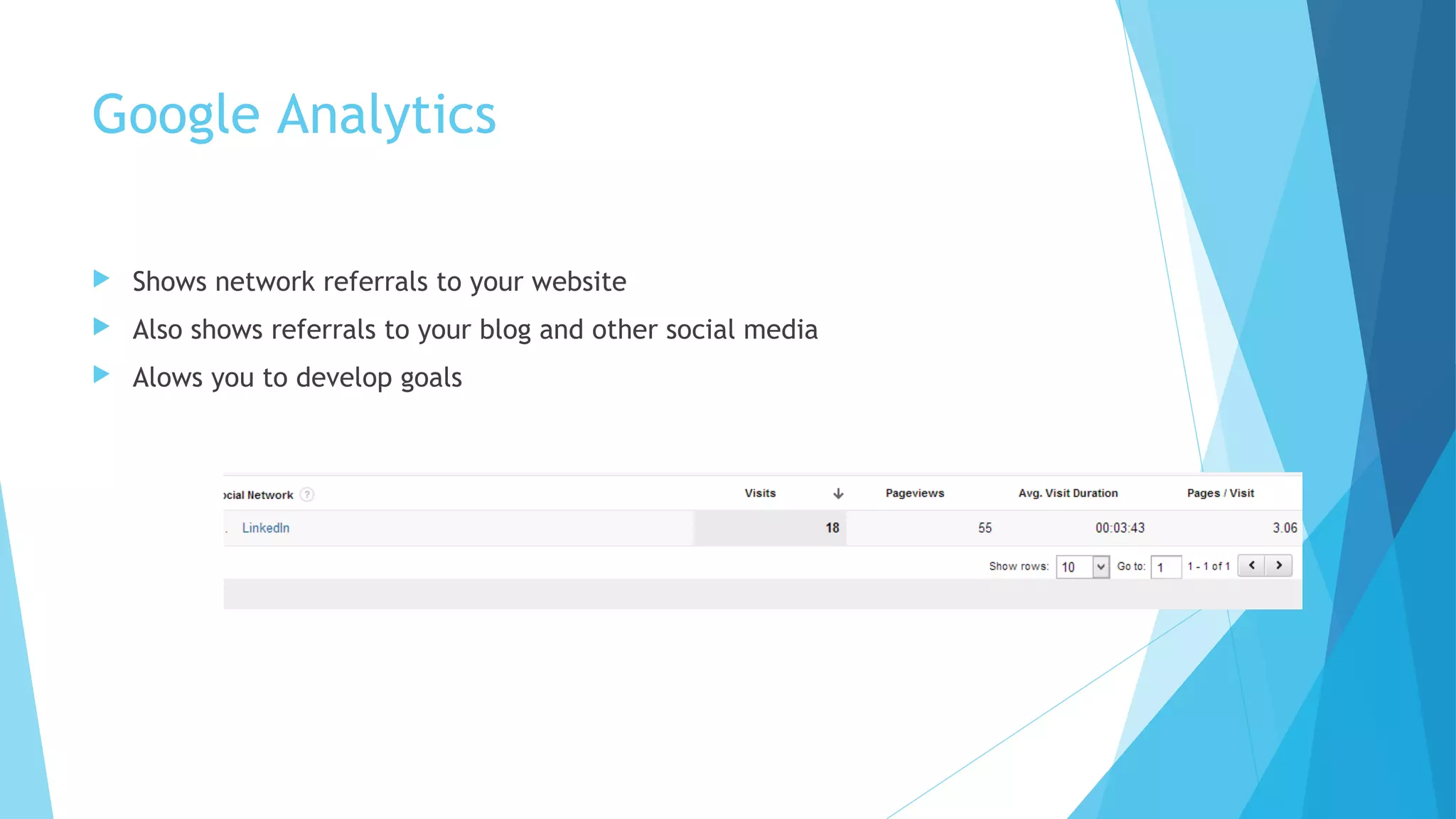
Google Analytics


Shows network referrals to your website



Also shows referrals to your blog and other social media



Alows you to develop goals
Optimising your Page’s Performance


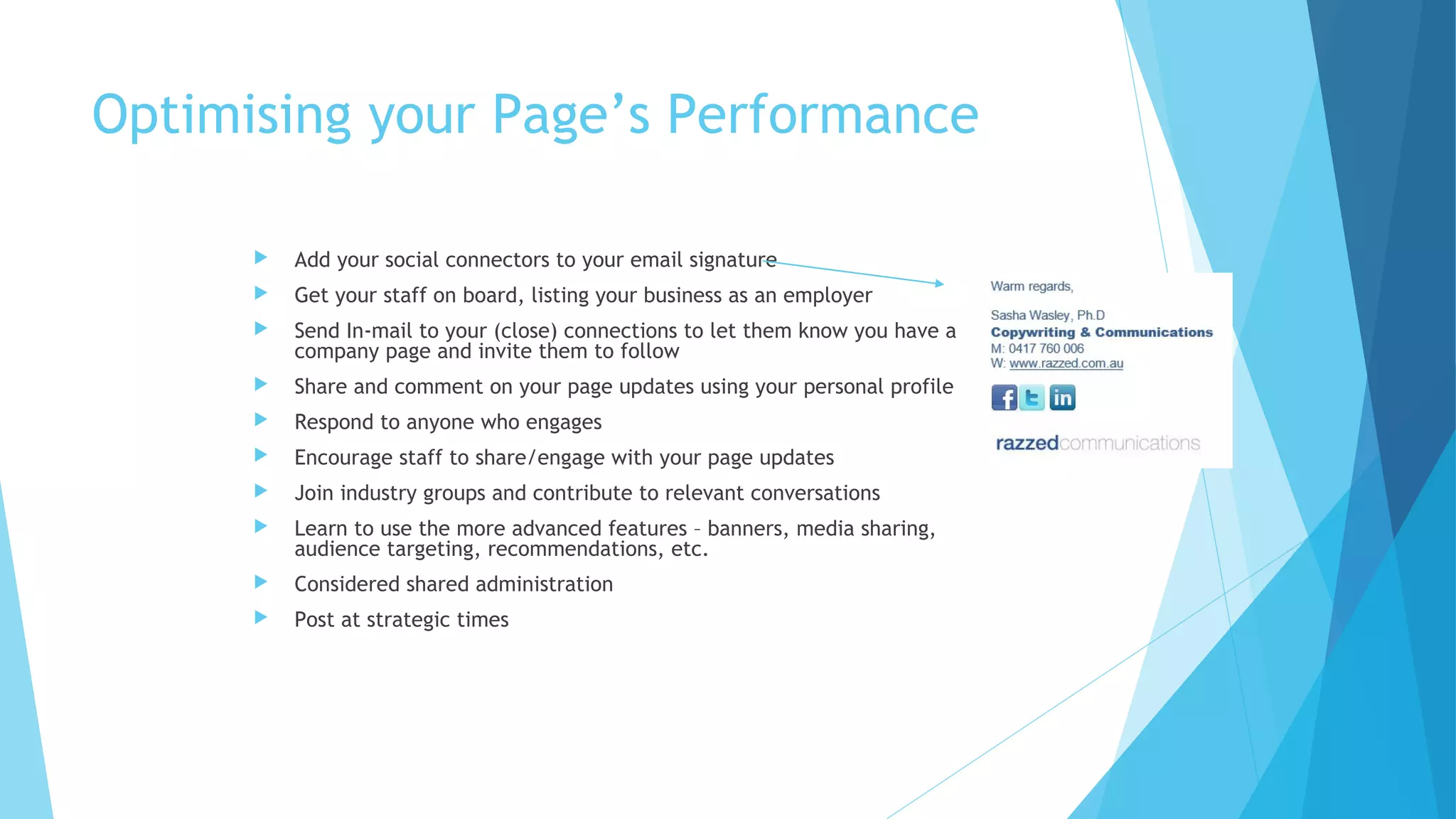
Add your social connectors to your email signature



Get your staff on board, listing your business as an employer



Send In-mail to your (close) connections to let them know you have a
company page and invite them to follow



Share and comment on your page updates using your personal profile



Respond to anyone who engages



Encourage staff to share/engage with your page updates



Join industry groups and contribute to relevant conversations



Learn to use the more advanced features – banners, media sharing,
audience targeting, recommendations, etc.



Considered shared administration



Post at strategic times
Linked In Best Practices


Try to visit daily and spend a little time



Get mobile



Connect respectfully – quality not quantity



Stay professional and be considerate



Don’t spam or self-promote



Thank people for endorsements and recommendations



Engage – congratulate, share, respond



Be useful and provide insights that will help others



Join groups and leave those that don’t work for you
Thanks for your attention!

I’d love to connect:
ozcopywriter.blogspot.com.au/
www.razzed.com.au
sasha@razzedcommunications.com.au
Linked In: Sasha Wasley / Razzed Communications
Facebook: Razzed Communications
Twitter: @RazzedComms

Linked in for small business

  • 1.
    Linked In forSmall Business How to make the most of Linked In
  • 2.
    Goals for thissession  Introduction to Linked In  How to develop your own profile  How to make the right connections and manage your network  How to develop a page for your business  How to grow your page’s following
  • 3.
    What is LinkedIn?  Professional online ‘social’ network  Approximately 4 million users in Australia  Approximately 250 million users worldwide  Global network  Some consider it ‘Facebook for business’
  • 4.
    Why Linked In?  Onlinerolodex  Networking every day, 24/7  Nurture relationships  Stay top of mind  Establish expertise  Optimise recruitment  Showcase products and services  Learning and sharing
  • 5.
    But it’s notperfect!  Linked In Liars and Half Truth Harries  Self promotion meets content sharing – the fine line  False endorsements  Non-legit recommendations  Connection junkies
  • 6.
    Getting started: yourprofile  The sign up process is simple (there are video tutorials available)  PLEASE spell your name right and use correct case!
  • 7.
    Build your profile  Dustoff your resume  Be thorough – it will take a couple of hours  Choose whether you wish to use first or third person – and stick to it  Create a strong cover statement / headline  Add video, presentations, website, your blog and other media  Linked In picks up your details to create a kind of snapshot ‘business card’  Choose a professional photo
  • 8.
  • 9.
    Making connections  Use yourbusiness card collection  Do a search for:  Colleagues  Clients  Peers  Friends and family  Look at your connections’ connections  Use Linked In’s suggested connections feature  Use a personalised invitation
  • 10.
    Making connections well  Thepersonalised invitation  Better response rate – jogs person’s memory – makes you look good
  • 11.
    Making Connections (continued) •Use the social connectors (under ‘Tools’ at bottom of page) • Or just go to ‘Connections’ – ‘add connections’
  • 12.
    Making connections (continued)  Requestan introduction from their profile page
  • 13.
    Fielding connections  This isn’tFacebook – business, not personal! So don’t be afraid of connections  You may be a target if you are in a desirable industry or have powerful connections  Two options: confirm or ignore  If no personal request, don’t ignore; view the profile.  Any valuable mutual connections?  In a related industry?  Posting interesting or relevant updates?  How many connections?  Are they in your target market?  You can ask questions (premium members!)  If it’s an introduction request, you can ask your mutual connection questions  You can think about it
  • 14.
    Your personal brand  Yourprofile  Your connections  Your business page  What Linked In shares about you  What you share  Your photo  Your interactions Your personal brand
  • 15.
  • 16.
    Why put yourbusiness on Linked In?  Ownership of the brand, control of messages  Staff can list your business as their employer  People can follow your company  Allows you to showcase products and services  Some SEO value  Recruitment Why not?  If you ARE your business and brand
  • 17.
    Company Profile  When addinginfo about your business:  There are word limits  The appearance is standardised as shown here
  • 18.
    Products and Services •Upload media – images, videos, presentations • Add a product banner (calls to action, linkable) • Link to specific people within your company as contact people • Request recommendations • Add link to product page on your website • Add promotions and special deals
  • 19.
    Recruitment  Add jobs andmanage applicants  Showcase company culture  Linked In talent solutions
  • 20.
    Content and Updates  ADDVALUE!!  Relevant and appropriate (no cat videos!)  Company news  Industry news  Product news  Website and blog updates  Partner and client news, if appropriate  Staff achievements  Mix it up: links, multimedia and images add interest for users  Linked In’s Share Bookmarklet (under tools) to help you share content  Other apps like Buffer and Hootsuite allow you to schedule your posts
  • 21.
    Review your progressusing analytics  Look at impressions (numbers of people who have seen your post)  Look at interactions on posts (clicks, etc)  Compare post stats to see what type of posts work better than others  Learn and adapt from the information in Analytics
  • 22.
    Google Analytics  Shows networkreferrals to your website  Also shows referrals to your blog and other social media  Alows you to develop goals
  • 23.
    Optimising your Page’sPerformance  Add your social connectors to your email signature  Get your staff on board, listing your business as an employer  Send In-mail to your (close) connections to let them know you have a company page and invite them to follow  Share and comment on your page updates using your personal profile  Respond to anyone who engages  Encourage staff to share/engage with your page updates  Join industry groups and contribute to relevant conversations  Learn to use the more advanced features – banners, media sharing, audience targeting, recommendations, etc.  Considered shared administration  Post at strategic times
  • 24.
    Linked In BestPractices  Try to visit daily and spend a little time  Get mobile  Connect respectfully – quality not quantity  Stay professional and be considerate  Don’t spam or self-promote  Thank people for endorsements and recommendations  Engage – congratulate, share, respond  Be useful and provide insights that will help others  Join groups and leave those that don’t work for you
  • 25.
    Thanks for yourattention! I’d love to connect: ozcopywriter.blogspot.com.au/ www.razzed.com.au sasha@razzedcommunications.com.au Linked In: Sasha Wasley / Razzed Communications Facebook: Razzed Communications Twitter: @RazzedComms