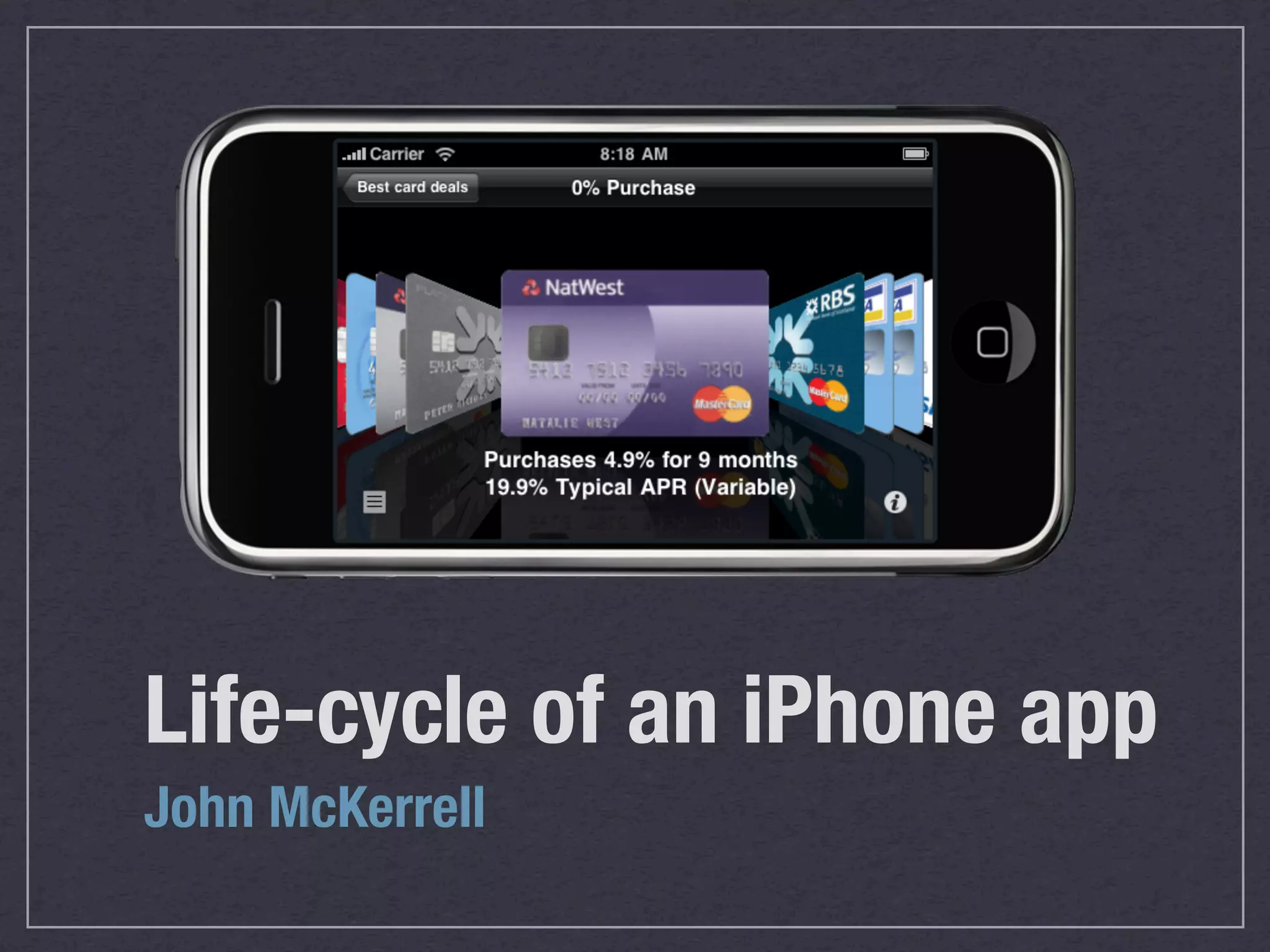

Life-cycle of an iPhone app
John McKerrell
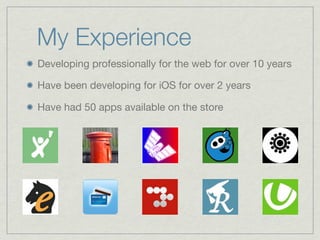
My Experience
Developing professionally for the web for over 10 years

Have been developing for iOS for over 2 years

Have had 50 apps available on the store
“...remember the idea,
not the man...” *

Think of something unique

Think of something useful

Think of something fun


                            *EVEY HAMMOND, V FOR VENDETTA
“... but you cannot kiss an idea,
cannot touch it, or hold it ...” *

Remember an idea is worth nothing until it’s
implemented

http://dave.is/businesspeople.html

“the execution and delivery are what’s key” -
Sergey Brin


                                 *EVEY HAMMOND, V FOR VENDETTA
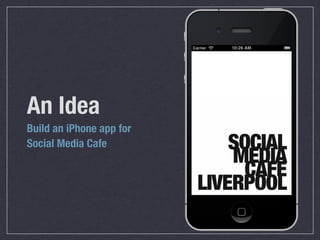
An Idea
Build an iPhone app for
Social Media Cafe
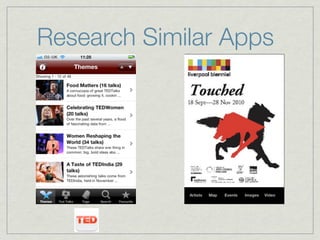
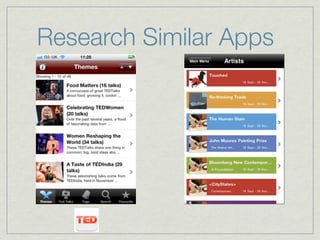
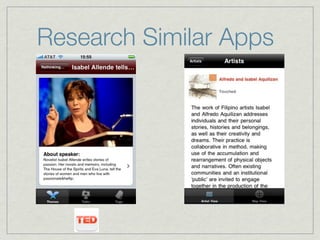
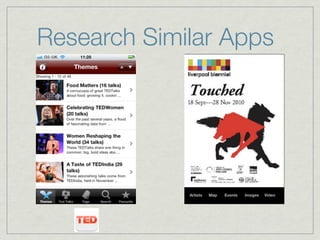
Research Similar Apps
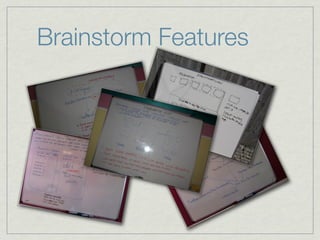
Brainstorm Features
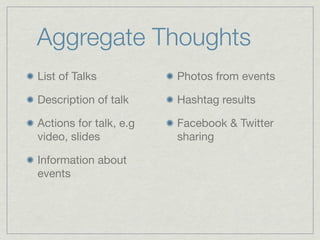
Aggregate Thoughts
List of Talks           Photos from events

Description of talk     Hashtag results

Actions for talk, e.g   Facebook & Twitter
video, slides           sharing

Information about
events
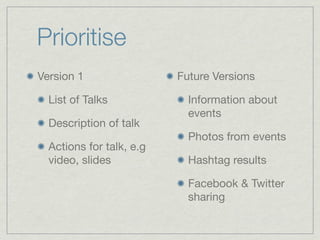
Prioritise
Version 1                 Future Versions

  List of Talks             Information about
                            events
  Description of talk
                            Photos from events
  Actions for talk, e.g
  video, slides             Hashtag results

                            Facebook & Twitter
                            sharing
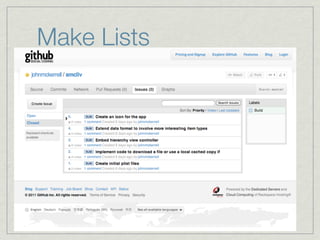
Make Lists
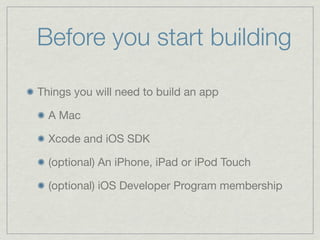
Before you start building

Things you will need to build an app

  A Mac

  Xcode and iOS SDK

  (optional) An iPhone, iPad or iPod Touch

  (optional) iOS Developer Program membership
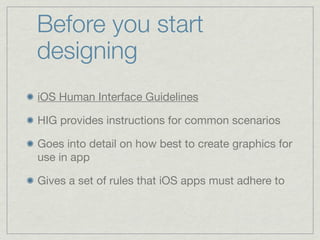
Before you start
designing
iOS Human Interface Guidelines

HIG provides instructions for common scenarios

Goes into detail on how best to create graphics for
use in app

Gives a set of rules that iOS apps must adhere to
Before you start
designing
iOS Human Interface Guidelines

HIG provides instructions for common scenarios

Goes into detail on how best to create graphics for
use in app

Gives a set of rules that iOS apps must adhere to
Before you start
designing
iOS Human Interface Guidelines

HIG provides instructions for common scenarios

Goes into detail on how best to create graphics for
use in app

Gives a set of rules that iOS apps must adhere to
Before you start
coding
iOS Application Programming Guide

iOS Development Guide

Again gives instructions for common scenarios

Gives some information on best ways to build
apps

Defines rules that iOS apps must adhere to
Before you start
coding
iOS Application Programming Guide

iOS Development Guide

Again gives instructions for common scenarios

Gives some information on best ways to build
apps

Defines rules that iOS apps must adhere to
Design
Best to either stick with Apple’s UI or choose something
completely different, tend not to mix well

Look at other apps, steal learn from their successes and
mistakes

Free resources are available, icon sets, Photoshop
layouts and more.

http://glyphish.com/
http://www.teehanlax.com/blog/2010/08/12/iphone-4-gui-psd-retina-display/
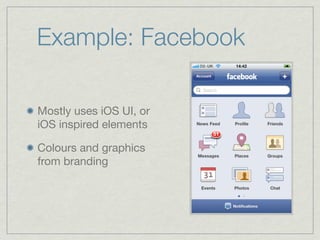
Example: Facebook

Mostly uses iOS UI, or
iOS inspired elements

Colours and graphics
from branding
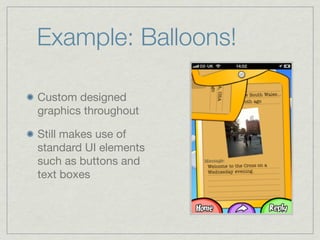
Example: Balloons!

Custom designed
graphics throughout

Still makes use of
standard UI elements
such as buttons and
text boxes
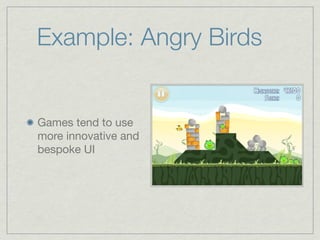
Example: Angry Birds


Games tend to use
more innovative and
bespoke UI
Coding
Use a modular approach

Especially on this iPhone this is easier because
each screen of information will be based on a
separate “ViewController” that can be re-used

Custom views within the screen can also be
broken out into reusable code

Whole apps can be template-able and reused
Coding
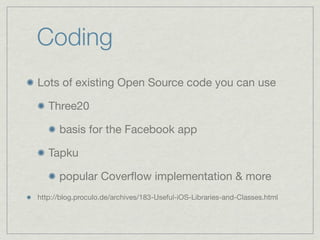
Lots of existing Open Source code you can use

   Three20

      basis for the Facebook app

   Tapku

      popular Coverflow implementation & more
http://blog.proculo.de/archives/183-Useful-iOS-Libraries-and-Classes.html
HierarchyApp
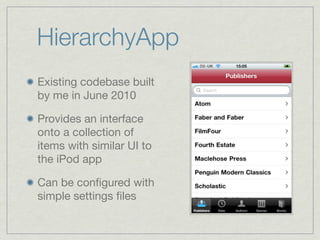
Existing codebase built
by me in June 2010

Provides an interface
onto a collection of
items with similar UI to
the iPod app

Can be configured with
simple settings files
HierarchyApp
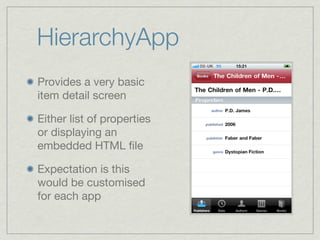
Provides a very basic
item detail screen

Either list of properties
or displaying an
embedded HTML file

Expectation is this
would be customised
for each app
HierarchyApp
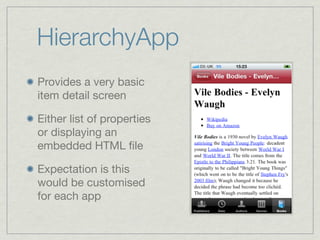
Provides a very basic
item detail screen

Either list of properties
or displaying an
embedded HTML file

Expectation is this
would be customised
for each app
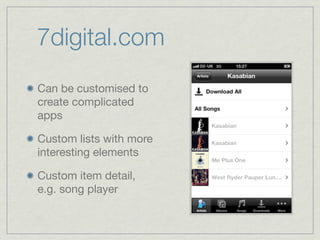
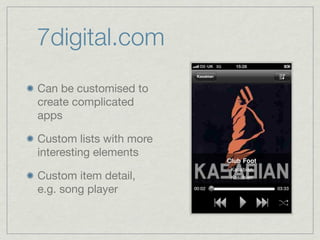
7digital.com
Can be customised to
create complicated
apps

Custom lists with more
interesting elements

Custom item detail,
e.g. song player
7digital.com
Can be customised to
create complicated
apps

Custom lists with more
interesting elements

Custom item detail,
e.g. song player
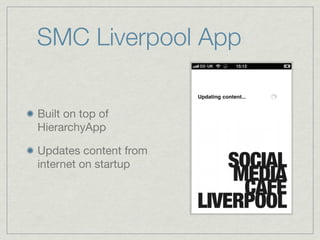
SMC Liverpool App

Built on top of
HierarchyApp

Updates content from
internet on startup
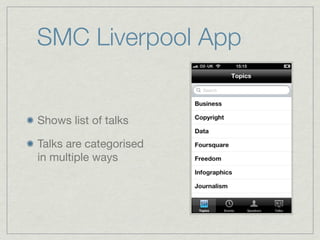
SMC Liverpool App


Shows list of talks

Talks are categorised
in multiple ways
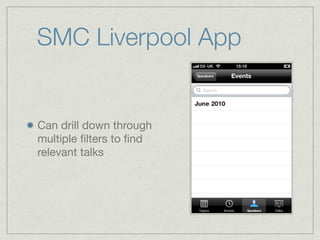
SMC Liverpool App


Can drill down through
multiple filters to find
relevant talks
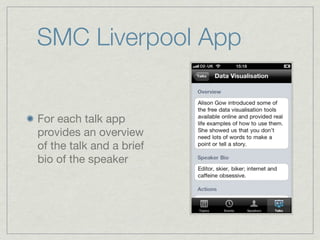
SMC Liverpool App


For each talk app
provides an overview
of the talk and a brief
bio of the speaker
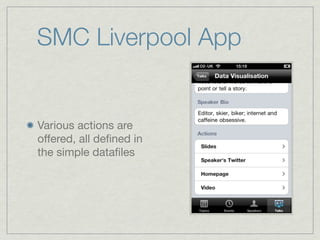
SMC Liverpool App


Various actions are
offered, all defined in
the simple datafiles
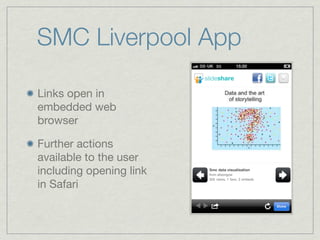
SMC Liverpool App

Links open in
embedded web
browser

Further actions
available to the user
including opening link
in Safari
build build build_
build build build_
finished!
finished!... what’s next?
Getting onto devices


You did sign up to the iOS Developer Program
didn’t you?
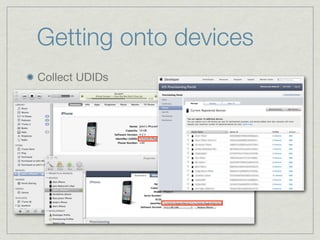
Getting onto devices
Collect UDIDs
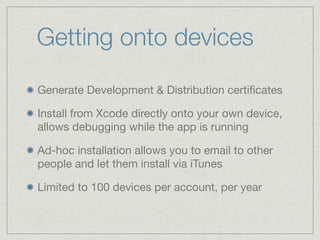
Getting onto devices
Generate Development & Distribution certificates

Install from Xcode directly onto your own device,
allows debugging while the app is running

Ad-hoc installation allows you to email to other
people and let them install via iTunes

Limited to 100 devices per account, per year
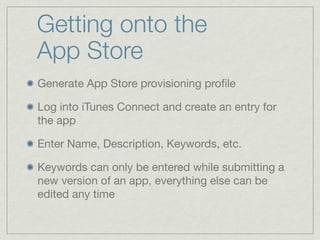
Getting onto the
App Store
Generate App Store provisioning profile

Log into iTunes Connect and create an entry for
the app

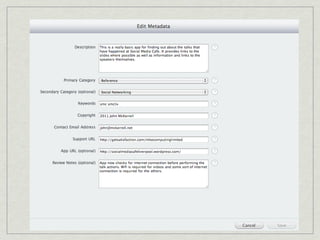
Enter Name, Description, Keywords, etc.

Keywords can only be entered while submitting a
new version of an app, everything else can be
edited any time
Getting onto the
App Store
Submission now quite easy, in Xcode:

  Build & Archive -> Submit

... unless your app has a space in the name, e.g.
“Chess Viewer”, “Maths GCSE”, “Driving Test”

  In this case zip the .app file, remove space from
  filename, use Application Loader to submit
wait 7-10 days
hope
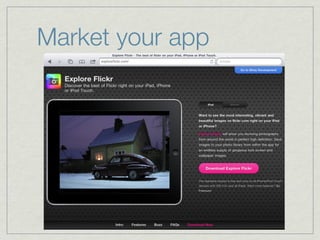
Market your app
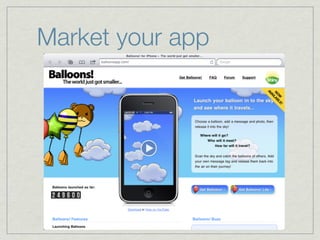
Market your app
Apple Approves
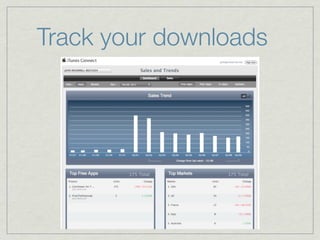
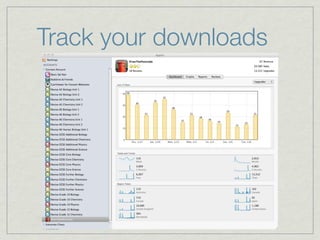
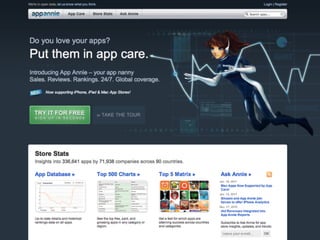
Track your downloads
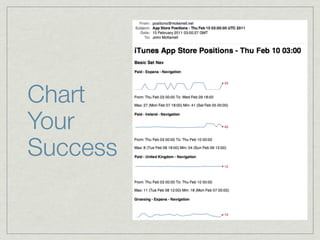
Chart
Your
Success
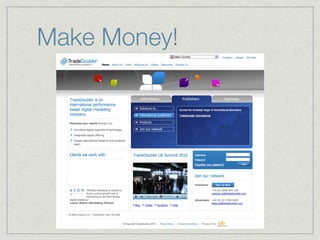
Make Money!


Apple take a 30% cut in the US but 40% in most
other countries including EU & UK
Make Money!
Social Media Cafe
Liverpool iPhone App
Social Media Cafe
Liverpool iPhone App


...is real...
Social Media Cafe
Liverpool iPhone App


...is available...
Social Media Cafe
Liverpool iPhone App


NOW!!!
http://is.gd/smclivapp
Could this get any better?
Open Source!
Social Media Cafe Liverpool iPhone app is open
source, already available from here:

  https://github.com/johnmckerrell/smcliv

HierarchyApp is also open source, available here:

  https://github.com/johnmckerrell/HierarchyApp

Both licensed under The Artistic License 2.0
Interns

I’m looking for interns for the summer

  Ruby on Rails

  iOS - iPhone & iPad

Lots of interesting projects to work on, should
provide lots of good experience
Available for work

I can work for you

  john@mckerrell.net

  http://johnmckerrell.com/

  @mcknut
Thank you

Life cycle of iPhone application

Editor's Notes

  • #2 \n
  • #3 \n
  • #4 \n
  • #5 Even if your idea is the best thing ever, the developer might not have time to help.\nThink of how much the developer is putting in, don’t offer a tiny cut.\n\n
  • #6 \n
  • #7 Categorisation\nList of events / exhibits\nPages of information about items\nExtra information about the event\n
  • #8 Categorisation\nList of events / exhibits\nPages of information about items\nExtra information about the event\n
  • #9 Categorisation\nList of events / exhibits\nPages of information about items\nExtra information about the event\n
  • #10 Categorisation\nList of events / exhibits\nPages of information about items\nExtra information about the event\n
  • #11 Categorisation\nList of events / exhibits\nPages of information about items\nExtra information about the event\n
  • #12 Categorisation\nList of events / exhibits\nPages of information about items\nExtra information about the event\n
  • #13 Categorisation\nList of events / exhibits\nPages of information about items\nExtra information about the event\n
  • #14 Categorisation\nList of events / exhibits\nPages of information about items\nExtra information about the event\n
  • #15 Categorisation\nList of events / exhibits\nPages of information about items\nExtra information about the event\n
  • #16 Categorisation\nList of events / exhibits\nPages of information about items\nExtra information about the event\n
  • #17 \n
  • #18 \n
  • #19 \n
  • #20 \n
  • #21 \n
  • #22 Use of standard UI elements for non-standard functions is a bannable offence\n
  • #23 Use of standard UI elements for non-standard functions is a bannable offence\n
  • #24 Mention handling no network/cellular/wifi.\n
  • #25 \n
  • #26 \n
  • #27 \n
  • #28 \n
  • #29 \n
  • #30 \n
  • #31 \n
  • #32 \n
  • #33 \n
  • #34 \n
  • #35 \n
  • #36 \n
  • #37 \n
  • #38 \n
  • #39 \n
  • #40 \n
  • #41 \n
  • #42 \n
  • #43 \n
  • #44 \n
  • #45 \n
  • #46 \n
  • #47 \n
  • #48 \n
  • #49 \n
  • #50 \n
  • #51 \n
  • #52 \n
  • #53 \n
  • #54 \n
  • #55 \n
  • #56 \n
  • #57 \n
  • #58 \n
  • #59 \n
  • #60 \n
  • #61 \n
  • #62 \n
  • #63 \n
  • #64 \n
  • #65 \n
  • #66 \n
  • #67 \n
  • #68 \n
  • #69 \n
  • #70 \n
  • #71 \n
  • #72 \n
  • #73 \n
  • #74 \n