iPhone App Dev
Overview for Vietnamese coders


                    Huy @ multinc.com


                                        1
Warning !

This presentation may contain information on
unethical activities, possibly illegal in certain
                 jurisdictions.

       Listen & act at your own risk.


                                                    2
Note about Demos
This presentation makes significant use of live
 demos, which are not included in the slides.


                                                 3
Why this talk?


Global opportunity

Few coders in Vietnam

iPhone leads the mobile future

The entire process is quite complex


                                      4
Outline


Part 1 - getting ready

Part 2 - designing

Part 3 - coding

Part 4 - releasing


                            5
Get ready
   Part 1


            6
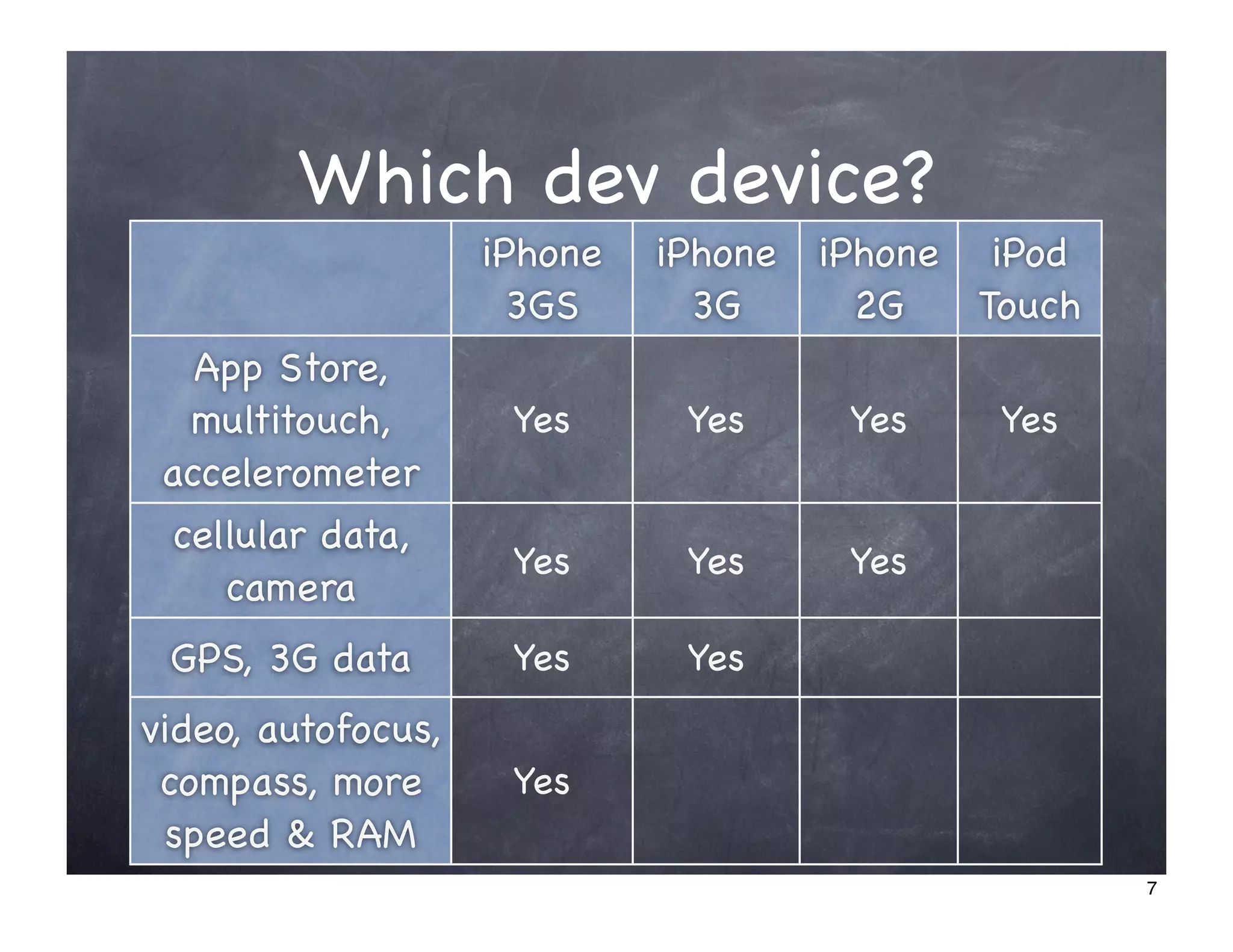
Which dev device?
                    iPhone   iPhone   iPhone iPod
                      3GS      3G       2G   Touch
   App Store,
  multitouch,        Yes      Yes      Yes    Yes
 accelerometer
 cellular data,
                     Yes      Yes      Yes
    camera
 GPS, 3G data        Yes      Yes
video, autofocus,
 compass, more       Yes
 speed & RAM
                                                     7
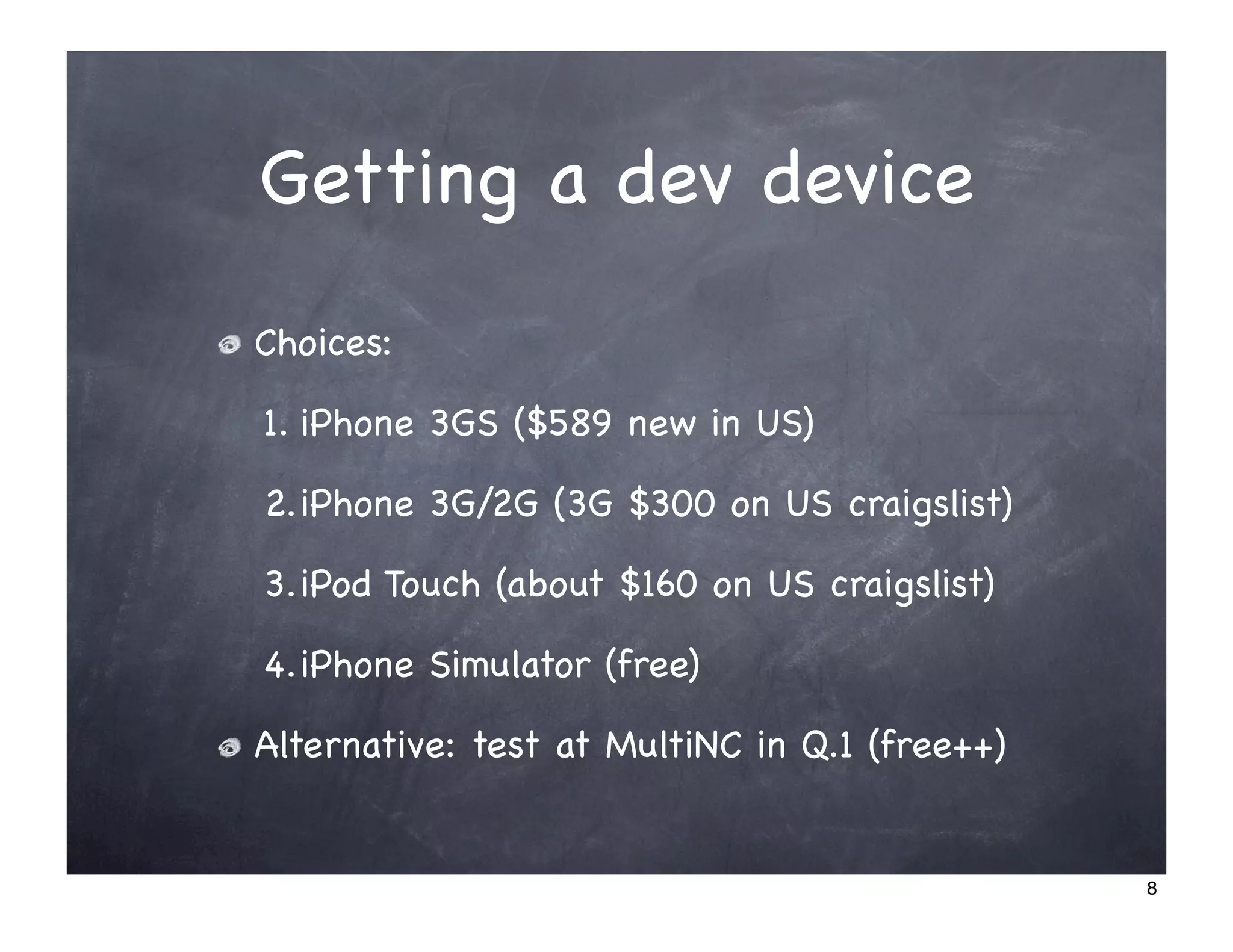
Getting a dev device
Choices:

1. iPhone 3GS ($589 new in US)

2.iPhone 3G/2G (3G $300 on US craigslist)

3.iPod Touch (about $160 on US craigslist)

4.iPhone Simulator (free)

Alternative: test at MultiNC in Q.1 (free++)


                                               8
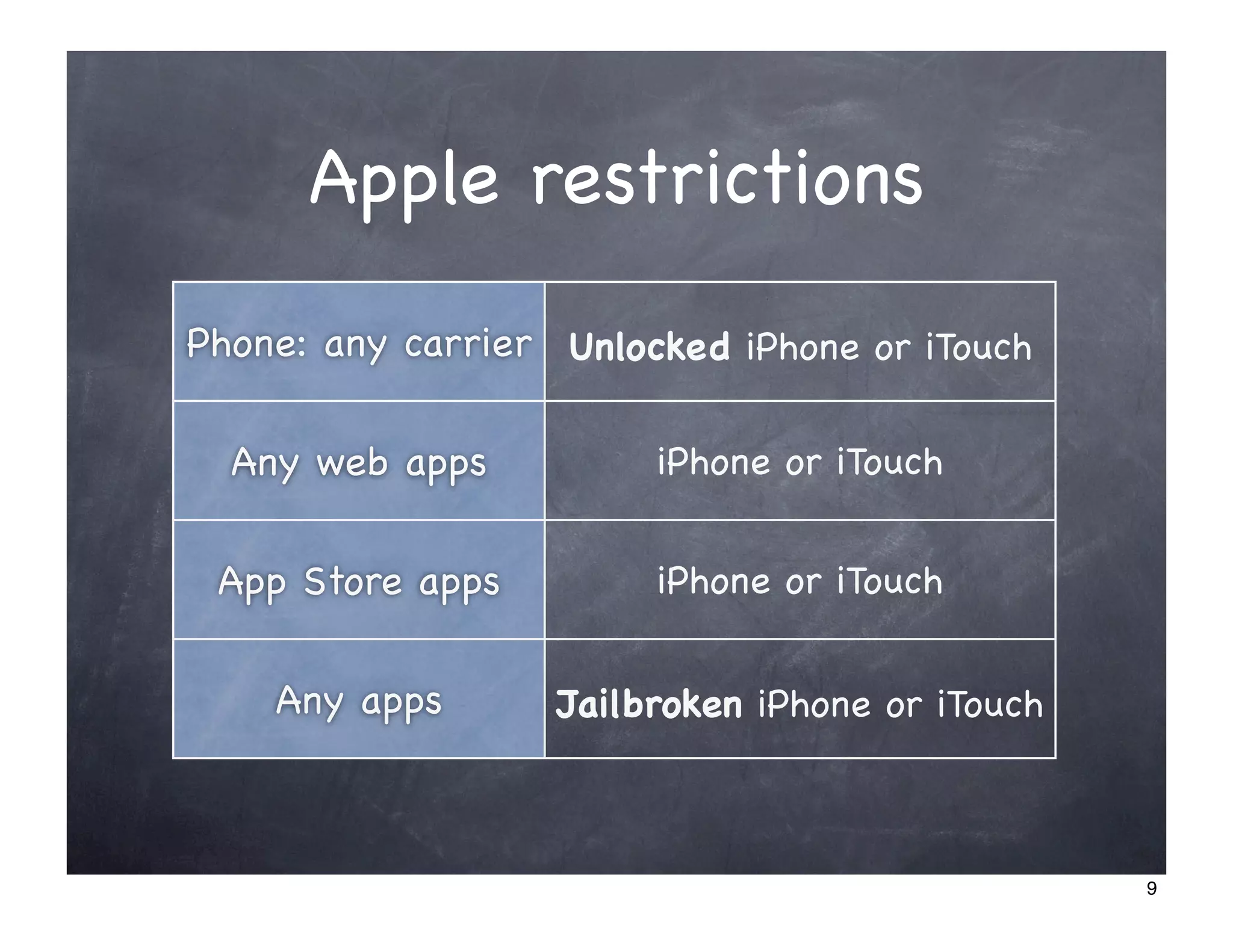
Apple restrictions
Phone: any carrier Unlocked iPhone or iTouch

  Any web apps          iPhone or iTouch


 App Store apps         iPhone or iTouch


    Any apps       Jailbroken iPhone or iTouch


                                                 9
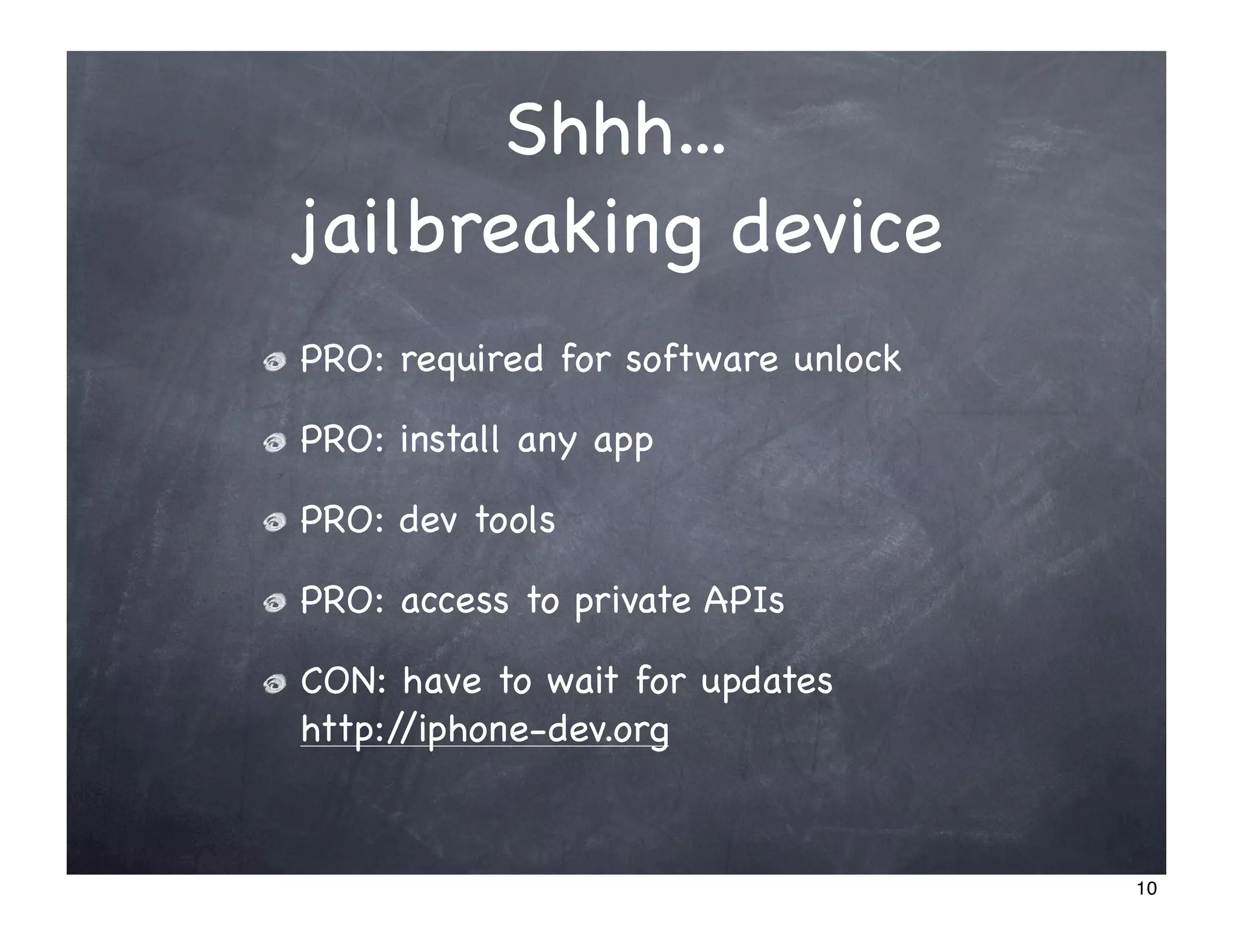
Shhh...
jailbreaking device
PRO: required for software unlock

PRO: install any app

PRO: dev tools

PRO: access to private APIs

CON: have to wait for updates
http://iphone-dev.org


                                    10
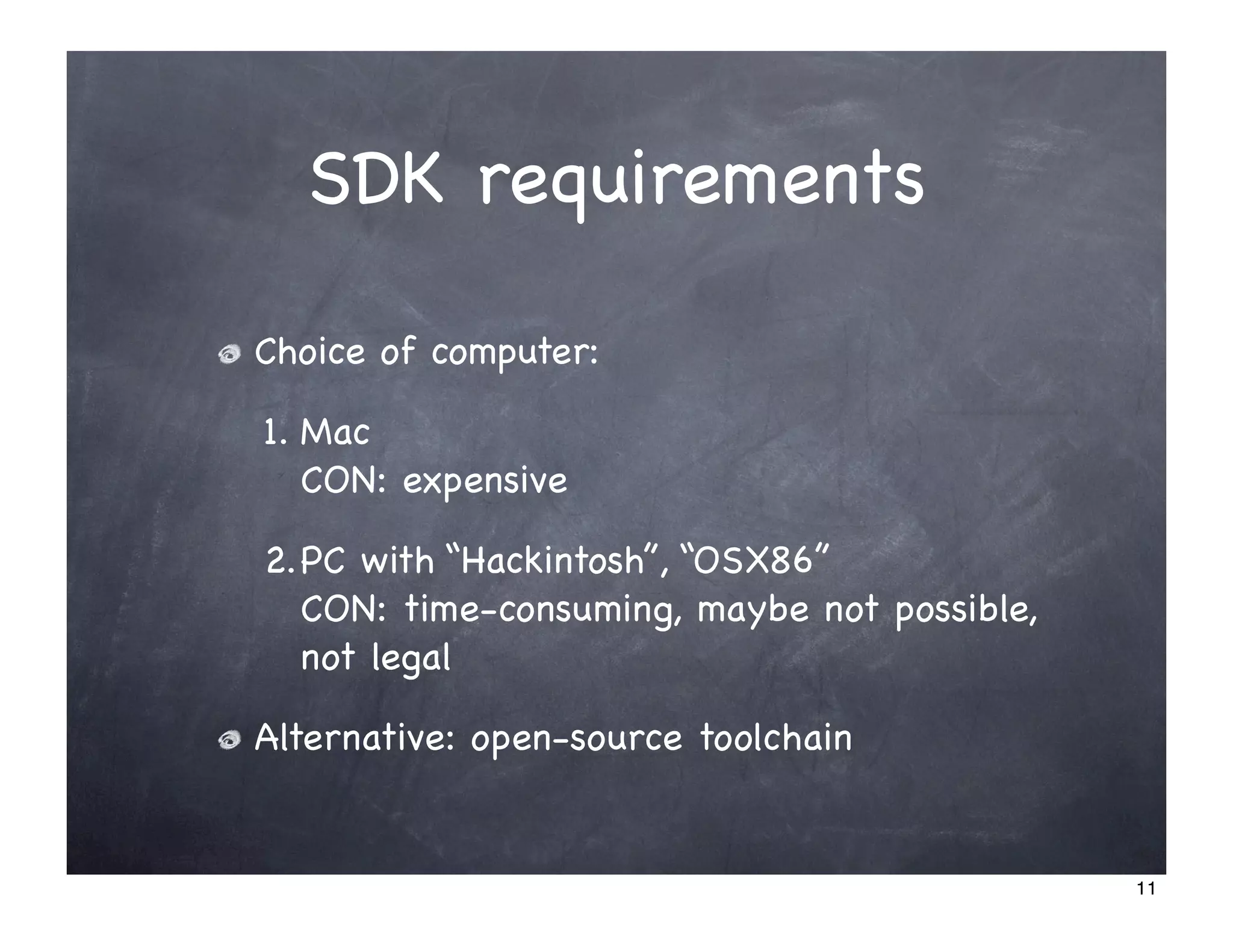
SDK requirements

Choice of computer:

1. Mac
   CON: expensive

2.PC with “Hackintosh”, “OSX86”
  CON: time-consuming, maybe not possible,
  not legal

Alternative: open-source toolchain


                                             11
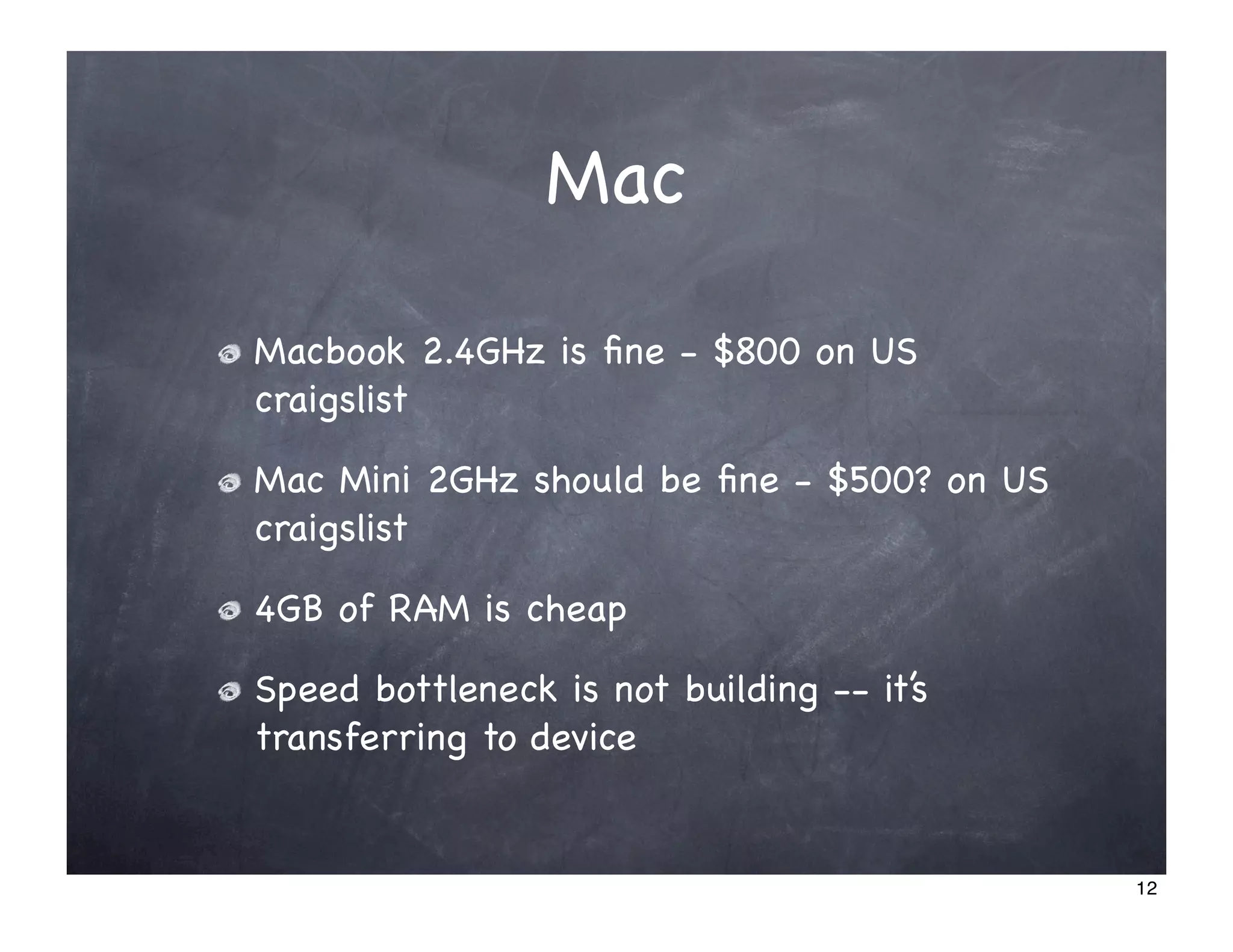
Mac

Macbook 2.4GHz is fine - $800 on US
craigslist

Mac Mini 2GHz should be fine - $500? on US
craigslist

4GB of RAM is cheap

Speed bottleneck is not building -- it’s
transferring to device


                                            12
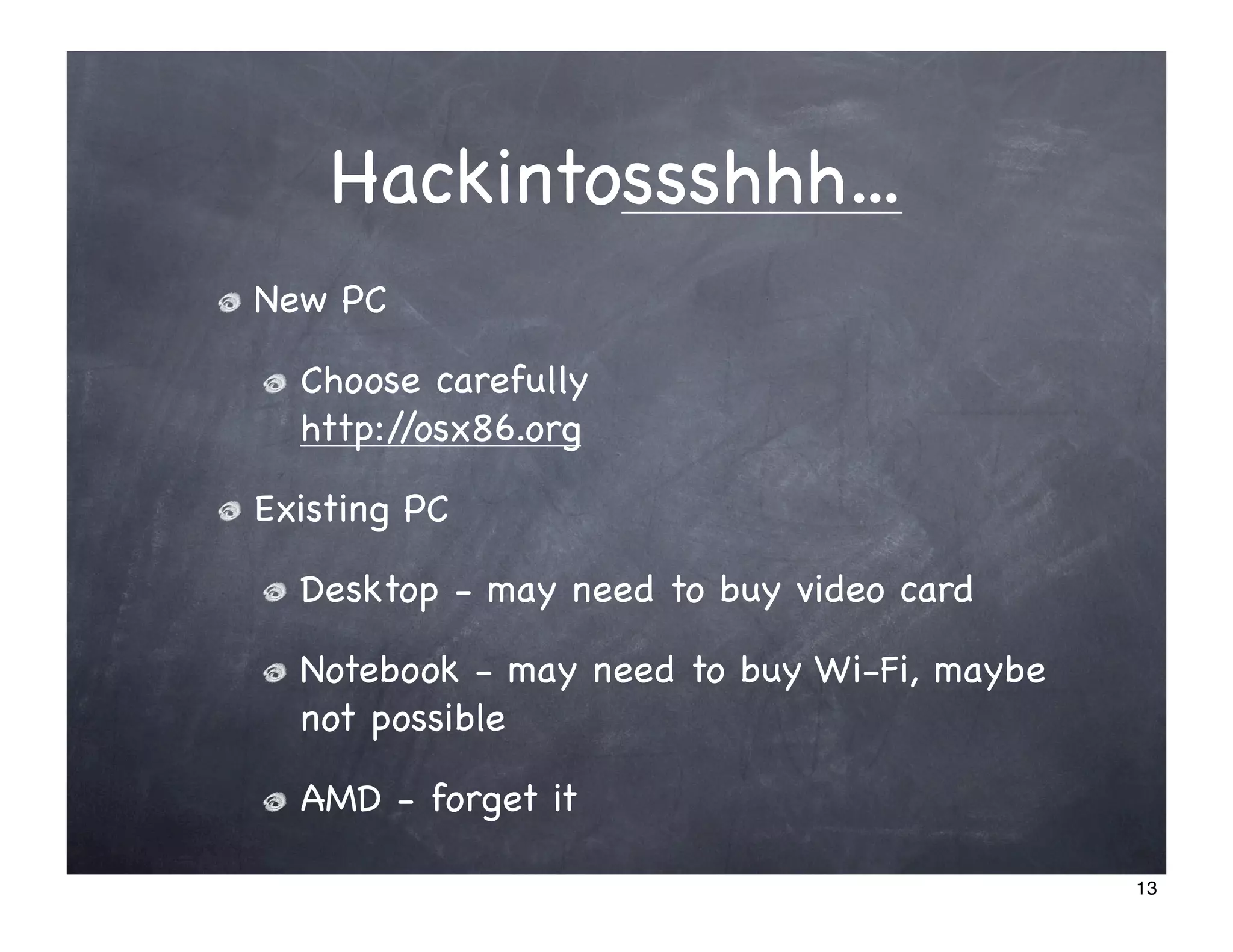
Hackintossshhh...
New PC

  Choose carefully
  http://osx86.org

Existing PC

  Desktop - may need to buy video card

  Notebook - may need to buy Wi-Fi, maybe
  not possible

  AMD - forget it

                                            13
Learning to code

Lots of books

Apple’s extensive documentation

Stanford CS193p course
-> Google [stanford iphone]

Upcoming MultiUni courses
http://multiuni.org


                                  14
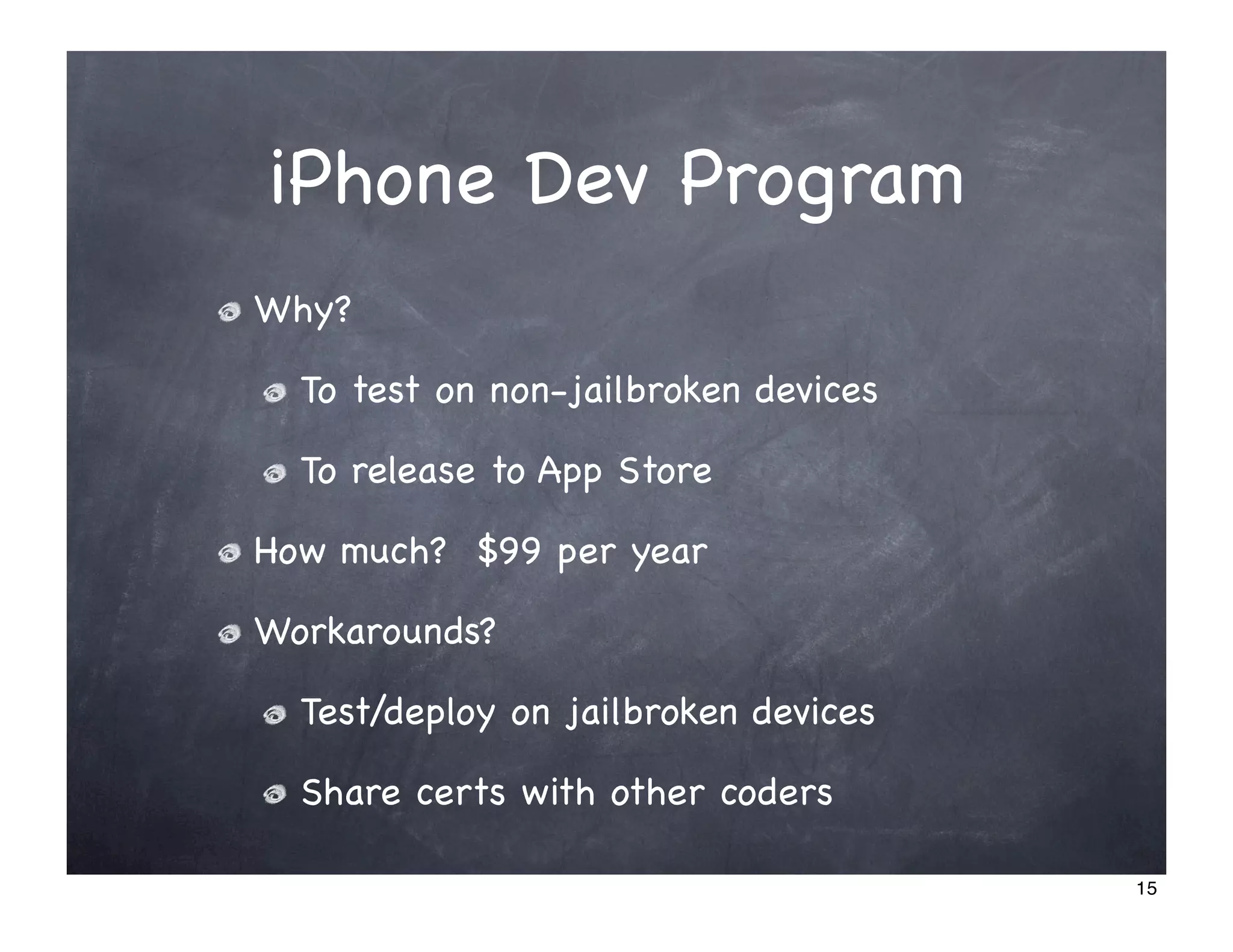
iPhone Dev Program
Why?

  To test on non-jailbroken devices

  To release to App Store

How much? $99 per year

Workarounds?

  Test/deploy on jailbroken devices

  Share certs with other coders

                                      15
DEMO: iPhone Dev Program


                           16
Design
 Part 2


          17
Why design?


To sell more

To avoid rejection from the App Store


                                        18
Design Resources

Guides

  Apple’s Human Interface Guidelines (HIG)

Stencils
  http://theresaneil.wordpress.com/2009/09/16/iphone3g-
  design-resources/


                                                          19
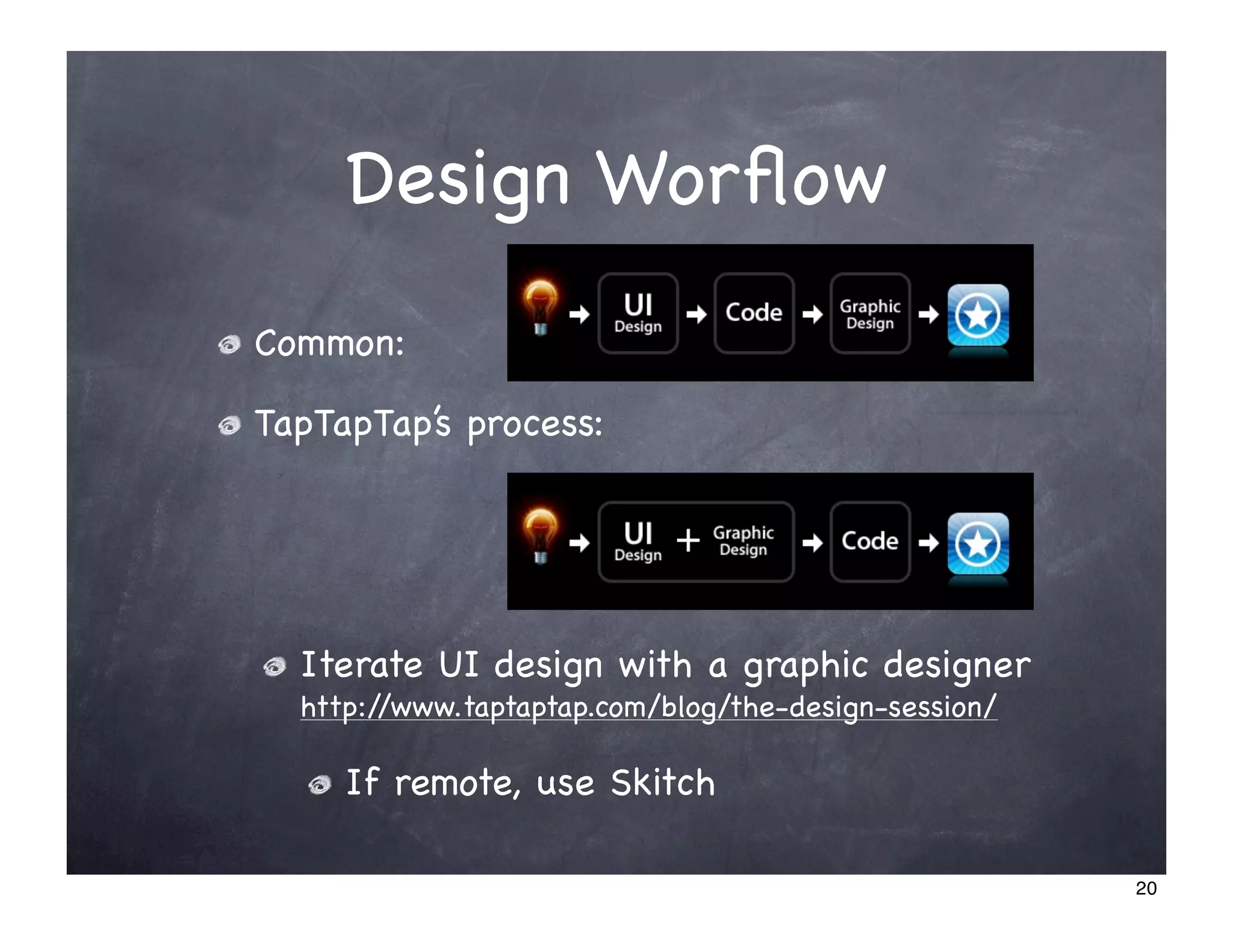
Design Worflow
Common:

TapTapTap’s process:


  Iterate UI design with a graphic designer
  http://www.taptaptap.com/blog/the-design-session/

     If remote, use Skitch

                                                      20
Design Process


Iterate:

  DEMO: Convert design evolution
  http://www.taptaptap.com/blog/convert-design-
  evolution/


                                                  21
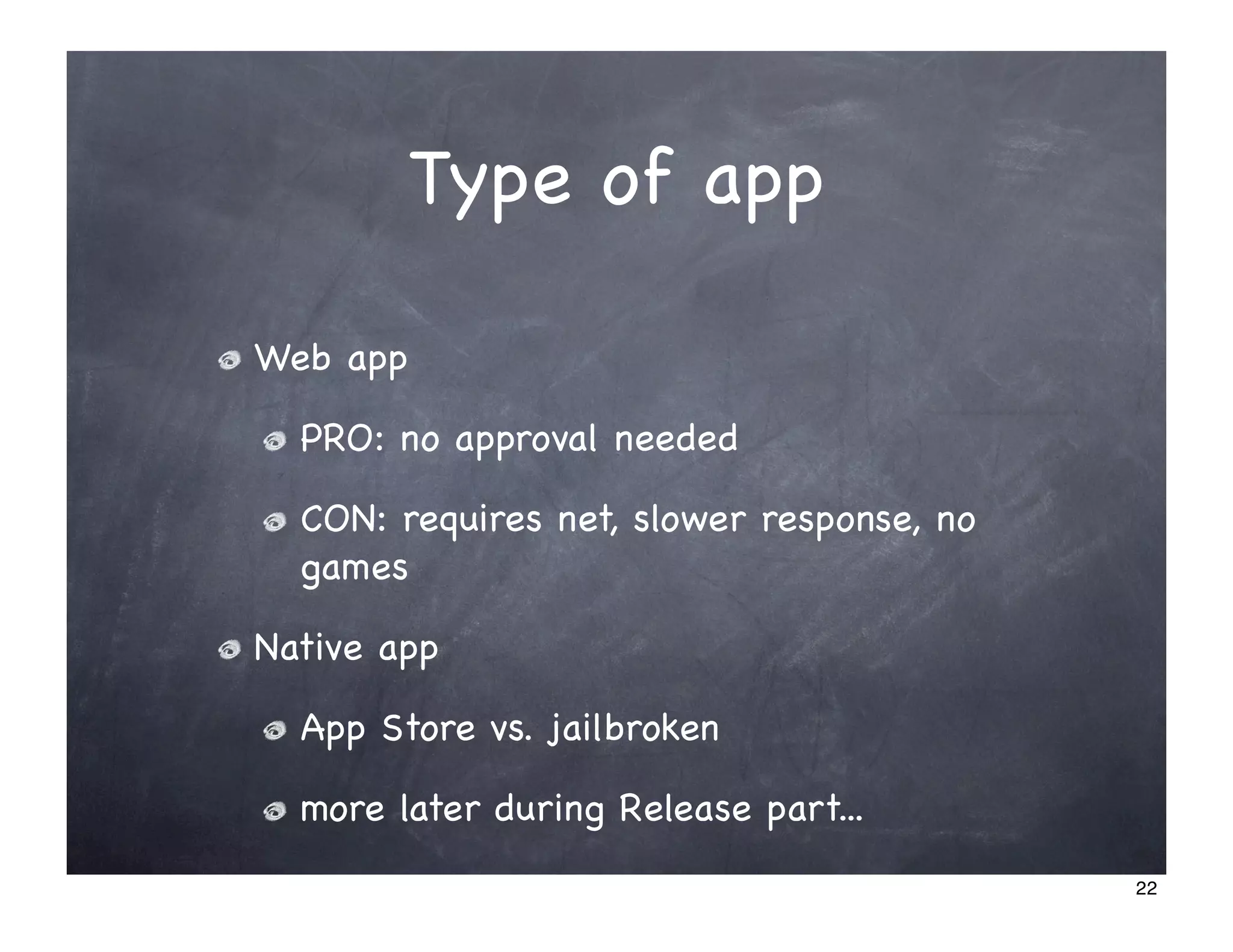
Type of app

Web app

  PRO: no approval needed

  CON: requires net, slower response, no
  games

Native app

  App Store vs. jailbroken

  more later during Release part...
                                           22
Code
Part 3


         23
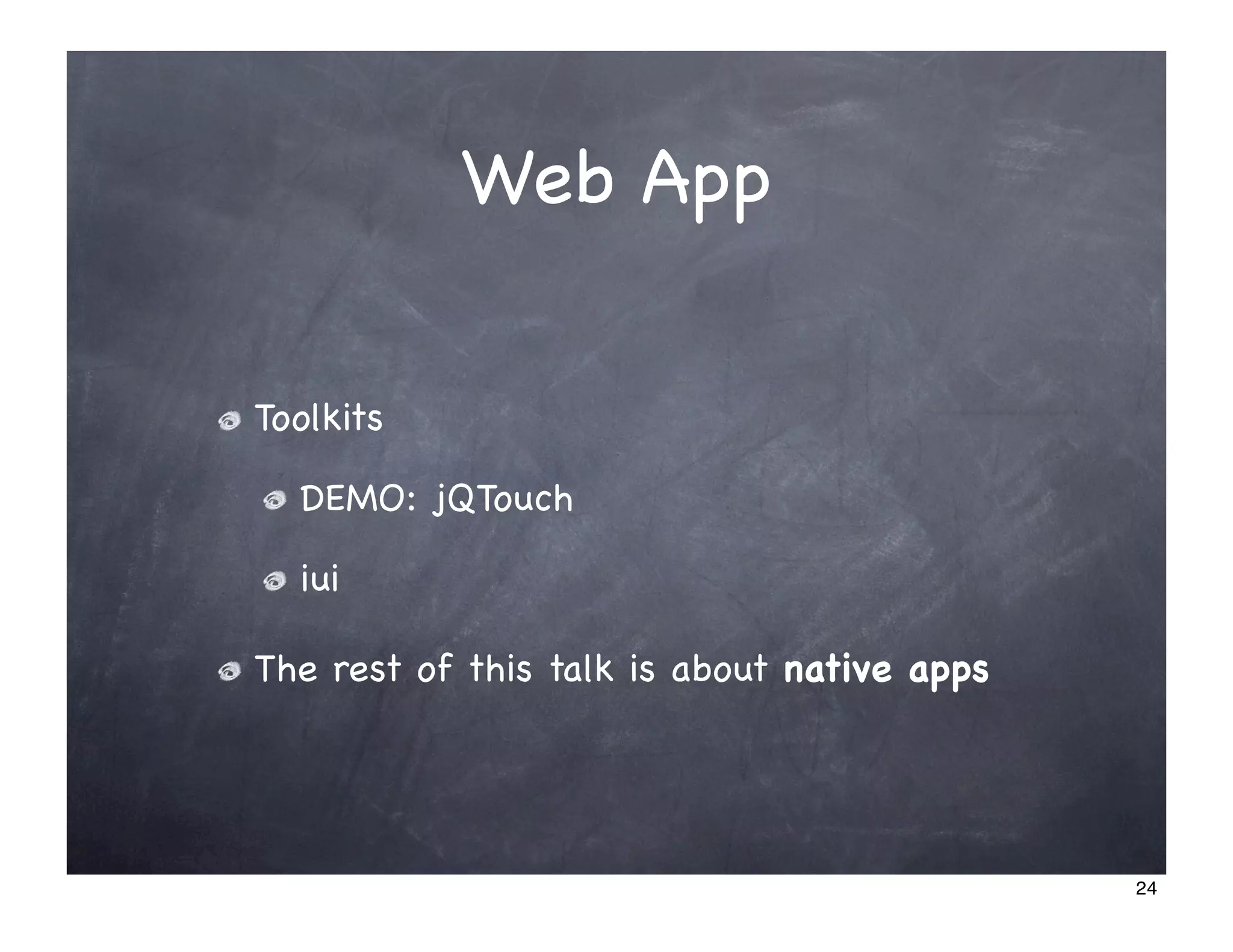
Web App

Toolkits

  DEMO: jQTouch

  iui

The rest of this talk is about native apps


                                             24
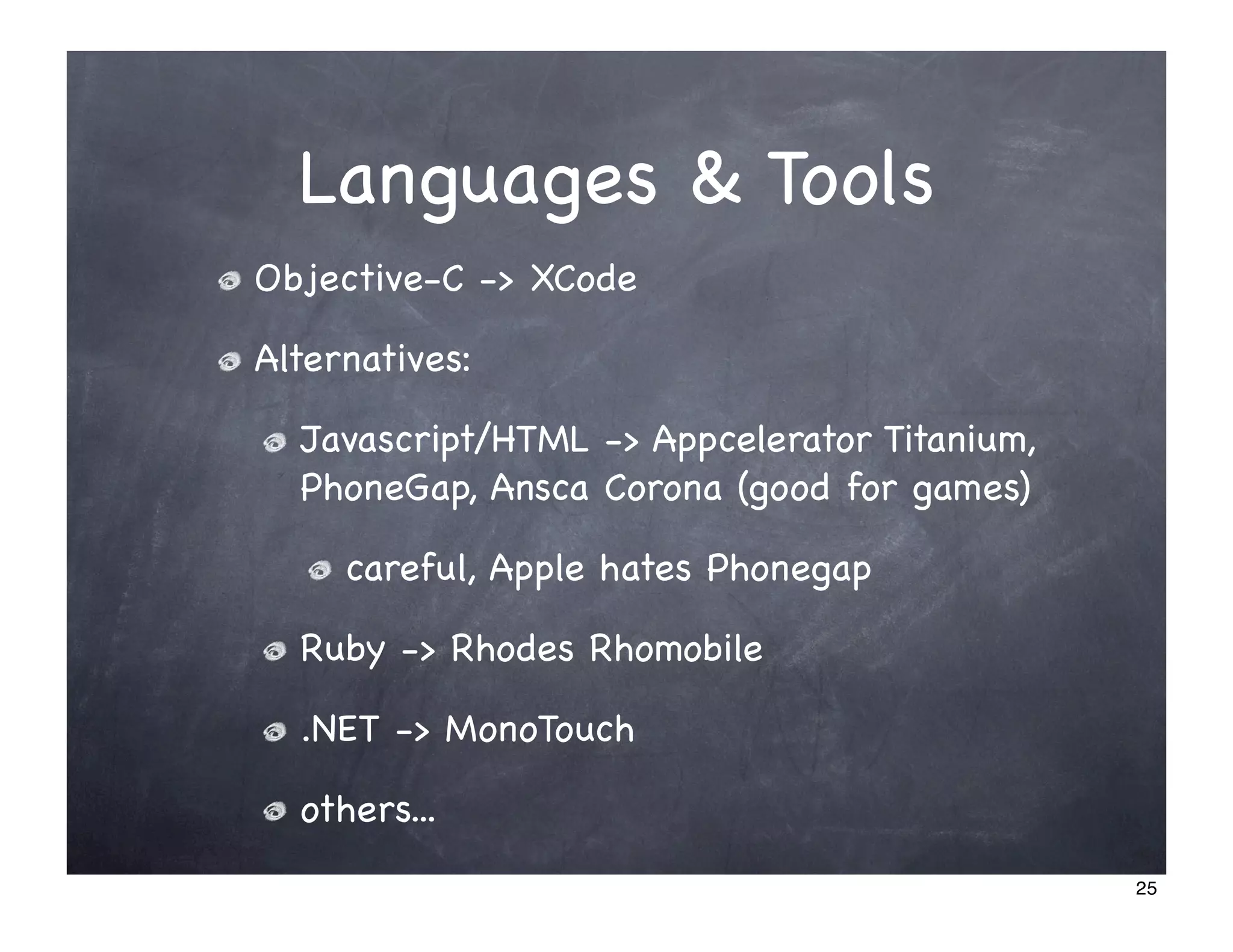
Languages & Tools
Objective-C -> XCode

Alternatives:

  Javascript/HTML -> Appcelerator Titanium,
  PhoneGap, Ansca Corona (good for games)

     careful, Apple hates Phonegap

  Ruby -> Rhodes Rhomobile

  .NET -> MonoTouch

  others...
                                              25
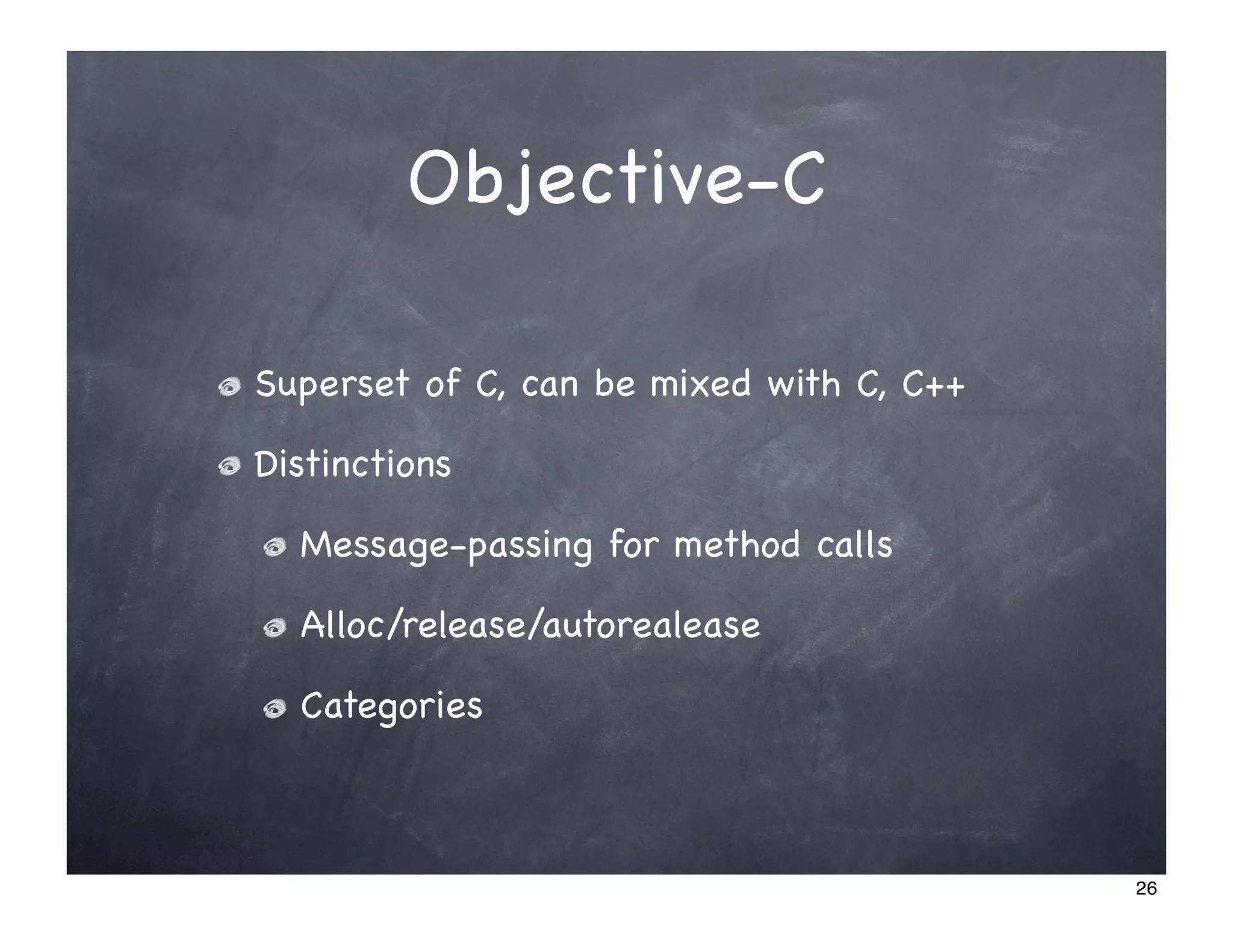
Objective-C

Superset of C, can be mixed with C, C++

Distinctions

  Message-passing for method calls

  Alloc/release/autorealease

  Categories


                                          26
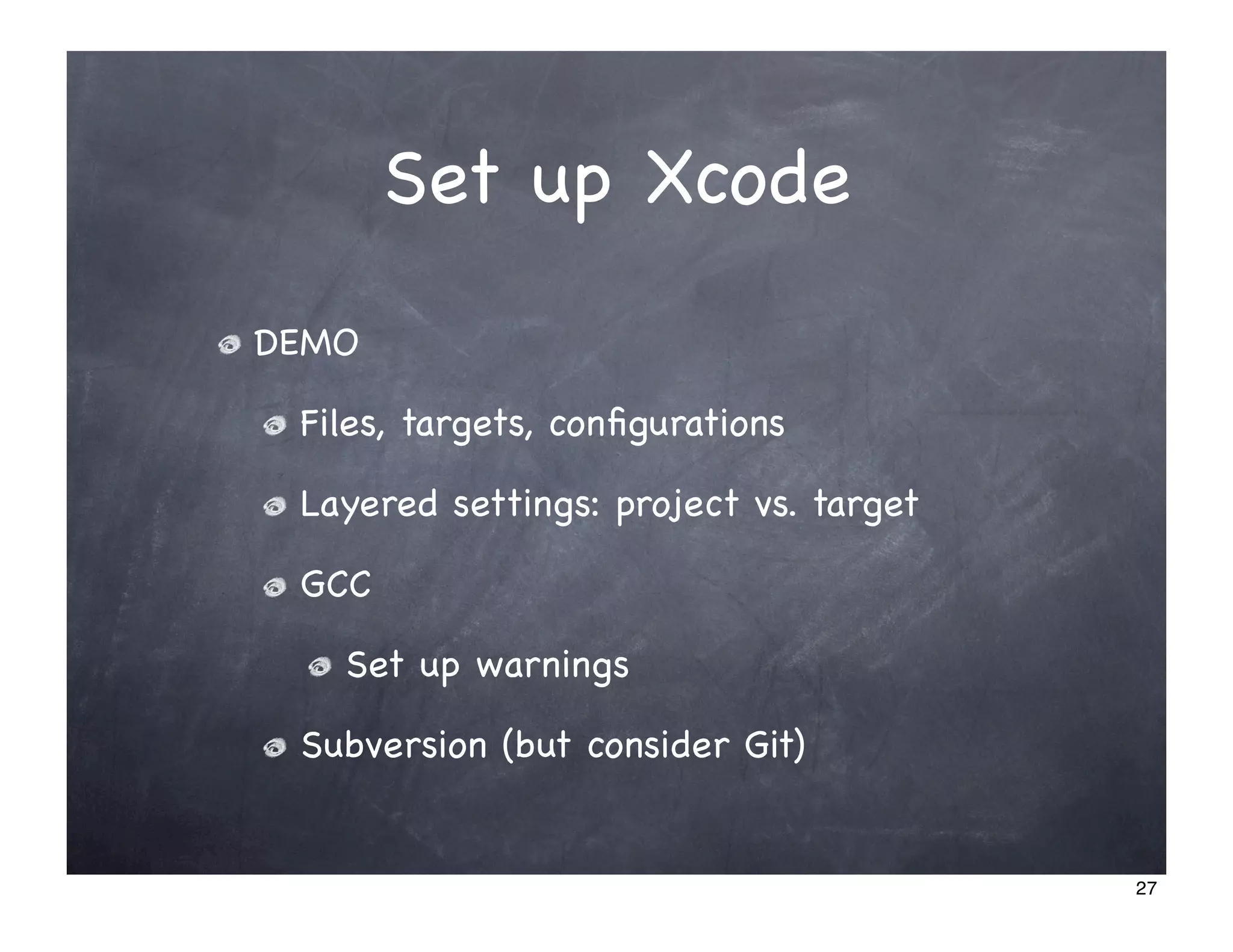
Set up Xcode
DEMO

 Files, targets, configurations

 Layered settings: project vs. target

 GCC

   Set up warnings

 Subversion (but consider Git)


                                        27
Interface Builder


Not required, can be done programatically

But rapid prototyping of views

DEMO


                                            28
Code structure
  DEMO of simple app


                       29
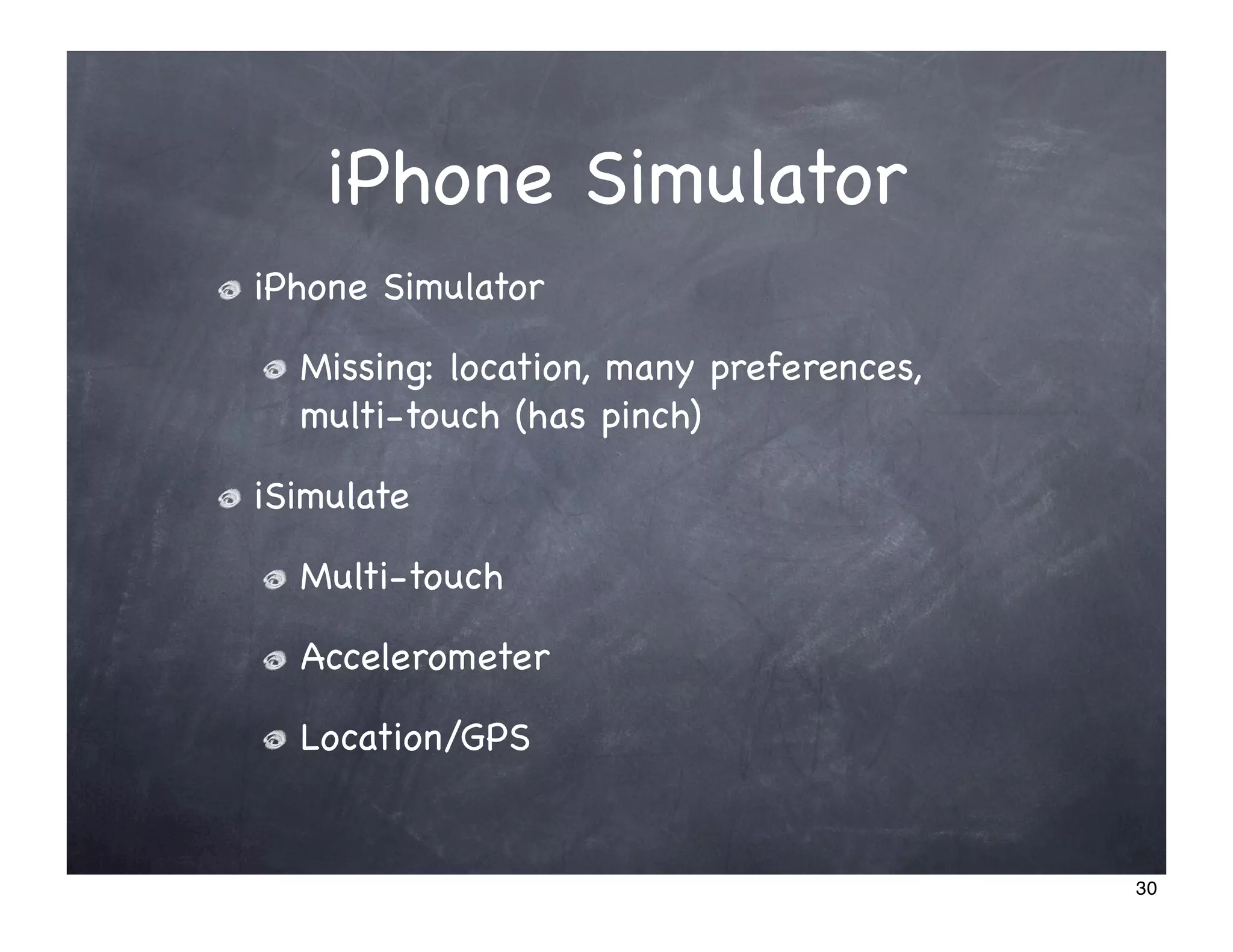
iPhone Simulator
iPhone Simulator

  Missing: location, many preferences,
  multi-touch (has pinch)

iSimulate

  Multi-touch

  Accelerometer

  Location/GPS


                                         30
Coding style


Apple’s coding guidelines for Cocoa

Google’s Objective-C Style Guide


                                      31
Debugging
NSLog

UIAlertView

  NOTE: popups are stacked

Debugger

  DEMO

NSZombieEnabled


                             32
Running static analyzer


 Choices:

   Download LLVM/CLang Static Analyzer

   Bundled in Xcode 3.2 (OS X 10.6)

 DEMO


                                         33
Running Xcode Leaks
        DEMO


                      34
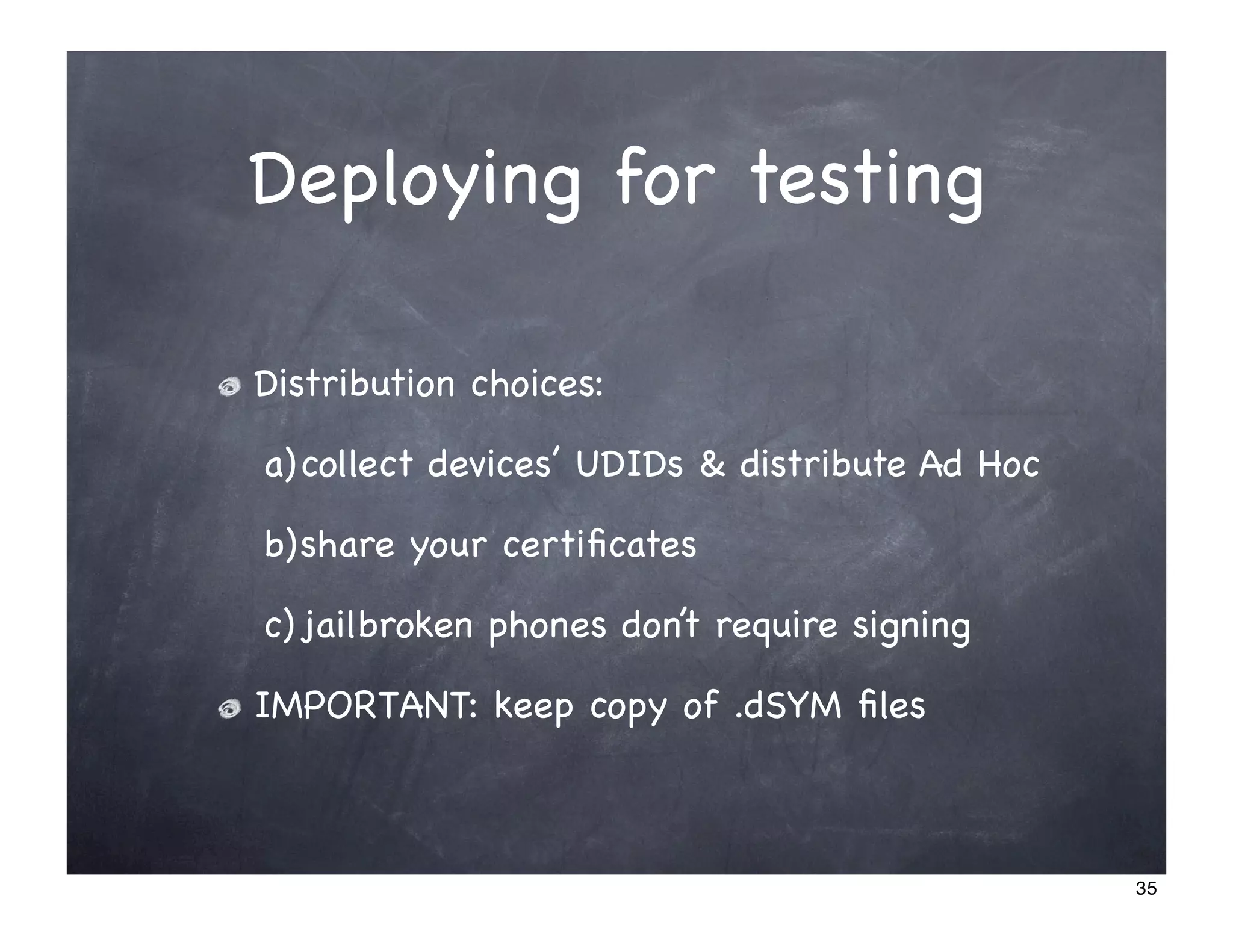
Deploying for testing

Distribution choices:

a) collect devices’ UDIDs & distribute Ad Hoc

b)share your certificates

c) jailbroken phones don’t require signing

IMPORTANT: keep copy of .dSYM files


                                                35
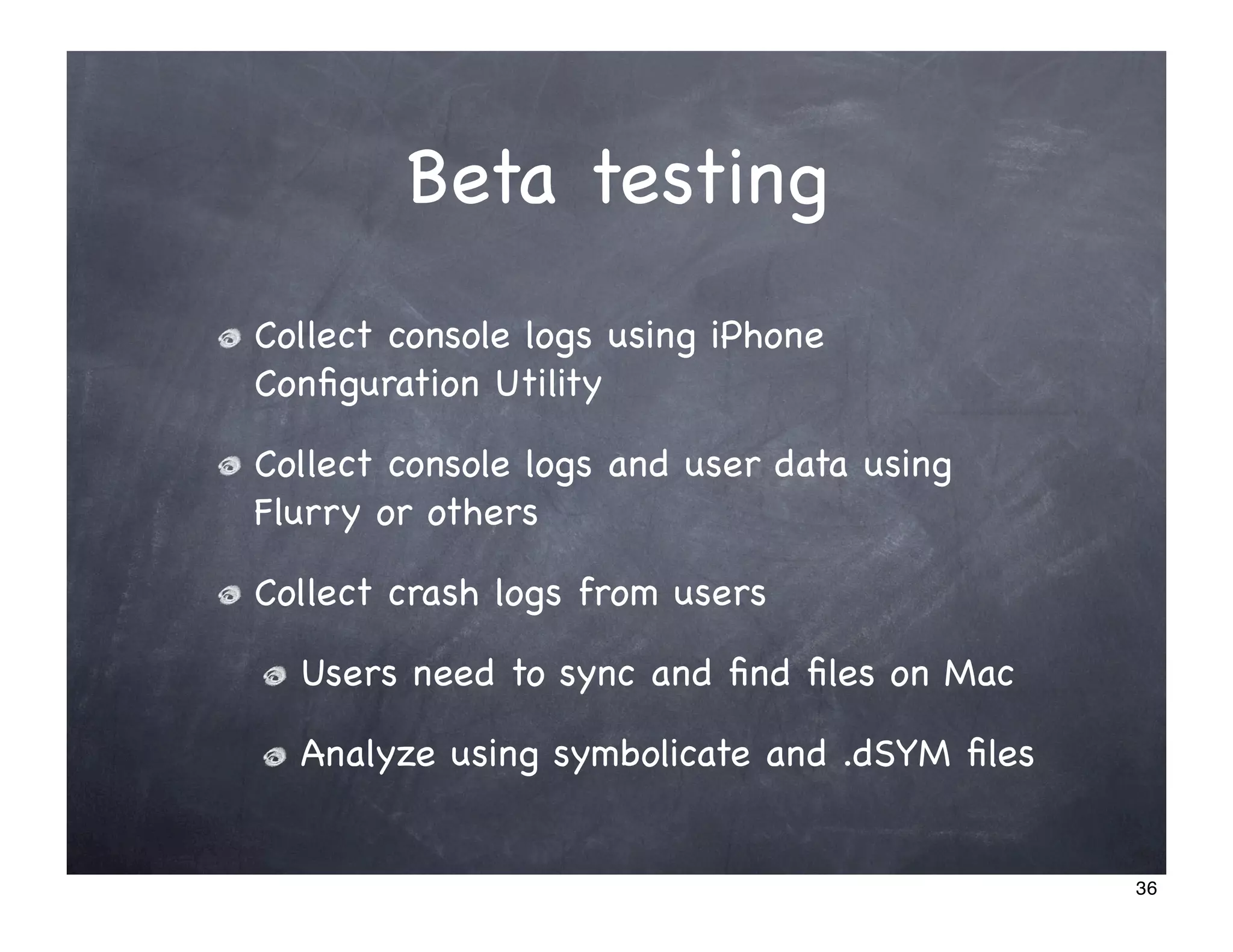
Beta testing
Collect console logs using iPhone
Configuration Utility

Collect console logs and user data using
Flurry or others

Collect crash logs from users

  Users need to sync and find files on Mac

  Analyze using symbolicate and .dSYM files


                                             36
Release
  Part 4


           37
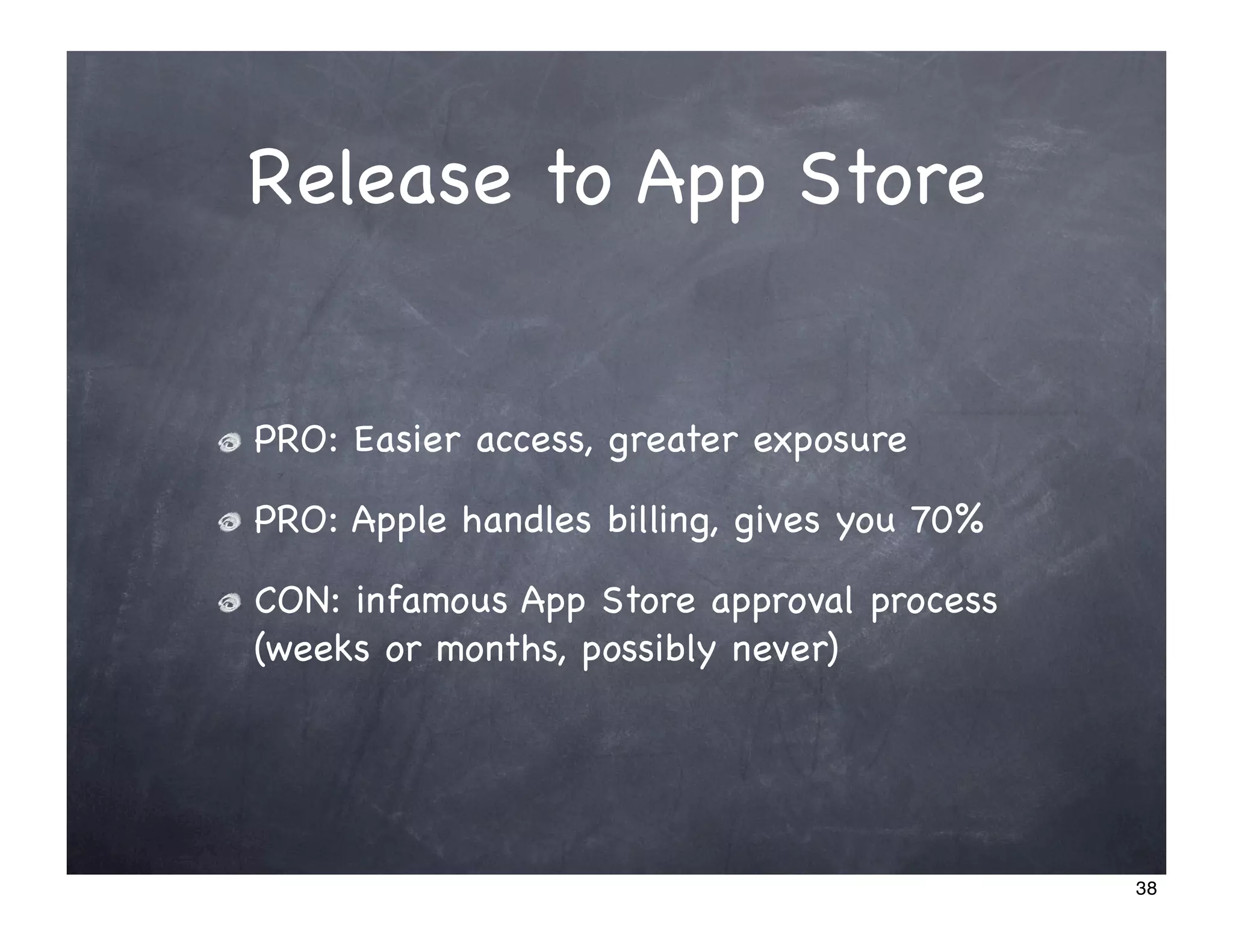
Release to App Store


PRO: Easier access, greater exposure

PRO: Apple handles billing, gives you 70%

CON: infamous App Store approval process
(weeks or months, possibly never)


                                            38
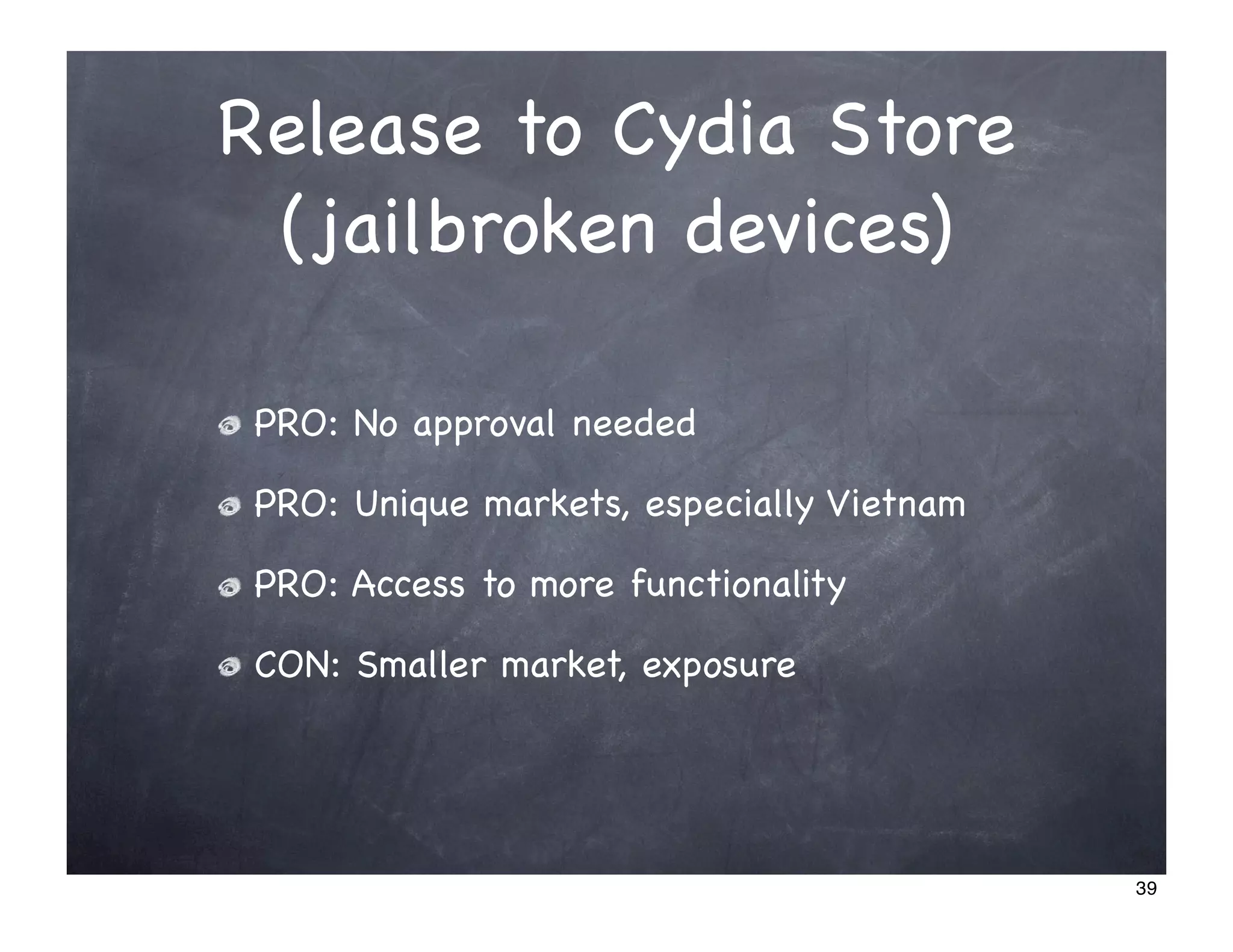
Release to Cydia Store
 (jailbroken devices)

 PRO: No approval needed

 PRO: Unique markets, especially Vietnam

 PRO: Access to more functionality

 CON: Smaller market, exposure


                                           39
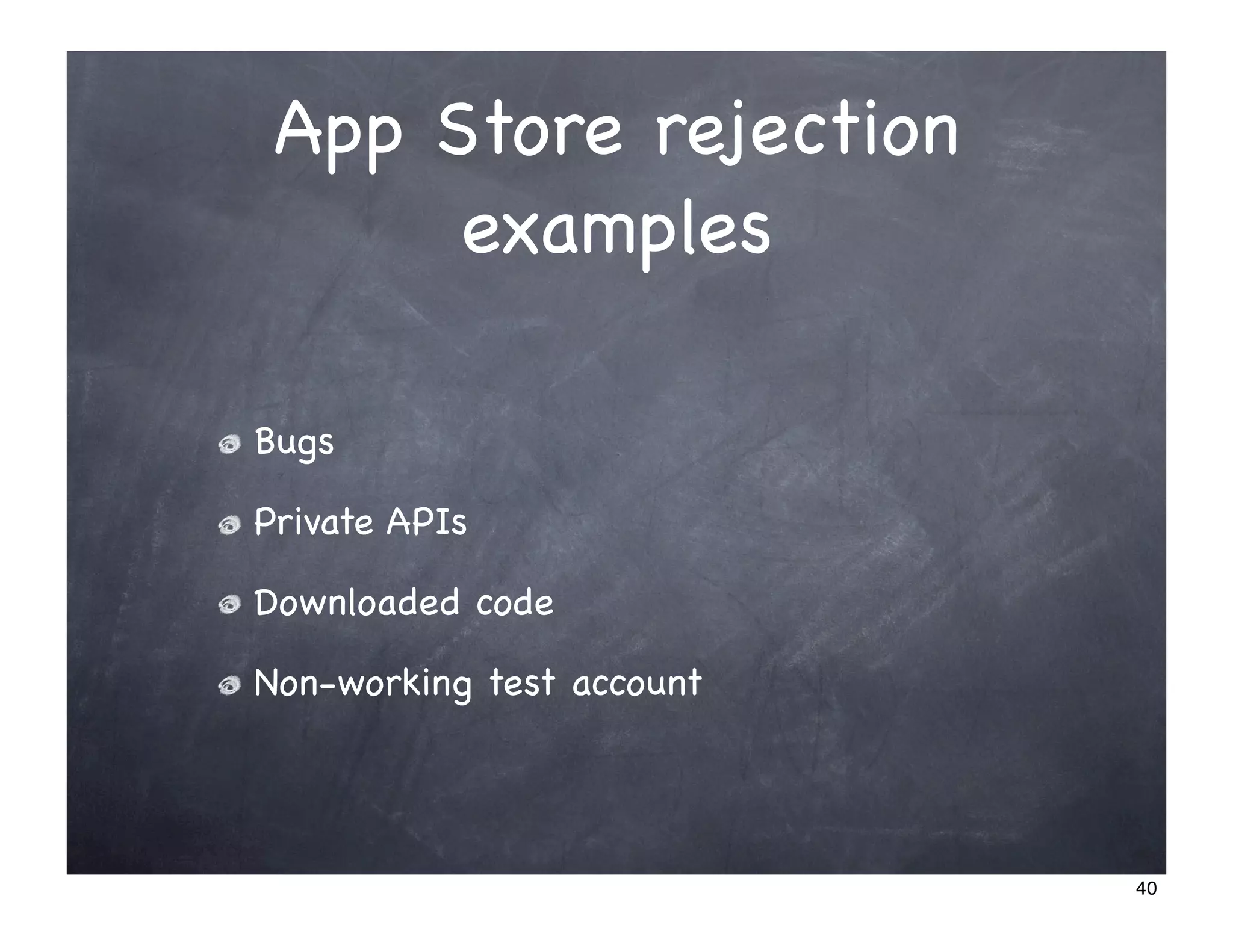
App Store rejection
      examples

Bugs

Private APIs

Downloaded code

Non-working test account


                           40
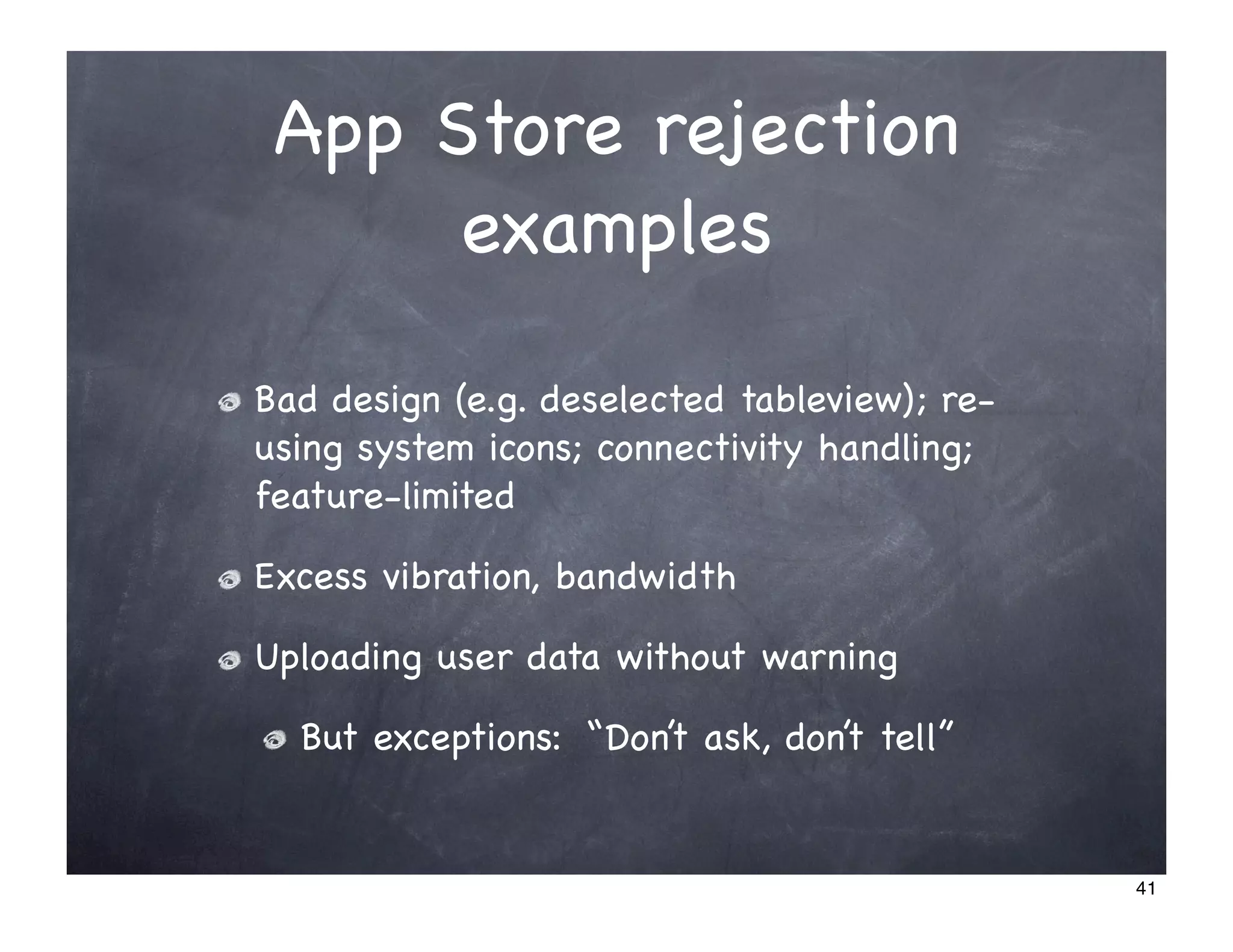
App Store rejection
      examples

Bad design (e.g. deselected tableview); re-
using system icons; connectivity handling;
feature-limited

Excess vibration, bandwidth

Uploading user data without warning

  But exceptions: “Don’t ask, don’t tell”


                                              41
App Store rejection
      examples
Objectional content, e.g. Me So Holy, Baby
Shaker, StarTime, Eucalyptus, Ninjawords,
NIN

Competing with Apple & carriers, e.g. Google
Voice & Skype

Trademark, e.g. iPhone icon & name, Polaroid

Icons that match, icons that don’t match

Bad descriptions (“dragons”, competitor

                                               42
Marketing
App Store ranking

Online reviews, Public Relations

Video demos, using iSimulate

Word-of-mouth

Excellence -> Apple featured, marketing

Free “lite” version

Pricing strategy

Appirater?
                                          43
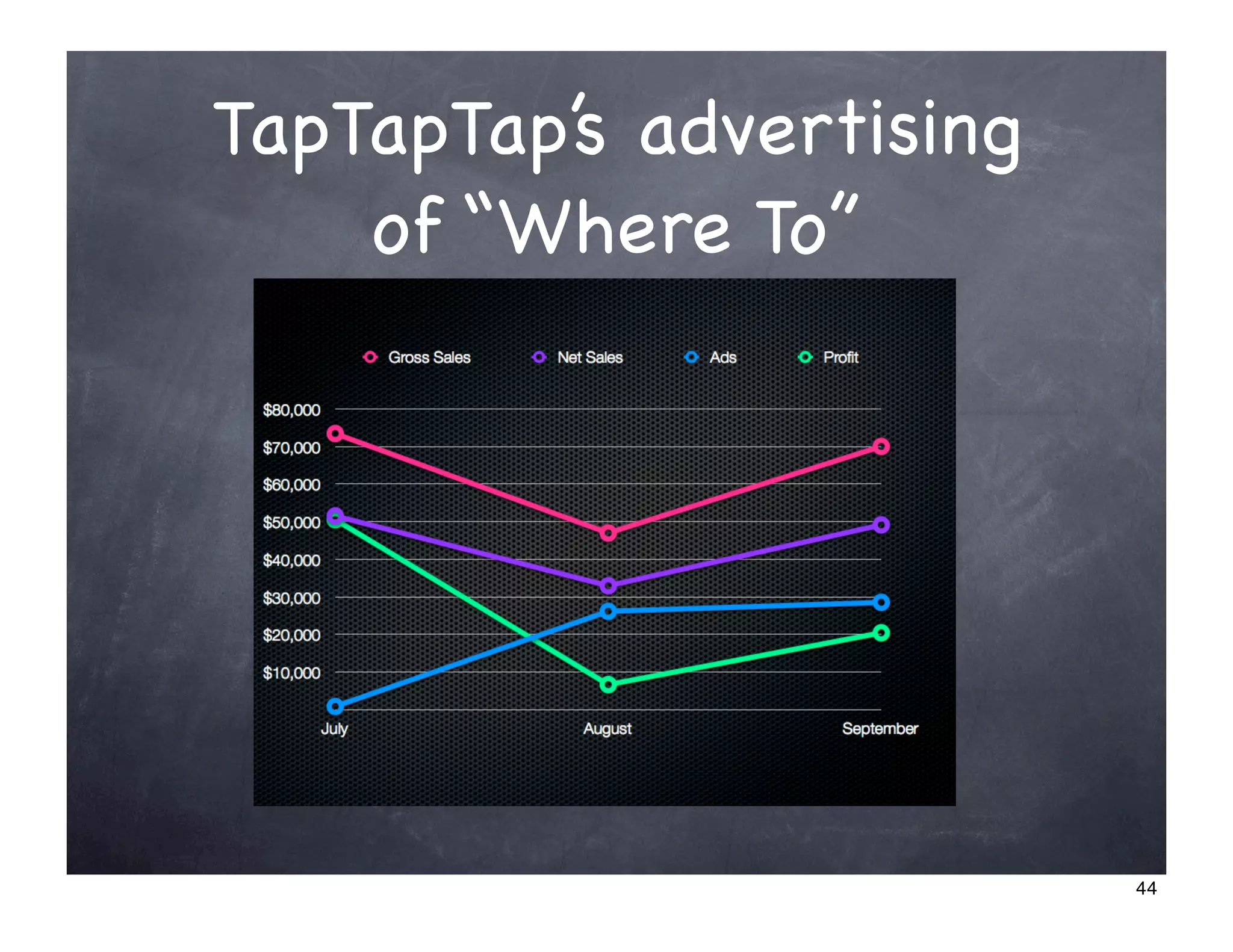
TapTapTap’s advertising
    of “Where To”


                          44
What kind of apps?
Utility, productivity

Business?

  Careful because officially not allowed

Casual games, e.g. Pee monkey

Arcade games, e.g. Meteor Blitz

  DEMO: Meteor Blitz video demo


                                          45
Retire rich
   Part 5


              46
What now?


Get a Mac/Hackintosh

Download the SDK

Learn from Stanford course, MultiUni


                                       47
Free 6-day course:
 Intro to iPhone &
    Objective-C
Go to http://multiuni.org/ for details


                                         48

iPhone App Dev Overview - Mobile Dev Camp Vietnam 1

  • 1.
    iPhone App Dev Overviewfor Vietnamese coders Huy @ multinc.com 1
  • 2.
    Warning ! This presentationmay contain information on unethical activities, possibly illegal in certain jurisdictions. Listen & act at your own risk. 2
  • 3.
    Note about Demos Thispresentation makes significant use of live demos, which are not included in the slides. 3
  • 4.
    Why this talk? Globalopportunity Few coders in Vietnam iPhone leads the mobile future The entire process is quite complex 4
  • 5.
    Outline Part 1 -getting ready Part 2 - designing Part 3 - coding Part 4 - releasing 5
  • 6.
    Get ready Part 1 6
  • 7.
    Which dev device? iPhone iPhone iPhone iPod 3GS 3G 2G Touch App Store, multitouch, Yes Yes Yes Yes accelerometer cellular data, Yes Yes Yes camera GPS, 3G data Yes Yes video, autofocus, compass, more Yes speed & RAM 7
  • 8.
    Getting a devdevice Choices: 1. iPhone 3GS ($589 new in US) 2.iPhone 3G/2G (3G $300 on US craigslist) 3.iPod Touch (about $160 on US craigslist) 4.iPhone Simulator (free) Alternative: test at MultiNC in Q.1 (free++) 8
  • 9.
    Apple restrictions Phone: anycarrier Unlocked iPhone or iTouch Any web apps iPhone or iTouch App Store apps iPhone or iTouch Any apps Jailbroken iPhone or iTouch 9
  • 10.
    Shhh... jailbreaking device PRO: requiredfor software unlock PRO: install any app PRO: dev tools PRO: access to private APIs CON: have to wait for updates http://iphone-dev.org 10
  • 11.
    SDK requirements Choice ofcomputer: 1. Mac CON: expensive 2.PC with “Hackintosh”, “OSX86” CON: time-consuming, maybe not possible, not legal Alternative: open-source toolchain 11
  • 12.
    Mac Macbook 2.4GHz isfine - $800 on US craigslist Mac Mini 2GHz should be fine - $500? on US craigslist 4GB of RAM is cheap Speed bottleneck is not building -- it’s transferring to device 12
  • 13.
    Hackintossshhh... New PC Choose carefully http://osx86.org Existing PC Desktop - may need to buy video card Notebook - may need to buy Wi-Fi, maybe not possible AMD - forget it 13
  • 14.
    Learning to code Lotsof books Apple’s extensive documentation Stanford CS193p course -> Google [stanford iphone] Upcoming MultiUni courses http://multiuni.org 14
  • 15.
    iPhone Dev Program Why? To test on non-jailbroken devices To release to App Store How much? $99 per year Workarounds? Test/deploy on jailbroken devices Share certs with other coders 15
  • 16.
    DEMO: iPhone DevProgram 16
  • 17.
  • 18.
    Why design? To sellmore To avoid rejection from the App Store 18
  • 19.
    Design Resources Guides Apple’s Human Interface Guidelines (HIG) Stencils http://theresaneil.wordpress.com/2009/09/16/iphone3g- design-resources/ 19
  • 20.
    Design Worflow Common: TapTapTap’s process: Iterate UI design with a graphic designer http://www.taptaptap.com/blog/the-design-session/ If remote, use Skitch 20
  • 21.
    Design Process Iterate: DEMO: Convert design evolution http://www.taptaptap.com/blog/convert-design- evolution/ 21
  • 22.
    Type of app Webapp PRO: no approval needed CON: requires net, slower response, no games Native app App Store vs. jailbroken more later during Release part... 22
  • 23.
  • 24.
    Web App Toolkits DEMO: jQTouch iui The rest of this talk is about native apps 24
  • 25.
    Languages & Tools Objective-C-> XCode Alternatives: Javascript/HTML -> Appcelerator Titanium, PhoneGap, Ansca Corona (good for games) careful, Apple hates Phonegap Ruby -> Rhodes Rhomobile .NET -> MonoTouch others... 25
  • 26.
    Objective-C Superset of C,can be mixed with C, C++ Distinctions Message-passing for method calls Alloc/release/autorealease Categories 26
  • 27.
    Set up Xcode DEMO Files, targets, configurations Layered settings: project vs. target GCC Set up warnings Subversion (but consider Git) 27
  • 28.
    Interface Builder Not required,can be done programatically But rapid prototyping of views DEMO 28
  • 29.
    Code structure DEMO of simple app 29
  • 30.
    iPhone Simulator iPhone Simulator Missing: location, many preferences, multi-touch (has pinch) iSimulate Multi-touch Accelerometer Location/GPS 30
  • 31.
    Coding style Apple’s codingguidelines for Cocoa Google’s Objective-C Style Guide 31
  • 32.
    Debugging NSLog UIAlertView NOTE:popups are stacked Debugger DEMO NSZombieEnabled 32
  • 33.
    Running static analyzer Choices: Download LLVM/CLang Static Analyzer Bundled in Xcode 3.2 (OS X 10.6) DEMO 33
  • 34.
  • 35.
    Deploying for testing Distributionchoices: a) collect devices’ UDIDs & distribute Ad Hoc b)share your certificates c) jailbroken phones don’t require signing IMPORTANT: keep copy of .dSYM files 35
  • 36.
    Beta testing Collect consolelogs using iPhone Configuration Utility Collect console logs and user data using Flurry or others Collect crash logs from users Users need to sync and find files on Mac Analyze using symbolicate and .dSYM files 36
  • 37.
  • 38.
    Release to AppStore PRO: Easier access, greater exposure PRO: Apple handles billing, gives you 70% CON: infamous App Store approval process (weeks or months, possibly never) 38
  • 39.
    Release to CydiaStore (jailbroken devices) PRO: No approval needed PRO: Unique markets, especially Vietnam PRO: Access to more functionality CON: Smaller market, exposure 39
  • 40.
    App Store rejection examples Bugs Private APIs Downloaded code Non-working test account 40
  • 41.
    App Store rejection examples Bad design (e.g. deselected tableview); re- using system icons; connectivity handling; feature-limited Excess vibration, bandwidth Uploading user data without warning But exceptions: “Don’t ask, don’t tell” 41
  • 42.
    App Store rejection examples Objectional content, e.g. Me So Holy, Baby Shaker, StarTime, Eucalyptus, Ninjawords, NIN Competing with Apple & carriers, e.g. Google Voice & Skype Trademark, e.g. iPhone icon & name, Polaroid Icons that match, icons that don’t match Bad descriptions (“dragons”, competitor 42
  • 43.
    Marketing App Store ranking Onlinereviews, Public Relations Video demos, using iSimulate Word-of-mouth Excellence -> Apple featured, marketing Free “lite” version Pricing strategy Appirater? 43
  • 44.
    TapTapTap’s advertising of “Where To” 44
  • 45.
    What kind ofapps? Utility, productivity Business? Careful because officially not allowed Casual games, e.g. Pee monkey Arcade games, e.g. Meteor Blitz DEMO: Meteor Blitz video demo 45
  • 46.
    Retire rich Part 5 46
  • 47.
    What now? Get aMac/Hackintosh Download the SDK Learn from Stanford course, MultiUni 47
  • 48.
    Free 6-day course: Intro to iPhone & Objective-C Go to http://multiuni.org/ for details 48